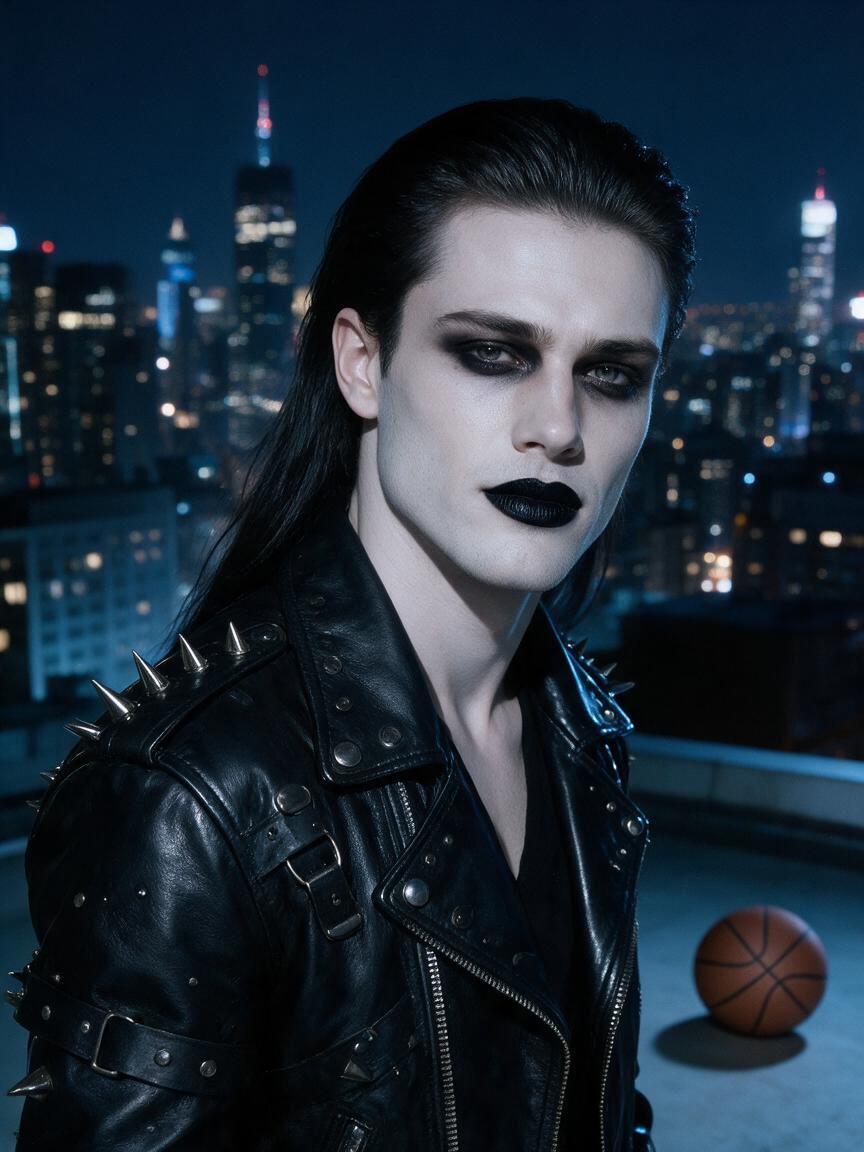
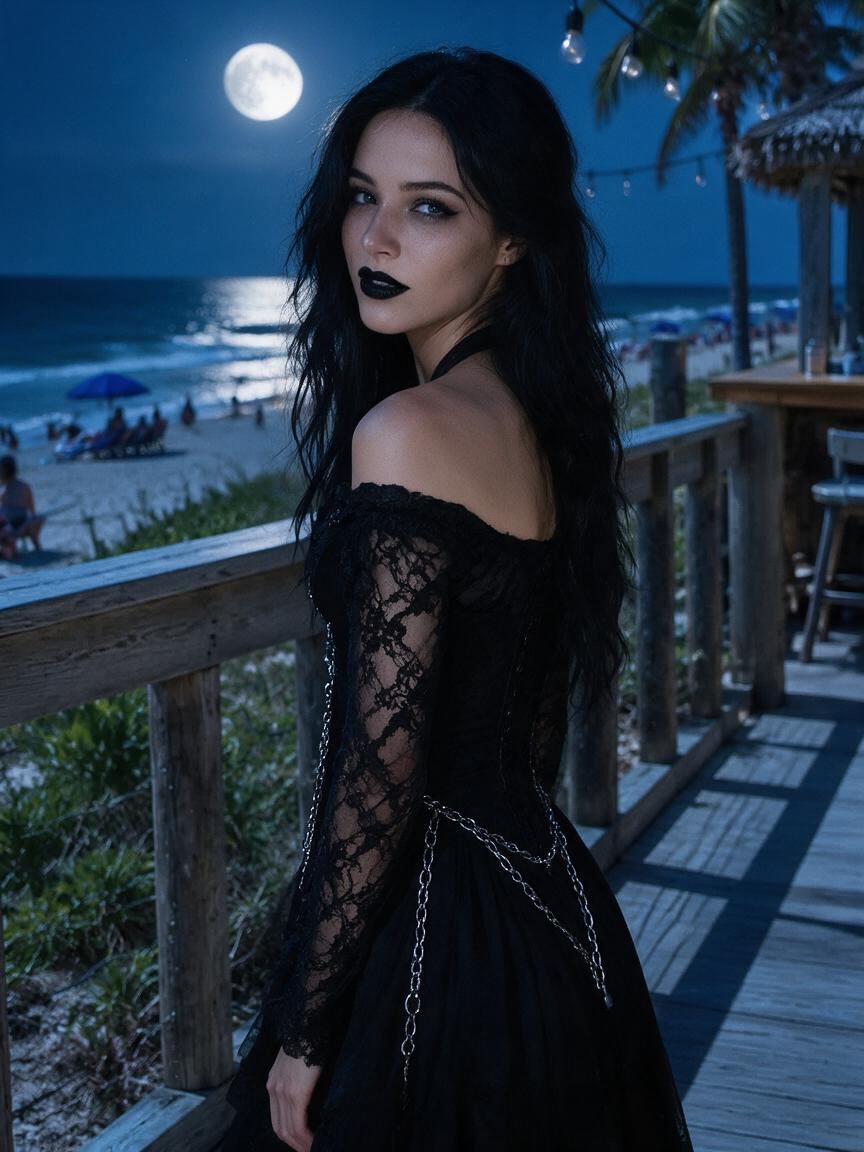
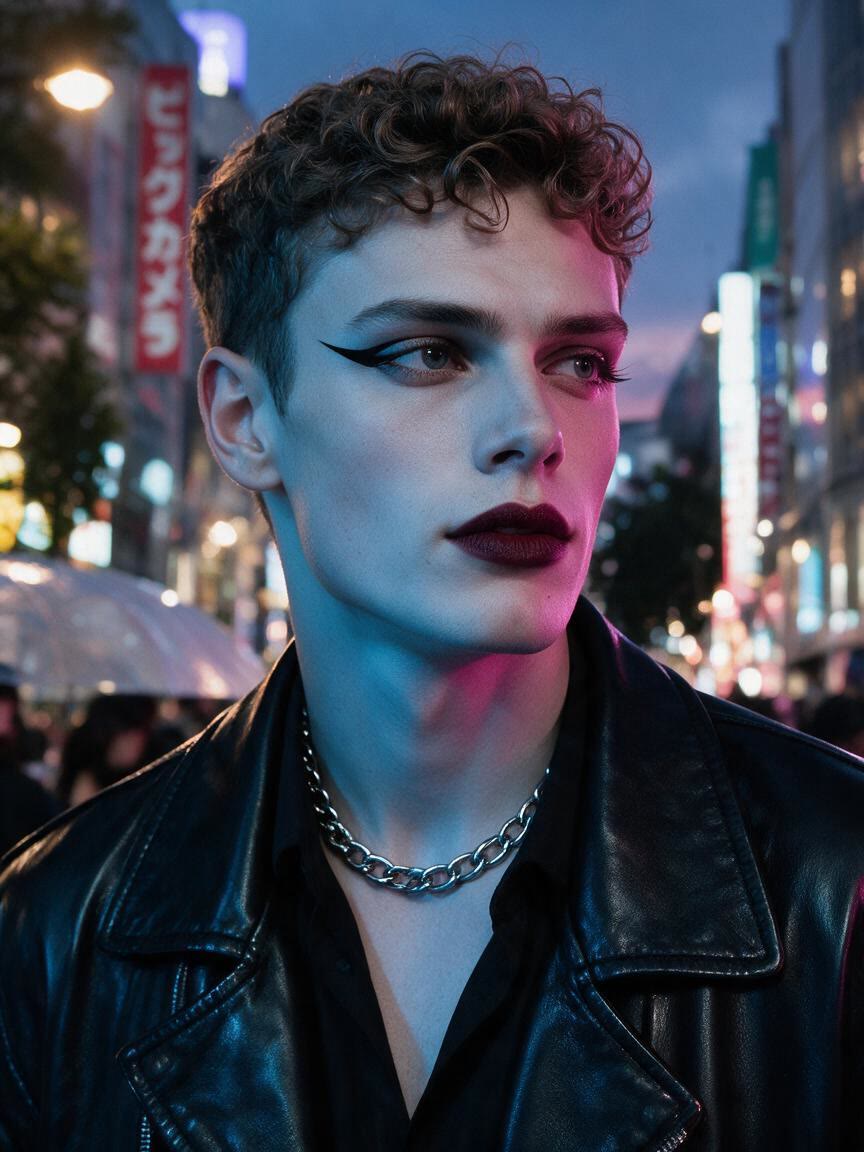
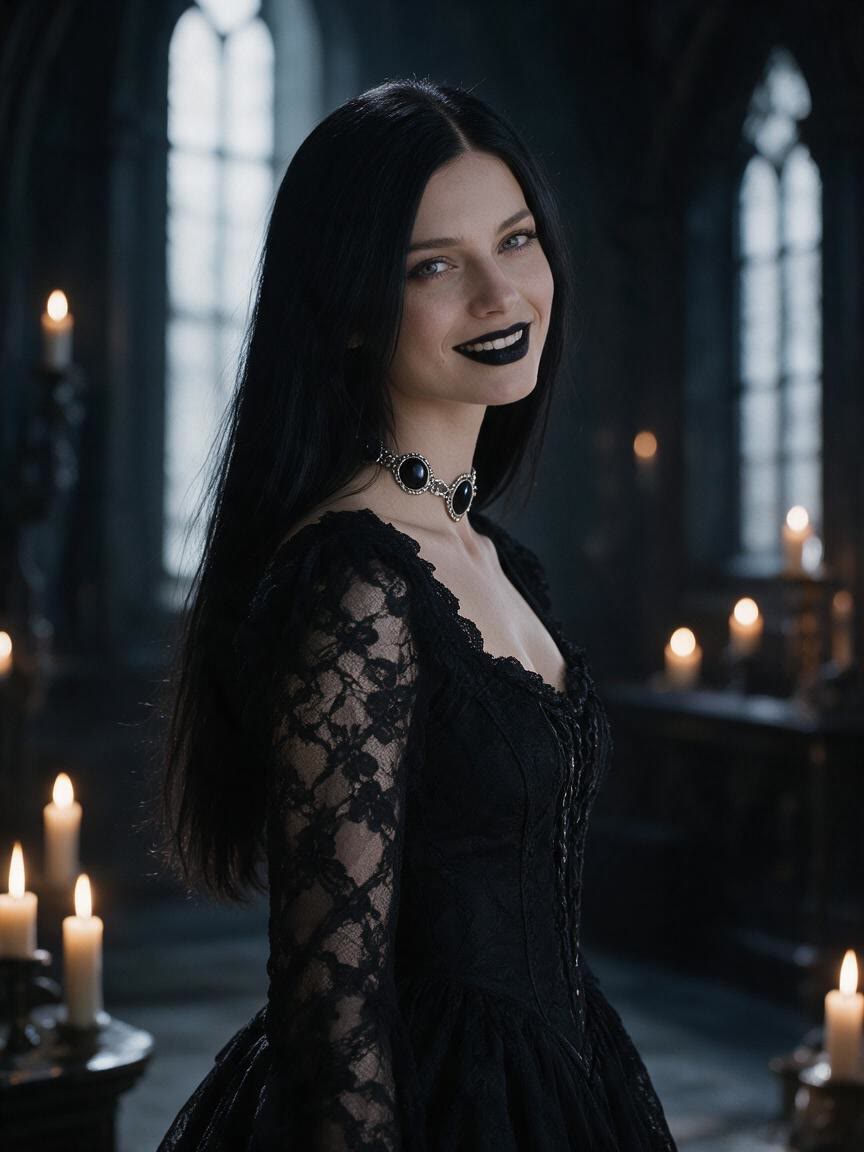
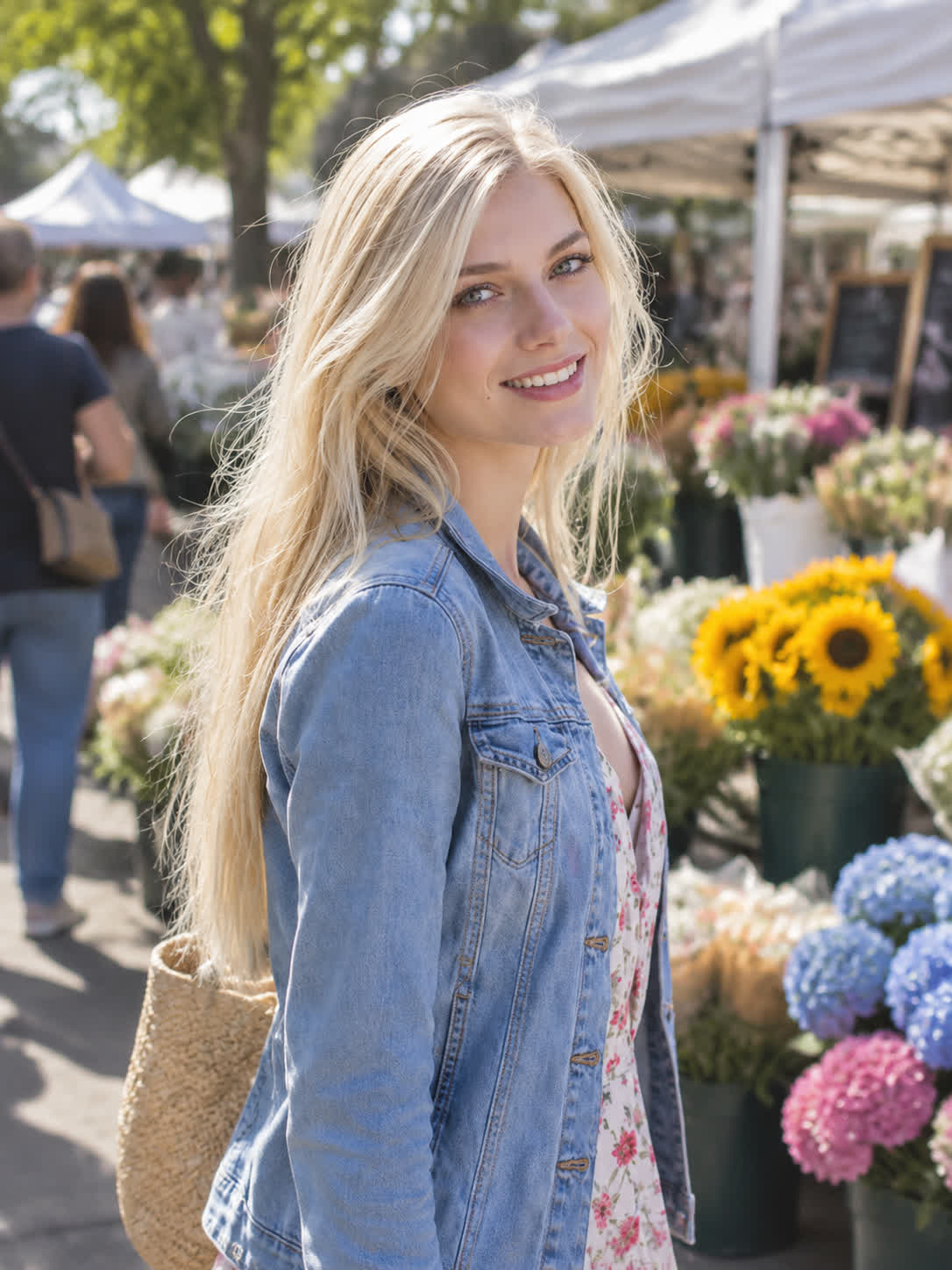
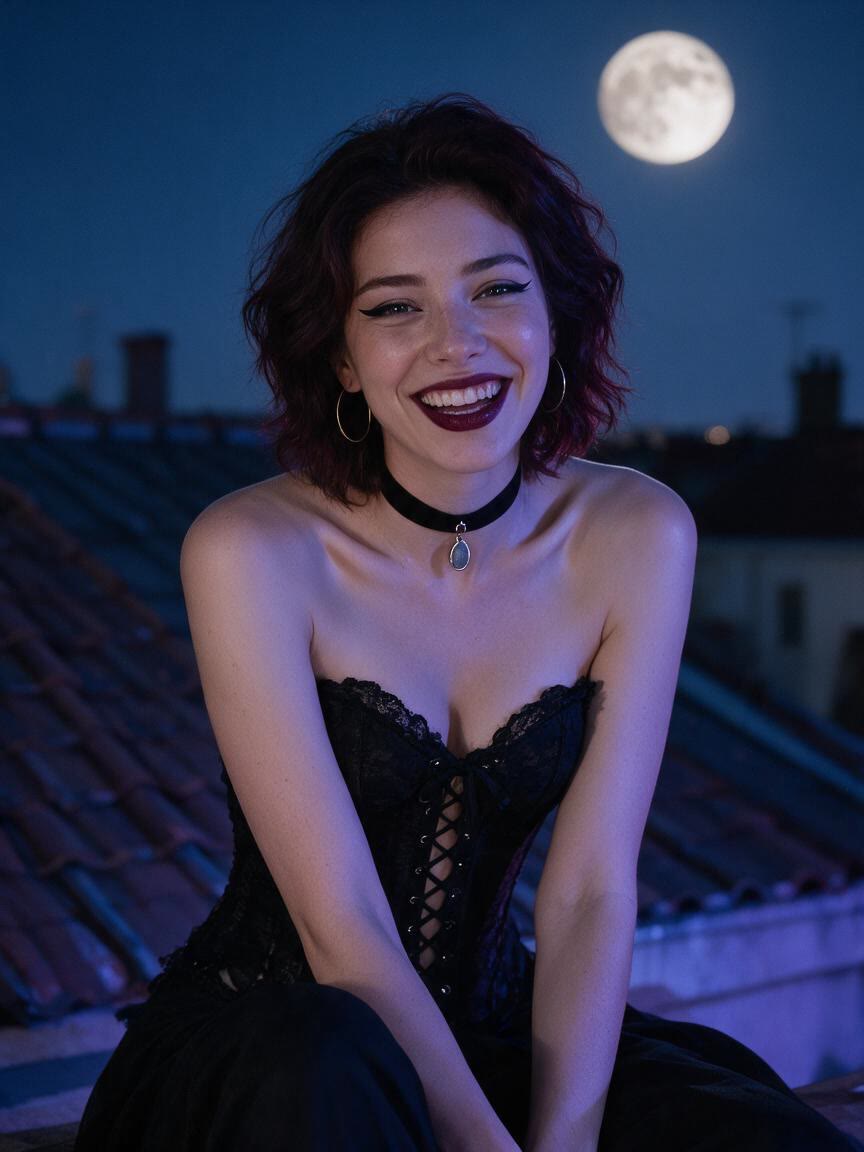
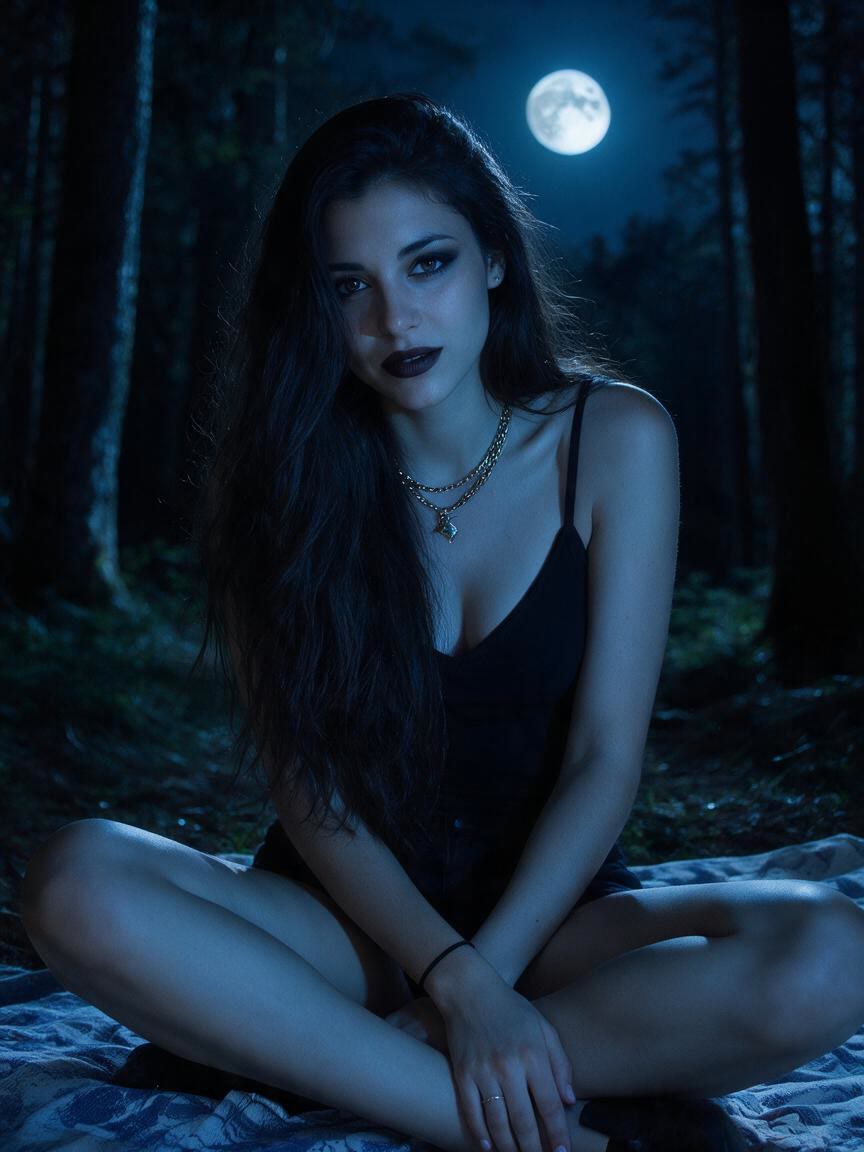
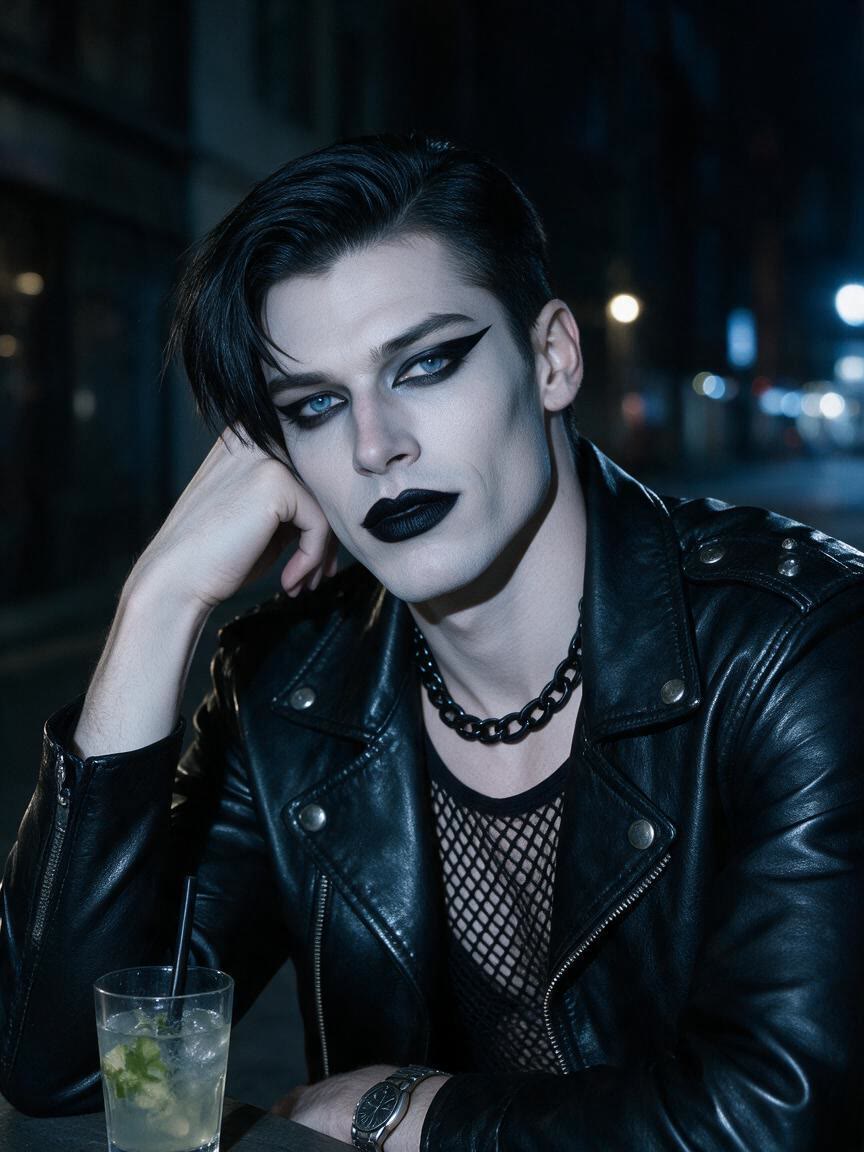
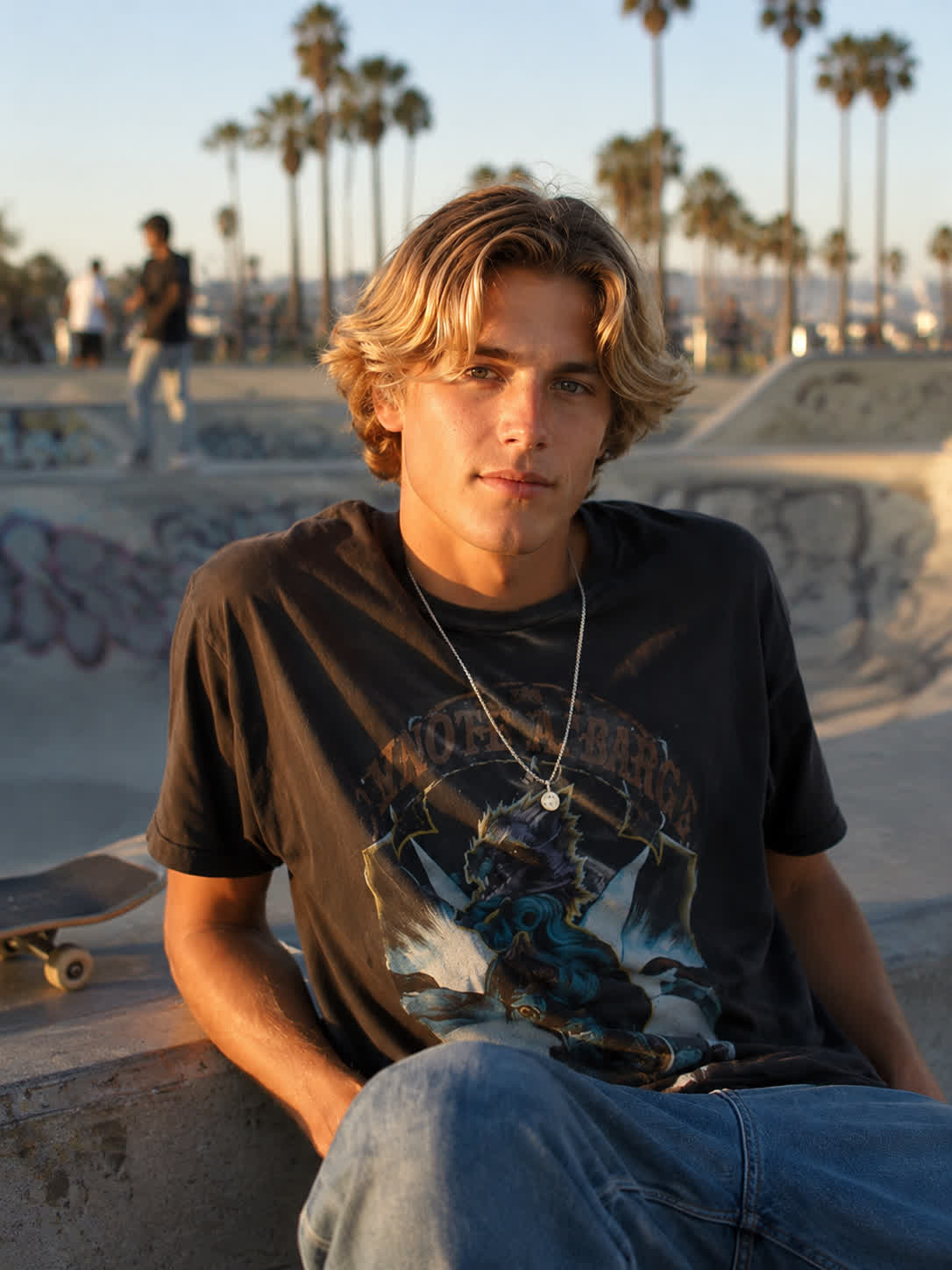
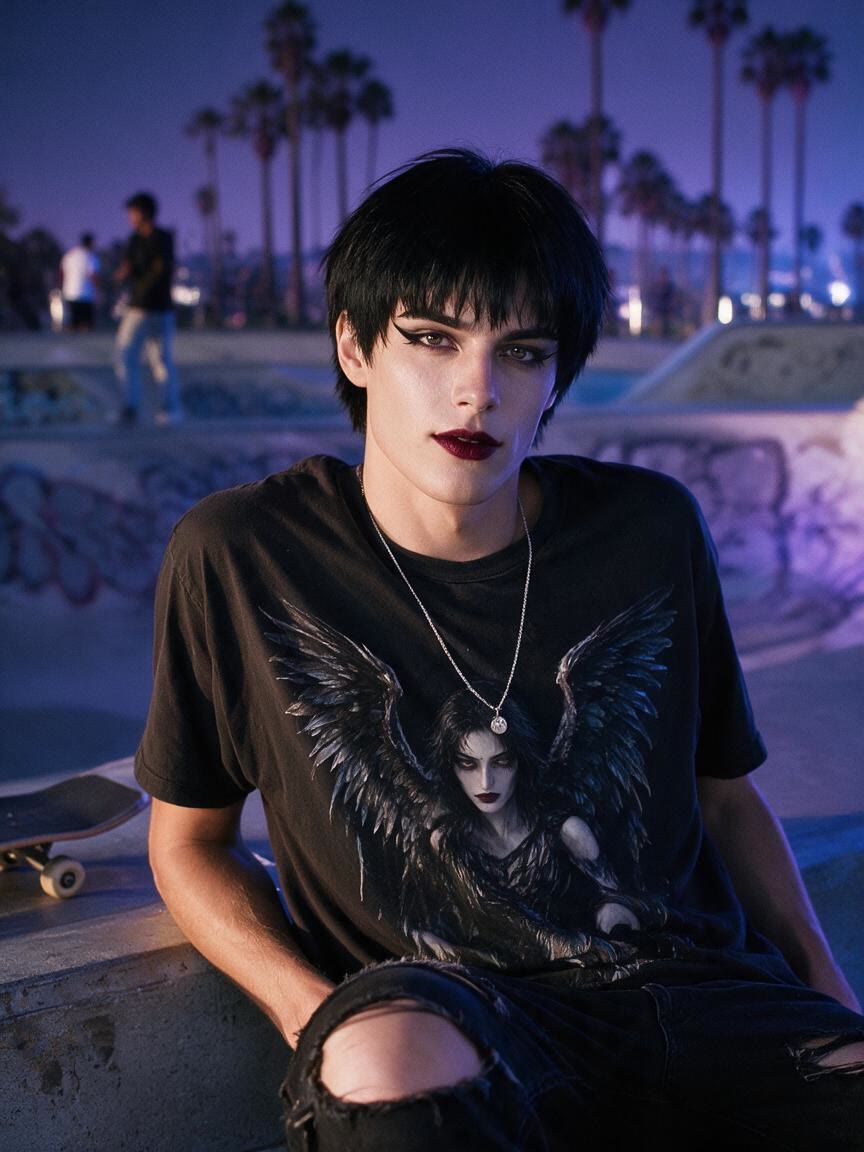
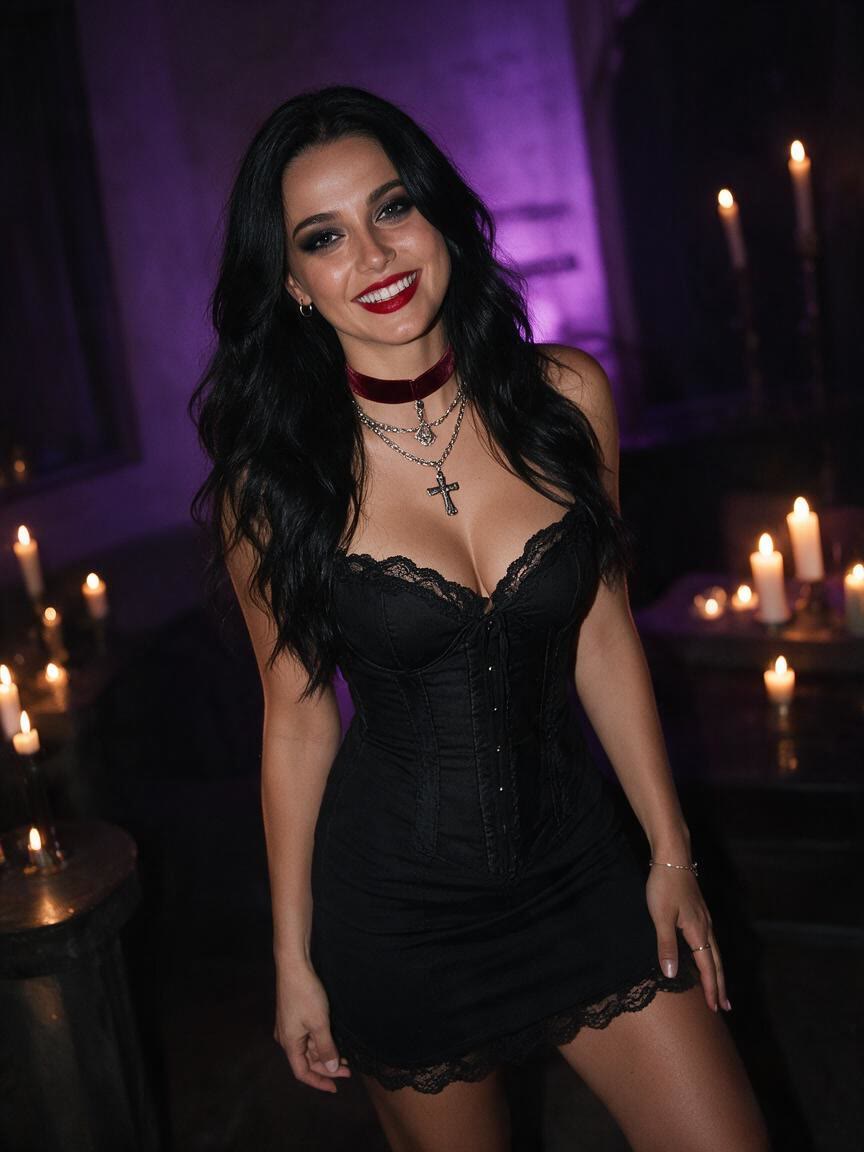
Turn a reference photo into a gothic-style image with moody lighting, dramatic makeup, and dark fashion. Explore visual ideas for social posts, cosplay previews, character design, or your own style.
Drop, upload, or paste an image
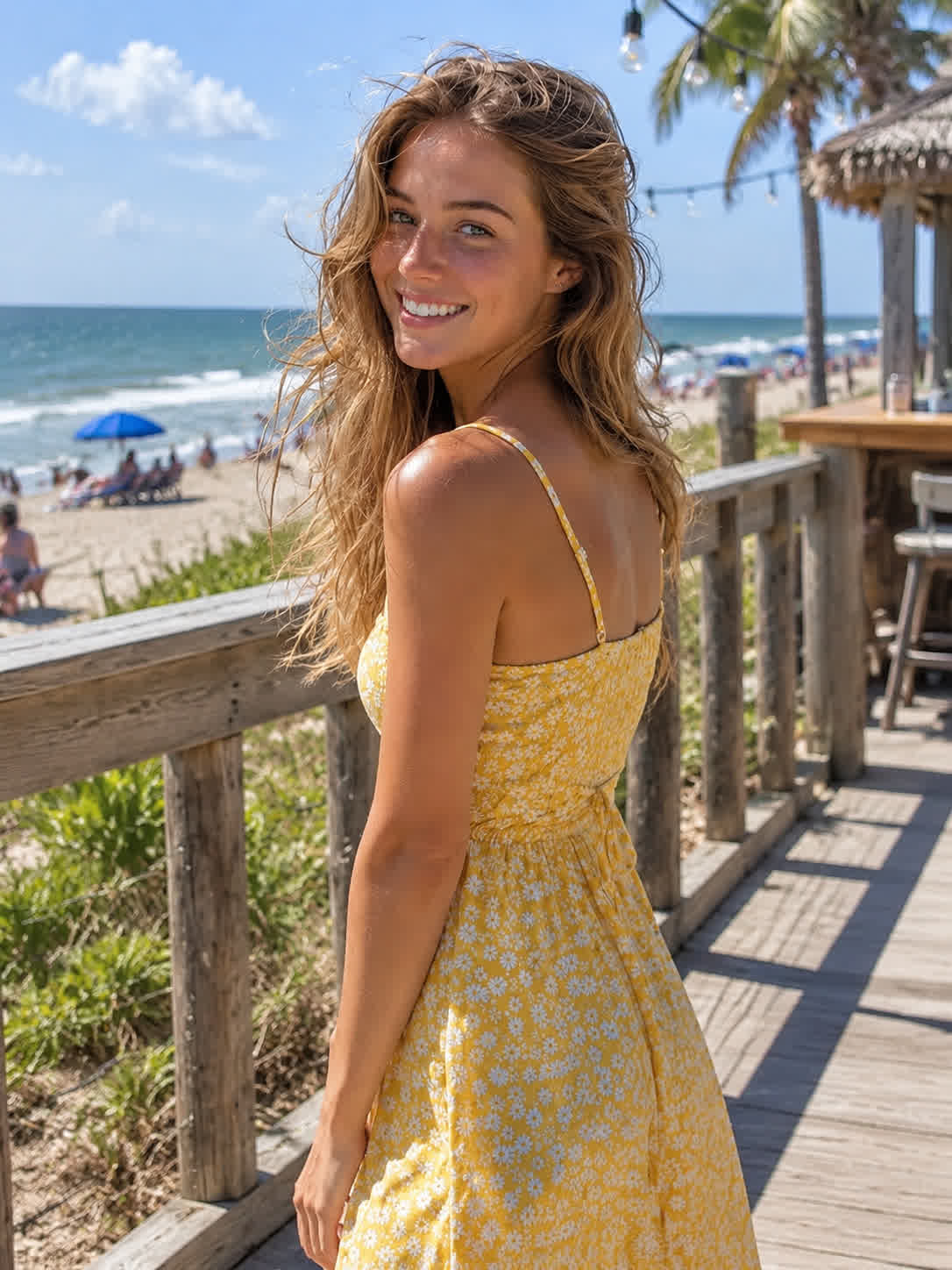
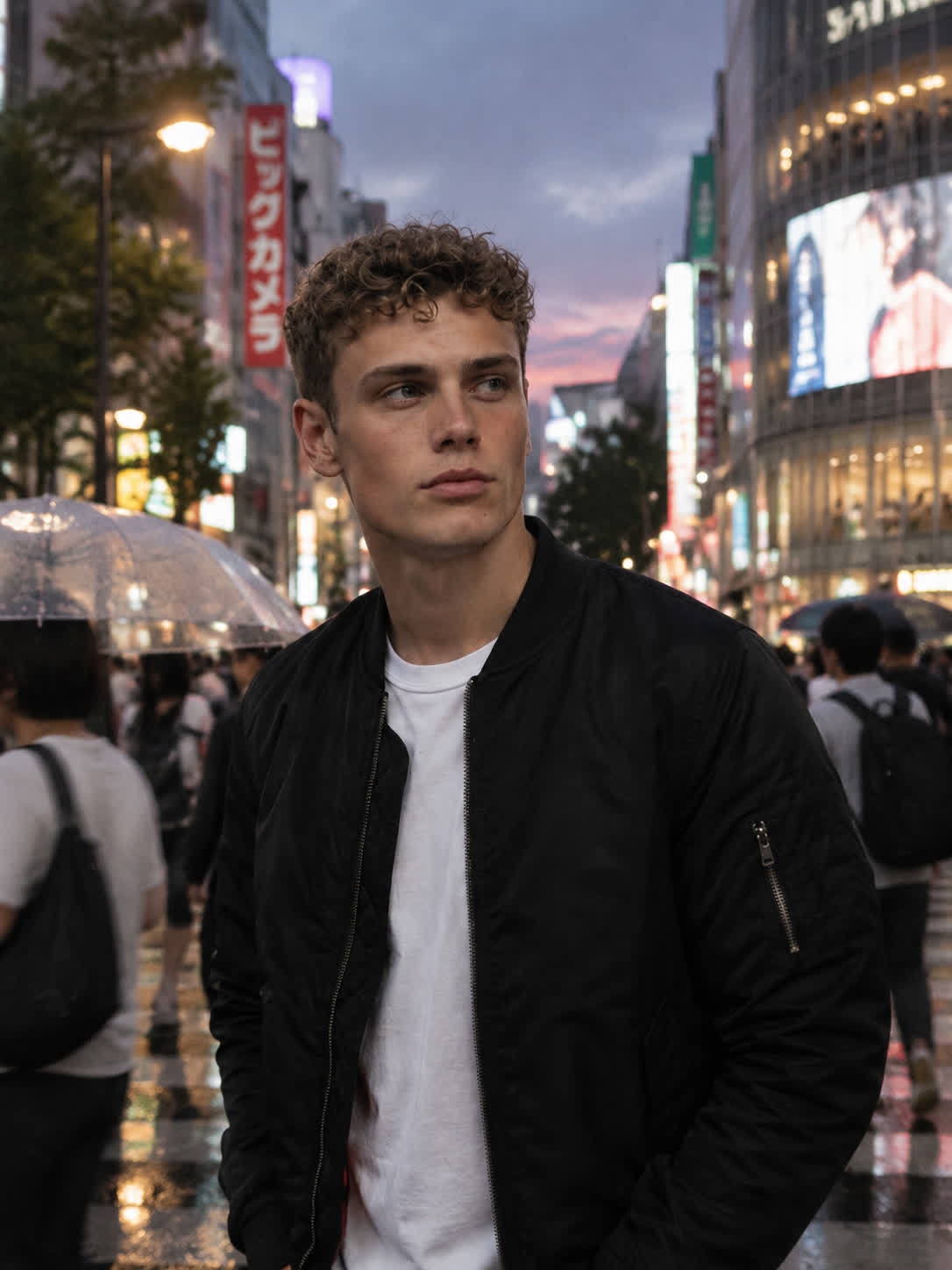
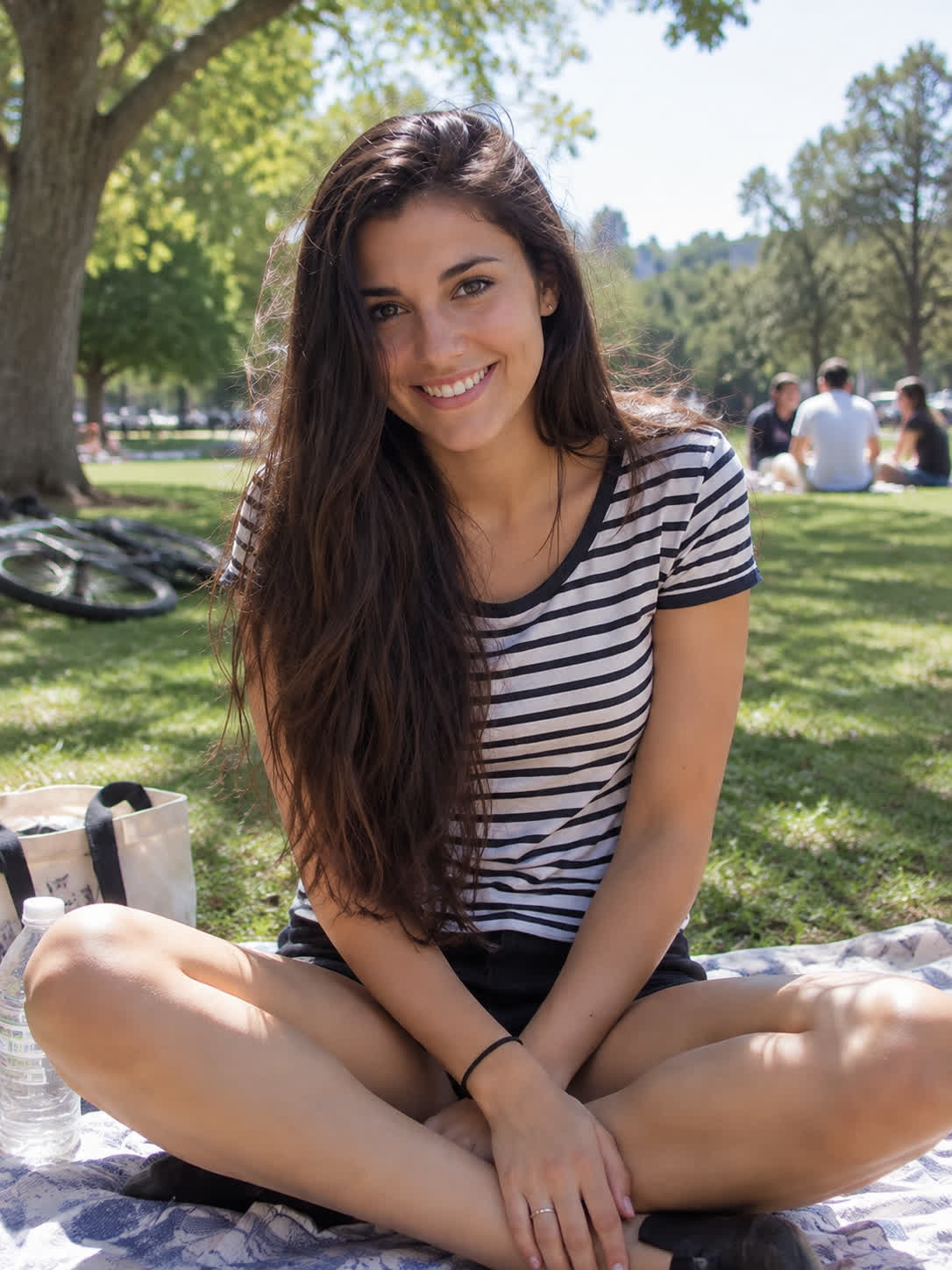
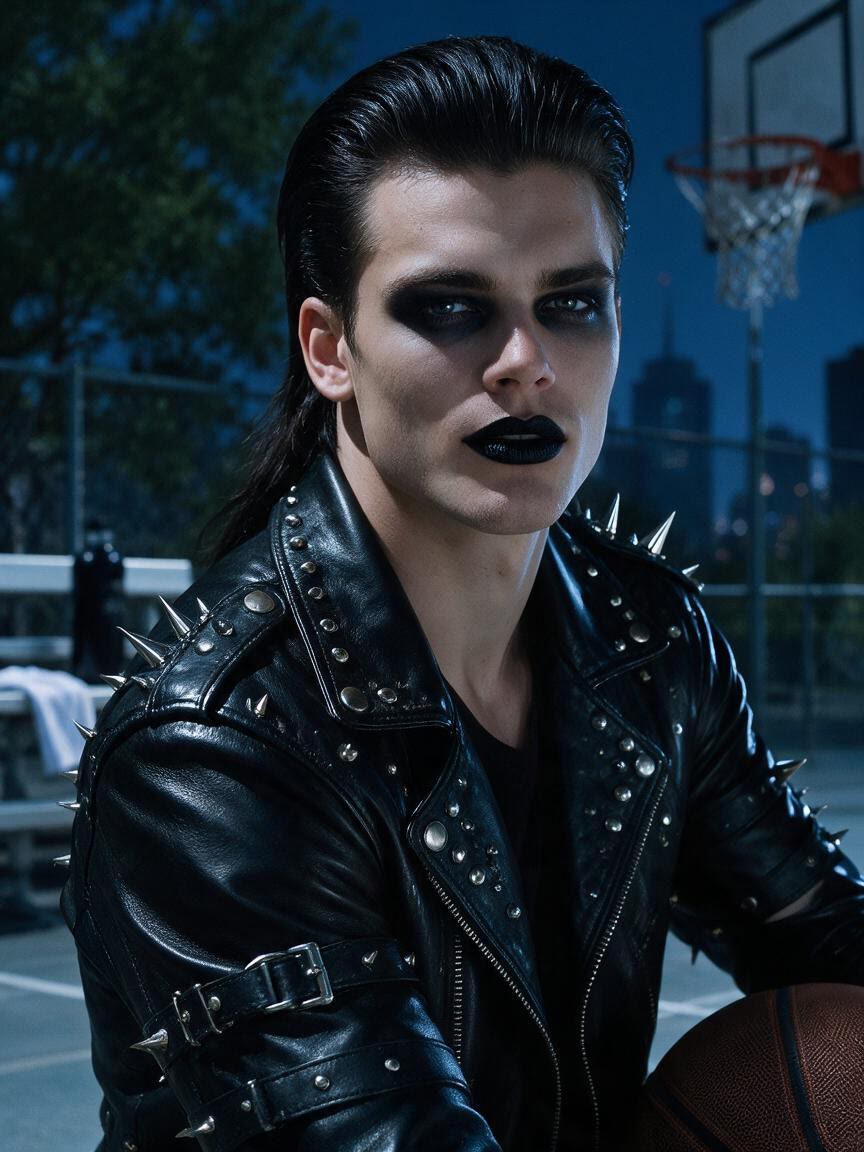
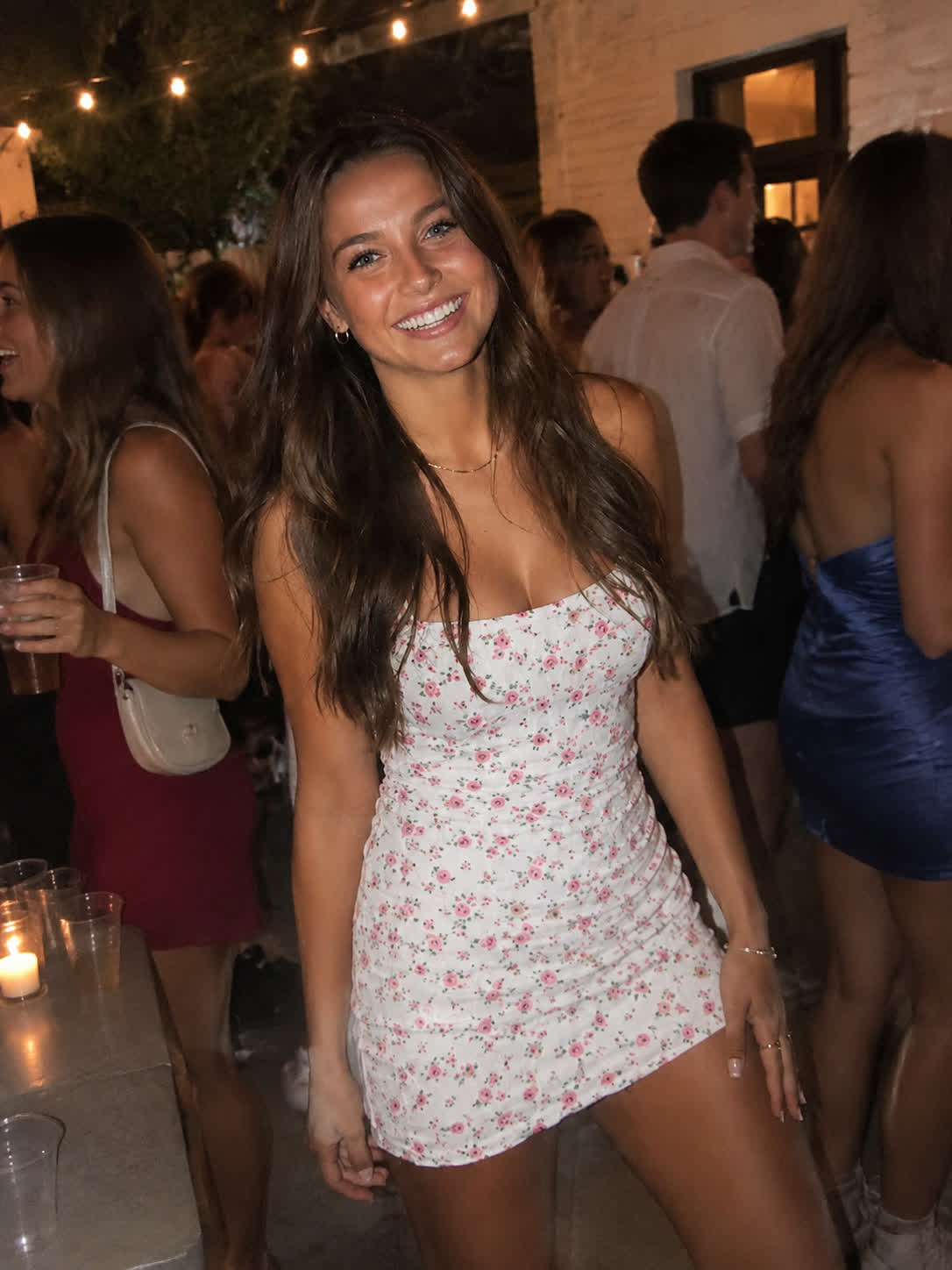
Recolor the hair black, add purple eyeshadow and deep burgundy lipstick, replace the top with a black gothic corset and long sleeves, add a black choker and layered silver necklaces with heart and cross pendants, and relight the scene with dark purple evening lighting.
BeforeAfter
Speed up creation with examples
How people use Cavro
Make Any Photo More Gothic
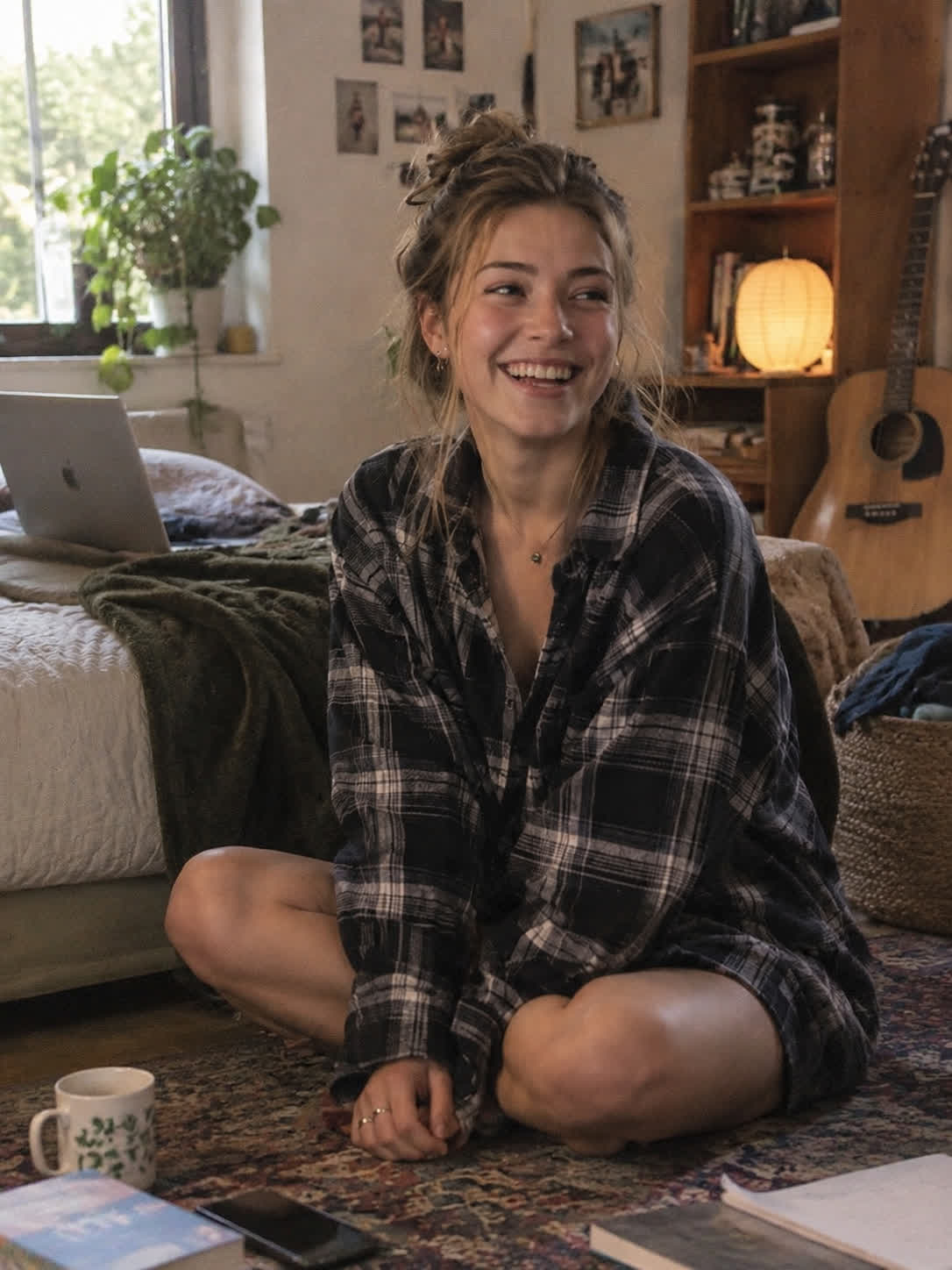
Before
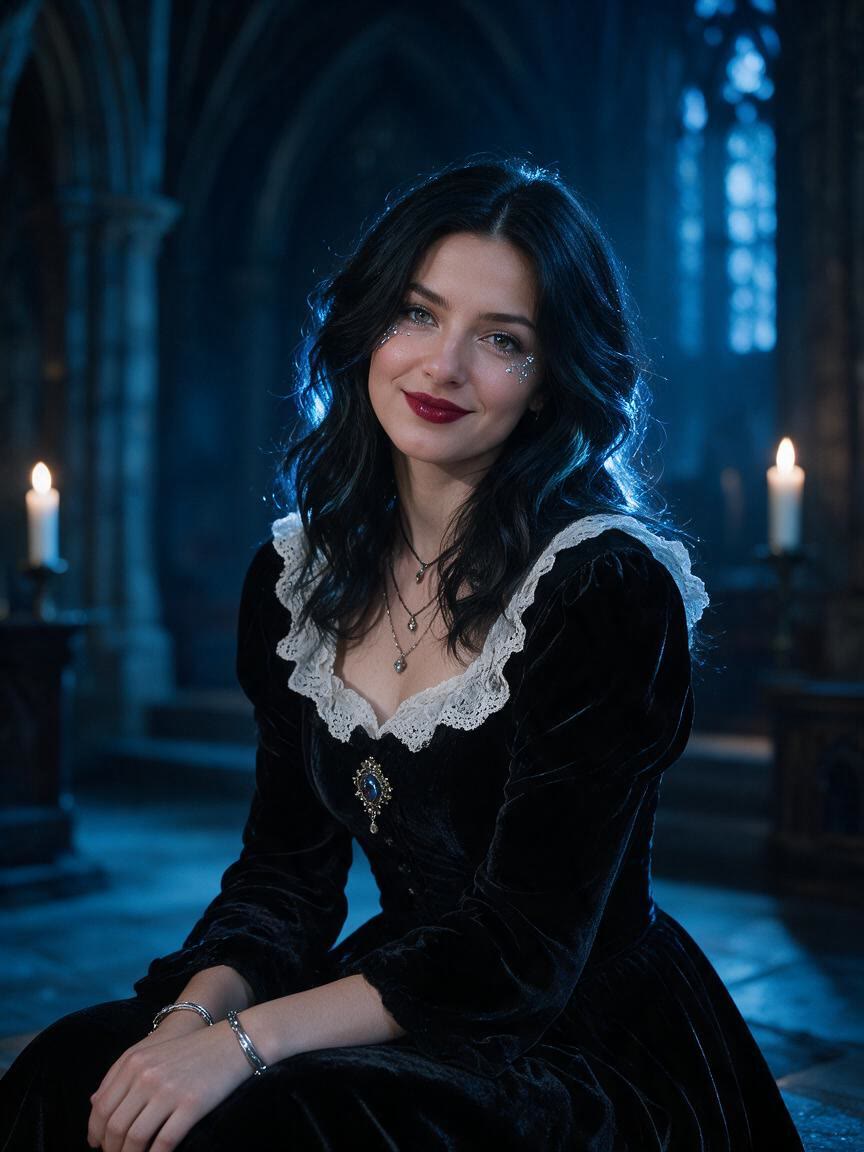
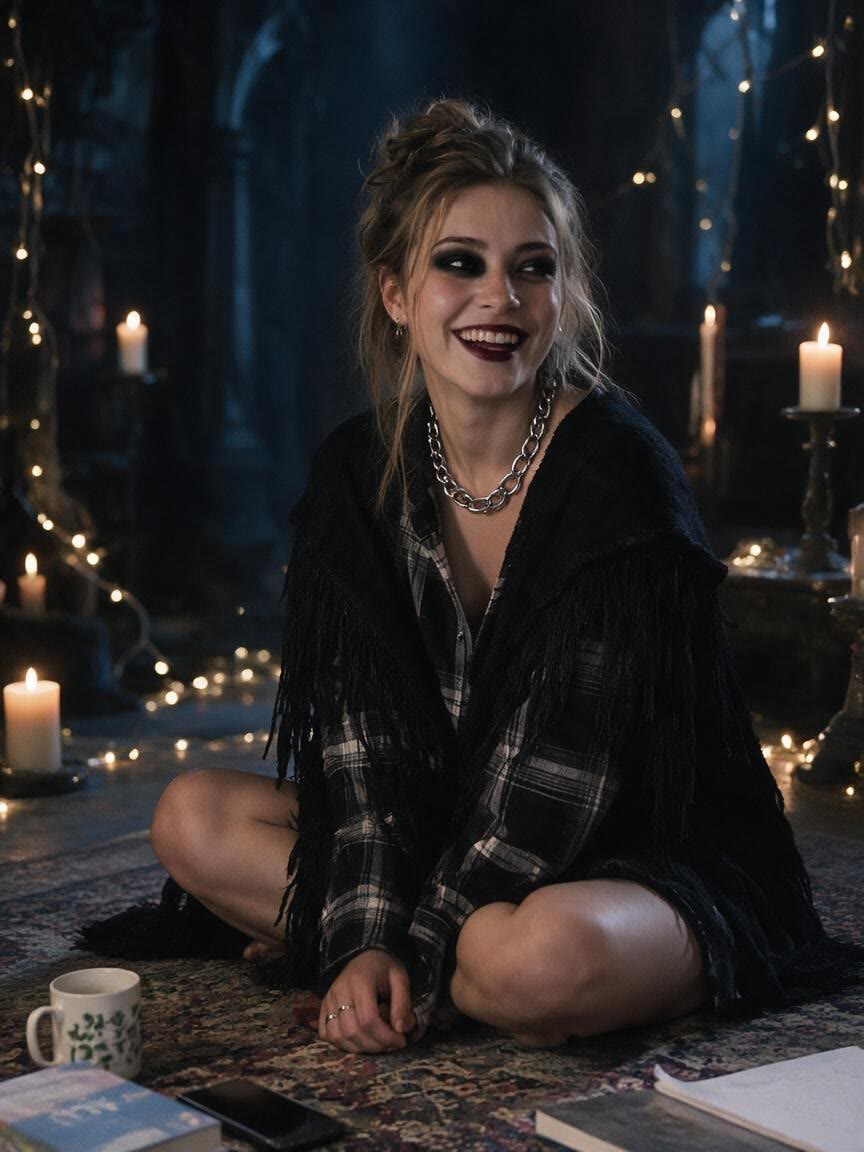
After
Build Social Content
When a regular portrait feels too ordinary for your feed, use a goth style filter to add dark fashion, dramatic shadows, and a stronger visual mood. You come away with a distinctive image concept for social content.
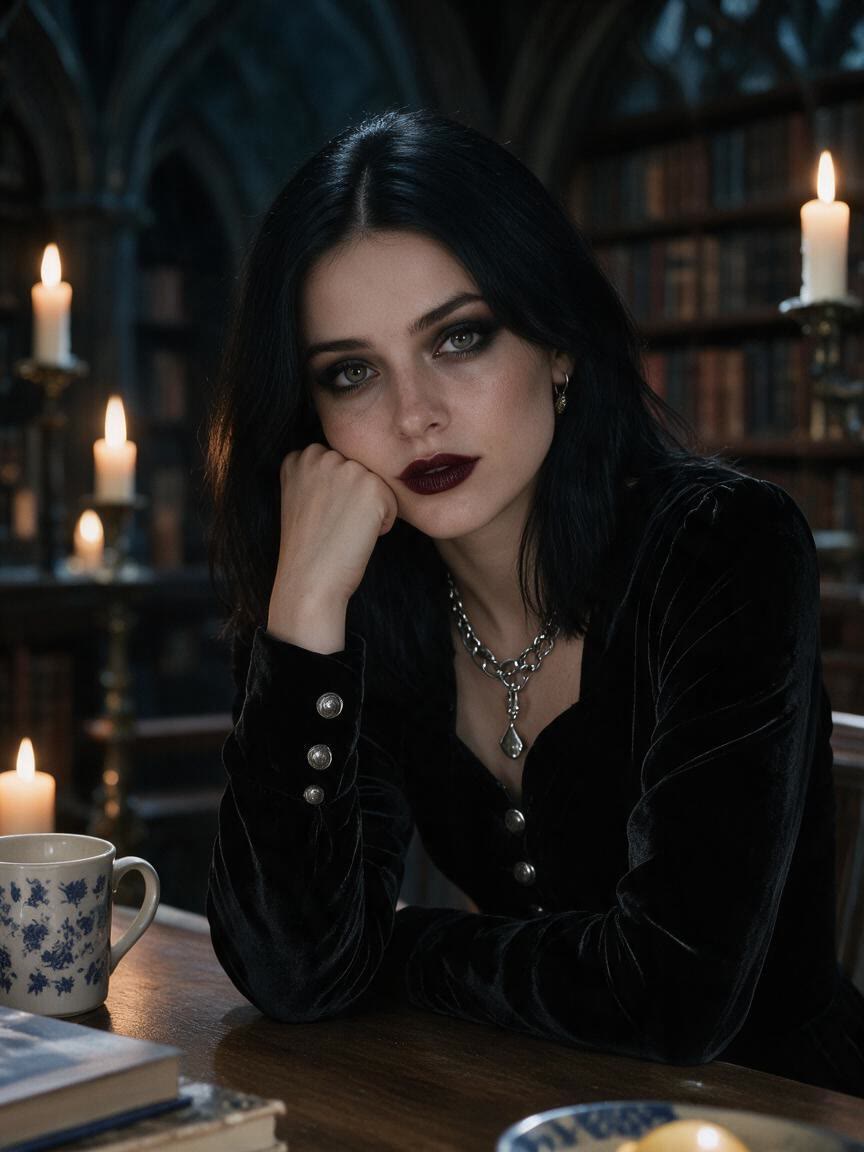
If you are considering goth makeup, clothing, or a new shoot direction, begin with a familiar photo and test several aesthetics. Compare Victorian, cyber, soft, or pastel goth ideas before choosing a look.
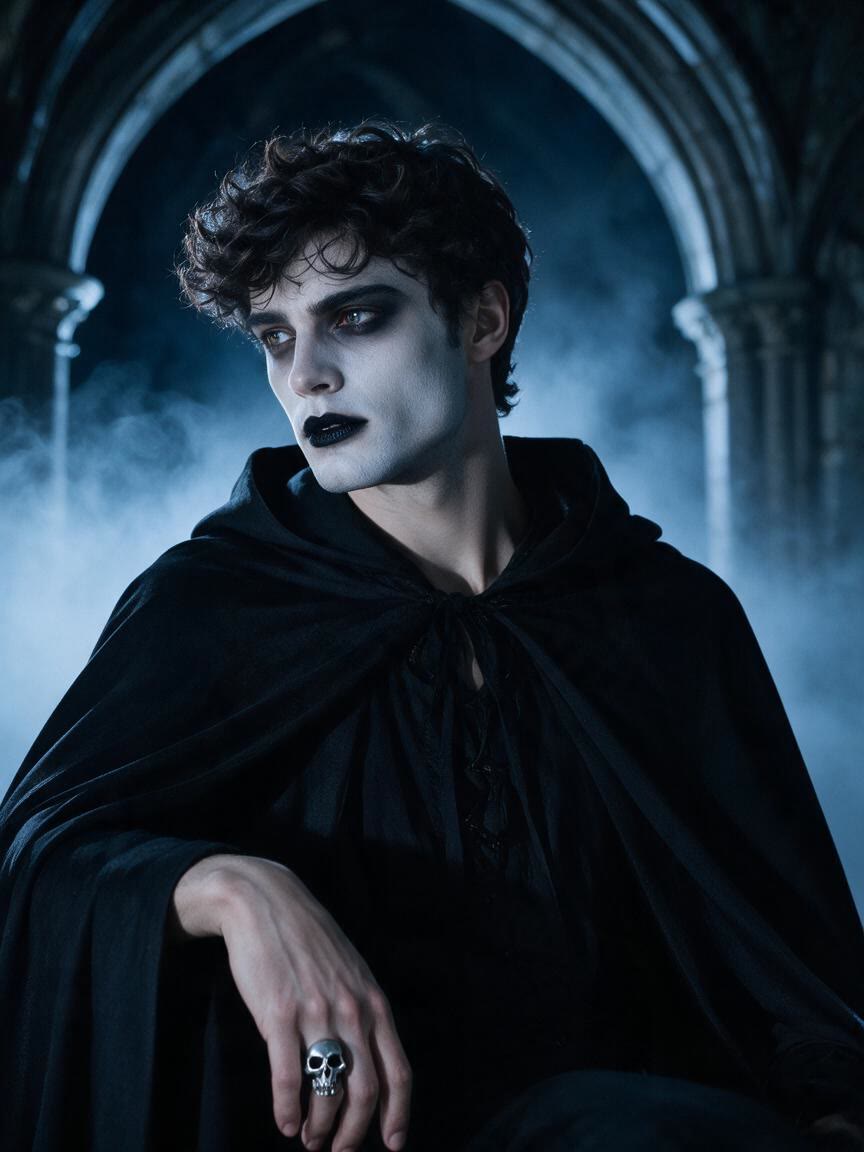
For character design, cosplay planning, or cover art, start from a reference photo and describe the atmosphere you want. Cavro helps turn that direction into a gothic image concept you can refine in the same conversation.
You do not need to begin with a blank canvas when you already have a portrait in mind. Use that reference photo with a written direction for gothic makeup, dark fashion, or atmospheric lighting, then receive an image concept grounded in your starting point.
A single dark aesthetic can mean Victorian romance, cyber intensity, soft contrast, pastel color, or something else entirely. Describe each direction and refine the images in one conversation until the visual language fits your idea.
Whether you are testing a personal style or developing several character directions, results are billed per credit rather than requiring a mandatory subscription. Images and video draw from the same Cavro credit balance when your project grows.
I had no idea which style I wanted until I tried Cavro. It built a wall of striking ideas around my own taste, and the artist I took one to was surprised.
LLeo V.
★★★★★5.0
I posted a reveal video made with Cavro on TikTok and it passed 20,000 views. The result looked so real that people thought I had actually gone and got it.
DDarius C.
★★★★★5.0
Cavro let me preview the idea on my own body before deciding. It kept me away from a couple of bad ones and led me to a design I genuinely like.
JJames P.
★★★★★5.0
Cavro changed the way I brainstorm with clients. We generate options in seconds and start refining straight away. It is part of my daily work now.
MMia R.
★★★★★5.0
I used Cavro to build a sleeve concept that blends Japanese motifs with geometric lines. It generated so fast, and the result went well past what I expected.
HHana S.
★★★★★5.0
I wanted something meaningful and delicate for my wedding. Cavro gave me elegant, personal options, my artist customised one, and I am really happy with it.
ZZoey T.
Answers
Common questions
What can a goth AI filter change in a photo?
You can ask Cavro to explore gothic makeup, dark fashion, dramatic shadows, atmospheric lighting, or a specific direction such as Victorian or cyber goth. Your written prompt guides the image transformation from the reference photo.
Can I use my own photo with the goth AI filter?
Yes. Cavro can use a reference photo together with your written prompt to create a gothic-style image. A clear portrait, outfit photo, or character reference gives your idea a useful starting point.
Can I try different gothic aesthetics from one photo?
Yes. You can explore soft goth, pastel goth, dark romantic, Victorian, cyber goth, and other directions from the same starting photo. Refine and generate again in the same conversation as your concept develops.
Does Cavro require a subscription for goth images?
Results are billed per credit, and there is no mandatory subscription. Images and video use the same credit balance in Cavro.
Can the goth AI filter also make video?
Cavro turns a written prompt and/or reference photo into images or video. Both come out of the same conversation, so you can explore a gothic visual idea across either format.
Play with an idea. Leave with an image.
Creators worldwide are turning “just an idea” into expensive-looking images.