











Share Instant Reactions
When a group chat or social post needs a stronger reaction, use a selfie and a funny face prompt to create a recognizable expression. The result becomes a personal response image instead of a generic reaction.
Try Cavro freeTurn an ordinary selfie or photo into a recognizable, over-the-top joke image. Cavro gives casual users, meme makers, and social creators a way to shape funny face edits with a prompt and a reference photo.




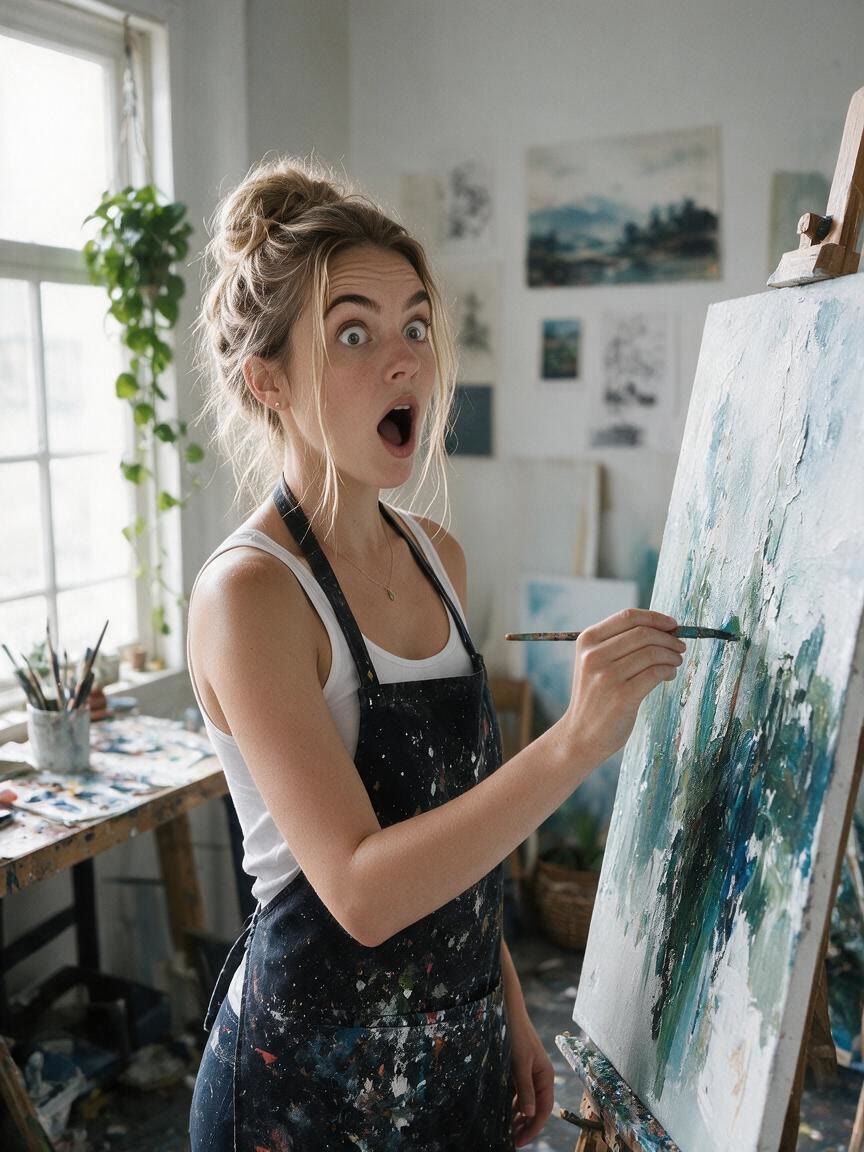

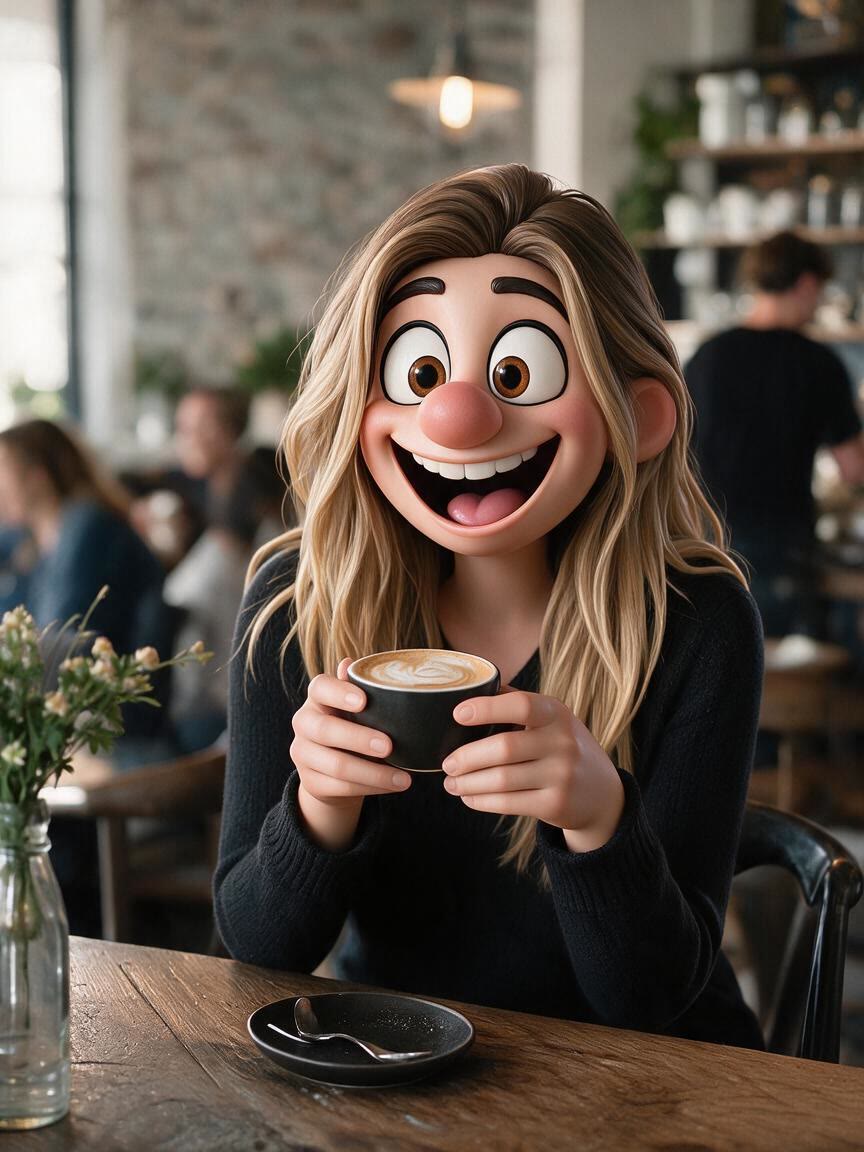


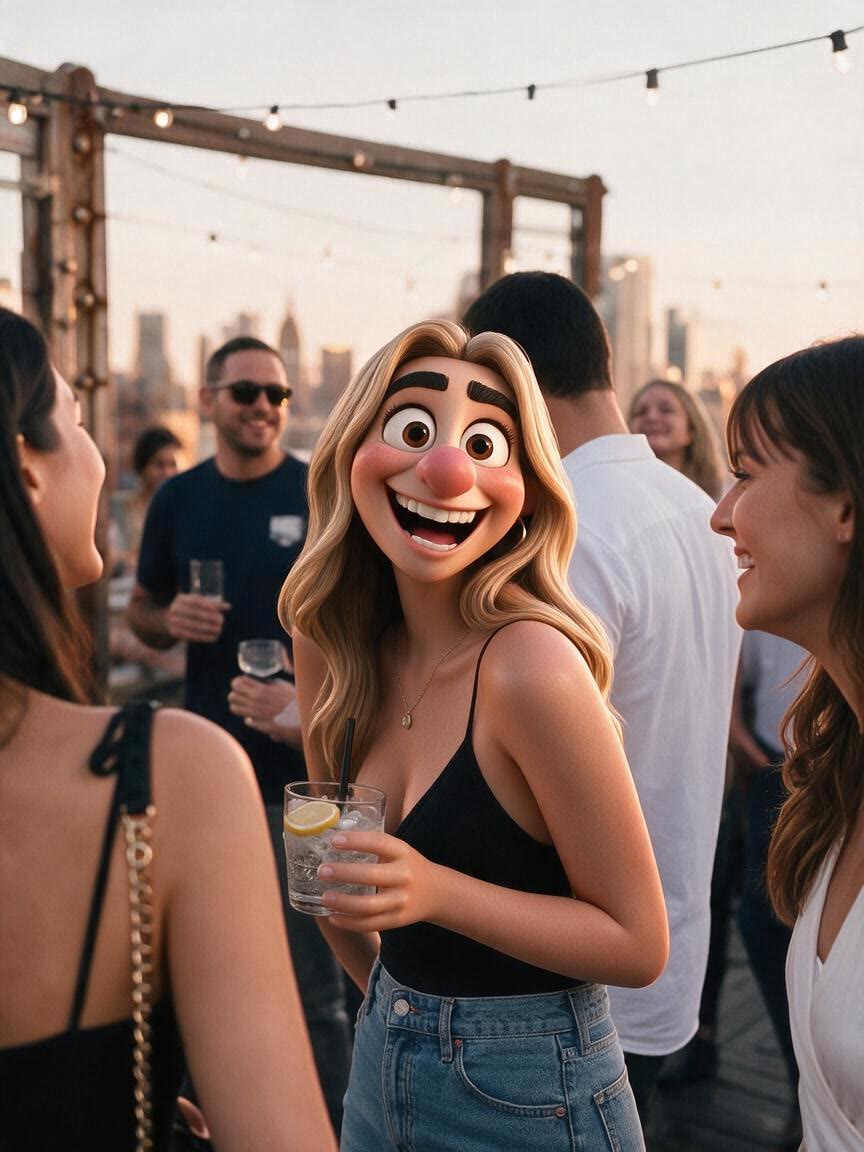

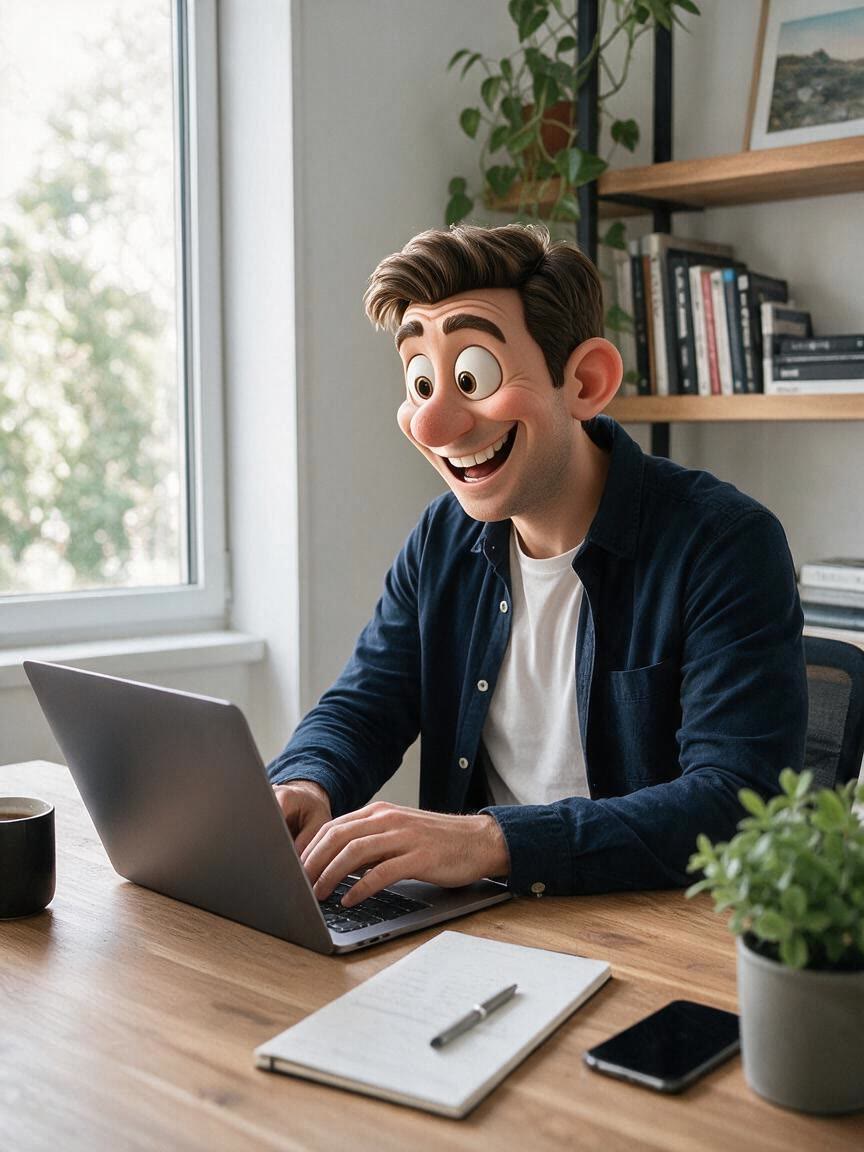
When a group chat or social post needs a stronger reaction, use a selfie and a funny face prompt to create a recognizable expression. The result becomes a personal response image instead of a generic reaction.
Try Cavro free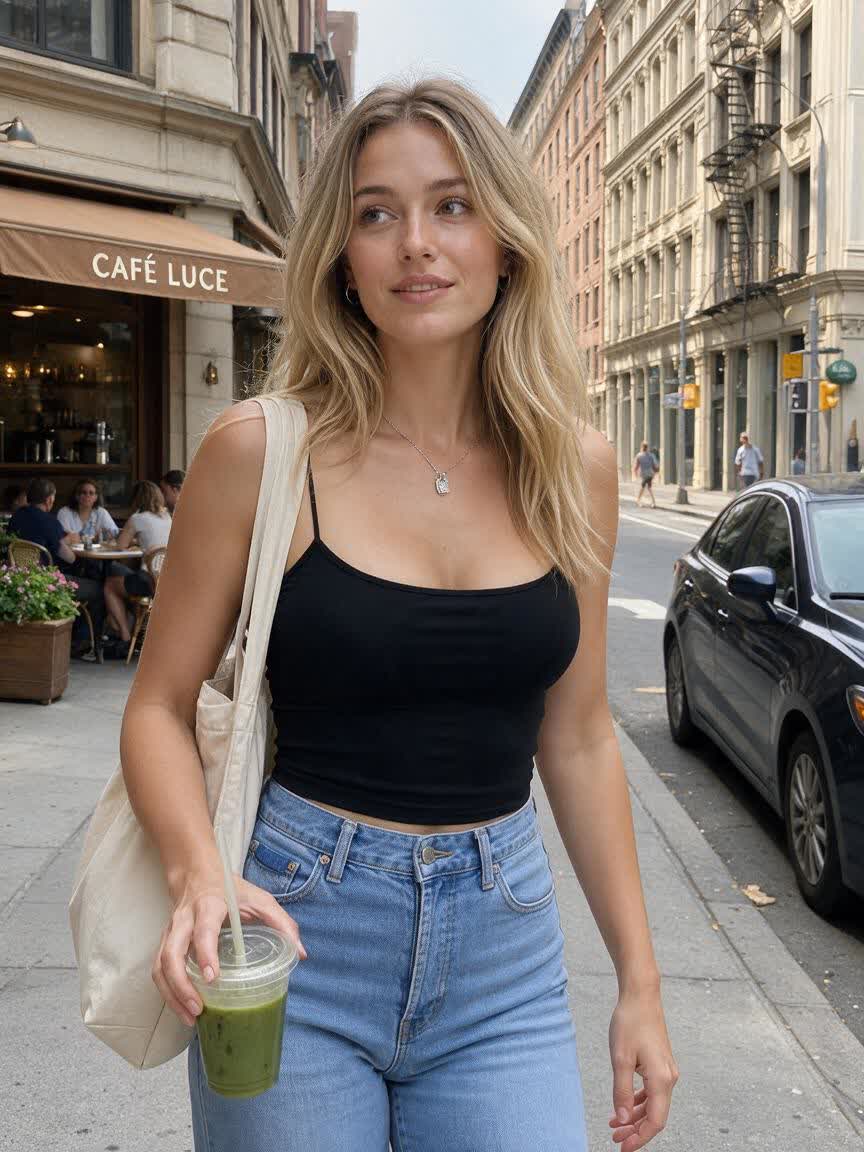
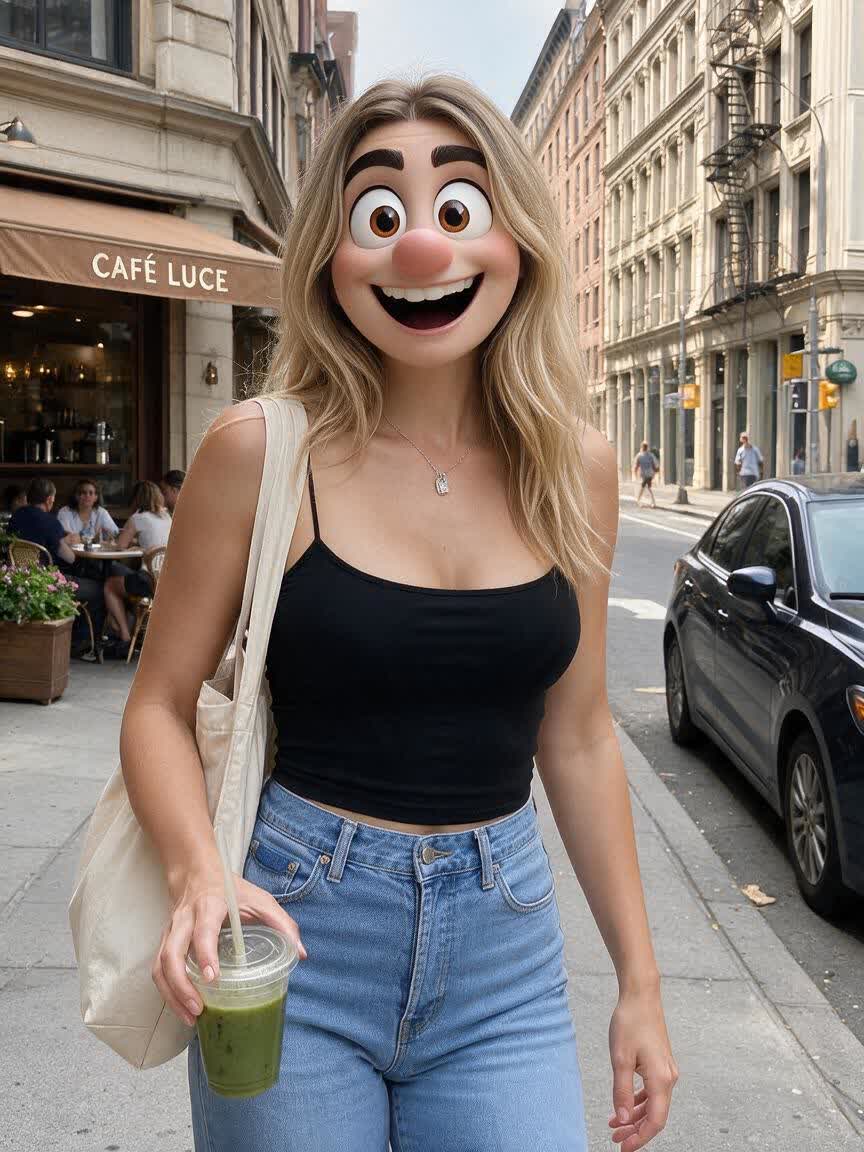
Bring a portrait for a birthday card, sticker, printed joke gift, or meme template. Cavro turns the face into a playful visual gag that feels specific to the person receiving it.
Try Cavro free

Comedy accounts and short-form creators can use recurring face transformations for TikTok, Instagram Reels, or YouTube Shorts. A familiar face and repeatable joke style become source material for new posts.
Try Cavro free
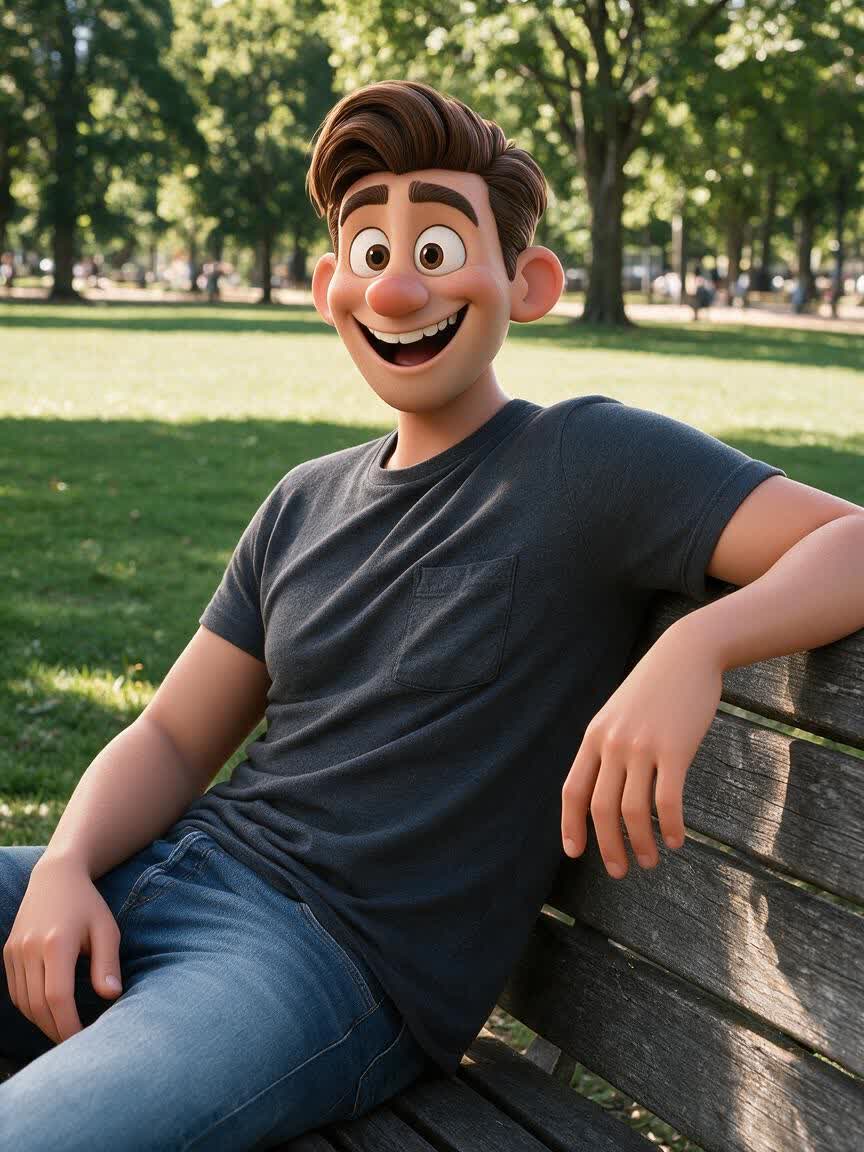
A funny face works when the expression is pushed without becoming impossible to identify. Use your photo as the reference and describe the change you want, then take away a comedy edit that still feels personal.
Try Cavro free

The first version may need a bigger grin, stranger eyes, or a subtler joke. Refine the prompt and generate again in the same conversation until the funny face fits your meme, card, or reaction.
Try Cavro free
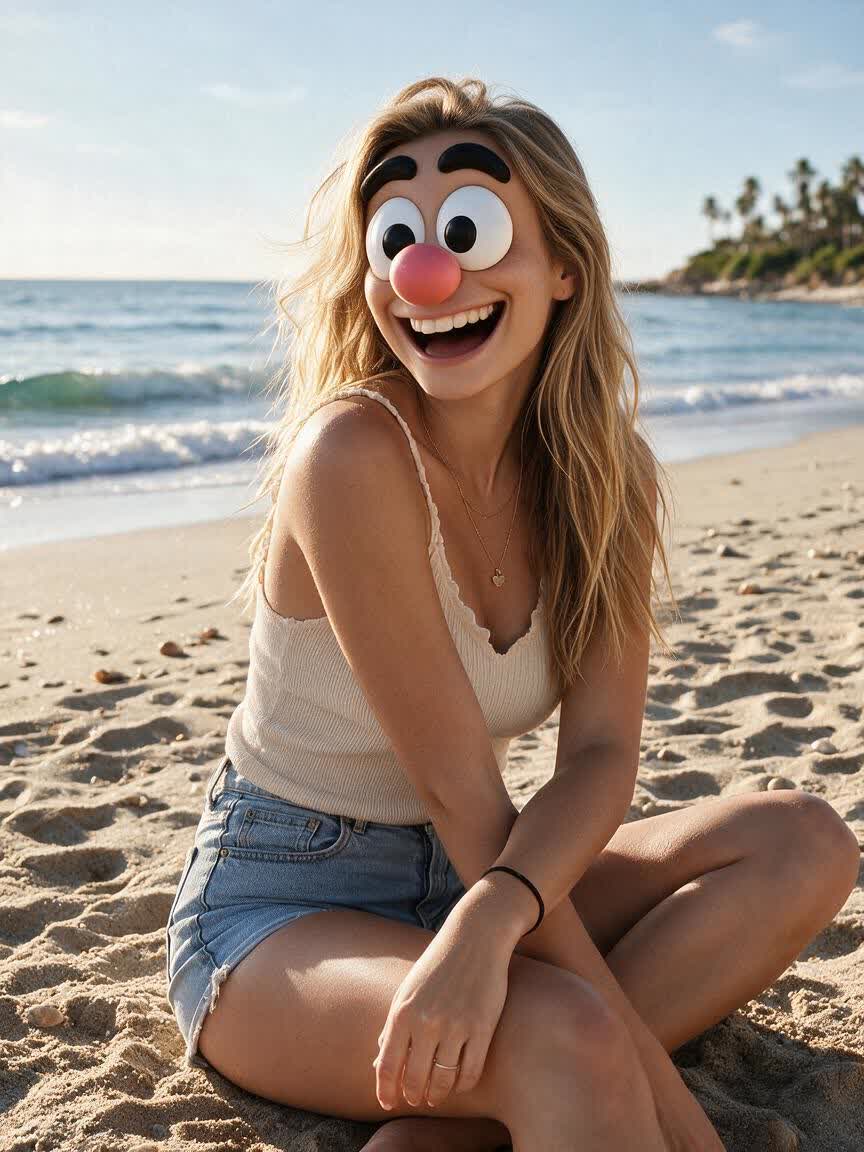
A funny face idea does not have to stop at a still image. Images and video come from the same conversation and use one credit balance, so you can develop a visual joke in the format that suits it.
Try Cavro freeAn AI funny face filter changes a face in a photo according to a written creative direction. In Cavro, you can use a reference photo and describe an exaggerated expression, distortion, or style for a recognizable comedy edit.
Use a clear selfie or portrait where the face is visible. A straightforward photo gives Cavro a useful reference for creating a funny face transformation.
Yes, you can create funny face edits for meme templates, group chat reactions, birthday cards, stickers, and joke gifts. Describe the intended visual gag so the result matches the way you plan to share it.
Cavro creates images and video from the same conversation. You can develop a funny face idea in the format that fits your social post or comedy content.
Yes. Refine the expression or visual direction and generate again in the same conversation without starting over.
Creators worldwide are turning “just an idea” into expensive-looking images.