





Photo-Based Editing
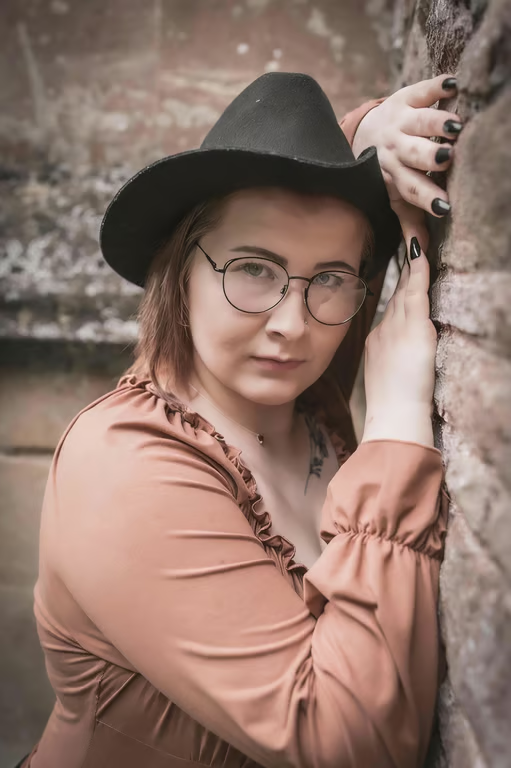
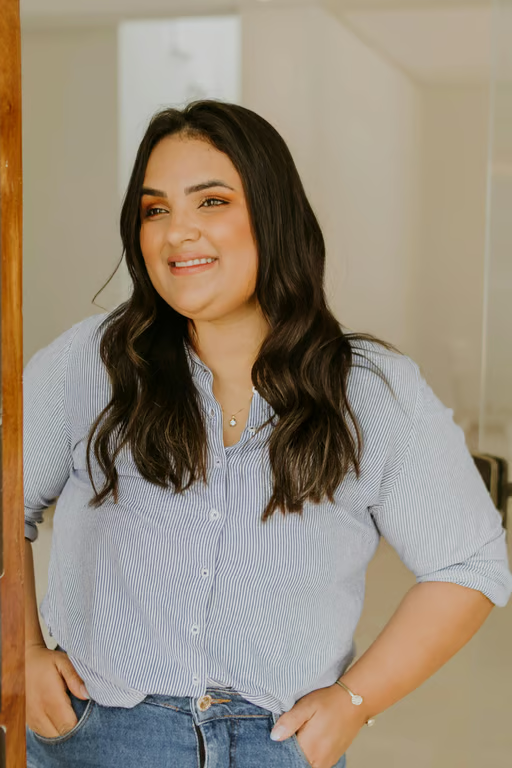
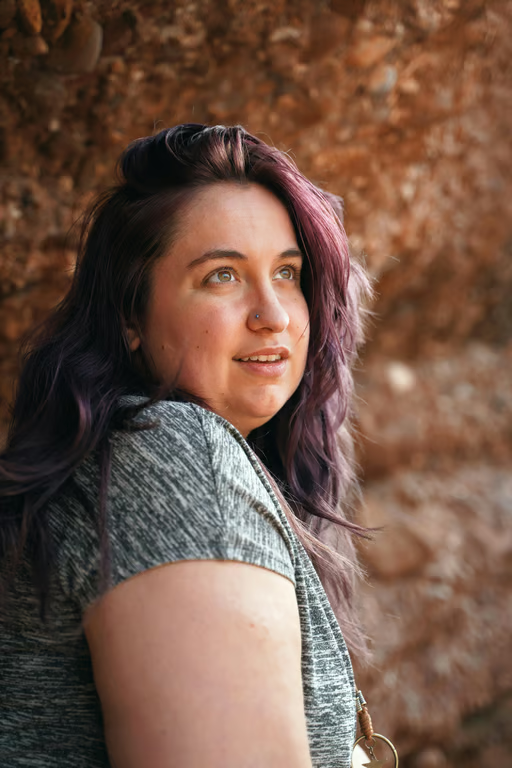
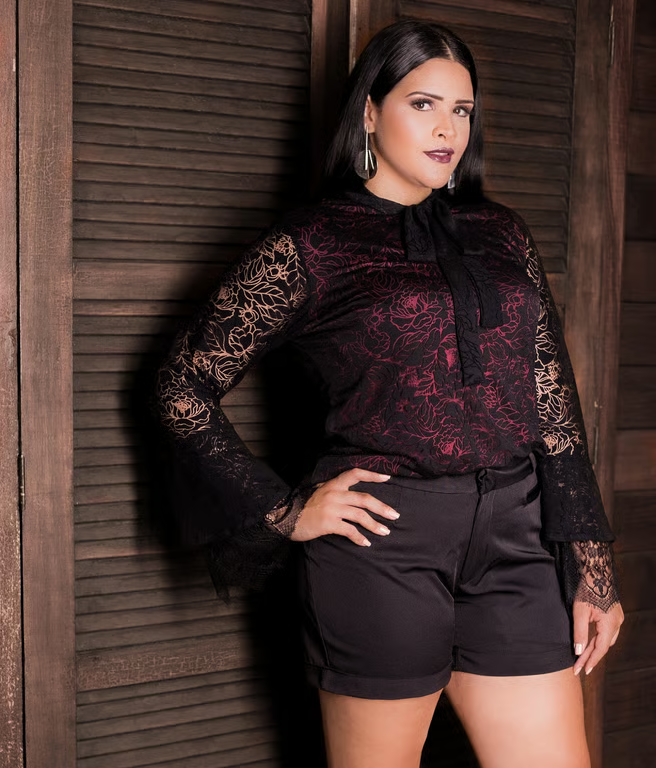
Use a reference portrait with your request to guide the double chin removal.
Shape a more confident-looking portrait from one photo.

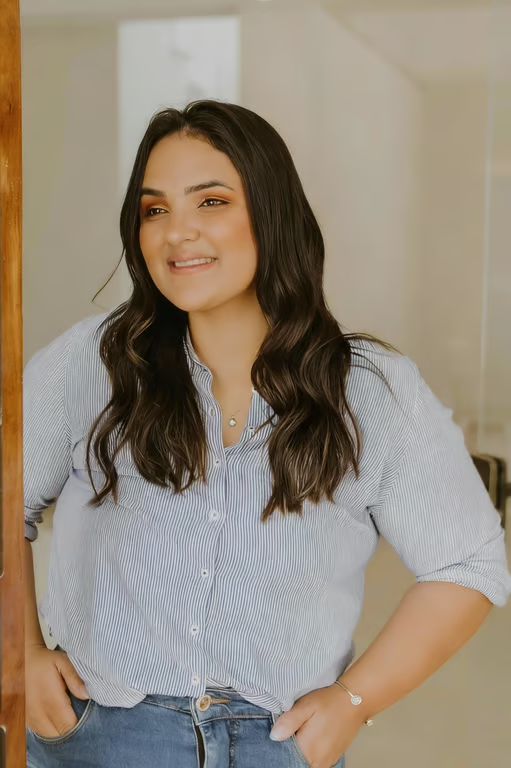

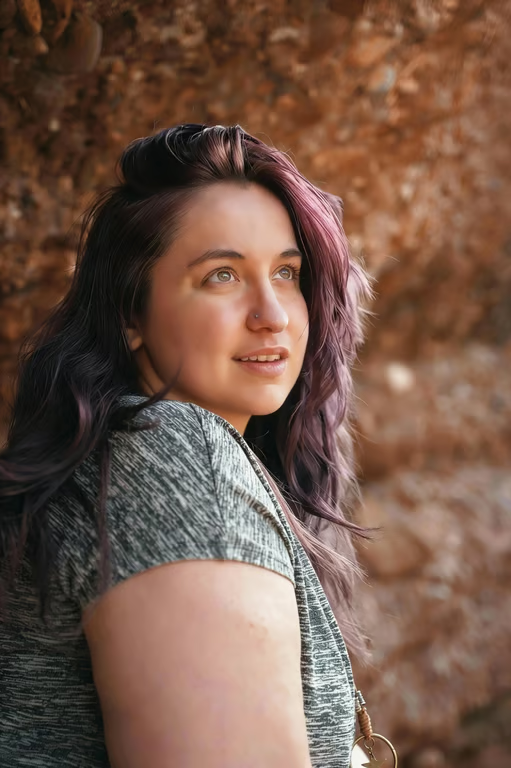
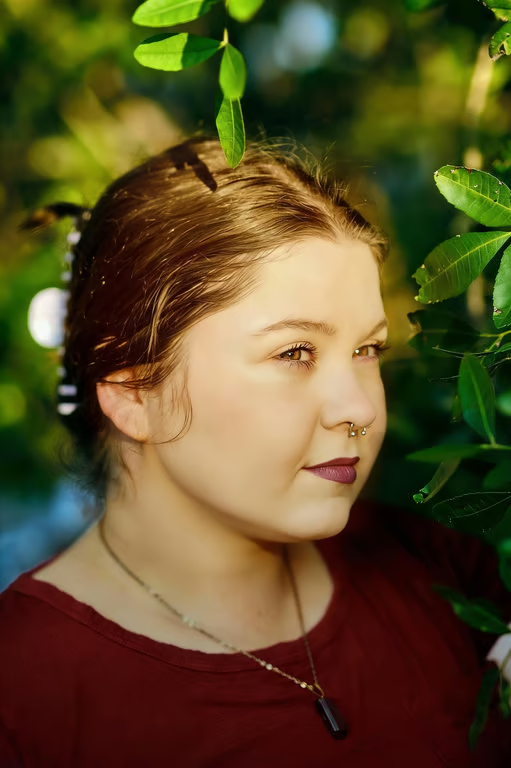
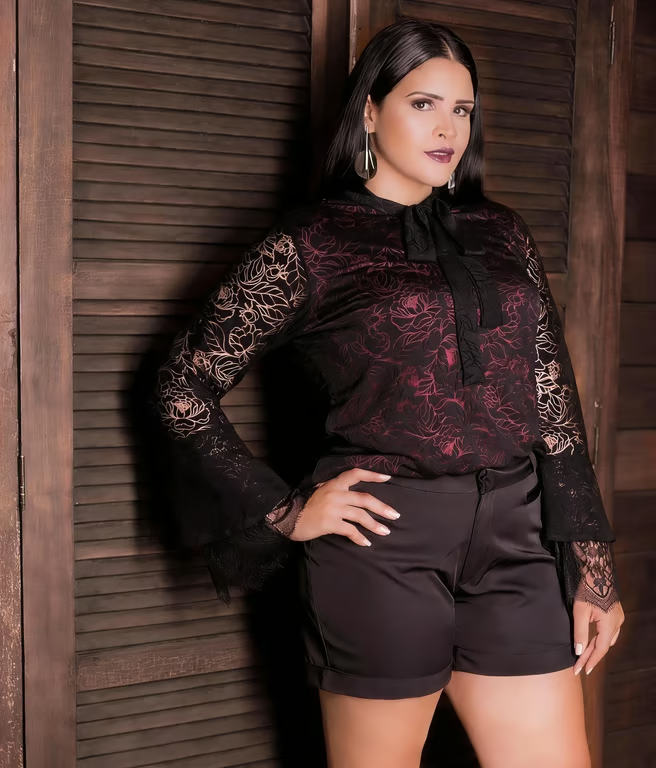




Use a reference portrait with your request to guide the double chin removal.
Describe the chin slimming or neck contour edit you want in plain language.
Generate another portrait direction in the same conversation when the first attempt needs adjustment.
Receive an image shaped around your requested double chin edit for profiles, work, or memories.
Address a double chin in an existing photo instead of waiting for another portrait session.
Use a written request to focus the edit without needing advanced photo-editing skills.
Explore another chin or neck contour direction when the first portrait edit is not your preference.
Address a double chin in an existing photo instead of waiting for another portrait session.
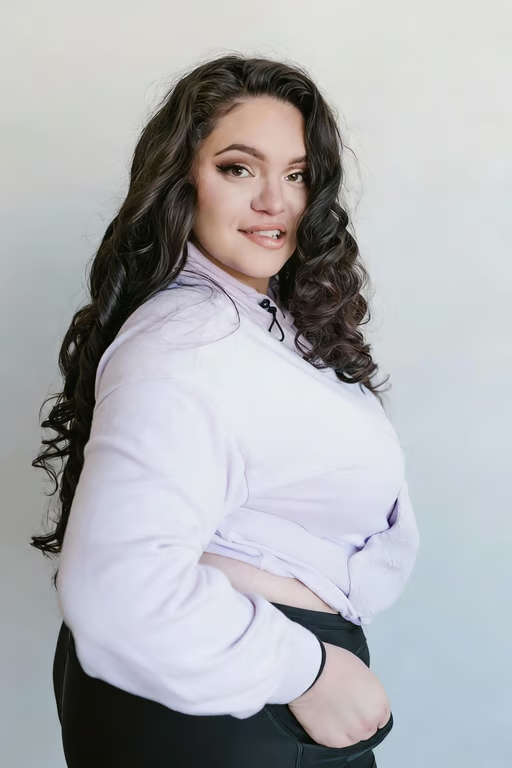
It collects your written request and optional reference photo for a portrait edit. Once you continue in Cavro, they are used to produce an image with the requested double chin change.
Describe the change you want, such as removing a double chin or refining the neck contour, and add a reference photo. Cavro turns that prompt and photo into an image, which you can refine again in the same conversation.
Cavro does not require a mandatory subscription, but generated results are billed per credit. Check pricing before you generate to understand the available credit options.
No advanced editing knowledge is required to describe the portrait change. Use plain language for the chin or neck adjustment, then refine the generated image with another request if needed.
Yes, you can request a portrait edit suited to a professional headshot, social profile, family photo, or everyday image. The result is generated from the prompt and reference photo you provide.
Creators worldwide are turning “just an idea” into expensive-looking images.