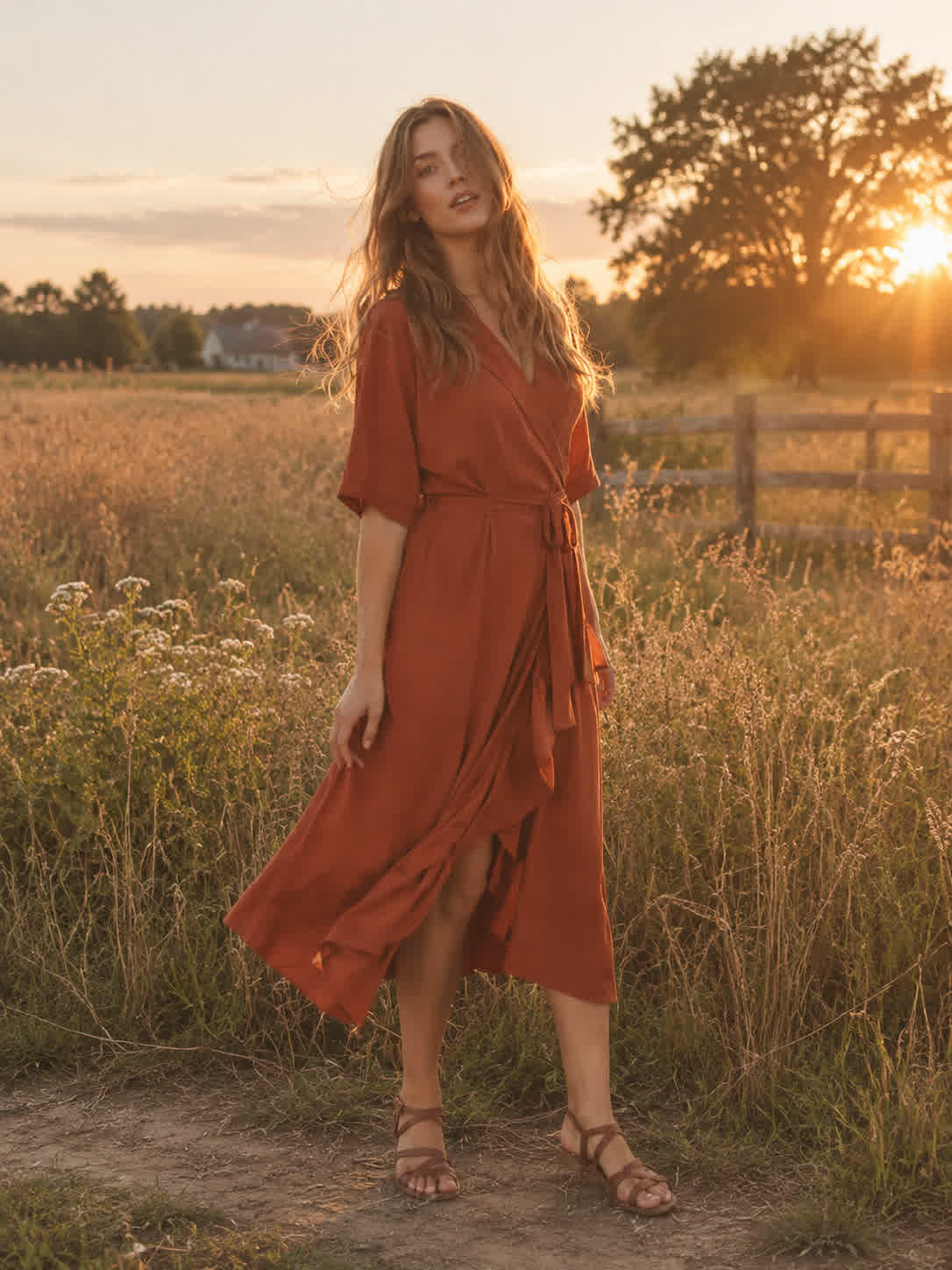
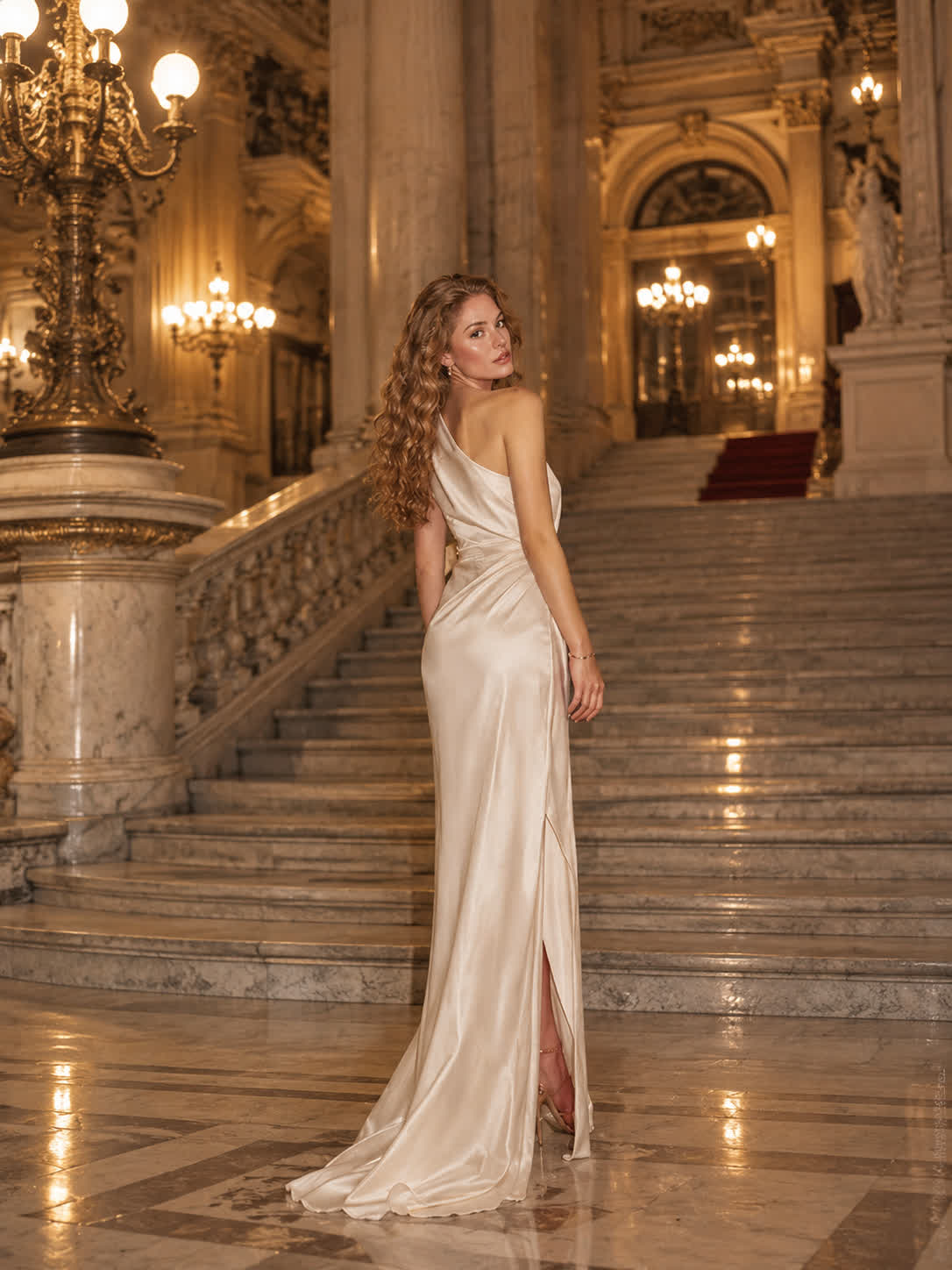


Shape Action Shots
Creators bring skateboarding, cycling, and other action photos when a standard frame feels too flat. Cavro adds immersive curvature and edge motion for a more energetic sports image.
Try Cavro freeGive portraits, action shots, landscapes, and social content a convincing spherical wide-angle look. Cavro transforms your reference photo with curved horizons, sweeping edge distortion, and a dark circular vignette.
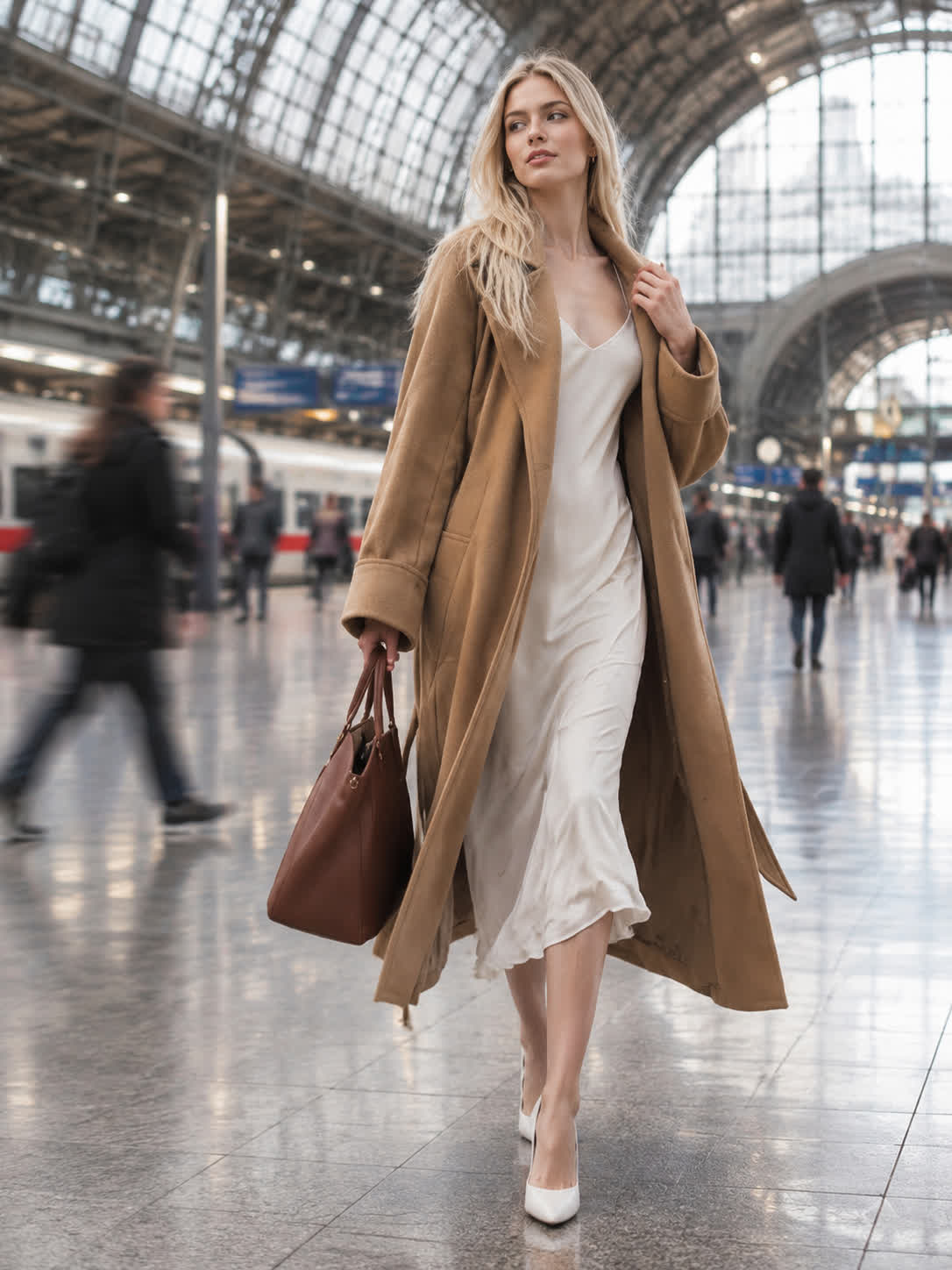
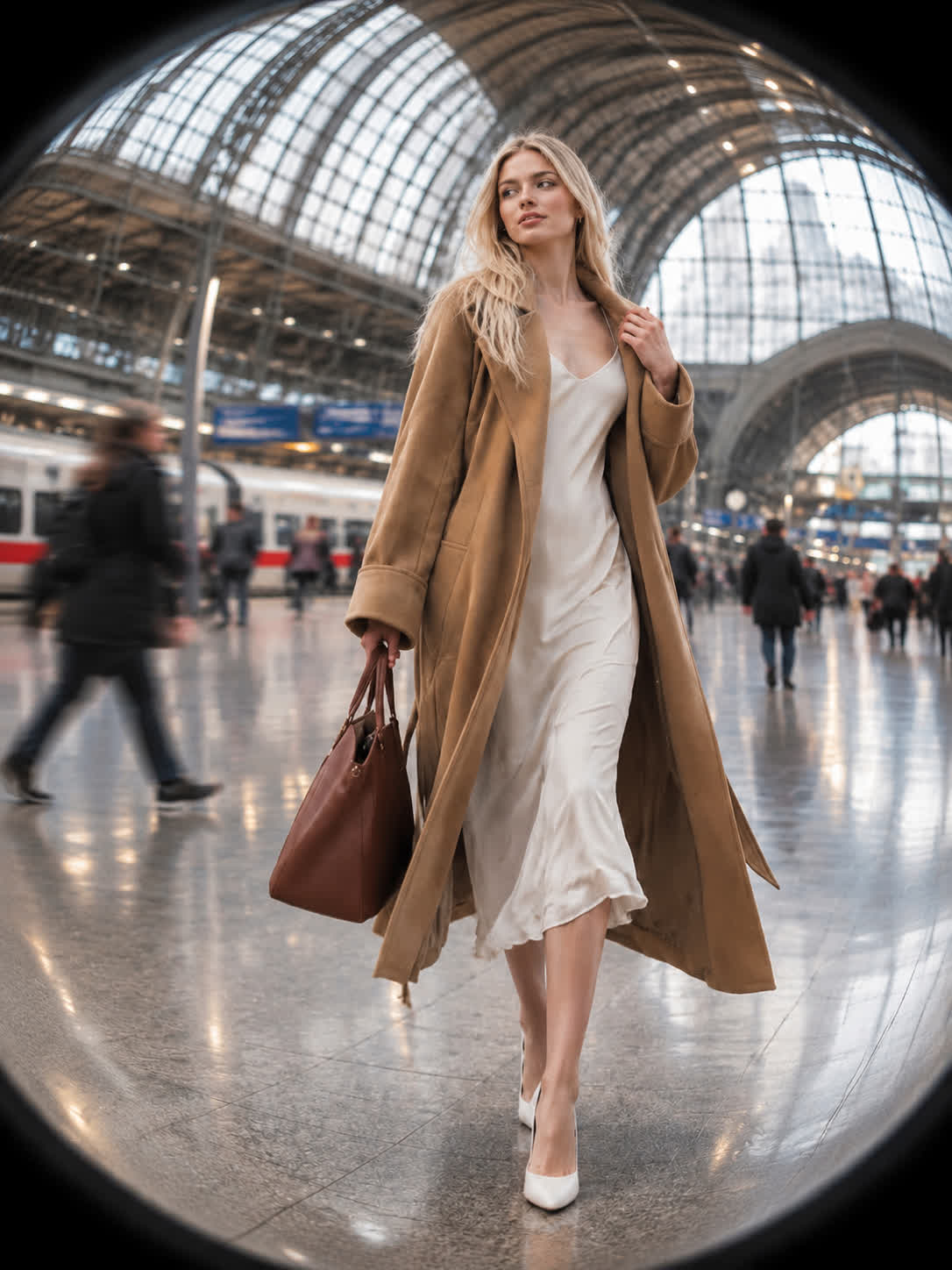
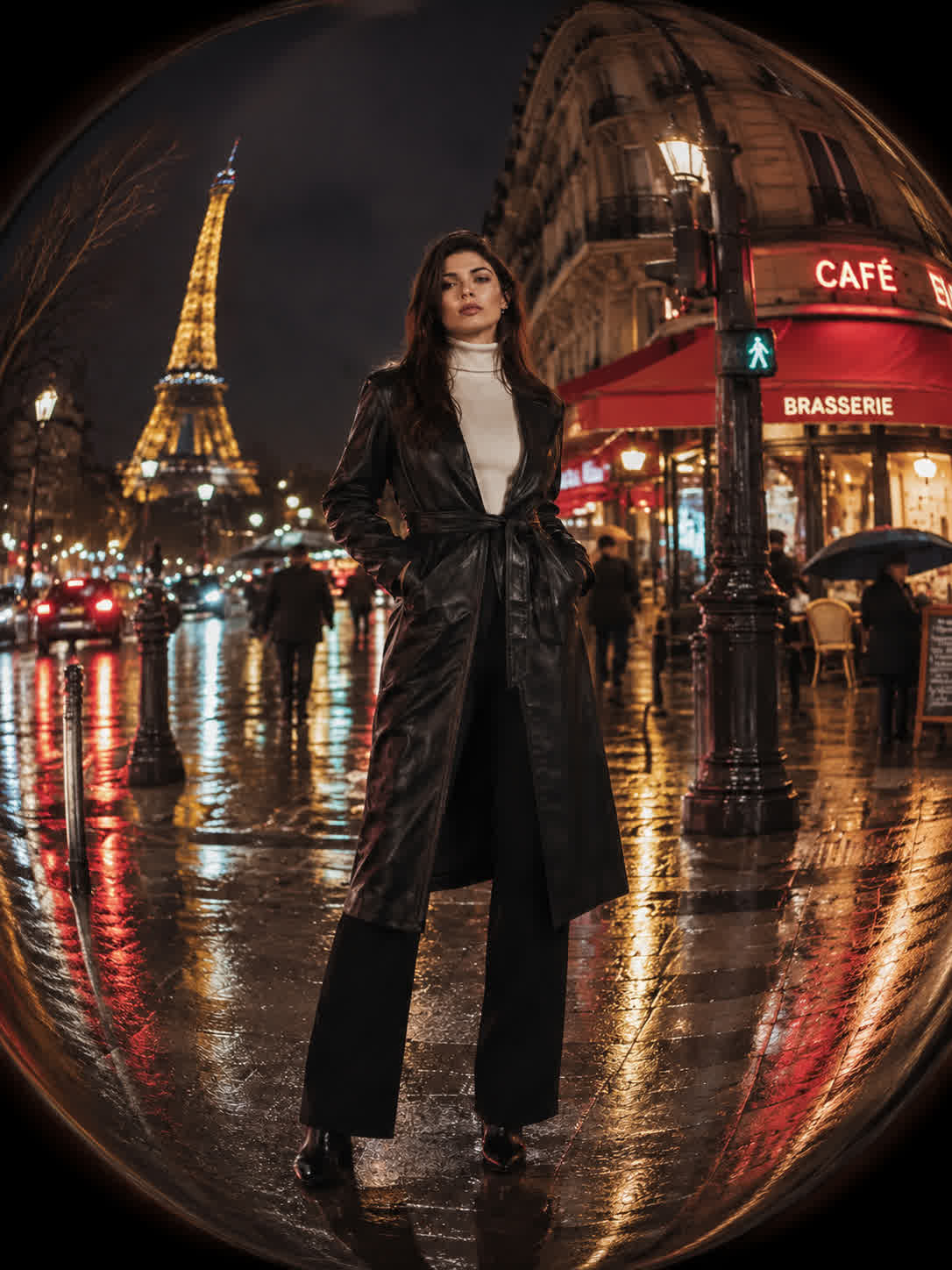
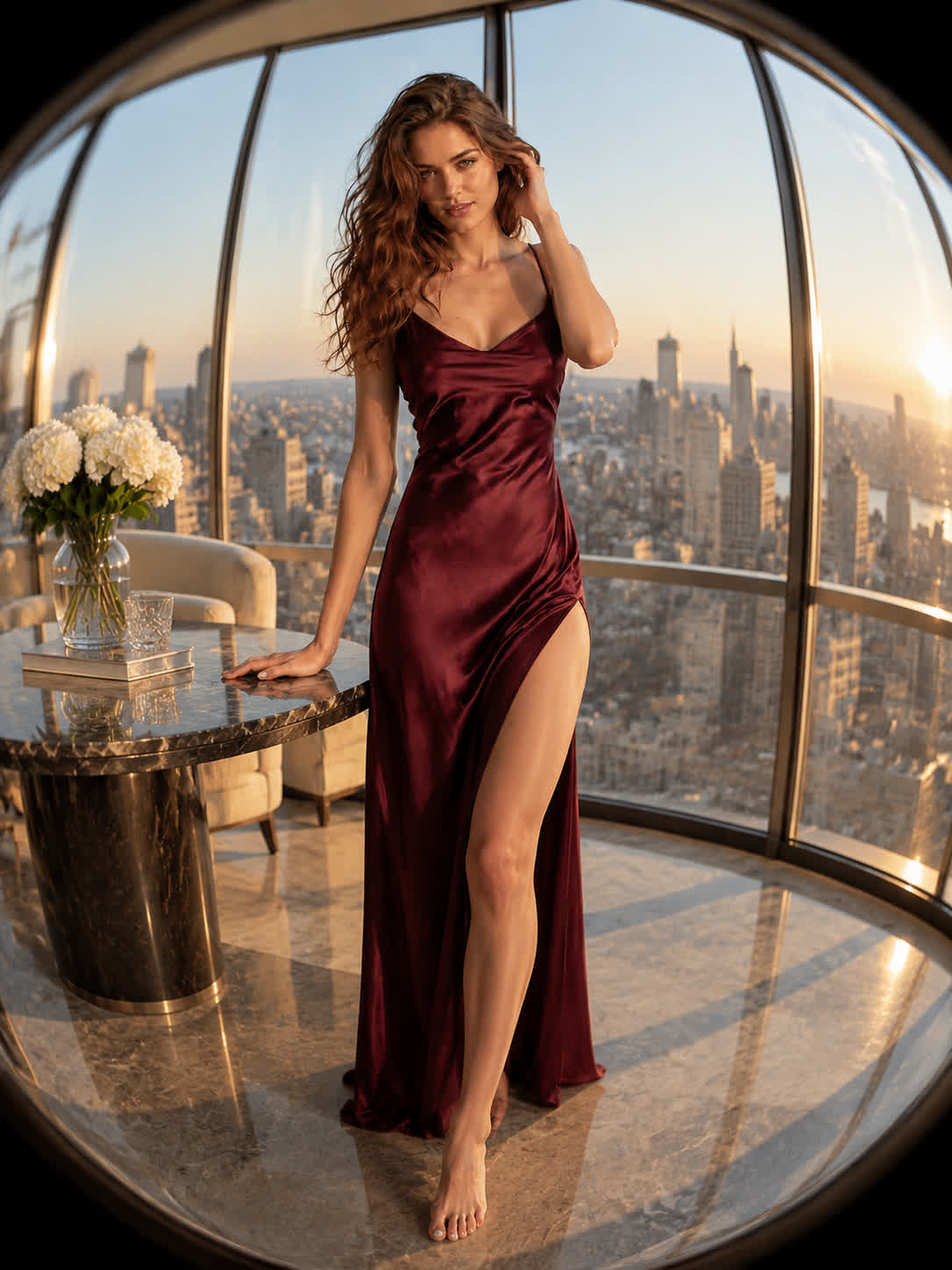
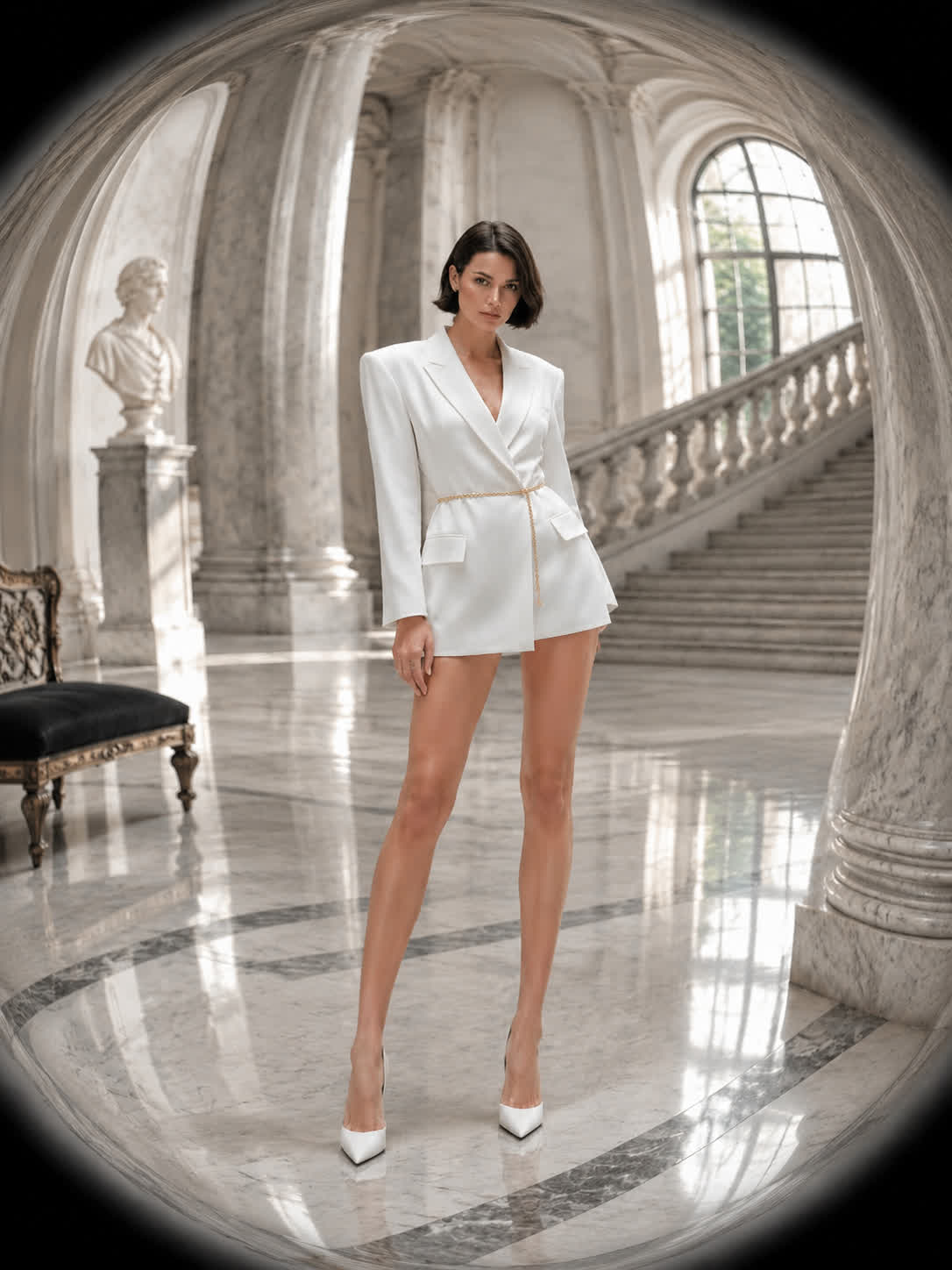
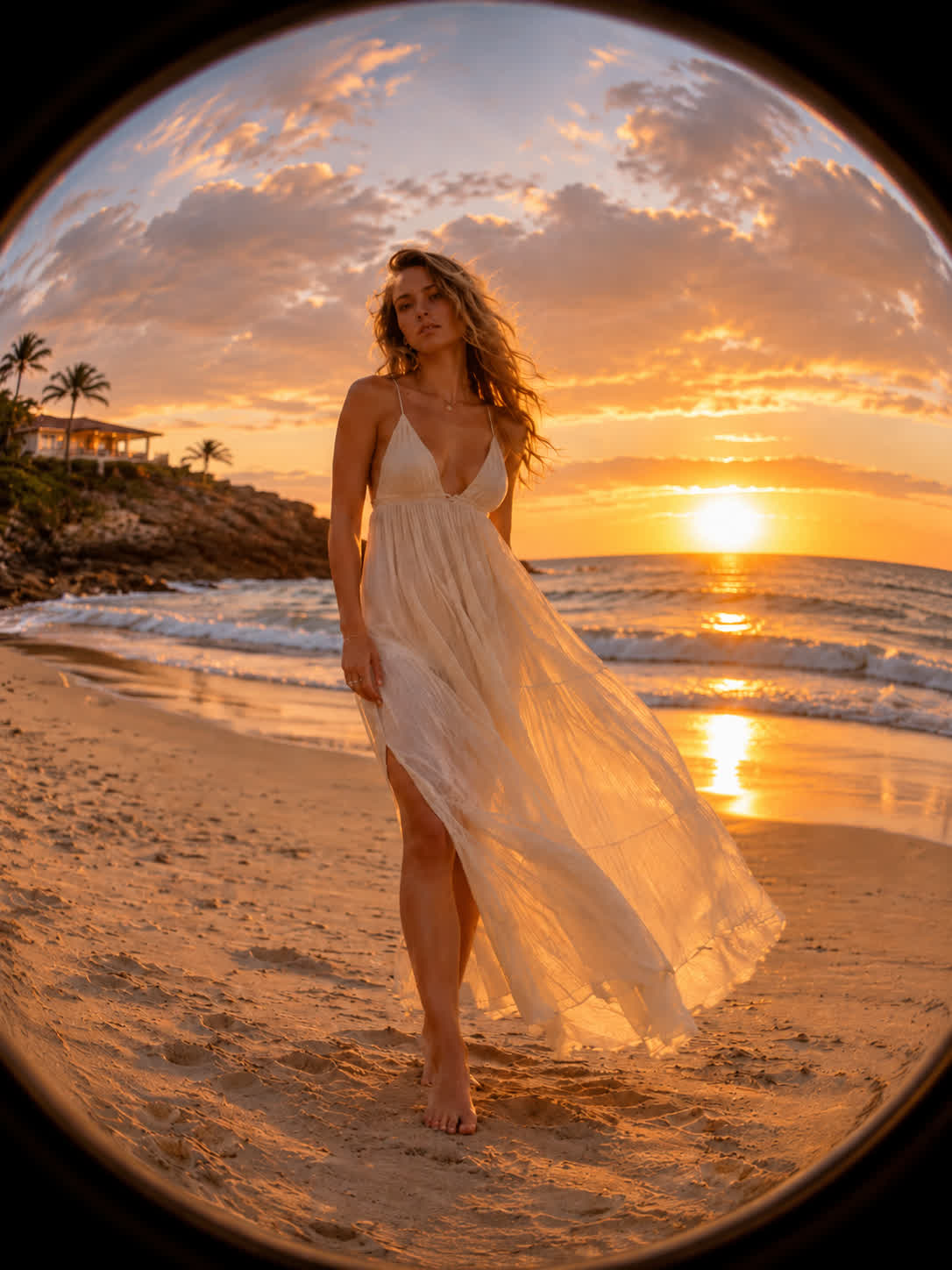
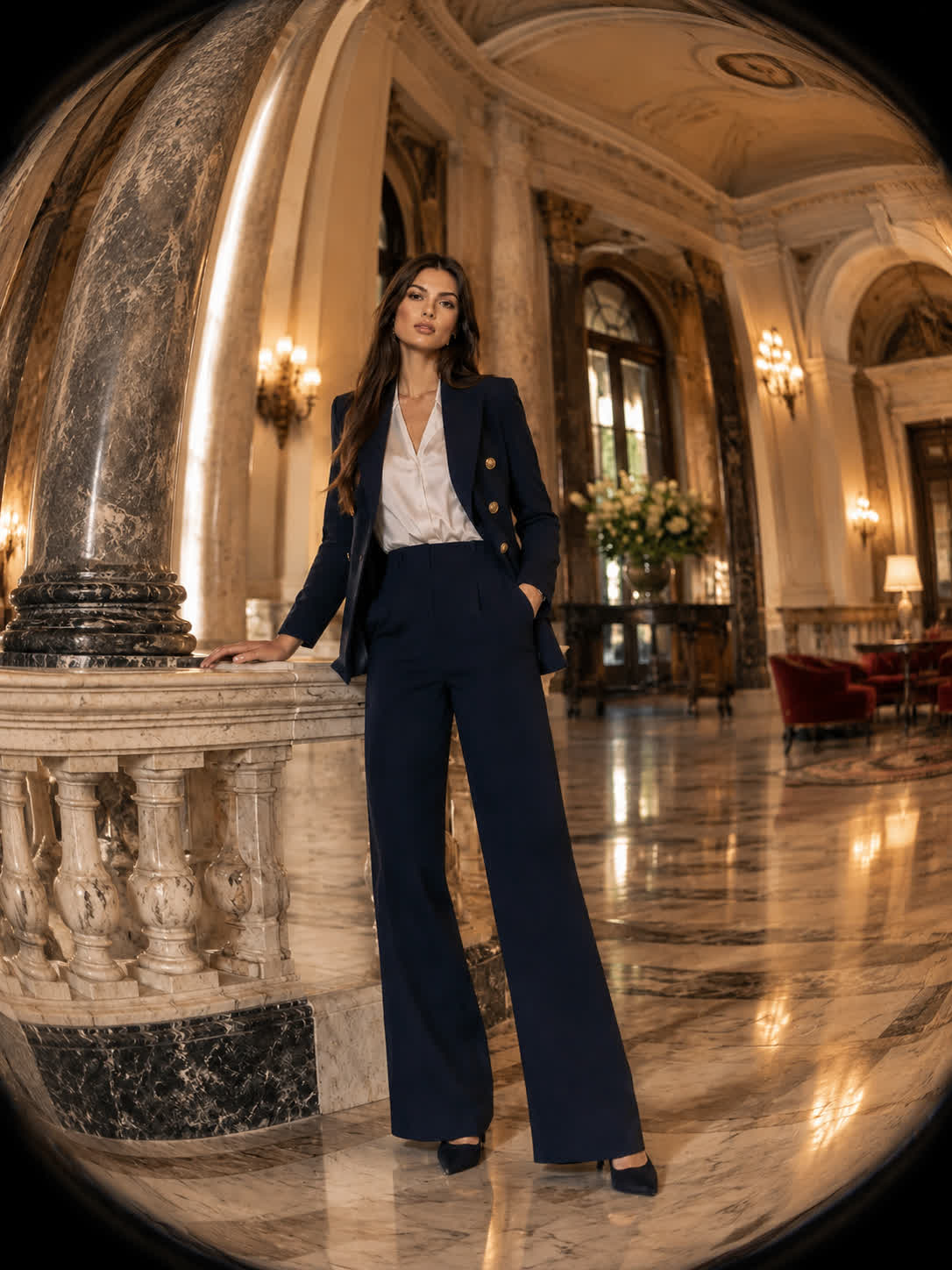
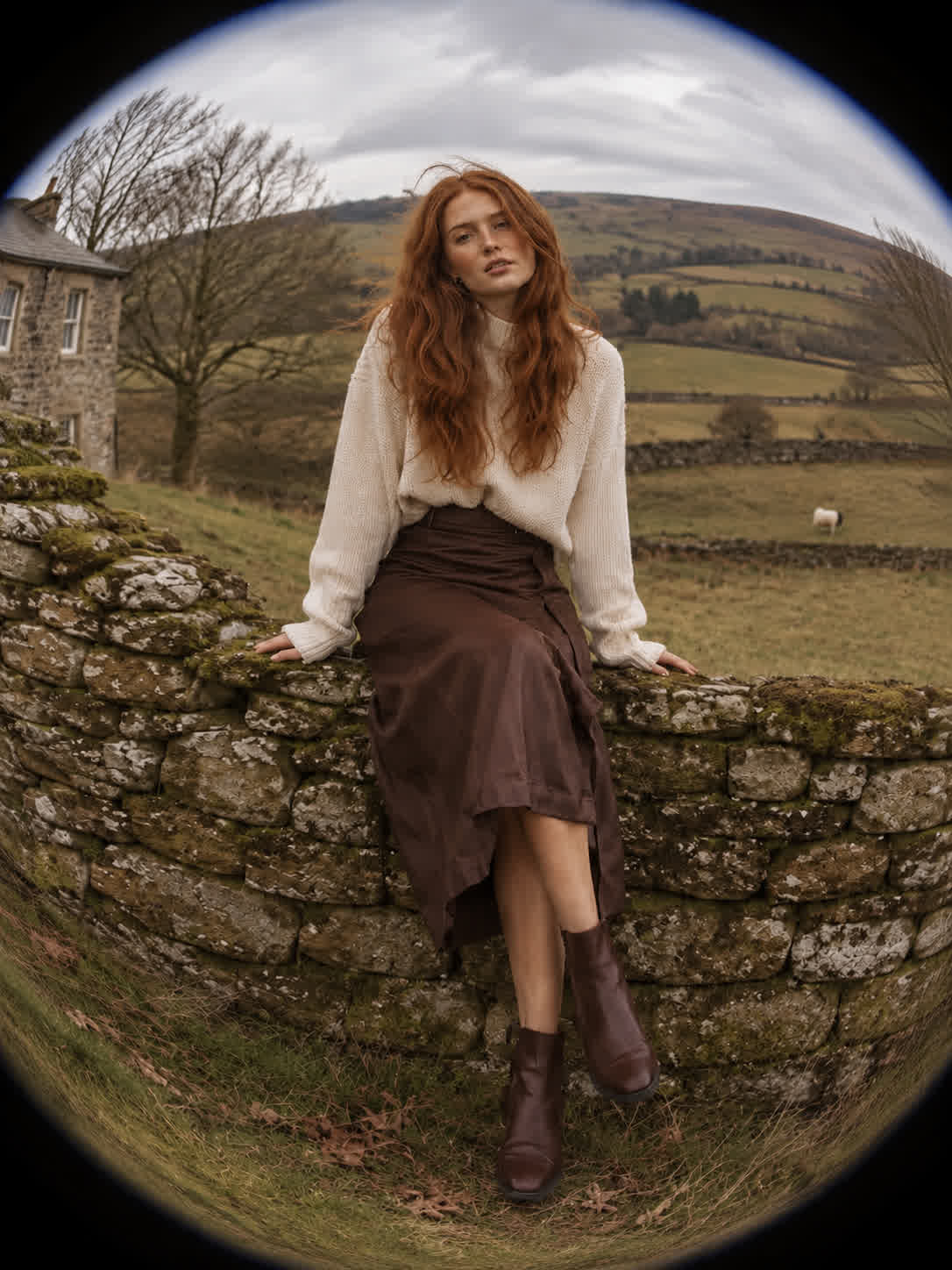
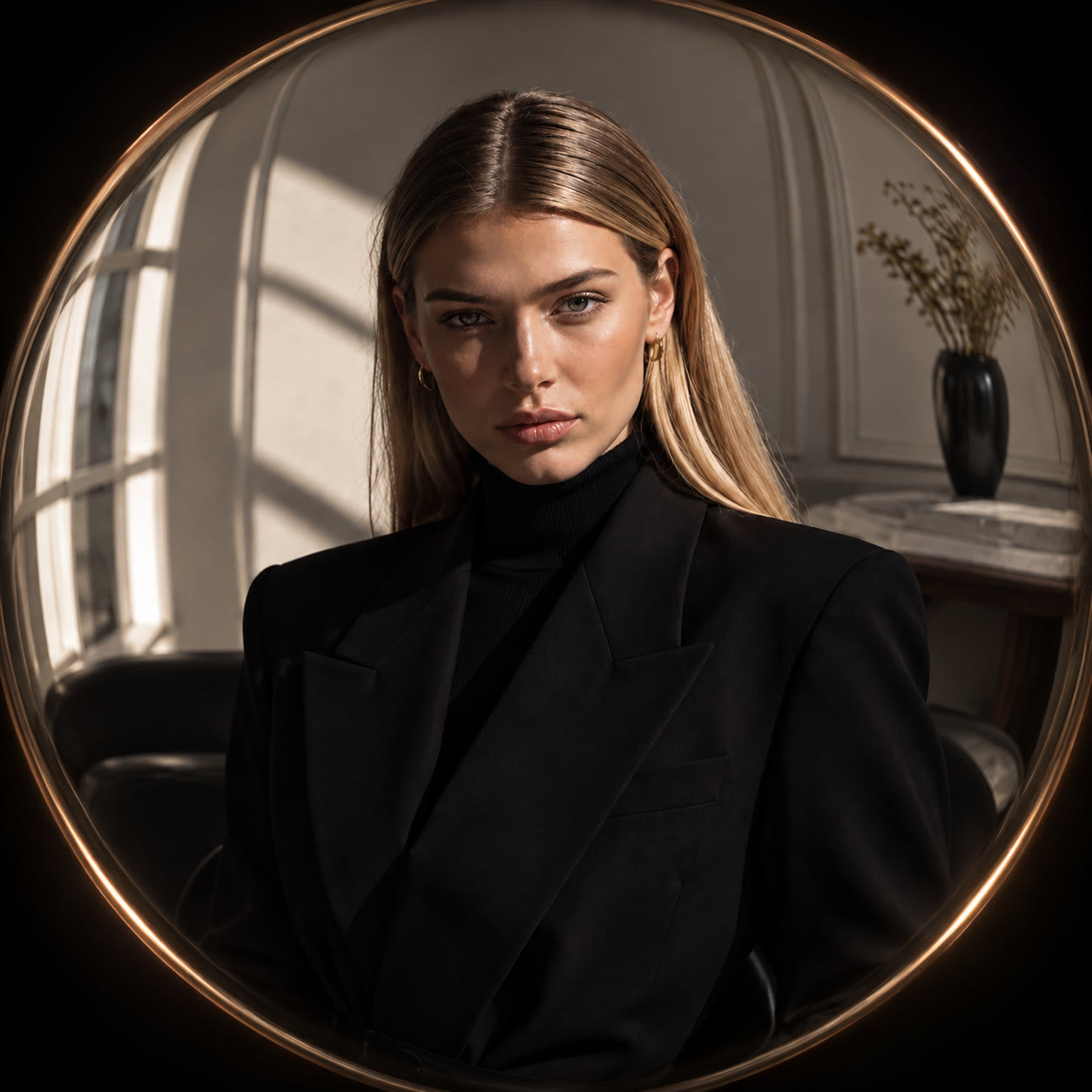
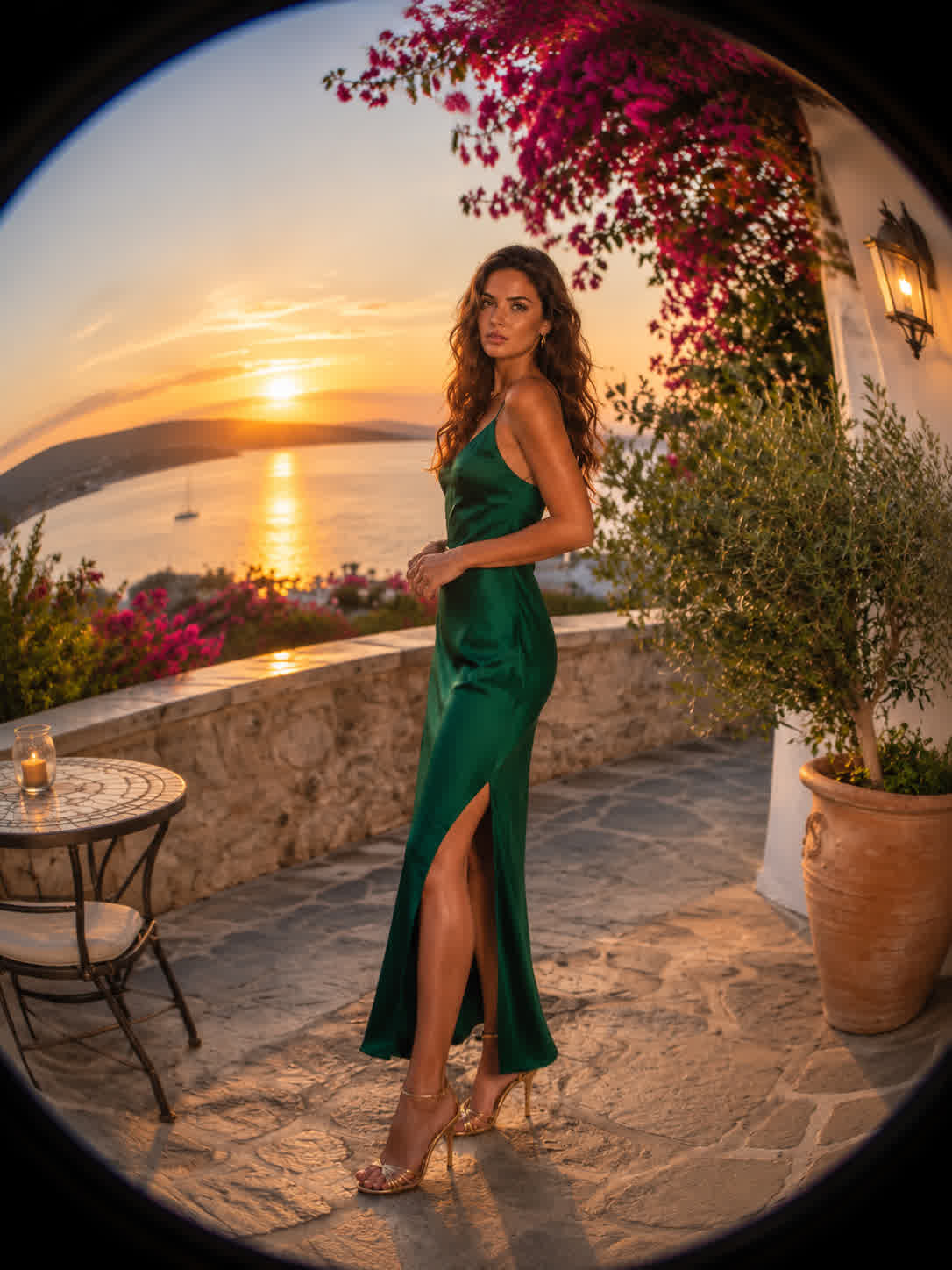
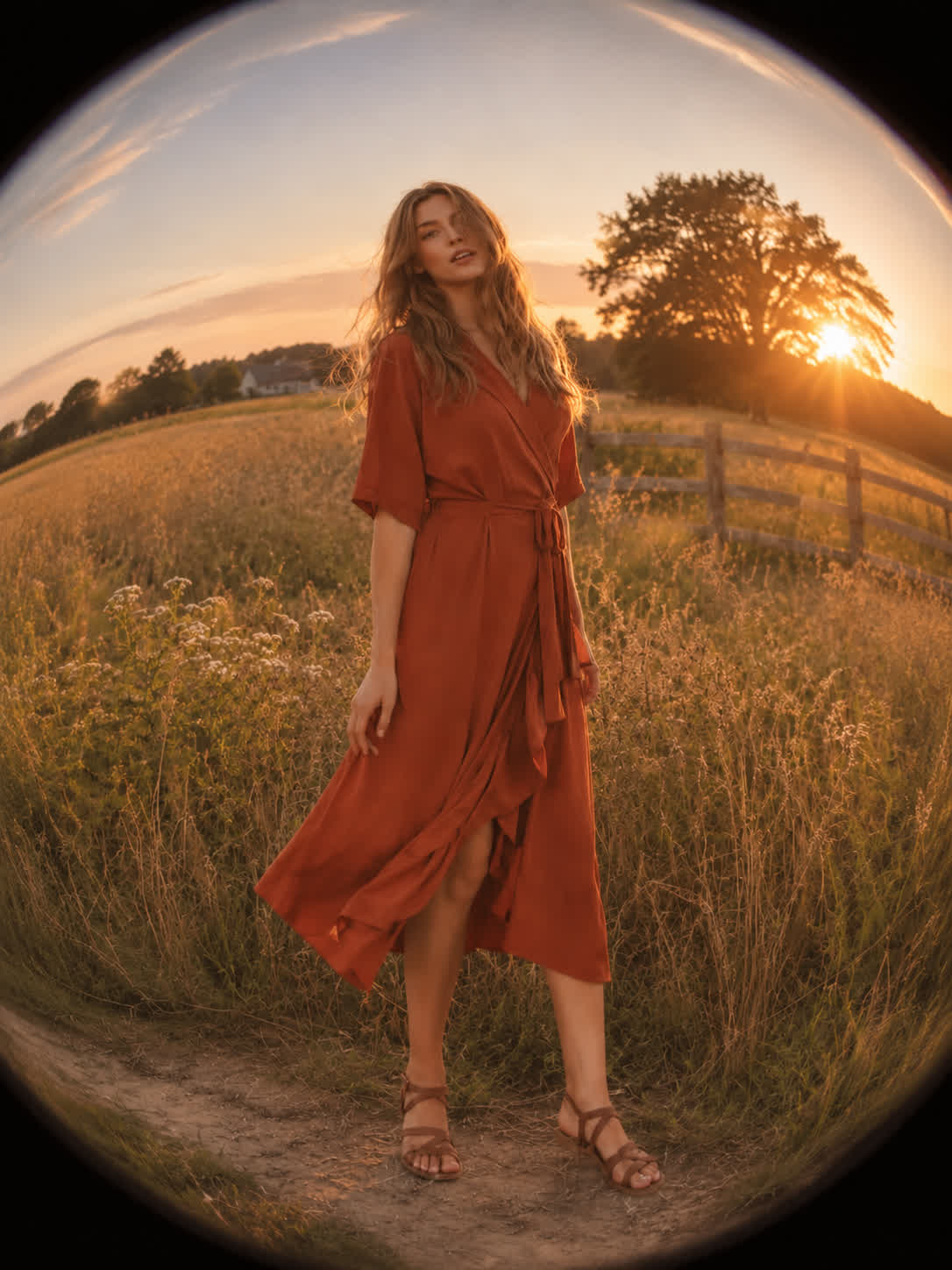
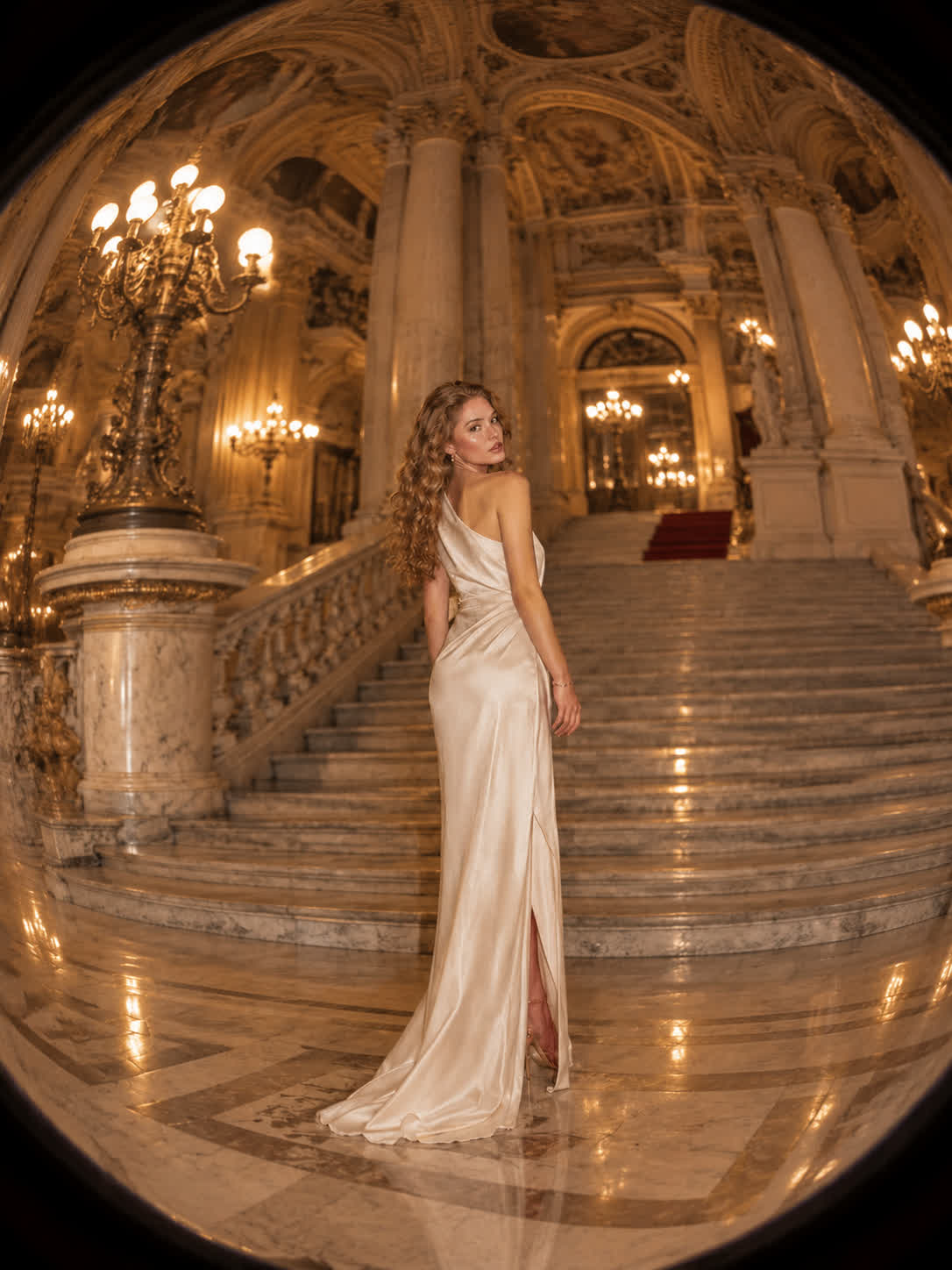
Creators bring skateboarding, cycling, and other action photos when a standard frame feels too flat. Cavro adds immersive curvature and edge motion for a more energetic sports image.
Try Cavro free

Social media users turn portraits and street scenes into distinctive posts with a recognizable wide-angle look. The fisheye treatment adds visual character without requiring a physical lens.
Try Cavro free
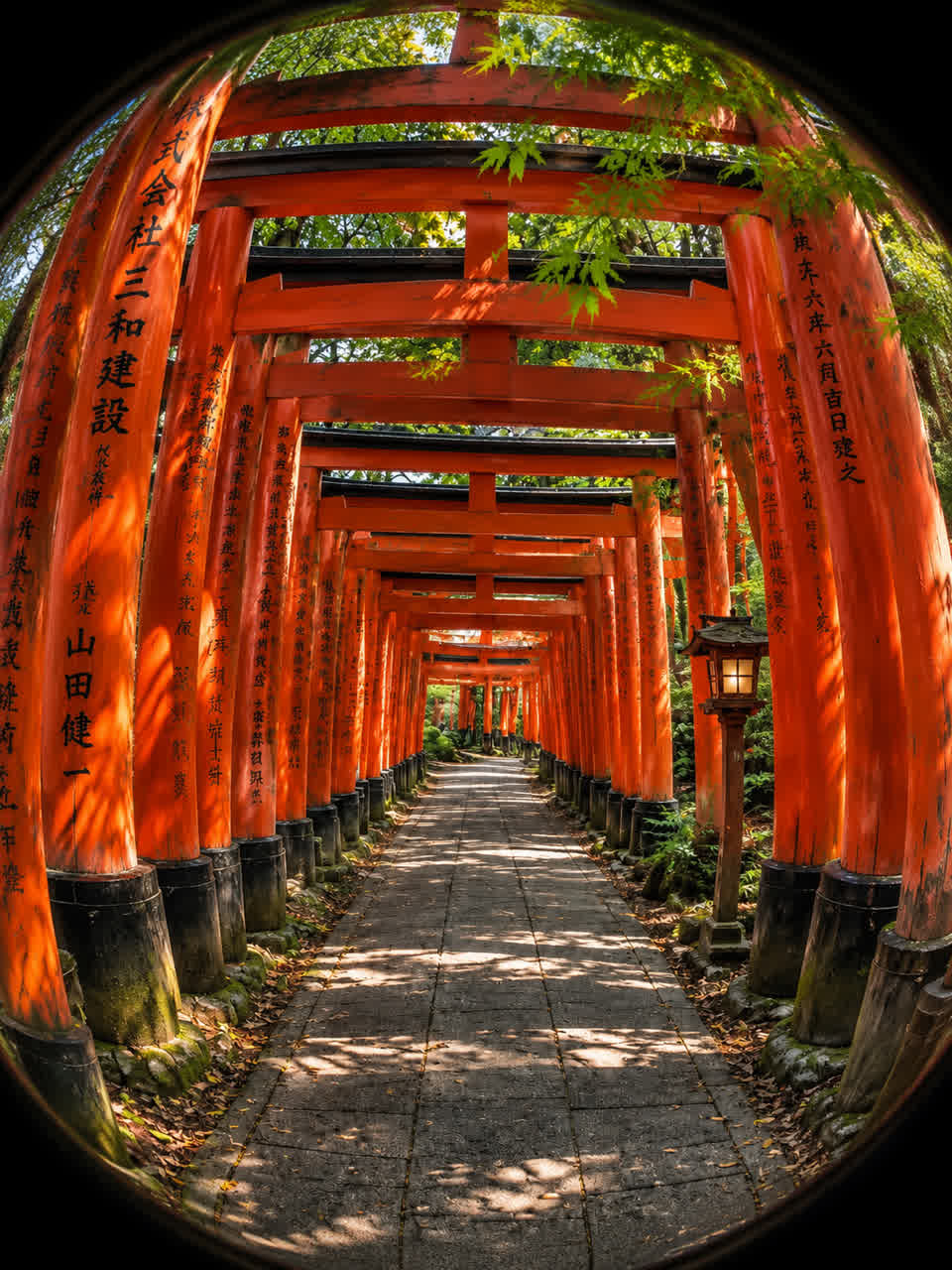
Photographers use landscapes, interiors, and architecture to explore curved horizons and expanded edges. Cavro turns those references into dramatic compositions with adjustable distortion.
Try Cavro free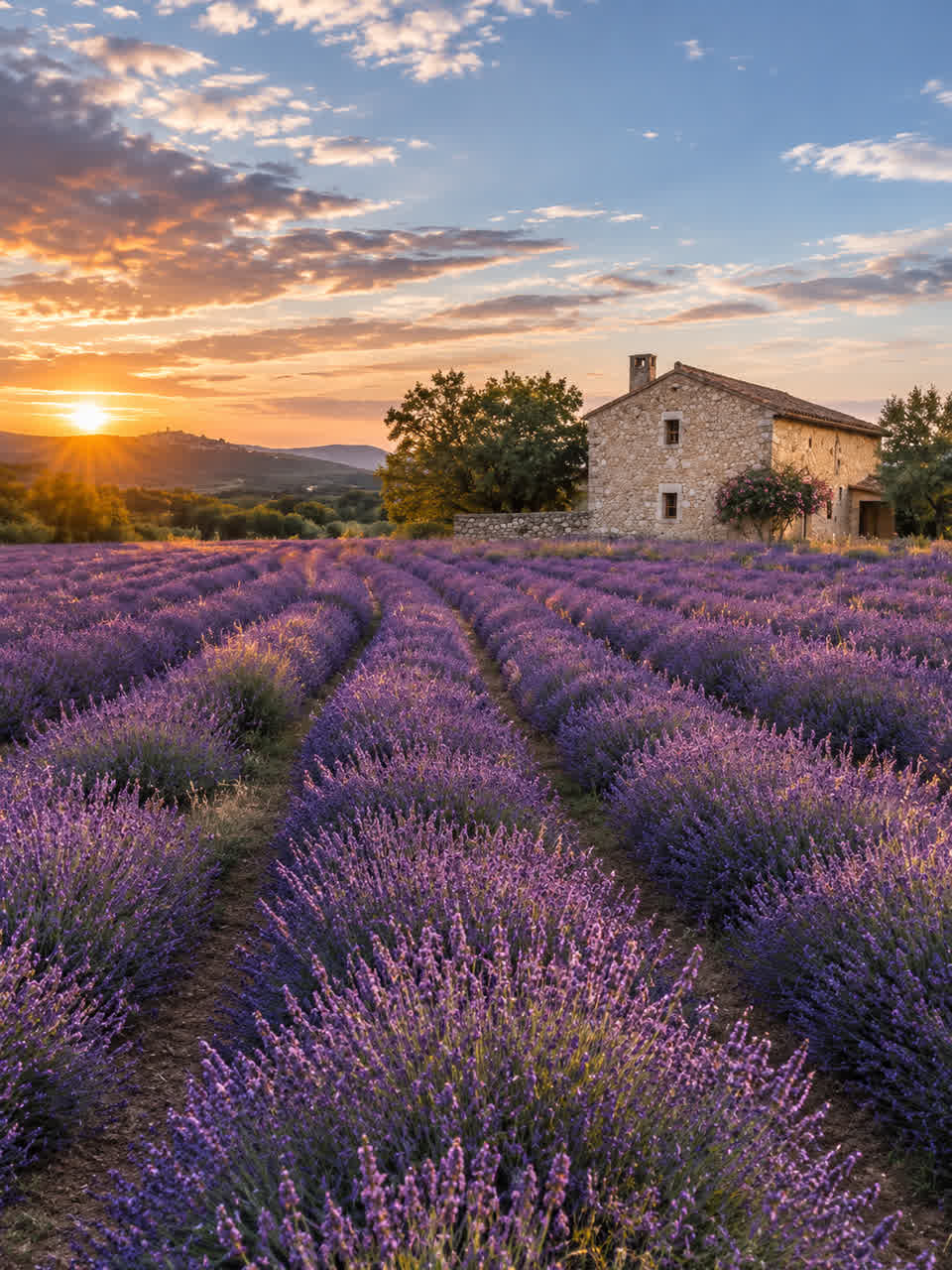
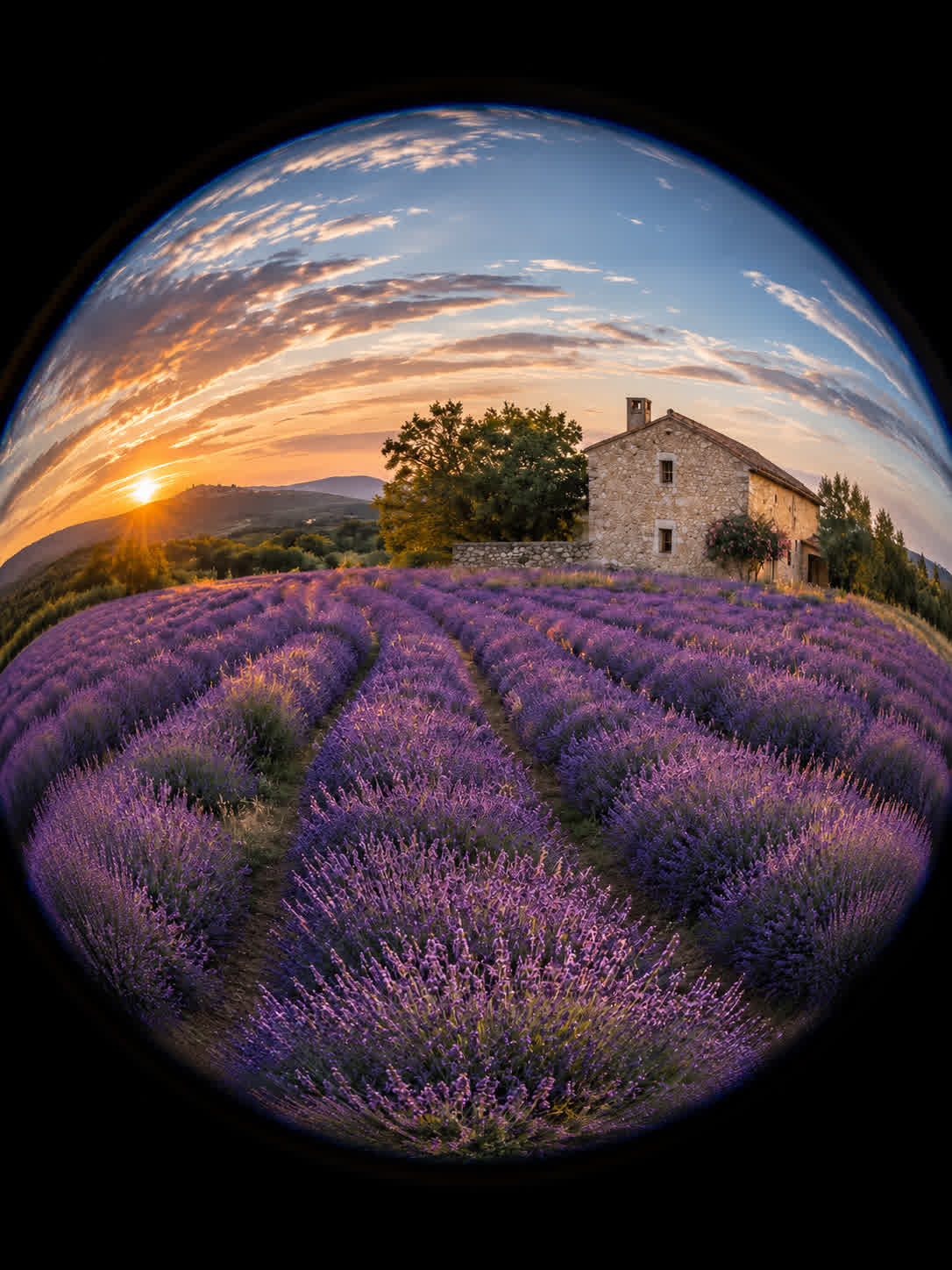
A basic warp can stretch pixels without resembling a real lens. Cavro shapes spherical bulging and curved horizons so portraits, streets, and landscapes read as fisheye photography.
Try Cavro free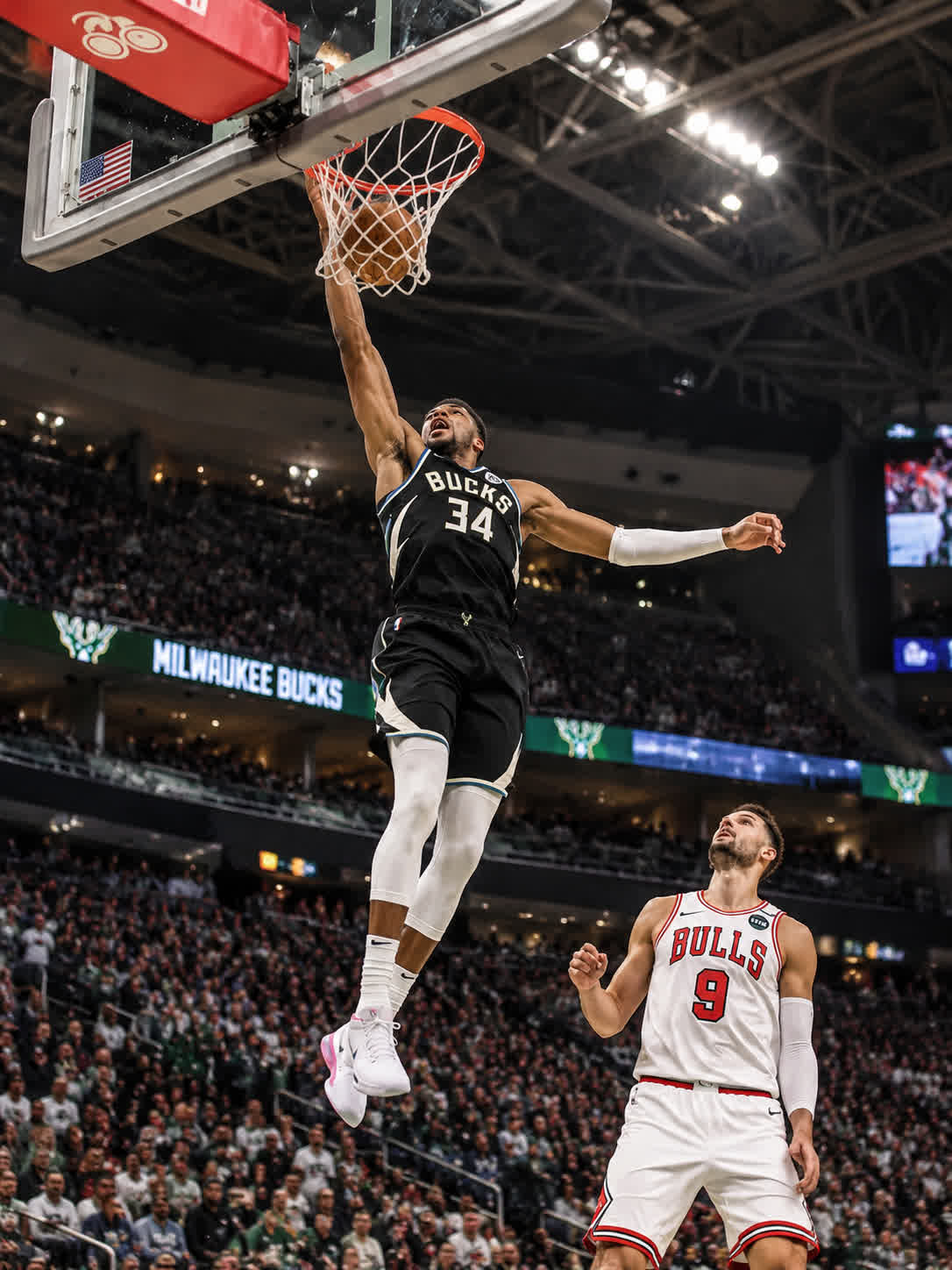
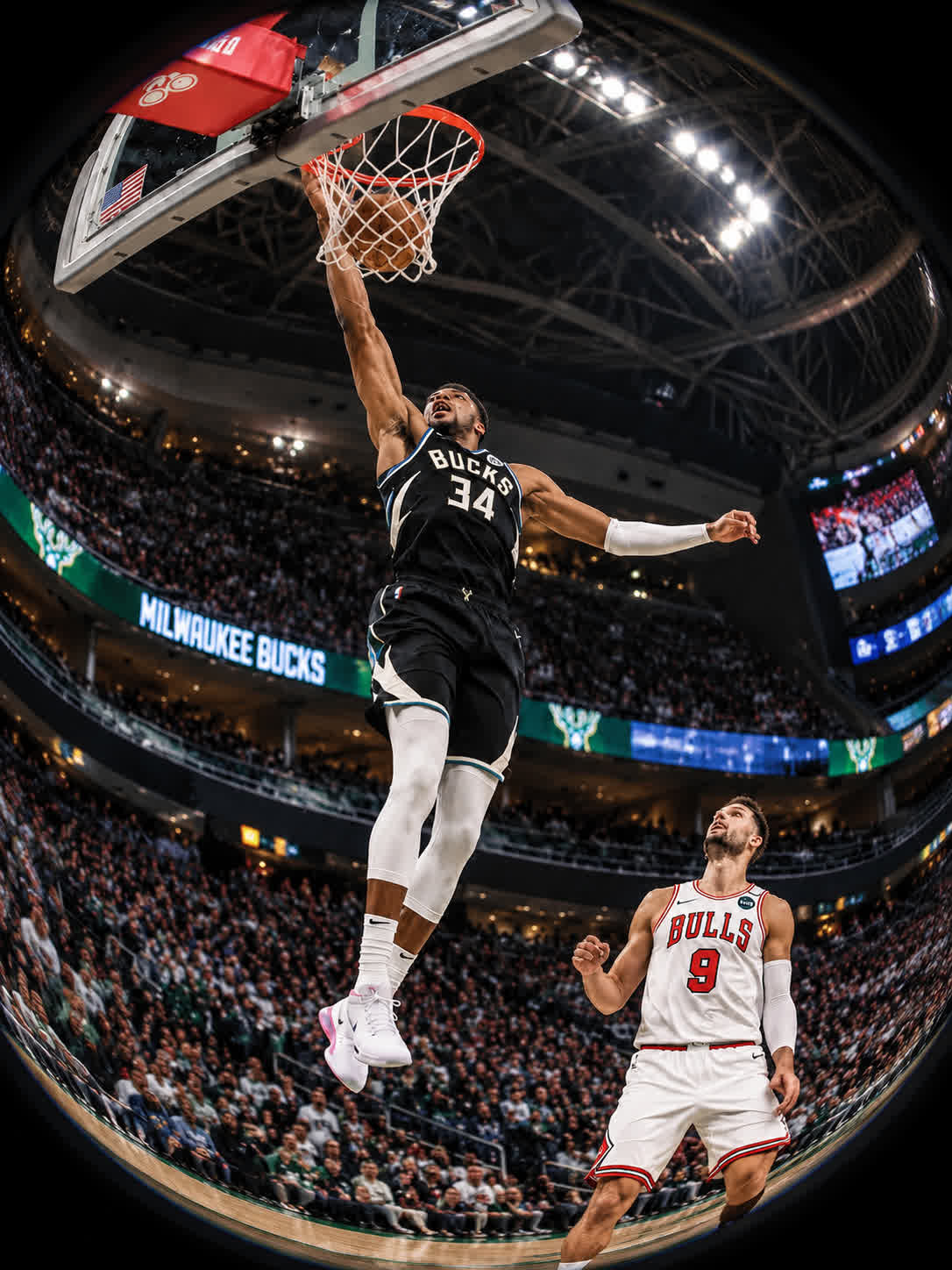
Some images need a restrained wide-angle touch, while others call for an extreme circular distortion. Describe the level you want and refine the effect until the visual energy fits the photo.
Try Cavro free
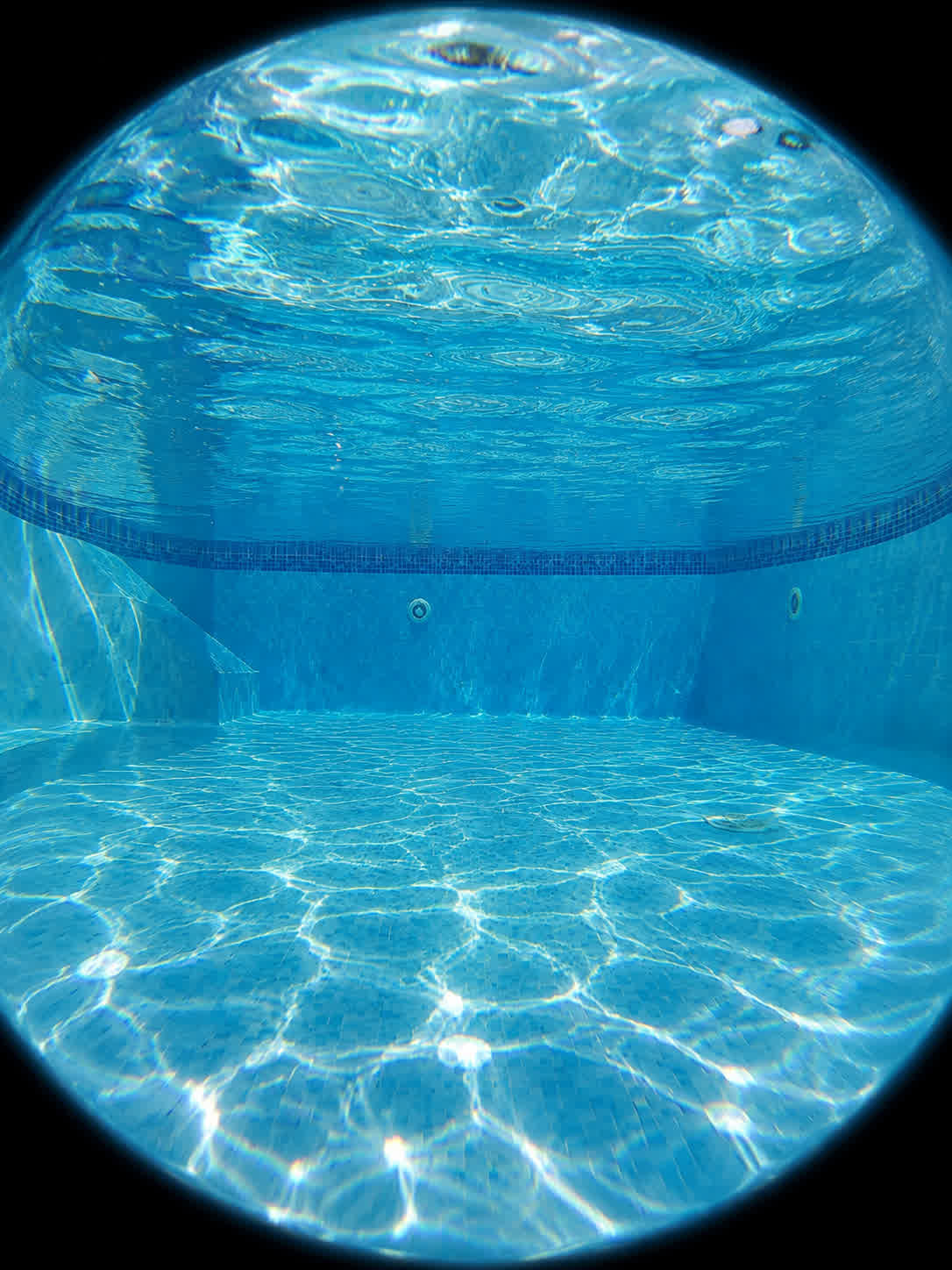
The original photo gives the transformation its subject, setting, and composition. Cavro applies the fisheye treatment around that reference so your action shot, portrait, or scene remains the focus.
Try Cavro freeIt is an AI photo effect that transforms a reference image into a realistic fisheye-style composition. The result can include spherical bulging, curved horizons, sweeping edge distortion, and a dark circular vignette.
You can use it with portraits, social media images, skateboarding and action photos, landscapes, and architecture. A clear reference photo gives Cavro useful visual information for shaping the effect.
Yes. Describe whether you want a restrained wide-angle treatment or a pronounced spherical effect, then refine the image in the same conversation if the intensity needs adjusting.
The effect is designed around fisheye optics rather than a simple generic stretch. It can combine curved horizons, rounded perspective, edge expansion, and circular vignetting for a more camera-like result.
Results are billed per credit, and there is no mandatory subscription. Images and video use the same credit balance in Cavro.
Creators worldwide are turning “just an idea” into expensive-looking images.