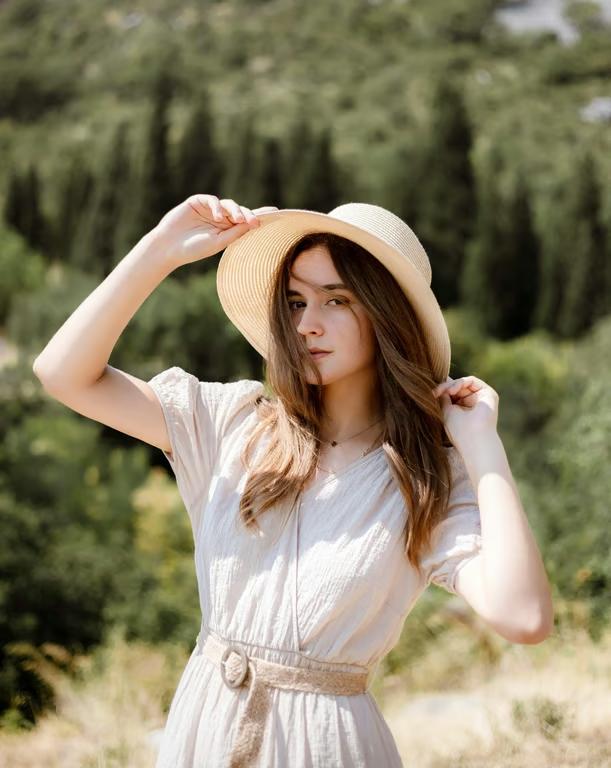
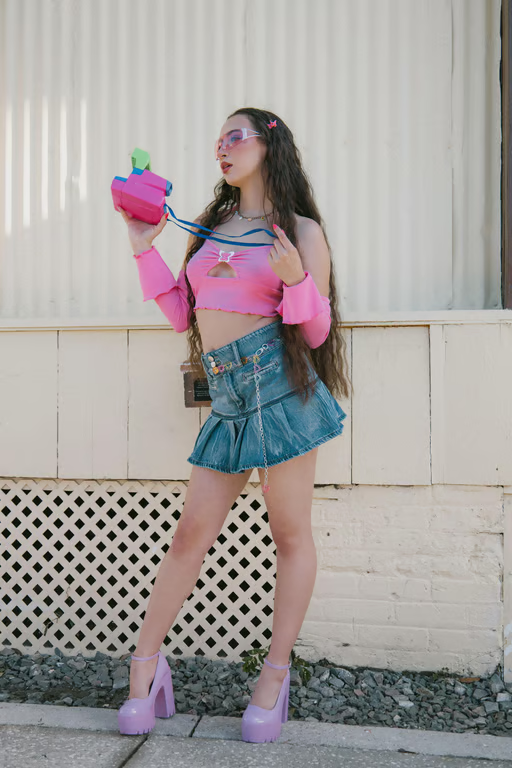
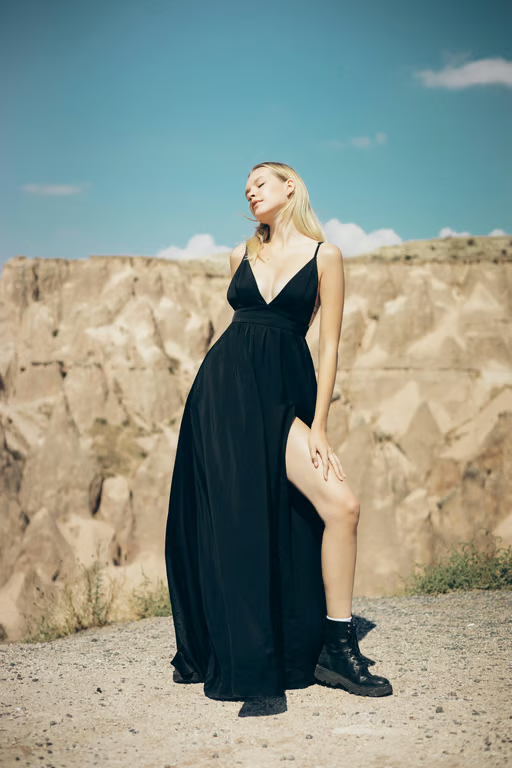
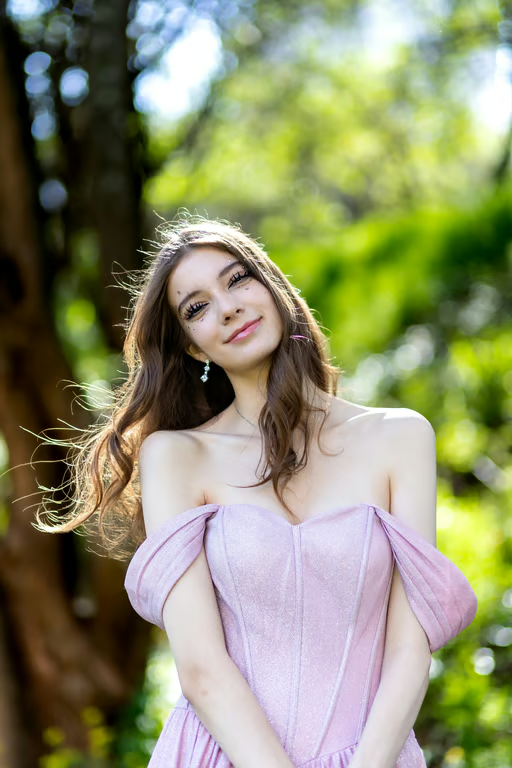
Photo Reference
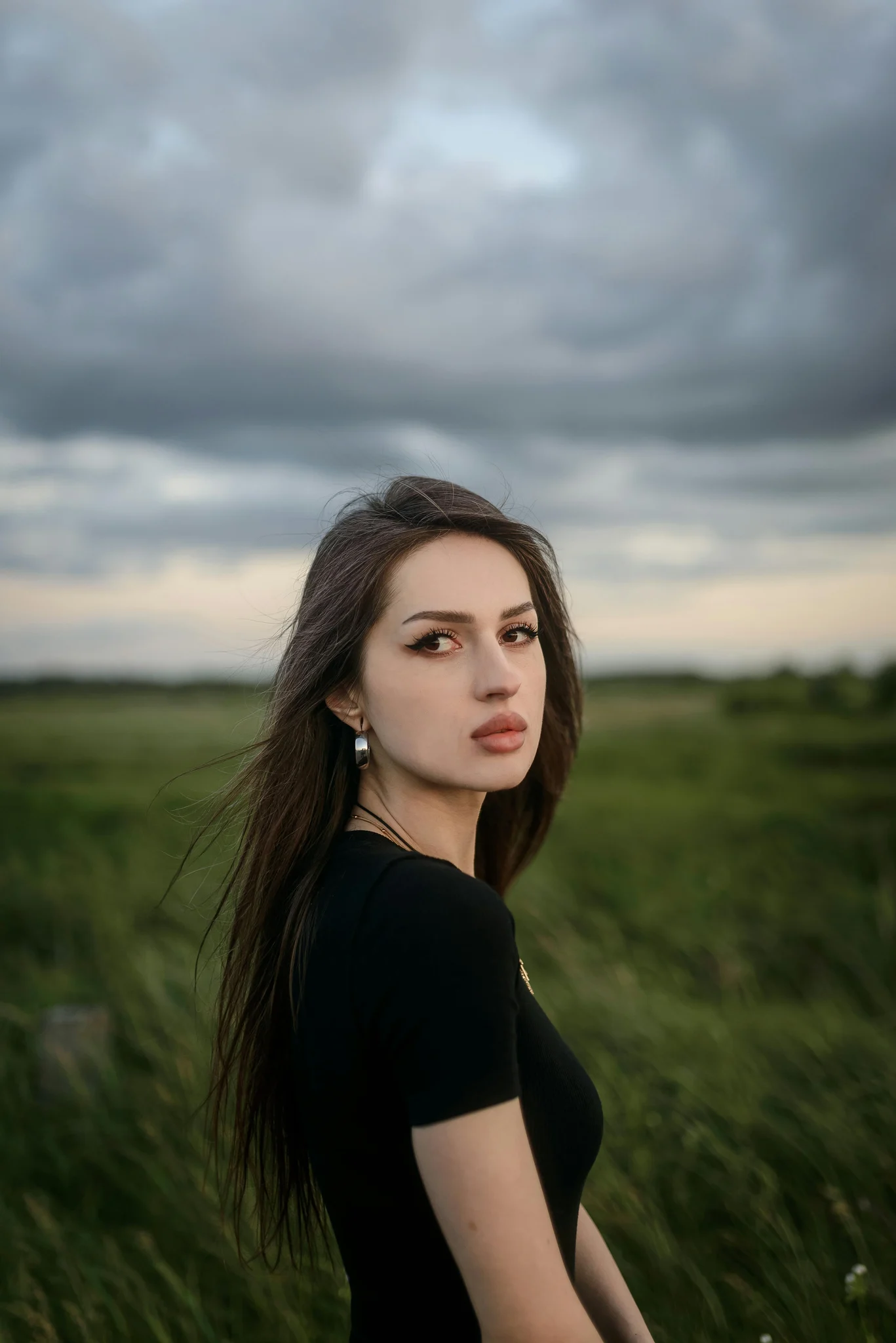
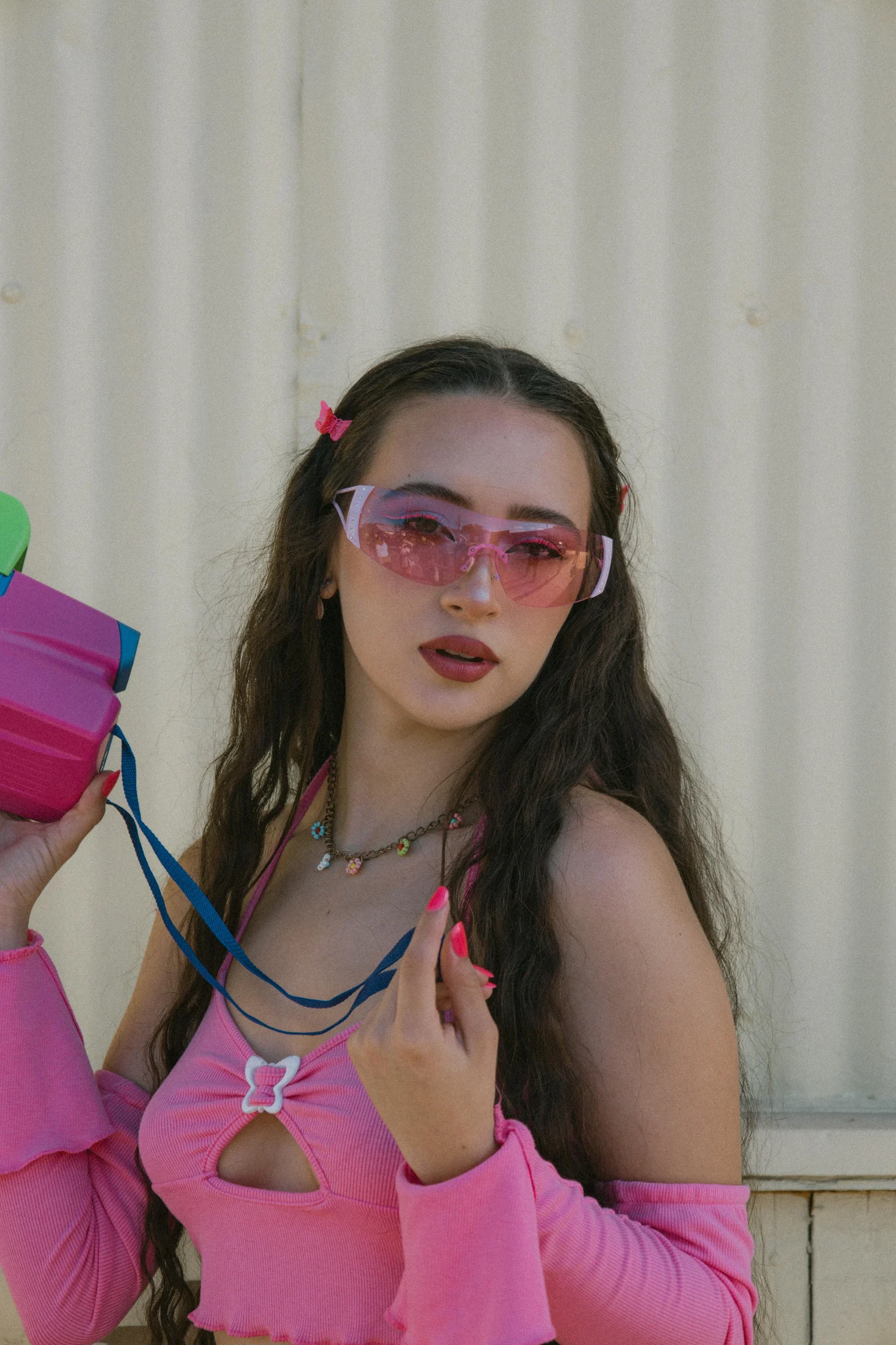
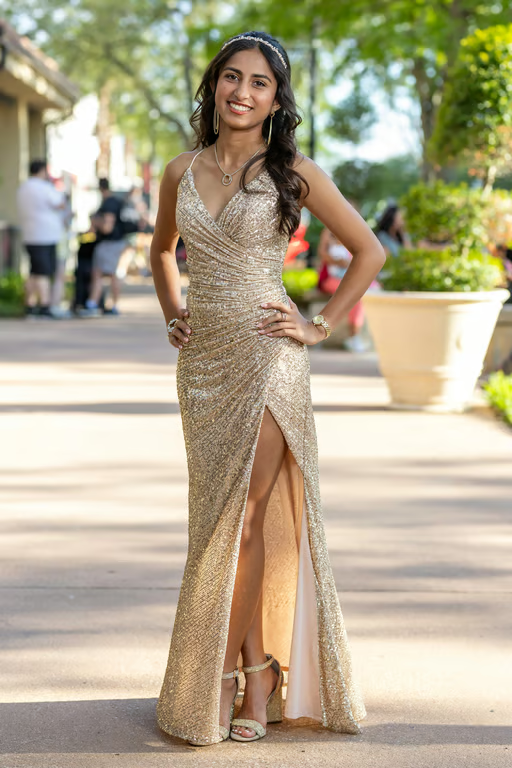
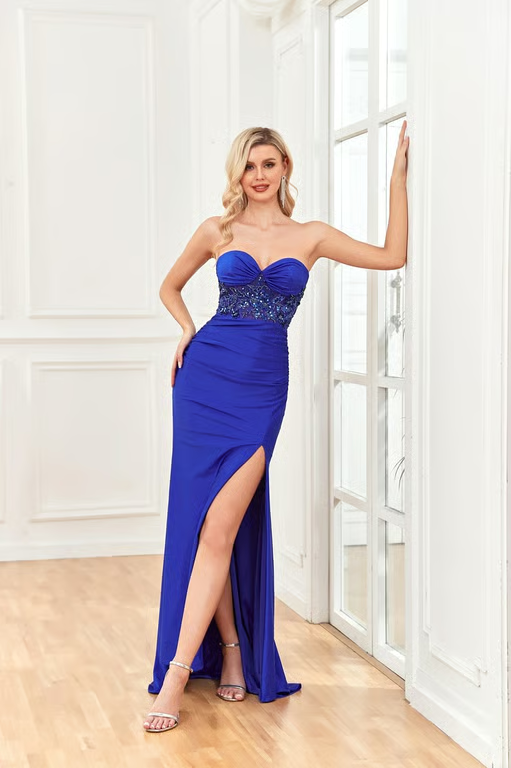
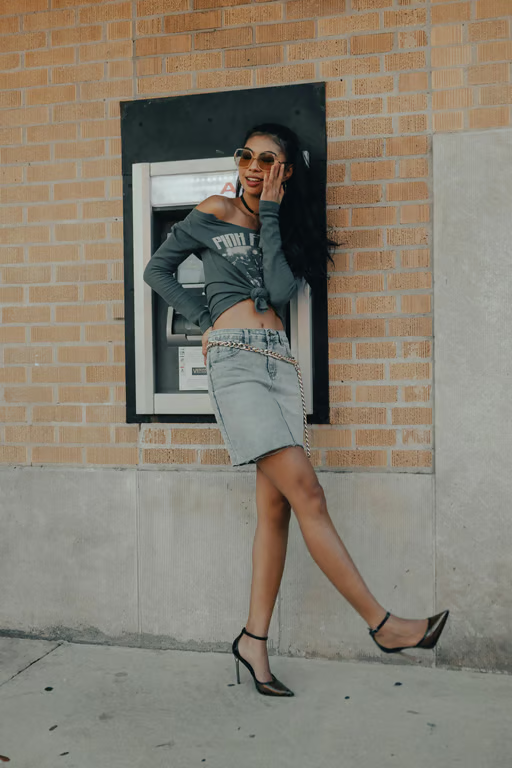
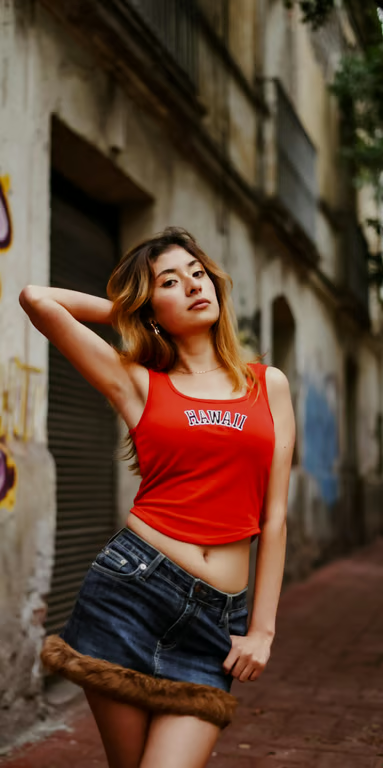
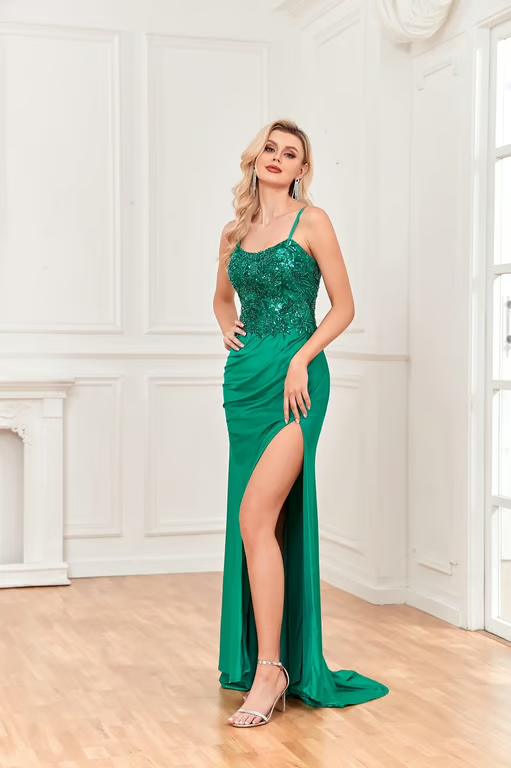
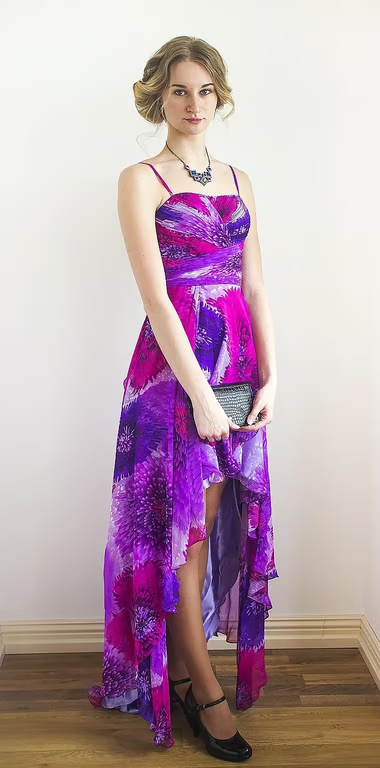
Use an uploaded photo as the visual starting point for an AI filter.
Turn one photo into a fresh visual style.
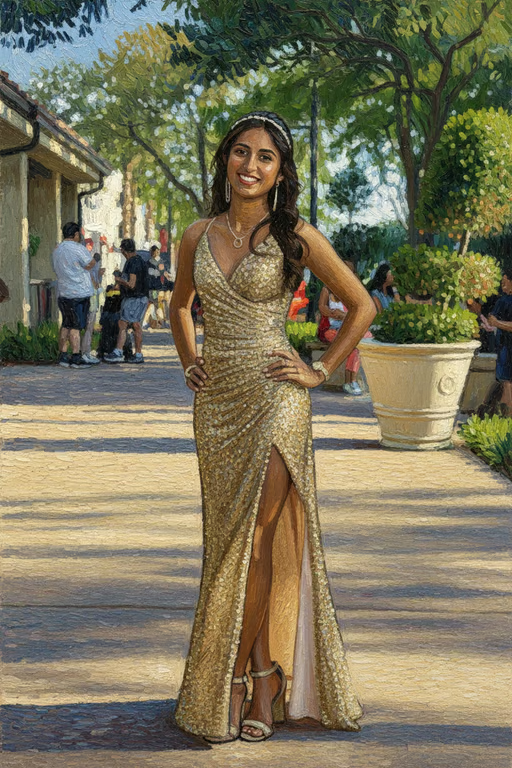
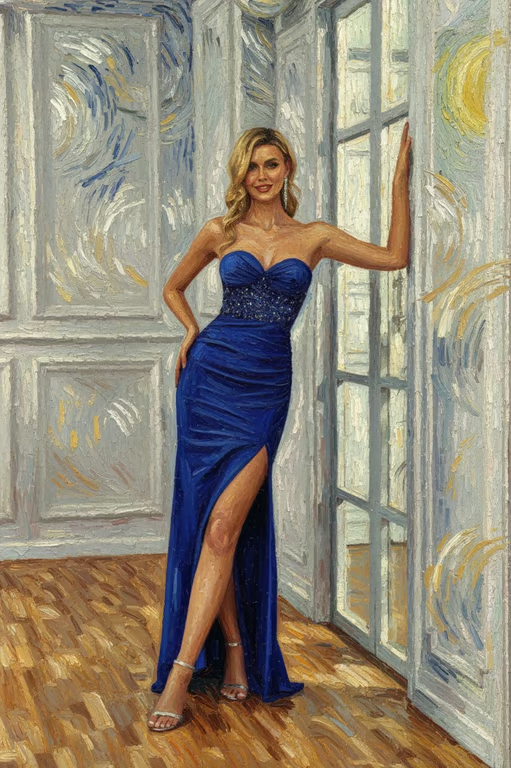
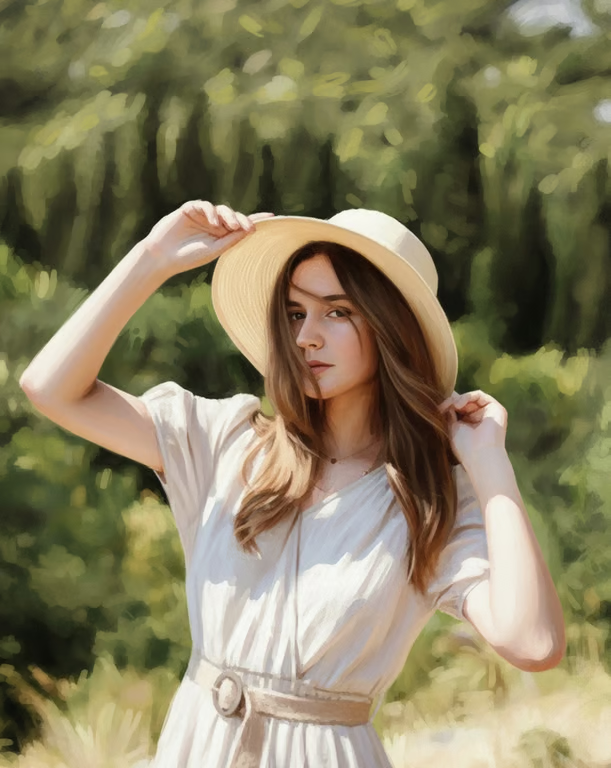
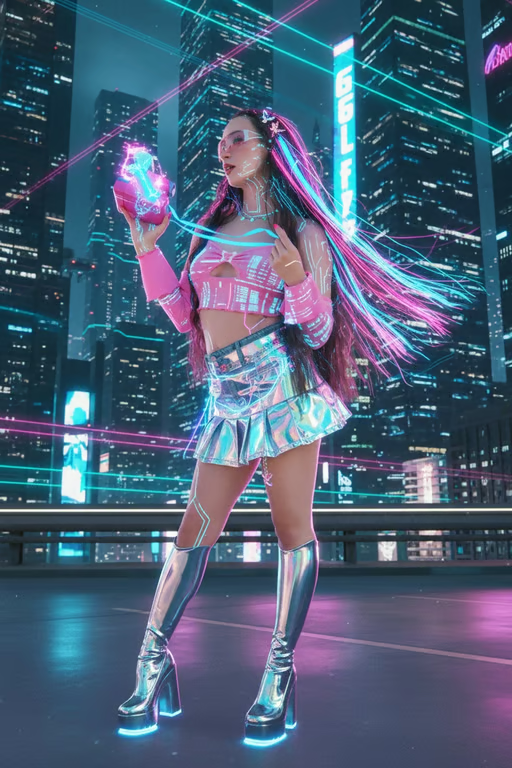
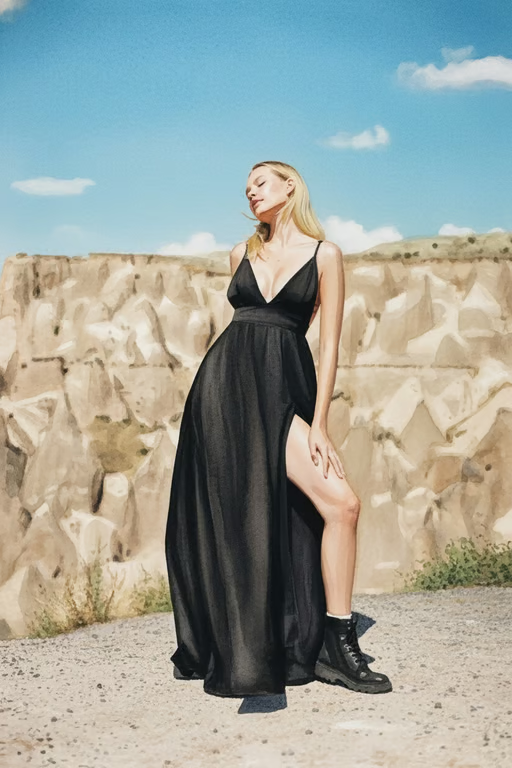
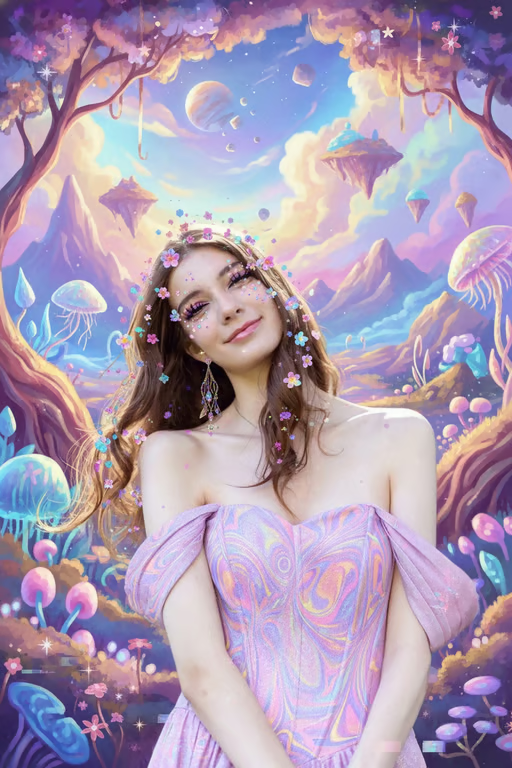
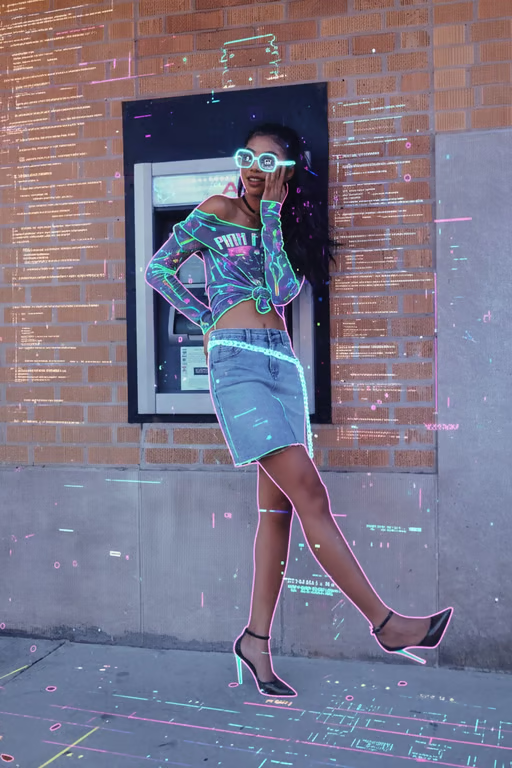
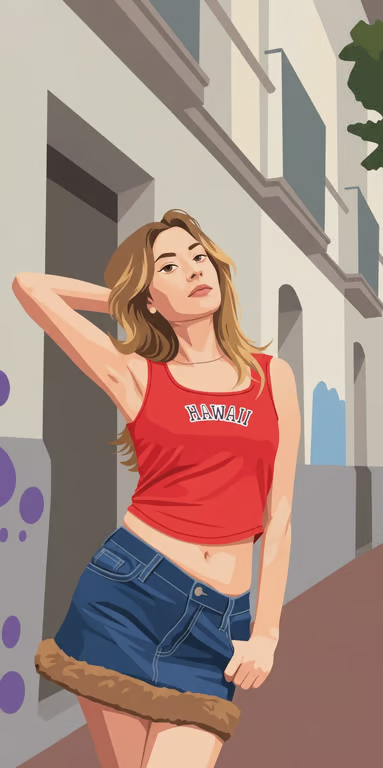
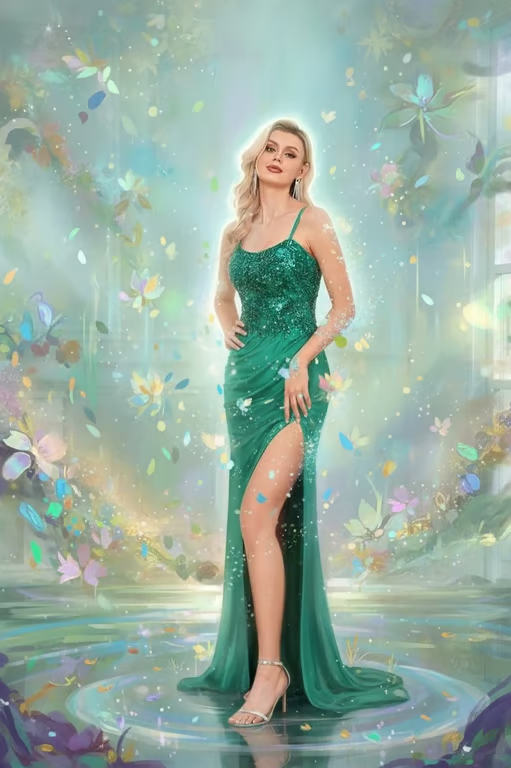
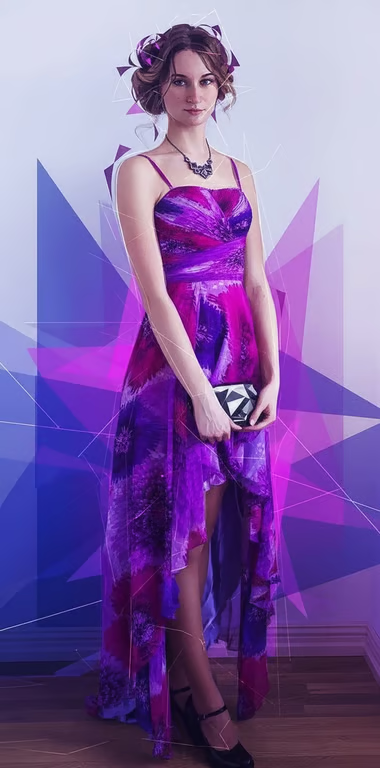
Use an uploaded photo as the visual starting point for an AI filter.
Describe a portrait, art, lighting, or color treatment in your own words.
Put specific visual changes such as glow, monochrome, or illustration into the prompt.
Generate another filtered image in the same conversation when the first attempt needs a change.
Create a new visual direction from an existing reference photo instead of arranging another shoot.
Try artistic, cinematic, illustrated, and color treatments by describing the change you want.
Adjust the filter and generate again until the image matches your intended mood.
Create a new visual direction from an existing reference photo instead of arranging another shoot.
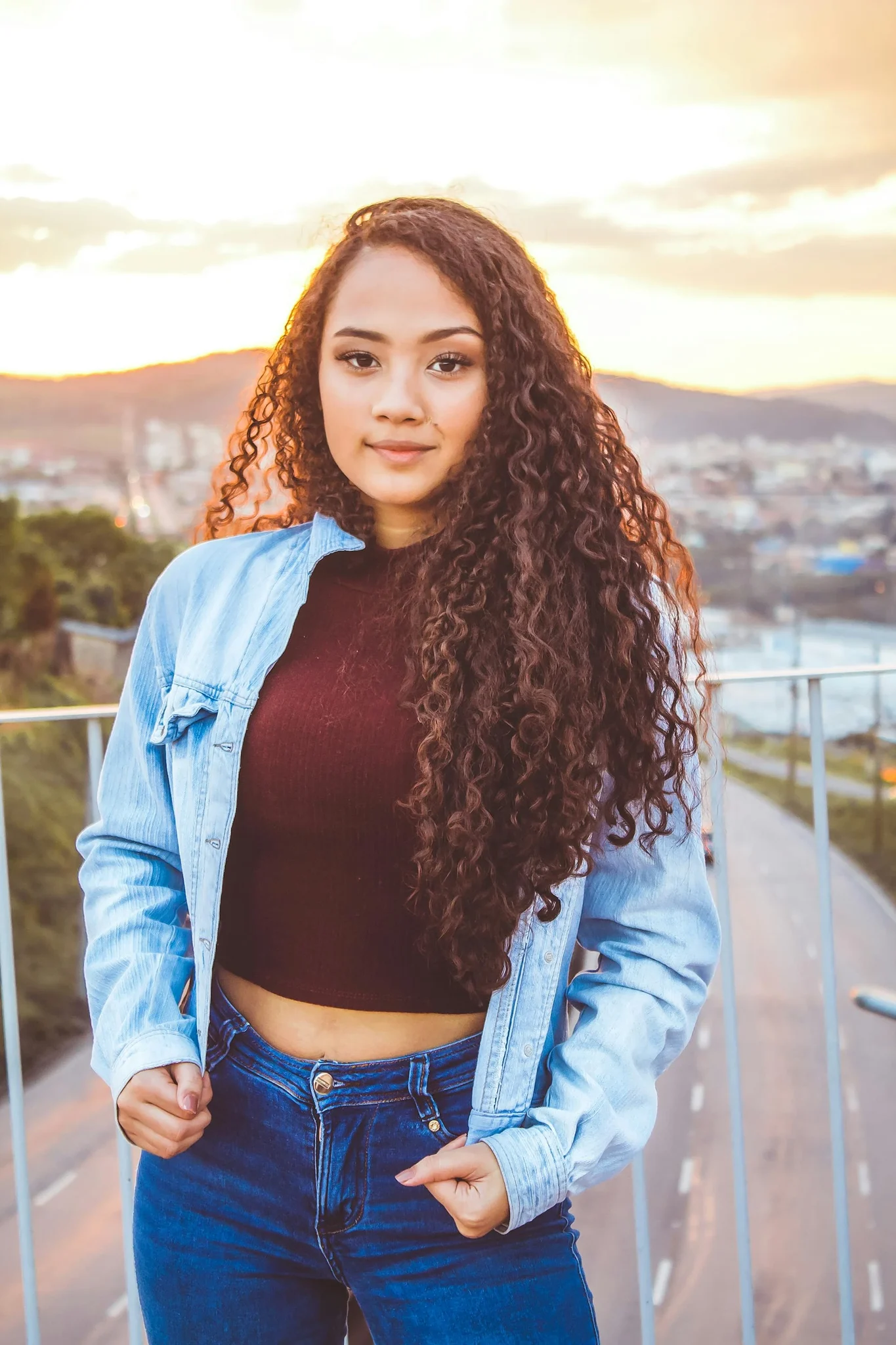
An AI filter changes the visual treatment of an image based on a written prompt, a reference photo, or both. In Cavro, you can ask for styles such as watercolor, illustration, cinematic lighting, or monochrome.
Yes. You can upload a reference photo and describe the visual change you want. The photo guides the image generated from your filter direction.
Yes. You can refine the result and generate again in the same conversation without starting over. This lets you adjust the style, lighting, color, or other requested effect.
Results are billed per credit, and there is no mandatory subscription. See pricing for current credit details.
Cavro supports both images and video from the same conversation and credit balance. This page focuses on image filter ideas, while your prompt can continue into Cavro.
Creators worldwide are turning “just an idea” into expensive-looking images.