Visualize Your Start
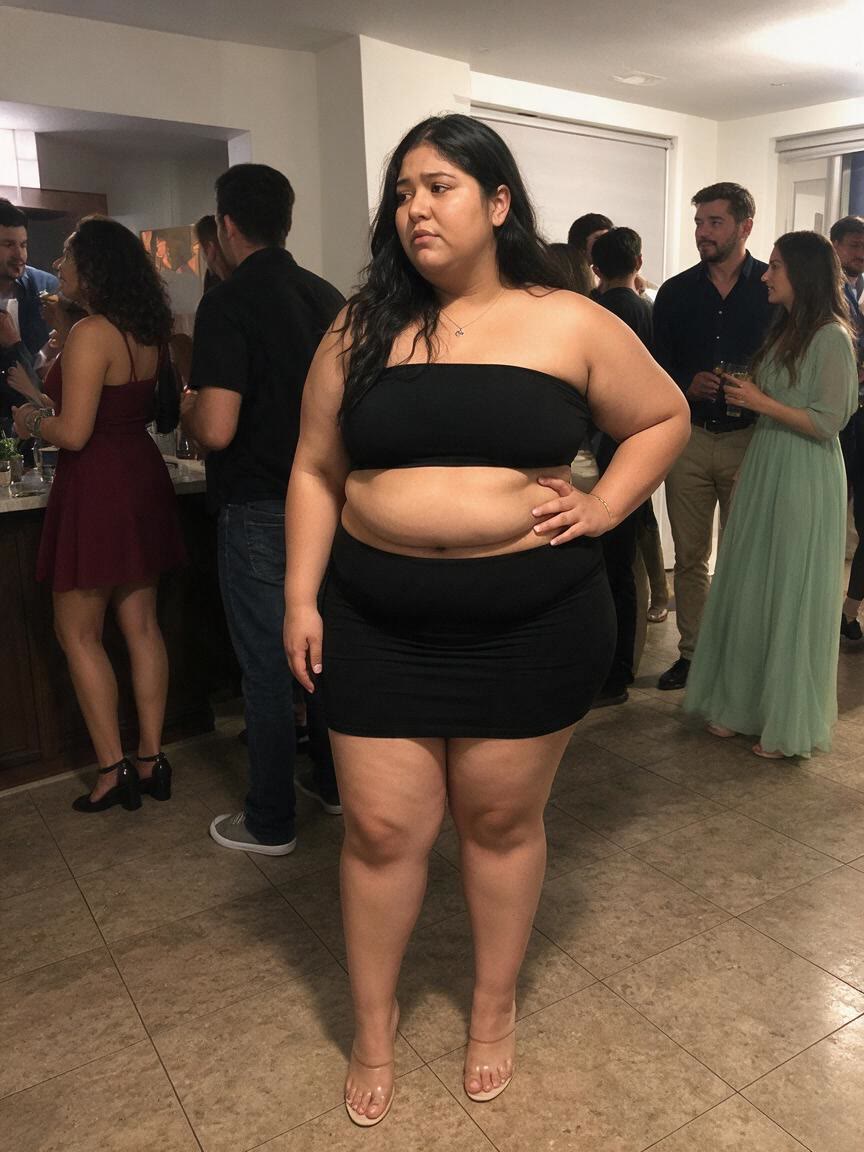
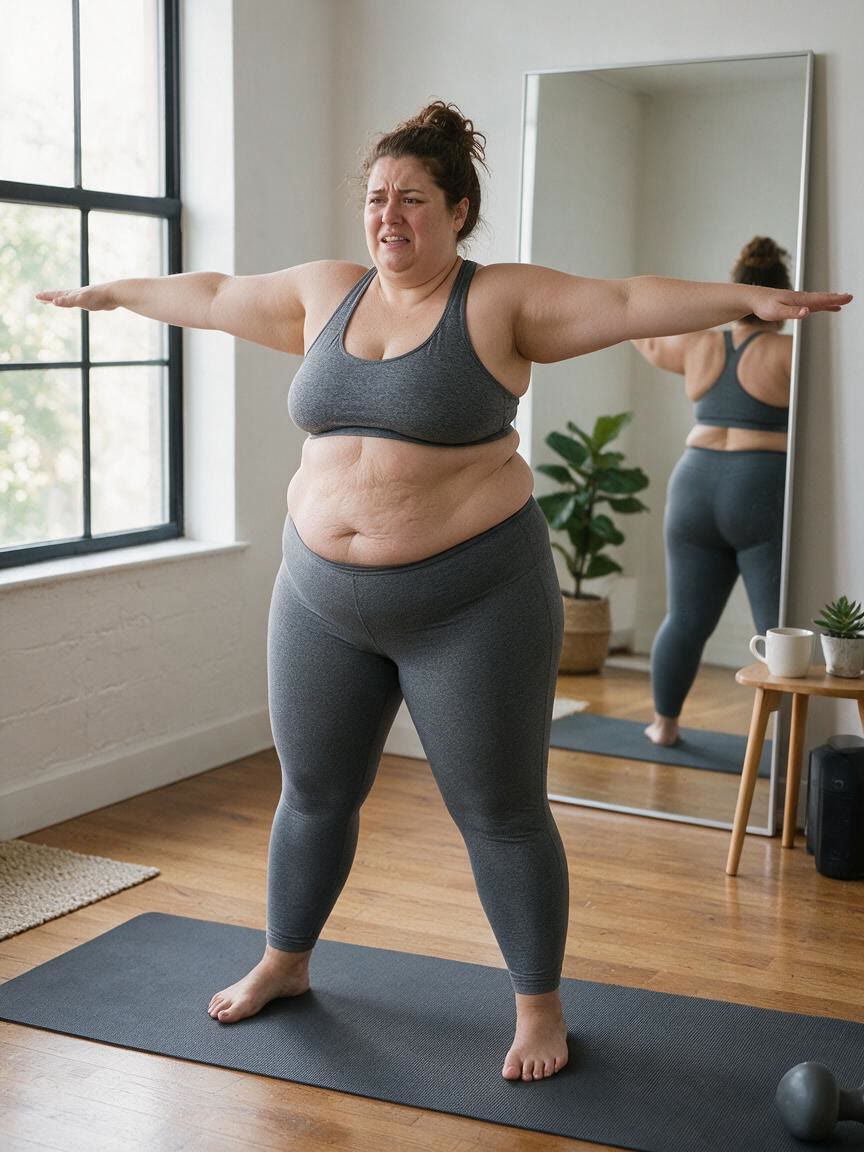
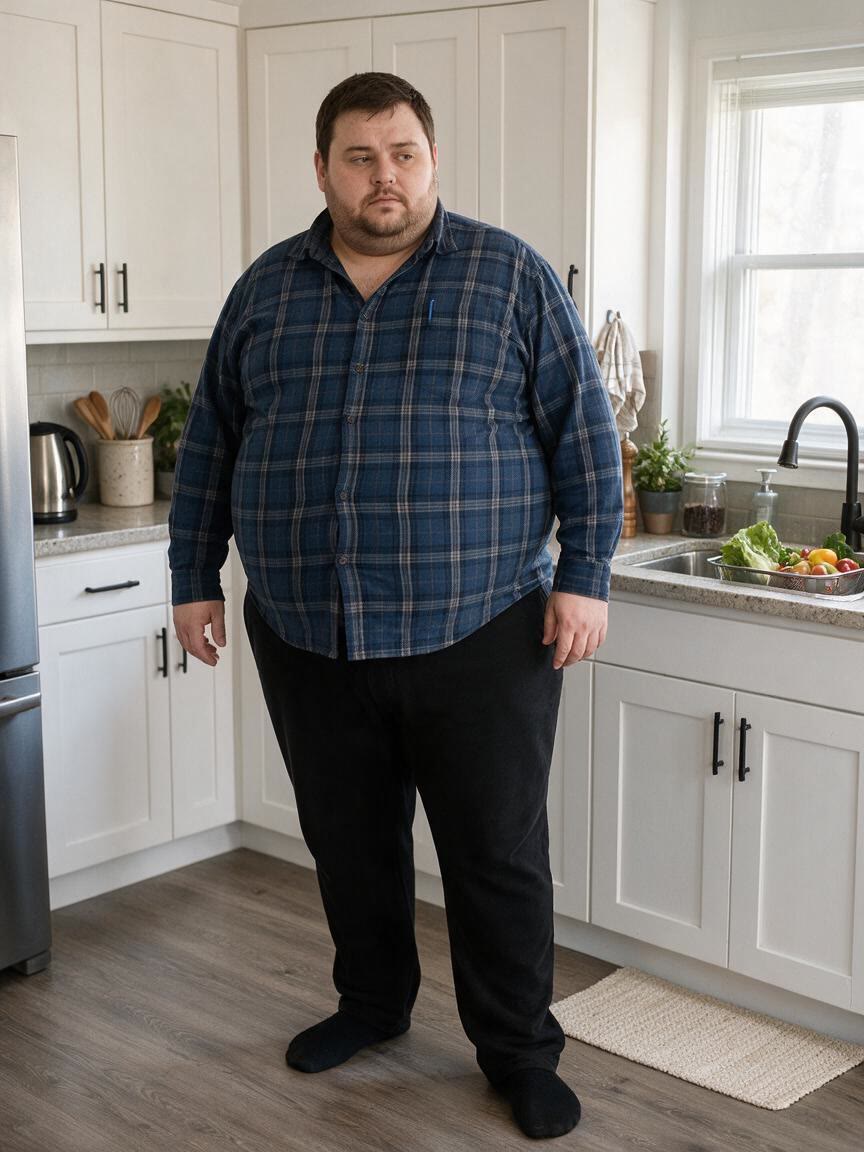
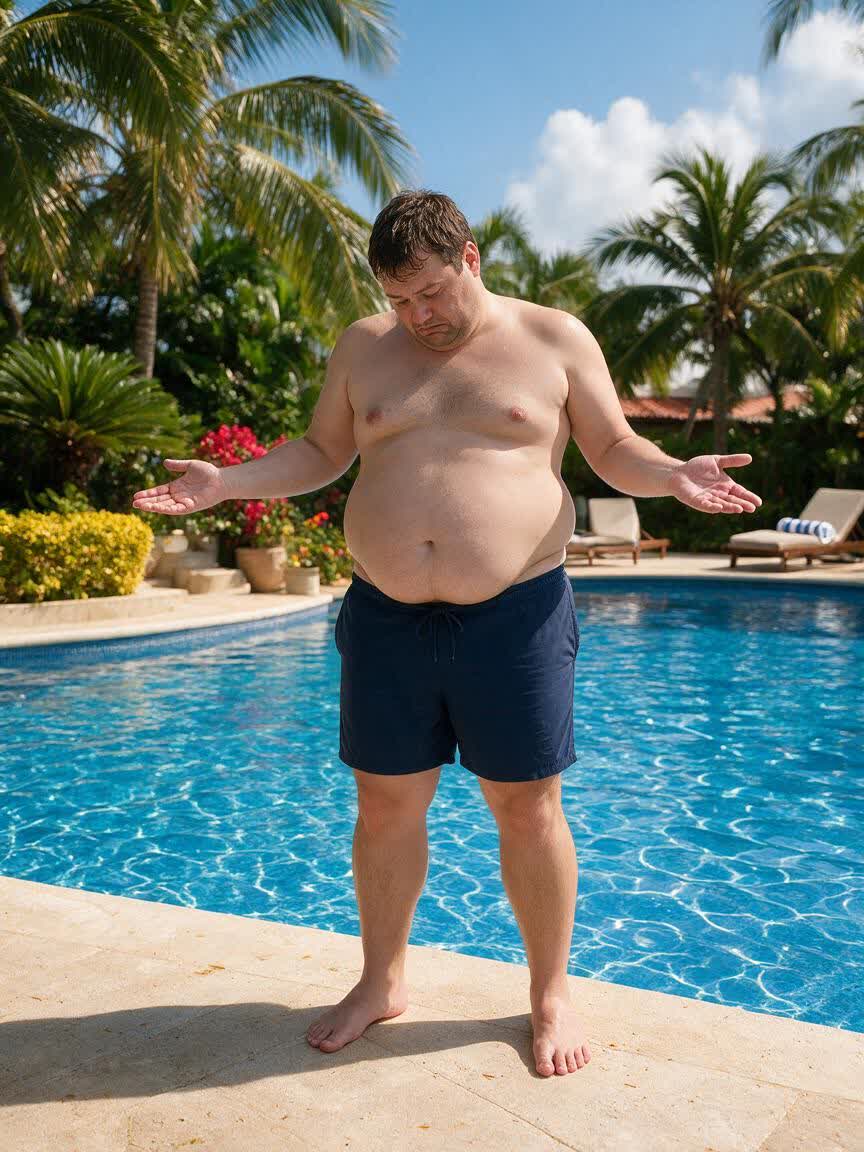
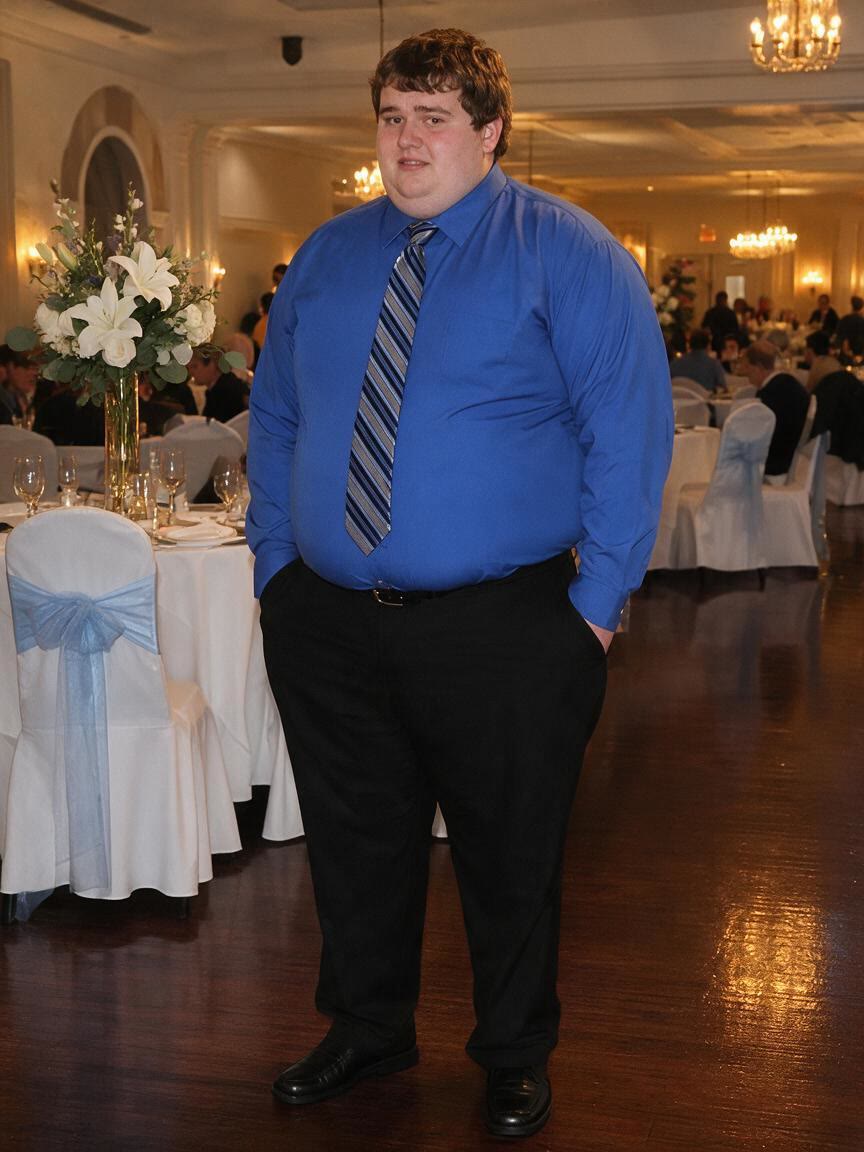
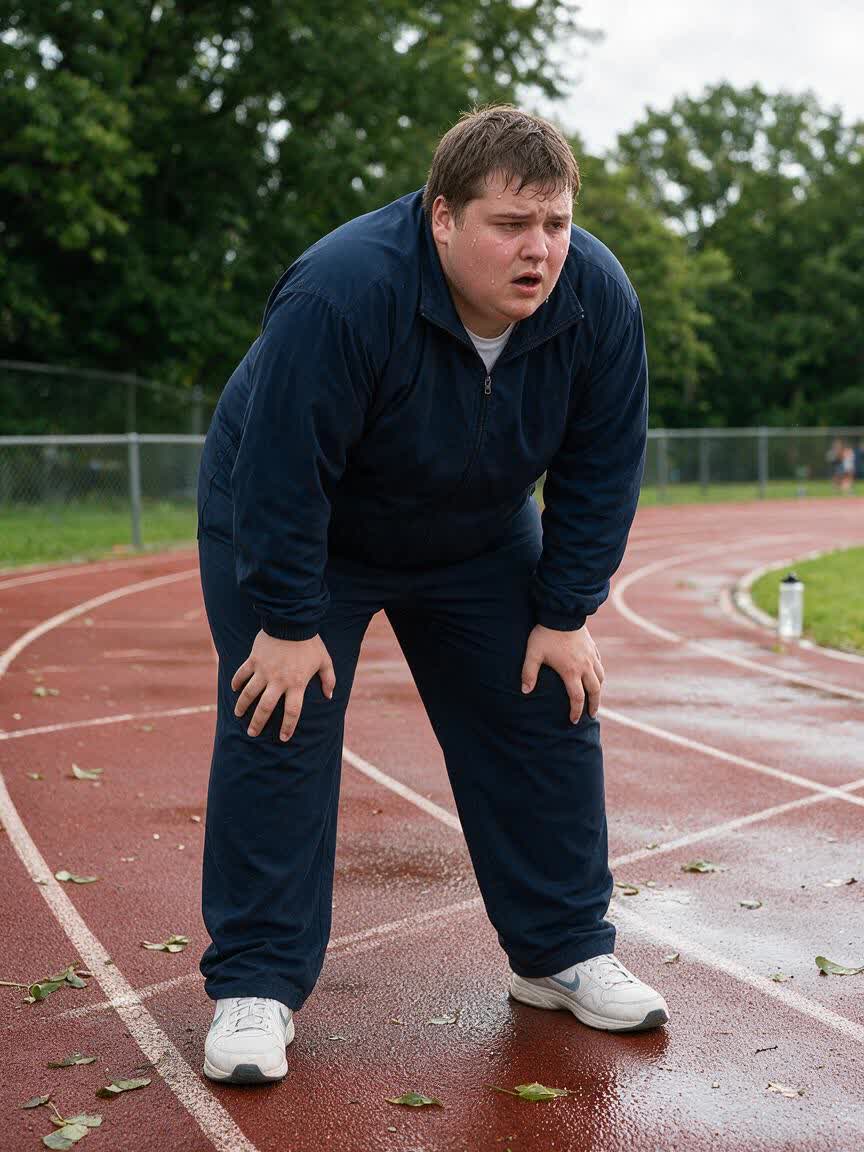
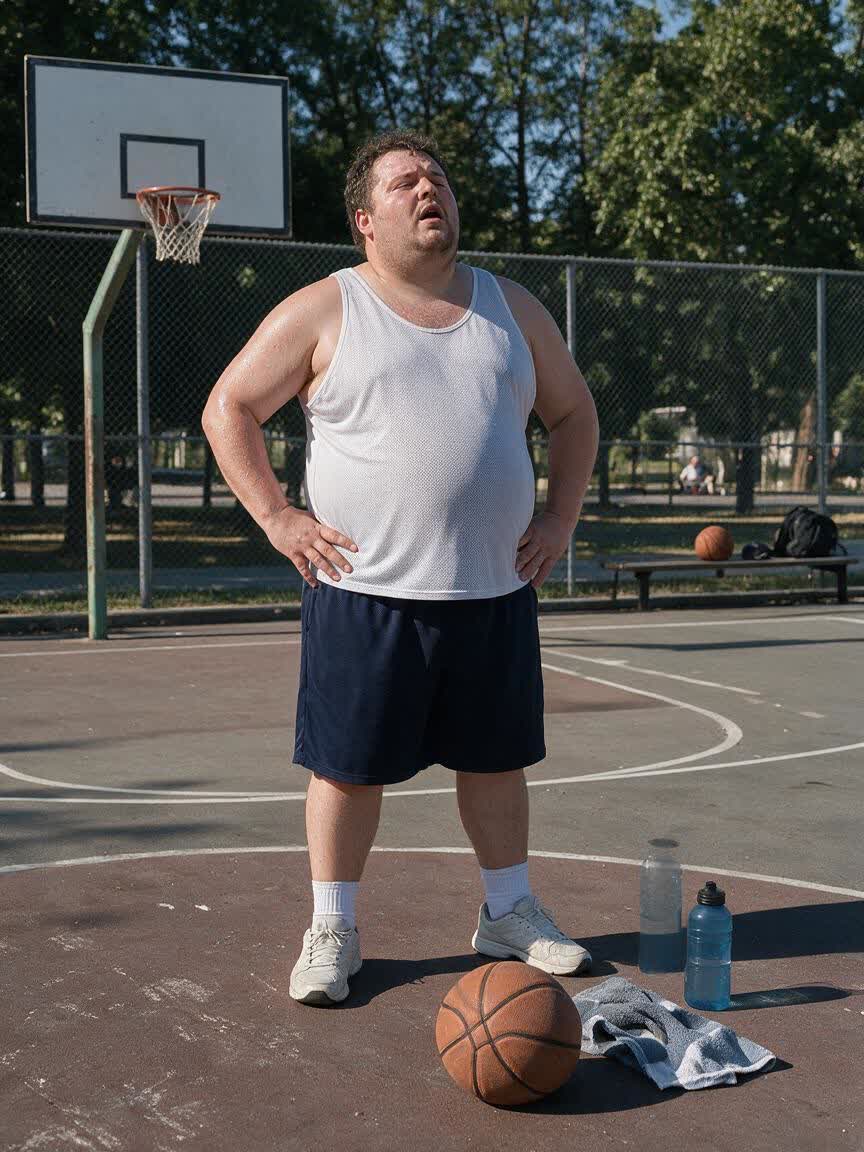
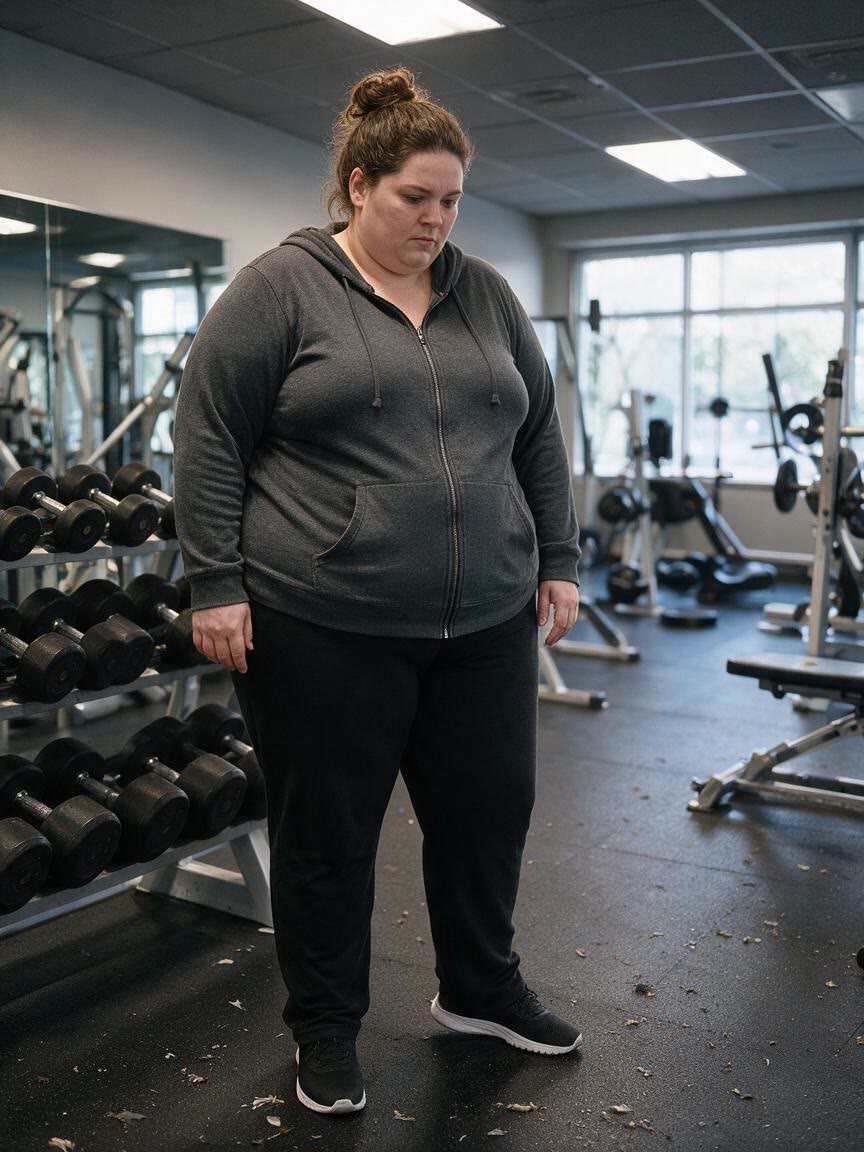
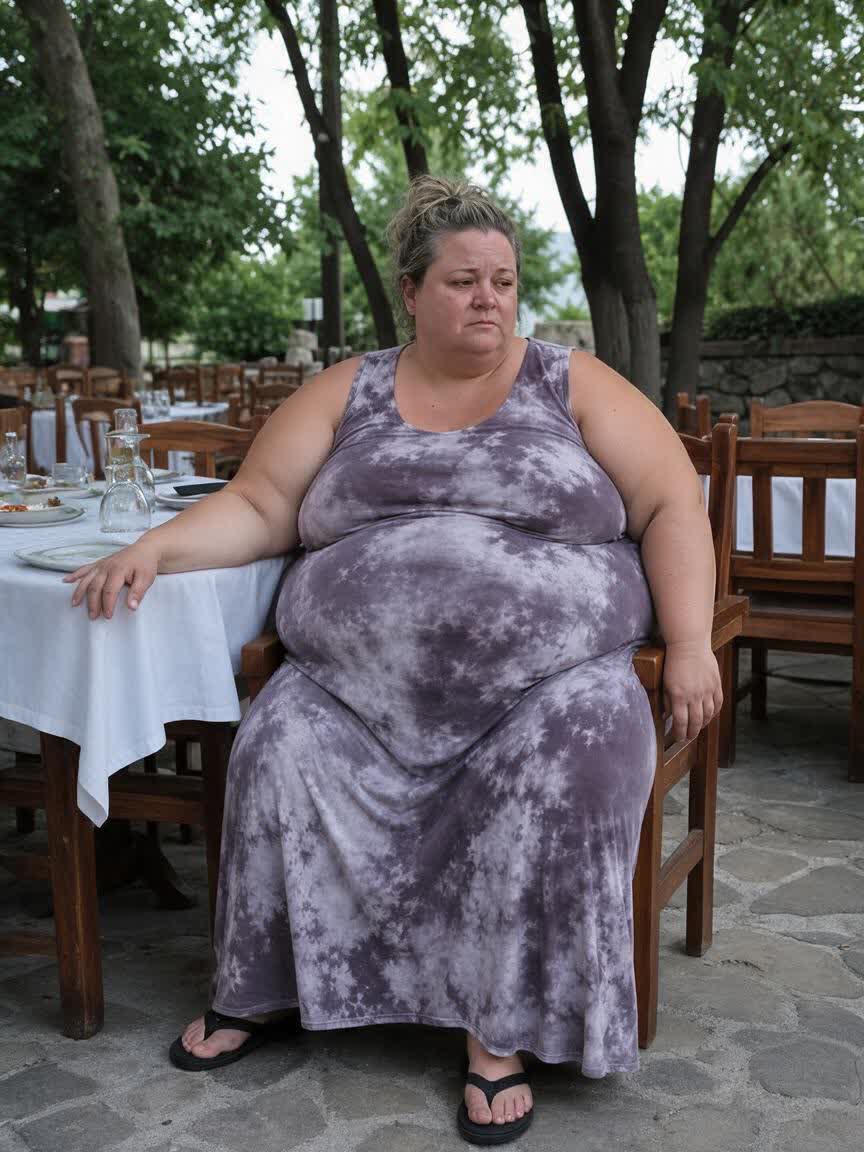
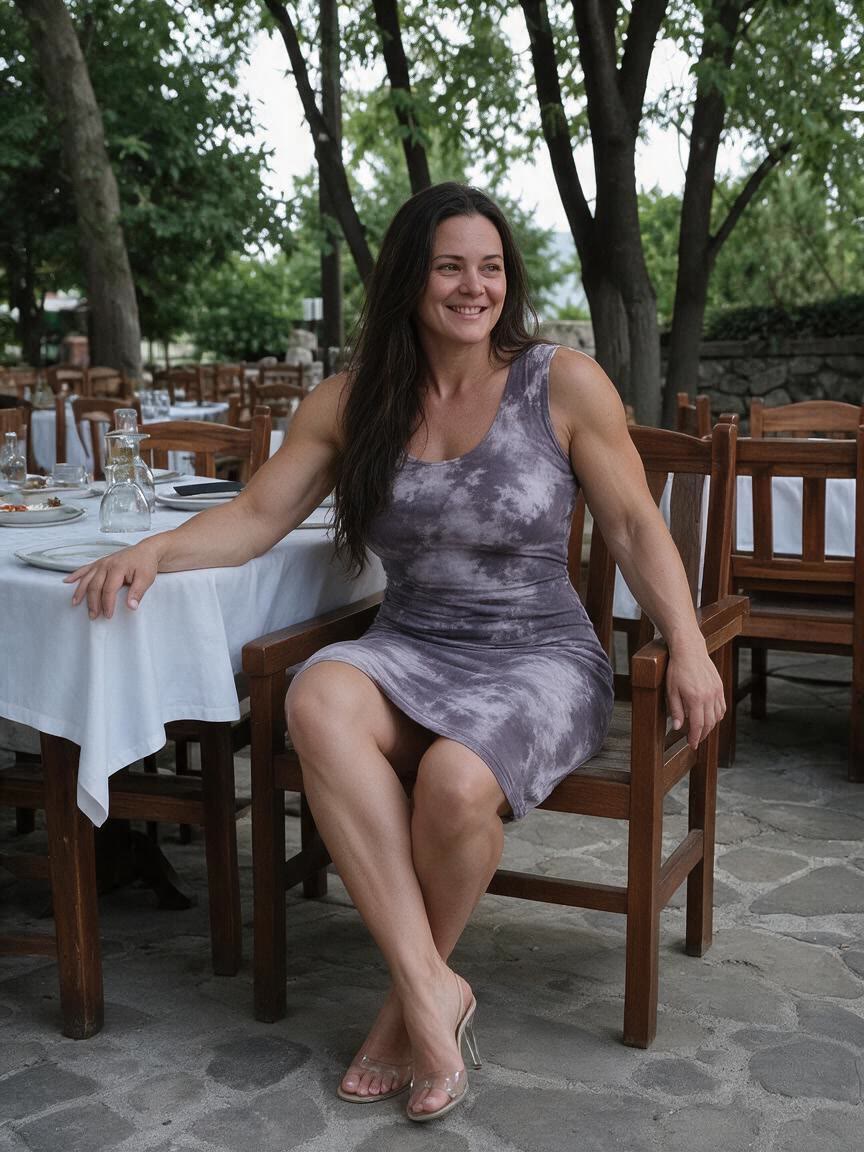
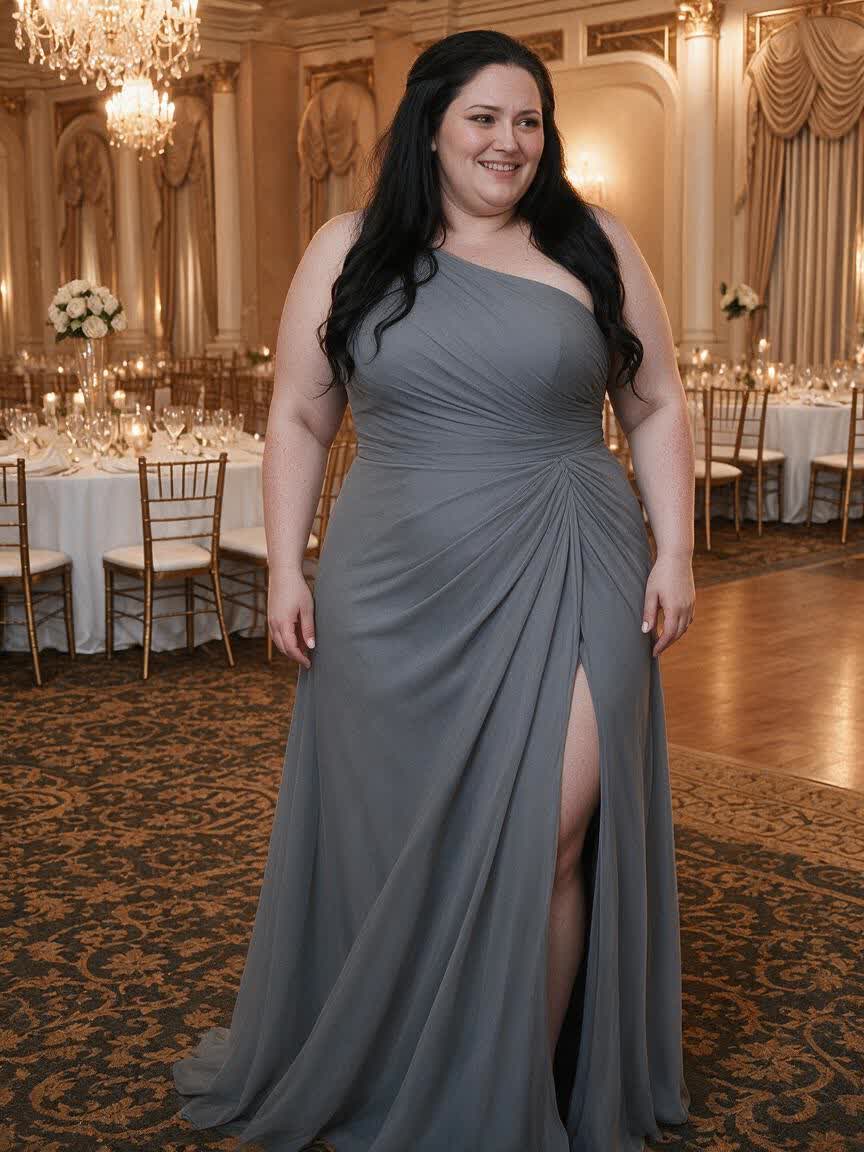
Fitness beginners can bring an everyday body photo and describe a slimmer, more toned goal. The resulting preview makes an abstract ambition feel concrete during the early stage of a new routine.
Try Cavro freePreview a slimmer waist and more defined physique from your own photo with an AI fat to fit photo editor. Create visual motivation for your fitness journey, coaching work, or fitness content.
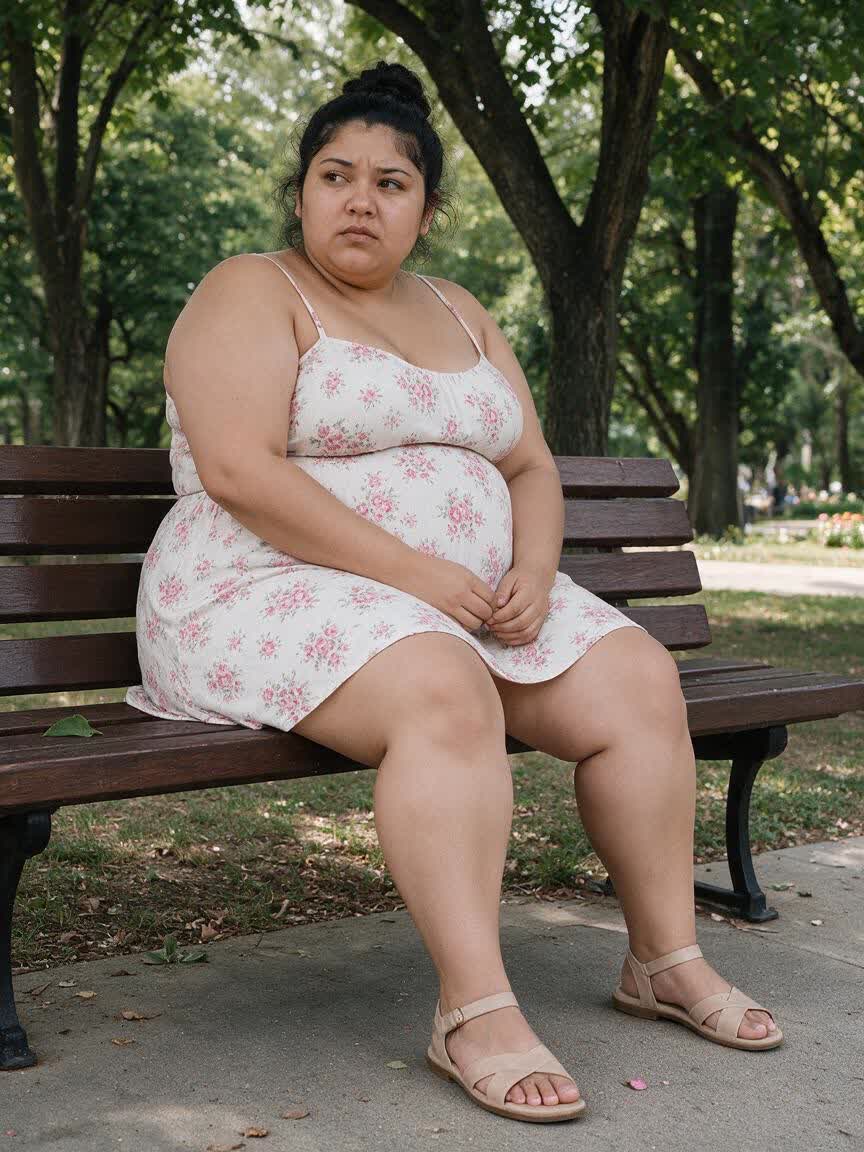
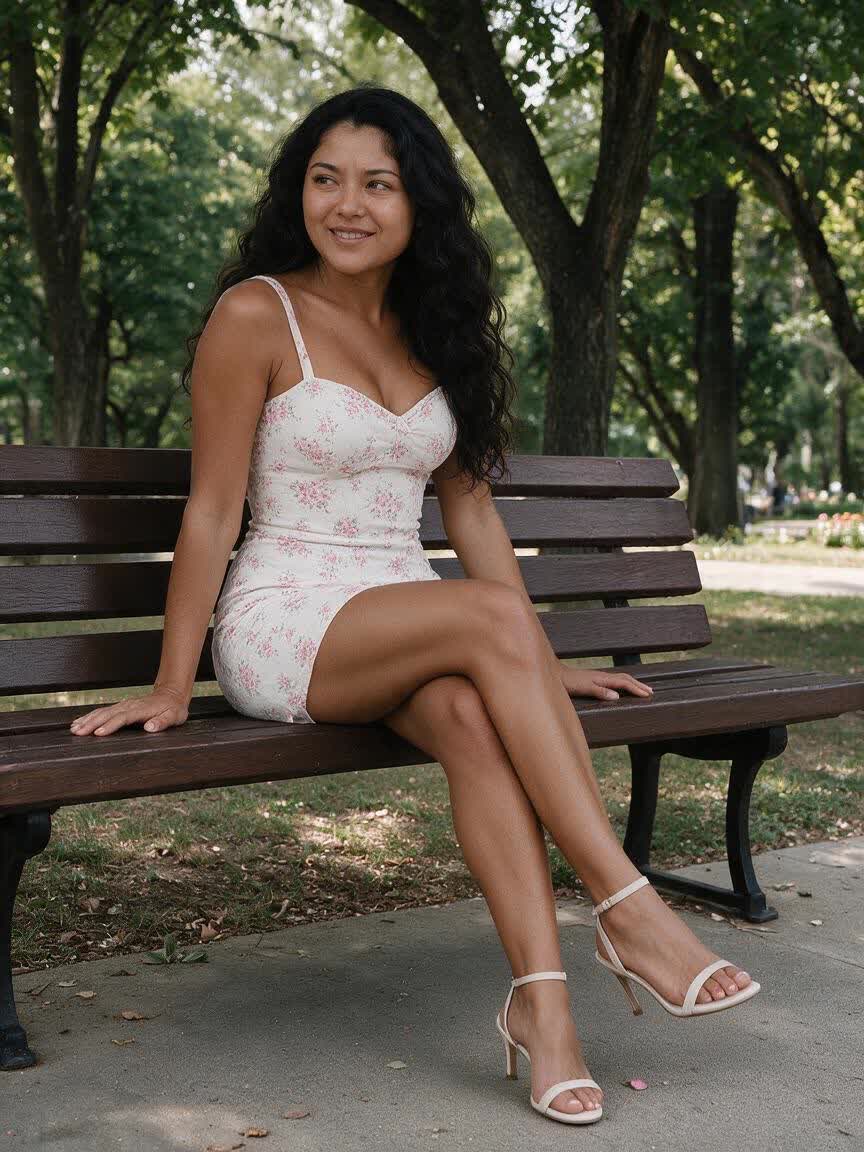
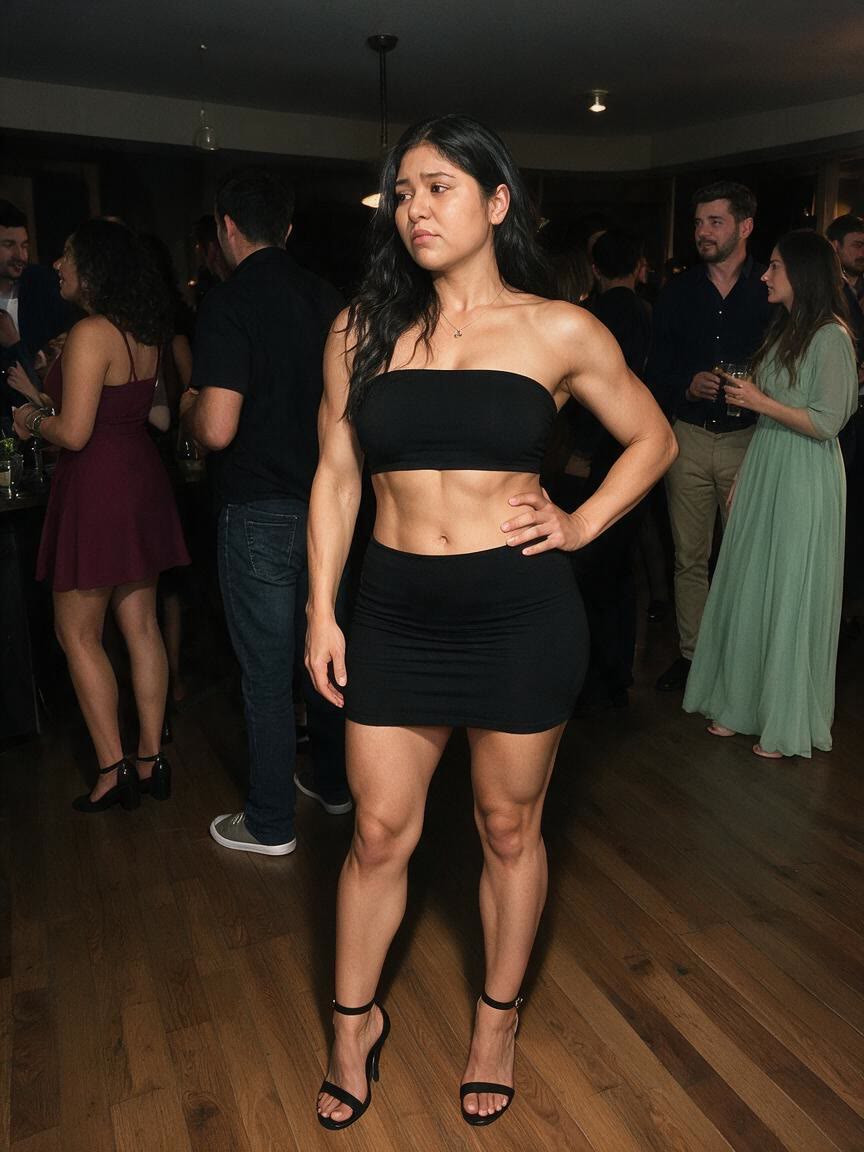
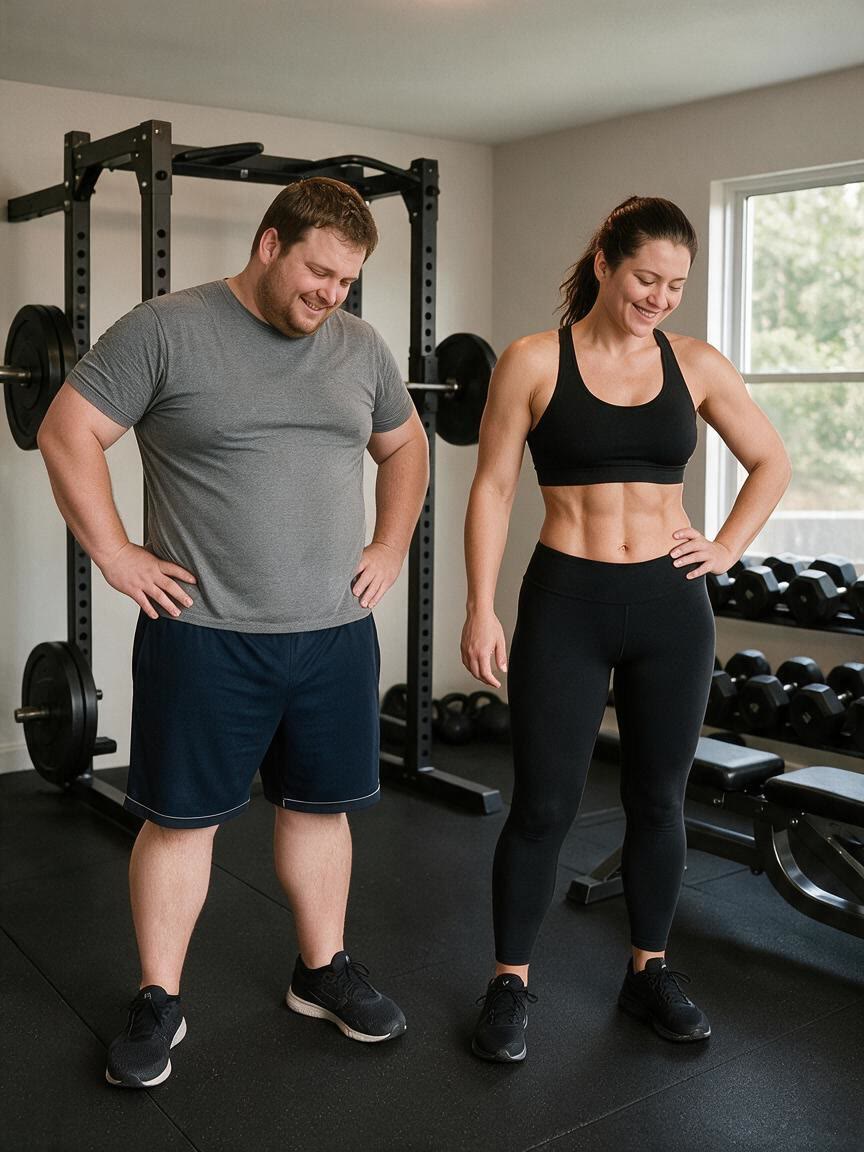
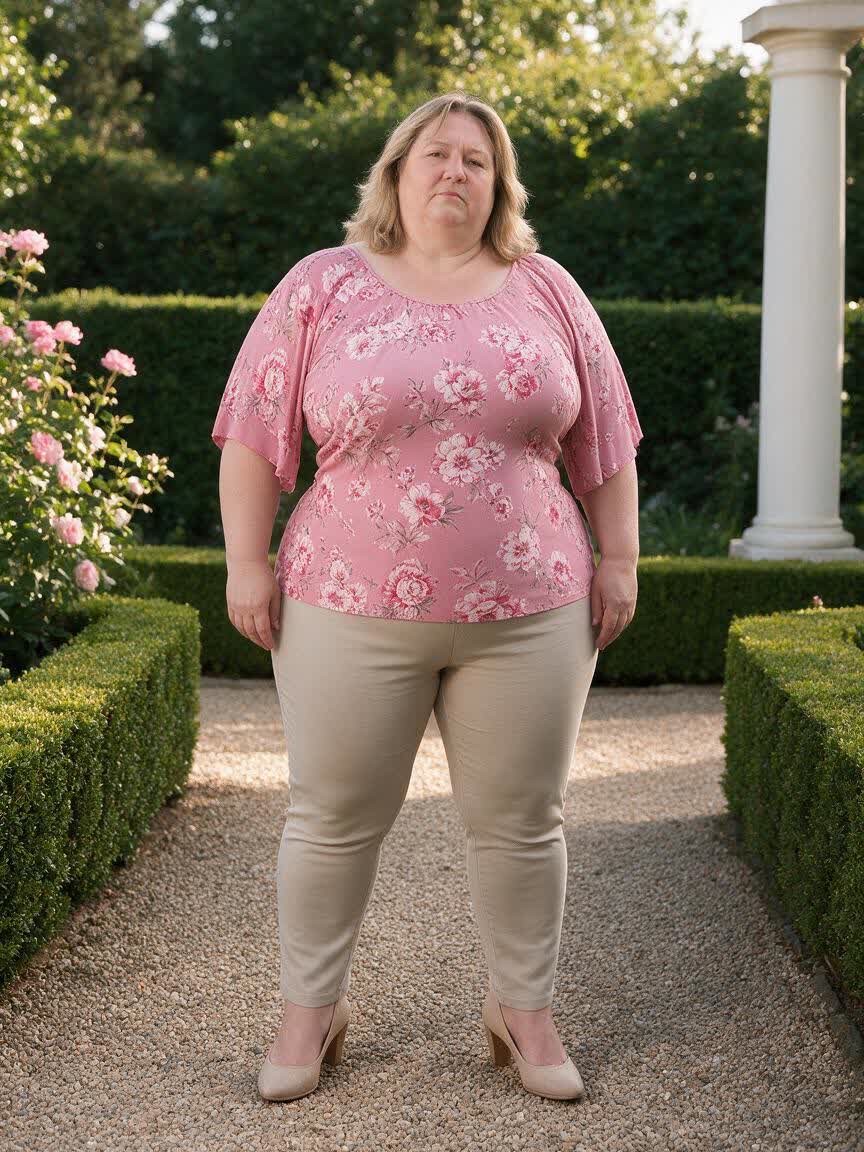
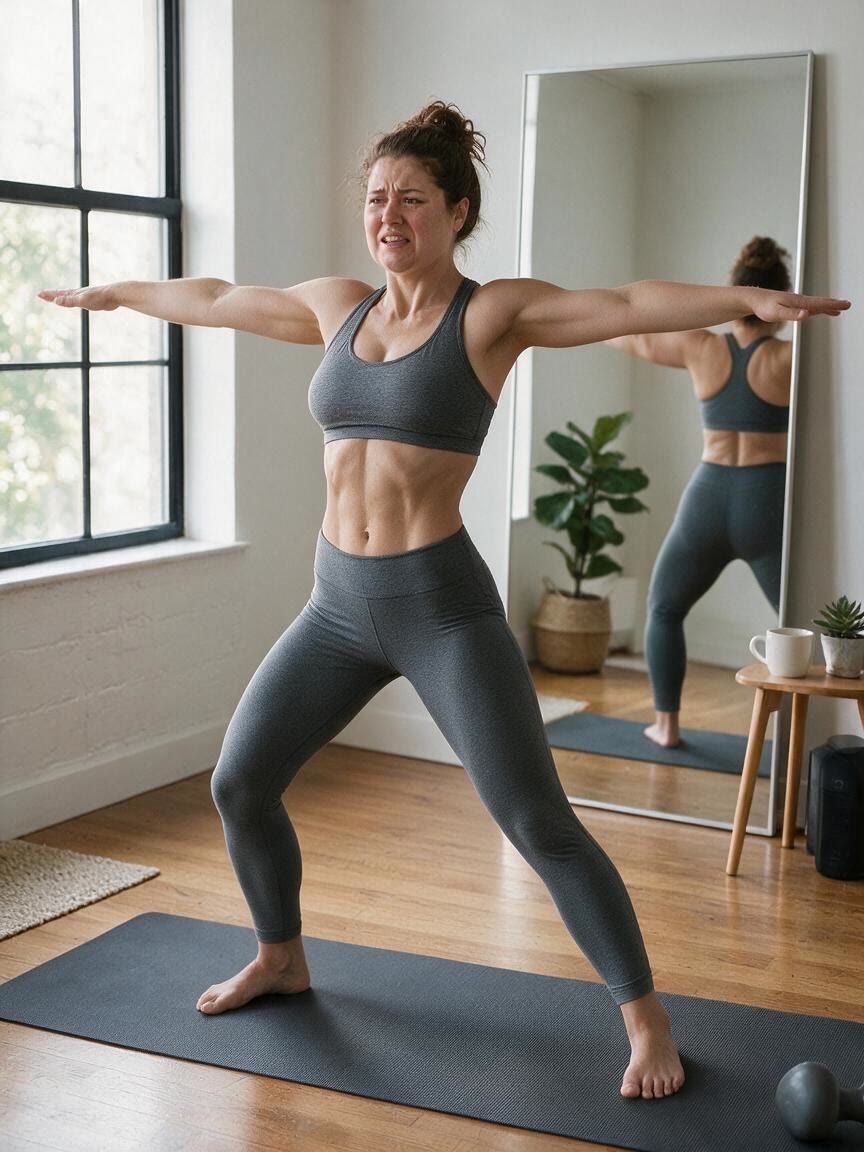
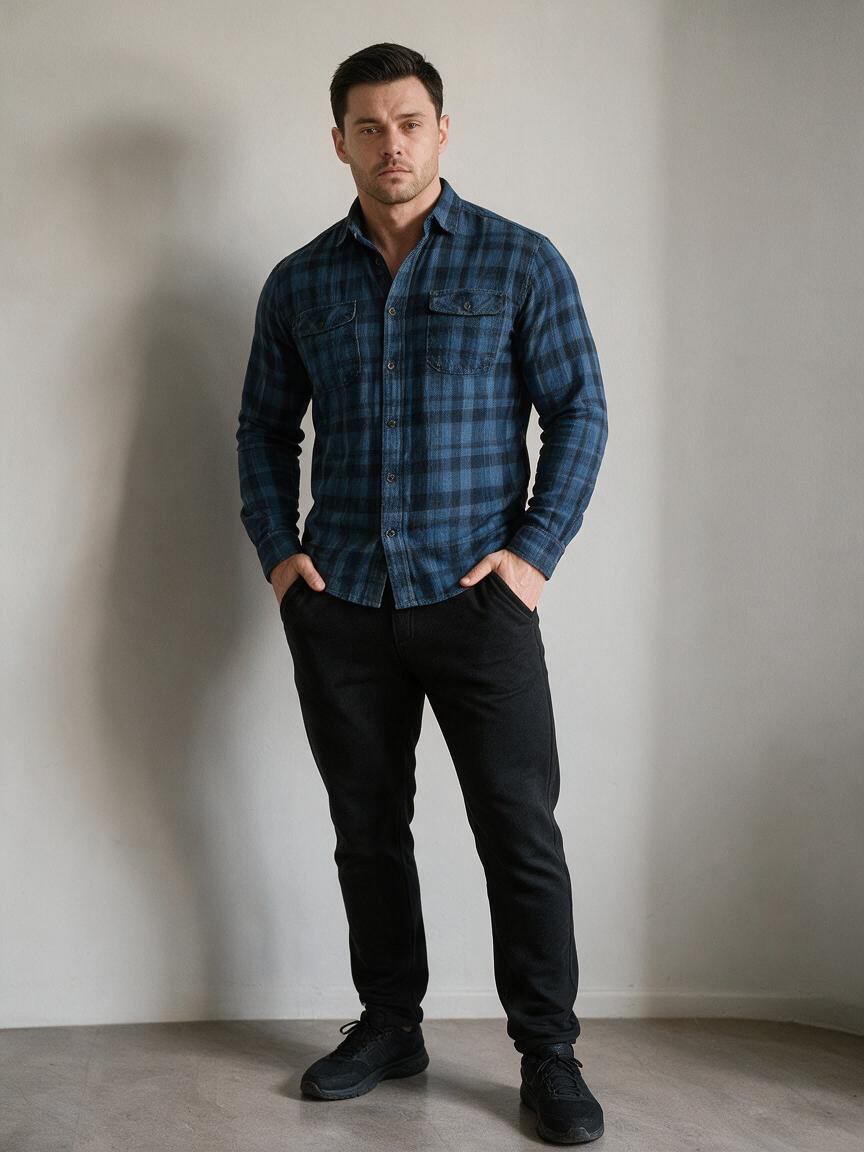
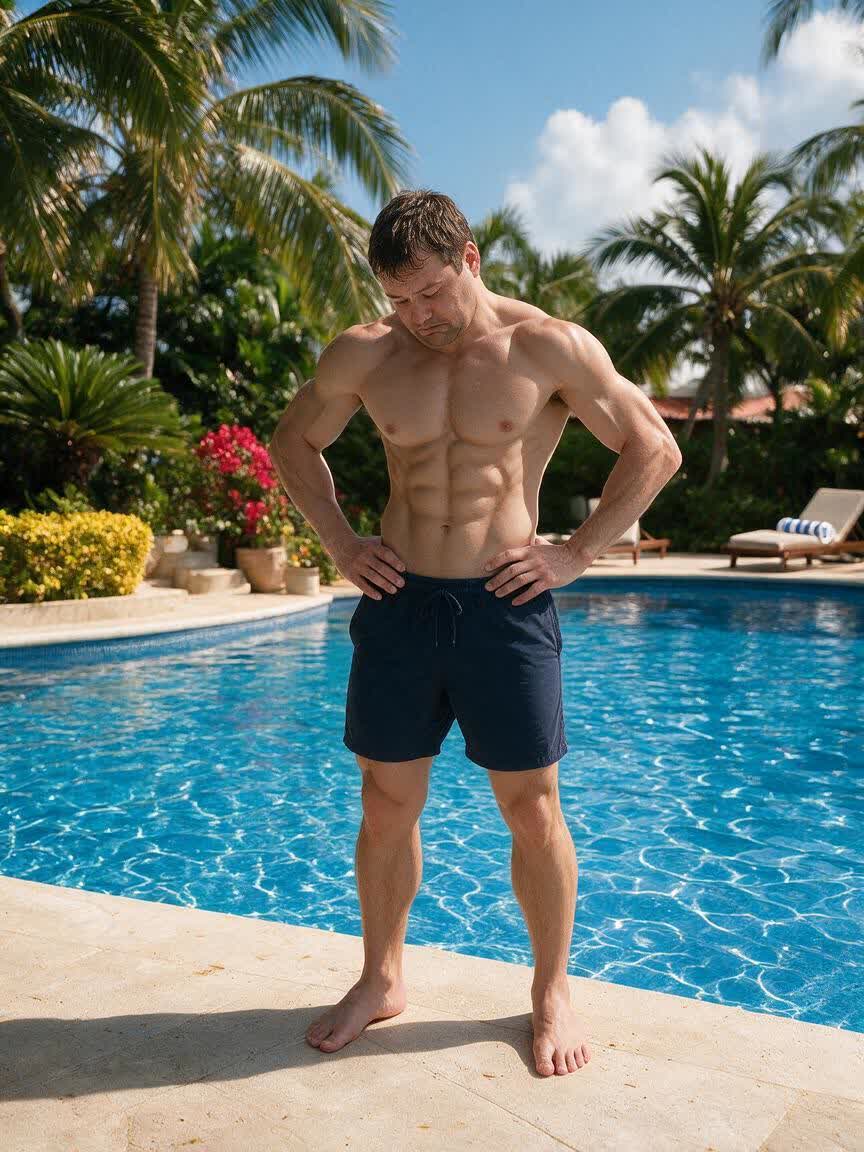
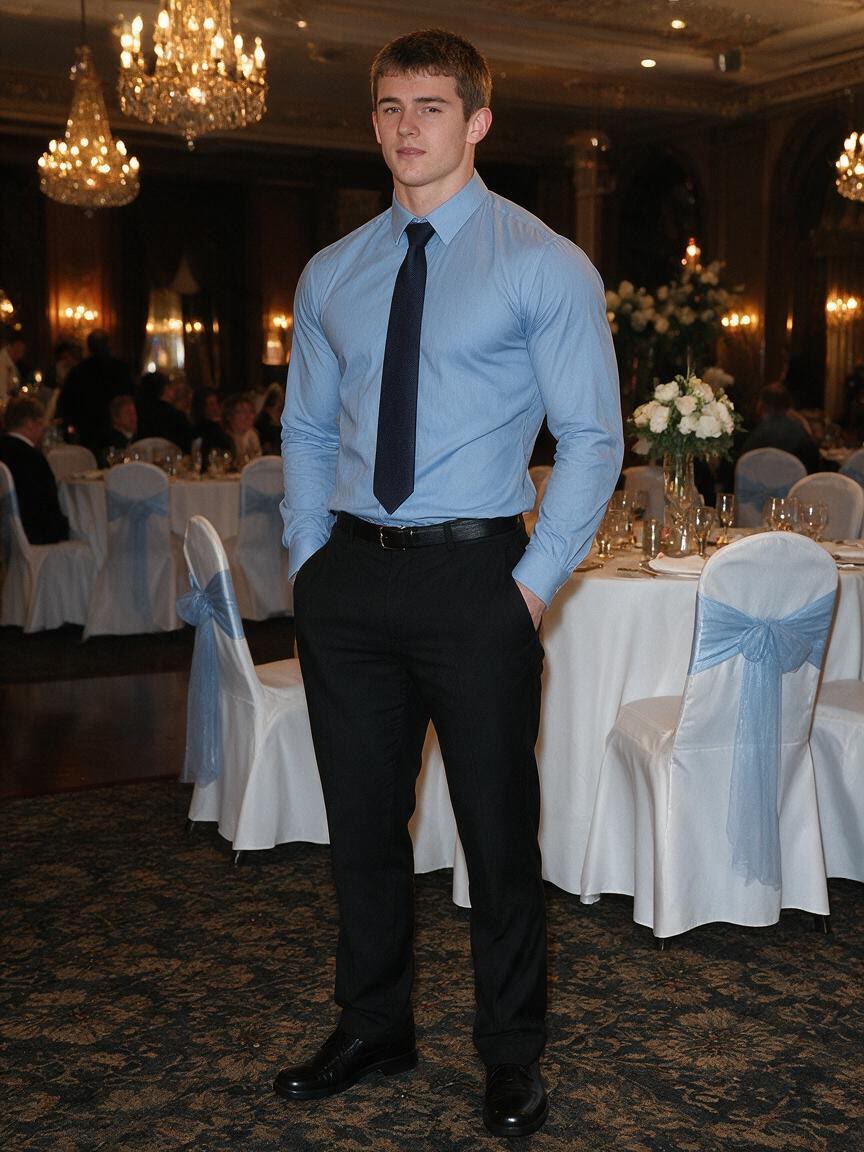
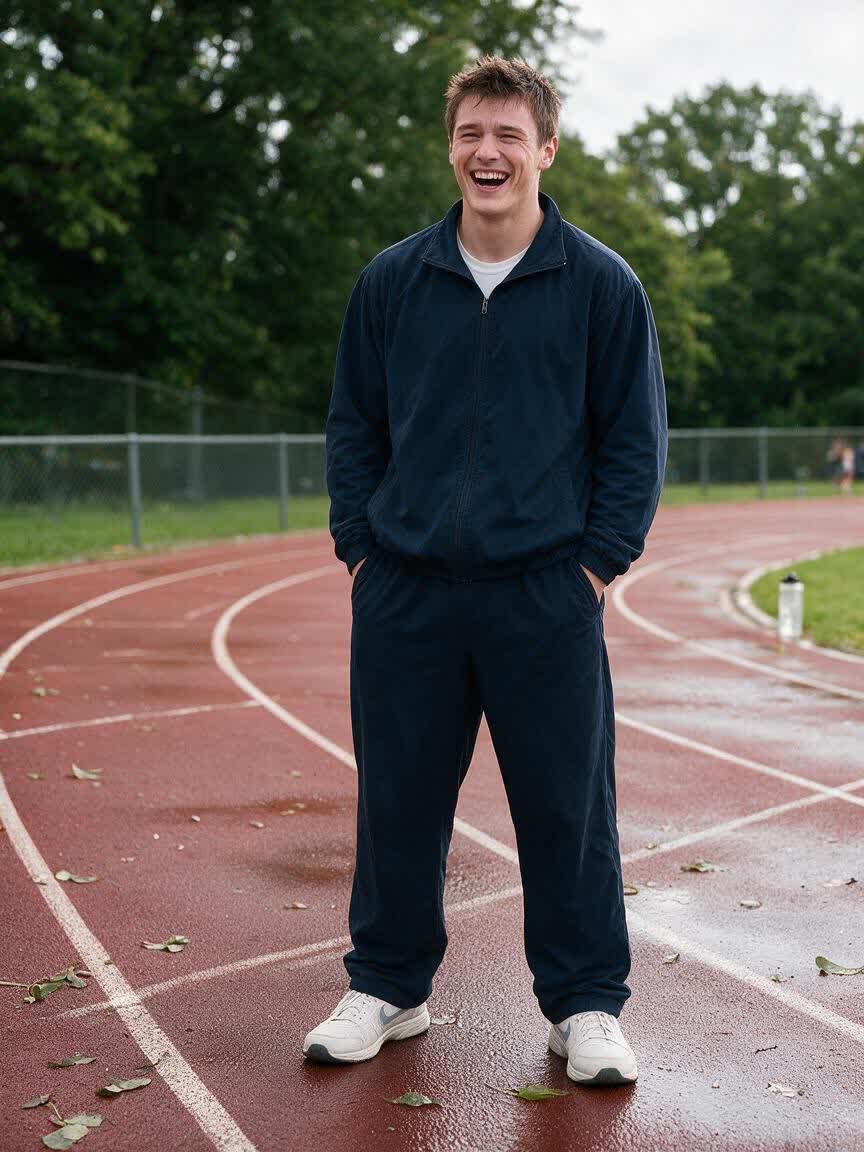
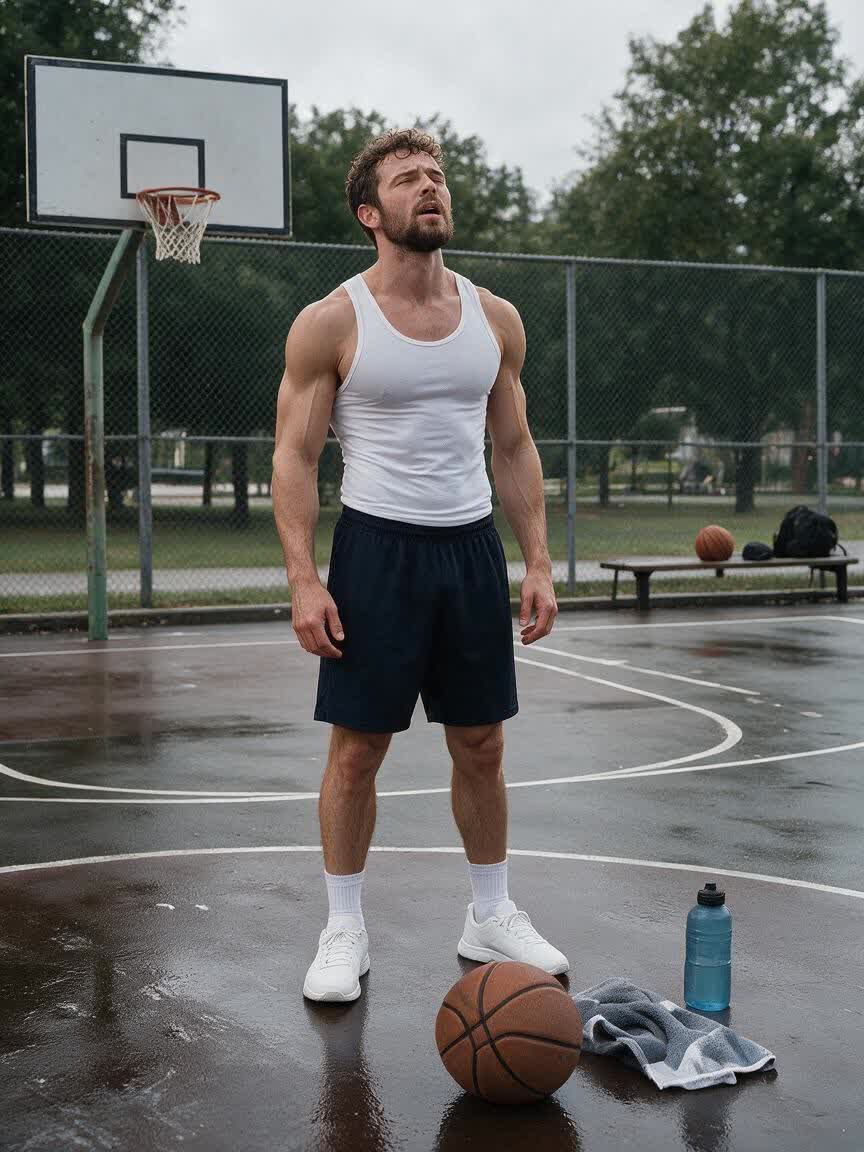
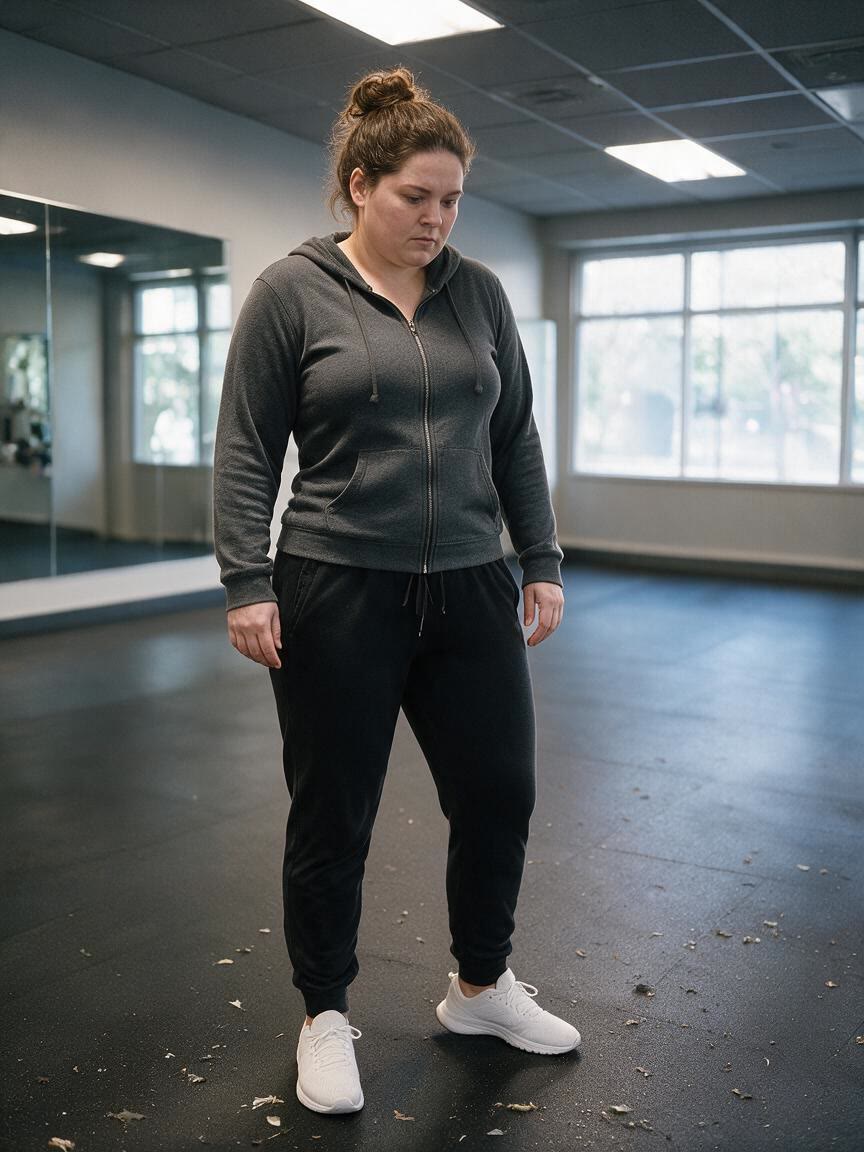
Fitness beginners can bring an everyday body photo and describe a slimmer, more toned goal. The resulting preview makes an abstract ambition feel concrete during the early stage of a new routine.
Try Cavro free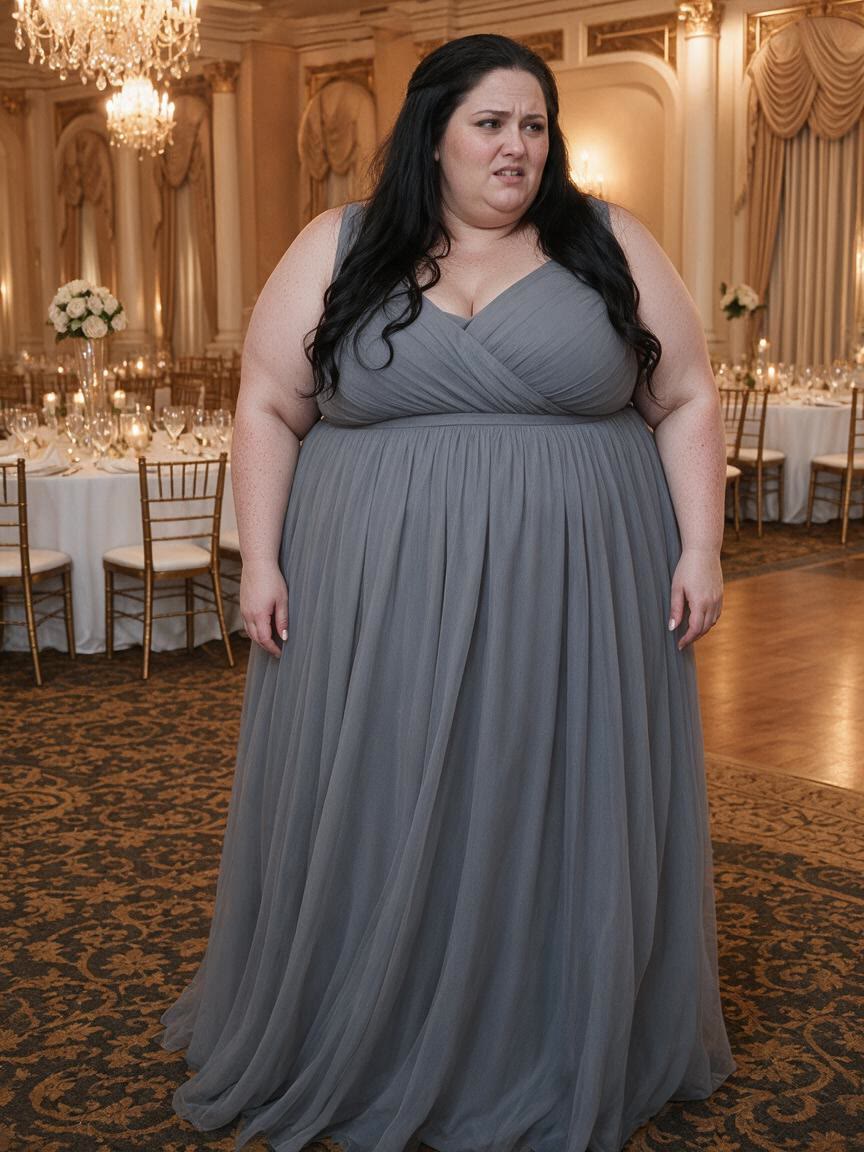
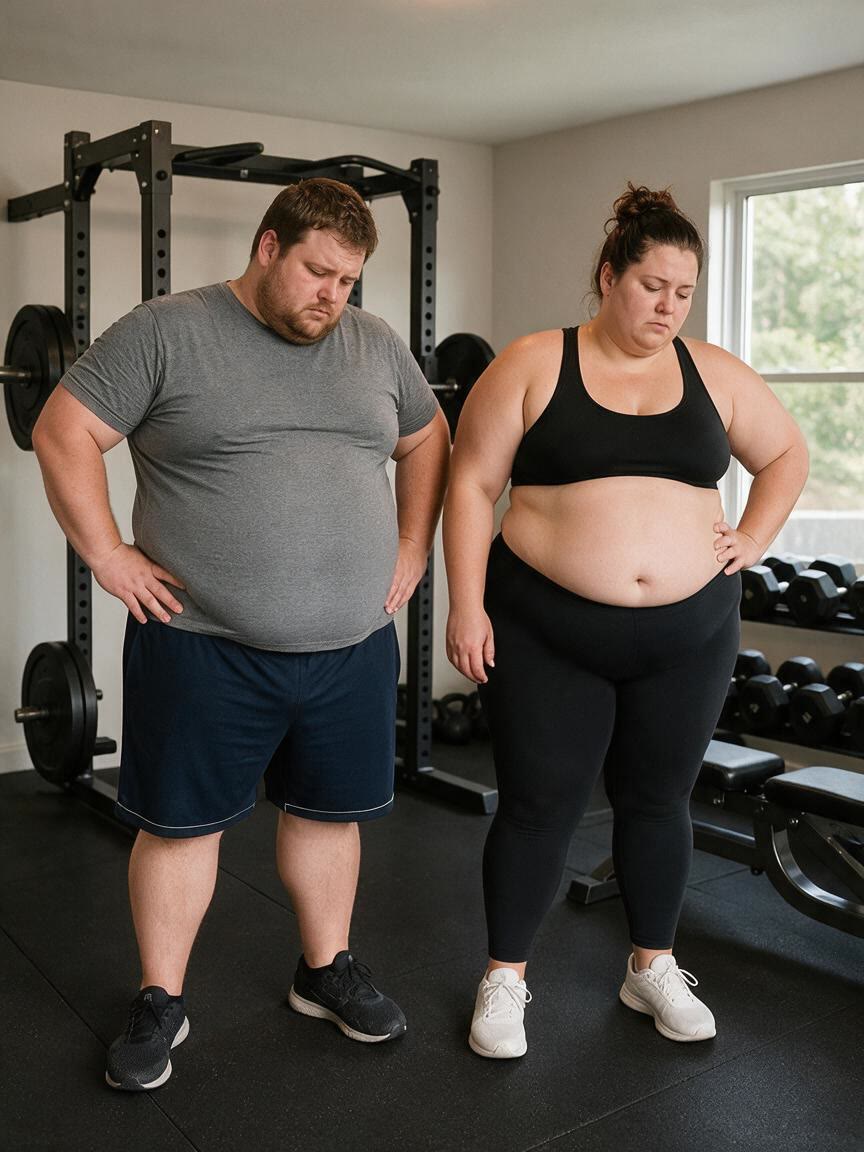
Personal trainers and coaches can use a client photo to create a transformation preview for an early conversation. It gives the client a visual reference for motivation, direction, and realistic expectations.
Try Cavro free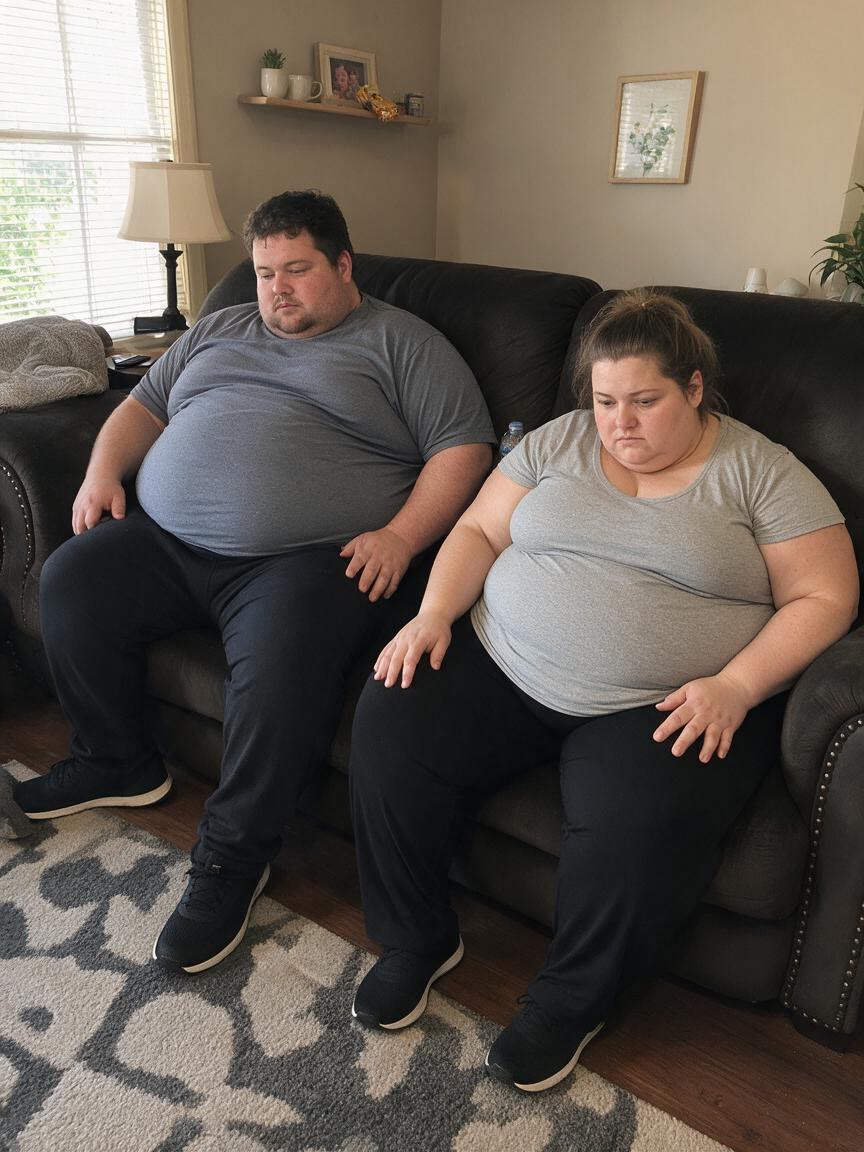
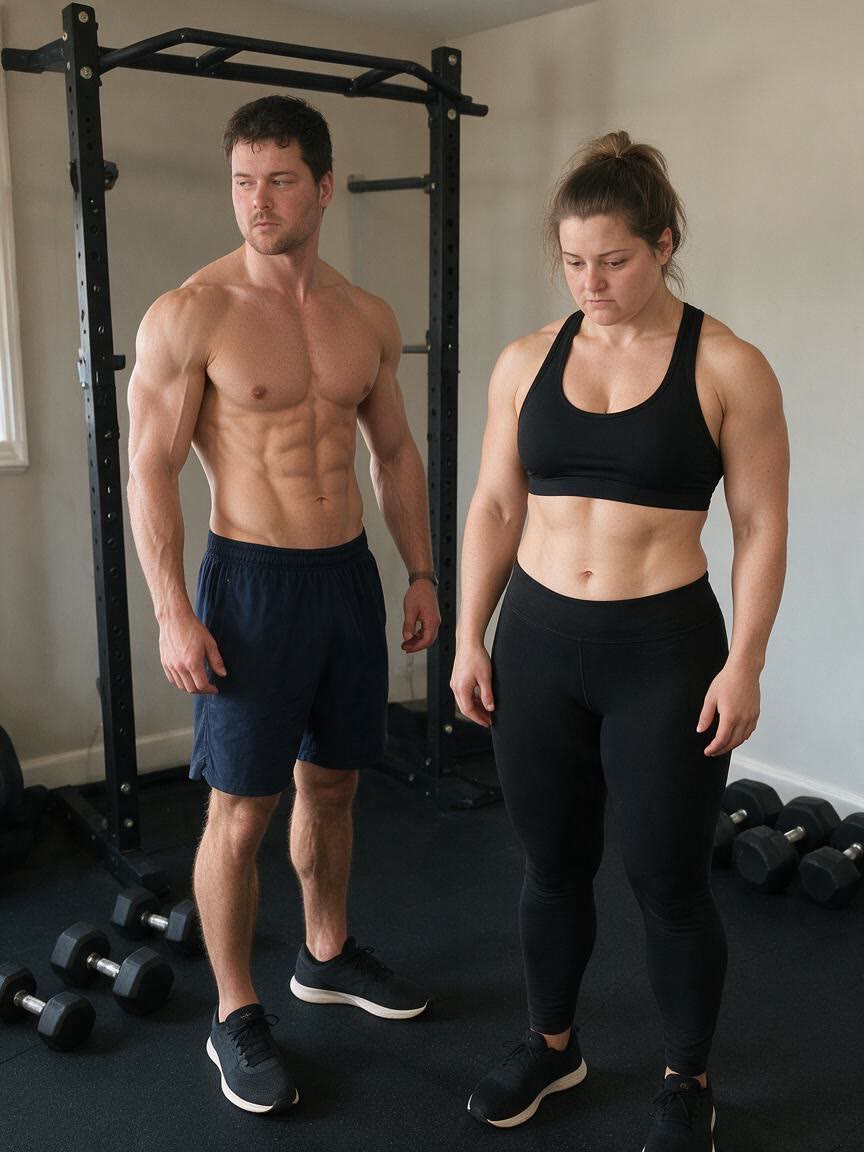
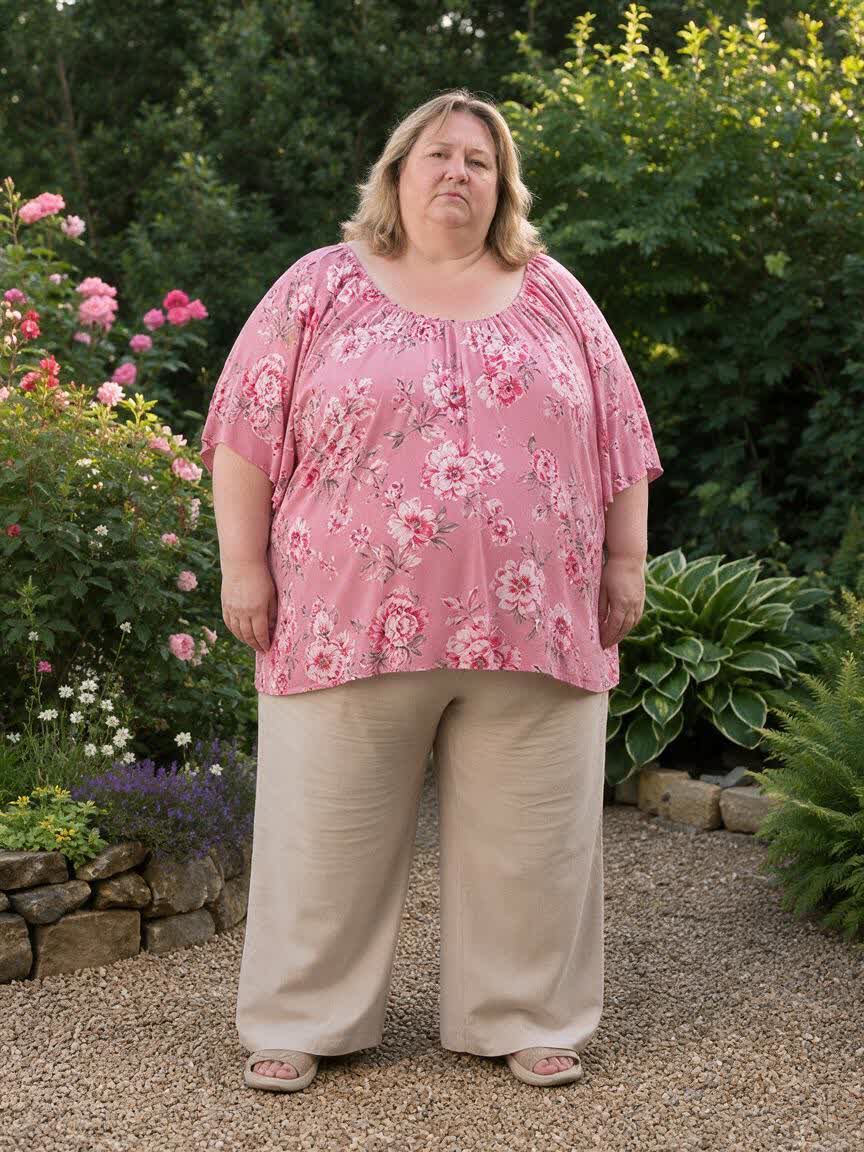
Fitness creators can turn a body photo into a before-and-after style concept for starting-a-journey posts. The visual helps explain body recomposition potential without needing to document a finished transformation.
Try Cavro free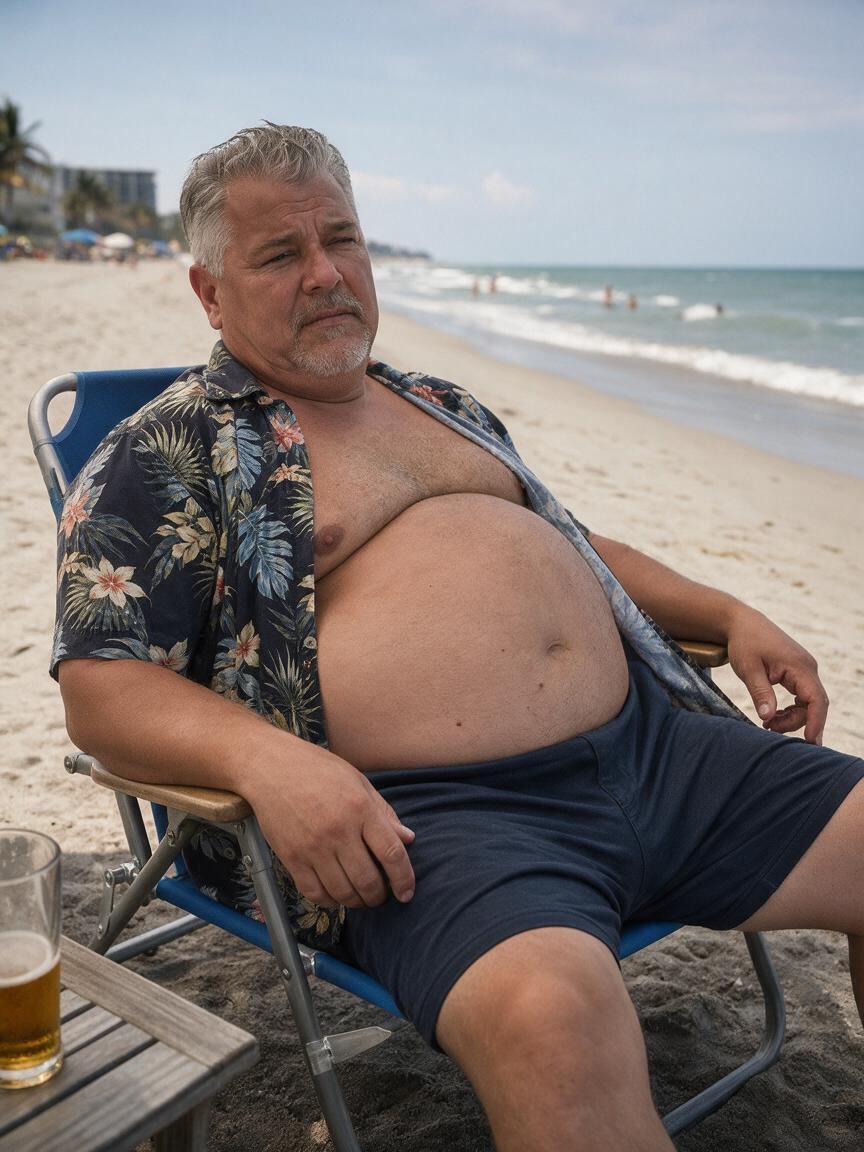
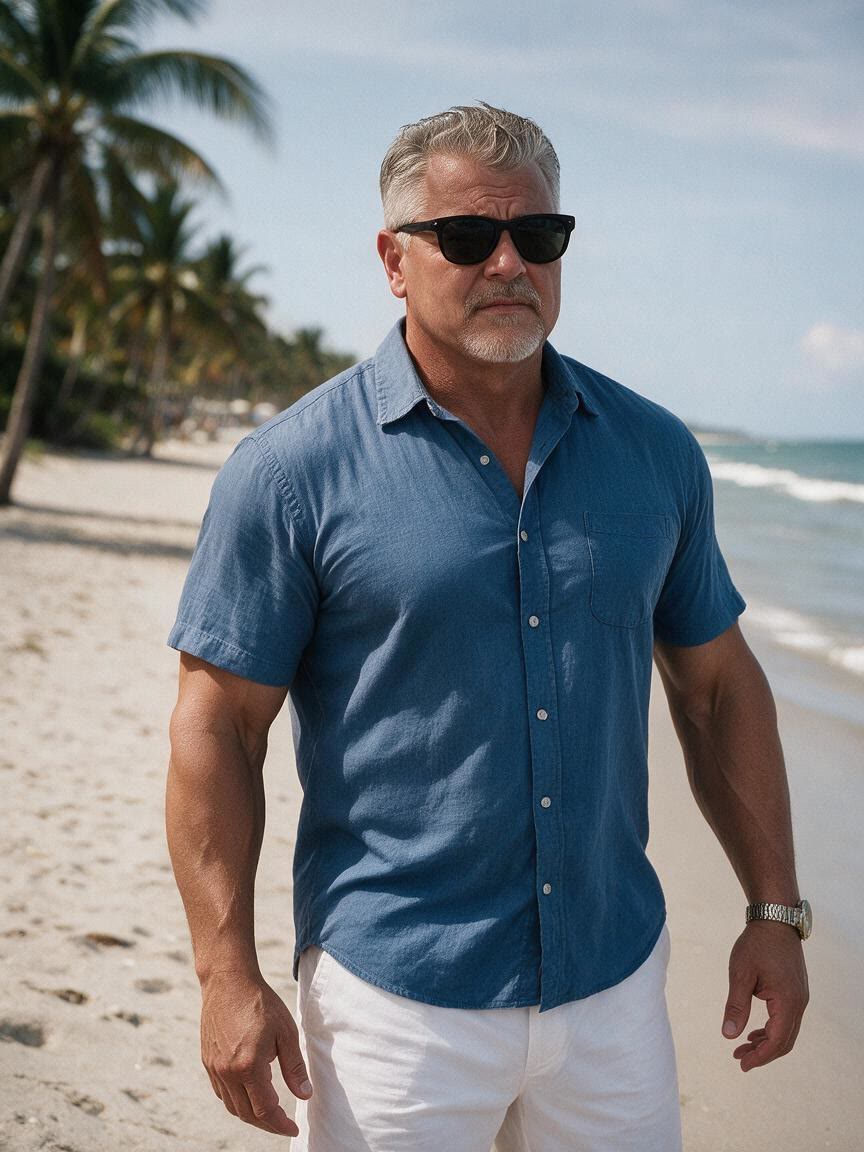
When a general fat to slim filter does not express the result you want, describe the waist, muscle definition, or overall shape in your own words. Cavro turns that direction into a tailored body transformation preview.
Try Cavro free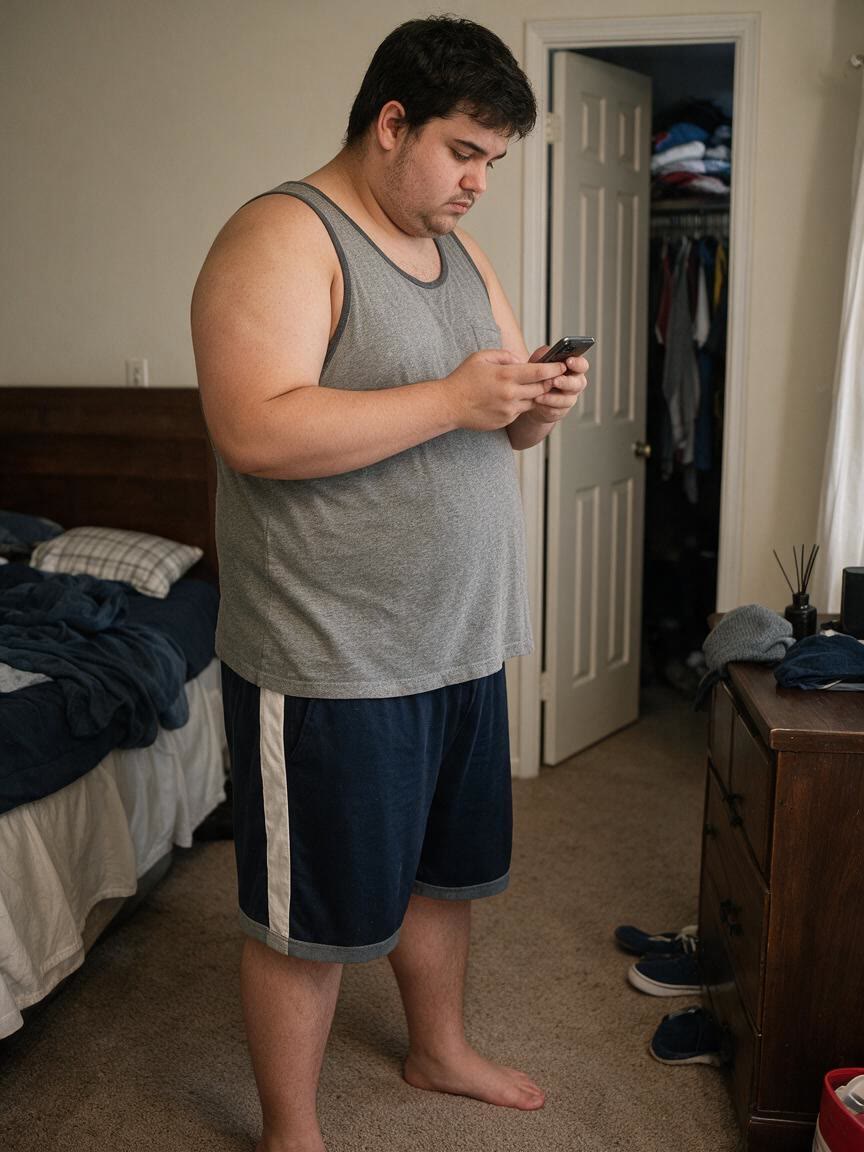
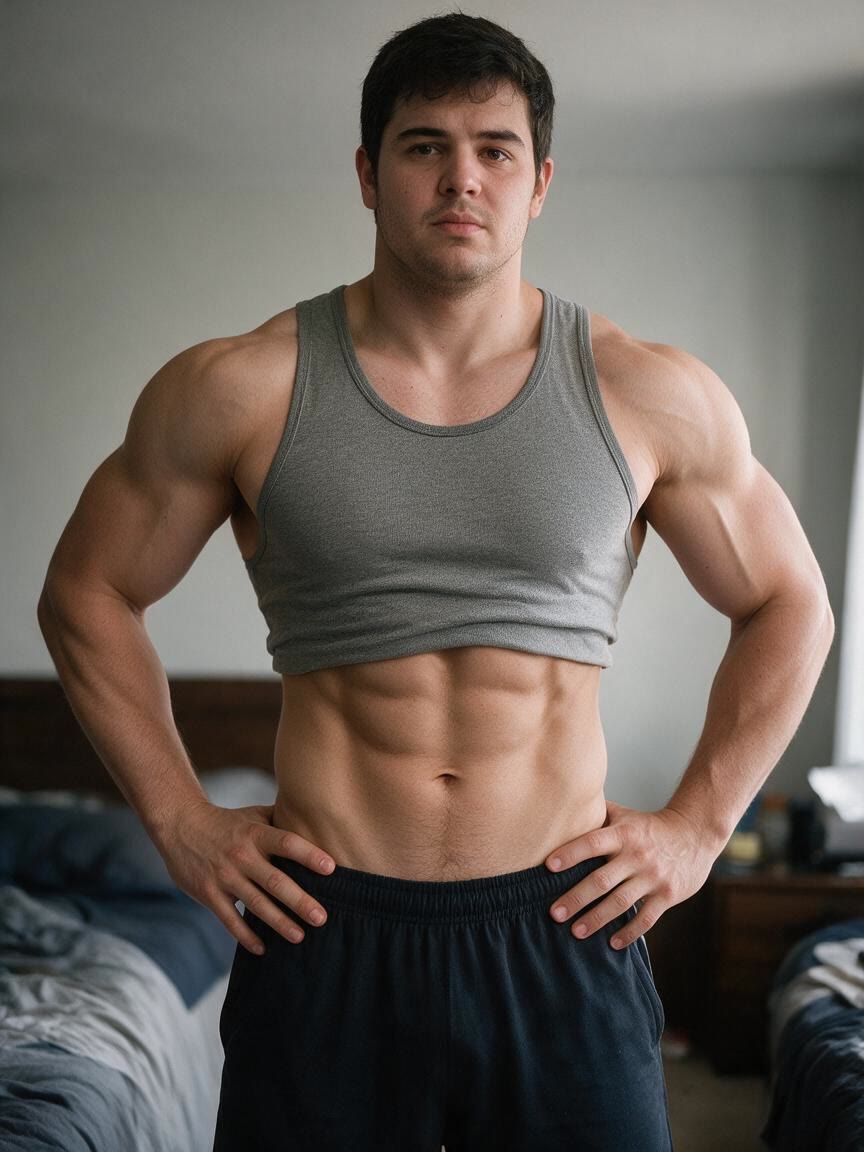
A first result may show the right direction but need a subtler waist or stronger definition. Continue refining the same conversation so the visual develops from your original photo instead of starting again.
Try Cavro free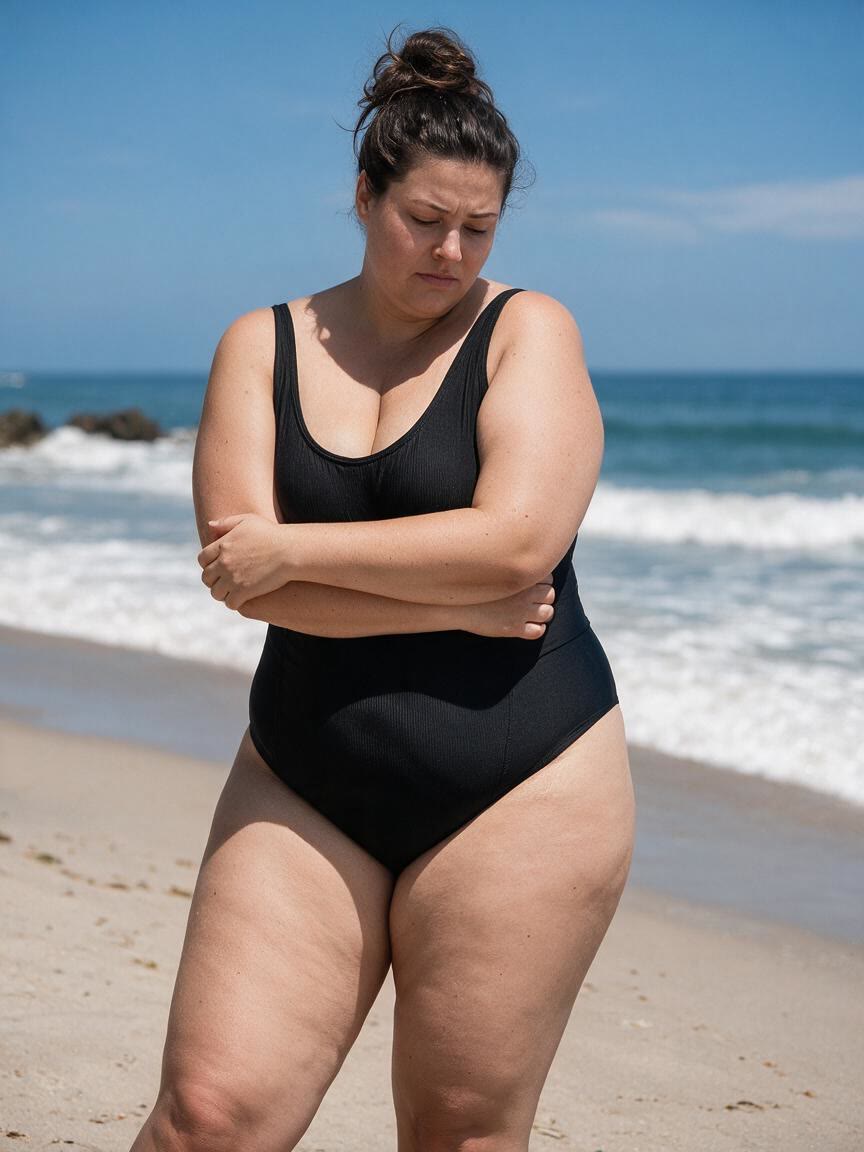
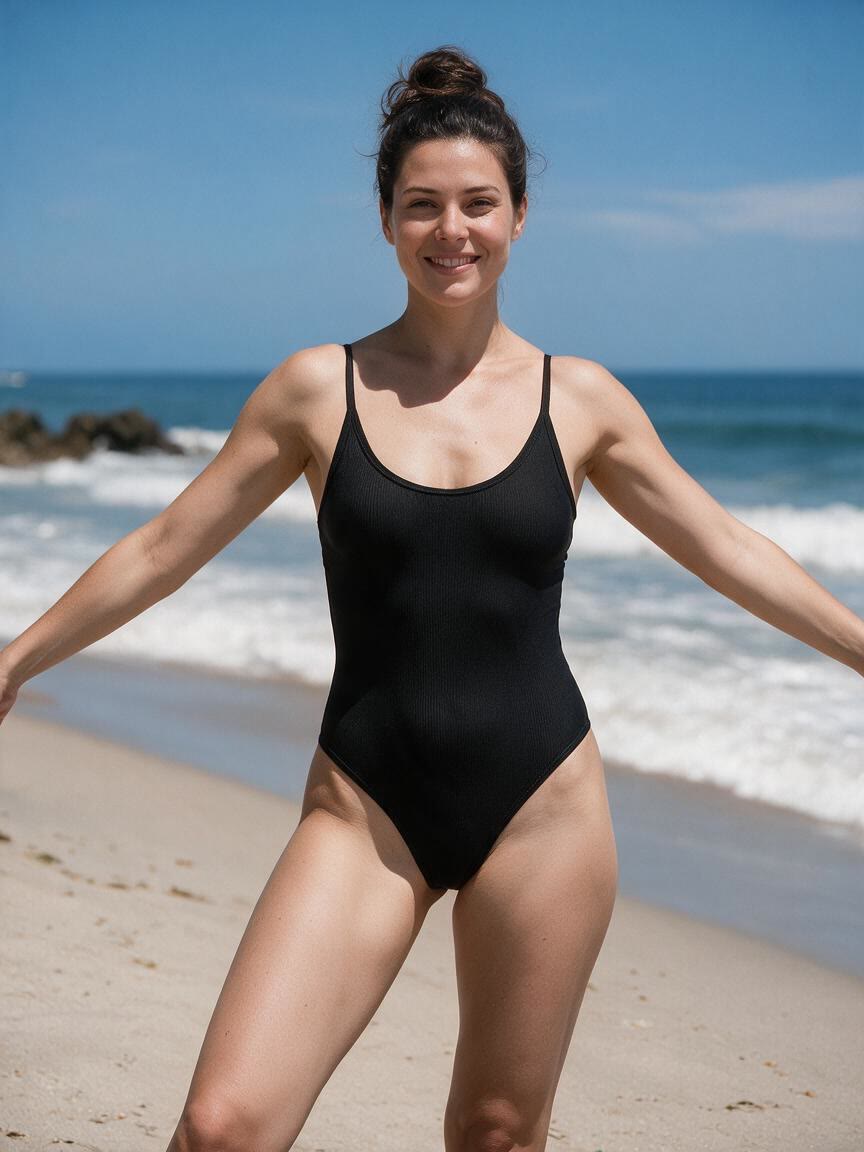
Fitness motivation may call for a still image, while a creator may want motion around the same concept. Cavro supports images and video from the same conversation on one credit balance.
Try Cavro freeAn AI fat to fit photo editor uses a reference photo and written direction to create a visual body transformation. With Cavro, you can explore a slimmer waist, a more defined physique, or a fit and toned body effect.
Yes. Cavro can use a reference photo together with your written prompt to shape the transformation. A clear photo with the body visible gives the visual direction more context.
Yes. You can describe another adjustment and generate again in the same conversation without starting over. This lets you move from a broad fat to slim concept toward a more specific result.
Yes. Cavro creates images and video from the same conversation. Both use the same credit balance, so you can choose the visual format that fits your fitness concept.
No. Results are billed per credit, and there is no mandatory subscription. You can use credits for the results you choose to create.
Creators worldwide are turning “just an idea” into expensive-looking images.