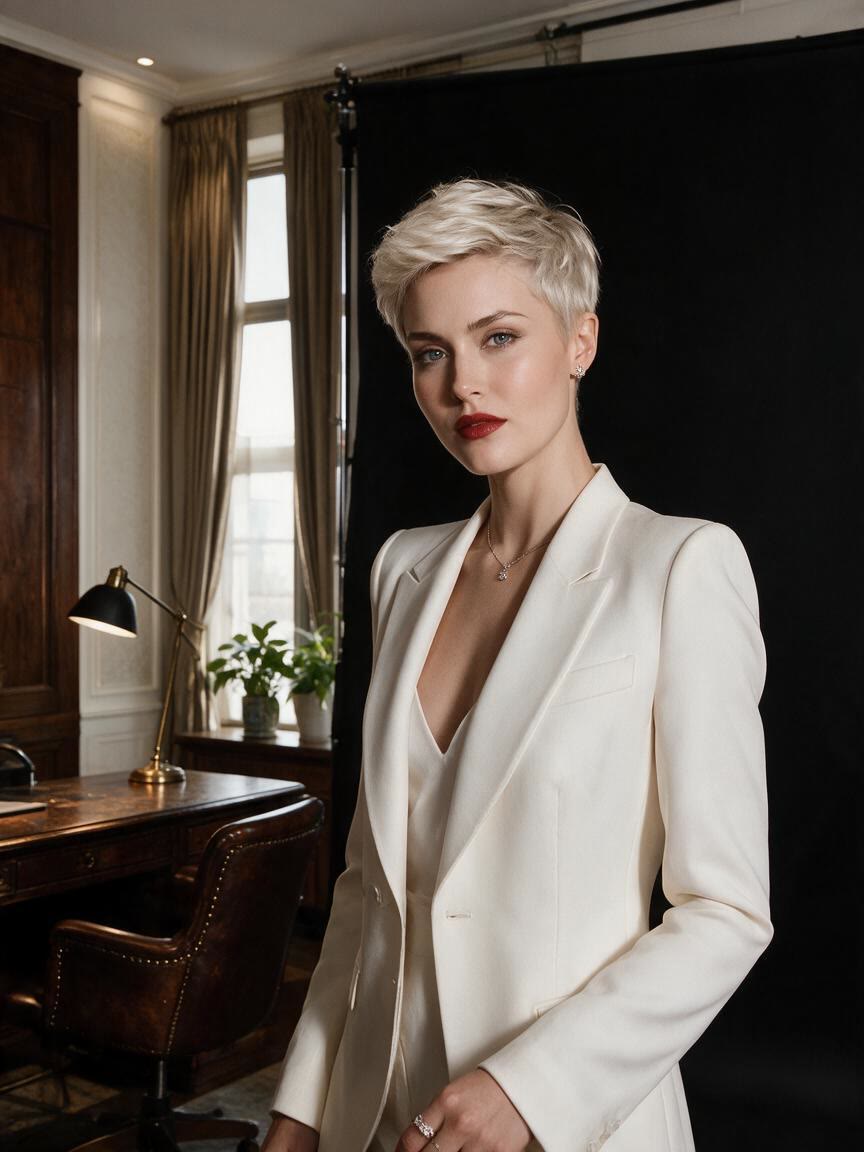

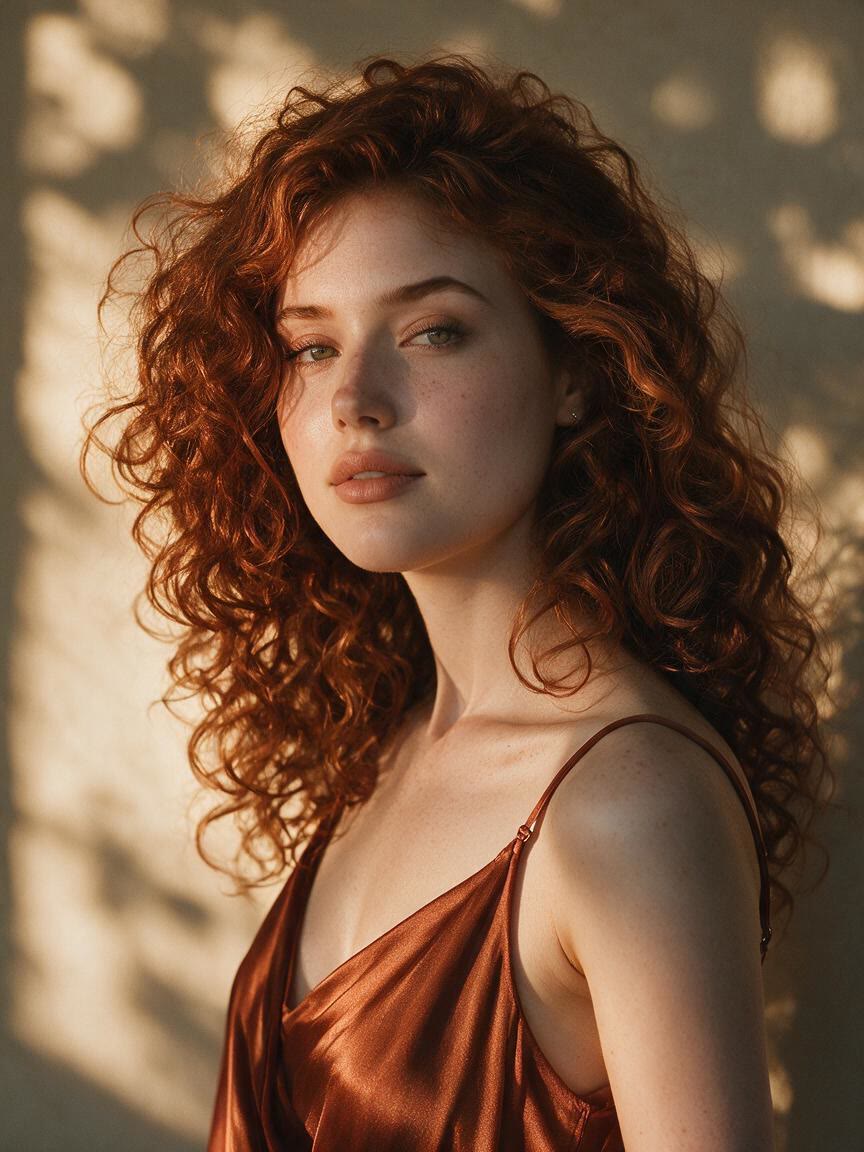
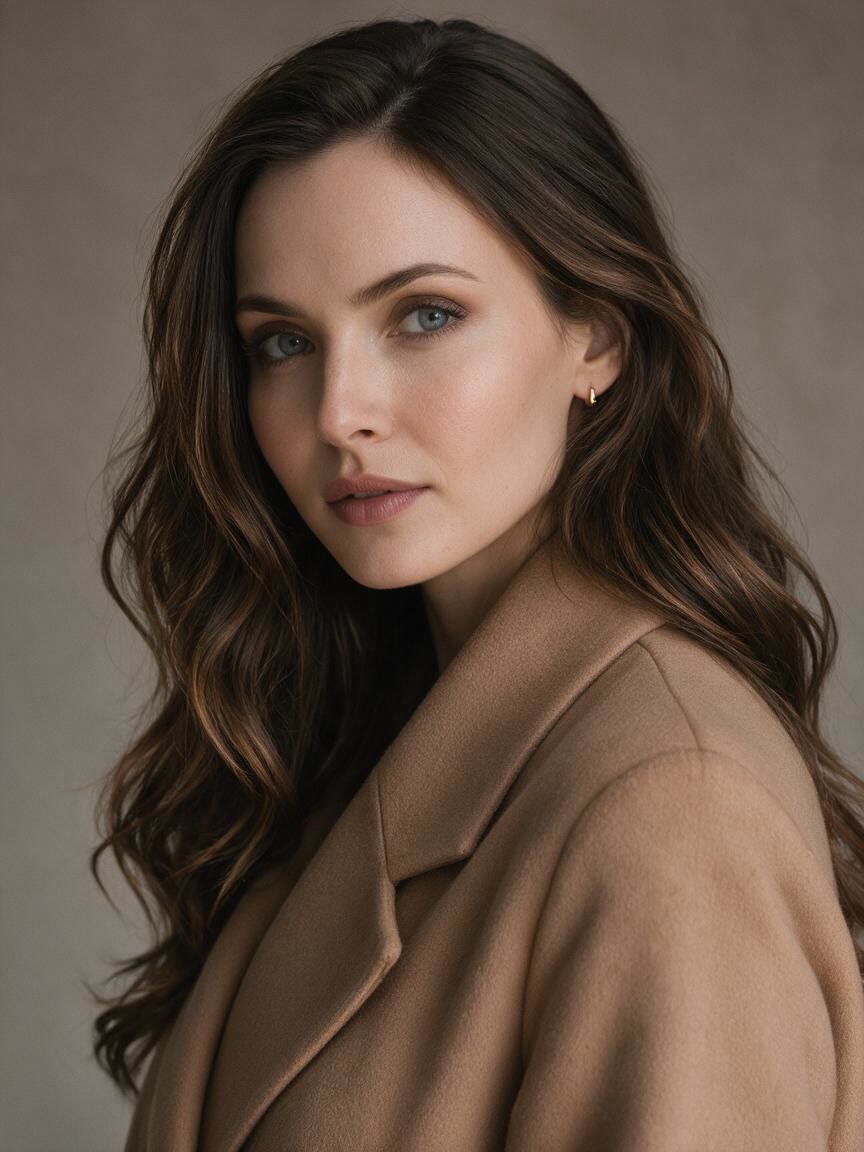
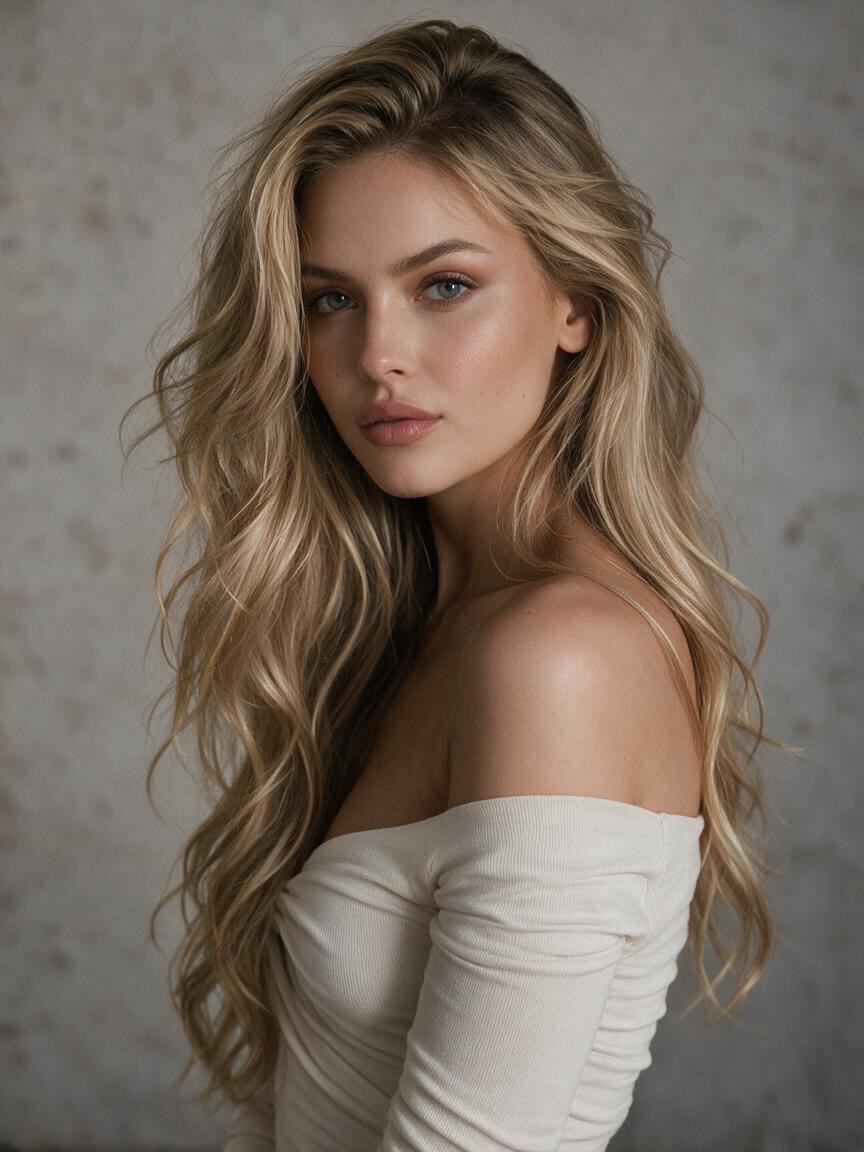

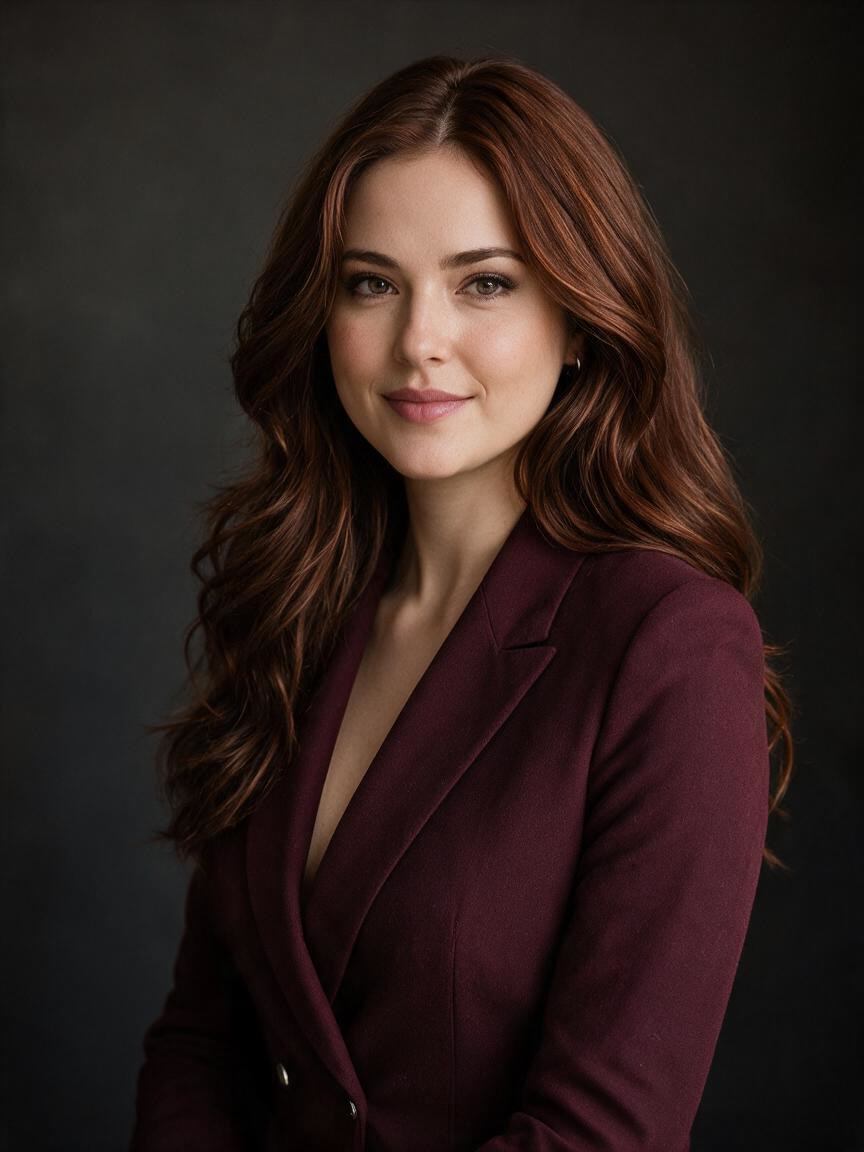

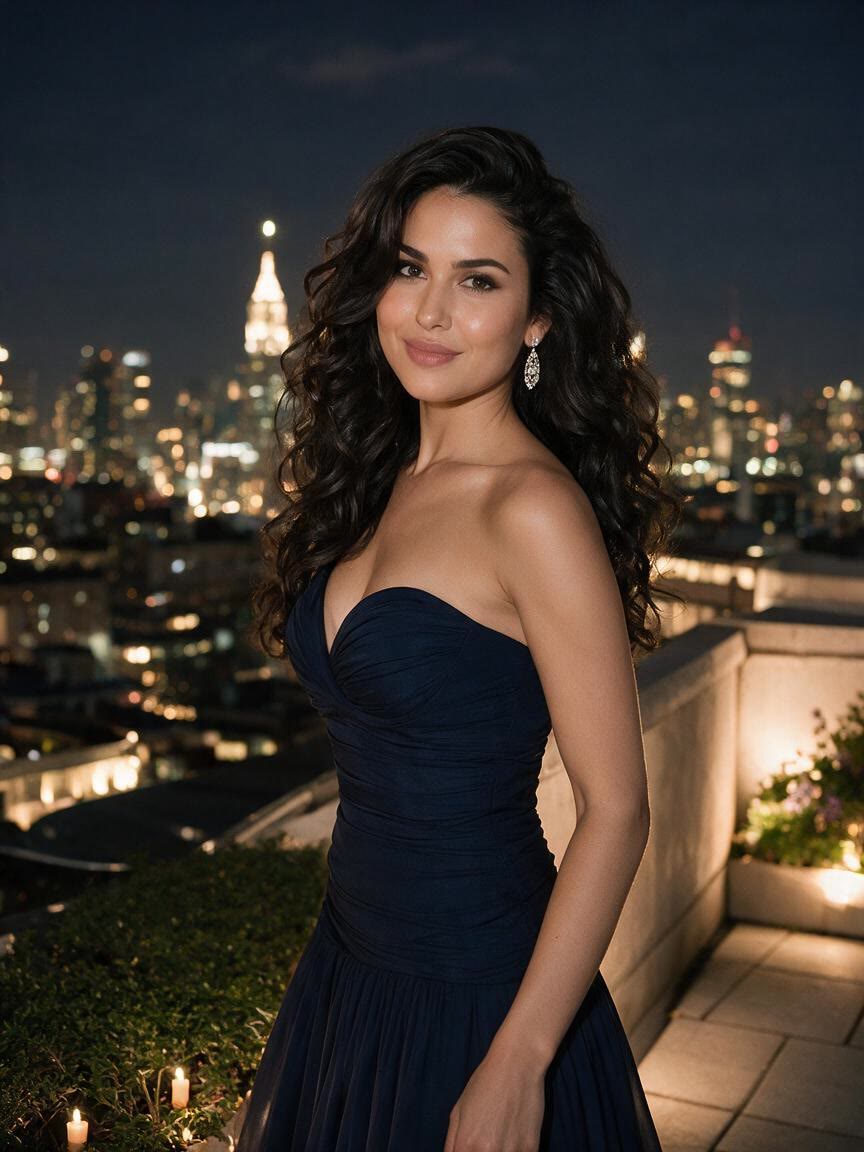



Refresh Profile Photos
When a profile portrait feels close but not quite right, use a clear photo to shape the face more evenly. You can take away a polished image suited to social profiles, professional pages, or personal updates.
Try Cavro freeShape a slimmer-looking face and more defined jawline from a portrait photo. Cavro helps anyone refine profile pictures, event photos, and social content without complex editing skills.


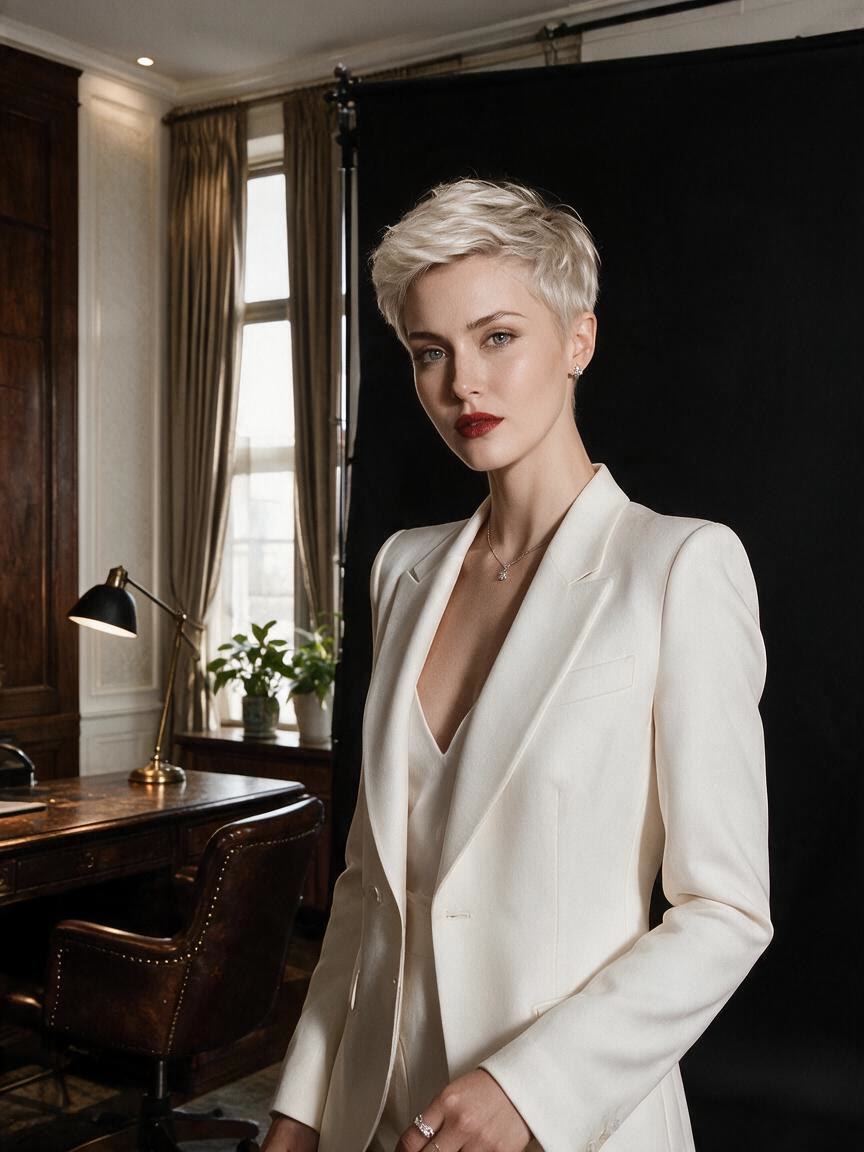

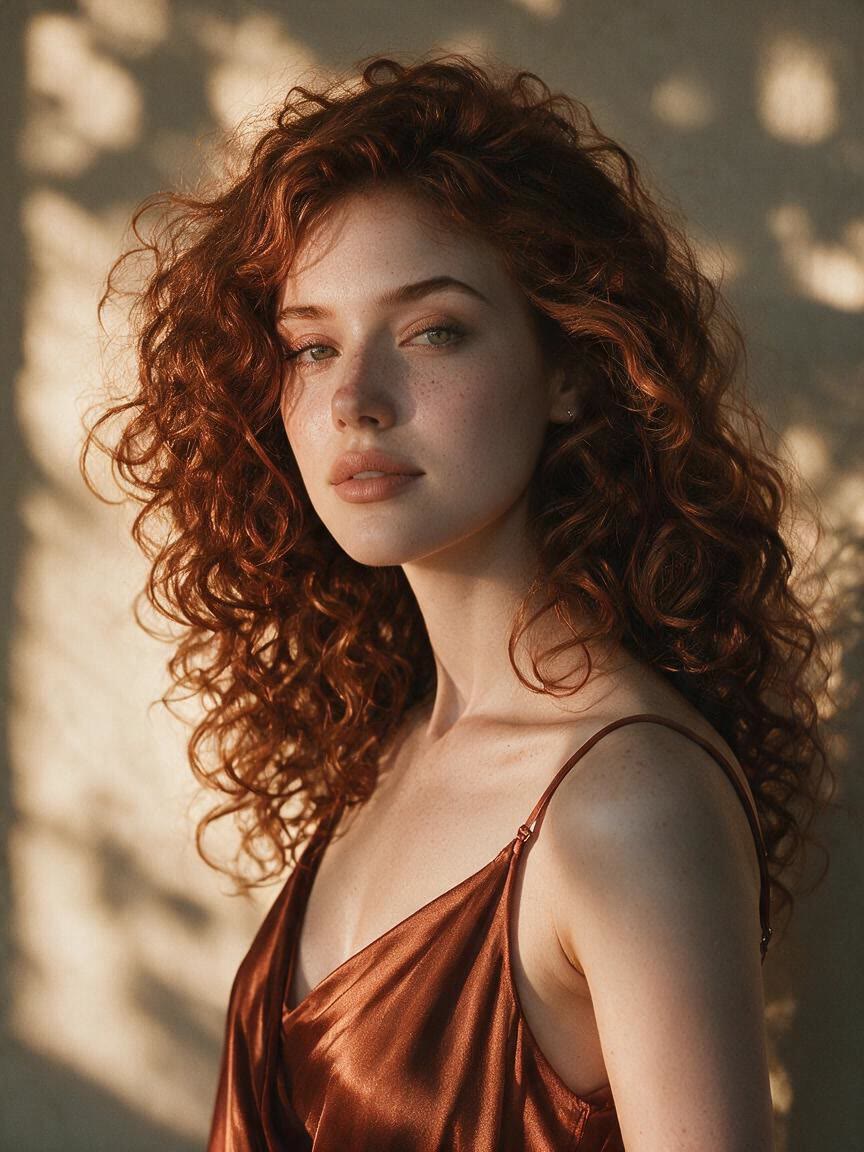
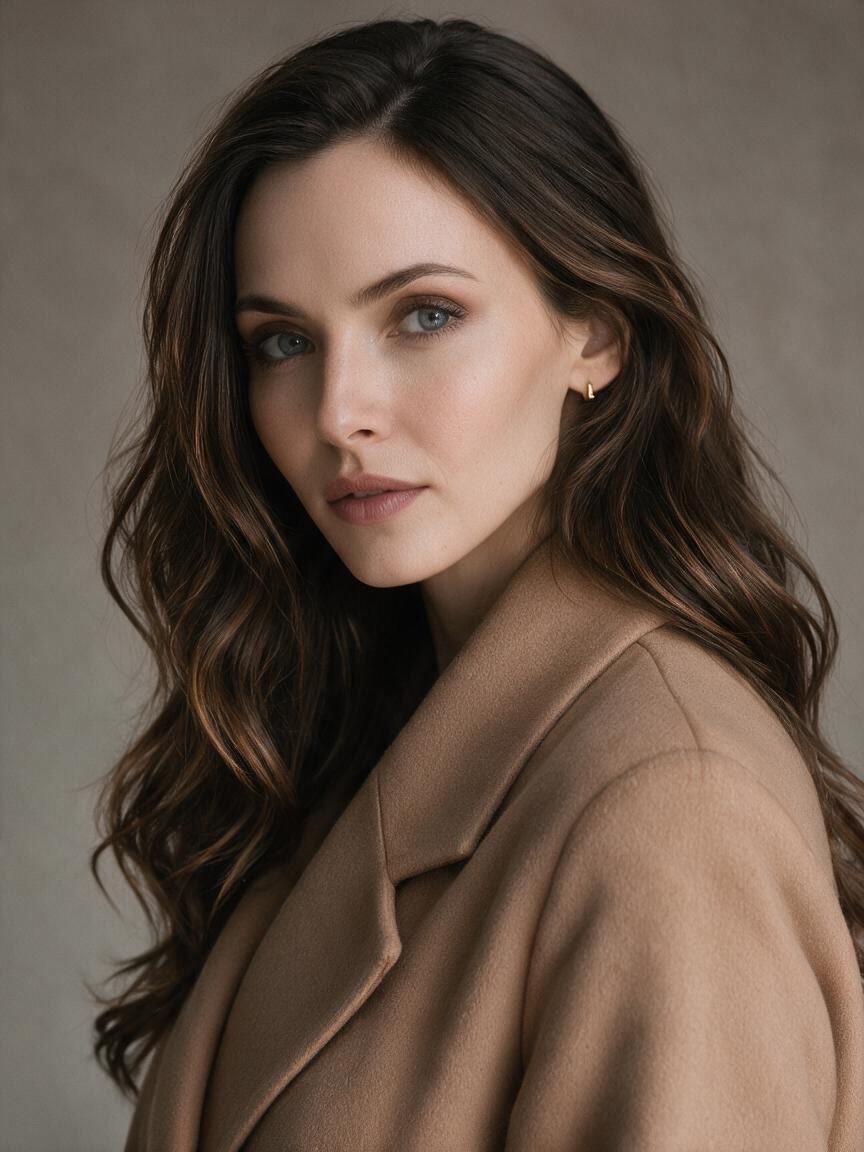
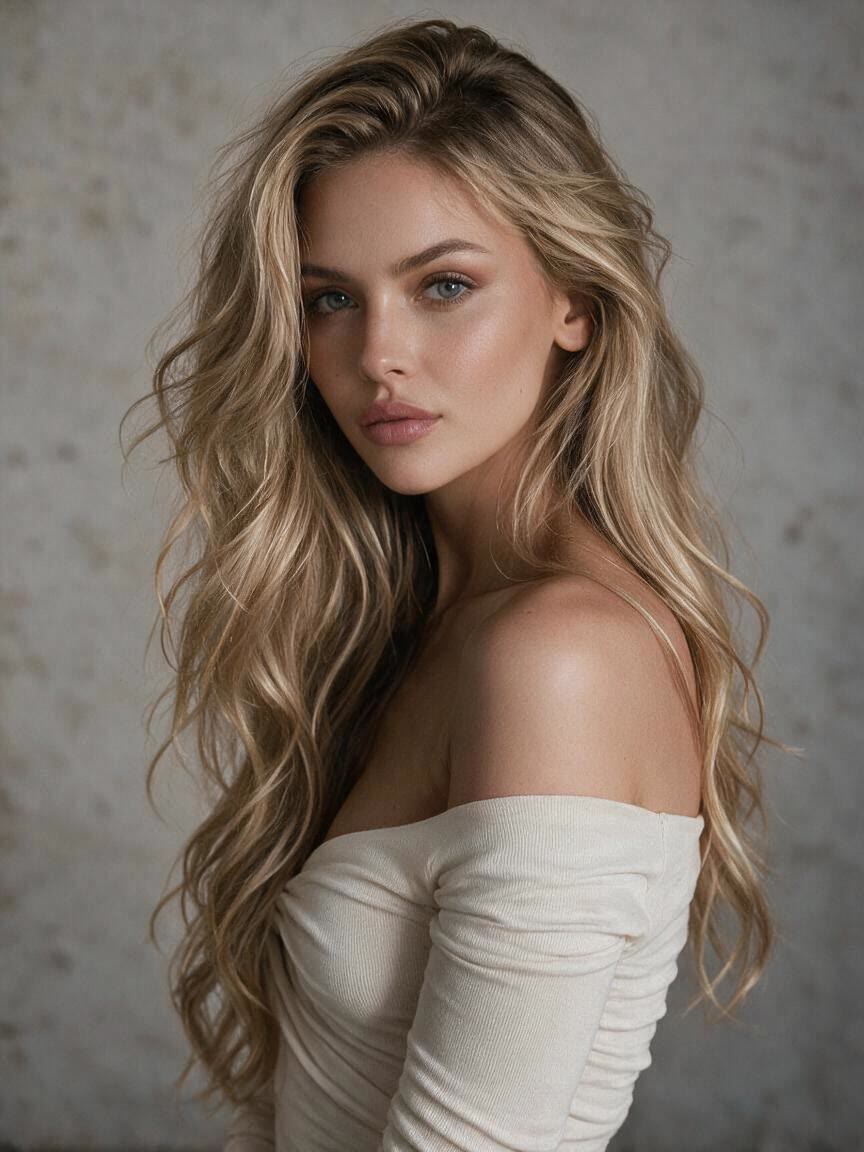

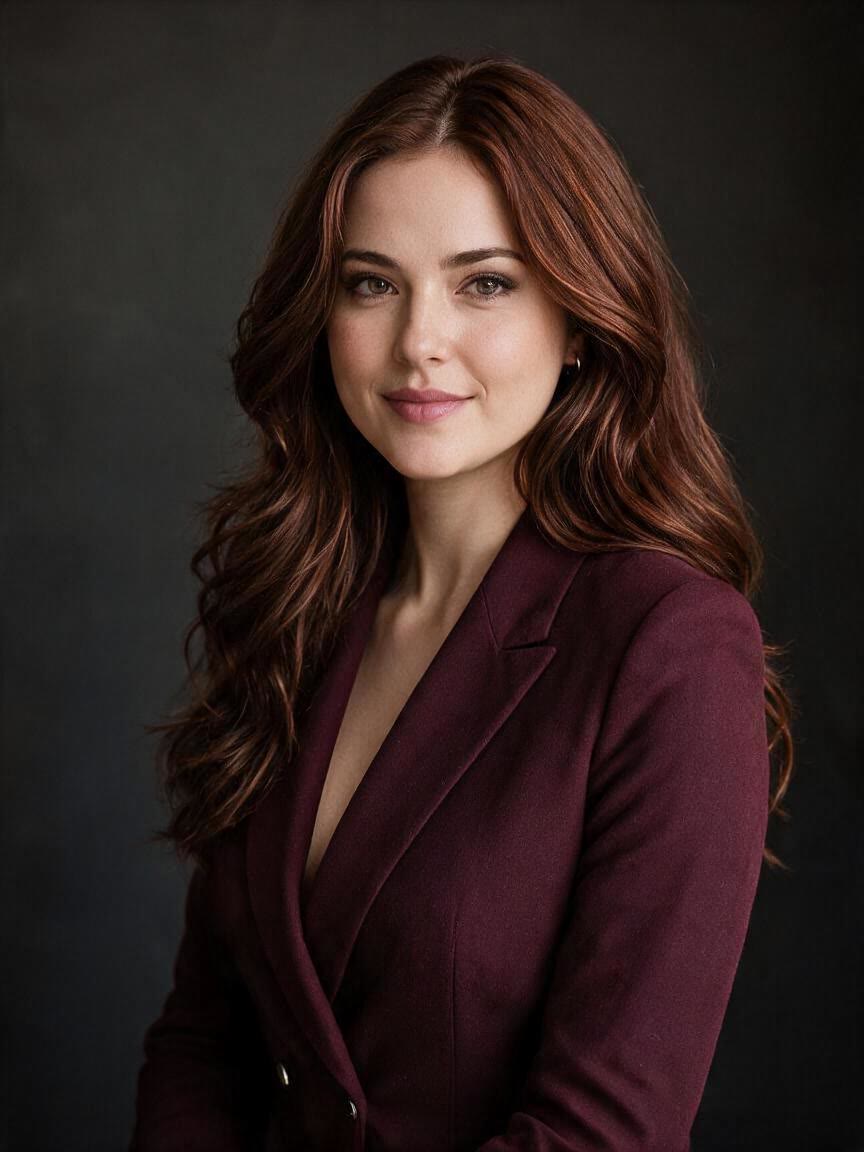

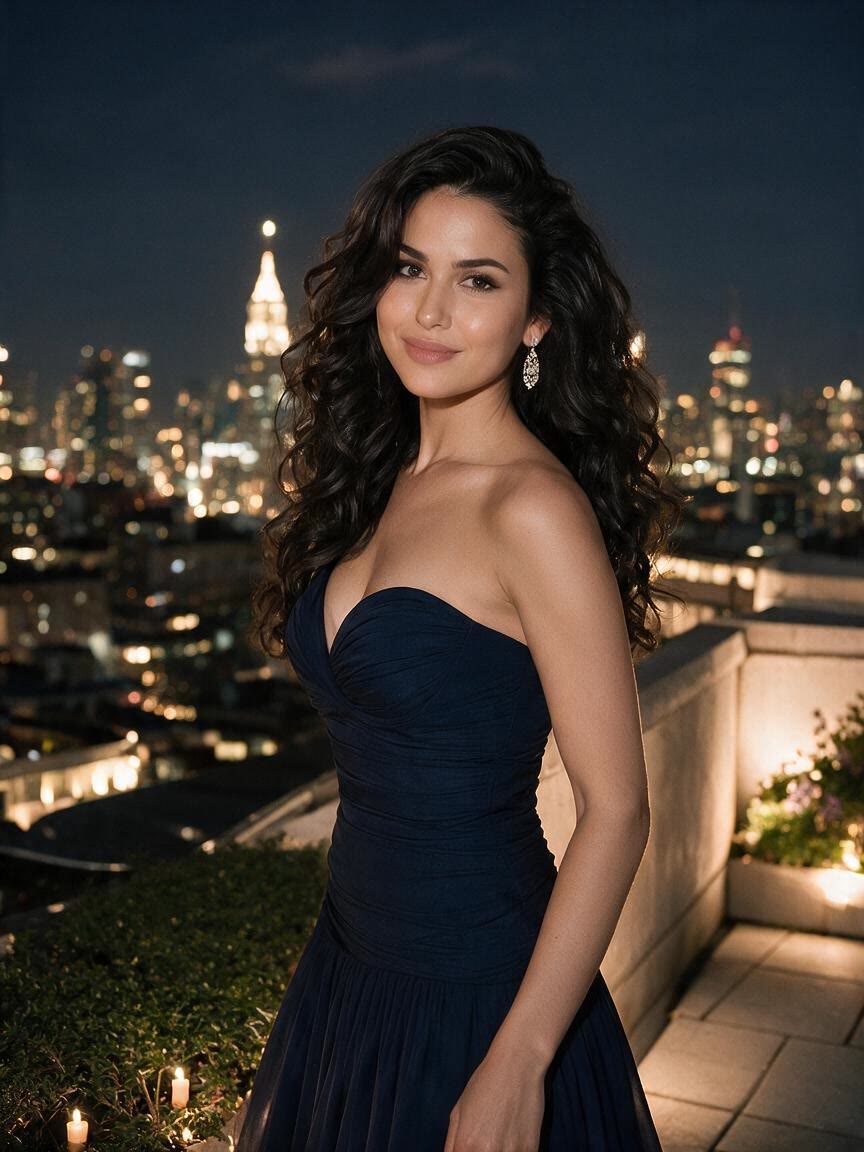

When a profile portrait feels close but not quite right, use a clear photo to shape the face more evenly. You can take away a polished image suited to social profiles, professional pages, or personal updates.
Try Cavro free

Wedding and event photos often matter long after the day ends. Refine facial contours in a favorite portrait to create a more finished version that still belongs to the original memory.
Try Cavro free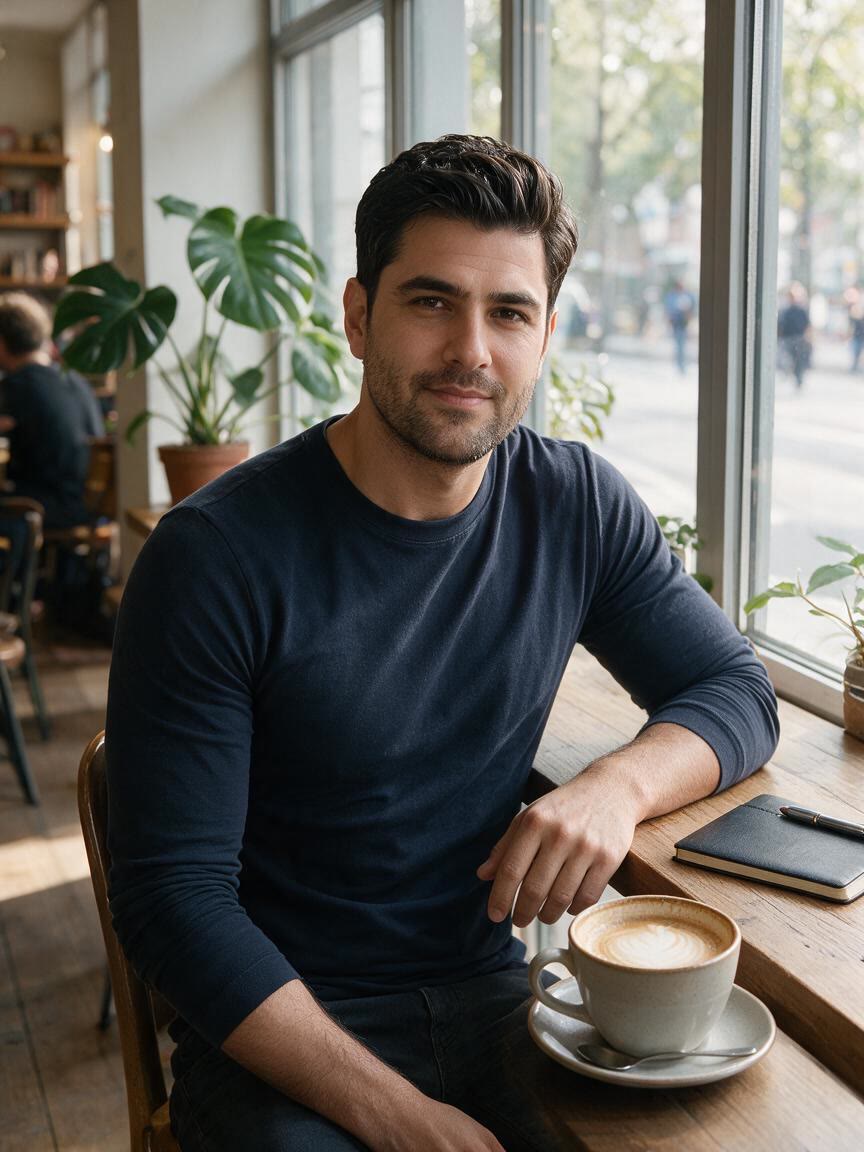
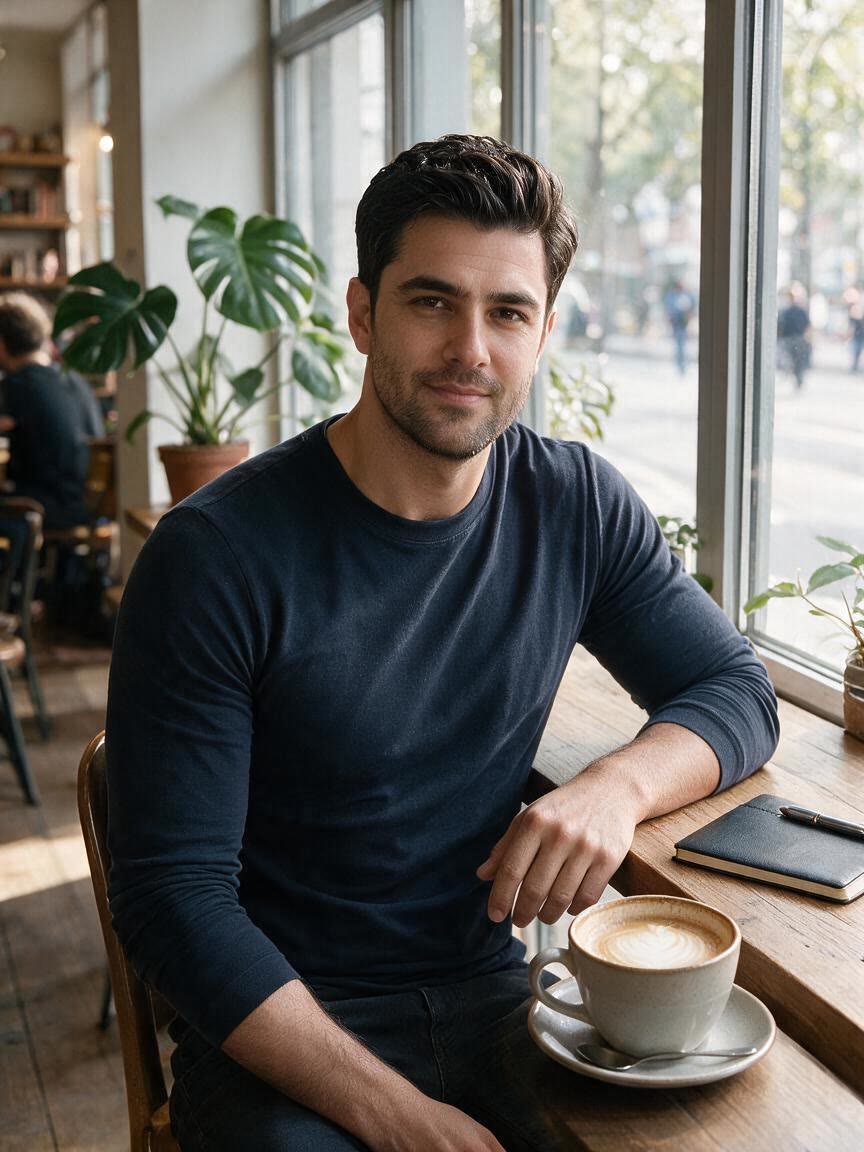
For creators and everyday posters, a slim face photo can help a portrait feel more intentional. Use your own image with a chosen contour direction and come away with a share-ready visual.
Try Cavro free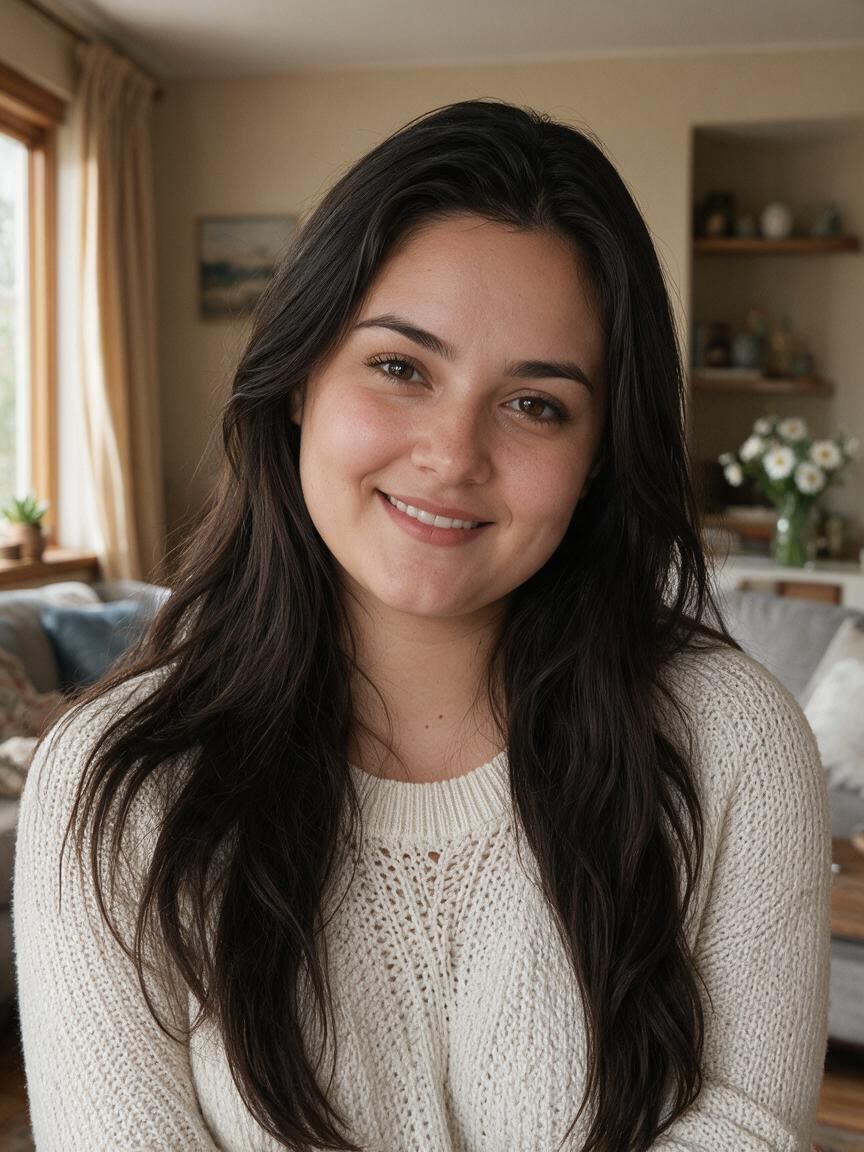
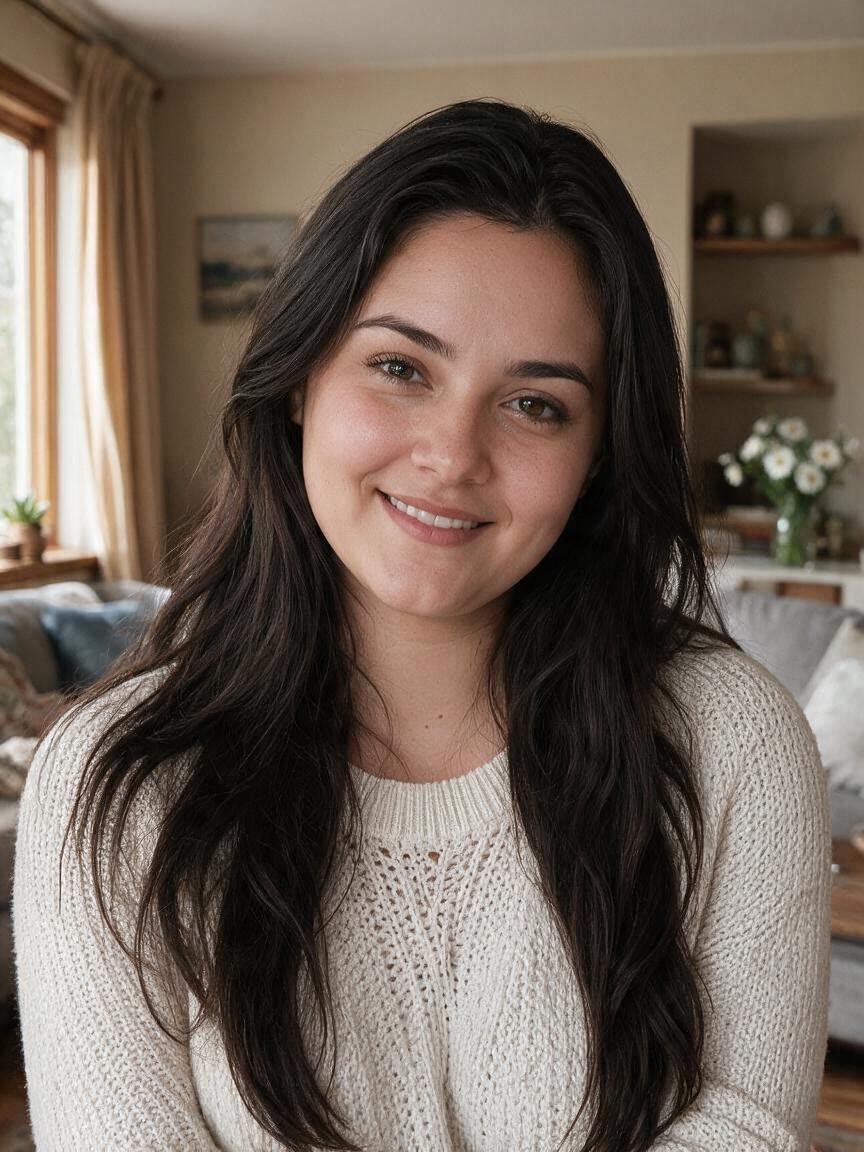
If you want a slimmer look without an obviously altered portrait, Cavro focuses the edit on facial contouring. You come away with a refined shape that fits the photo instead of distracting from skin texture and expression.
Try Cavro free

When one level of slimming does not suit every face or photo, choose a softer oval direction or a more defined jawline. Cavro lets your requested style guide the portrait edit toward the look you want.
Try Cavro free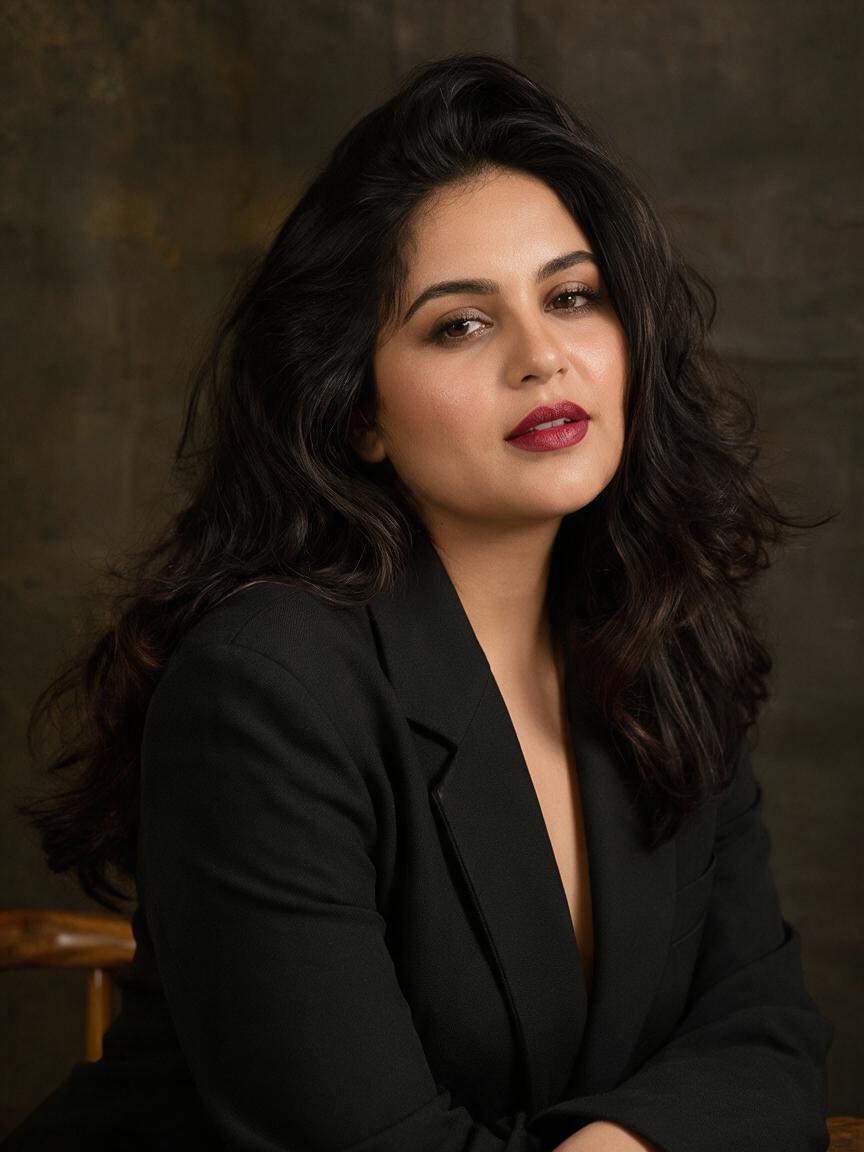

For profile pictures, event portraits, and social posts, the image needs to remain recognizable and well composed. Cavro turns your reference photo into a refined portrait you can continue adjusting in the same conversation.
Try Cavro freeAn AI face slimmer uses a written direction and a reference photo to create a portrait with a refined facial contour. Cavro can help shape a slimmer-looking face or a more defined jawline from your uploaded image.
Natural results depend on the reference photo and the direction you give. Start with a clear, well-lit portrait and request subtle shaping when you want the edit to blend gently with the original expression and facial detail.
Yes. You can ask for a soft oval refinement, a V-shape, or a sharper jawline, and describe the intensity in your own words. If the first result is not right, refine the request and generate again in the same conversation.
A clear, well-lit, front-facing portrait is a strong starting point because the facial shape is easy to see. Profile and three-quarter photos can also be used when you want to refine a particular view.
Yes. Use a portrait, profile image, event photo, or other personal picture and describe the facial shape you want. Cavro creates the edited image from your words and reference photo.
Creators worldwide are turning “just an idea” into expensive-looking images.