







Preview Contact Shades
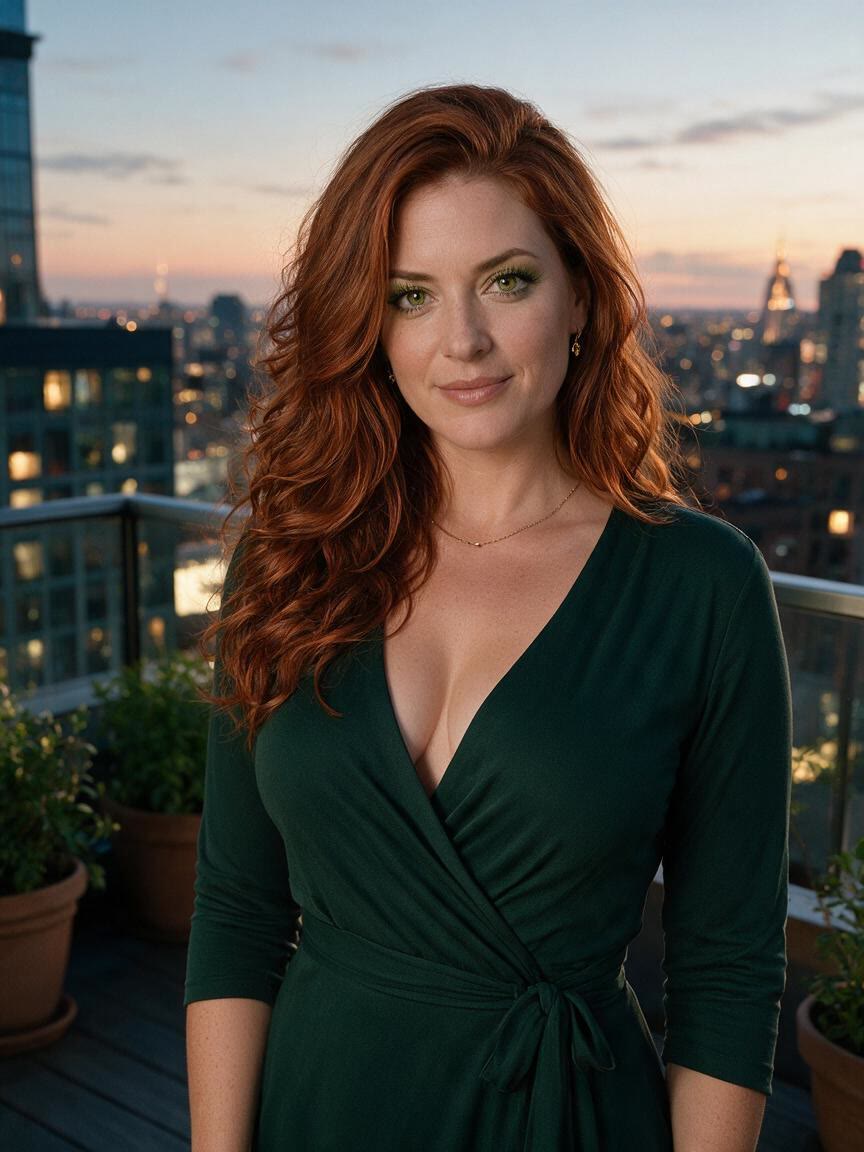
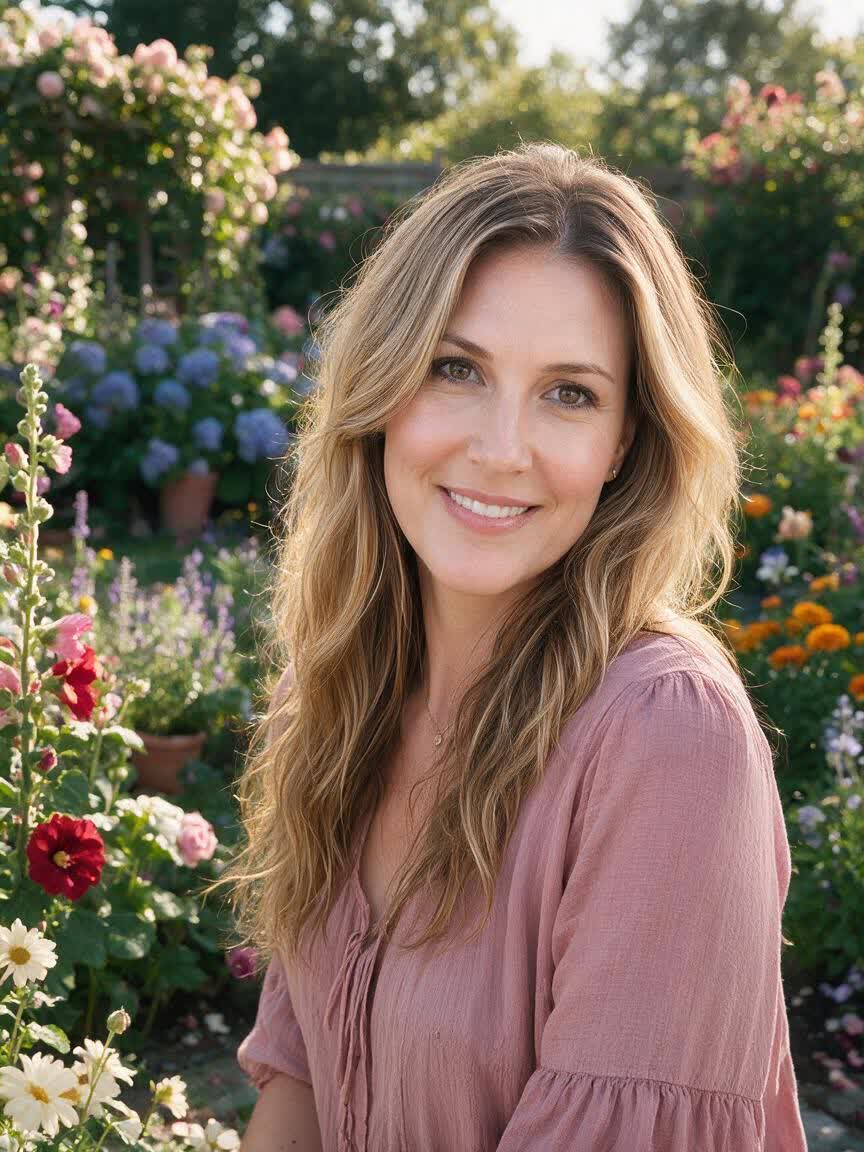
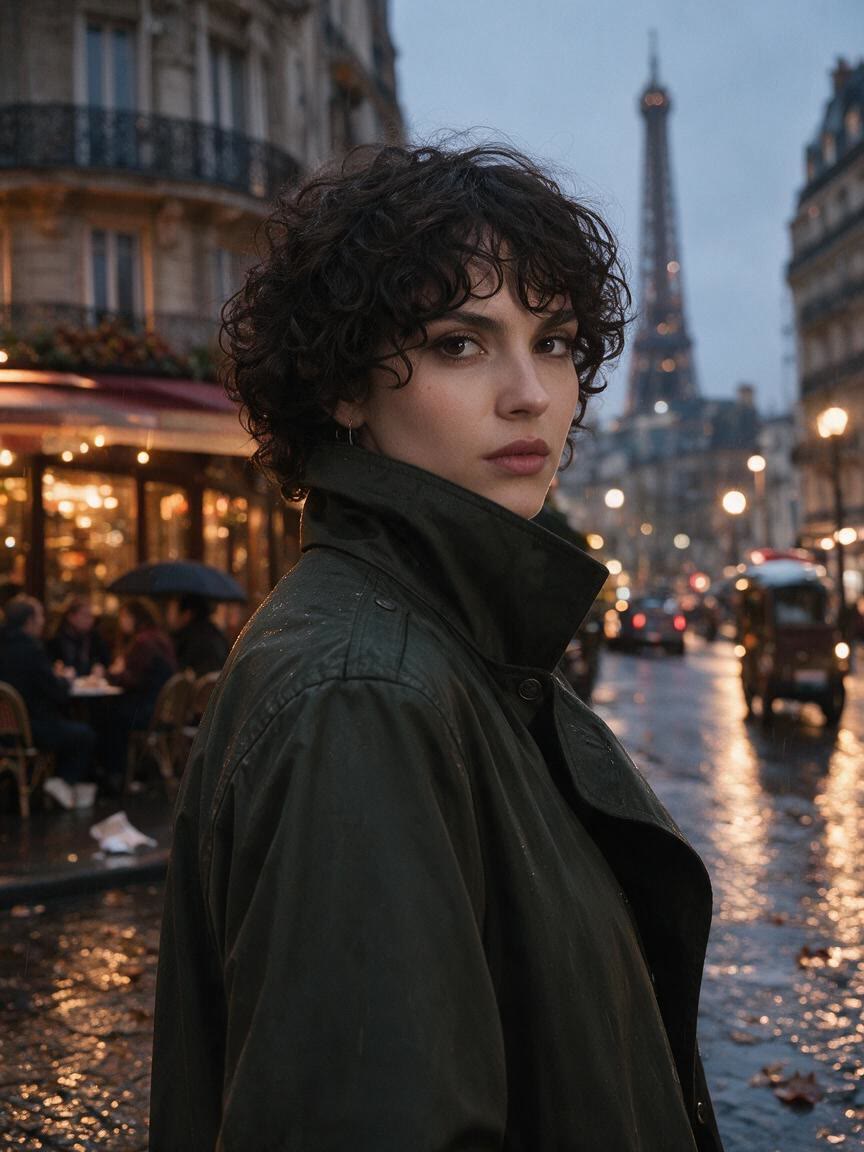
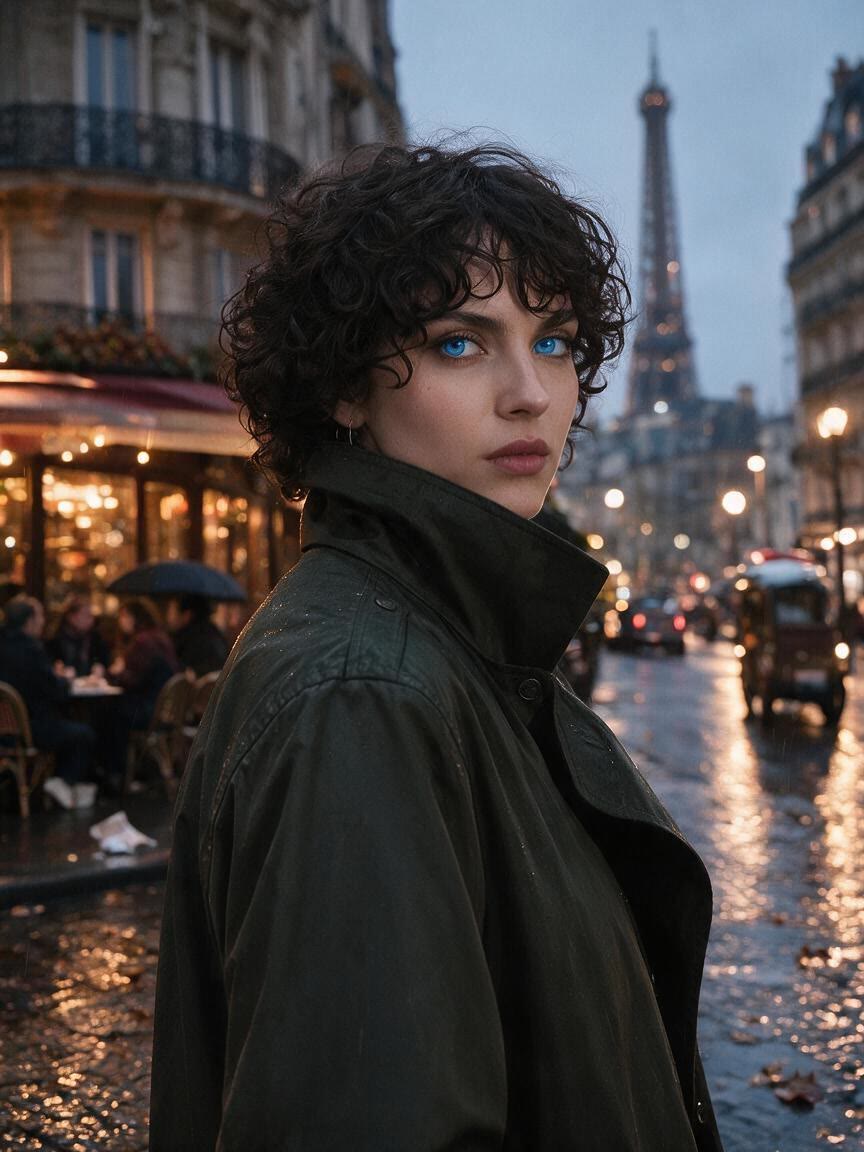
When a lens color looks different across sample images, use your own portrait to test the direction. Cavro applies the described shade to the photo so you can compare a more personal visual reference.
Try Cavro freeThis AI eye color changer lets you preview a new look on your own portrait. Try blue, green, hazel, amber, or an imaginative shade for styling, social posts, contact lens ideas, and creative work.
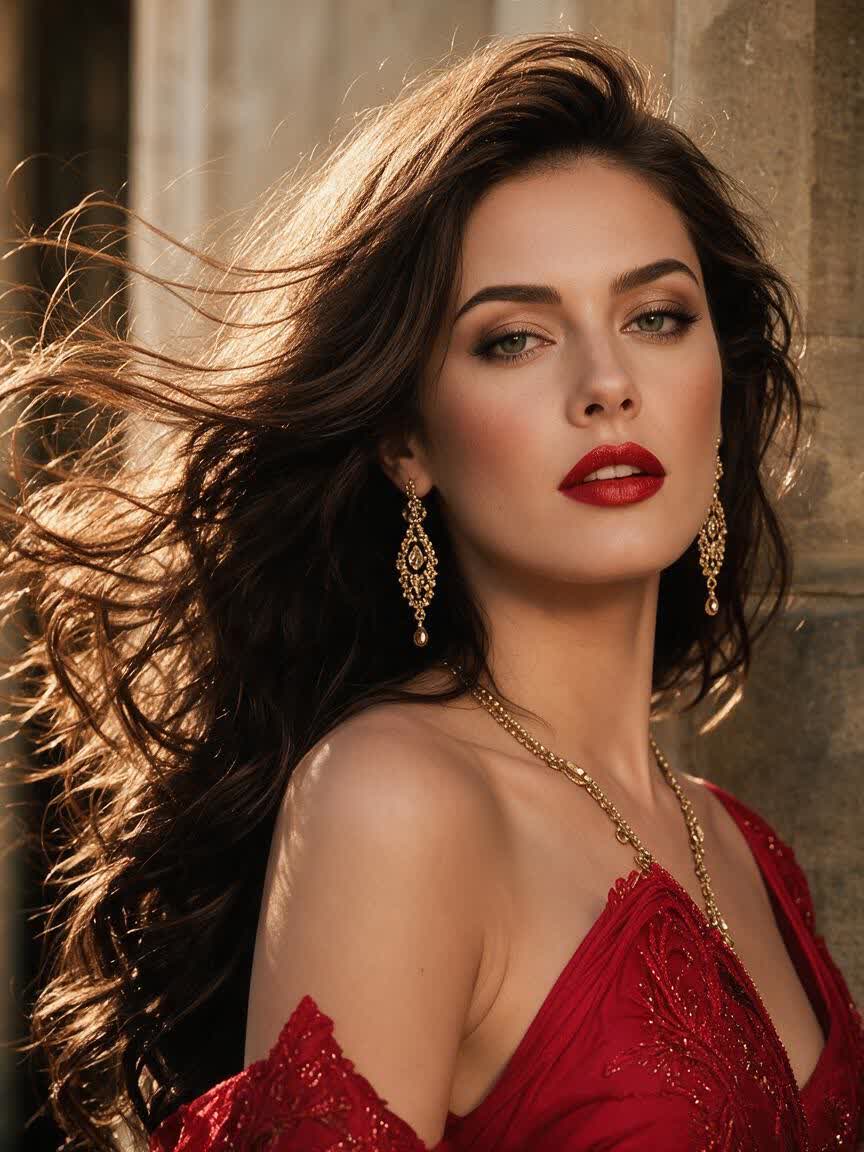
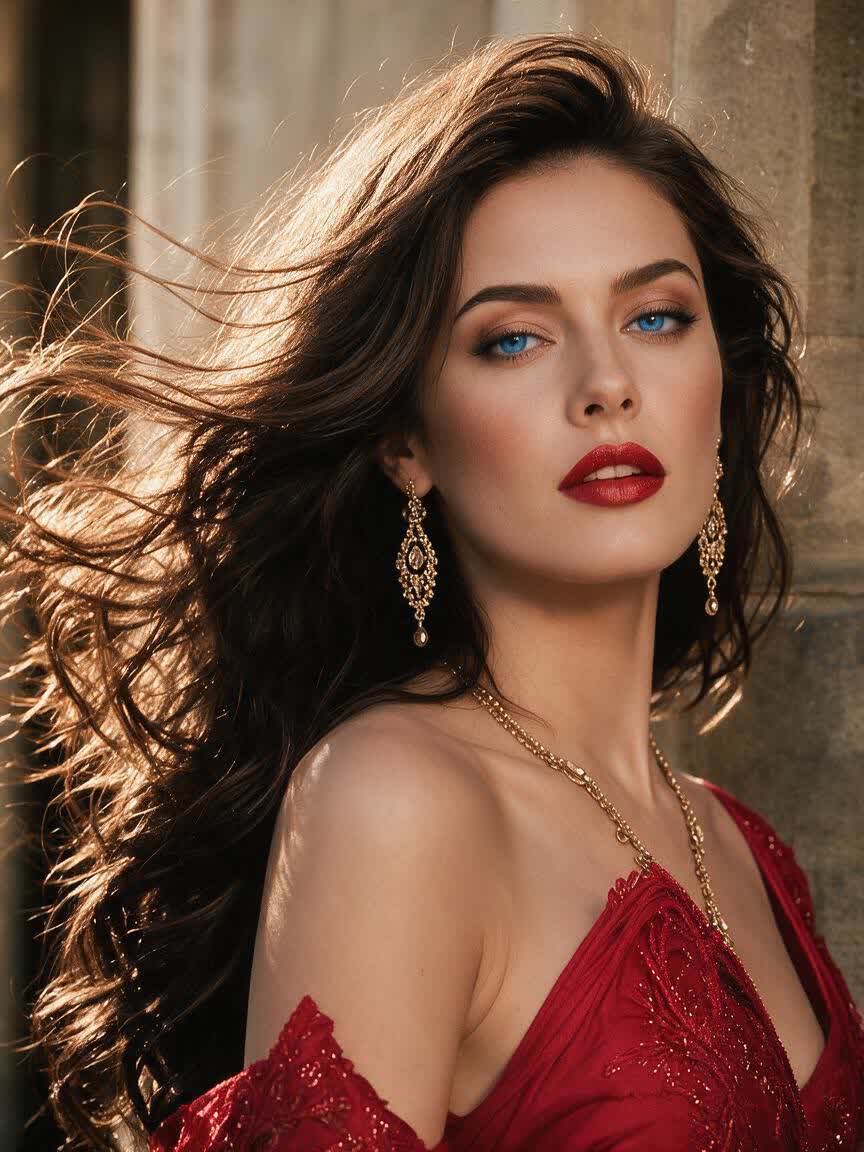




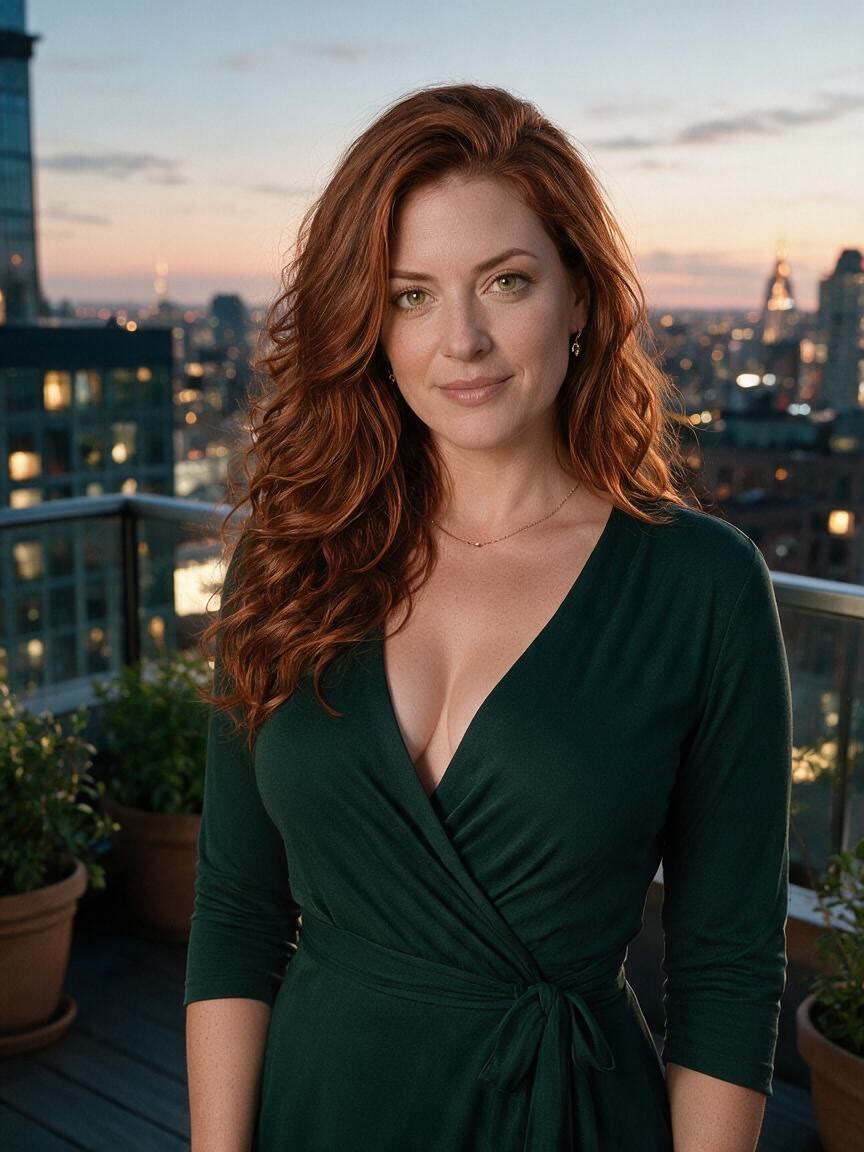




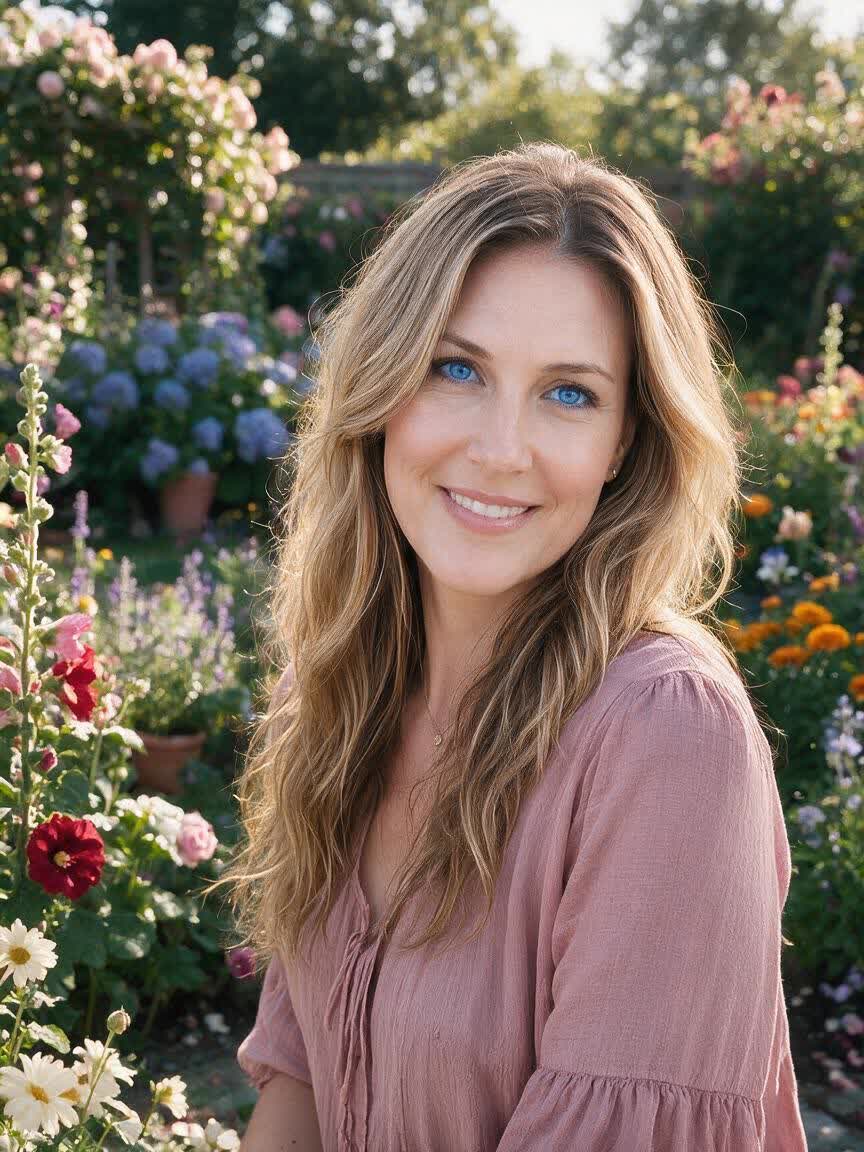
When a lens color looks different across sample images, use your own portrait to test the direction. Cavro applies the described shade to the photo so you can compare a more personal visual reference.
Try Cavro free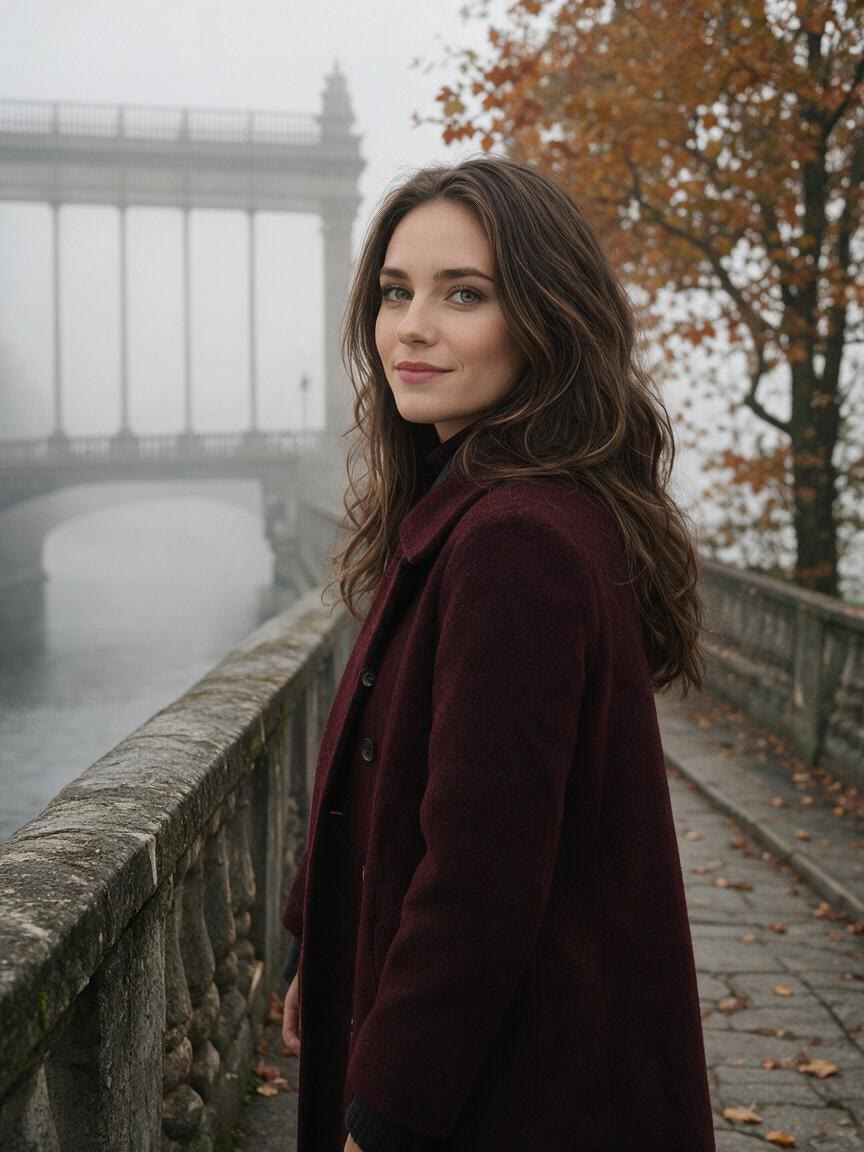
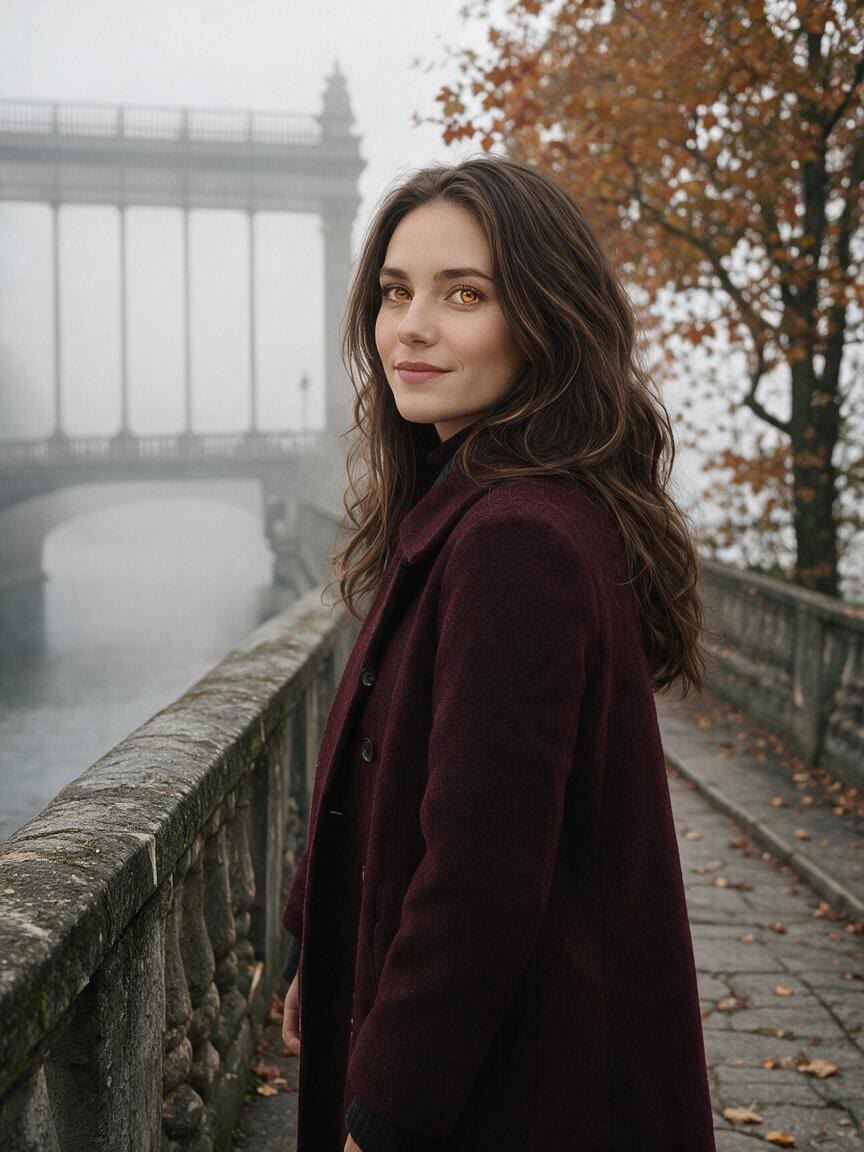
Bring a portrait you already like and explore a subtle or dramatic eye color change for a profile update. Cavro helps you test the styling idea before choosing the version you want to share.
Try Cavro free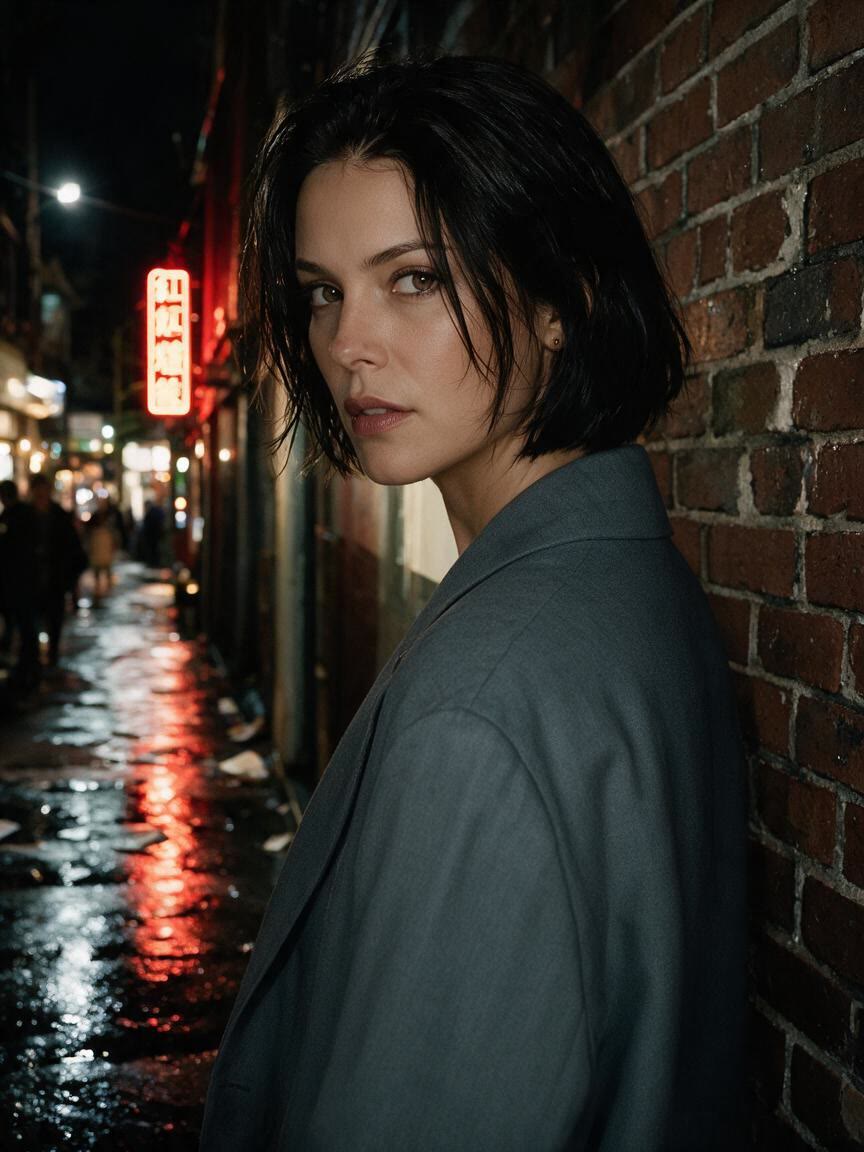
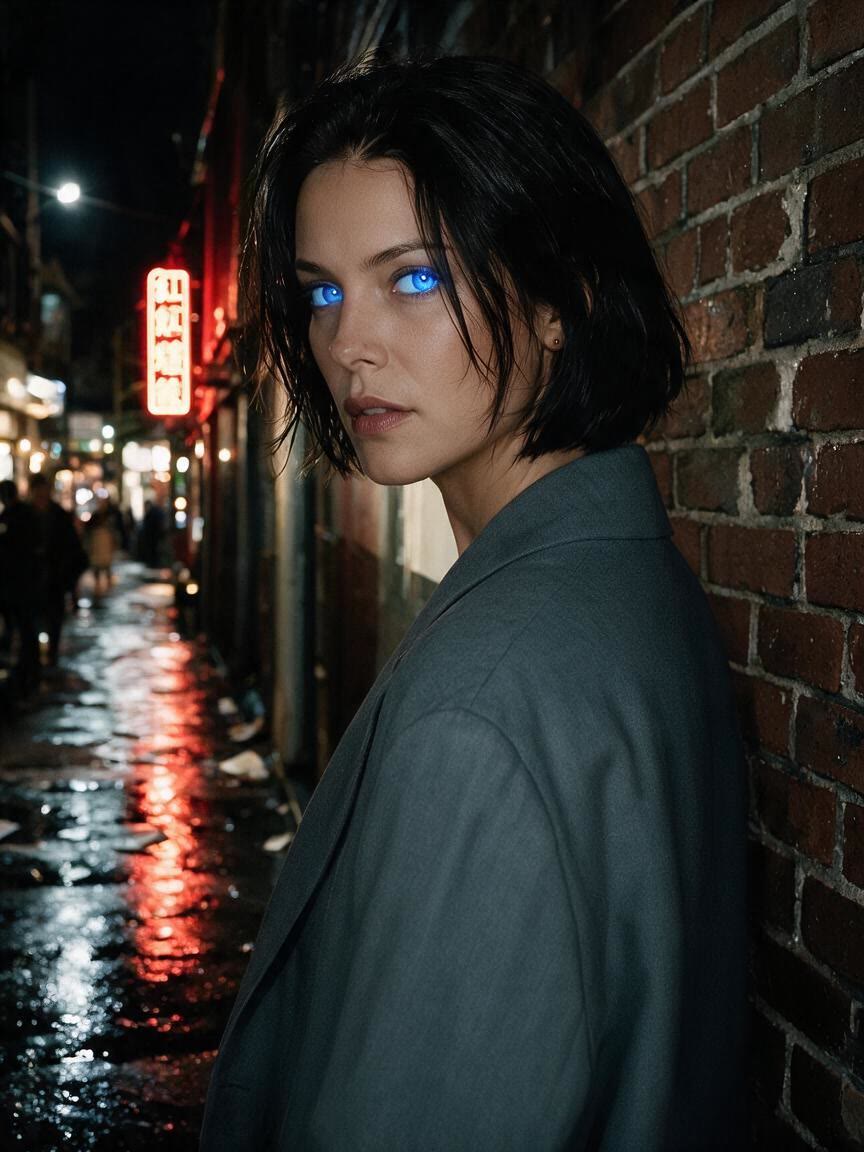
Start with a real photo for cosplay, digital art, or an editorial concept and describe the eye look you need. Cavro turns that direction into a visual reference for the wider character idea.
Try Cavro free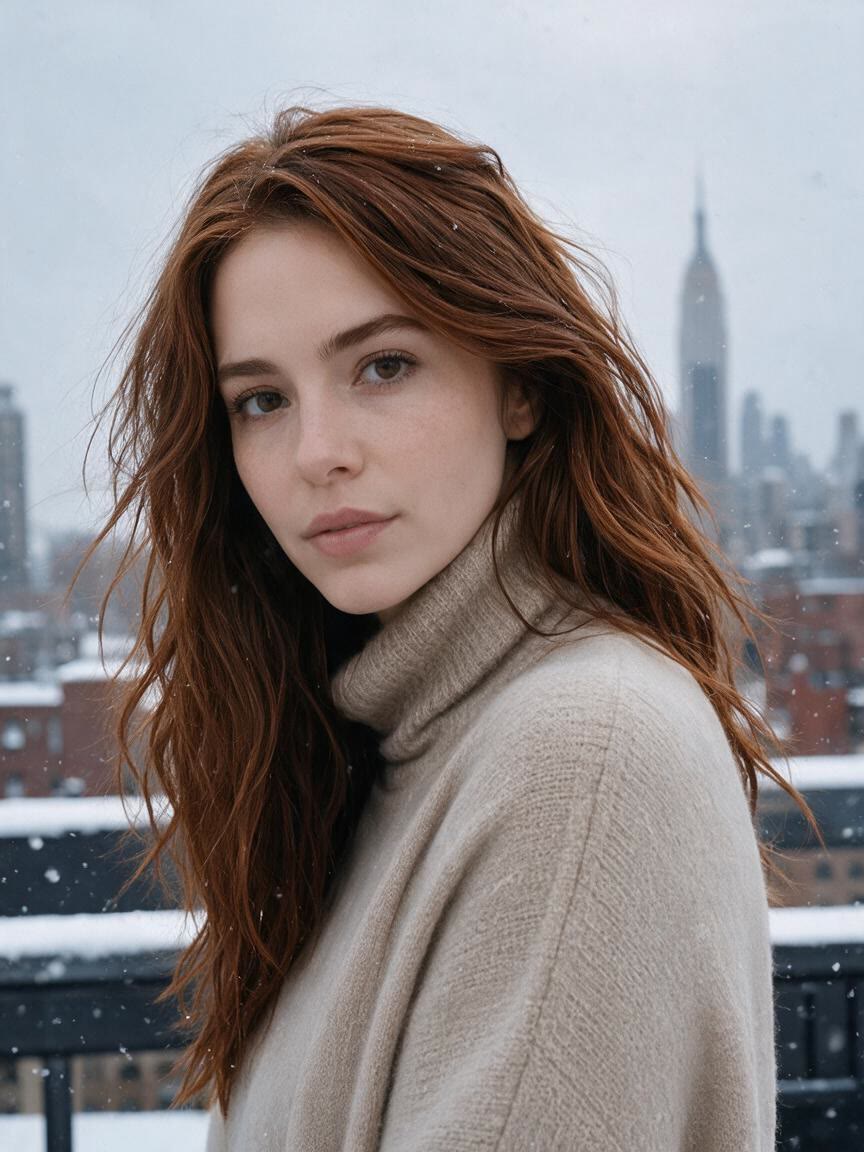
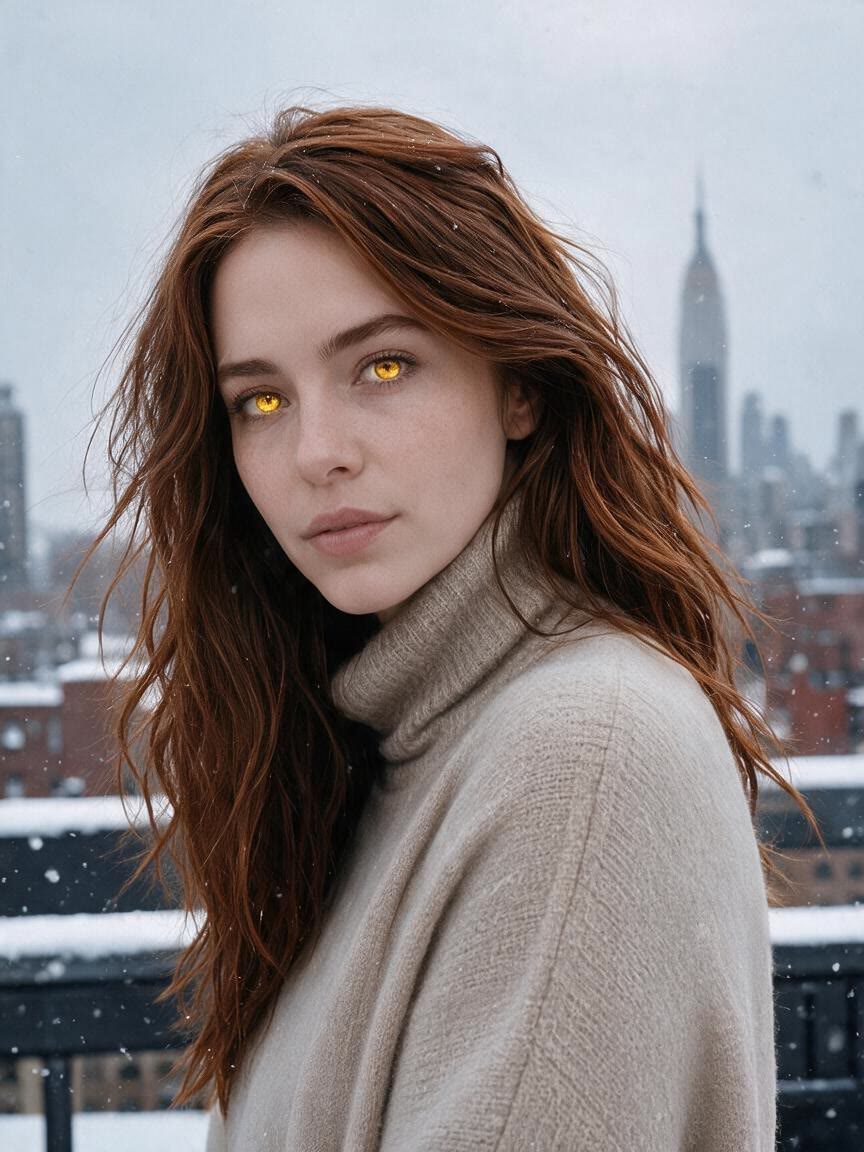
A flat color overlay can make an eye edit feel artificial. Describe the shade you want and Cavro can create a direction that accounts for iris texture, light reflection, depth, and natural variation.
Try Cavro free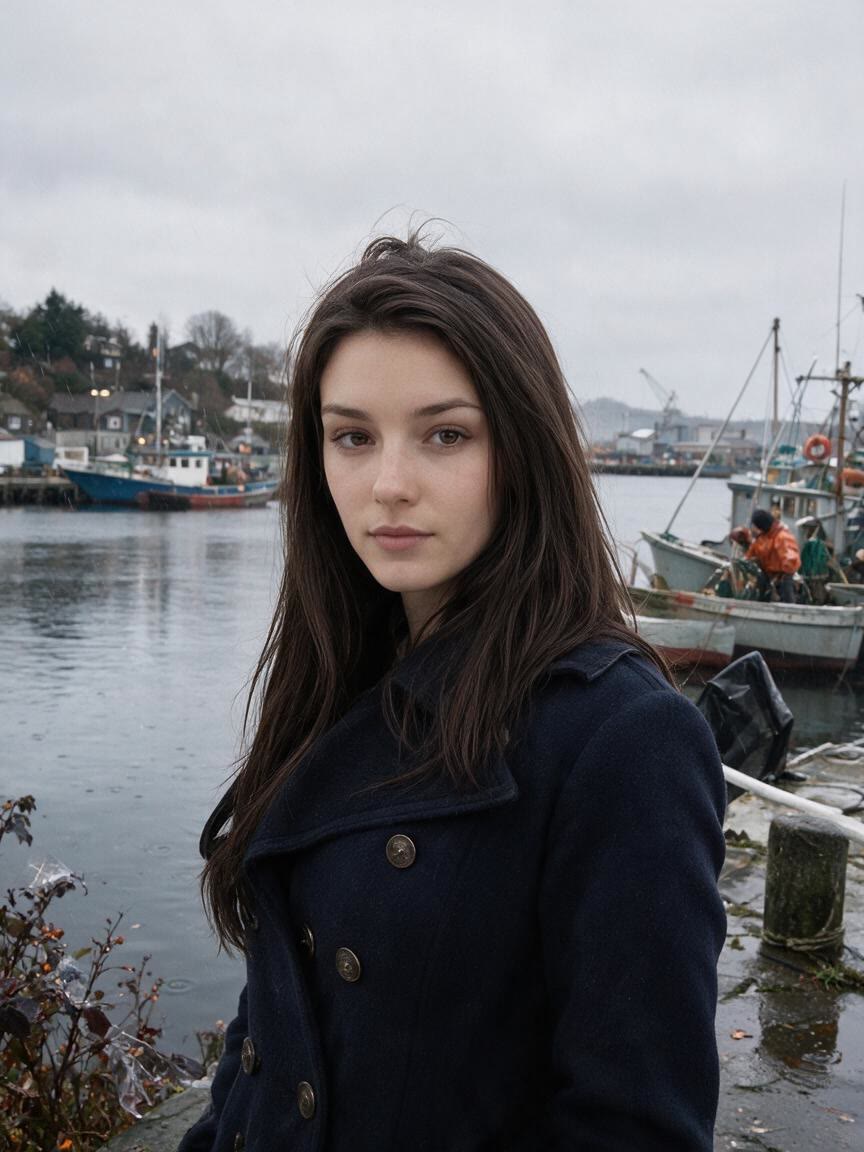
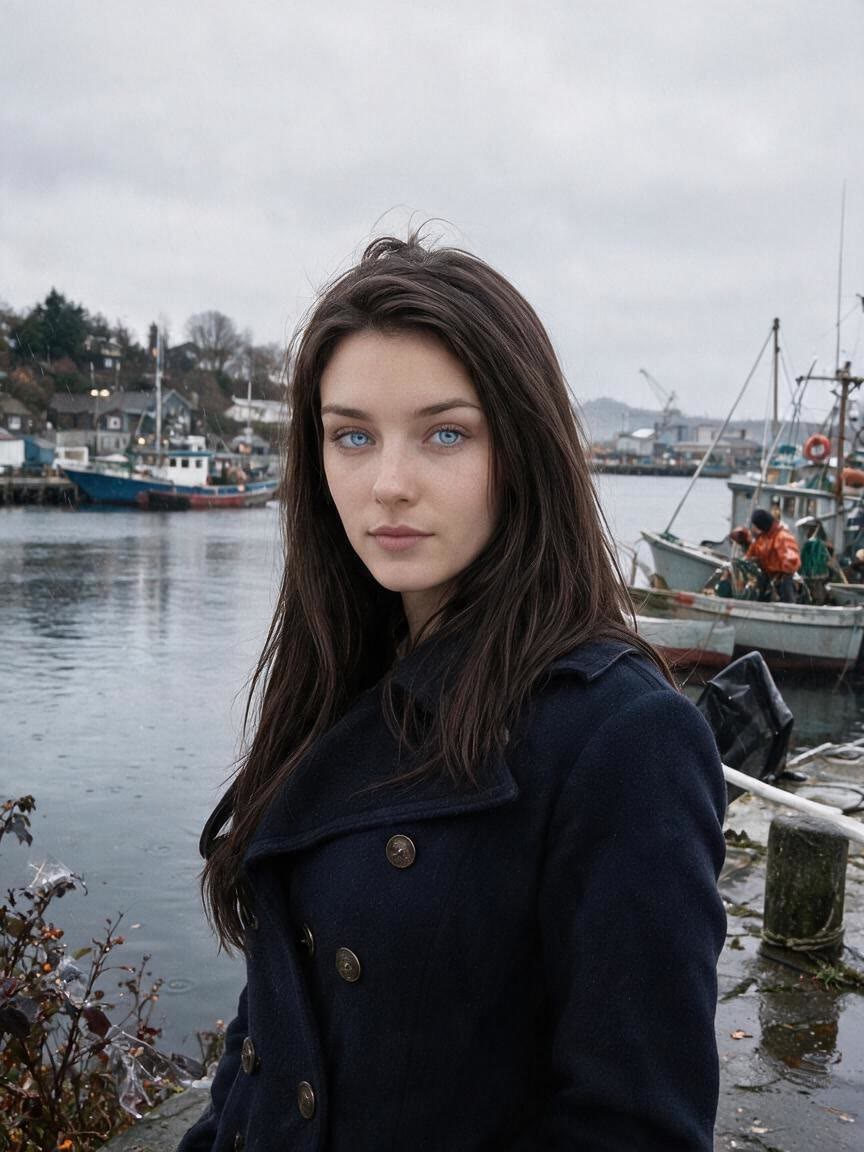
Some portraits call for a barely changed hazel or grey, while others need violet, gold, gradients, or mismatched eyes. Cavro lets your written direction define the visual approach you want to explore.
Try Cavro free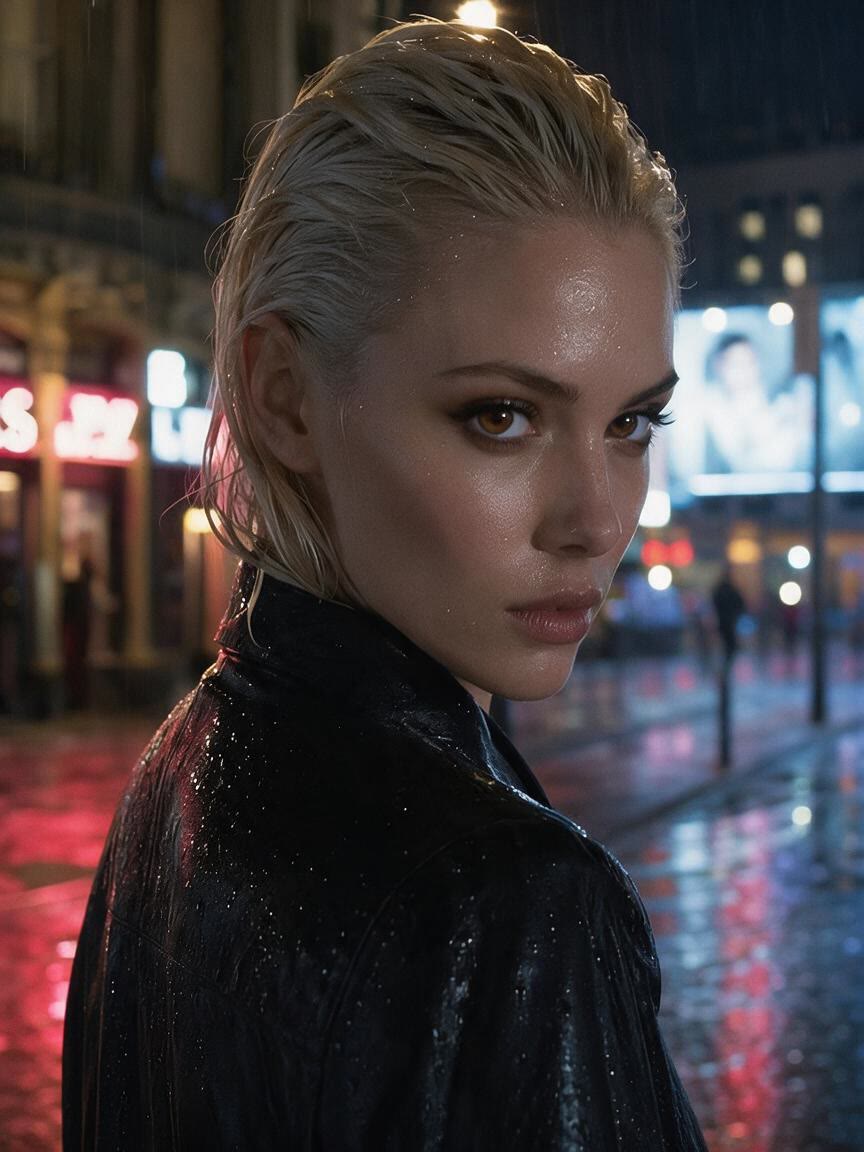
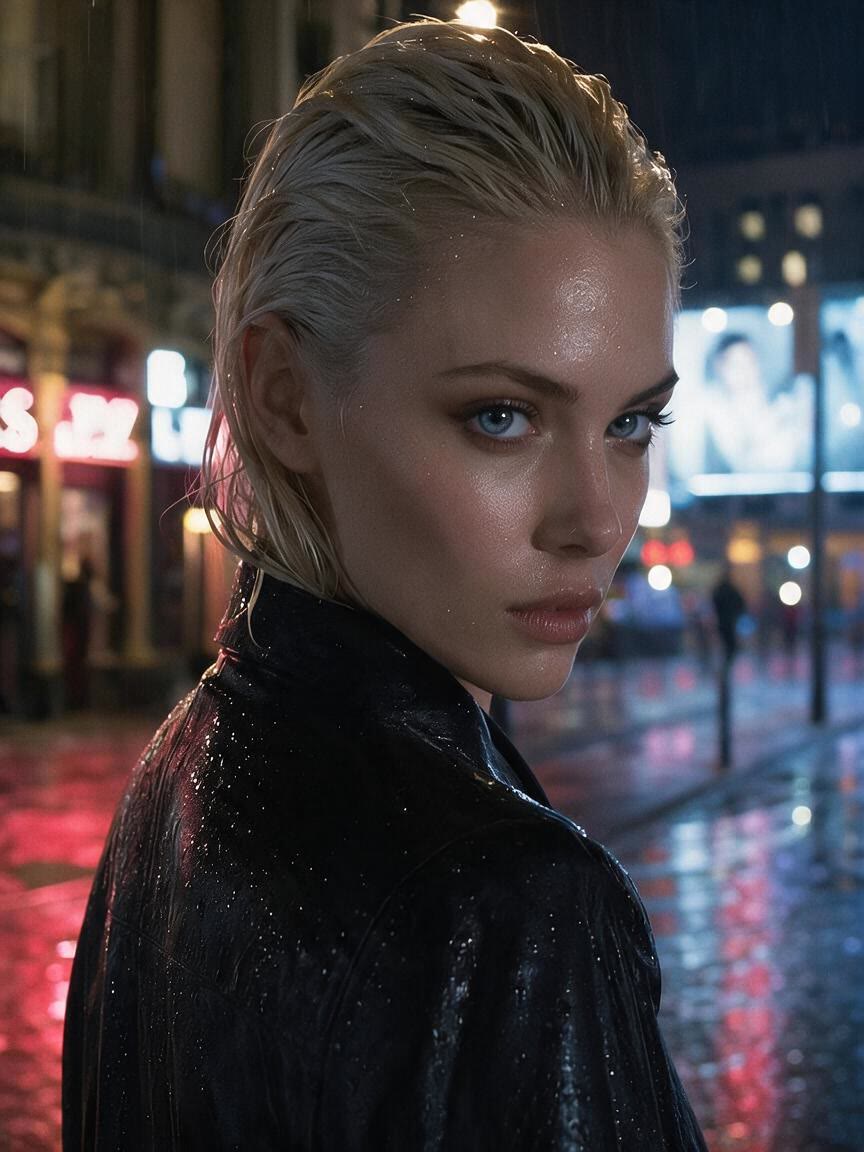
Your first eye color idea may not be the final one. Continue refining the same photo and adjust the shade or effect until the portrait fits your styling, social, or creative brief.
Try Cavro freeUpload a reference photo and describe the eye color or effect you want to see. Cavro uses your photo and written direction to generate an image with the requested change.
Yes, you can describe common shades such as blue, green, grey, hazel, and amber. You can also ask for more specific directions, including violet, gold, gradients, or heterochromia.
Yes. Upload a portrait and describe the lens shade you want to preview, then use the result as a personal visual reference before choosing a color. The preview is an image exploration, not a substitute for trying the actual lenses.
Yes. You can continue the same conversation and request another shade or effect without starting over. This lets you compare subtle and dramatic directions for the same portrait.
Creators worldwide are turning “just an idea” into expensive-looking images.