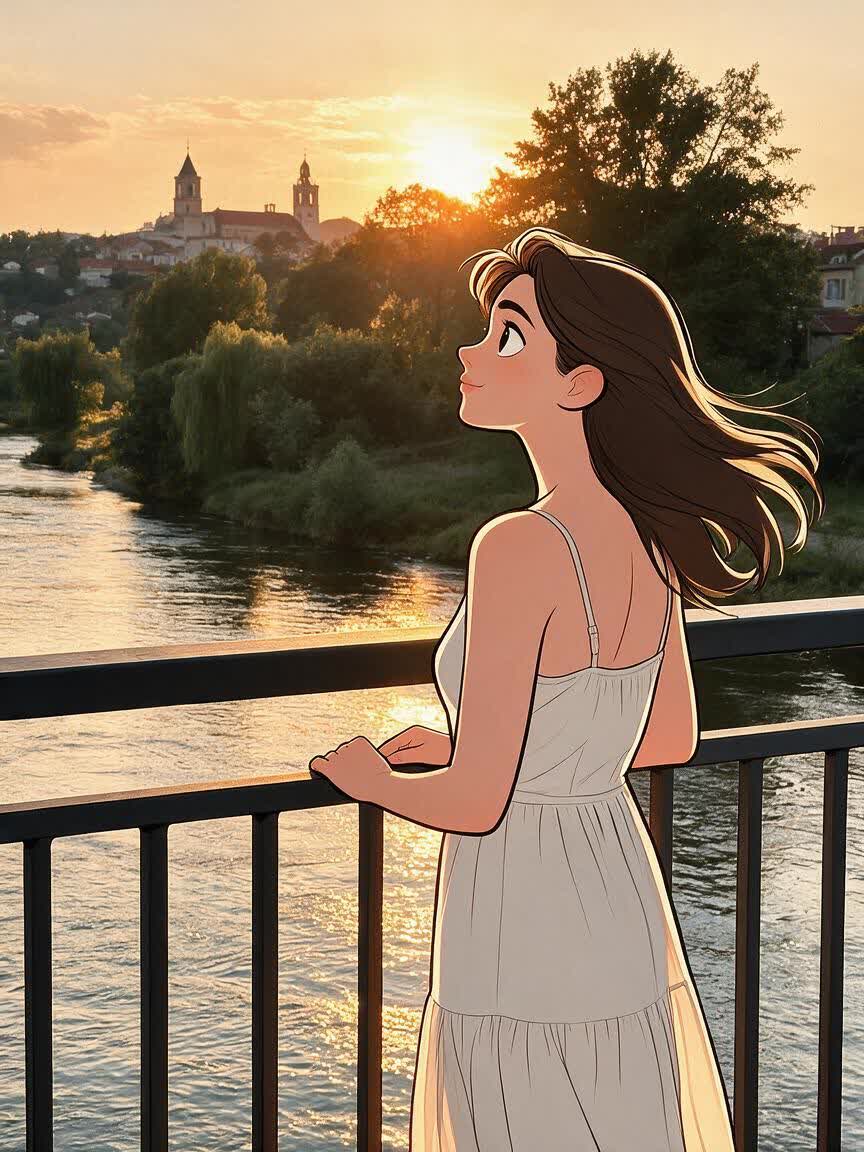
Disney Style Photo Generator for Your Cartoon Portrait
Turn a meaningful photo into a personal, Disney-inspired cartoon portrait with expressive eyes, vibrant color, and a warm animated feel. Make a memorable profile picture, gift, keepsake, or fan-art transformation.
Drop, upload, or paste an image
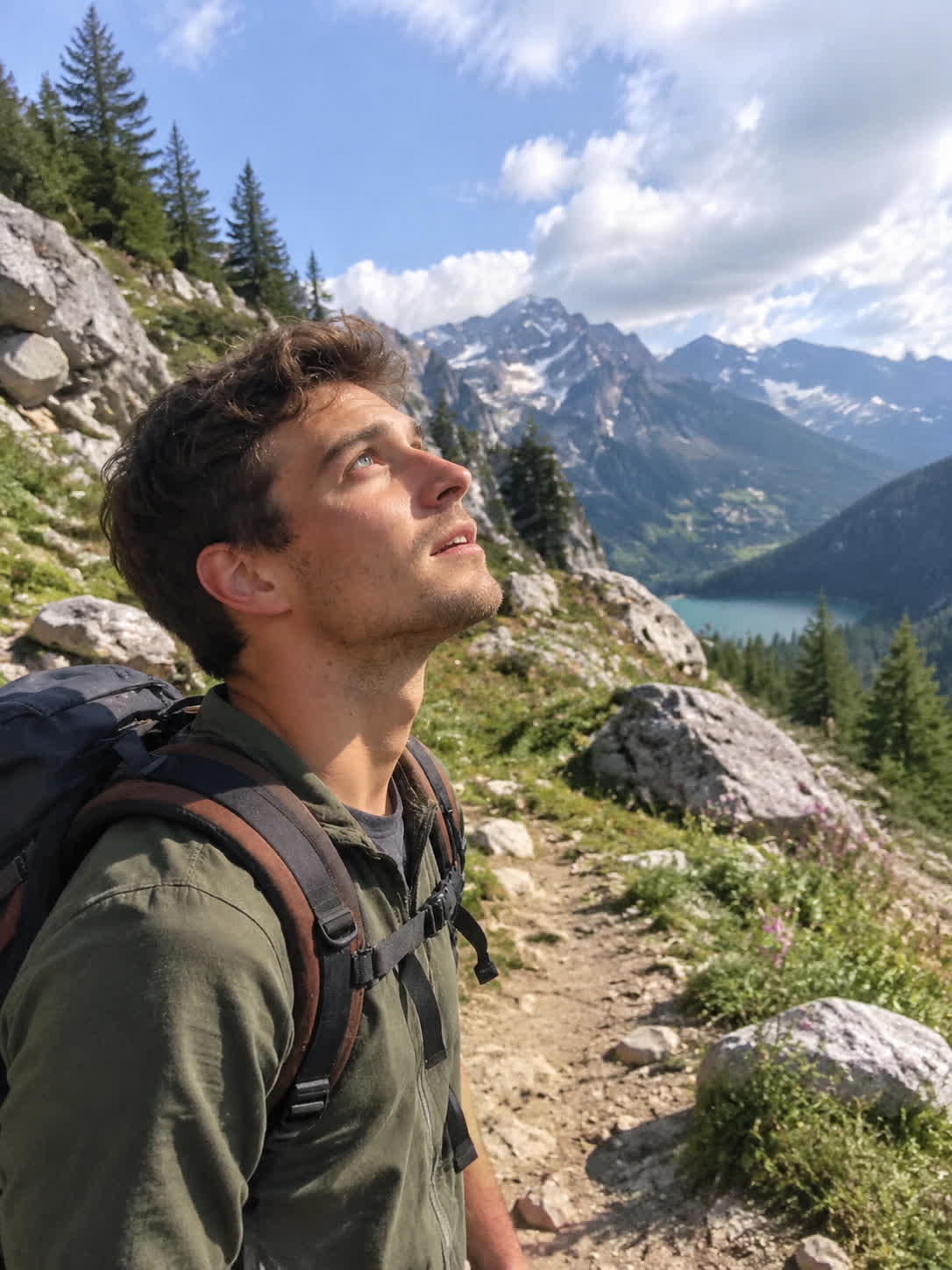
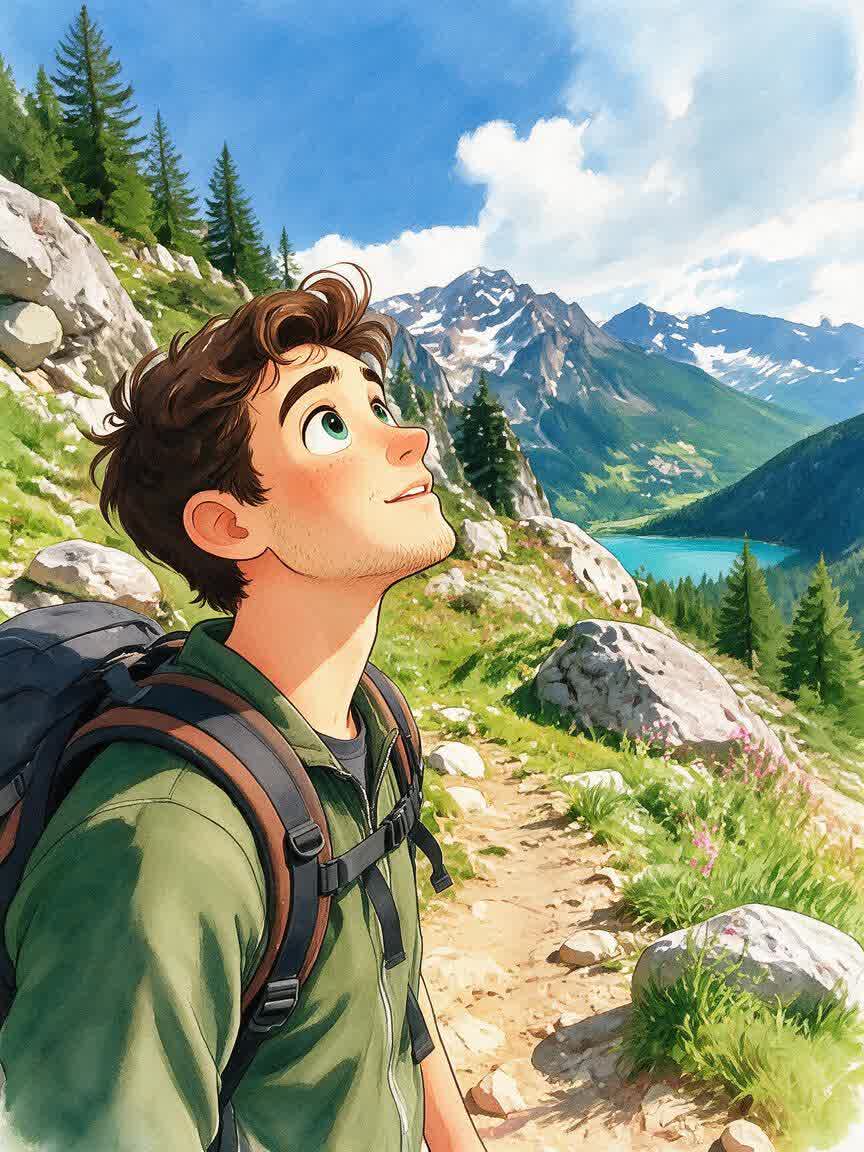
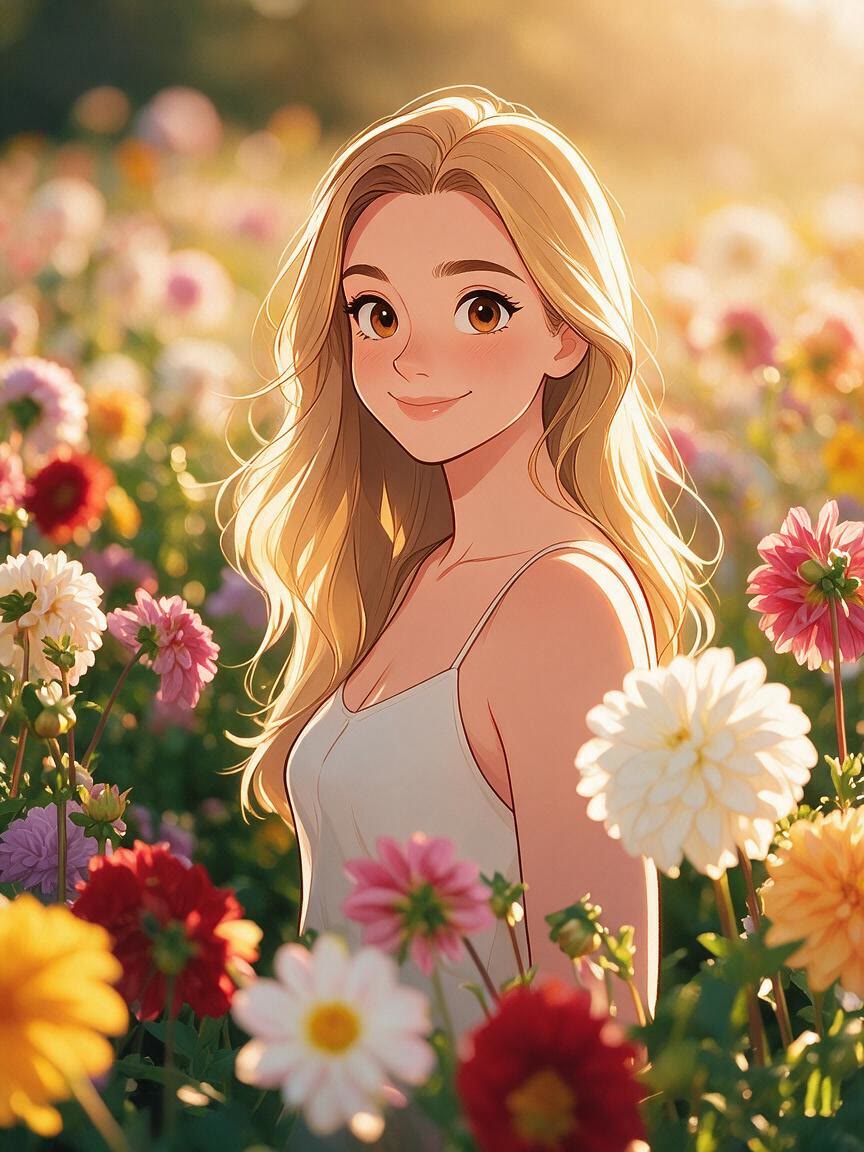
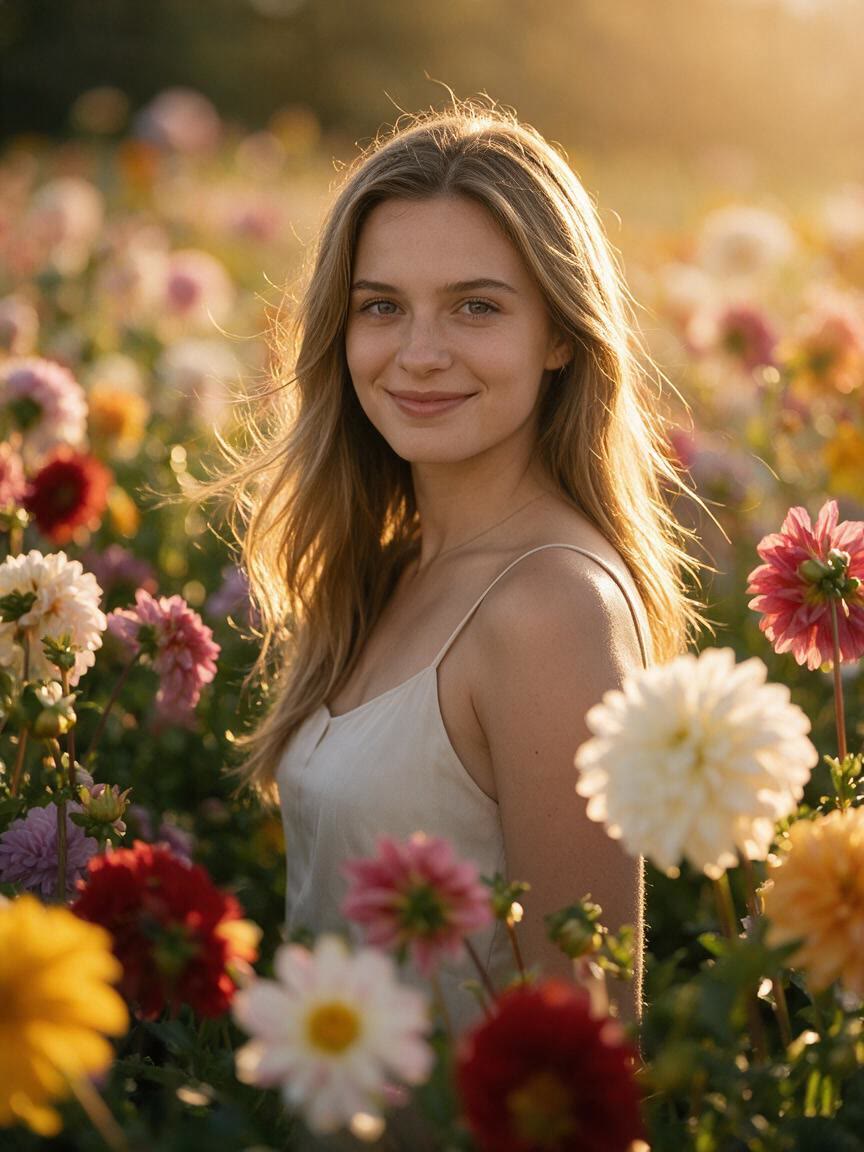
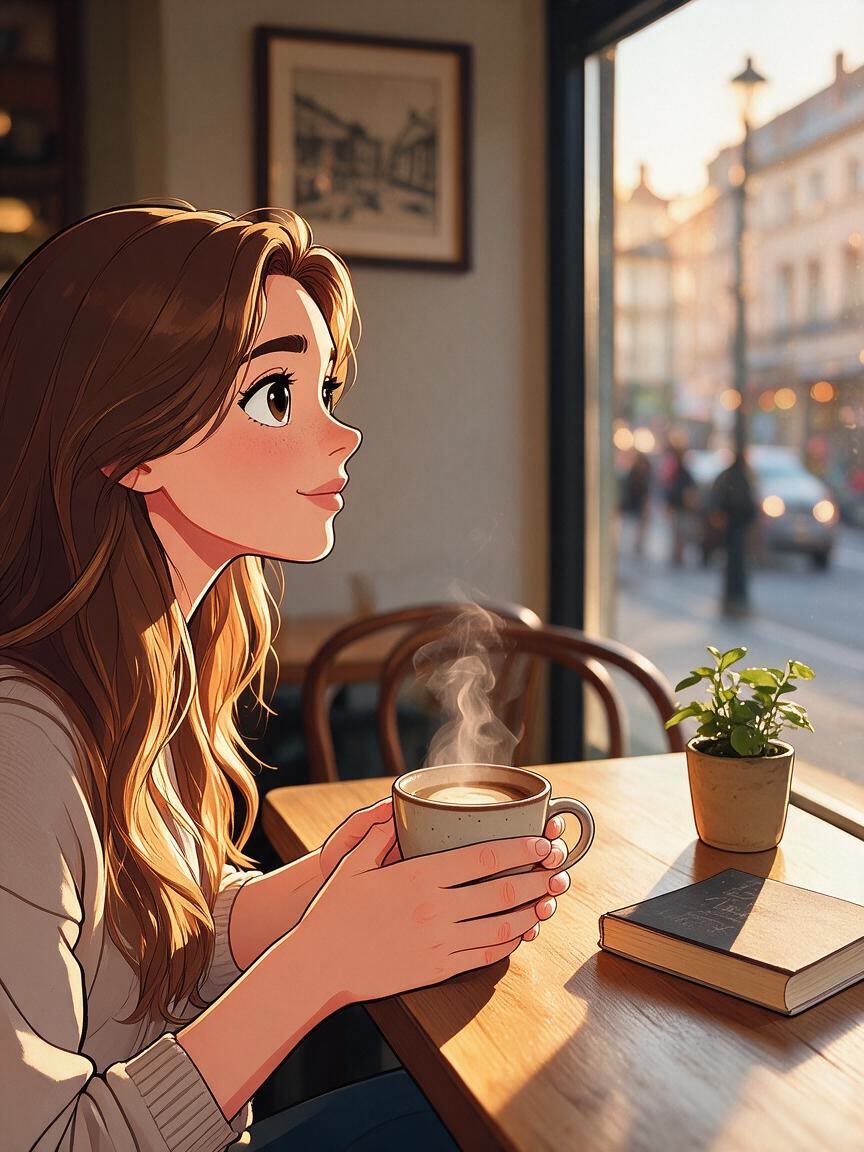
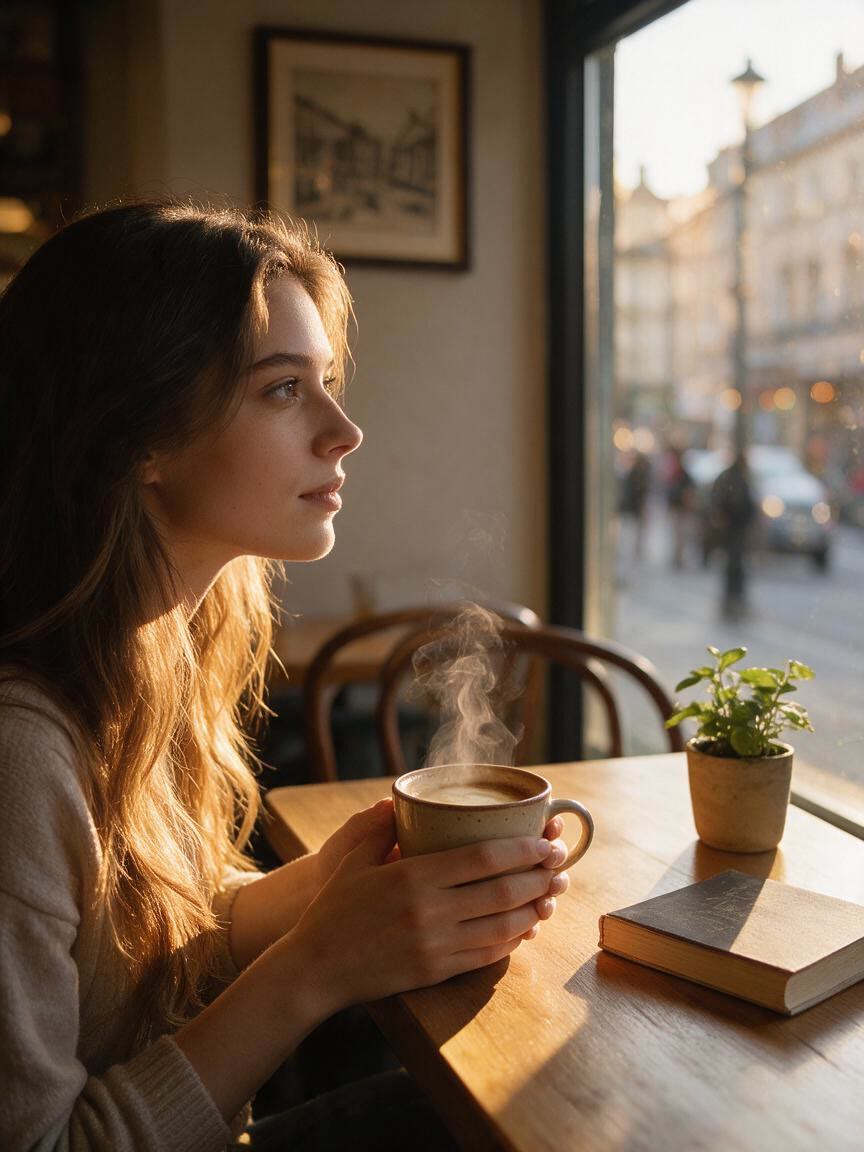
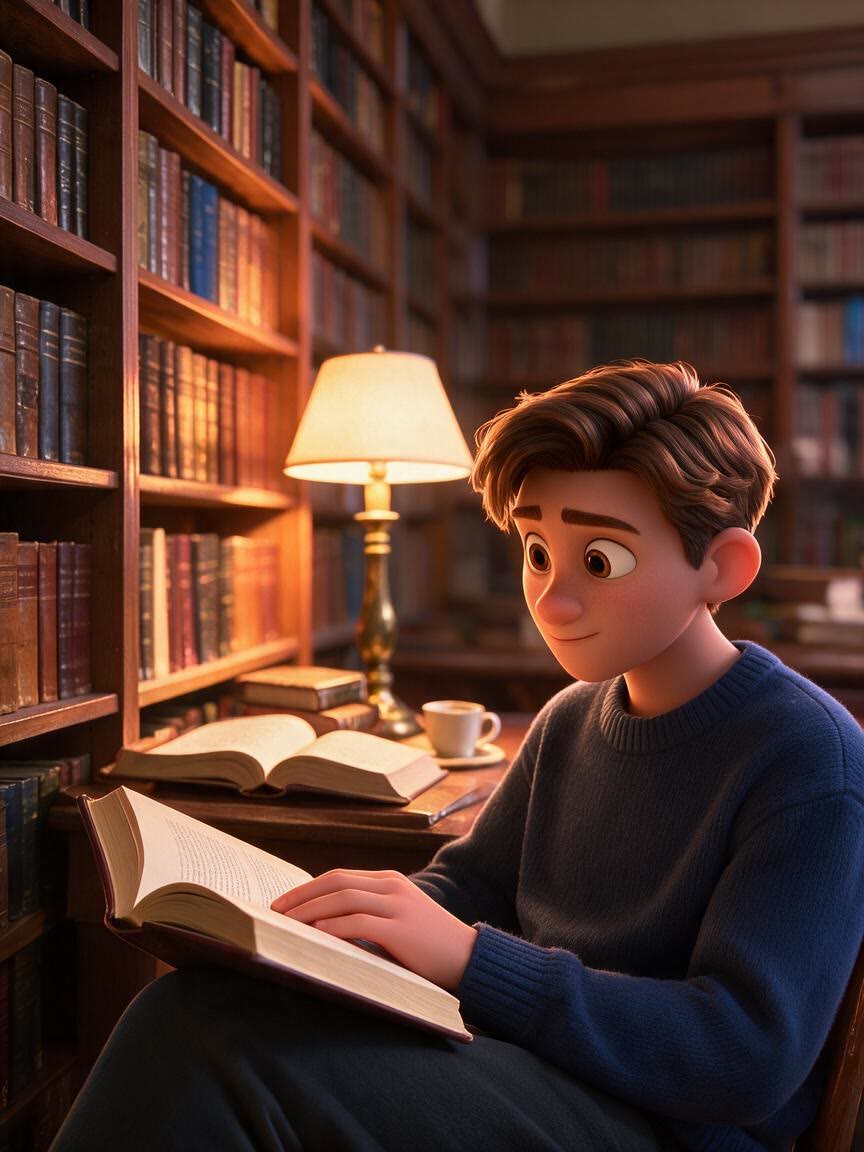
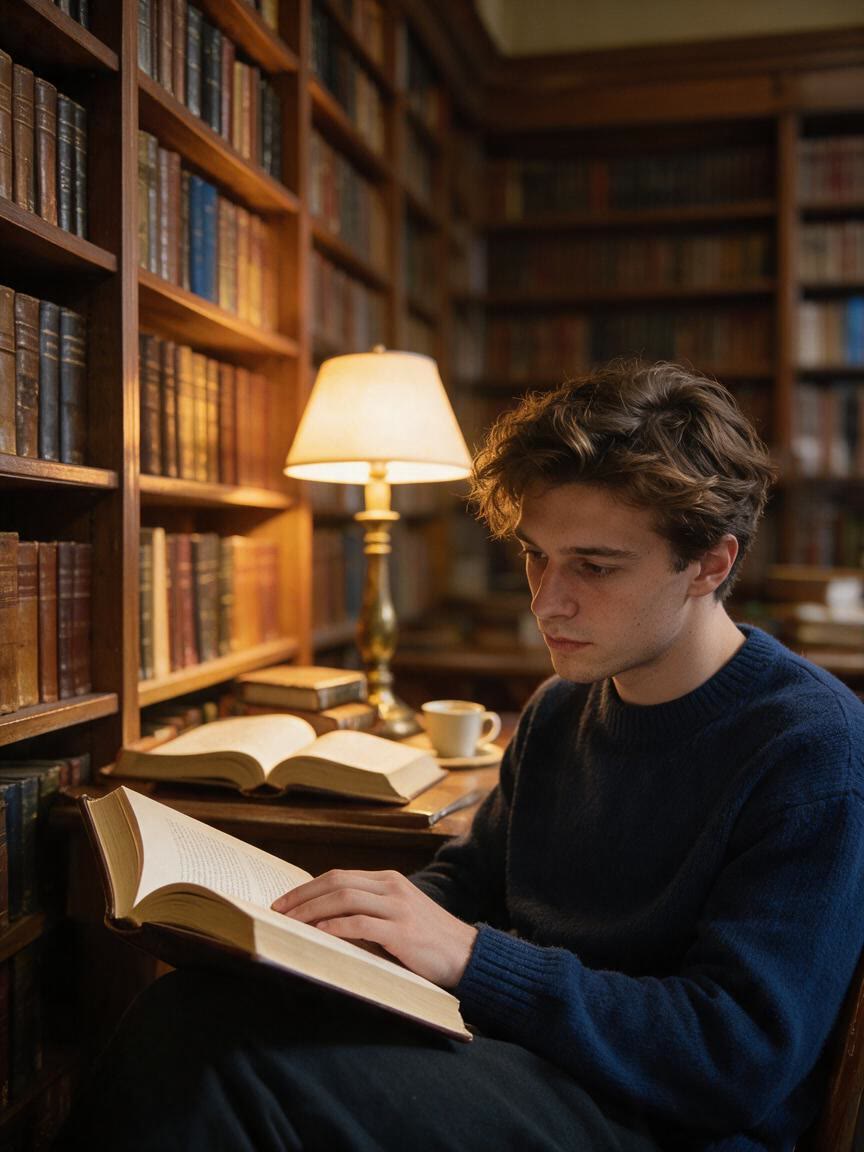
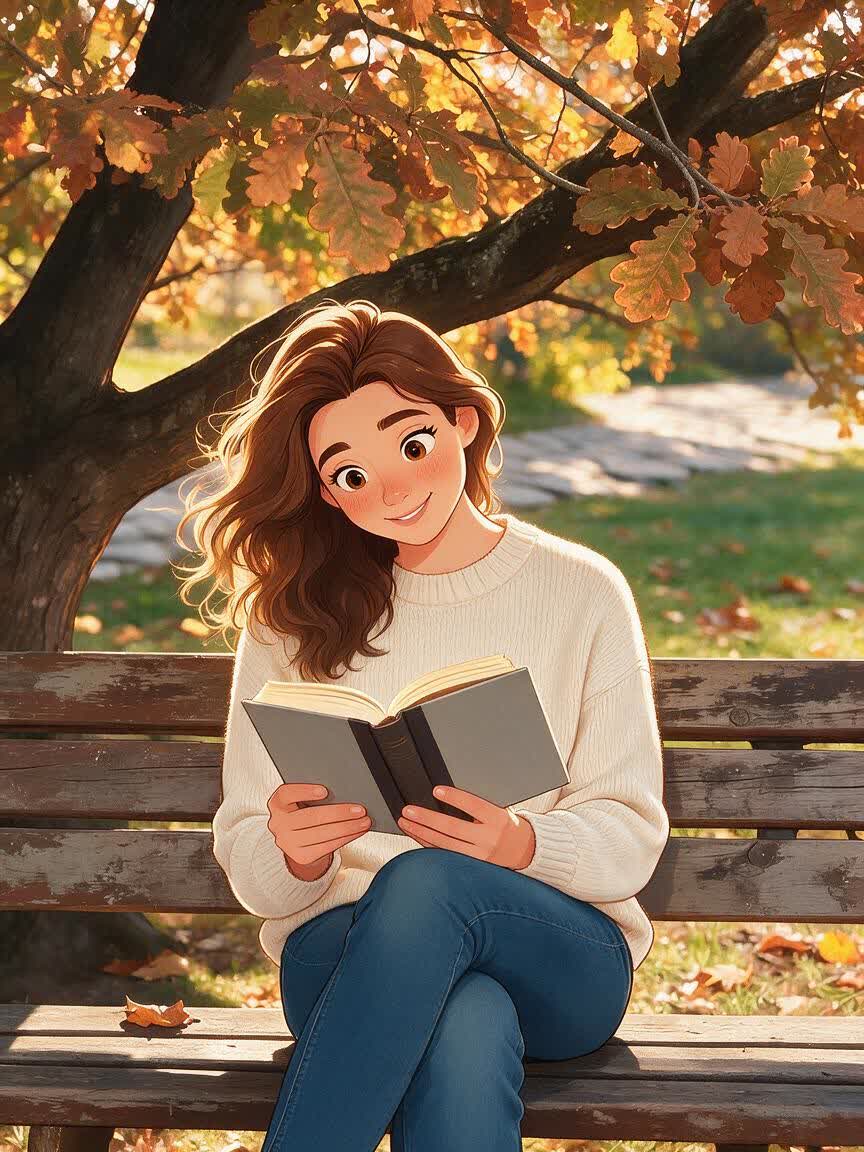
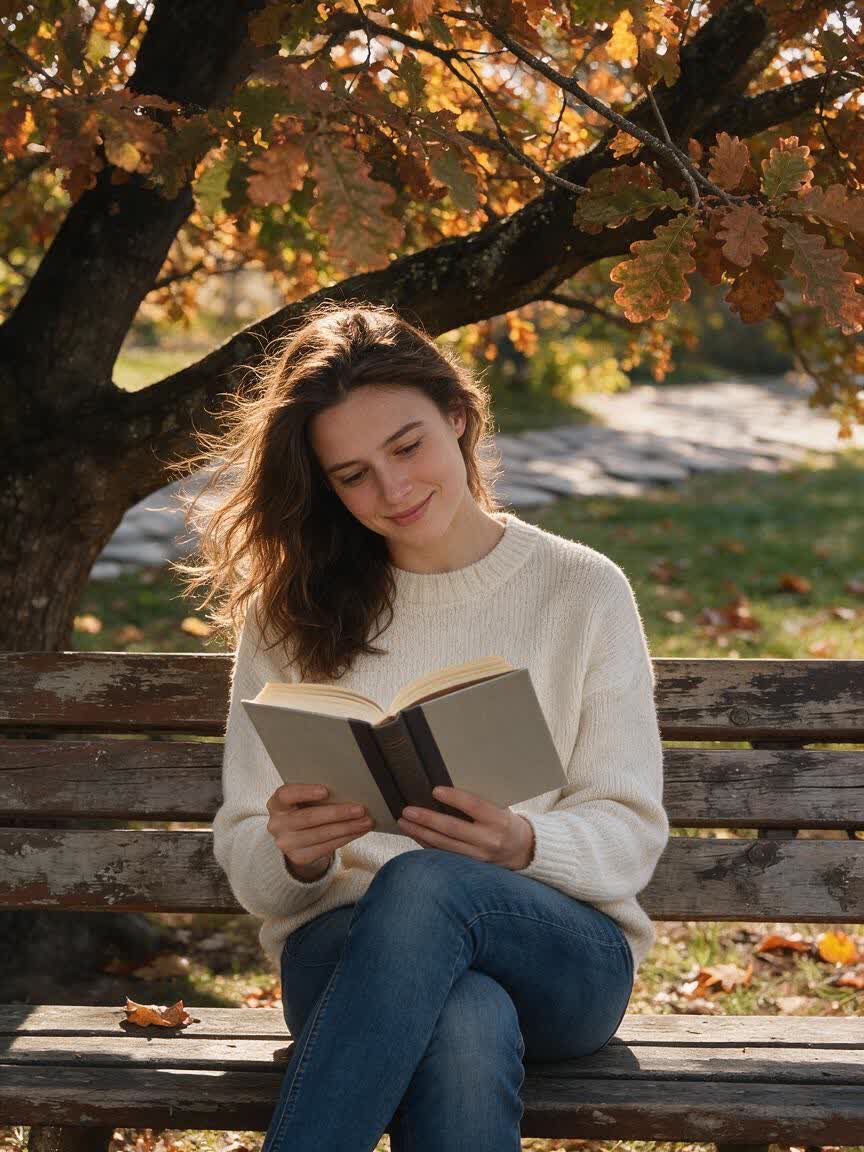
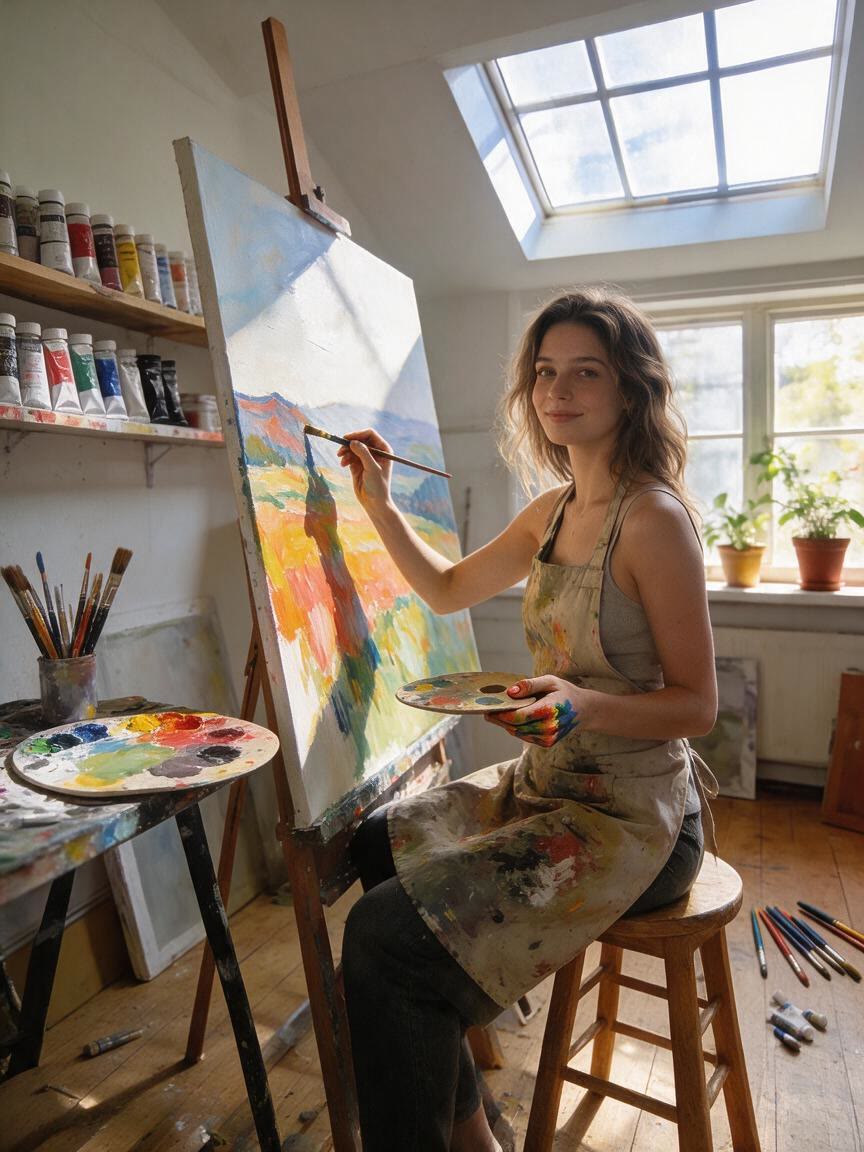
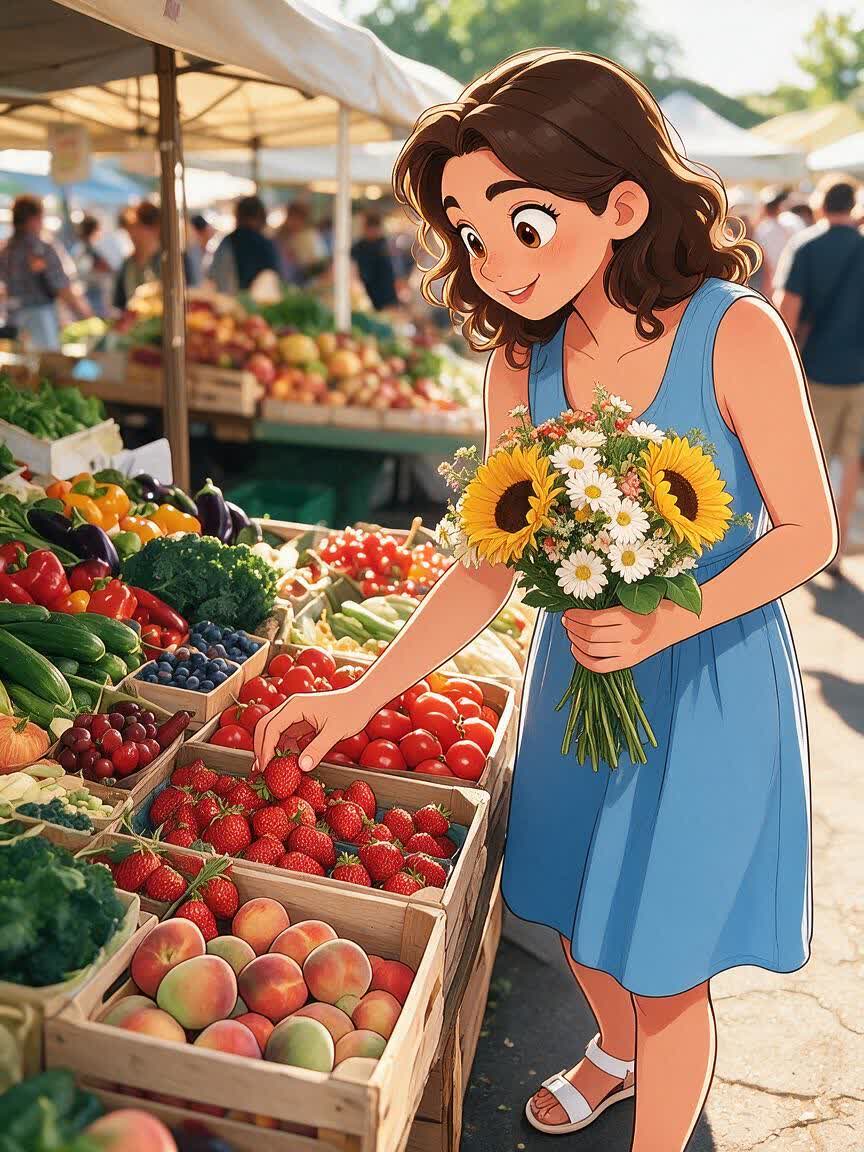
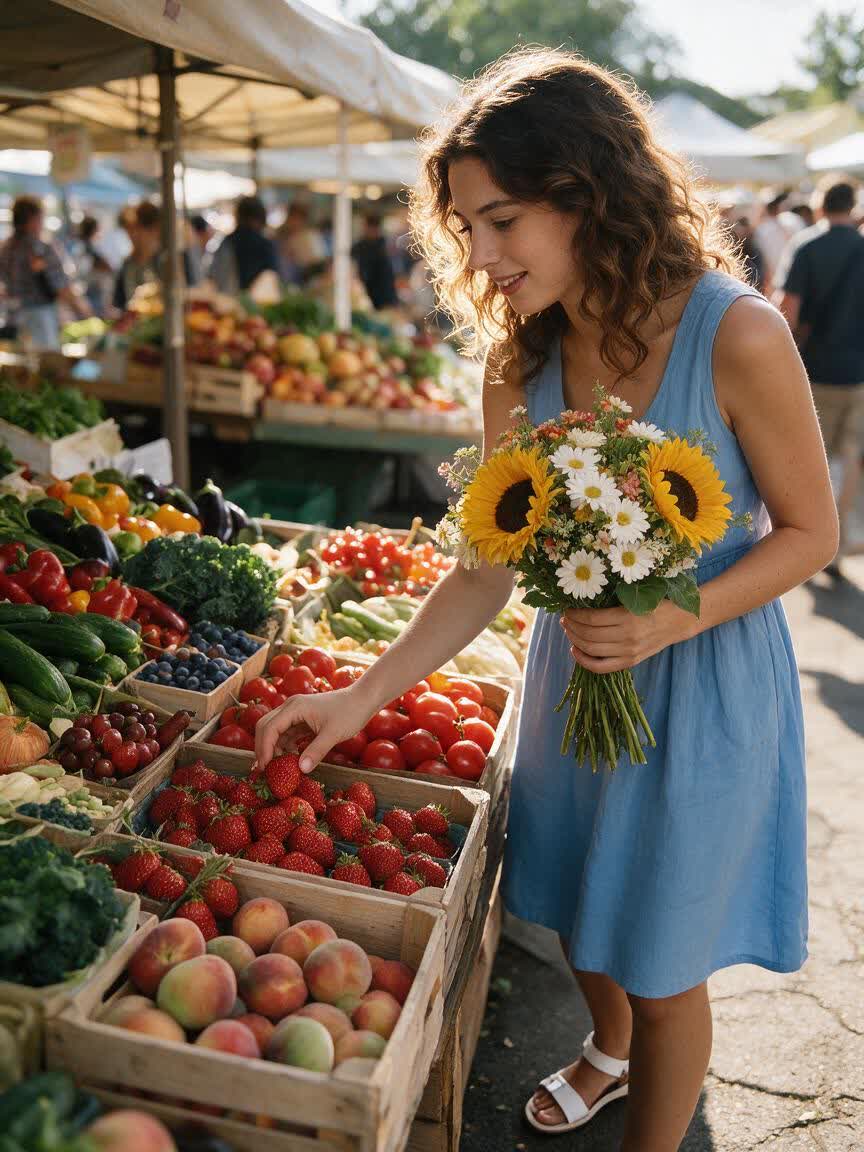
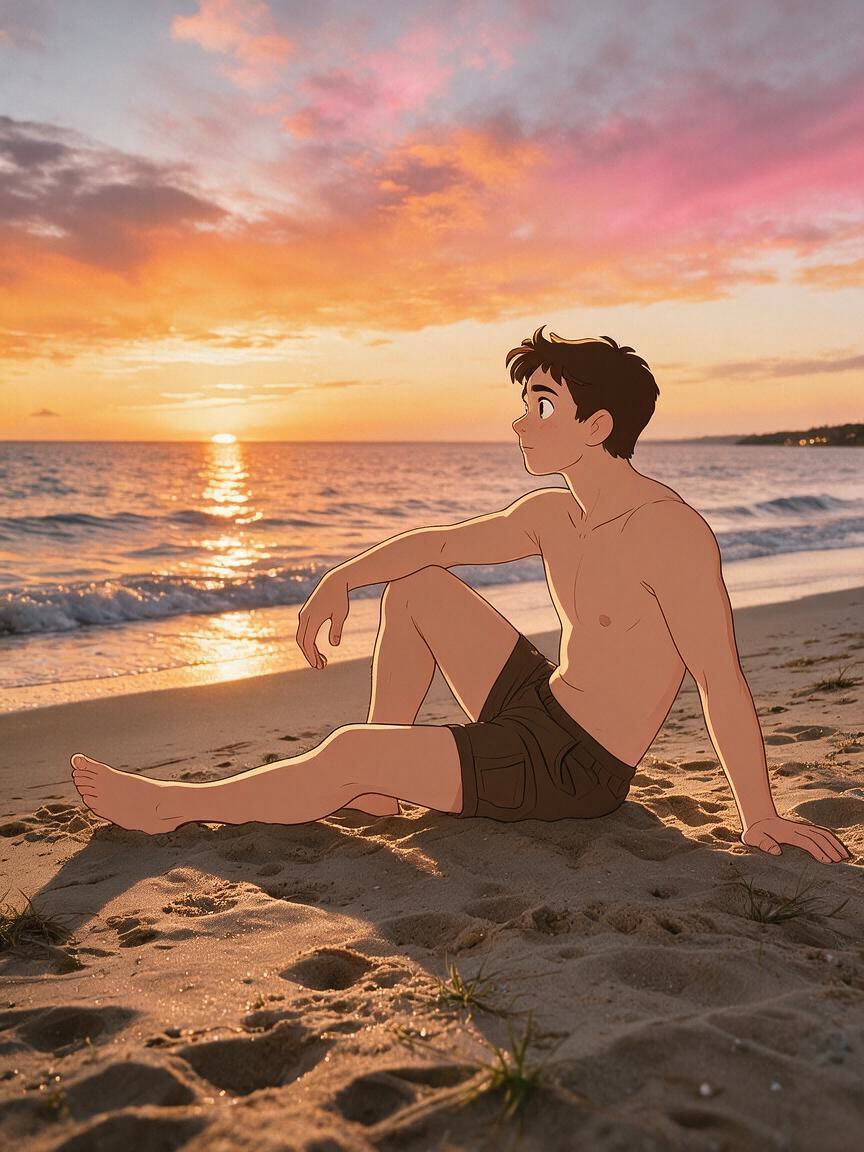
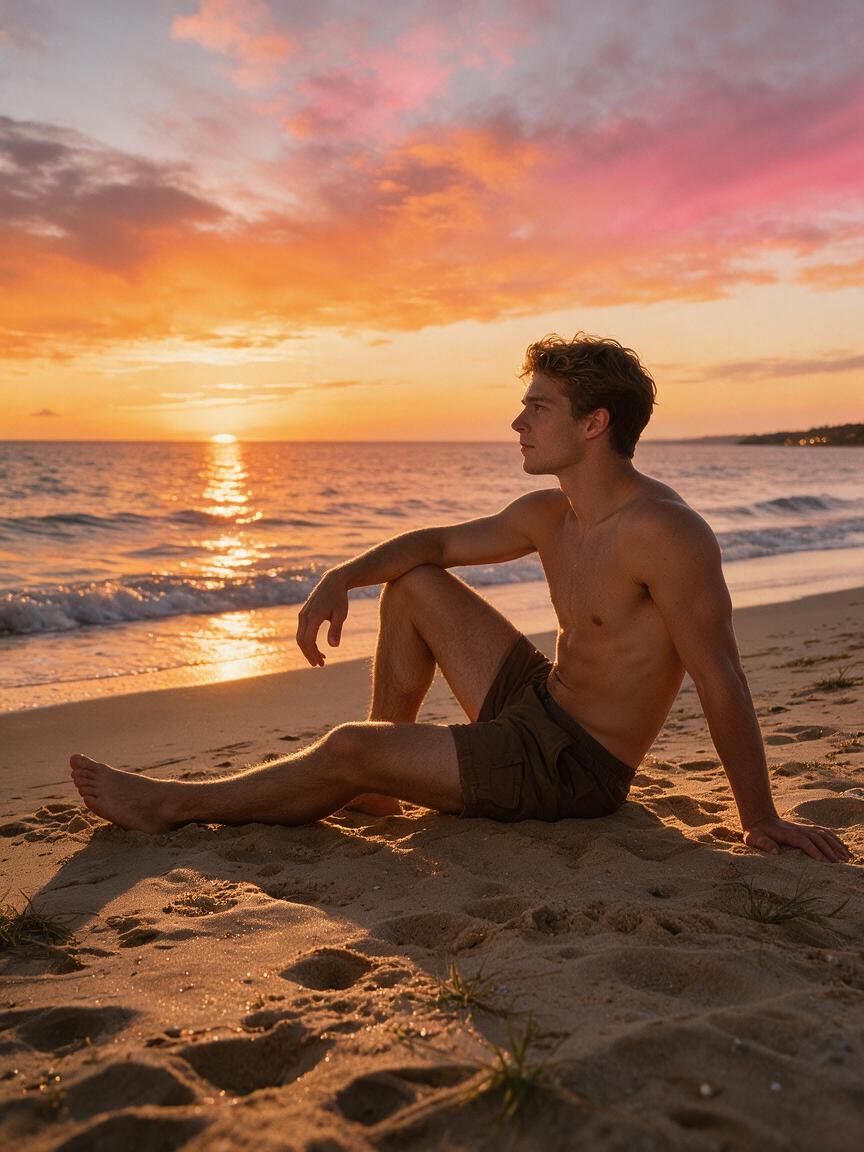
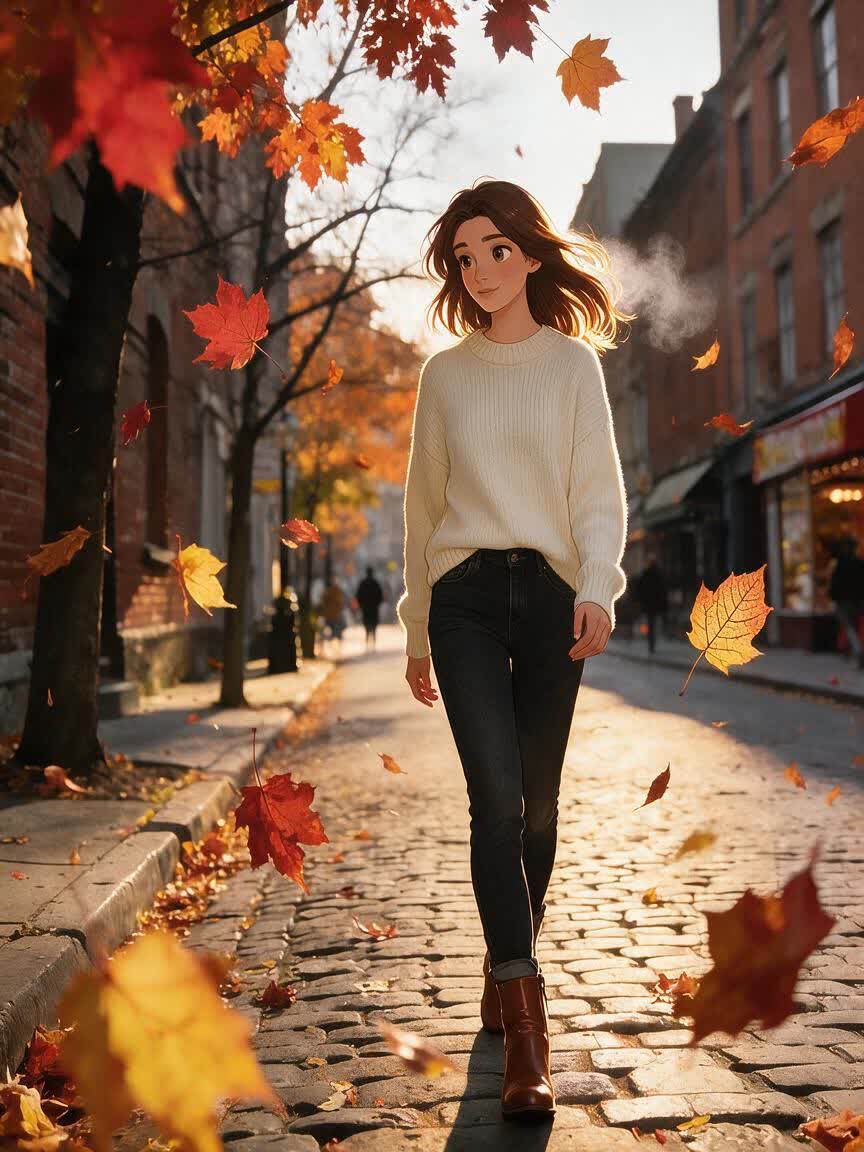
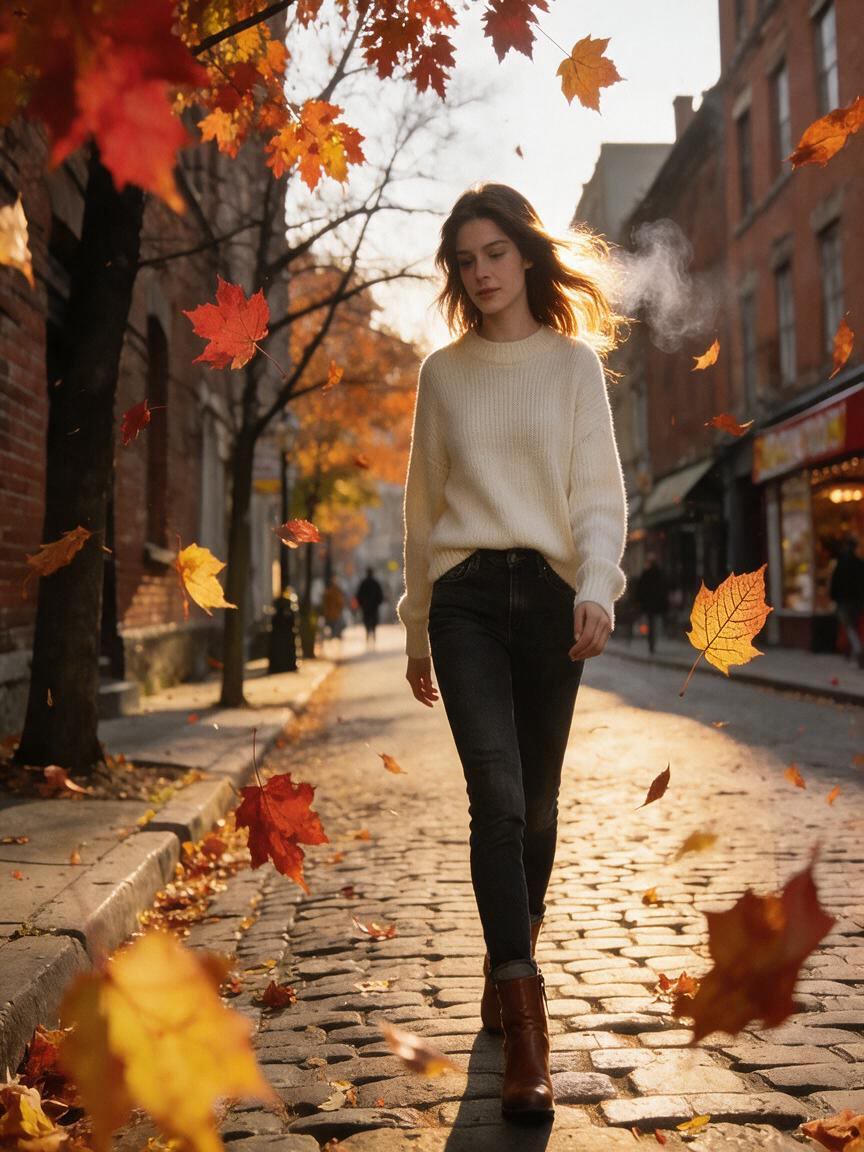
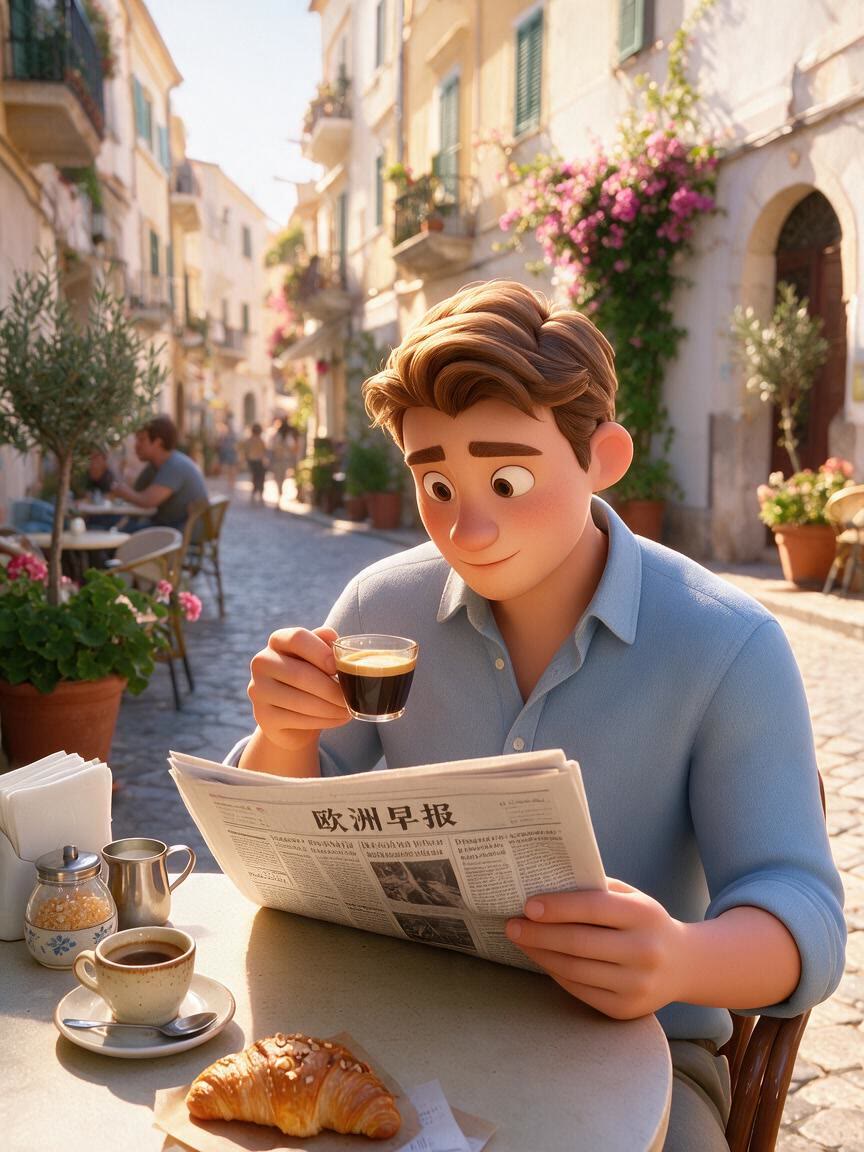
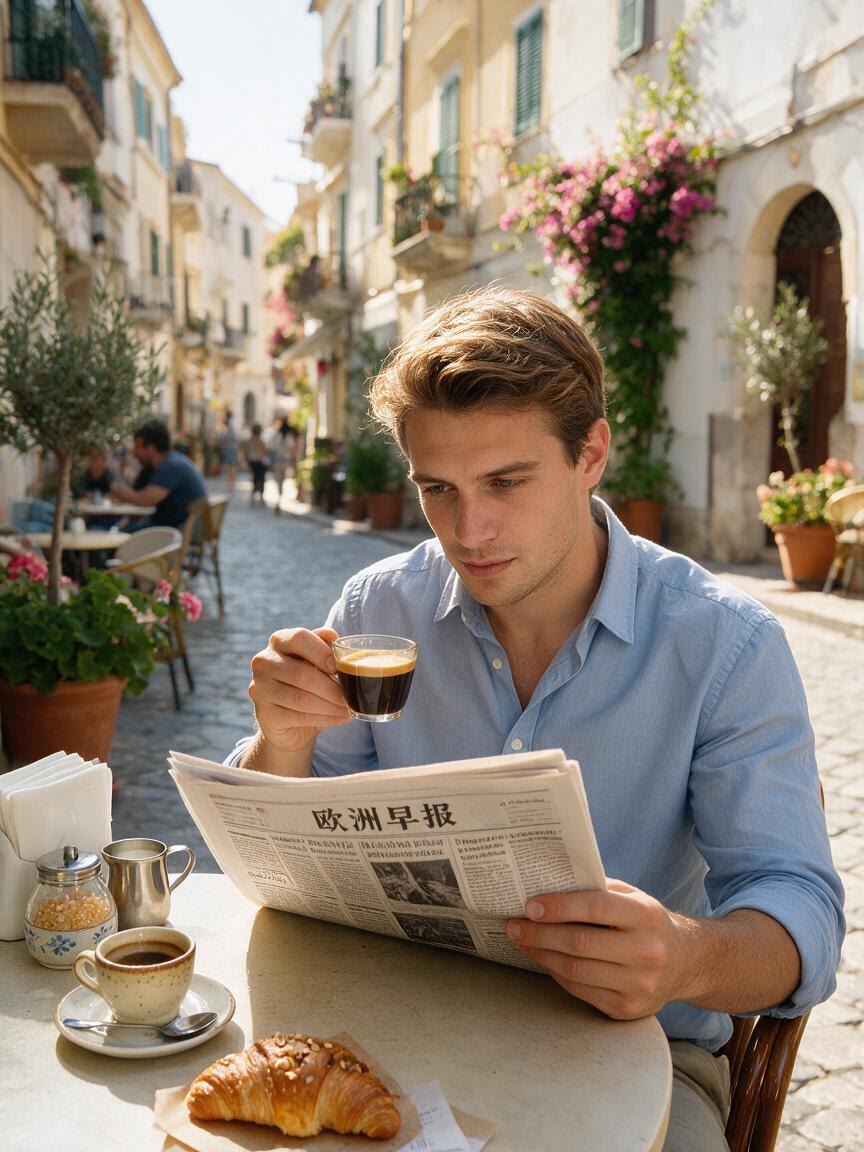
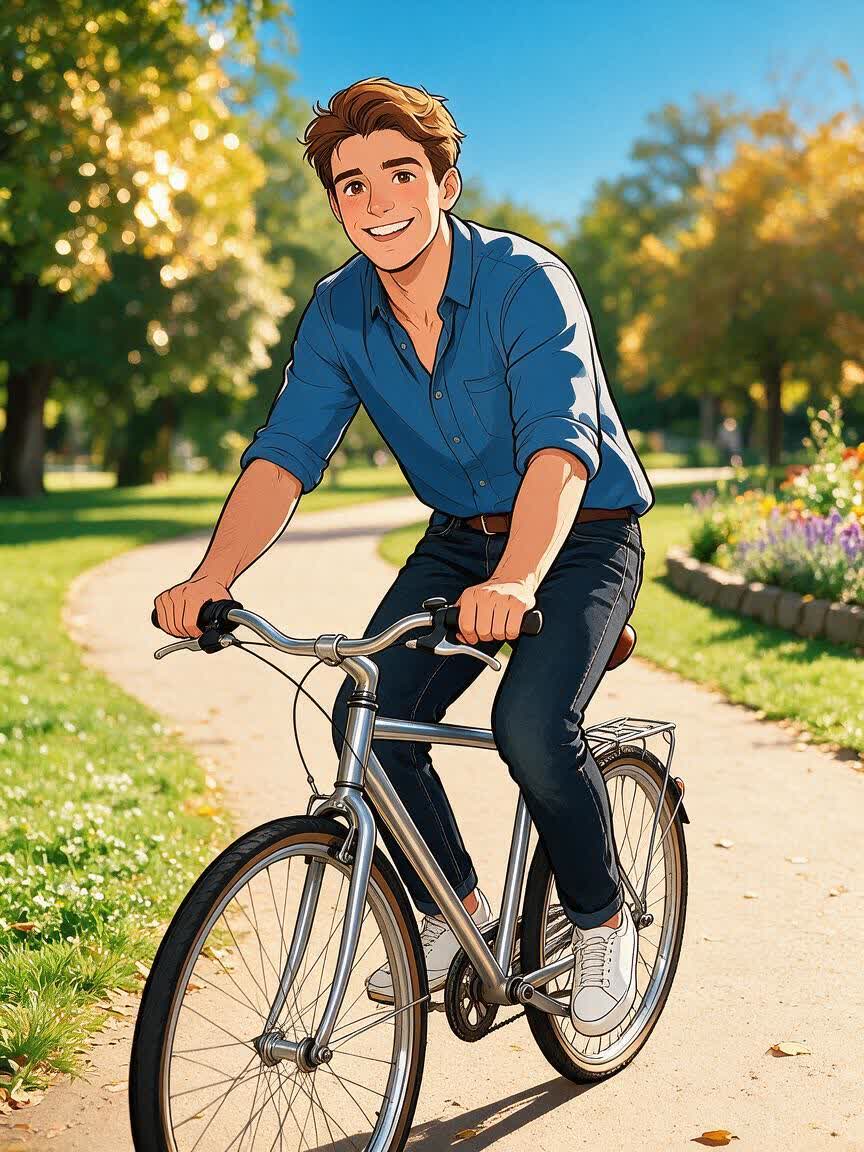
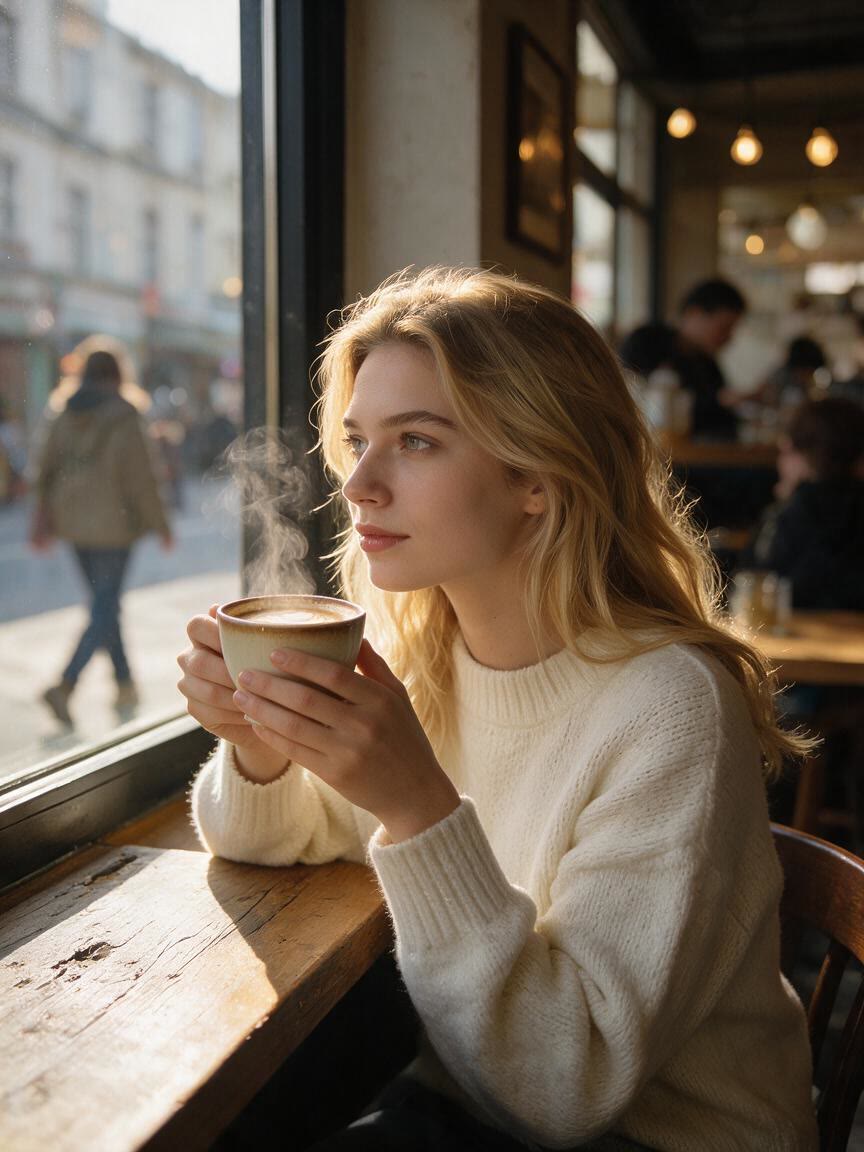
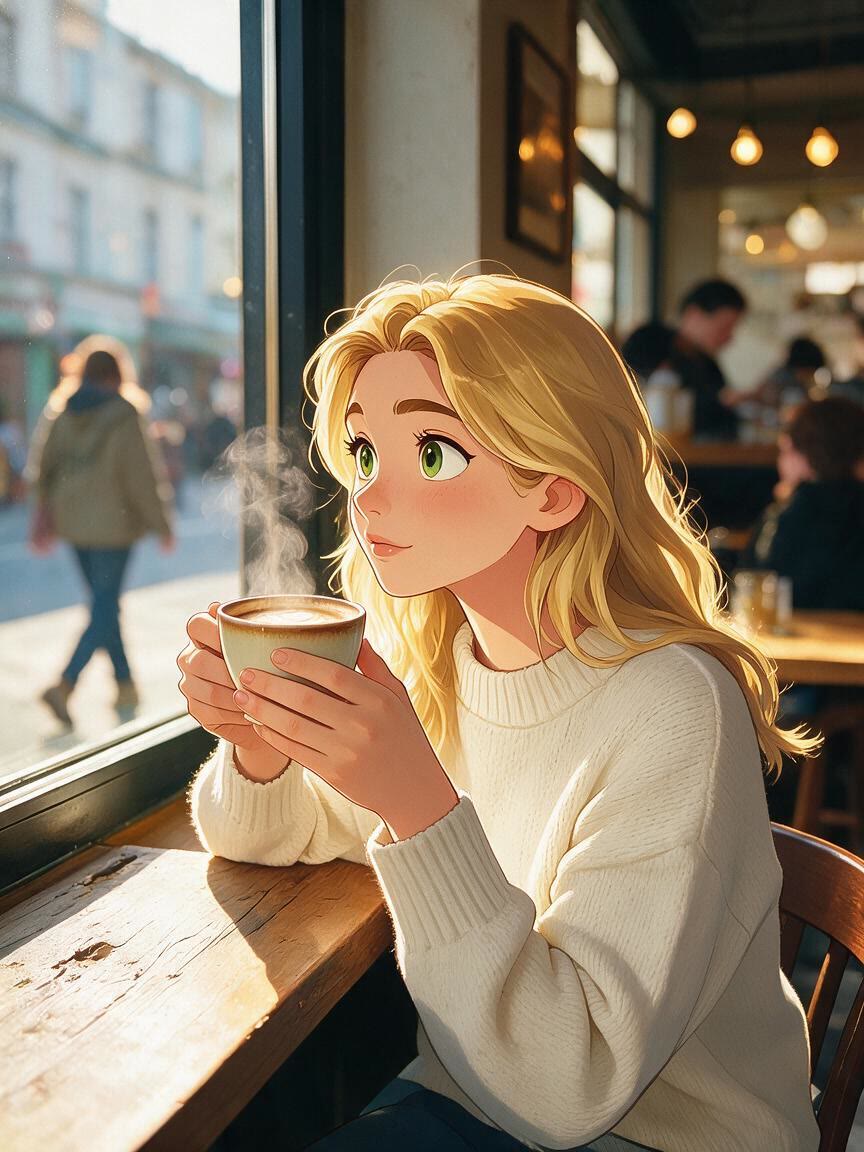
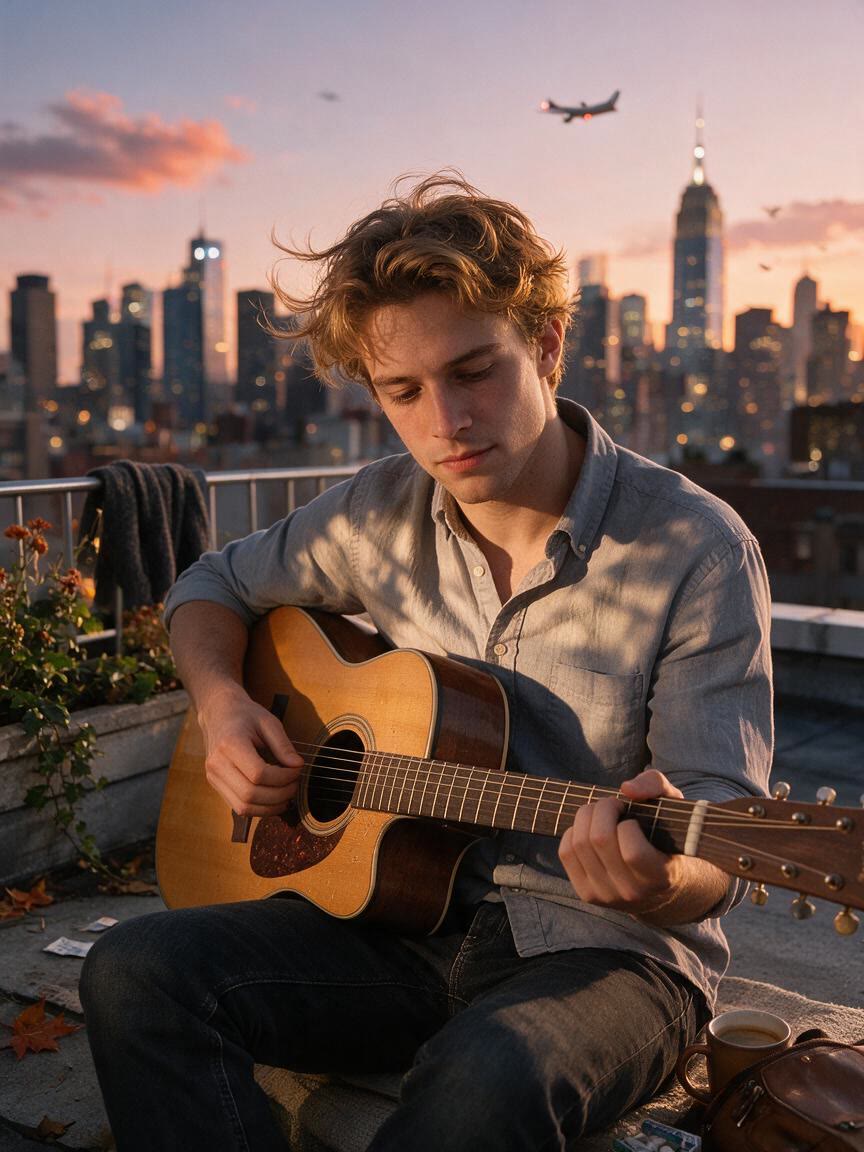
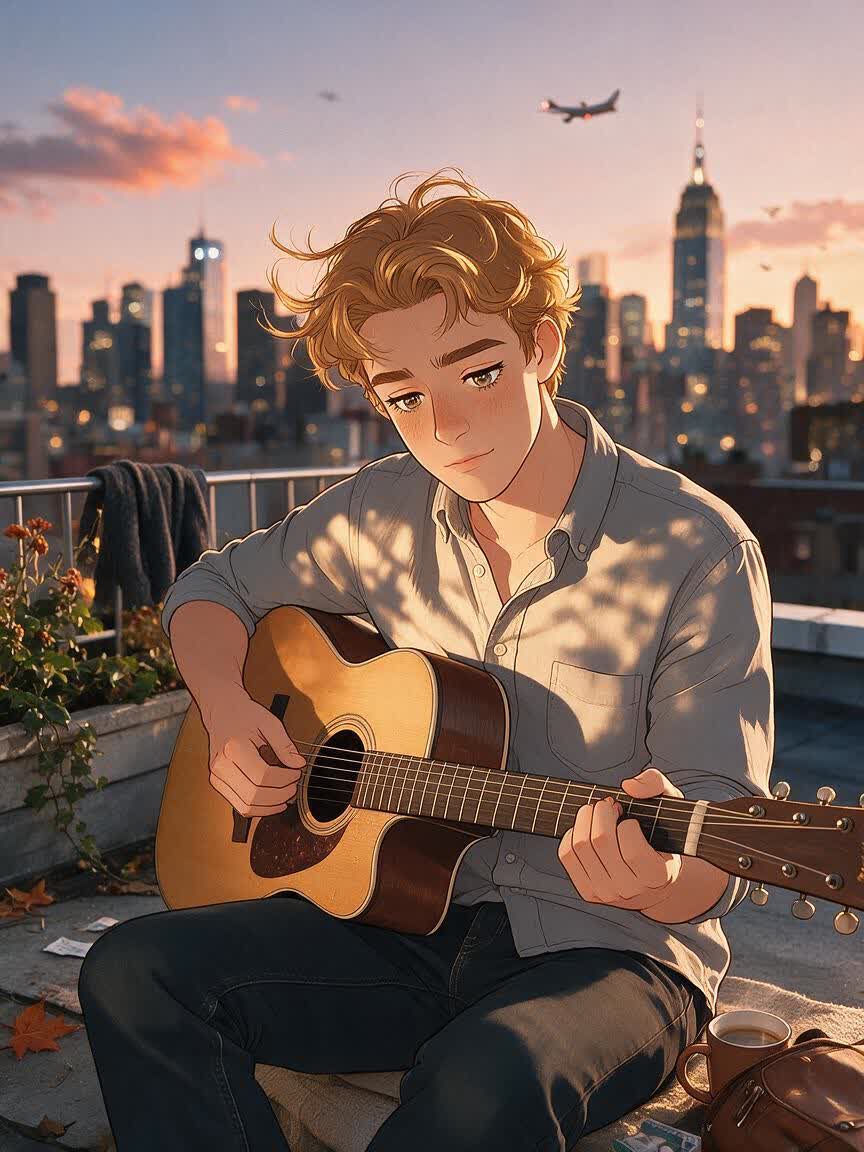
Restyle the person as a hand-drawn animated character with oversized expressive eyes, simplified facial features, and stylized swept hair, and transform the entire frame into a vibrant hand-painted illustration with saturated colors and smooth shading.
BeforeAfter
Speed up creation with examples
How people use Cavro
How People Use Disney Style Portraits
Before
After
Social Profile Art
When a standard headshot feels too ordinary, use a real portrait to create a recognizable animated profile image. The result adds expressive cartoon character and color while staying connected to your actual appearance.
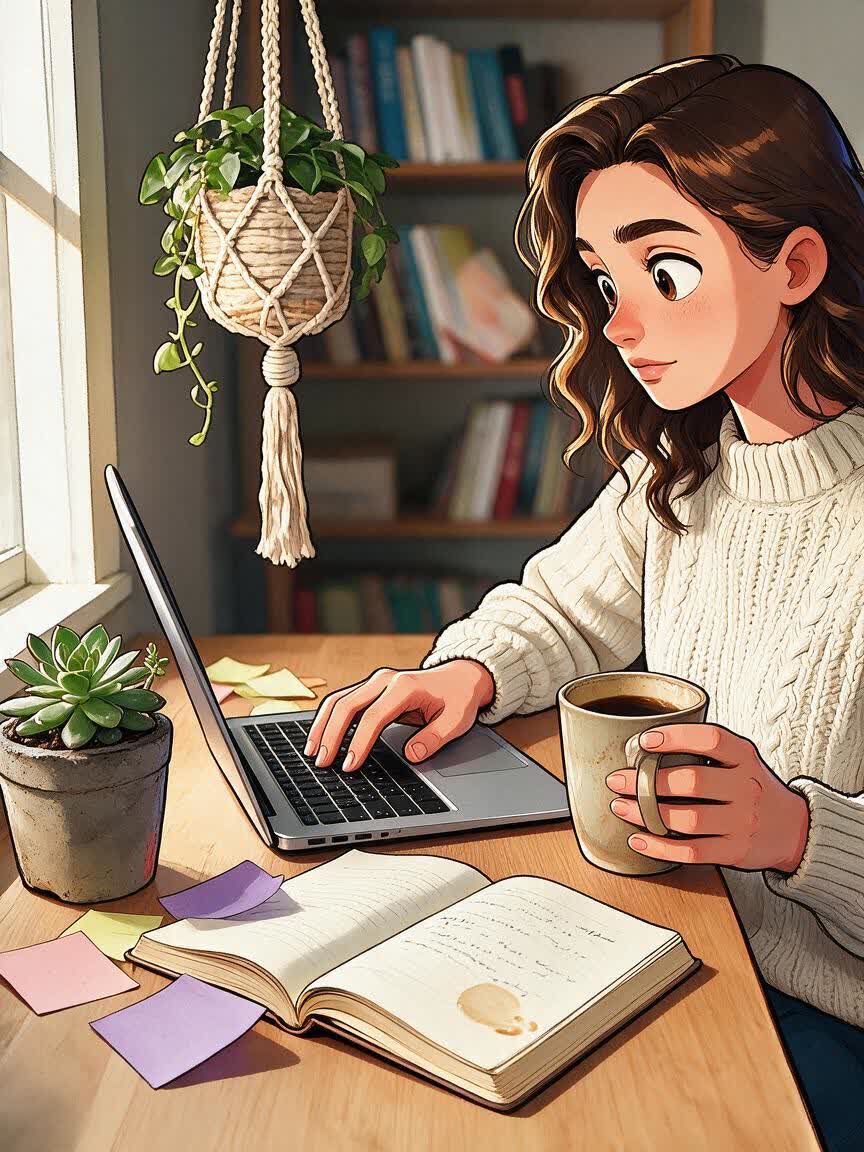
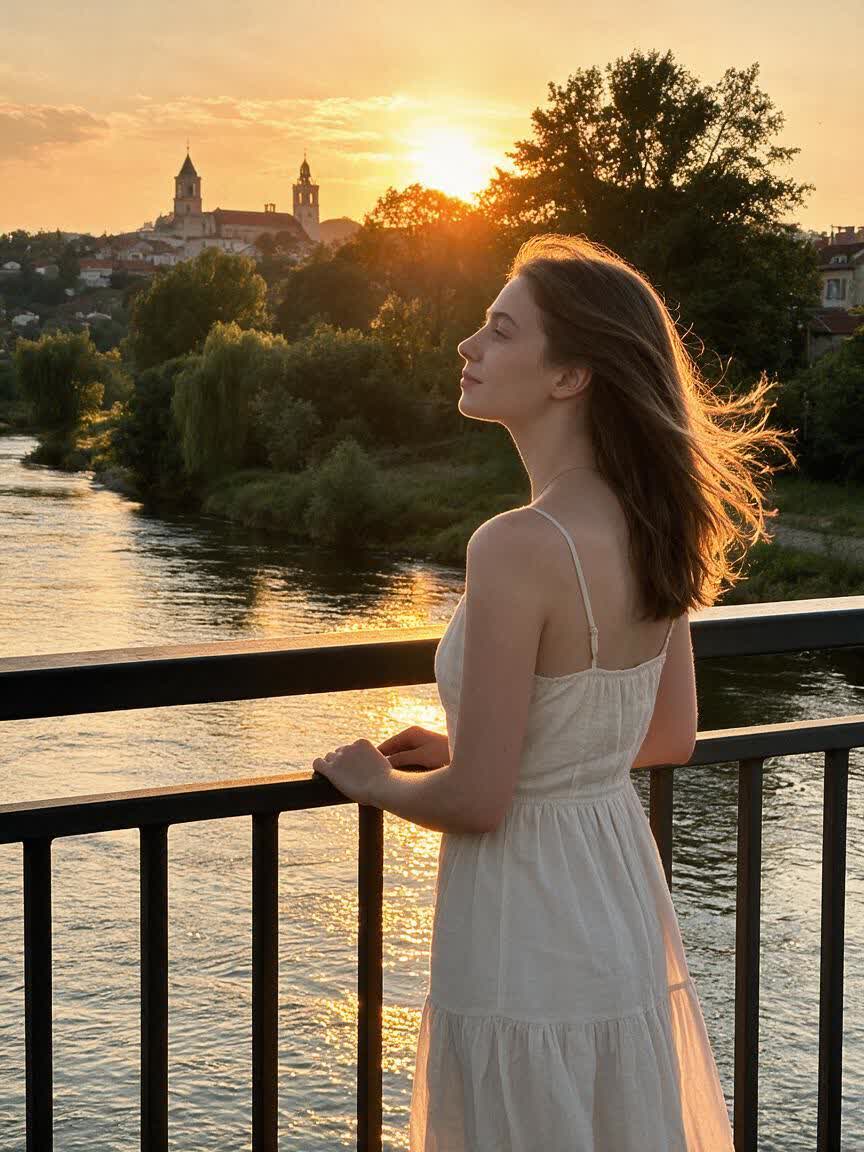
Bring a meaningful family, couple, or pet photo and turn it into custom illustrated art. Create different visual directions in one conversation, then choose the portrait that feels most suitable as a personal keepsake.
Start with a selfie, costume photo, or themed image and explore a Disney-inspired character version. The finished portrait gives creative posts and cosplay content a vivid animated identity to share with fan communities.
A cartoon transformation should still feel personal, not generic. Cavro uses your reference photo to guide the portrait, helping the face shape, eye shape, and hair remain part of the finished character look.
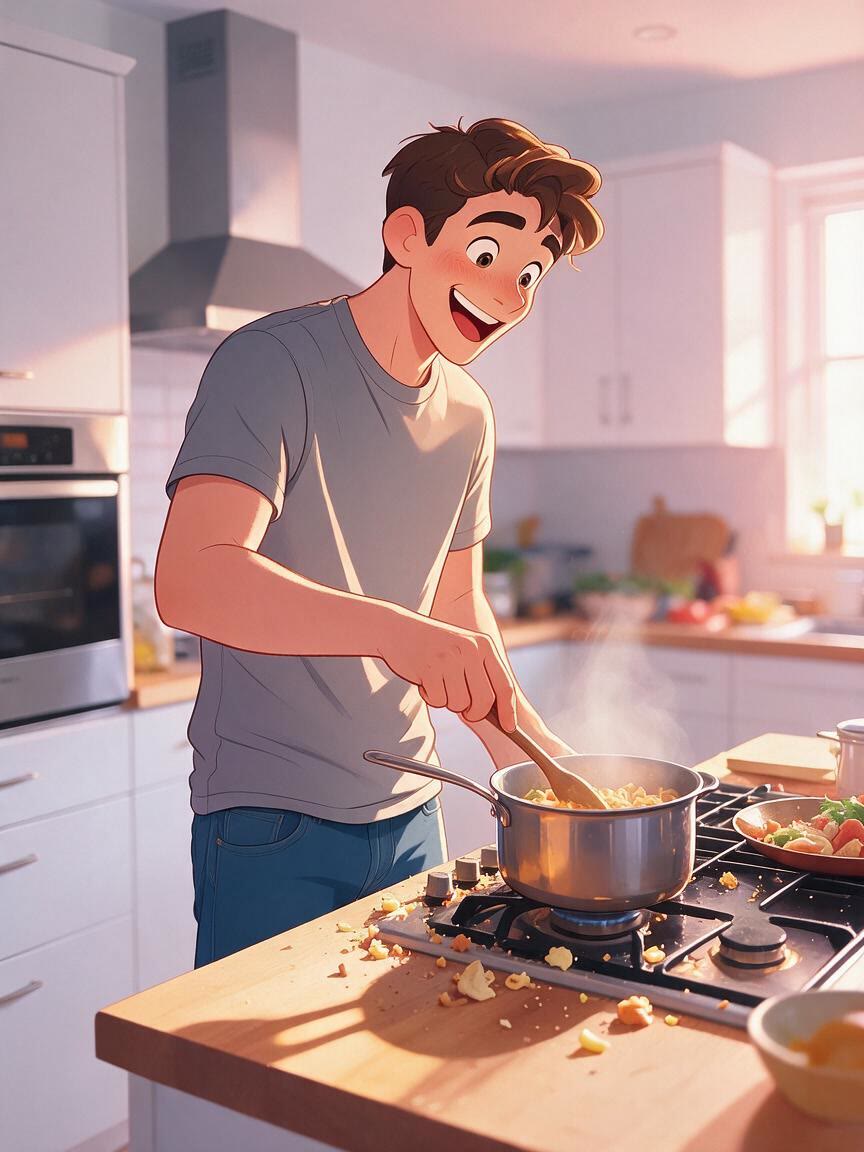
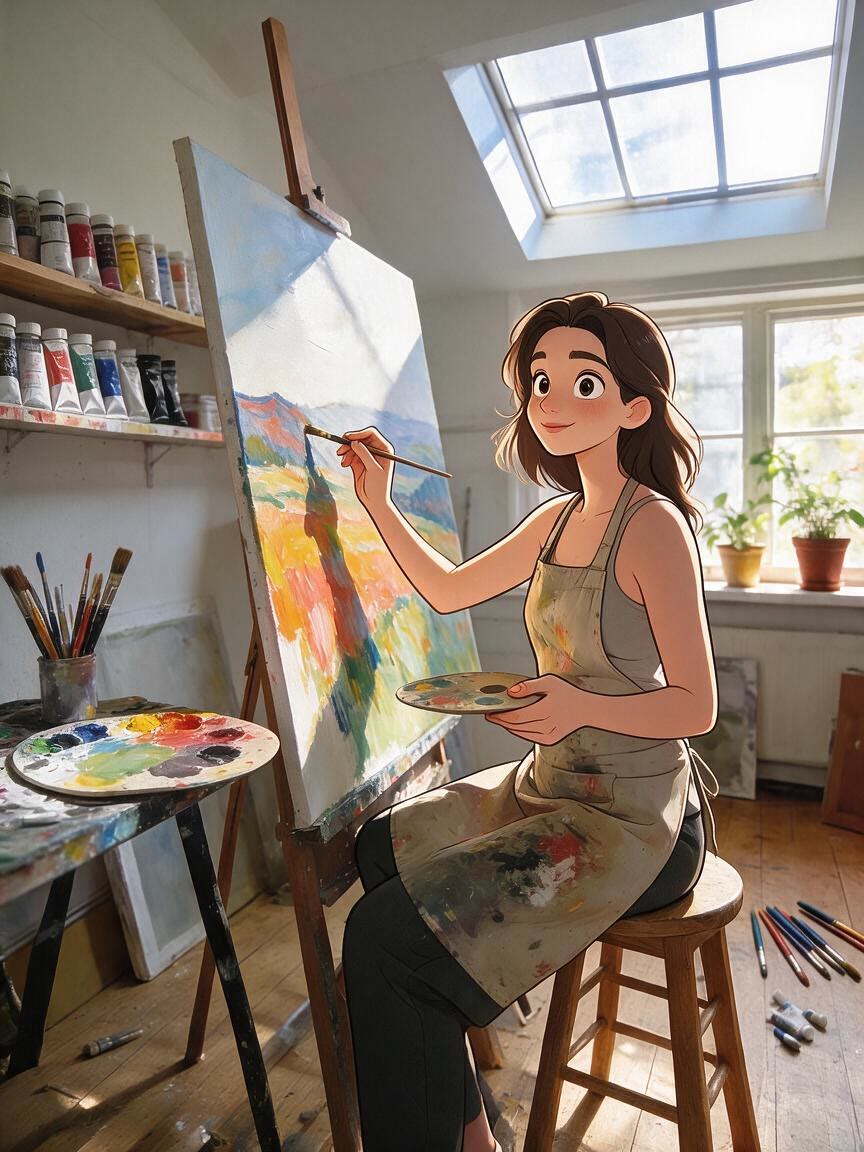
For social posts or creative fan art, a flat filter may not provide enough character. Cavro turns the reference into illustrated art with larger expressive eyes, vibrant color, smooth shading, and warm cinematic lighting.
Your first direction may not be the one you want to keep. Continue refining and generating in the same conversation to explore variations until the animated portrait matches the mood you had in mind.
I had no idea which style I wanted until I tried Cavro. It built a wall of striking ideas around my own taste, and the artist I took one to was surprised.
LLeo V.
★★★★★5.0
I posted a reveal video made with Cavro on TikTok and it passed 20,000 views. The result looked so real that people thought I had actually gone and got it.
DDarius C.
★★★★★5.0
Cavro let me preview the idea on my own body before deciding. It kept me away from a couple of bad ones and led me to a design I genuinely like.
JJames P.
★★★★★5.0
Cavro changed the way I brainstorm with clients. We generate options in seconds and start refining straight away. It is part of my daily work now.
MMia R.
★★★★★5.0
I used Cavro to build a sleeve concept that blends Japanese motifs with geometric lines. It generated so fast, and the result went well past what I expected.
HHana S.
★★★★★5.0
I wanted something meaningful and delicate for my wedding. Cavro gave me elegant, personal options, my artist customised one, and I am really happy with it.
ZZoey T.
Answers
Common questions
What is a Disney style photo generator?
It turns a reference photo and creative direction into a Disney-inspired cartoon portrait. Cavro can create expressive animated art while keeping the result connected to the person or subject in the photo.
What kind of photo works well?
A clear, well-lit photo with a visible face is a strong starting point for a portrait transformation. You can also bring a pet photo, family image, cosplay photo, or another reference with a clear subject.
Can I turn a photo into a Disney cartoon and refine it?
Yes. After the first result, you can continue refining and generating in the same conversation without starting over, exploring different moods, colors, lighting, or character directions.
Can I create more than a still portrait?
Yes. Cavro turns a written prompt and/or reference photo into images or video. Images and video come from the same conversation and use one credit balance.
How does pricing work for these portraits?
Results are billed per credit, and there is no mandatory subscription. You can check the available pricing before creating your transformation.
Play with an idea. Leave with an image.
Creators worldwide are turning “just an idea” into expensive-looking images.