


Photo-Based Preview
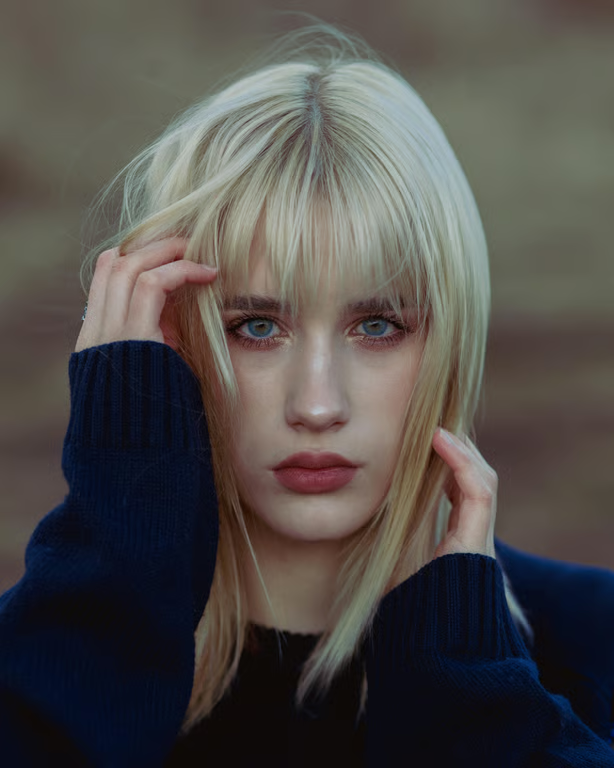
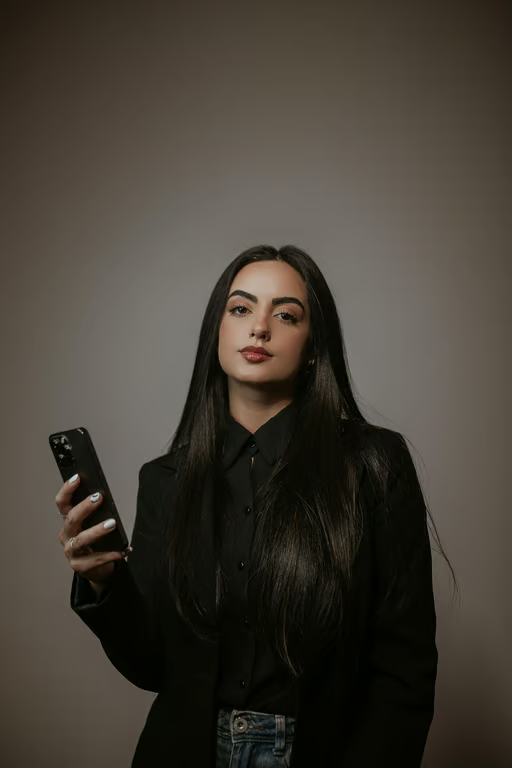
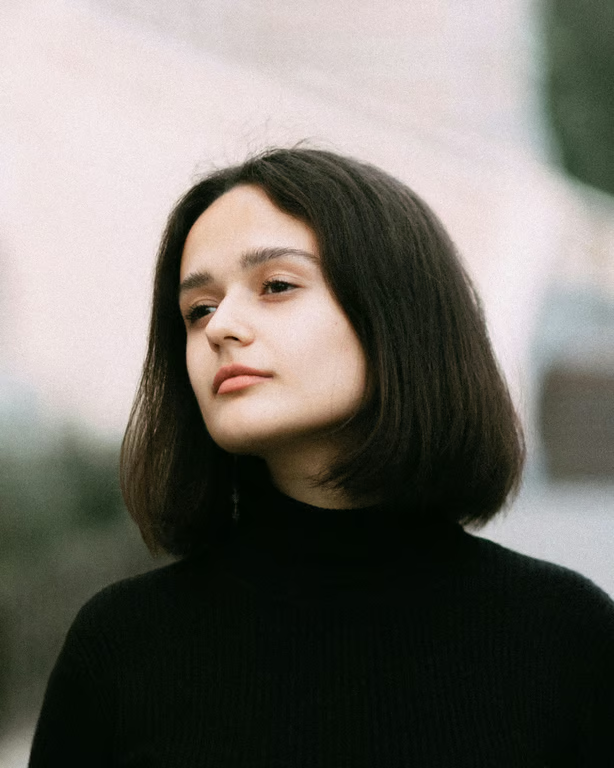
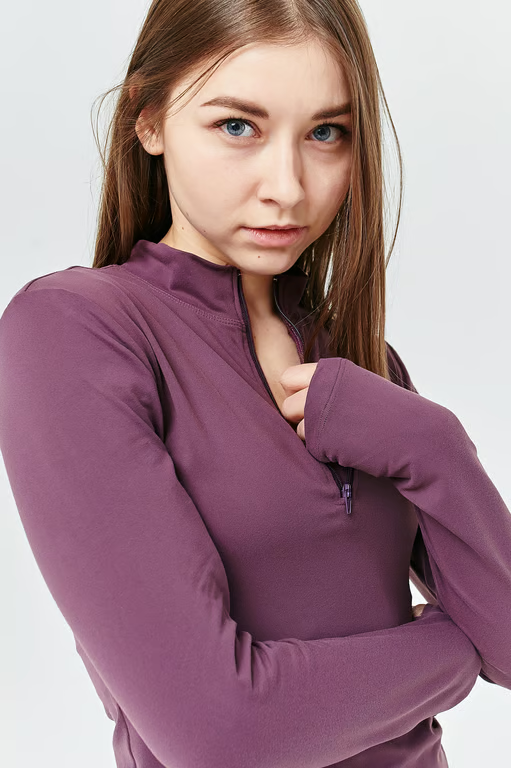
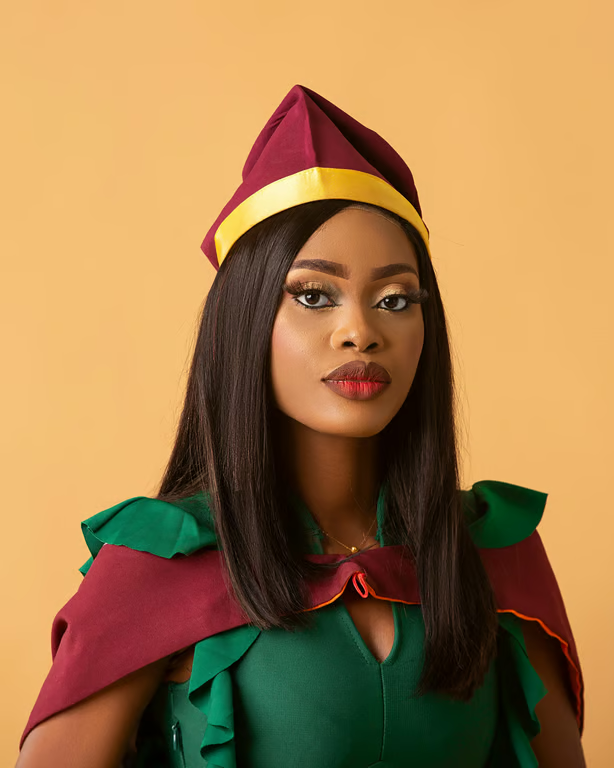
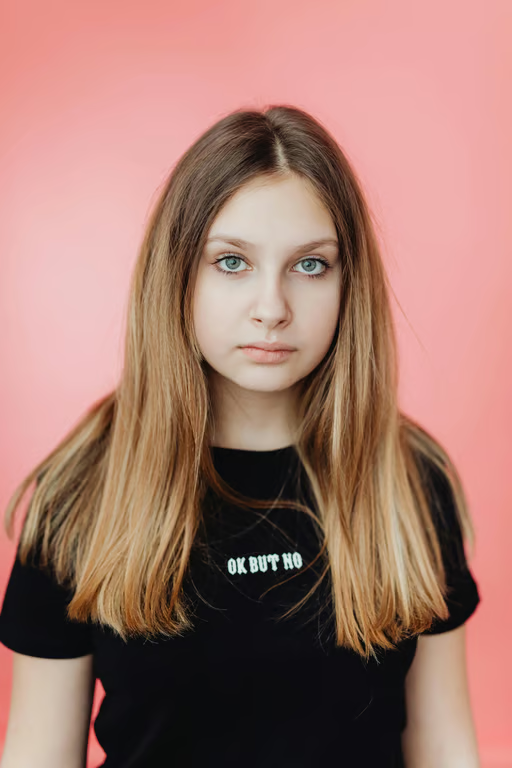
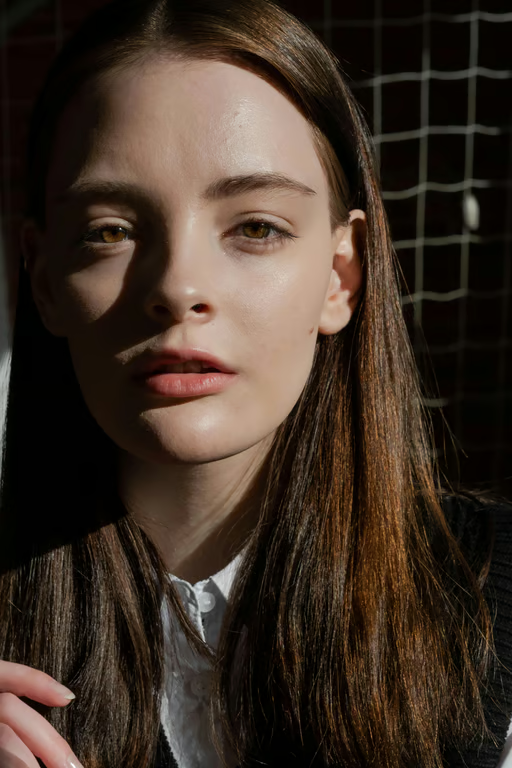
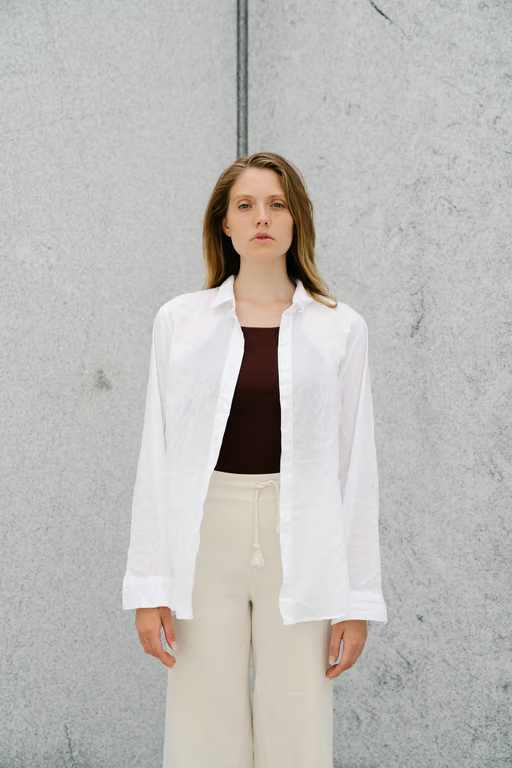
Use a reference photo to see how a curly hair transformation could look on you.
See your photo with curls, coils, waves, and new color ideas.
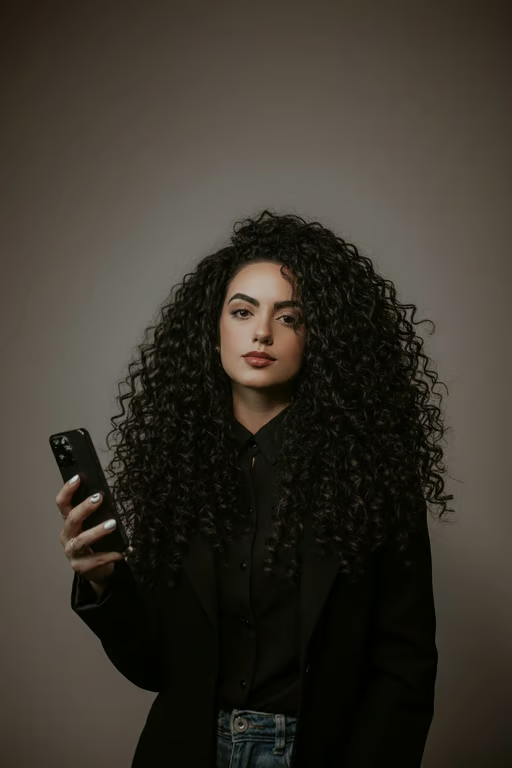
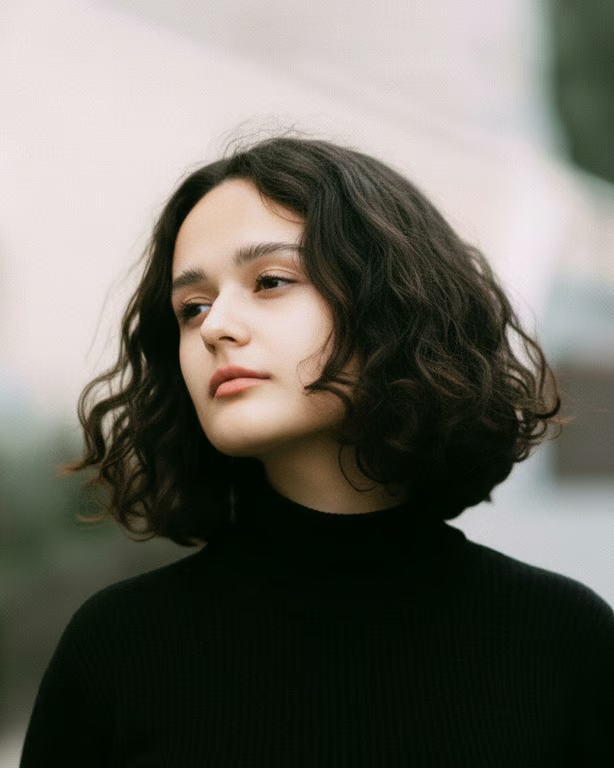

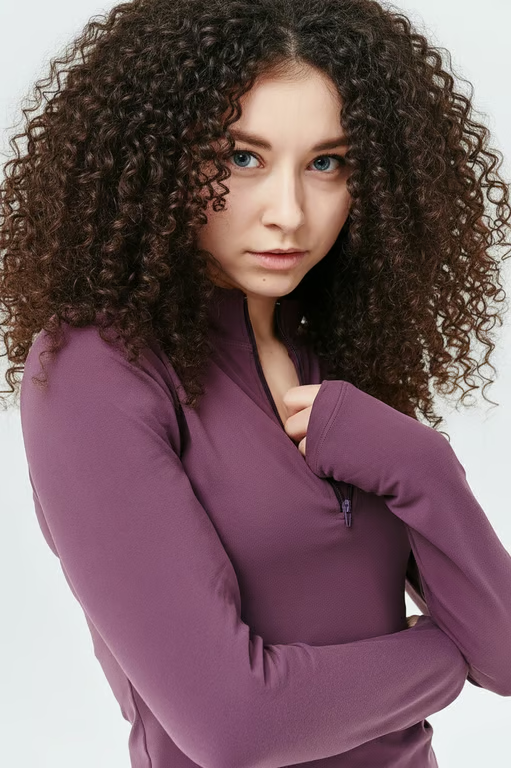
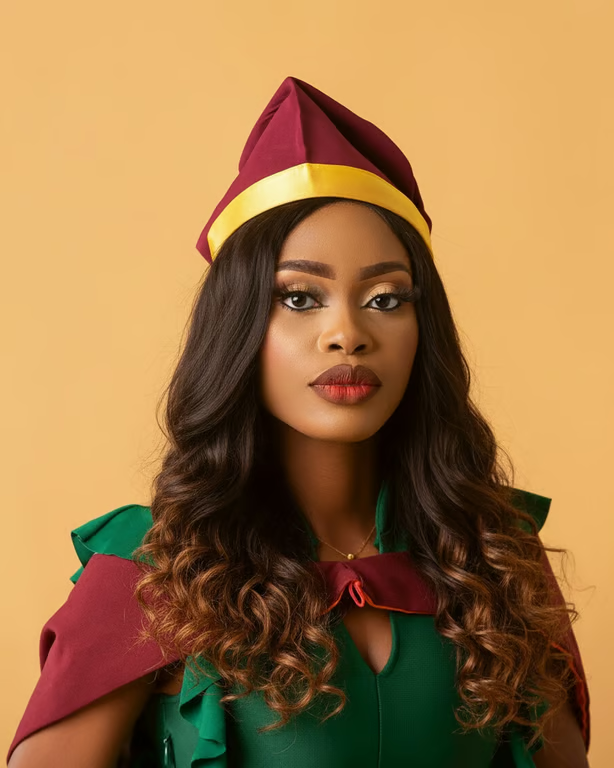

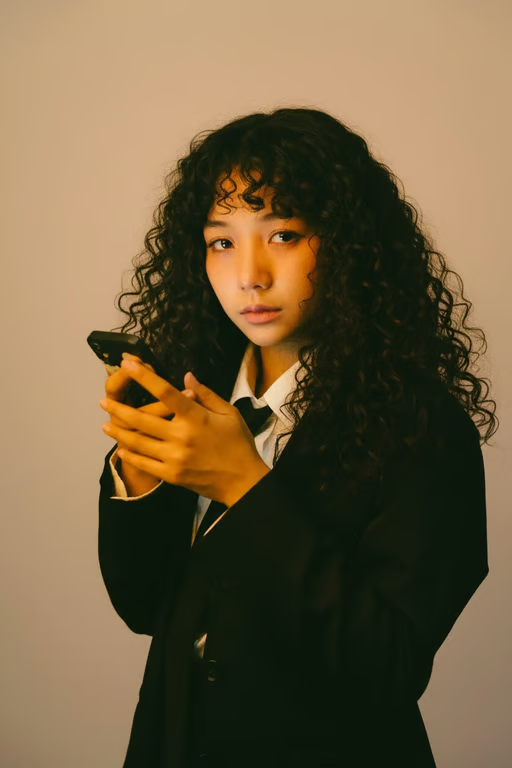
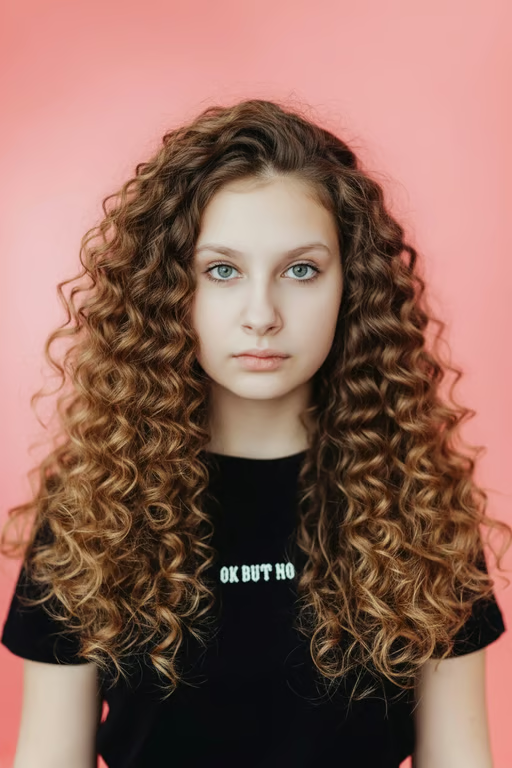
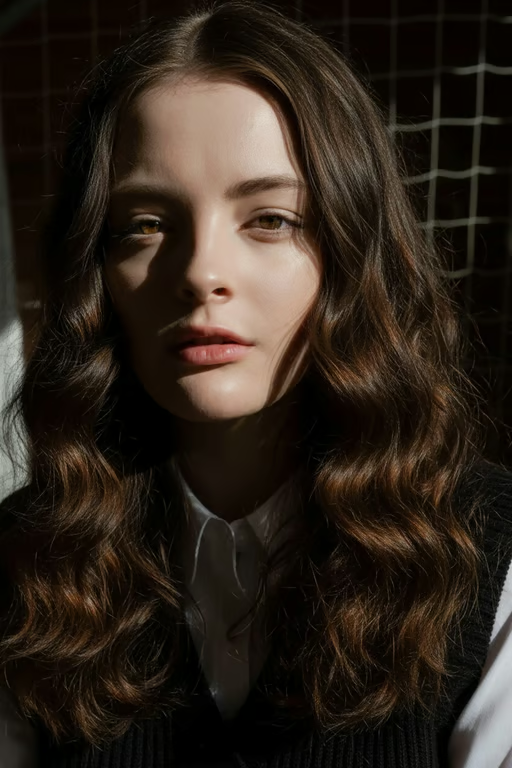
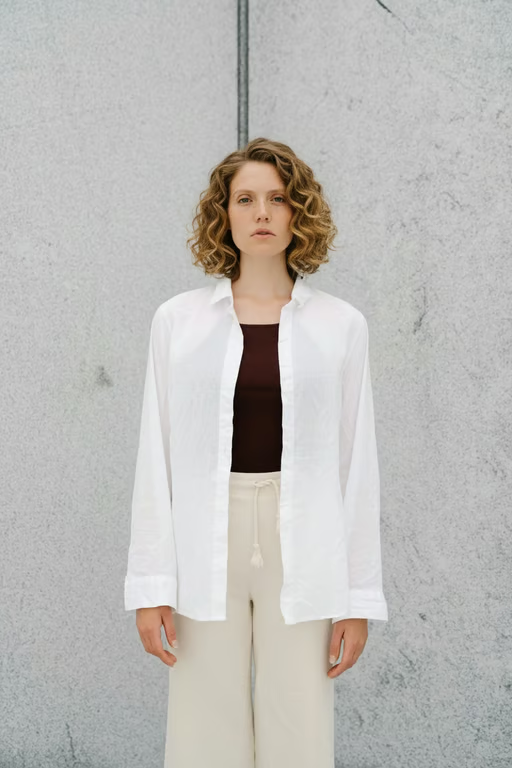
Use a reference photo to see how a curly hair transformation could look on you.
Describe loose waves, spiral curls, tight coils, or perm-inspired texture in your prompt.
Combine curl changes with blonde, red, fantasy, or two-tone color directions.
Generate another version in the same conversation when you want to adjust the curl look.
See a curl direction before making a haircut, perm, or styling decision.
Move from loose waves to coils and color variations without settling on the first idea.
Use your own photo to discuss a clearer curly hairstyle vision without special design skills.
See a curl direction before making a haircut, perm, or styling decision.
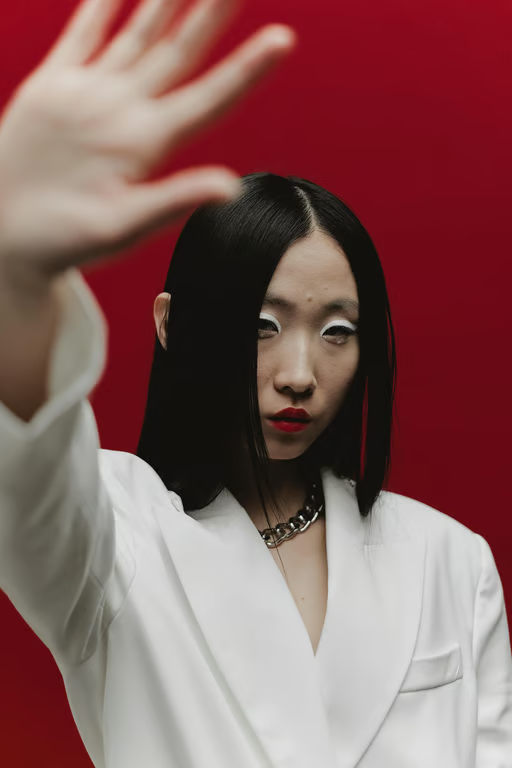
An AI curly hair filter uses your written description and/or a reference photo to create a curly hairstyle preview. With Cavro, you can describe waves, curls, coils, texture, and color ideas.
Yes. Cavro can use a reference photo along with your prompt to create an image or video based on the curly hairstyle you describe. The photo helps personalize the preview to your starting look.
Yes. Describe loose waves, spiral curls, tight coils, or perm-inspired texture, then add color directions such as blonde, red, fantasy, or two-tone. You can refine the result and generate another version in the same conversation.
Yes. Cavro lets you refine and generate again in the same conversation without starting over. You can adjust the curl pattern, length, or color direction in your next prompt.
Results are billed per credit, and there is no mandatory subscription. Images and video use the same credit balance in Cavro.
Creators worldwide are turning “just an idea” into expensive-looking images.