AI Crying Filter for Photos

Shape a tearful photo edit from any reference image
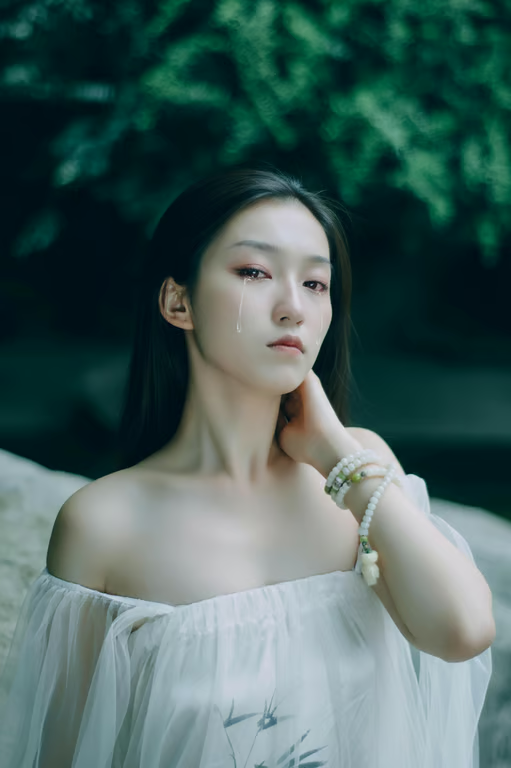
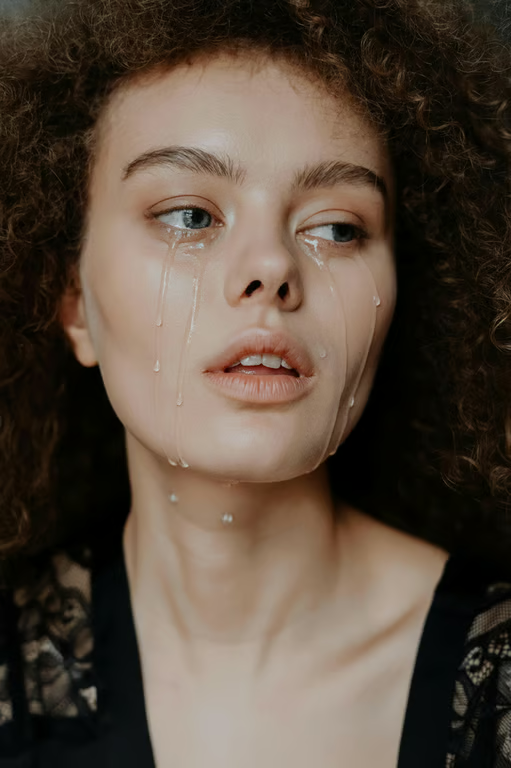
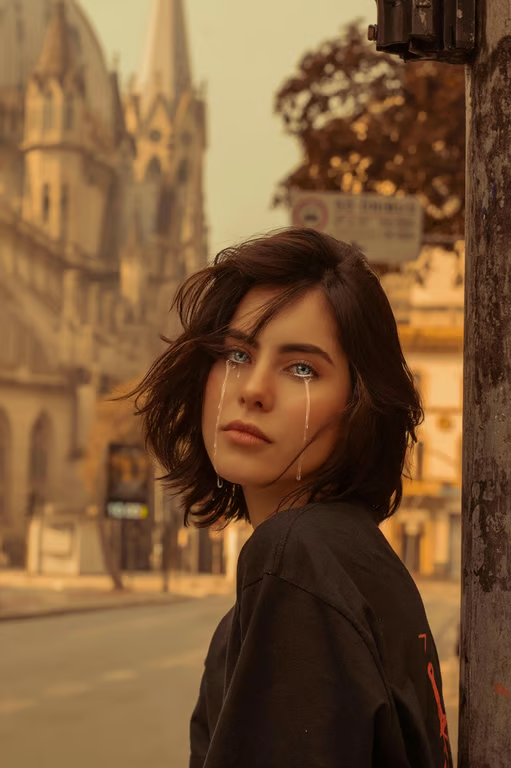
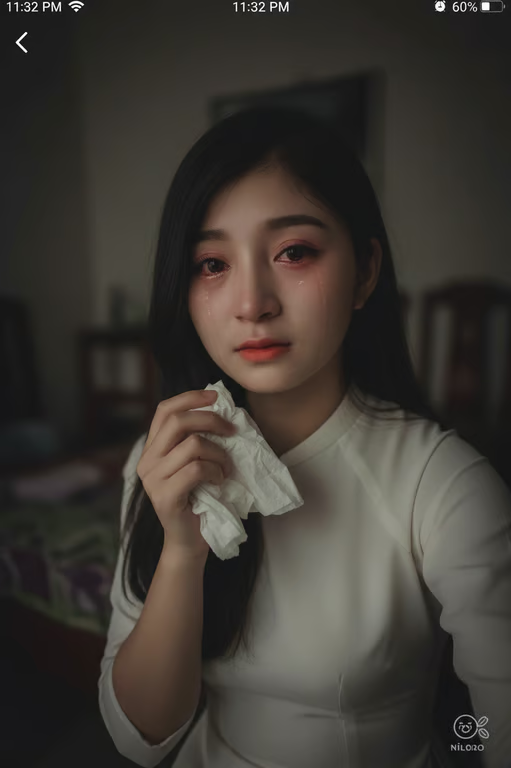
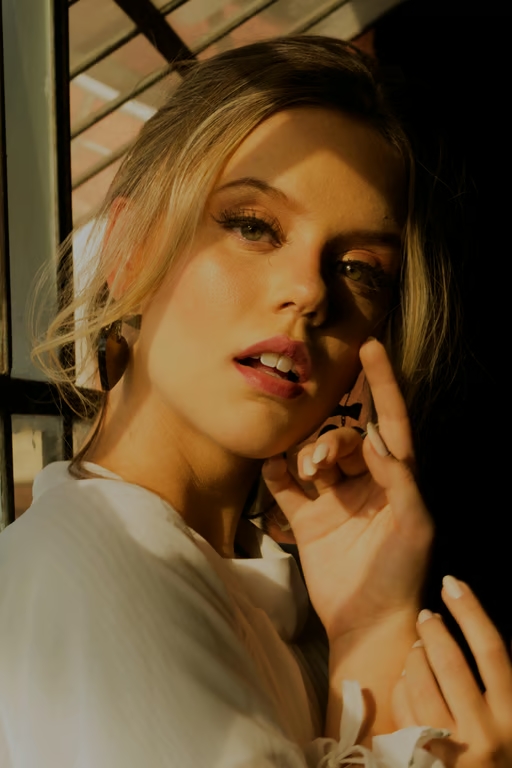
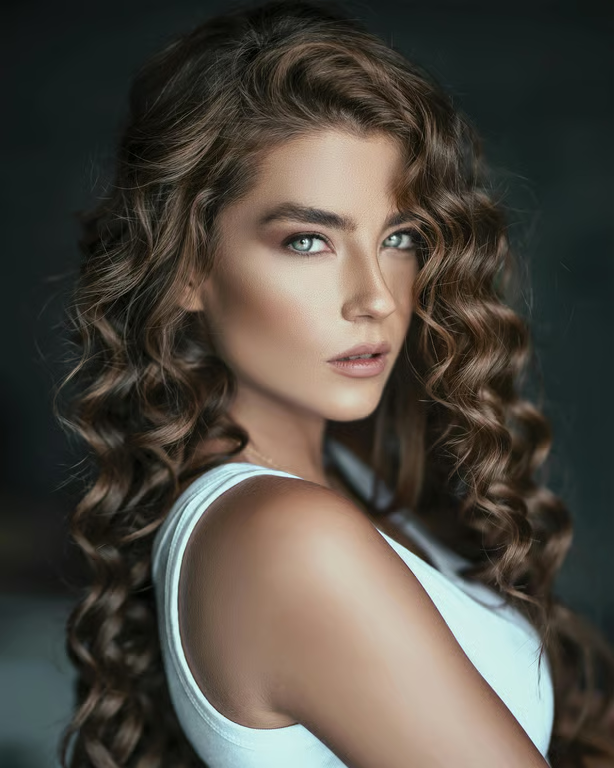
Portrait with a subtle crying photo effect
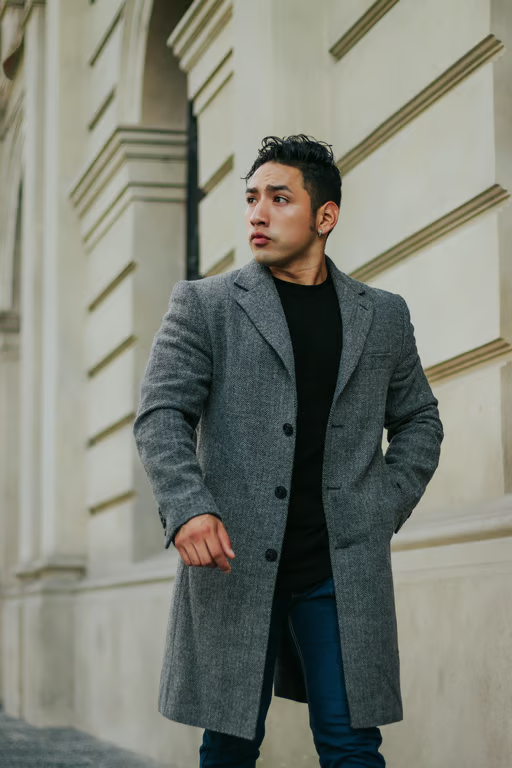
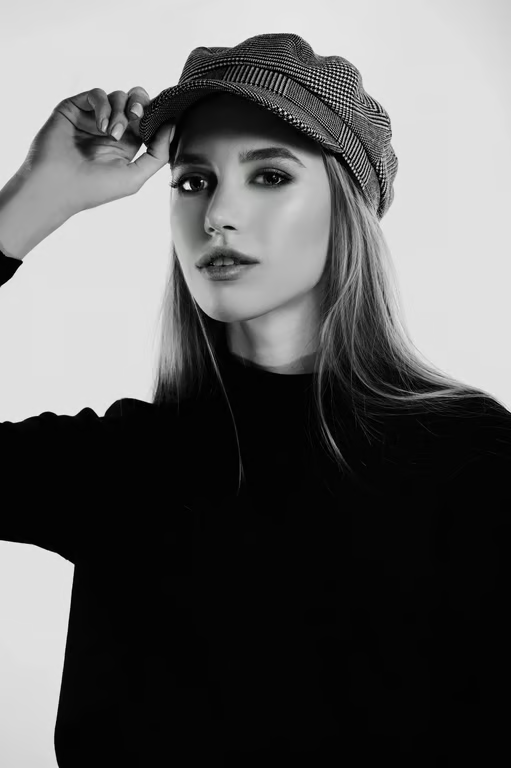
Birthday photo with a humorous crying effect
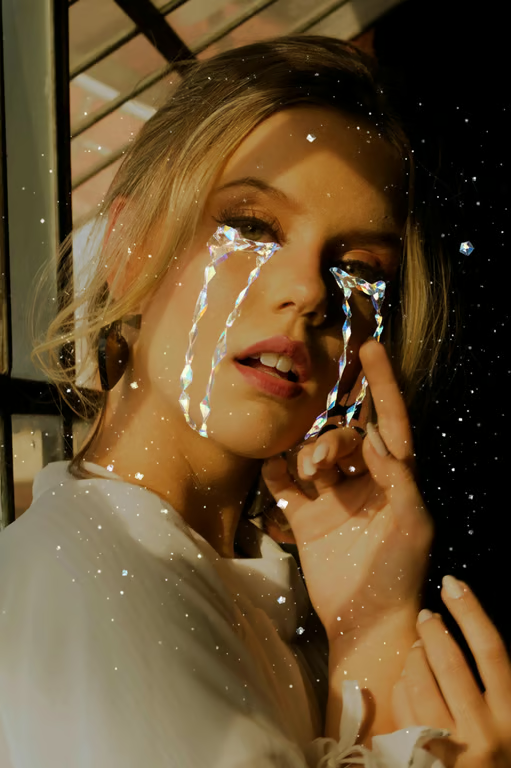
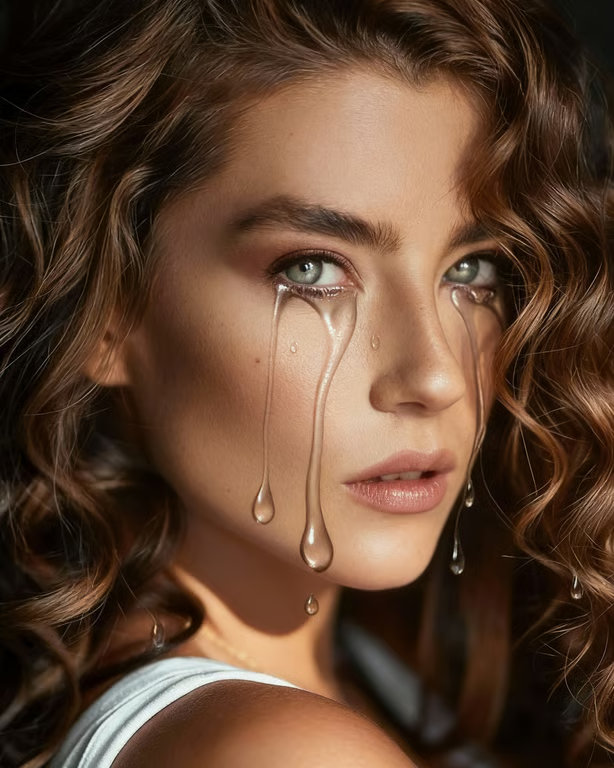
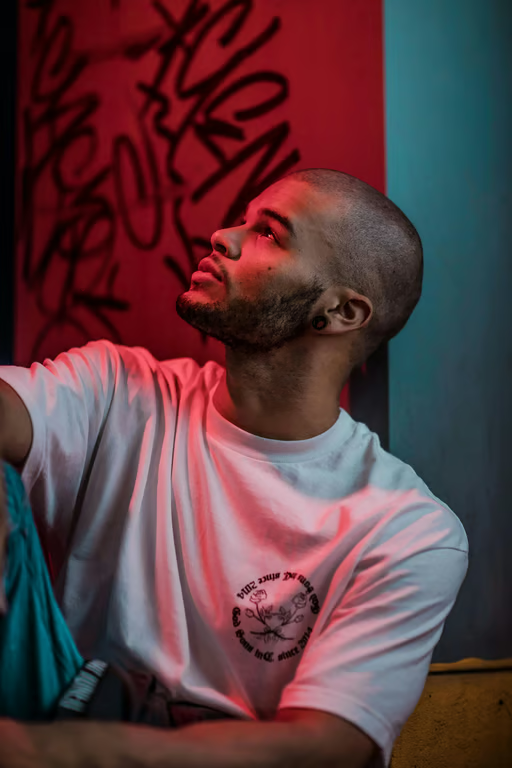
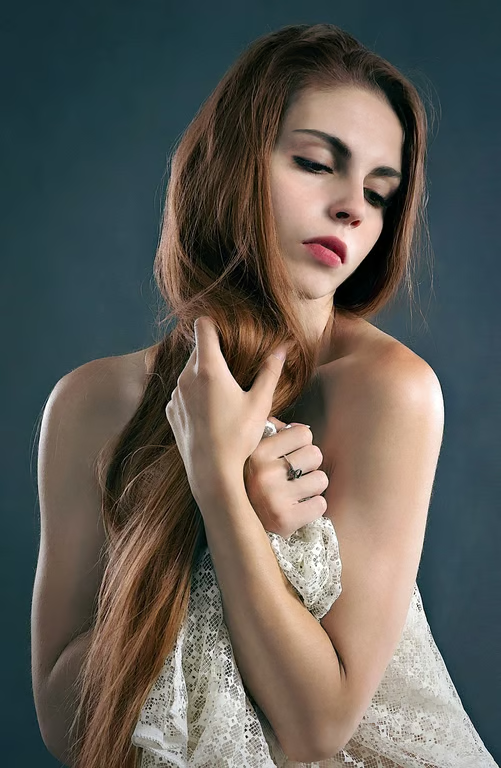
Dramatic storytelling image with tear effects
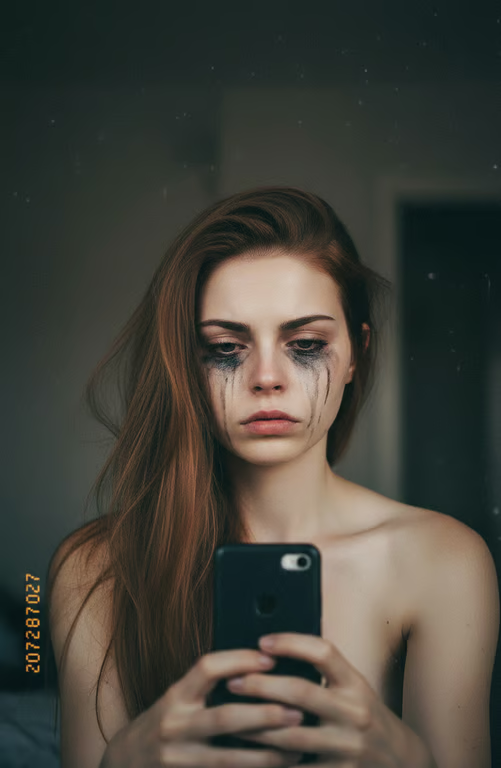
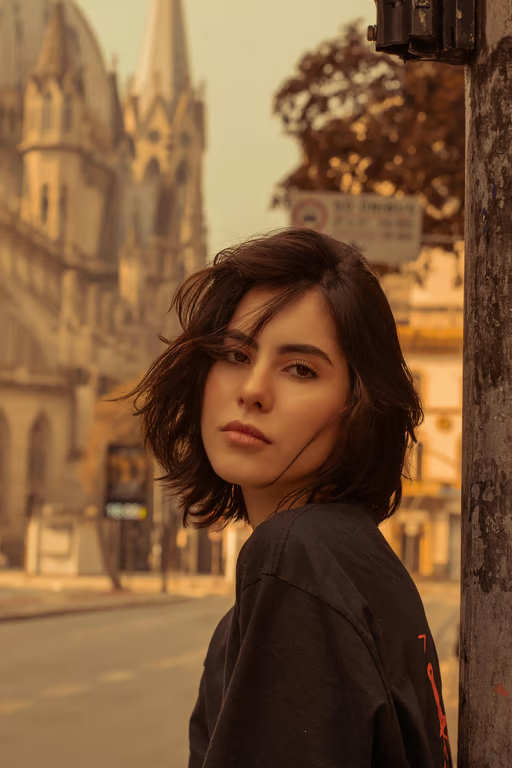
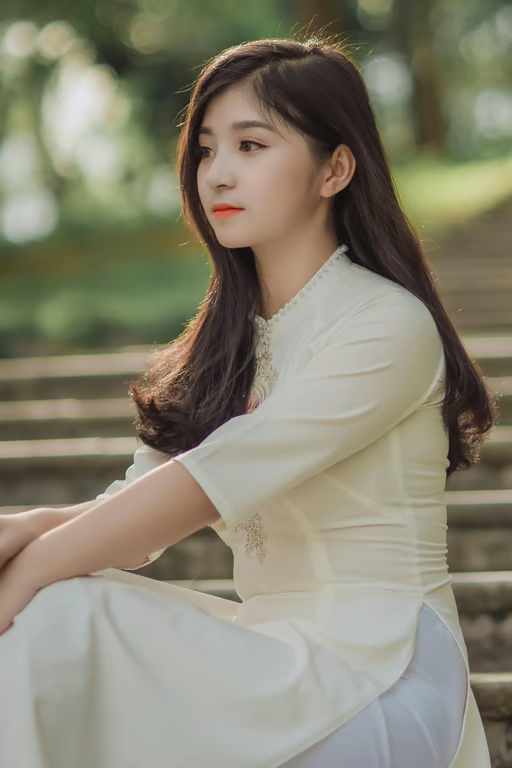
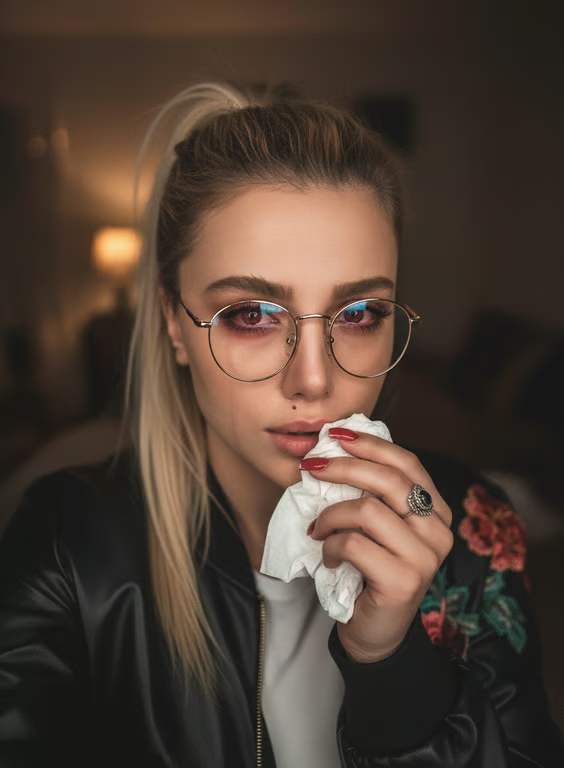
Sad selfie with a crying photo effect
Group photo edited with a playful crying effect
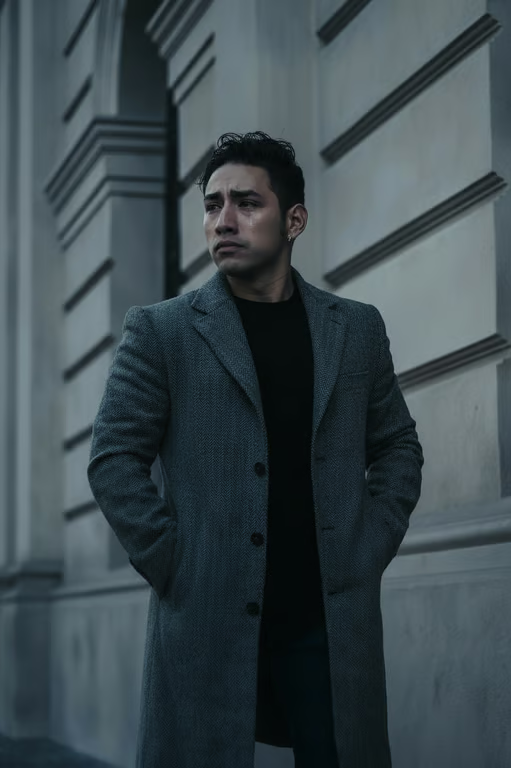
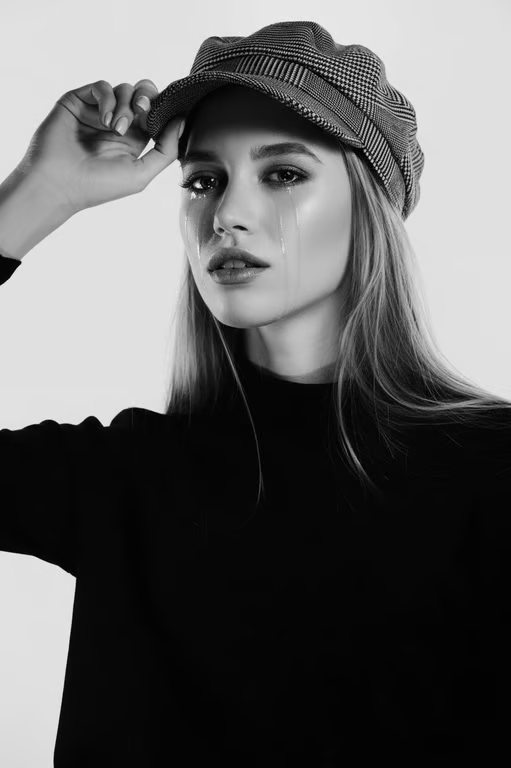
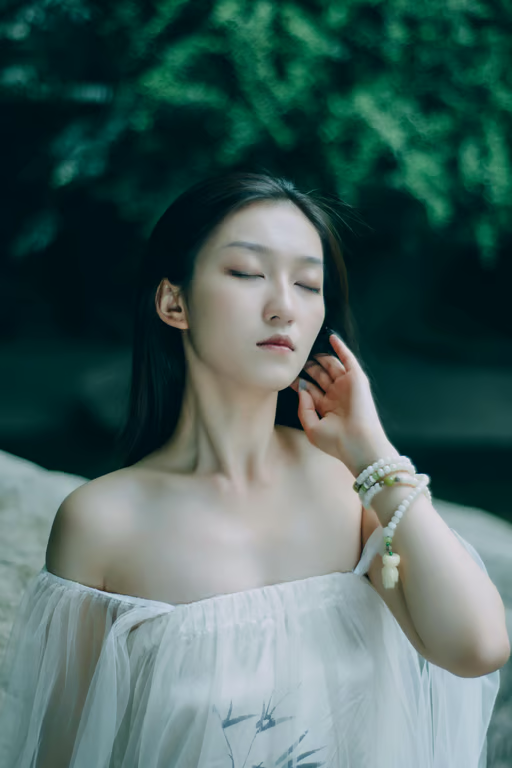
Reflective portrait with a heartbreak crying effect
Party image with a dramatic humorous crying effect
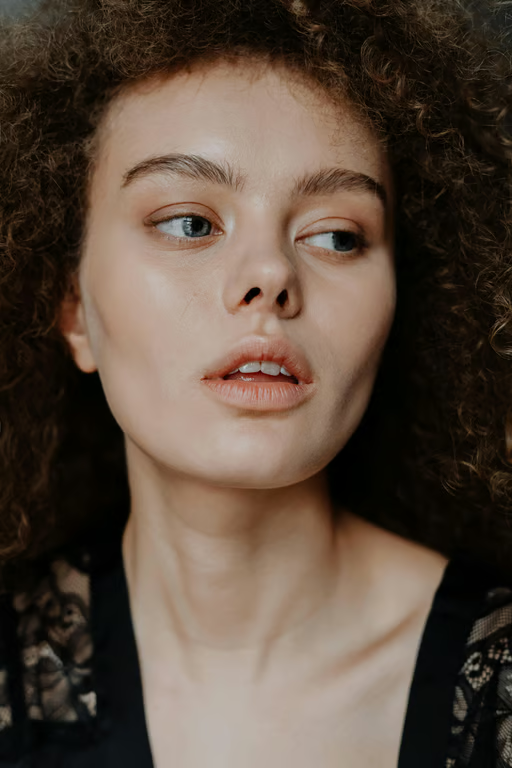
Character portrait with an expressive tear effect
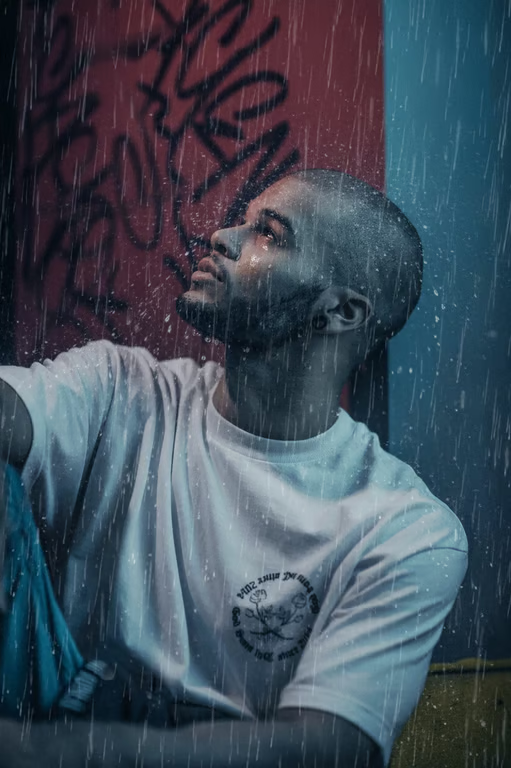
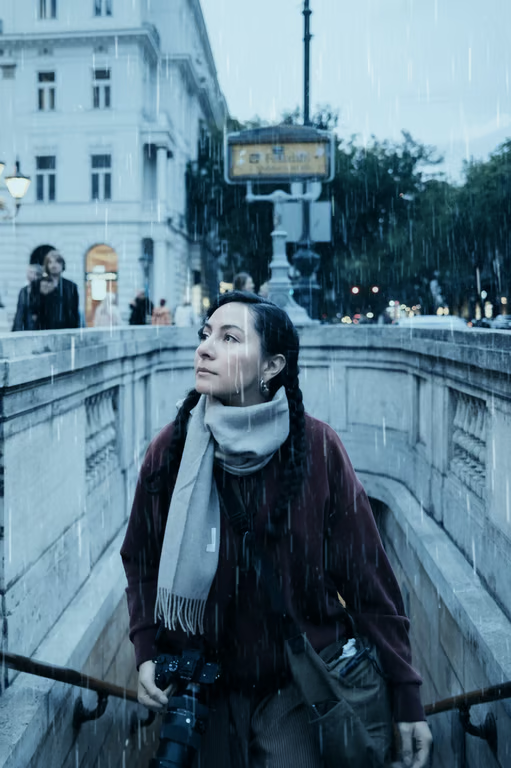
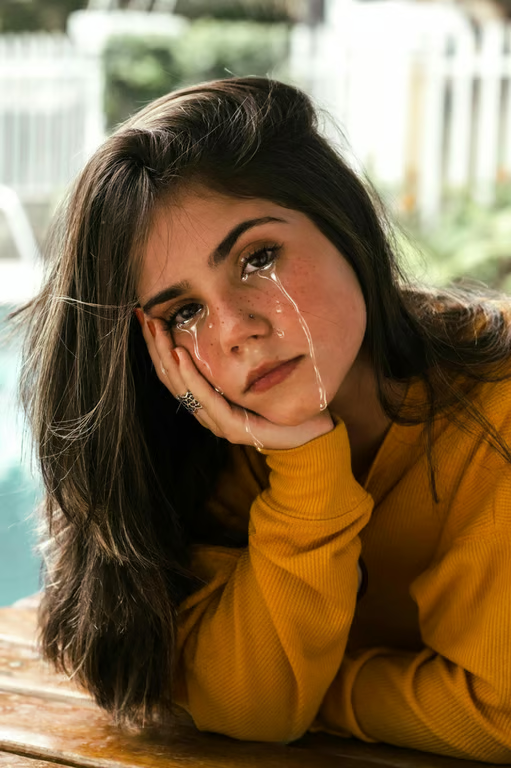
Moody portrait with a rainy crying effect
Expressive photo with an exaggerated crying reaction
What you get

All the power, none of the hassle

Reference Photo Input

Start with a photo and use a written prompt to shape its crying-photo effect.

Tear Style Control

Choose subtle, dramatic, cartoon, or heavy tear directions for the emotional tone you want.

Image Or Video

Request a crying-style image or video from the same prompt-led creative idea.

Refine The Emotion

Generate another attempt in the same conversation when the tears or mood need a different direction.

User value

We are the best AI tool for...

  1. Skip staged sad selfies

    Turn an everyday reference photo into a tearful visual without recreating the moment in front of a camera.
  2. Make reactions shareable

    Create humorous crying edits for birthdays, parties, group photos, and social posts.

  3. Tell emotional stories

    Add visible feeling to creative scenes without advanced photo-editing skills.

Skip staged sad selfies
Perfect proof

What our users say

  • I wanted a funny crying selfie for a birthday post, and the exaggerated tear direction gave me exactly the dramatic reaction I had in mind.

    Mara K.
  • I used a regular group photo and turned it into a playful crying gag. It made the whole picture feel instantly more shareable.

    Jonah R.
  • The tearful portrait helped me add emotion to a story concept without arranging another shoot or learning complicated editing software.

    Lena T.
  • I started with a simple photo, tried a softer tear style, then refined it into a moodier result that fit my social post.

    Priya S.
  • The crying effect worked well for a deliberately over-the-top reaction image. I could push the expression in a much more creative direction.

    Eli M.
  • I wanted a sad selfie look for a visual project, and the prompt made it easy to describe the kind of emotional moment I wanted.

    Nora V.
Answers

Common questions

What does the AI crying filter do?

The AI crying filter helps turn a written prompt and/or reference photo into an emotional crying-style image or video. You can describe subtle tears, dramatic tear streaks, or a playful reaction.

How do I use the crying photo effect?

Add a reference photo, describe the crying effect you want, and choose the image or video output that fits your idea. You can refine and generate again in the same conversation.

Can I create a crying video as well as a photo?

Yes. Cavro can turn a written prompt and/or reference photo into images or video, so the crying concept can work for either format.

Do I need a subscription to make a crying edit?

No mandatory subscription is required. Results are billed per credit, and images and video use the same credit balance.

Can I change the crying effect after the first result?

Yes. You can refine the prompt and generate again in the same conversation without starting over. Try changing the tear style, mood, or level of drama.

Play with an idea. Leave with an image.

Creators worldwide are turning “just an idea” into expensive-looking images.
Try Cavro free