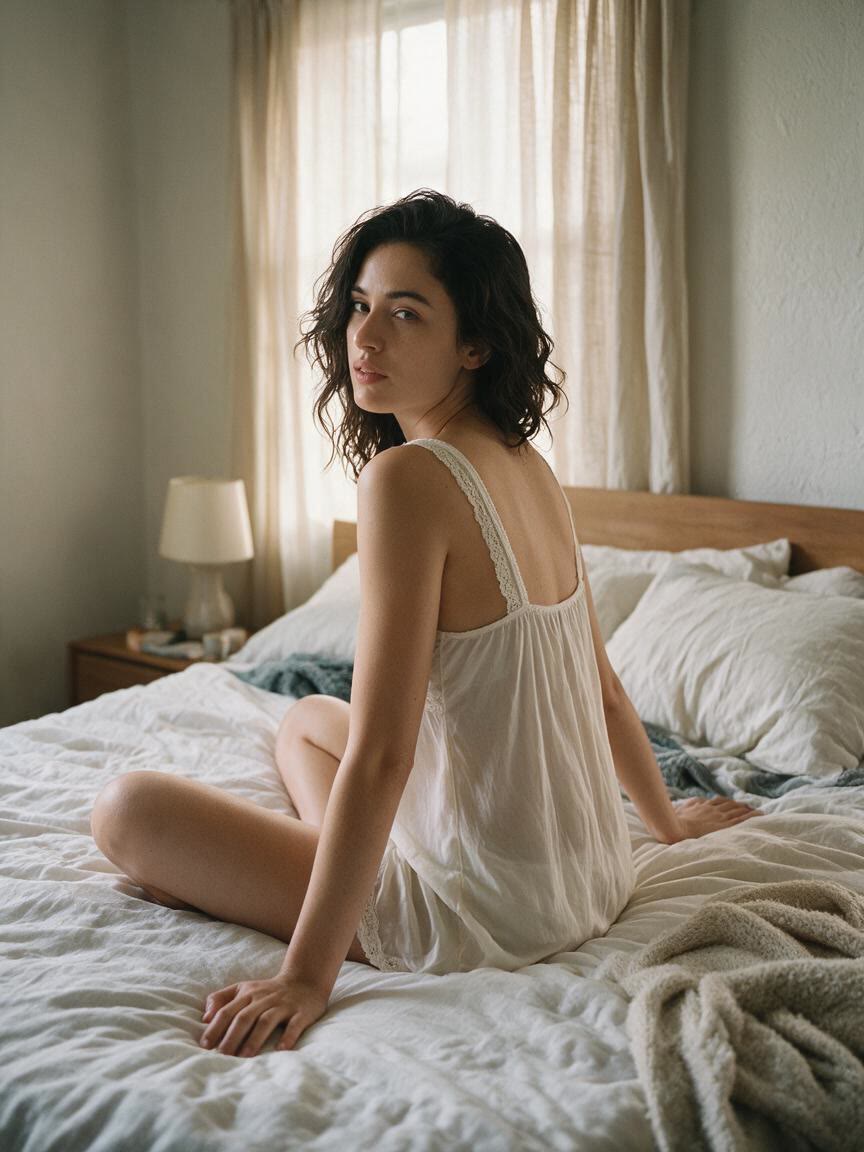
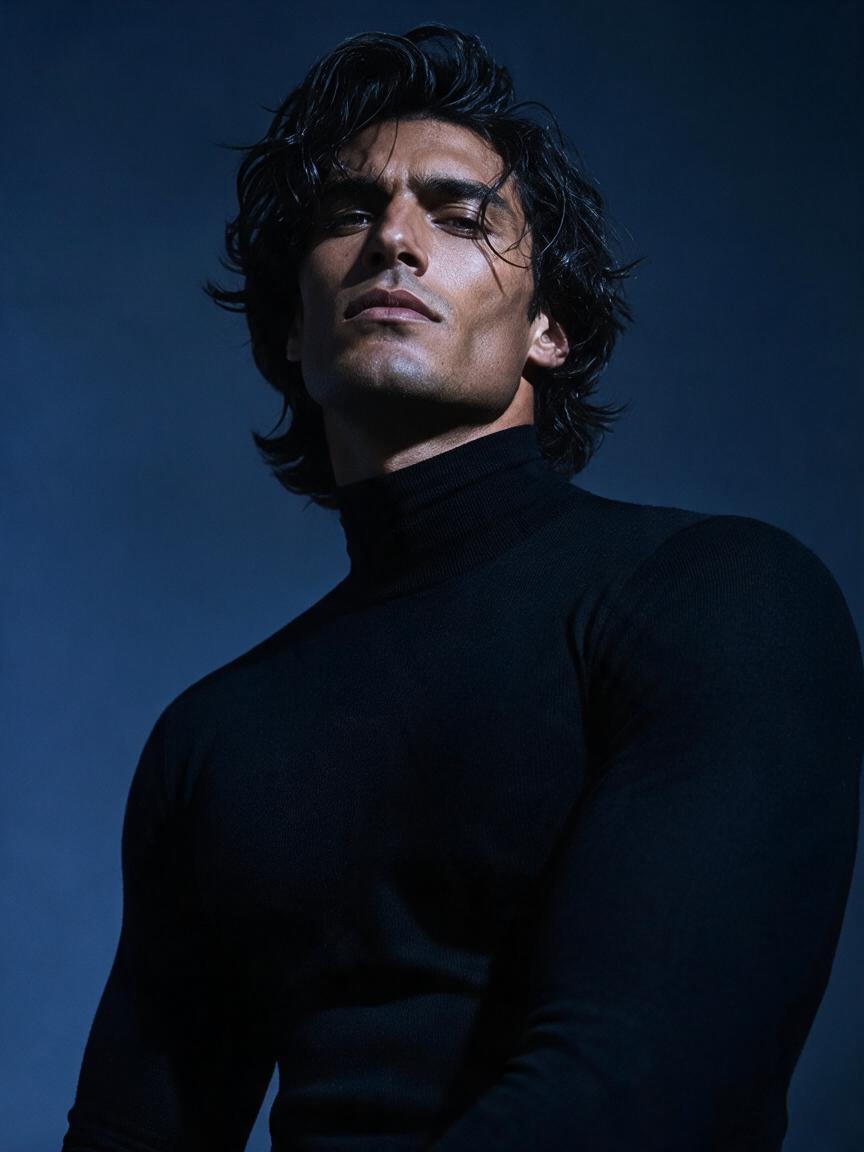
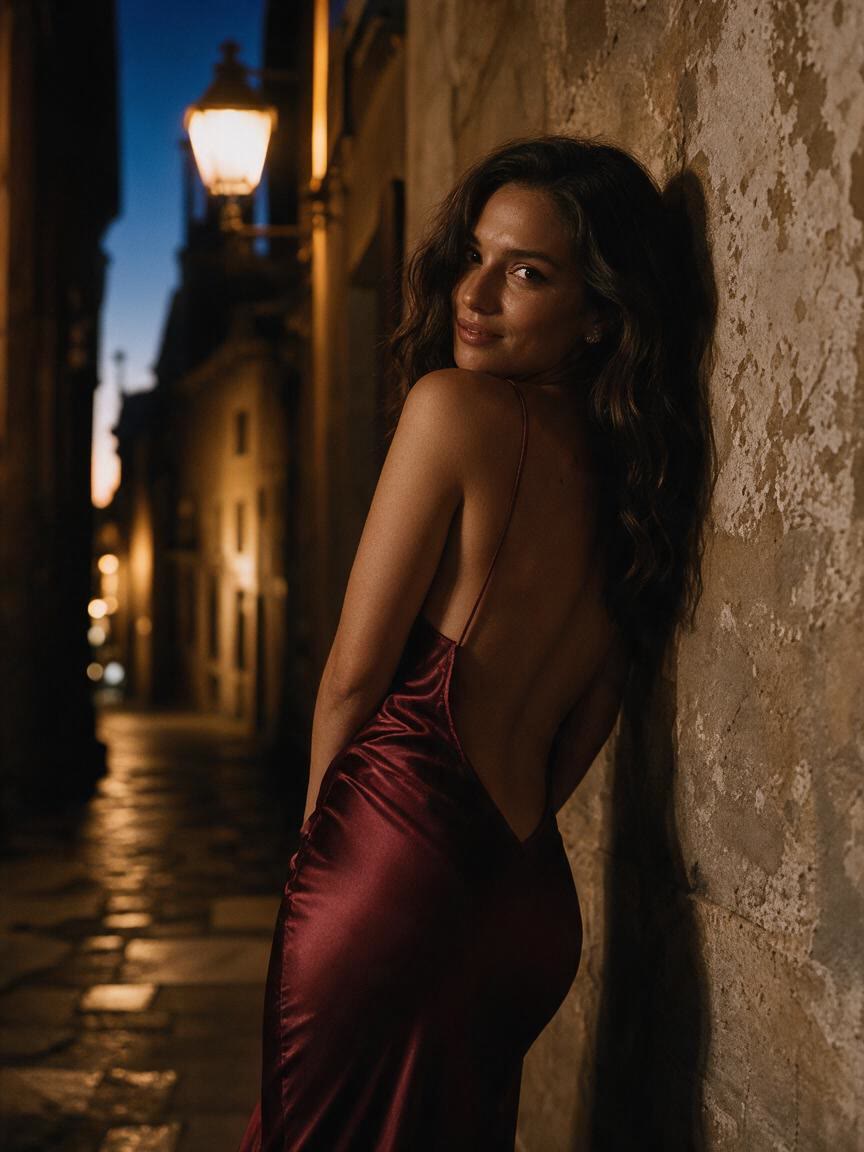
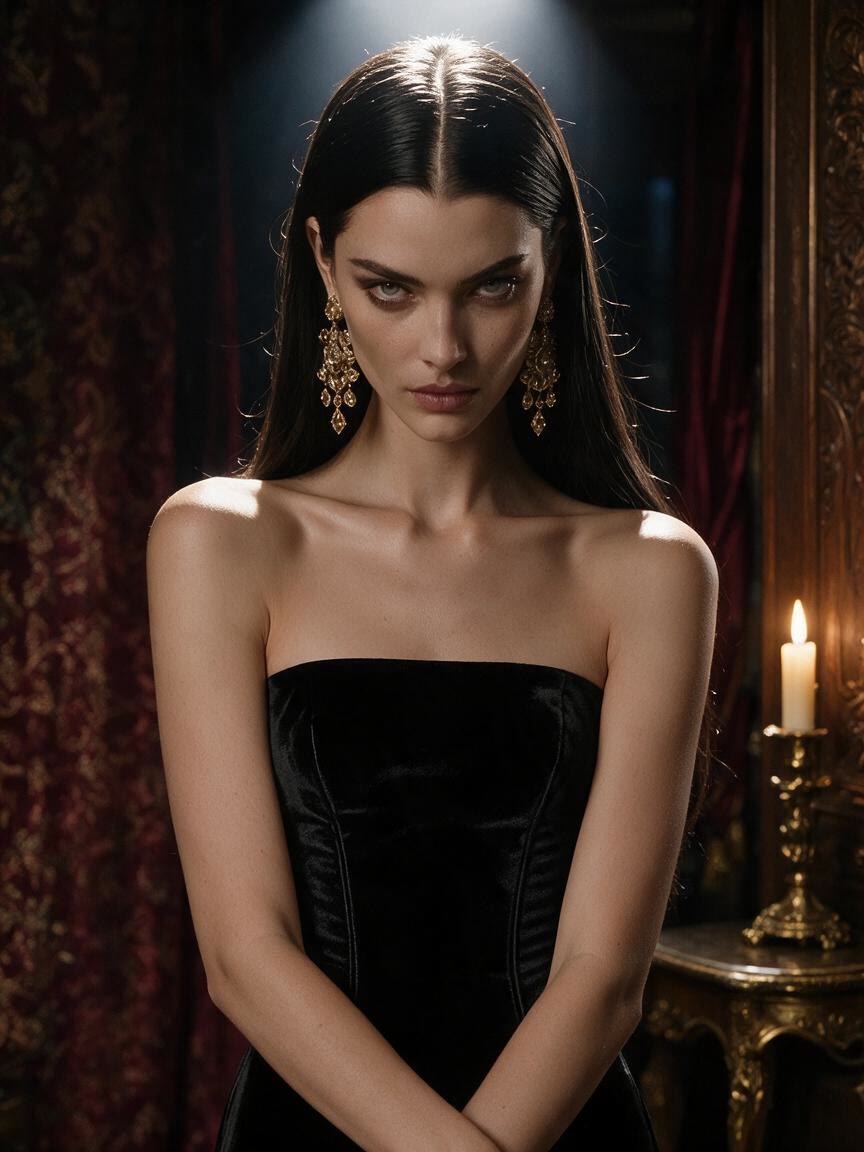
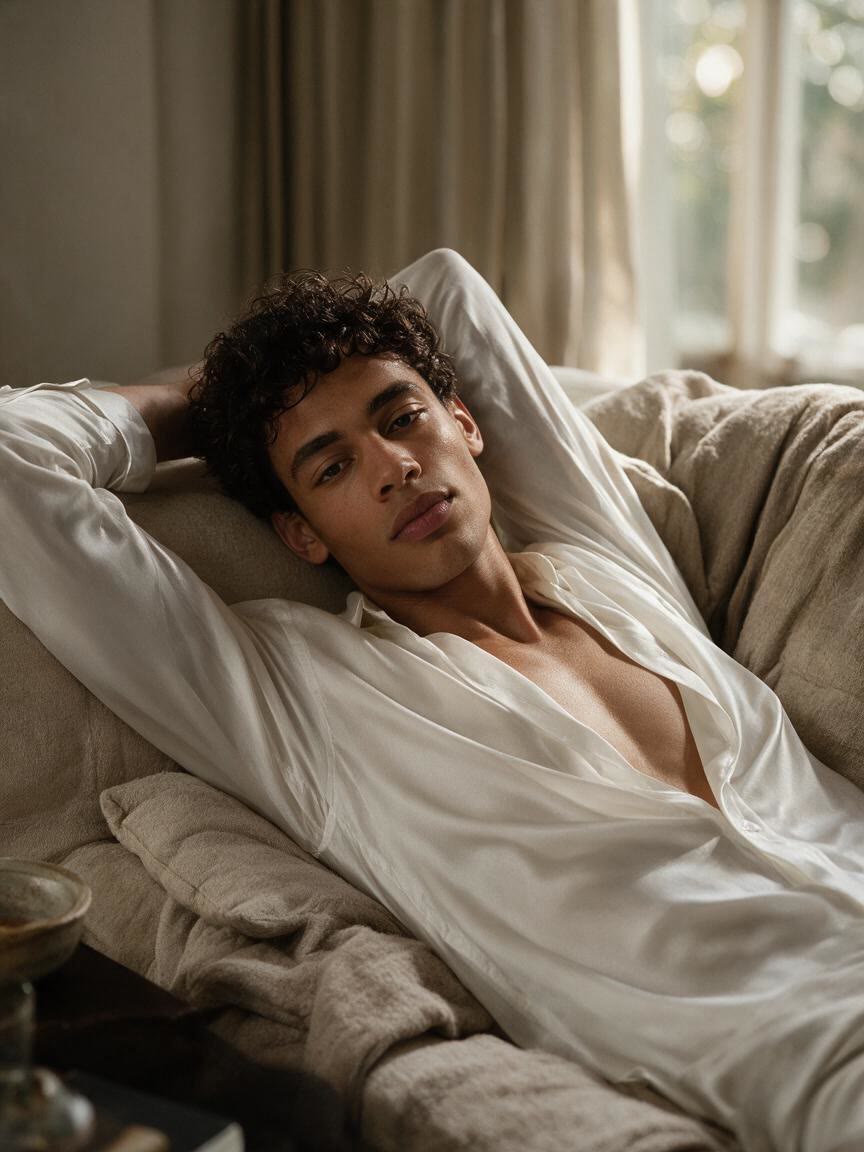
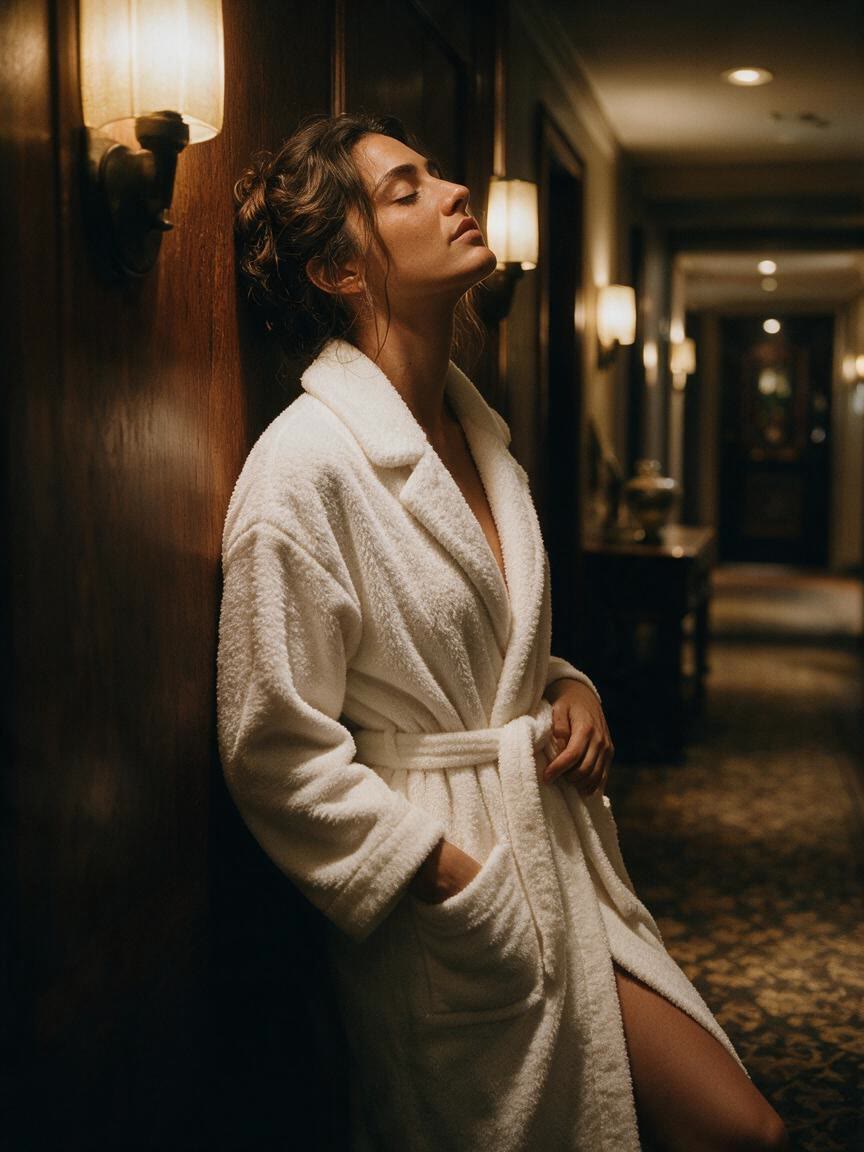
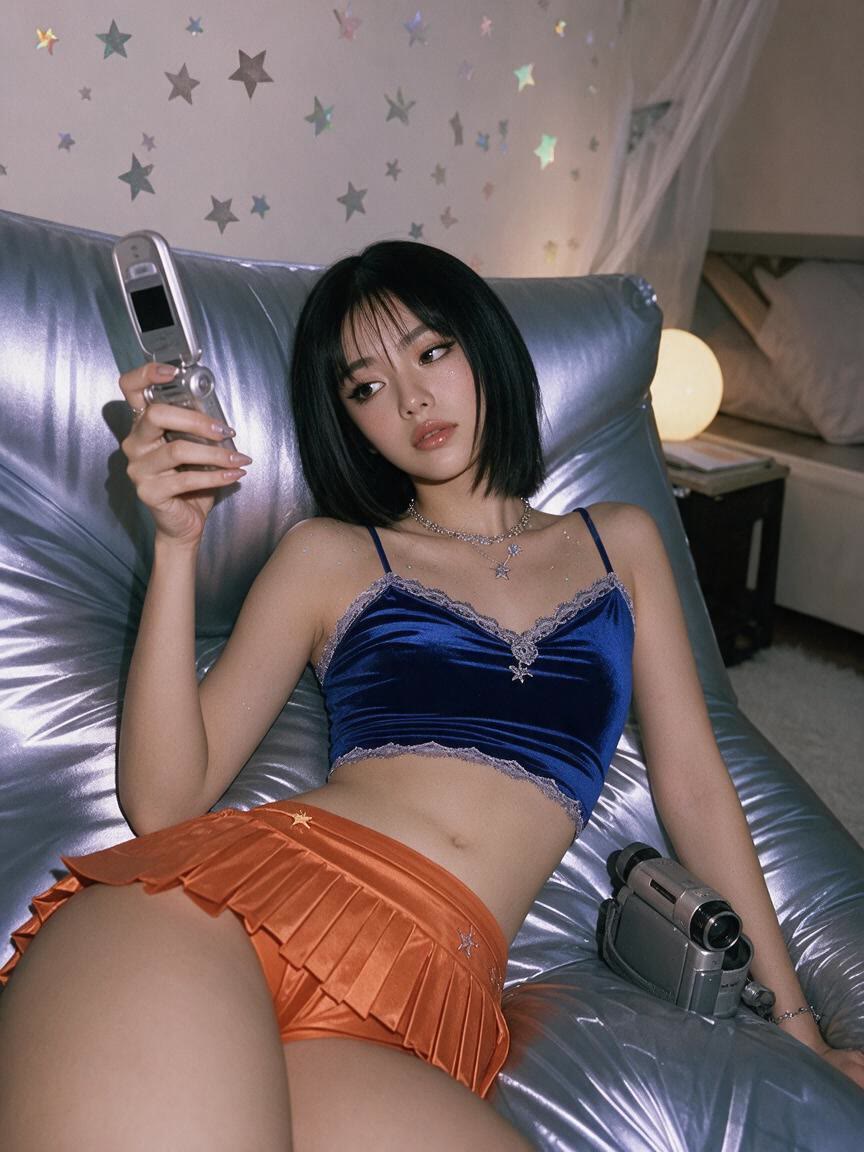
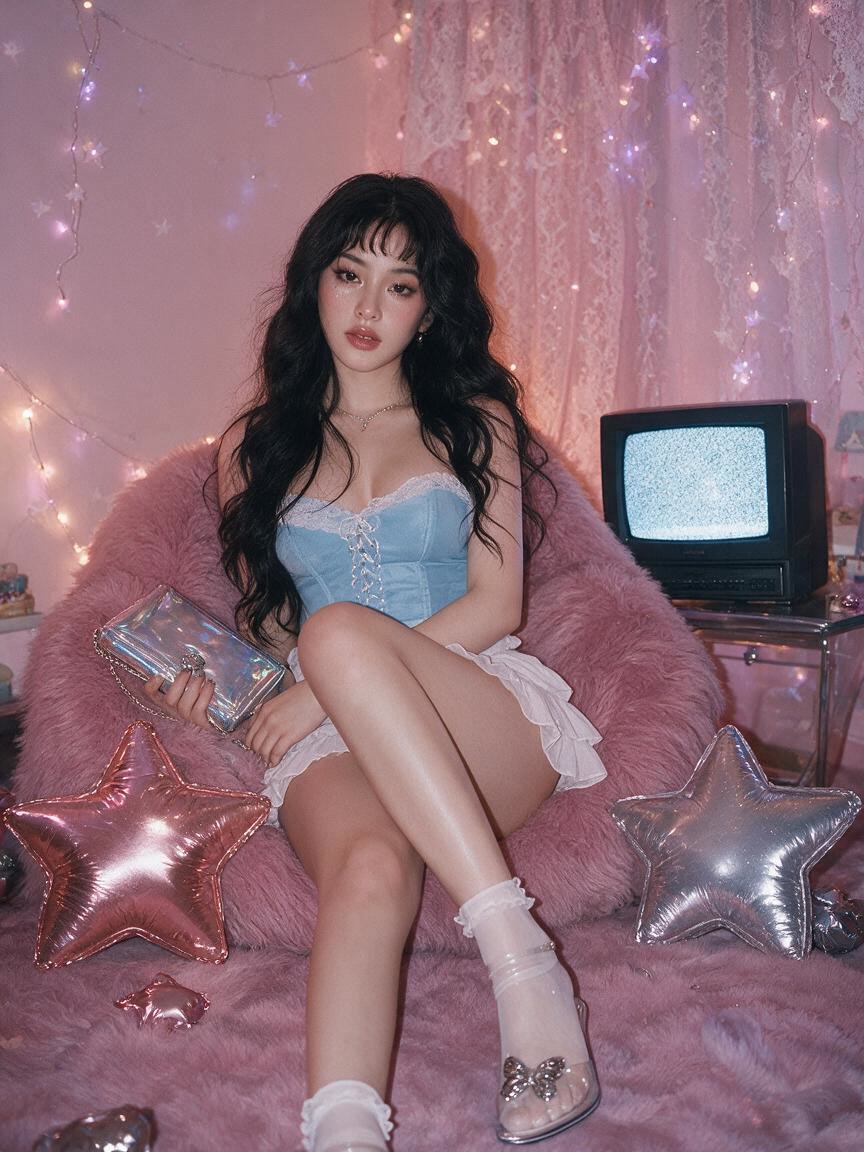
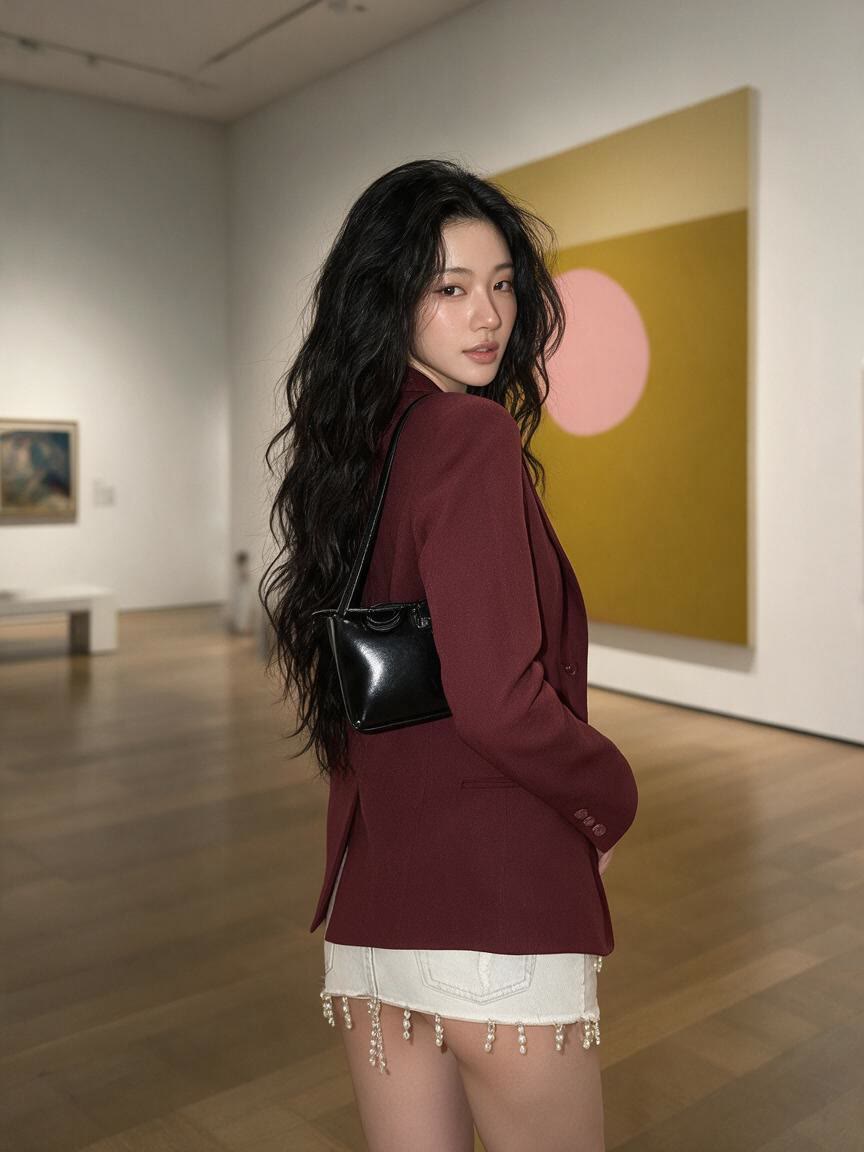
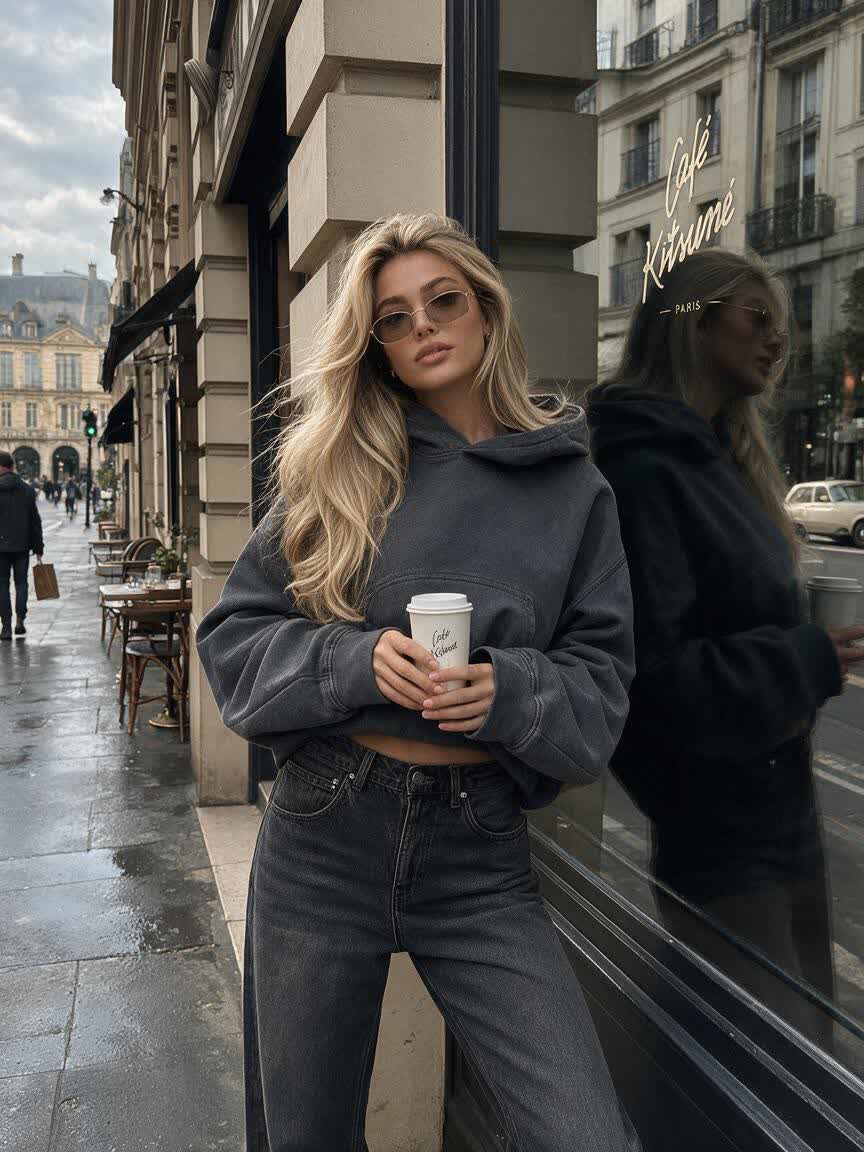
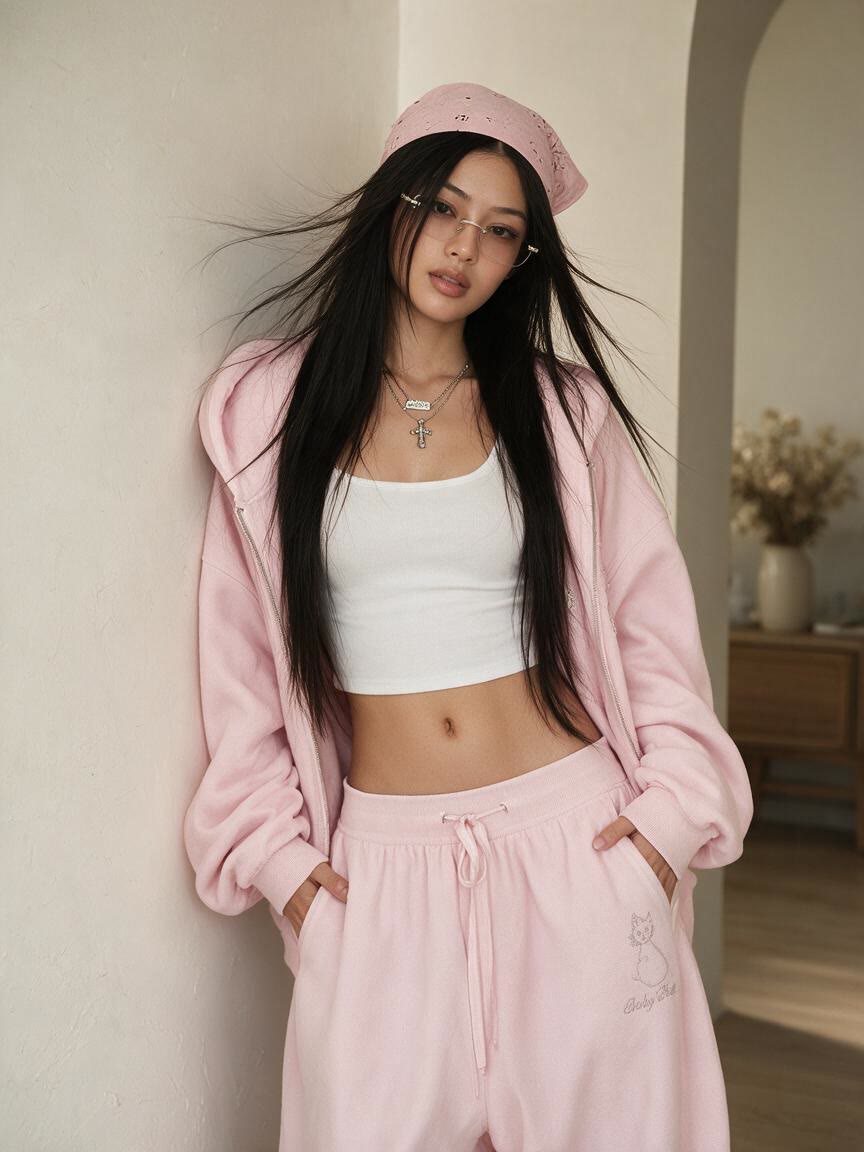
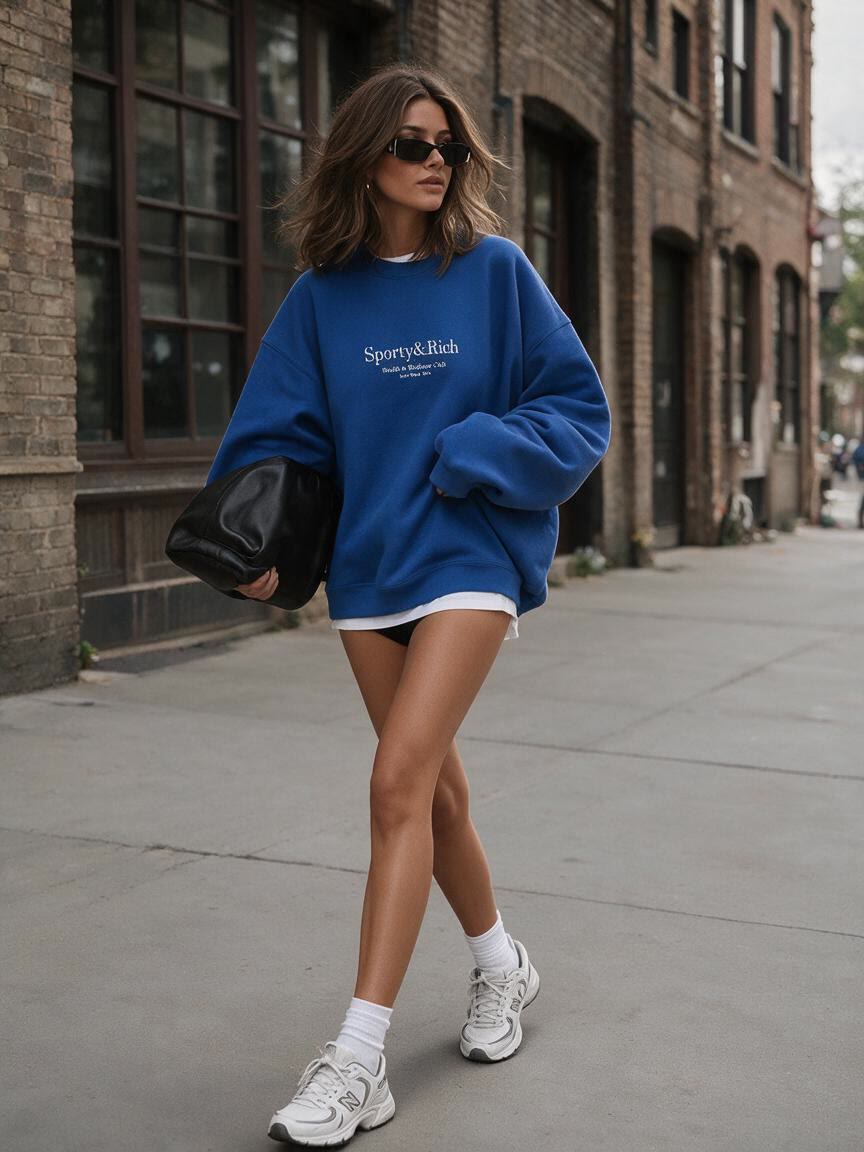
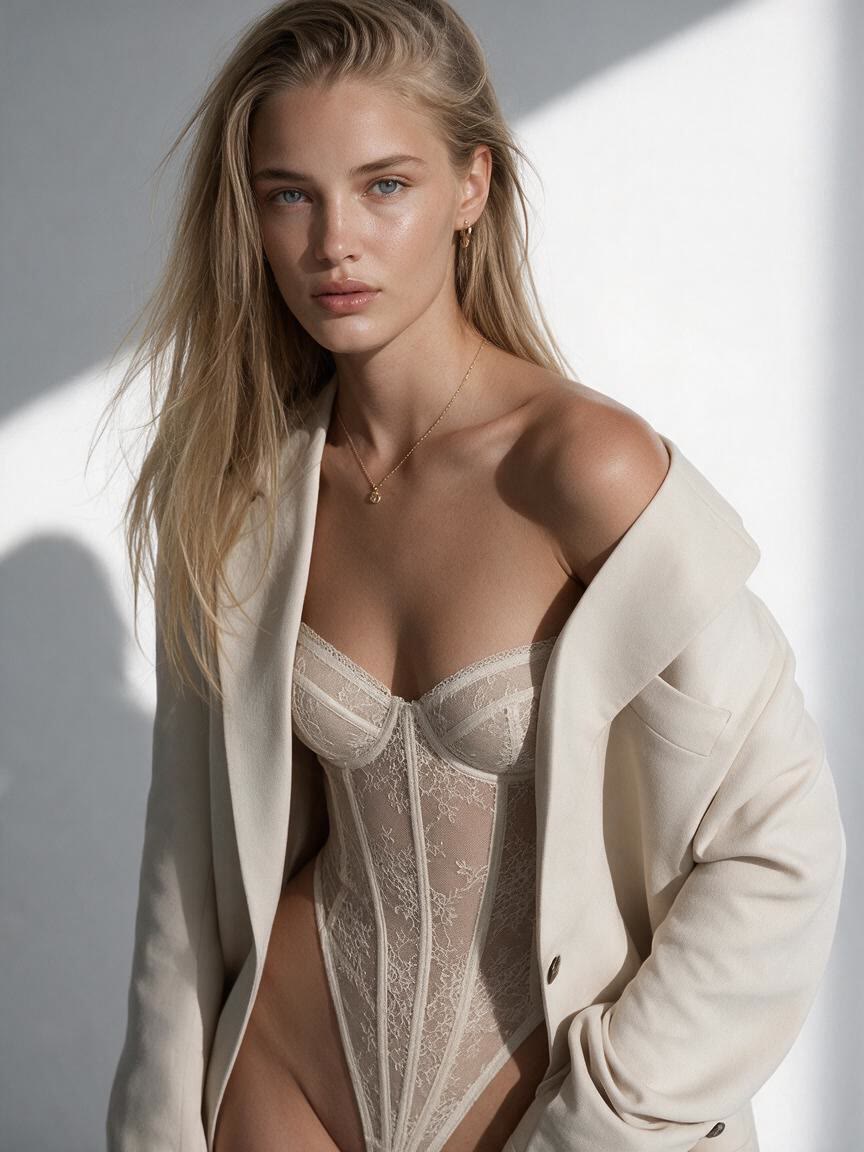
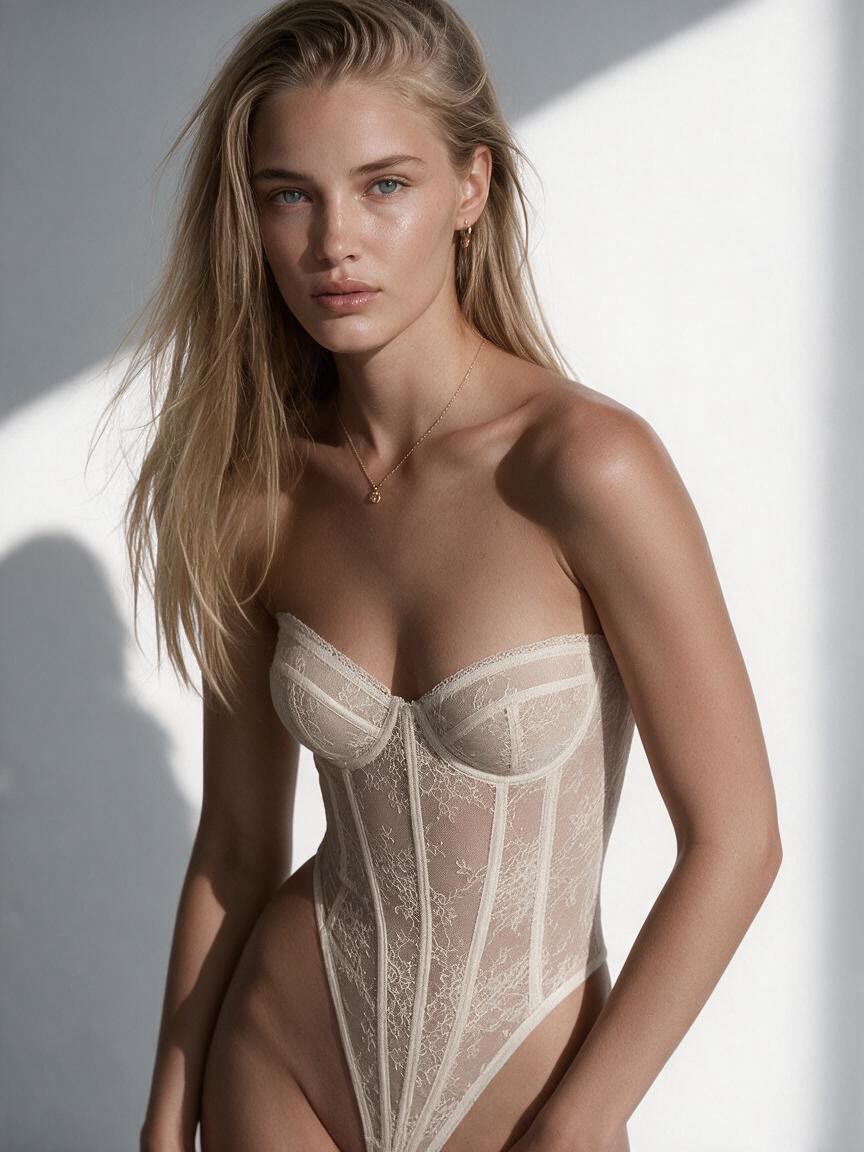
Plan Fashion Concepts
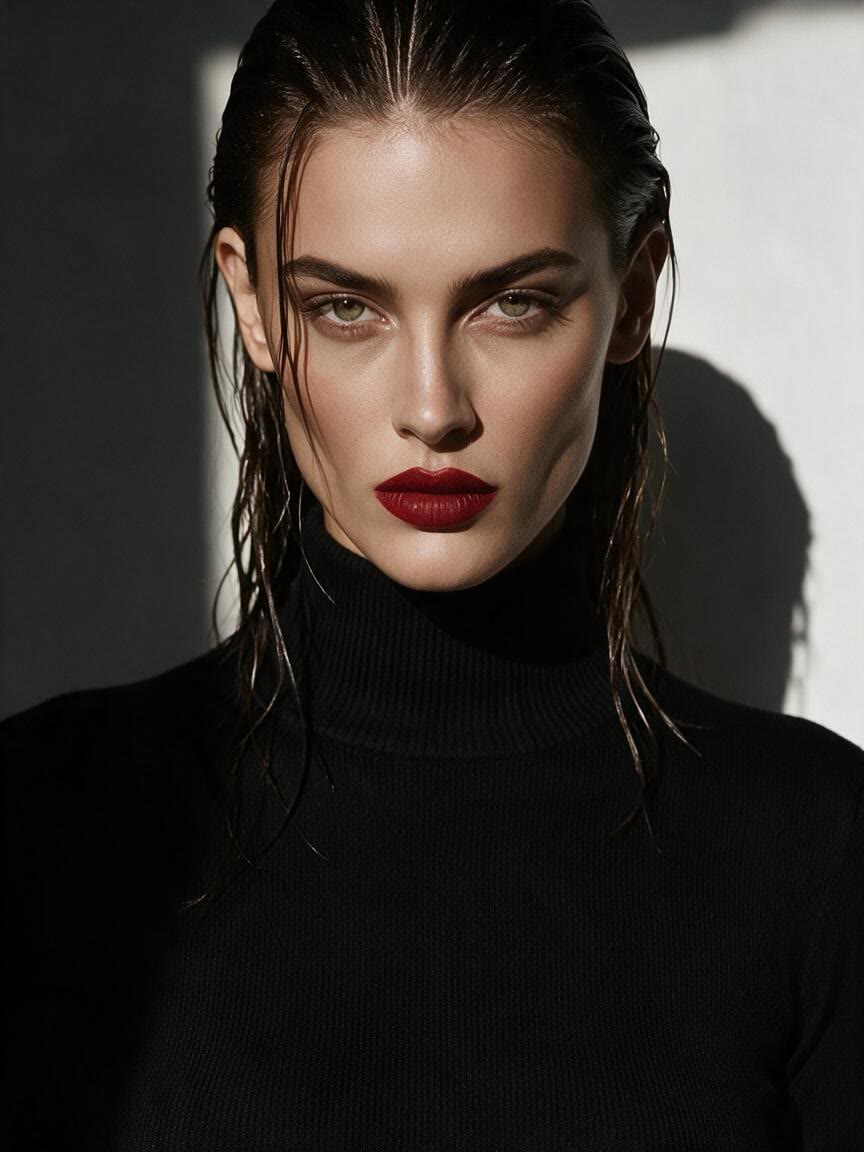
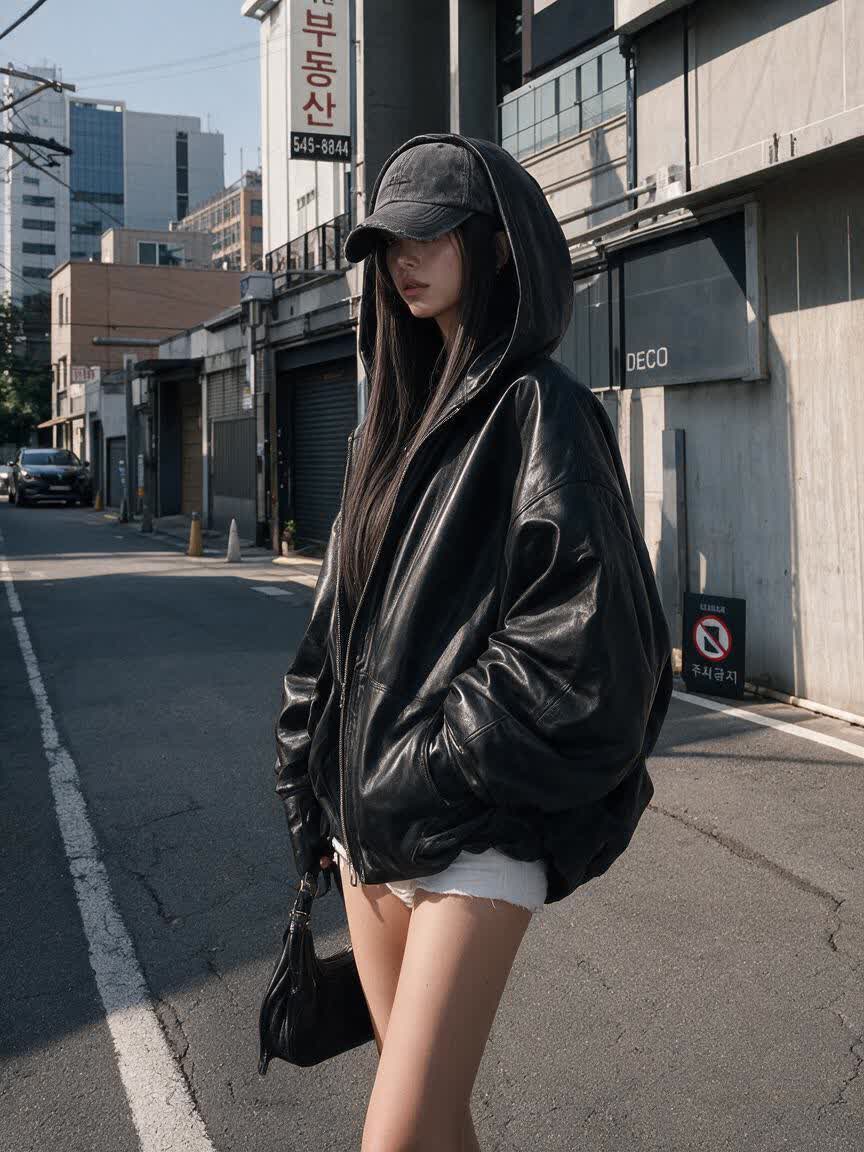
A designer brings a reference photo and describes a new garment direction for a moodboard. Cavro turns that brief into an outfit concept they can review and refine.
Try Cavro freeTurn a reference photo into a non-explicit fashion edit with Cavro. Designers, sellers, and creators can describe a consent-based clothing change and refine the image in one conversation.
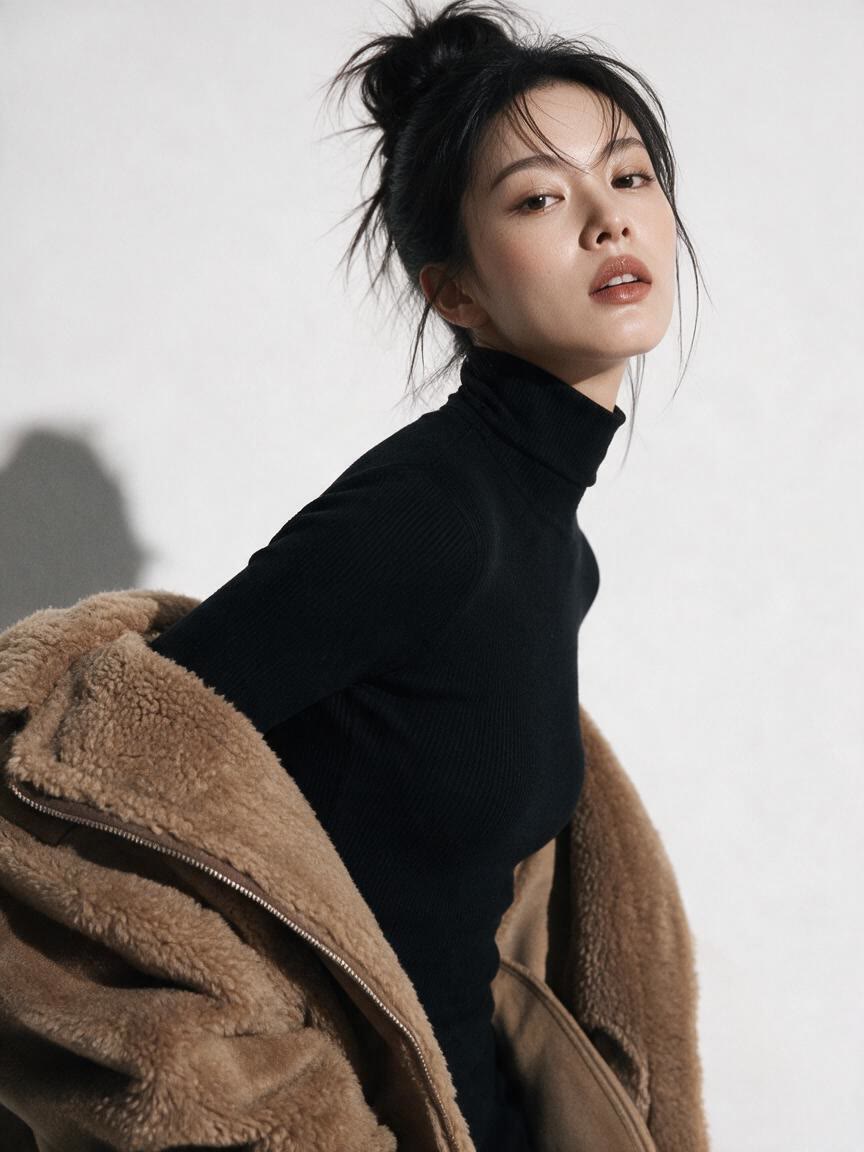
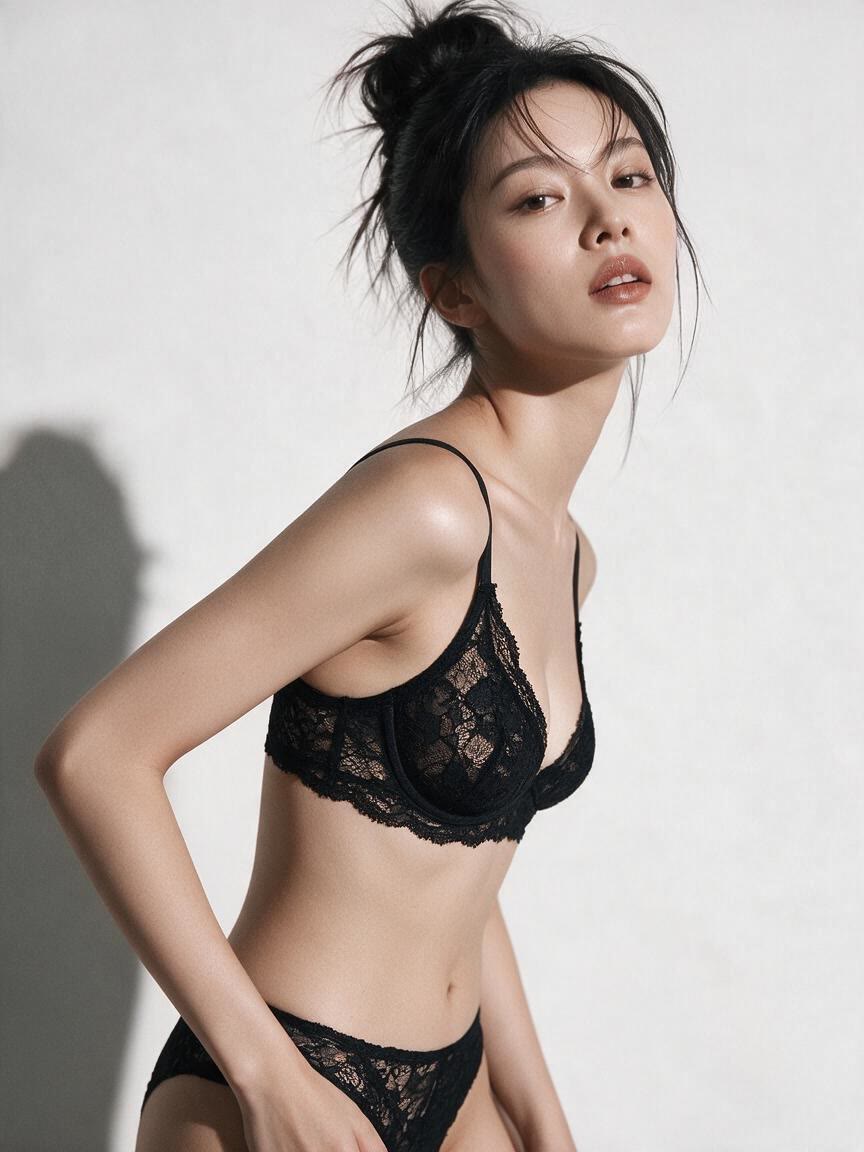
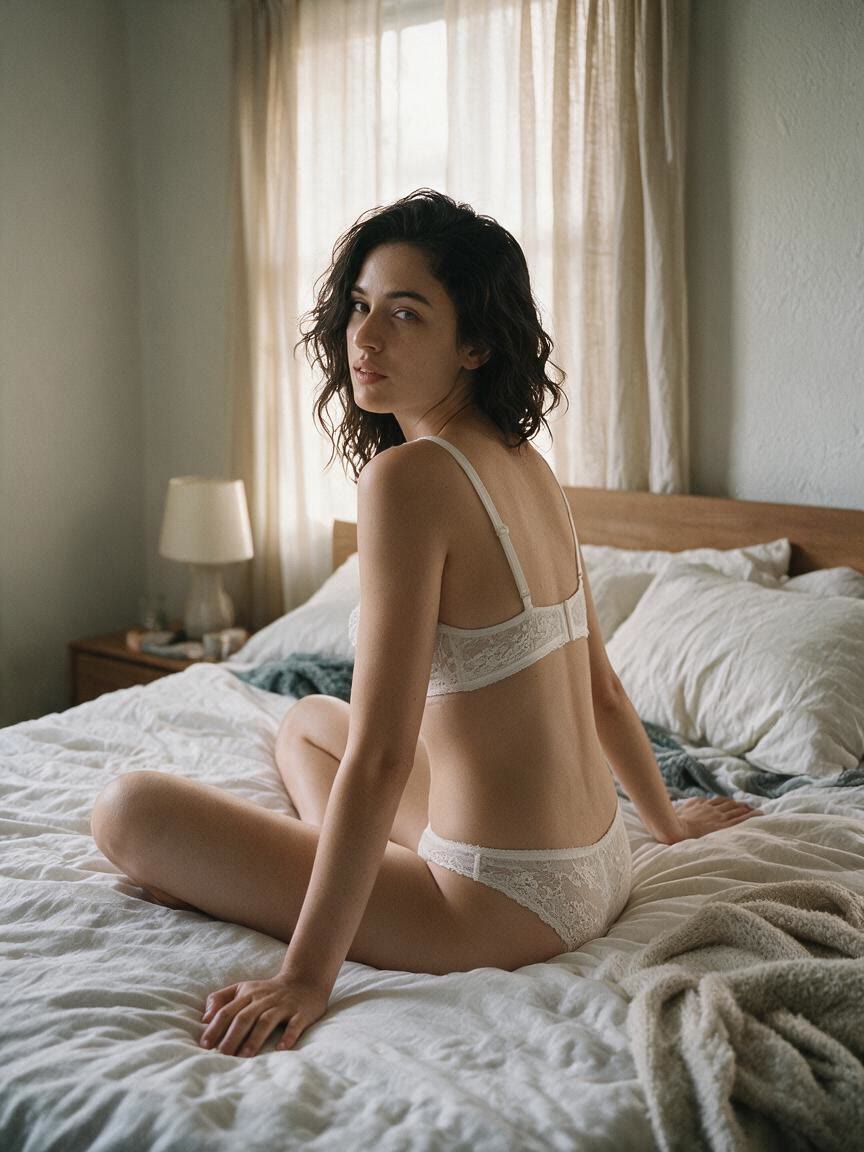
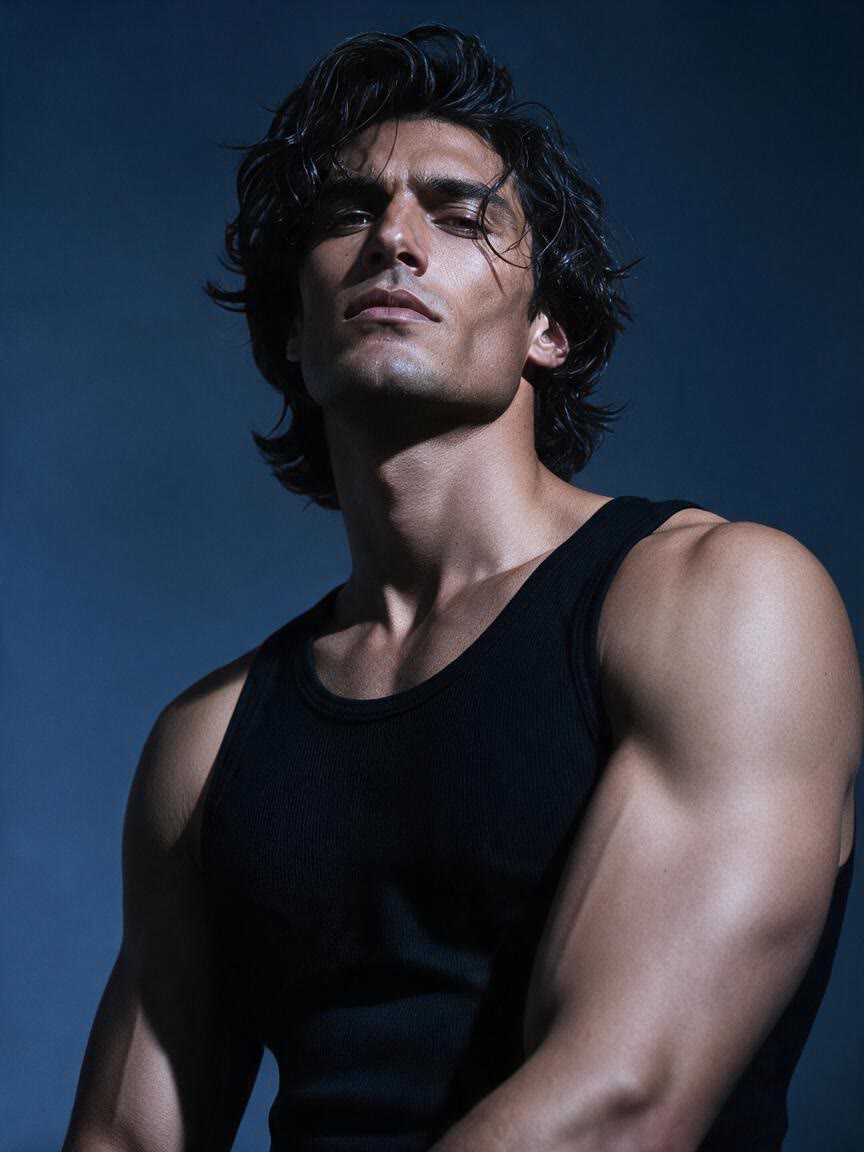
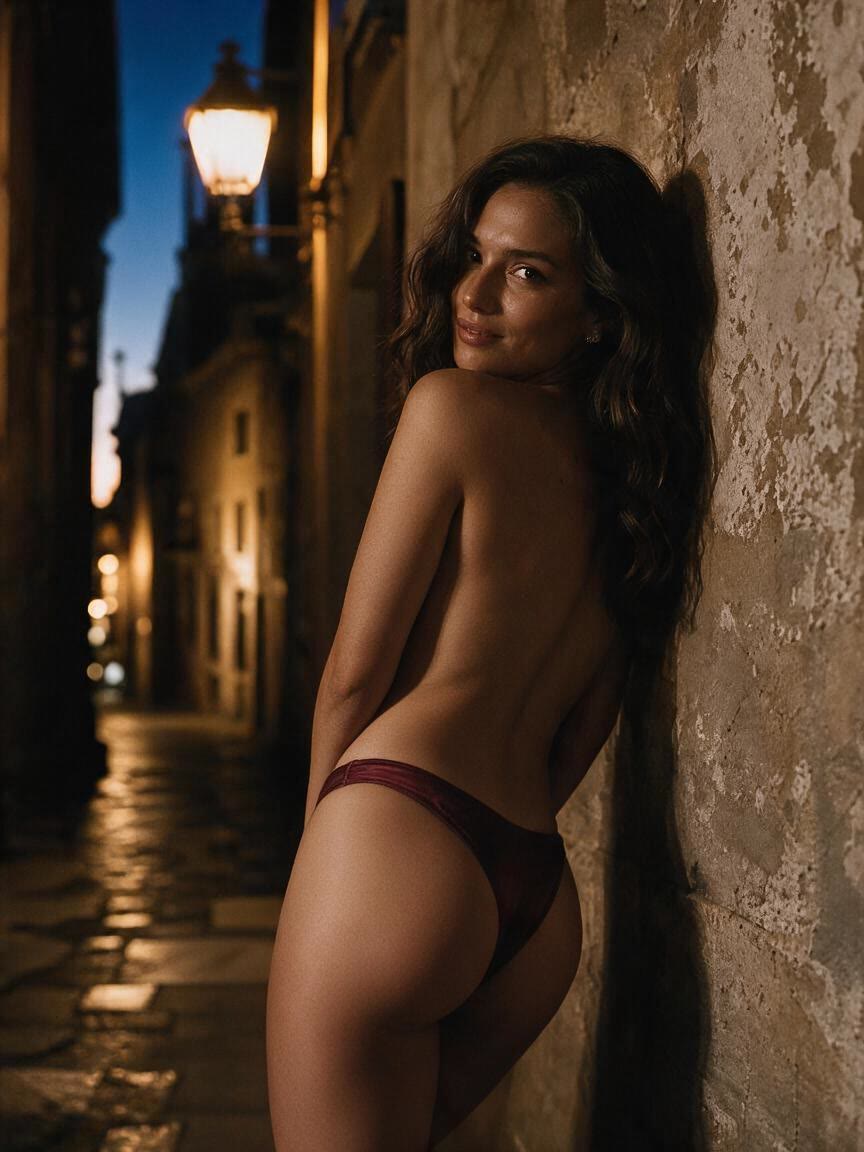
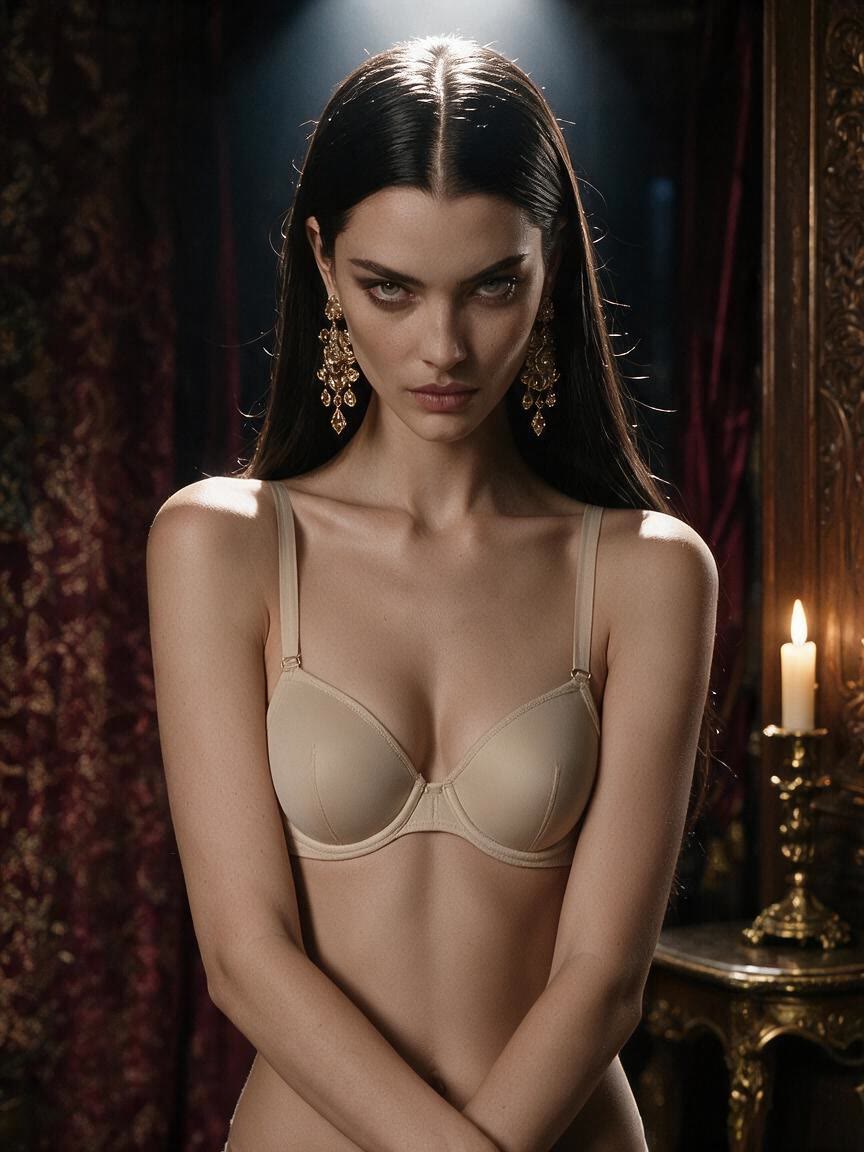
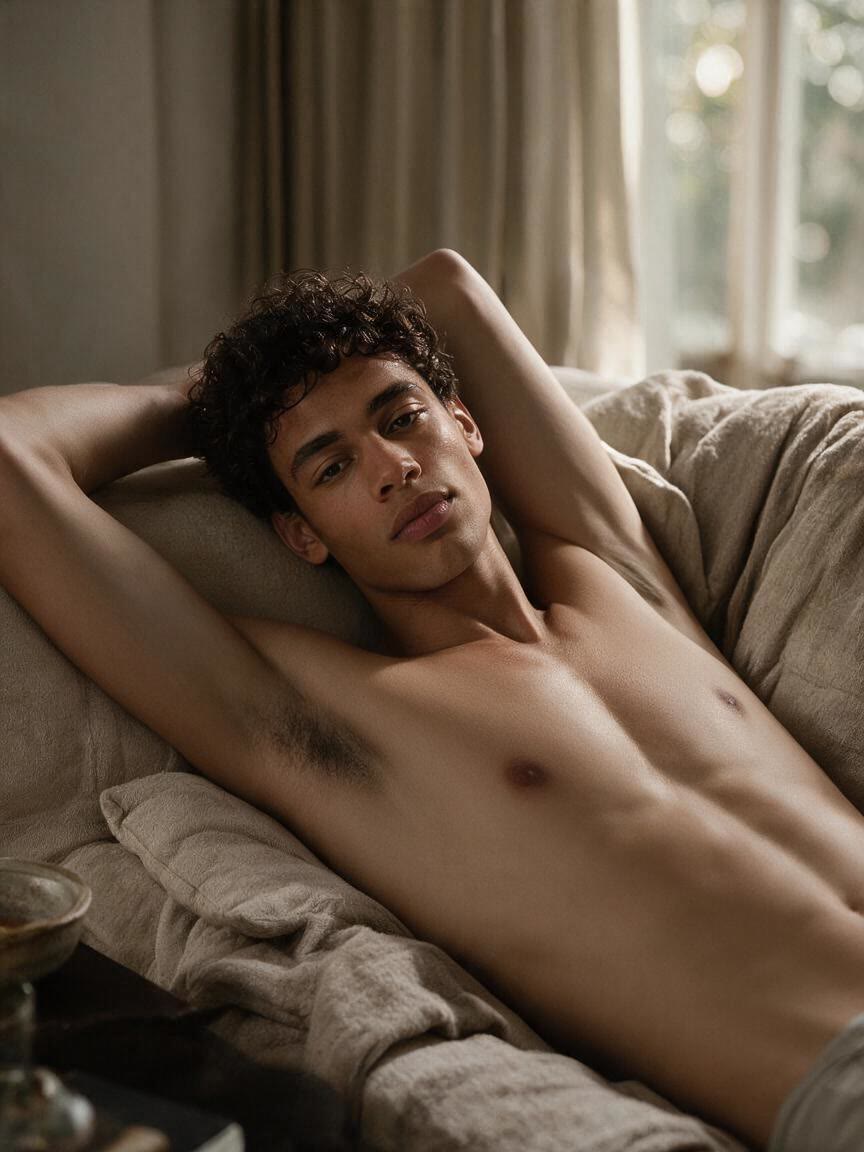
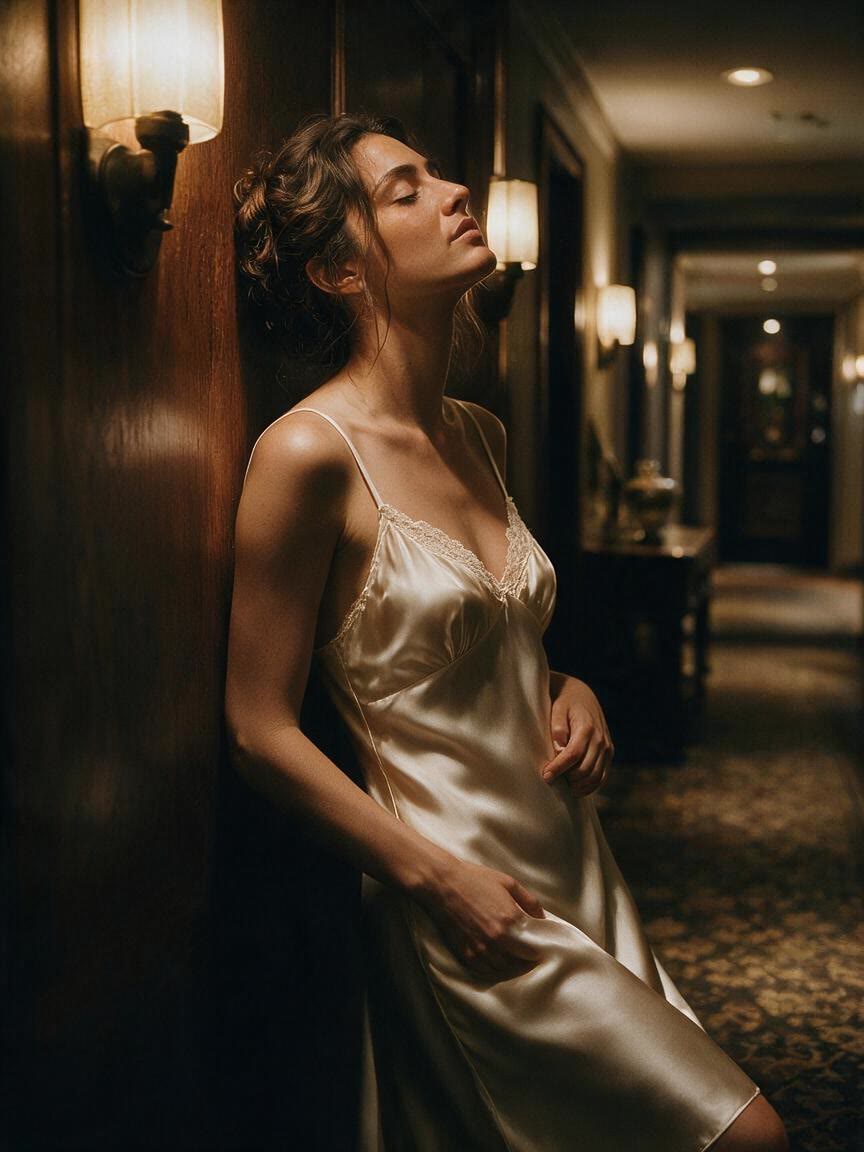
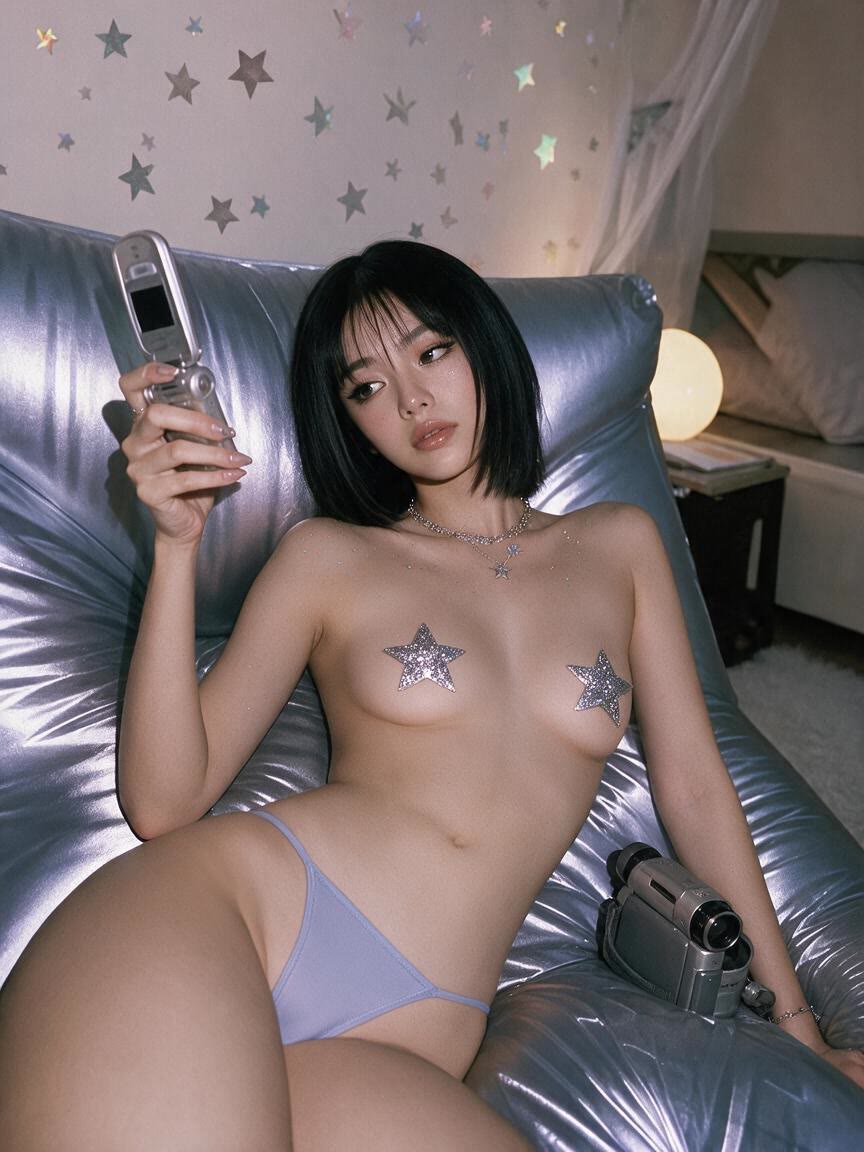
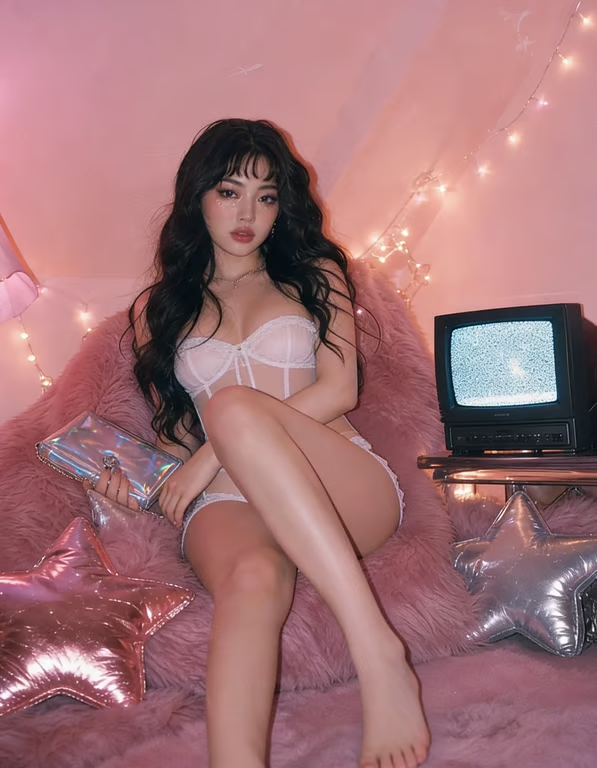
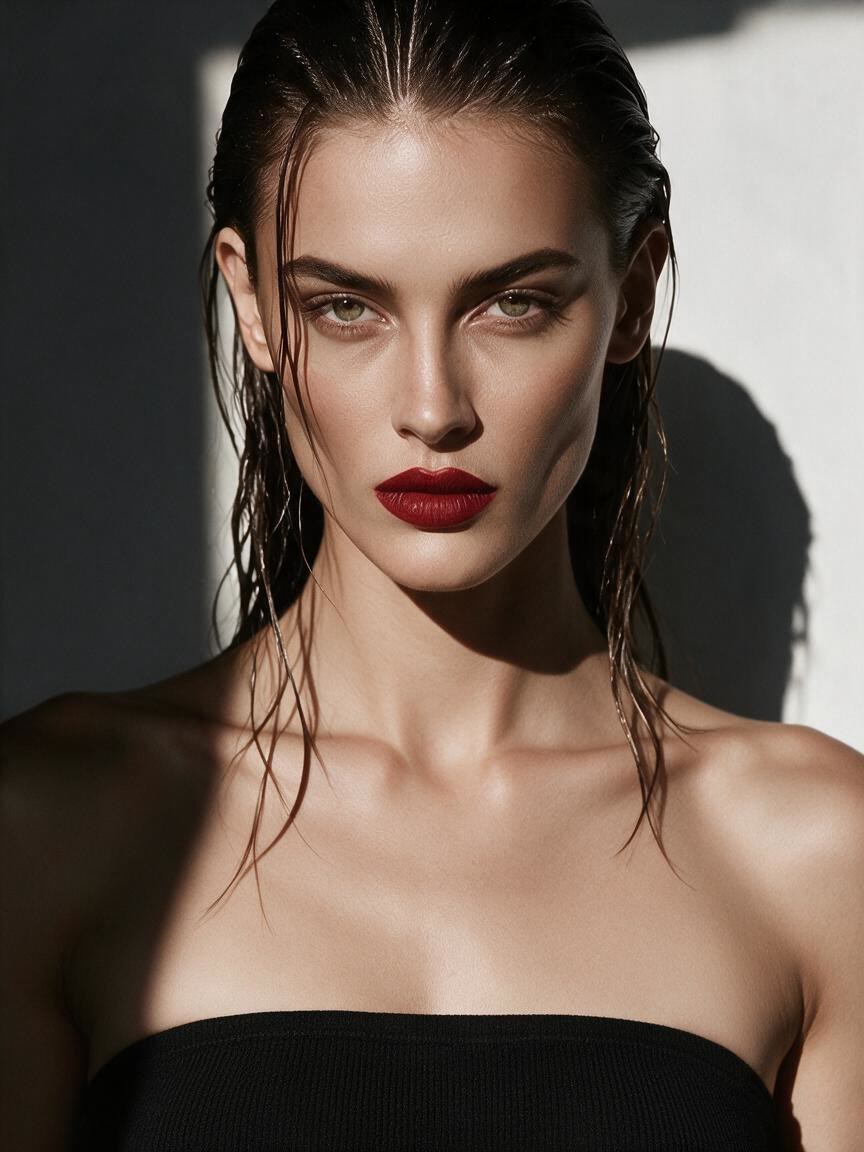
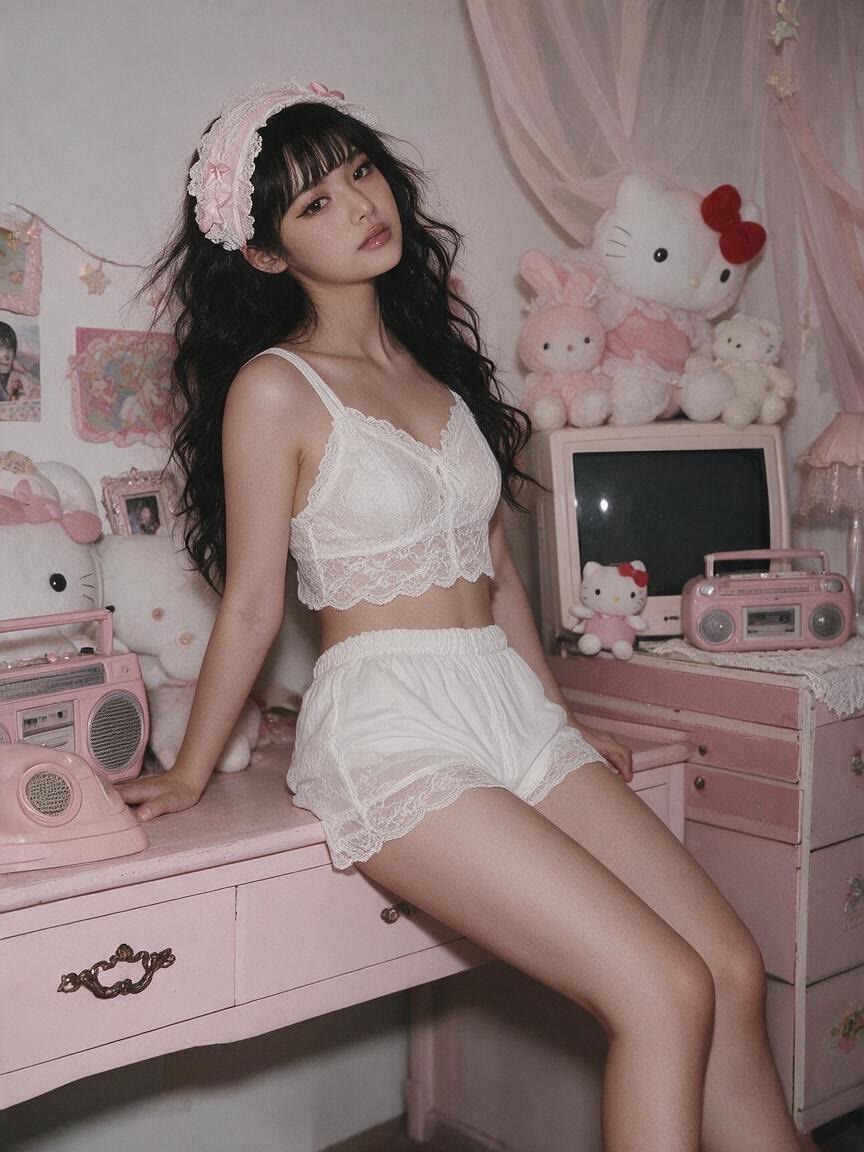
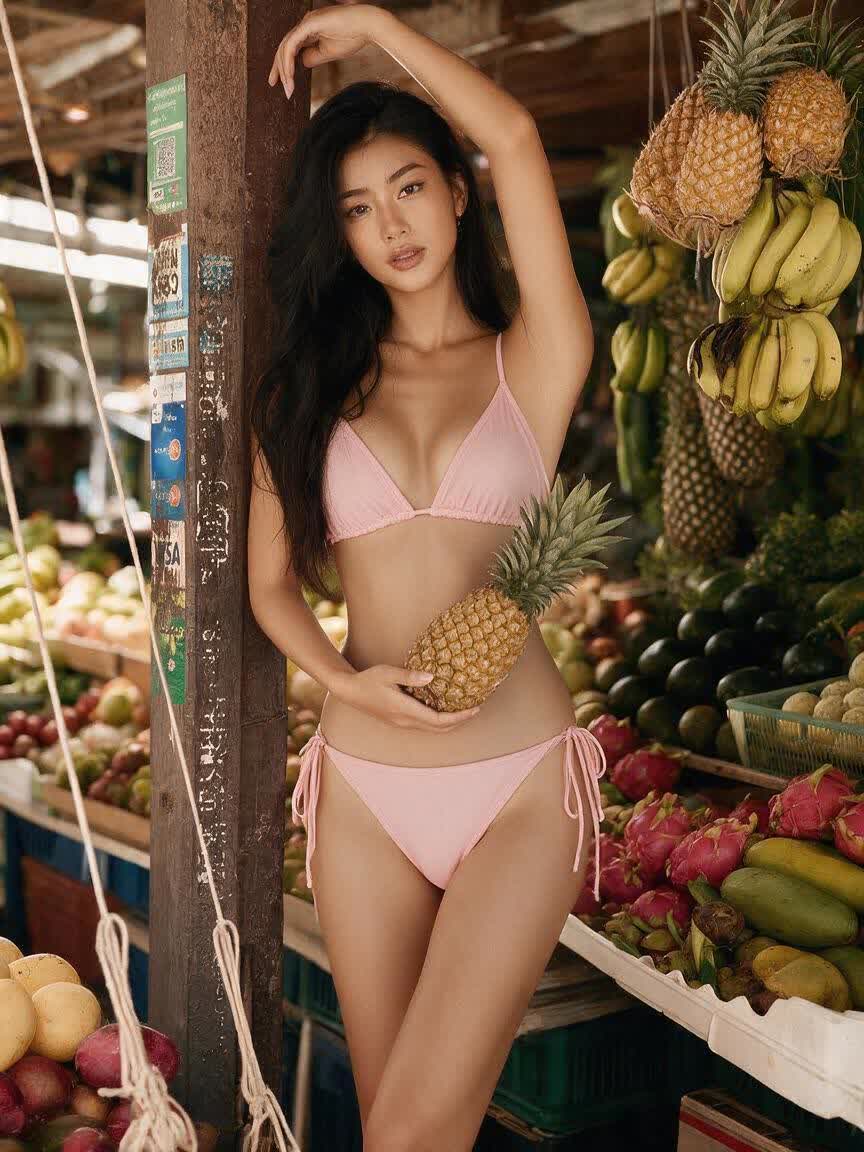
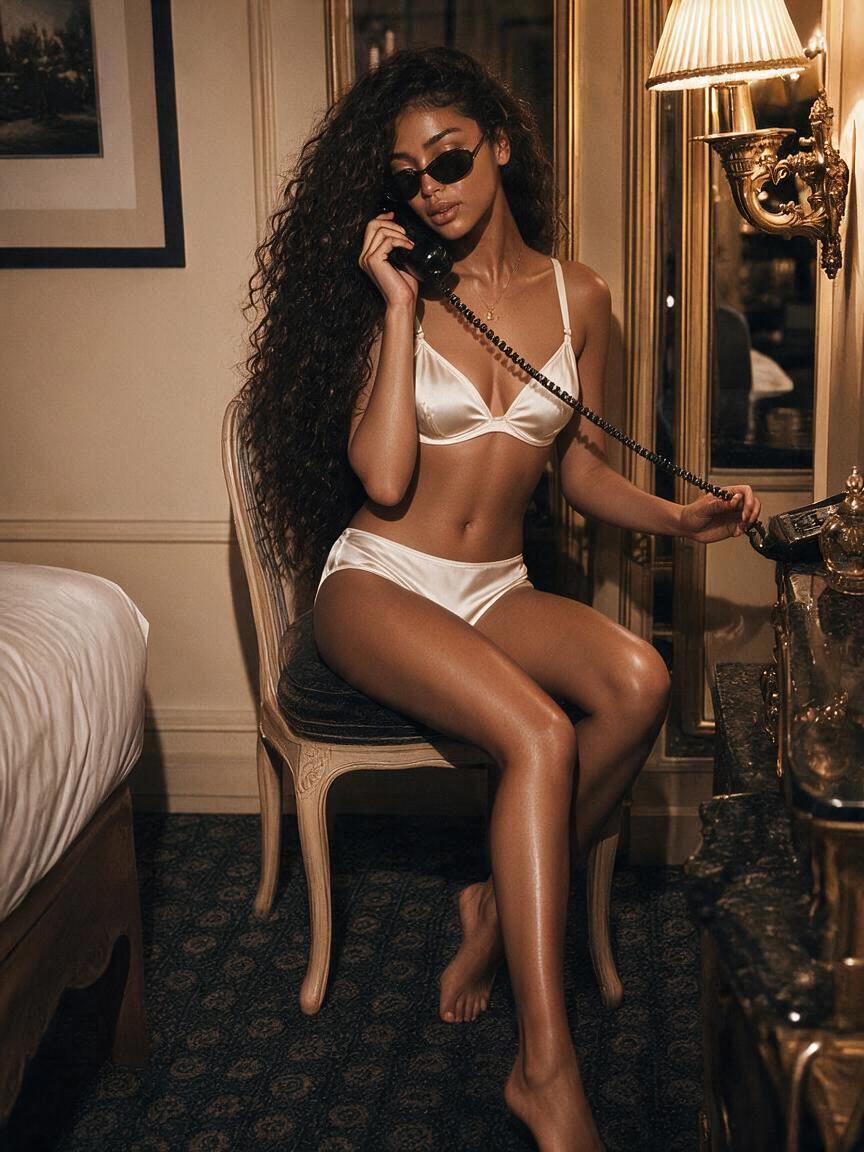
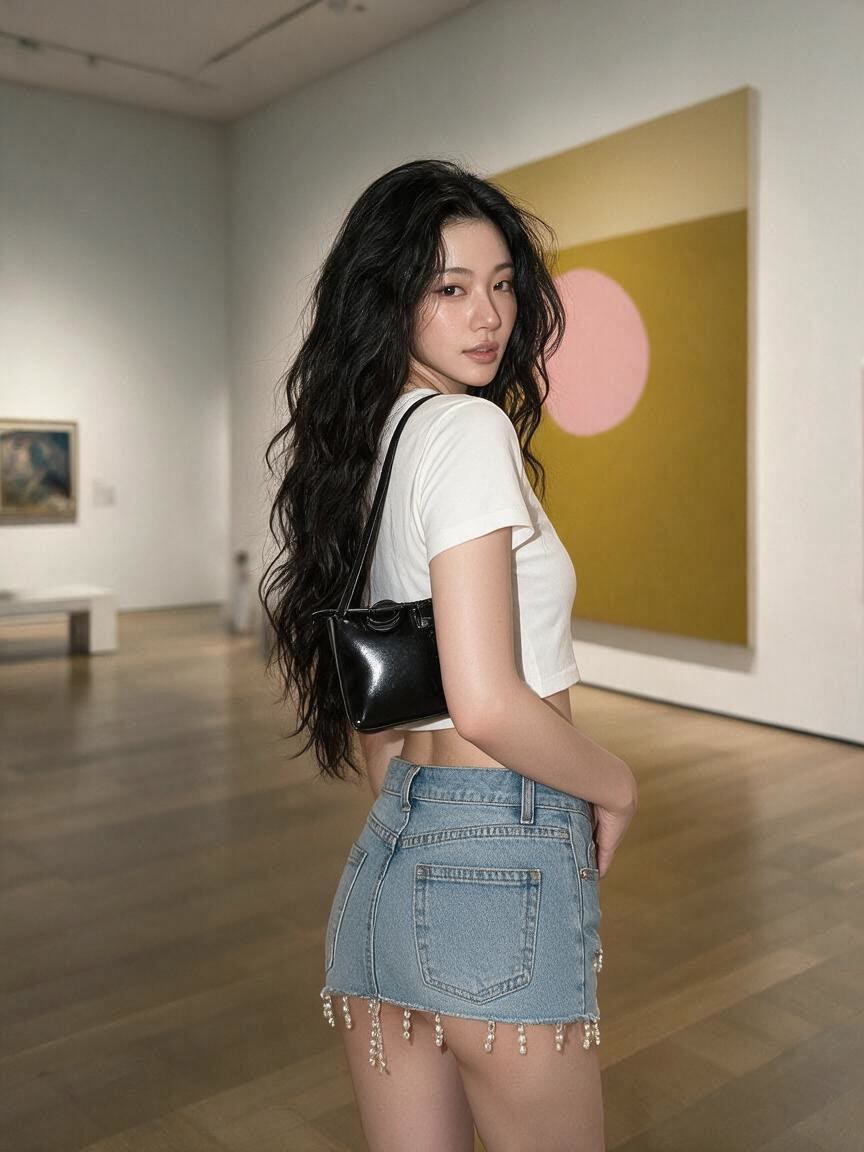
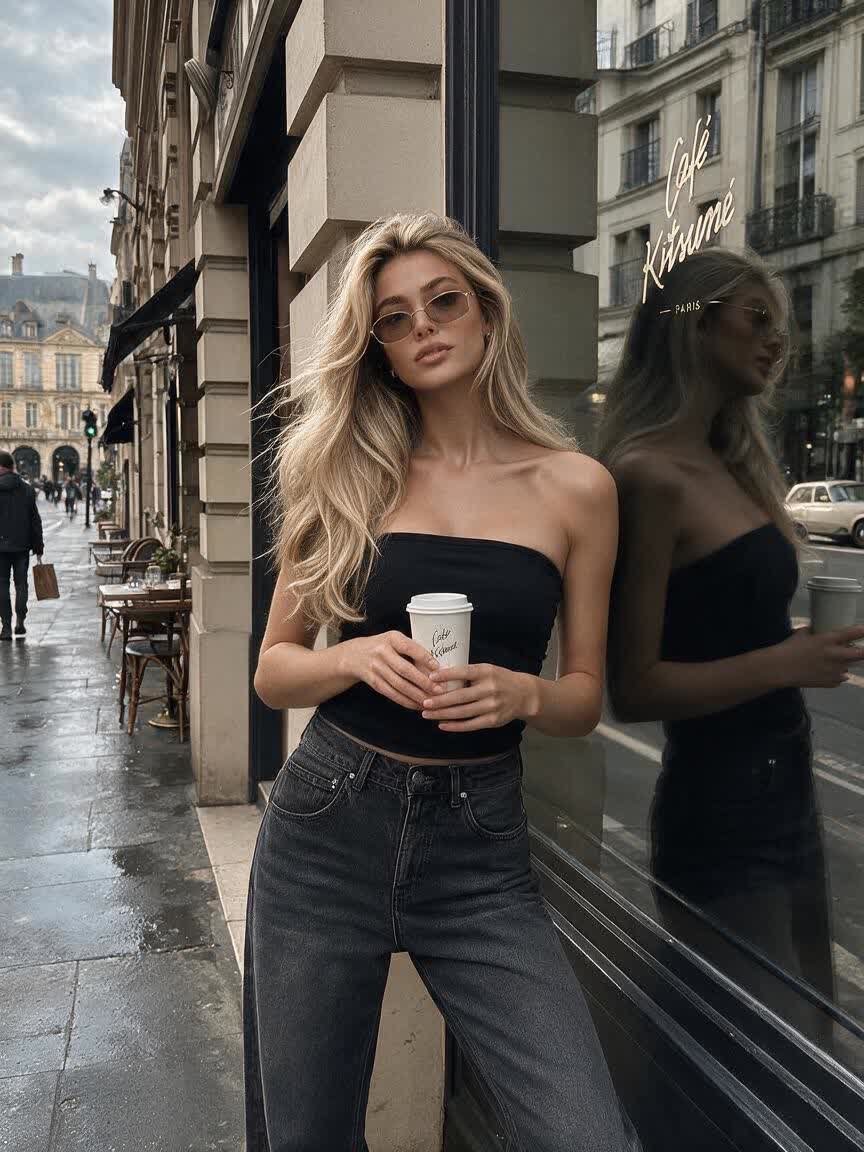

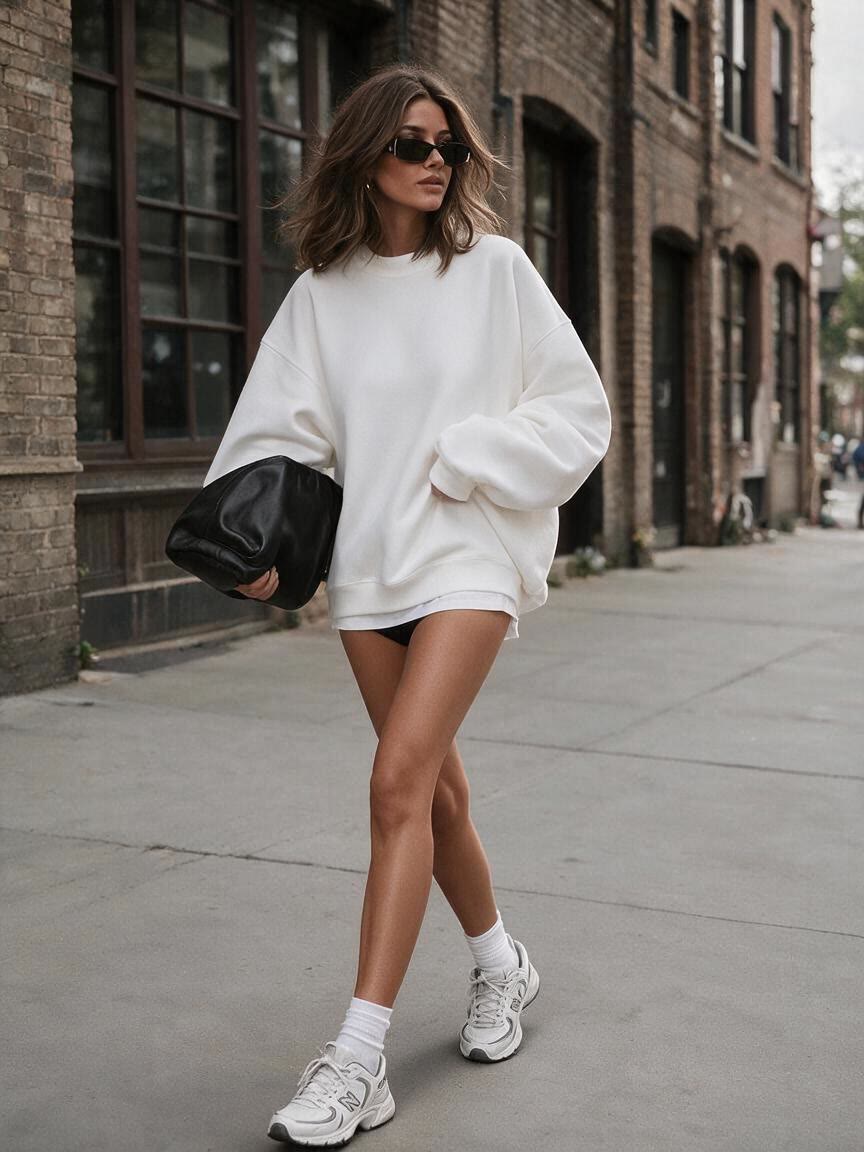
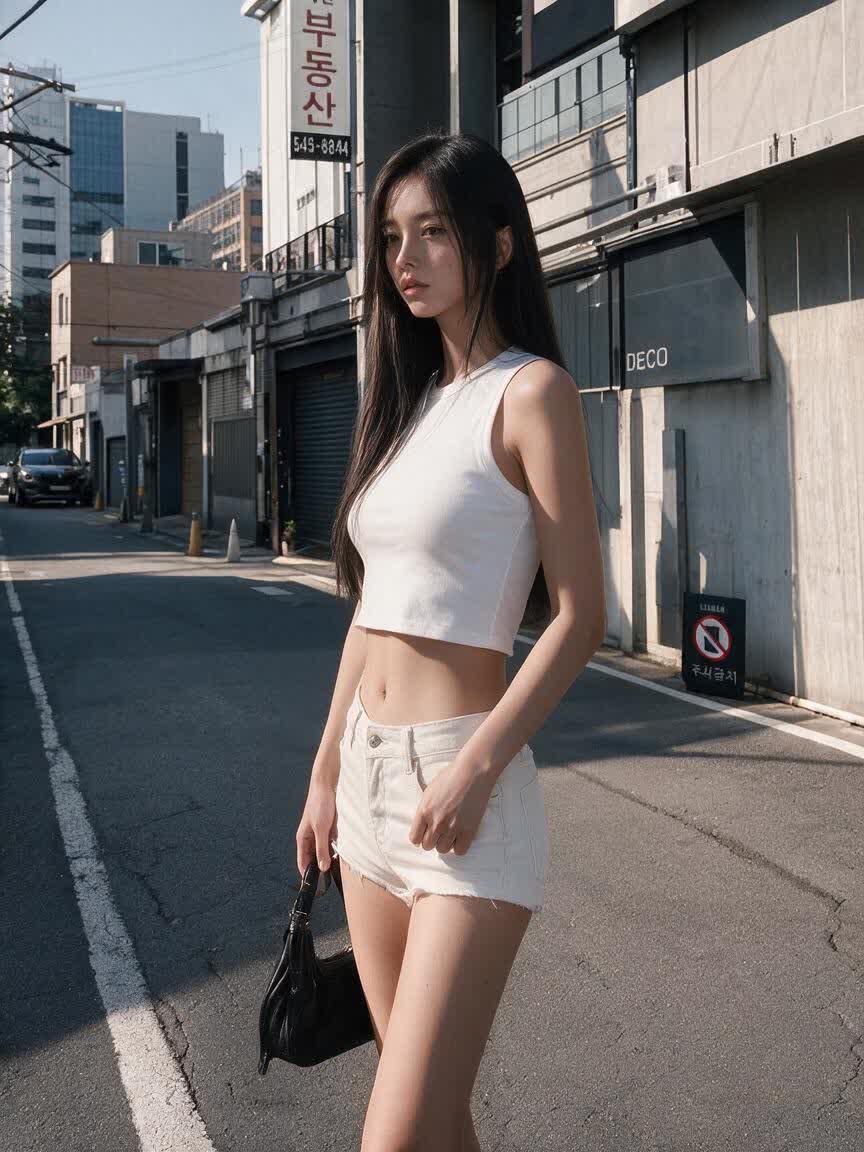
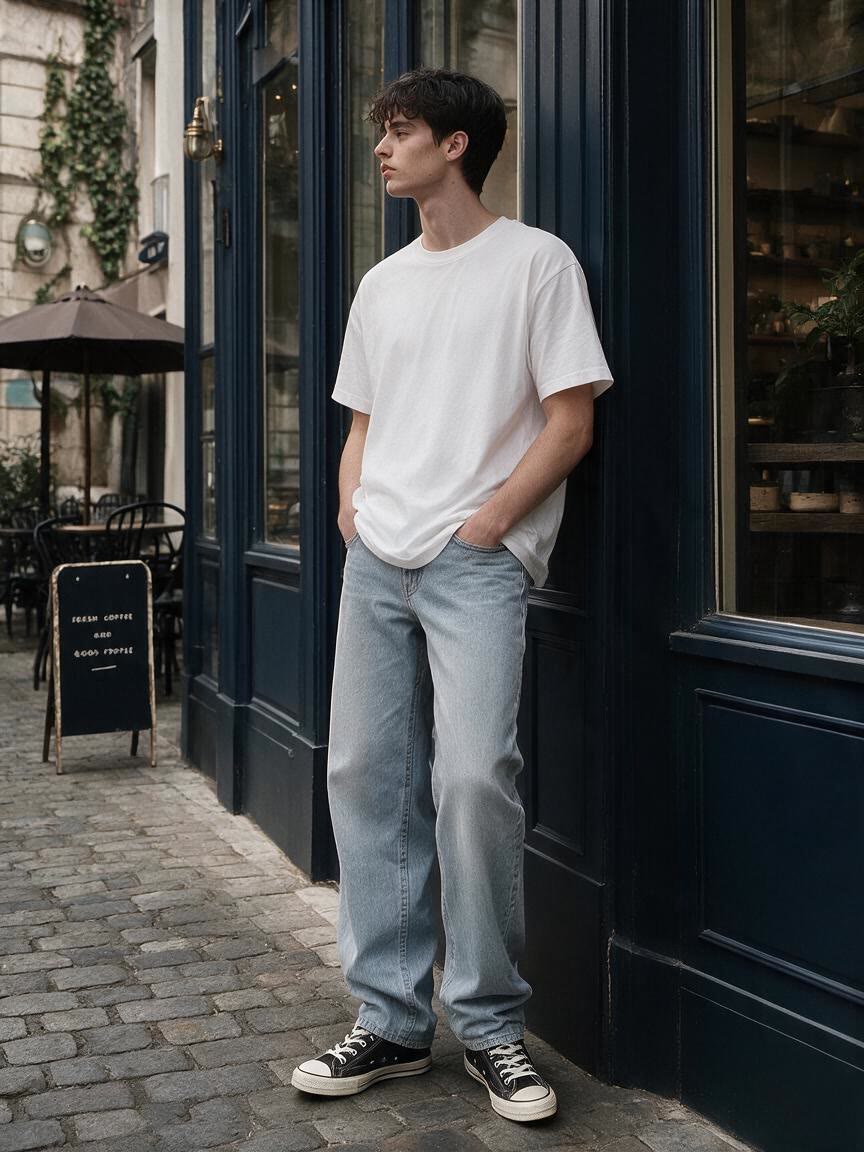
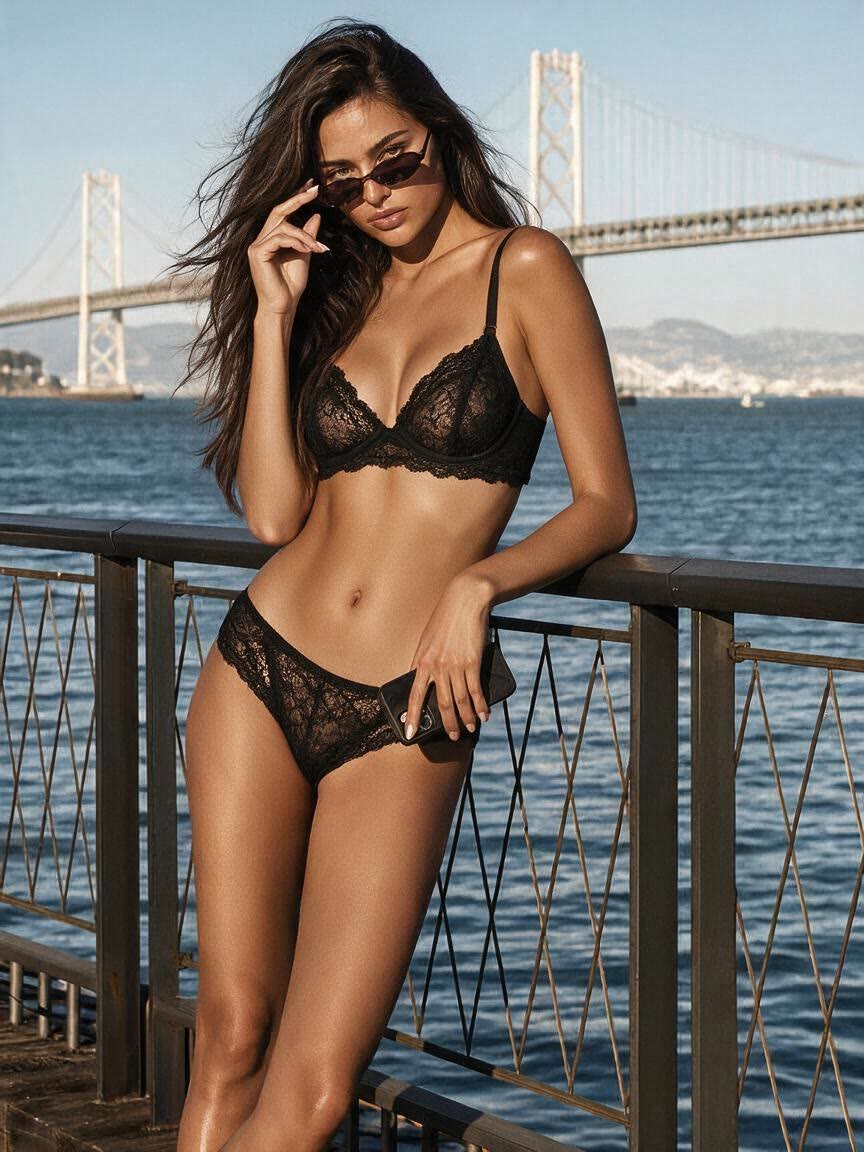
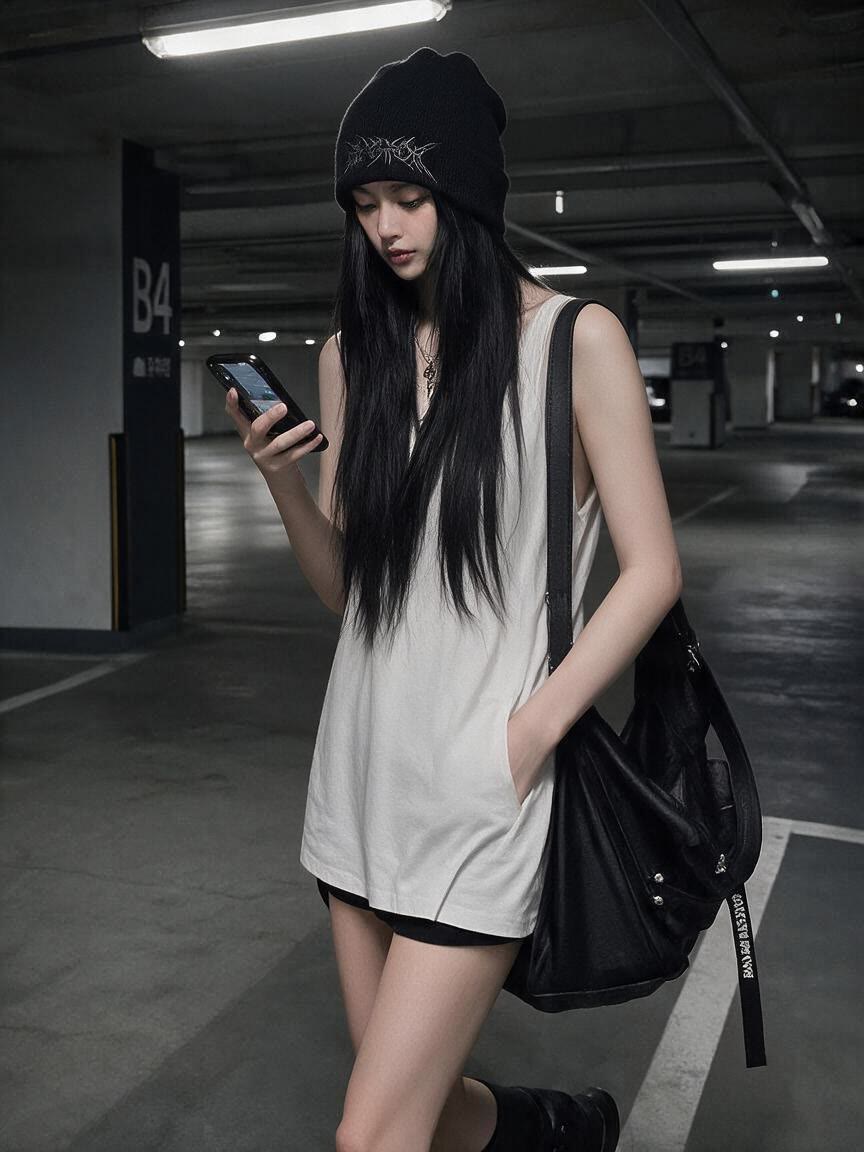
A designer brings a reference photo and describes a new garment direction for a moodboard. Cavro turns that brief into an outfit concept they can review and refine.
Try Cavro free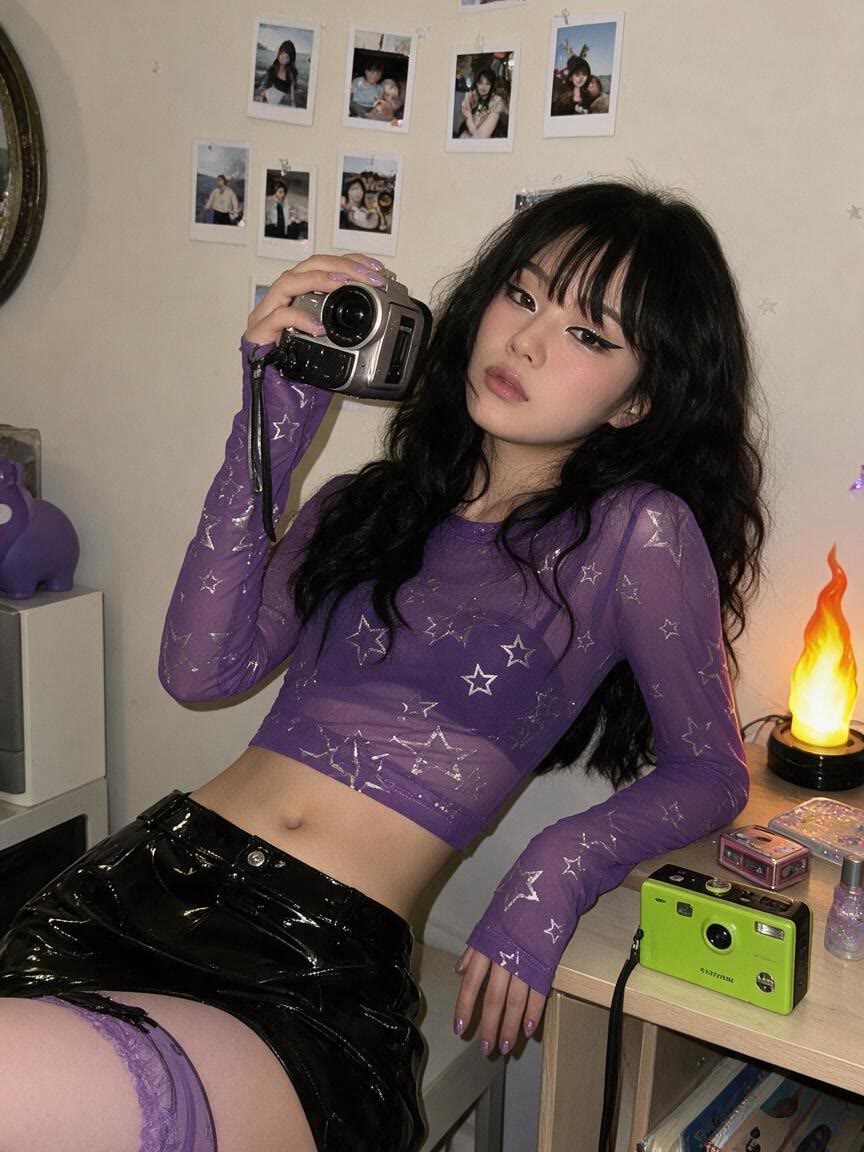
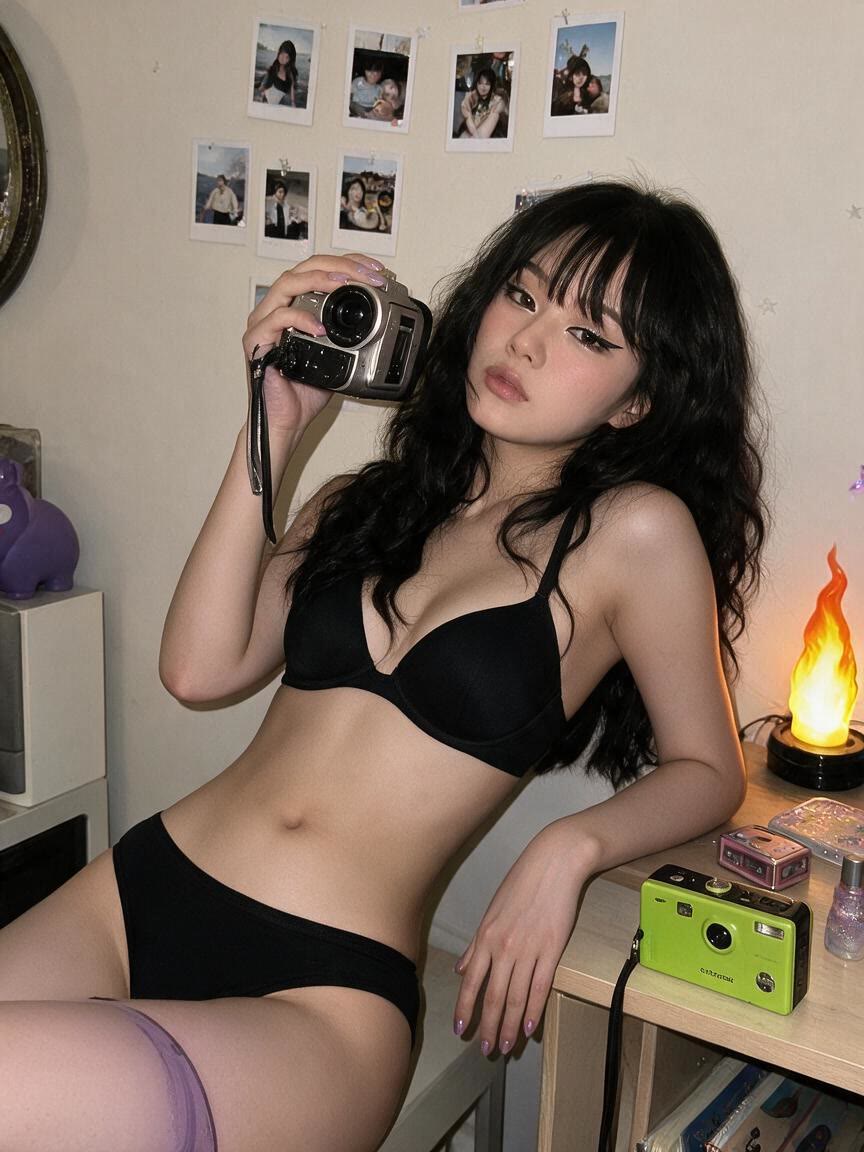
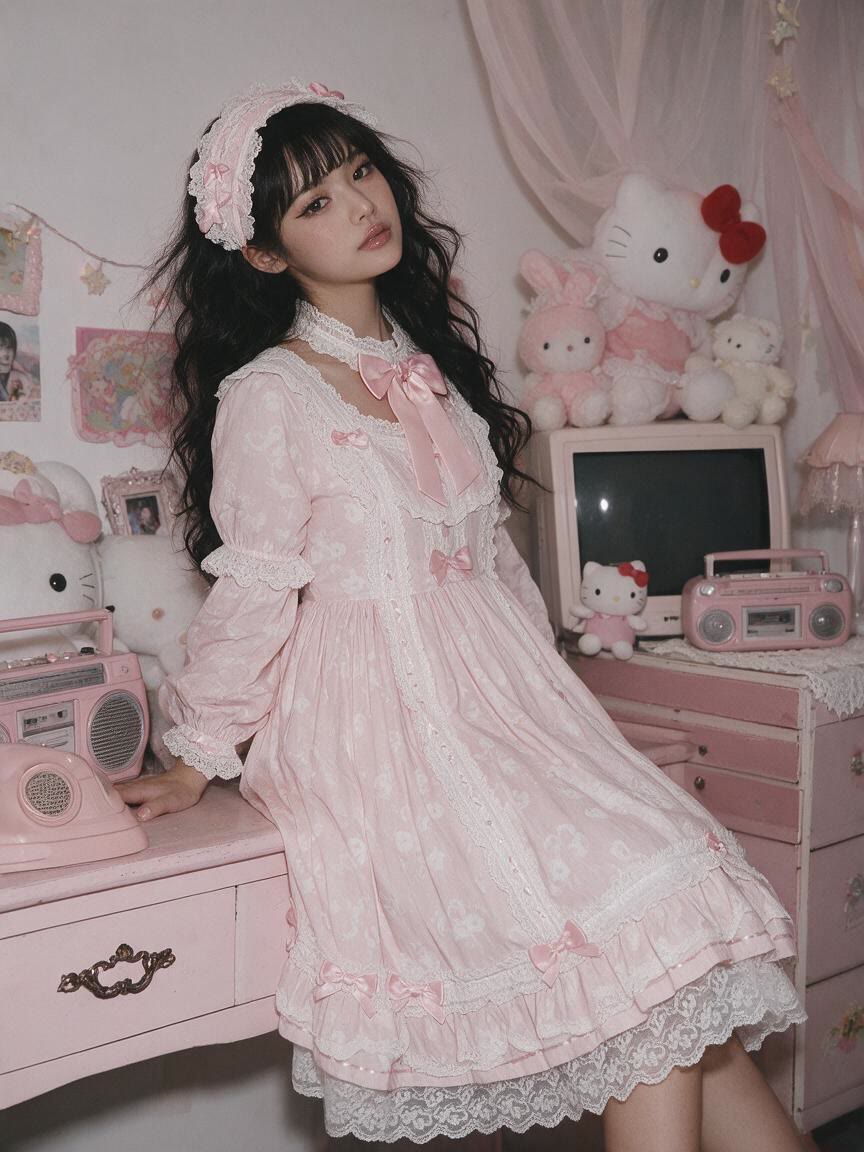
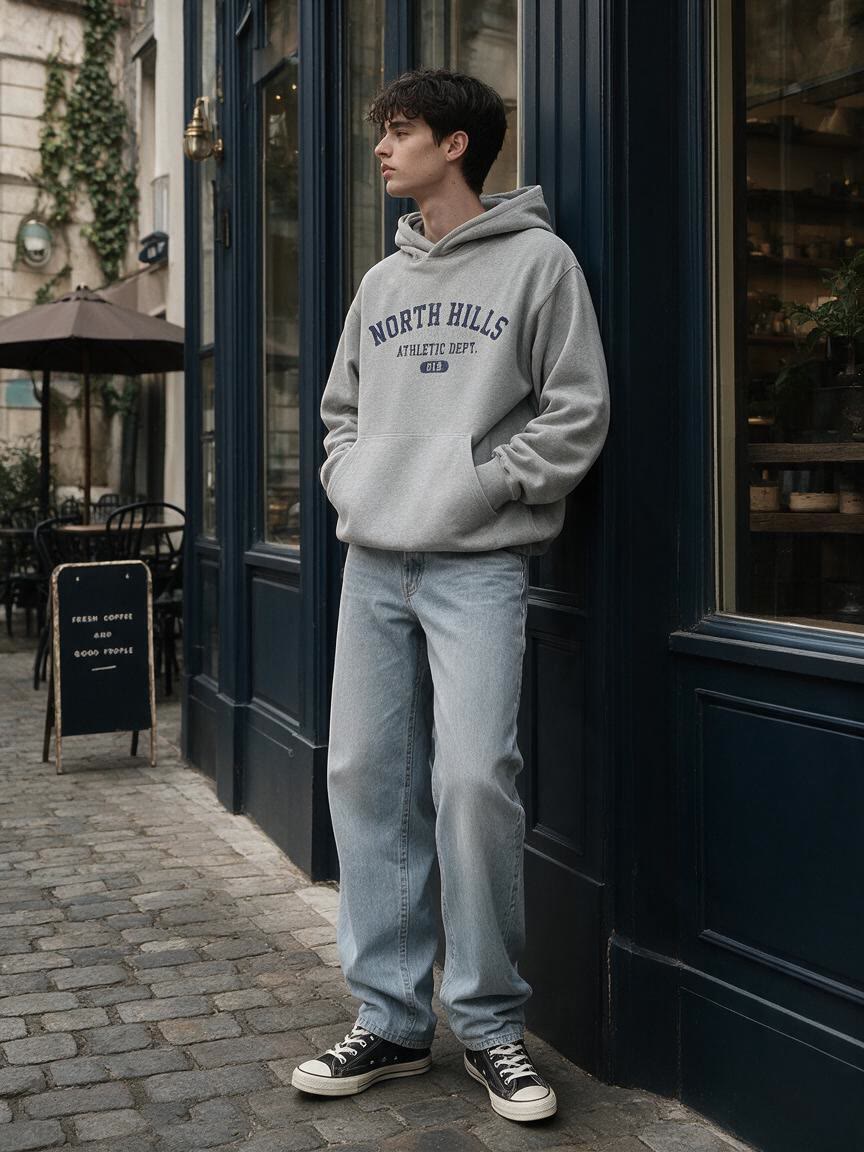
A seller starts with a clothing photo that needs another apparel variation. Cavro applies the described outfit change to support catalog planning and visual exploration.
Try Cavro free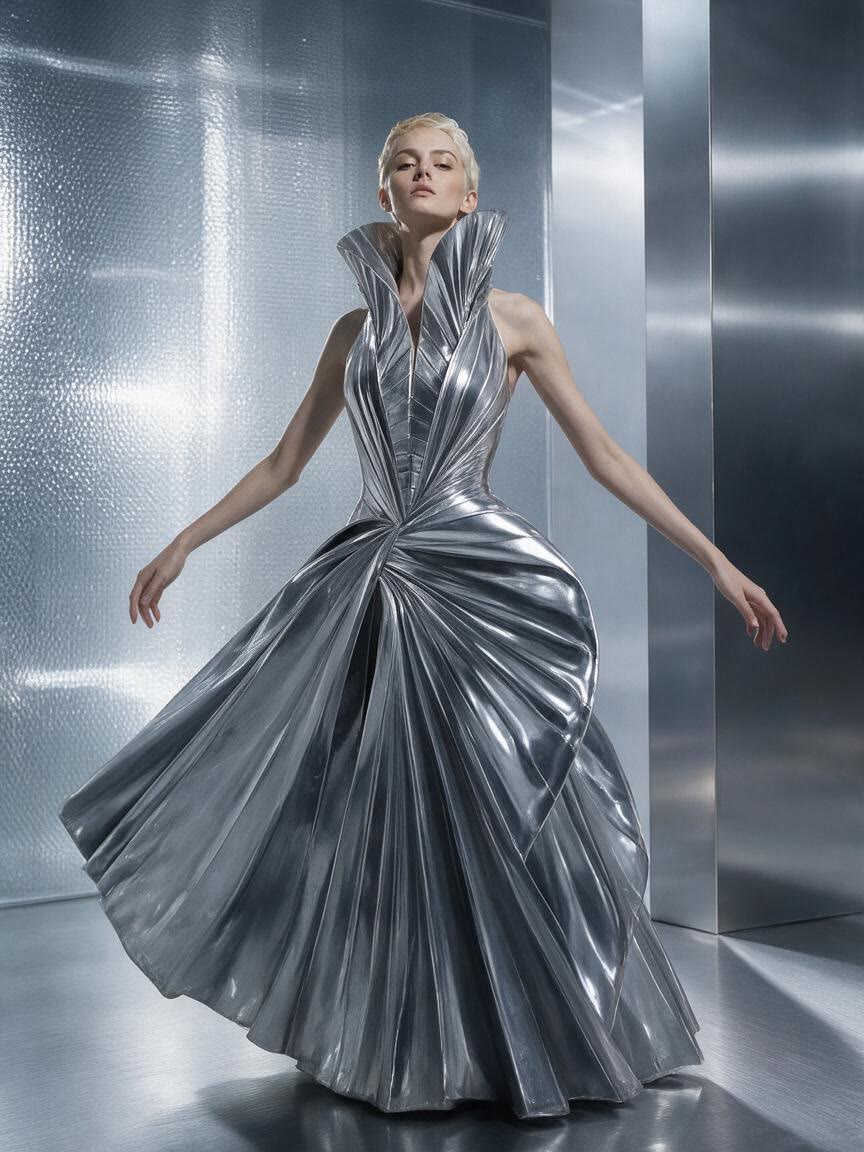
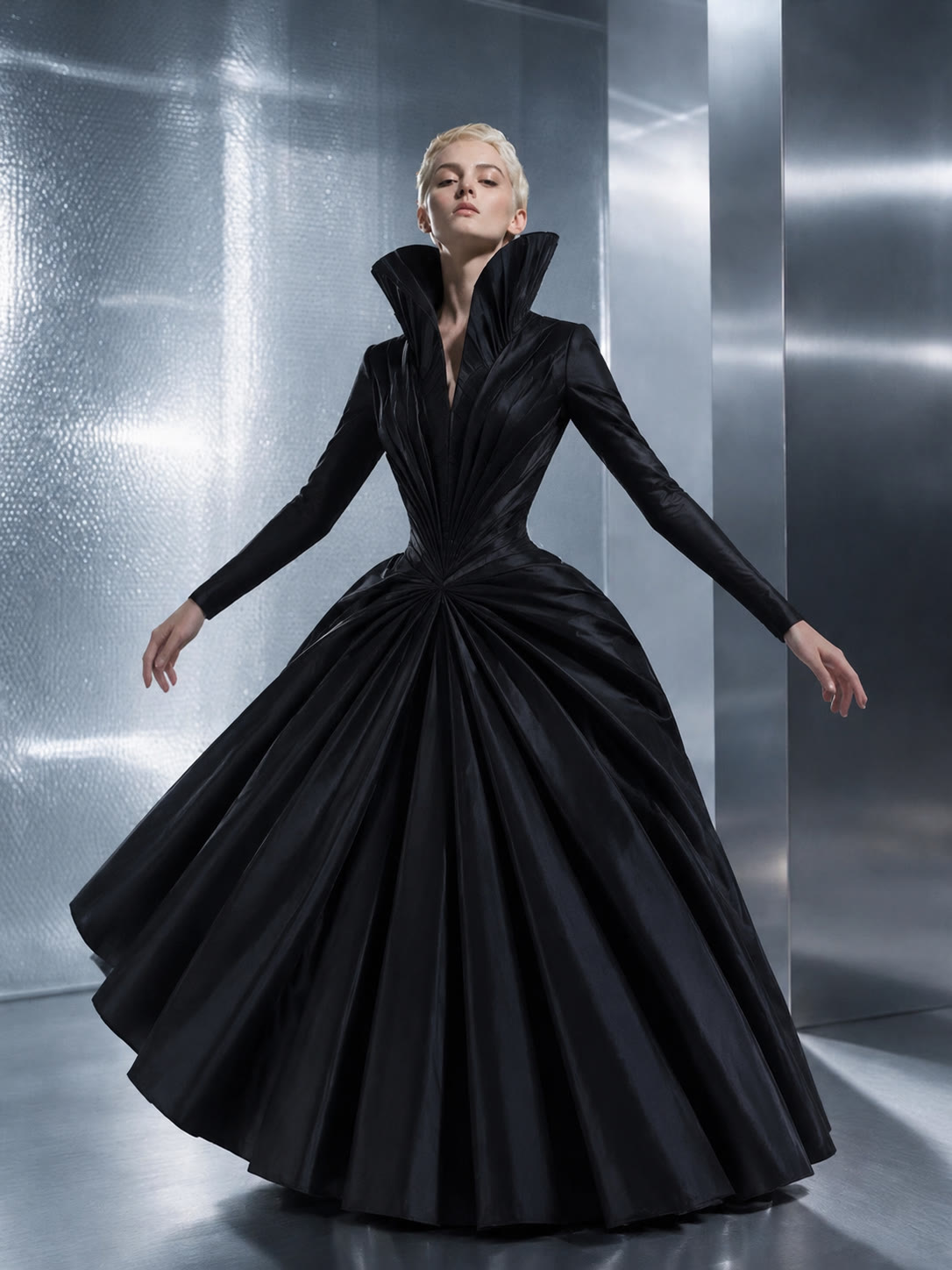
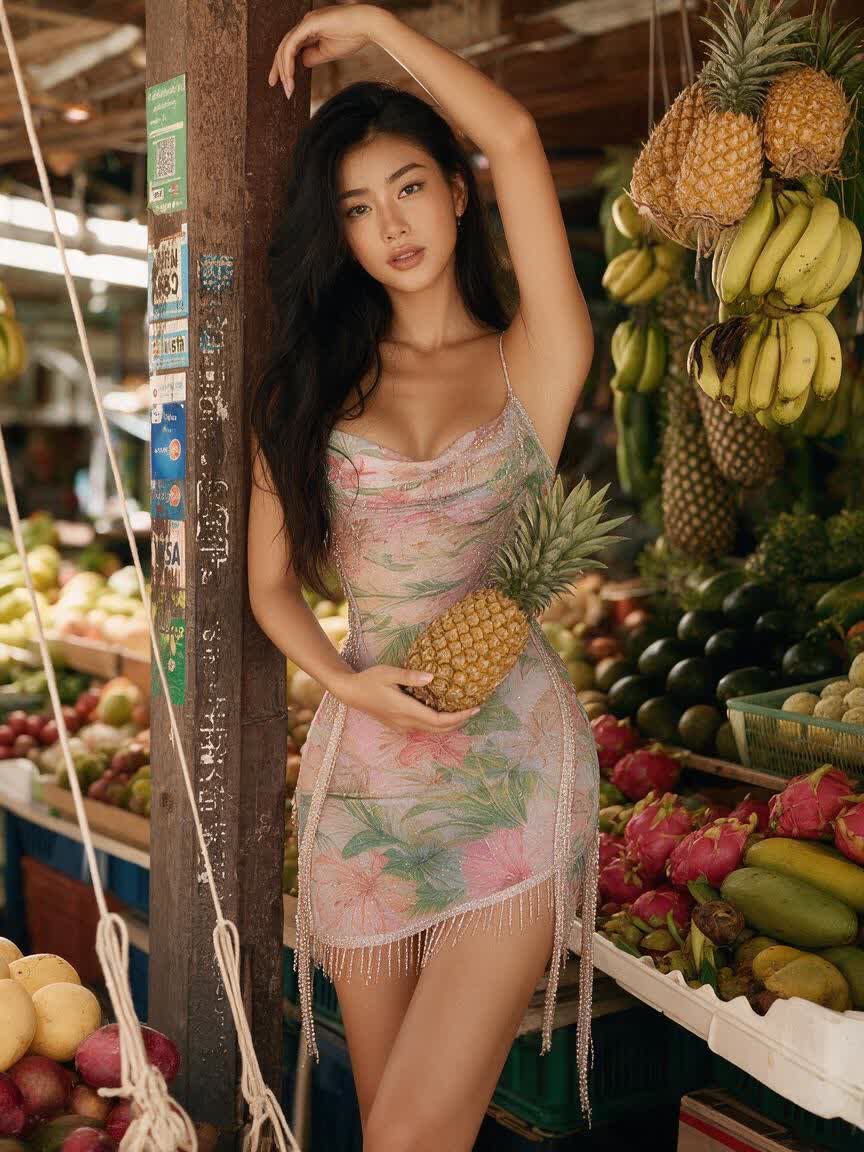
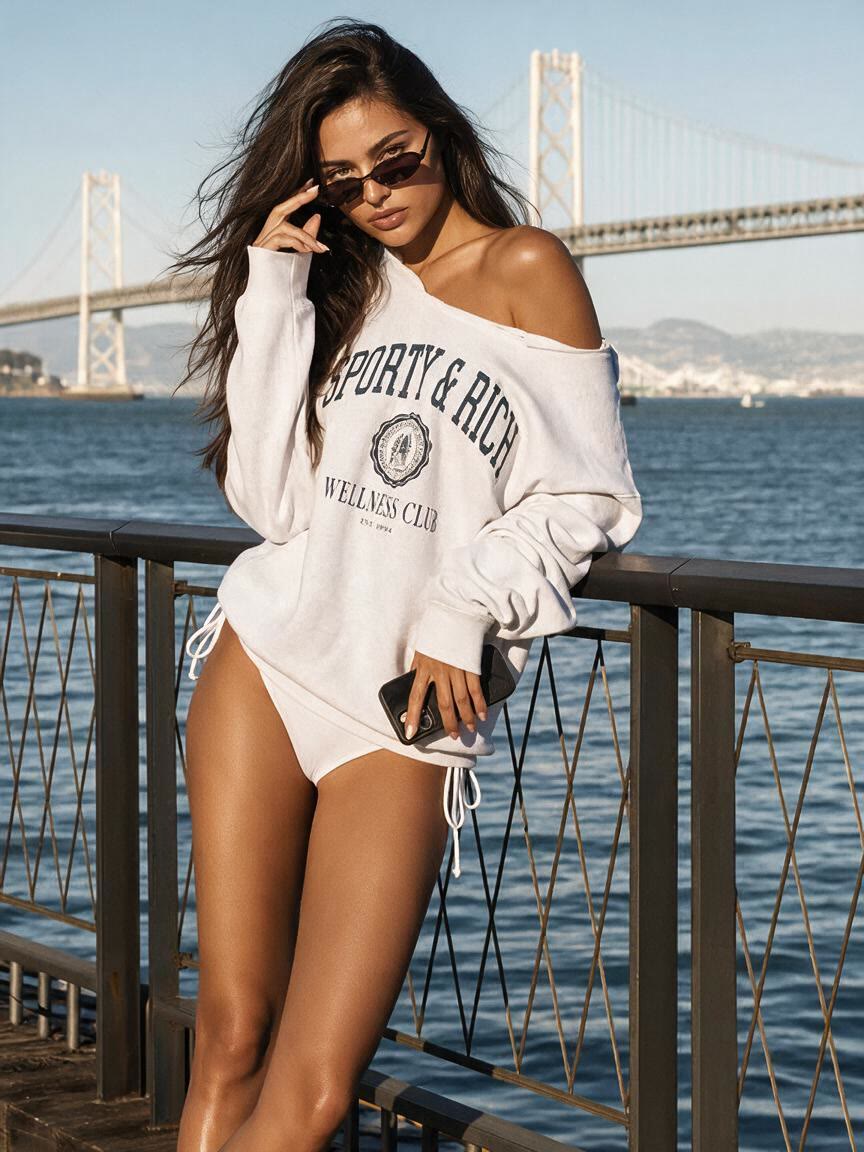
A creator brings a portrait and a specific wardrobe idea for an editorial or styling study. Cavro helps turn that direction into an image they can develop further.
Try Cavro free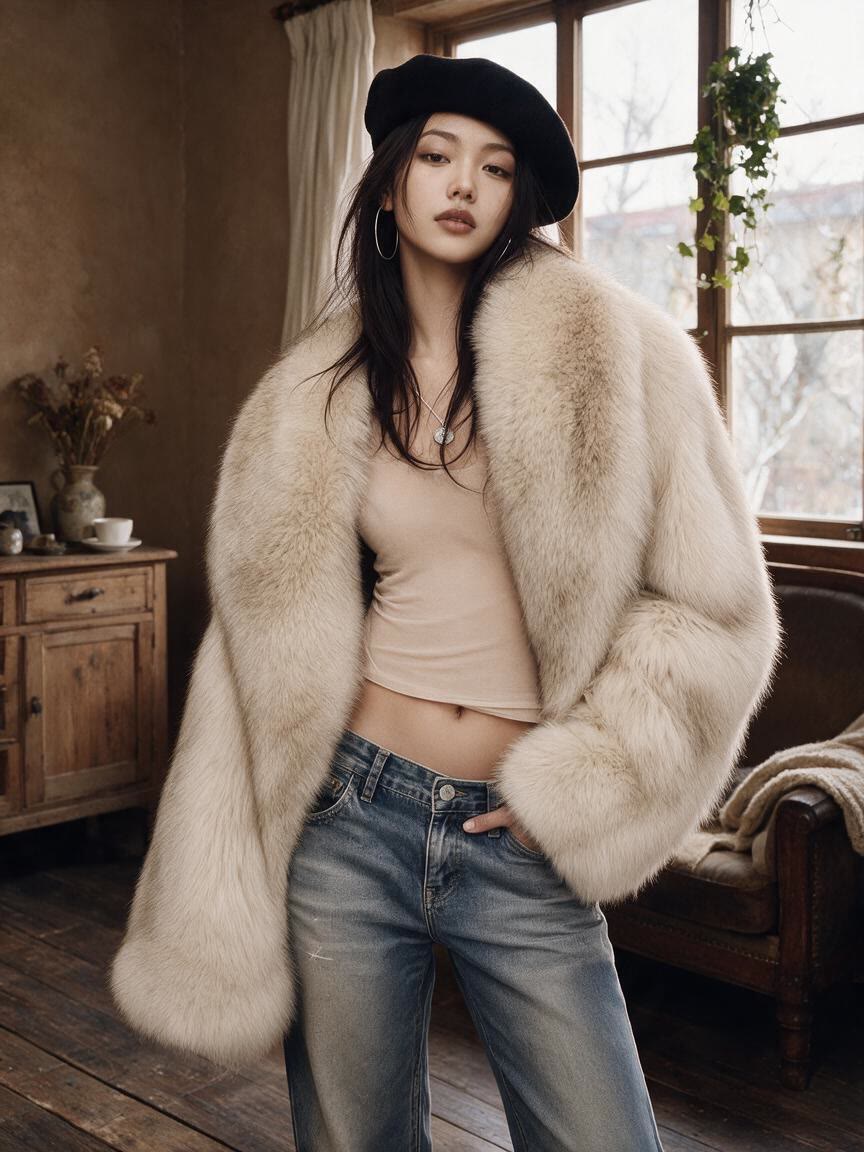
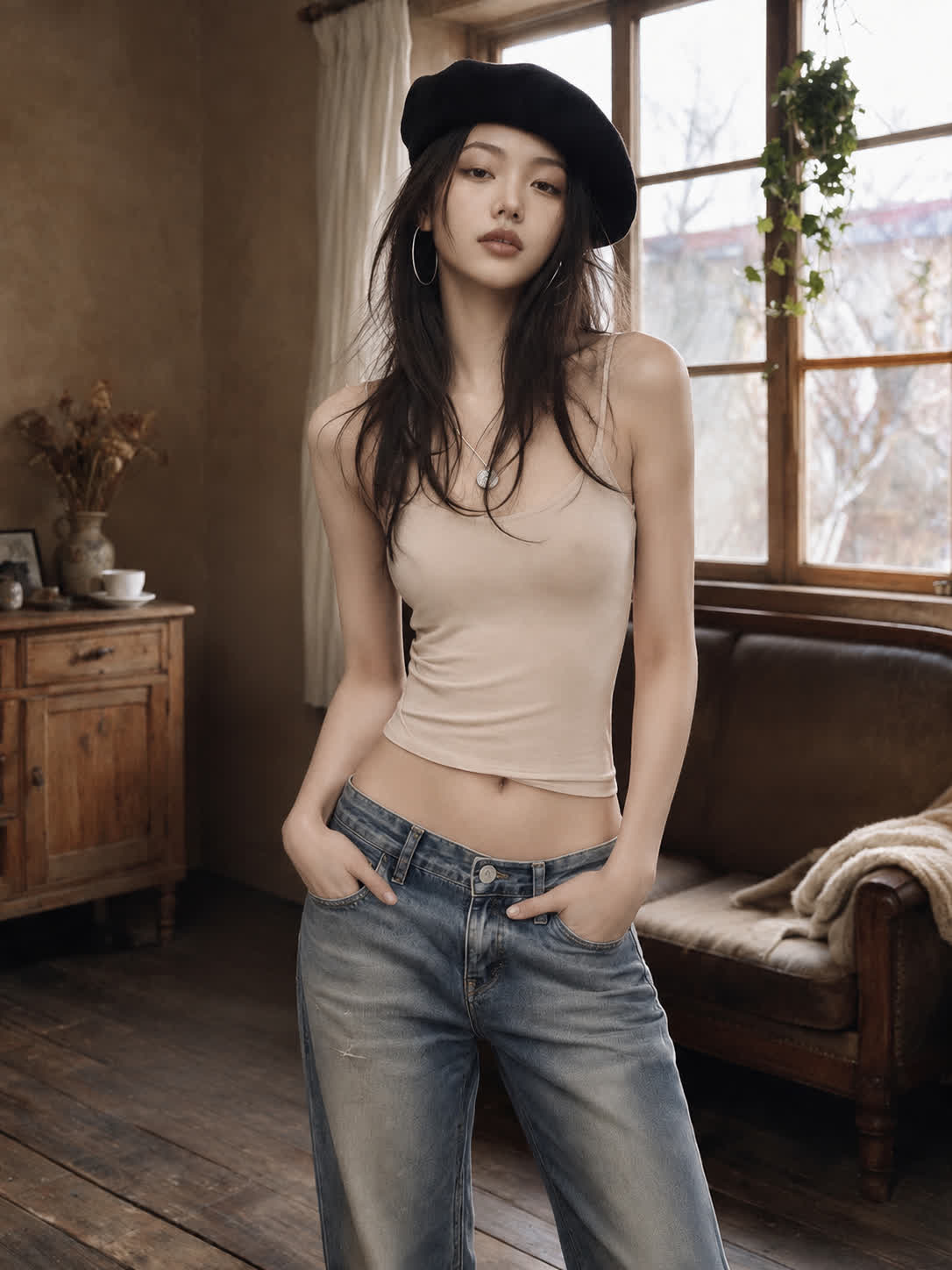
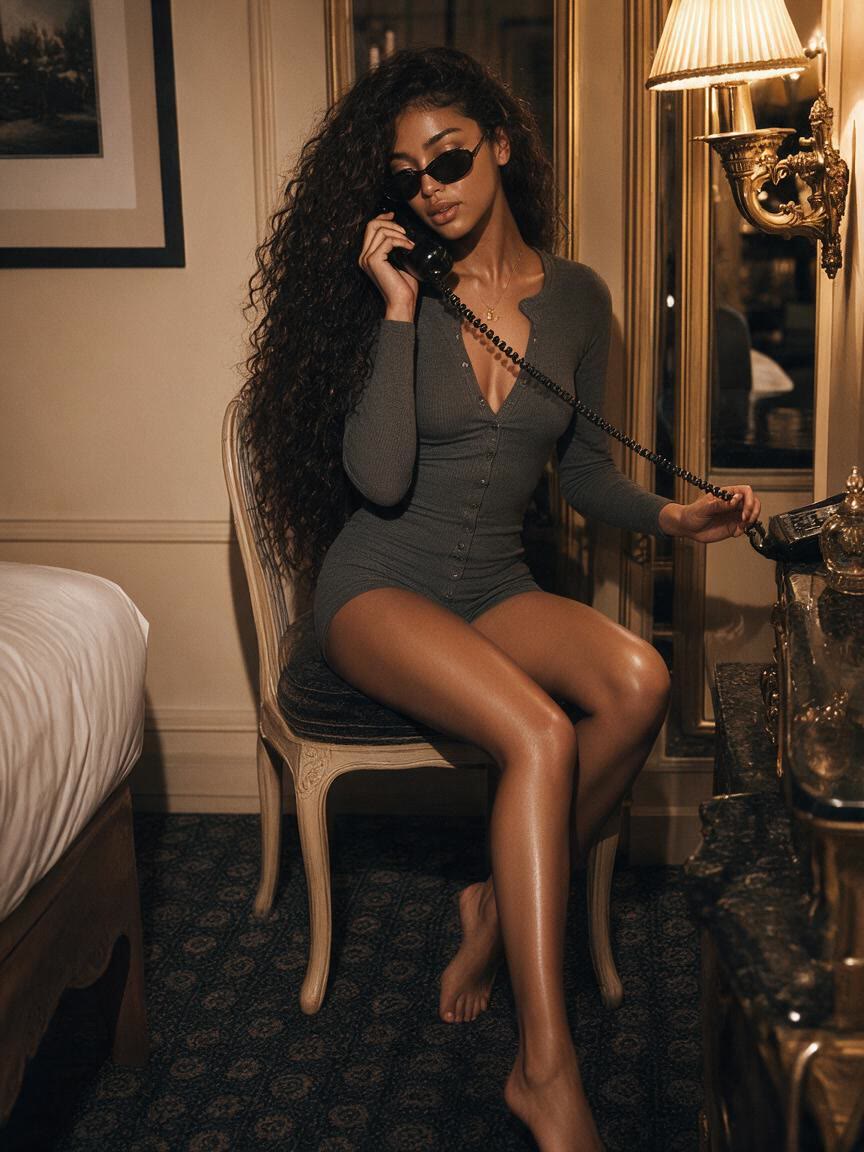
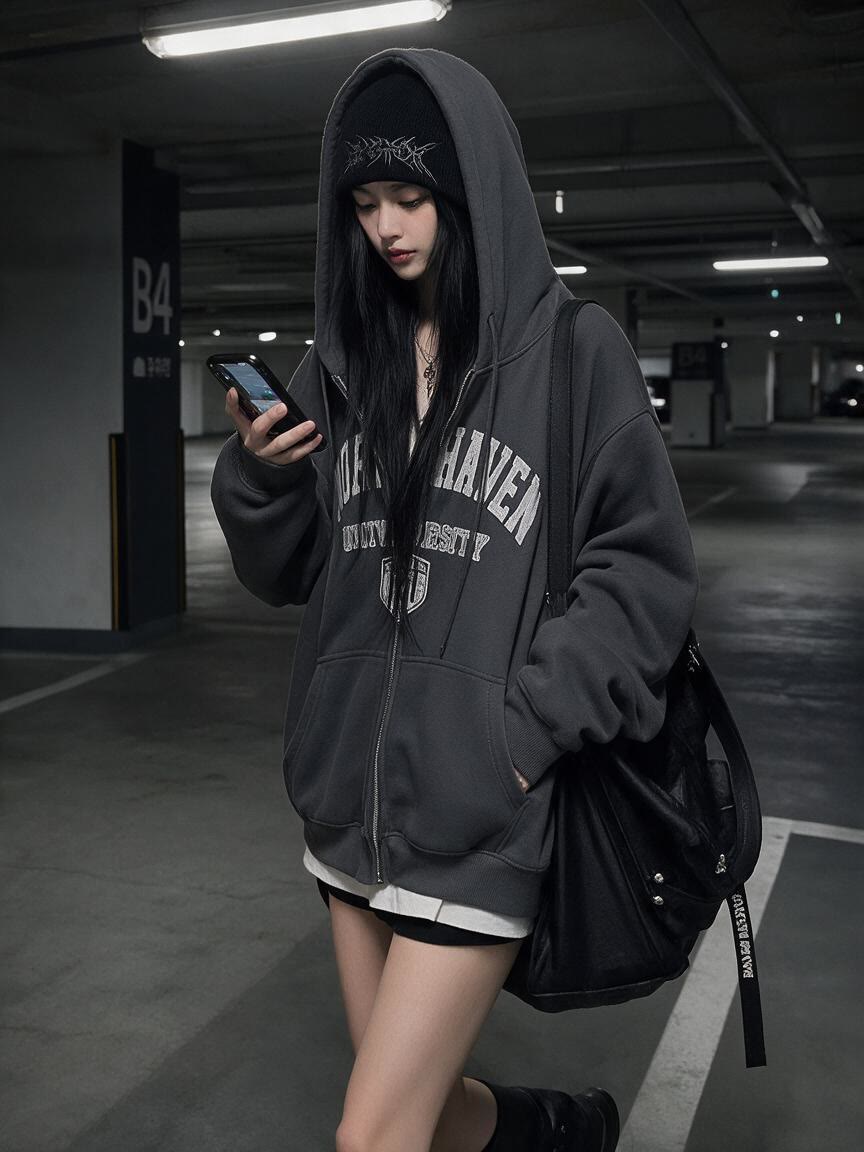
When the source photo already has the right subject, pose, or composition, Cavro lets your clothing instruction guide the visual change. You come away with an outfit-focused concept built from the image you supplied.
Try Cavro free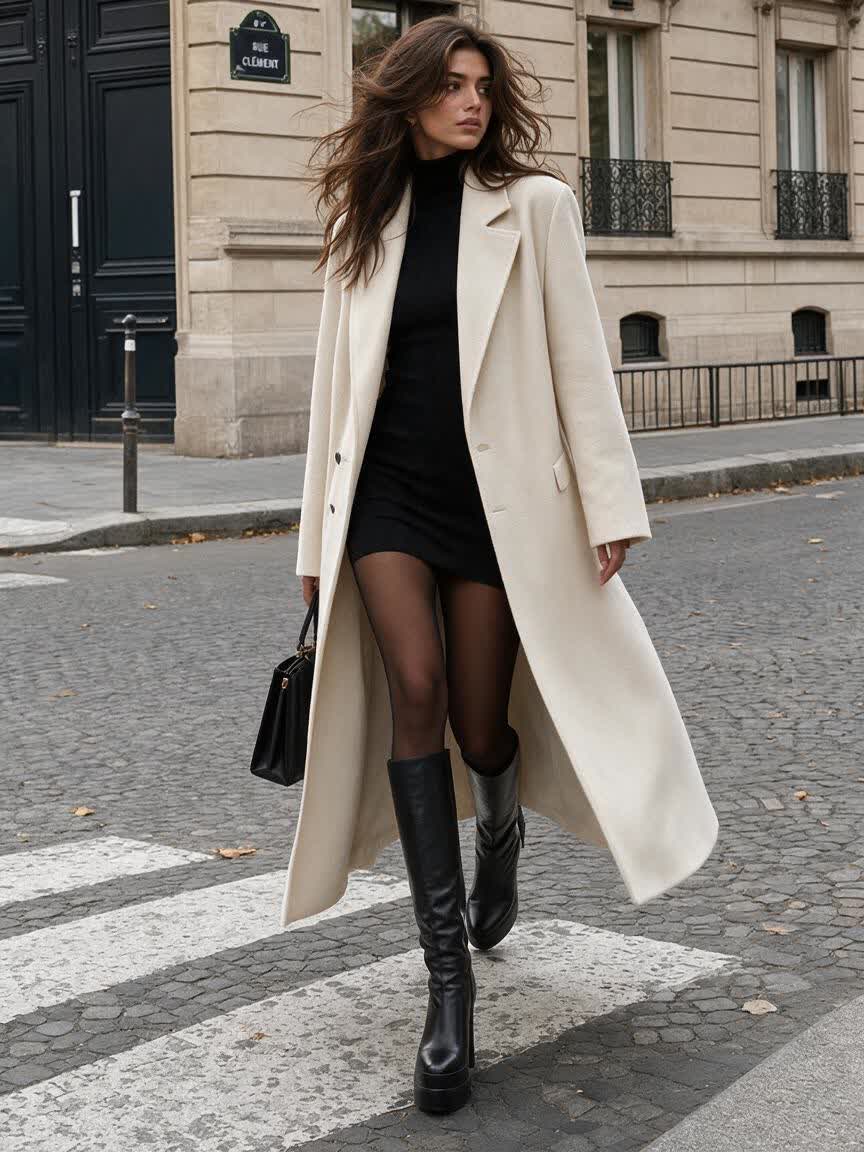
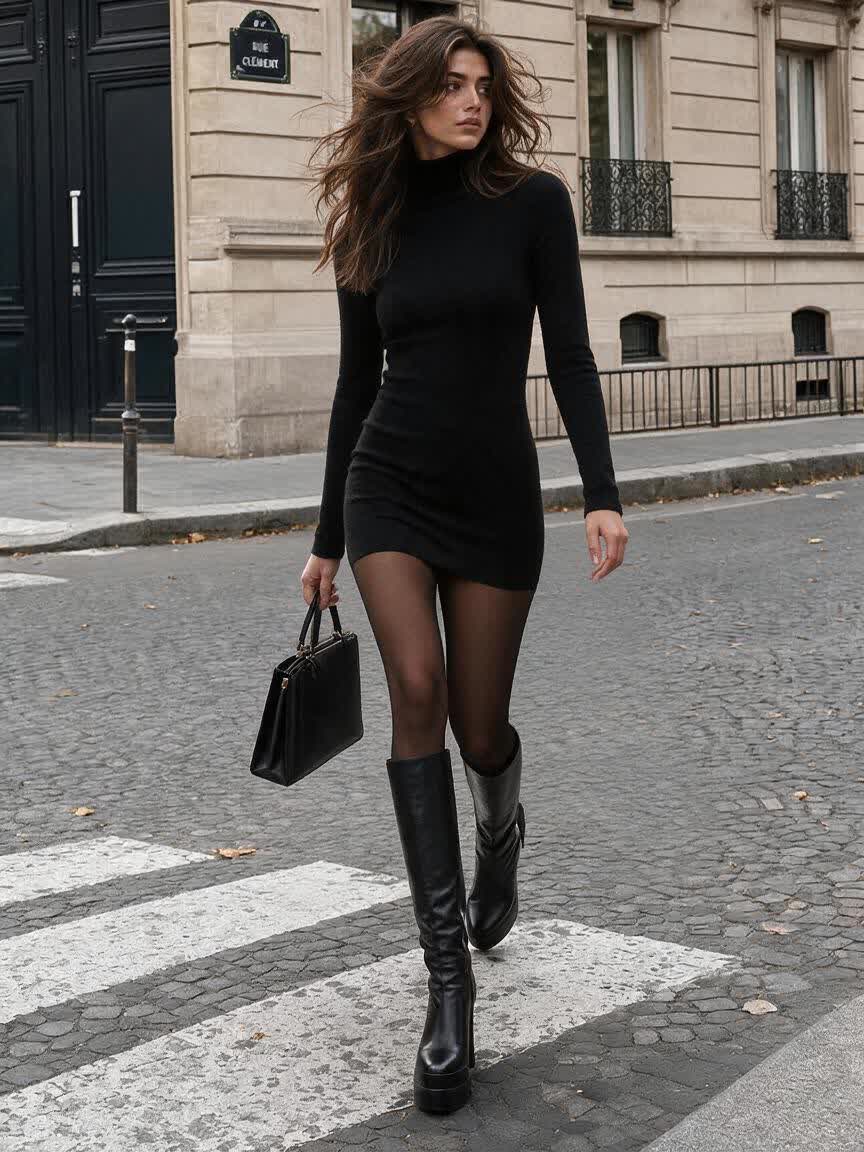
A first clothing edit may need a different silhouette, color, or styling direction. Continue refining in the same conversation so the next result builds on the work already underway.
Try Cavro free
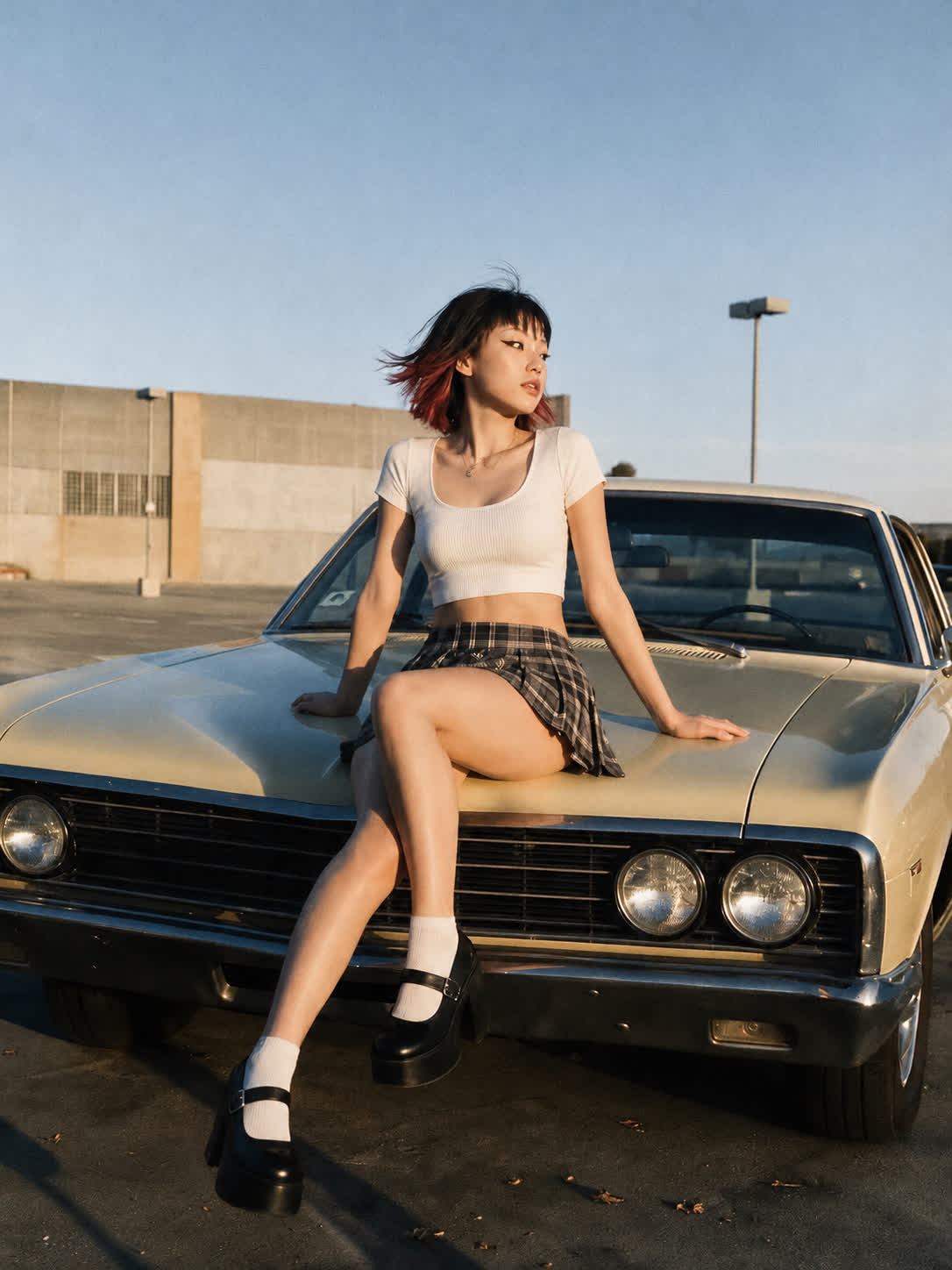
Fashion exploration can move between still images and video without splitting the experience across products. Both formats draw from one credit balance, and results are billed per credit with no mandatory subscription.
Try Cavro freeAn AI clothing remover is an image-editing prompt for changing clothing in a supplied photo. With Cavro, use it for consent-based, non-explicit fashion edits such as replacing a garment, changing a colorway, or adding a layer.
Yes. Cavro can use a written prompt and/or a reference photo to produce an image or video. Upload a clear photo of an adult subject and describe the clothing change you want.
Yes. You can describe another adjustment and generate again in the same conversation without starting over. This supports iterative changes to the outfit, color, silhouette, or styling direction.
Cavro produces images or video from a written prompt and/or reference photo. Both formats come from the same conversation and use one credit balance.
No mandatory subscription is required. Results are billed per credit, so usage is based on the credits used.
Creators worldwide are turning “just an idea” into expensive-looking images.