Prompt-Led Layouts
Describe districts, roads, landmarks, and map style in words to establish a city layout from the start.
Turn a prompt or reference photo into a city map.

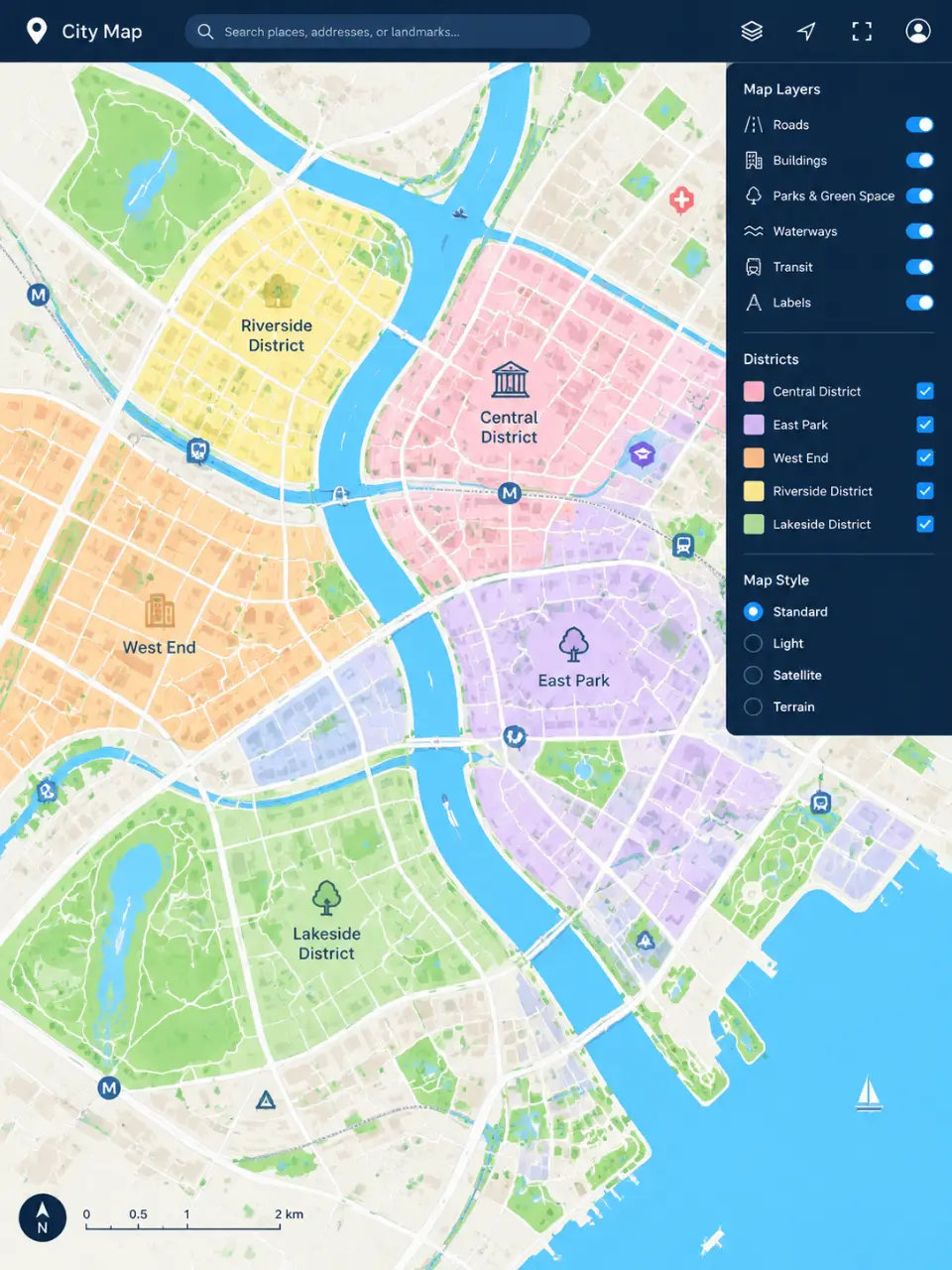
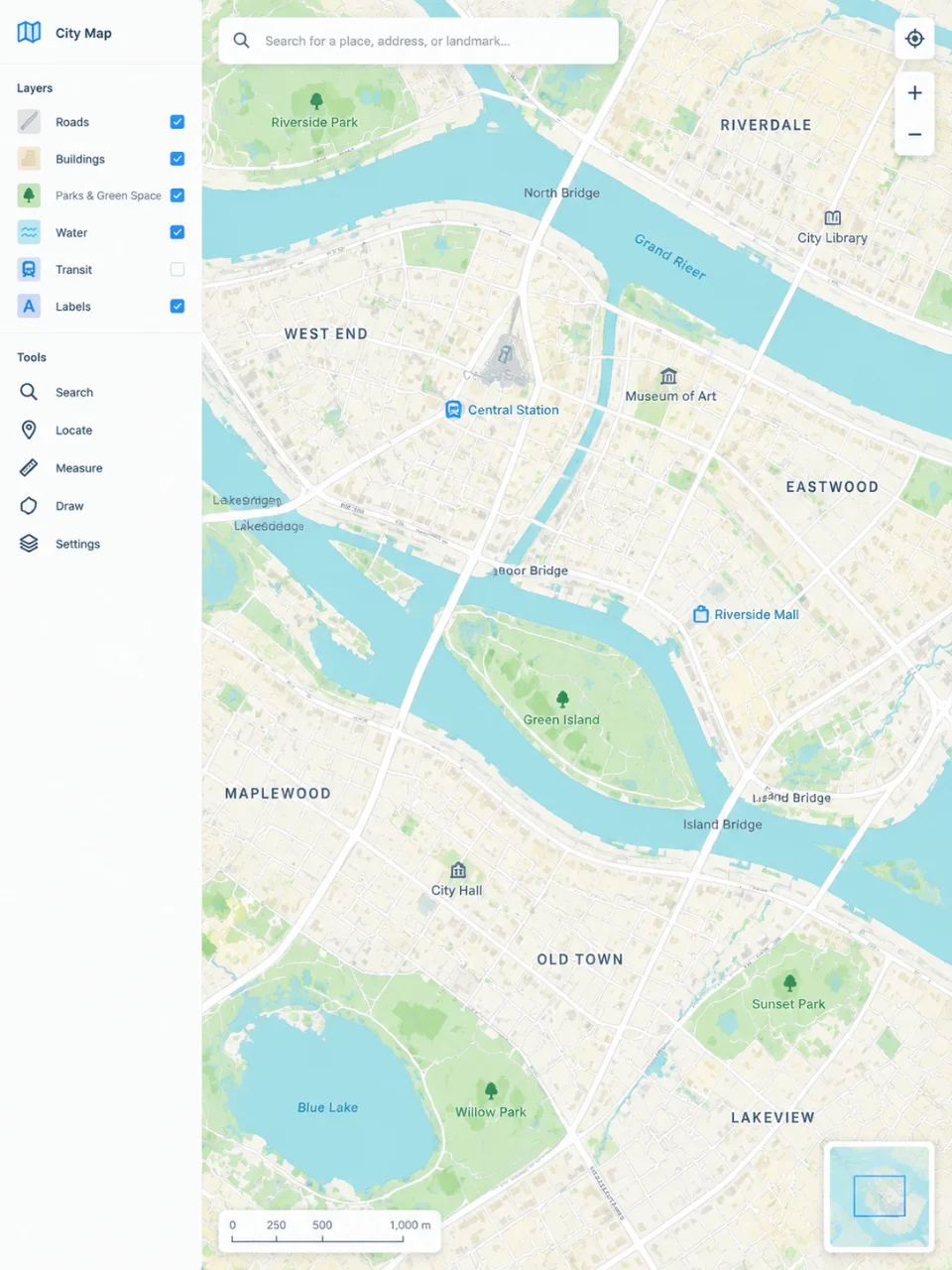
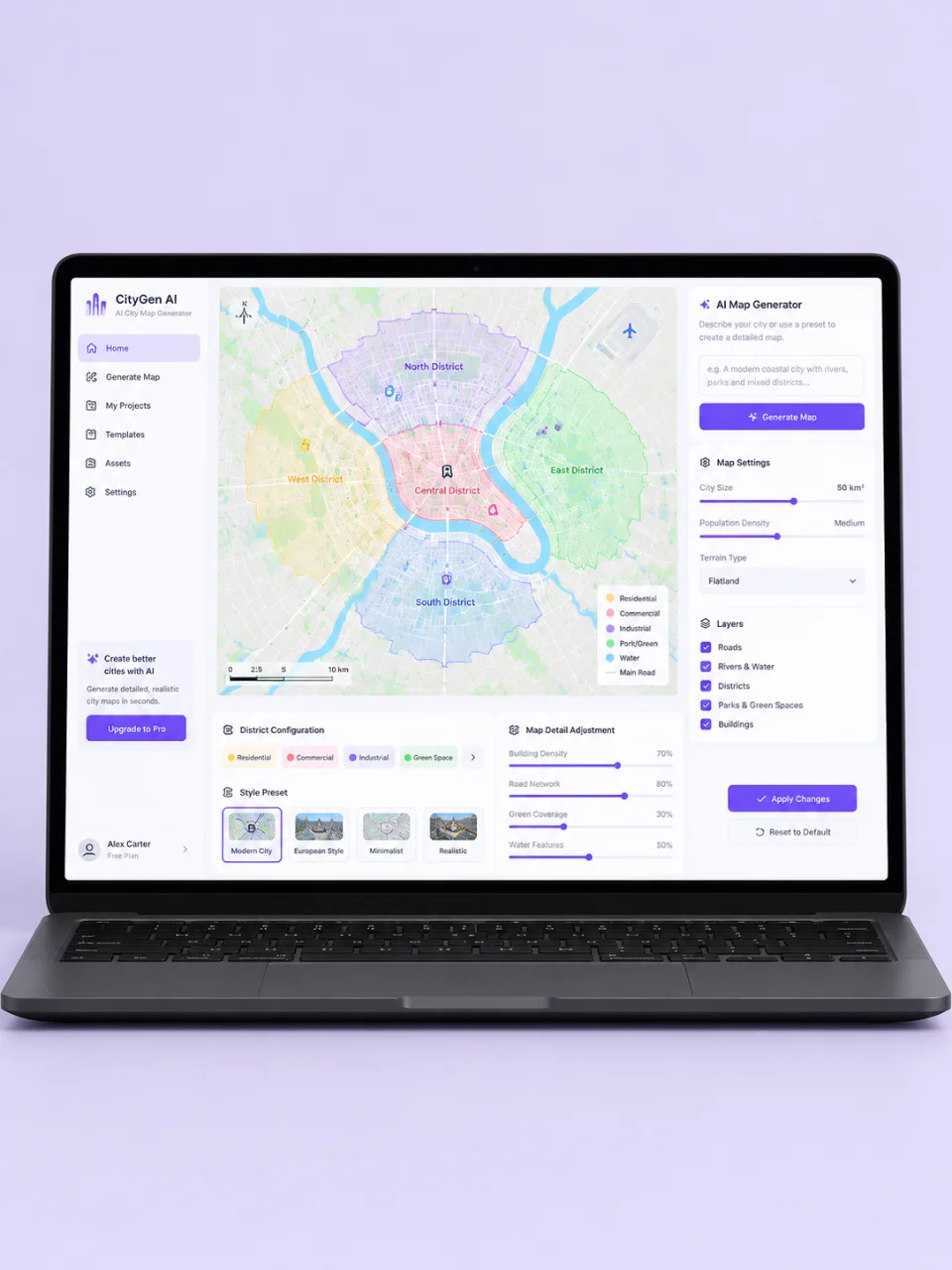
Describe districts, roads, landmarks, and map style in words to establish a city layout from the start.
Use a reference photo to give the generated city map a visual direction you can build on.
Choose views and city elements such as top-down plans, isometric scenes, road networks, and waterways.
Generate again in the same conversation to adjust the city map as your visual direction develops.
Write the city map you want or add a reference photo to establish its visual starting point.
Guide the layout with choices for viewpoint, districts, roads, landmarks, parks, and waterways.
Review the generated visual and prompt another version in the same conversation to develop the map further.
An AI city map generator turns a written description and, when useful, a reference photo into a city map image or video. In Cavro, you can describe the layout, viewpoint, districts, and visual direction you want.
Yes. You can guide the result with prompts about roads, districts, landmarks, parks, waterways, viewpoints, and visual styles. You can also refine and generate again in the same conversation.
Yes. Add a reference photo to establish a visual direction, then describe the city map you want built from it. Your prompt and photo are carried into Cavro together.
Yes. Images and video come out of the same conversation in Cavro. You can choose the output that fits your city concept and use the same credit balance.
Creators worldwide are turning “just an idea” into expensive-looking images.