

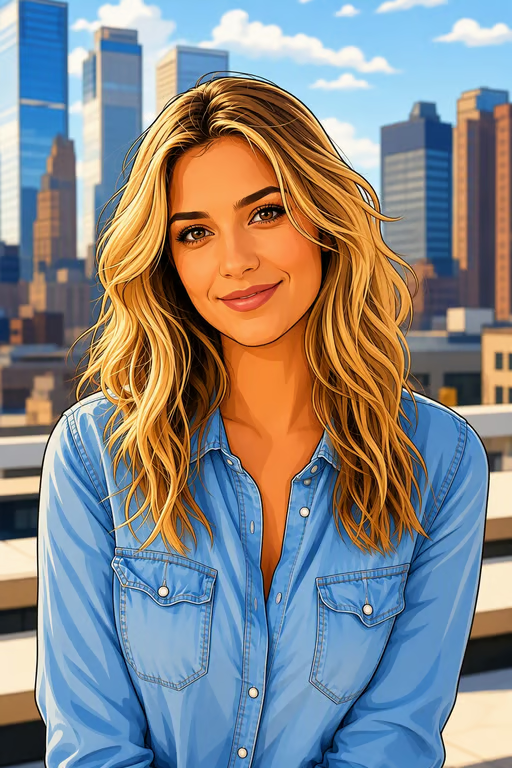
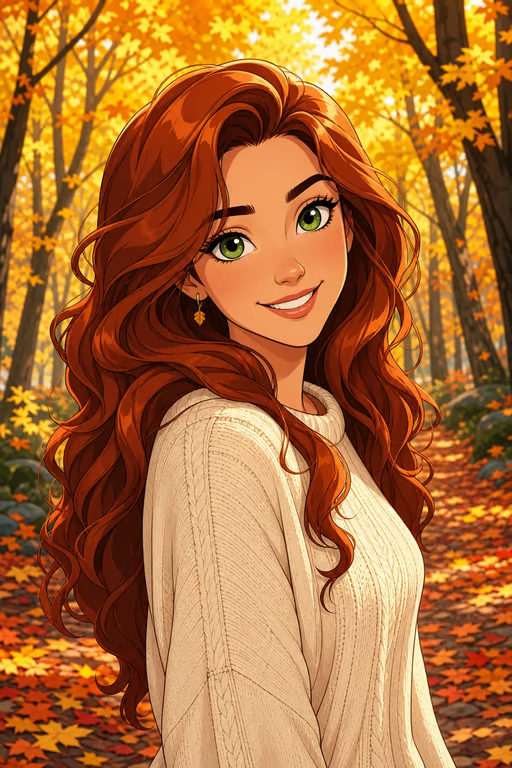
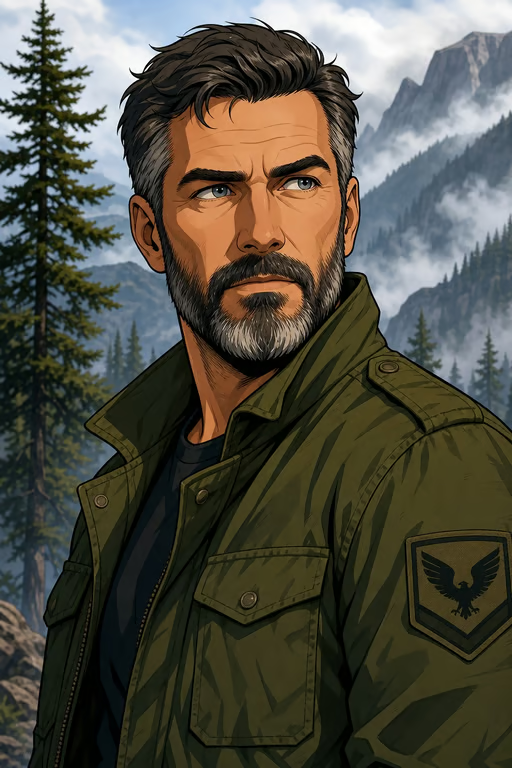
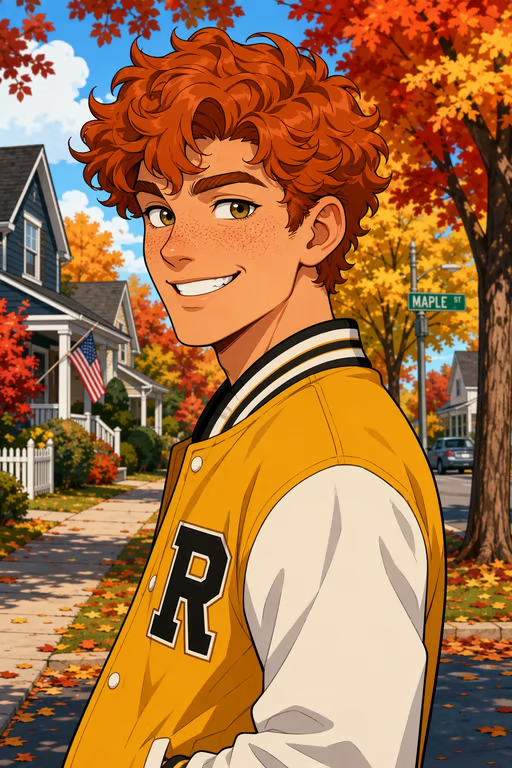
Plan a Cosplay
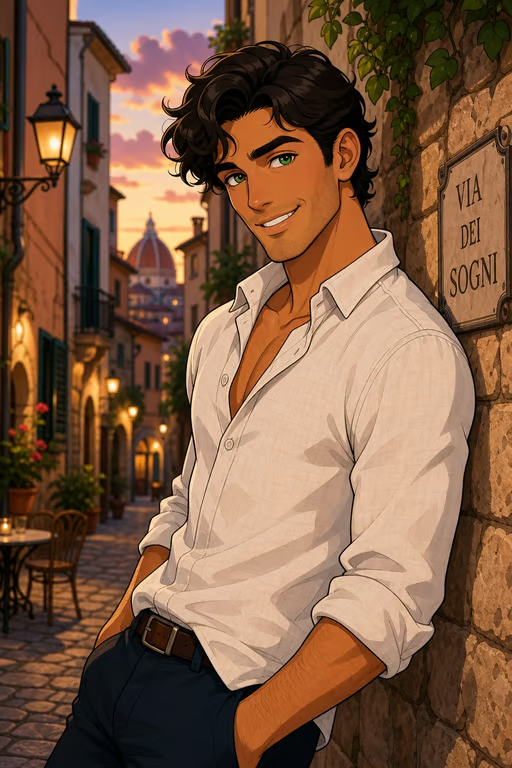
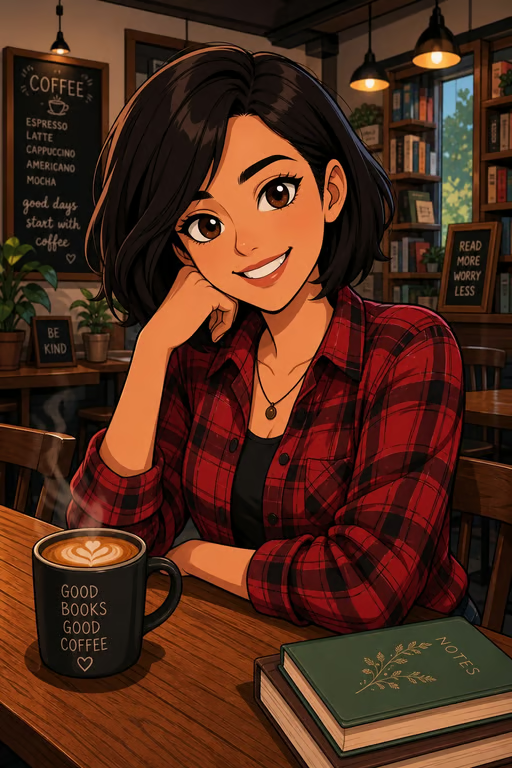
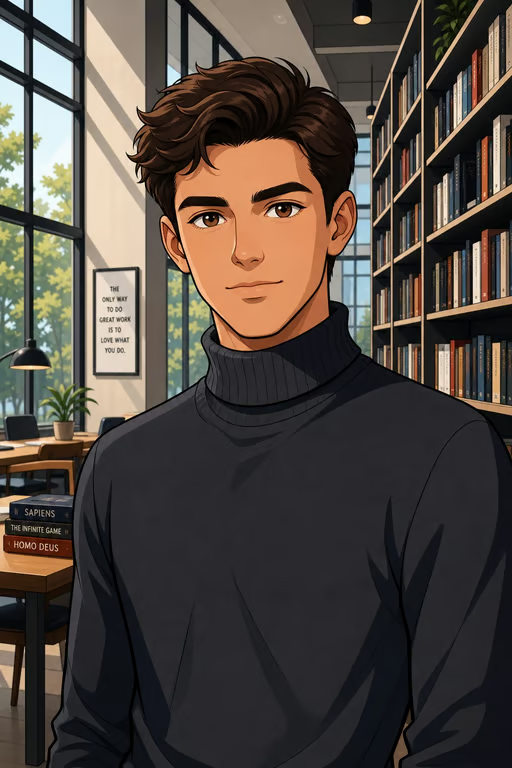
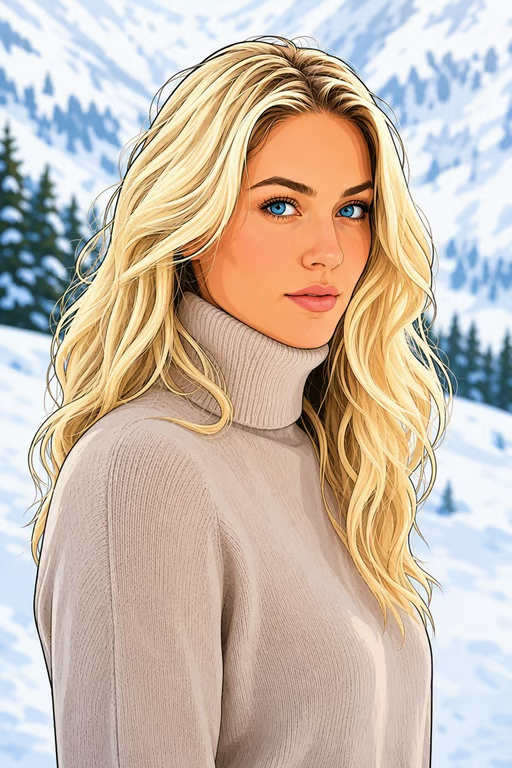
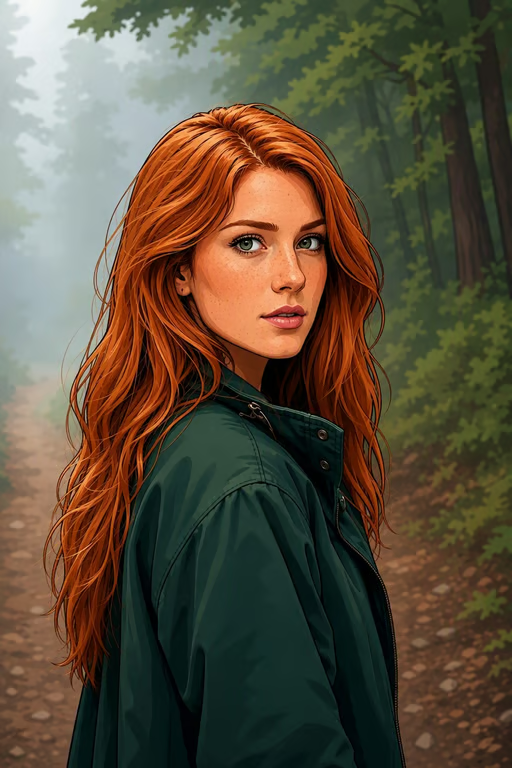
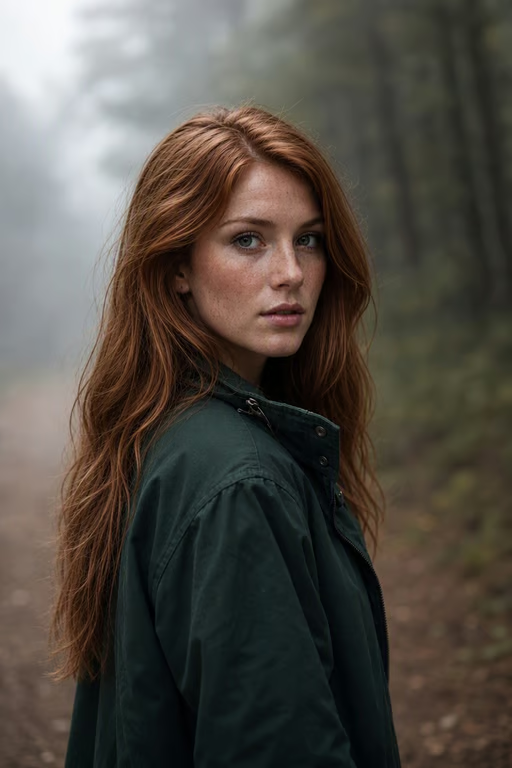
Cosplayers bring an anime or cartoon reference and a visual idea for the character’s real-world appearance. Cavro turns that direction into a realistic image they can use to explore makeup, styling, and costume choices.
Try Cavro freeSee how a cartoon, anime character, or illustration could look as a realistic image. Cavro gives creators, cosplayers, artists, and marketing teams a way to explore new character visuals from a reference photo.
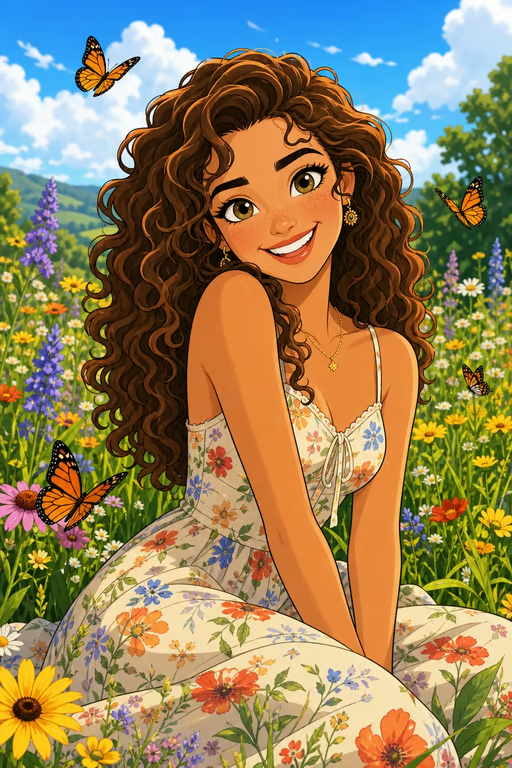
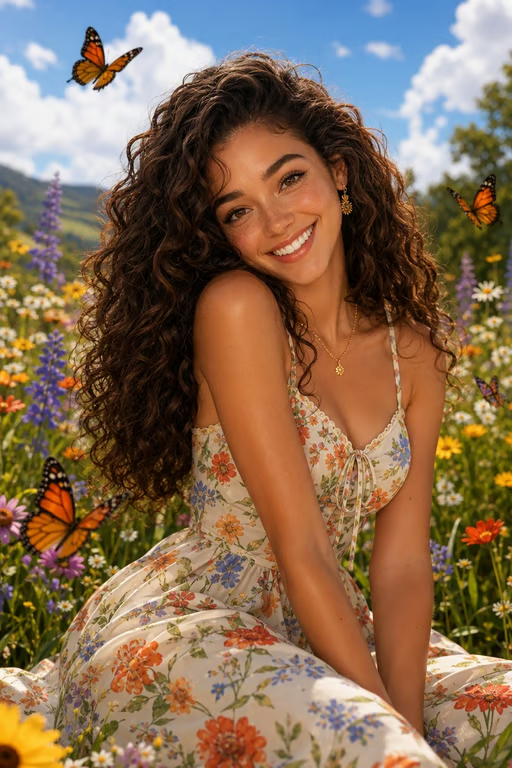
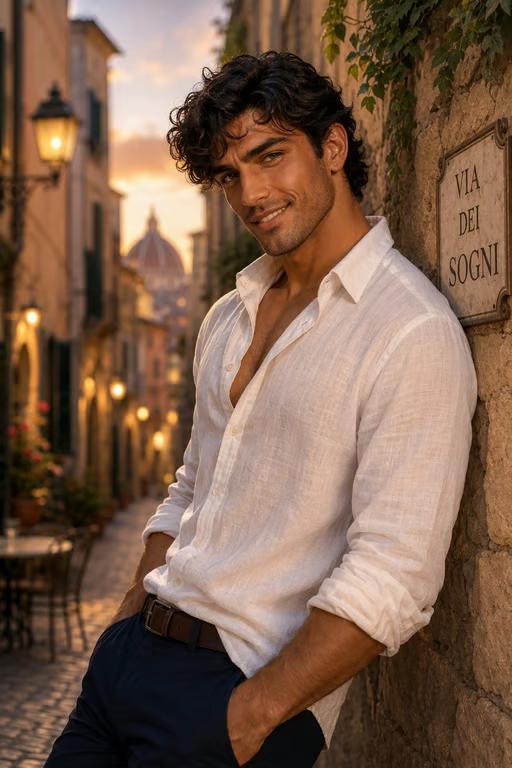


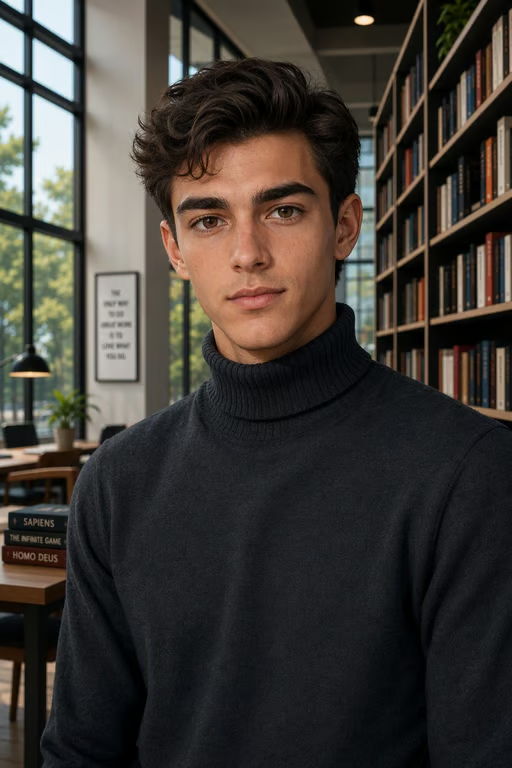

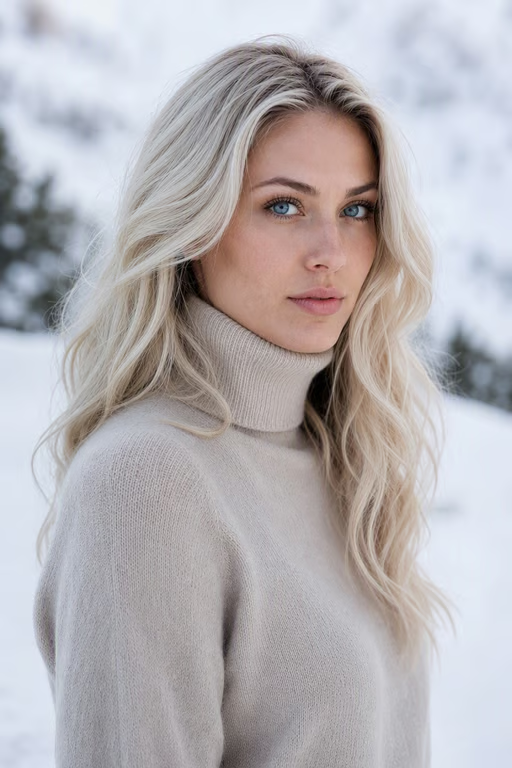
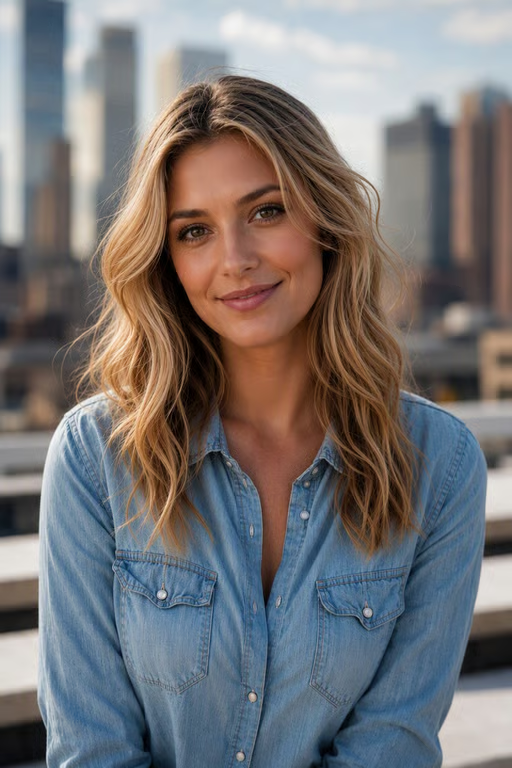
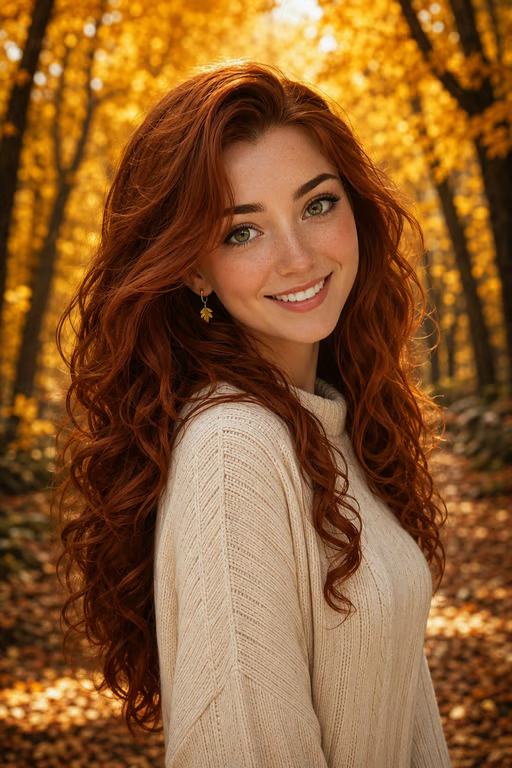
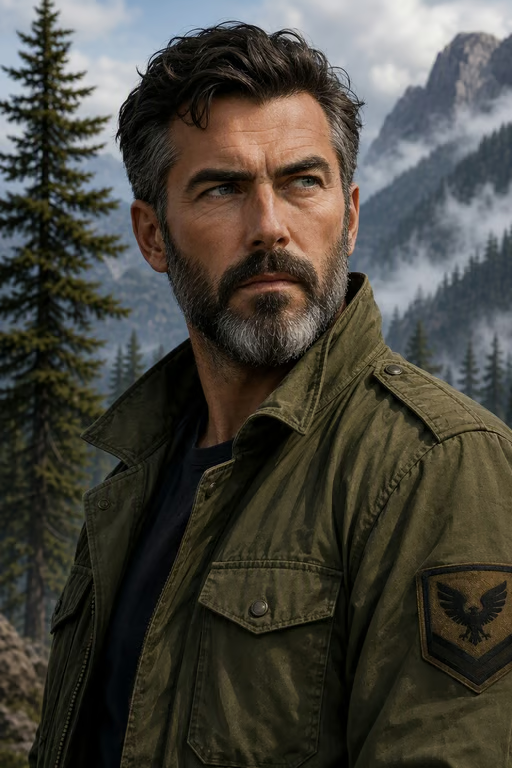
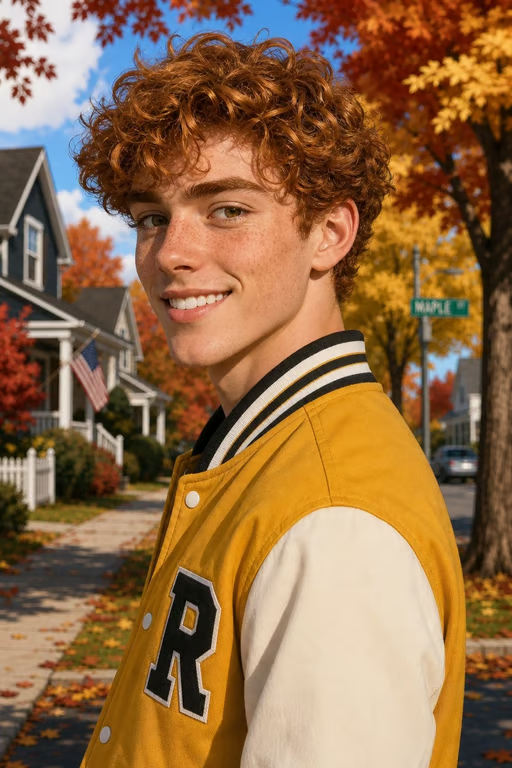
Cosplayers bring an anime or cartoon reference and a visual idea for the character’s real-world appearance. Cavro turns that direction into a realistic image they can use to explore makeup, styling, and costume choices.
Try Cavro free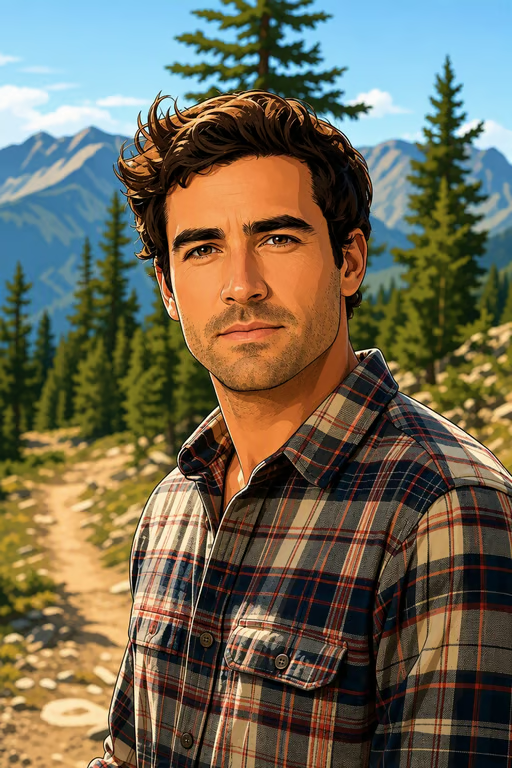
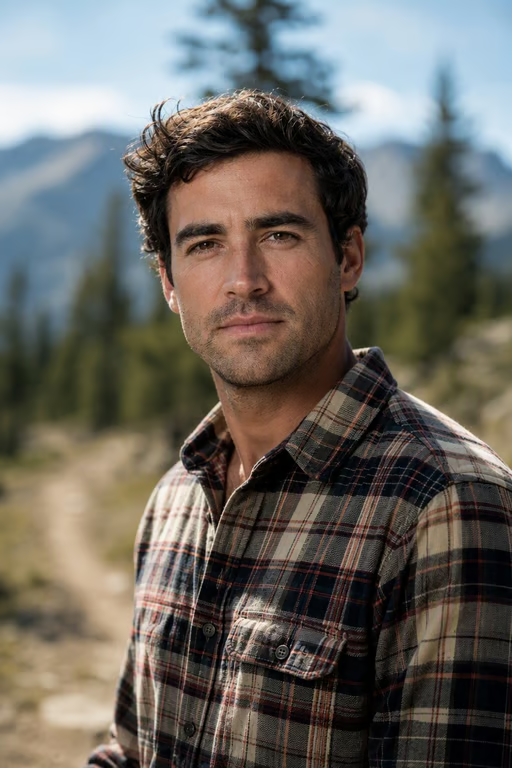
Creators start with an illustrated character and a portrait goal for a profile, personal brand, or keepsake. Cavro helps shape the reference into a lifelike avatar while carrying through its recognizable identity.
Try Cavro free
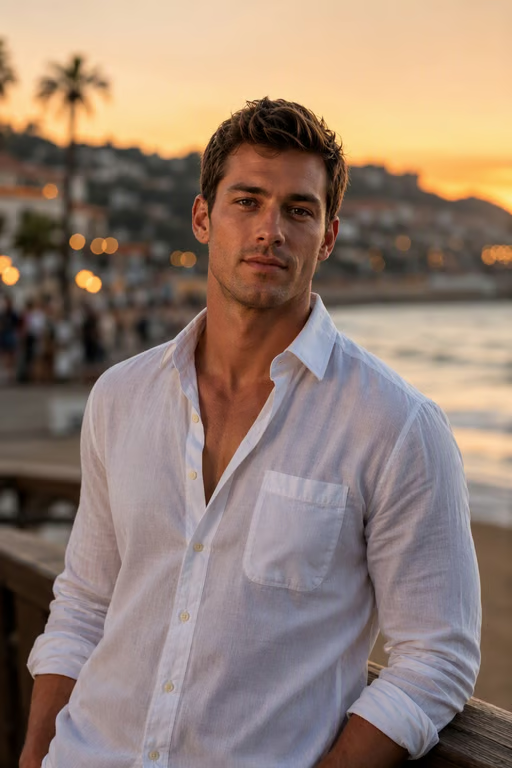
Marketing teams bring a cartoon mascot or brand illustration when they need a new visual direction. Cavro turns the concept into a realistic image for creative exploration and character-led campaign ideas.
Try Cavro free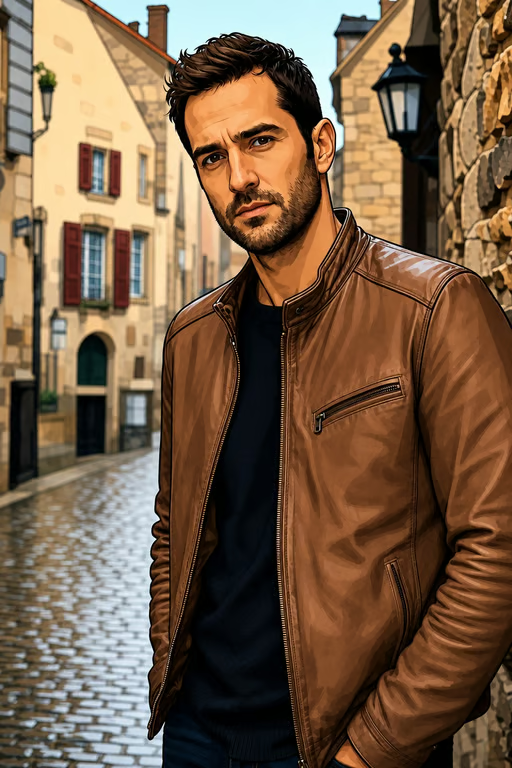
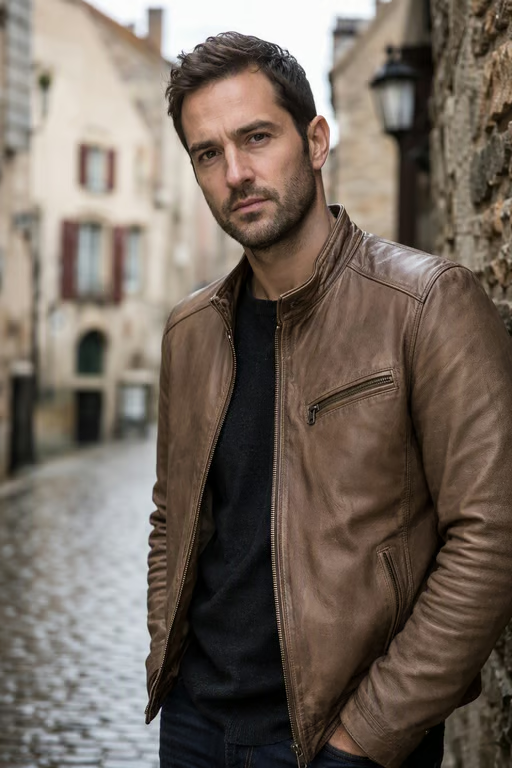
When a character’s hair, outfit, colors, or expression matter, Cavro uses the reference photo and your written direction together. You come away with a realistic image that remains connected to the original design.
Try Cavro free

A stylized drawing can leave questions about skin, materials, and lighting. Cavro helps translate those visual cues into natural texture, believable light, and sharp realistic image detail for your concept.
Try Cavro free
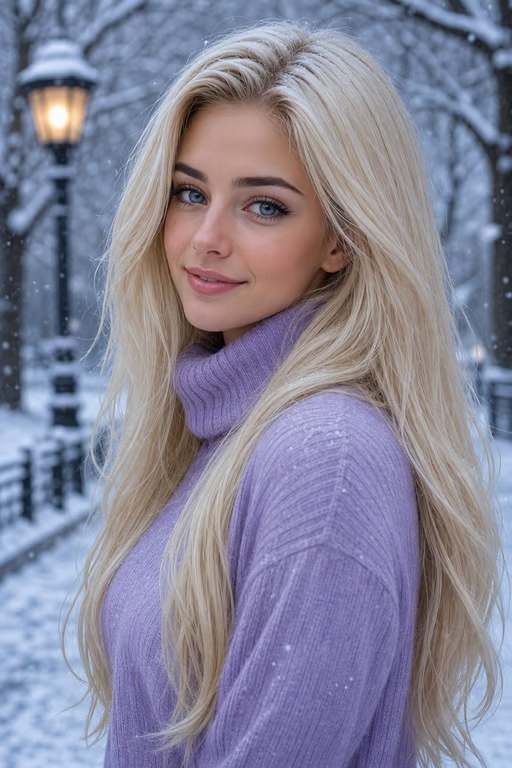
Character exploration often takes more than one attempt. Cavro lets you refine and generate again in the same conversation, so you can develop the realistic direction without starting over.
Try Cavro freeUpload a cartoon, anime image, or illustration and describe the realistic direction you want. Cavro uses the reference and your prompt to produce an image that translates the character into a lifelike visual.
Yes. You can provide an anime image or another illustrated character reference, then describe the real-life appearance you want to explore. The result is generated in Cavro from that reference and direction.
Yes. A cartoon avatar can guide a portrait-style realistic image with details such as natural facial texture, lifelike lighting, and a more photographic treatment. You can refine the result in the same conversation.
No editing software is required on this page. Upload a reference image, describe your goal in writing, and Cavro creates the image from those inputs.
Yes. You can refine the direction and generate again in the same conversation without starting over. Each result is billed per credit, and there is no mandatory subscription.
Creators worldwide are turning “just an idea” into expensive-looking images.