






AI CAD drawing generator

Turn references into technical line art for design work.
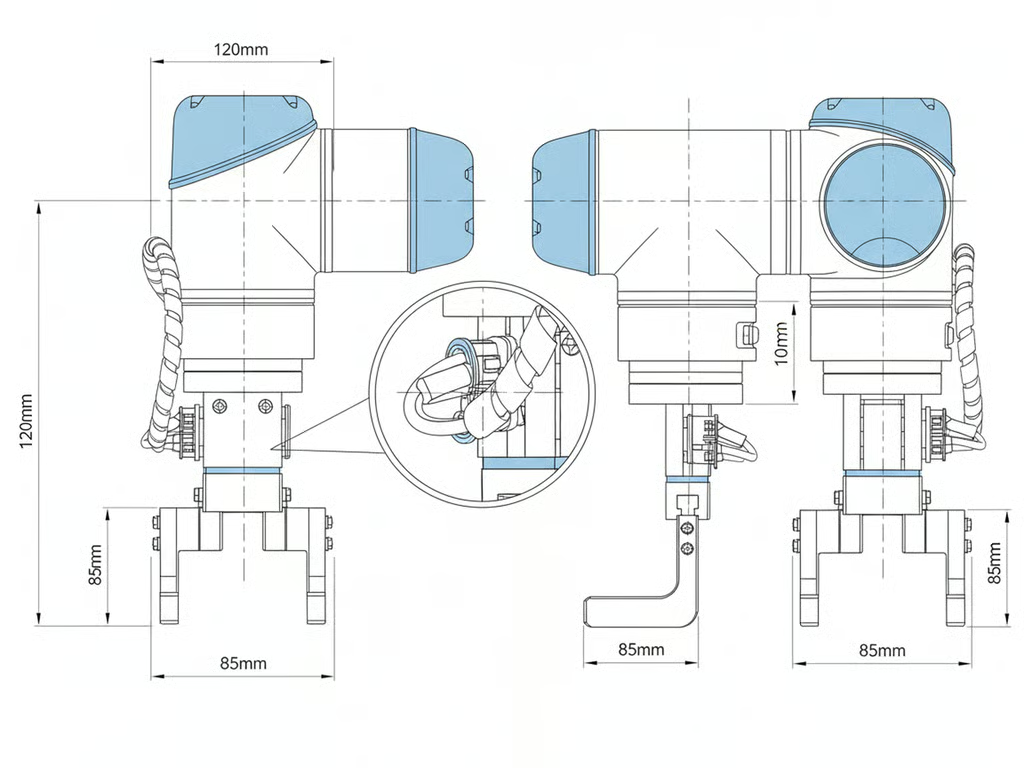
Dimensioned CAD line drawing of a robotic gripper with multiple views and a circular cable detail inset.
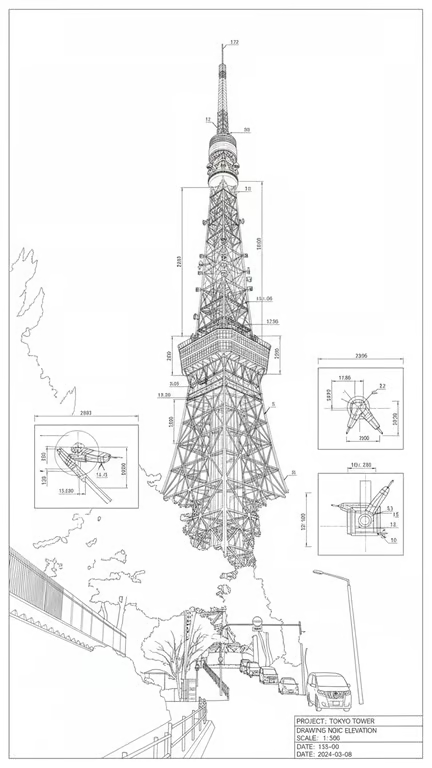
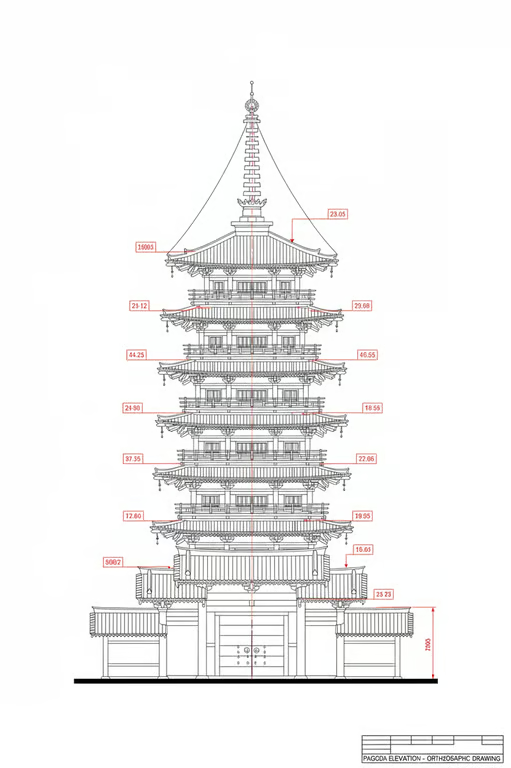
Monochrome CAD line drawing of a tower with dimensions, detail insets, and a title block.
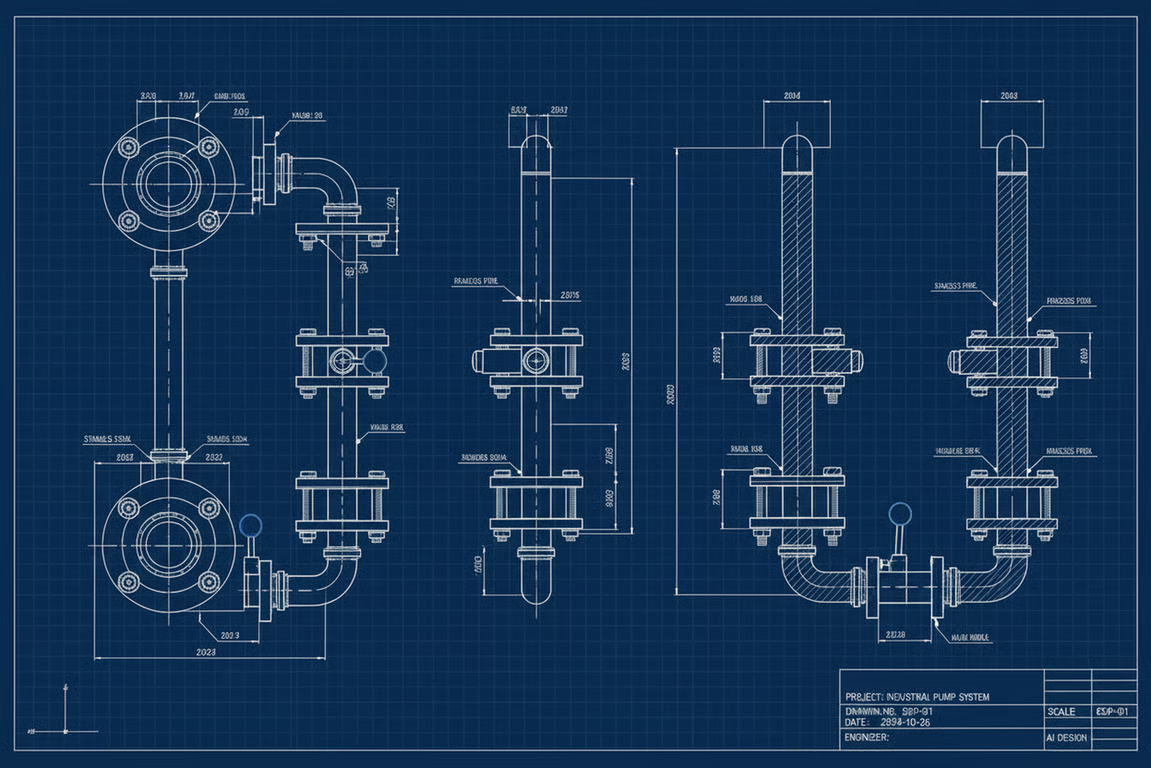
Blueprint-style technical drawing showing industrial equipment in multiple orthographic views.
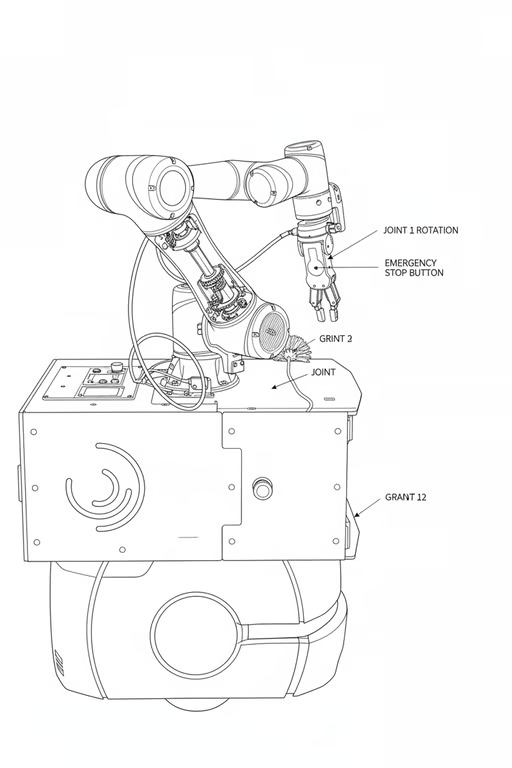
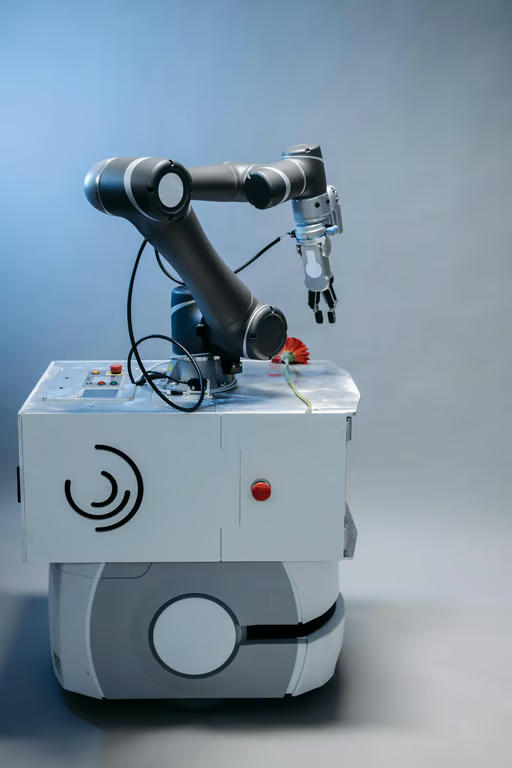
Monochrome CAD line drawing of a robotic arm and cabinet with labeled callouts on a white background.
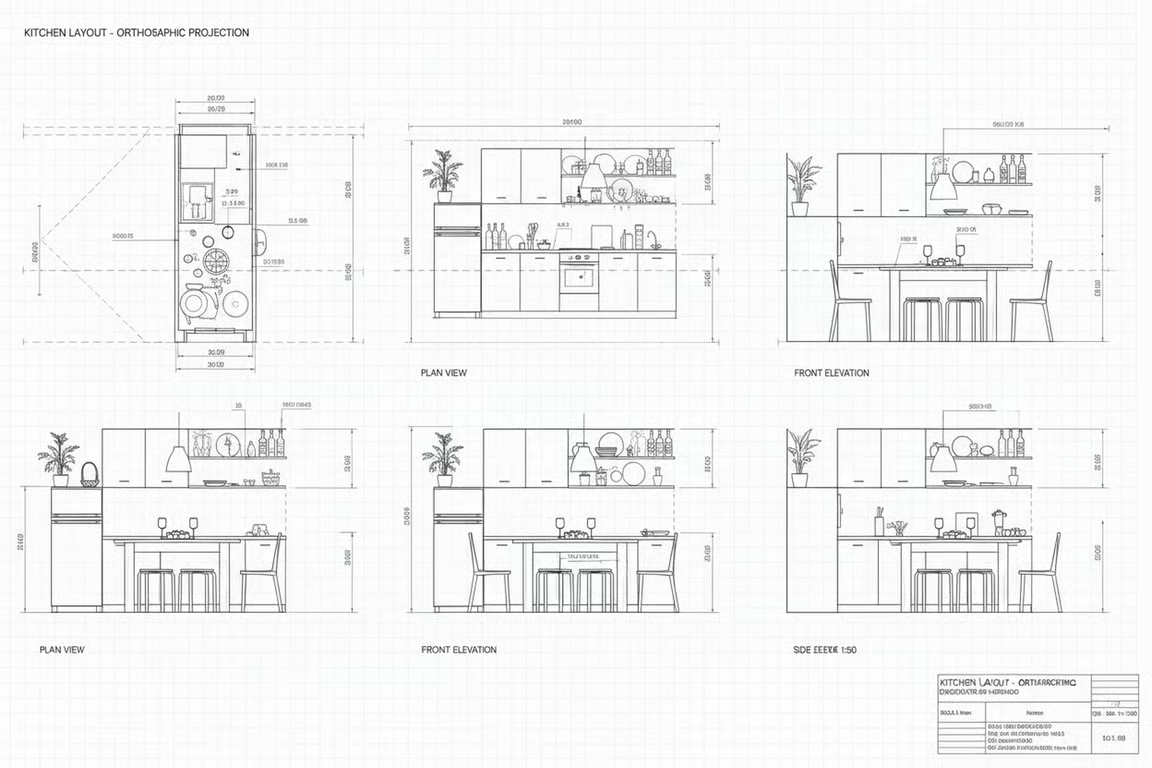
Monochrome CAD drawing showing multiple orthographic views of a kitchen with dimensions and labels.
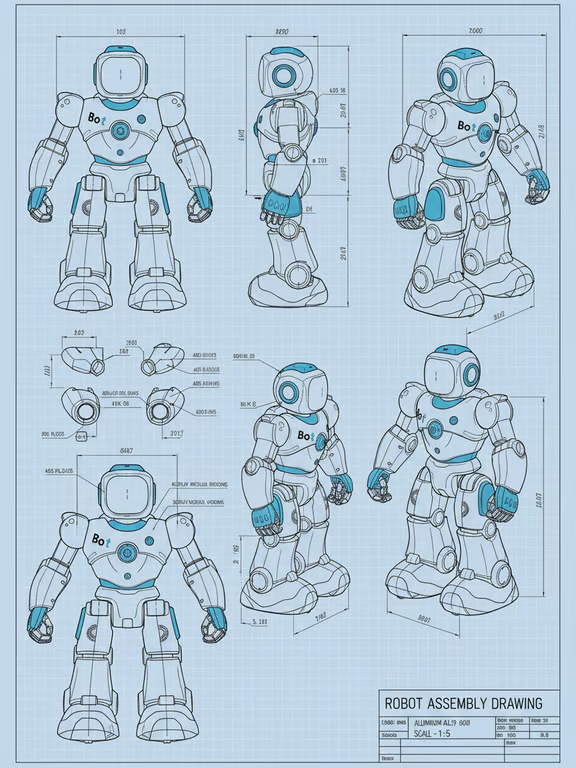
Multi-view robot assembly drawing on a pale blue grid with dimensions and labels.
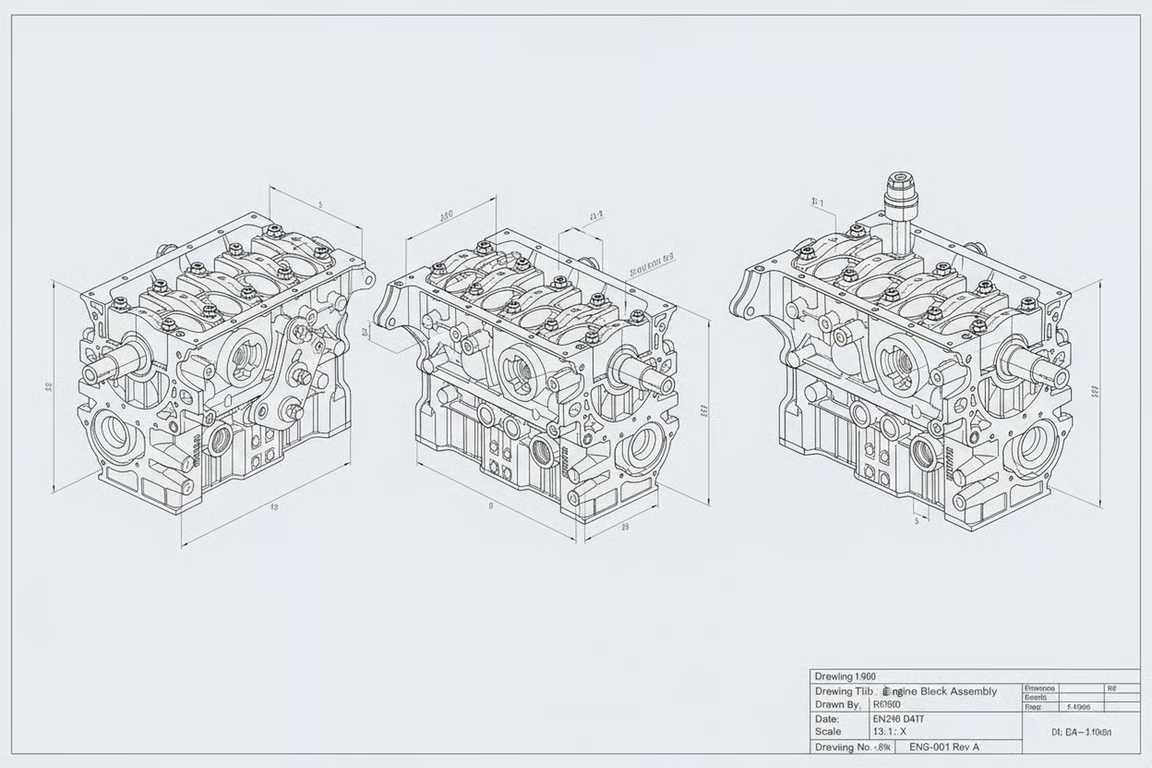
Pale blueprint sheet showing three monochrome isometric engine drawings with dimensions and a title block.
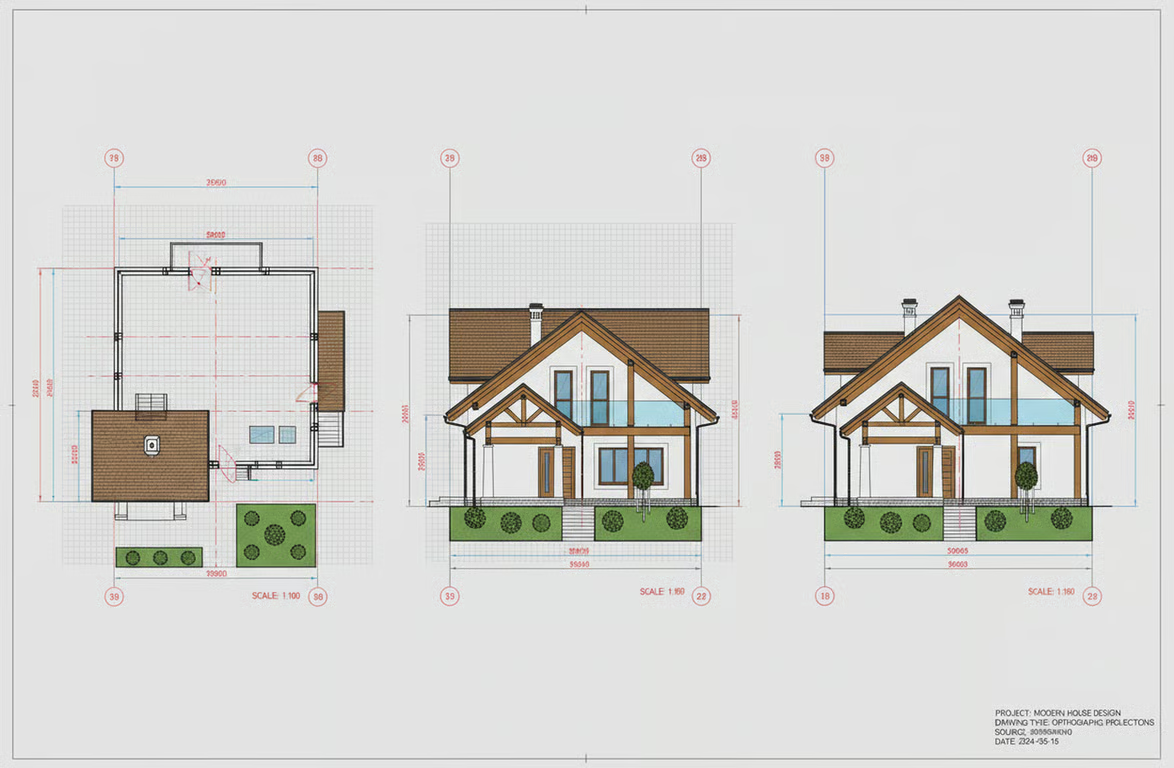
Colored architectural CAD sheet showing a house floor plan, front elevations, dimensions, and grid markers.
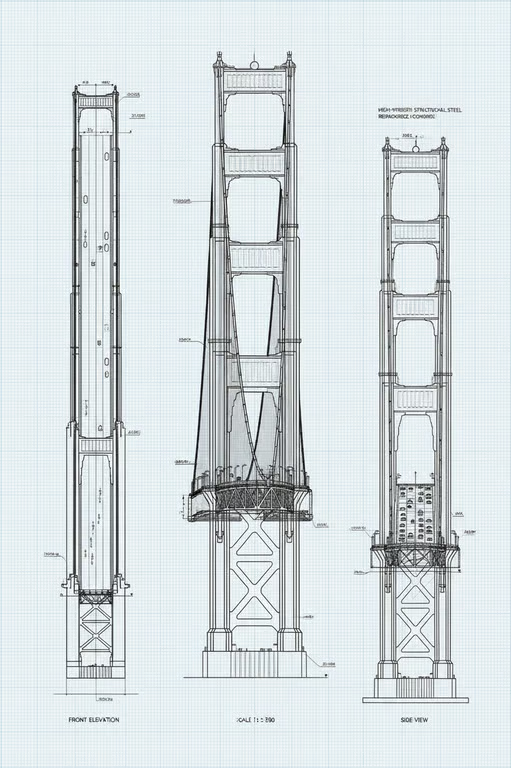
Blueprint-style CAD drawing showing three orthographic elevations of a suspension bridge on a pale blue grid.
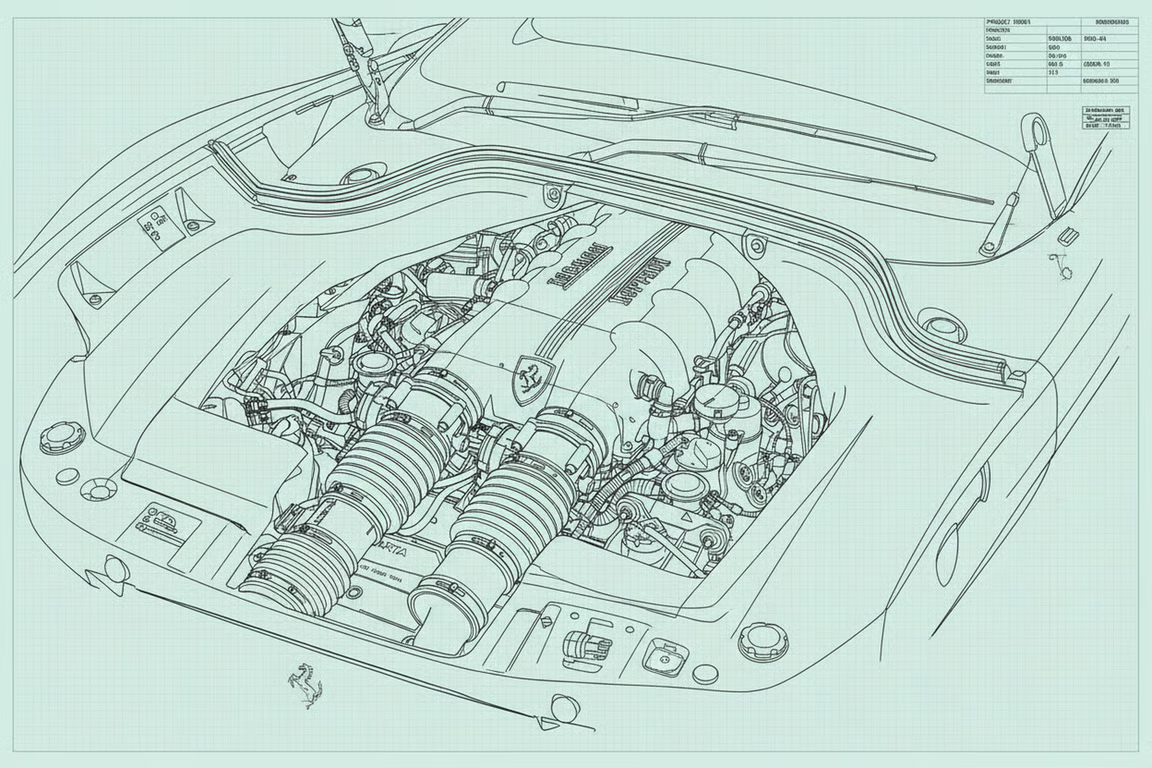
Pale blue blueprint-style line drawing showing a detailed car engine bay.
What you get

All the power, none of the hassle

Prompt Or Photo Input

Start a CAD drawing from written specifications, a reference photo, or both.

Drafting Style Control

Choose line treatments, views, and drawing types to direct the technical visual outcome.

Iterative Refinement

Request another version in the same conversation when a drawing needs a different view or treatment.

Technical Visual Output

Receive CAD-style line drawings, engineering sketches, and blueprint-style illustrations from your direction.

User value

We are the best AI tool for...

  1. Reduce manual sketching

    Move from a rough concept or reference photo to a useful CAD-style visual without drawing every line by hand.
  2. Explore design variations

    Compare alternate views, line treatments, and drafting styles while the design idea is still taking shape.

  3. Communicate concepts clearly

    Share engineering line drawings and blueprint-style illustrations that make technical ideas easier to discuss.

Reduce manual sketching
Perfect proof

What our users say

  • I wanted to turn a rough bracket reference into a clearer engineering line drawing. The result gave me a useful visual starting point for discussing the design.

    Mara K.
  • I used a short description for a valve assembly and explored several drafting treatments. It helped me compare the visual direction before refining the concept.

    Jon R.
  • The blueprint-style treatment made my stair detail easier to present during an early design conversation. I could ask for another variation without starting from scratch.

    Elena P.
  • I had a product enclosure photo but no finished drawing. The CAD-style interpretation gave me a practical way to examine the form from a technical angle.

    Theo M.
  • I was looking for a clean floor plan study from a reference. The generated line work helped me communicate the layout idea more clearly.

    Nadia S.
  • The mechanical drafting direction was useful for exploring a structural frame concept. I could adjust the view and style as the idea developed.

    Caleb T.
Answers

Common questions

What is an AI CAD drawing generator?

An AI CAD drawing generator turns a written prompt and/or reference photo into a CAD-style image. Cavro can help create engineering line drawings, mechanical drafting concepts, and blueprint-style illustrations from that direction.

How does the AI CAD drawing generator work?

Describe the drawing you need, upload a reference photo, or use both together. Cavro uses that input to produce an image, and you can refine and generate again in the same conversation.

Can I create an engineering line drawing from a photo?

Yes. Cavro accepts a reference photo and can turn it into an image guided by your requested view, line treatment, and drafting style. Add written details when the drawing needs a specific technical direction.

Who can use an AI drafting tool for CAD-style visuals?

Architects, engineers, designers, and anyone exploring technical concepts can use Cavro for CAD-style image generation. It is useful for early design studies, mechanical references, blueprint-style illustrations, and visual communication.

Play with an idea. Leave with an image.

Creators worldwide are turning “just an idea” into expensive-looking images.
Try Cavro free