AI photo brightener for dark photos

Bring light back to underexposed photos.
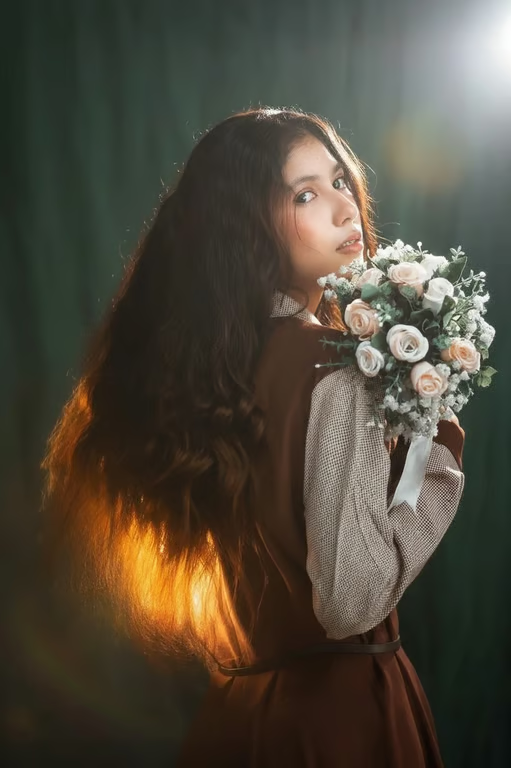
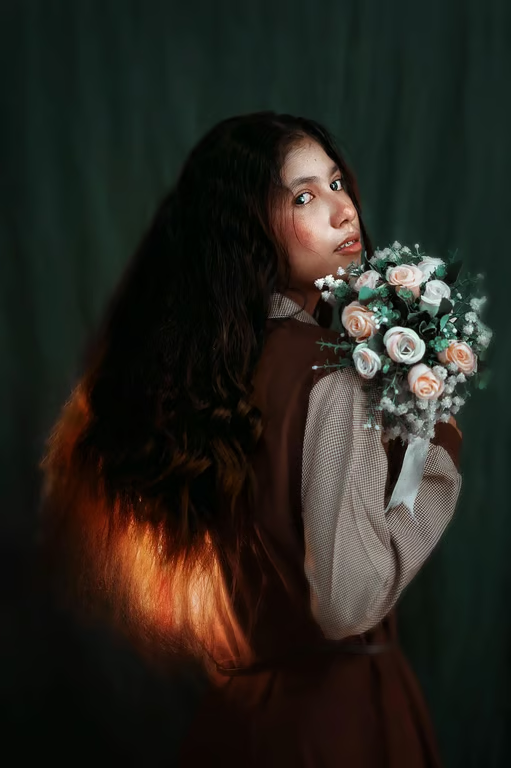
Portrait of a woman holding flowers with brighter lighting and a soft upper-right glow.
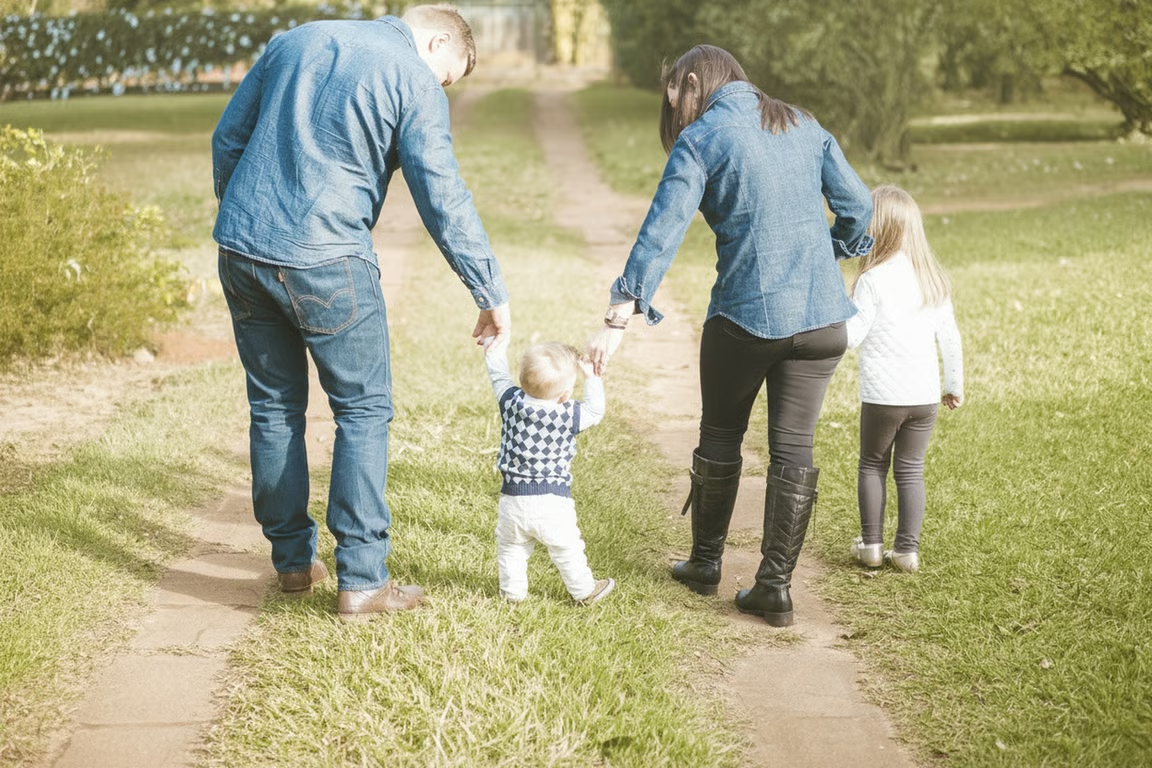
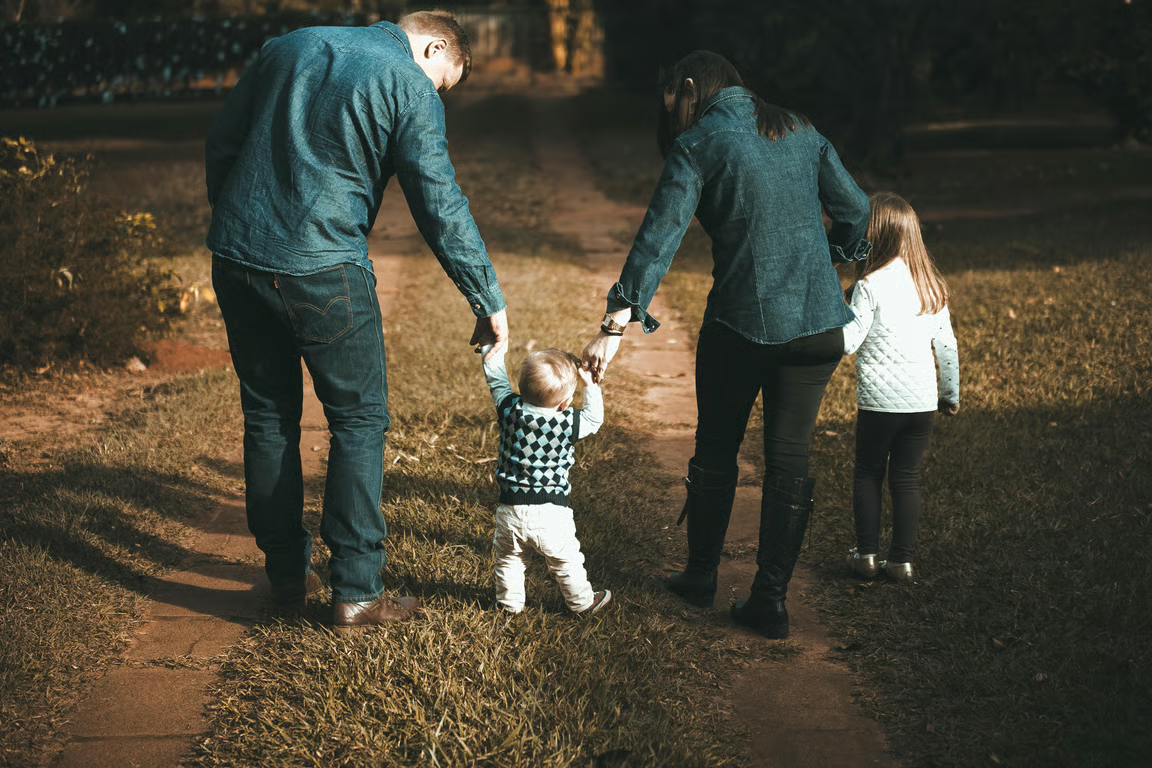
Family walking outdoors on a path in a brighter, more evenly exposed photo.
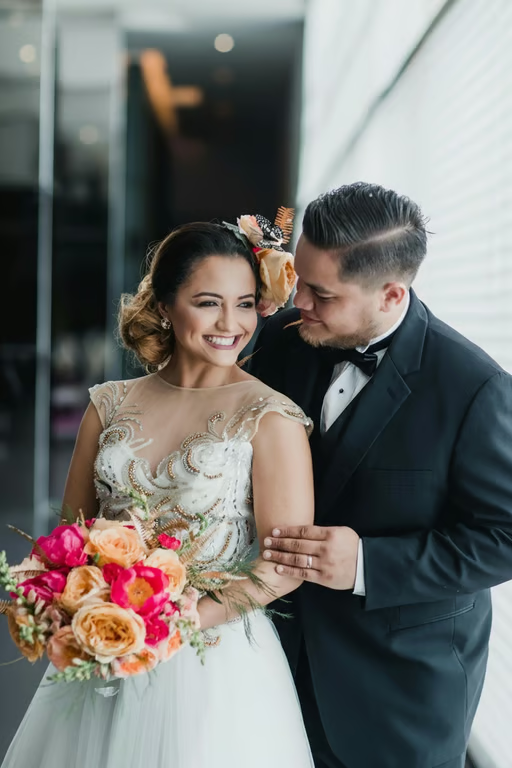
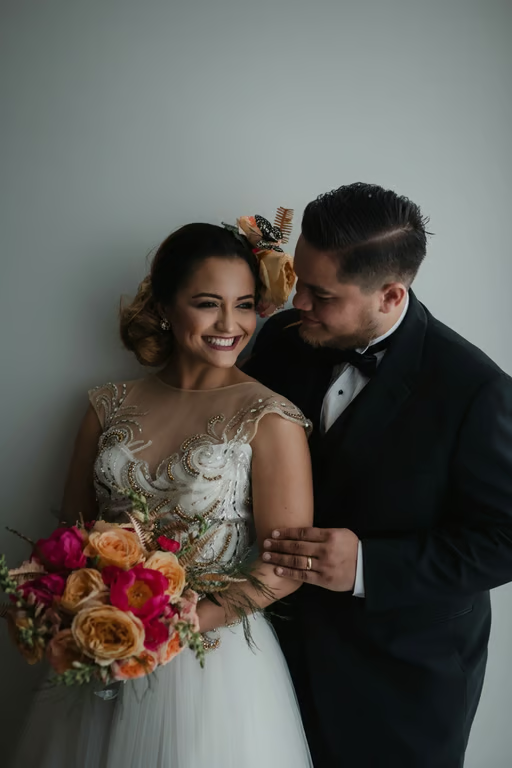
Wedding couple posing together in a bright modern interior with large windows.
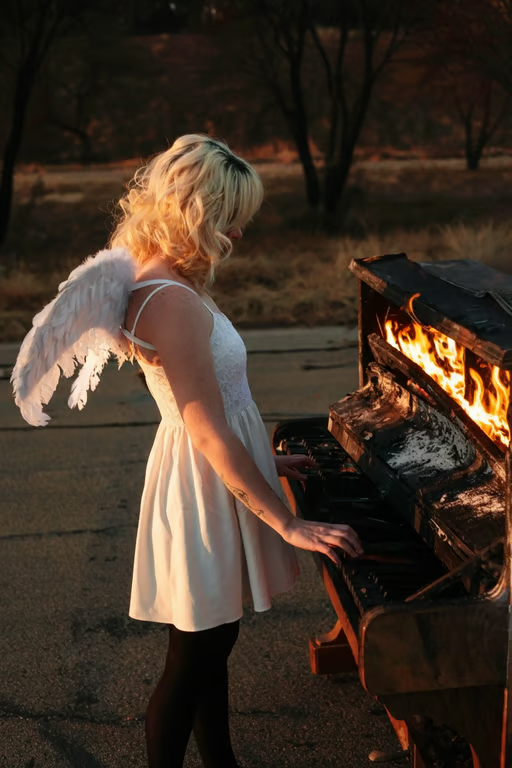
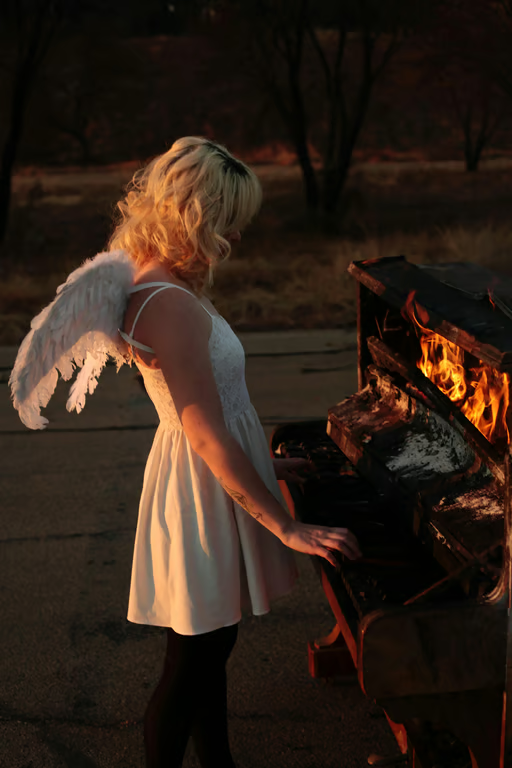
Woman in a white dress beside a burning piano, shown with brighter exposure and lifted shadows.
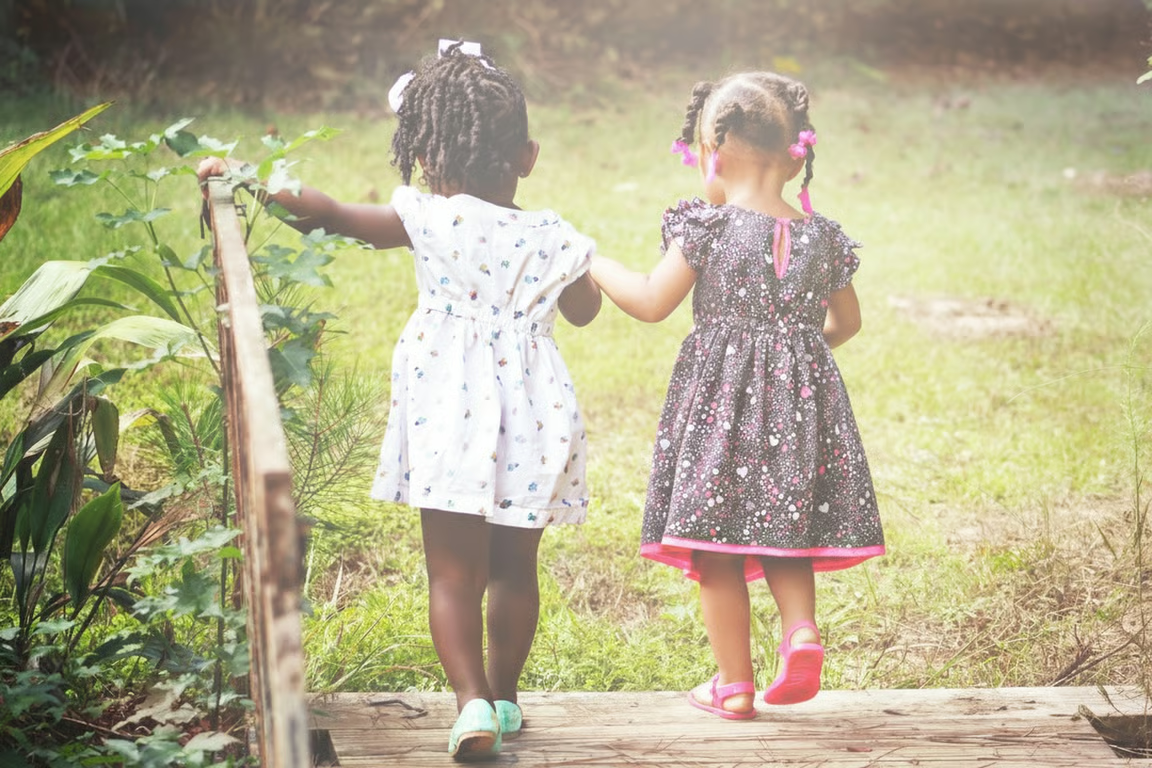
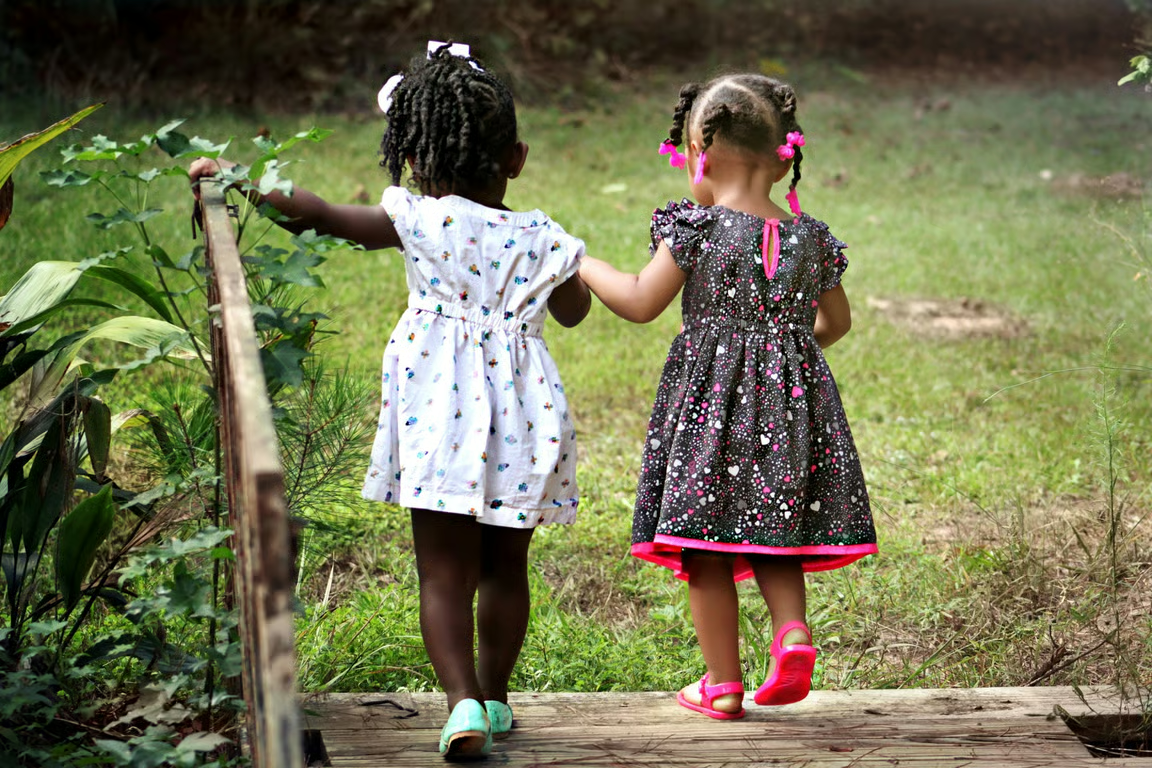
Two children walking outdoors in a brighter, softly lit garden scene.
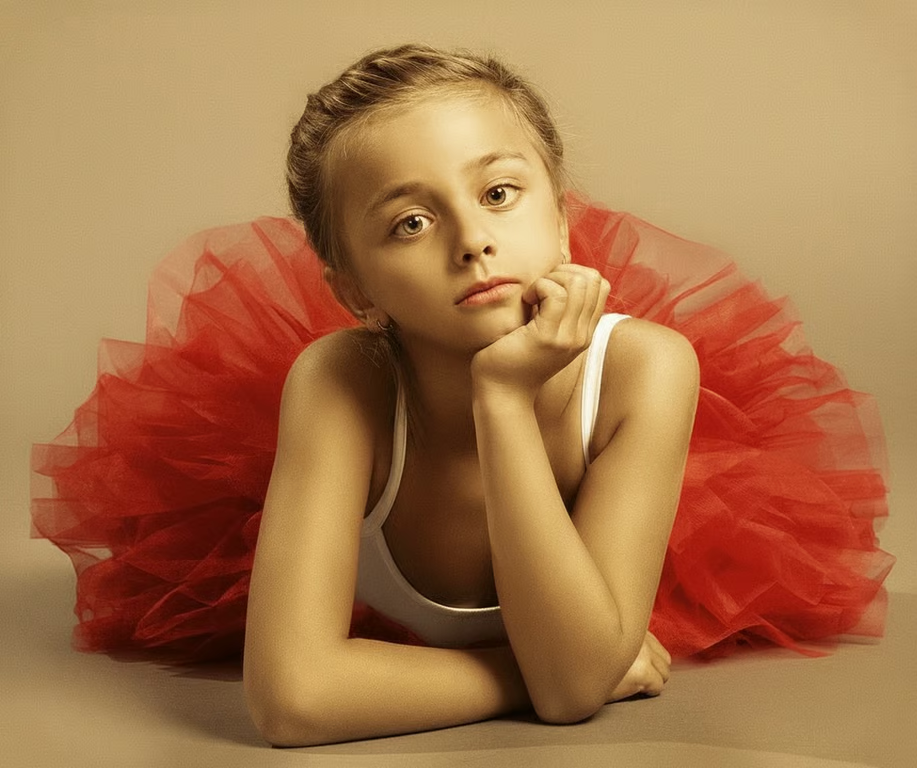
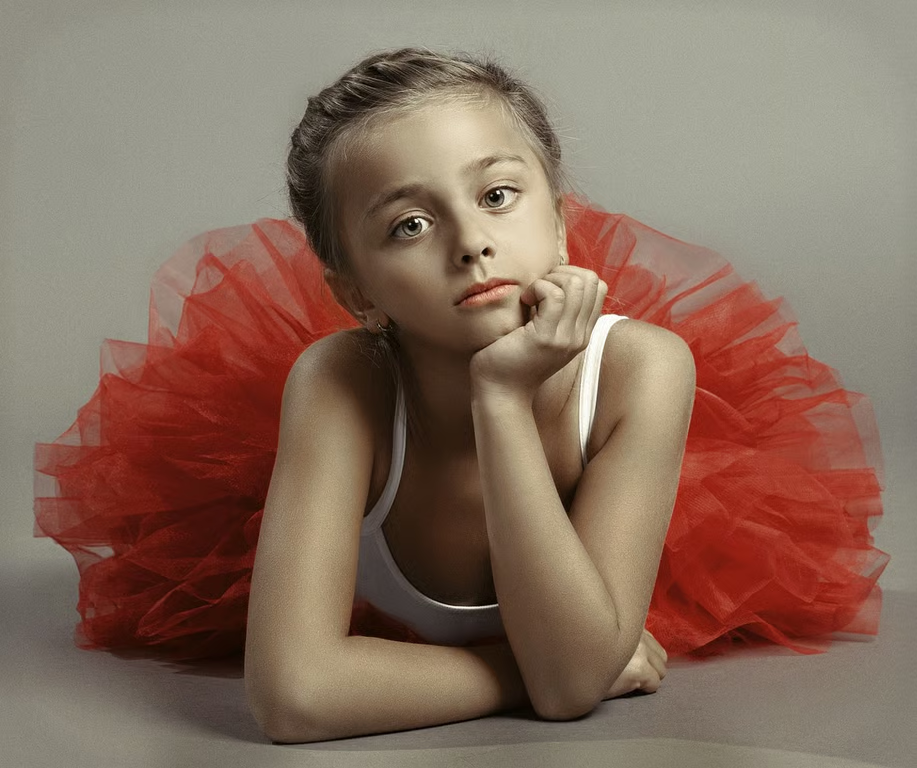
Portrait of a girl in a white top against red tulle, illuminated with warm golden light.
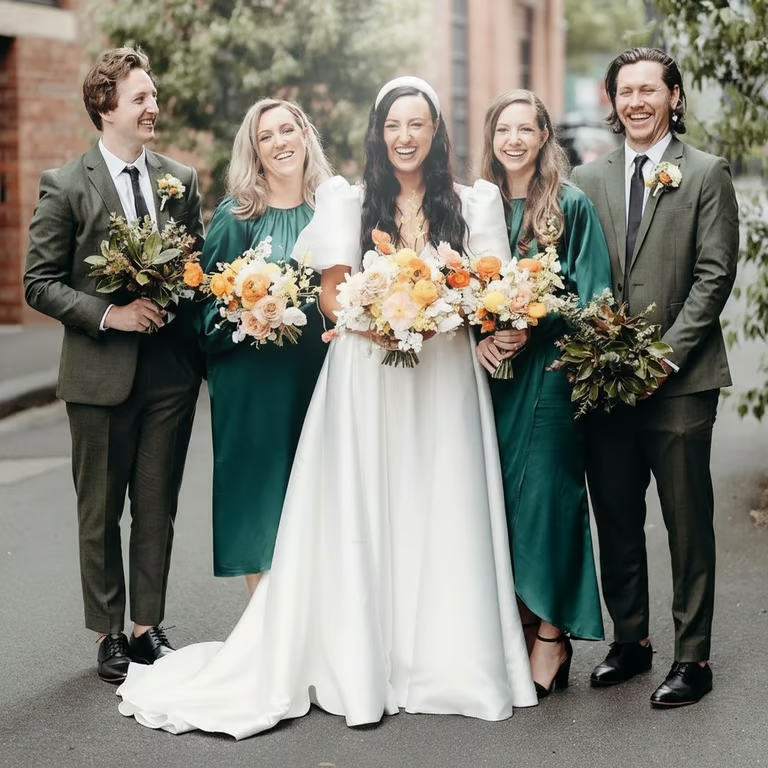
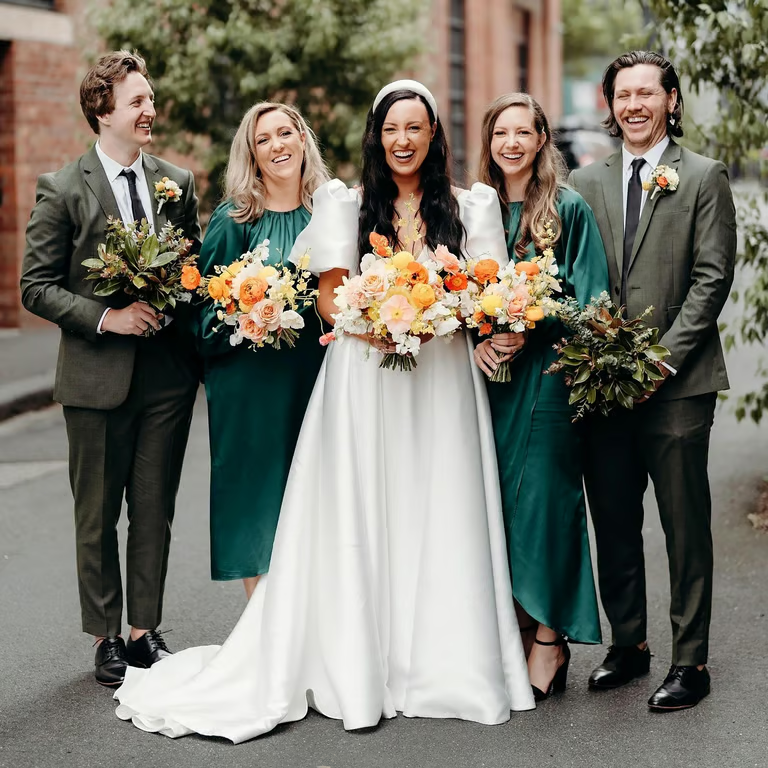
Wedding party group photo with brighter exposure and lifted shadows.
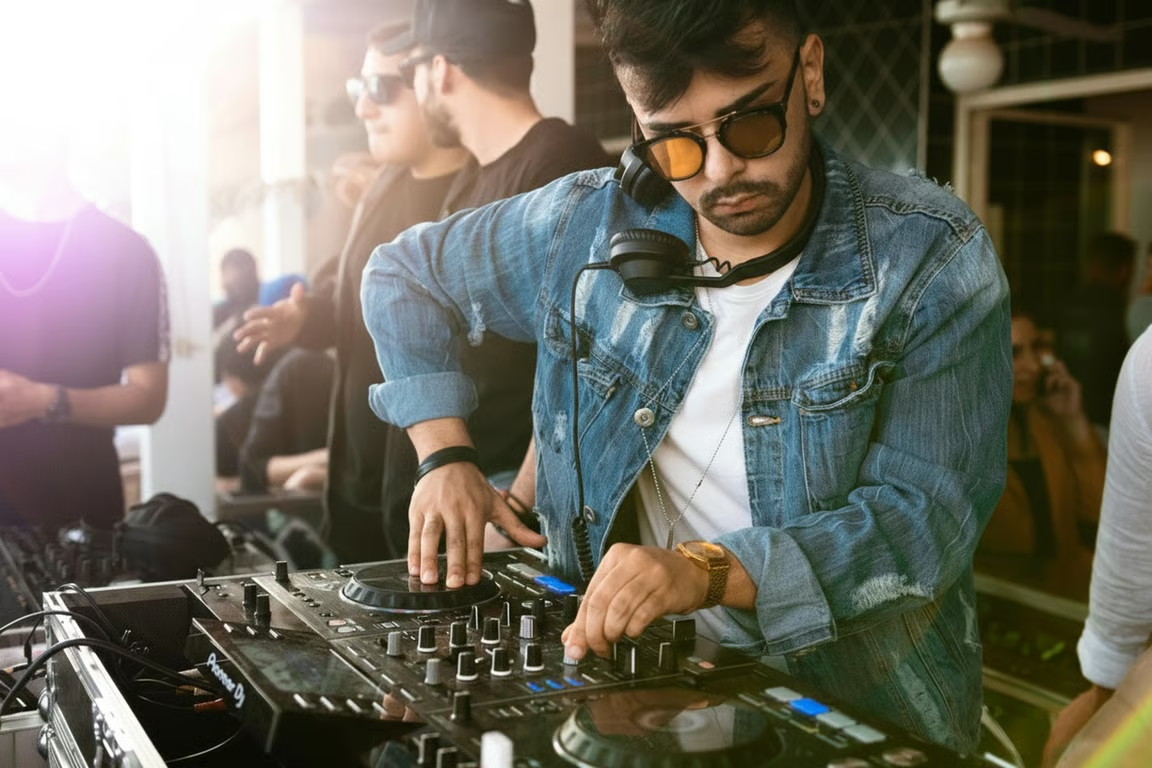
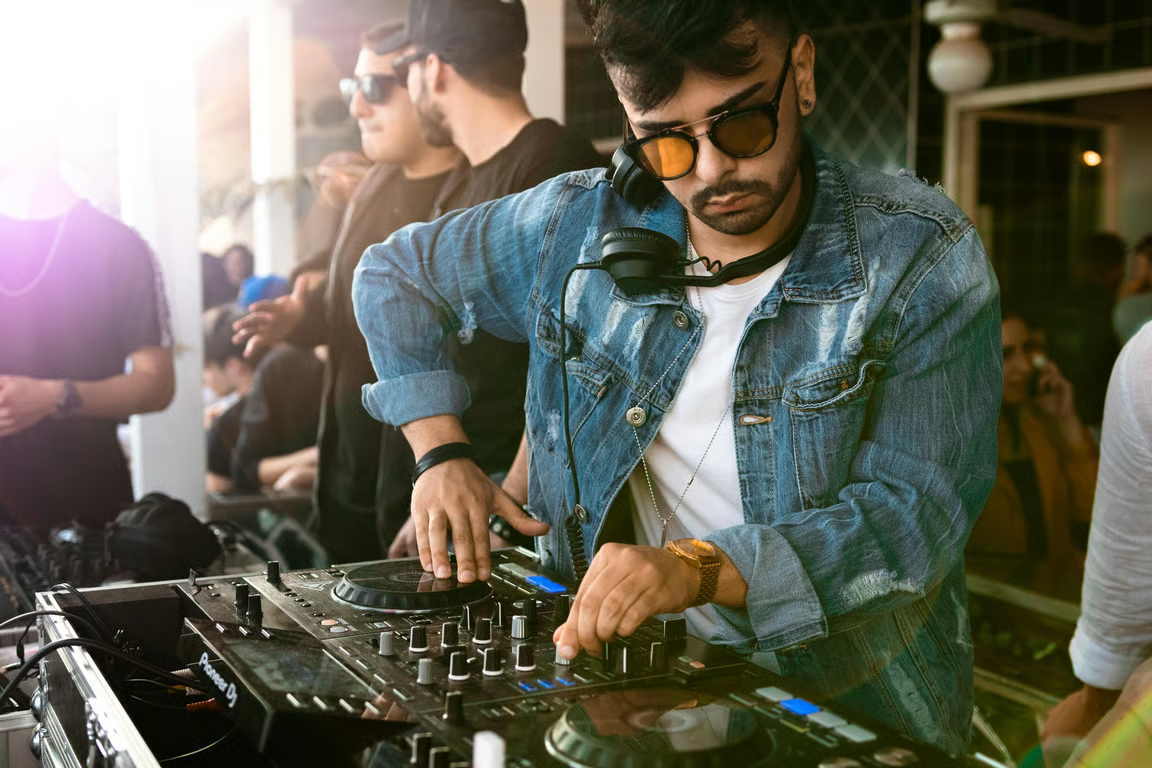
DJ performing at a mixer in a brighter, clearer indoor scene.
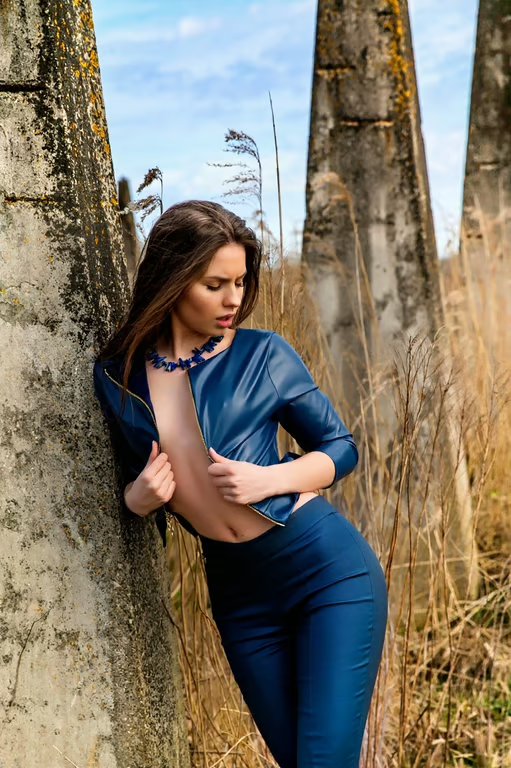
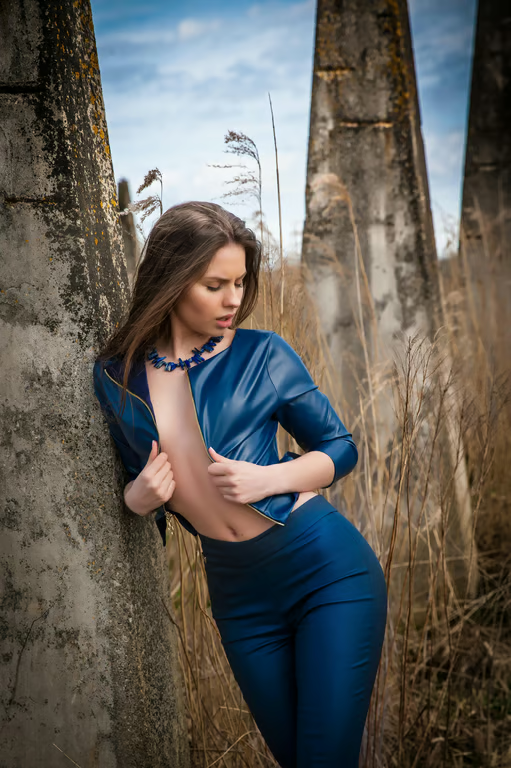
Woman in a blue outfit beside trees in brighter outdoor light.
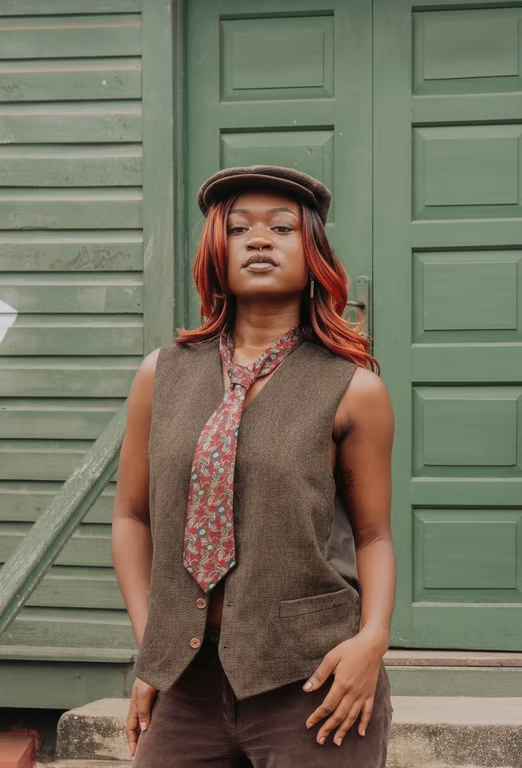
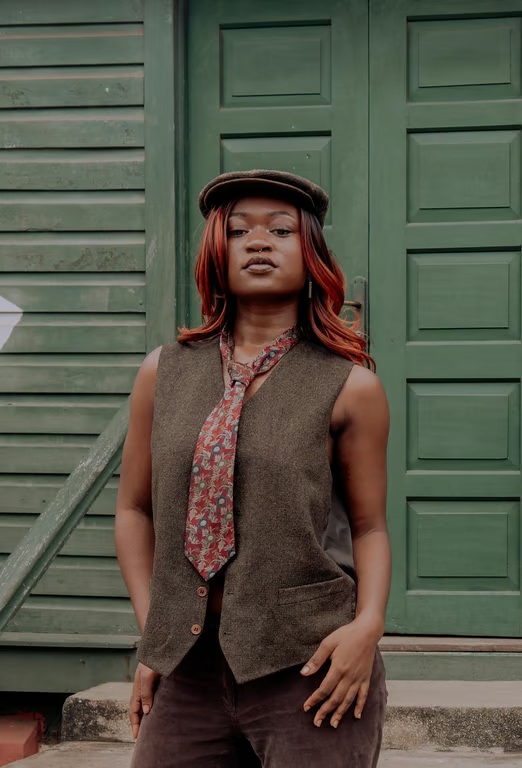
Portrait of a woman in front of green doors with brighter, more even lighting.
What you get

All the power, none of the hassle

Use Your Photo

Start with a reference photo and describe the lighting change it needs.

Guide The Light

Choose a lighting direction such as lifted shadows, increased exposure, or soft daylight.

Choose The Finish

Ask for natural color, clear detail, balanced contrast, or warm light in the result.

Refine Again

Adjust the brightening request and generate another image in the same conversation.

User value

We are the best AI tool for...

  1. Rescue missed lighting

    Turn underexposed snapshots, portraits, and event photos into images you can actually use.
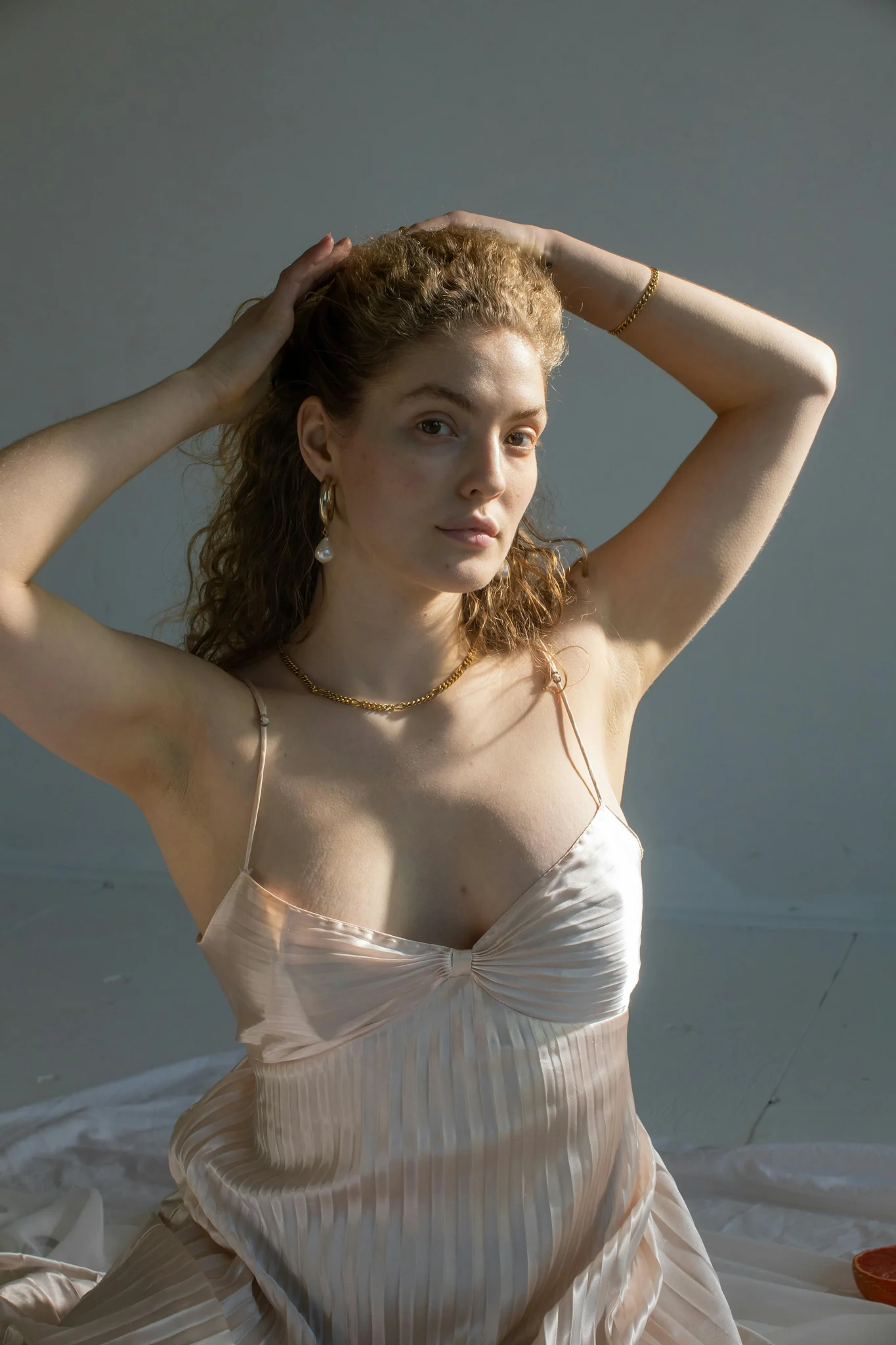
  2. Skip another photo shoot

    Improve a dark product or food photo when retaking the picture is inconvenient.

  3. Avoid complicated editing

    Describe the lighting you want instead of needing advanced photo-editing skills.

Rescue missed lighting
Perfect proof

What our users say

  • My indoor family photo was much too dark. I described the lighting I wanted and got a clearer version without having to learn a complicated editor.

    Mara K.
  • I needed a product image that was easier to see after a dim shoot. The brighter result gave me a useful starting point quickly.

    Jonah P.
  • The sunset photo had a nearly black foreground. Asking for more light made the scene readable while keeping the mood I wanted.

    Leila R.
  • I had several event photos with uneven lighting. Being able to refine the request in the same conversation saved me from starting over.

    Theo S.
  • A scanned family photo looked flat and dark. The brighter version brought back a much clearer overall look.

    Nina V.
  • I am not comfortable with advanced photo editing, so describing the exposure change was exactly the kind of help I needed.

    Owen D.
Answers

Common questions

How does the AI photo brightener work?

Upload a reference photo and describe the lighting change you want. Cavro uses your photo and written request to produce an image with the requested brightening.

Can I brighten an underexposed photo with a prompt?

Yes. Ask for changes such as lifted shadows, increased exposure, or soft daylight, then generate an image from your photo and request.

Can I refine the result if it is too bright?

Yes. You can adjust your request and generate again in the same conversation. This lets you ask for a more natural finish or a different lighting balance.

Do I need a subscription to brighten a photo?

No mandatory subscription is required. Results are billed per credit, and images and video use the same credit balance.

Can I brighten a photo more than once?

Yes. Refine the brightening request and generate again without starting over. Your ongoing conversation gives you a place to adjust the result.

Play with an idea. Leave with an image.

Creators worldwide are turning “just an idea” into expensive-looking images.
Try Cavro free