Personal Photo Preview
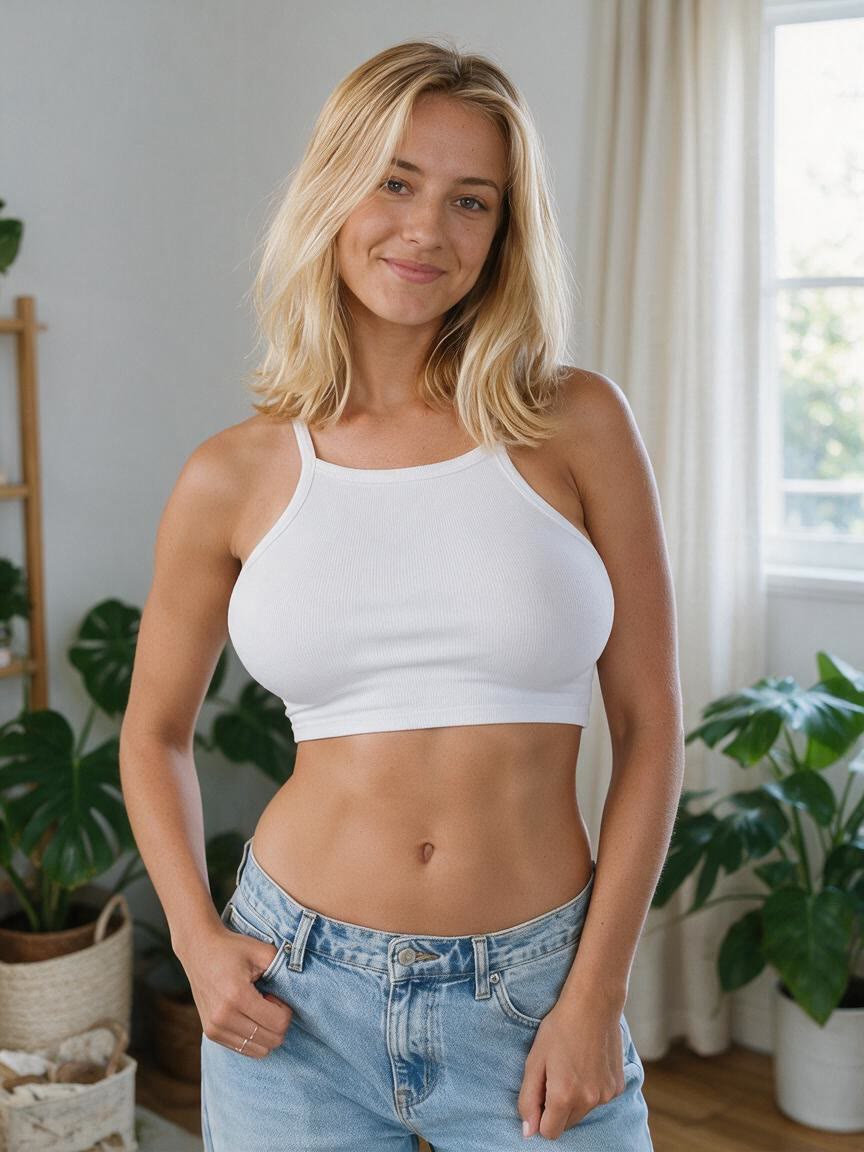
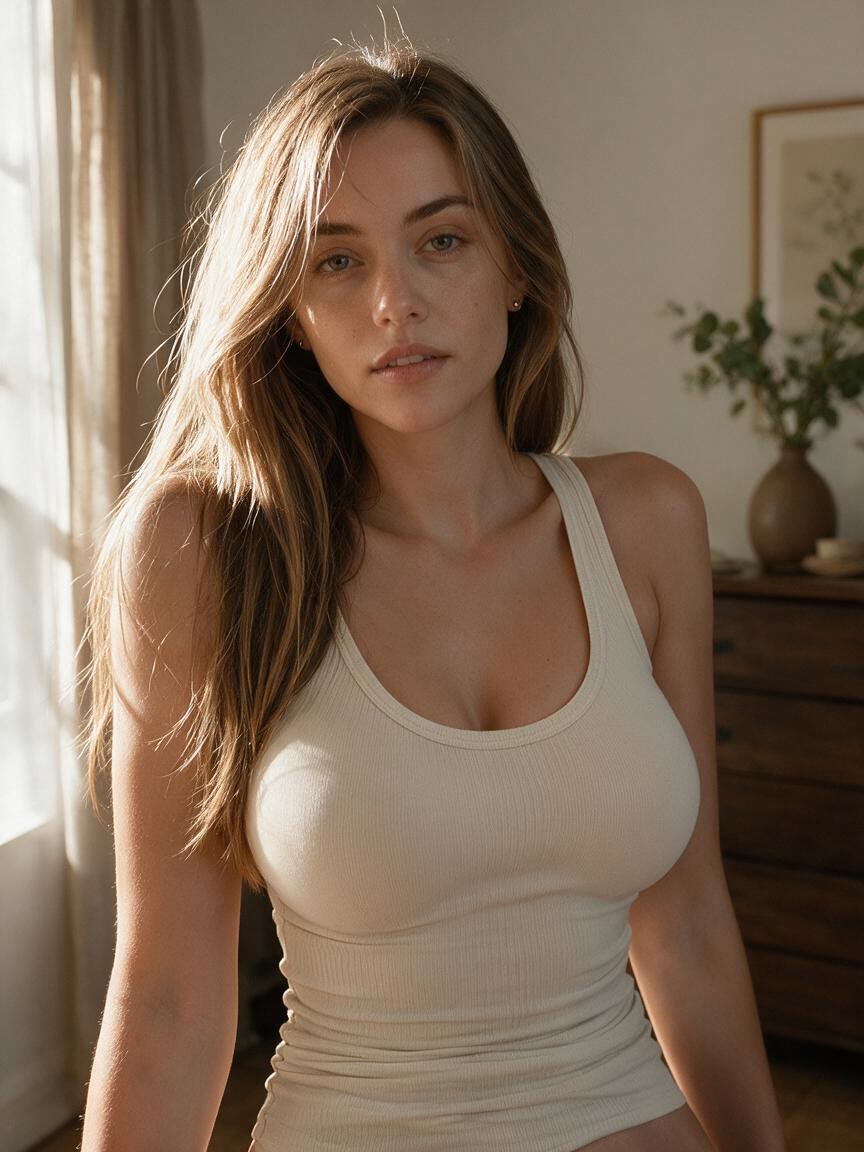
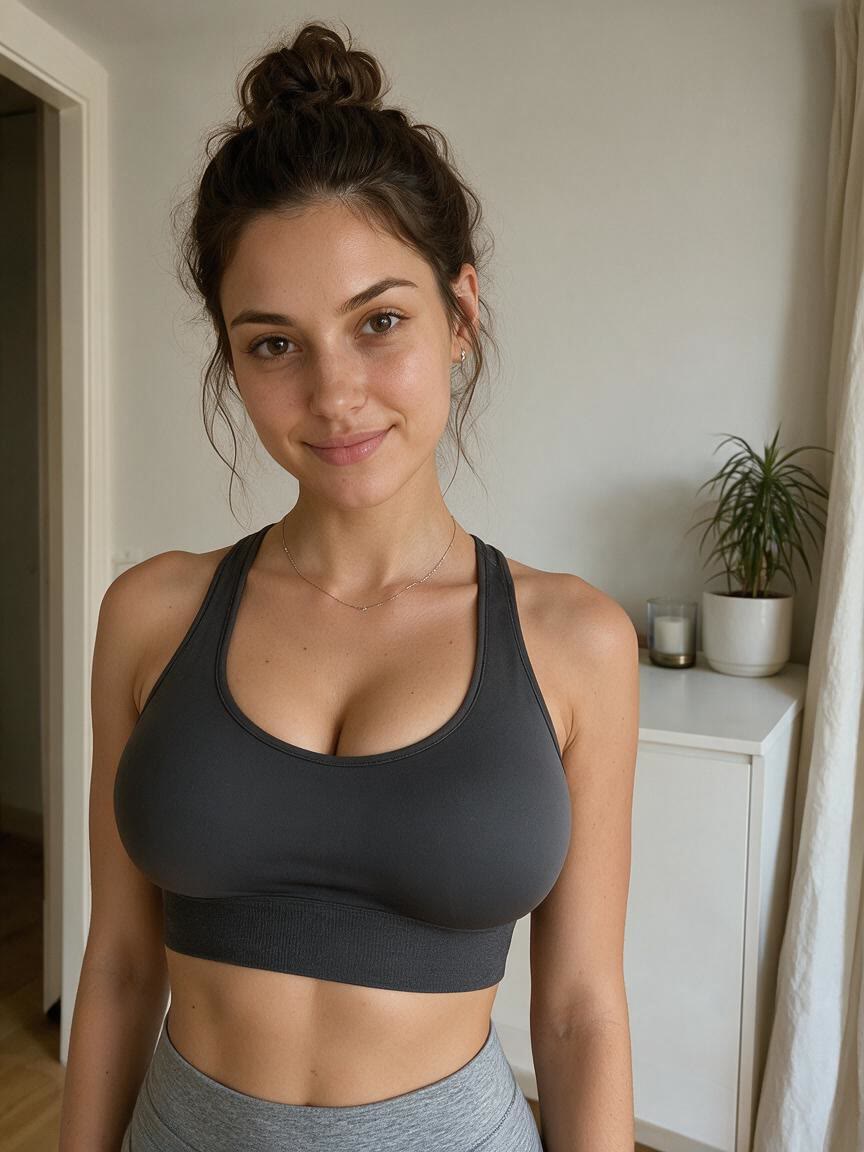
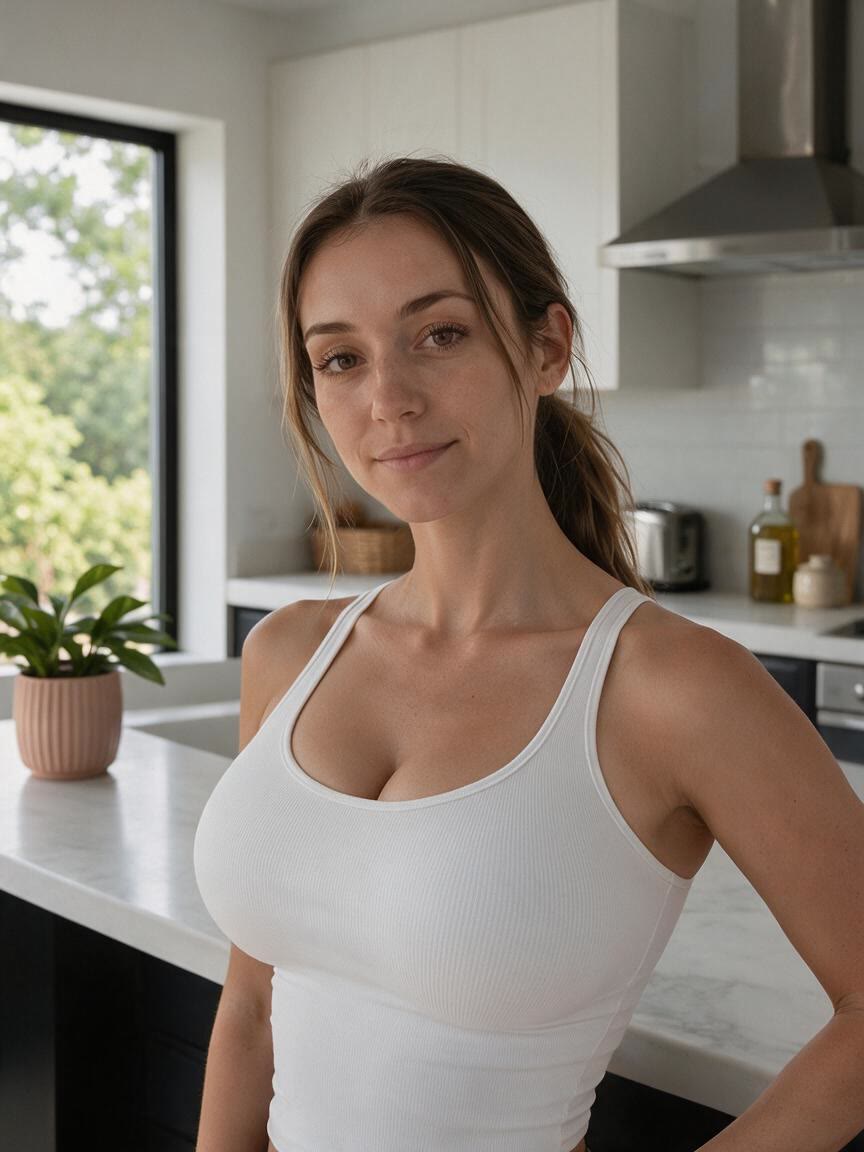
Bring a portrait or full-body photo when you want to visualize a smaller, more proportional bust. Cavro turns that specific change into an image you can compare with your starting photo.
Try Cavro freePreview a smaller, more proportional bust in portraits, fitness photos, fashion images, and social content. Upload a reference photo and describe the look you want to explore.
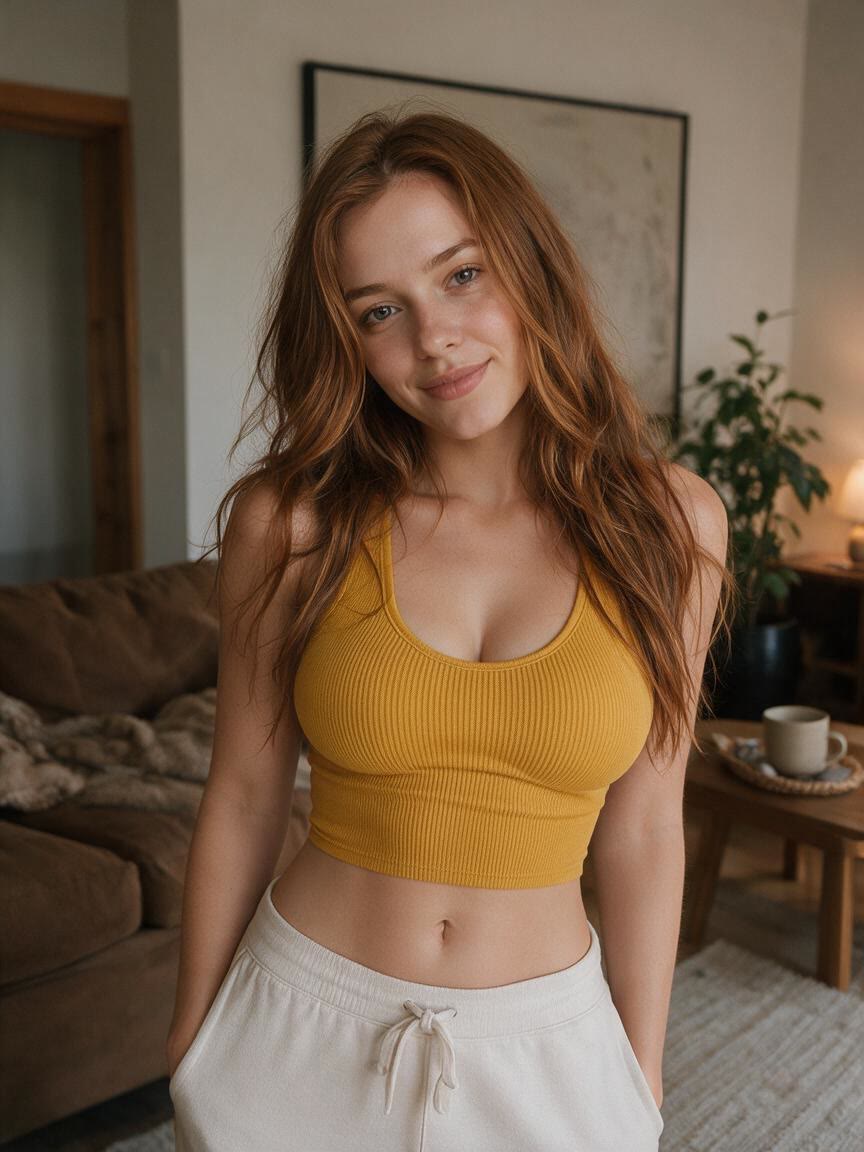
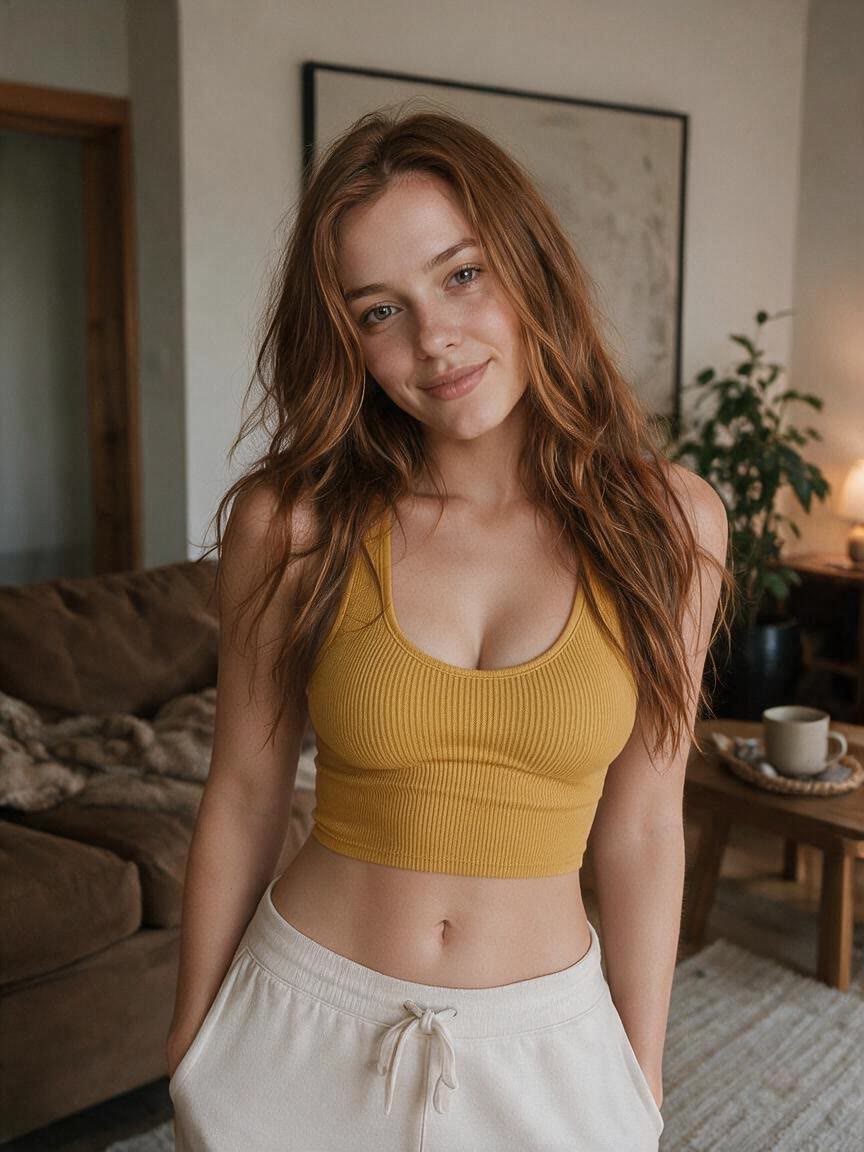
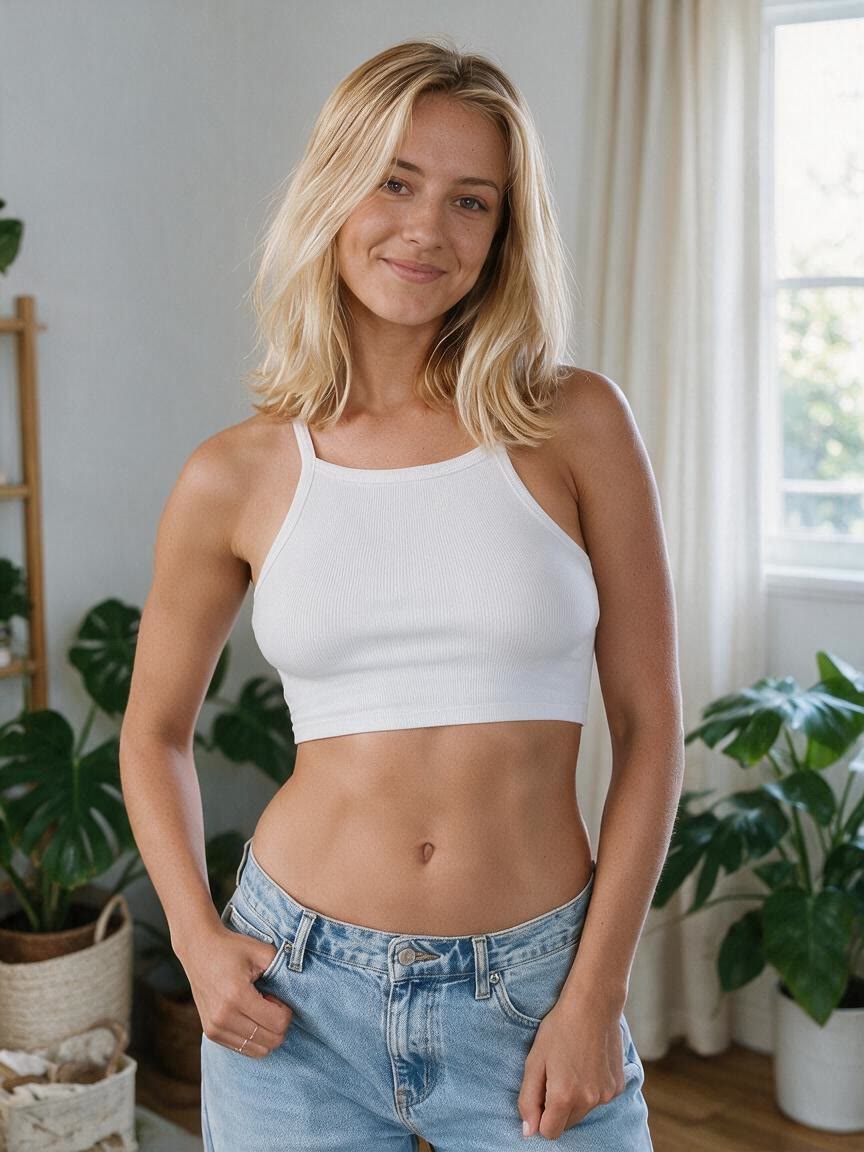
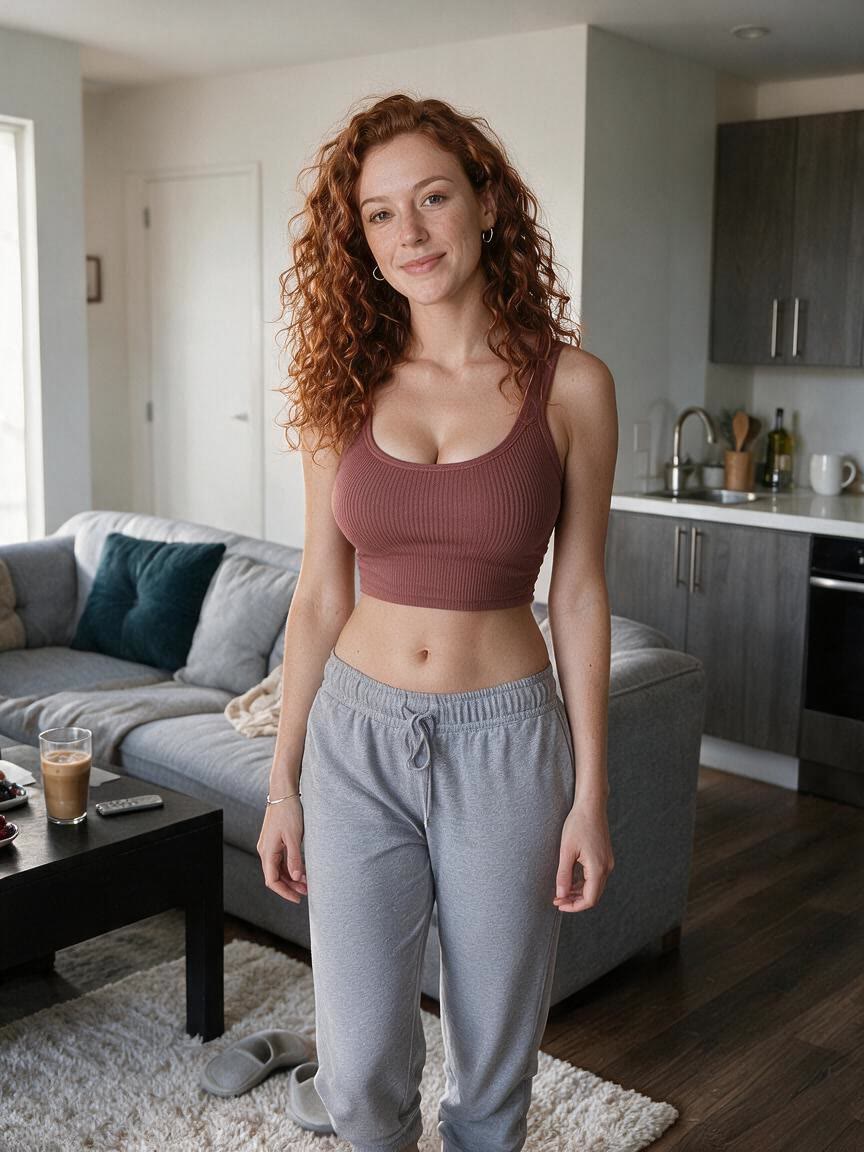
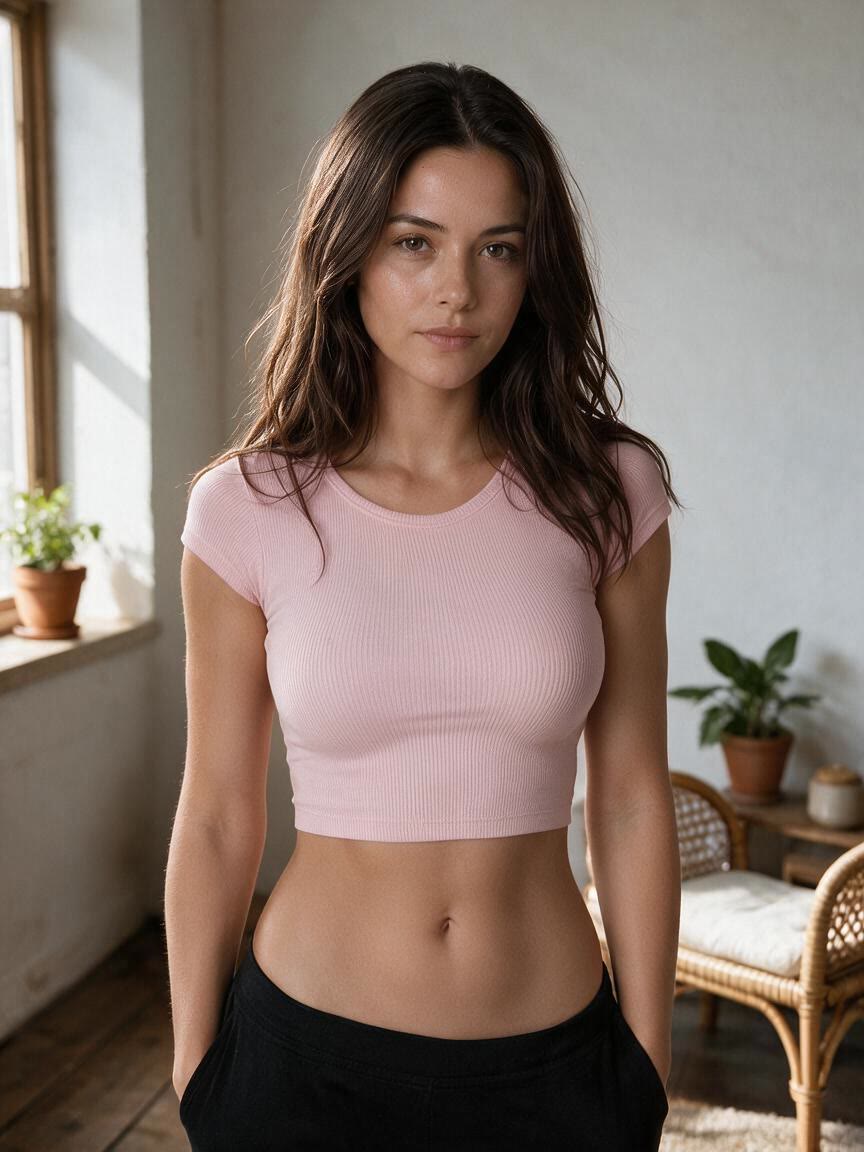
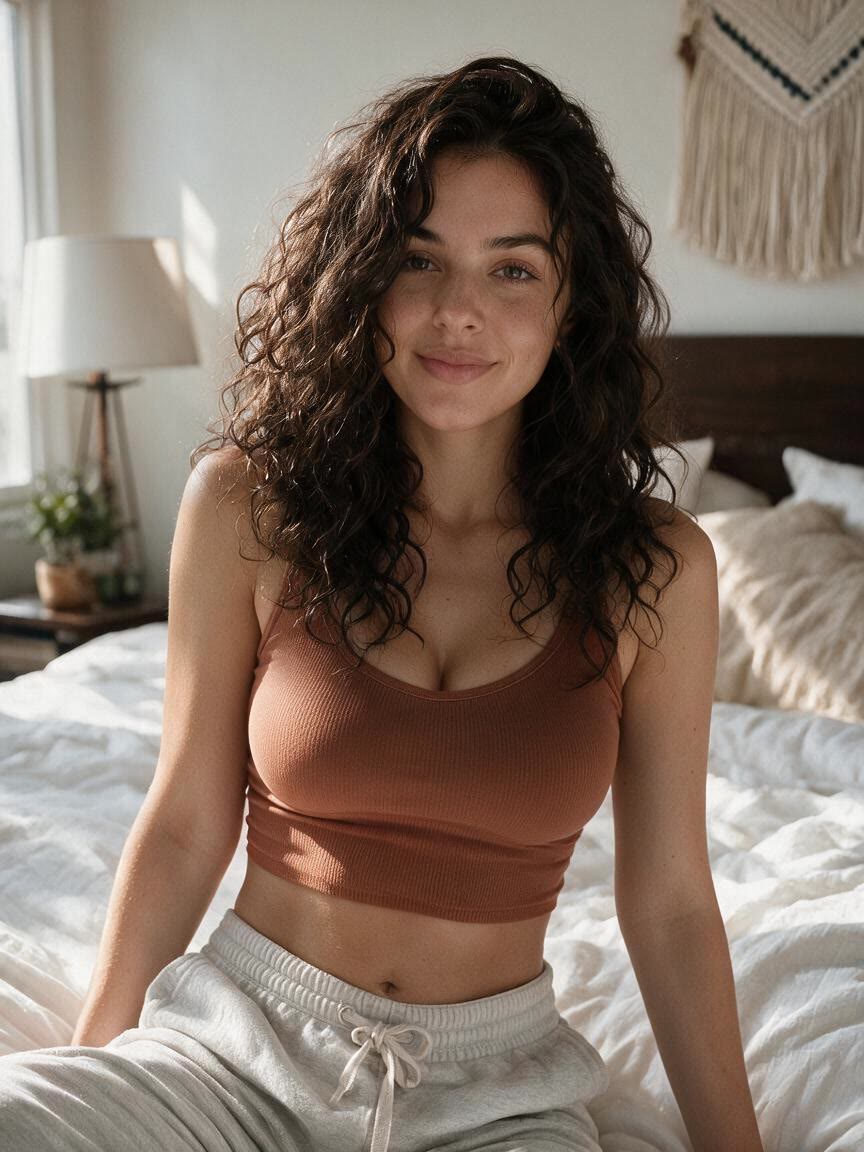
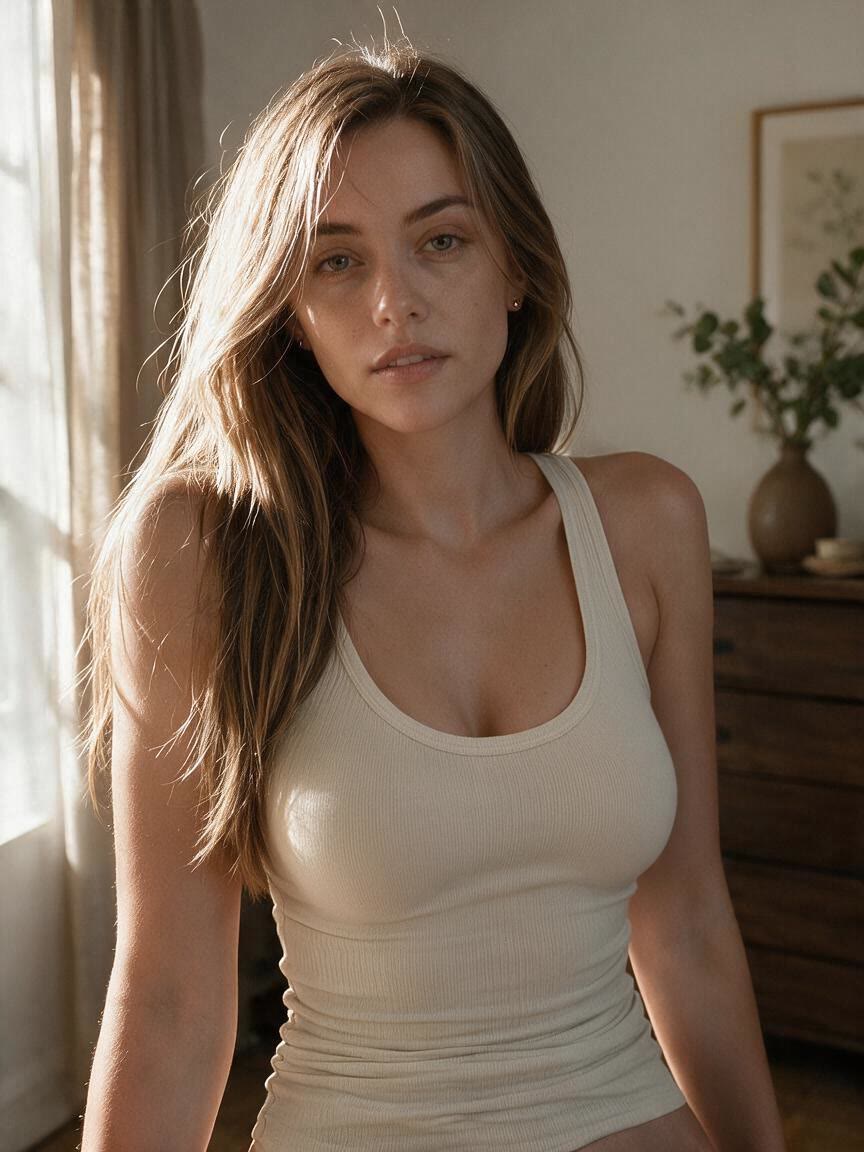
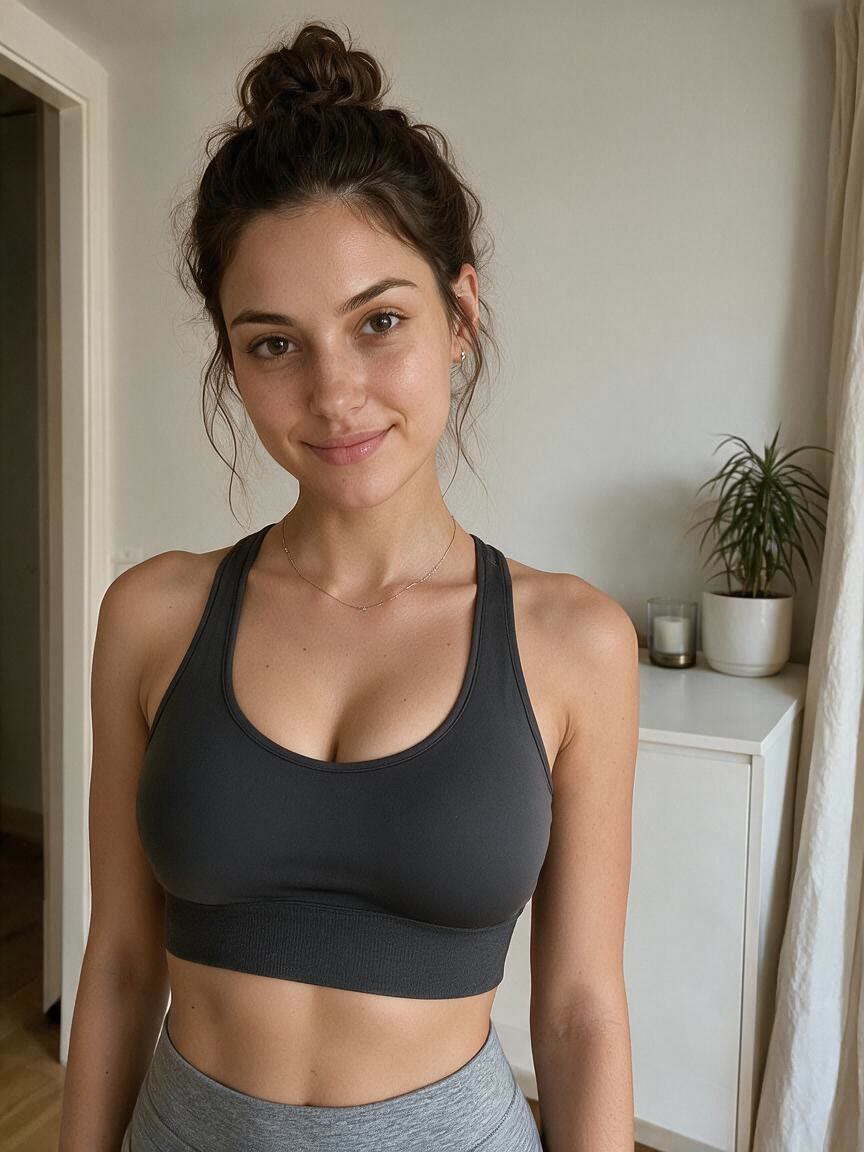
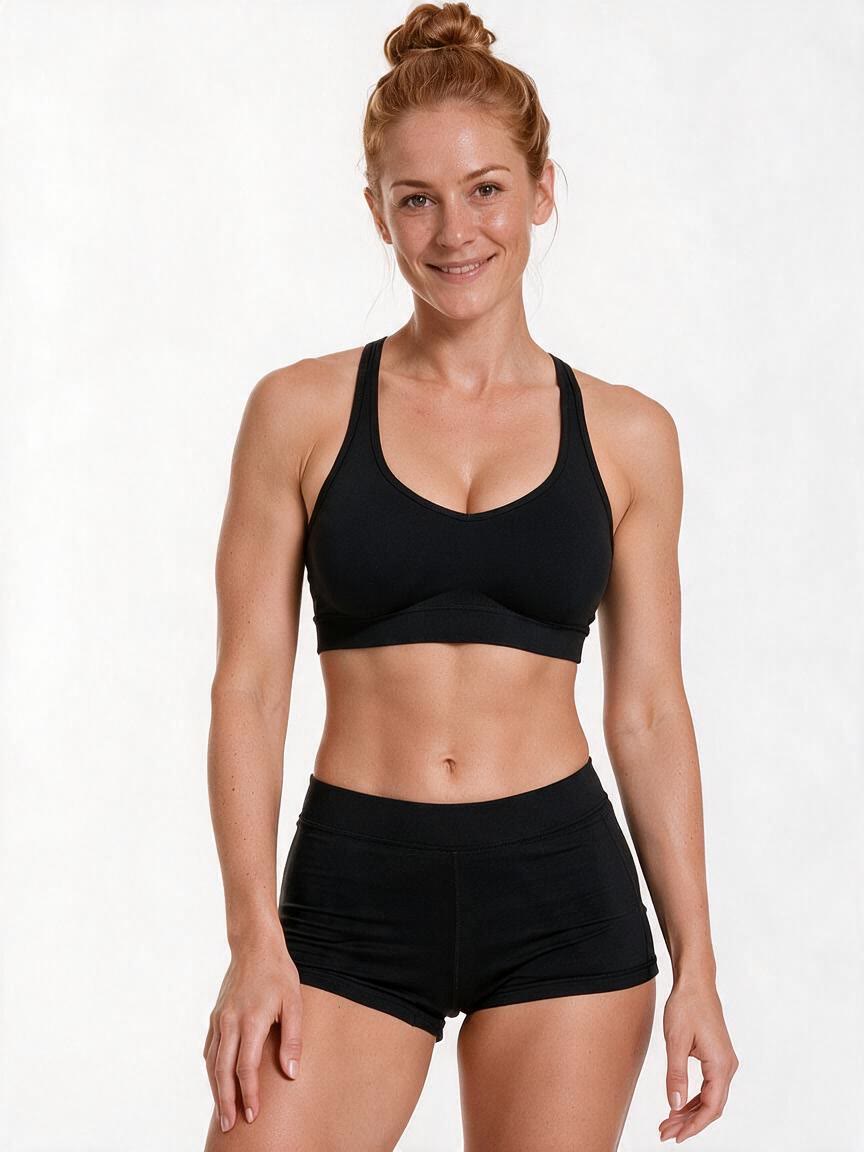
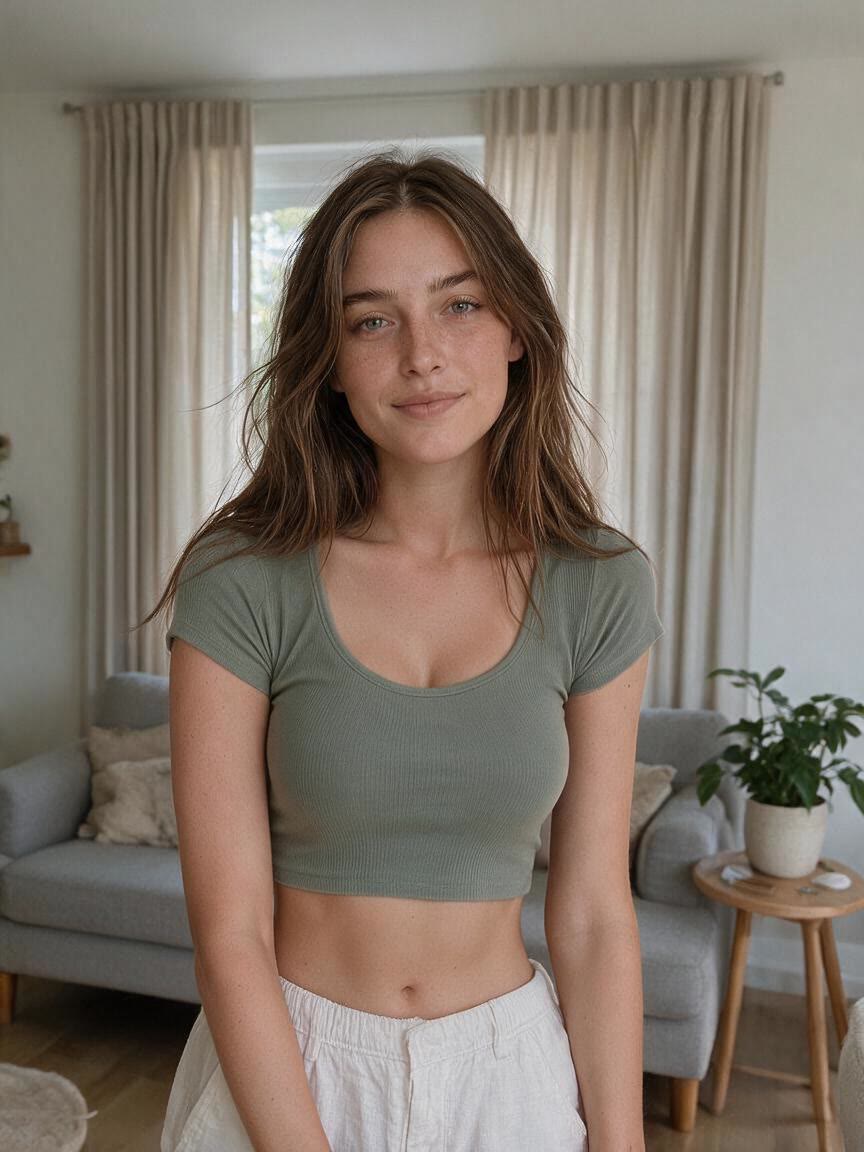
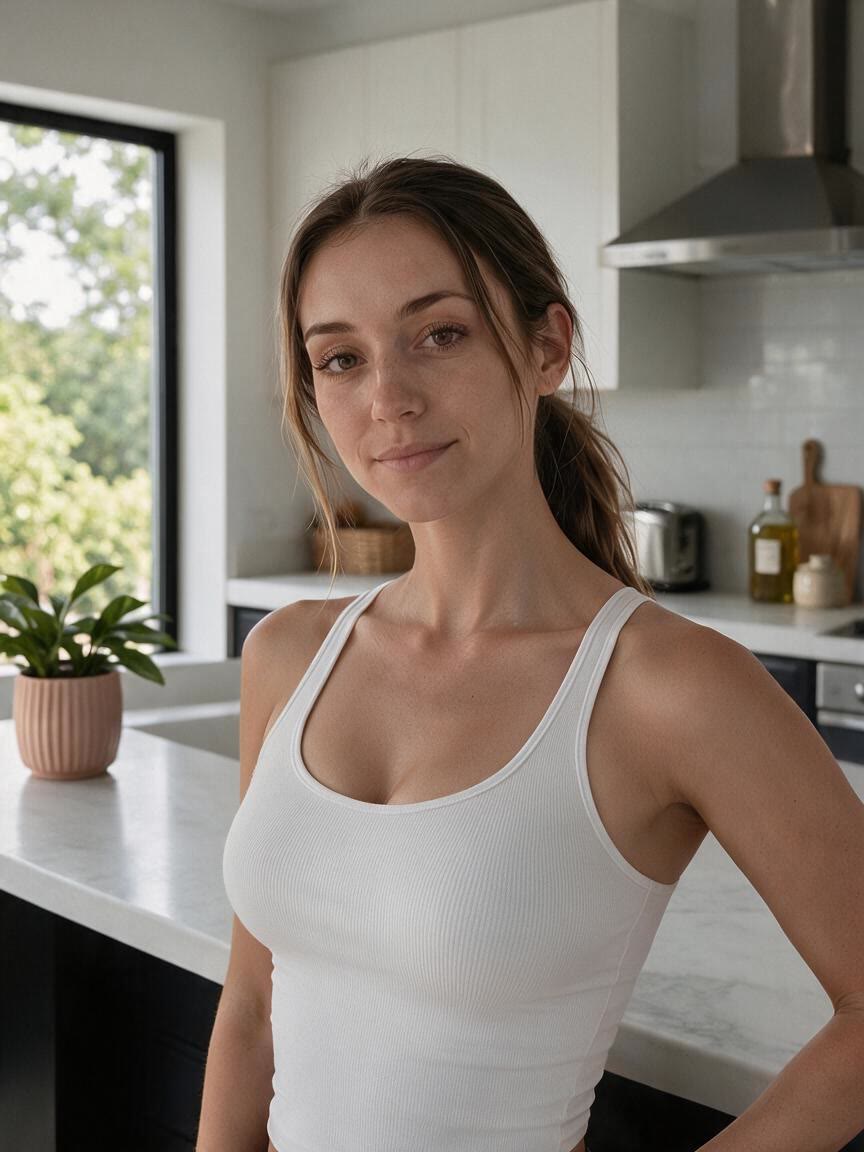
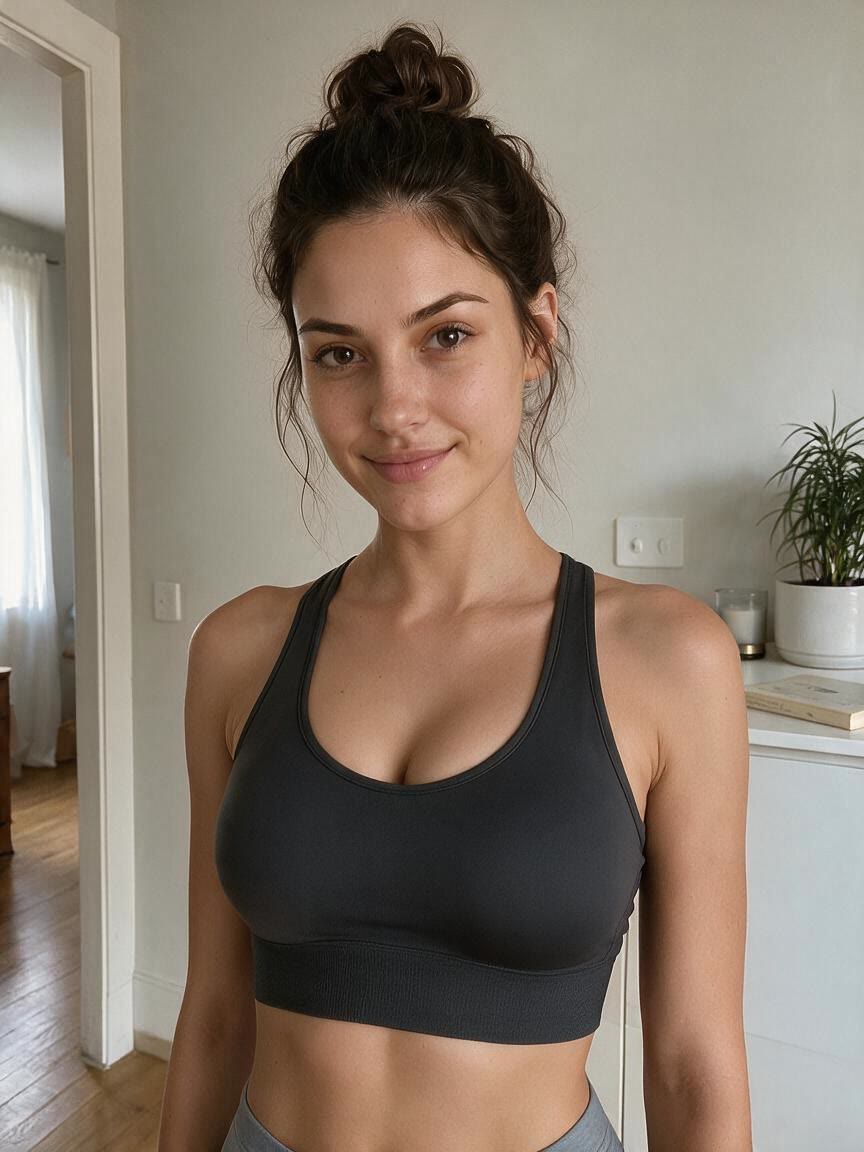
Bring a portrait or full-body photo when you want to visualize a smaller, more proportional bust. Cavro turns that specific change into an image you can compare with your starting photo.
Try Cavro free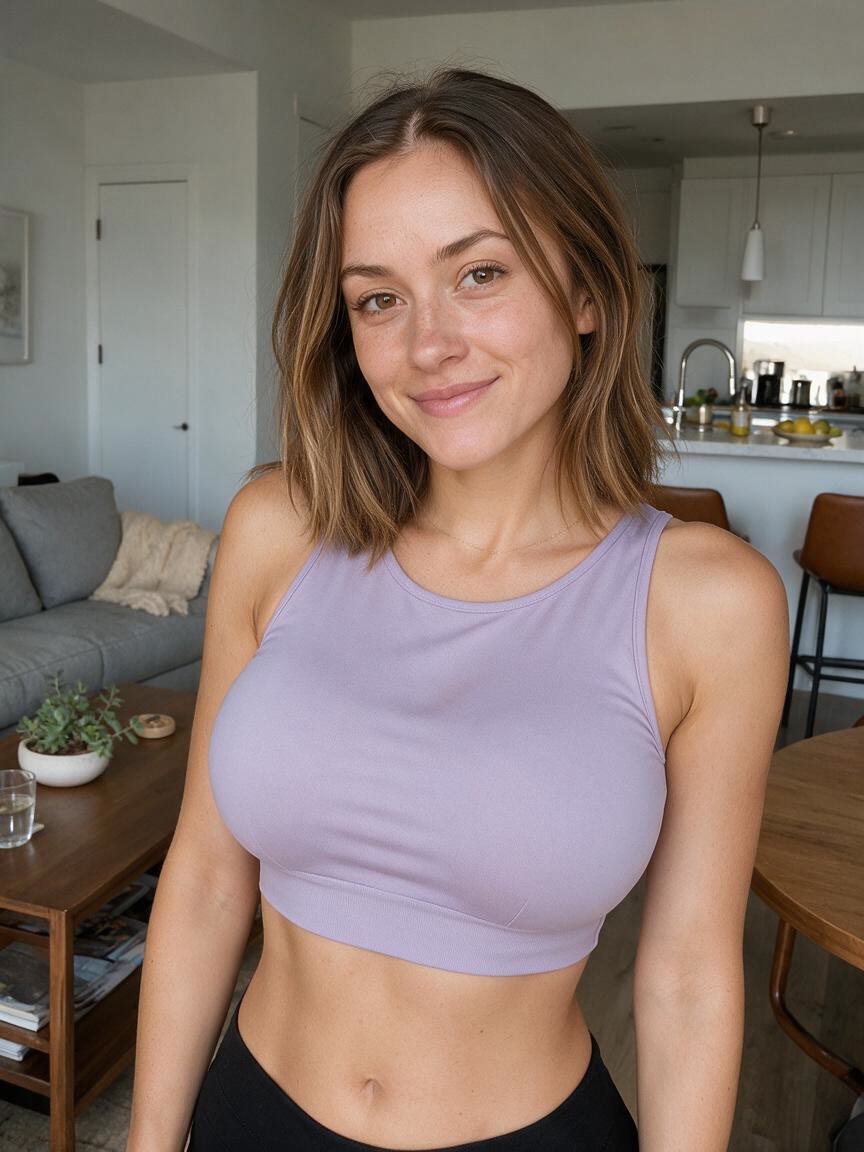
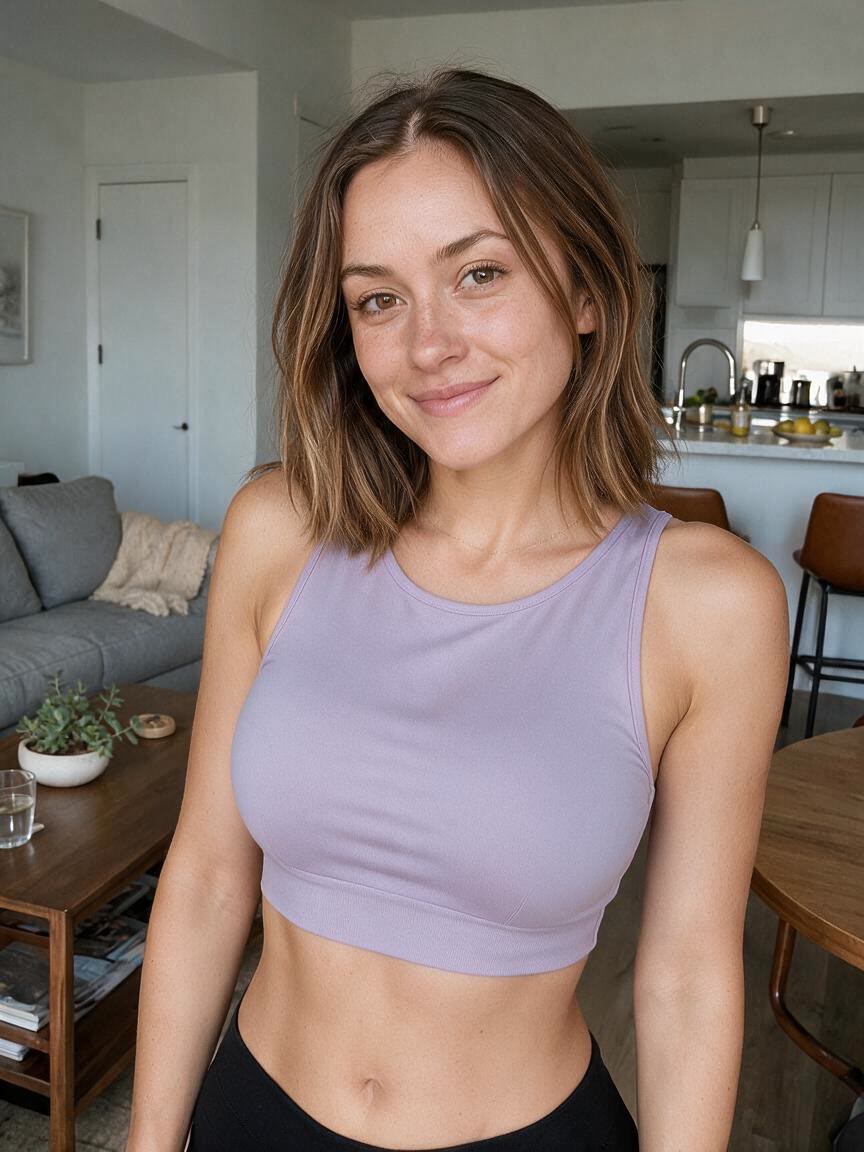
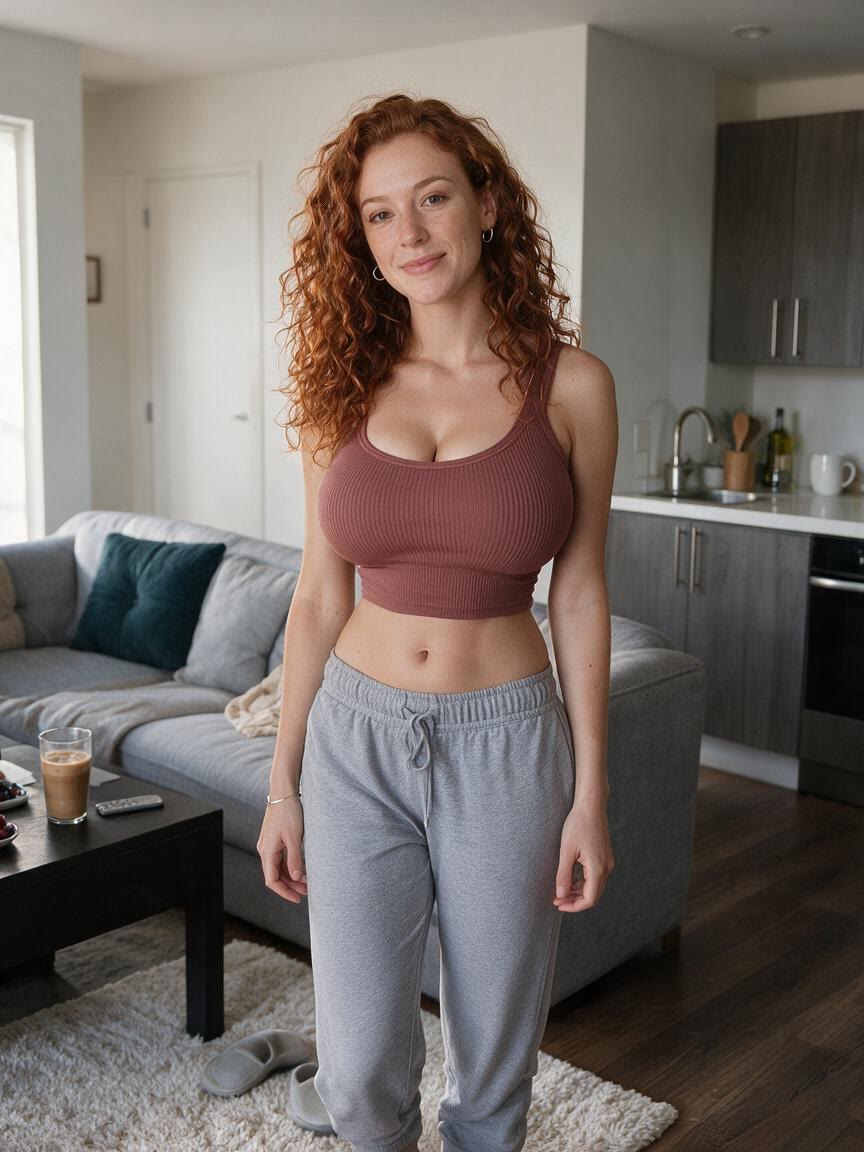
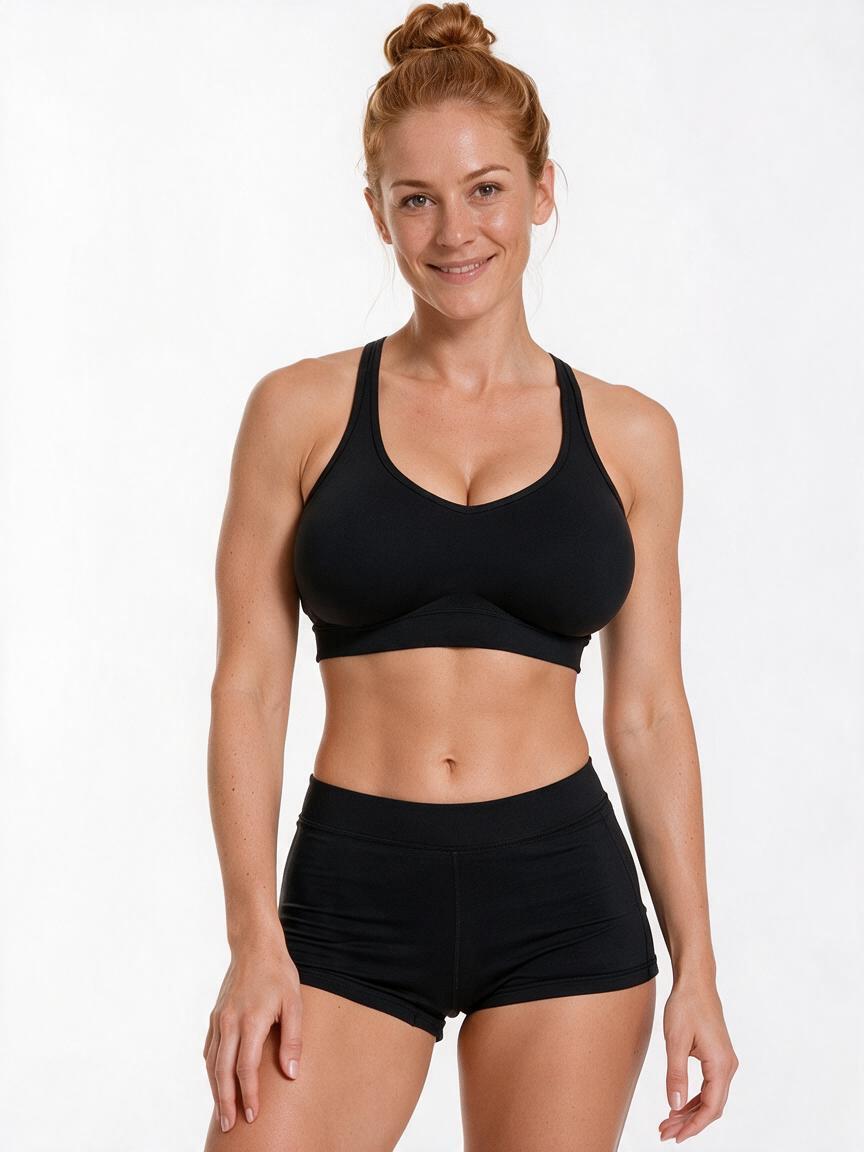
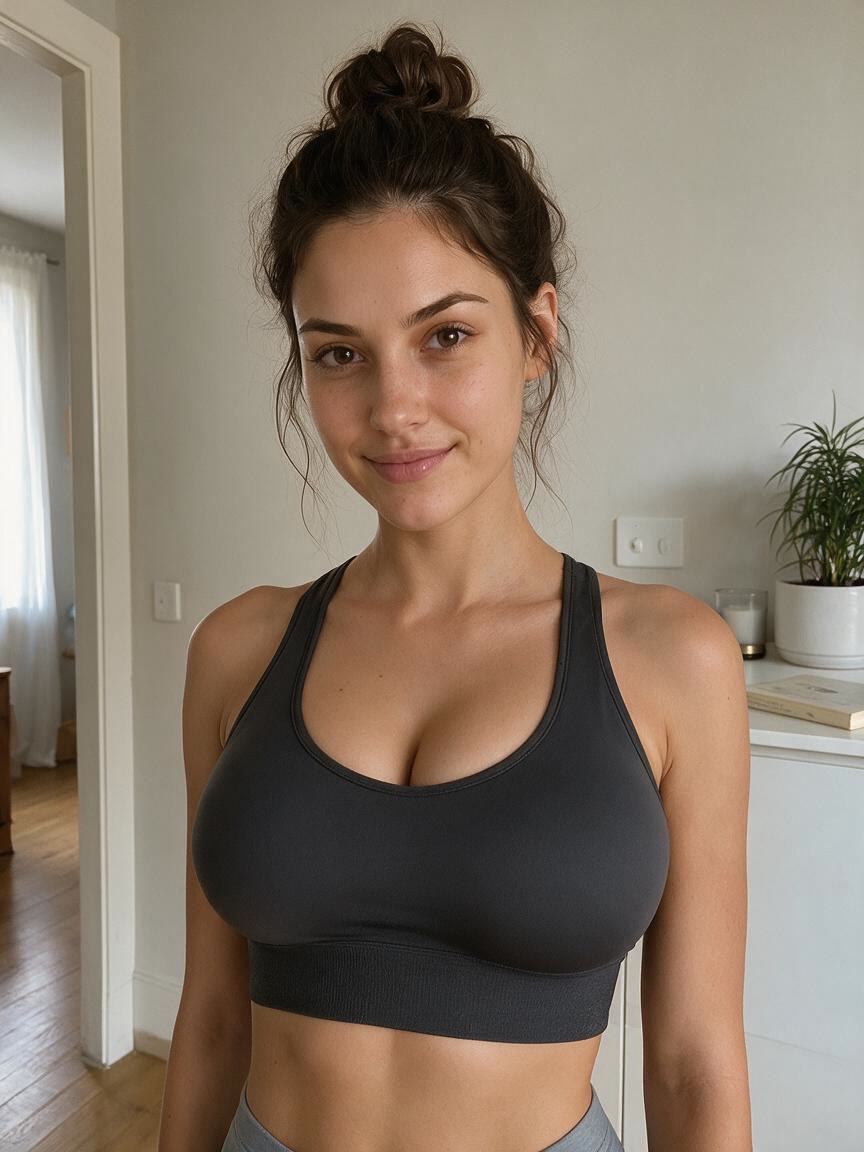
Use a workout or activewear photo when the bust feels out of balance with the athletic look you want to present. Cavro helps you explore a more streamlined silhouette through a focused edit.
Try Cavro free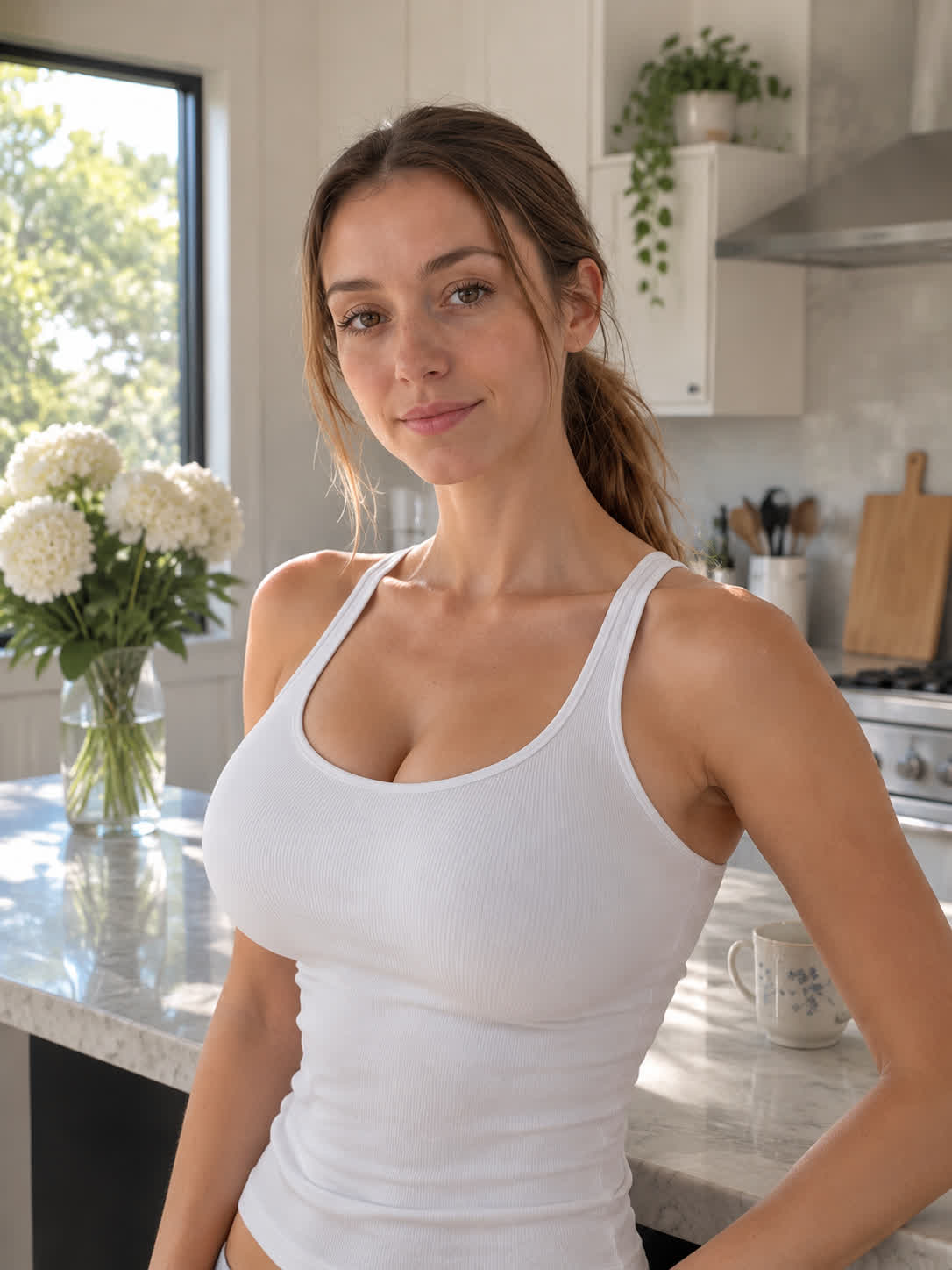
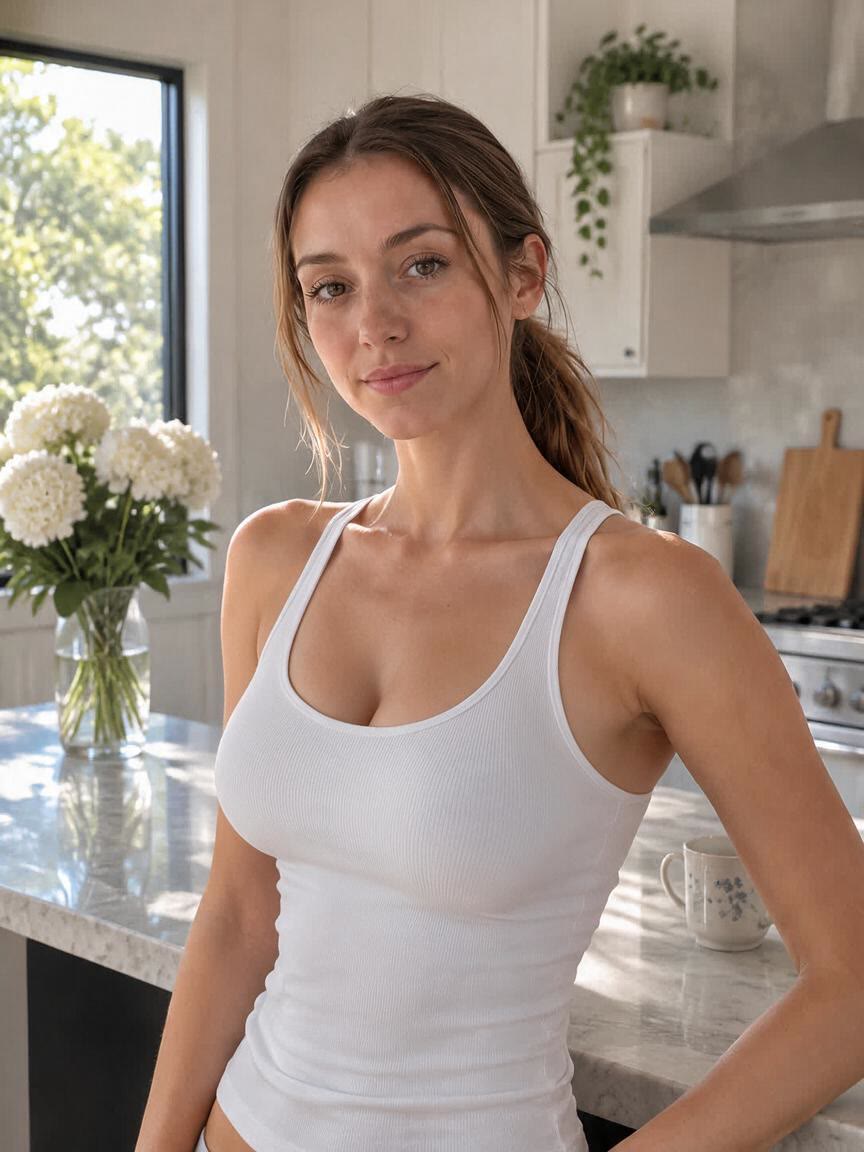
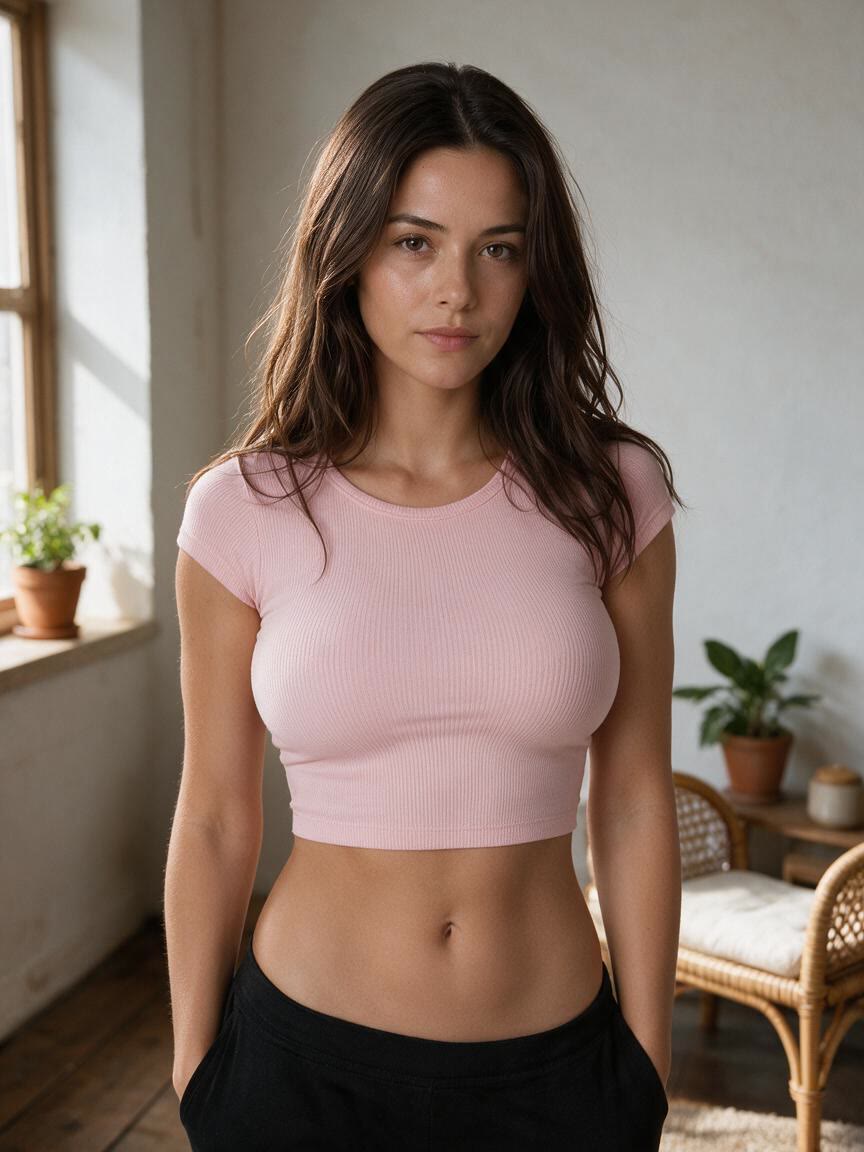
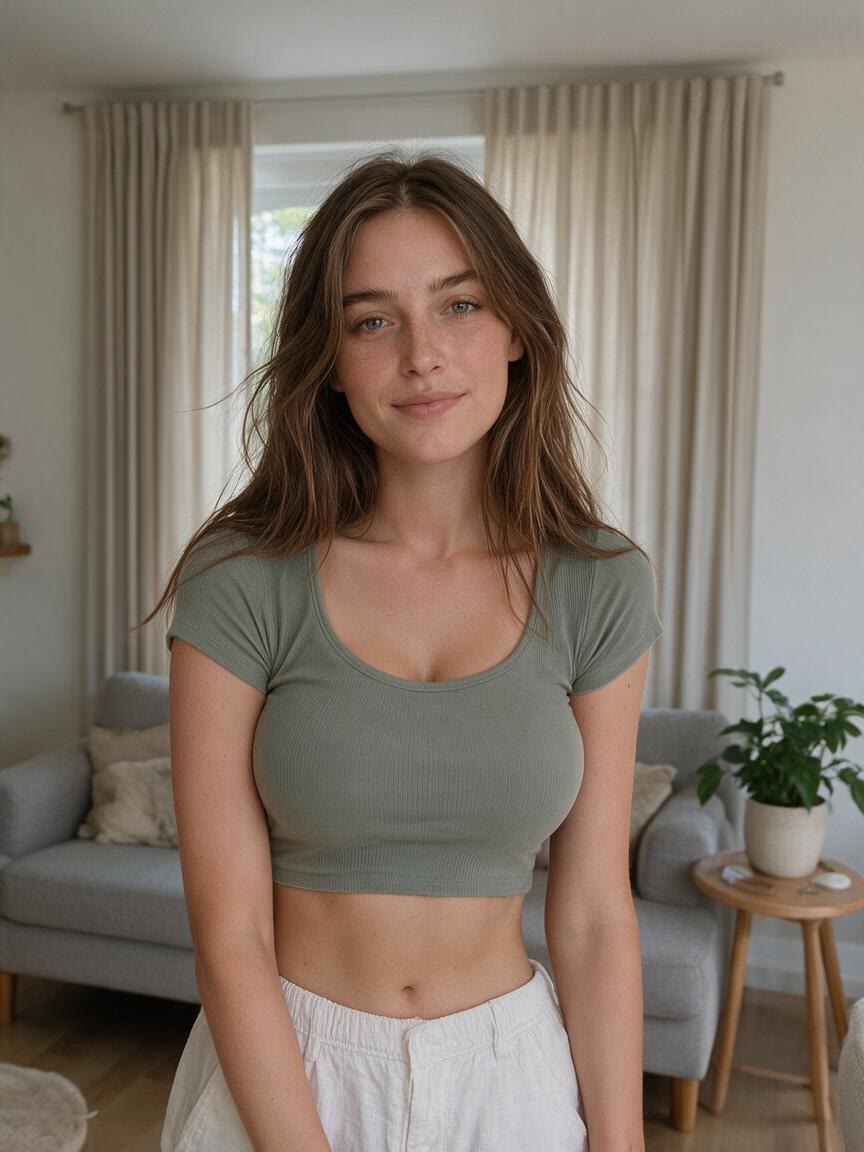
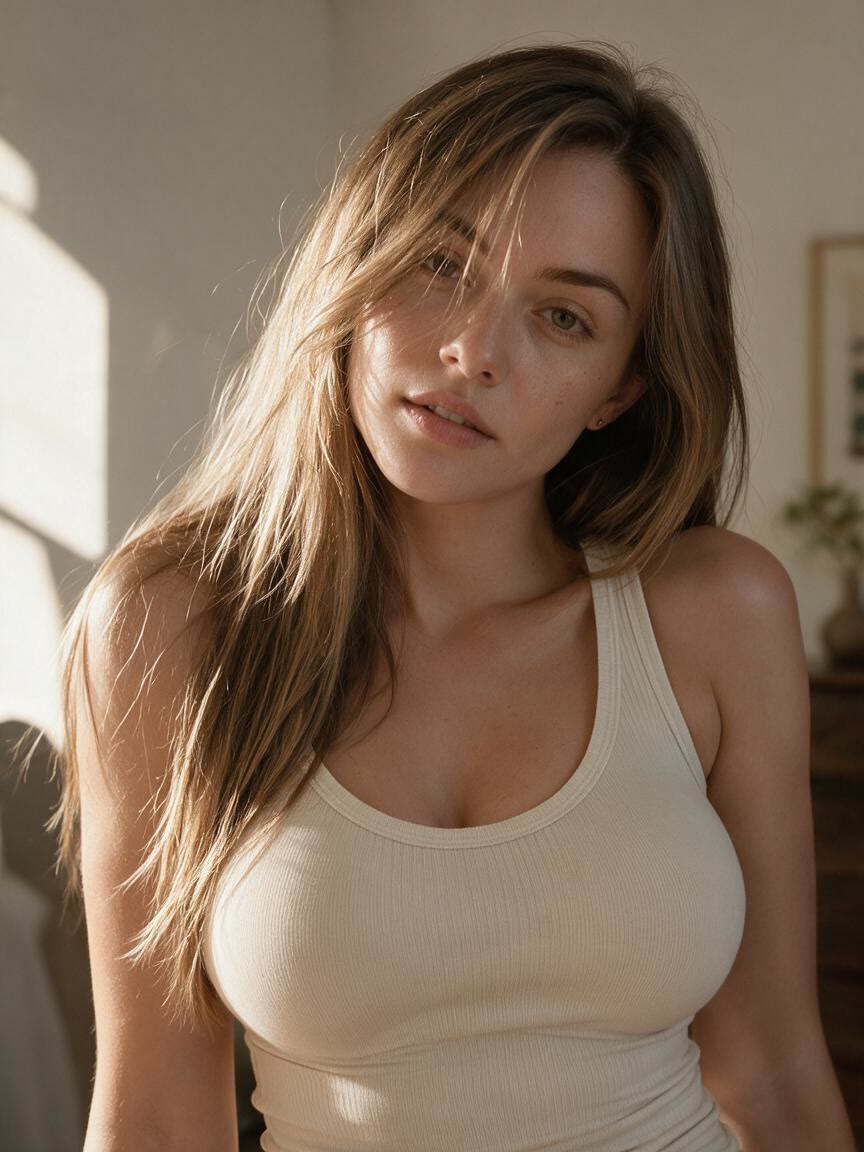
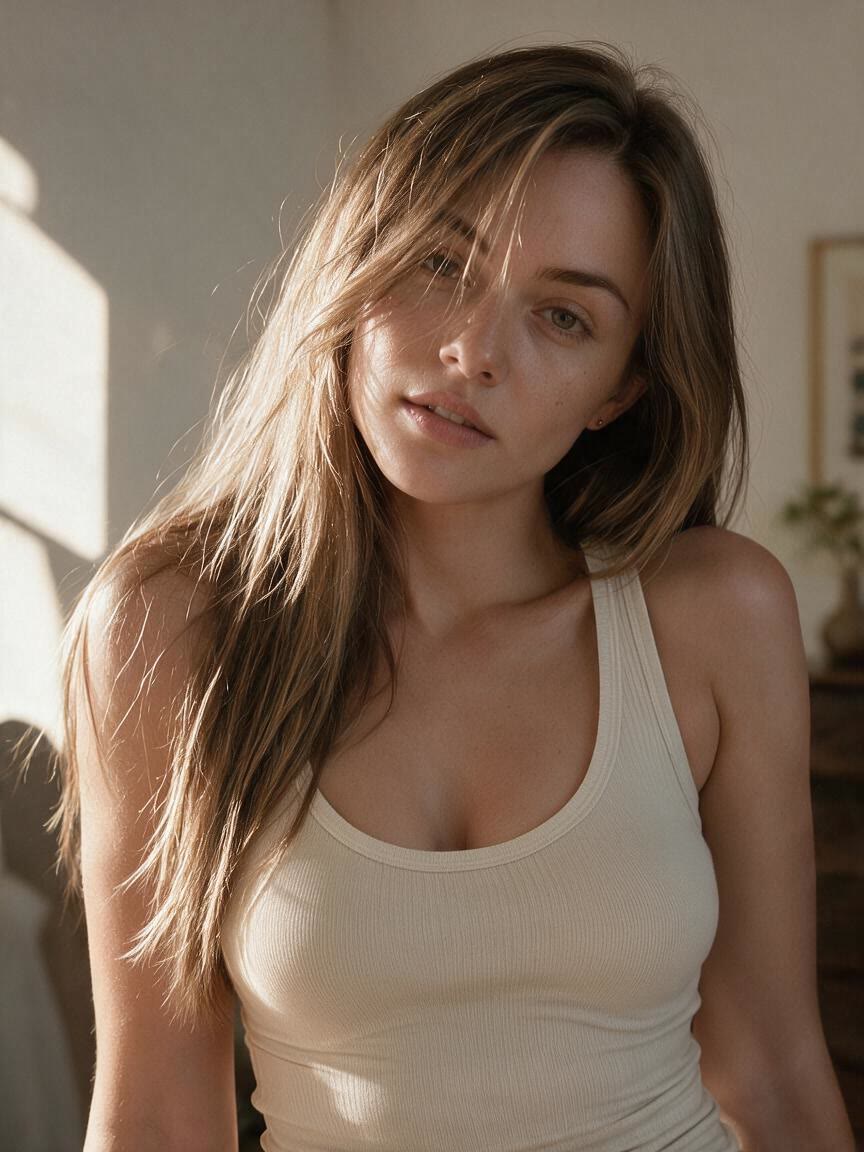
Start with a garment or model image when you need to assess a different bust proportion for styling or e-commerce content. Cavro lets you preview that visual direction from the supplied photo.
Try Cavro free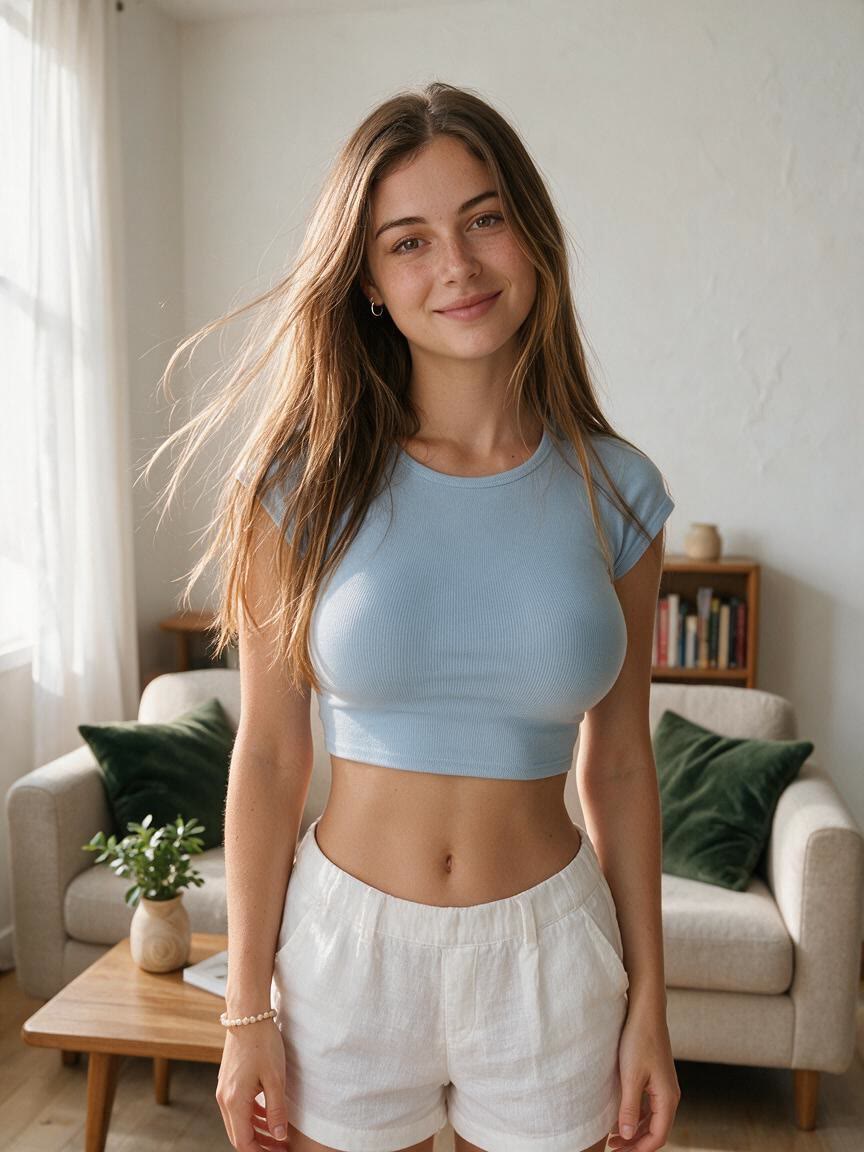
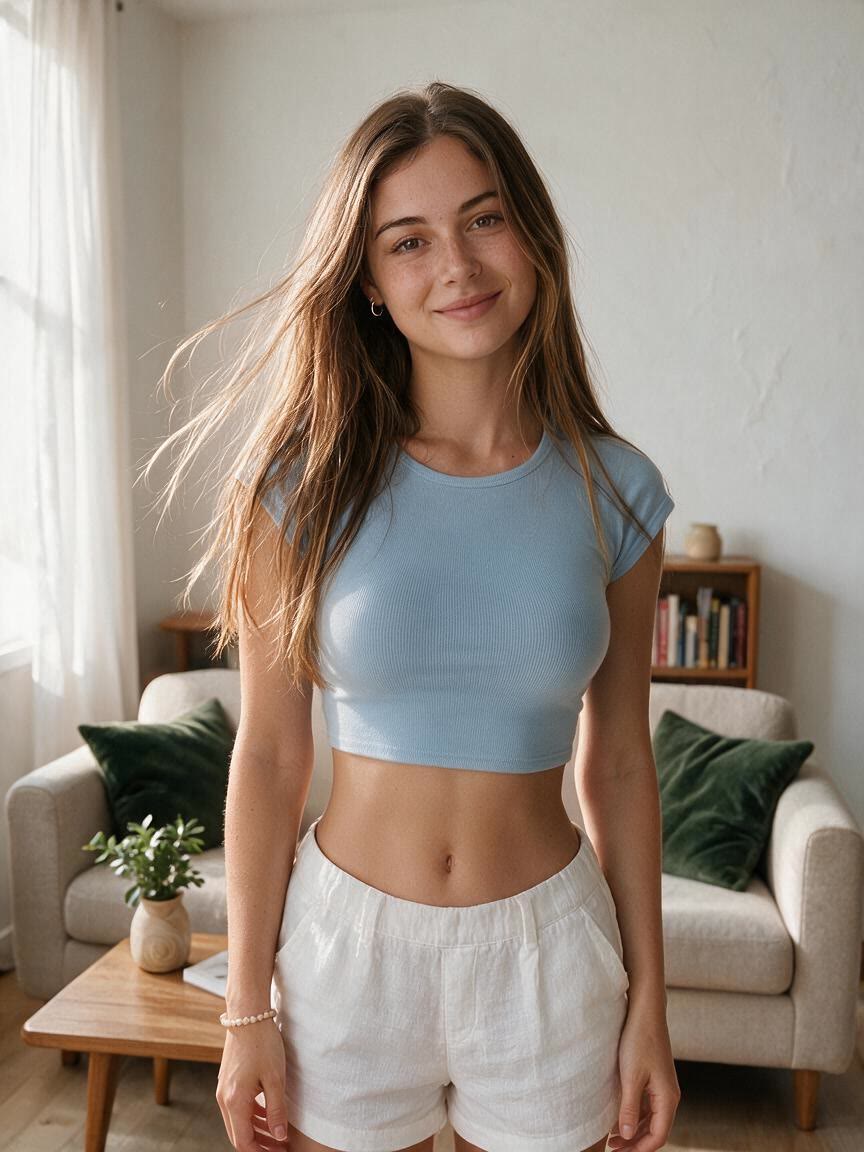
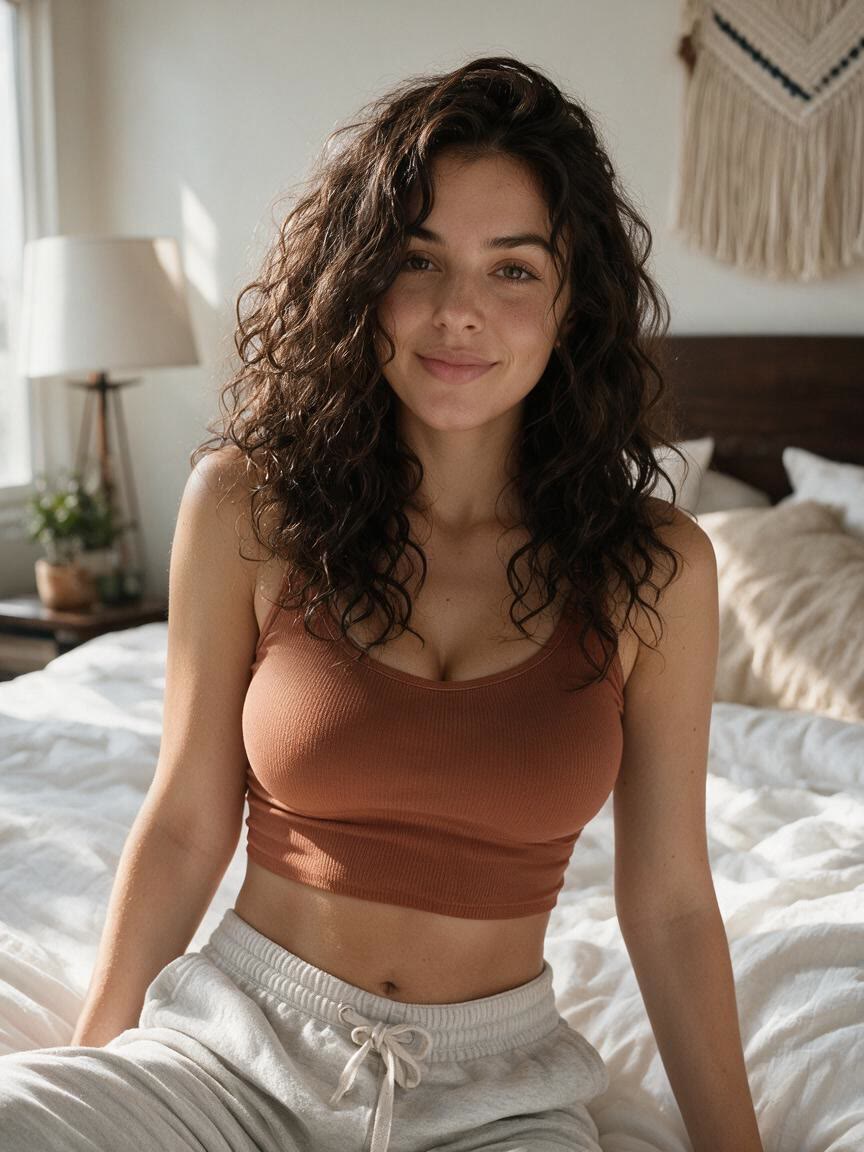
When an edit needs to look believable, Cavro focuses the change on breast size rather than replacing the whole image. You come away with a proportion preview designed to avoid obvious warping across the face, clothing, and background.
Try Cavro free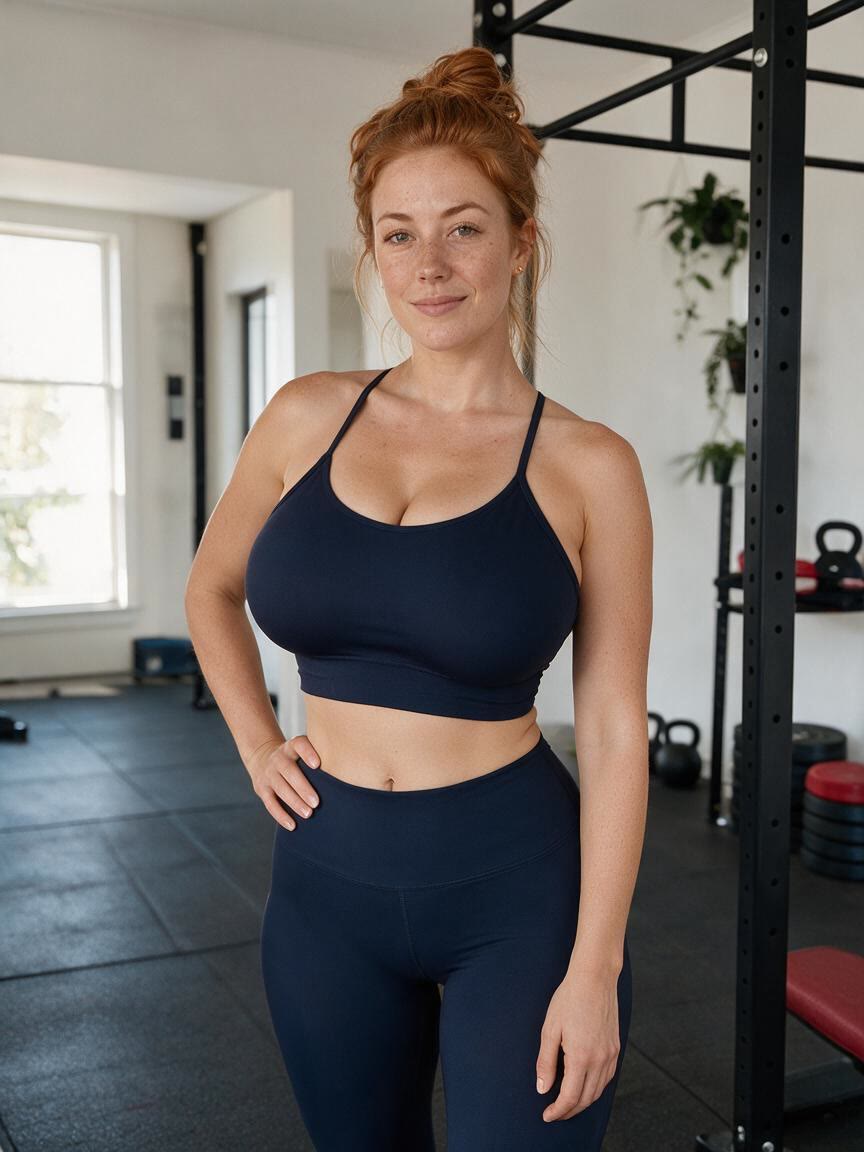
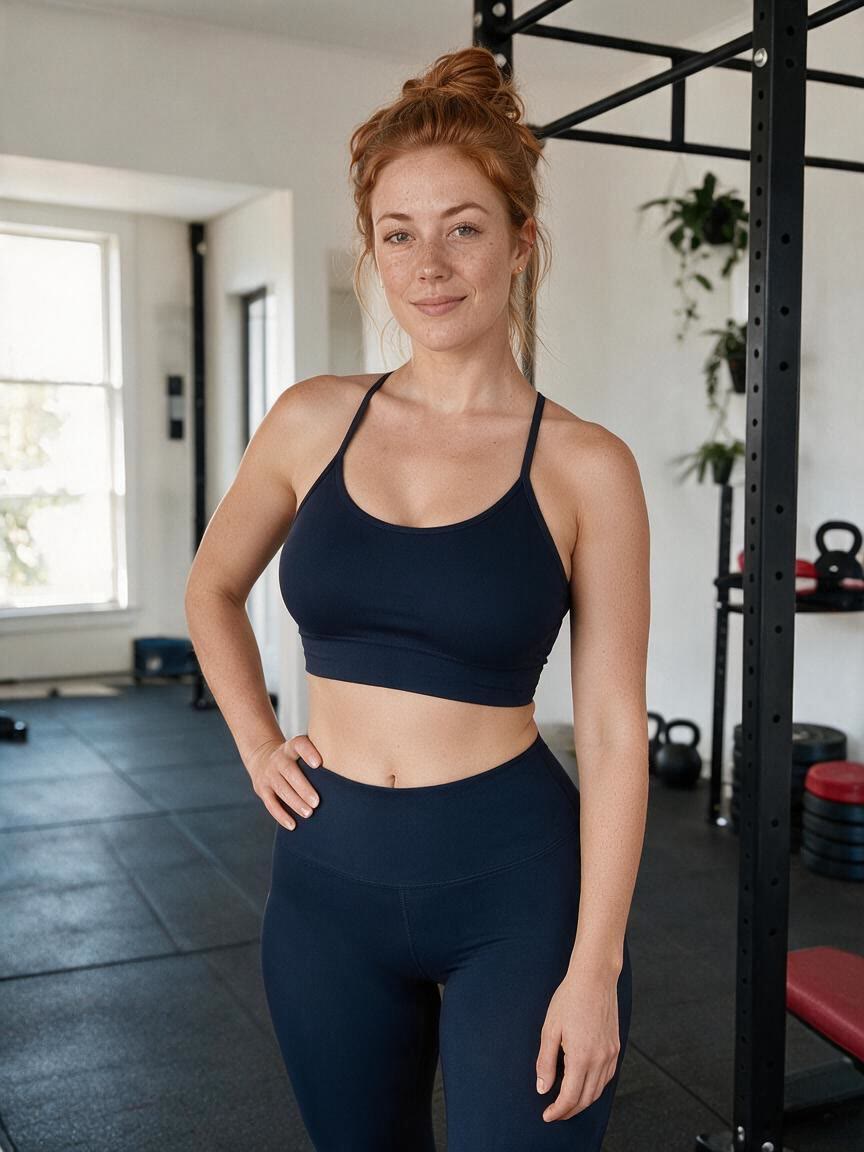
When you are unsure how much reduction feels right, describe a subtle or more significant change in your prompt. Cavro gives you a way to explore different visual proportions instead of settling on one fixed filter.
Try Cavro free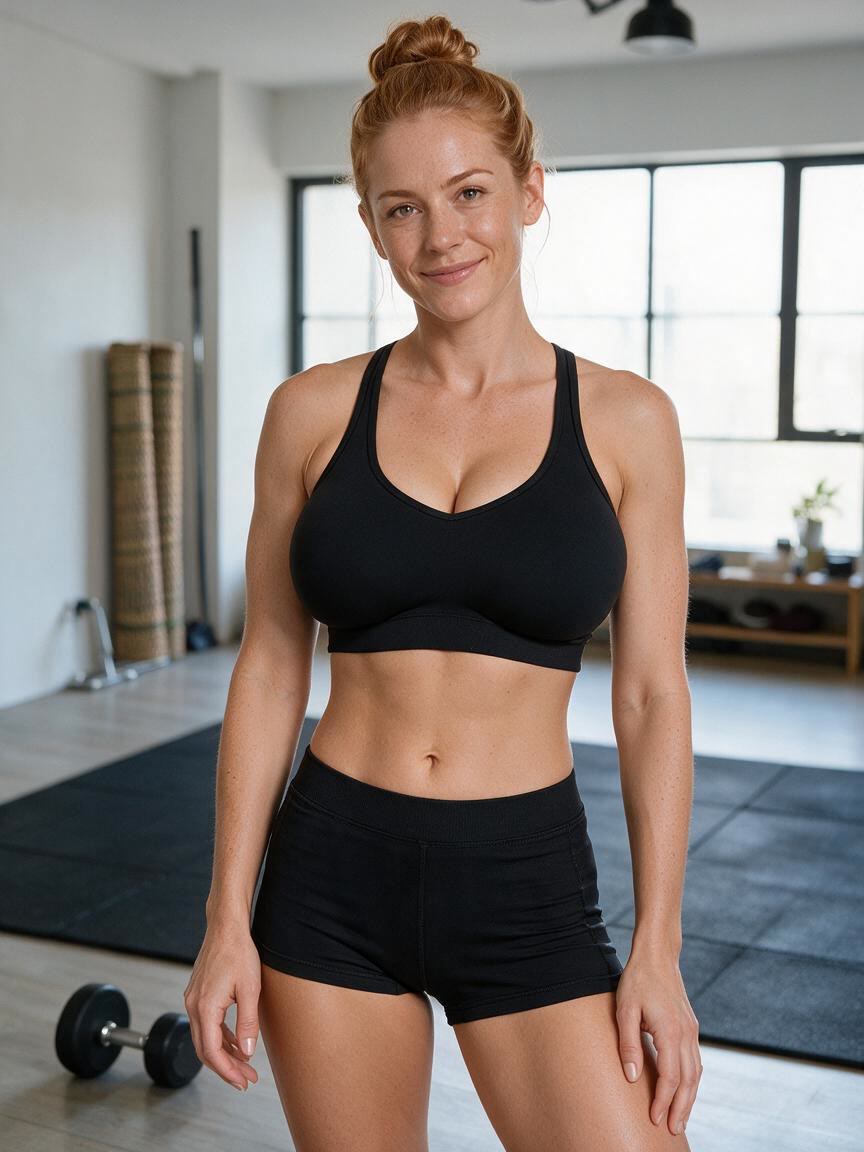
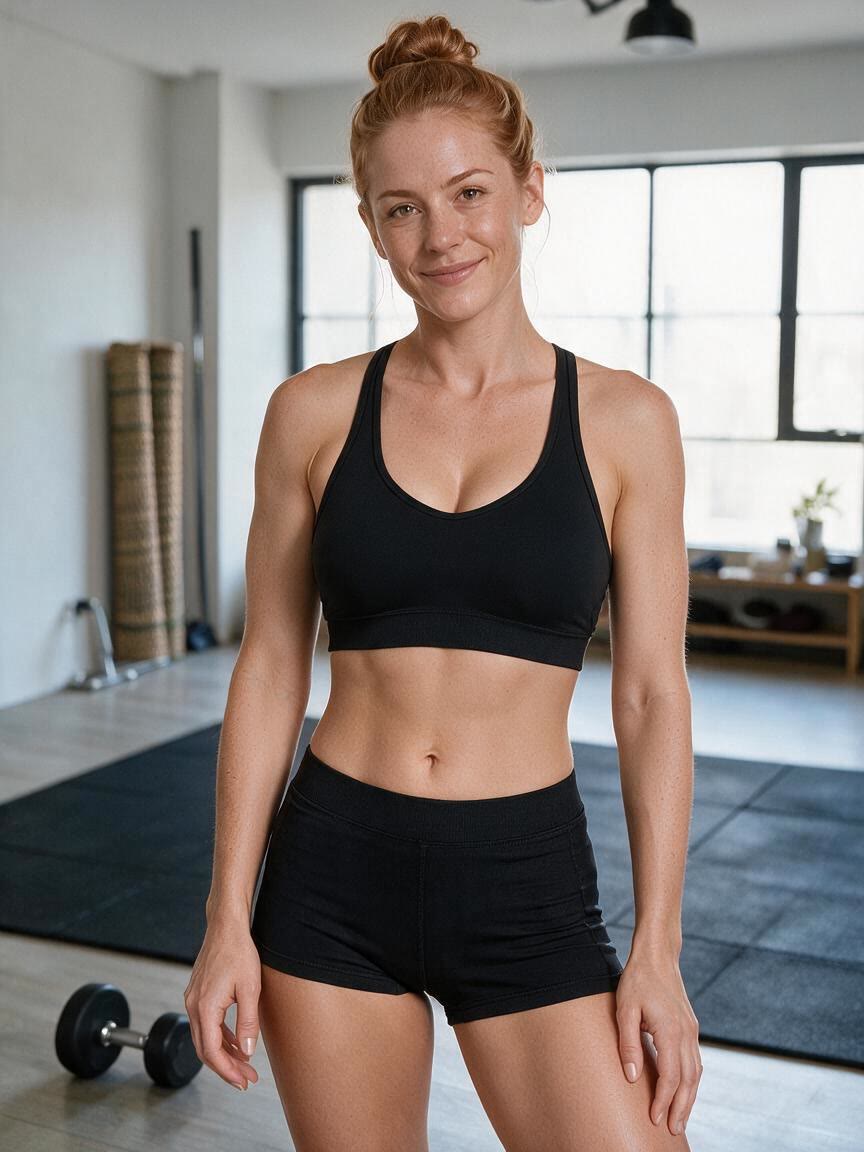
When the same idea needs to work for portraits, fitness content, or fashion imagery, start from the relevant photo and tailor the instruction. You get a breast reduction preview shaped to that specific visual context.
Try Cavro freeAn AI breast reduction filter creates an edited image that previews a smaller or differently proportioned bust from a written instruction and a reference photo. It is a visual editing tool for exploring how a change could look in the supplied image.
Yes. A clear portrait, full-body image, fitness photo, fashion image, or model visual can provide a useful reference. The subject and clothing should be visible enough for the requested proportion change to be represented.
Describe the proportion you want in your prompt, such as a subtle reduction, a moderate change, or a more streamlined silhouette. You can generate again in the same conversation to explore another version.
The edit is focused on the requested breast size change, with results designed to preserve facial features, posture, clothing, skin tone, and background elements. The exact result depends on the supplied photo and the instruction.
It is a visual image edit, not a prediction of surgical or medical results. Use it to explore a personal or creative image direction, and consult a qualified medical professional for health or treatment decisions.
Creators worldwide are turning “just an idea” into expensive-looking images.