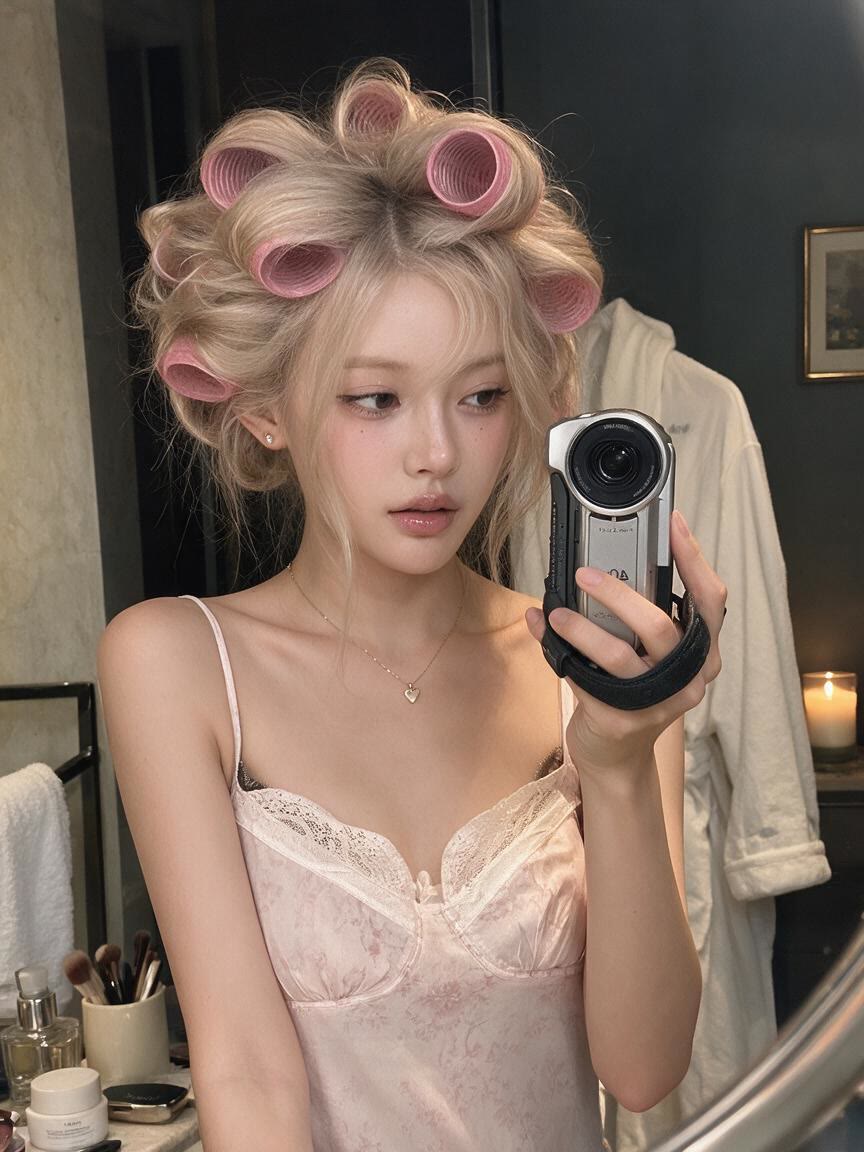
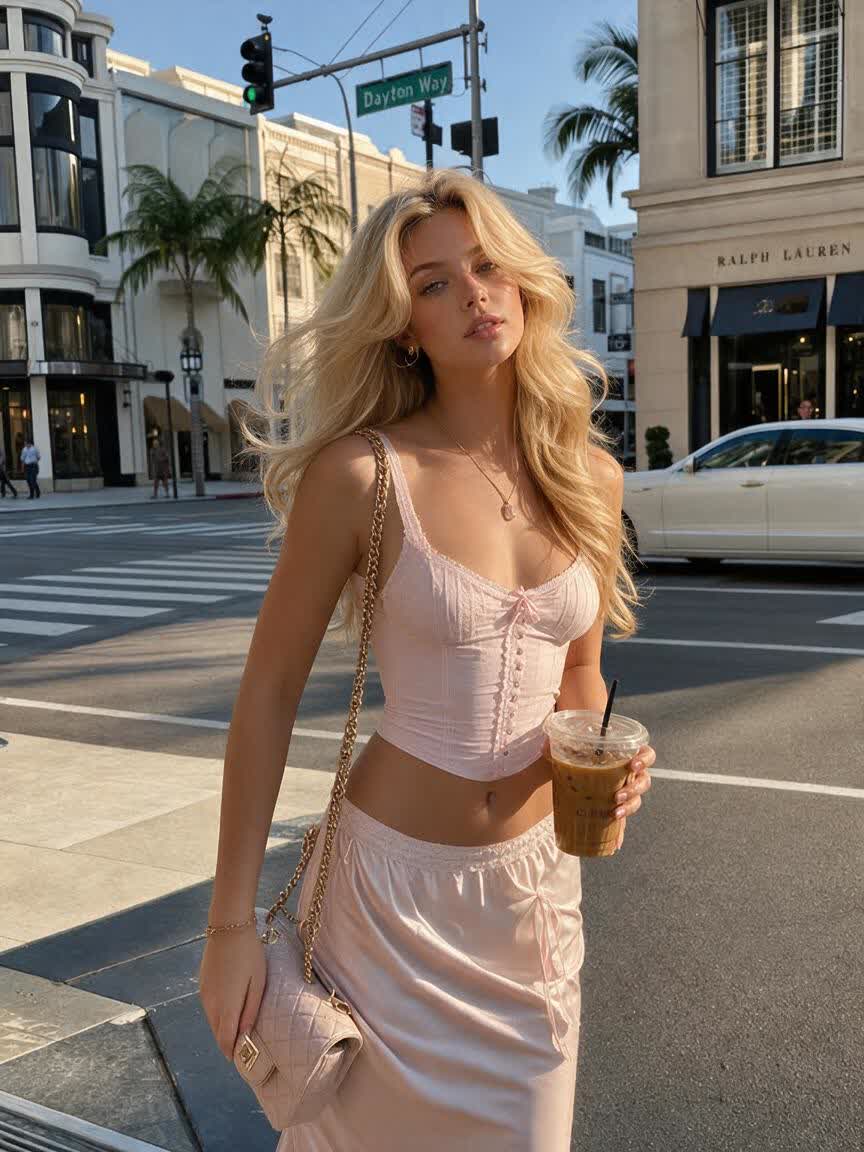
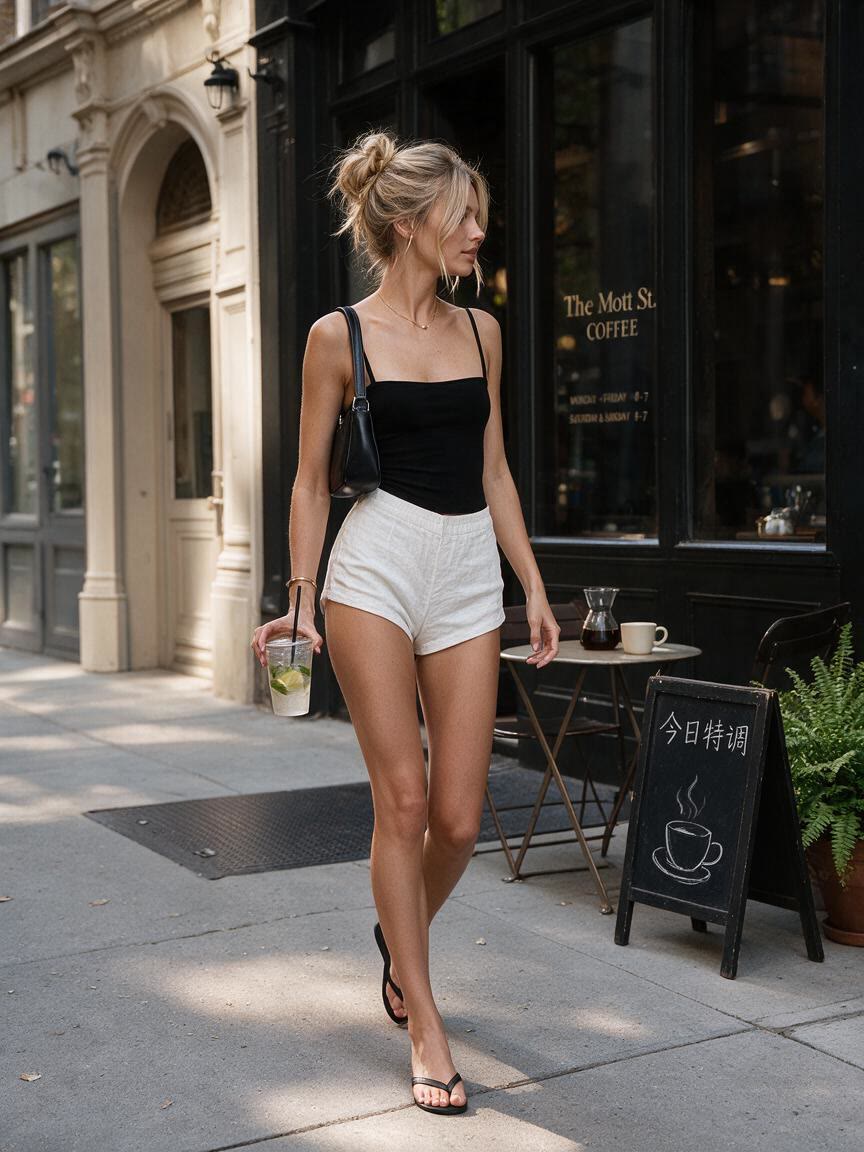
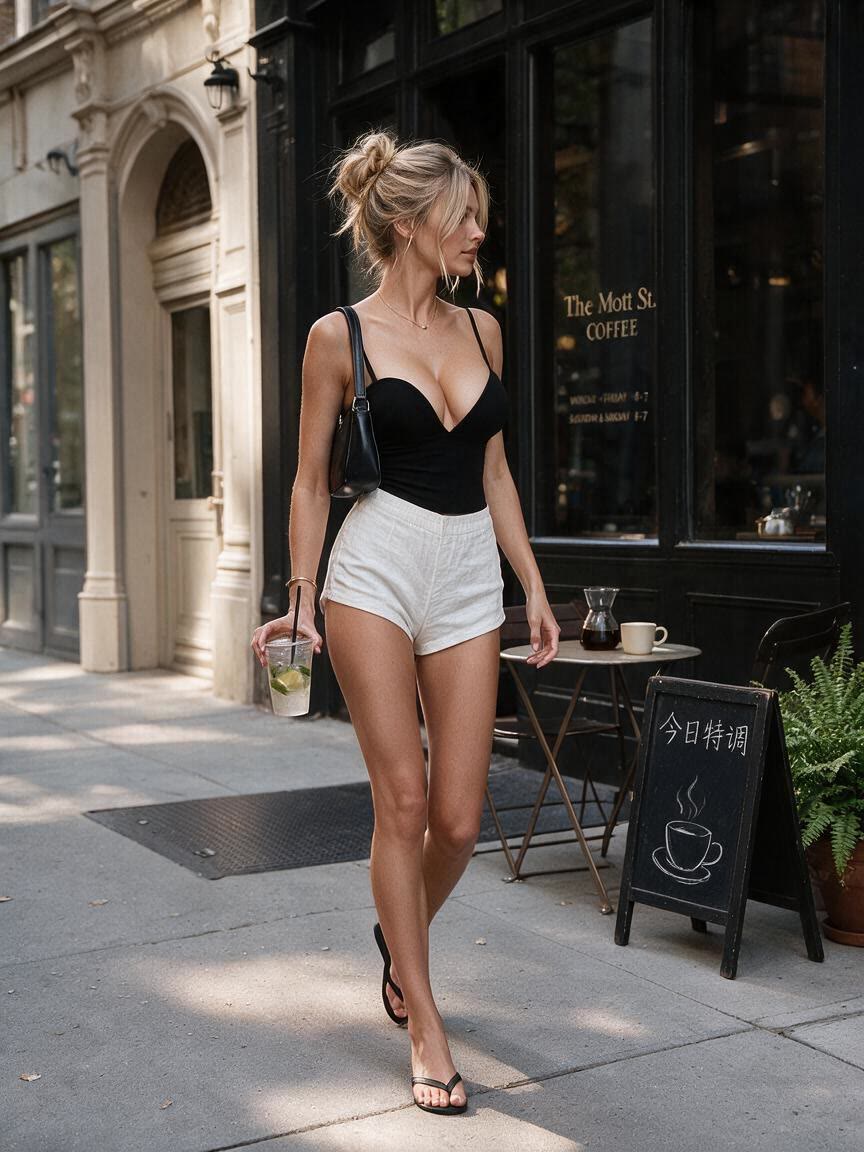
Portrait Proportions
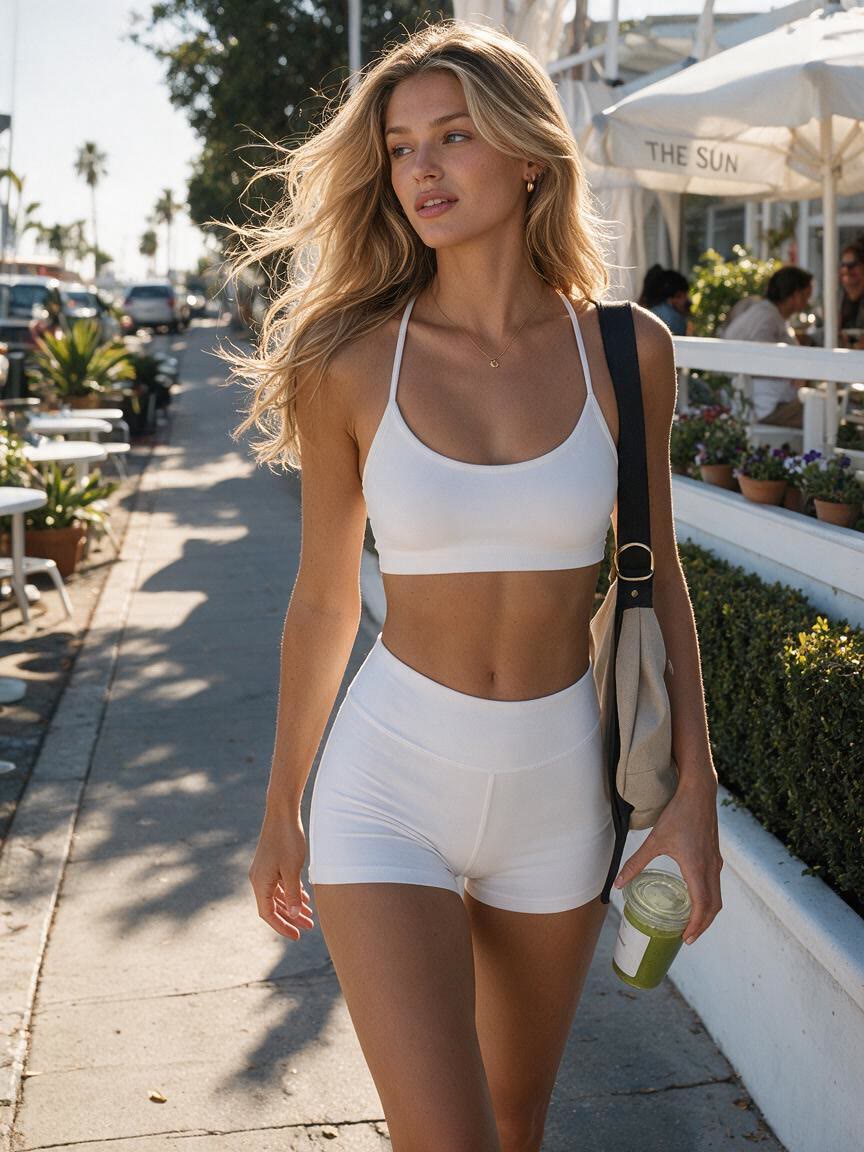
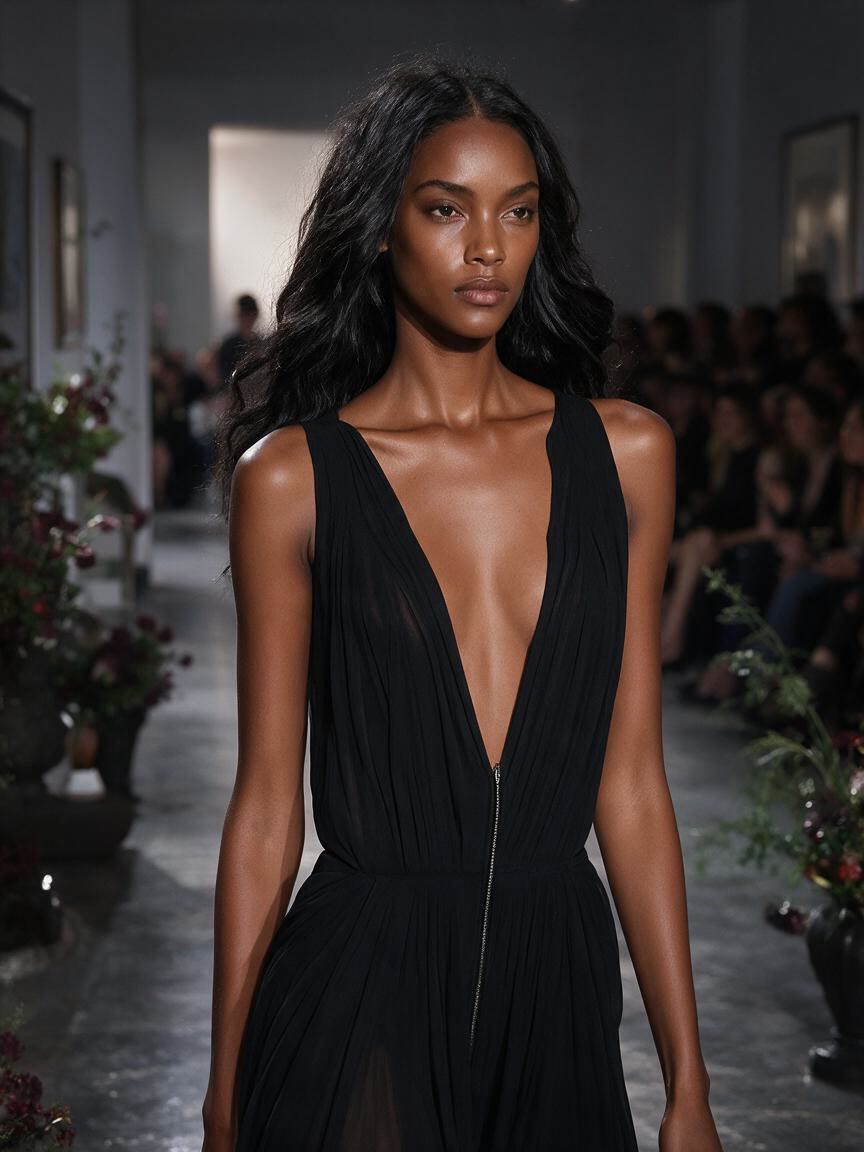
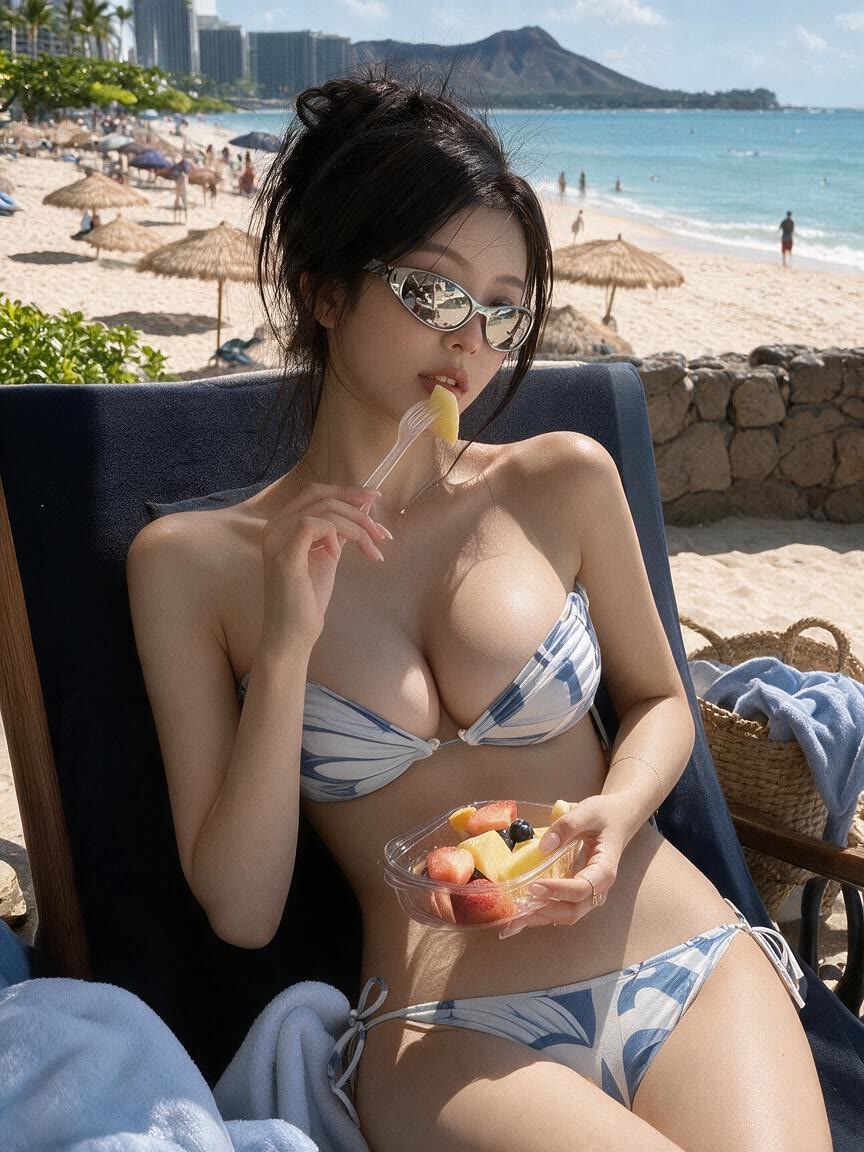
A portrait retoucher brings a finished photo and wants to test a subtle bust adjustment. Cavro applies the requested change across the image so the result can support a natural-looking portrait direction.
Try Cavro freeAdjust breast size and shape in portraits, fashion images, cosplay references, and character visuals while preserving the photo’s original look. Describe a subtle or dramatic change and explore refined variations in Cavro.
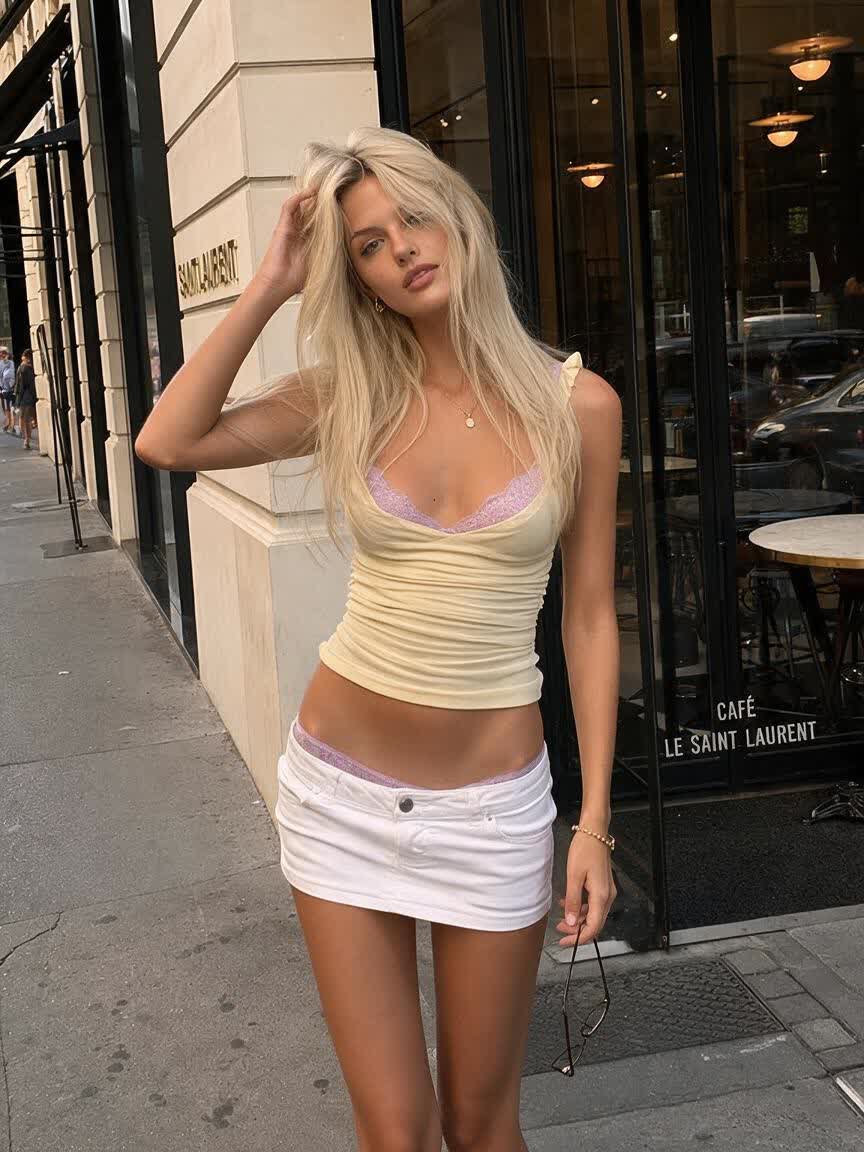
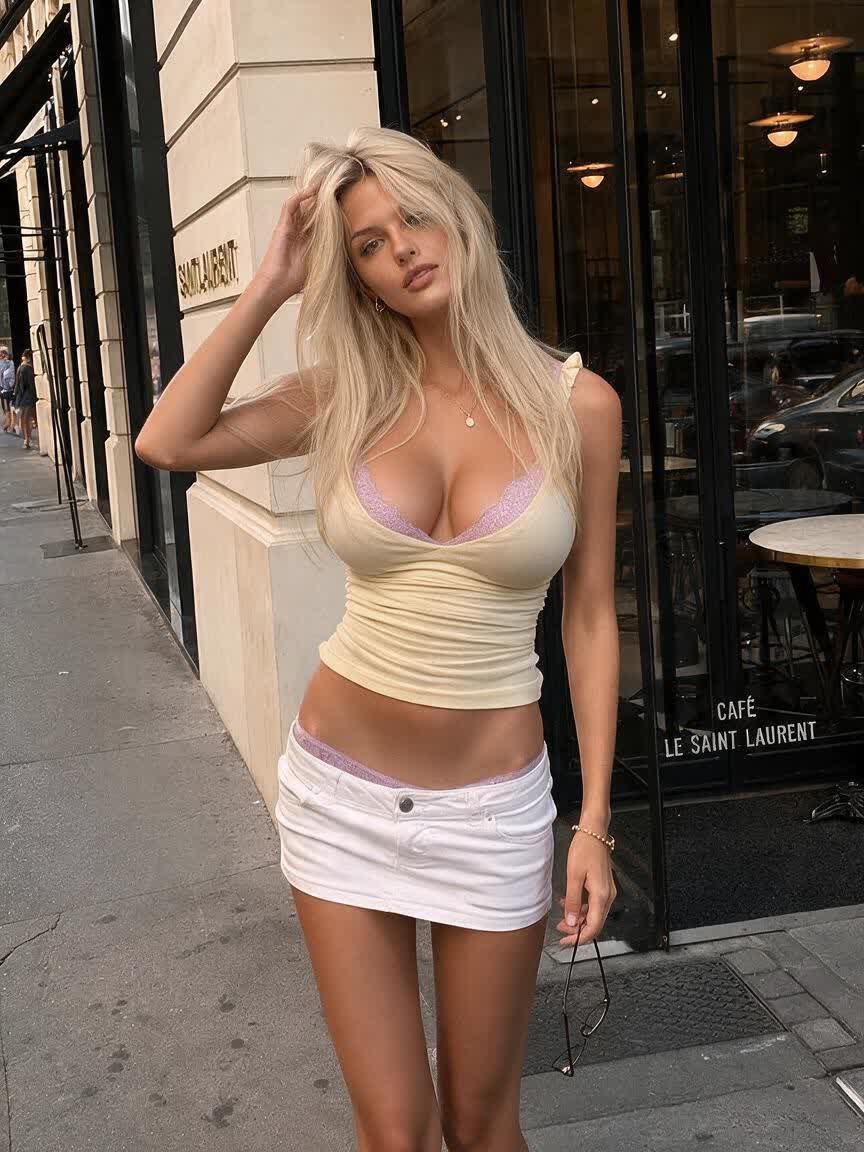
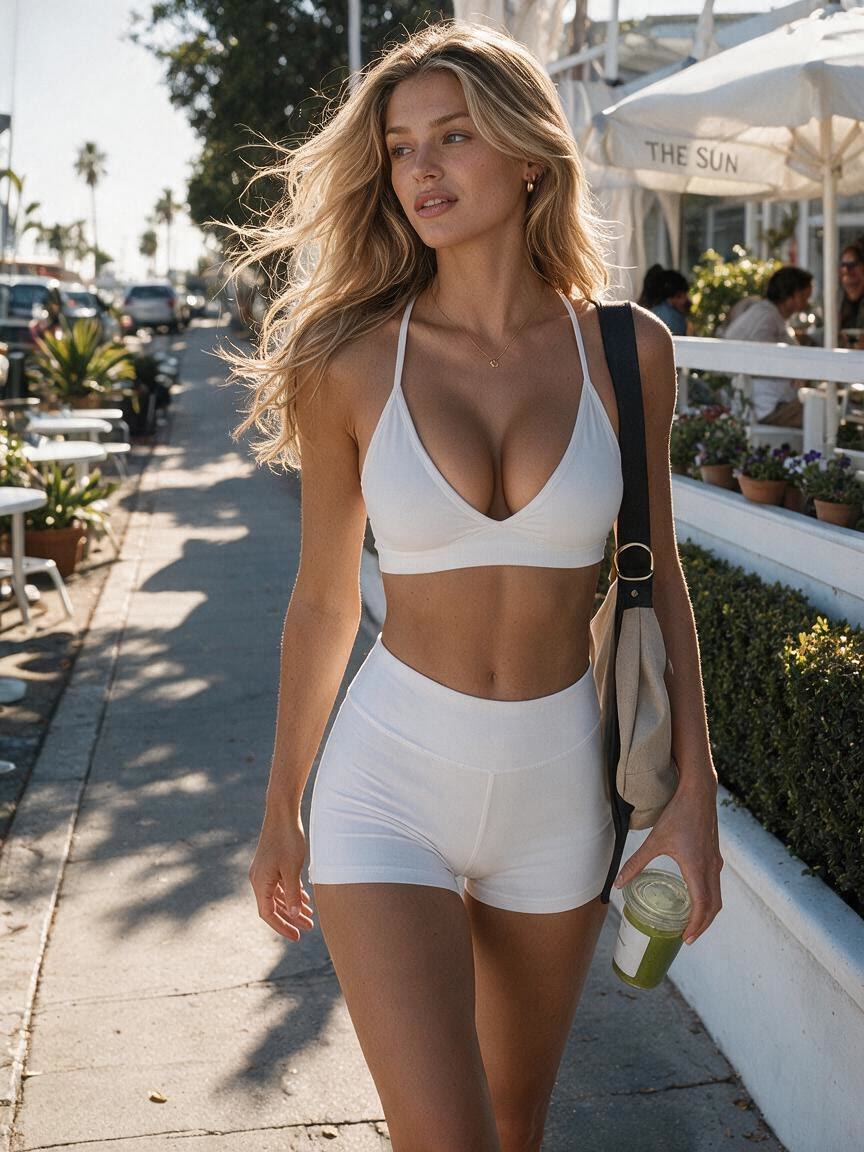
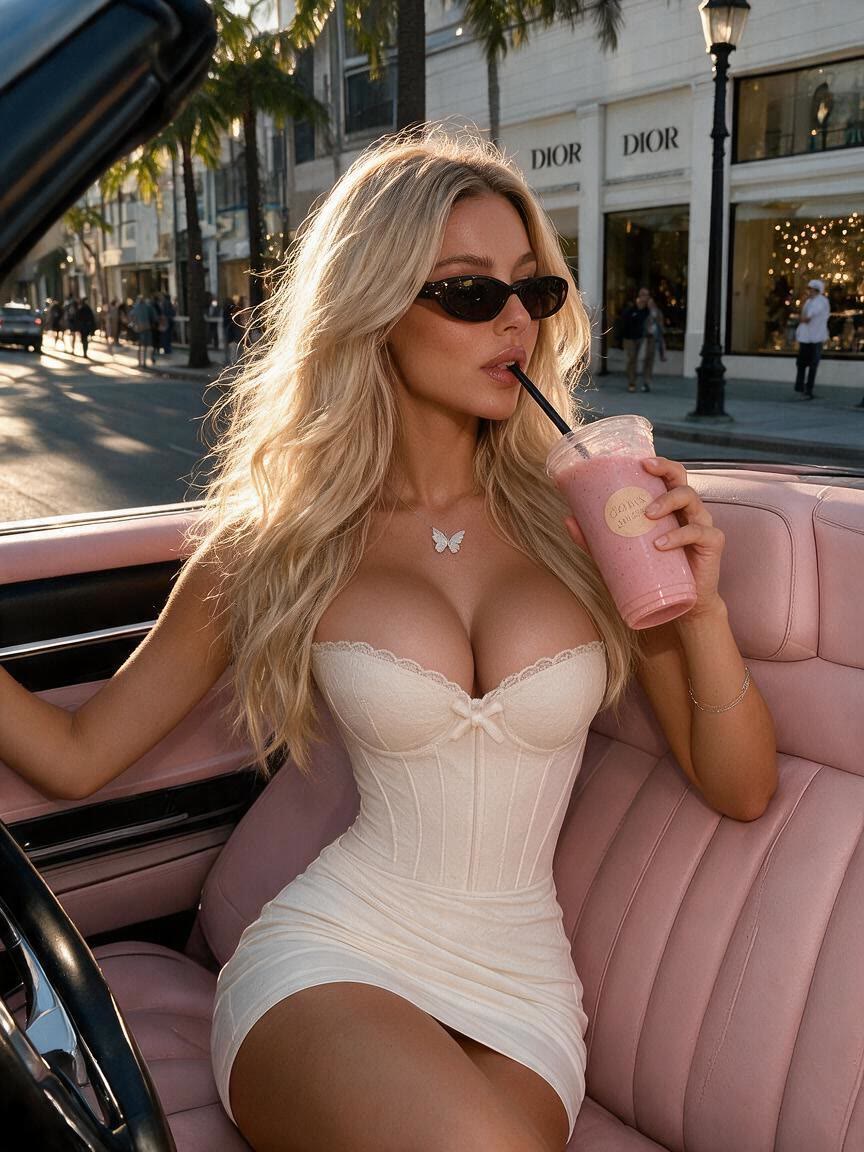
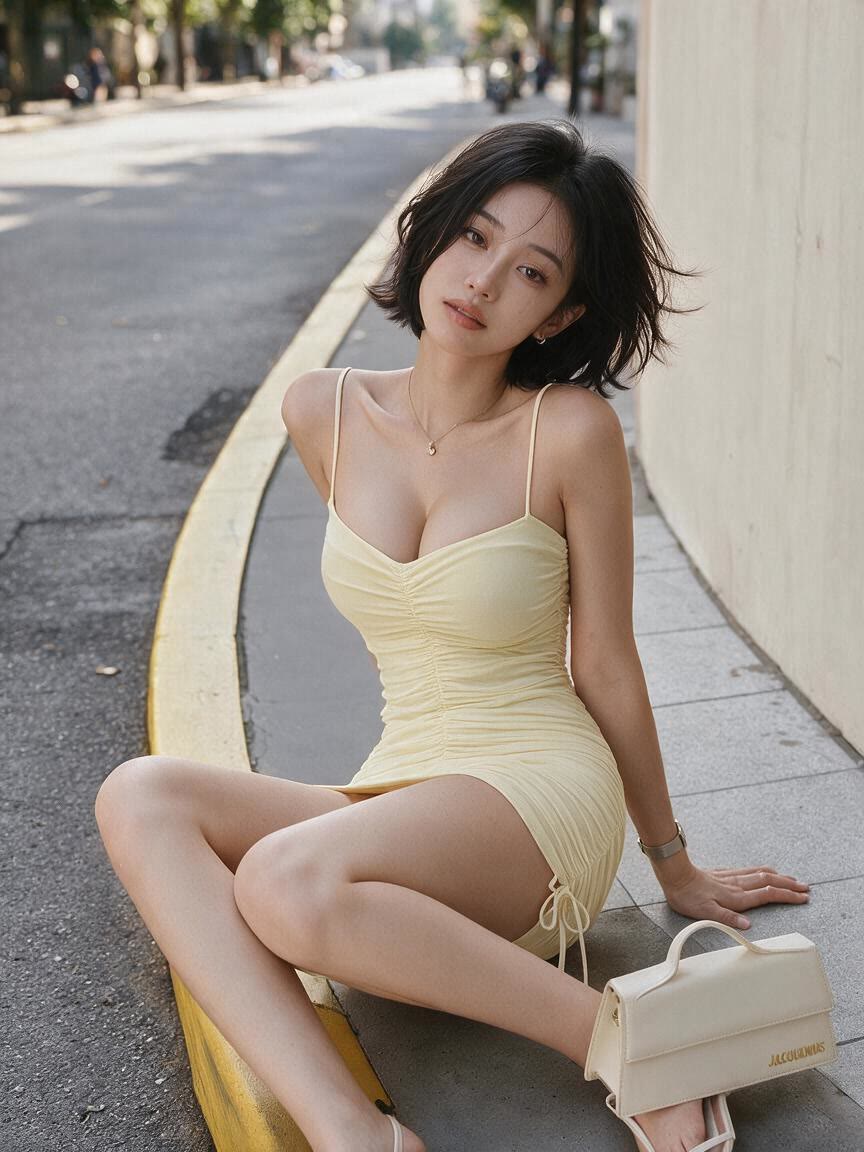
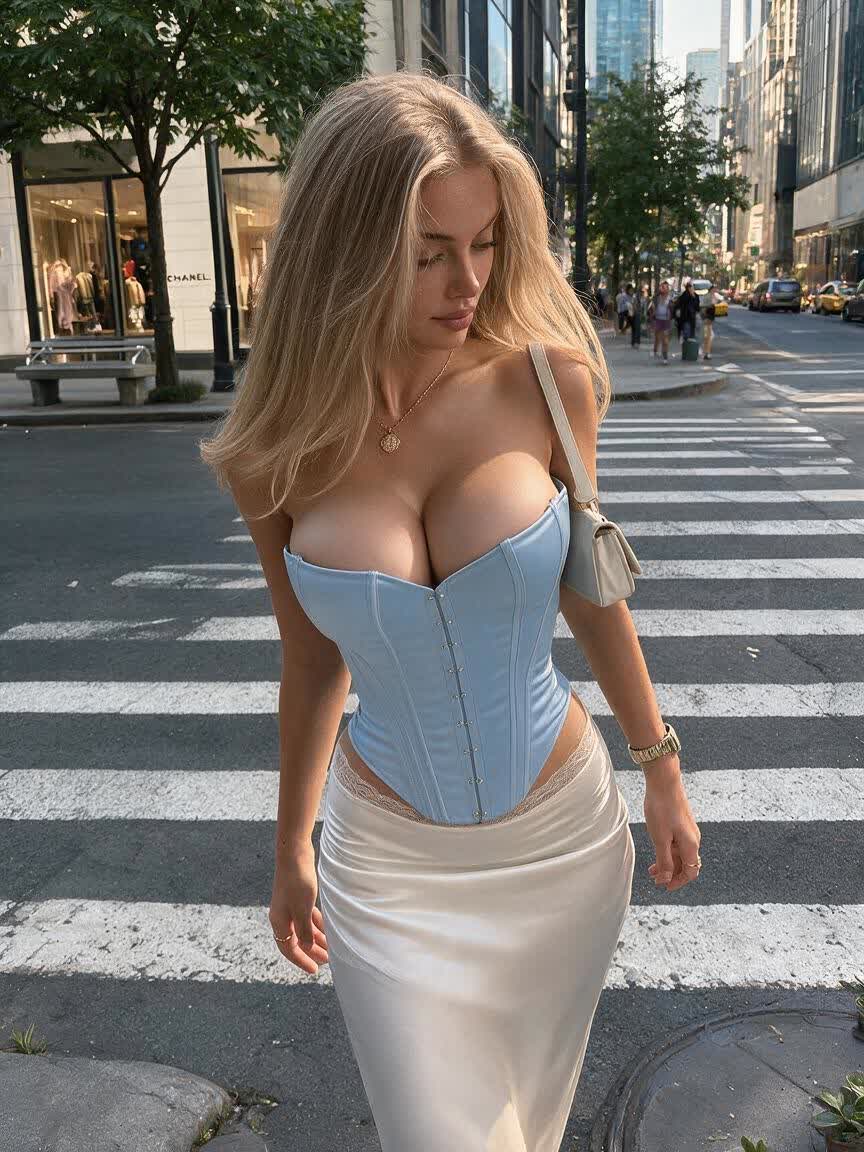
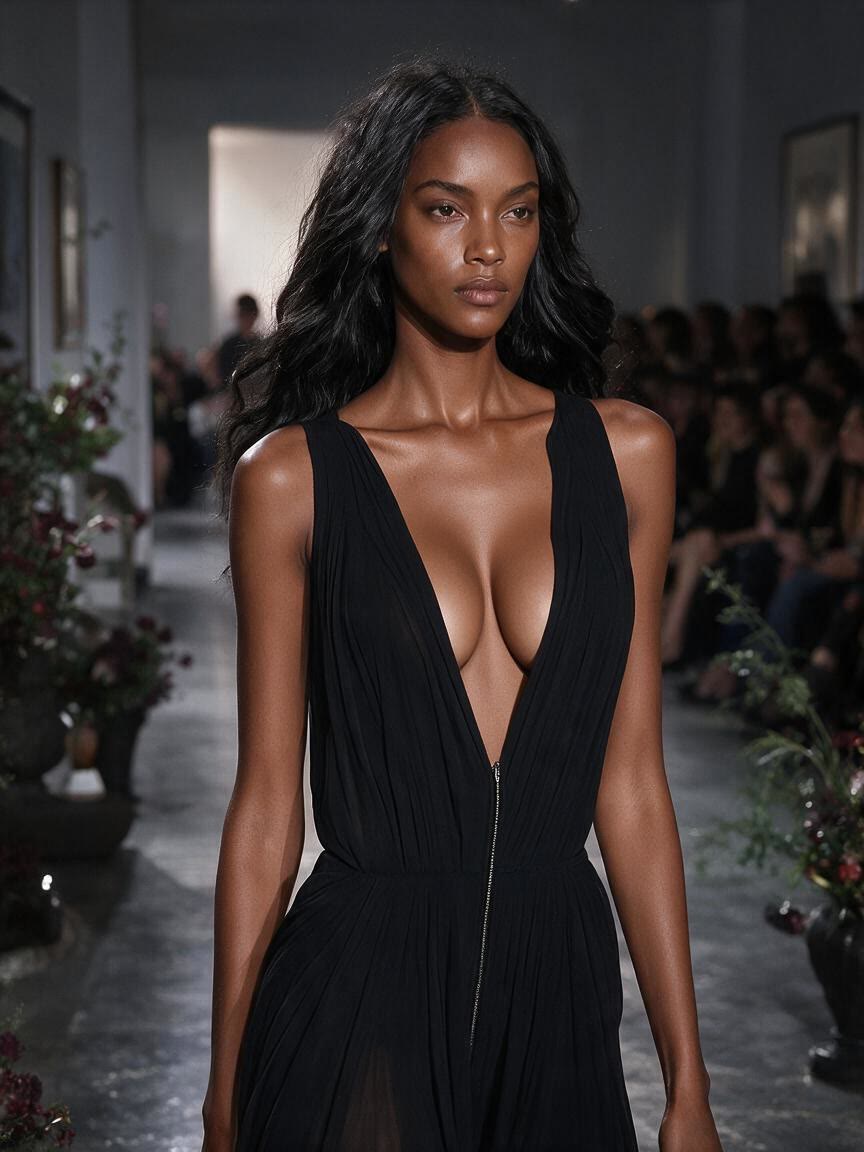
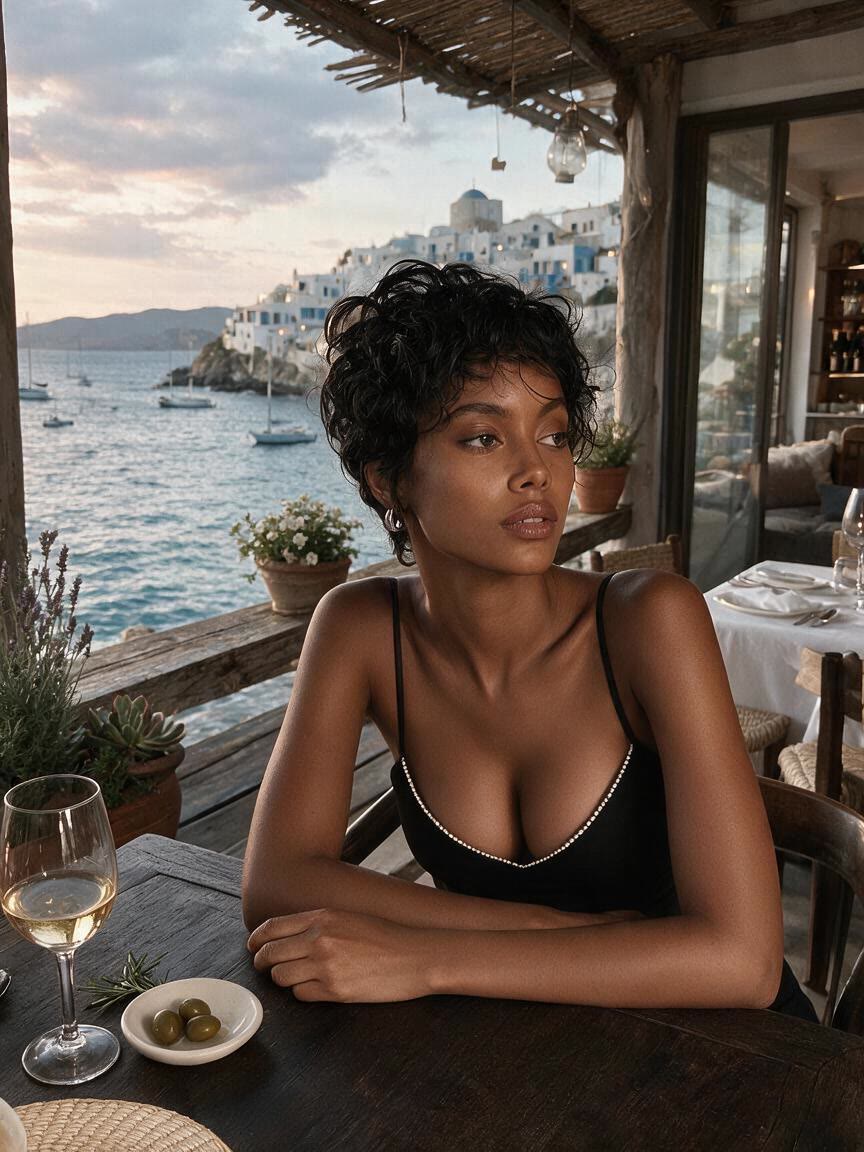
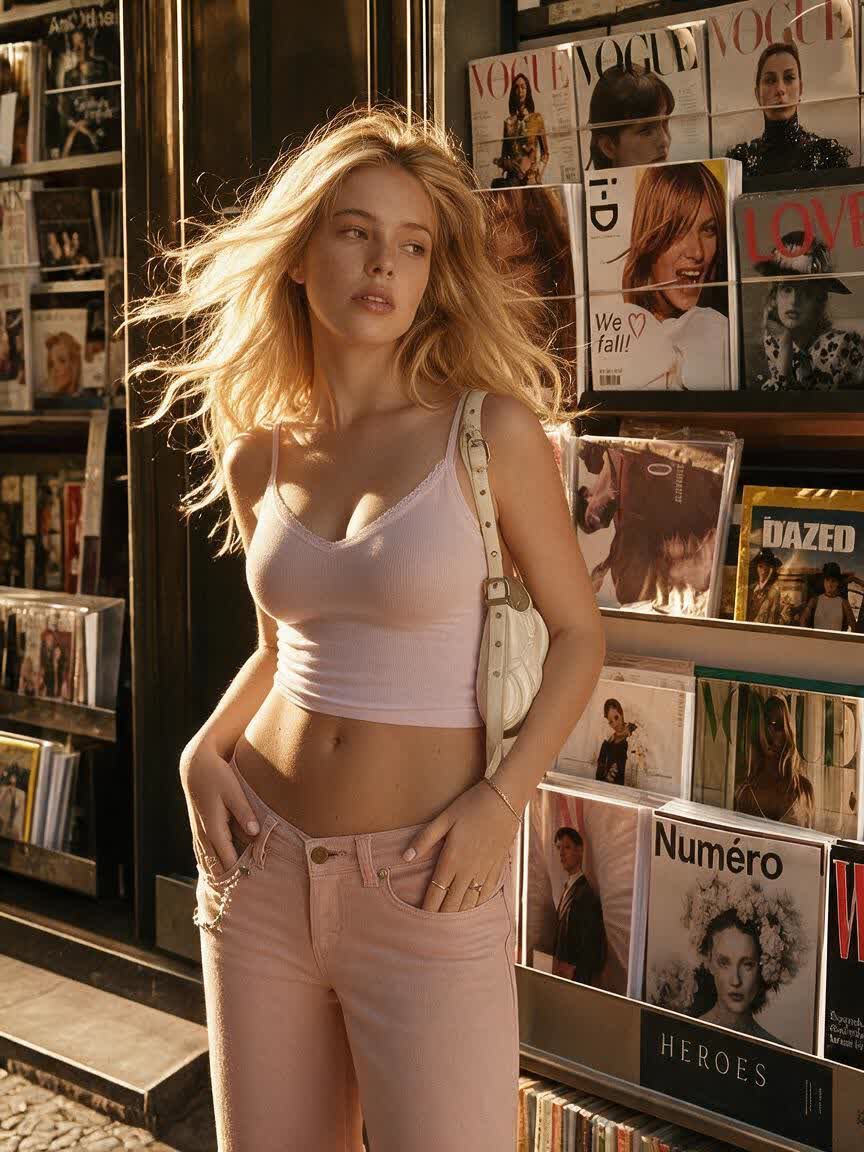
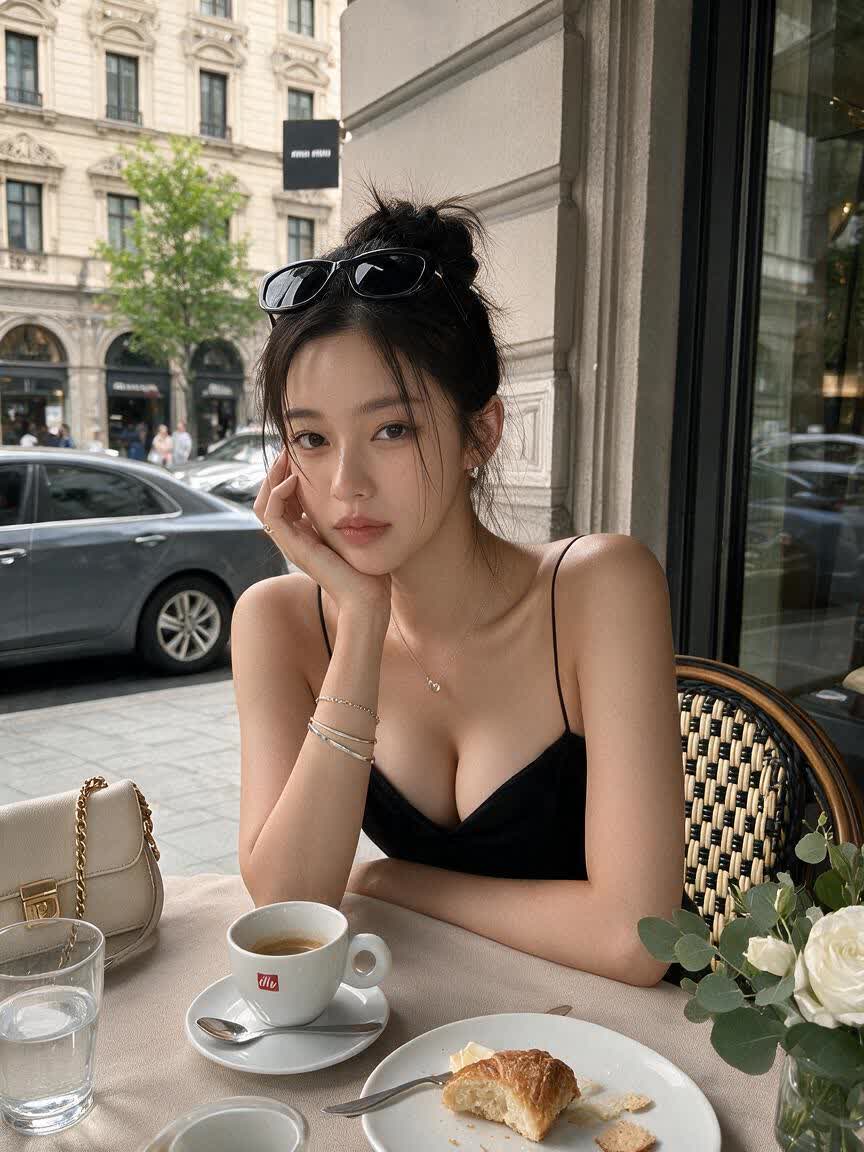
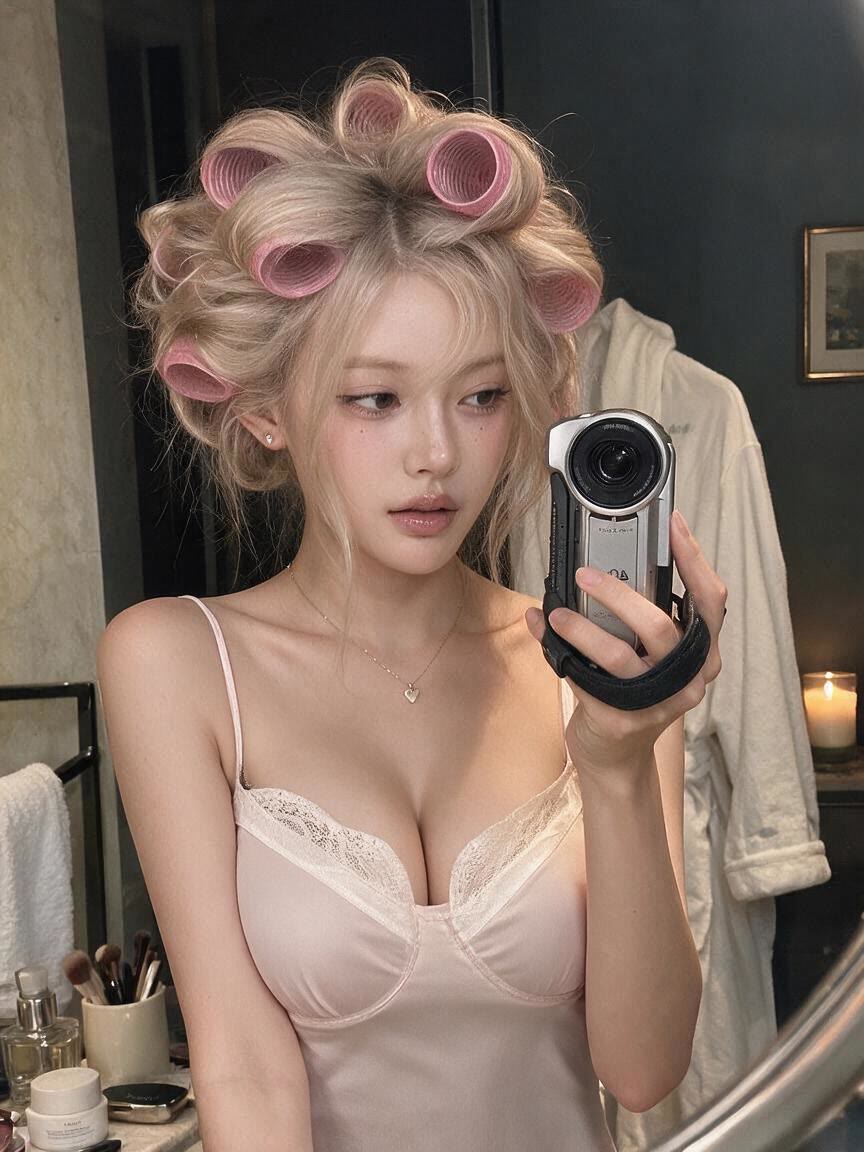
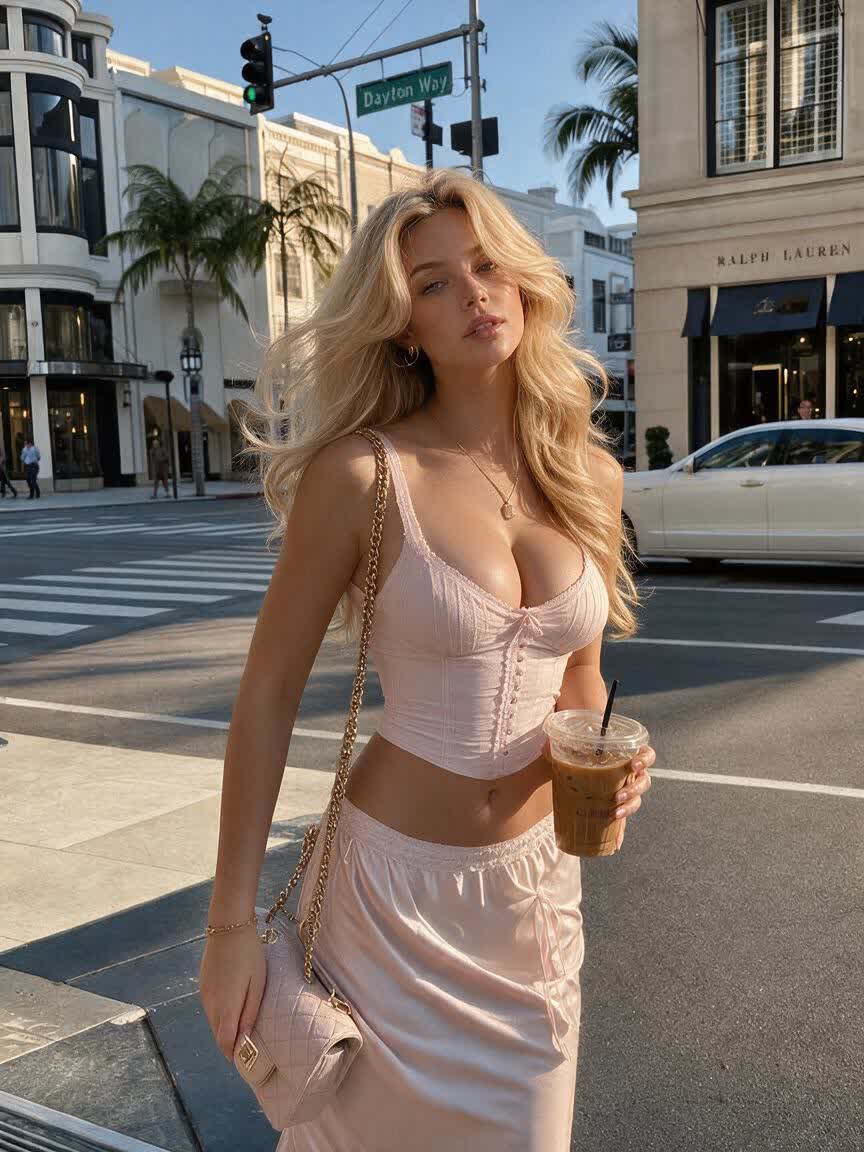
A portrait retoucher brings a finished photo and wants to test a subtle bust adjustment. Cavro applies the requested change across the image so the result can support a natural-looking portrait direction.
Try Cavro free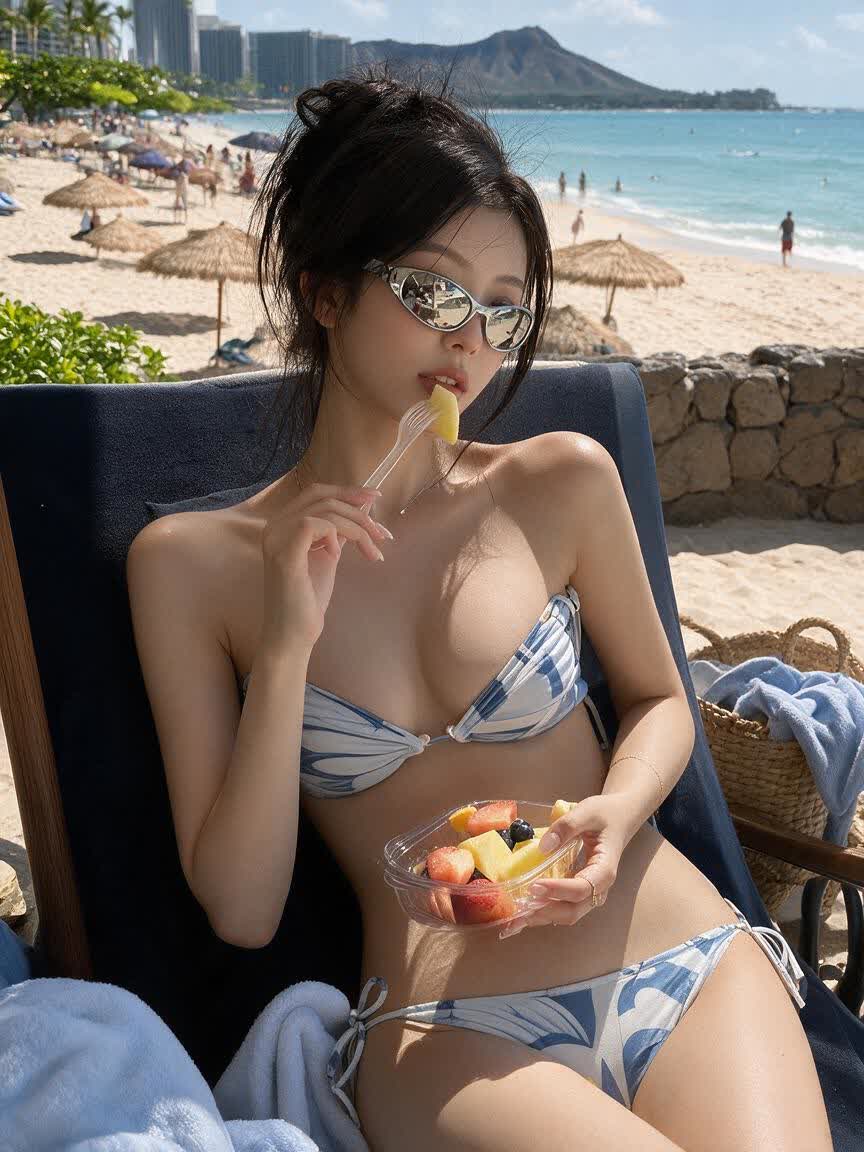
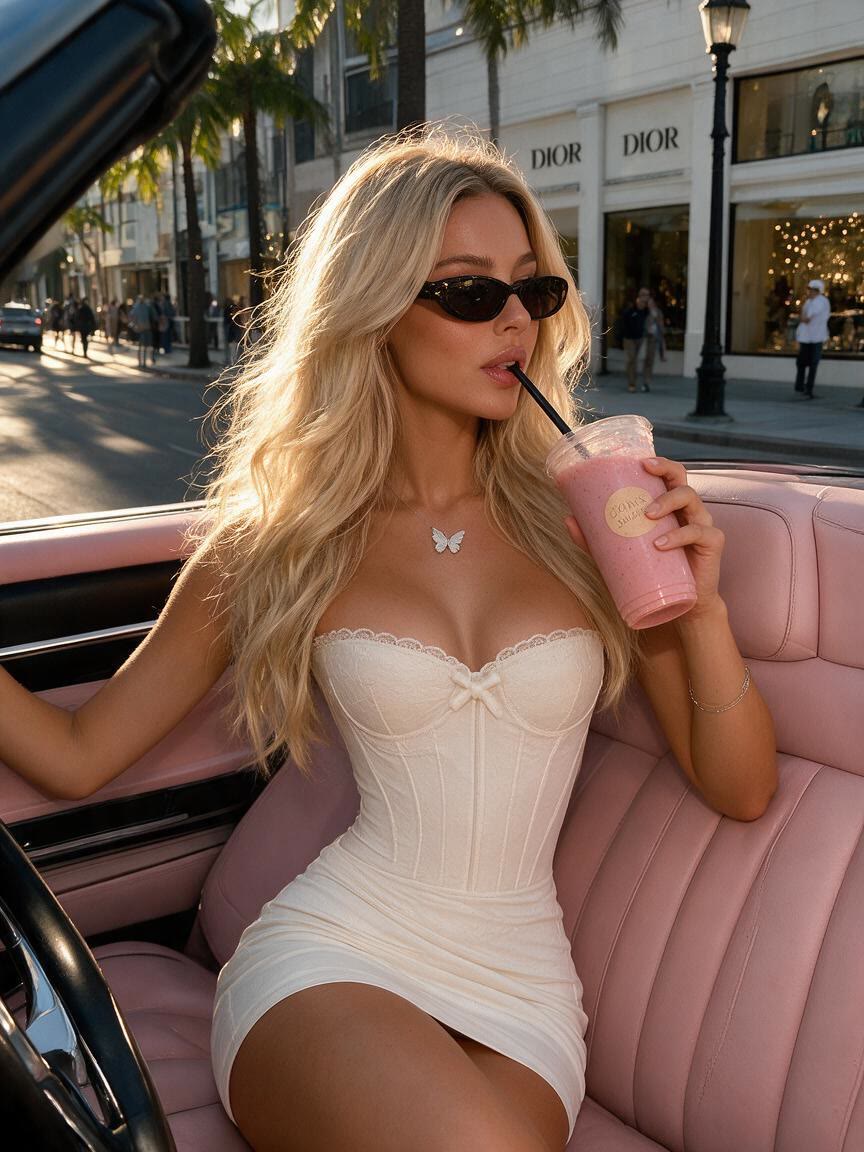
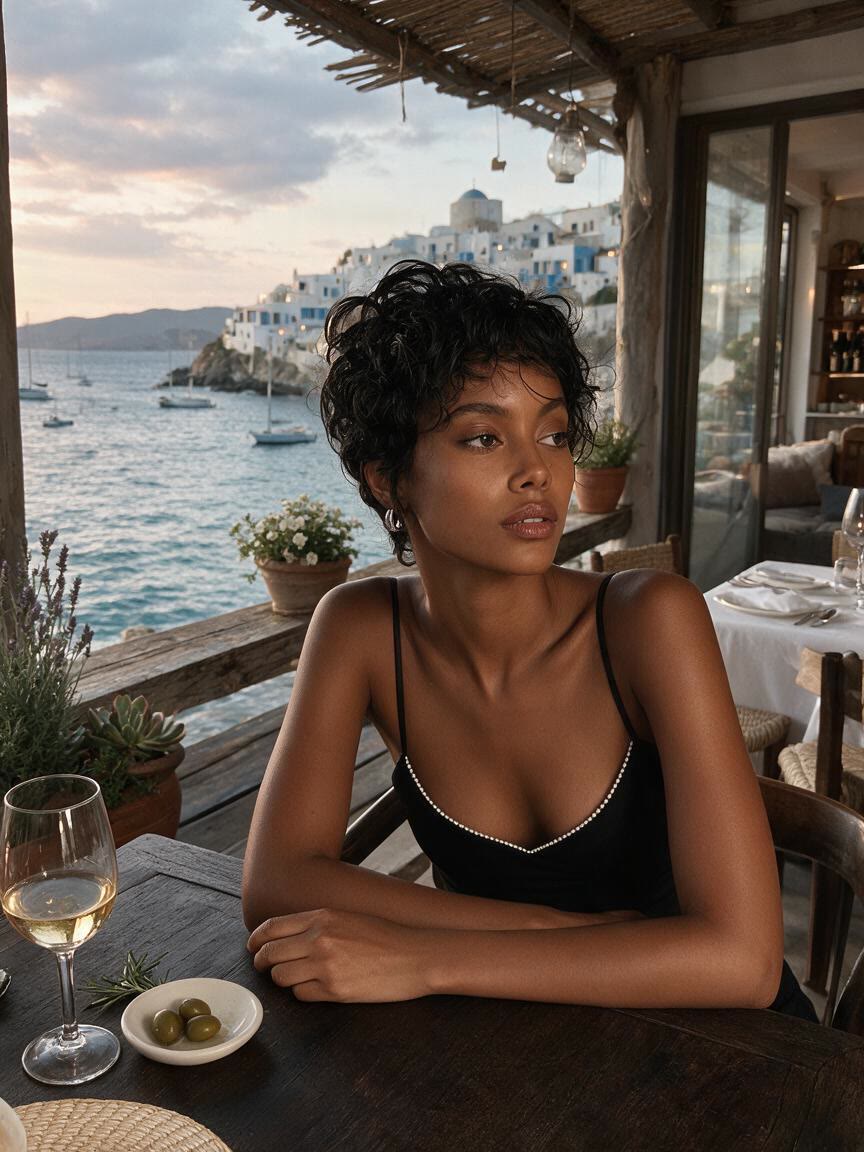
A fashion creator brings an outfit photo to explore a fuller silhouette for editorial planning. Cavro responds to the requested size change while accounting for fabric, posture, and the visual balance of the look.
Try Cavro free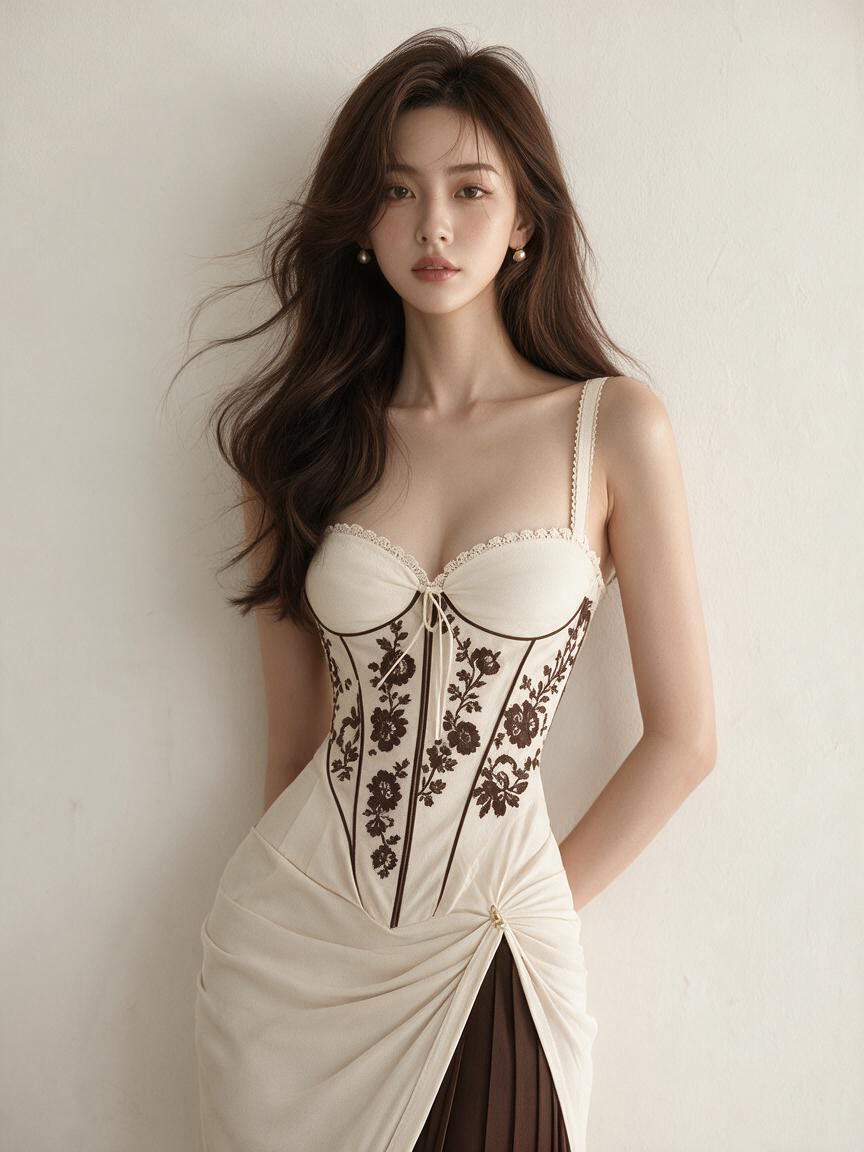
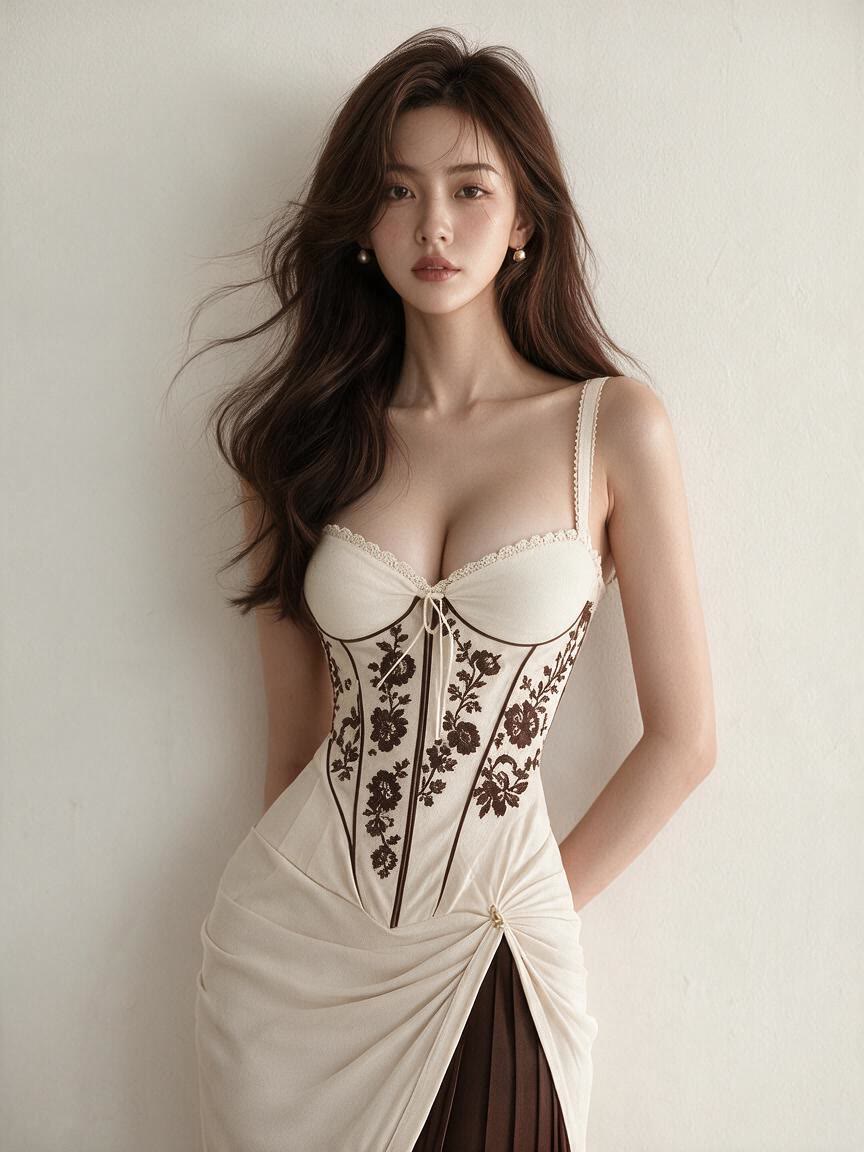
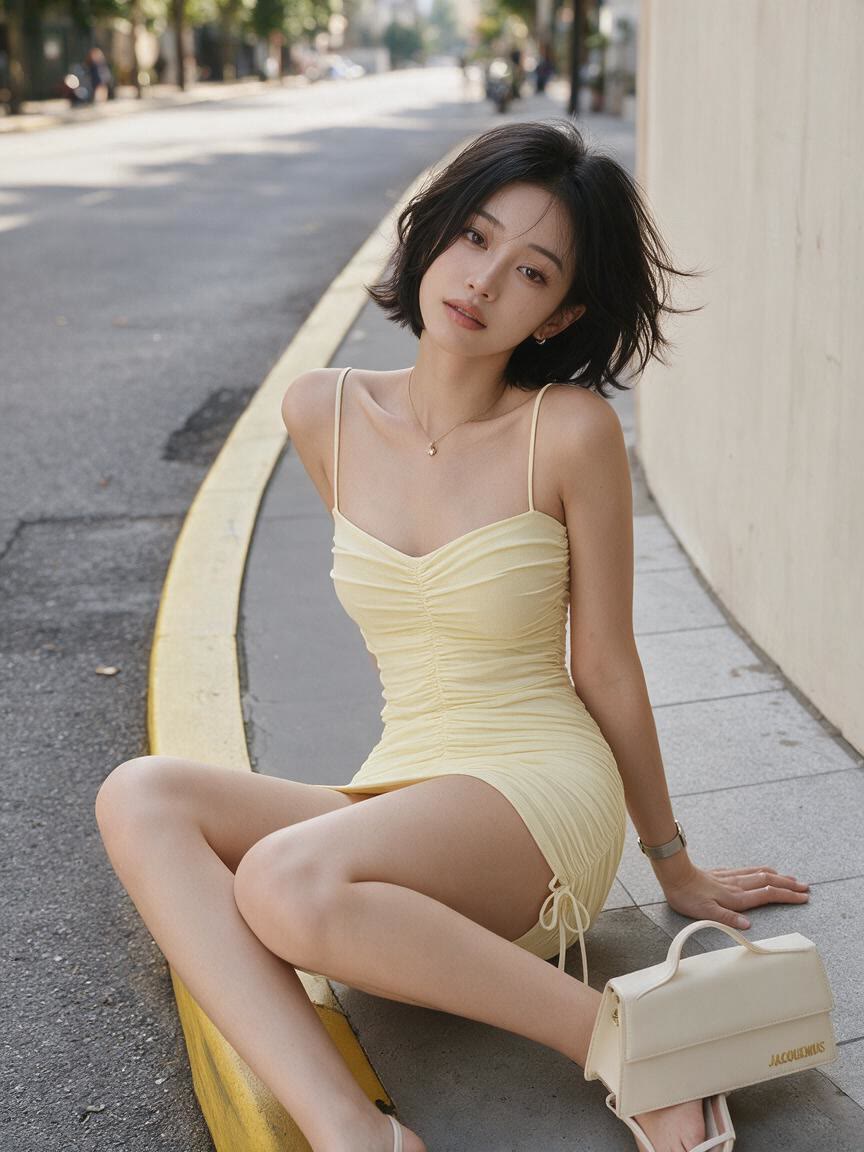
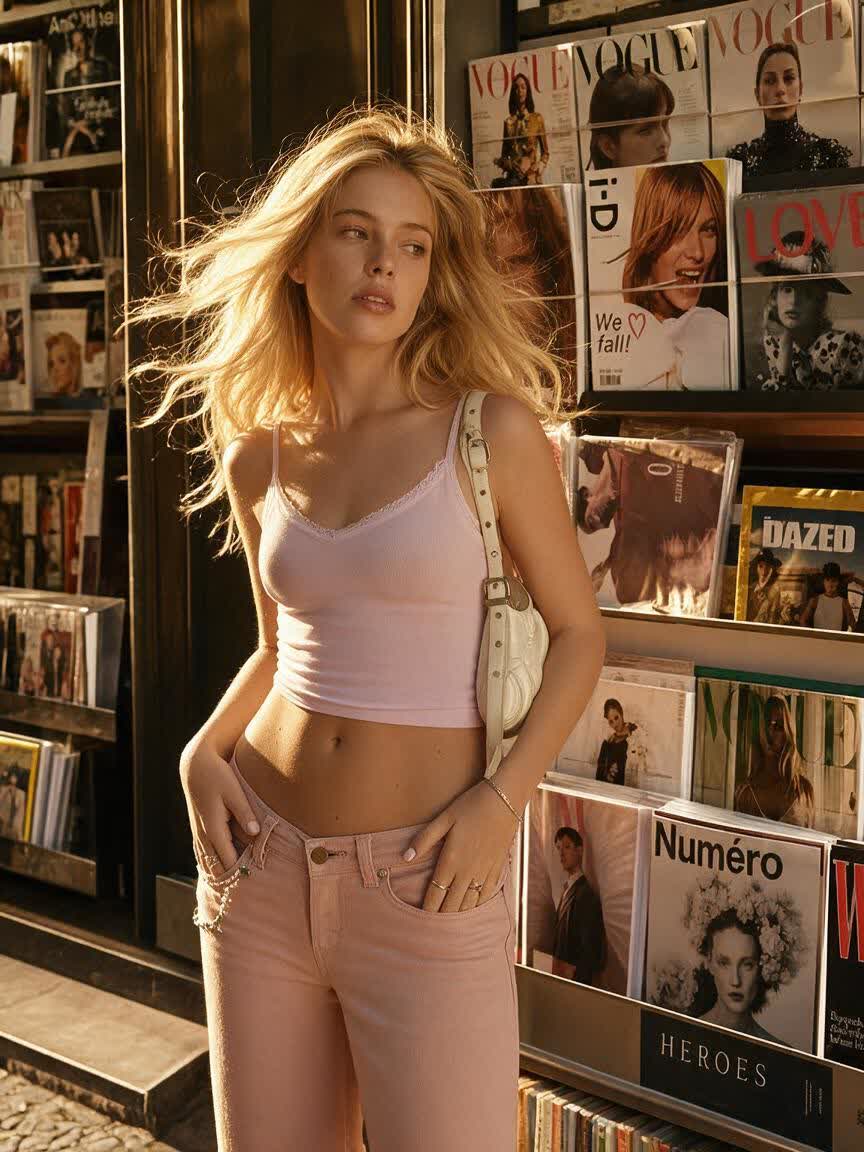
A designer brings a cosplay or character reference and needs another proportion to guide the concept. Cavro generates a revised bust shape that can serve as a clearer starting point for visual development.
Try Cavro free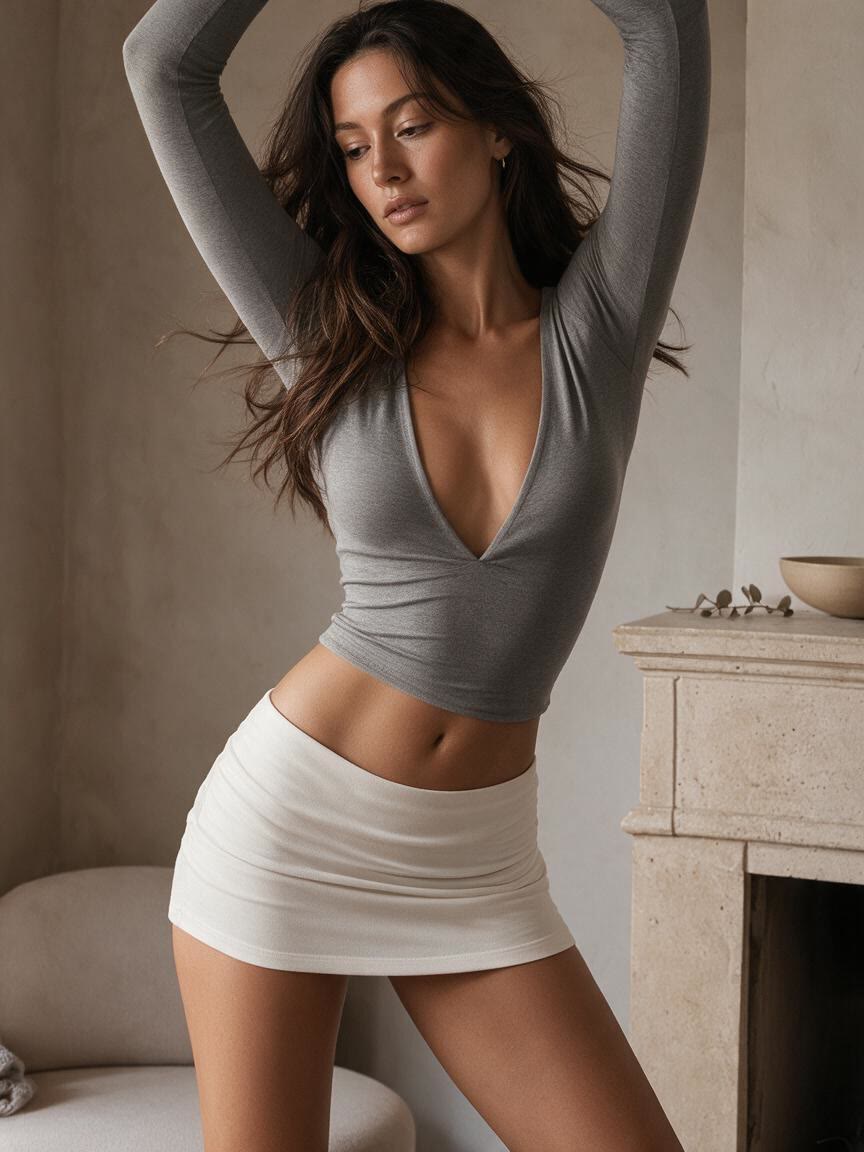
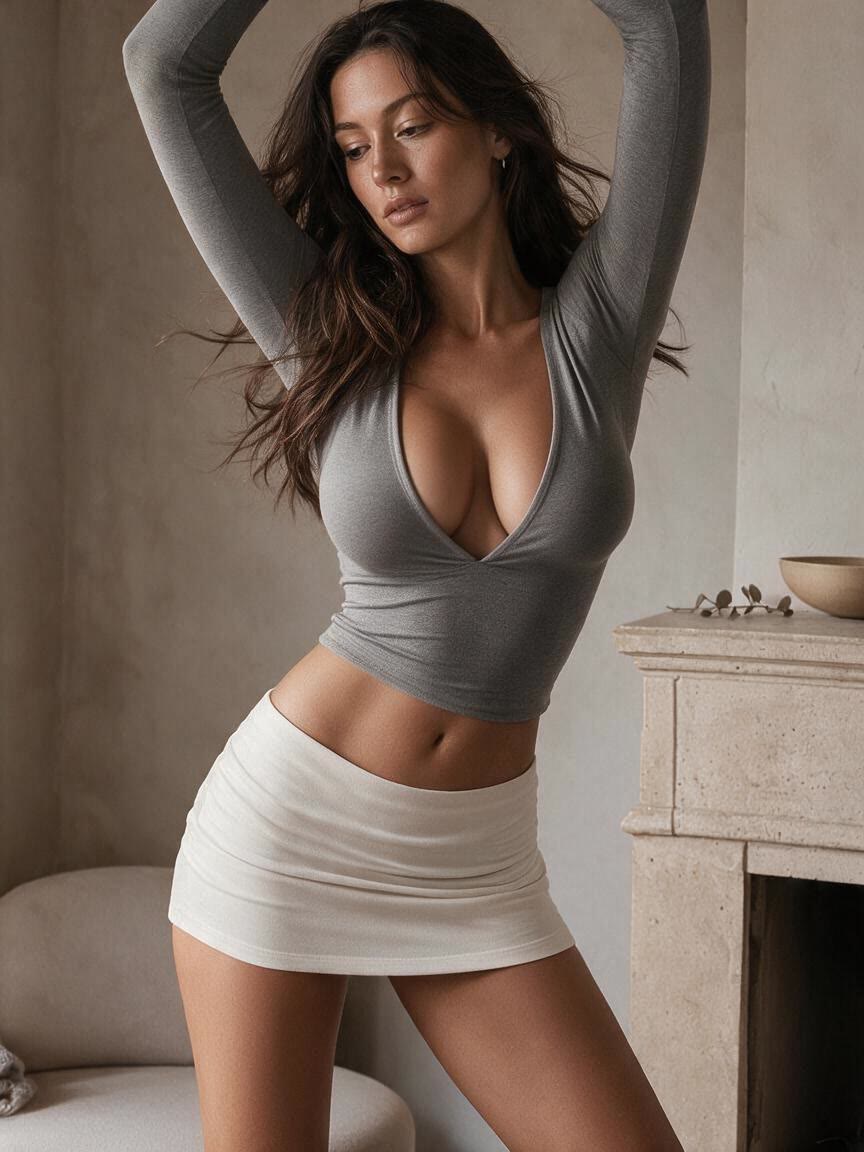
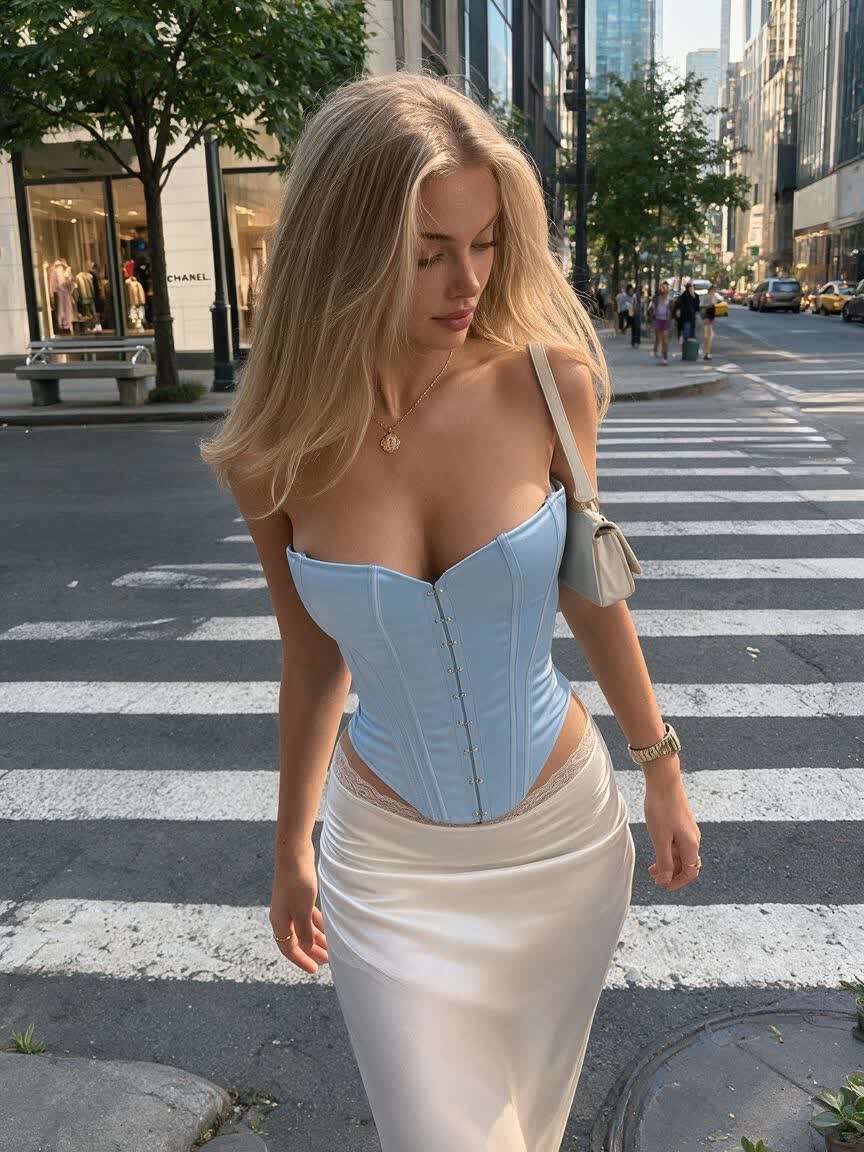
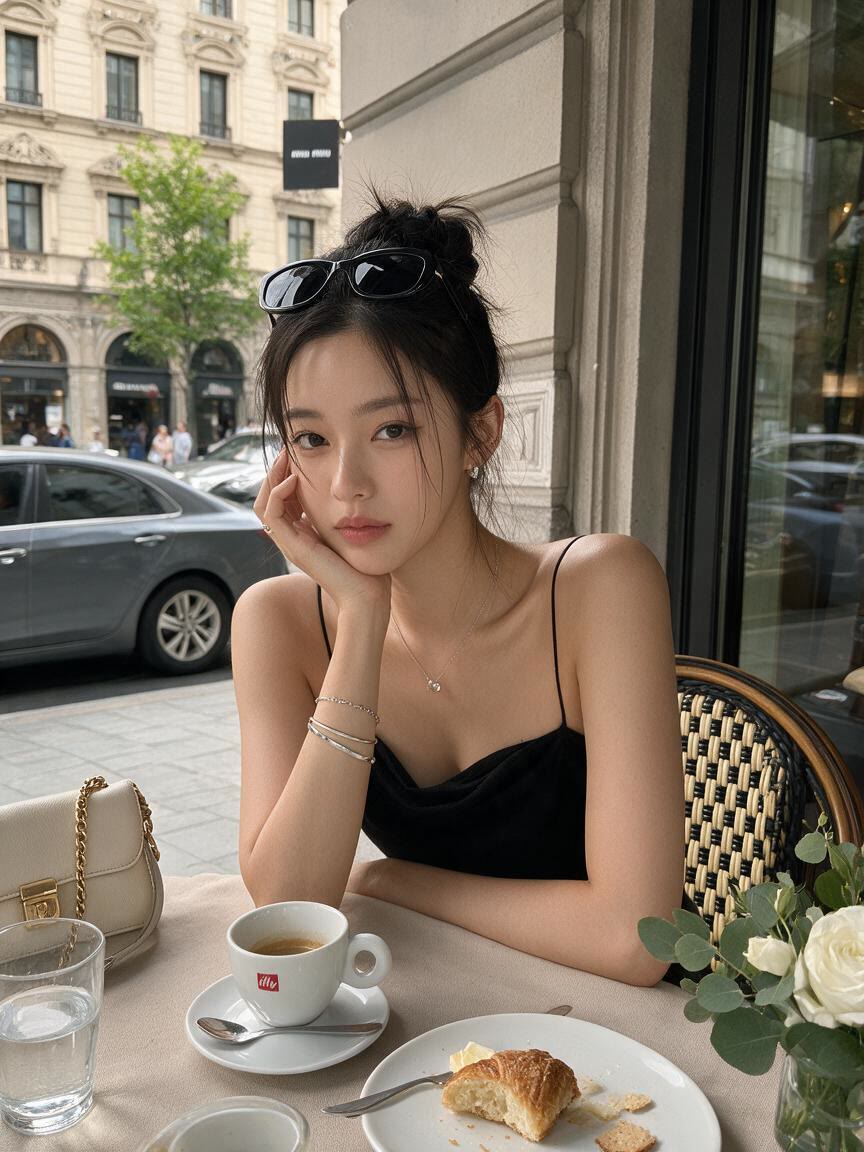
When clothing and fabric folds define the image, Cavro considers the full photo while applying the requested breast expansion. You get a proportion change that is designed to fit the existing outfit instead of appearing as a detached retouched layer.
Try Cavro free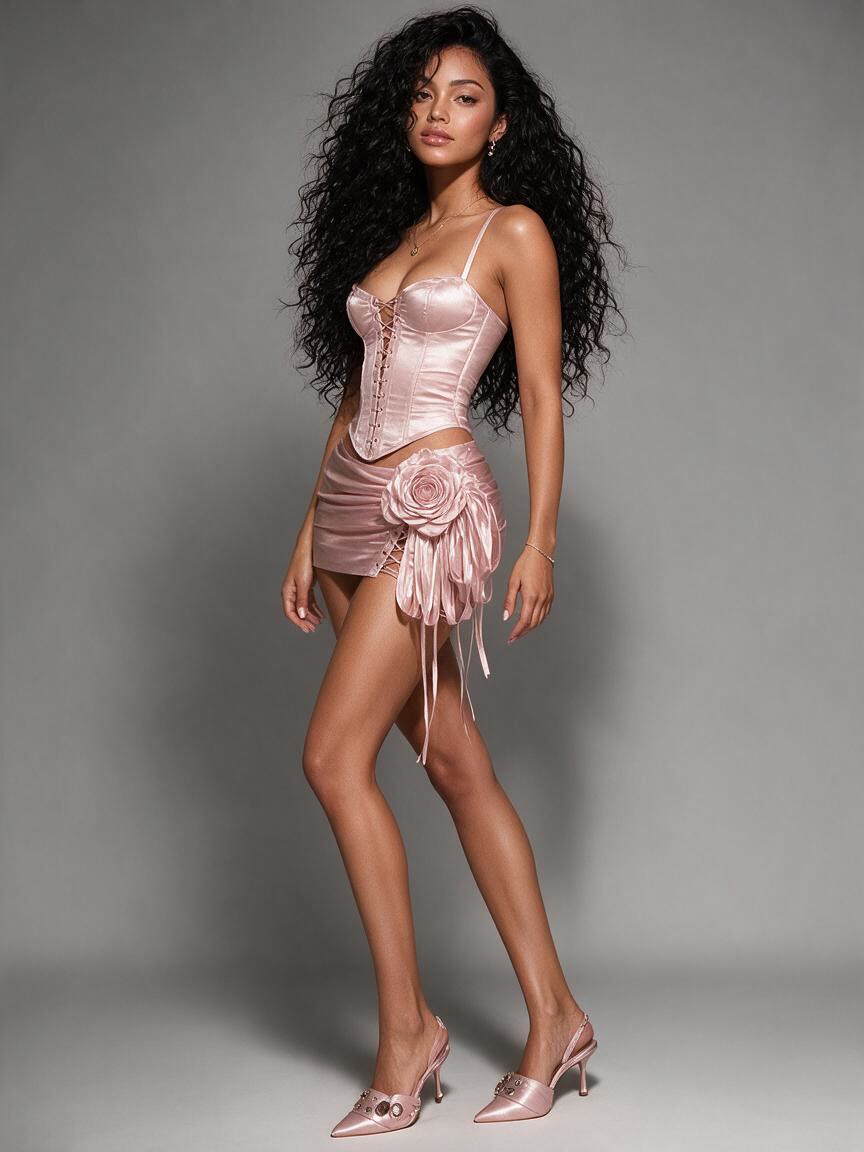
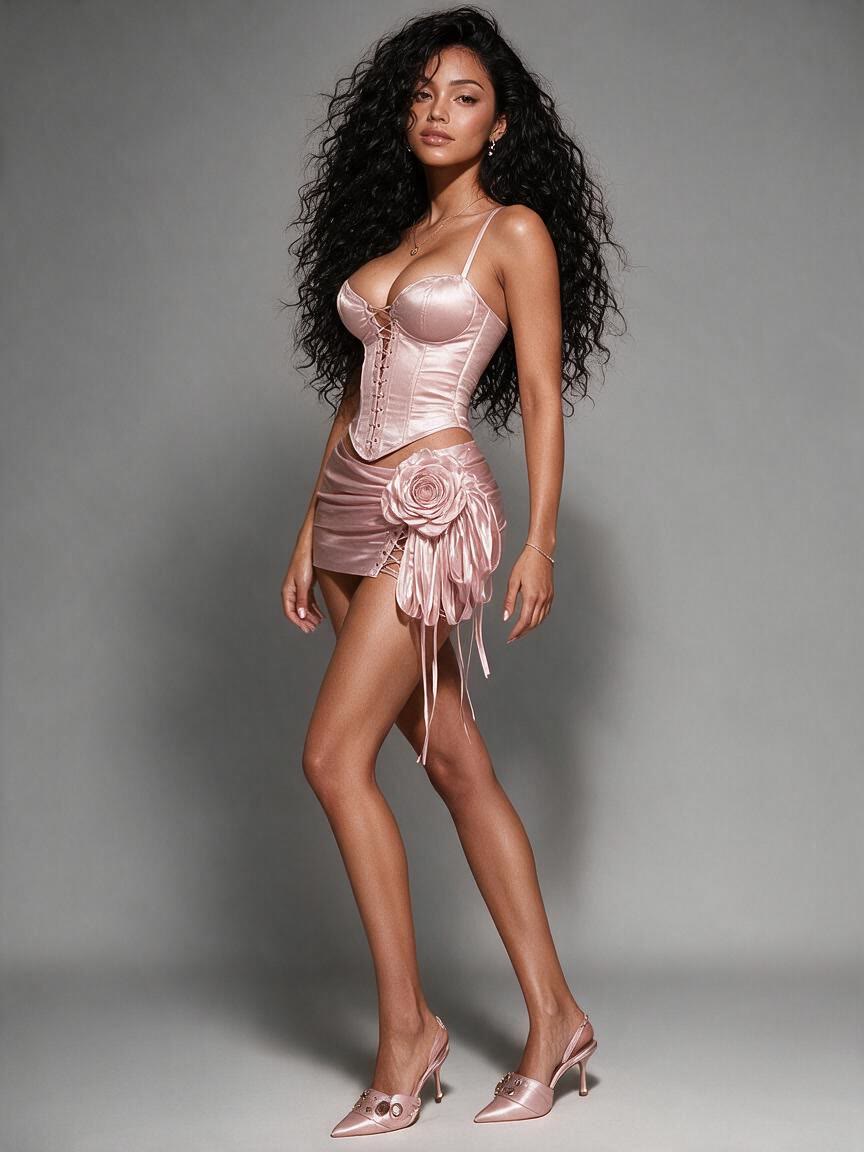
Portraits and editorial images depend on consistent highlights, shadows, and skin tone. Cavro uses the surrounding image context to shape the edit, giving you a result that follows the original lighting direction and photographic mood.
Try Cavro free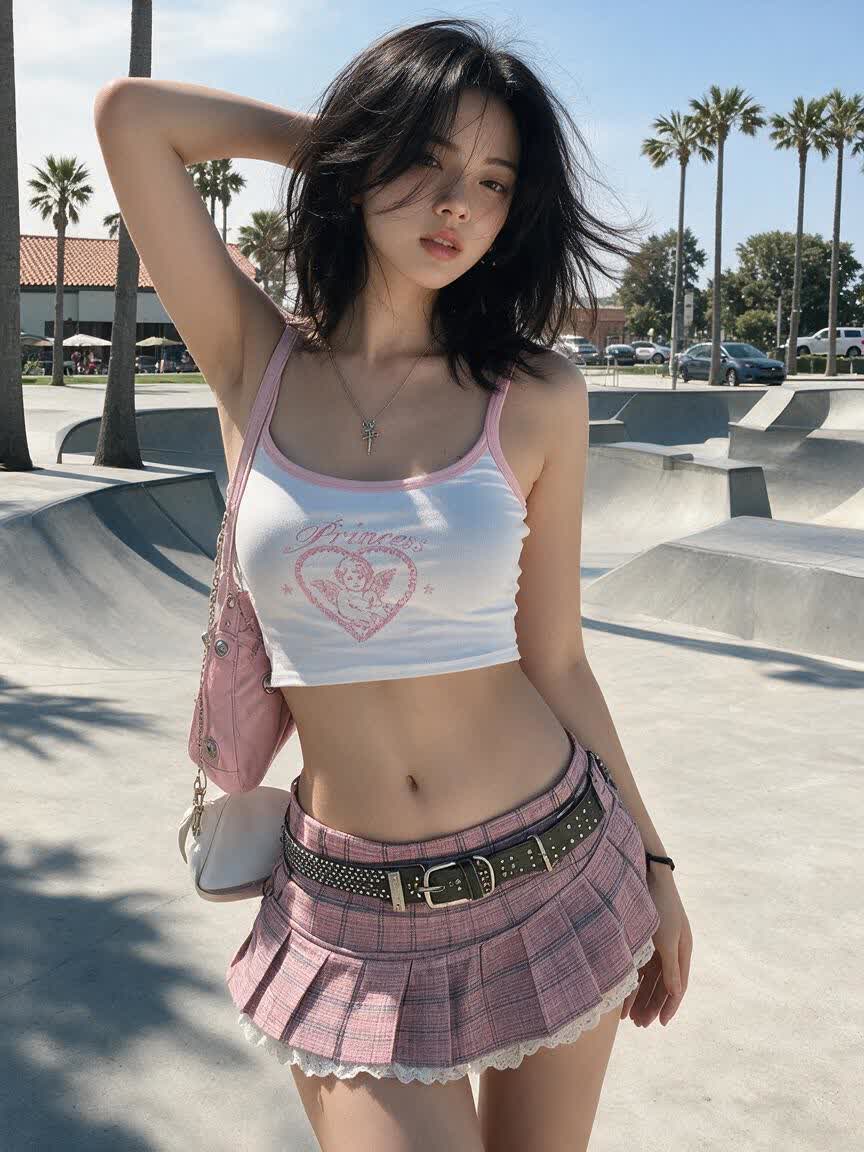
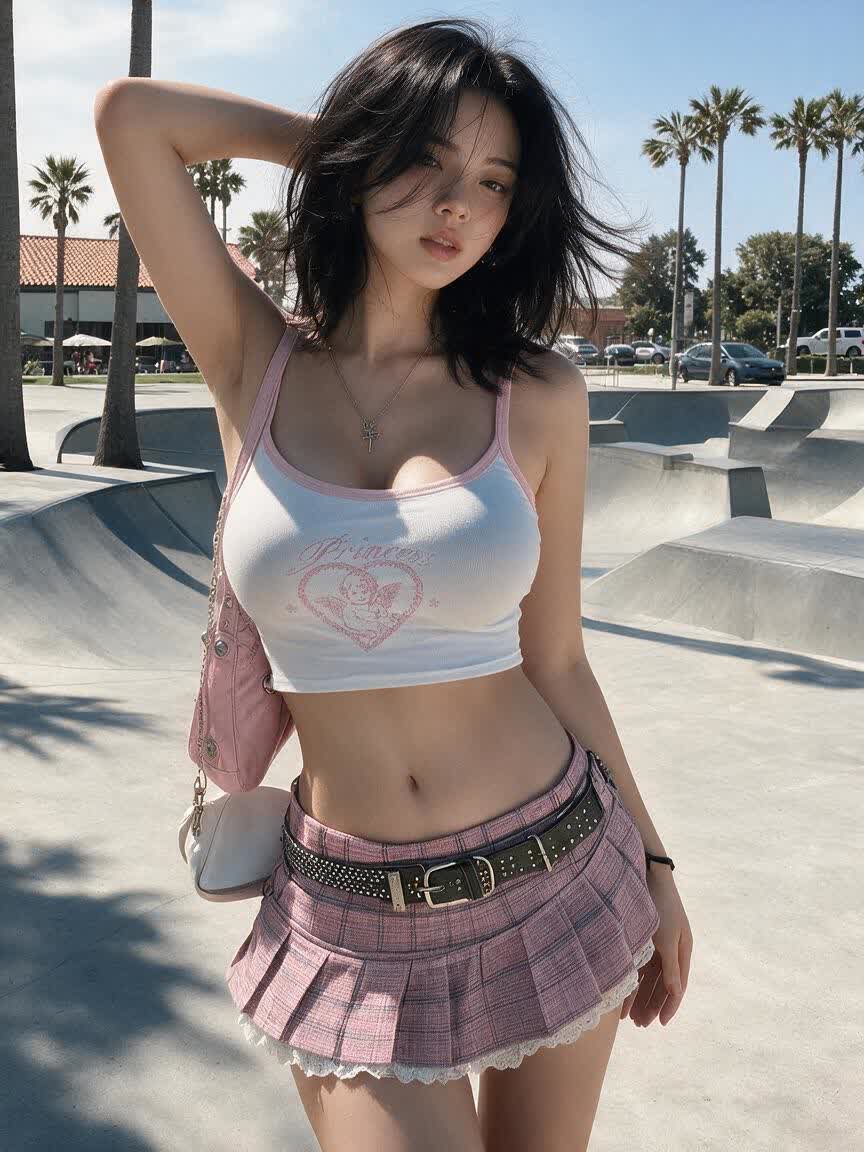
When the first result is close but not quite right, describe a smaller or stronger change and generate again in the same conversation. You can explore several breast sizes without rebuilding the image request from the beginning.
Try Cavro freeAI breast expansion adjusts breast size or shape in a photo from a written instruction. It can support portrait retouching, fashion and editorial concepts, outfit previews, cosplay, character design, and illustration references.
Yes. Describe the degree of change in plain language, such as a subtle natural enhancement or a fuller, more dramatic enlargement. You can refine the instruction and generate another variation in the same conversation.
Cavro reads the full reference image, including fabric folds, posture, and shadow placement. This helps the requested change blend with the original clothing, skin tone, lighting, and background.
Results are billed per credit through Cavro, and there is no mandatory subscription. Images and video use the same credit balance.
Creators worldwide are turning “just an idea” into expensive-looking images.