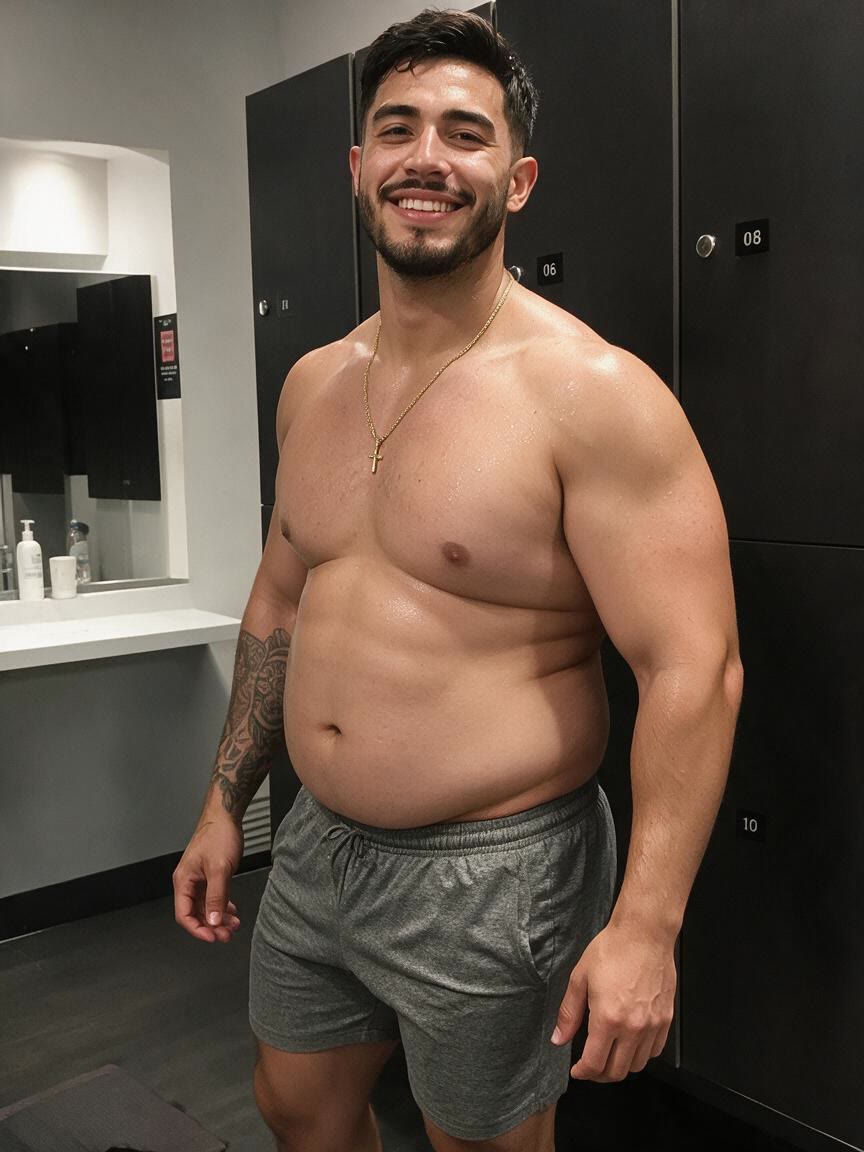
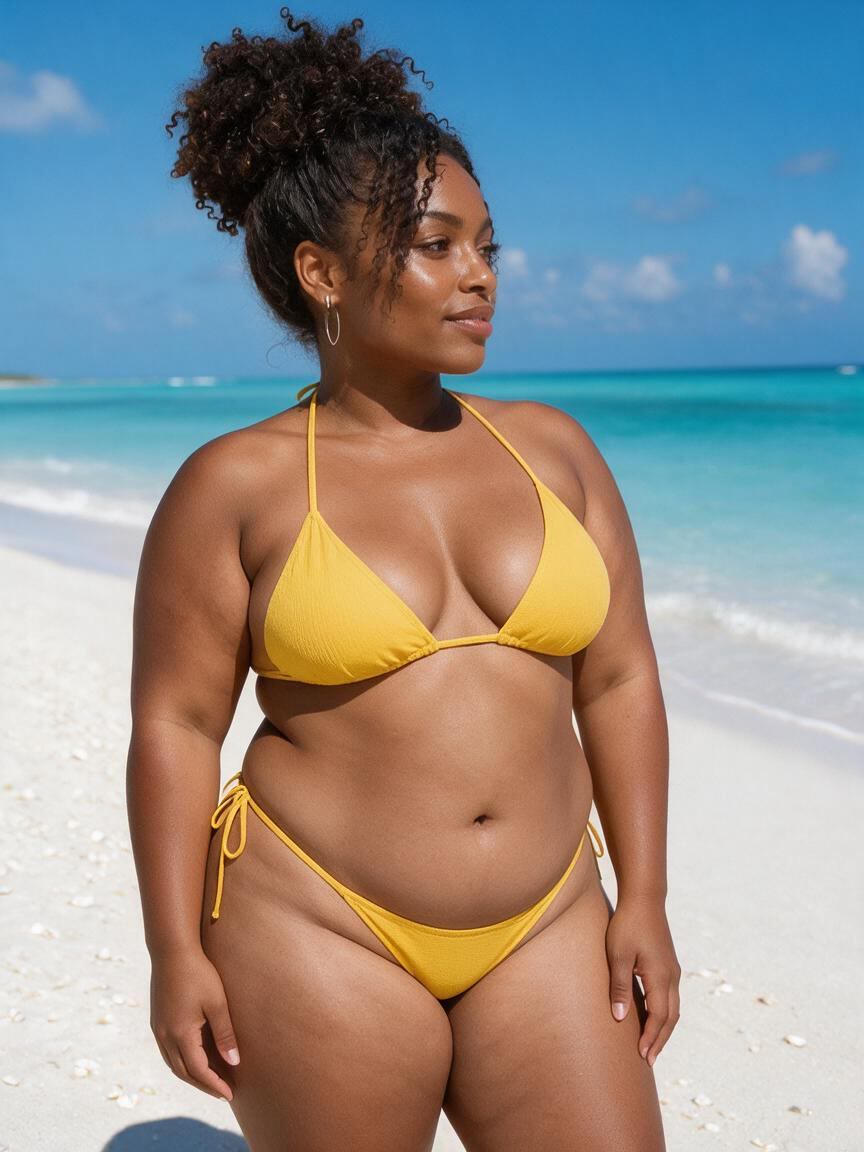
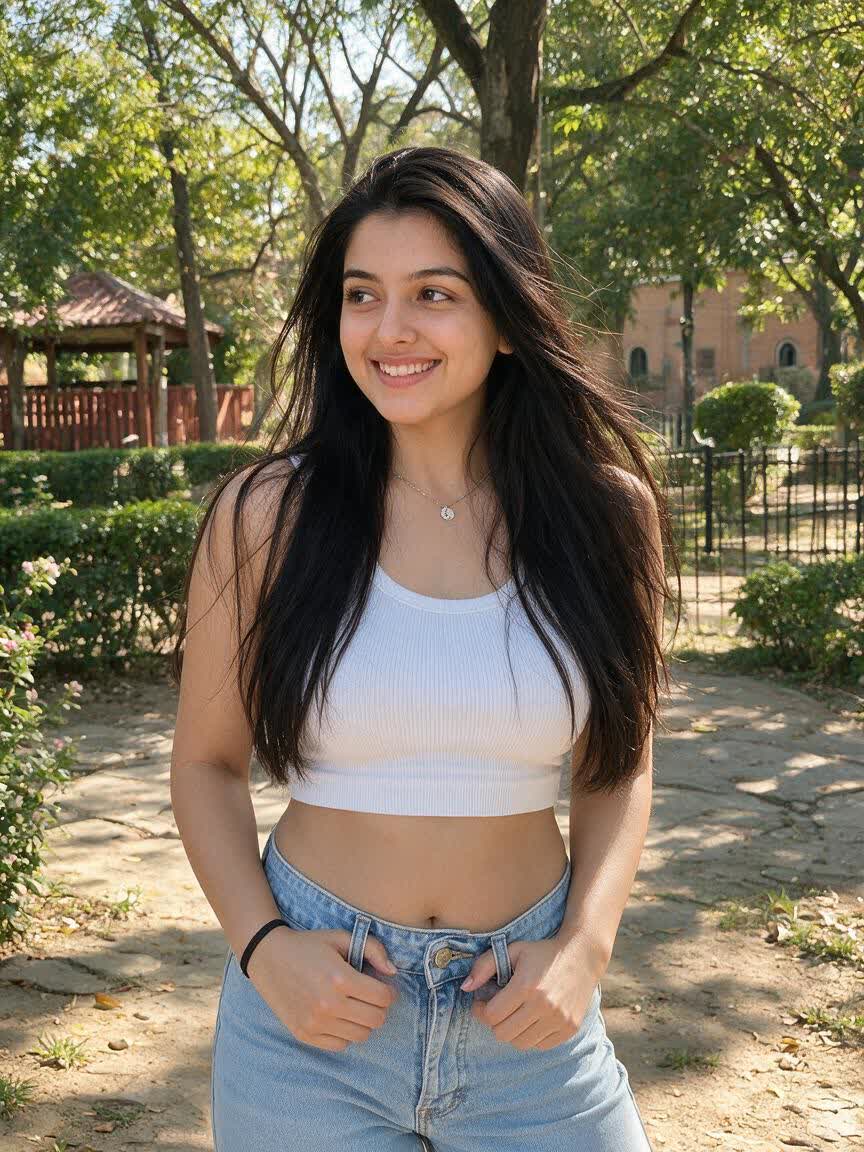
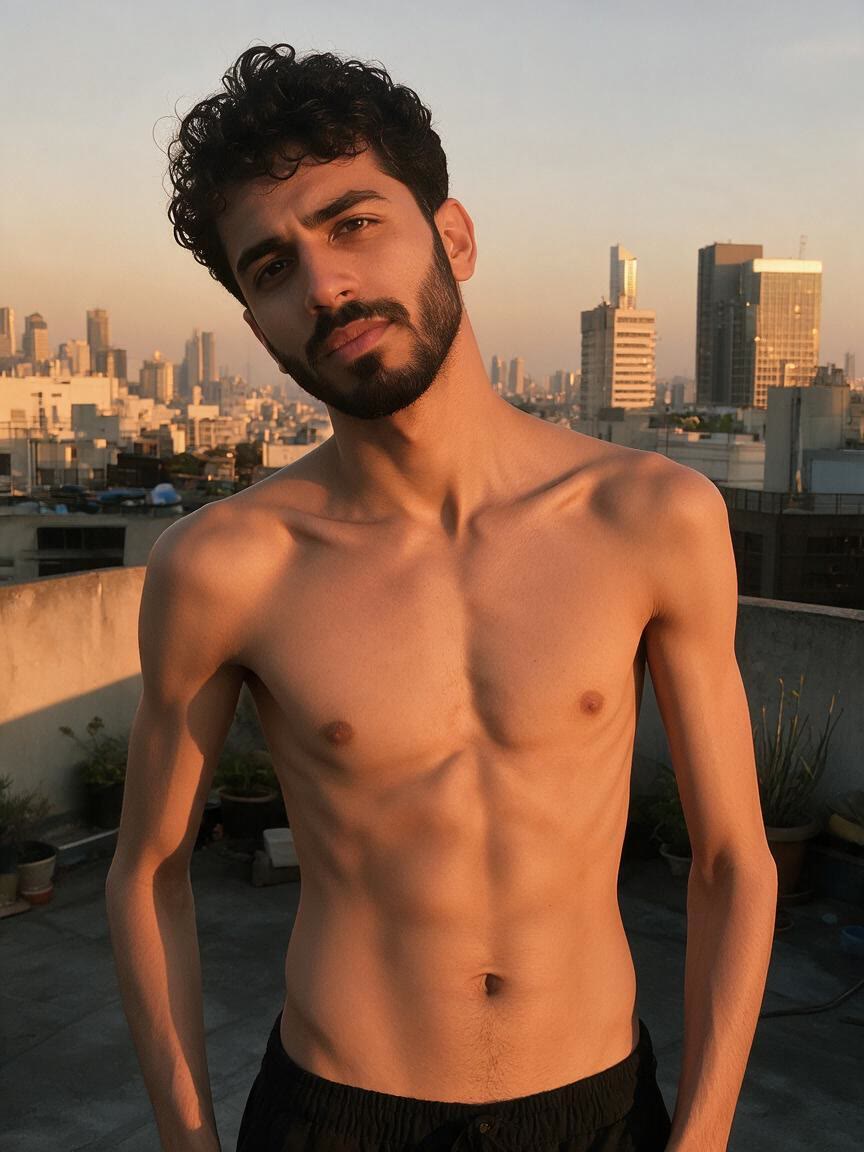
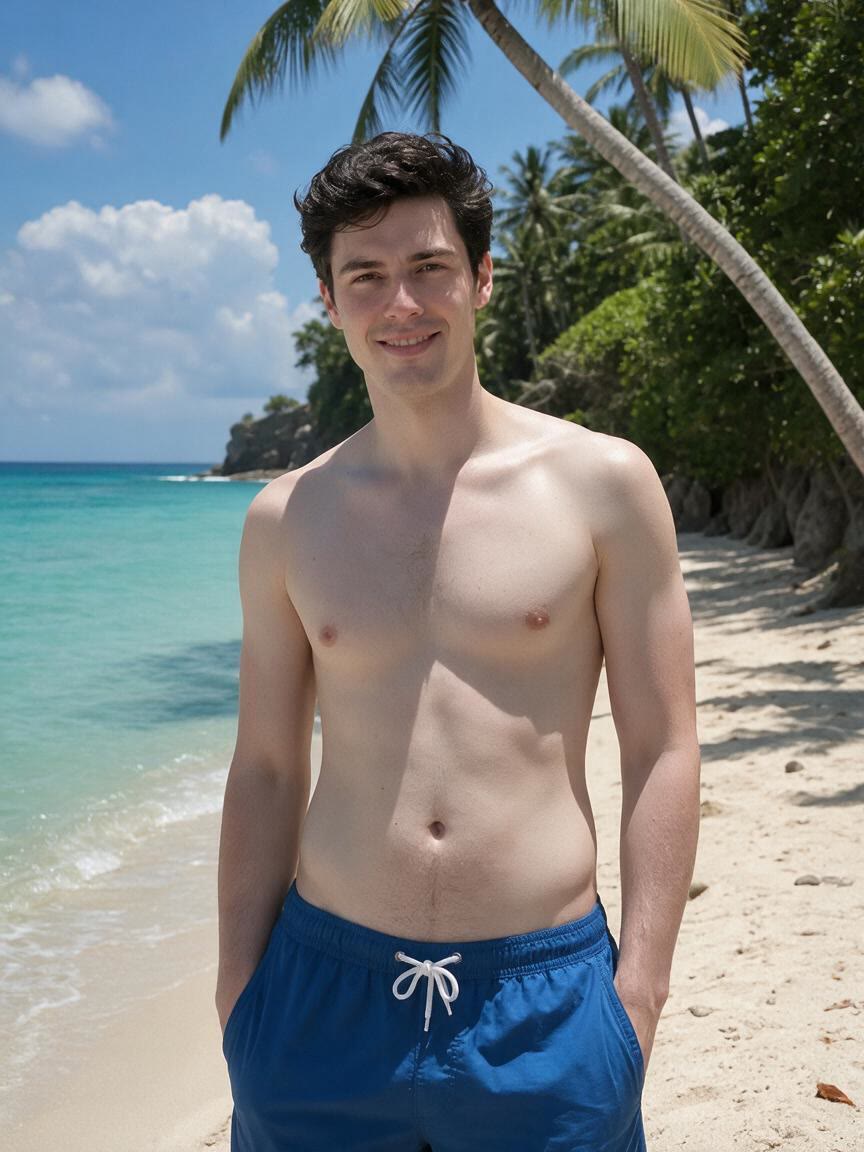
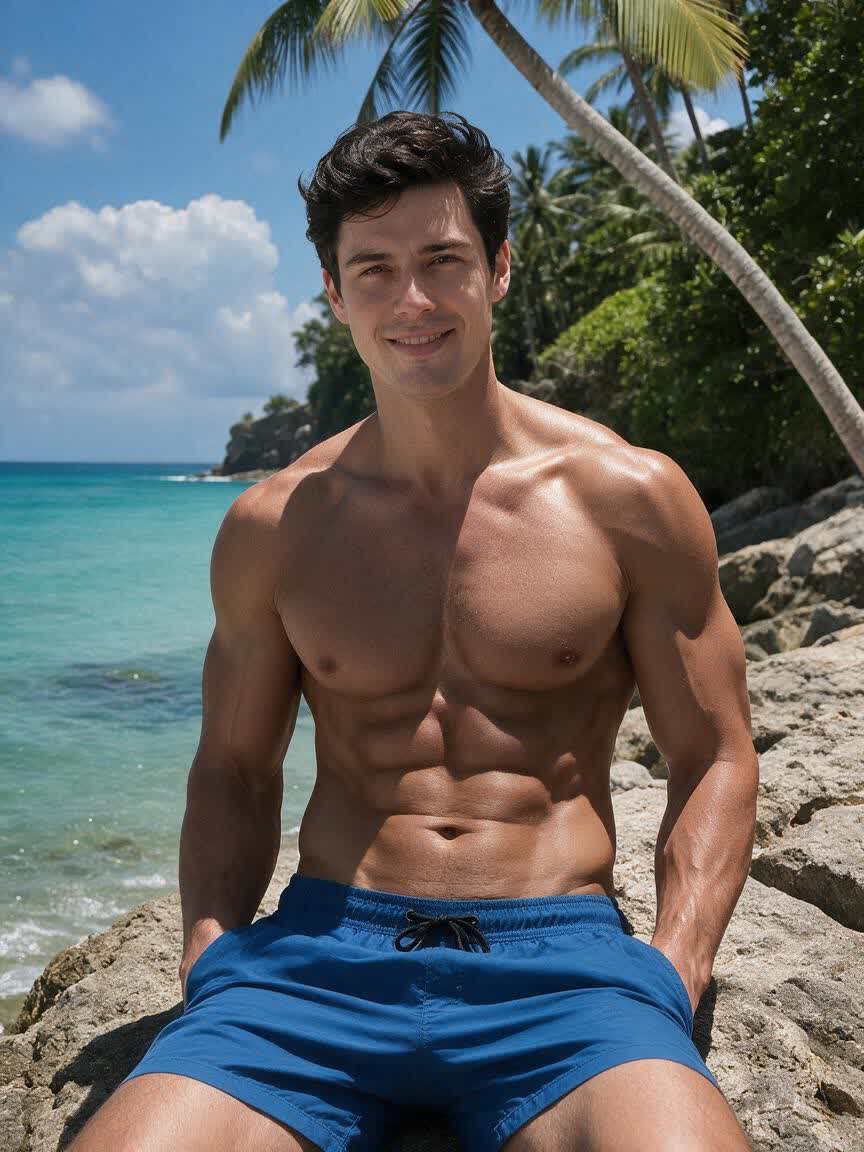
Polish Social Photos
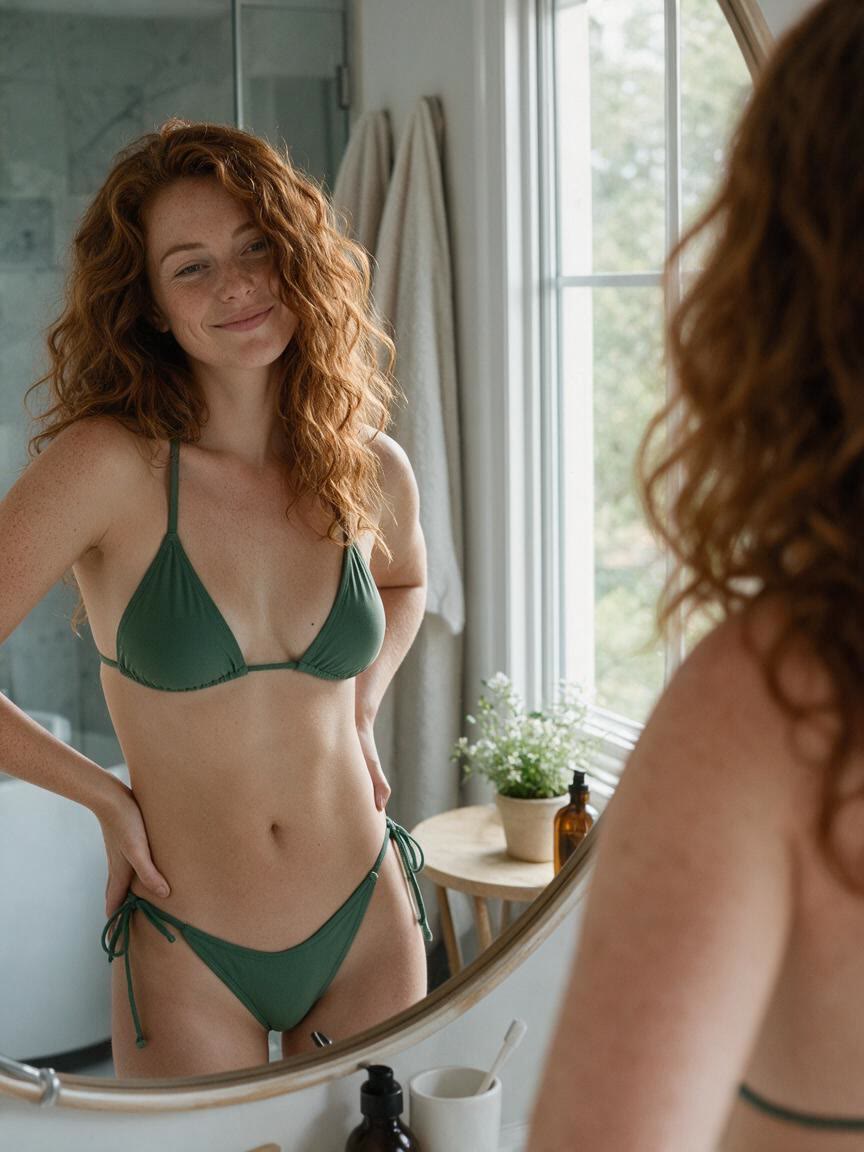
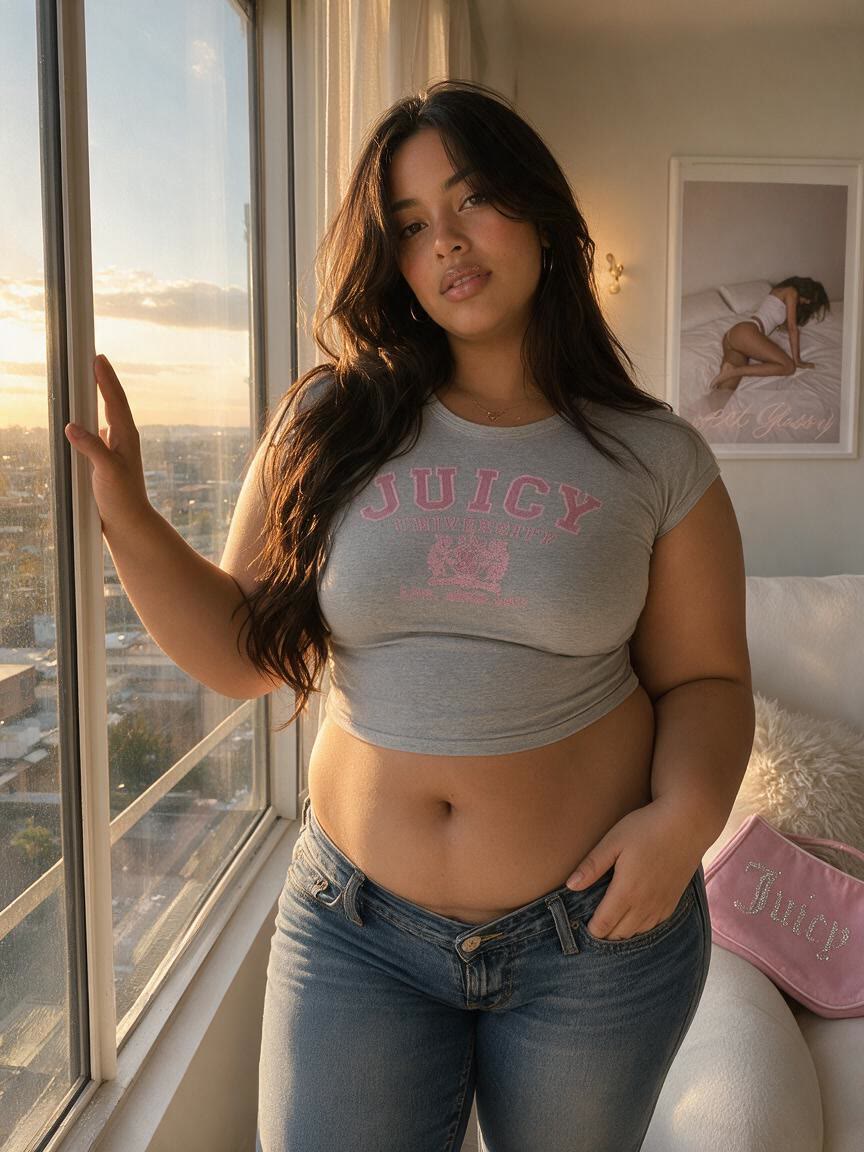
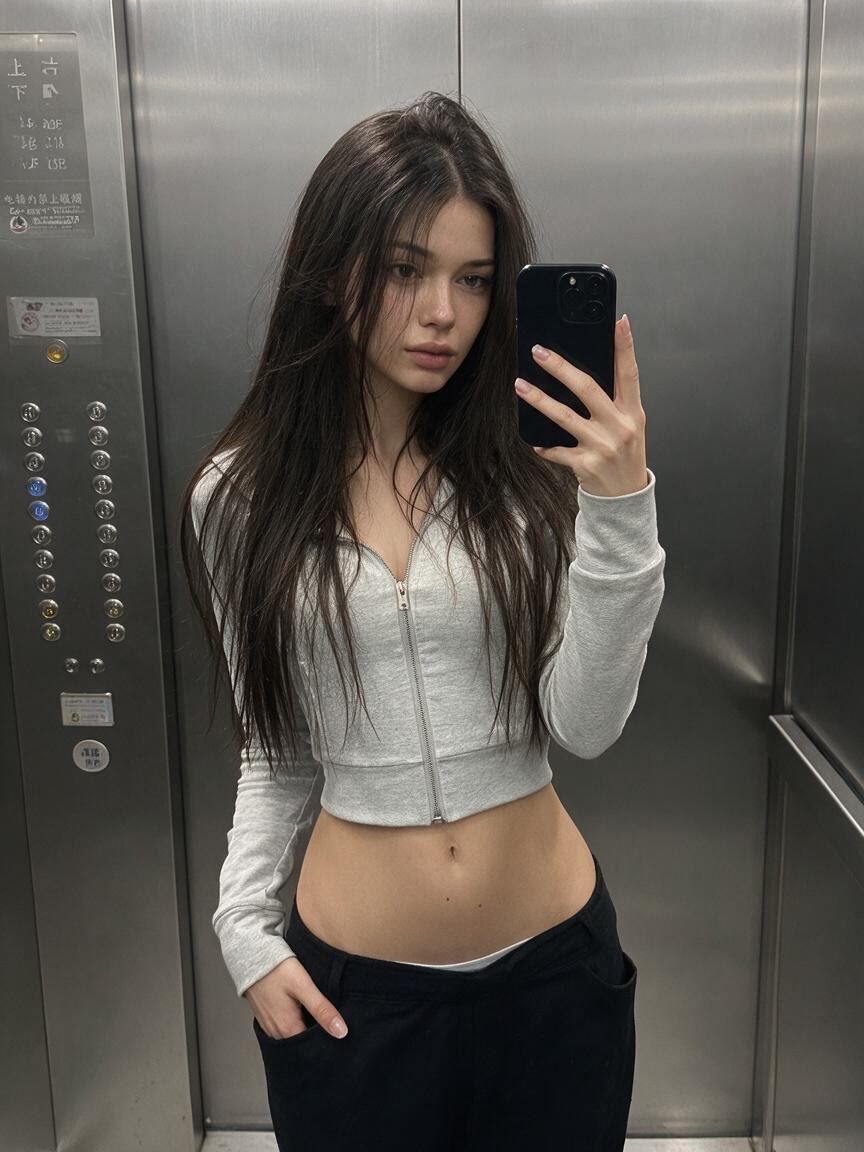
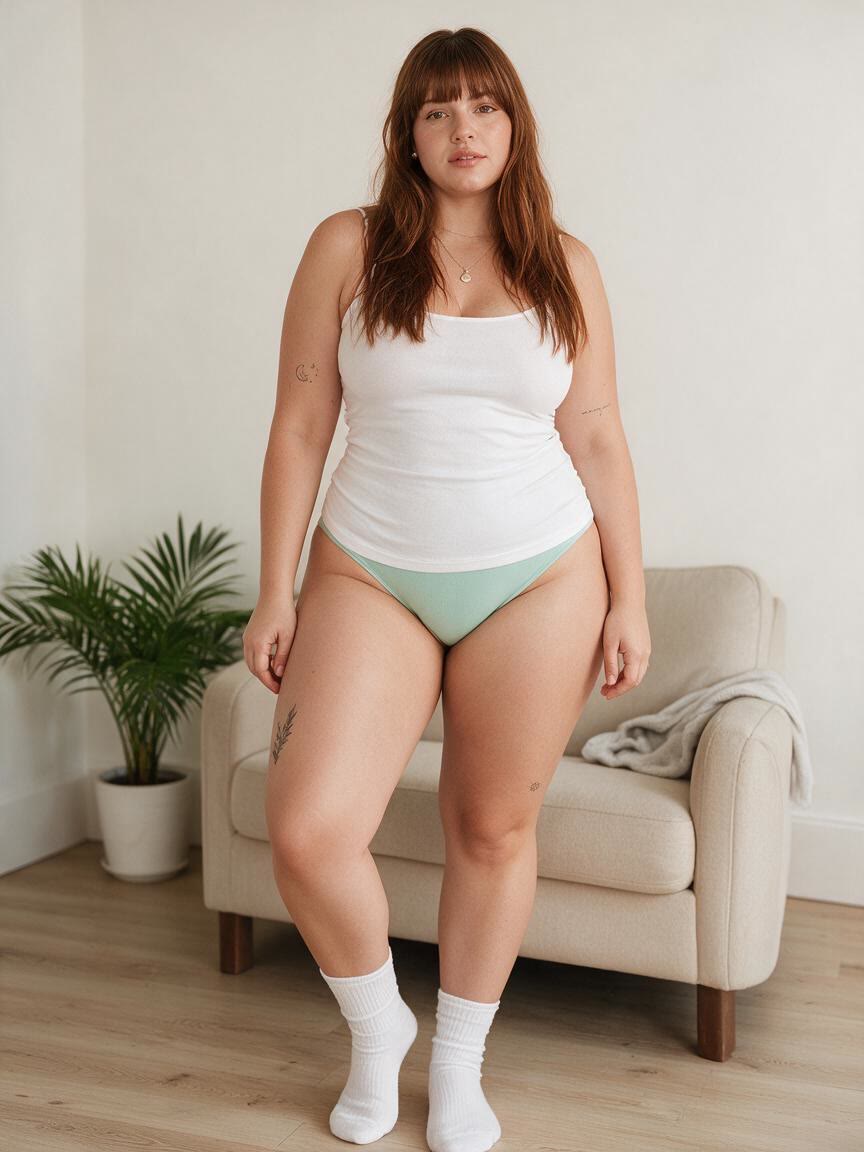
Bring a personal photo for a refined waist, toned arms, or balanced curves before sharing it online. Cavro turns a specific body-editing idea into a polished image that still reflects the original portrait.
Try Cavro freeRefine a waist, tone arms, lengthen legs, or adjust posture from one photo. Cavro helps creators, fitness enthusiasts, models, and everyday users shape polished images without losing natural detail.
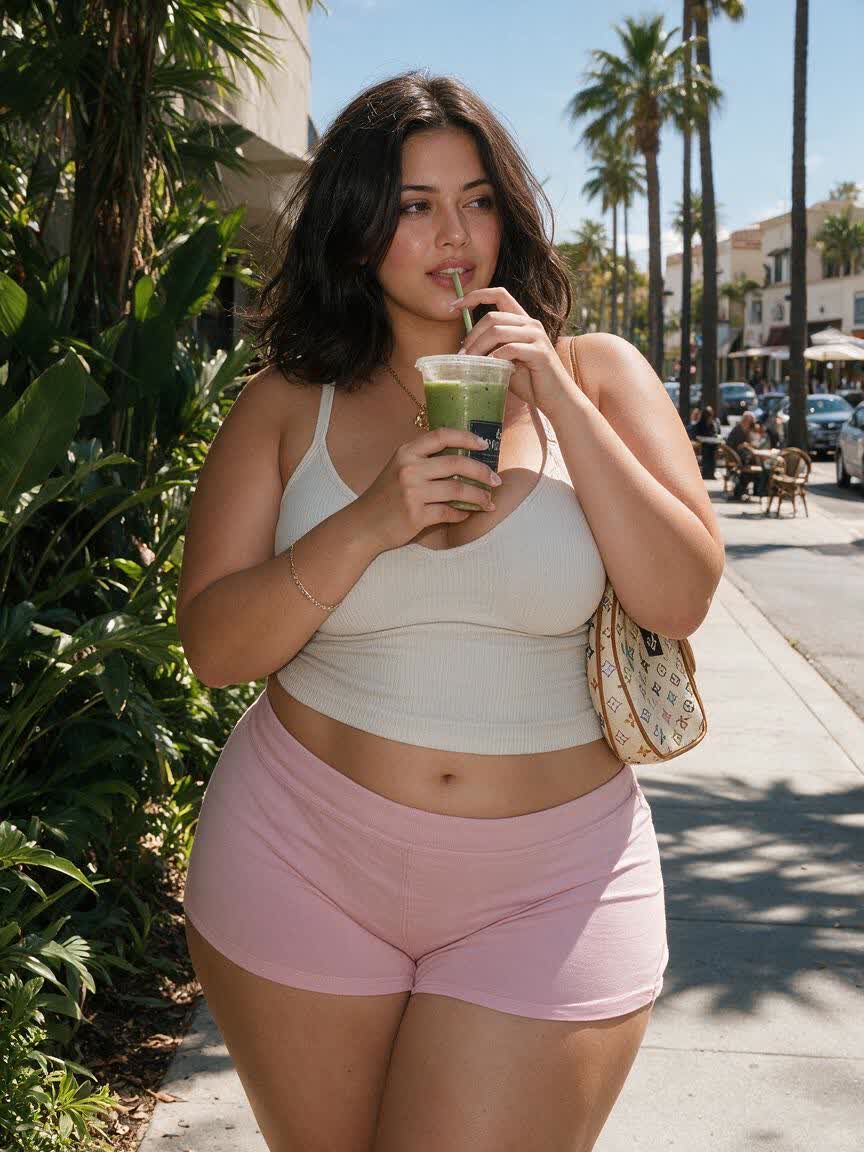
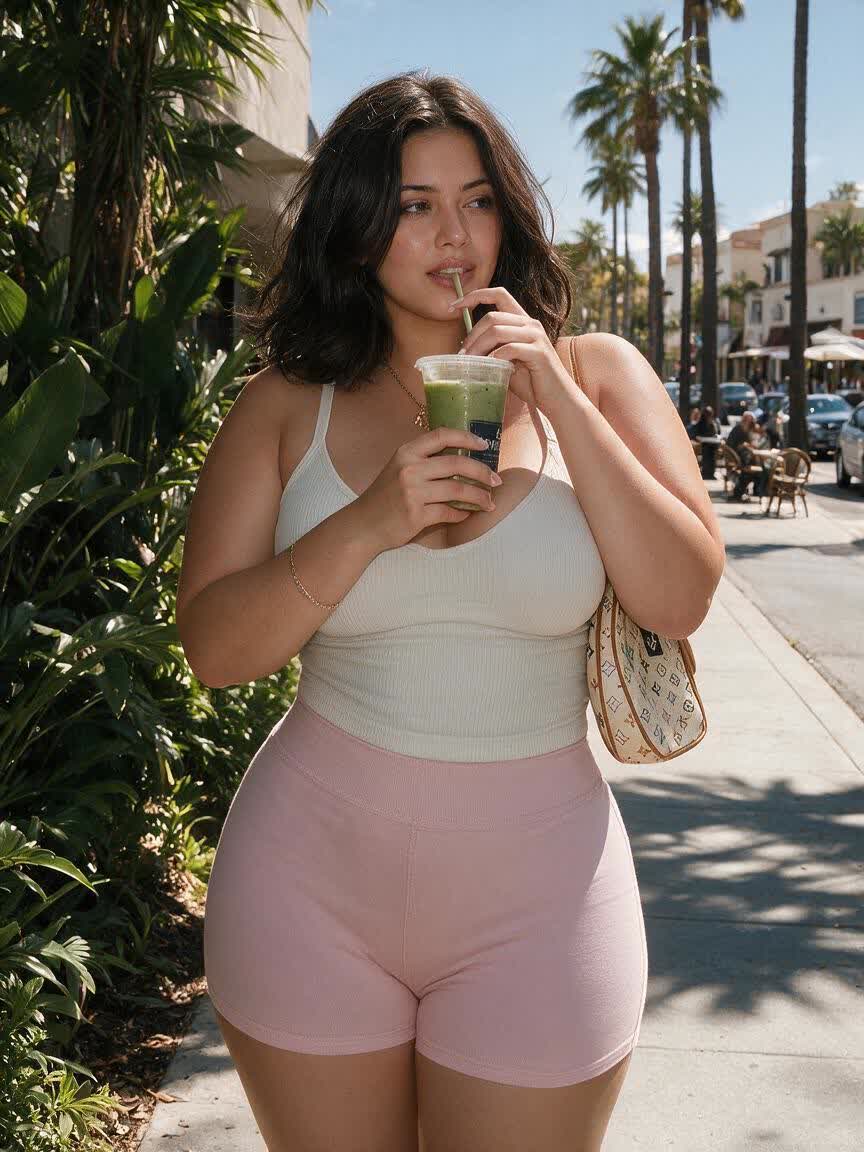
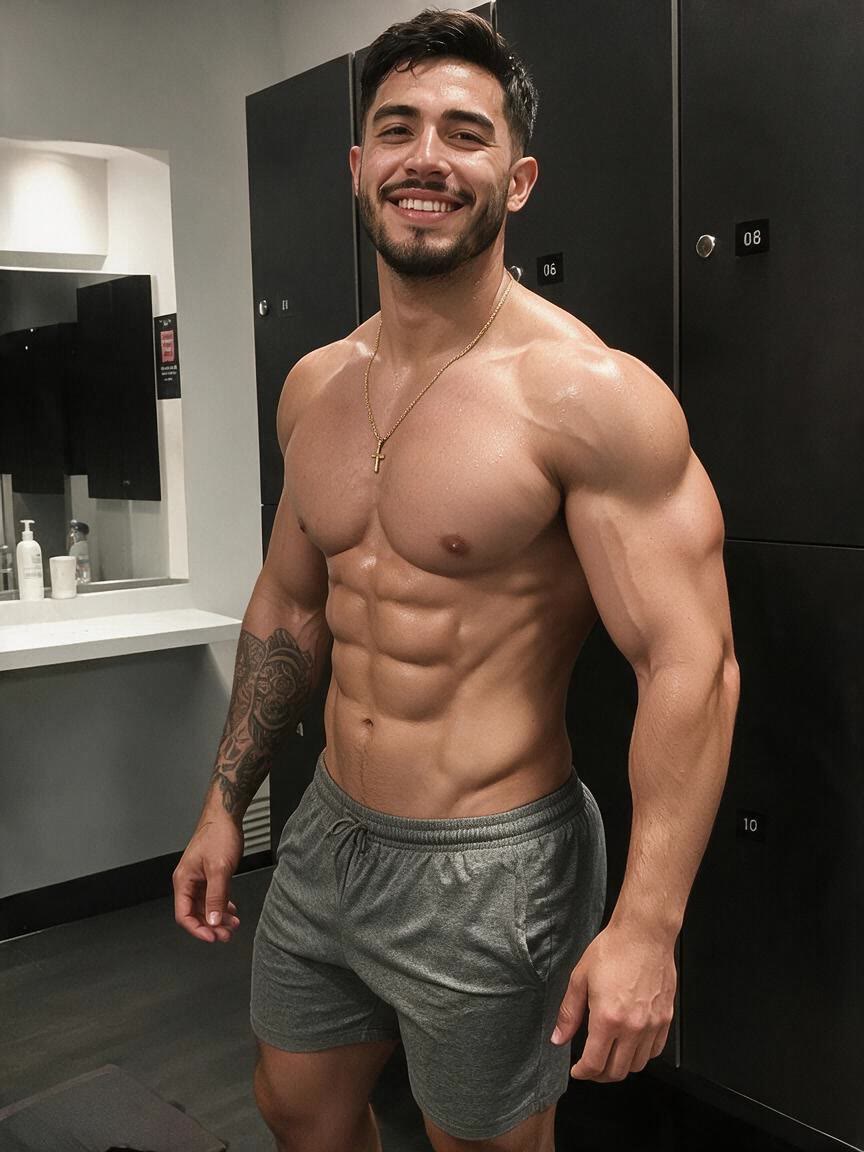
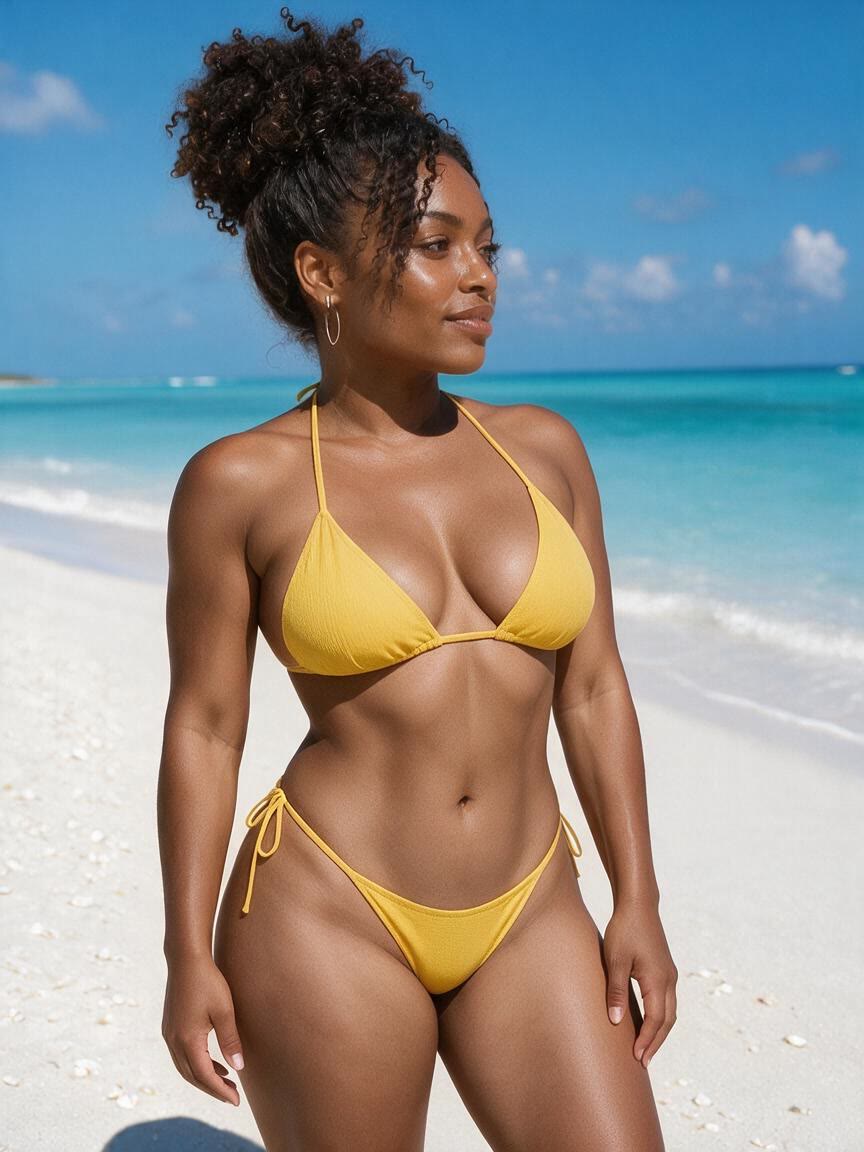
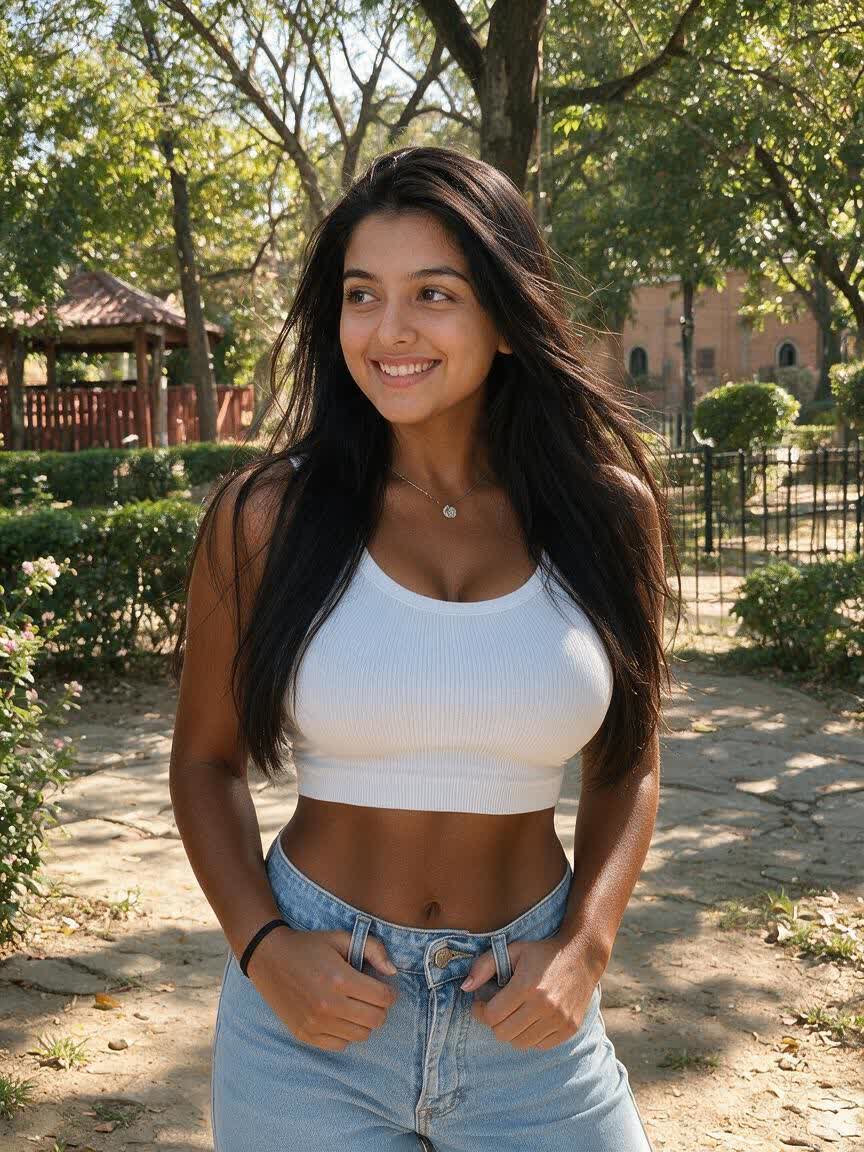
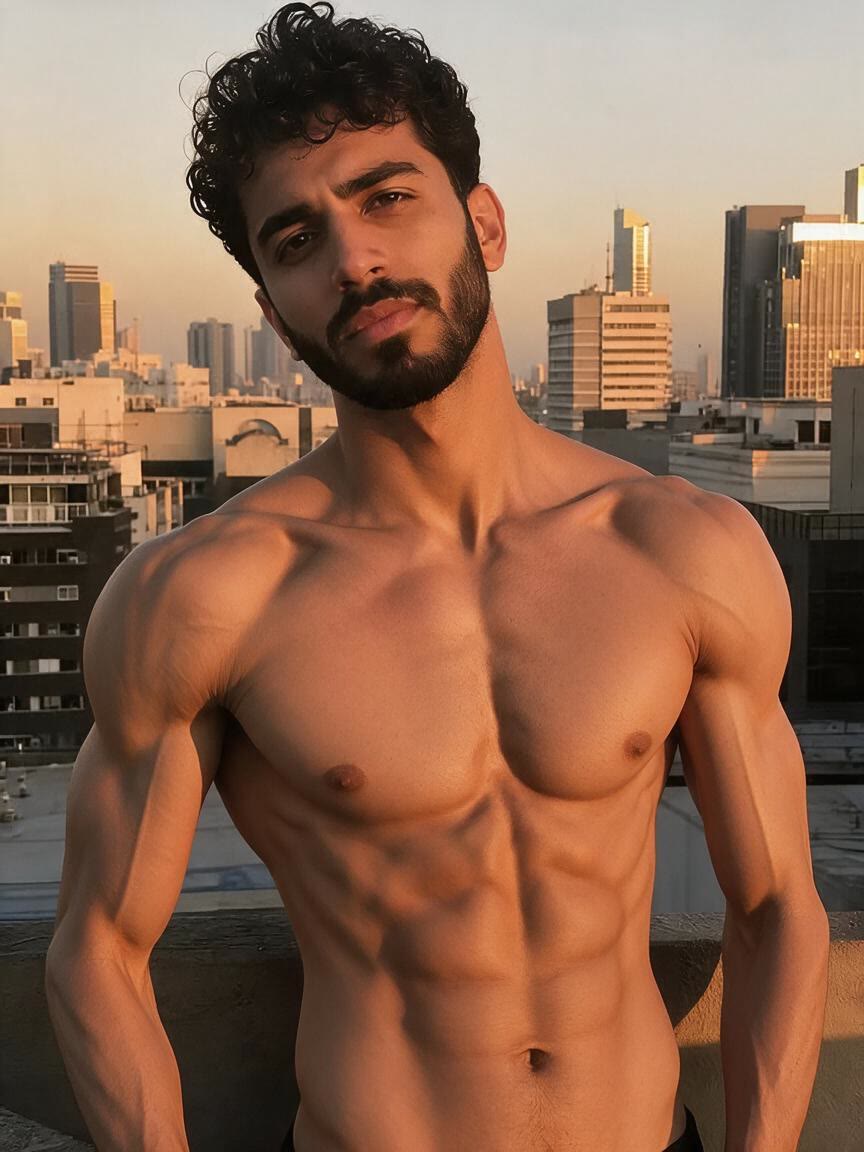
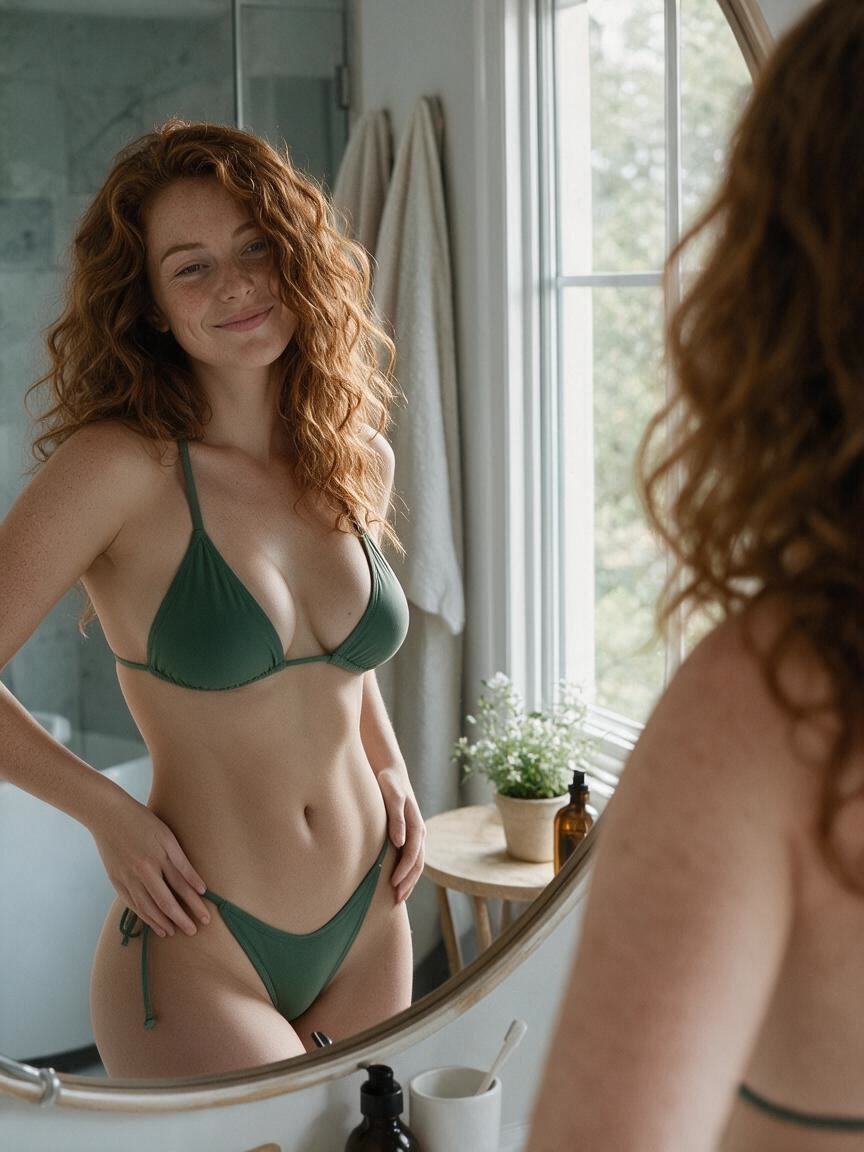
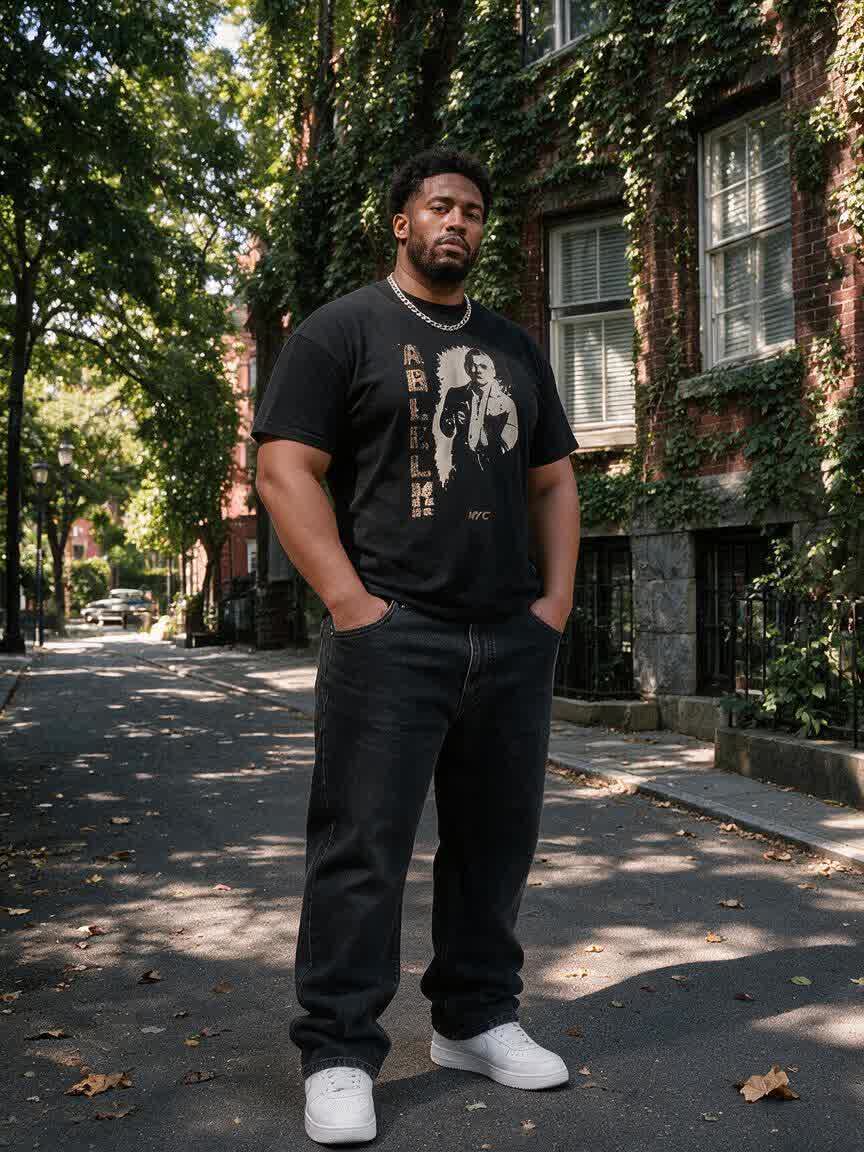
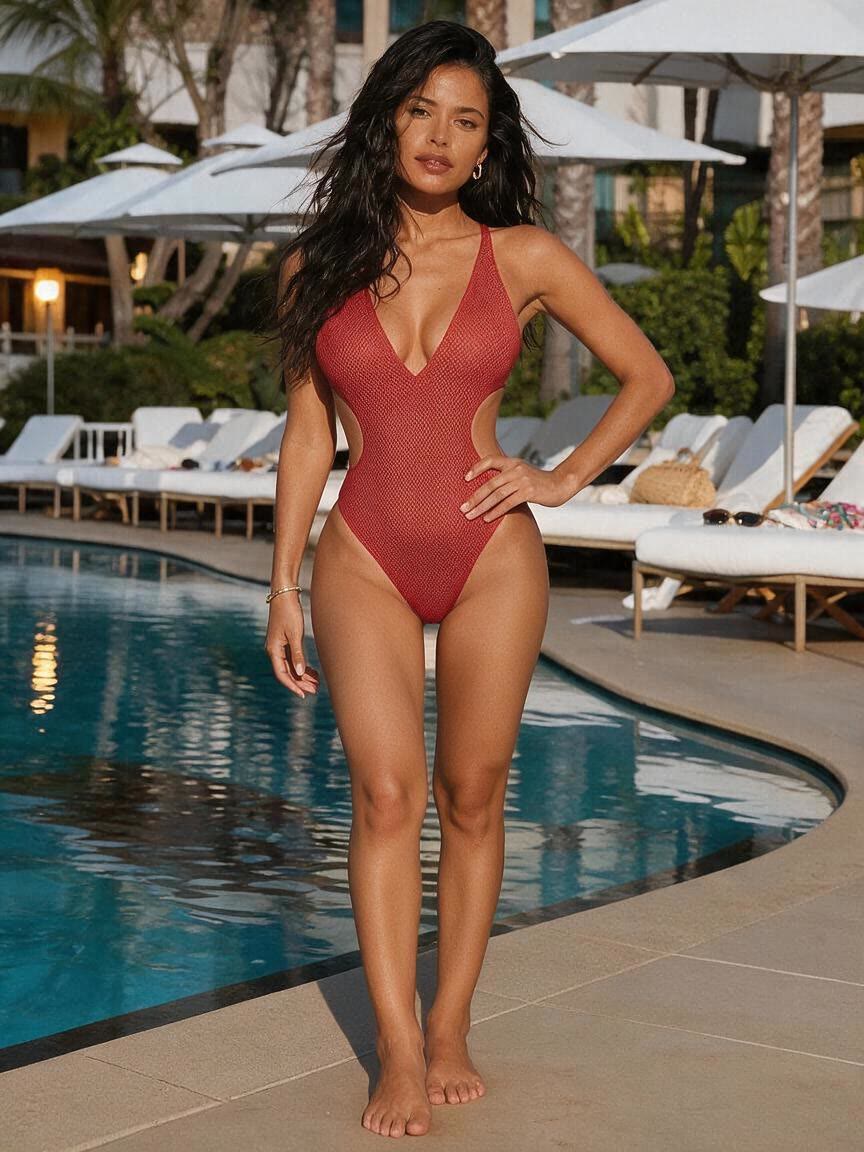
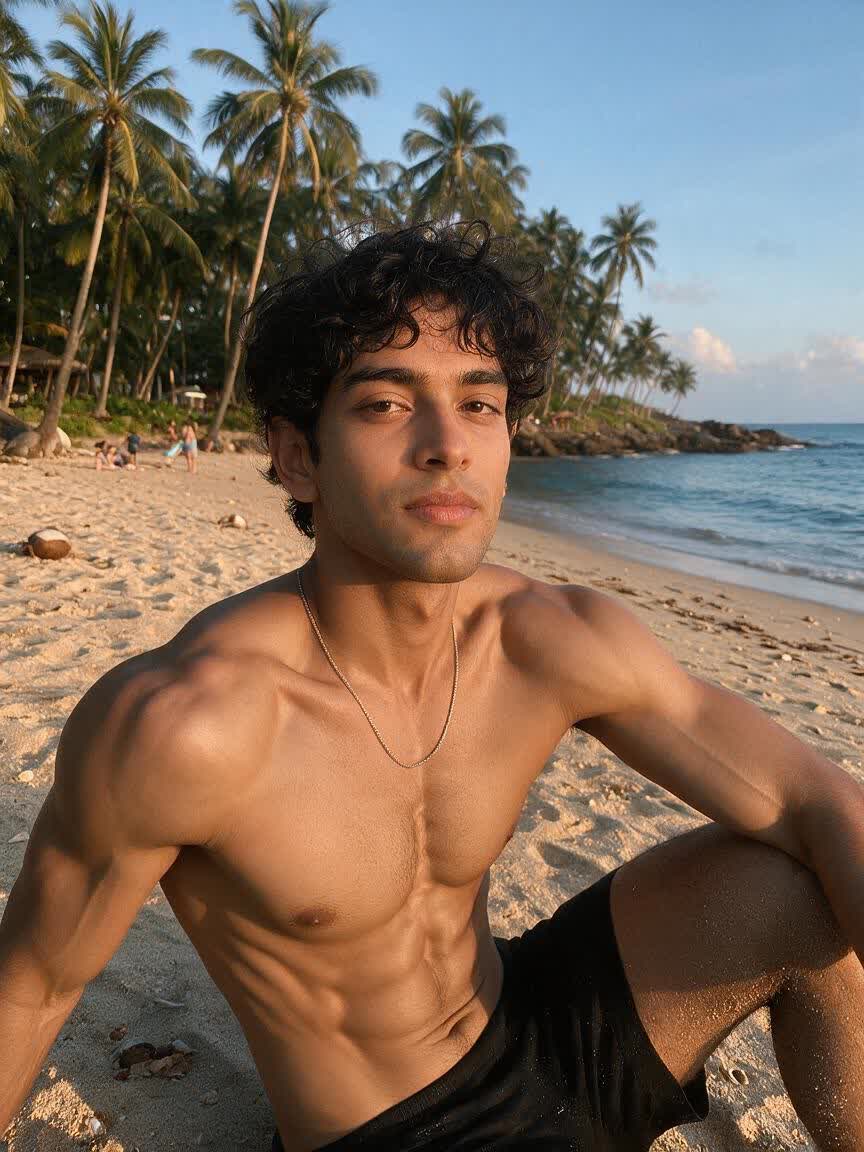
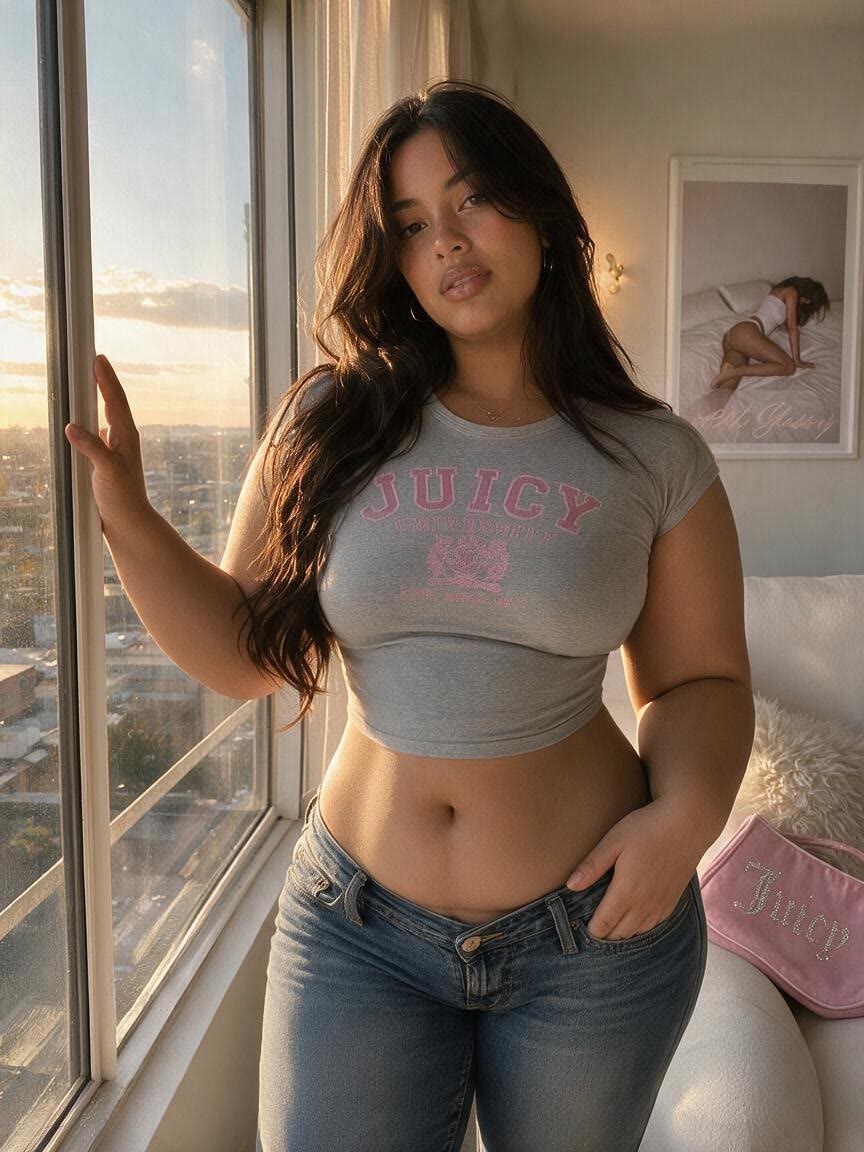
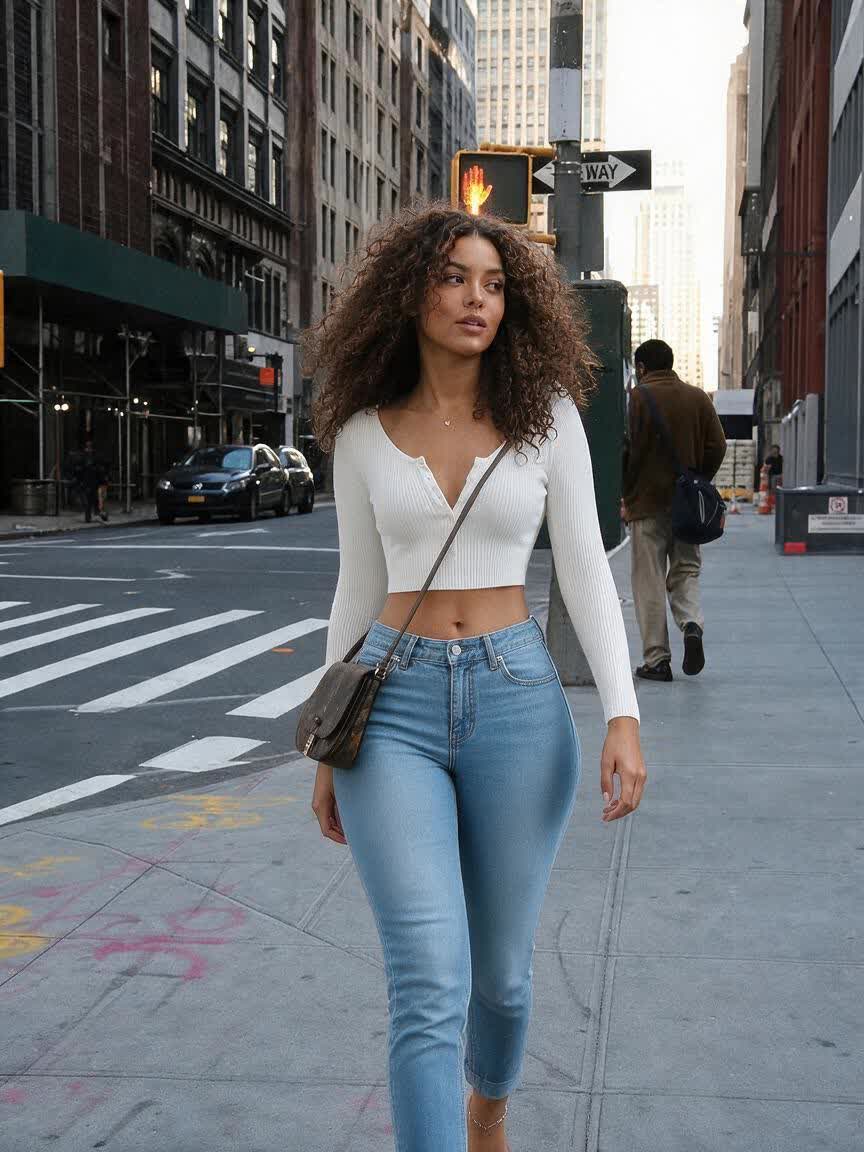
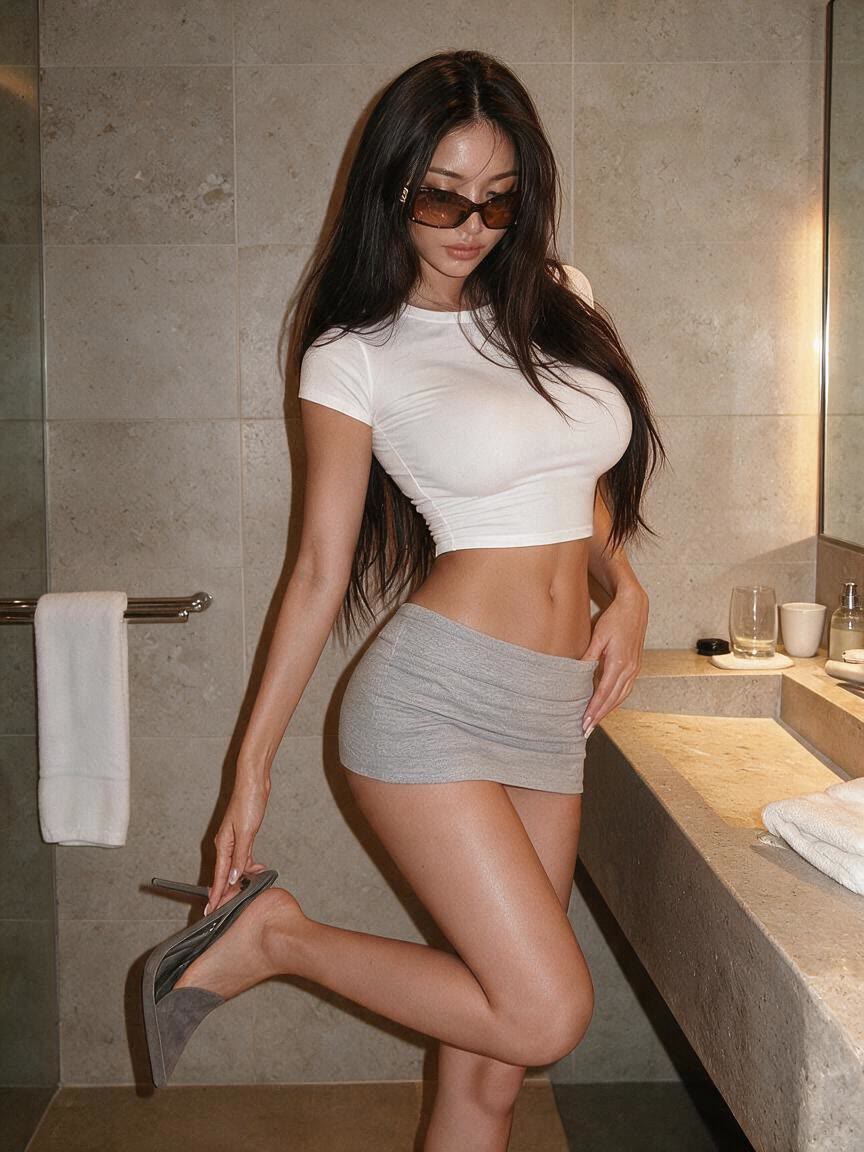
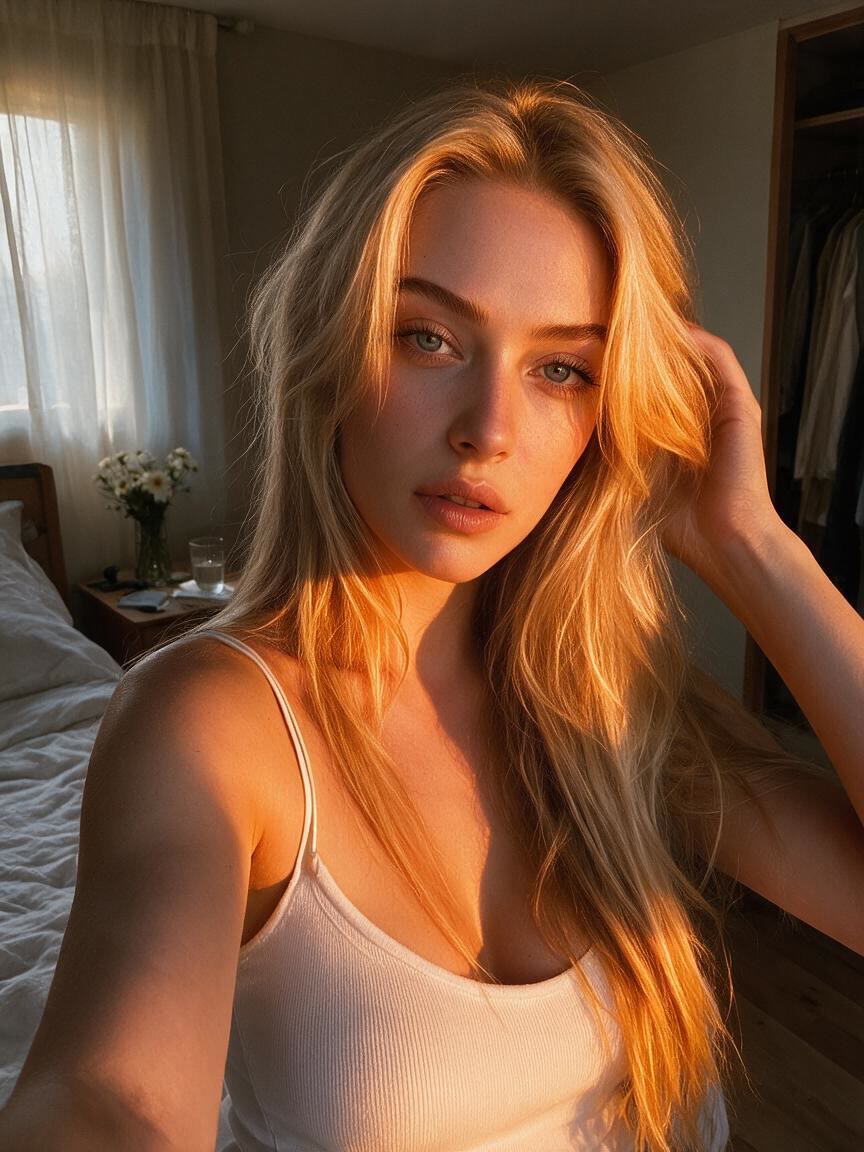
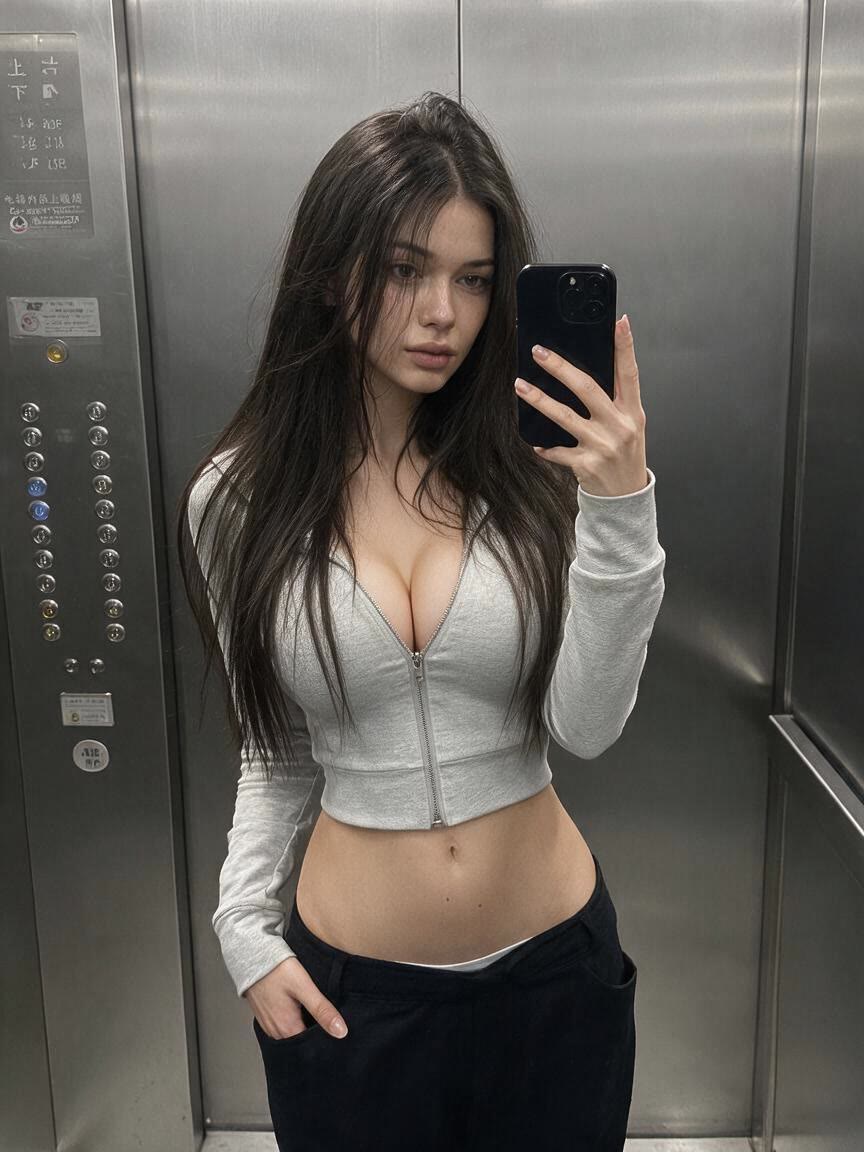
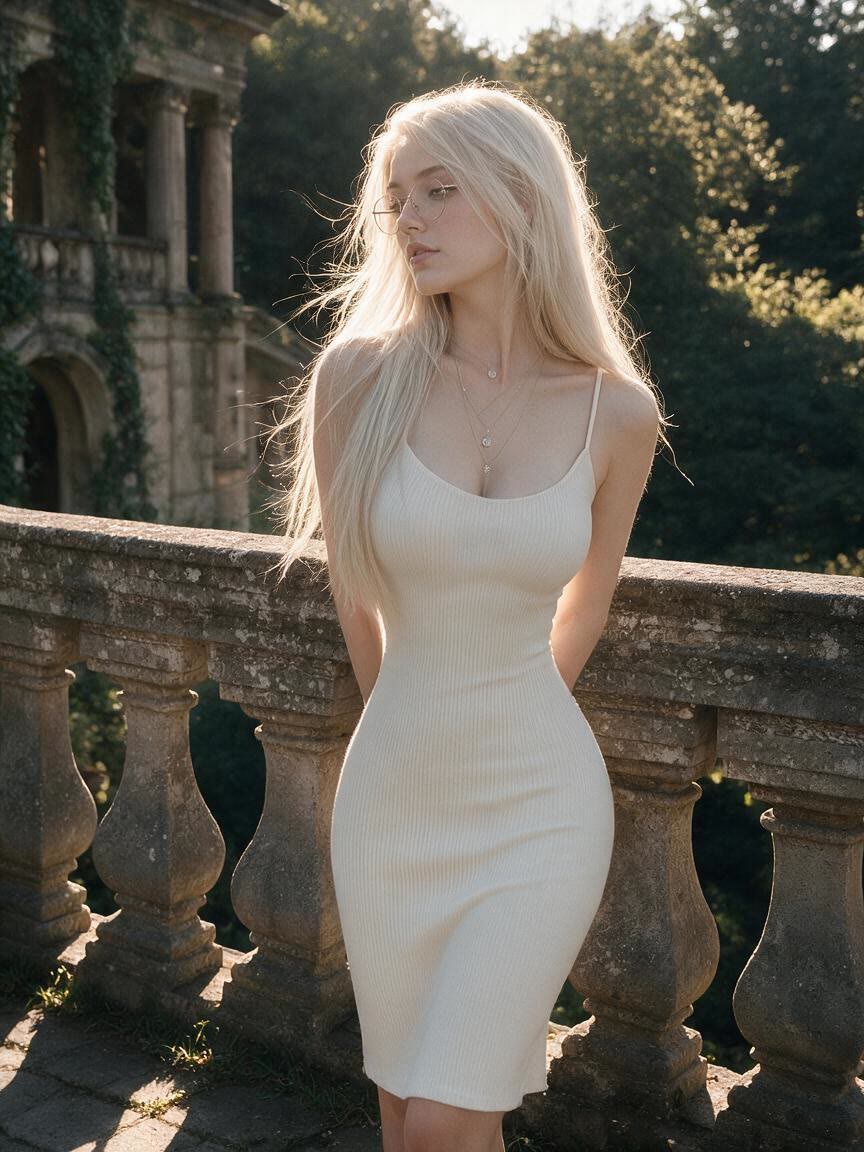
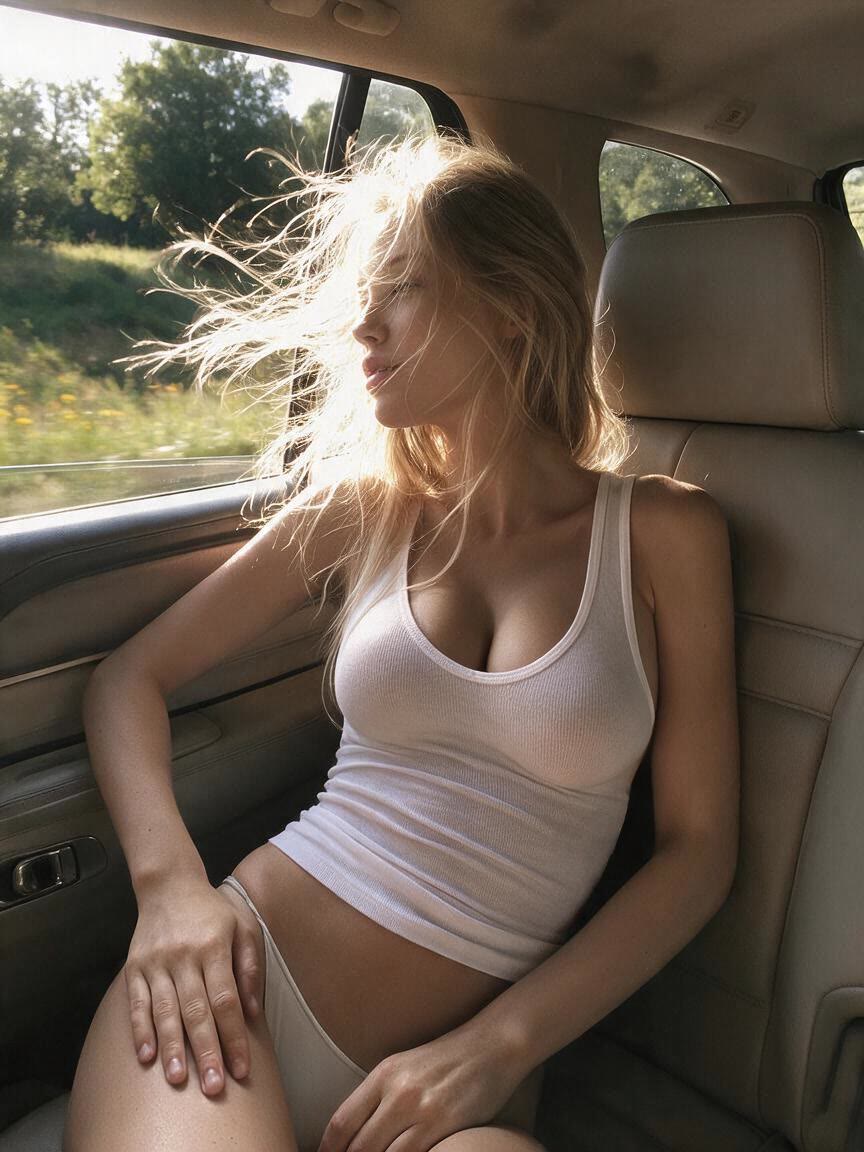
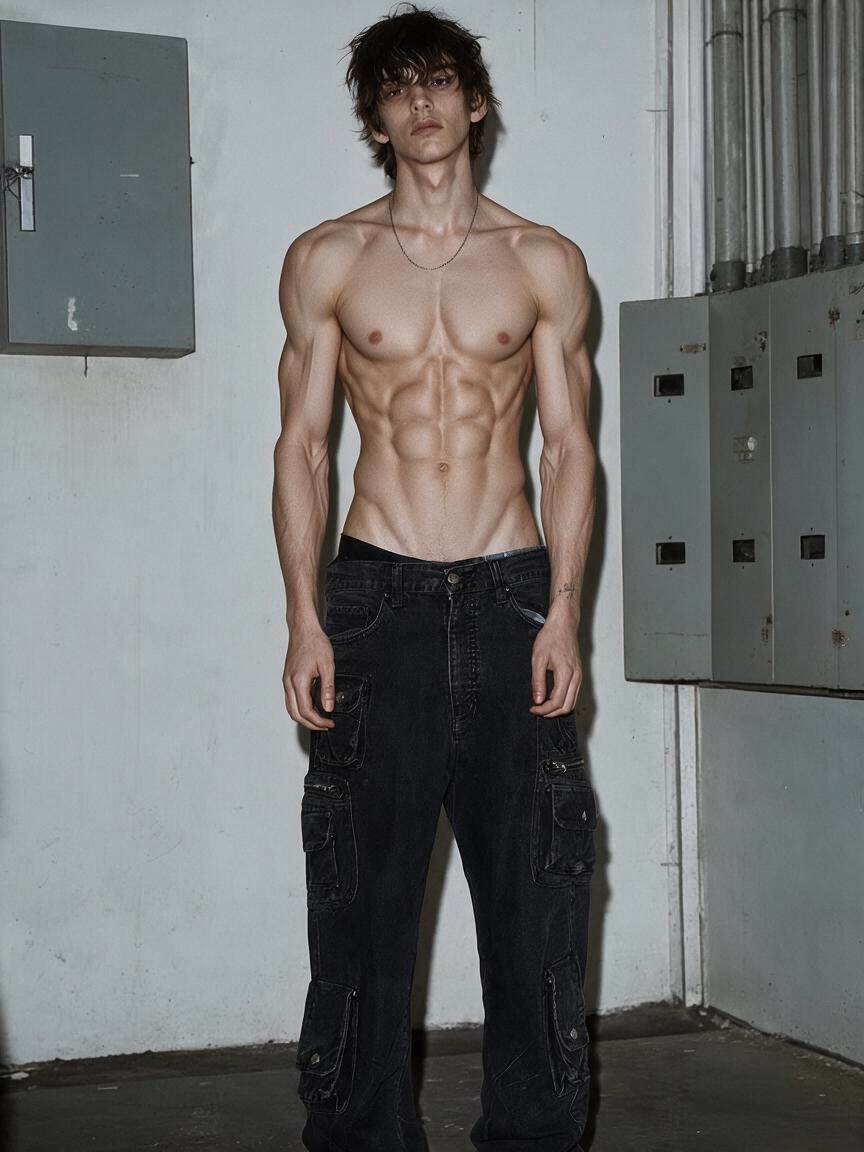
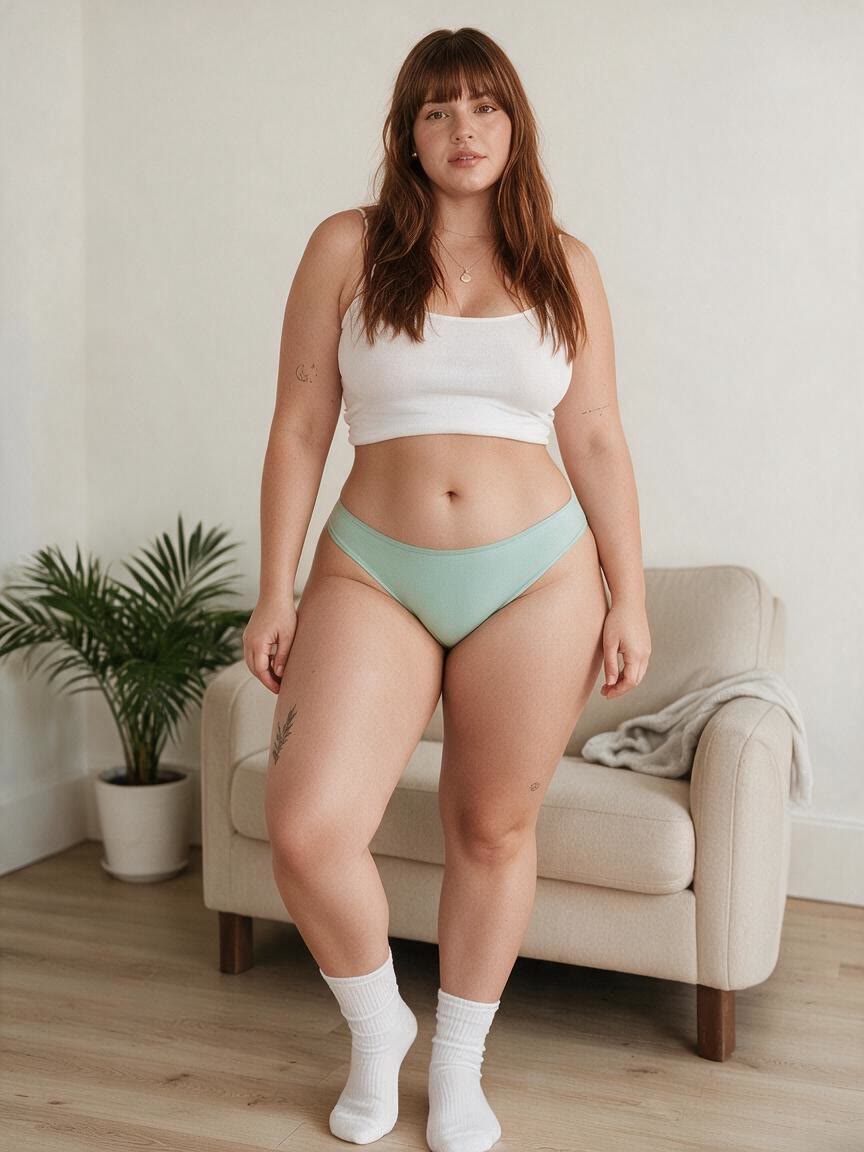
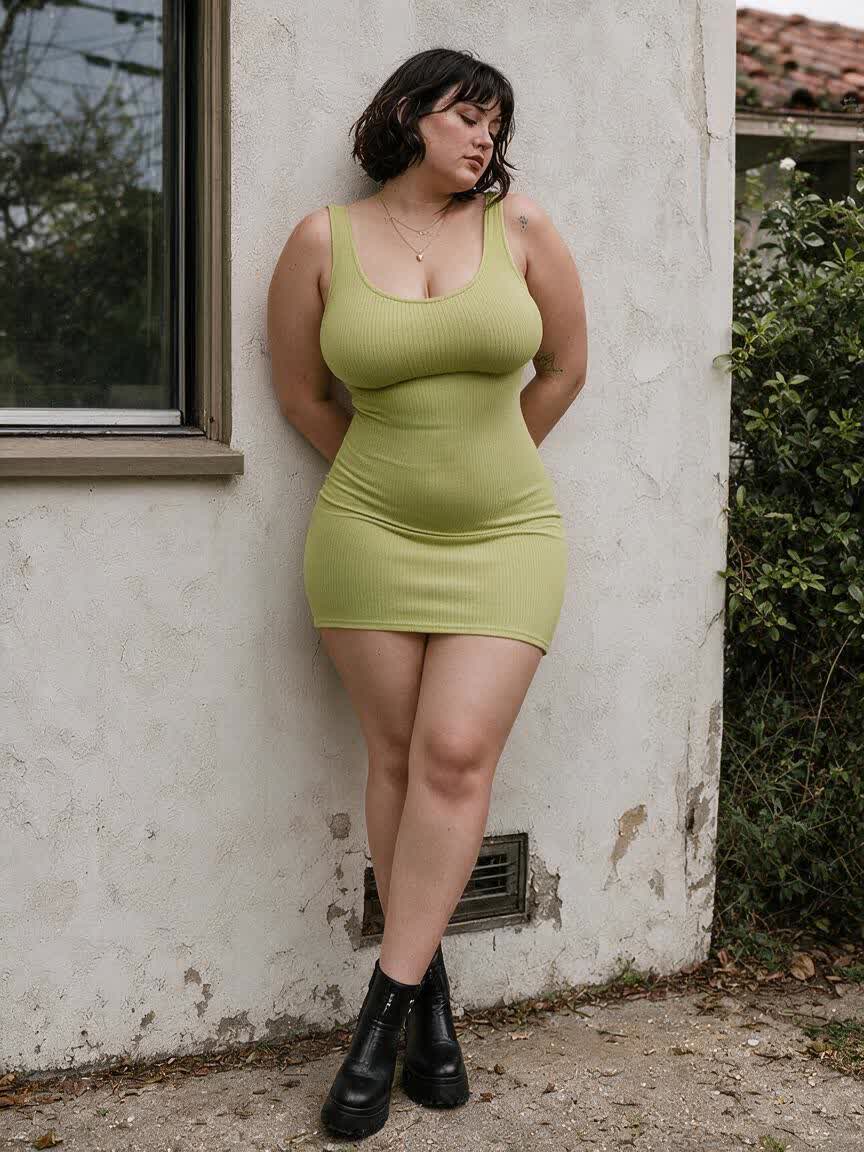
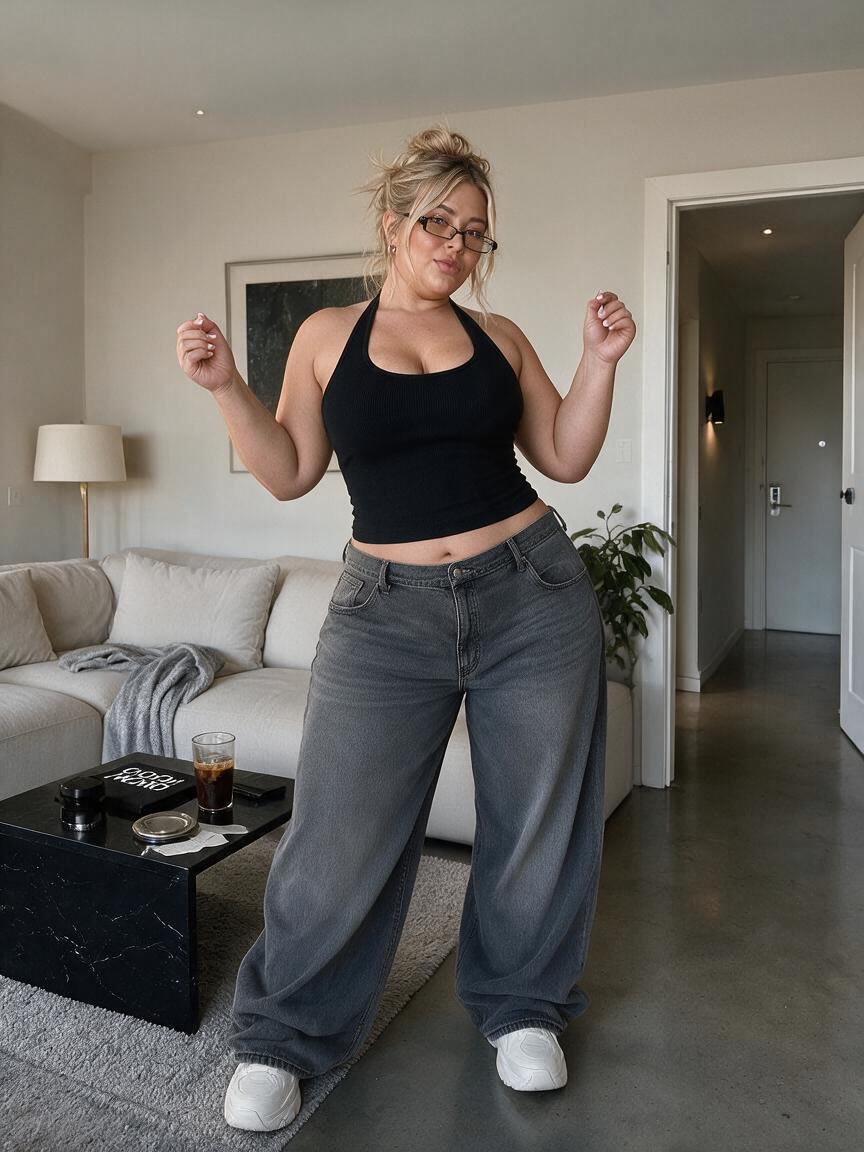
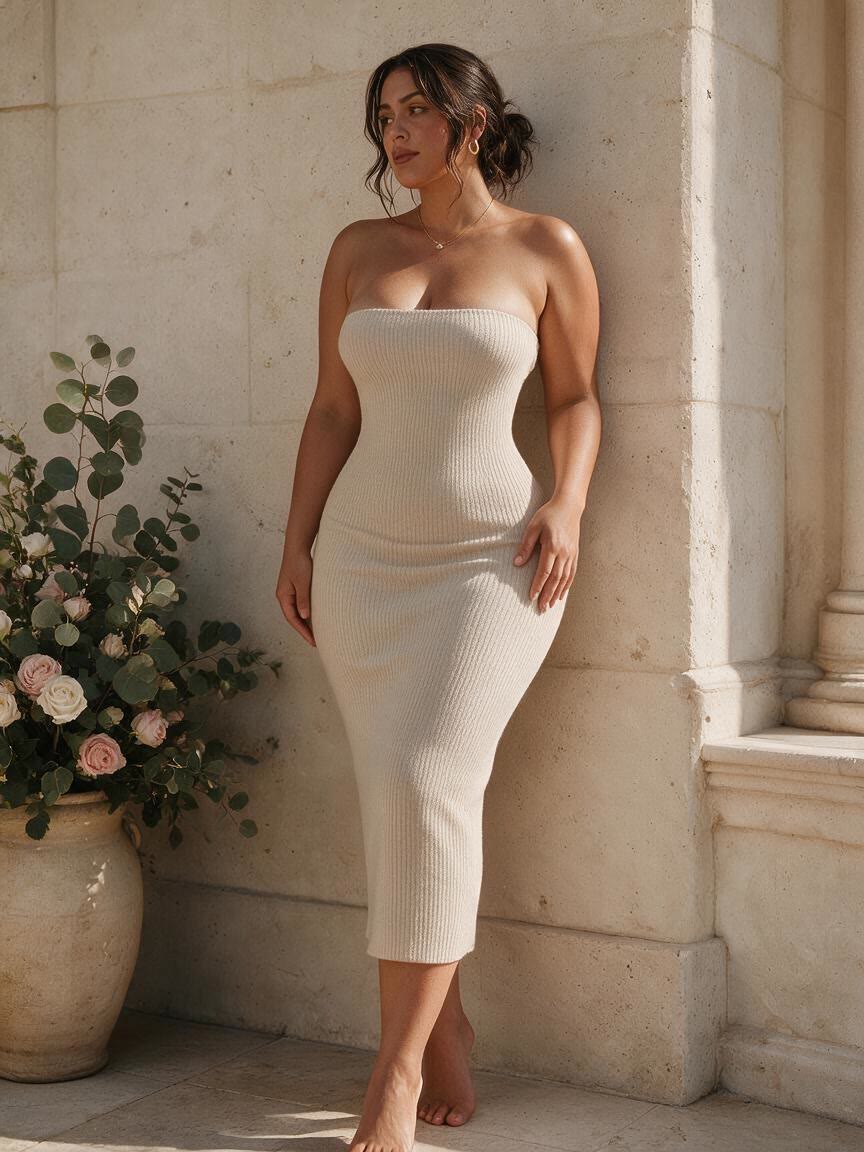
Bring a personal photo for a refined waist, toned arms, or balanced curves before sharing it online. Cavro turns a specific body-editing idea into a polished image that still reflects the original portrait.
Try Cavro free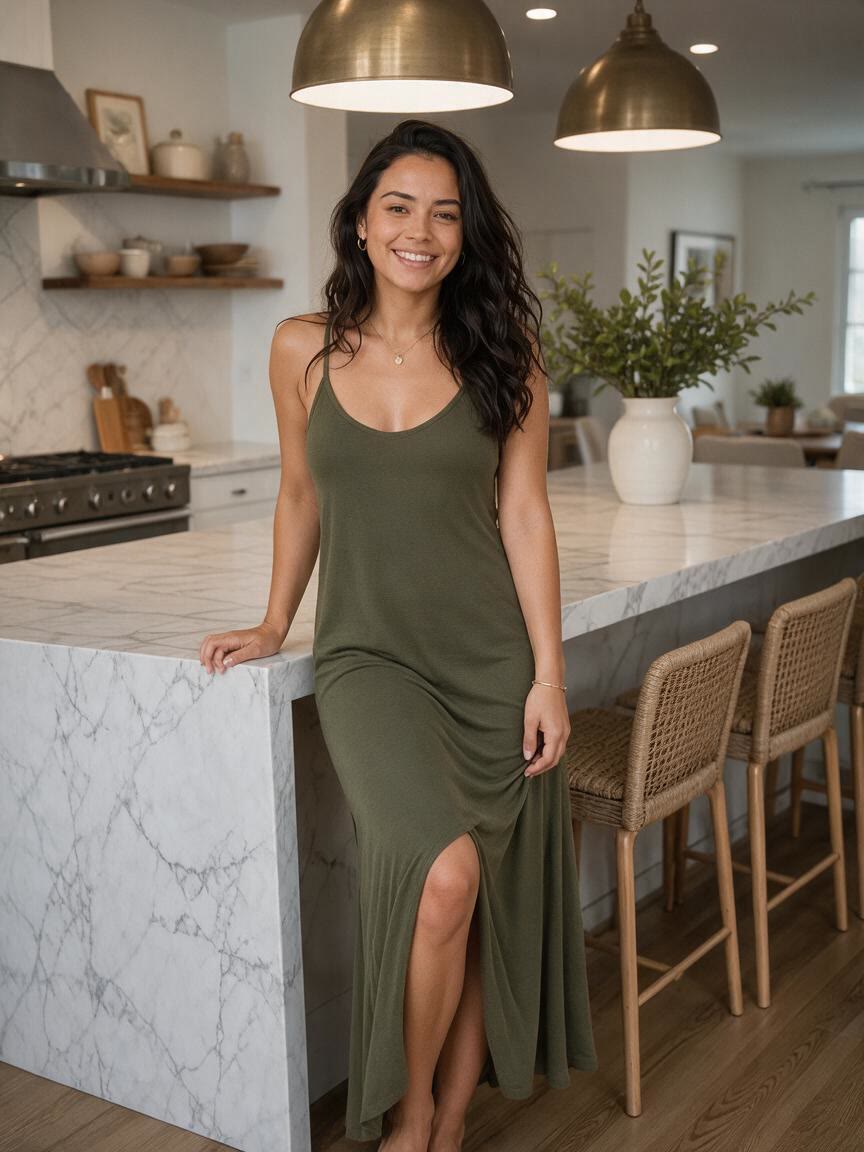
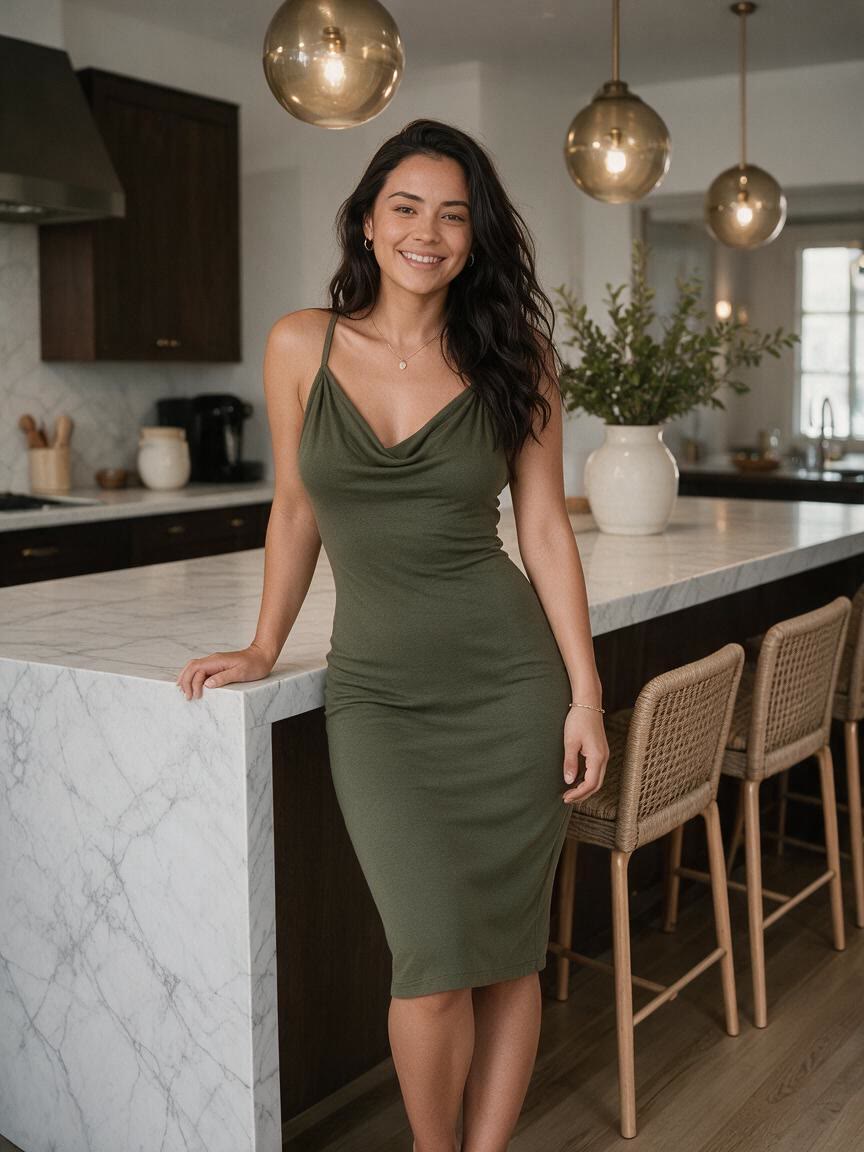
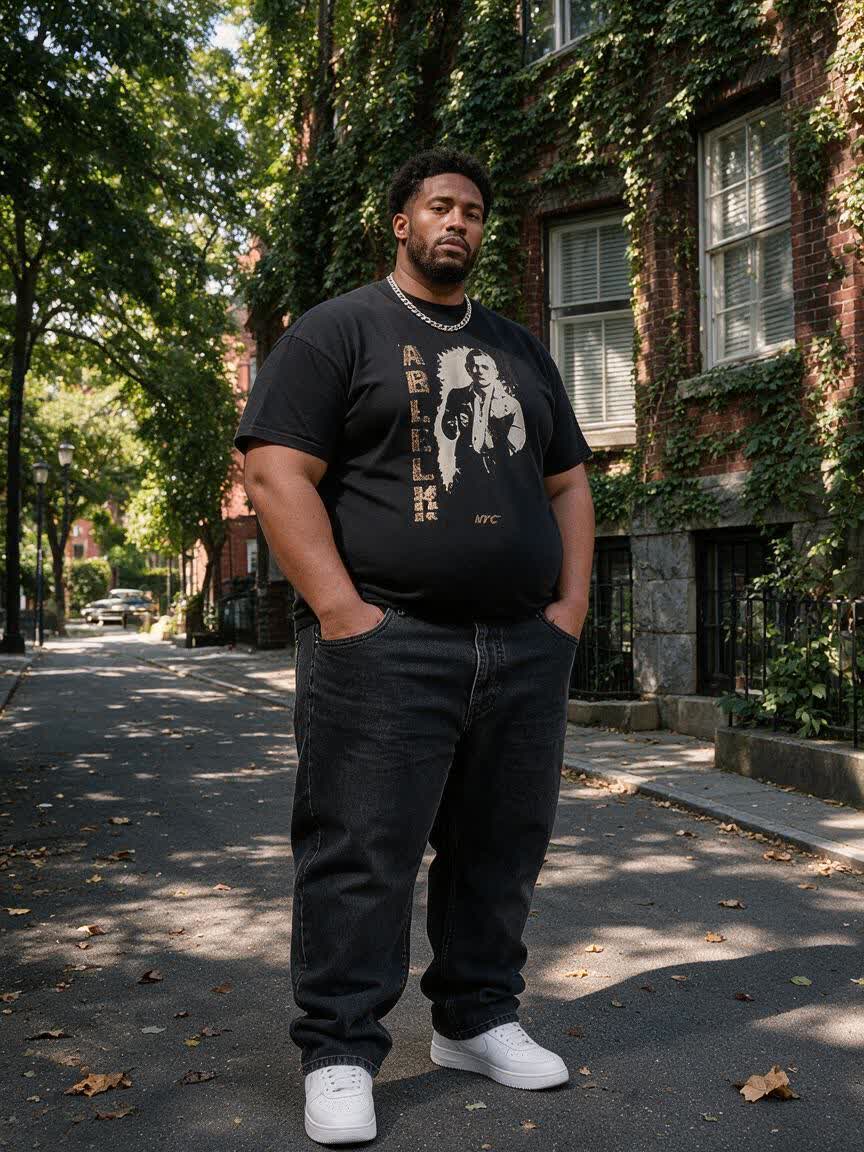
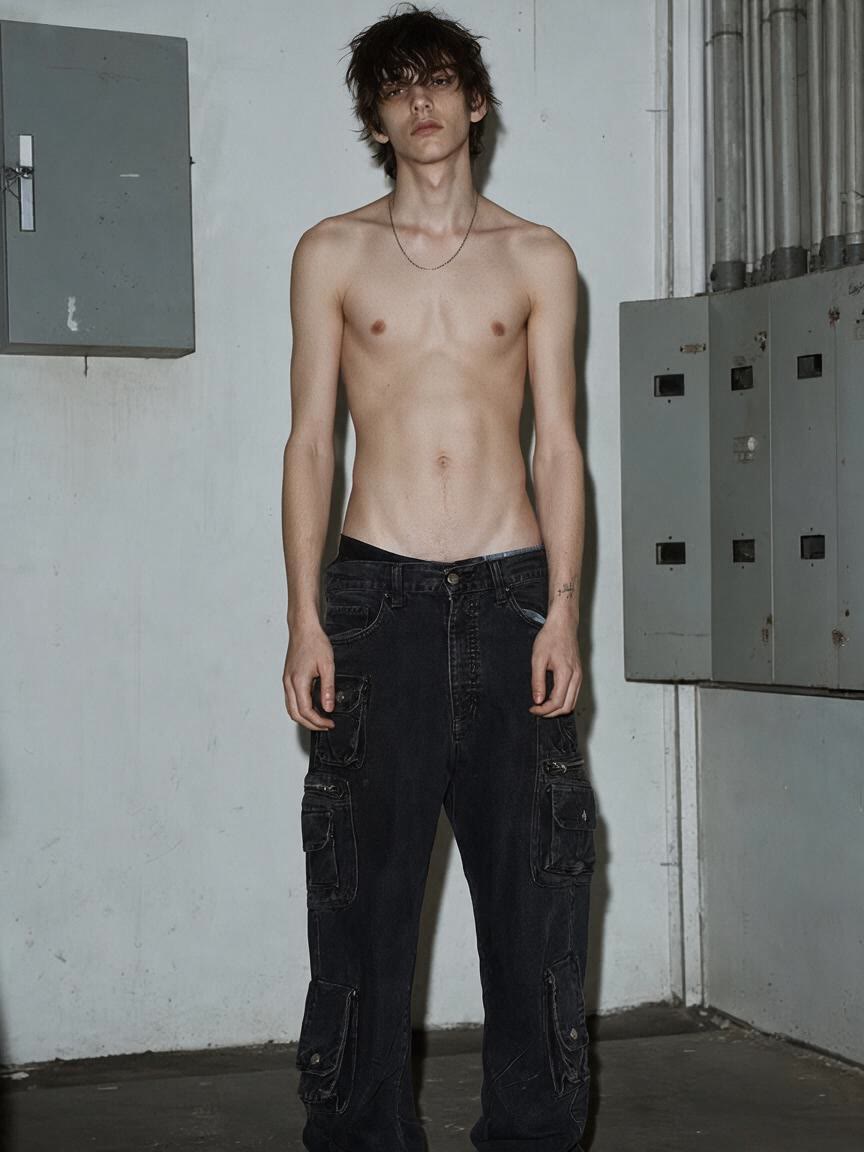
Use a progress photo to visualize the definition or proportion you are working toward. Cavro lets you describe the change and take away a clearer, more intentional fitness update.
Try Cavro free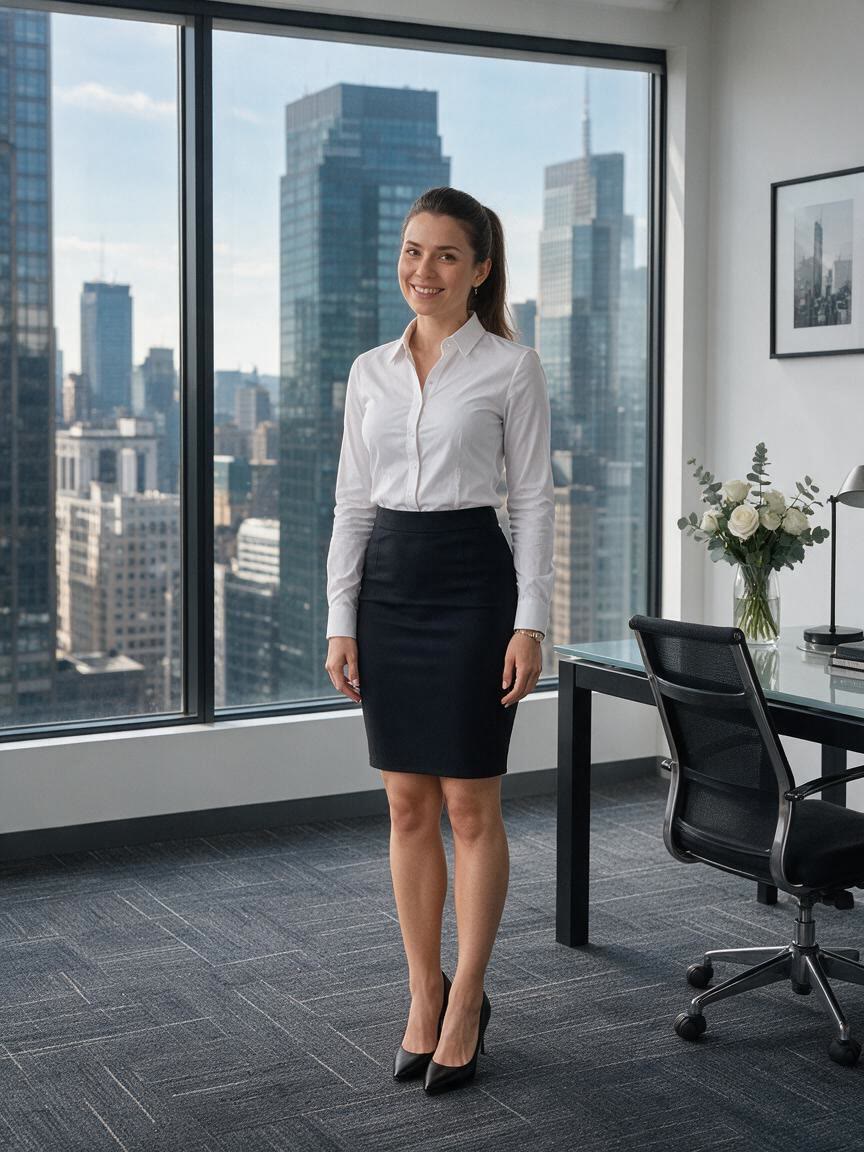
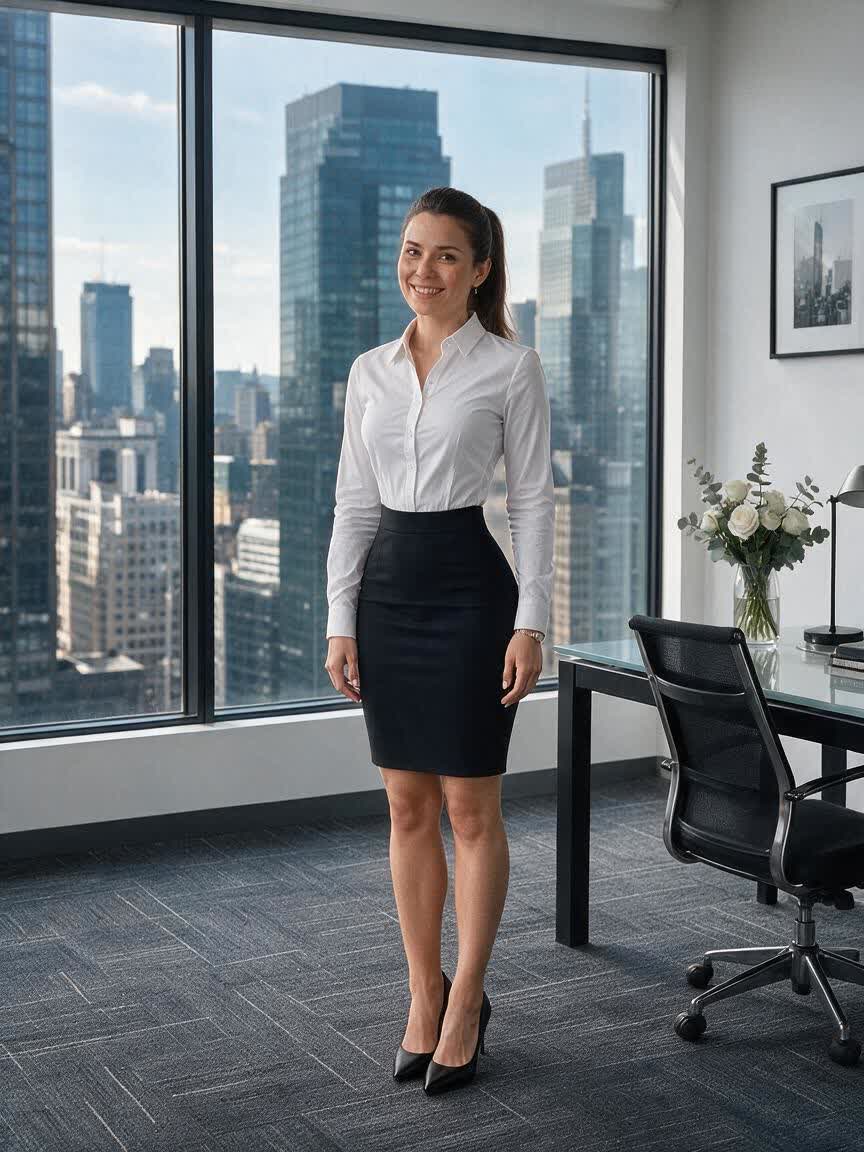
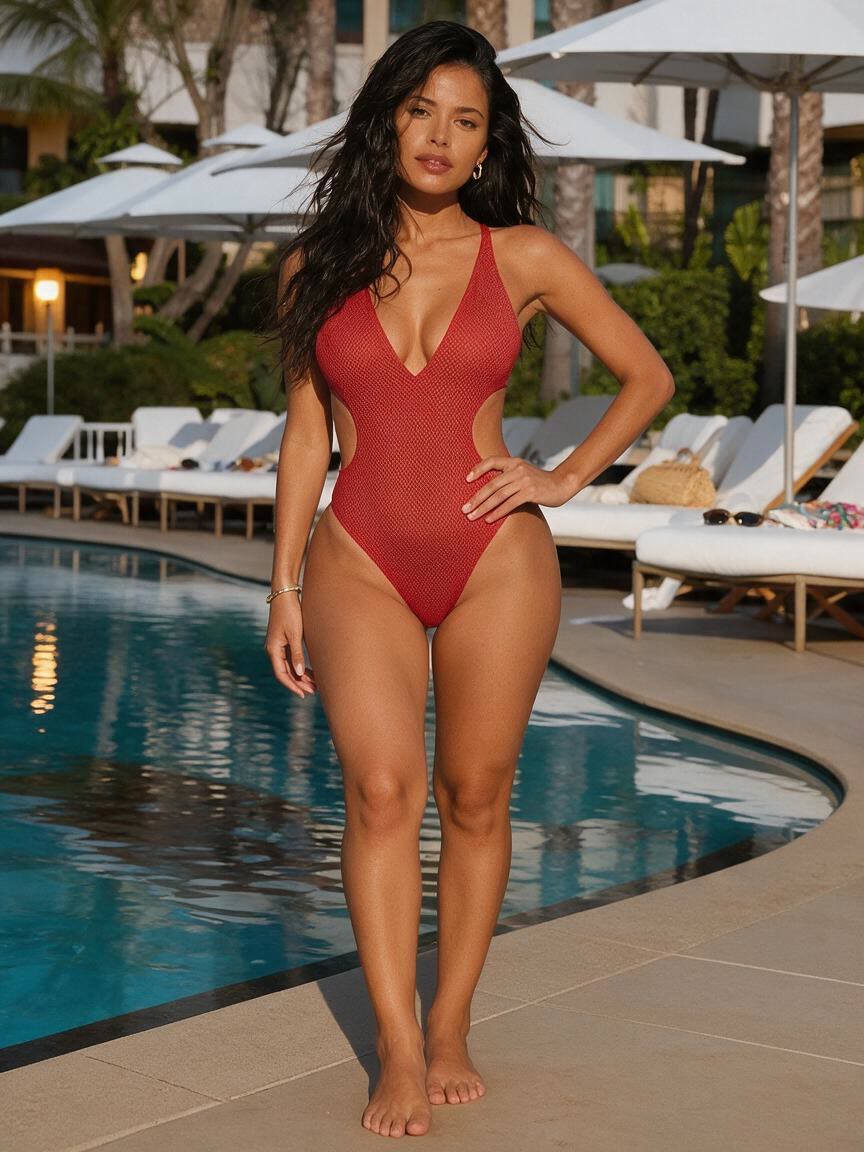
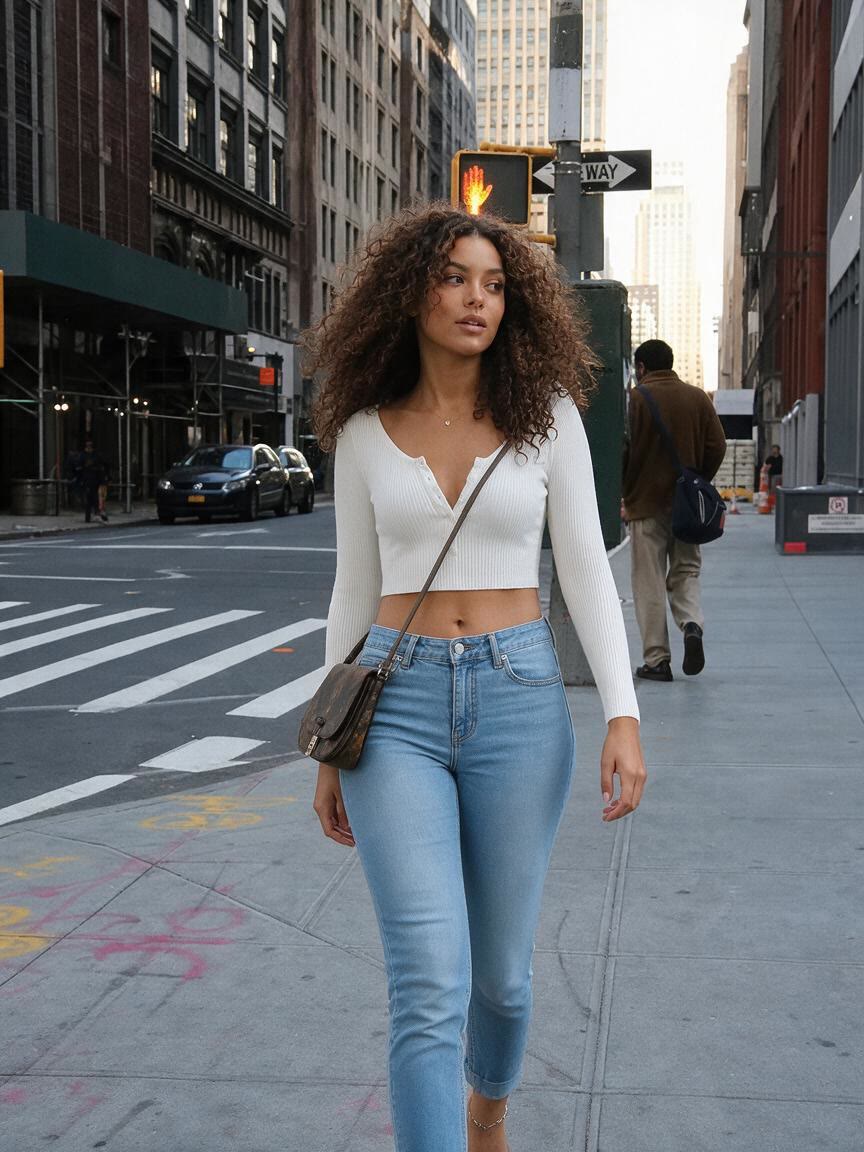
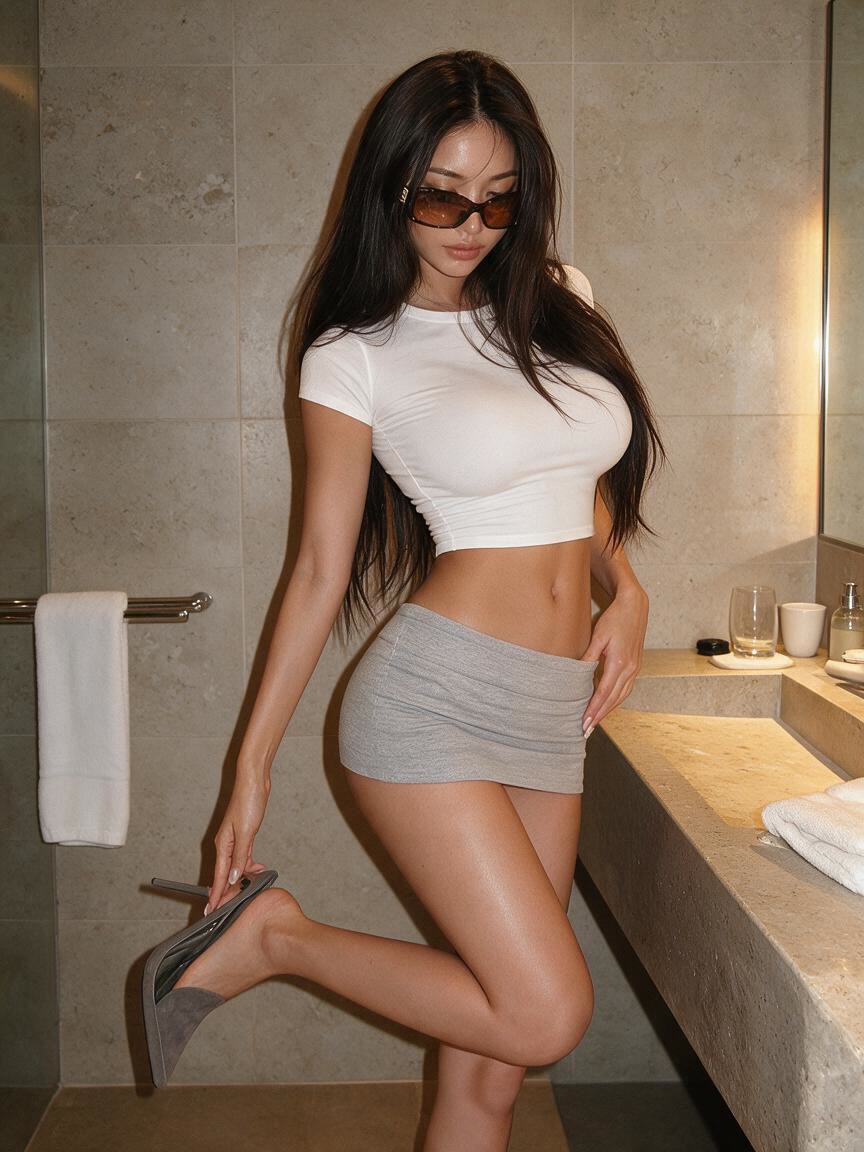
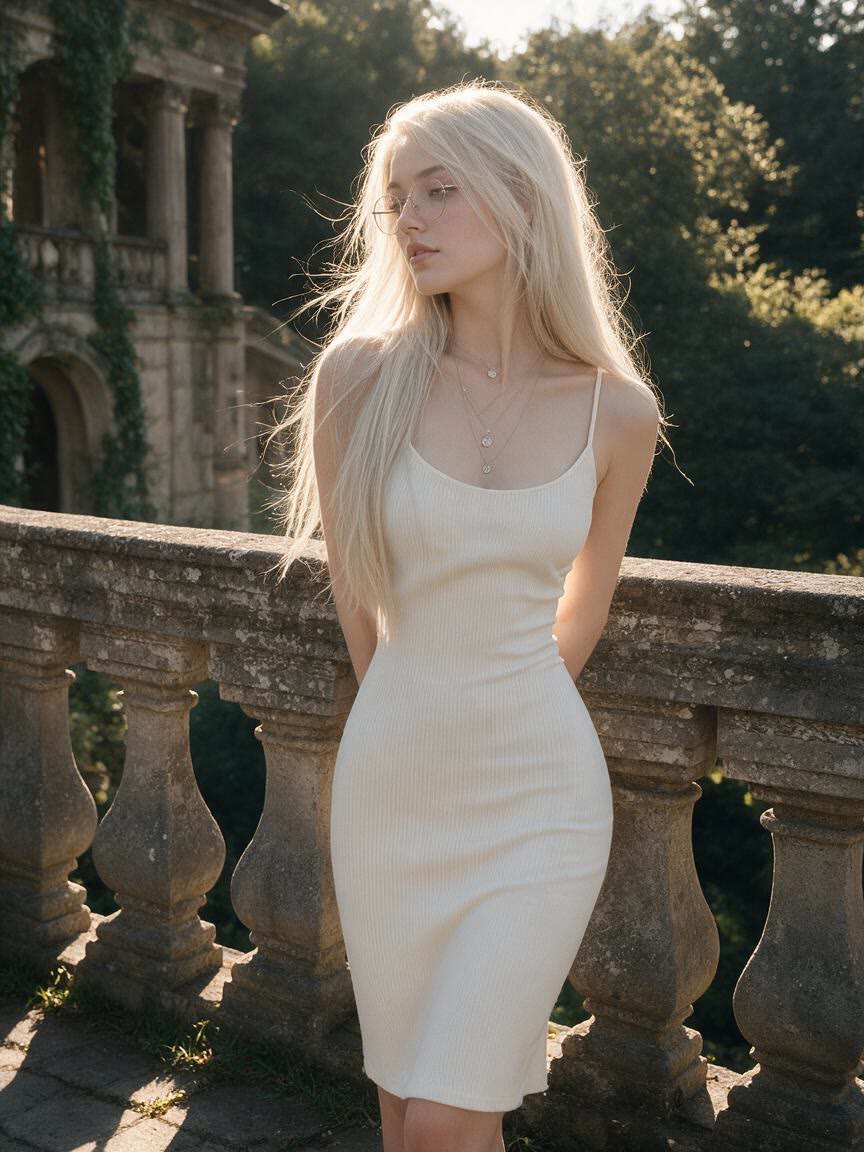
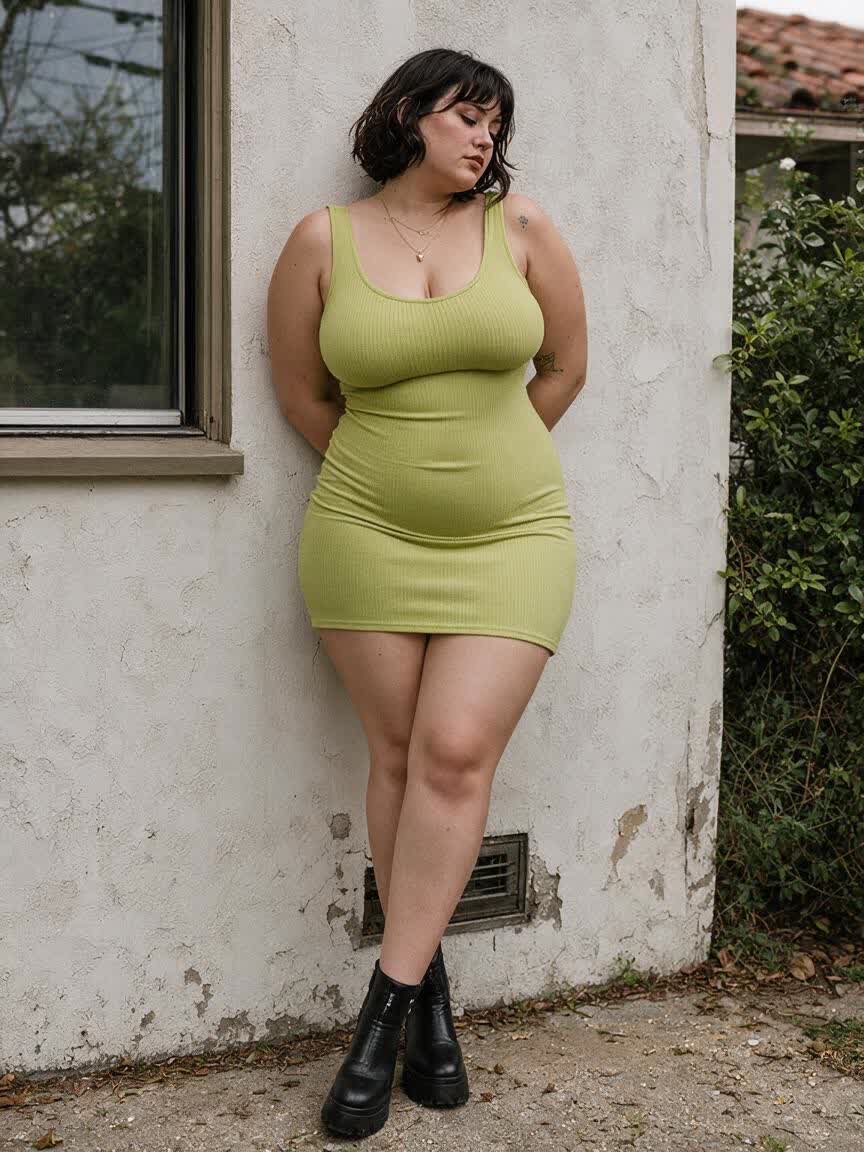
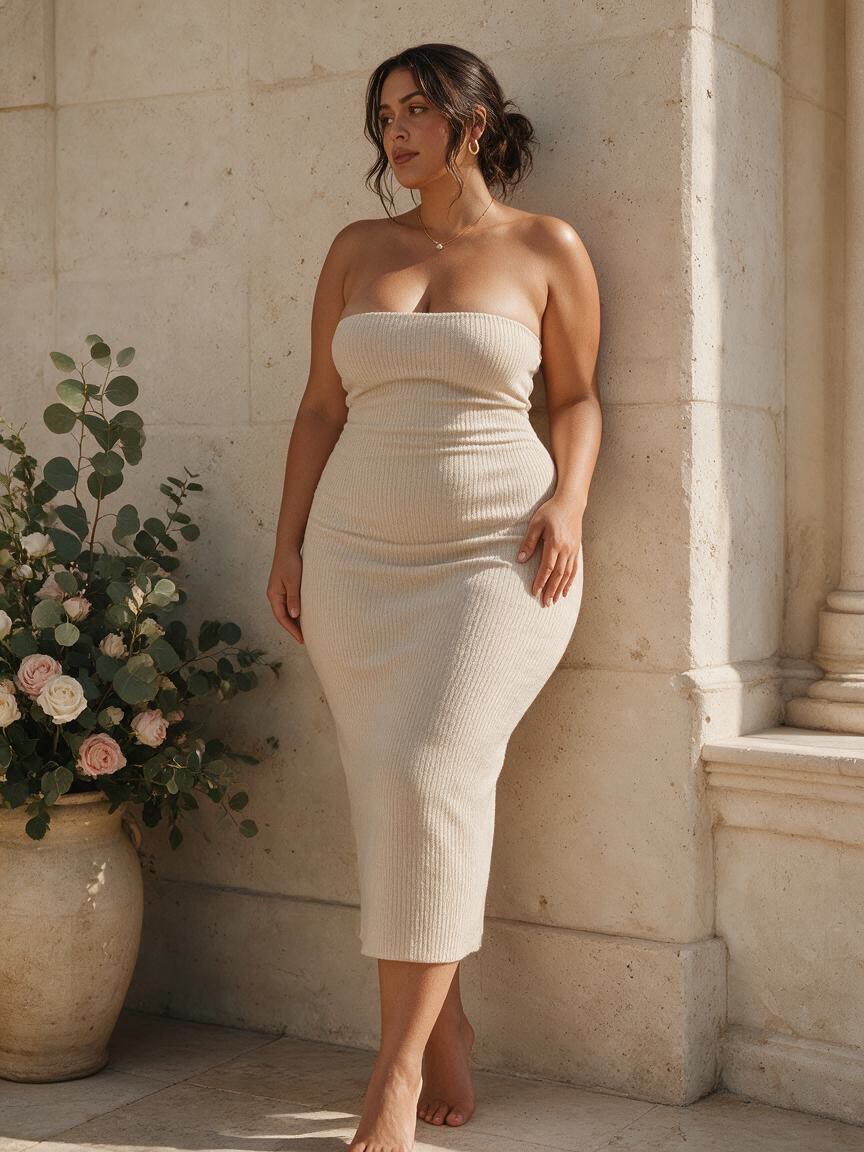
Give a model or fashion photo a targeted silhouette or posture adjustment when the clothing needs a cleaner presentation. Cavro helps produce a more considered commercial image without starting a manual retouch from scratch.
Try Cavro free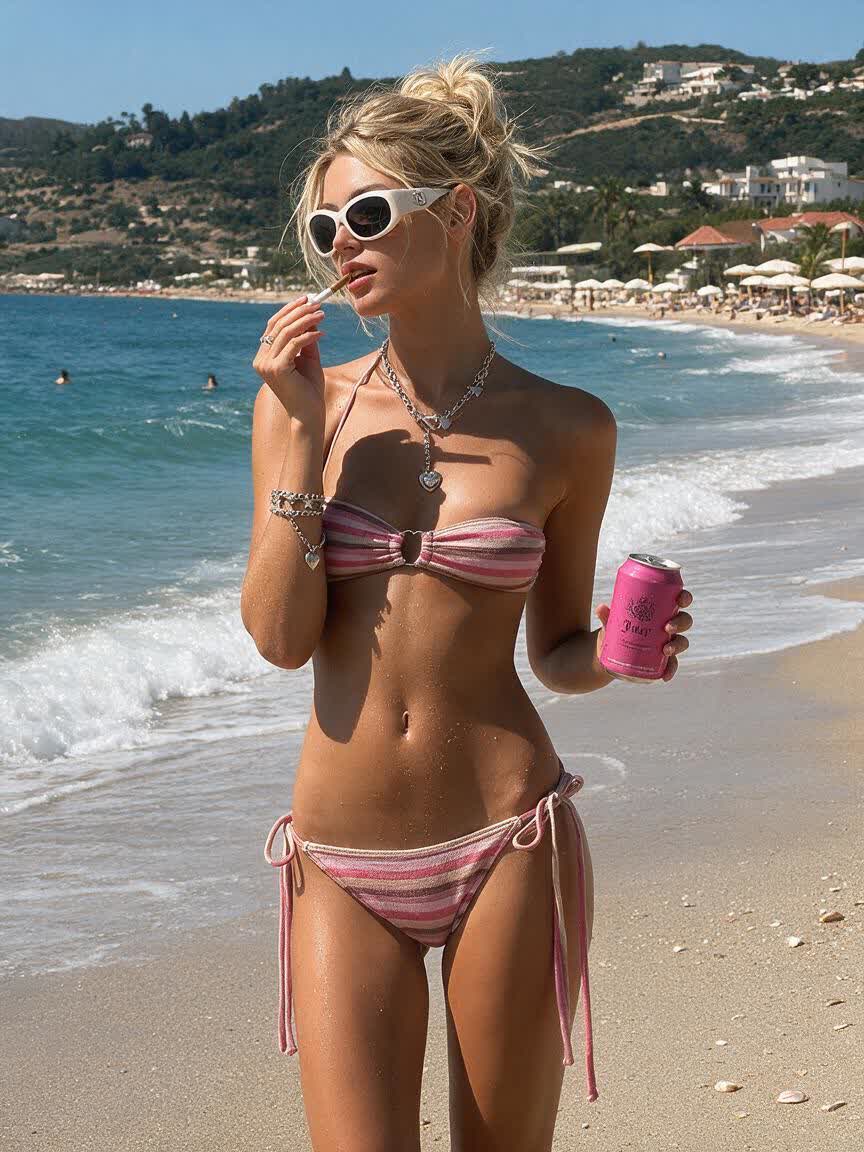
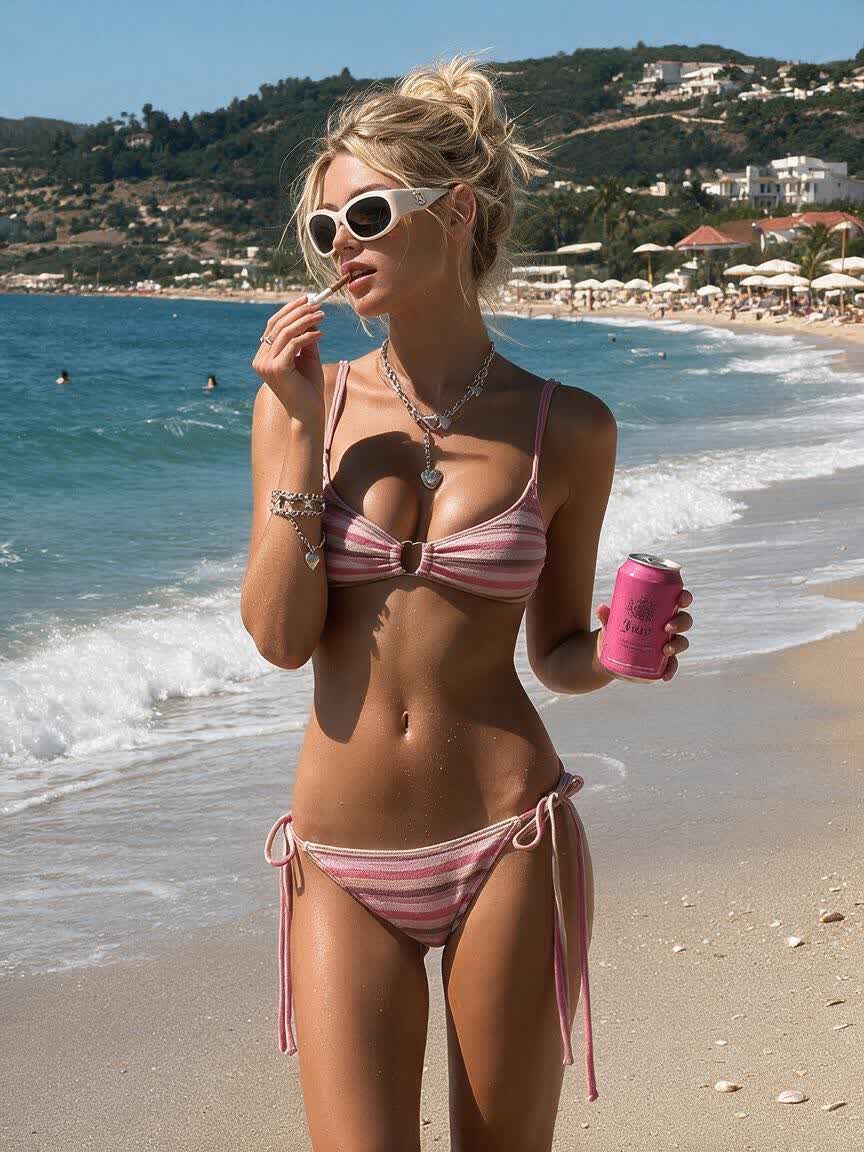
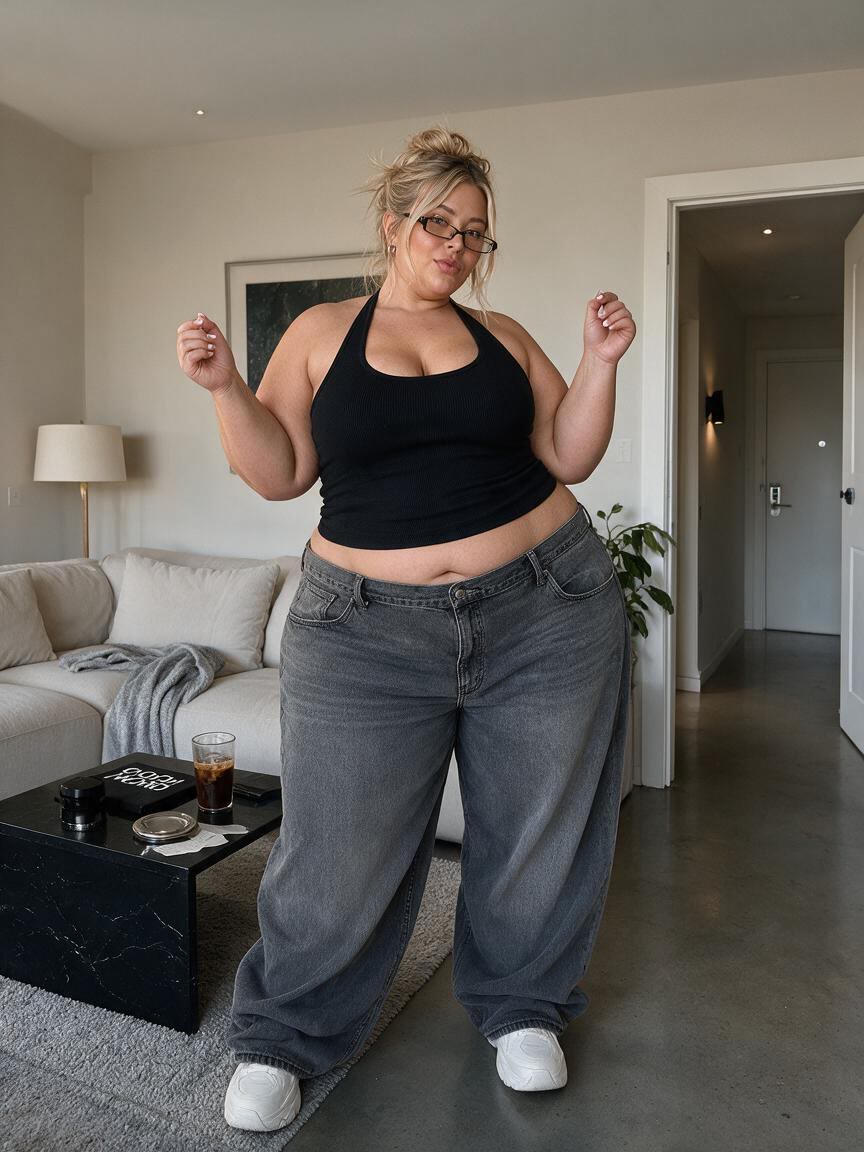
When a whole-image filter changes more than you want, describe one area such as the waist, arms, hips, or legs. Cavro applies the request to that part of the photo, giving you control over the final shape.
Try Cavro free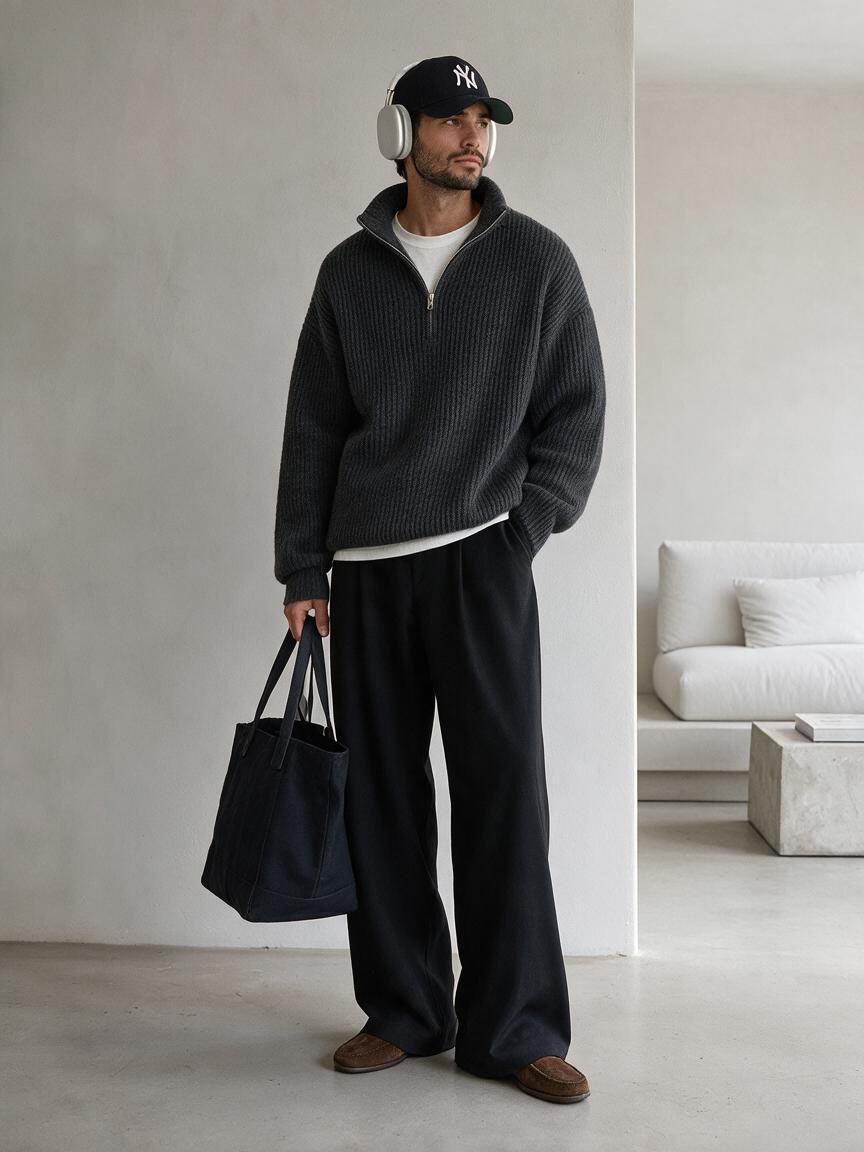
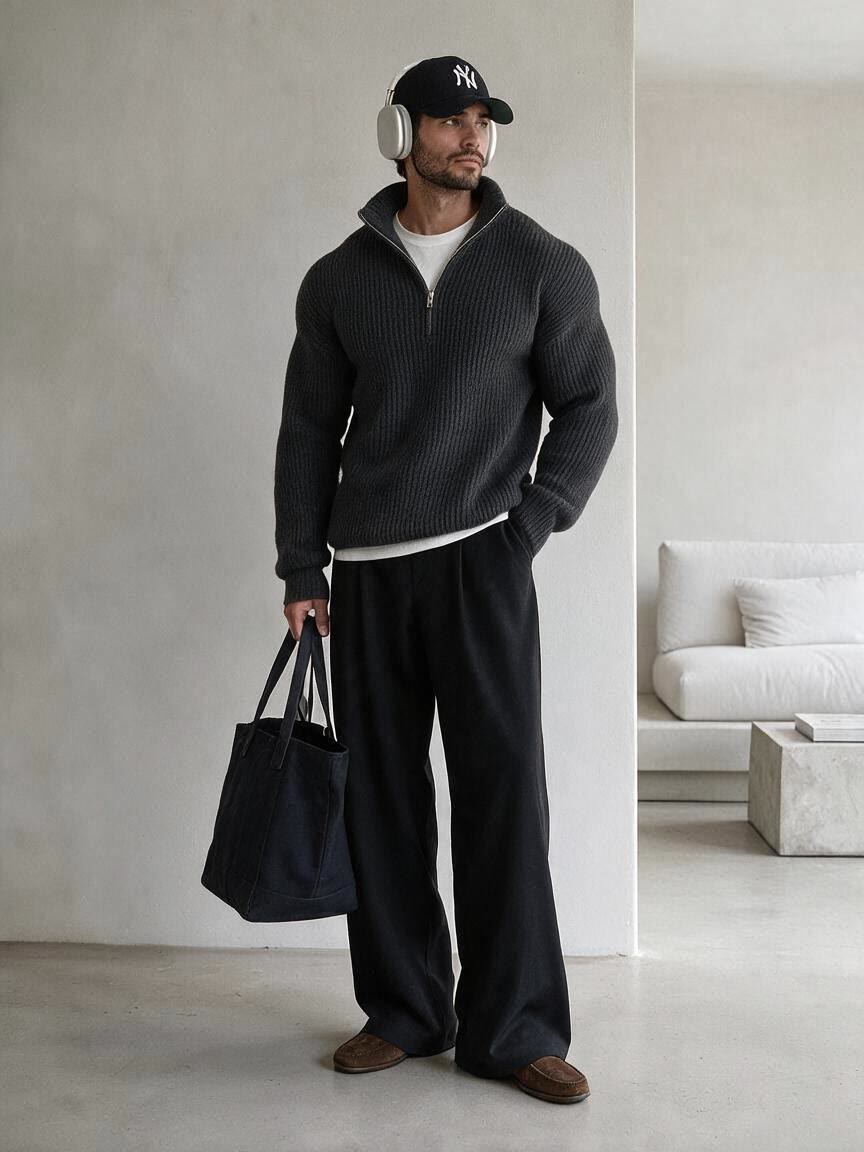
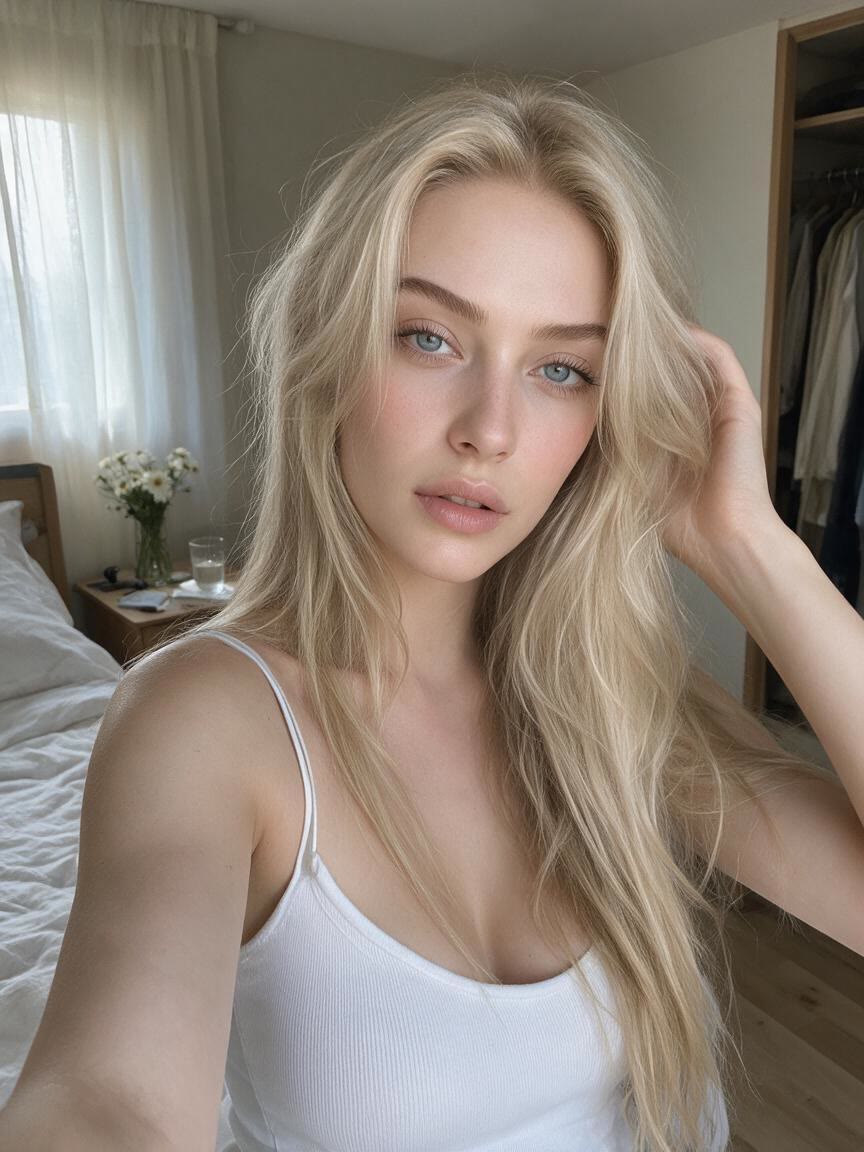
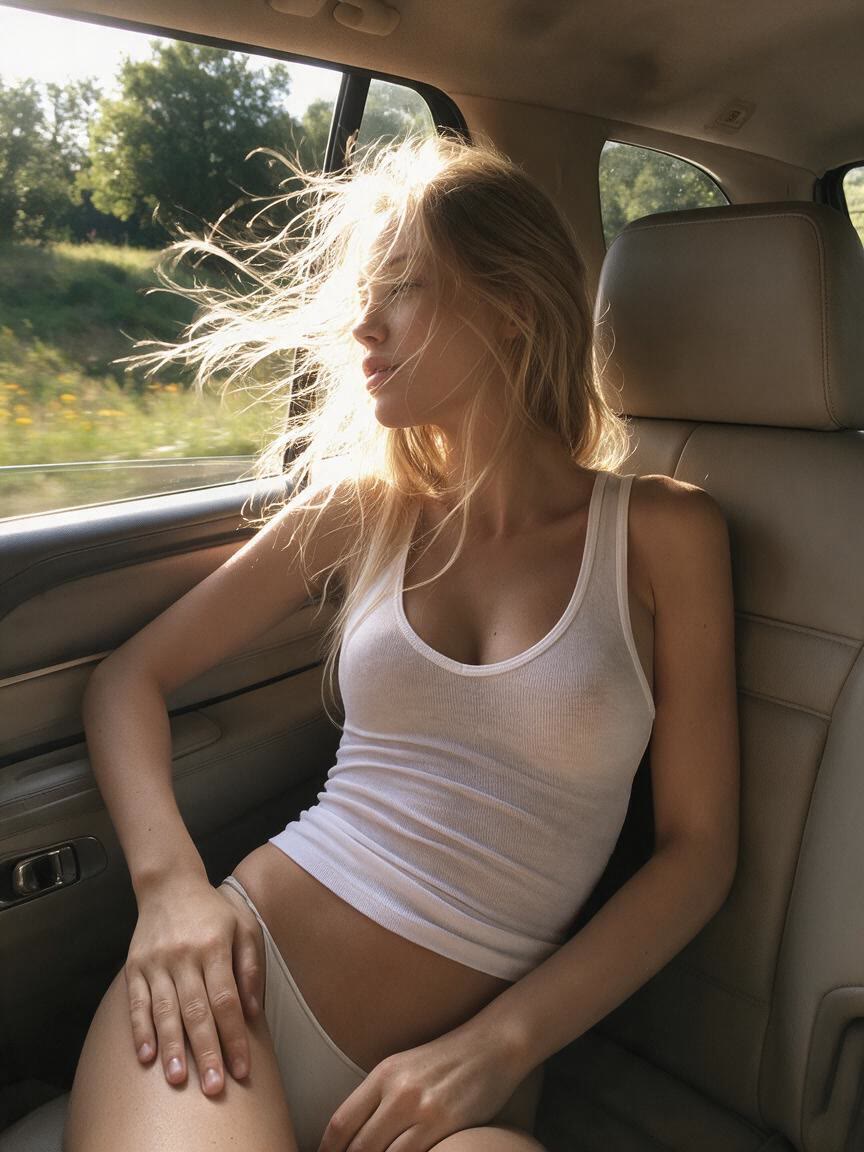
A body edit should not erase the character of the original image. Cavro is designed to carry through skin texture, clothing, lighting, and the surrounding scene for a result that feels connected to the photo.
Try Cavro free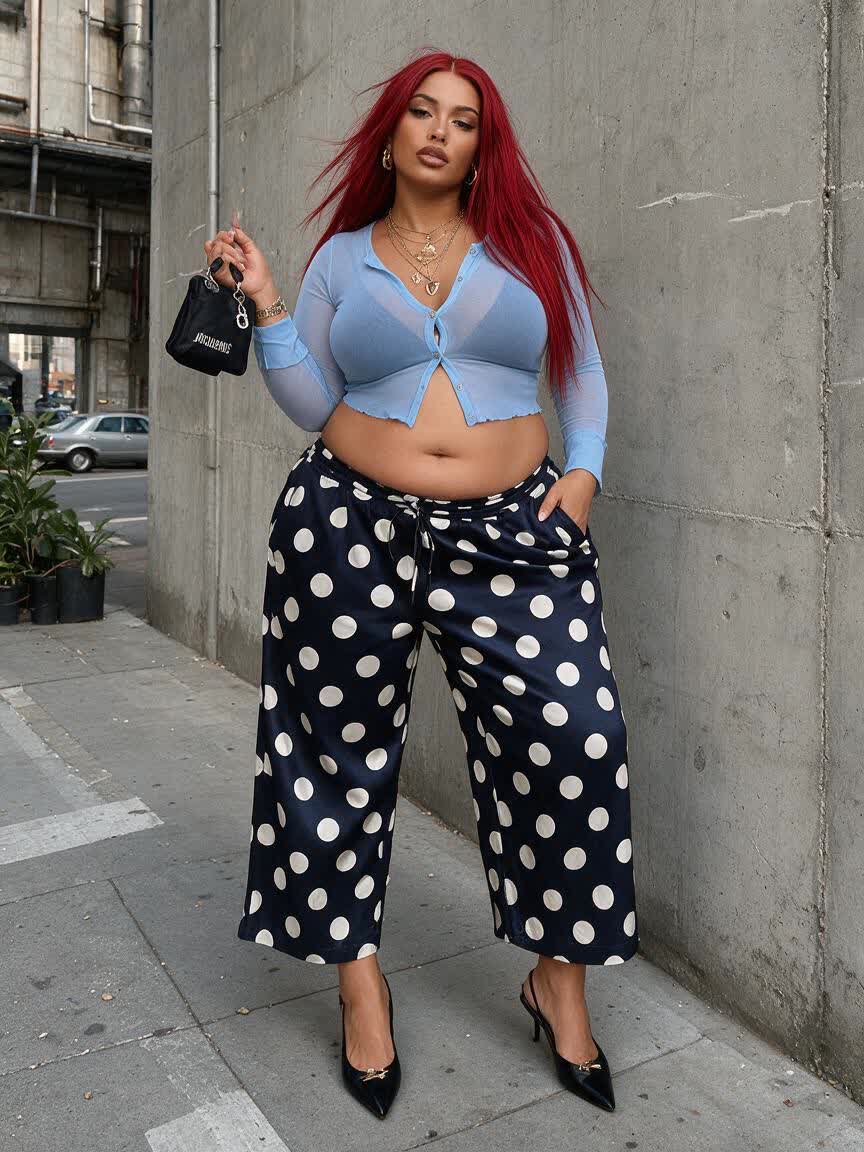
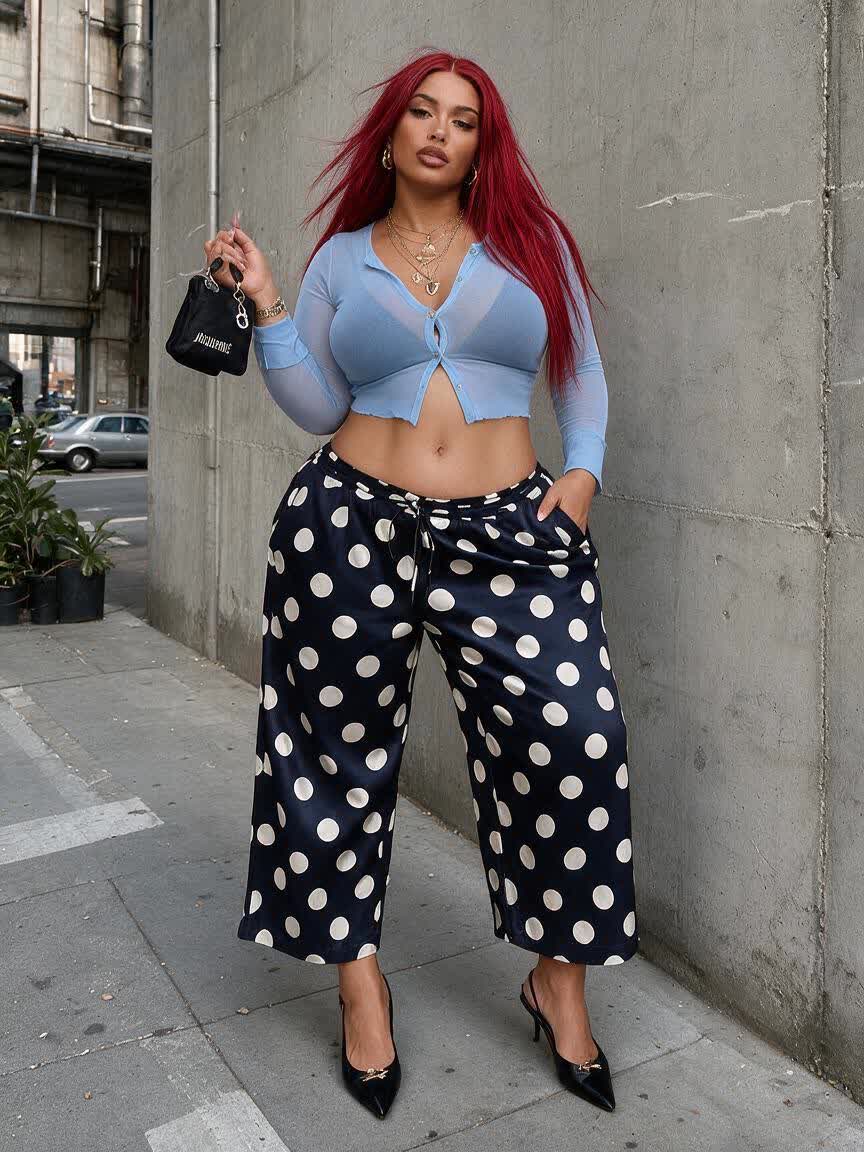
If the first adjustment is close but not right, continue refining the same image with another instruction. Cavro lets the conversation develop instead of forcing you to begin again with a new edit.
Try Cavro freeCavro can apply written adjustments to areas such as the waist, hips, shoulders, arms, legs, abs, chest, curves, and posture. Describe the change you want and provide a reference photo for the edit.
Yes. You can use a fitness progress photo and describe the definition, proportion, or posture adjustment you want to visualize. This can help create a clearer progress image while keeping the edit focused on the requested change.
The page is designed for targeted body edits rather than a generic filter across the whole image. Cavro aims to preserve the original photo’s clothing, lighting, background, and natural visual detail while applying the requested adjustment.
Yes. Cavro lets you refine and generate again in the same conversation without starting over. You can ask for a subtler waist adjustment, more restrained muscle definition, or another focused change.
Results are billed per credit from your Cavro credit balance. There is no mandatory subscription.
Creators worldwide are turning “just an idea” into expensive-looking images.