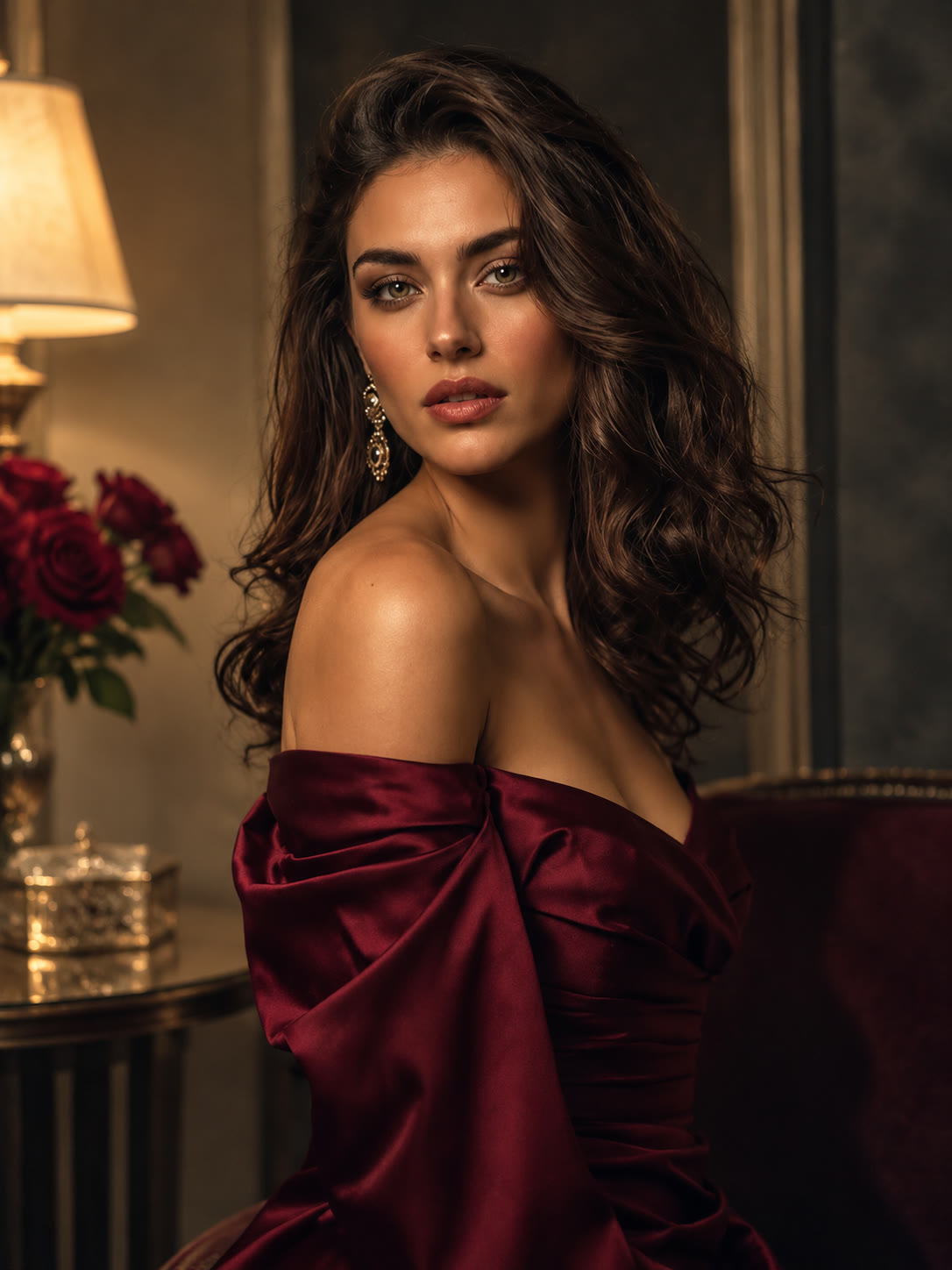
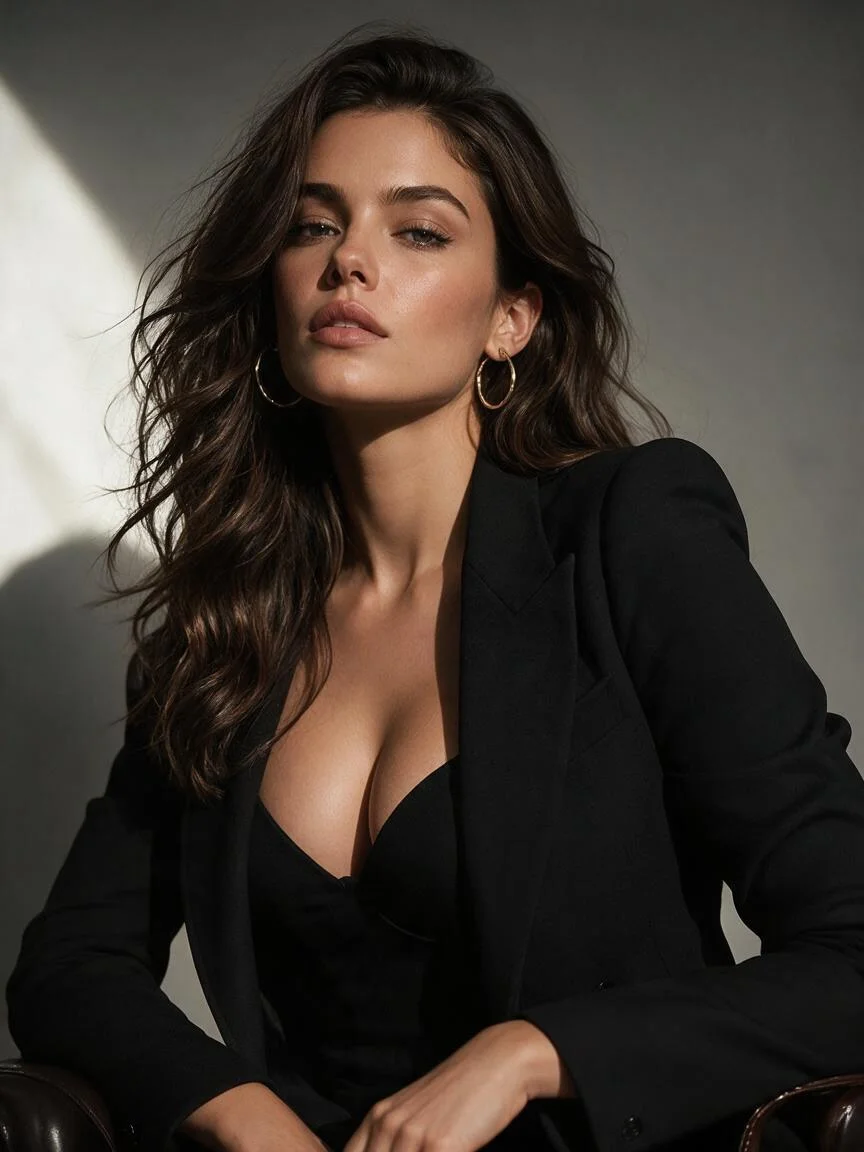
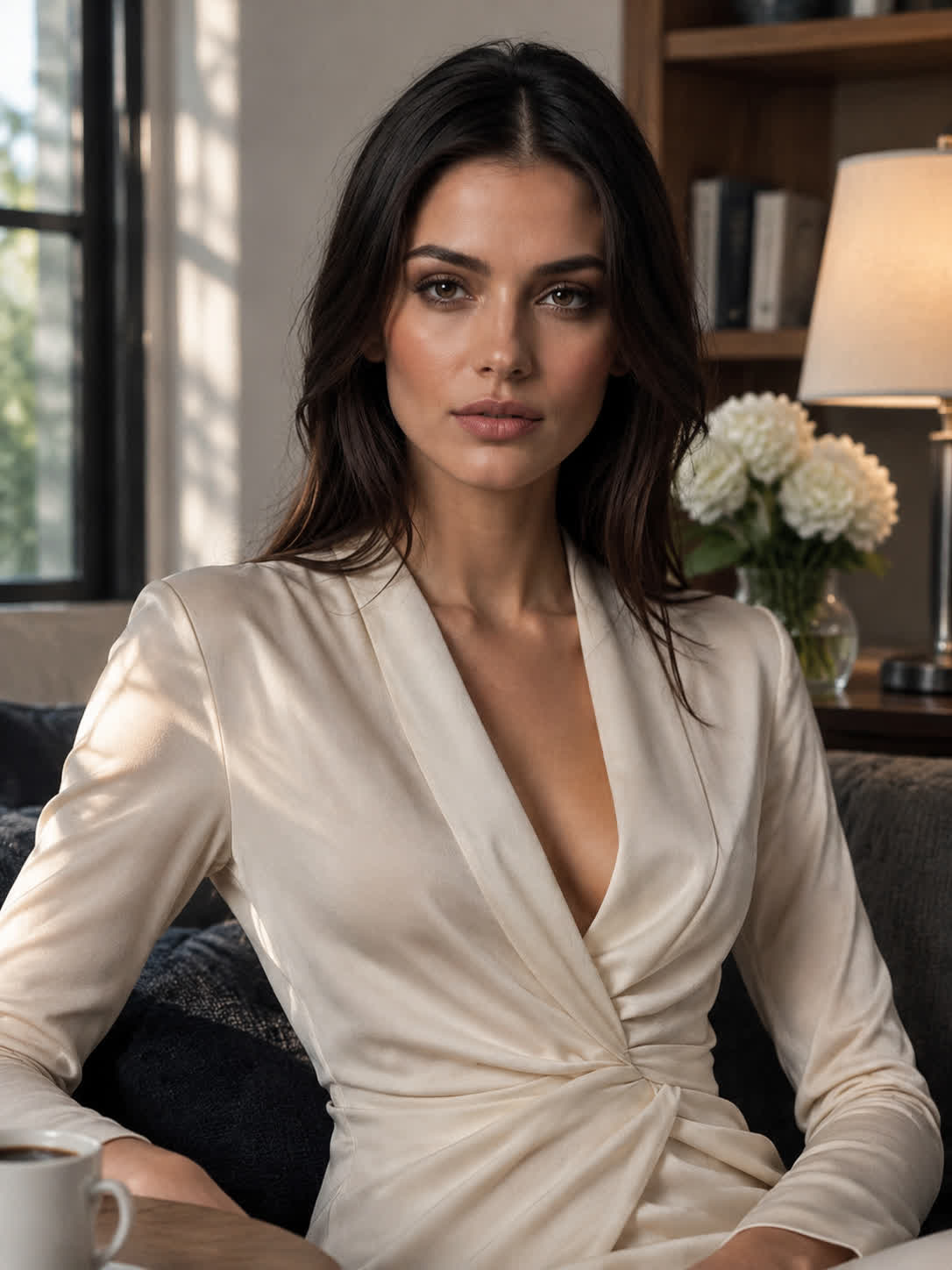
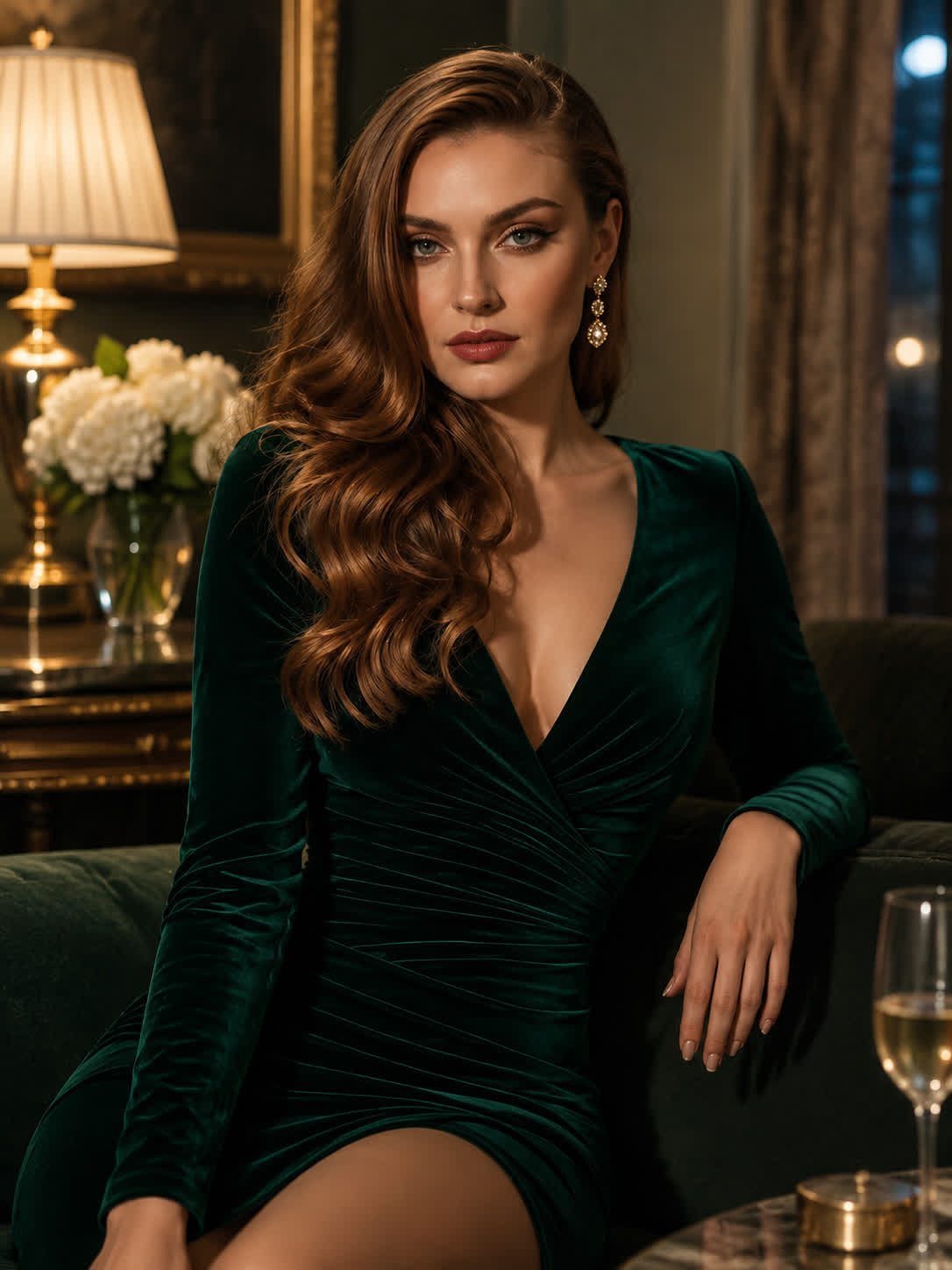
Plan Salon Changes
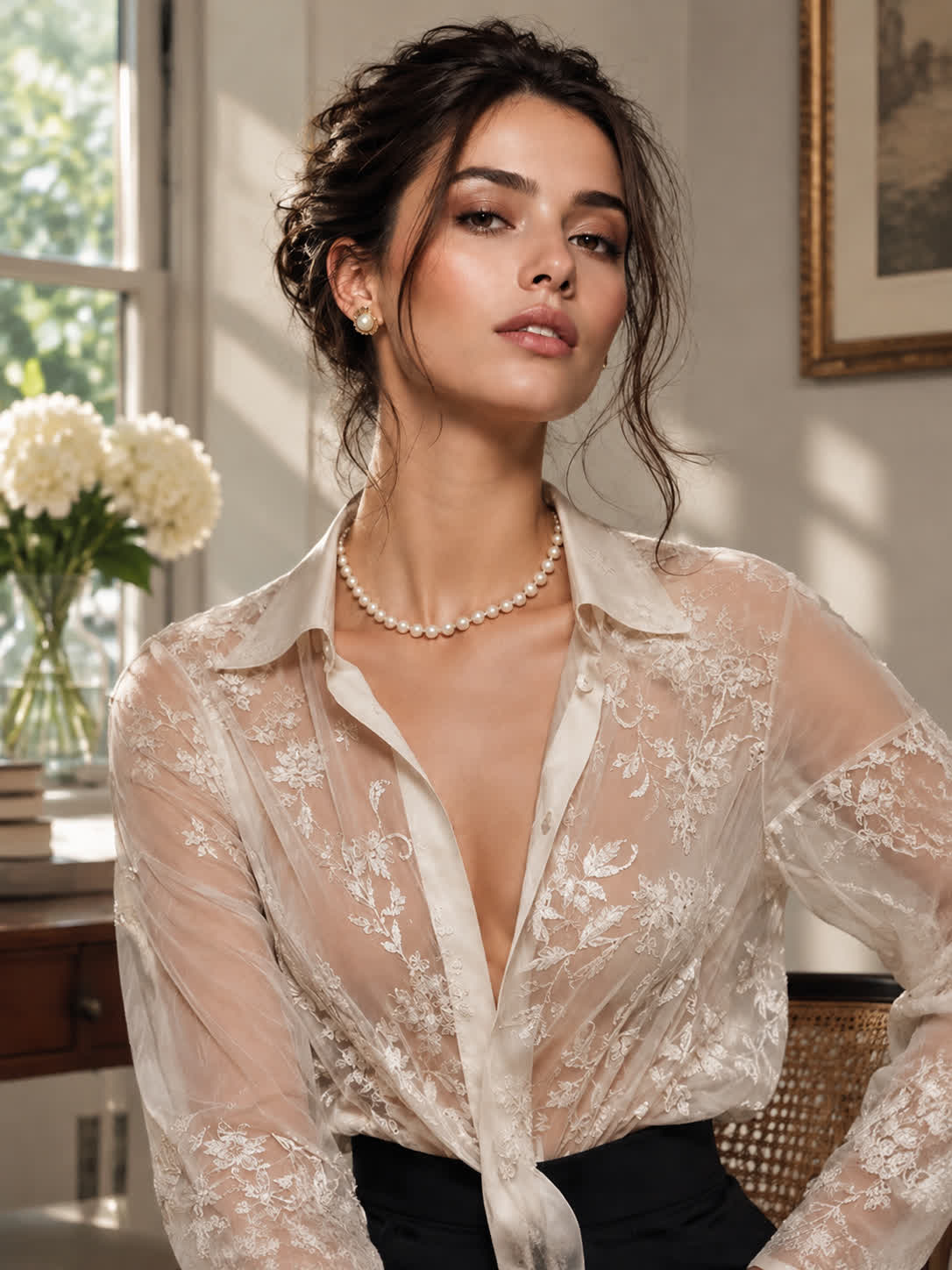
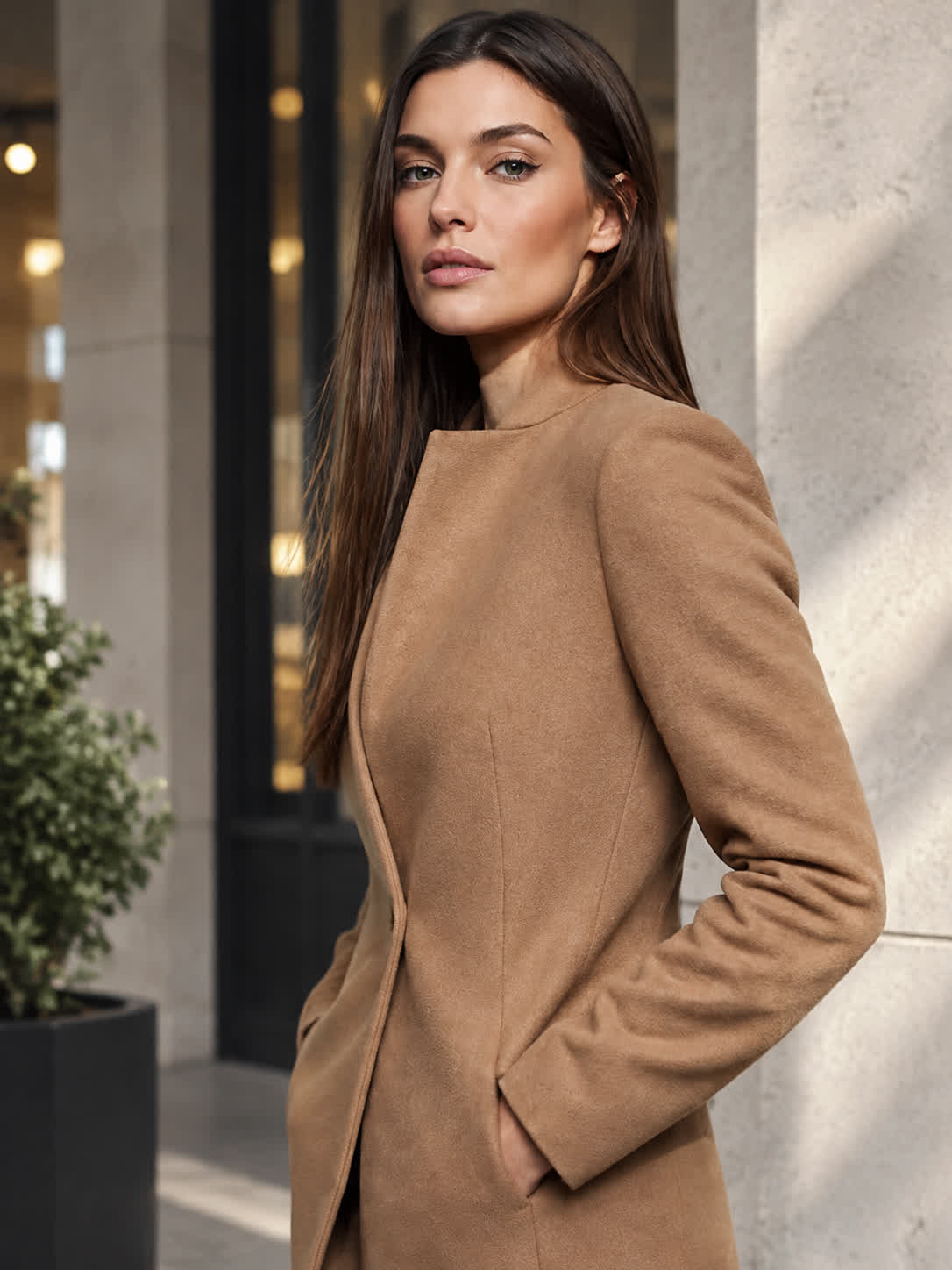
Bring a clear portrait when you are considering a major color change. Describe the blonde direction you want and leave with a visual reference for discussing your next salon look.
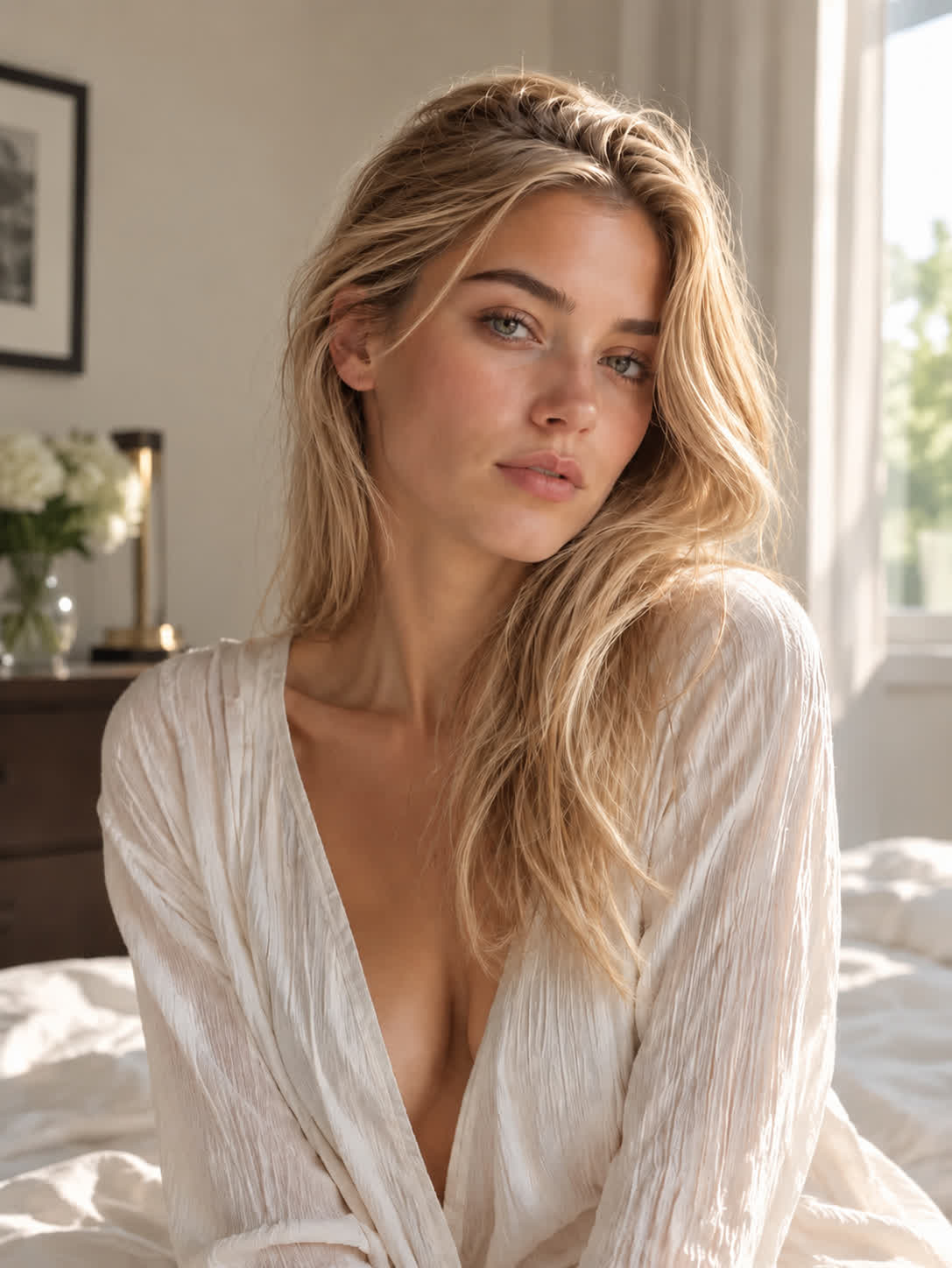
Try Cavro freePreview platinum, honey, strawberry, and other blonde looks from a photo before committing to a color change. It is useful for anyone planning a salon visit, creating content, or exploring a new look.
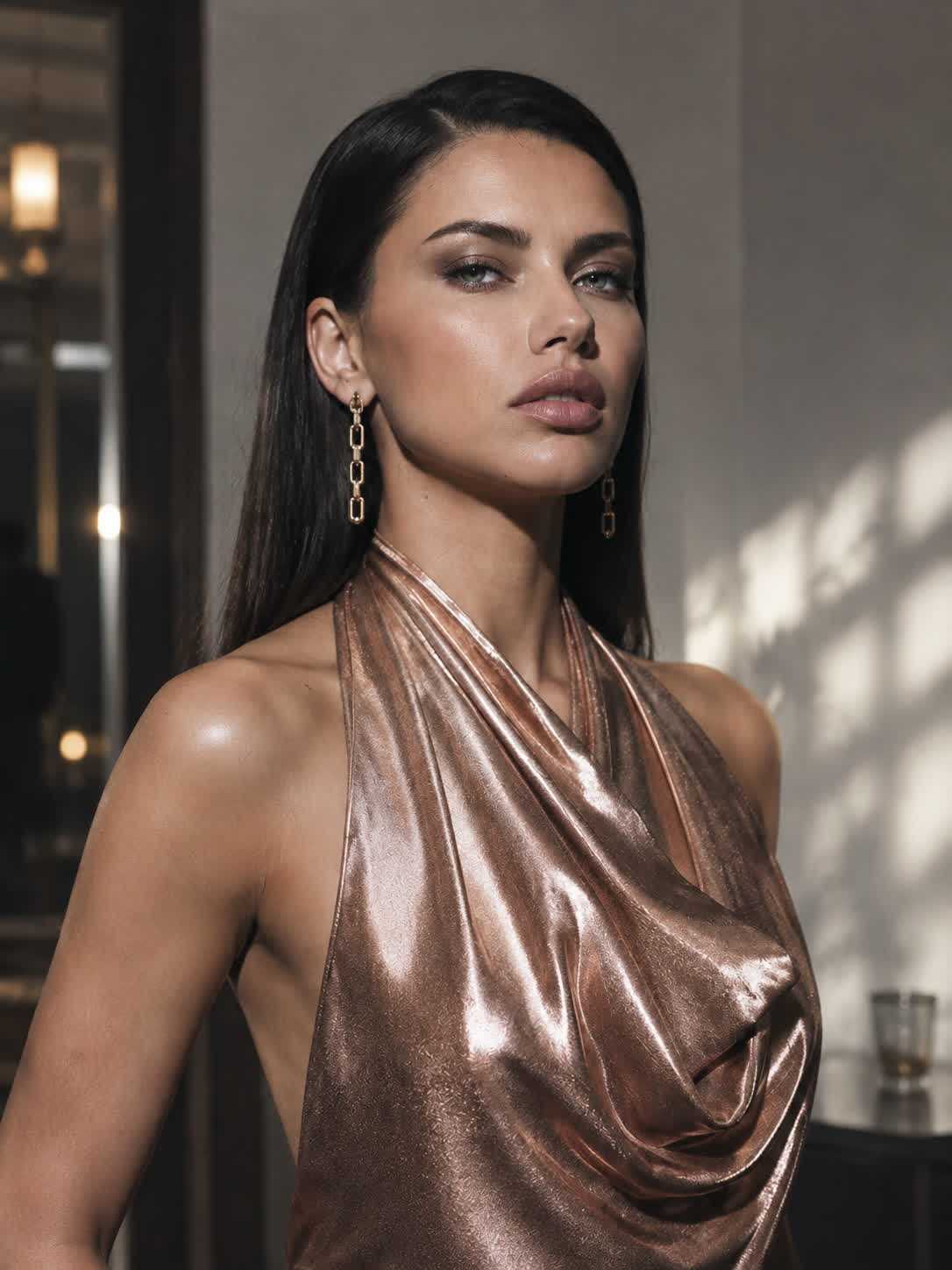
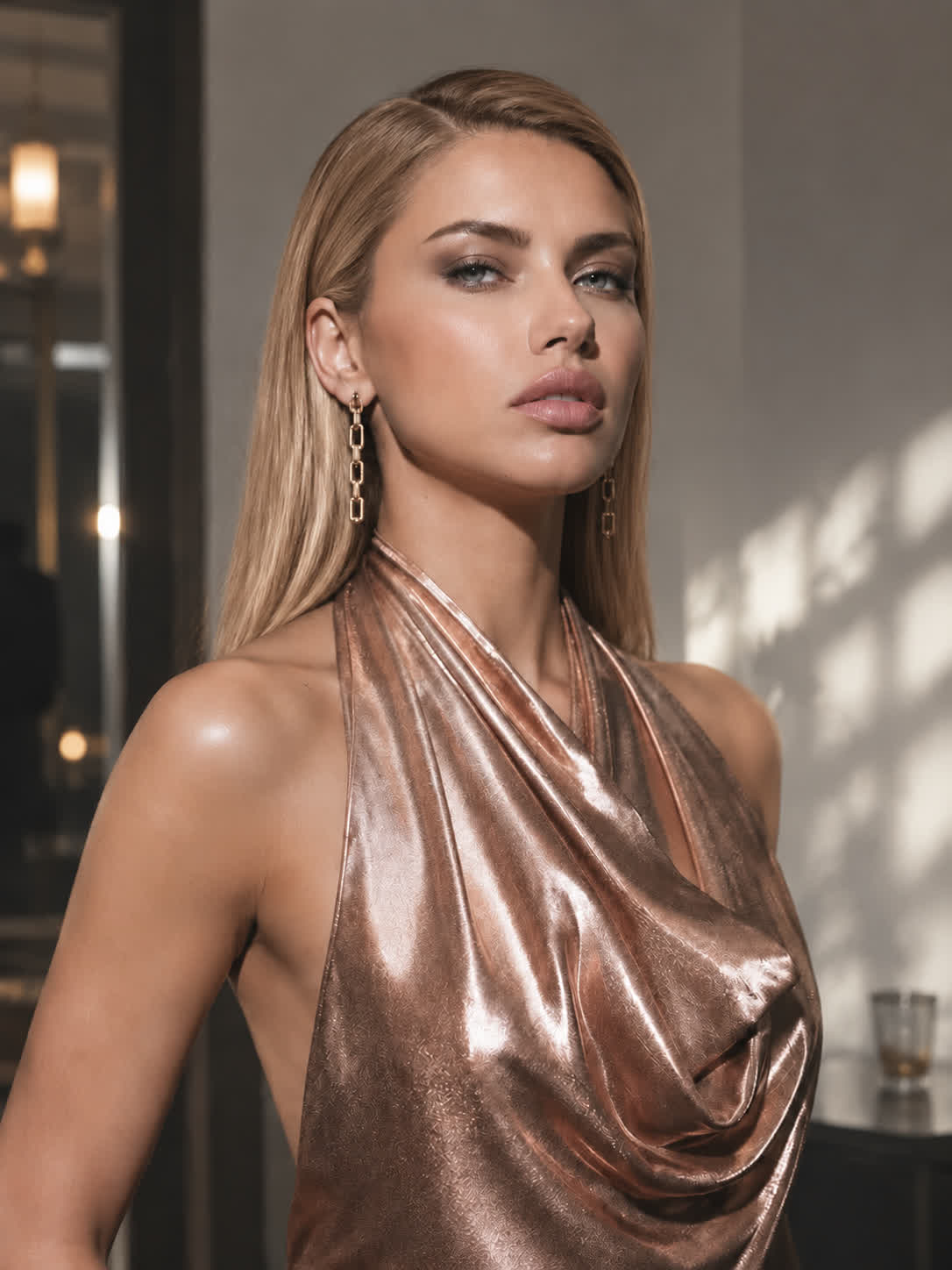
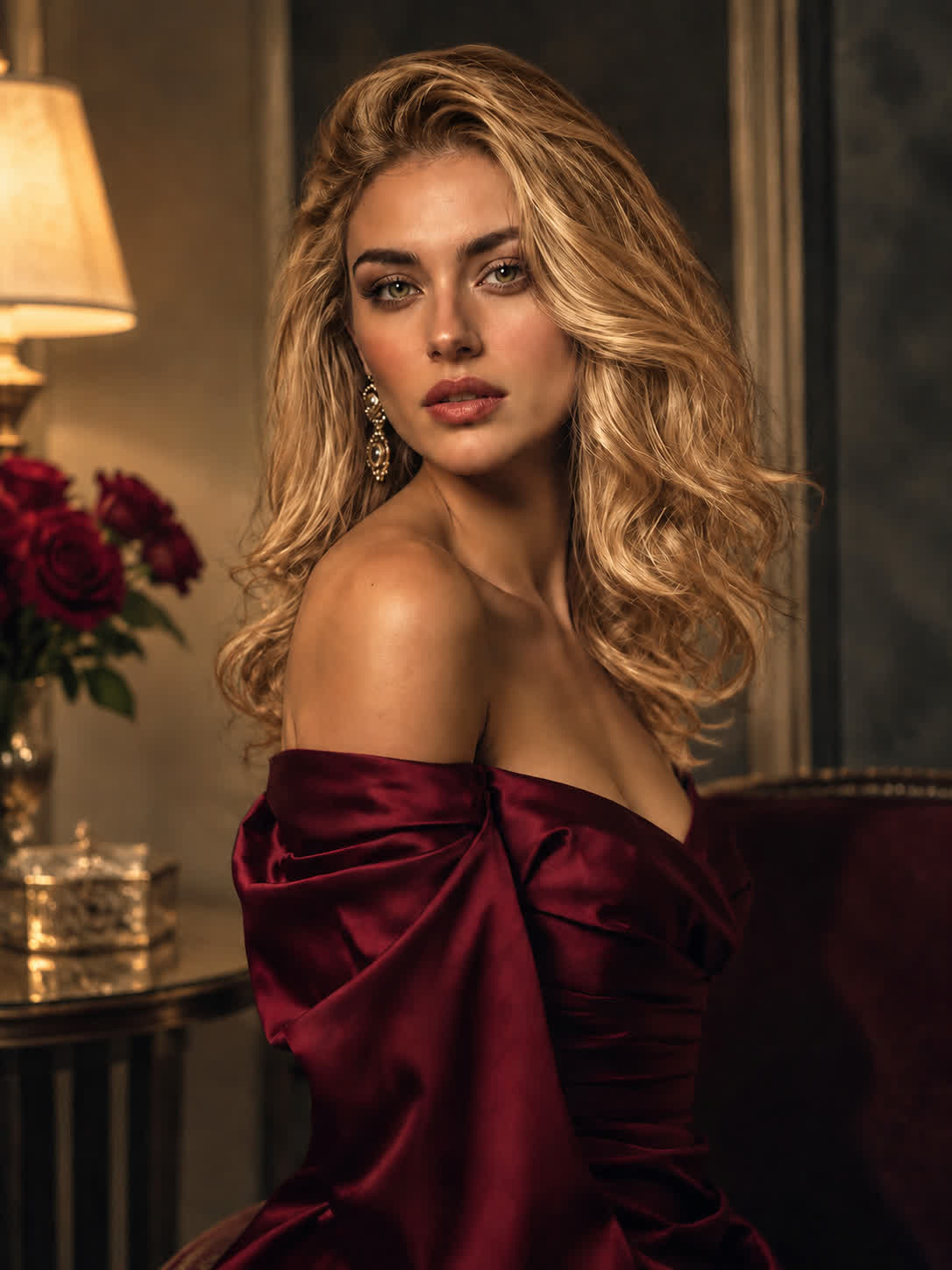
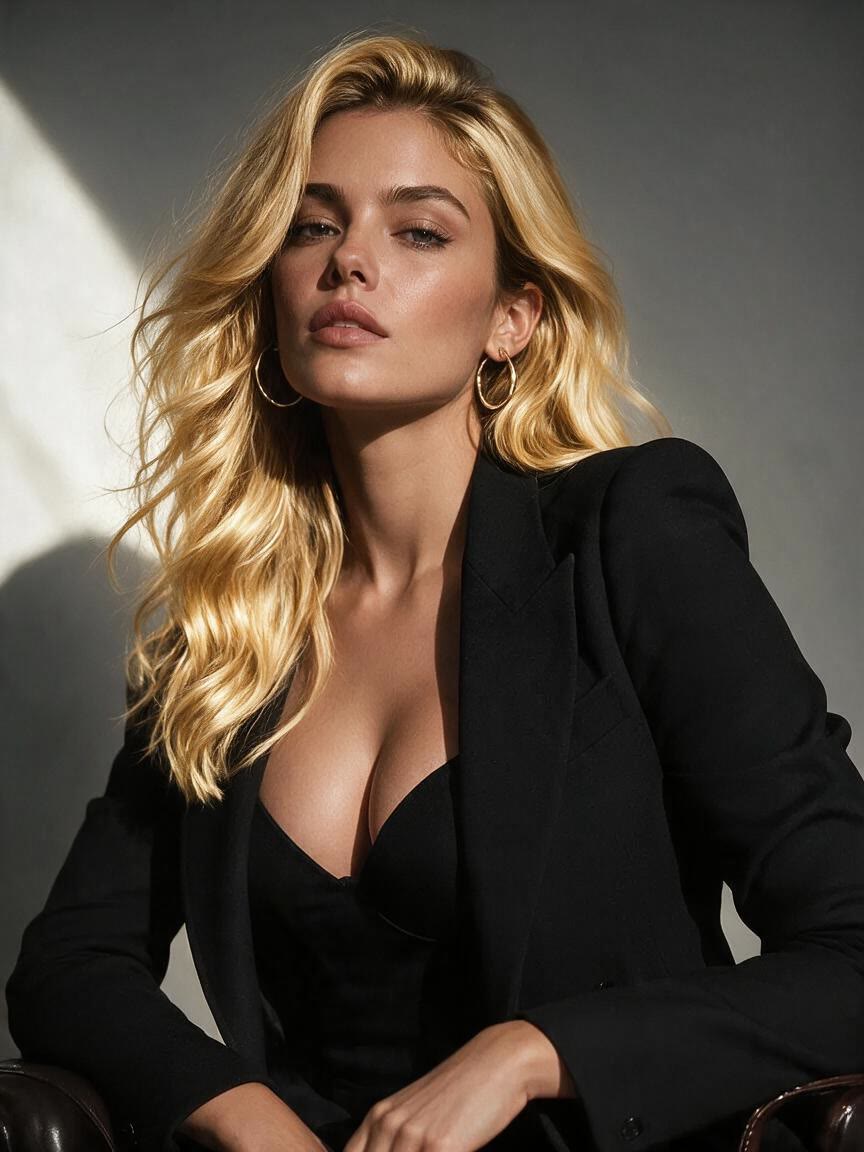
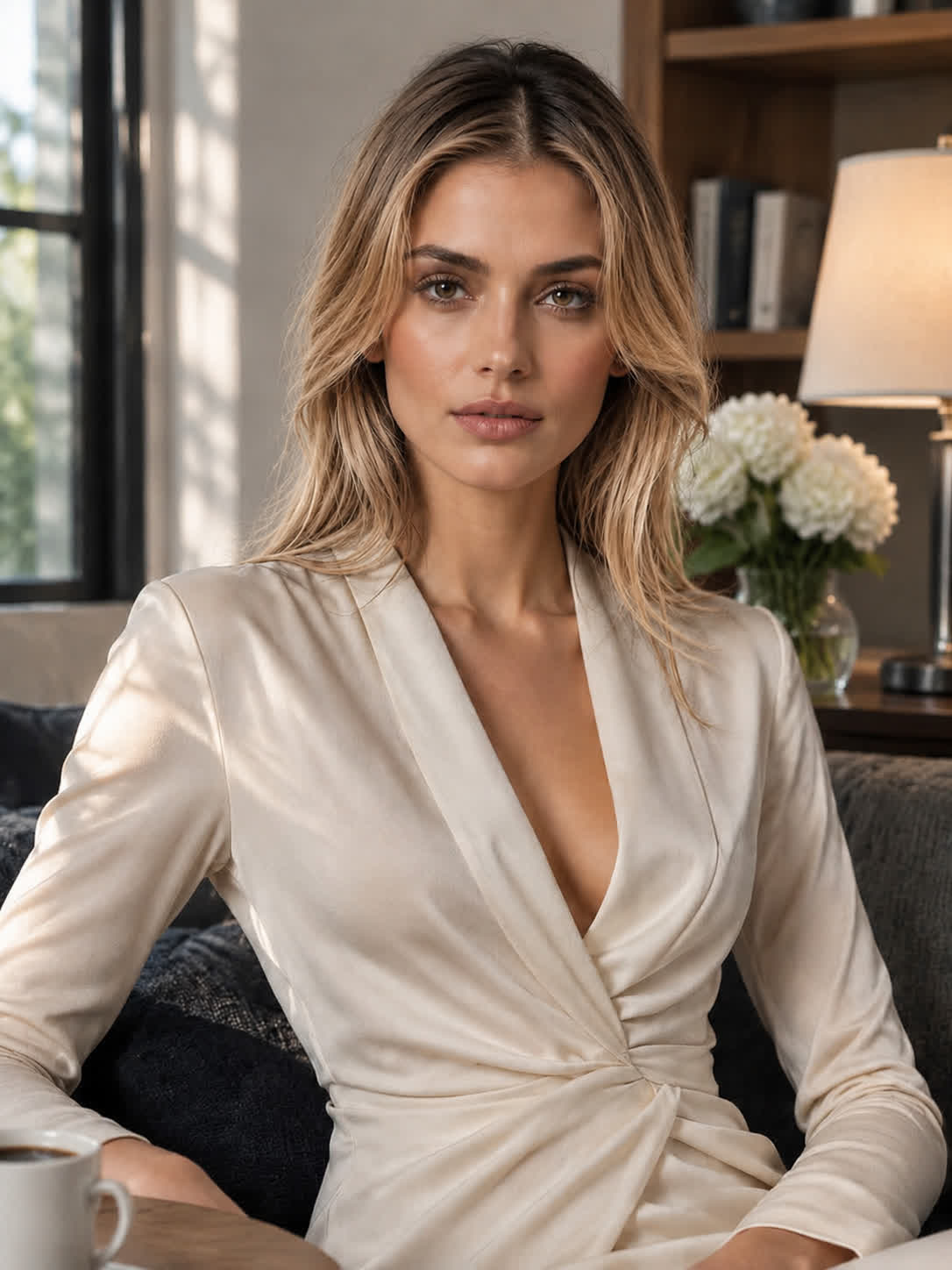
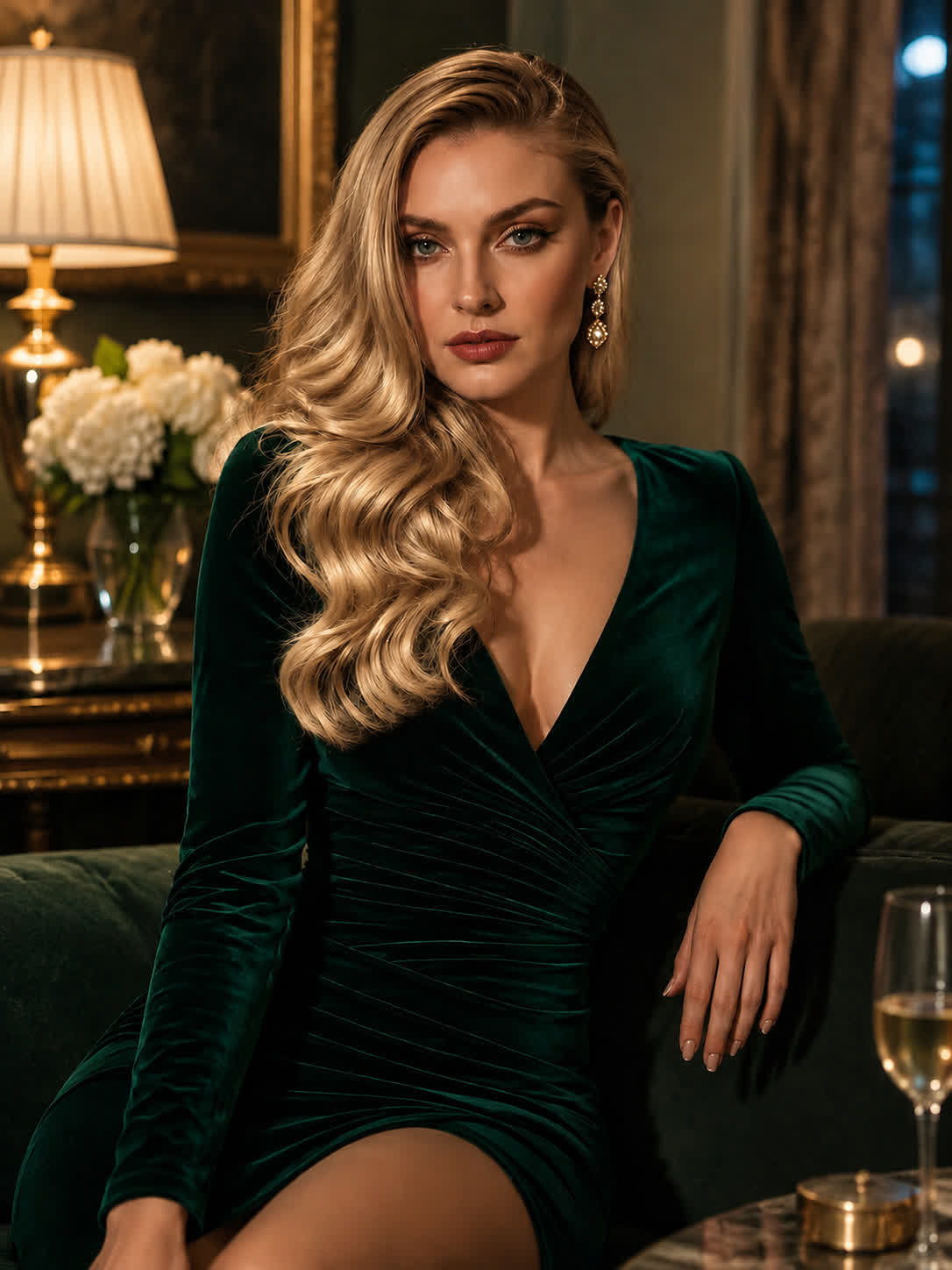
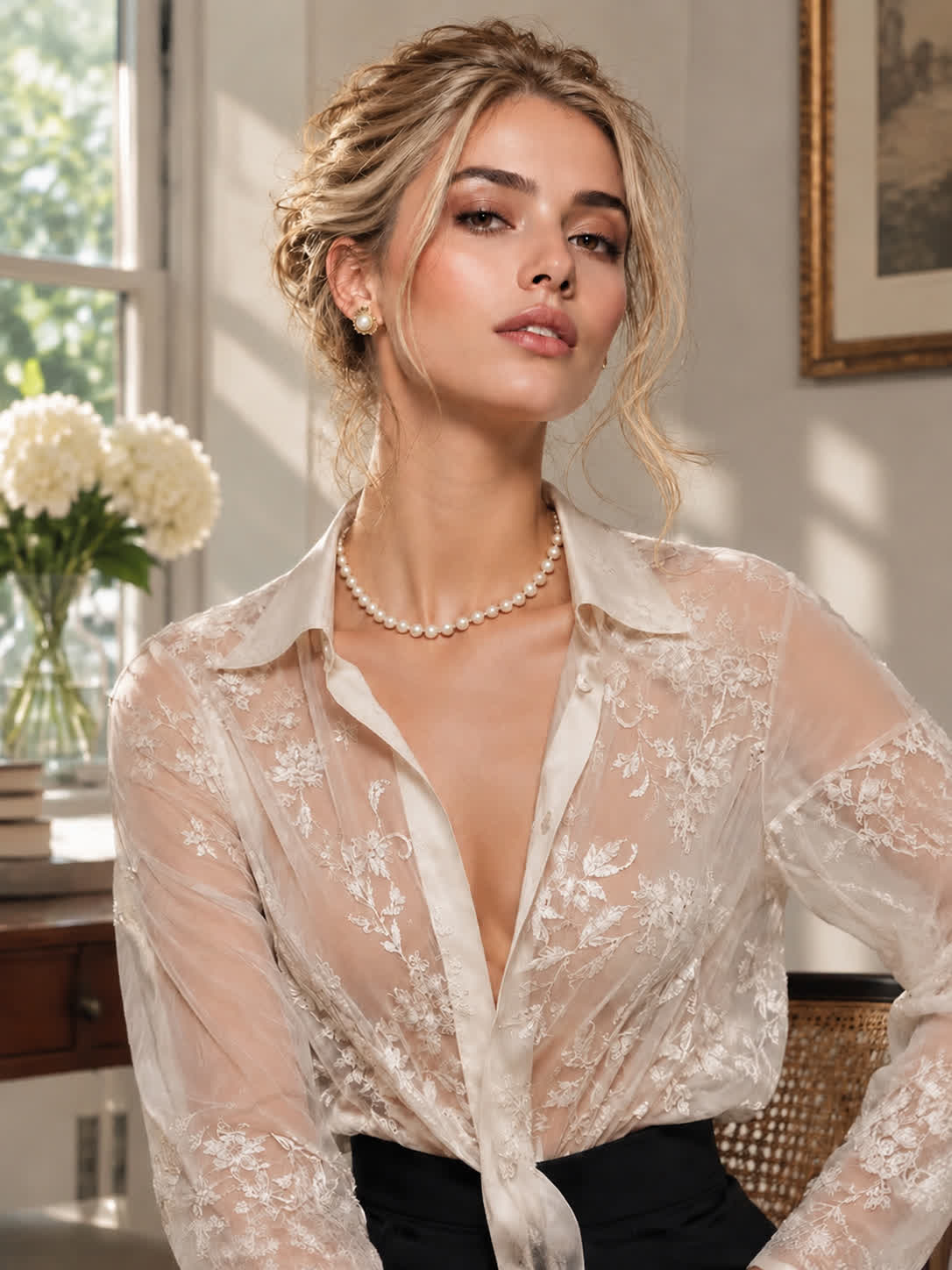
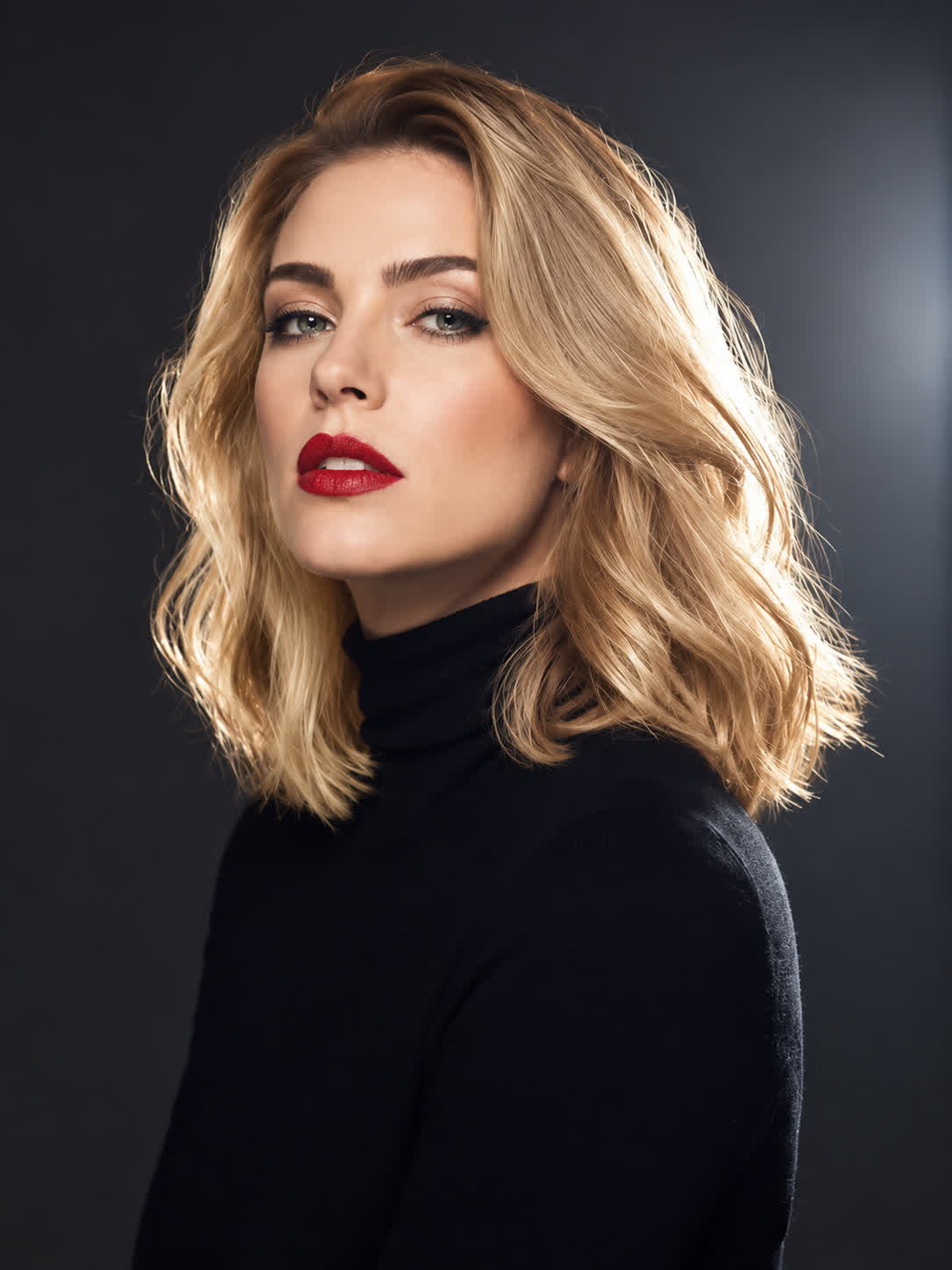
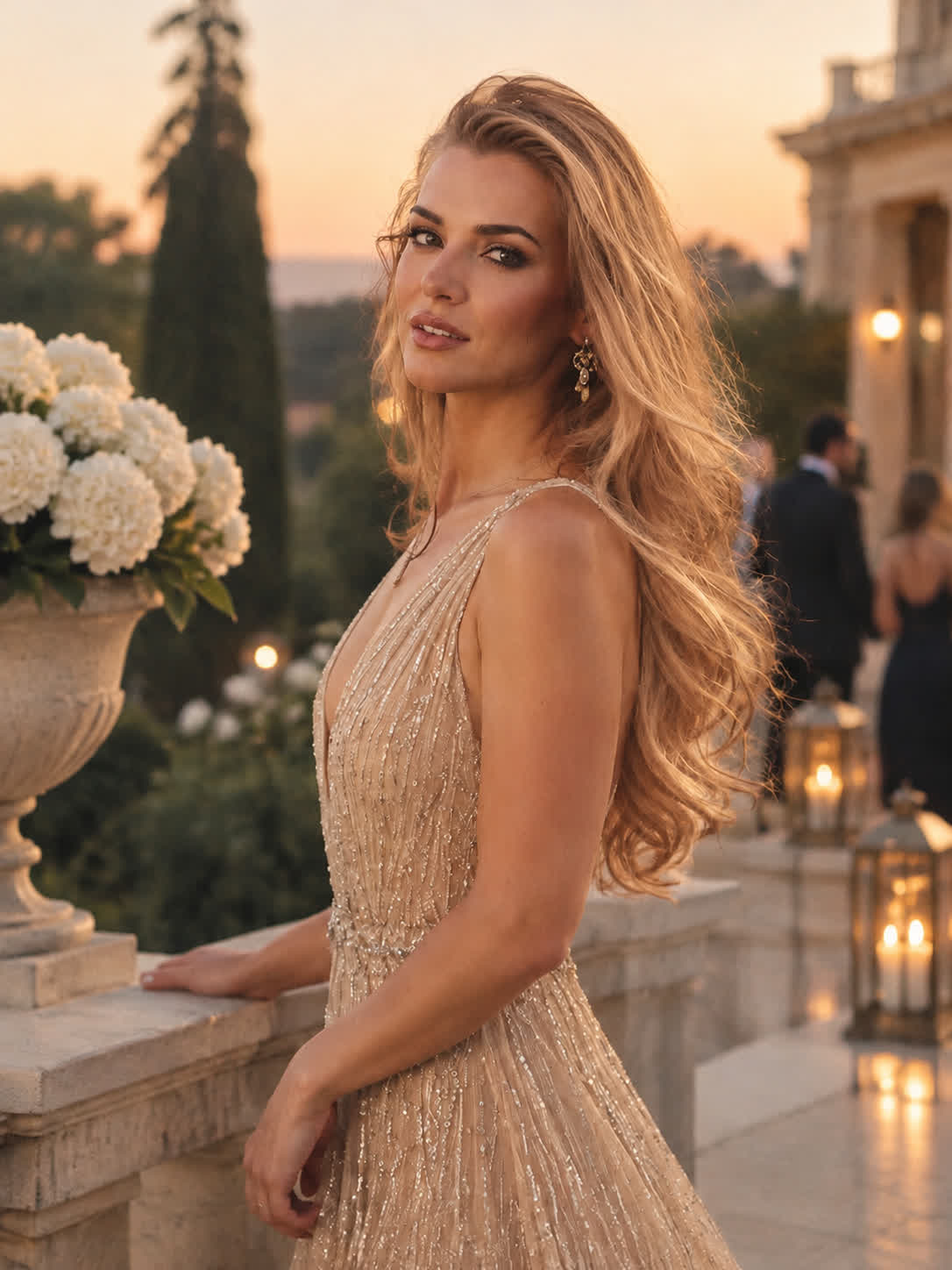
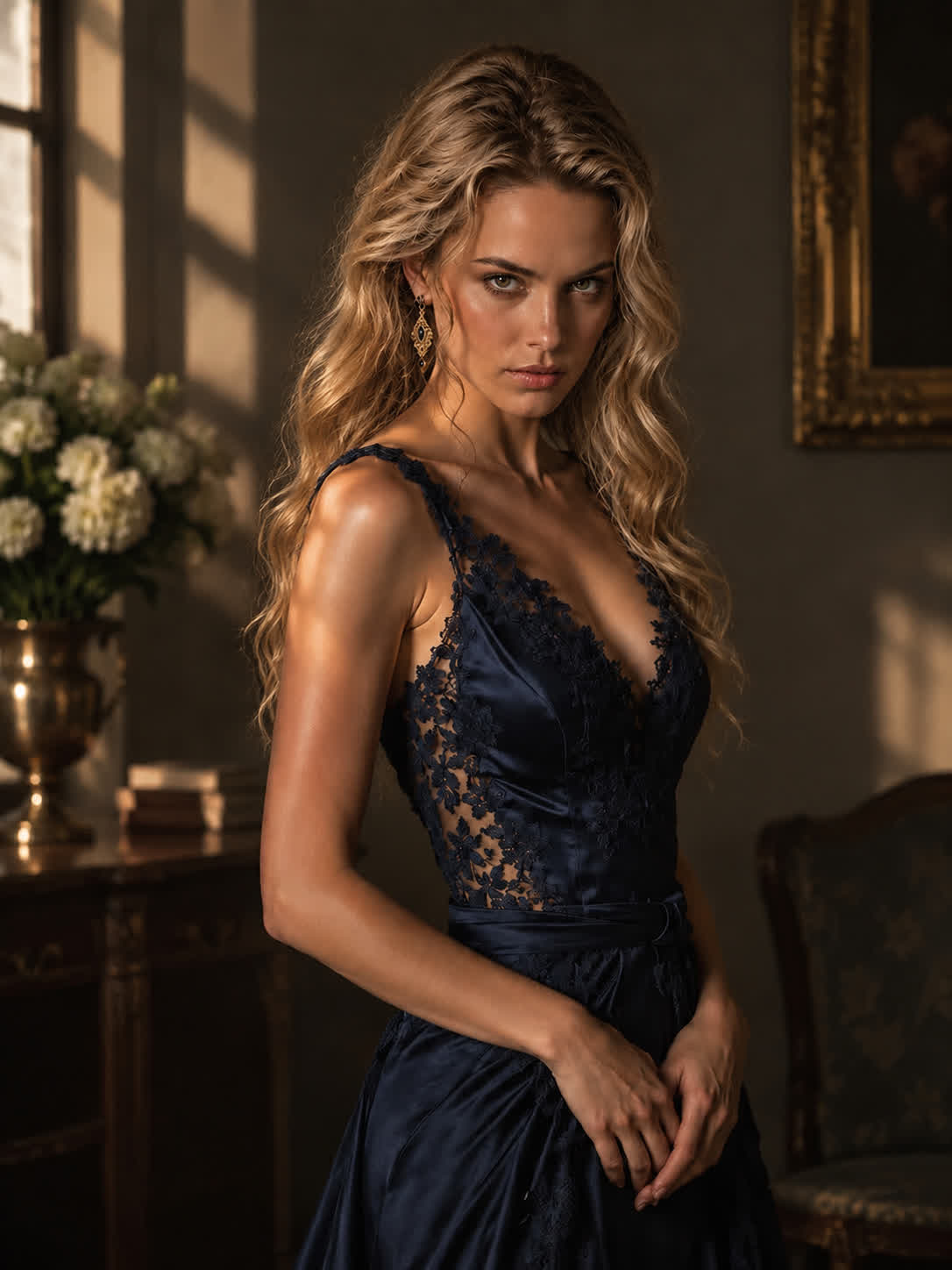
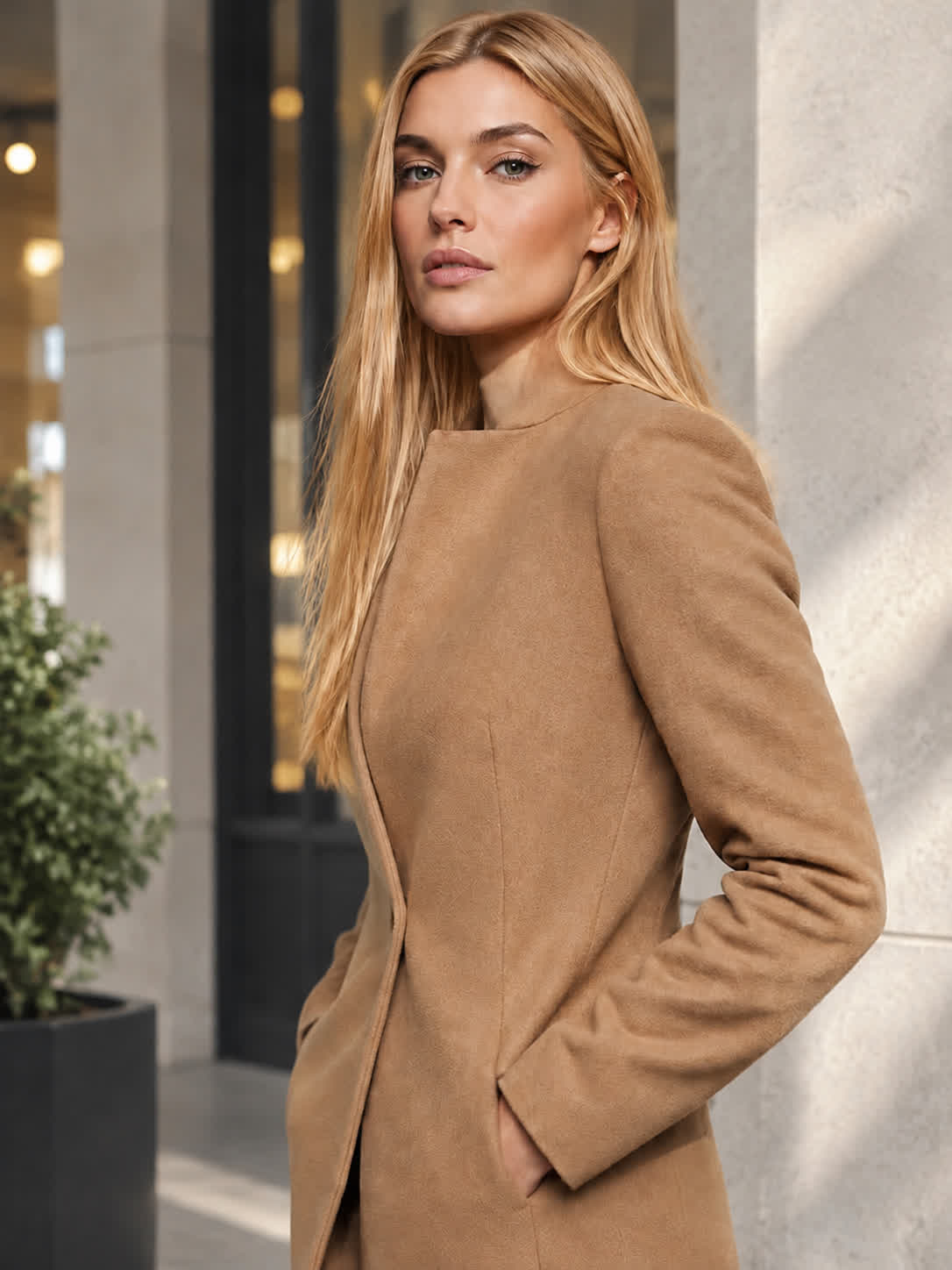
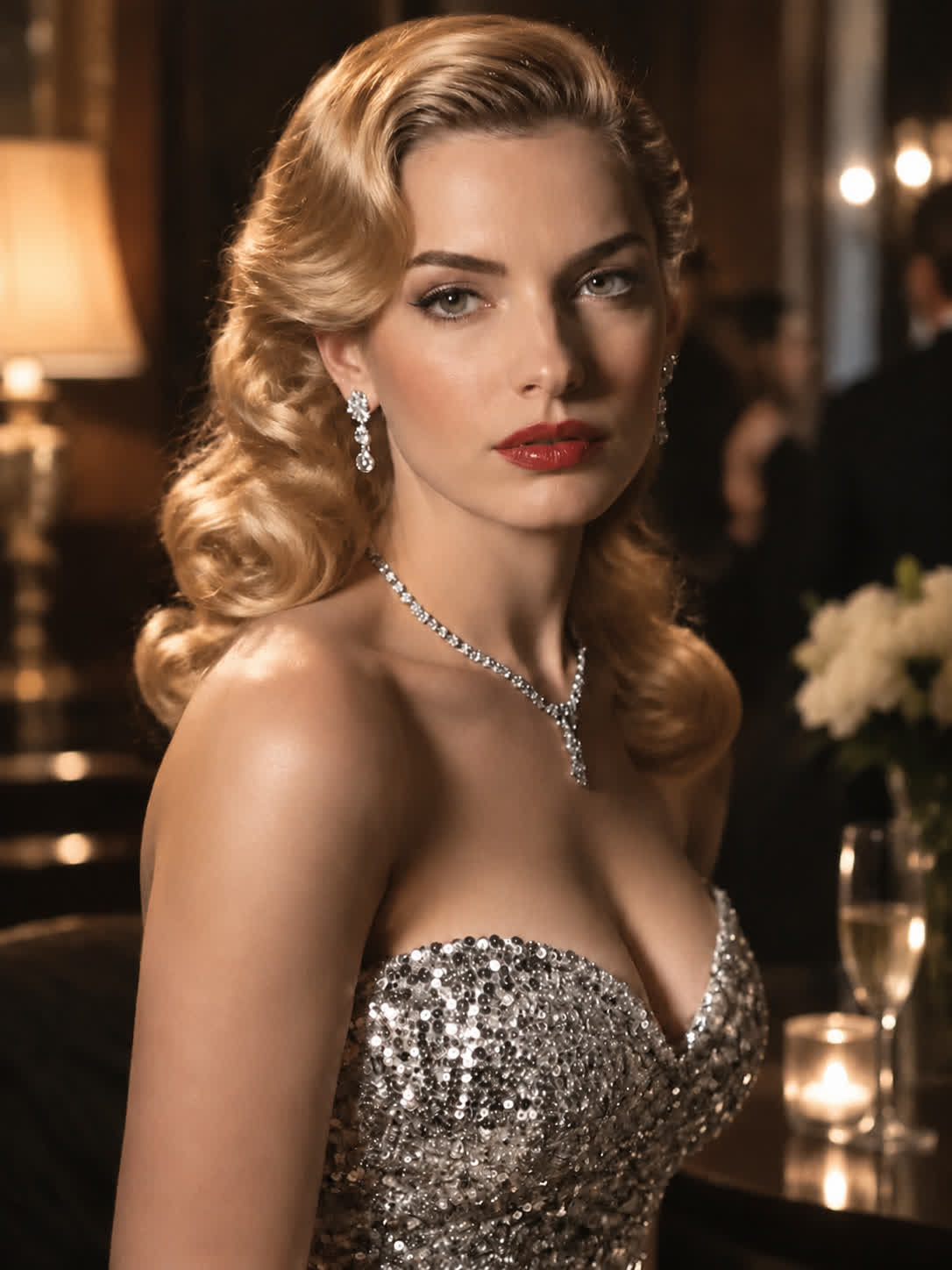
Bring a clear portrait when you are considering a major color change. Describe the blonde direction you want and leave with a visual reference for discussing your next salon look.
Try Cavro free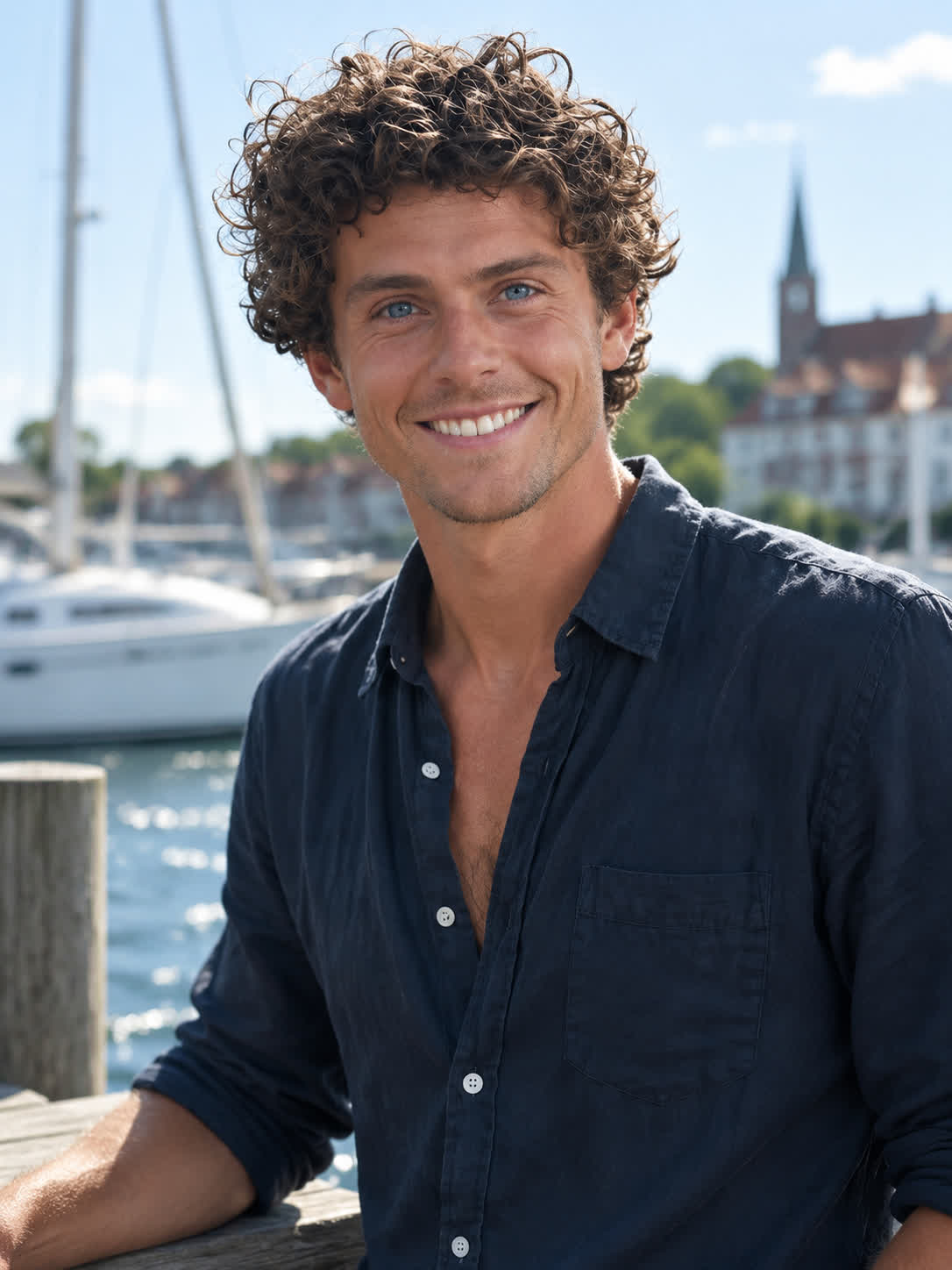
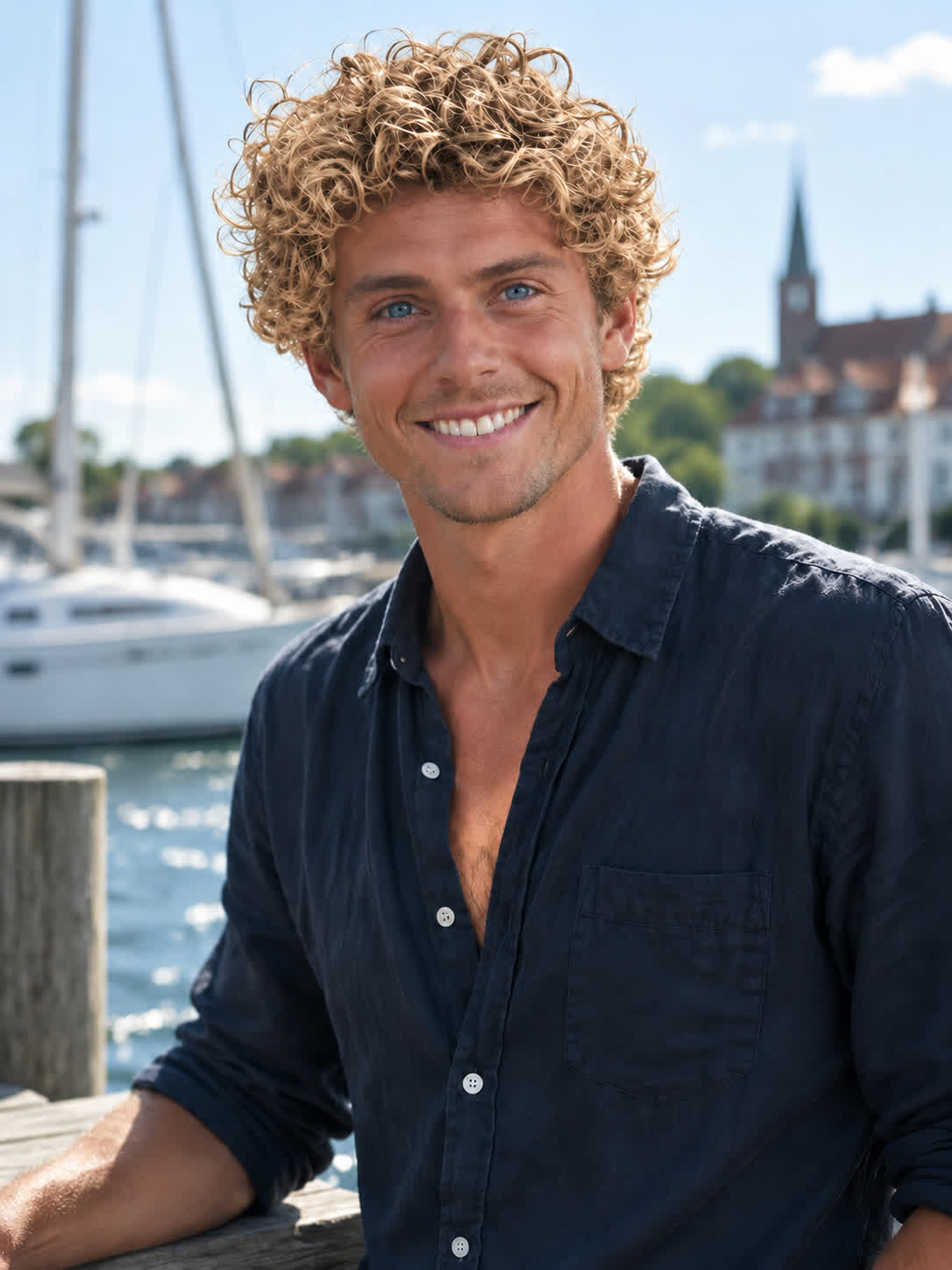
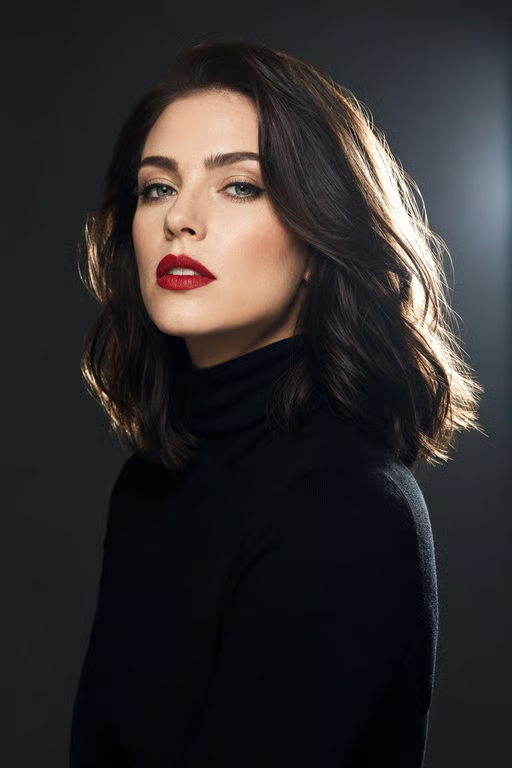
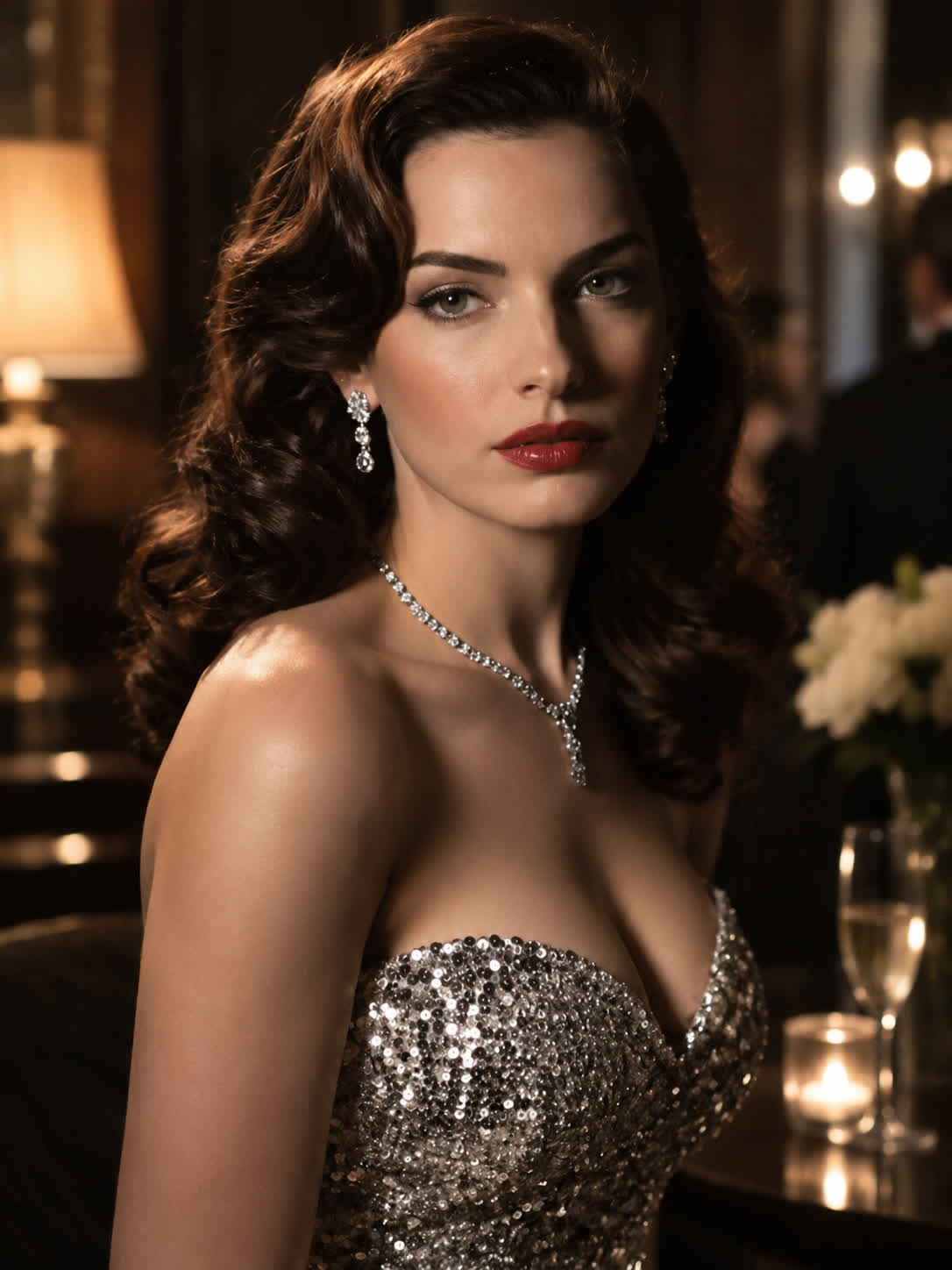
Create several blonde versions from a reference photo when you need fresh beauty or fashion concepts. Compare cool, warm, and highlighted directions without starting each idea from scratch.
Try Cavro free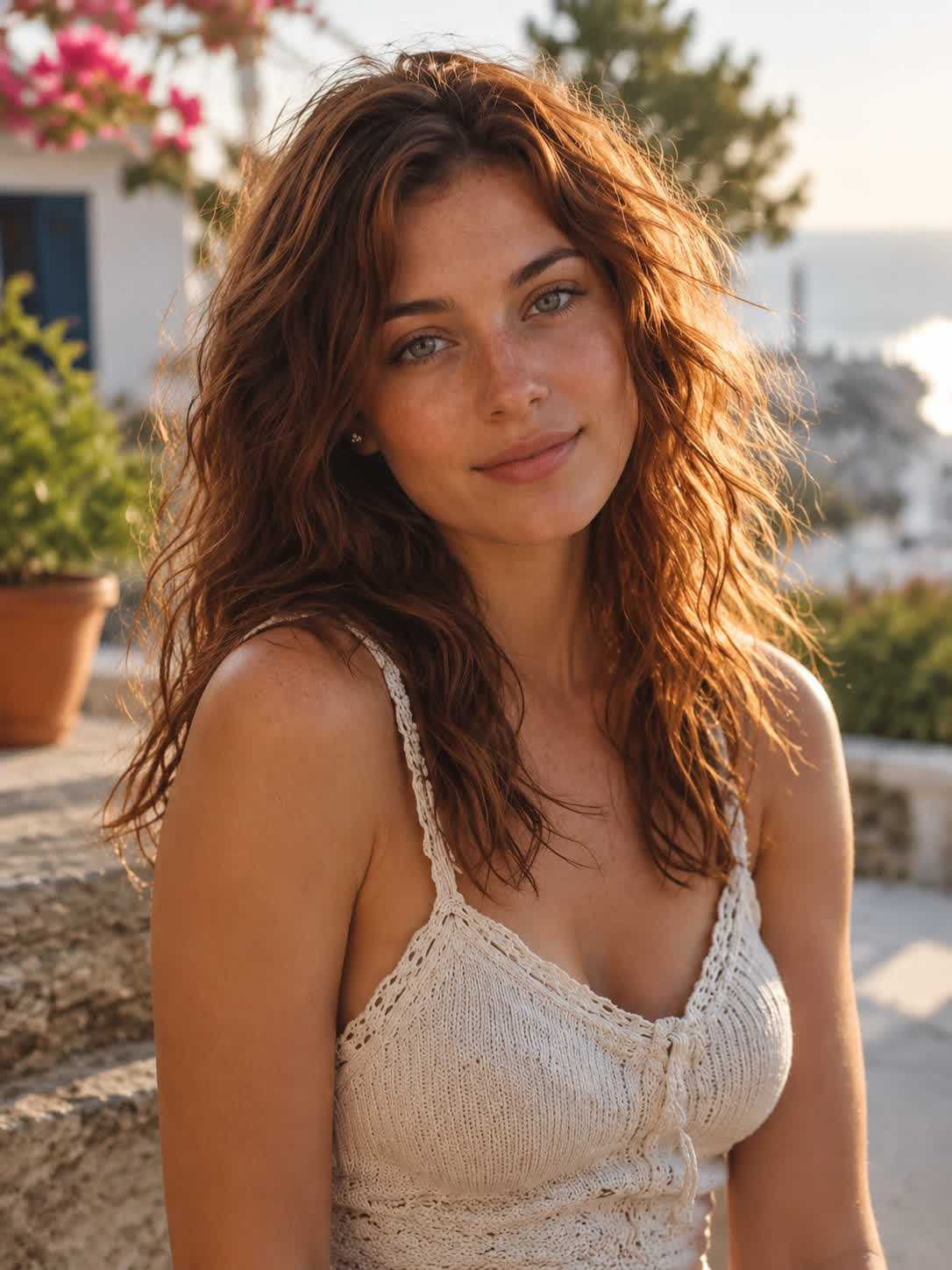
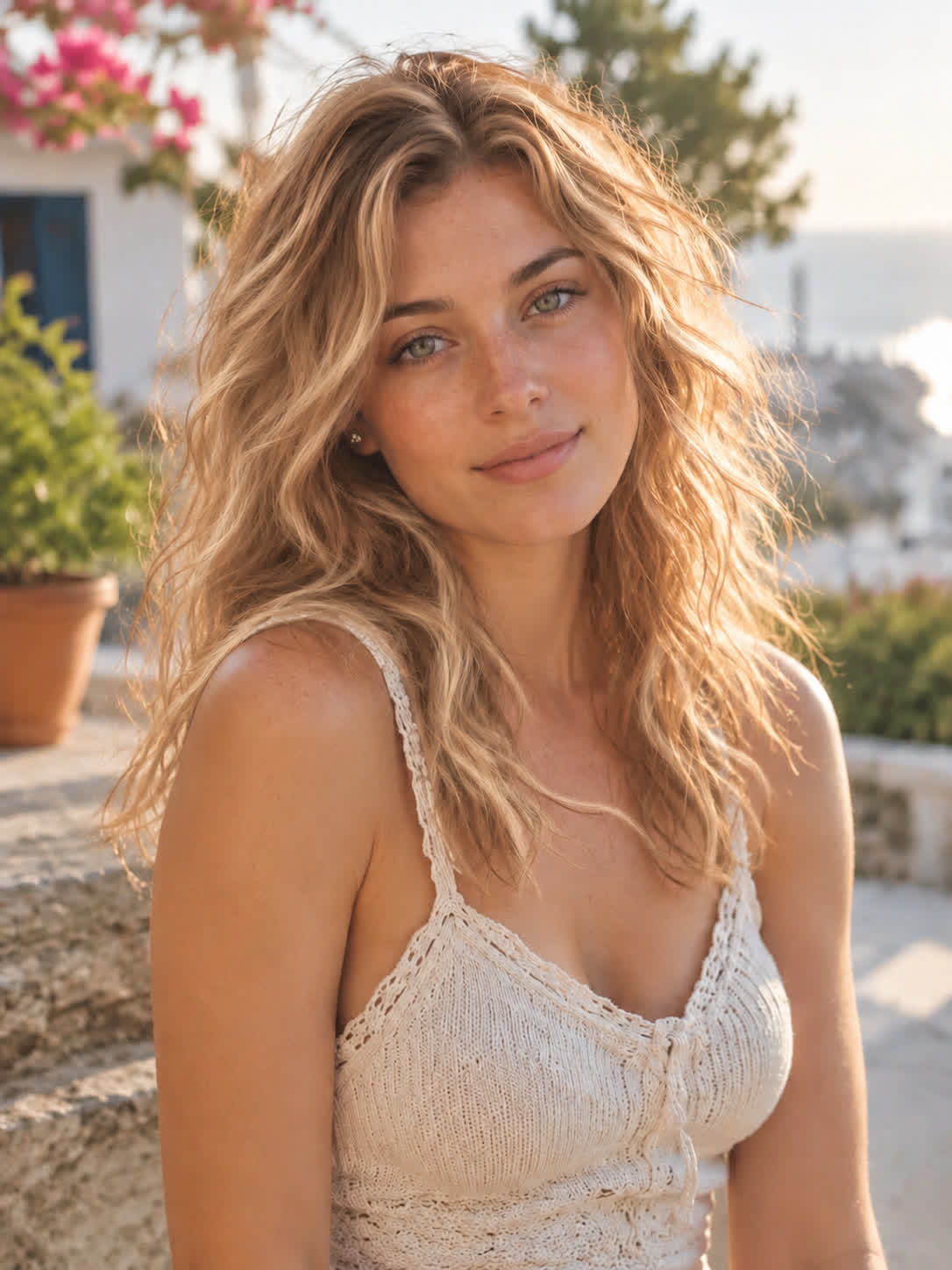
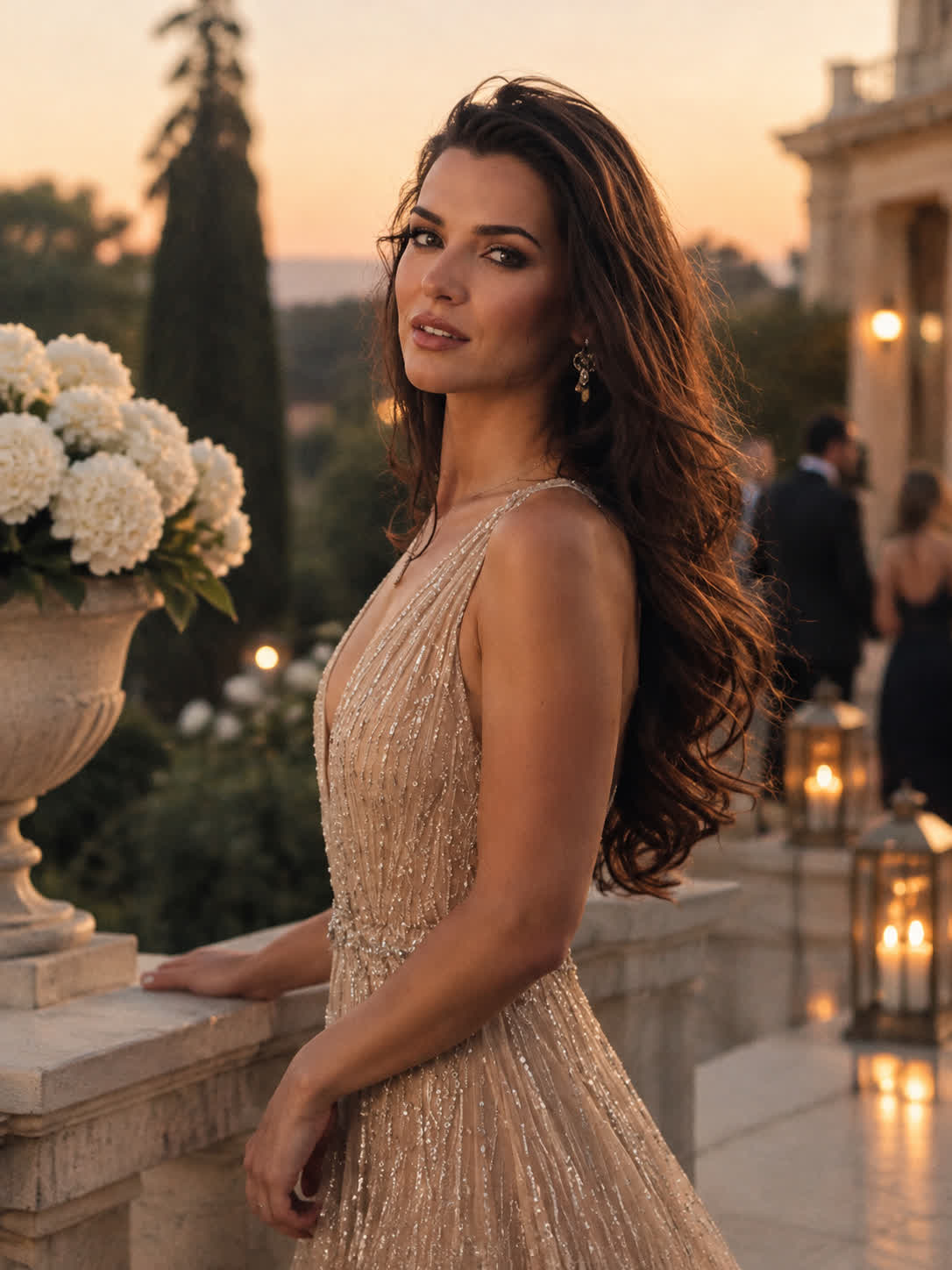
Turn a visual idea into a set of coordinated blonde references for styling, photography, or client conversations. Use written shade descriptions to explore a more specific direction from the same image.
Try Cavro free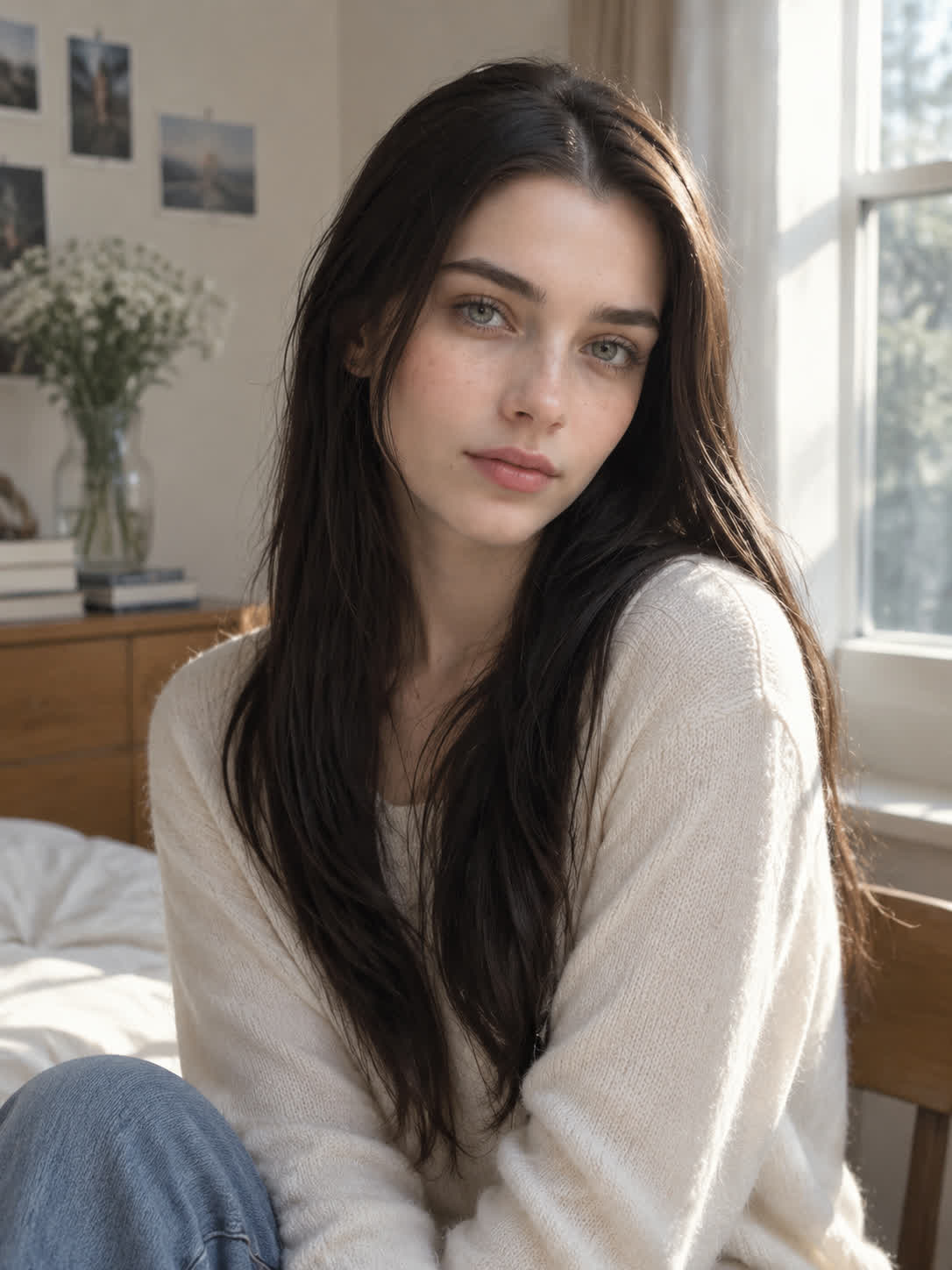
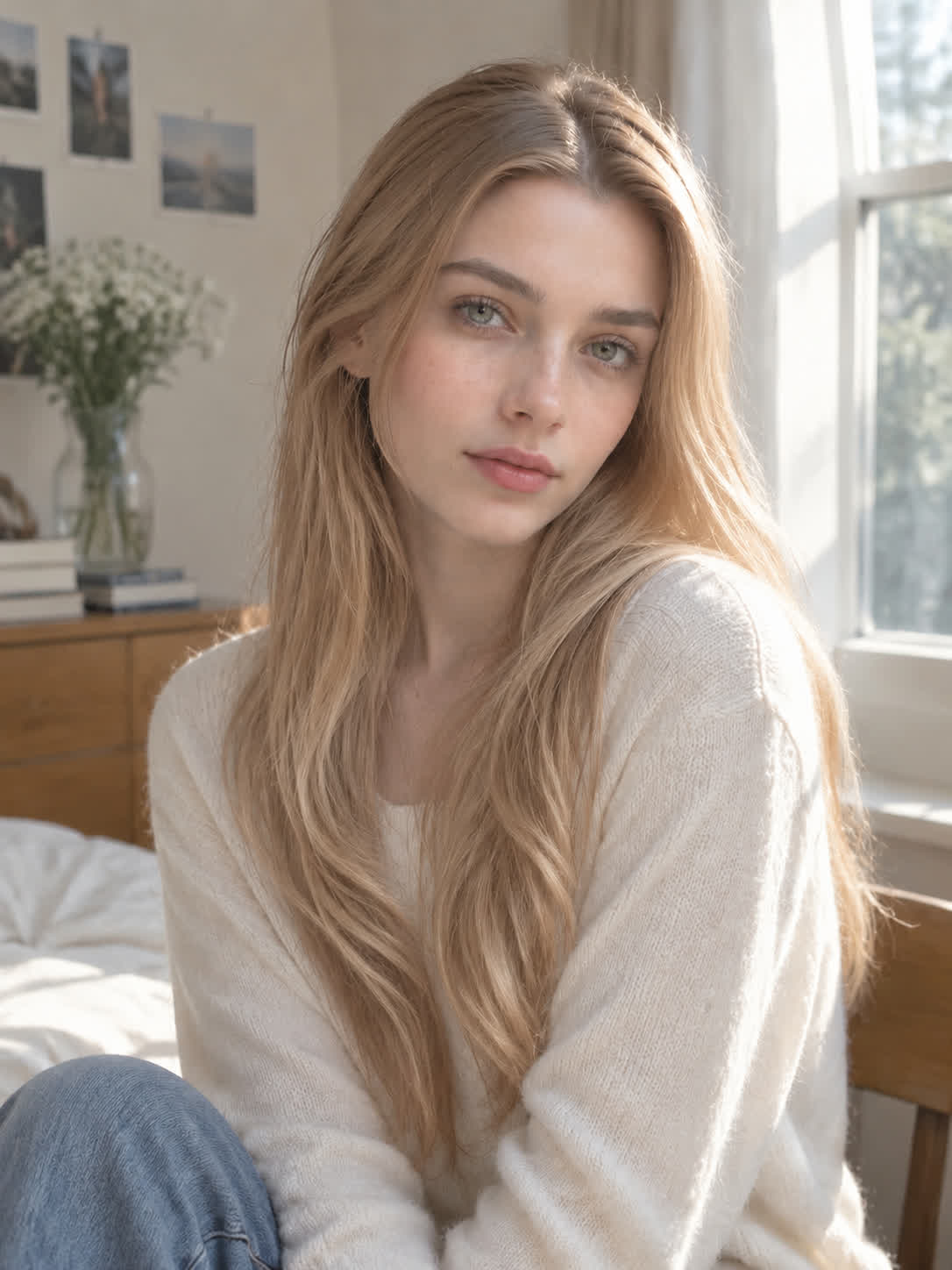
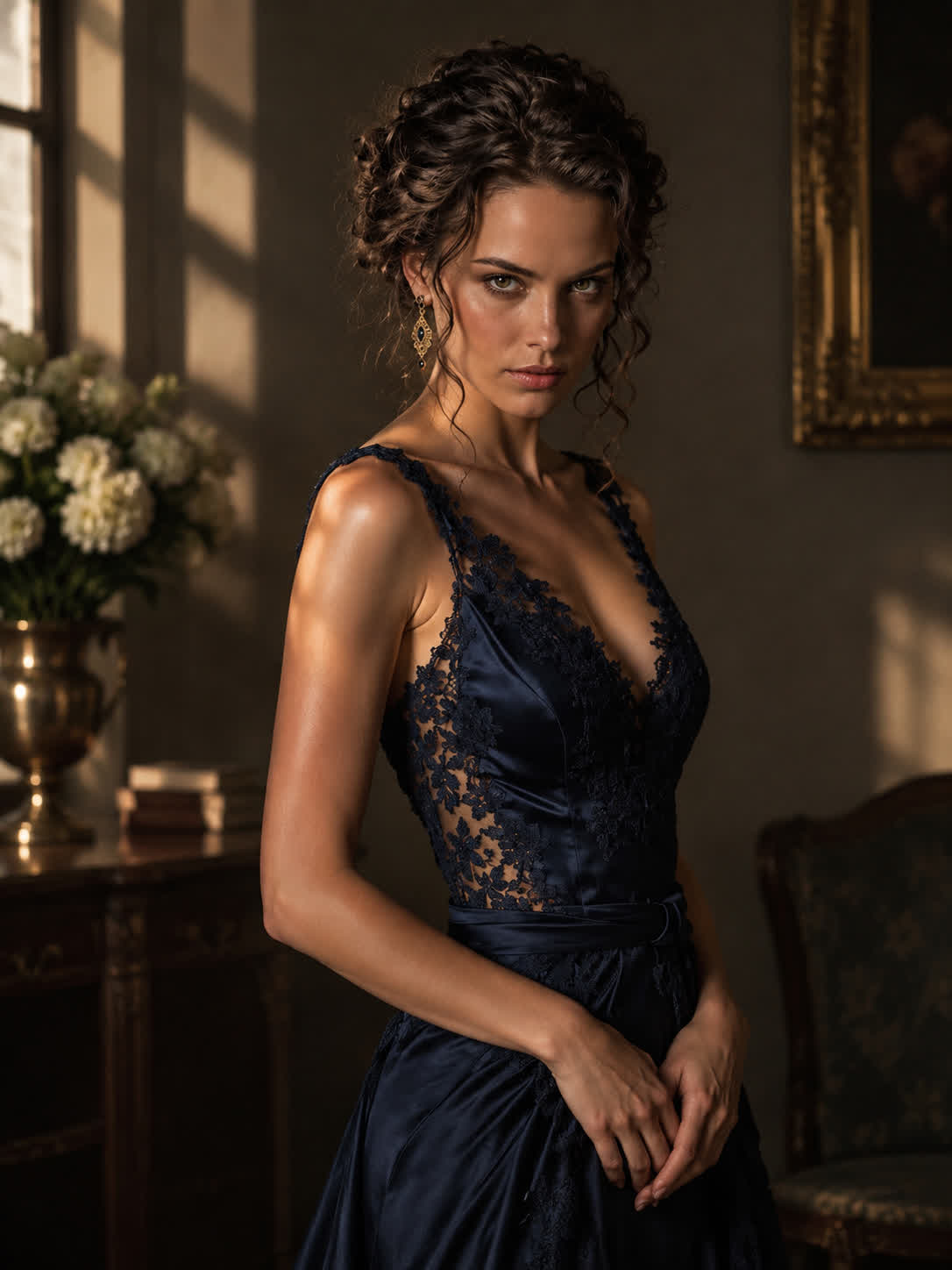
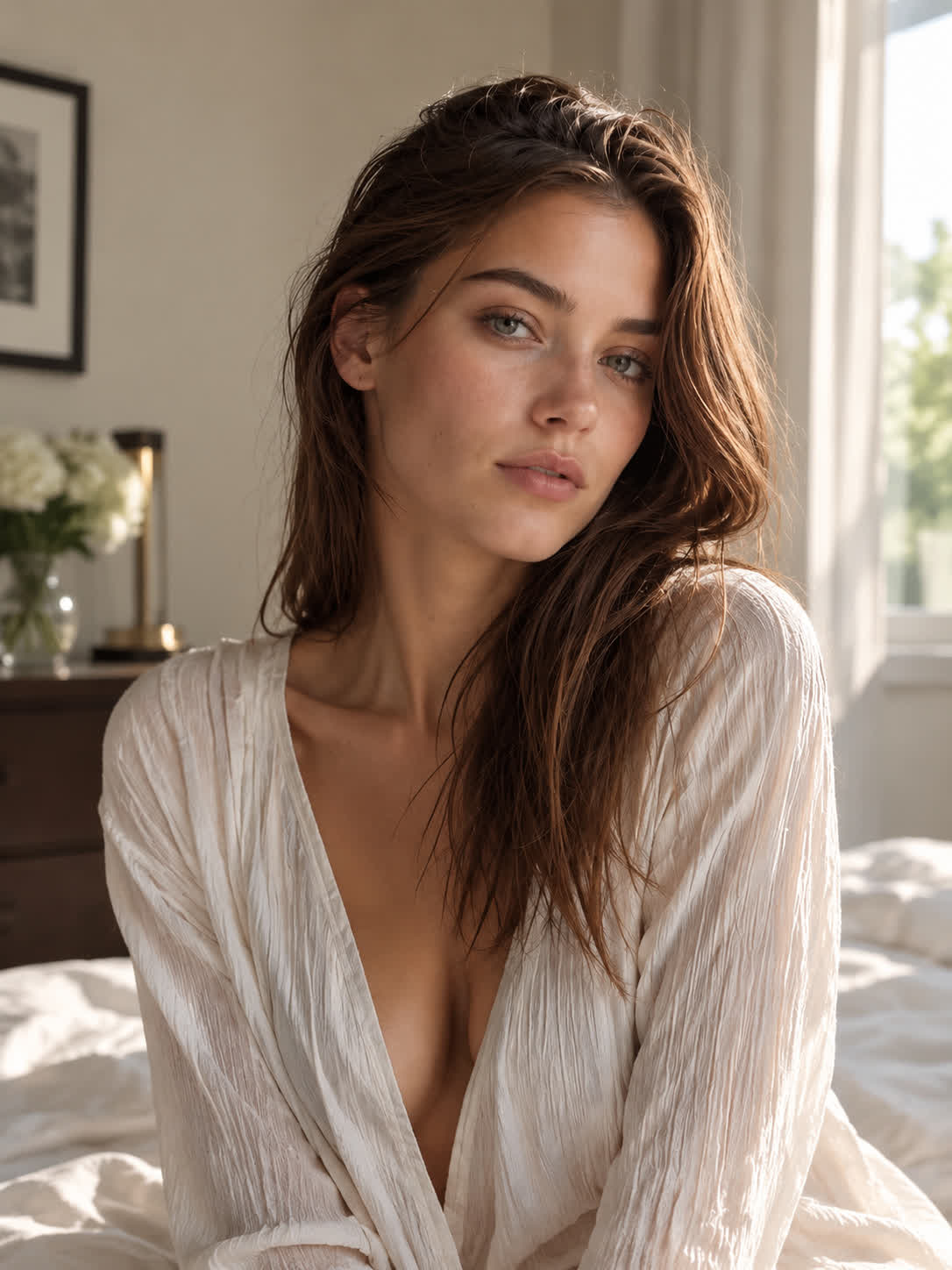
When “blonde” feels too broad, name the exact direction you want, such as icy platinum, warm honey, or strawberry blonde. Cavro turns that description and your photo into a focused visual reference for comparison.
Try Cavro free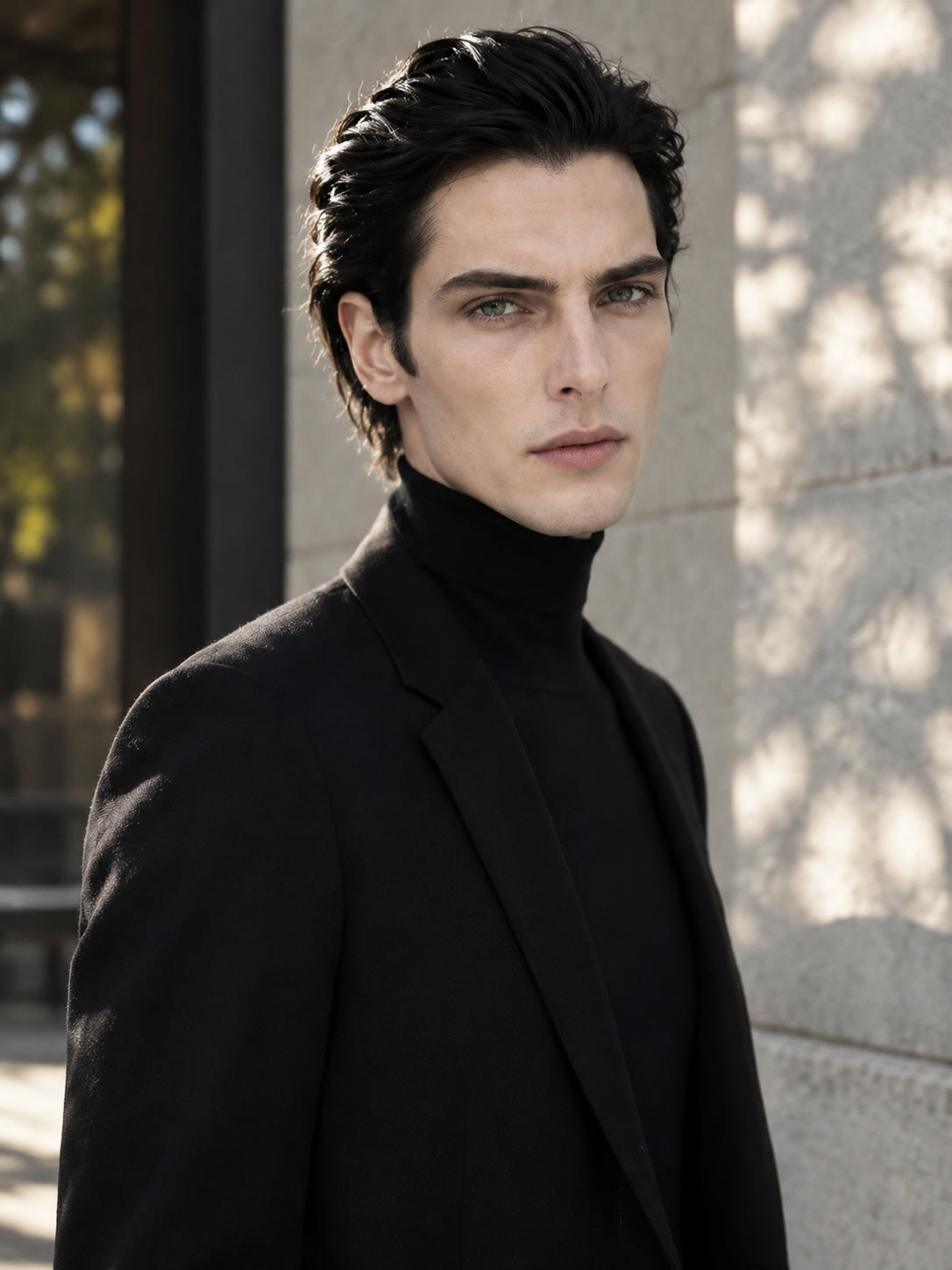
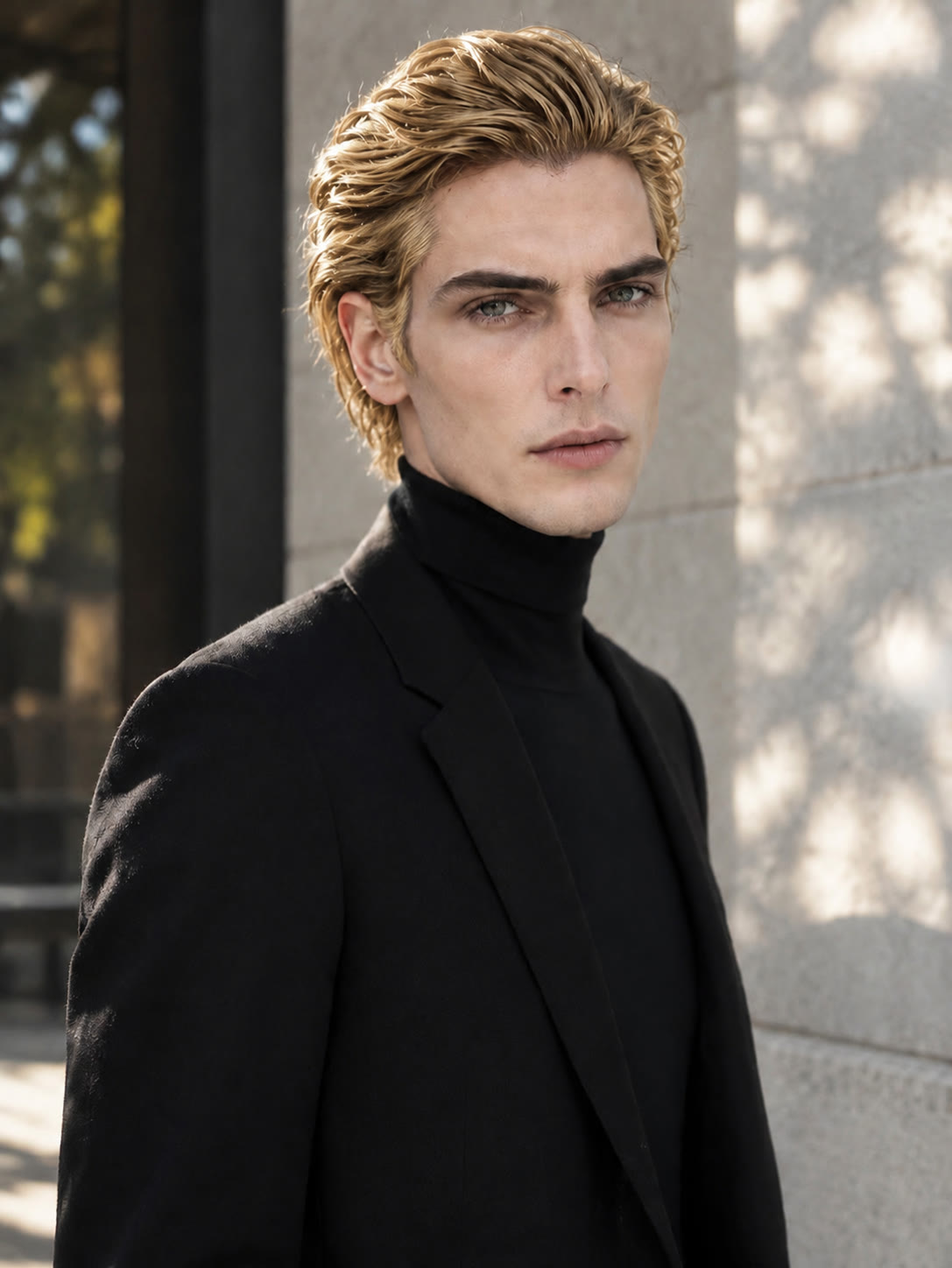
If an all-over change is not the goal, describe highlights, face-framing pieces, or a balayage-inspired blend. You can assess a more dimensional blonde concept before taking it to a stylist or shoot.
Try Cavro free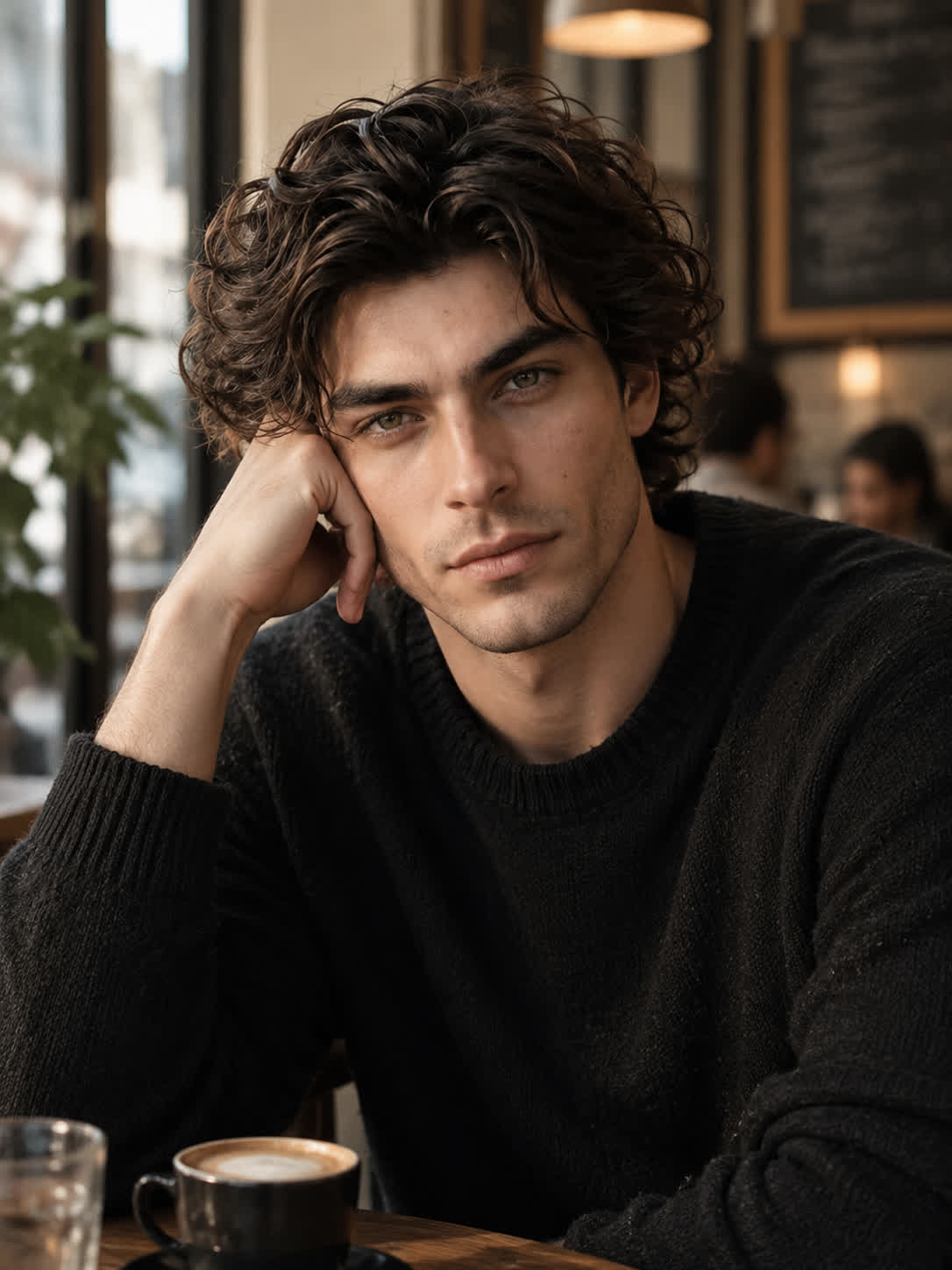
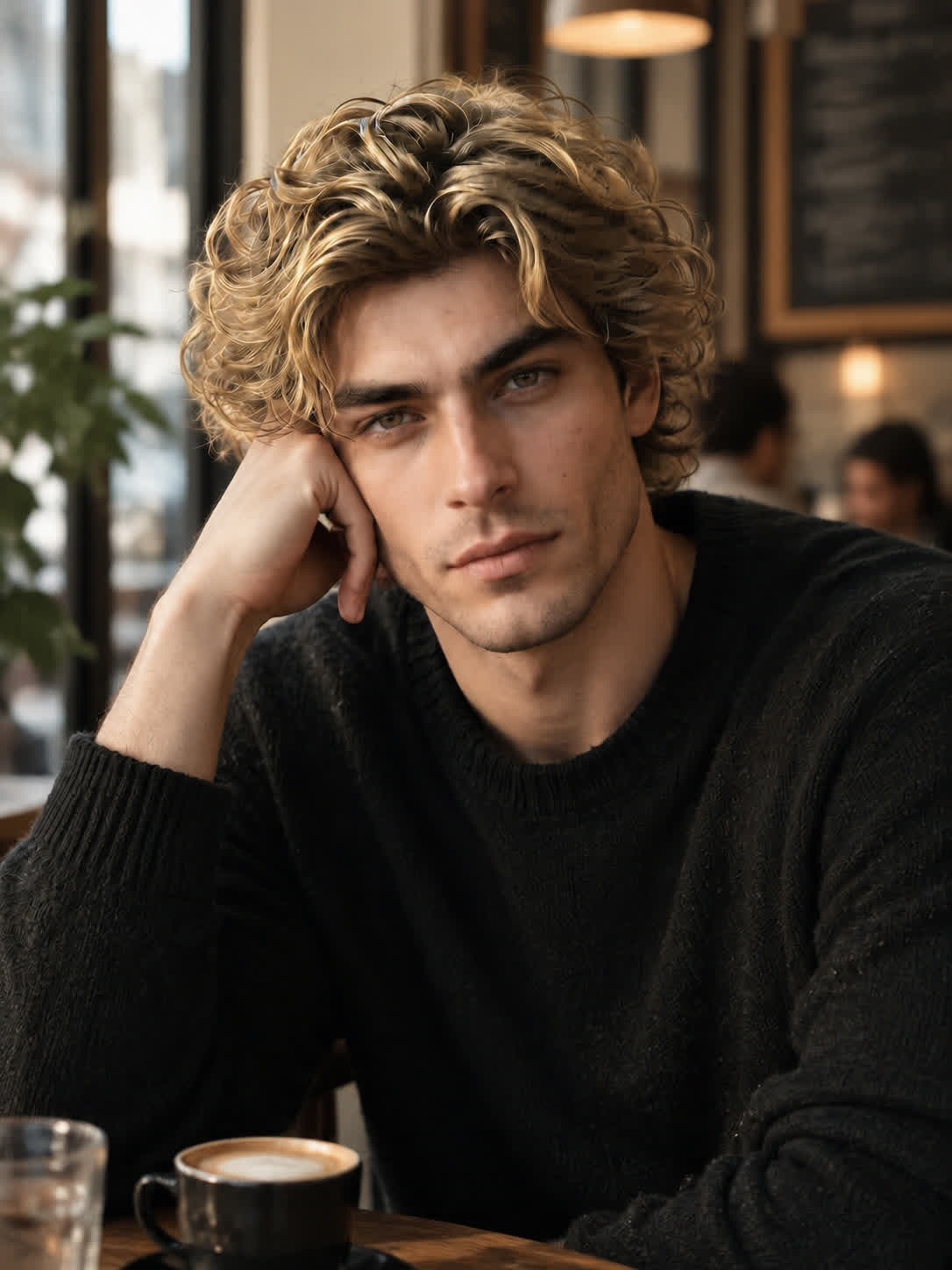
When the first blonde version is close but not quite right, continue refining the same conversation. Adjust the shade or style and build toward a visual direction that feels more like your intended makeover.
Try Cavro freeUpload a reference photo and describe the blonde change you want in natural language. Cavro uses both to produce an image or video for exploring the requested look.
Your uploaded photo provides the reference, while your prompt describes the hair change. For a focused result, specify the blonde shade or treatment you want, such as platinum, honey, strawberry blonde, or highlights.
Yes. You can describe each of these directions in separate prompts and compare the resulting looks from your reference photo. AI blonde hair filter ideas can include cool, warm, red-toned, highlighted, or blended blonde styles.
Yes. Cavro lets you refine and generate again in the same conversation. Adjust the shade, highlights, or blend in your next prompt to explore another version.
Creators worldwide are turning “just an idea” into expensive-looking images.