


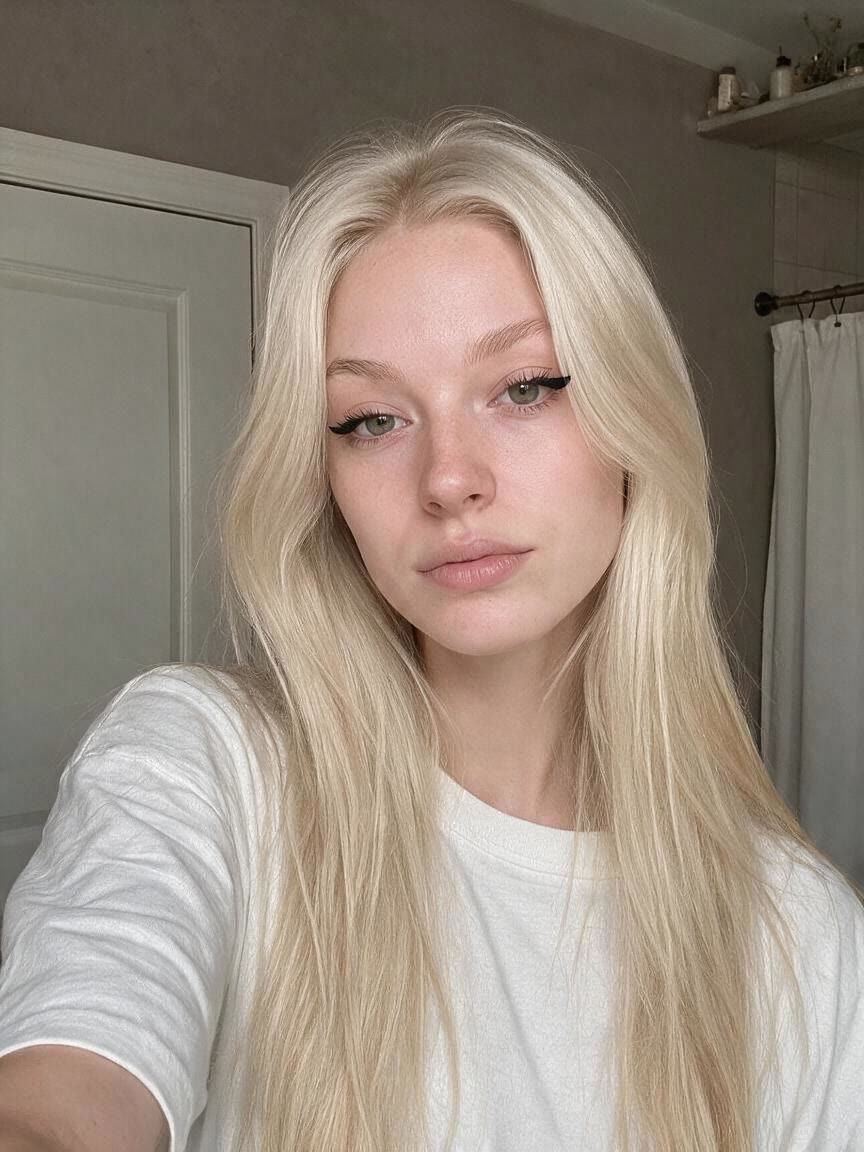
Refresh Profile Photos
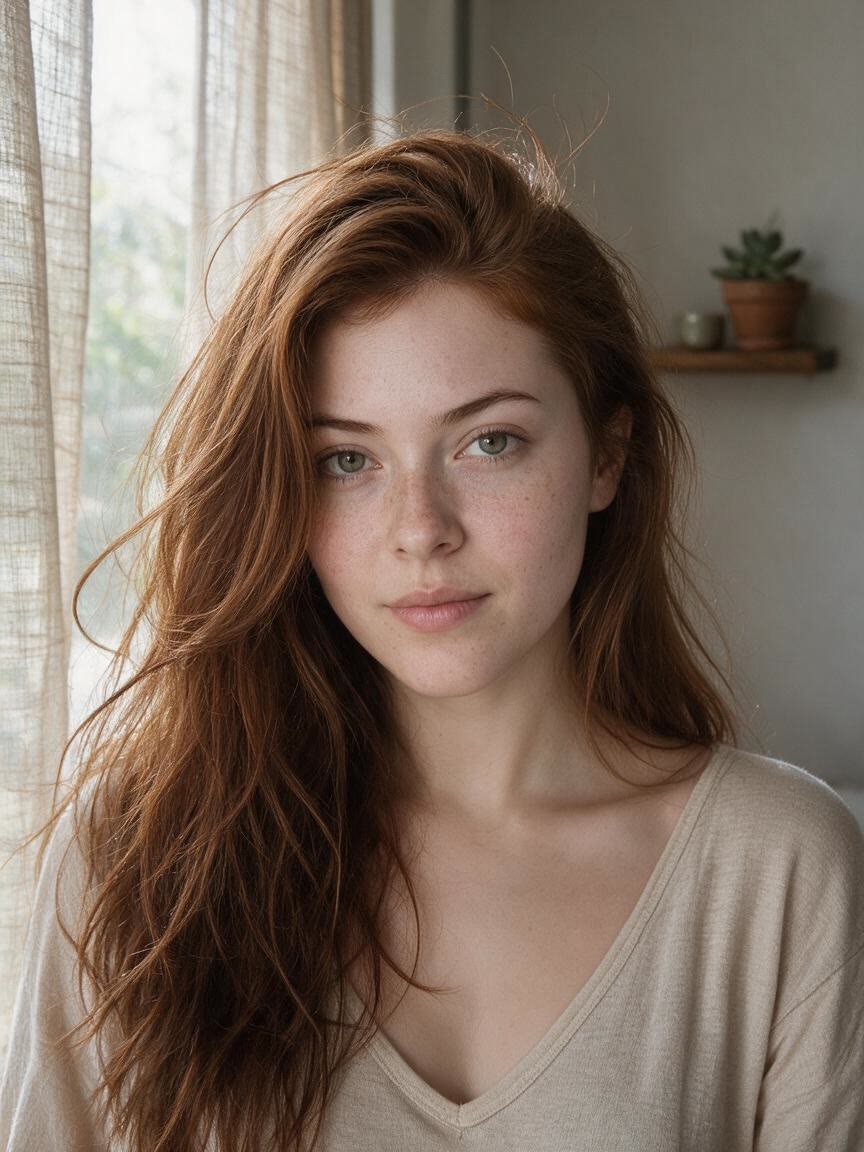
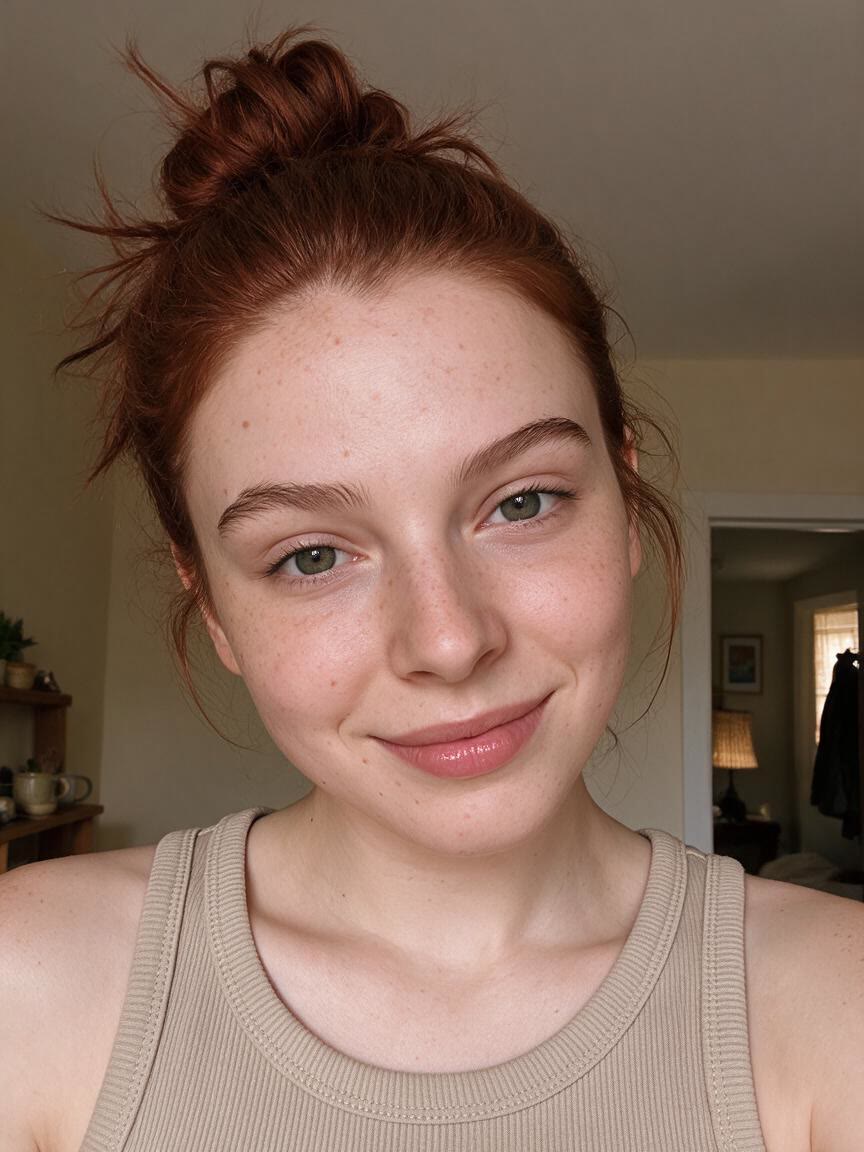
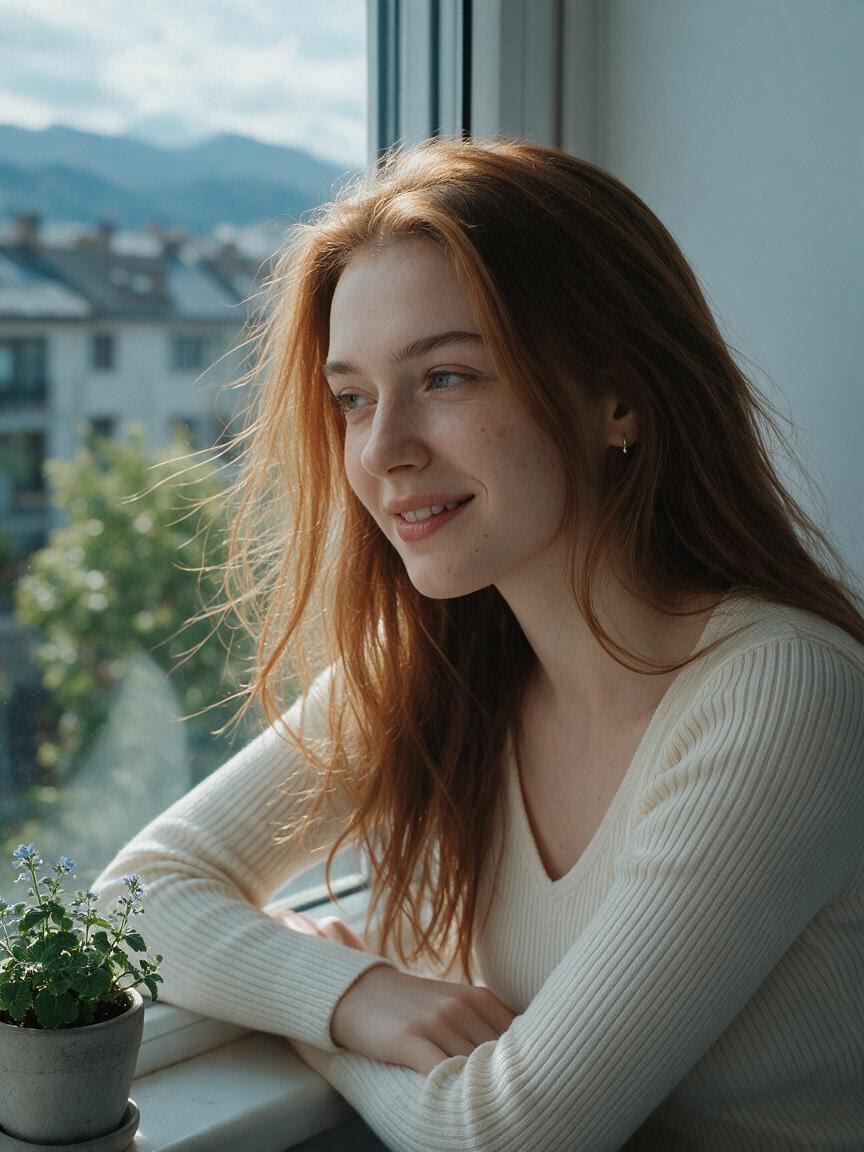
When an old profile picture feels flat or unfinished, use a clear portrait to create a cleaner version for social media or dating apps. The result looks polished without relying on an obvious heavy filter.
Try Cavro freeCreate a polished beauty filter photo without an obvious heavy-filter effect. Give profile pictures, dating photos, video-call portraits, and personal content a more refined look with Cavro.
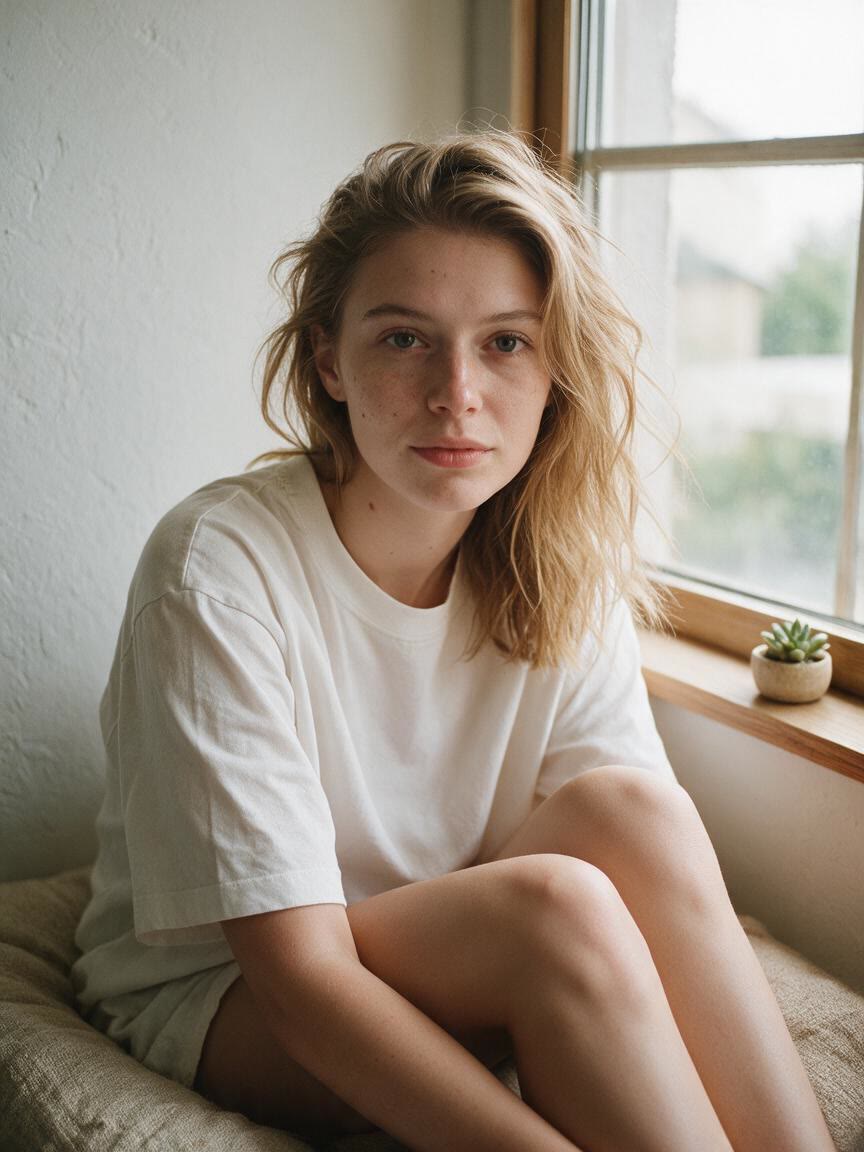
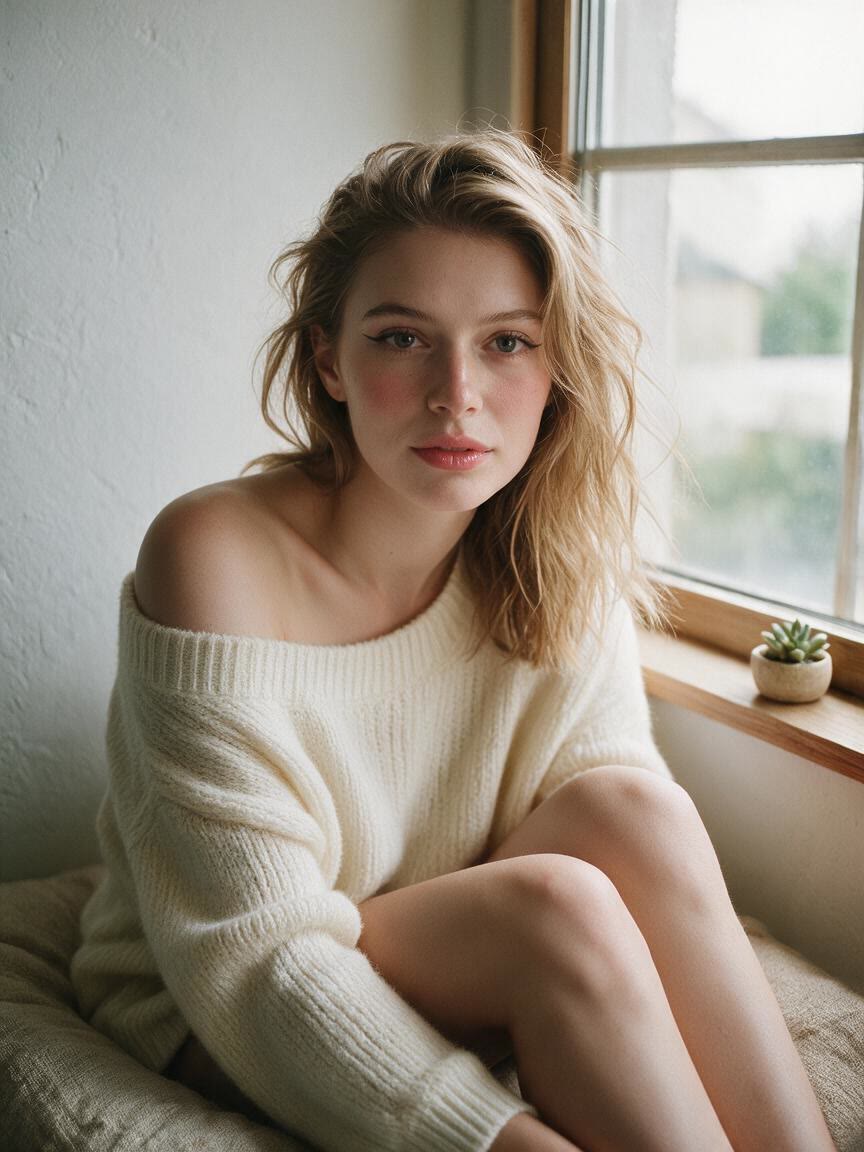
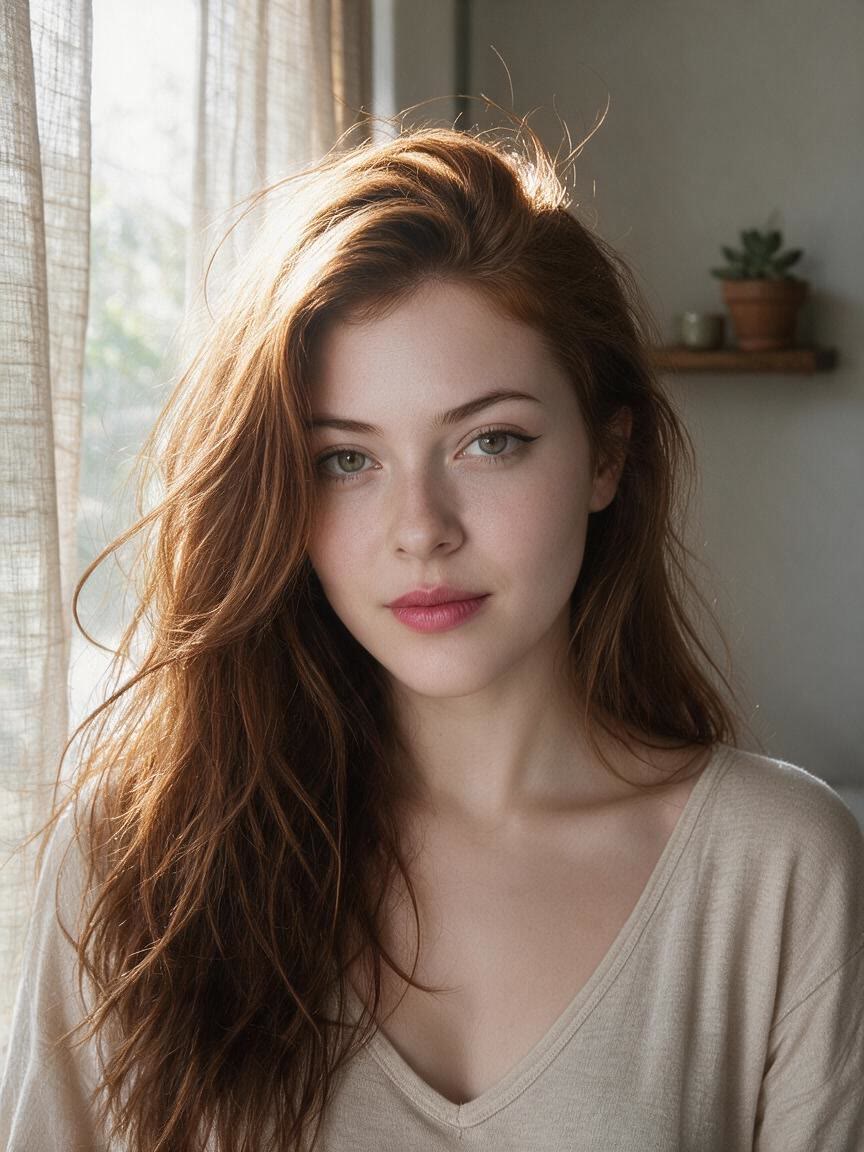

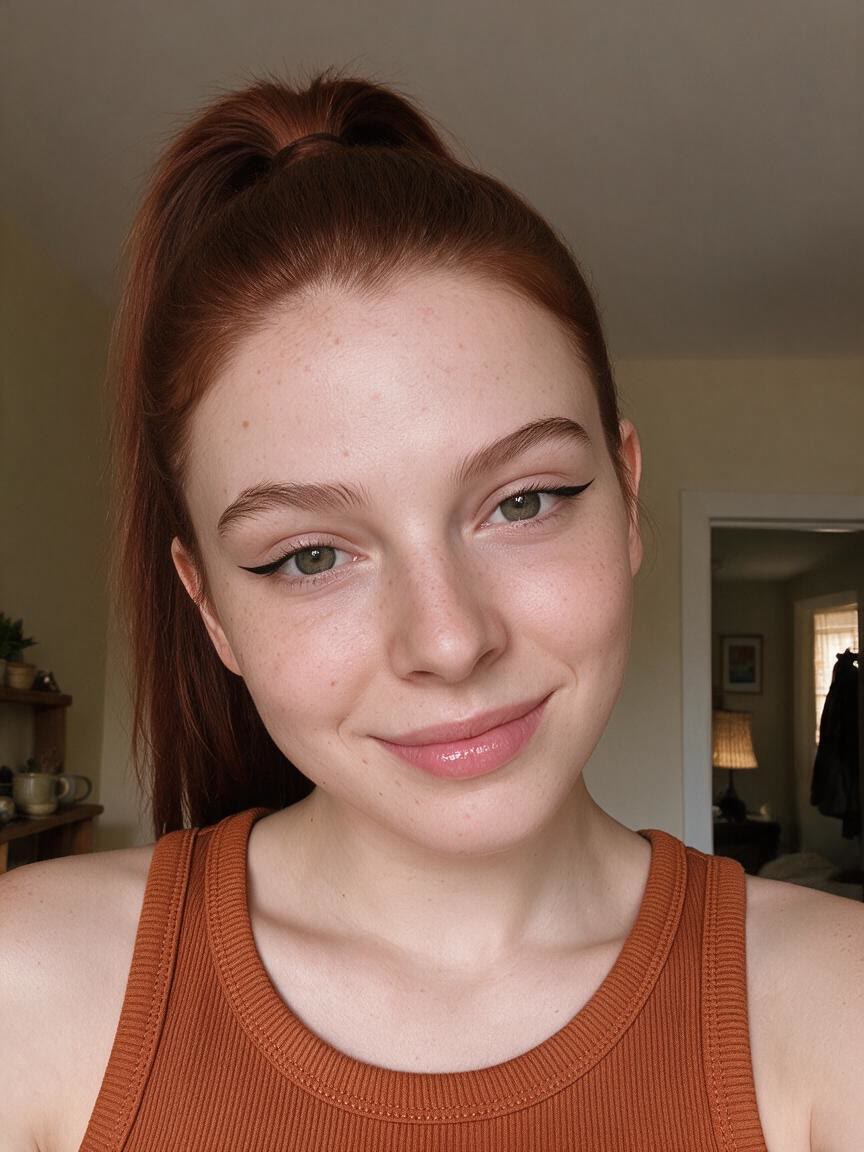
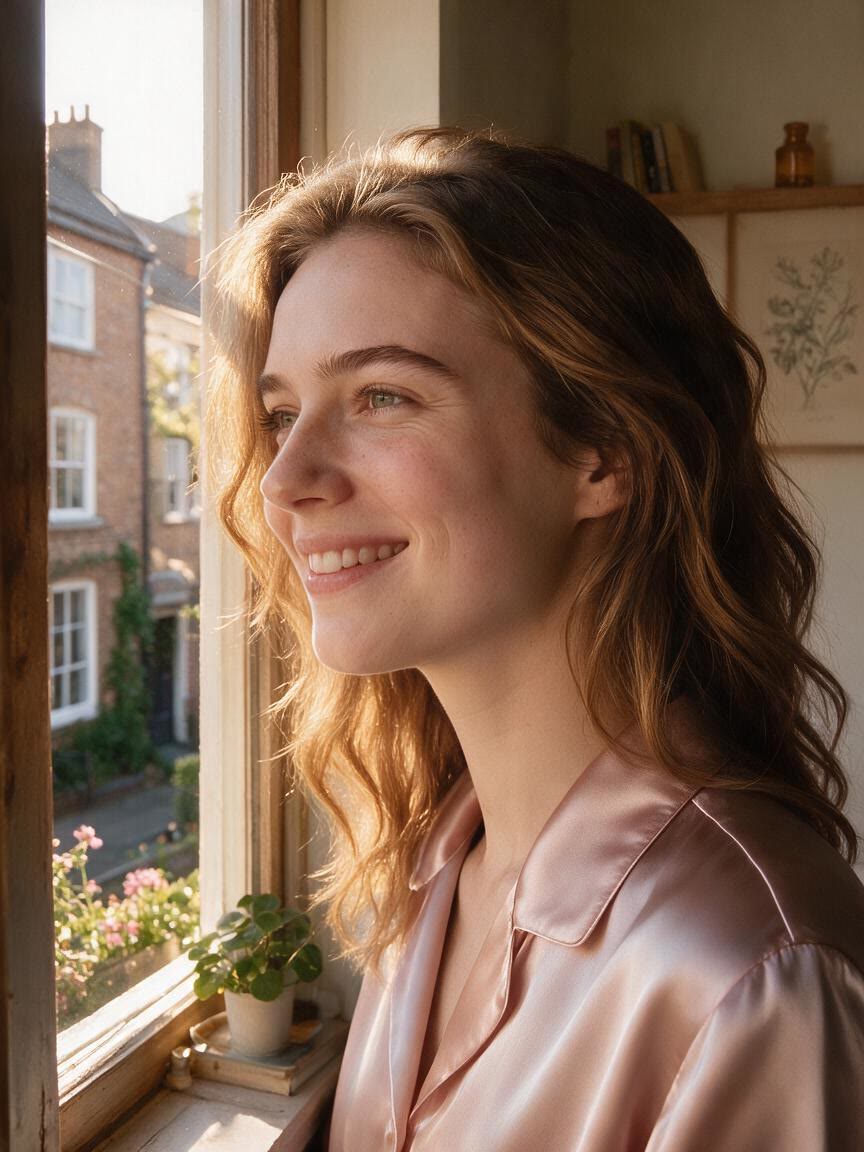
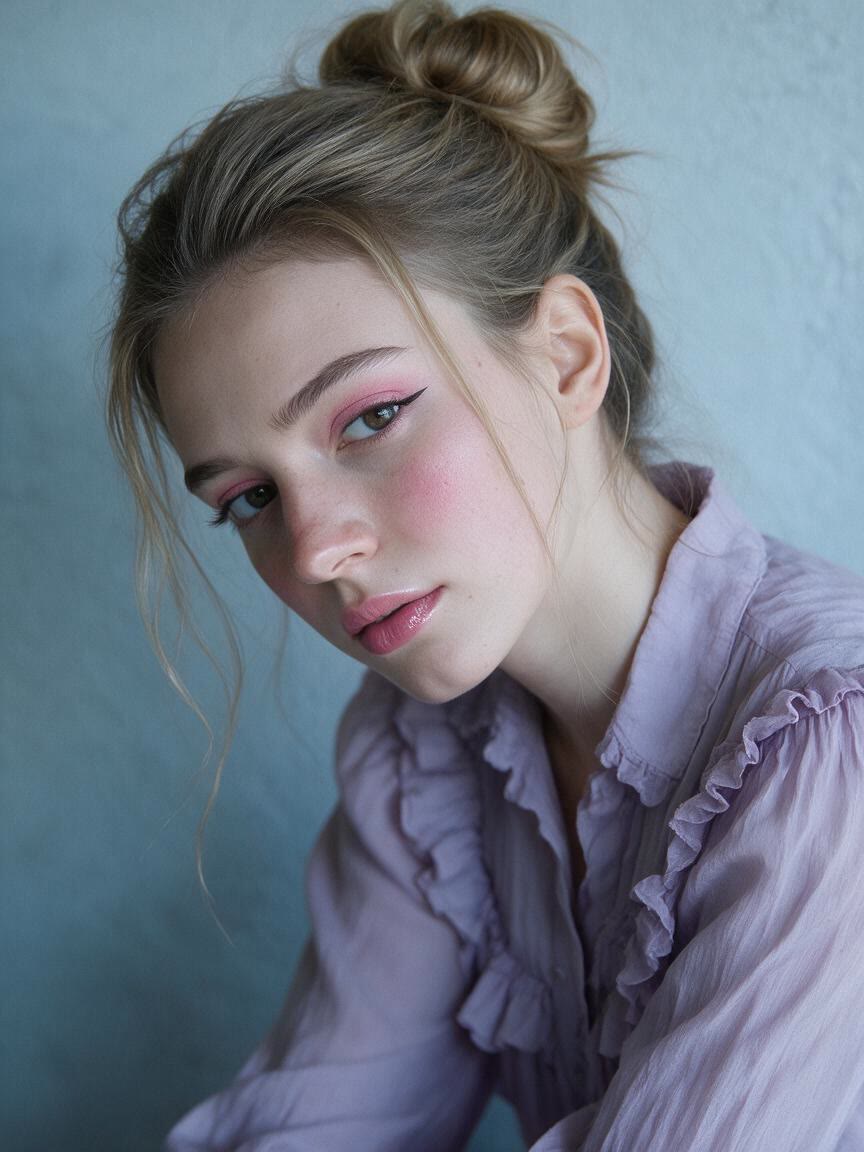

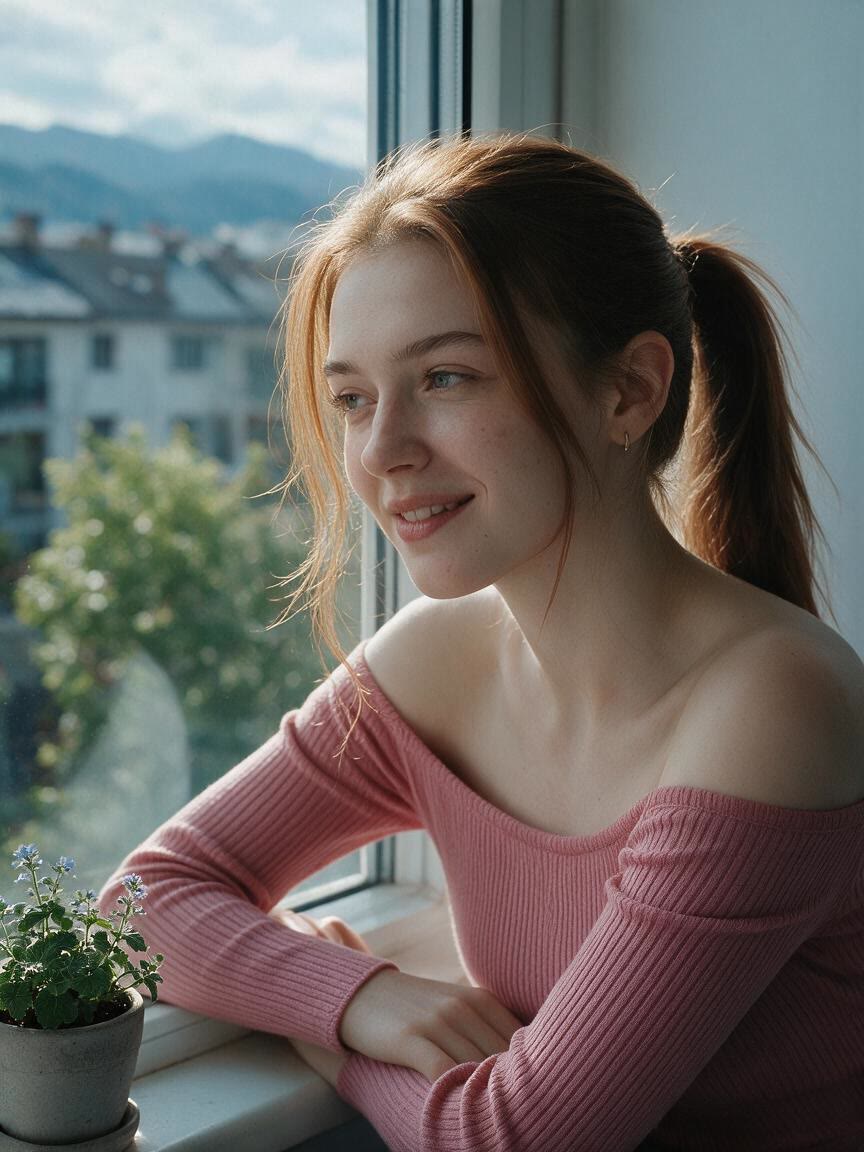
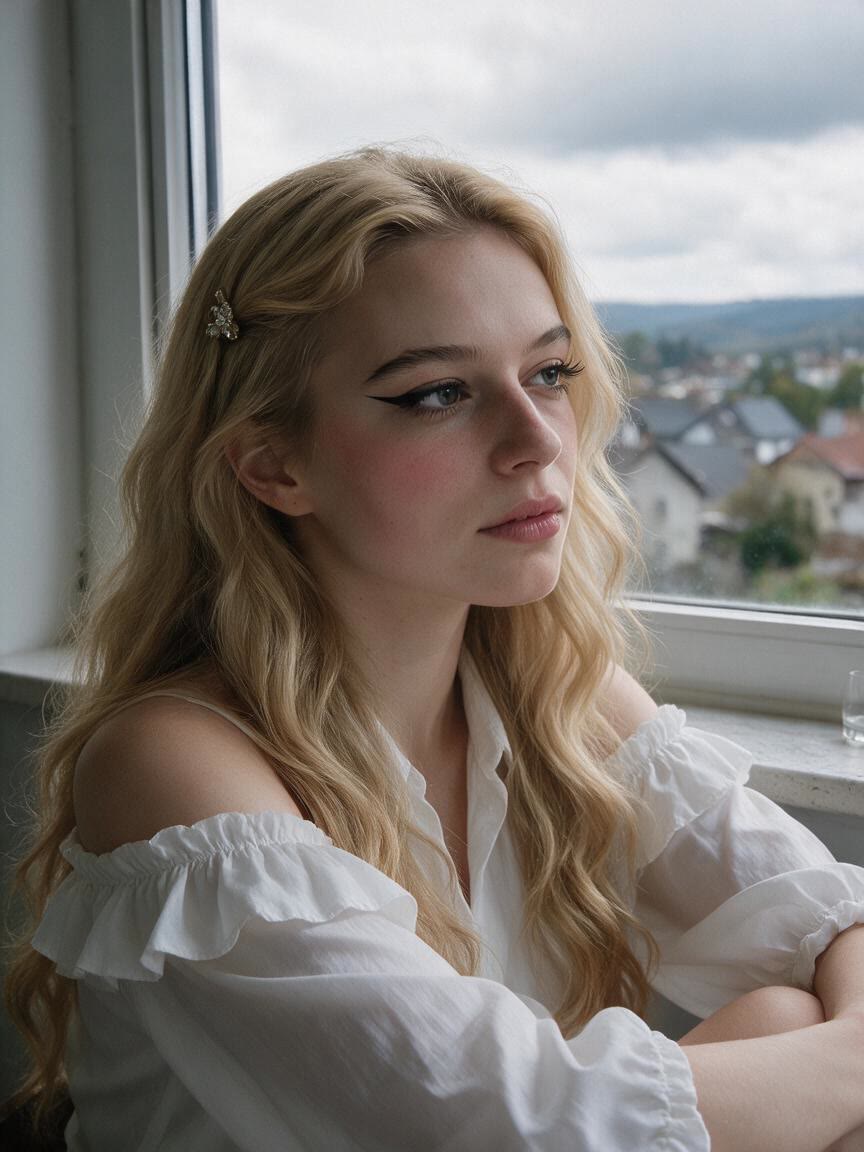

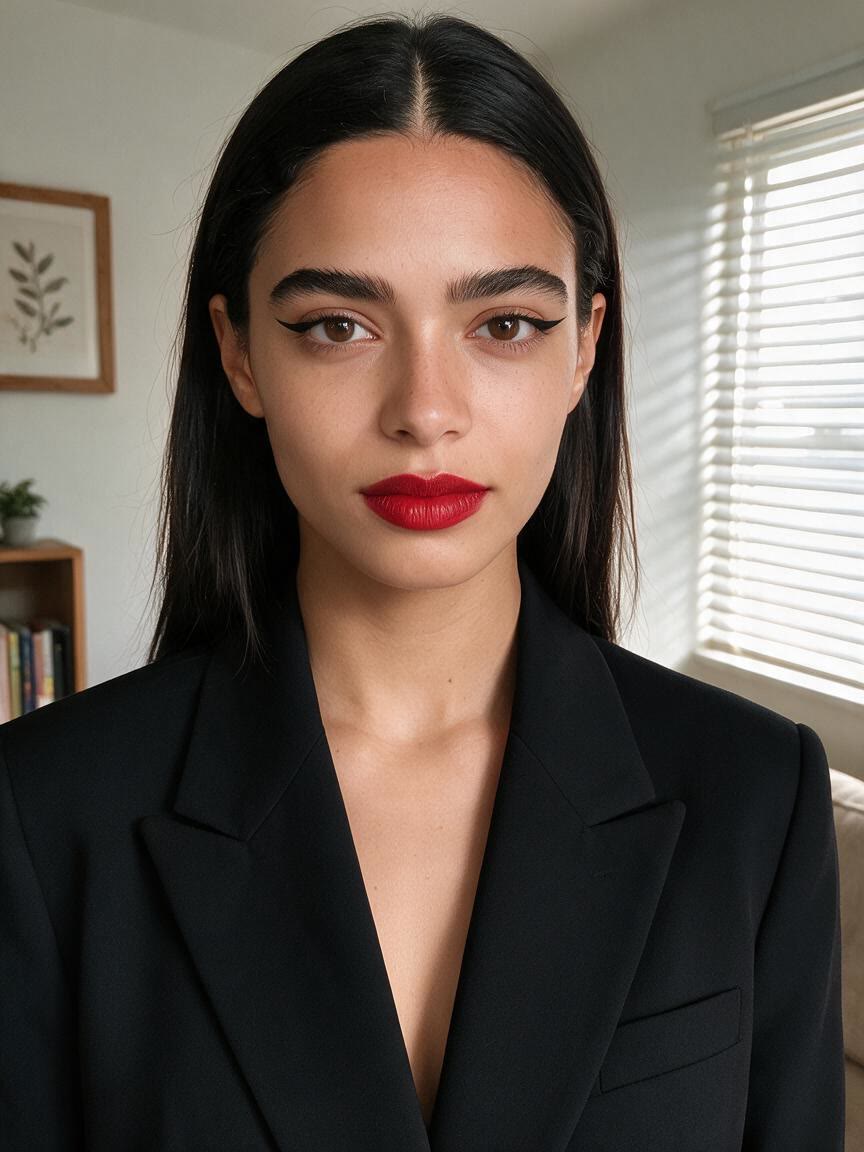
When an old profile picture feels flat or unfinished, use a clear portrait to create a cleaner version for social media or dating apps. The result looks polished without relying on an obvious heavy filter.
Try Cavro free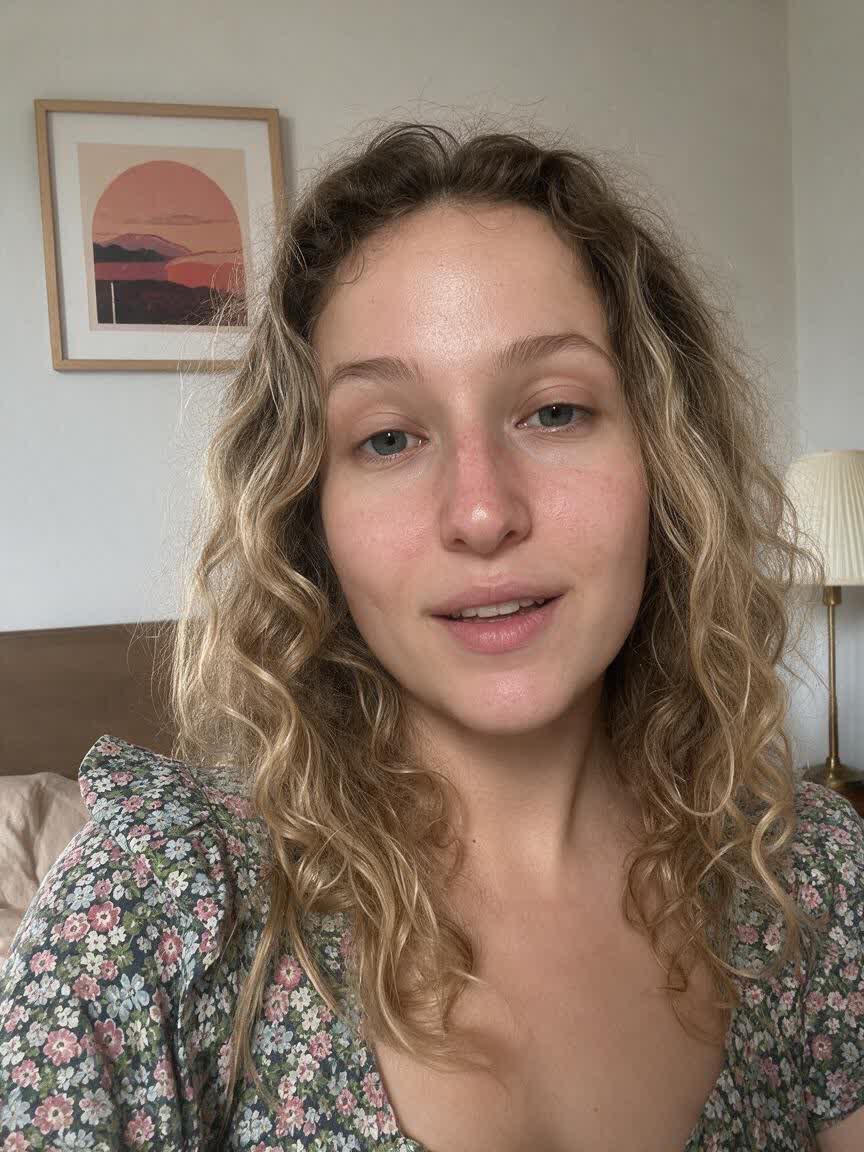
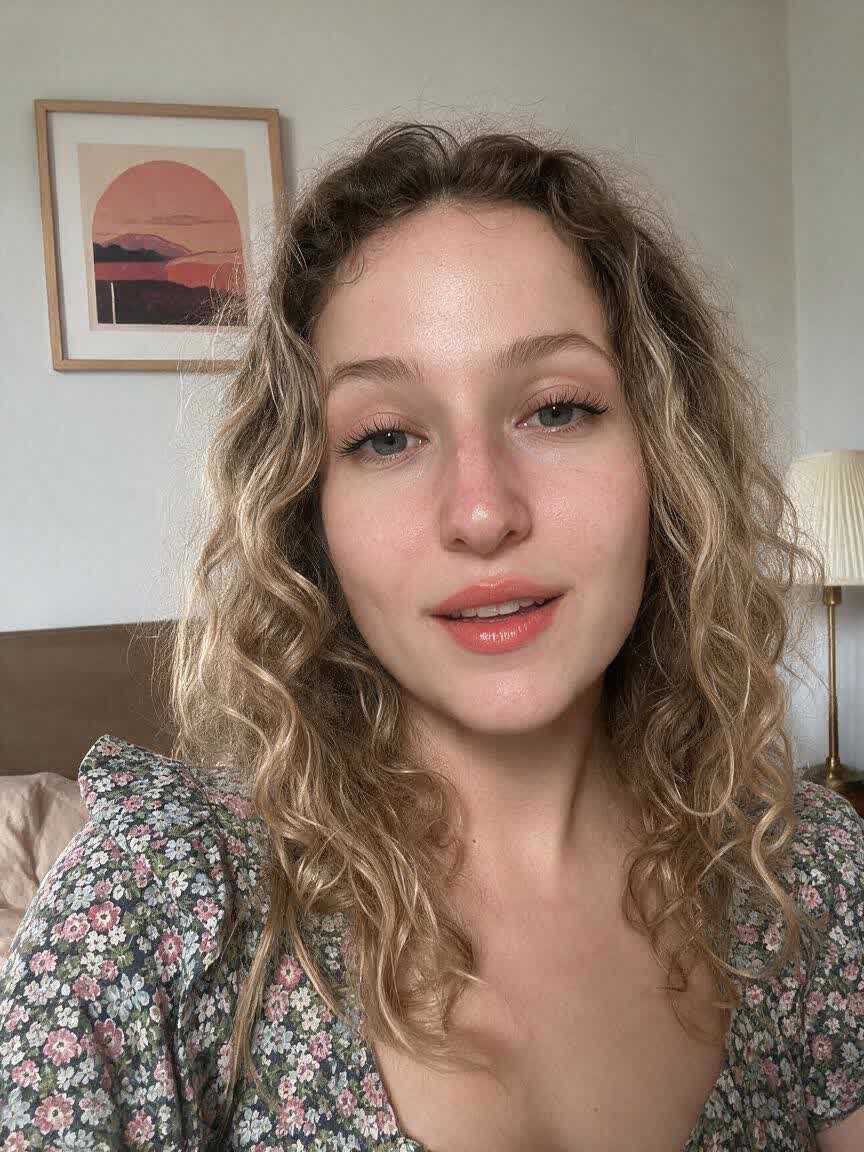
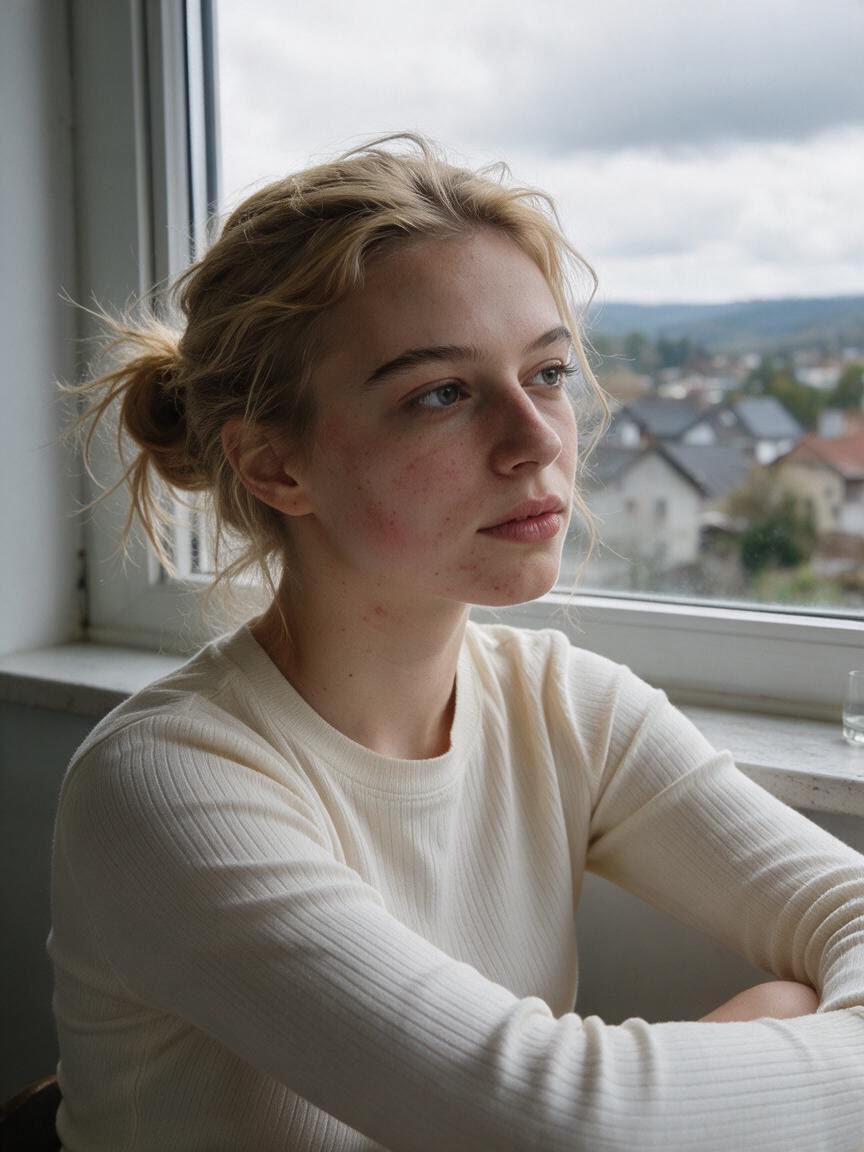
A video-call avatar or meeting portrait needs to look composed at a glance. Use a face photo with a request for balanced light and subtle retouching, then take away a more camera-ready image.
Try Cavro free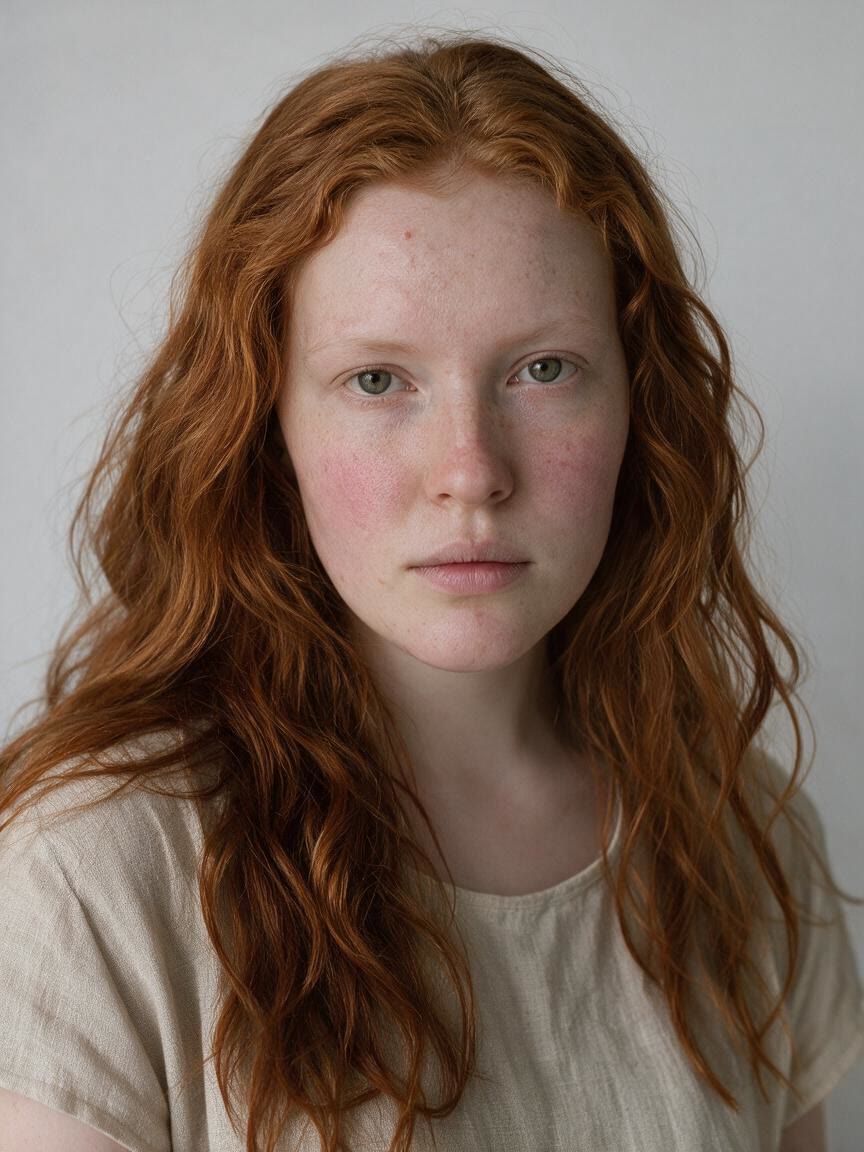
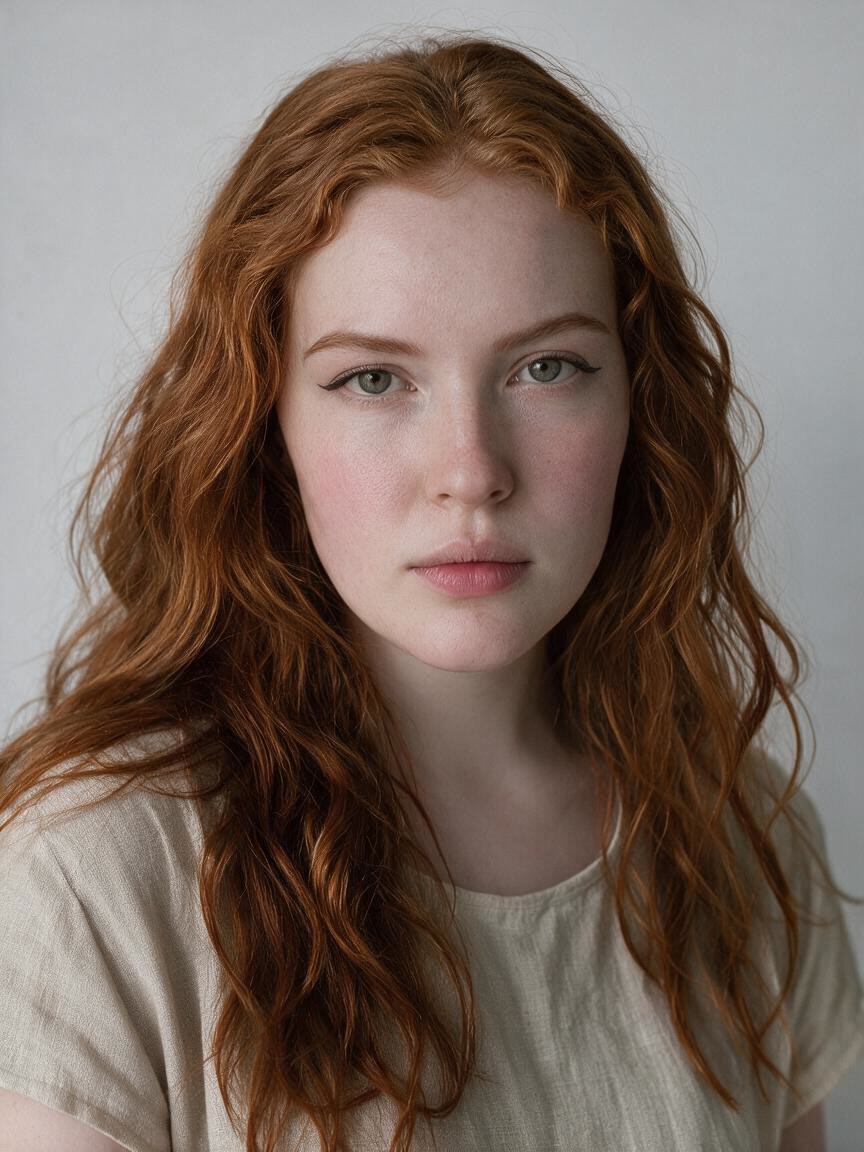
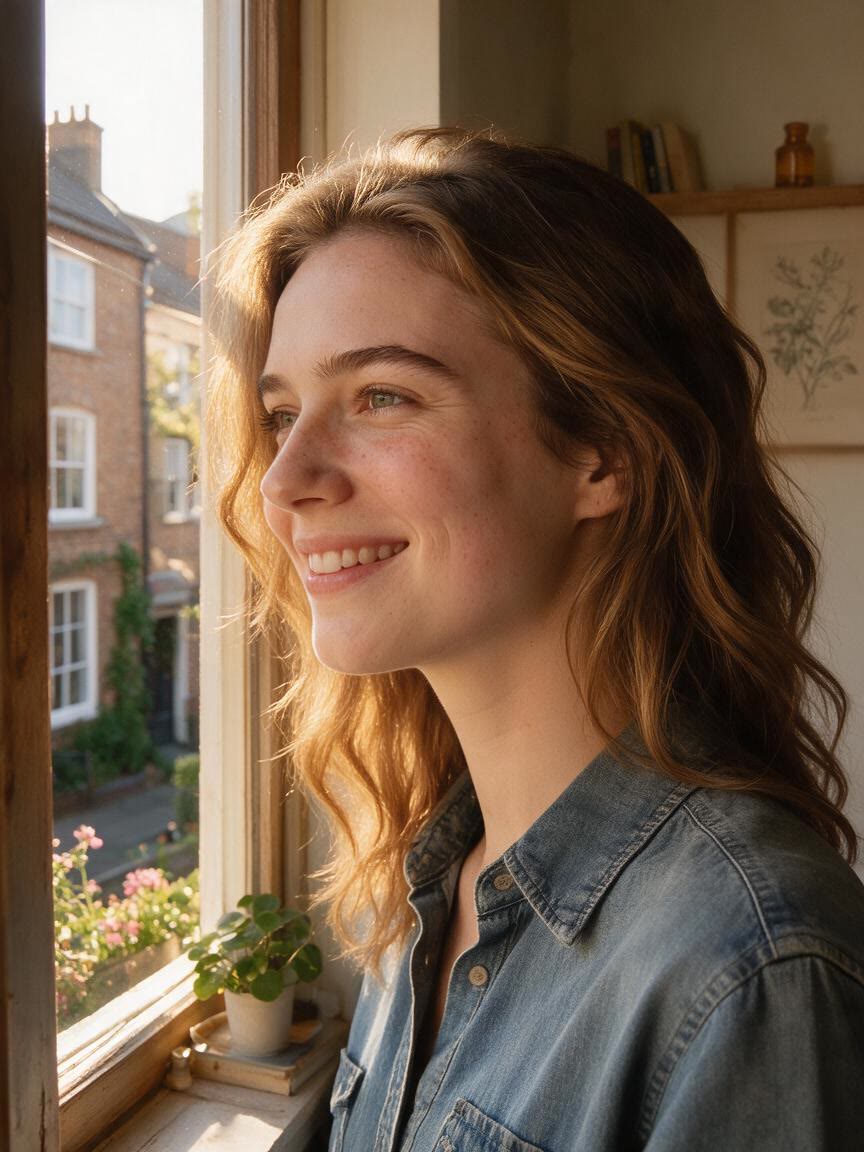
Fashion, lifestyle, and personal-brand creators can turn a familiar portrait into stronger visual content. A beauty filter photo adds controlled polish while leaving the image centered on the person.
Try Cavro free

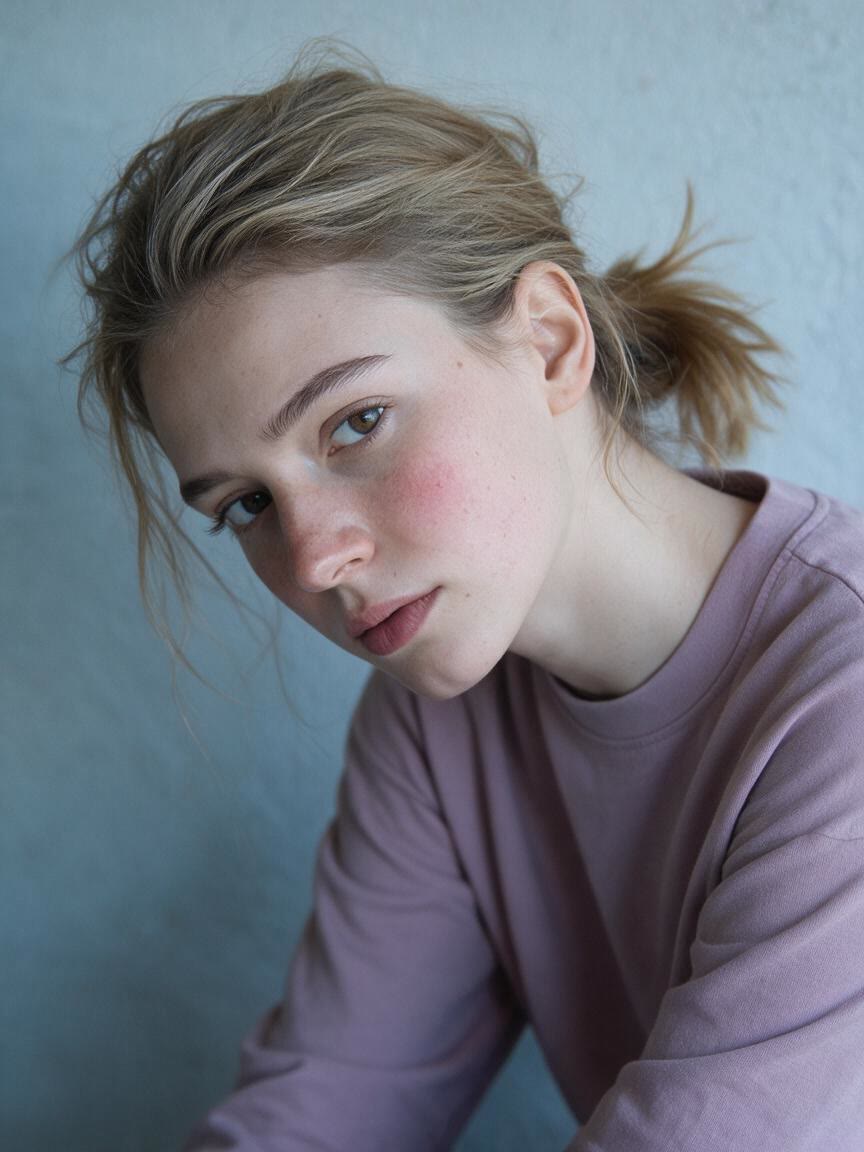
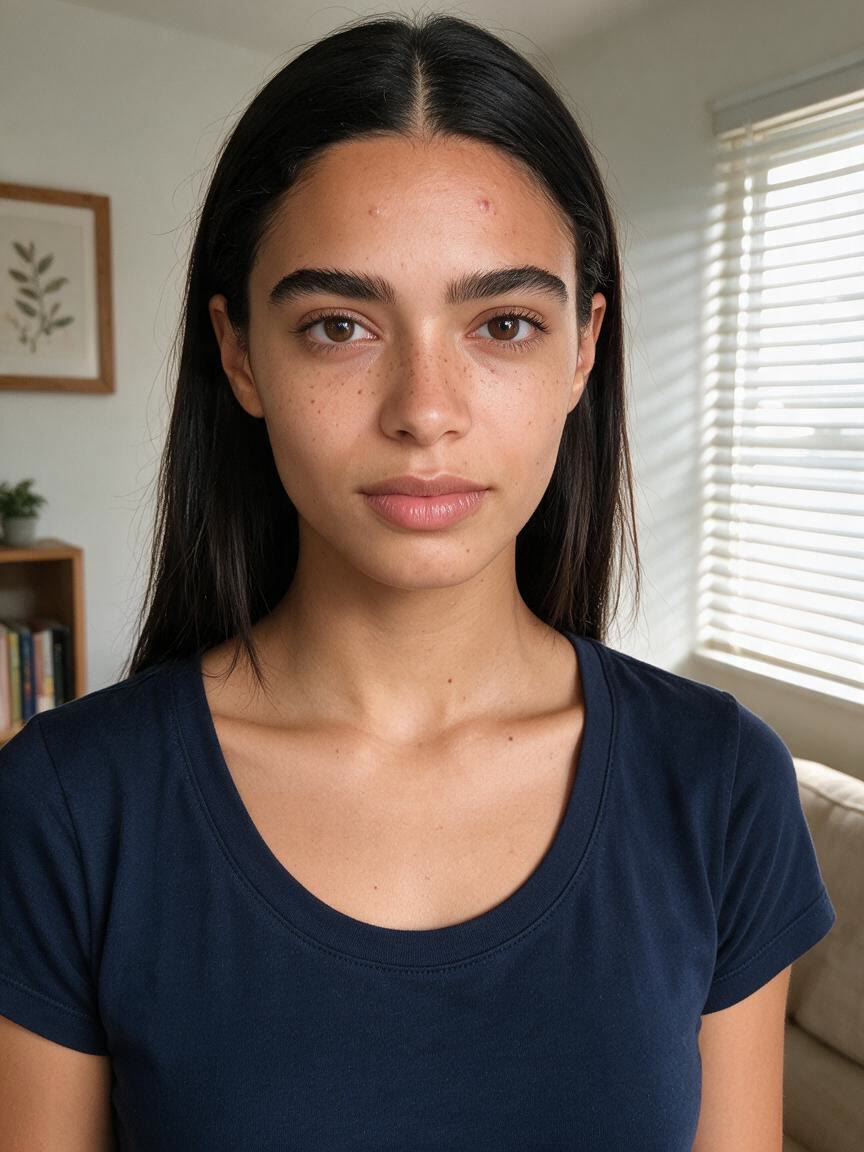
When a portrait looks uneven but still needs to feel real, Cavro can smooth the appearance of skin with a restrained beauty finish. You come away with a cleaner face while retaining the character of the original photo.
Try Cavro free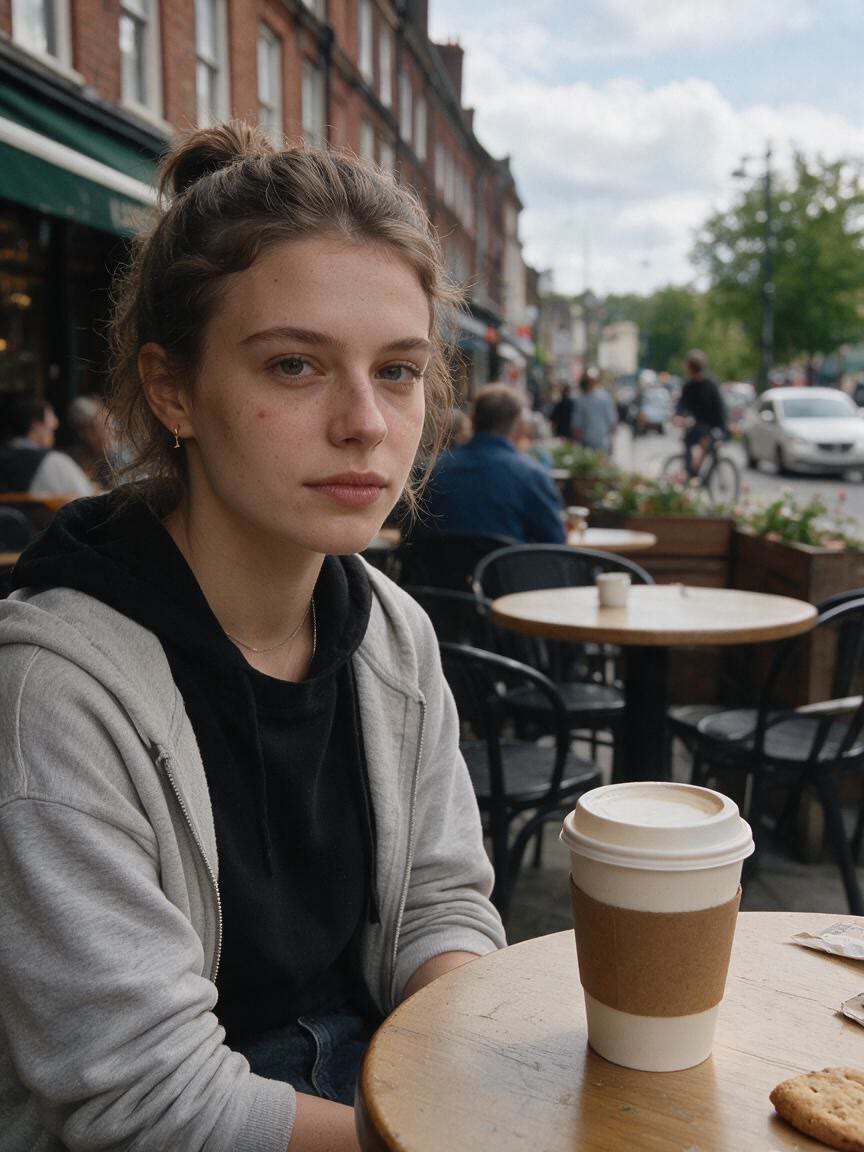
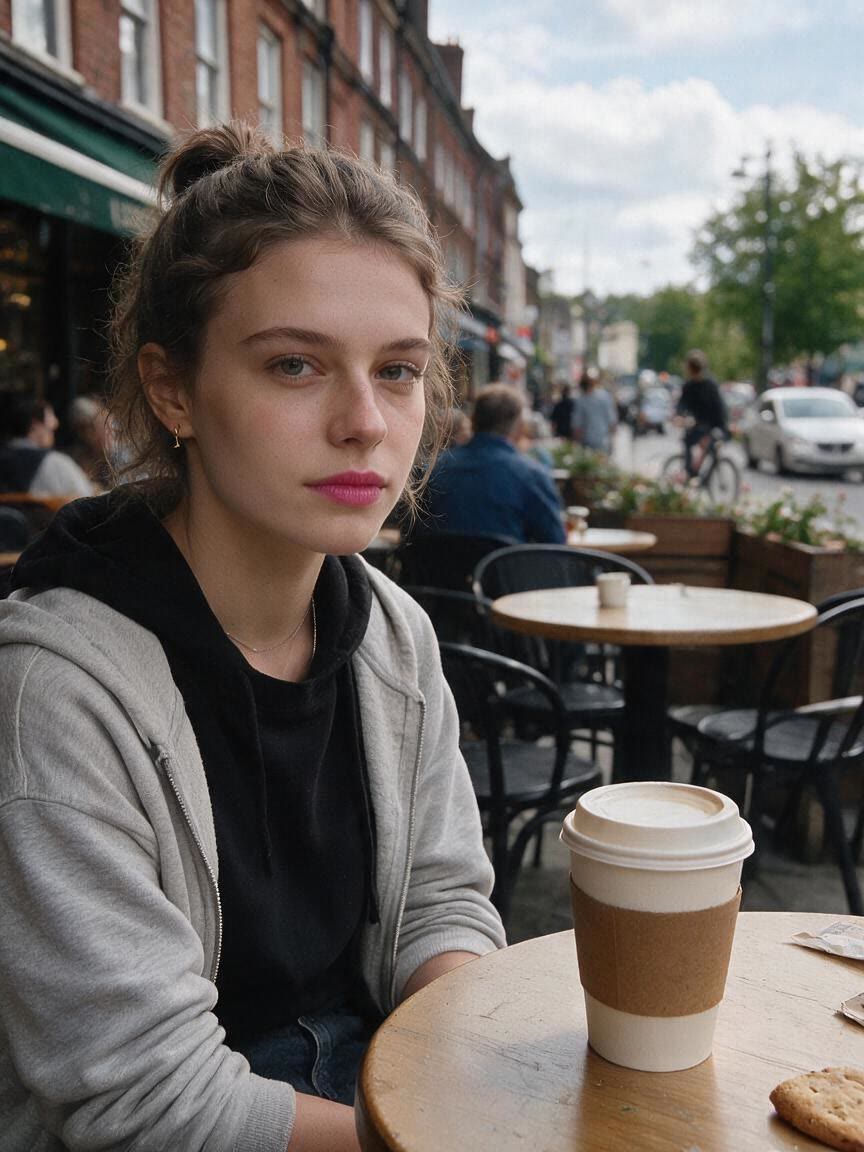
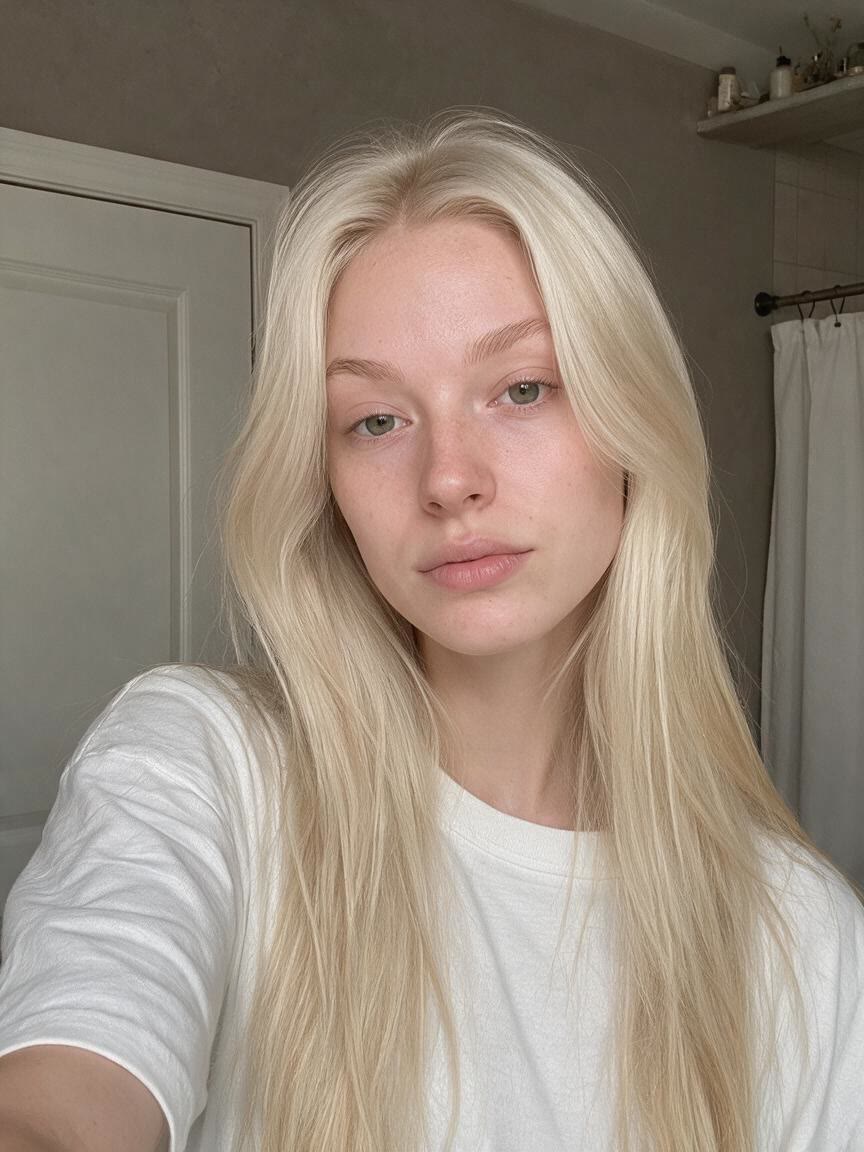
For profile photos and close-ups that need extra polish, describe the facial refinement you want alongside your photo. Cavro creates an enhanced portrait with a more balanced, camera-ready appearance.
Try Cavro free

Portraits arrive in different lighting conditions and across different skin tones. Cavro lets your reference photo and words guide a beauty treatment suited to the image you actually want to improve.
Try Cavro freeAn AI beauty filter uses a written instruction and a reference photo to create a refined portrait. In Cavro, you can request natural skin smoothing, facial detail refinement, lighting changes, or another beauty-focused treatment.
You can bring your photo and beauty-filter request to Cavro without a mandatory subscription. Generated results are billed per credit, so check pricing before you continue.
You can ask for subtle retouching, natural skin texture, and restrained feature refinement instead of an obvious filter effect. The reference photo helps guide the result toward the portrait you want.
A clear portrait with the face visible gives Cavro useful reference detail. Profile pictures, close-ups, lifestyle photos, and personal-brand portraits can all be starting points for an AI beauty filter.
Yes. You can refine the direction and generate again in the same conversation without starting over, whether you want softer skin smoothing, different lighting, or a more restrained finish.
Creators worldwide are turning “just an idea” into expensive-looking images.