





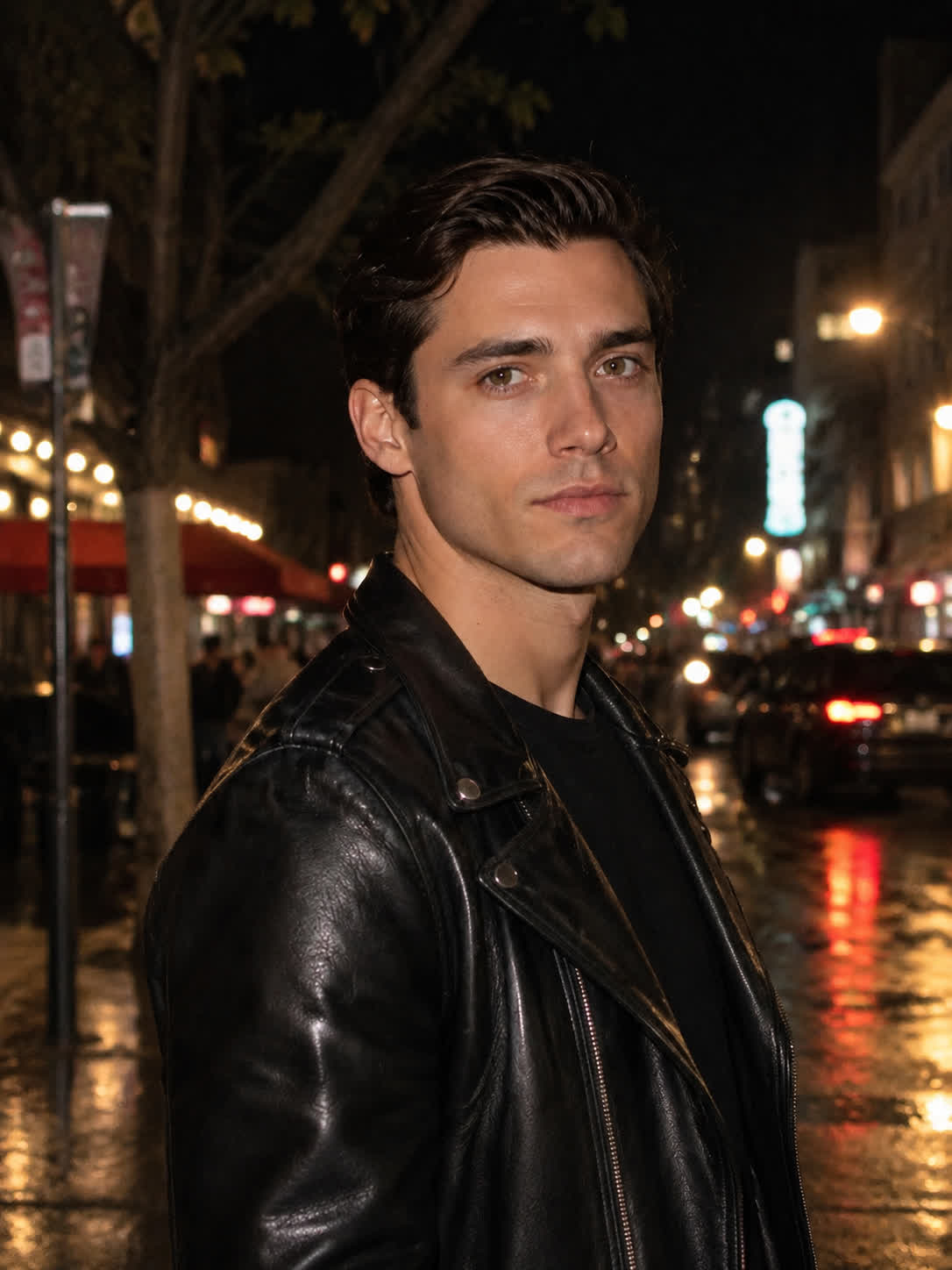

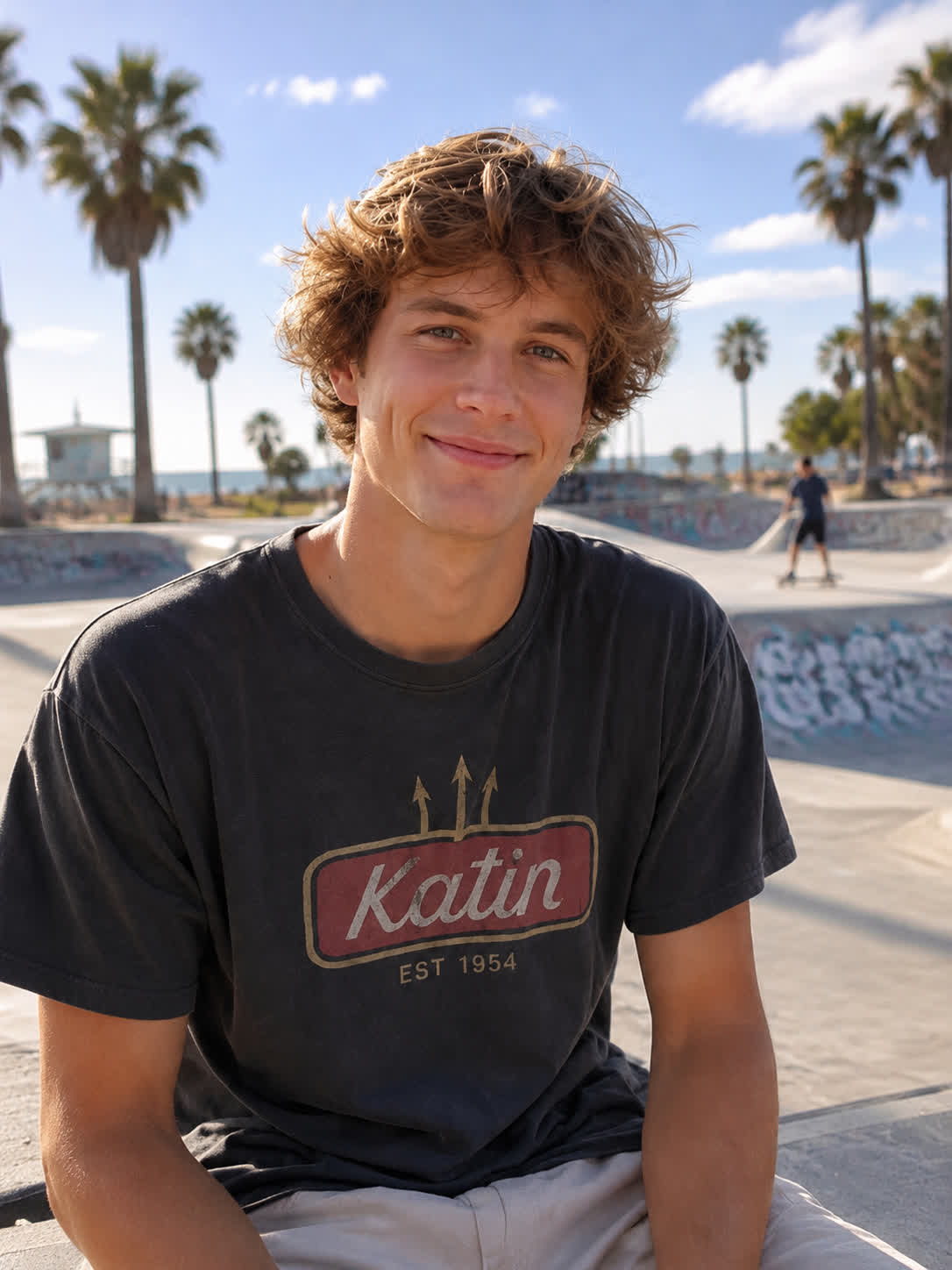



Preview Before Growing
Bring a current selfie when you are unsure whether a beard will suit you. Cavro adds a chosen style to the image so you can consider length, shape, and fullness before waiting for growth.
Try Cavro freePreview a natural-looking beard on your own photo before you grow or trim. Cavro helps anyone explore beard styles, create shareable transformations, and make grooming decisions with a realistic visual reference.








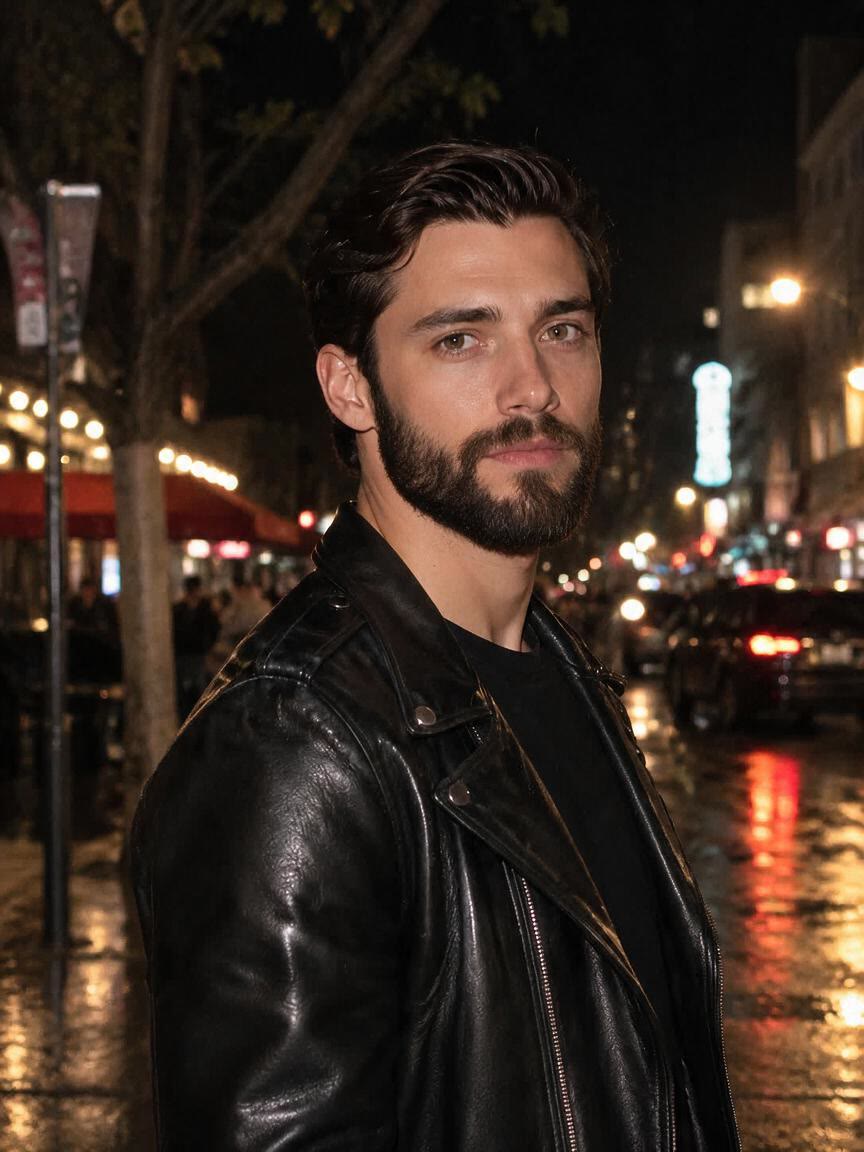



Bring a current selfie when you are unsure whether a beard will suit you. Cavro adds a chosen style to the image so you can consider length, shape, and fullness before waiting for growth.
Try Cavro free

Use a portrait to create a memorable beard changer result for short-form social content. Try contrasting styles and turn the visual difference into a before-and-after concept worth sharing.
Try Cavro free

Take a photo to a wedding, interview, or meeting decision with a clear visual direction in mind. A tailored beard preview gives you a more relevant reference than a generic stock image.
Try Cavro free
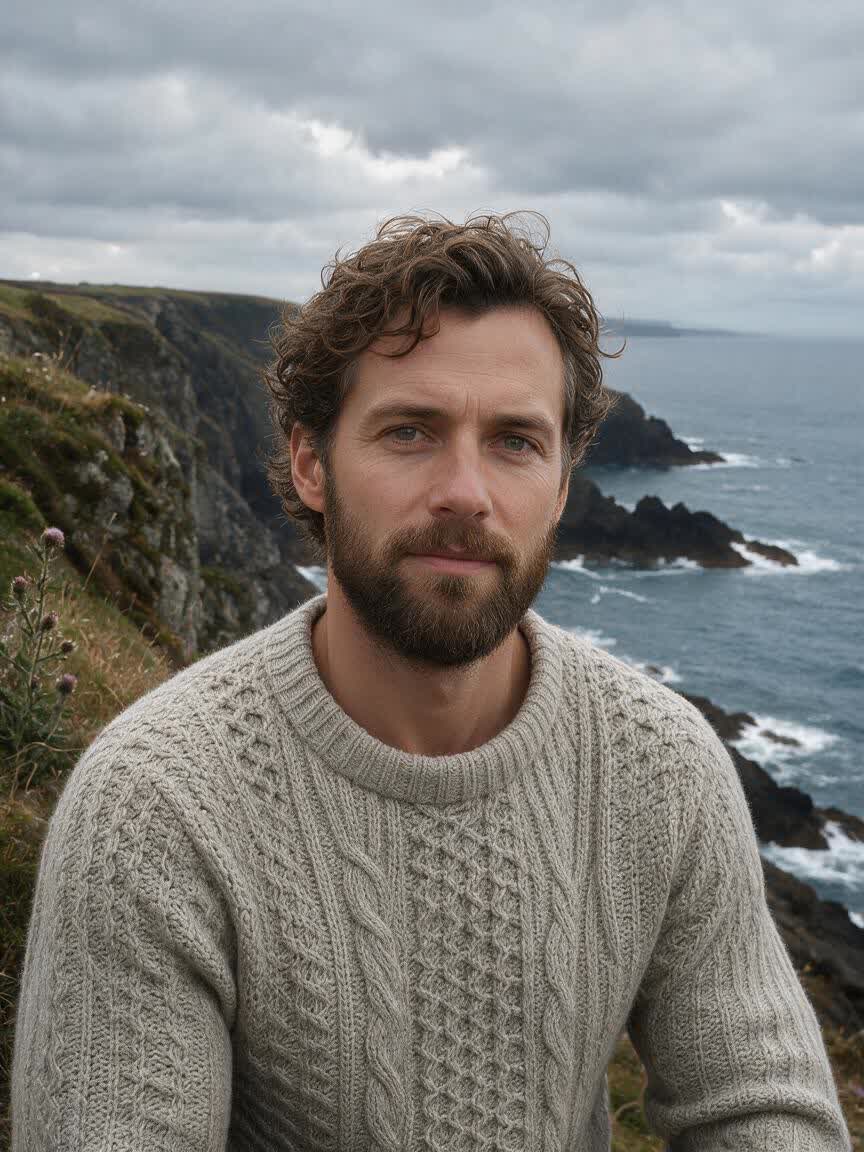
When a flat digital overlay would look unconvincing, Cavro creates visible hair strand detail and varied density. You come away with a beard preview that reads more like facial hair growing from the face.
Try Cavro free

When you are comparing beard ideas, describe the length and shape you want alongside your photo. Cavro helps you explore a style that works with the subject’s face shape and existing hair color.
Try Cavro free

When the first result is close but not quite right, continue refining the beard in the same conversation. Adjust the style and generate again while comparing the direction you prefer.
Try Cavro freeYes. Describe another length, shape, texture, or grooming direction and refine the result in the same conversation. This lets you compare several beard styles without starting over.
The beard prompt is focused on adding facial hair to your reference photo. You can ask for a specific beard appearance while the photo provides the person, setting, and visual context.
Yes. Upload a current photo and describe the beard you want to consider. The resulting preview gives you a visual way to explore the change before committing to growth or a trim.
Yes. Generate one beard direction, then refine the prompt with another style and generate again. You can use the results to compare options for everyday grooming, an event, or social content.
Creators worldwide are turning “just an idea” into expensive-looking images.