





Plan a Haircut
When a haircut is coming up, bring a clear selfie and explore several fringe directions. Cavro gives you visual references to compare before you explain your preferred length and parting to a stylist.
Try Cavro freeExplore curtain bangs, micro bangs, wispy fringe, and more from a photo of yourself. Compare possible looks before you commit to a cut or share a transformation.
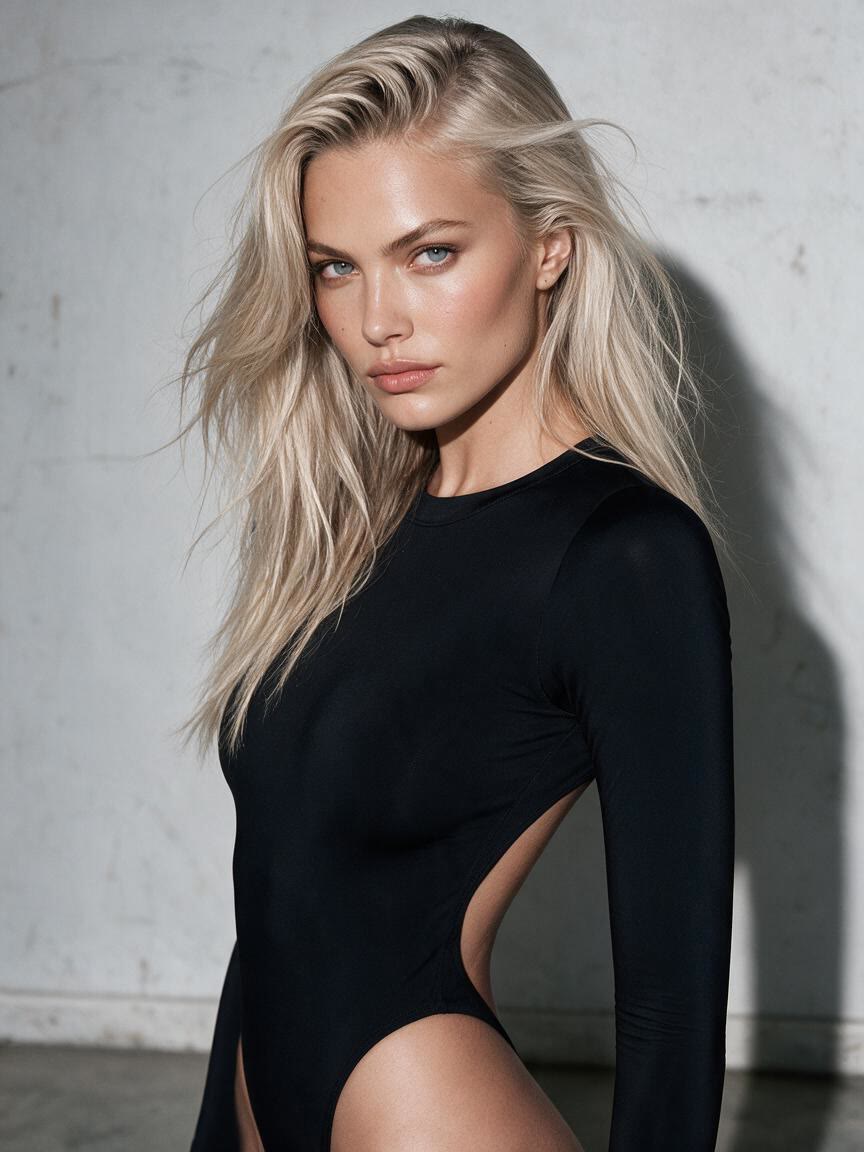
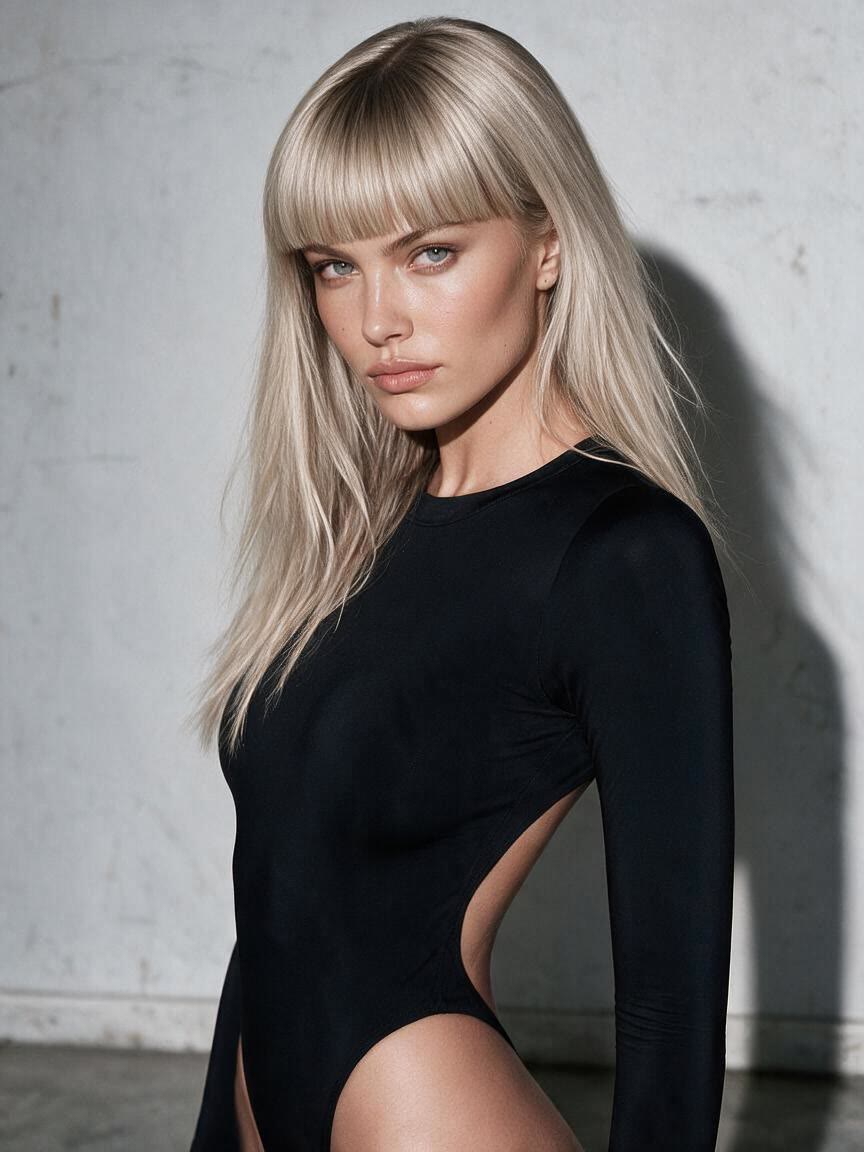
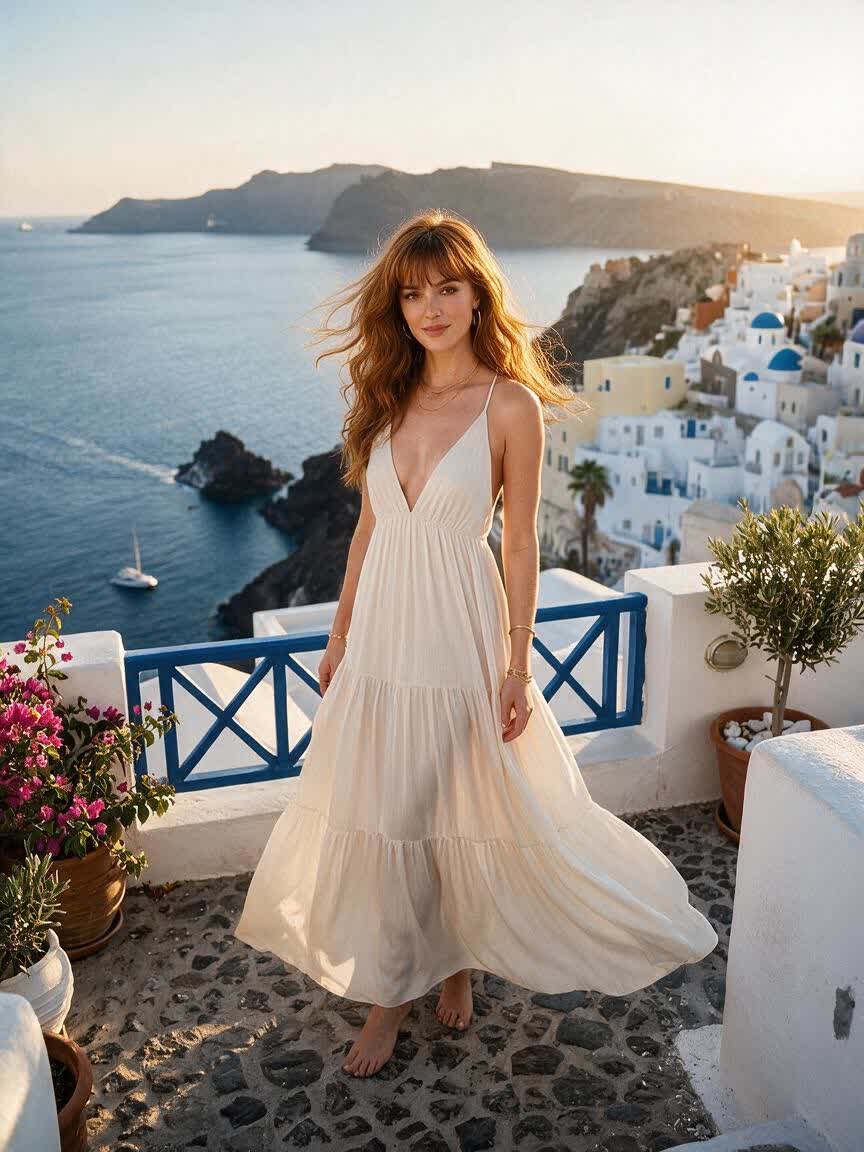


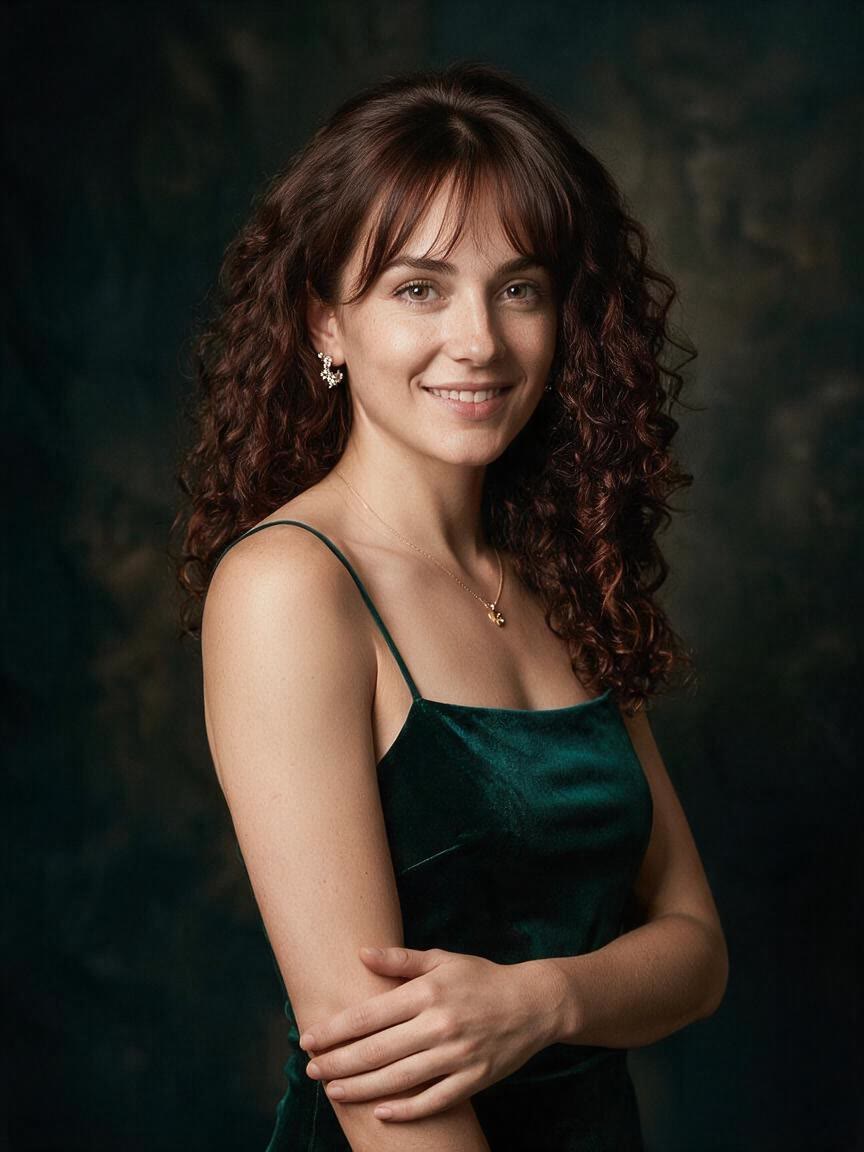
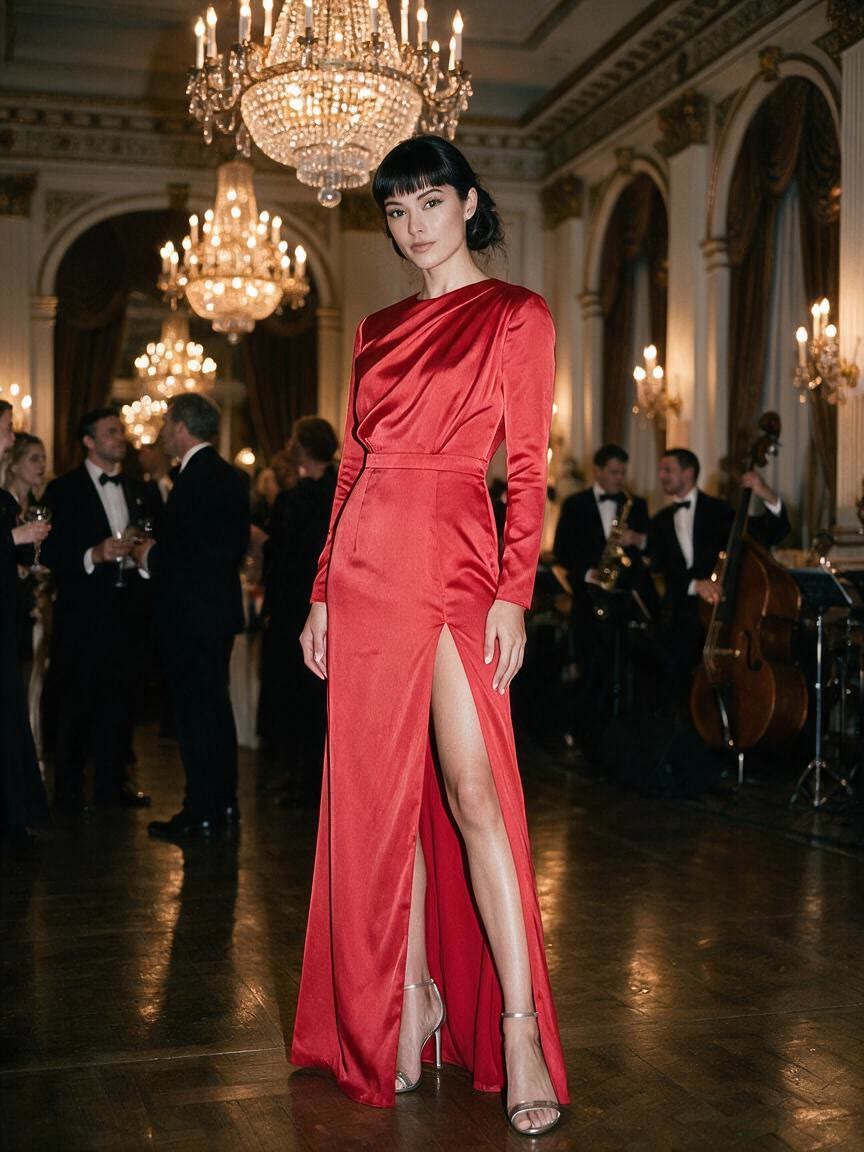

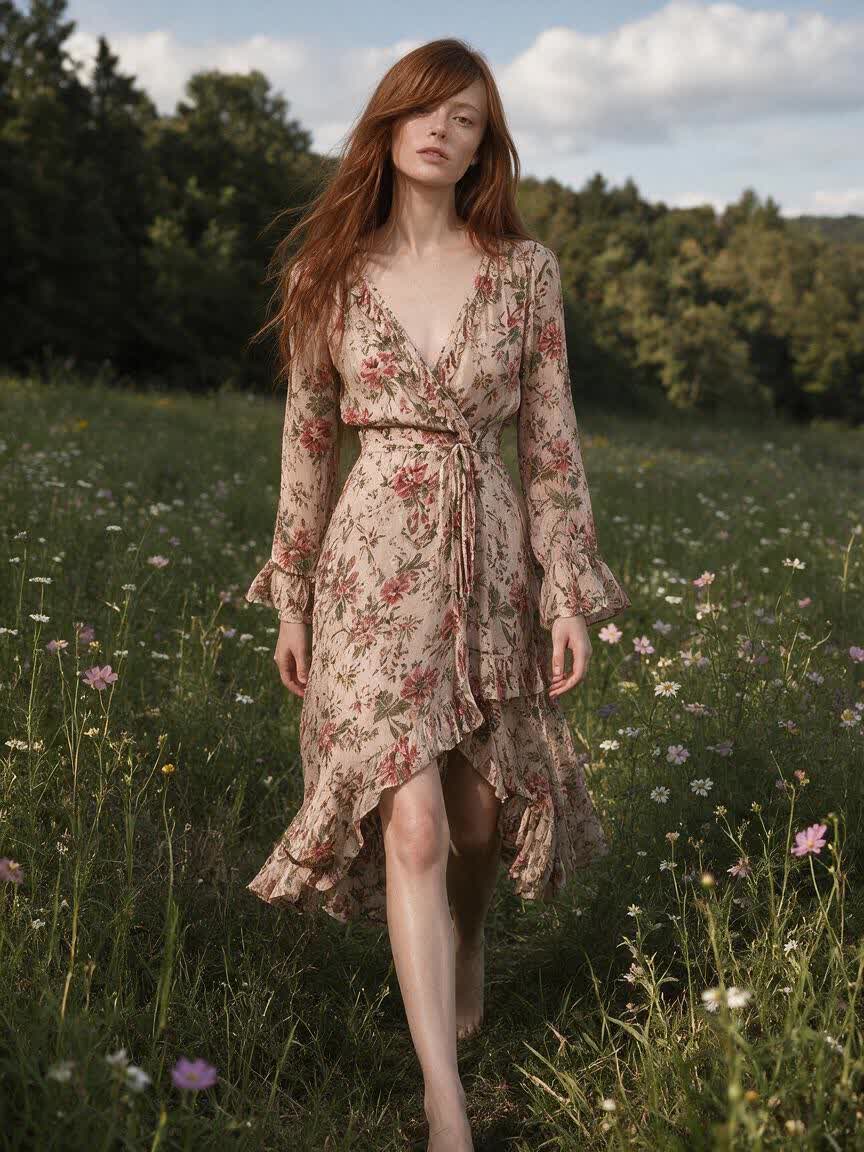

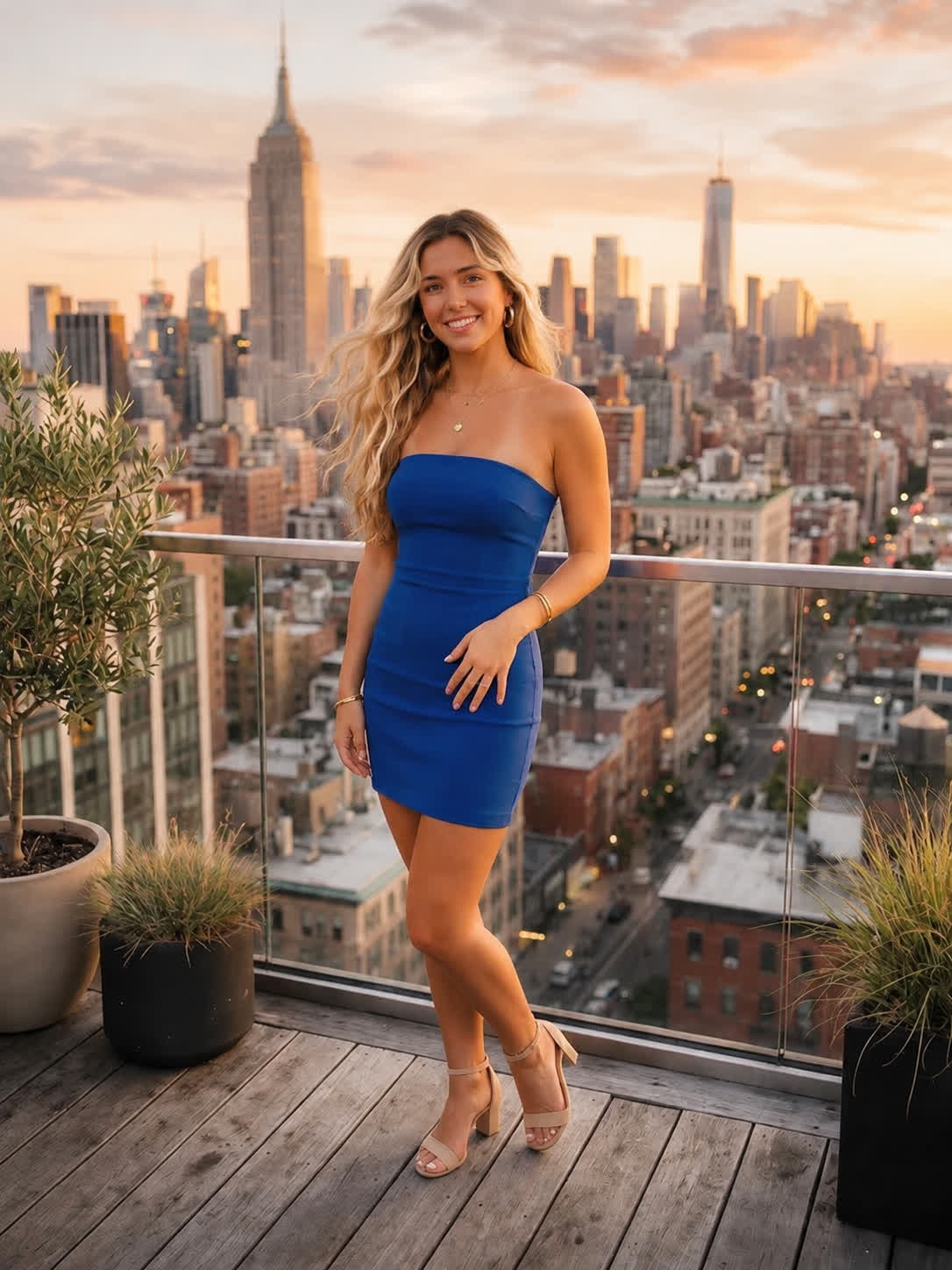

When a haircut is coming up, bring a clear selfie and explore several fringe directions. Cavro gives you visual references to compare before you explain your preferred length and parting to a stylist.
Try Cavro free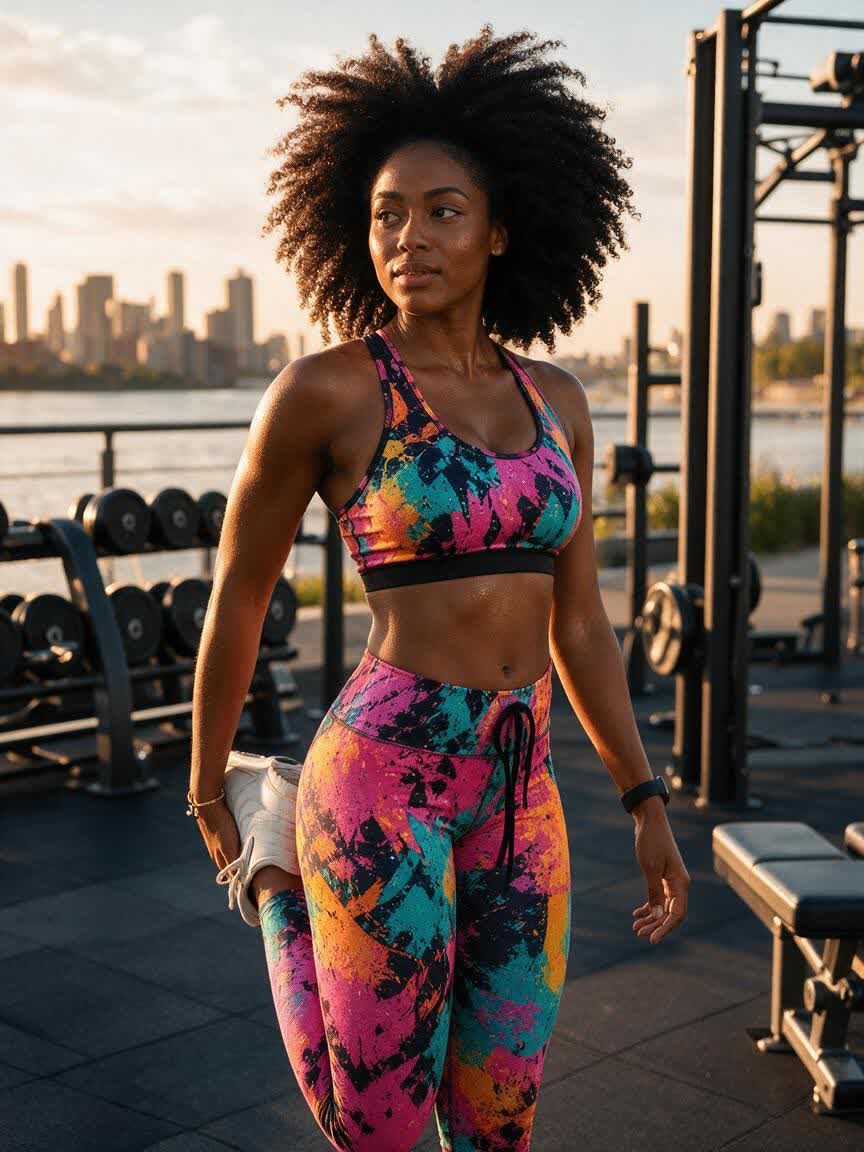
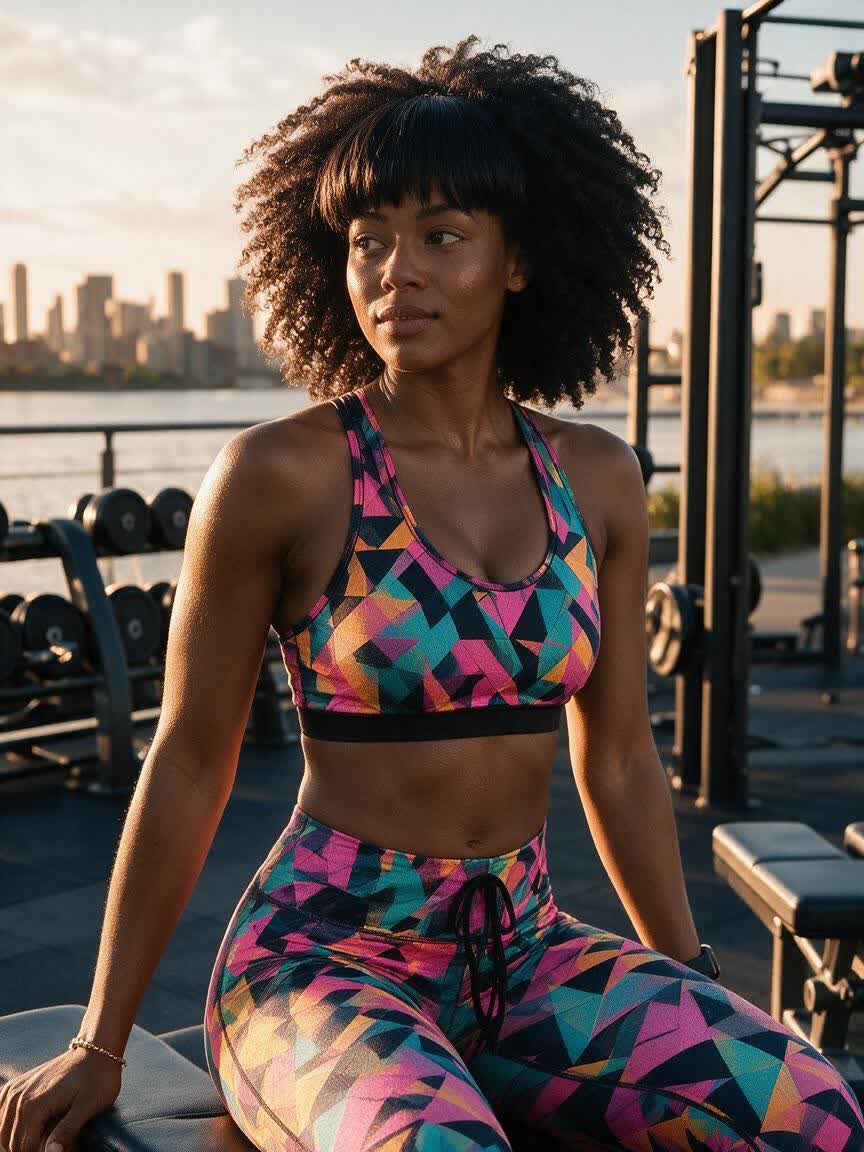
If you are curious about bangs but unsure which shape to try, use one photo to test curtain, wispy, blunt, or side-swept options. The results help turn a vague idea into specific styles.
Try Cavro free

For a before-and-after post or style experiment, start with a bangs selfie and generate a set of changed looks. You can compare the transformations and choose the images that fit your concept.
Try Cavro free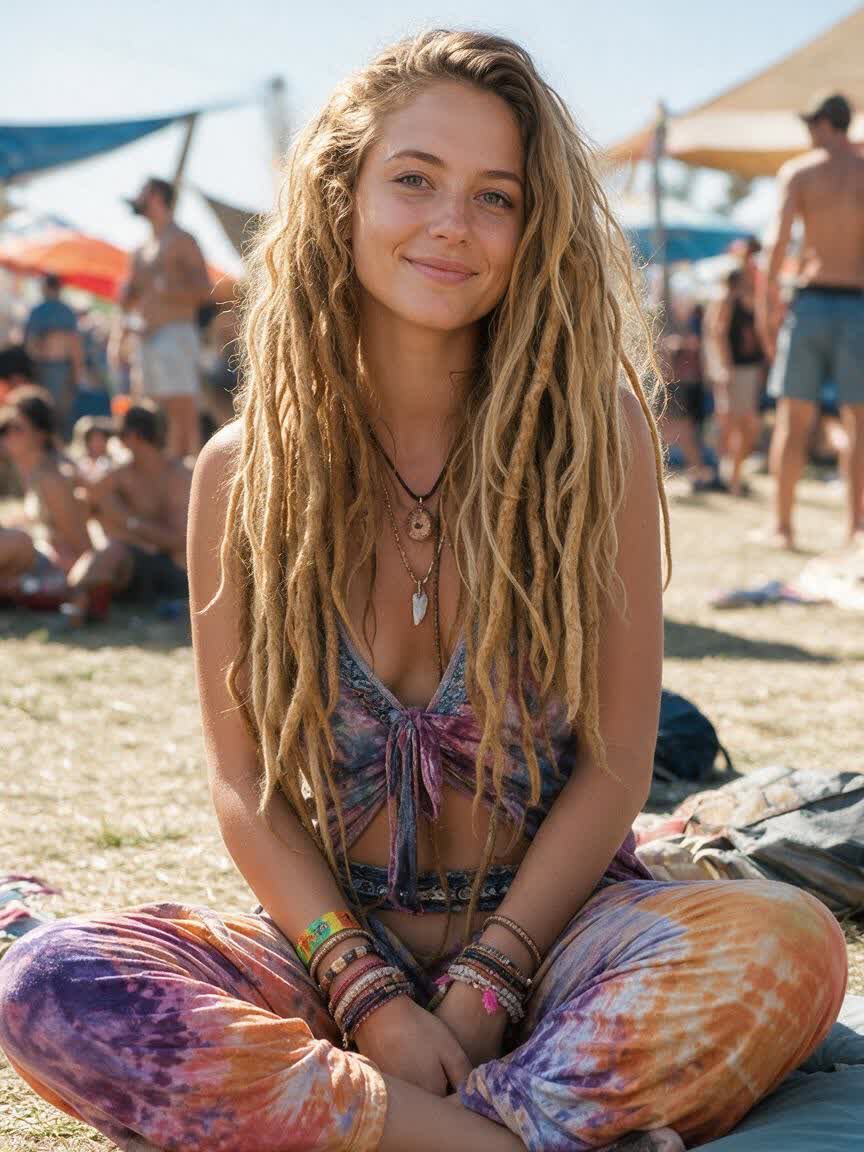
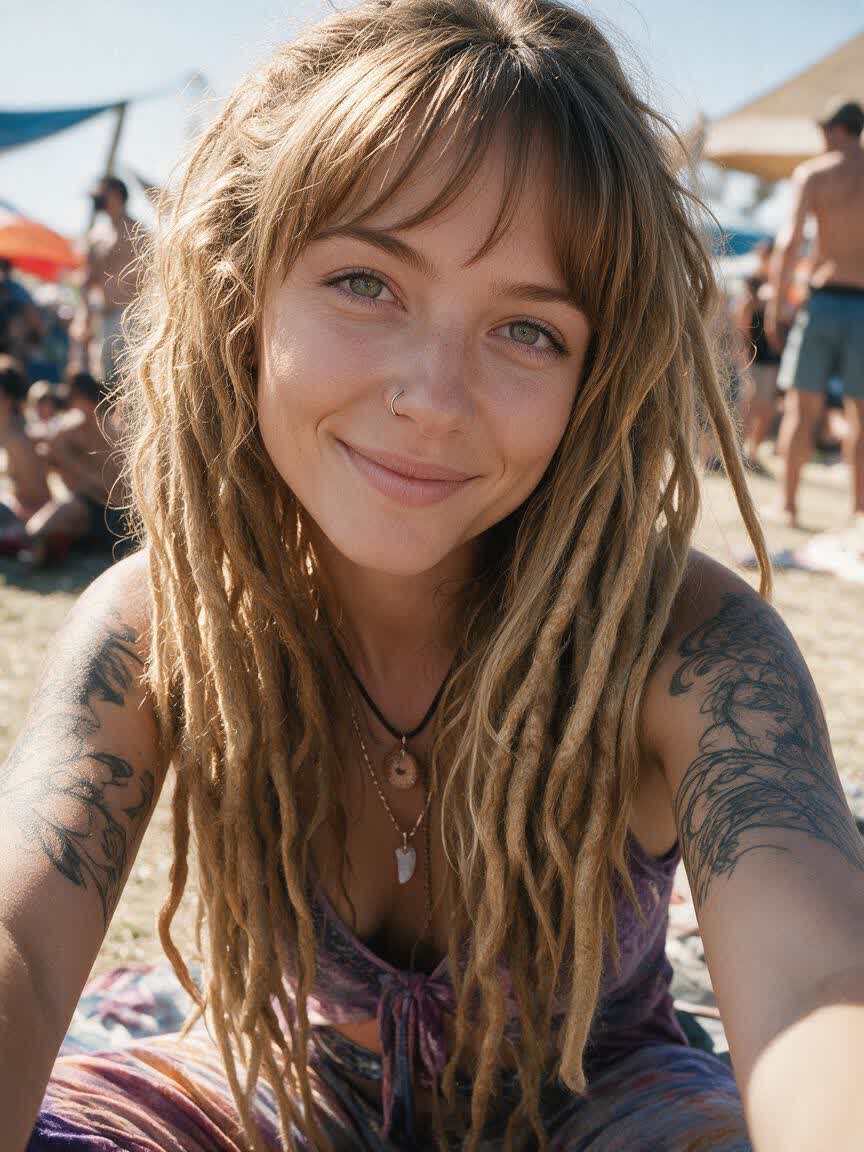
A single haircut idea rarely answers every question. Cavro lets you explore different bang lengths, shapes, and partings from a reference photo so you can narrow down what you want to discuss.
Try Cavro free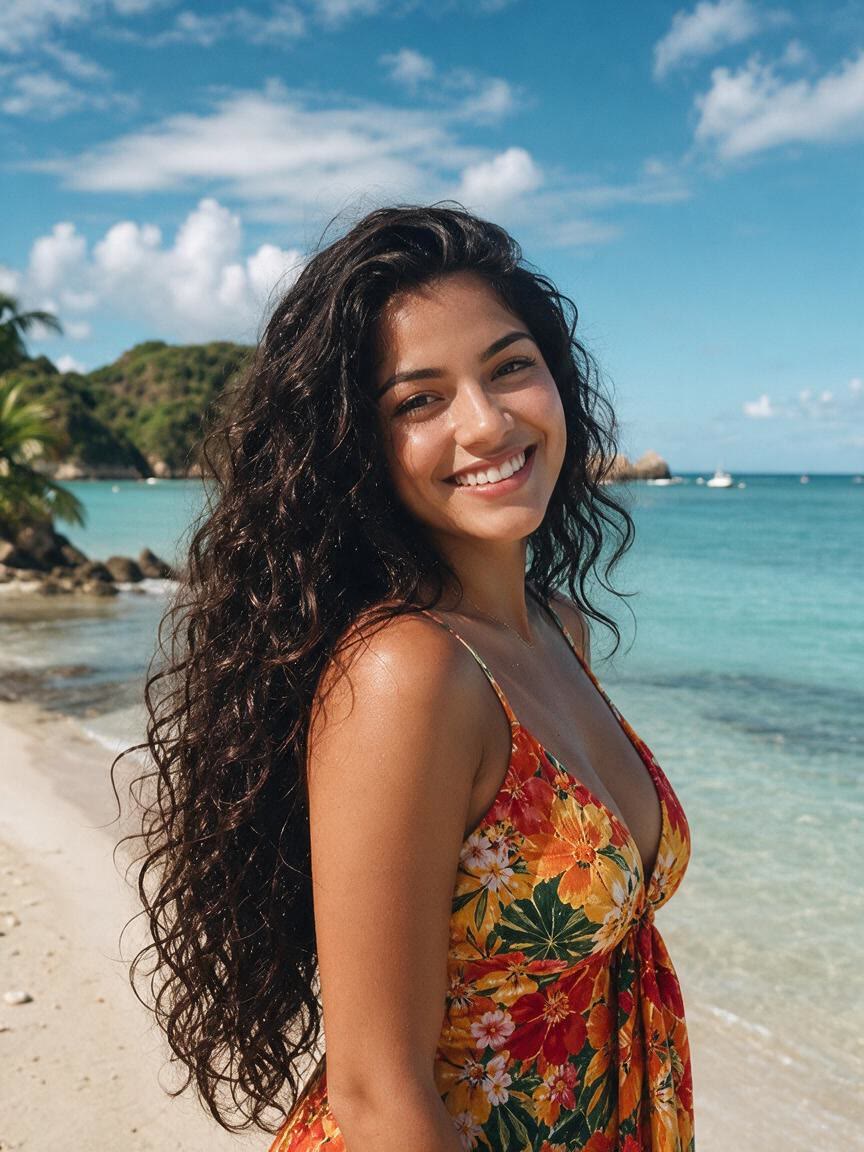

Words like wispy, blunt, or curtain can mean different things to different people. Generate photo-based examples that make your preferred fringe direction easier to understand before a cut.
Try Cavro free

Your first bangs idea may not be the right length or part. Continue refining in the same conversation and generate another option without starting over.
Try Cavro freeAn AI bangs filter uses a written prompt and a reference photo to create an image showing a different fringe style. With Cavro, you can explore styles such as curtain bangs, wispy bangs, side-swept bangs, and micro bangs.
Yes. Start with a reference photo and describe different bang styles in the same conversation. You can refine the idea and generate again without starting over.
Yes. The generated images can help you compare haircut ideas before you commit to a cut or explain a preferred length and parting to your stylist.
Yes. Describe a different length, direction, or parting and refine the image in the same conversation. This lets you compare variations such as longer fringe, a center part, or a side-swept shape.
No mandatory subscription is required. Results are billed per credit, and images and video use the same credit balance.
Creators worldwide are turning “just an idea” into expensive-looking images.