








Preview a Change
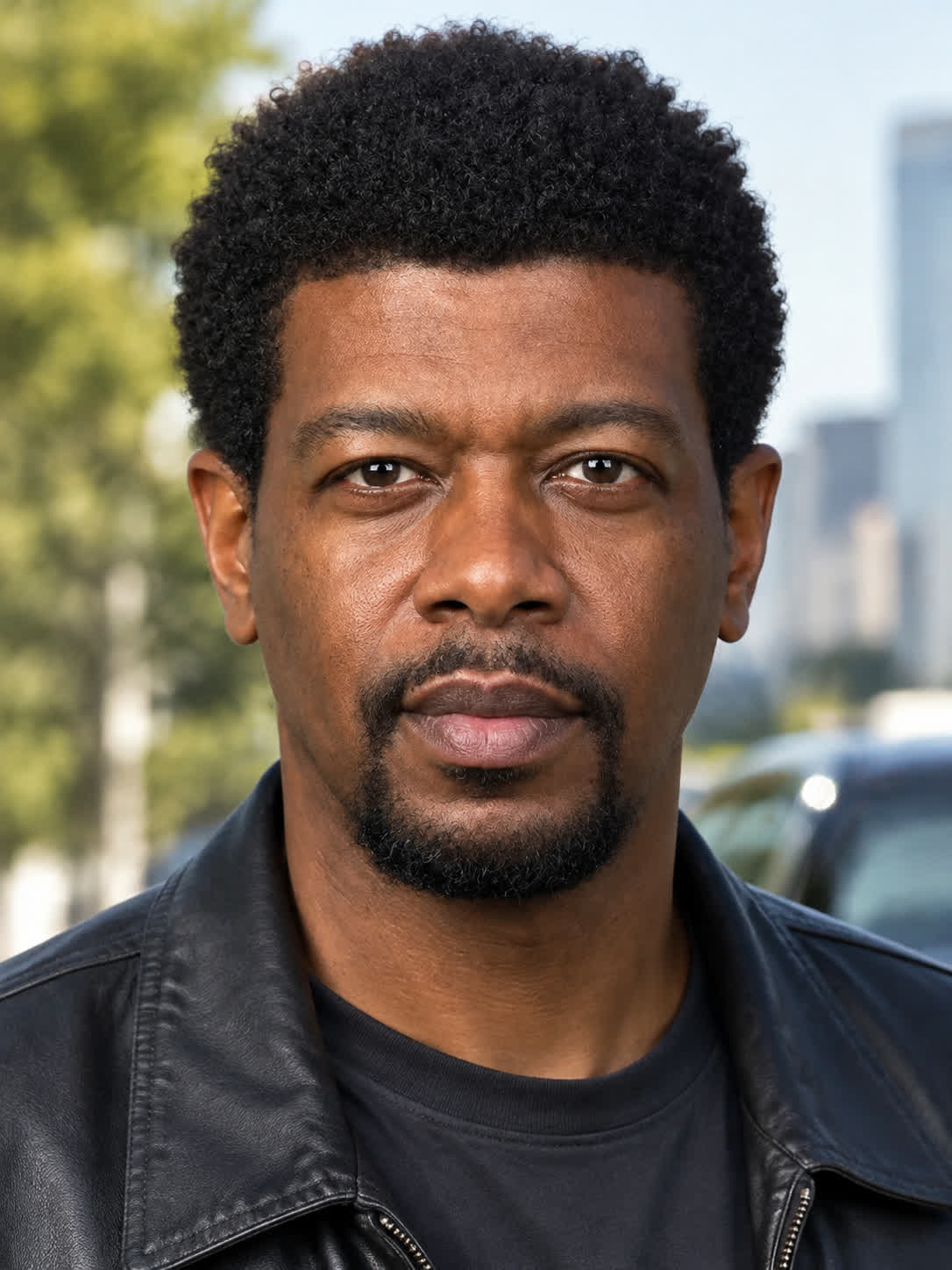
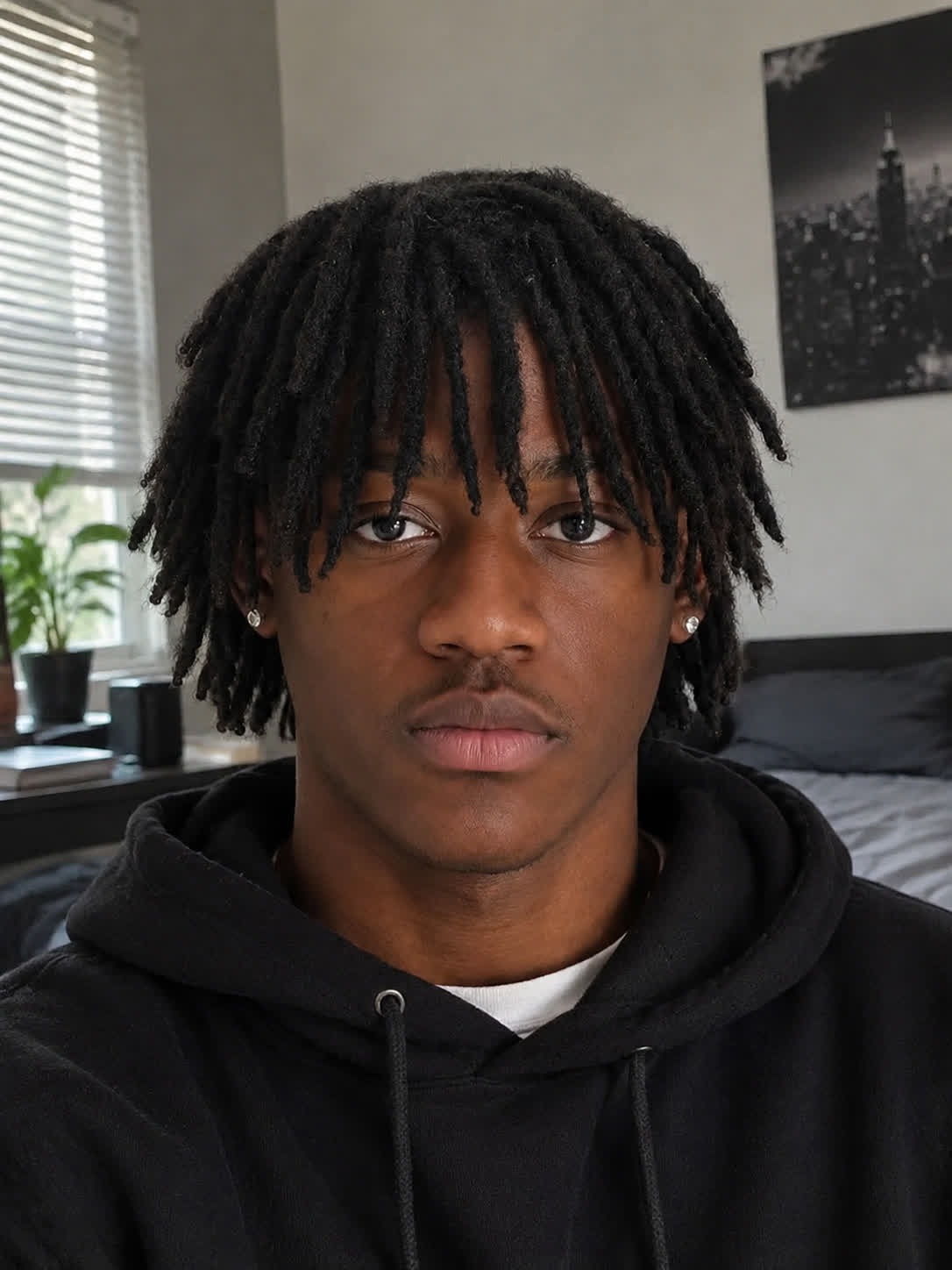
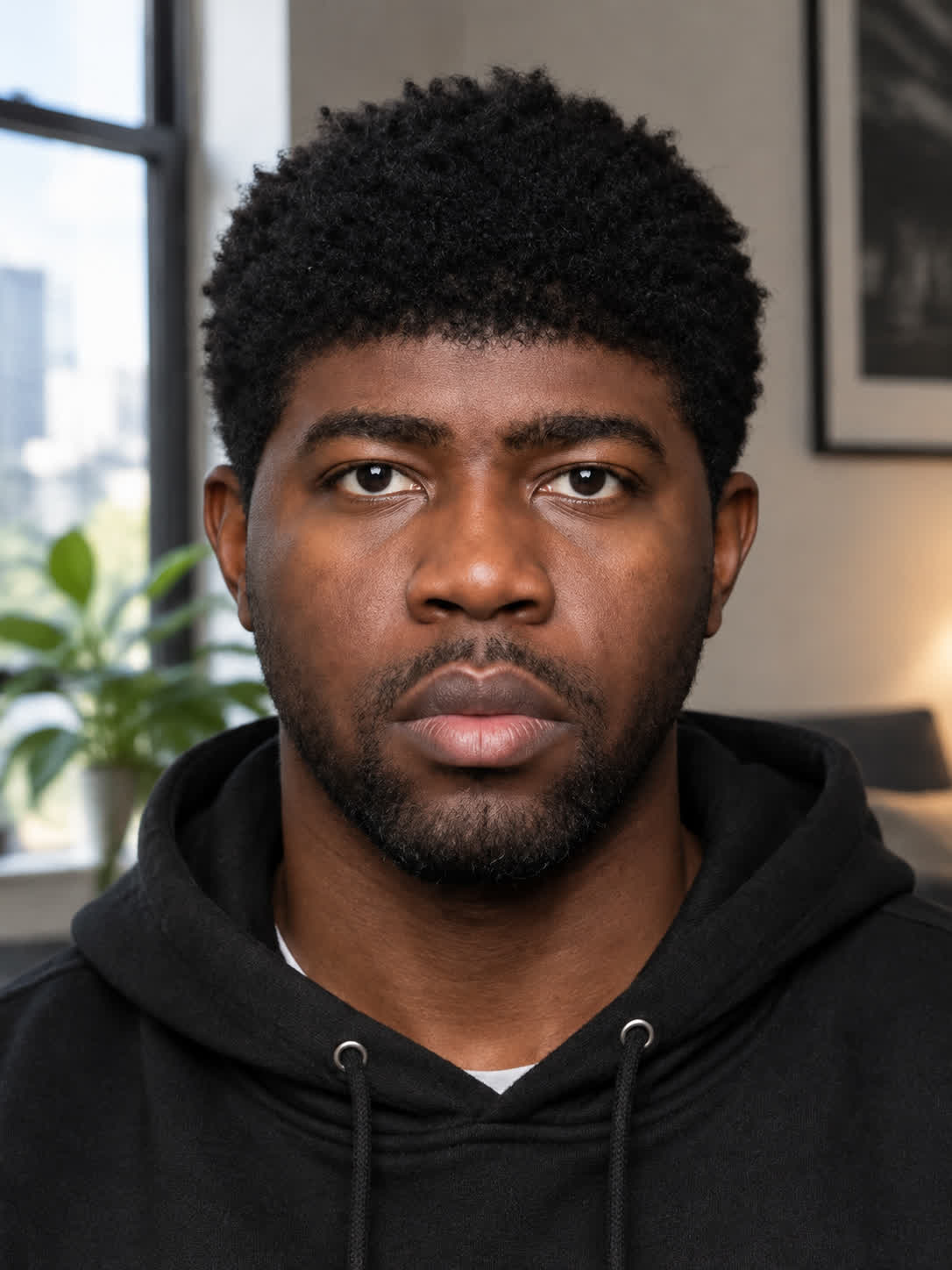
Curious about seeing yourself bald? Bring a familiar portrait and turn it into a bald-look preview, giving you a visual way to explore a major hairstyle change before making any decision.
Try Cavro freePreview a bald look from your own photo and create a playful before-and-after image. It is made for hairstyle experiments, social posts, and anyone curious about seeing themselves bald.








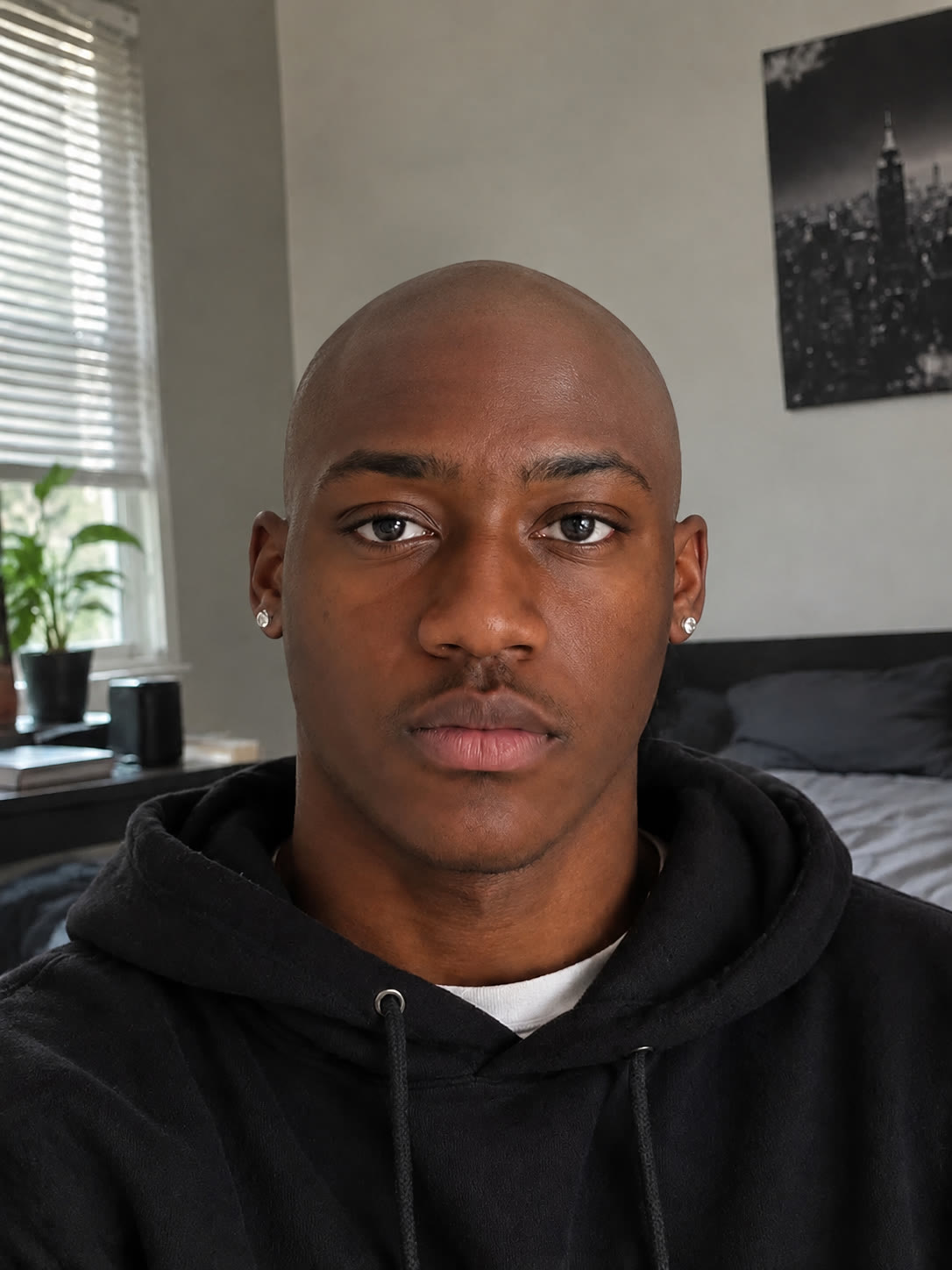



Curious about seeing yourself bald? Bring a familiar portrait and turn it into a bald-look preview, giving you a visual way to explore a major hairstyle change before making any decision.
Try Cavro free

Start with a selfie or casual photo when you want an entertaining post. Cavro transforms the reference into a bald-look concept that can become a playful before-and-after image.
Try Cavro free

Use a headshot or styled portrait for photography and professional content experiments. A bald filter gives you a distinct variation to review, refine, and use as part of a visual concept.
Try Cavro free

When you want the bald look to feel connected to your own face and setting, your reference photo gives the transformation its starting point. You come away with a personalized visual instead of a generic hairstyle example.
Try Cavro free

A first bald-look concept may not match the mood you imagined. Continue the same conversation to adjust the direction and generate another version without starting over.
Try Cavro free

Some ideas work as a still portrait, while others suit motion. Cavro lets images and video come from the same conversation, so your bald-look concept can develop in the format you need.
Try Cavro freeAn AI bald filter uses a photo and a written direction to create a preview of a bald look. With Cavro, you can explore that change as an image or video.
Use a clear photo where the face and hair are visible, such as a portrait, selfie, or headshot. The reference photo provides the starting point for the bald-look result.
Yes. You can refine the direction and generate again in the same conversation, so you do not need to start over for another bald-look variation.
Cavro bills results per credit and does not require a mandatory subscription. Images and video draw from the same credit balance.
Yes. Cavro can create images or video from a written prompt and/or reference photo, with both formats available in the same conversation.
Creators worldwide are turning “just an idea” into expensive-looking images.