








Honor Family Memories
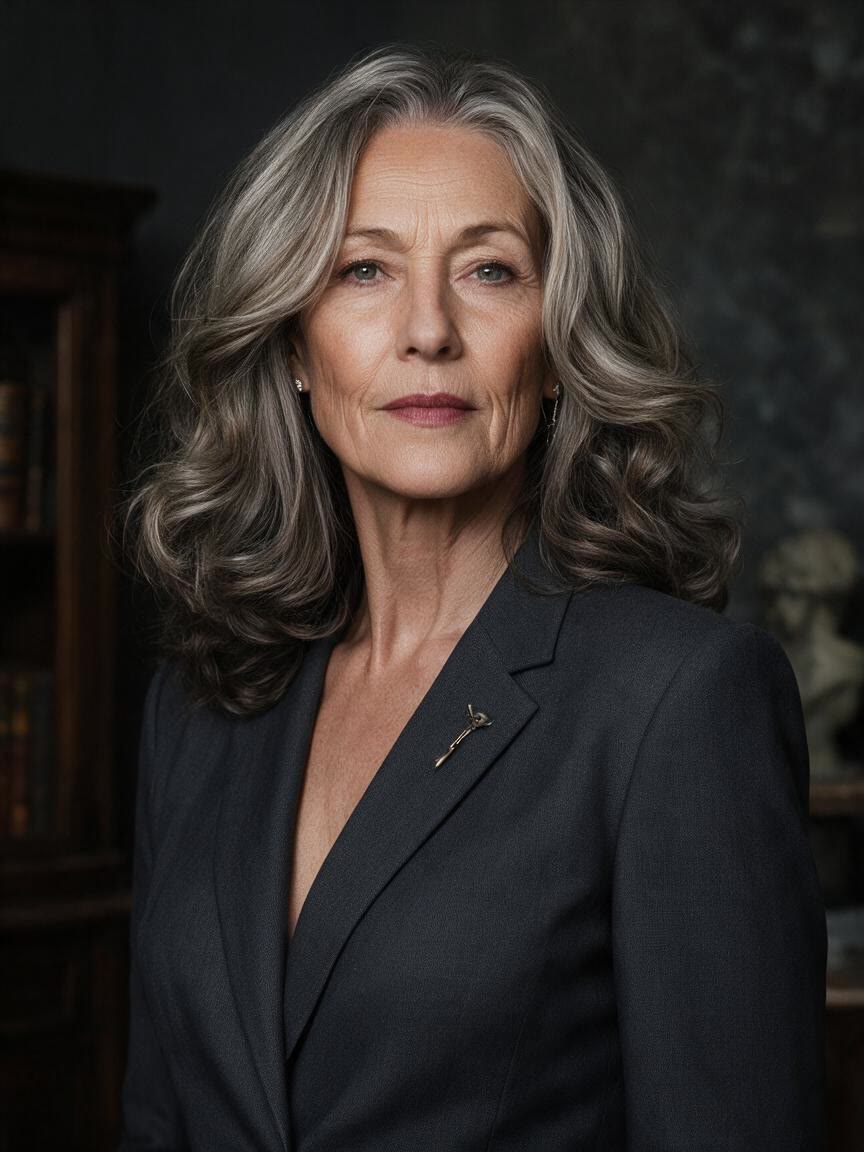
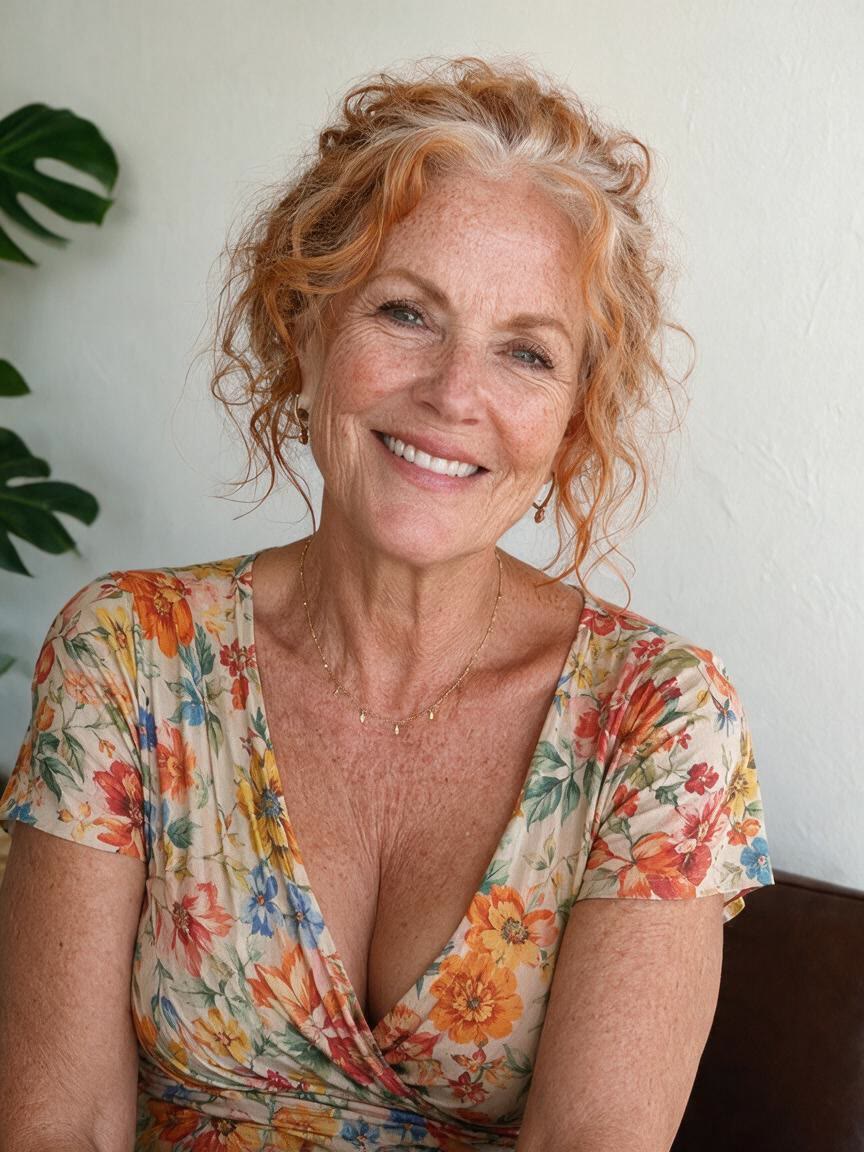
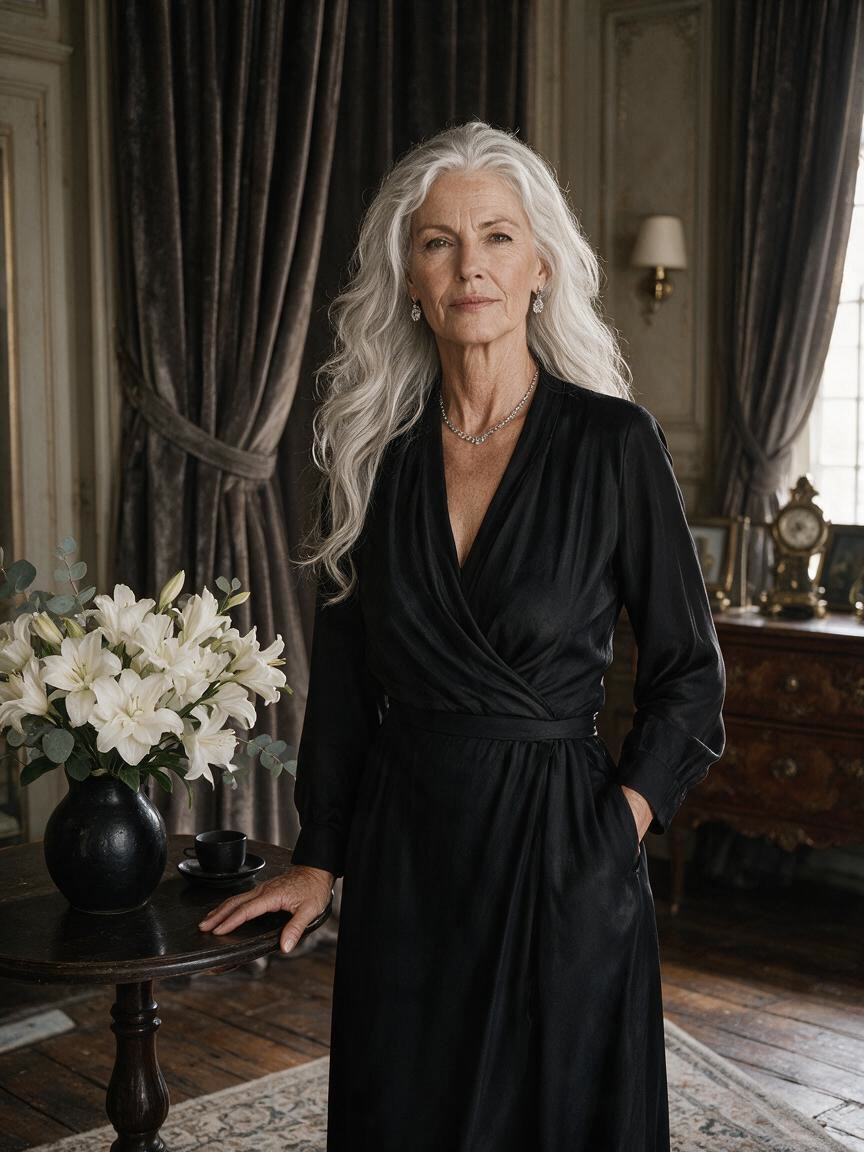
People bring a family or reunion portrait when they want to imagine an earlier chapter. Cavro applies a written age goal to that photo, creating a younger version suited to a keepsake or shared memory.
Try Cavro freeCreate a natural-looking younger portrait from a photo you already have. It is made for family keepsakes, playful social posts, and anyone curious to see an earlier version of themselves.

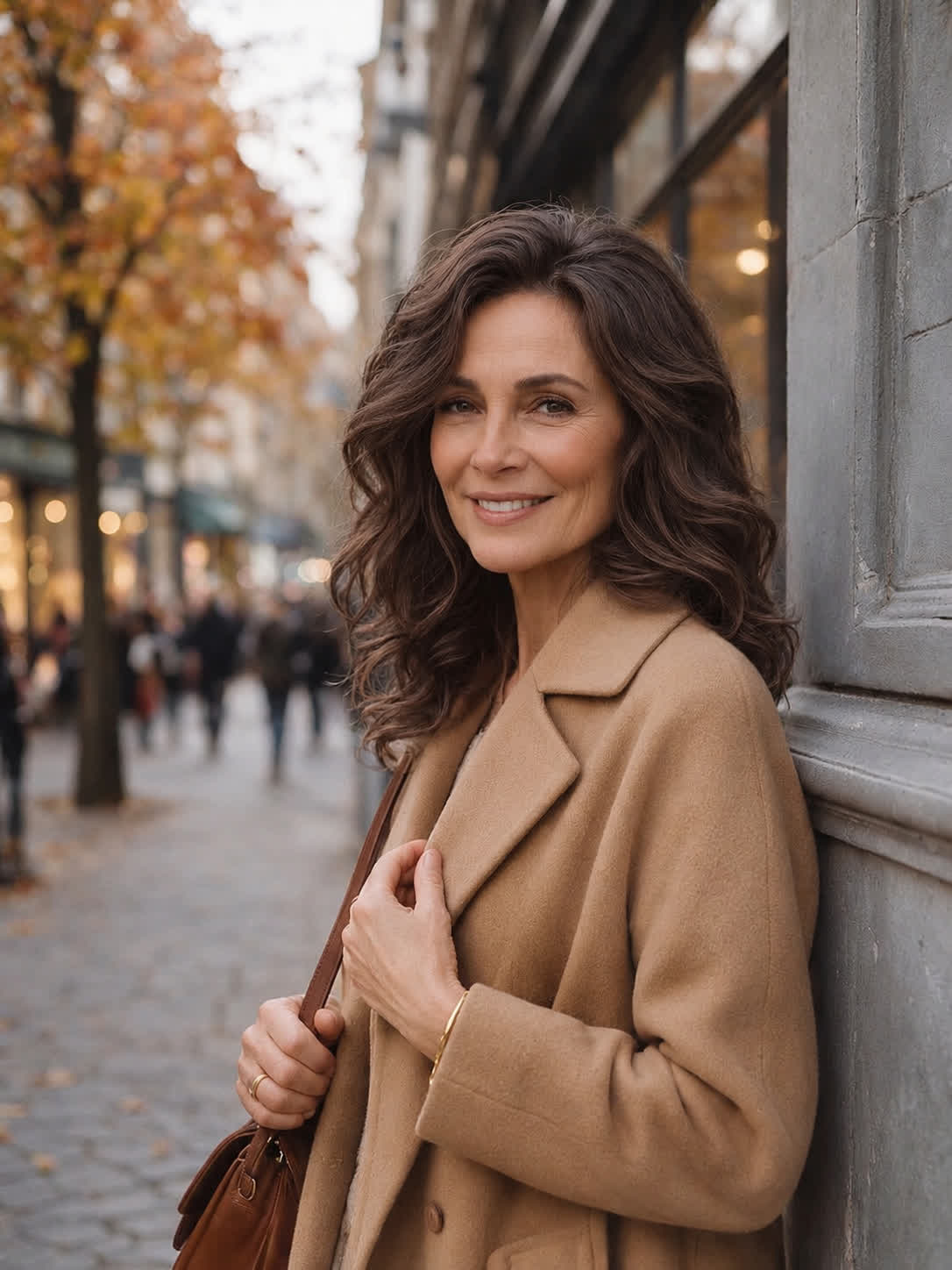
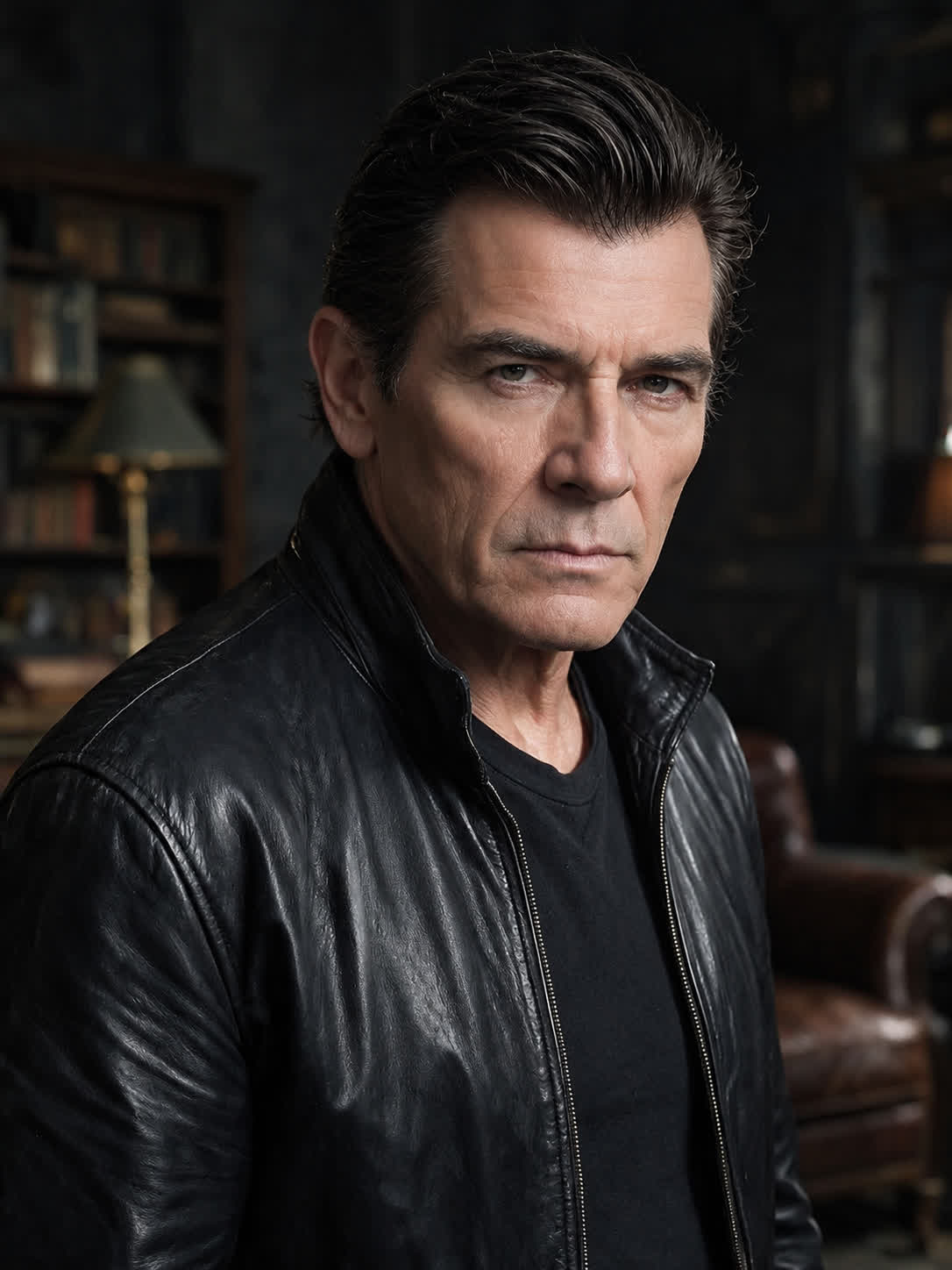

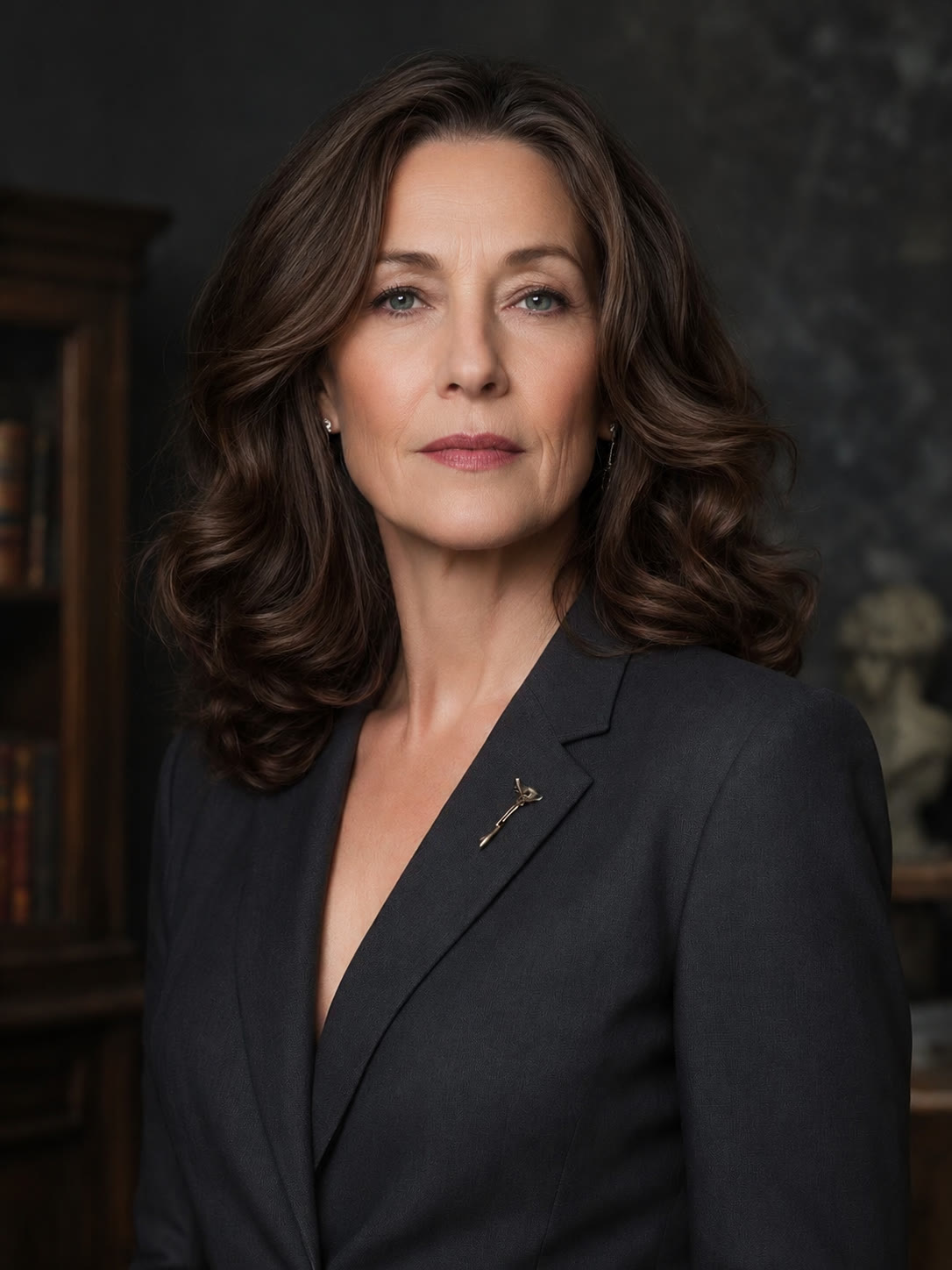


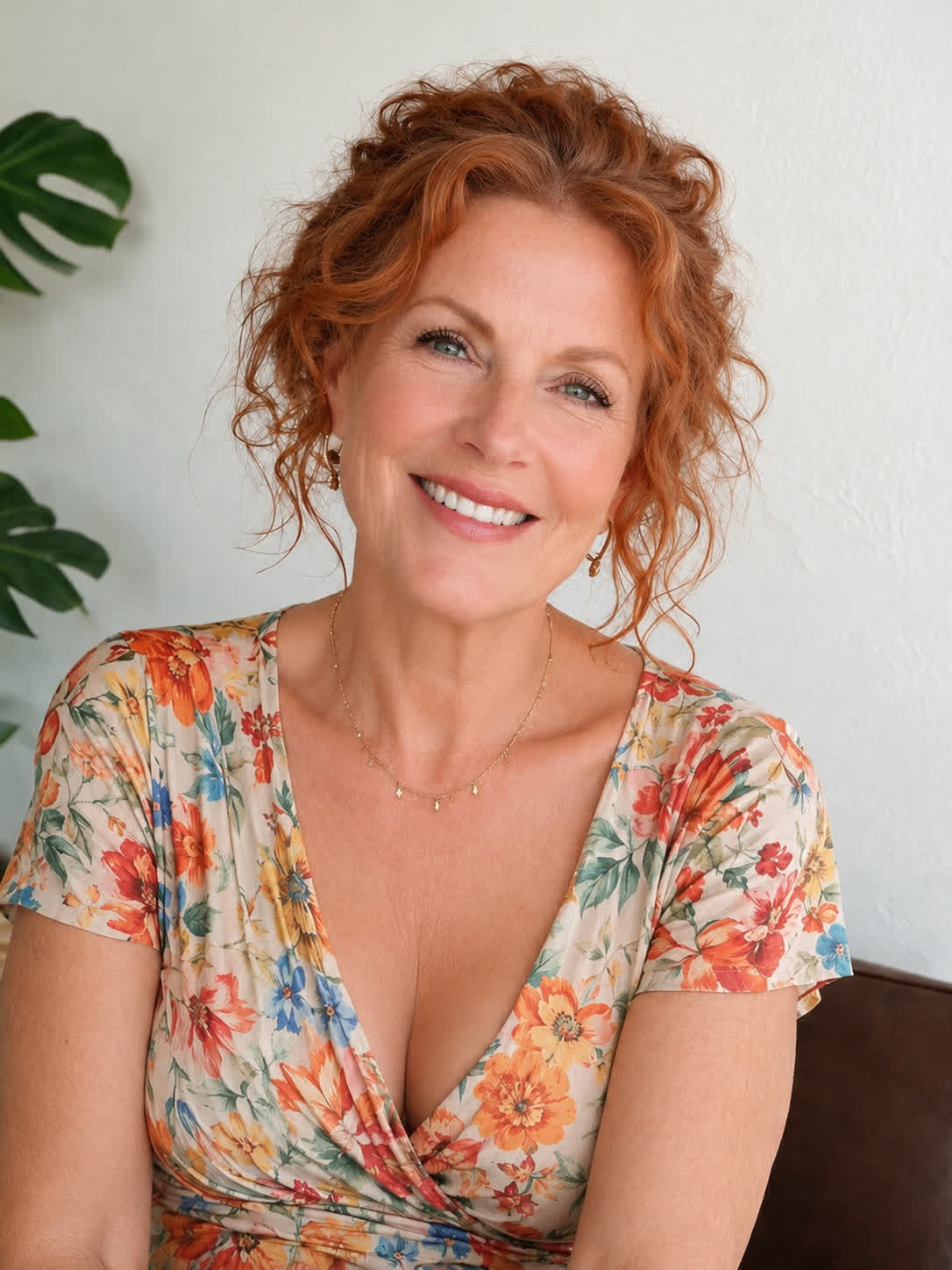
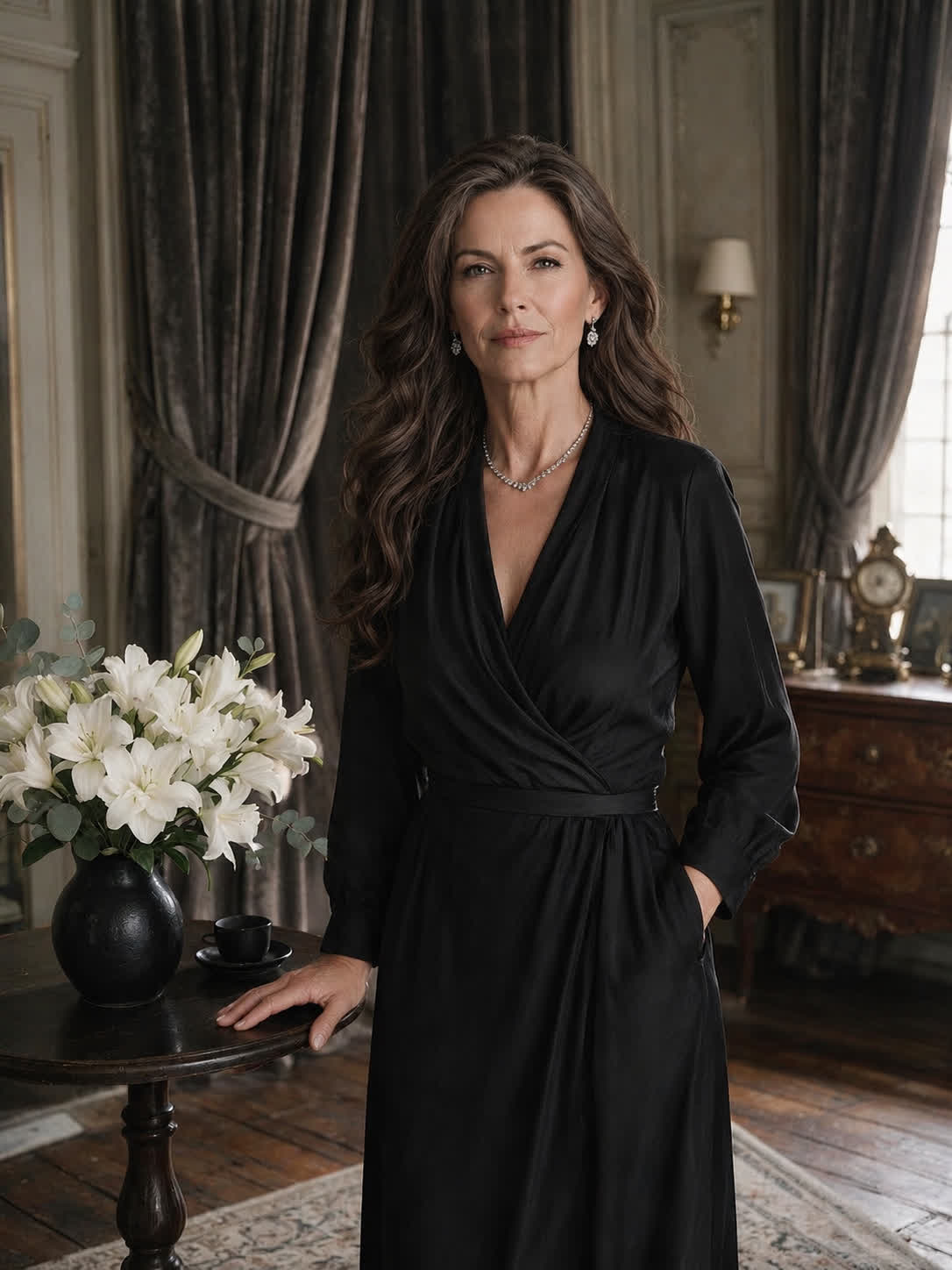



People bring a family or reunion portrait when they want to imagine an earlier chapter. Cavro applies a written age goal to that photo, creating a younger version suited to a keepsake or shared memory.
Try Cavro free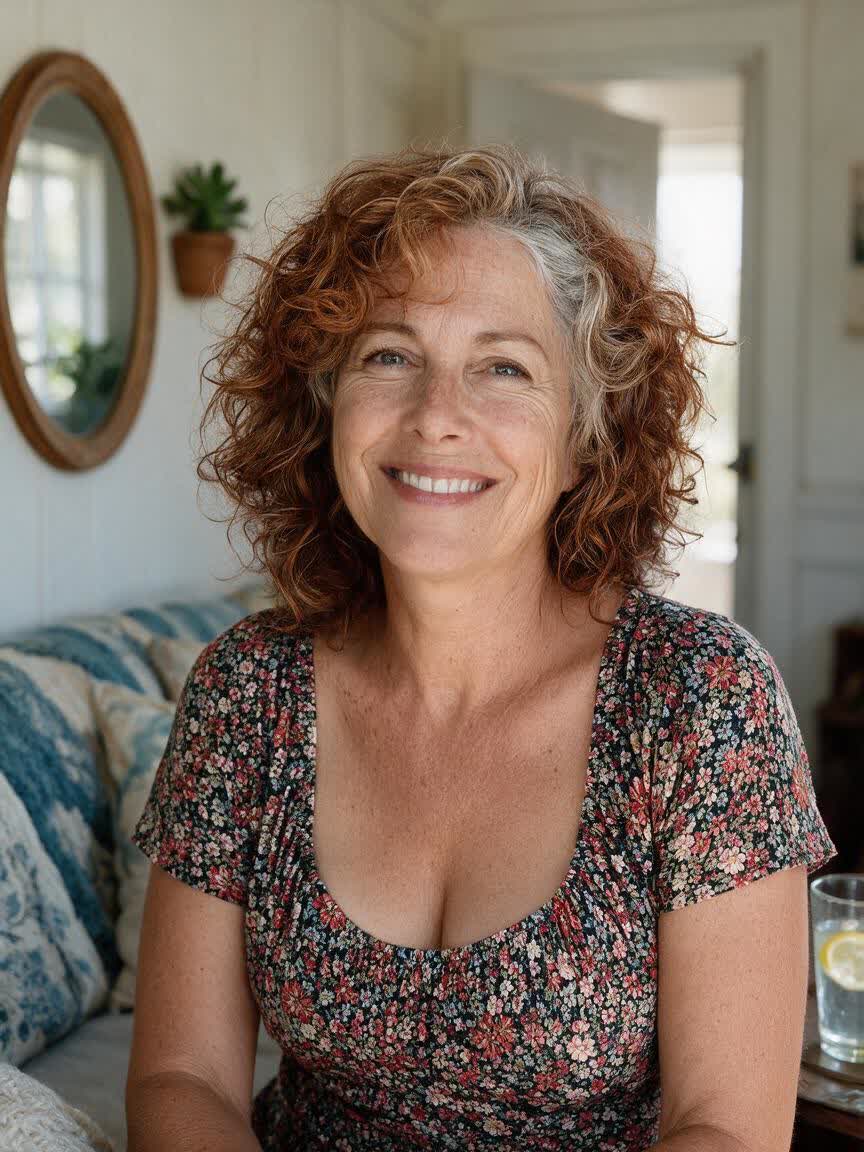
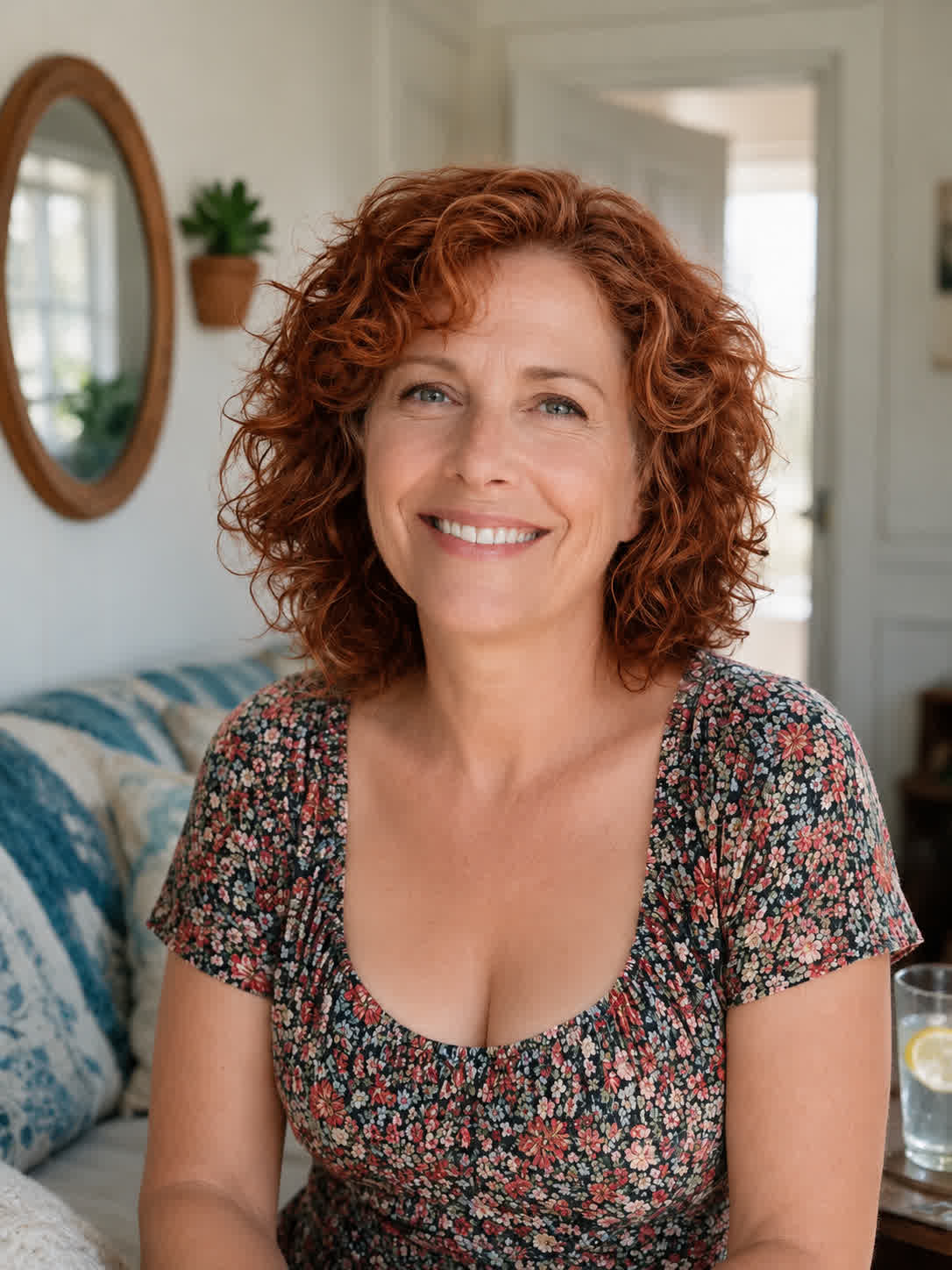
Curious visitors use a clear portrait to see how they might have looked years ago. Cavro turns that question into an age-focused image that can become a playful post or personal reflection.
Try Cavro free

Creators start with a portrait and an idea for a time-shifted character. Cavro follows the age direction in the prompt, giving them a younger image to develop into a social concept or visual narrative.
Try Cavro free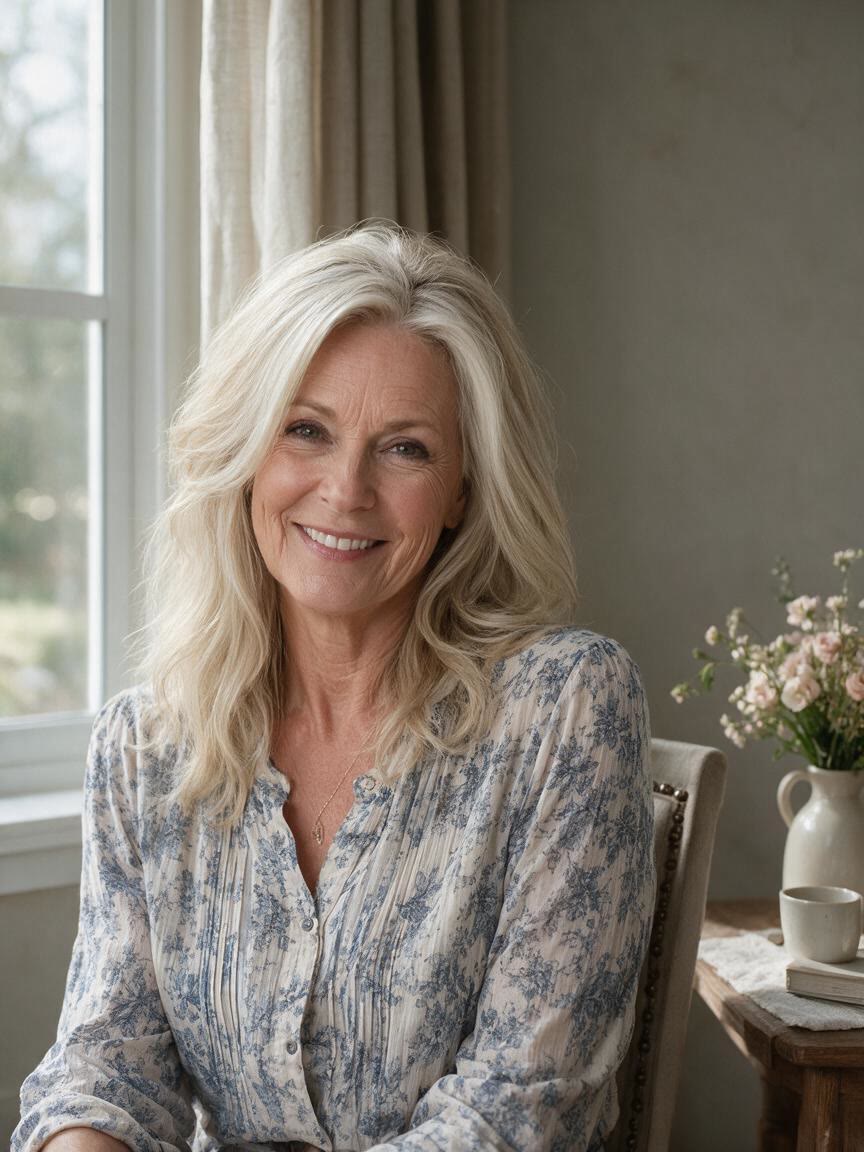

When a portrait needs to remain recognizably yours, a reference photo gives the transformation a clear starting point. Cavro combines it with your age goal so the younger image stays connected to the person you uploaded.
Try Cavro free

A younger-looking portrait should feel more considered than a generic smoothing effect. Describe the age you want in everyday language, then refine the image in the same conversation until the direction feels right.
Try Cavro free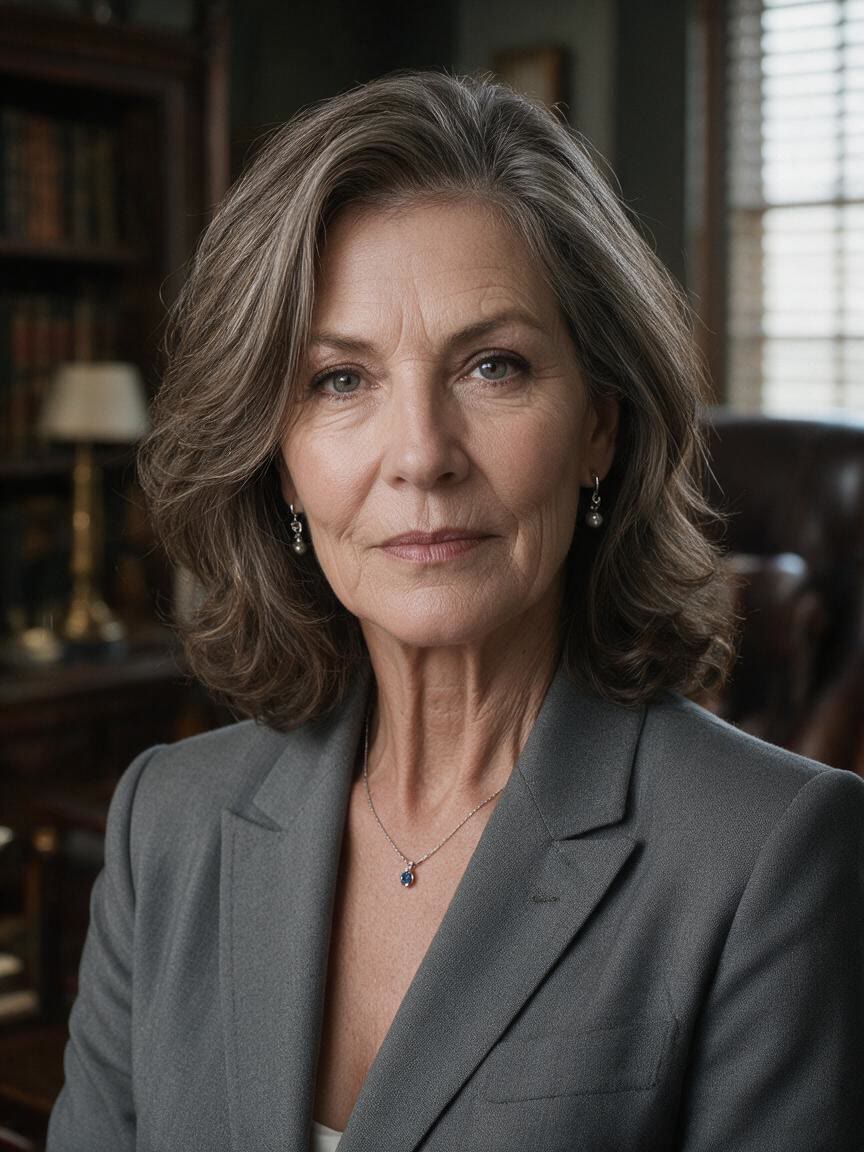
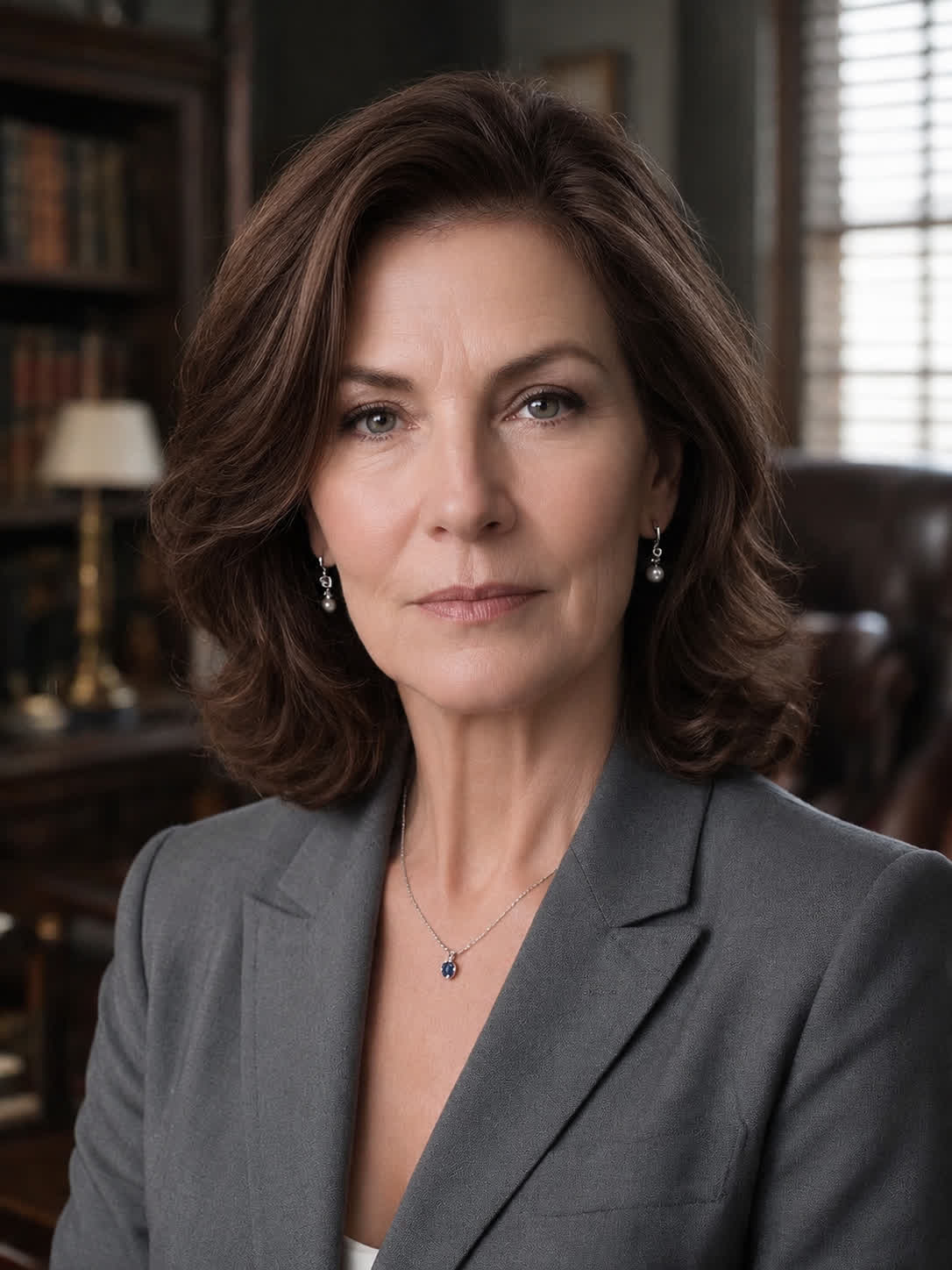
If an age-regression image leads to a related video idea, you do not need a separate product or balance. Cavro supports images and video from the same conversation, with results billed per credit and no mandatory subscription.
Try Cavro freeAn AI age regression filter creates a younger-looking version of a portrait from a written instruction and a reference photo. In Cavro, you can describe the age you want and generate an image from that direction.
Upload a clear, front-facing portrait and describe your target age in natural language, such as “make me look 25 years old.” Cavro uses the photo and instruction together to create the younger version.
A clear, higher-resolution, front-facing portrait is a strong starting point because the face is easier to recognize. A straightforward photo also gives your age instruction a more direct reference.
Yes. You can adjust the age direction or rewrite the instruction and generate again in the same conversation. You do not have to start over each time you want to explore another younger version.
Cavro bills results per credit, and there is no mandatory subscription. Images and video use the same credit balance within the same conversation.
Creators worldwide are turning “just an idea” into expensive-looking images.