AI Age Generator for Portraits

See a younger or older version of your portrait in moments.
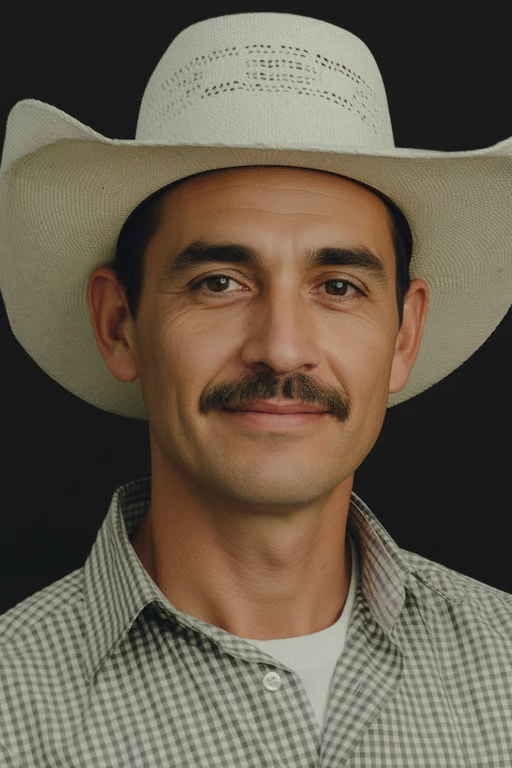
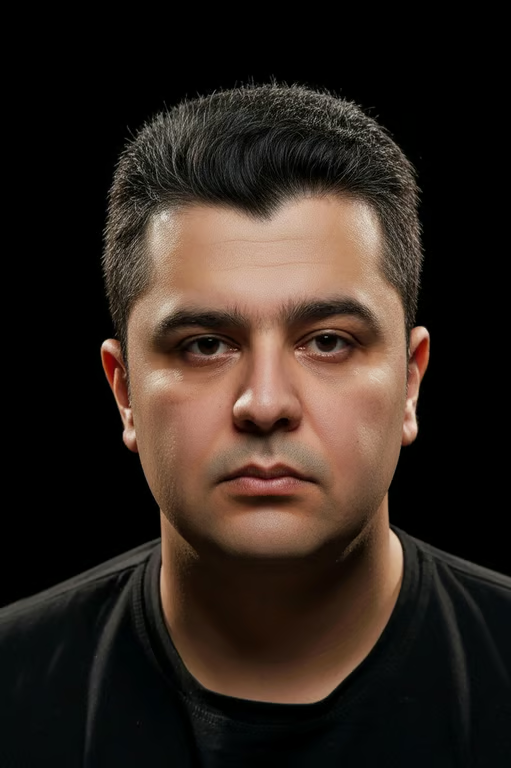
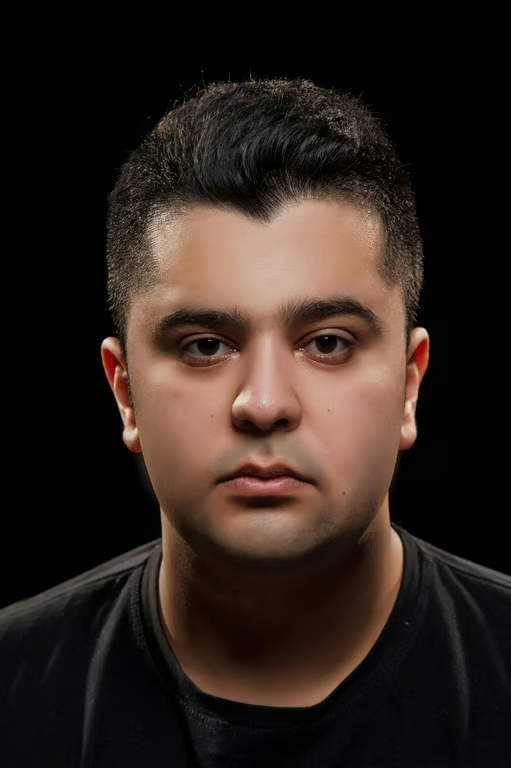
Portrait of a man with smoother youthful skin and a neatly trimmed dark moustache.
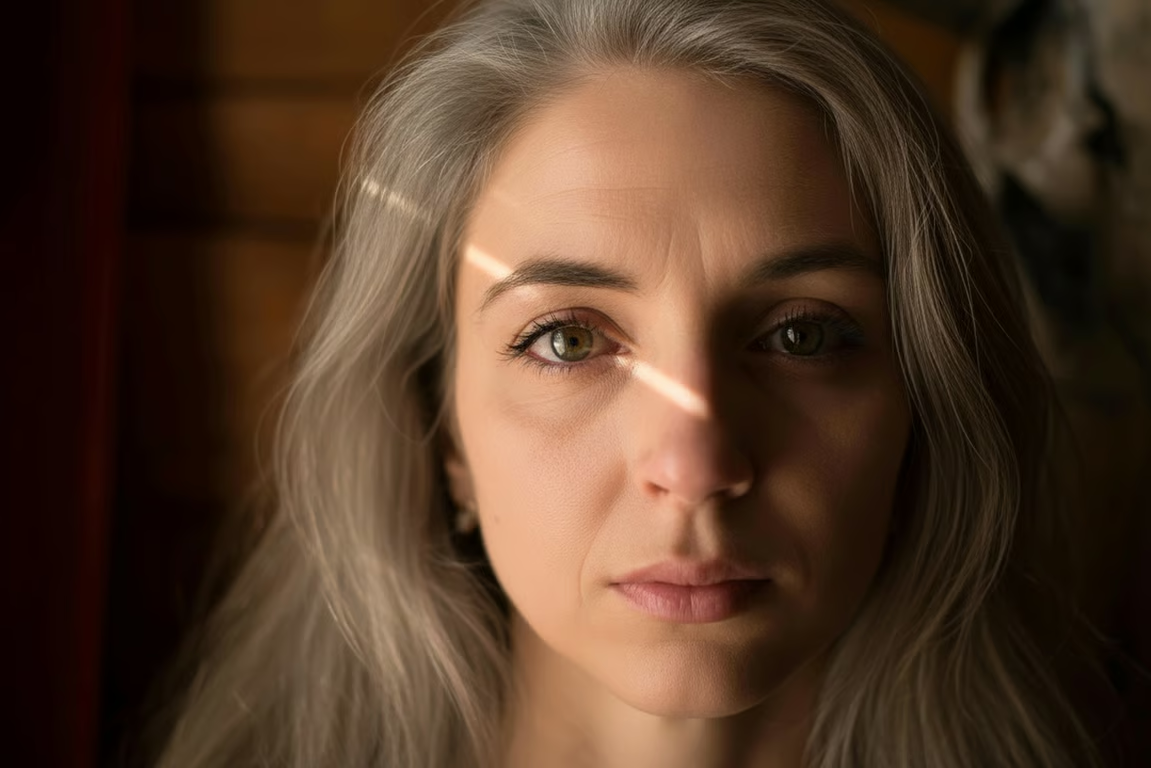
Close-up portrait of a woman with silver-gray hair, forehead wrinkles, and under-eye lines.
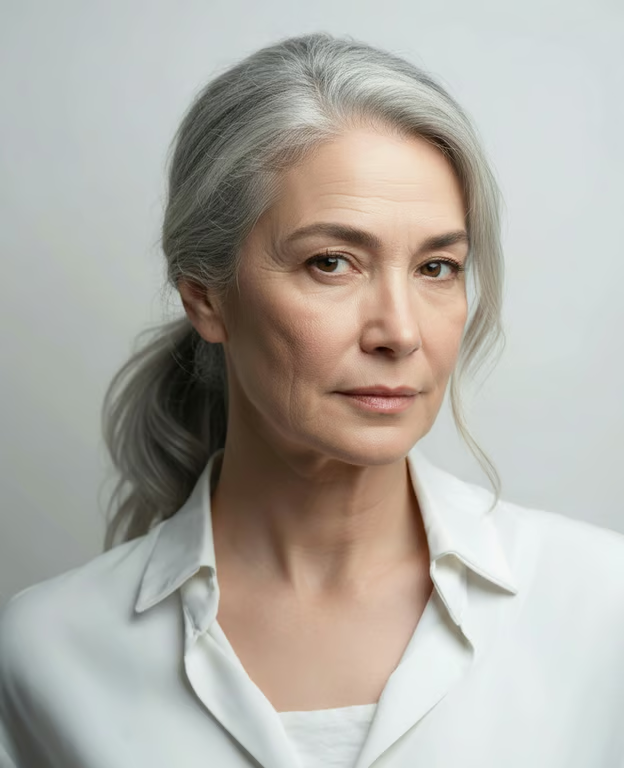
Portrait showing the same woman with gray-white hair and visible age-related facial and neck lines.
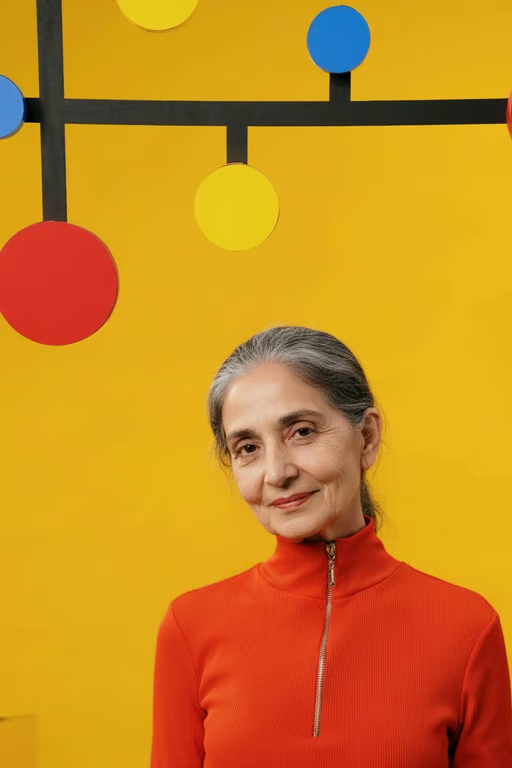
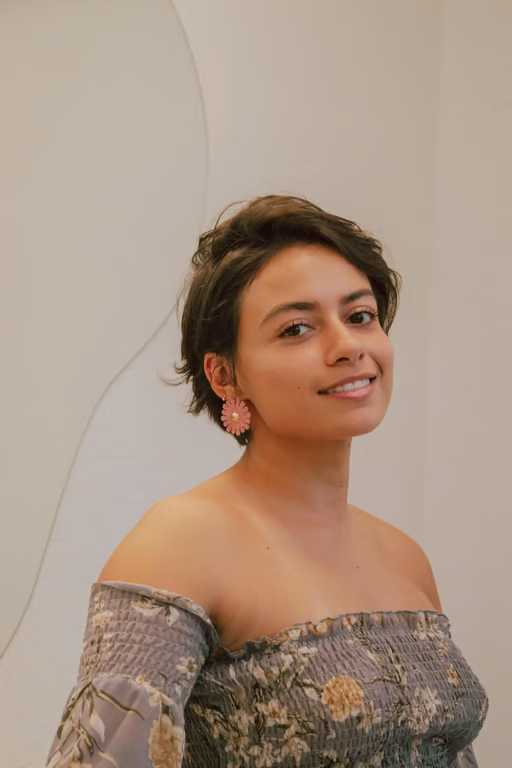
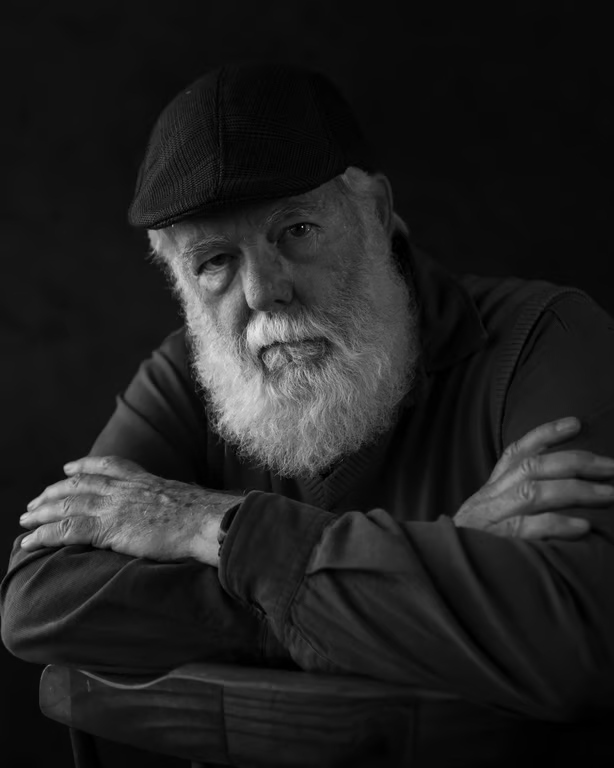
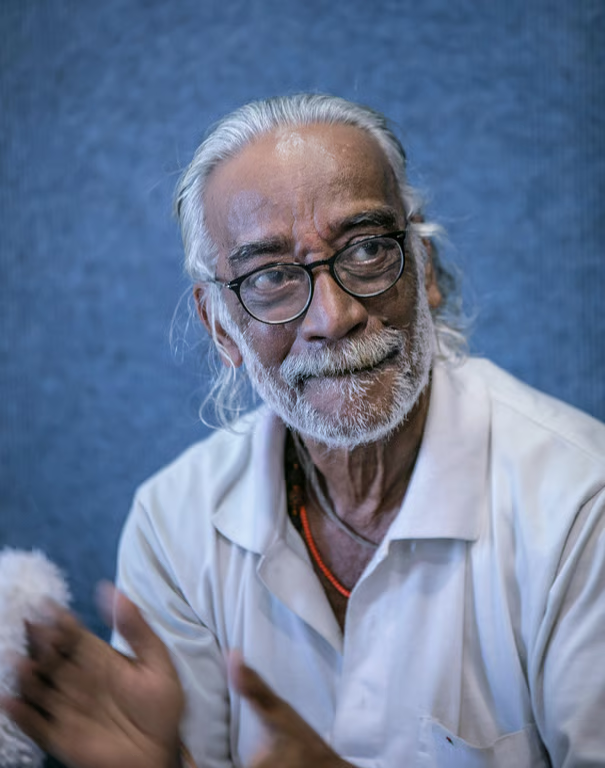
Portrait showing the subject transformed into an older adult with gray hair and facial wrinkles.
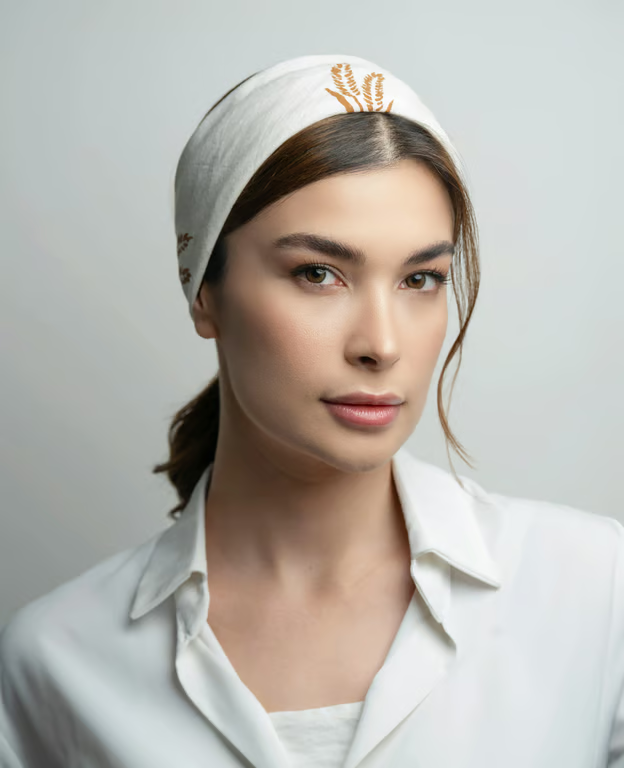
Older version of the woman with silver-gray hair, facial wrinkles, and no headband.
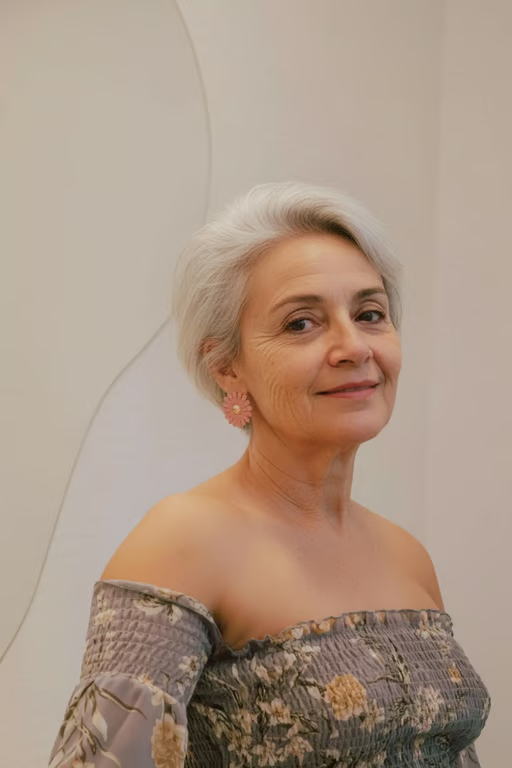
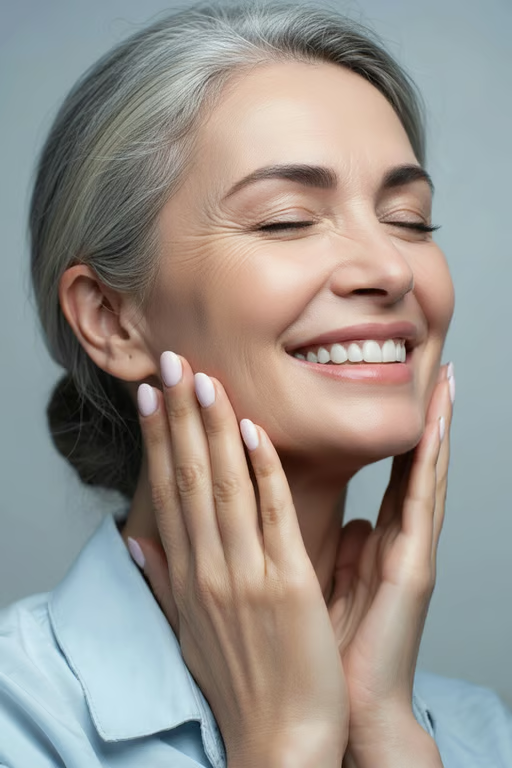
Smiling woman with gray hair and realistic facial wrinkles after age transformation.
Black-and-white portrait of a younger-looking man with dark hair and a beard.
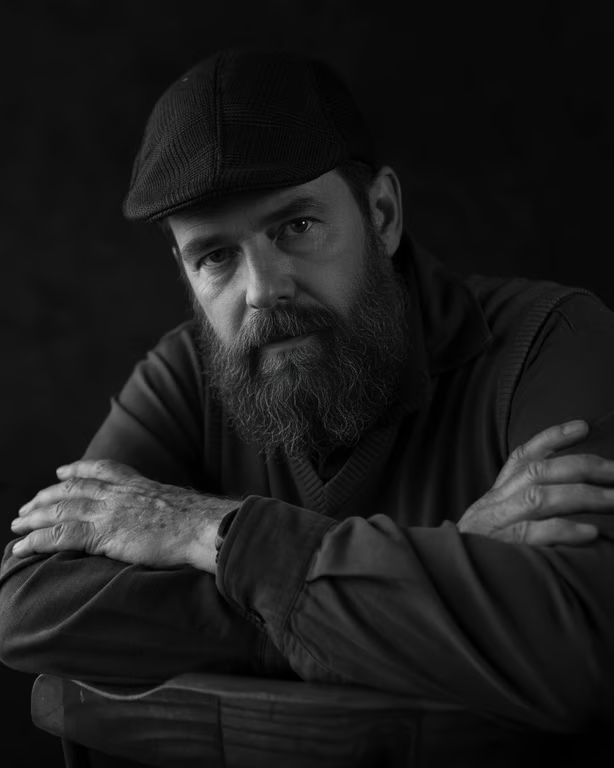
Man shown with gray at the temples, forehead wrinkles, and more pronounced facial lines.
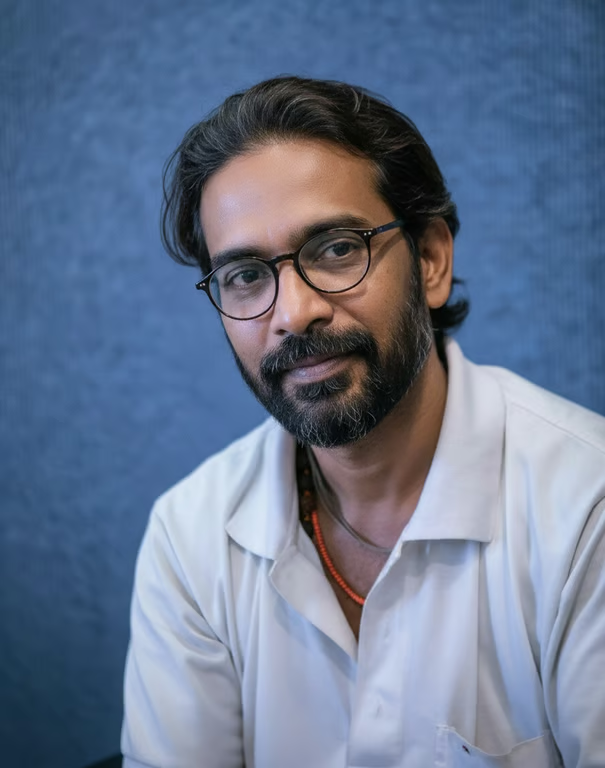
Younger-looking man with dark swept-back hair, dark beard, glasses, and smoother facial skin.
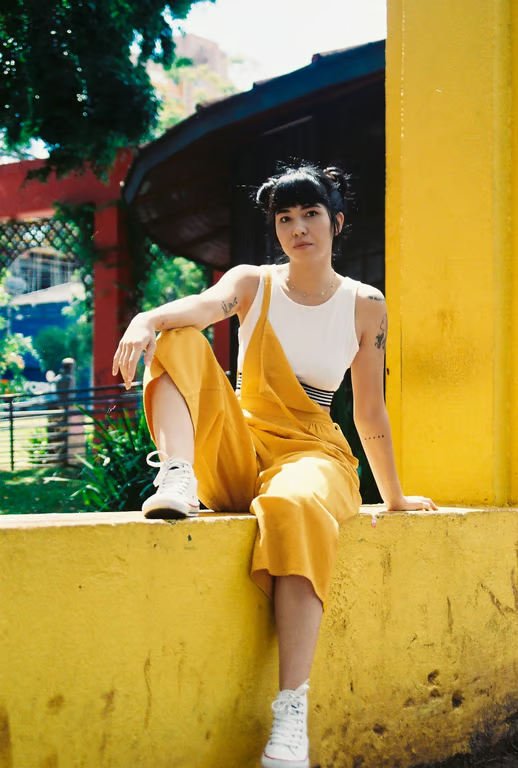
Portrait showing the same woman with gray hair and subtle facial age lines.
What you get

All the power, none of the hassle

Photo-Led Input

Use a reference portrait to guide a younger or older age transformation.

Age Direction Control

Choose whether the portrait moves toward youth or later life.

Life Stage Range

Explore childhood, teenage, adult, middle-age, and elderly looks.

Refine Again

Adjust the prompt and generate another age variation without starting over.

User value

We are the best AI tool for...

  1. Preview a future look

    Explore an older version for a legacy portrait idea without arranging a future photo session.
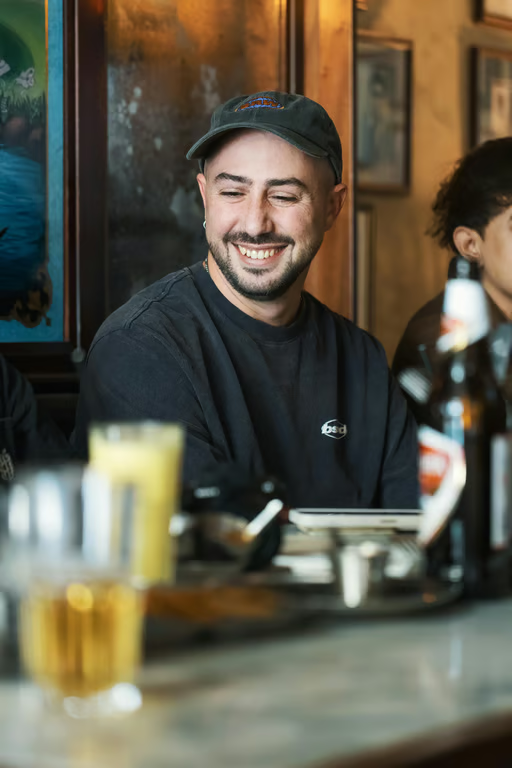
  2. Revisit younger years

    Create a youthful interpretation for personal fun, family memories, or a before-and-after post.

  3. Skip the age-editing learning curve

    Turn an age concept into a portrait with a written prompt and a reference photo instead of manual retouching.

Preview a future look
Perfect proof

What our users say

  • I wanted to imagine my daughter as an adult, and the age progression gave me a lovely starting point for a future family portrait.

    Mara K.
  • I used an old family photo to explore a younger version. It was a fun way to revisit the feeling of that time.

    Jonah R.
  • The older-self idea was exactly what I needed for a personal legacy portrait concept.

    Lena T.
  • I made a teenage version of my portrait for a before-and-after post, then refined it until the direction felt right.

    Owen P.
  • I was curious about a silver-haired future look, and the result gave me a clear visual idea without a new photo shoot.

    Nia S.
  • The childhood variation turned a normal portrait into something playful I could share with my family.

    Caleb M.
Answers

Common questions

What is an AI age generator?

An AI age generator creates an age-transformed image from a written prompt and/or reference photo. It can help you explore younger, older, or life-stage variations of a portrait.

Can I make an age progression photo or age regression photo?

Yes. Choose an older direction for age progression or a younger direction for age regression, then describe the portrait you want. The reference photo guides the image.

What kind of photo works well for an age changer photo online?

A clear portrait photo gives the age transformation a useful visual reference. You can also add words describing the life stage, mood, or portrait style you want to explore.

Can I refine an age simulation result?

Yes. Add a more specific age direction or portrait detail and generate again in the same conversation. You do not have to start the idea over.

Play with an idea. Leave with an image.

Creators worldwide are turning “just an idea” into expensive-looking images.
Try Cavro free