Prompt-Led Styling
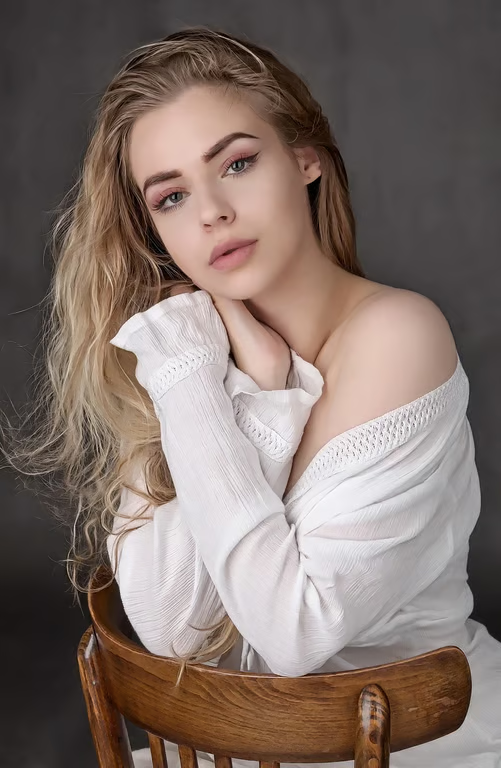
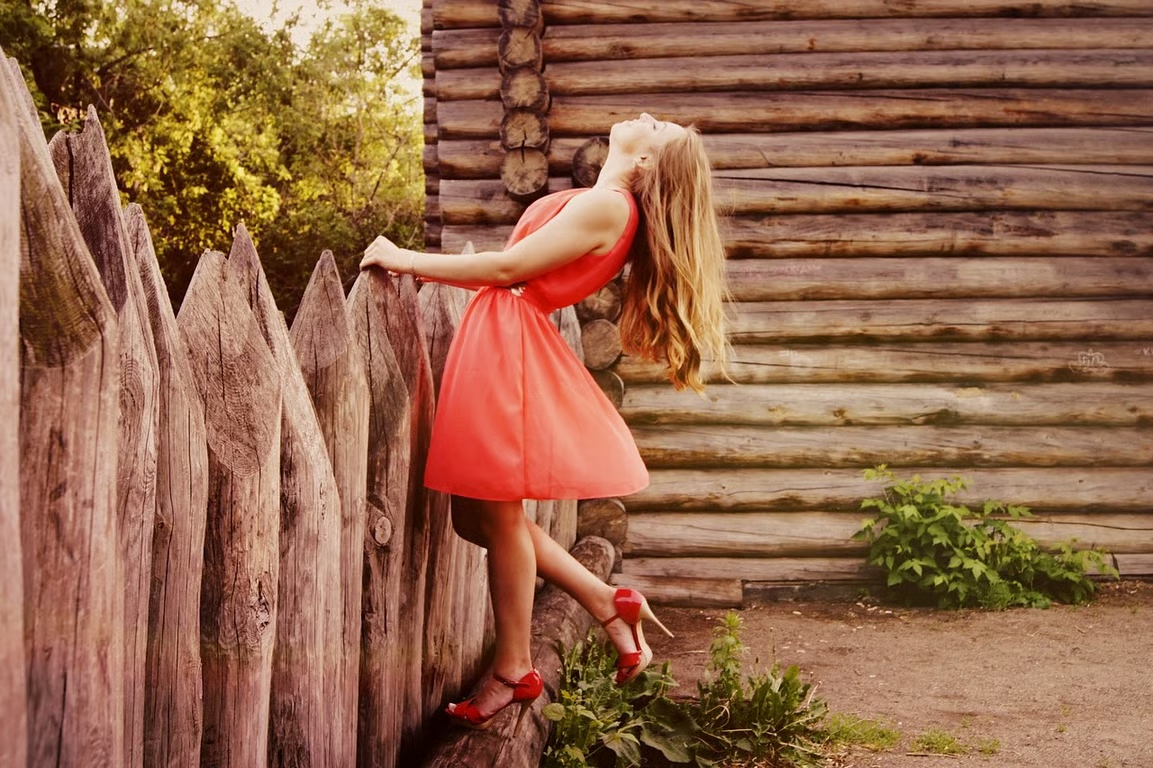
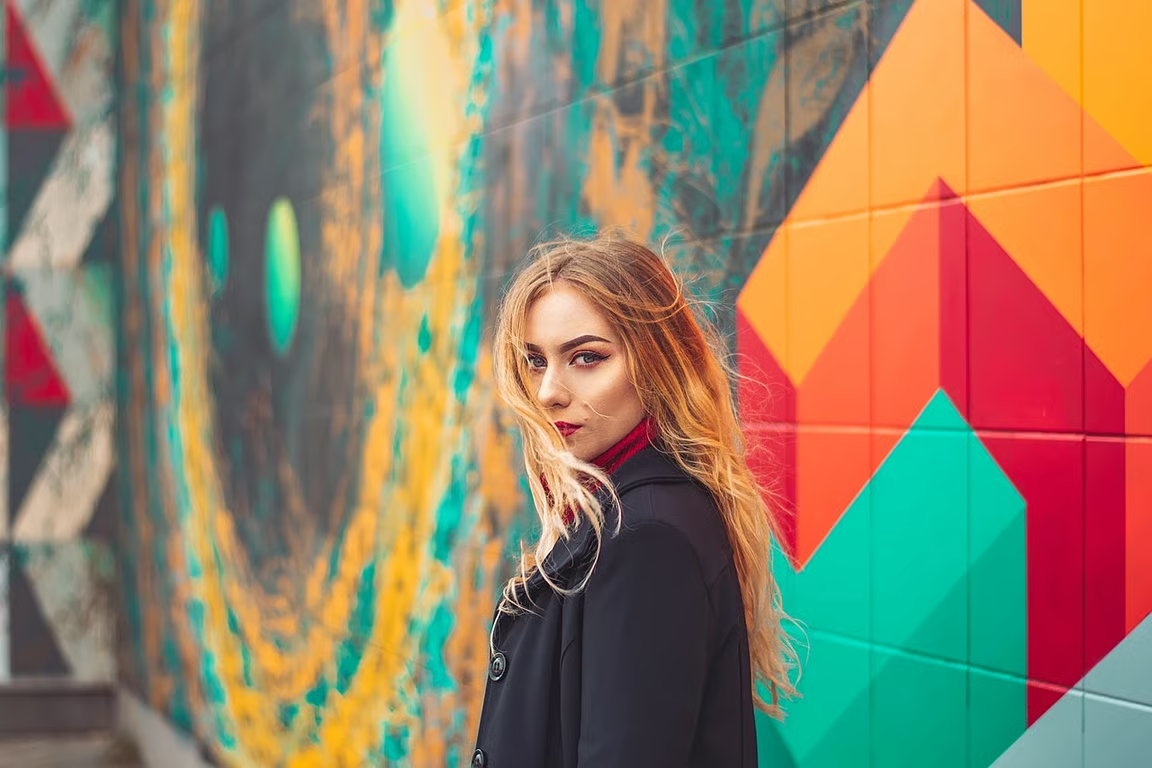
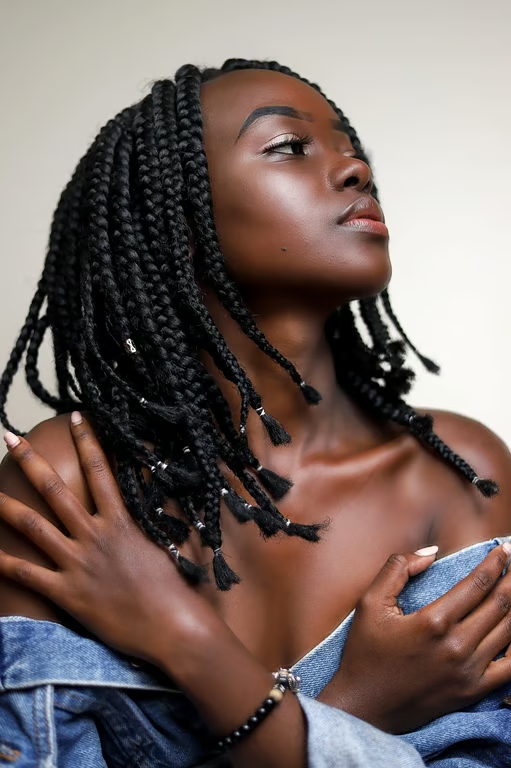
Describe a mood such as film grain, pastel, or minimalism and use it to guide your aesthetic image edit.
Give any photo a polished mood with a simple prompt.
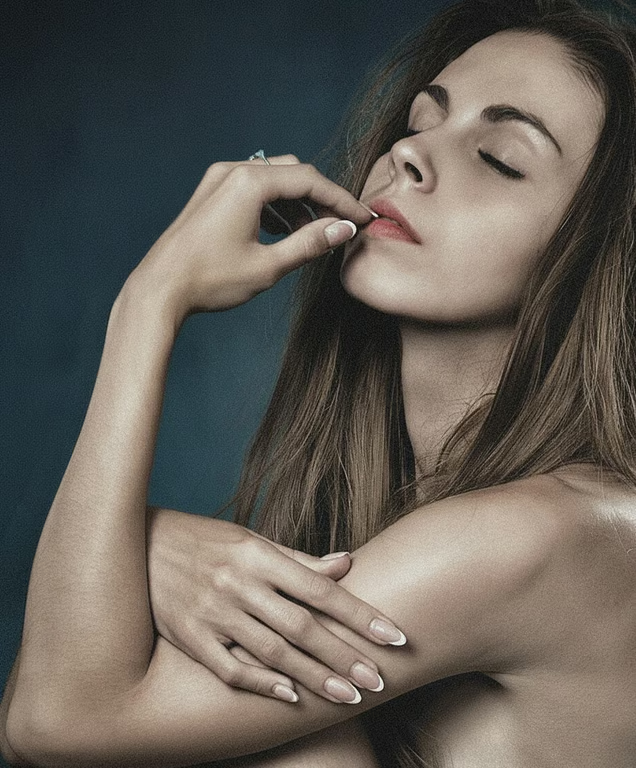
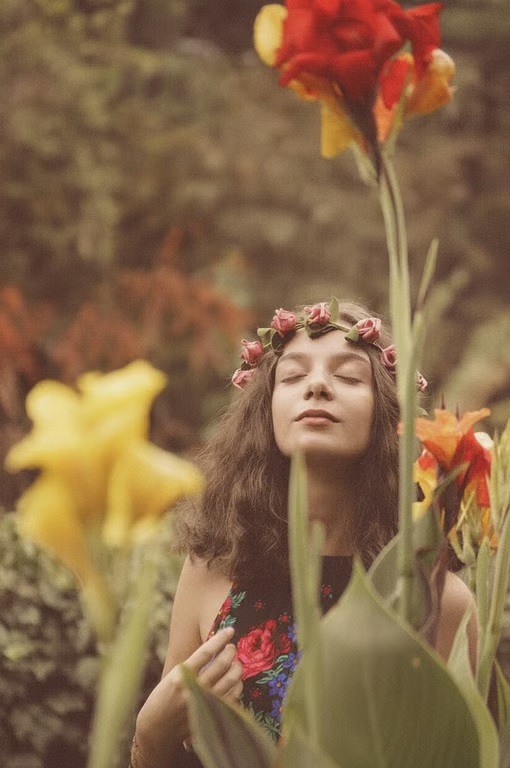
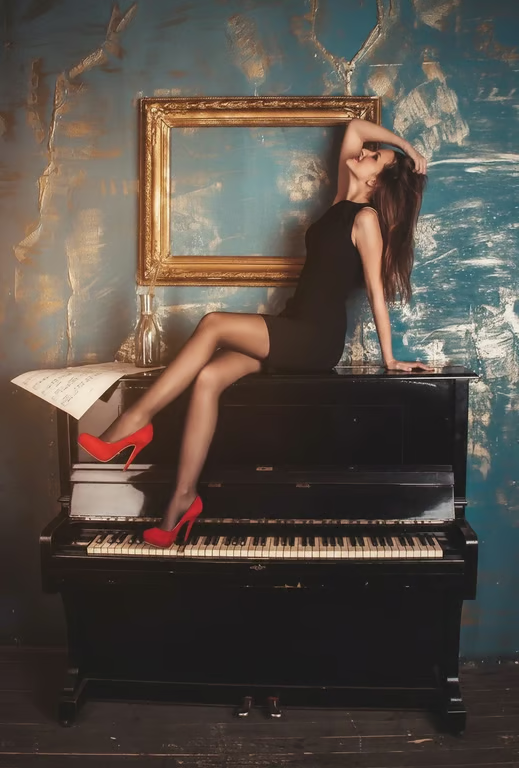
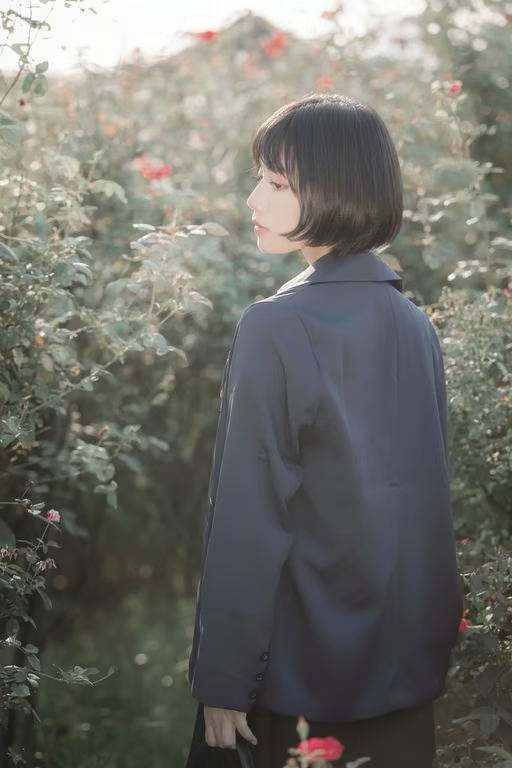
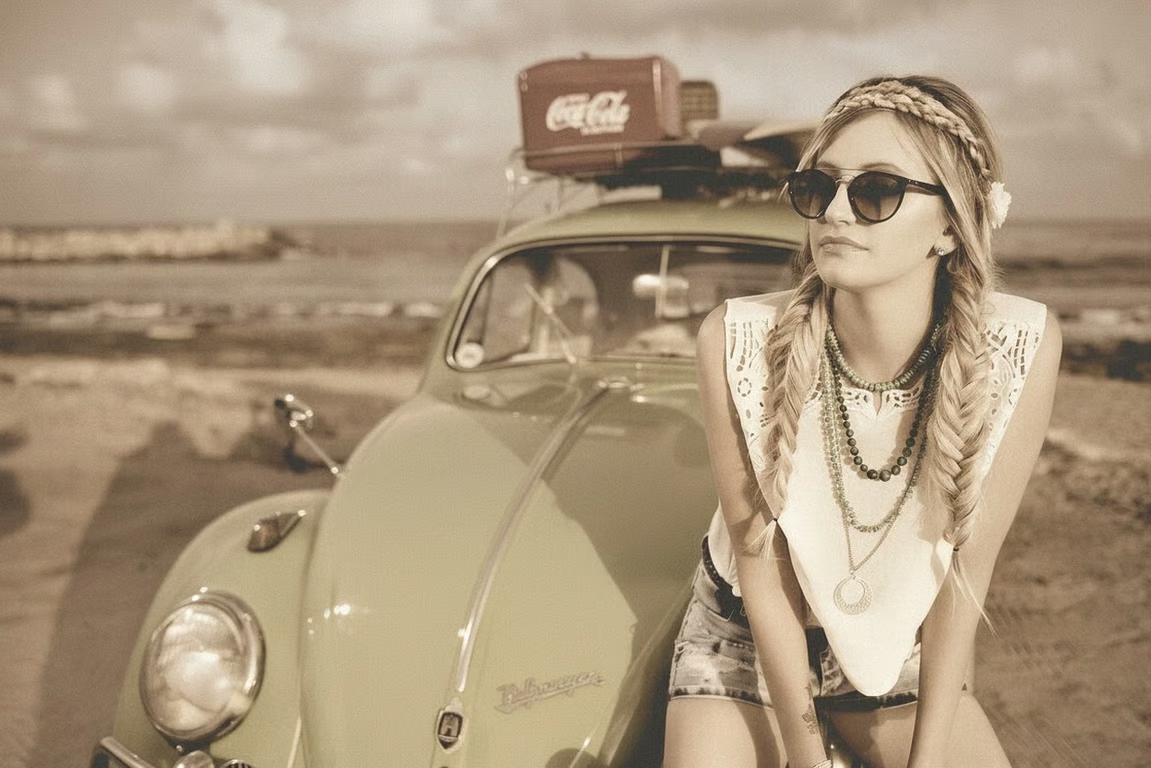
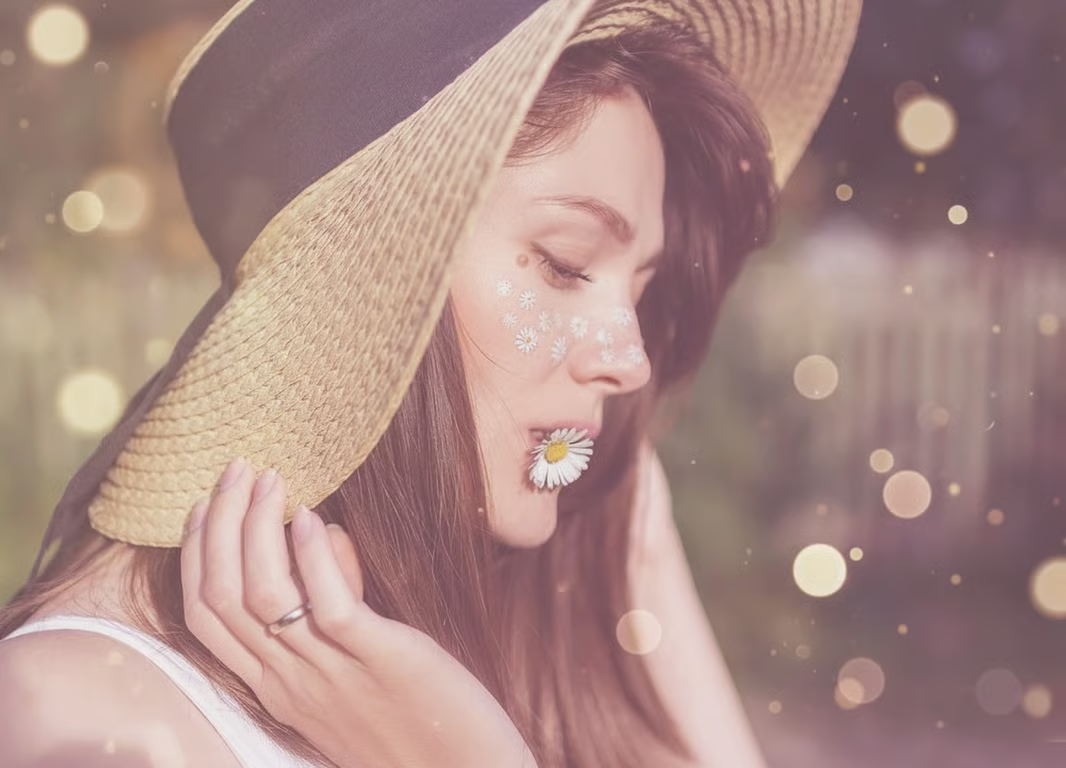
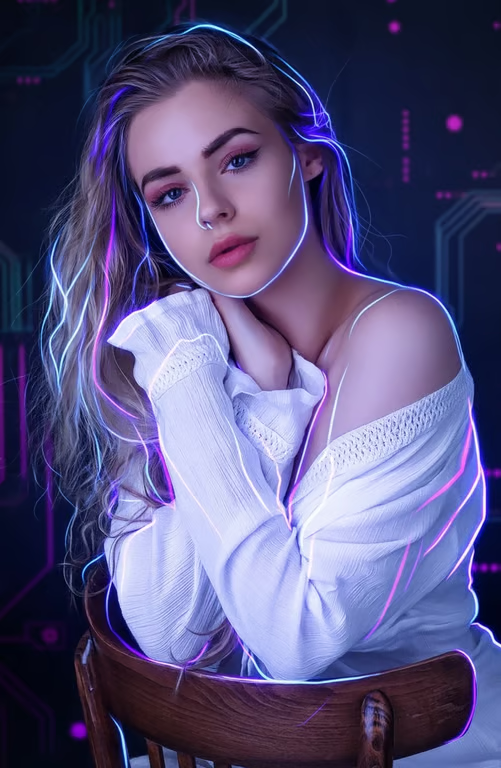
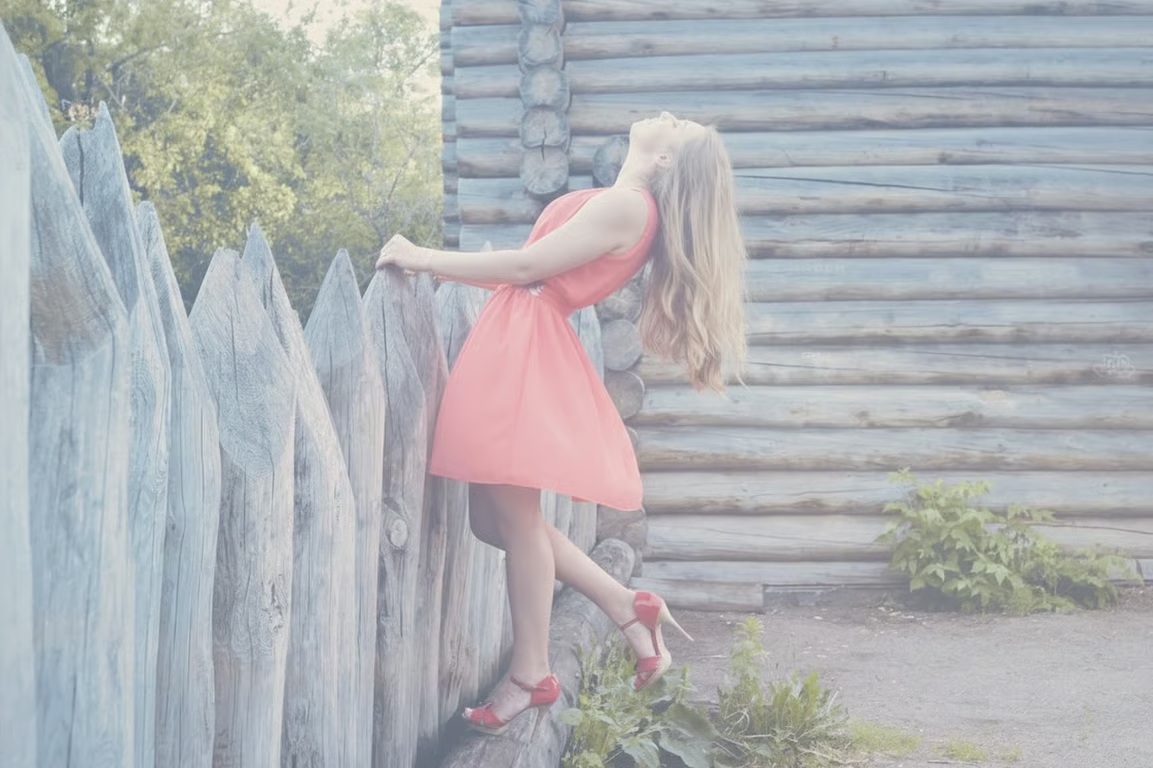
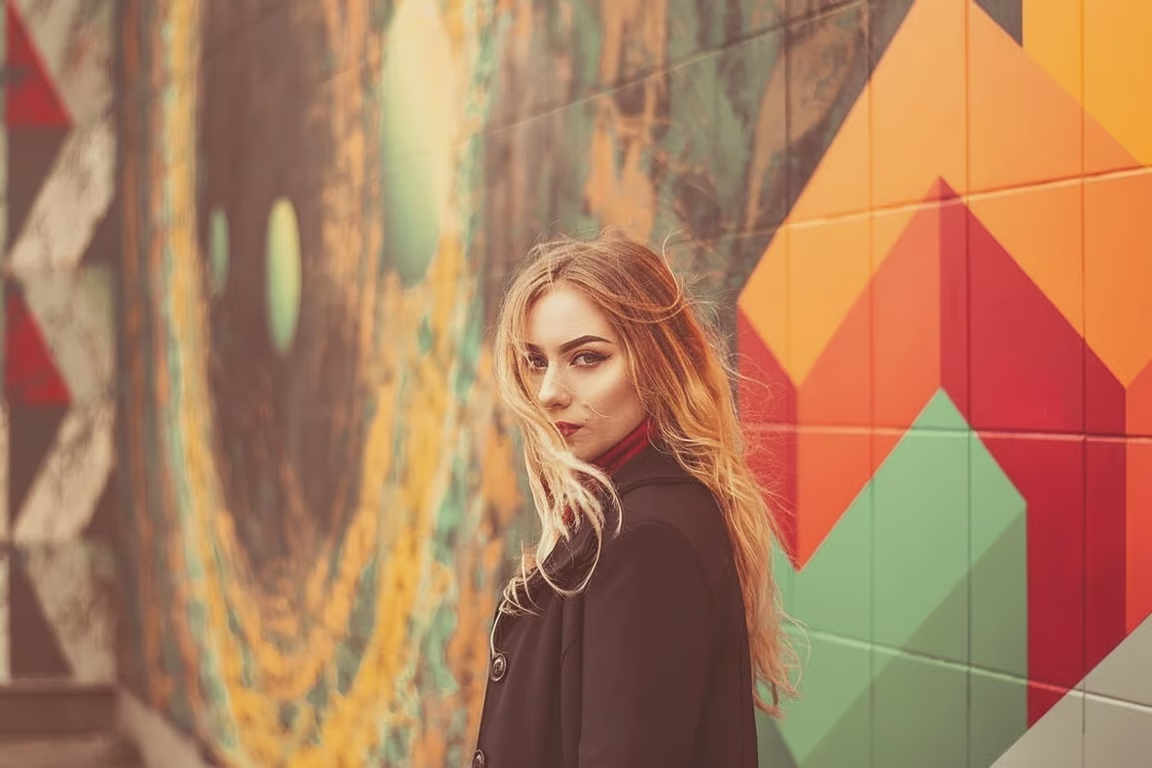
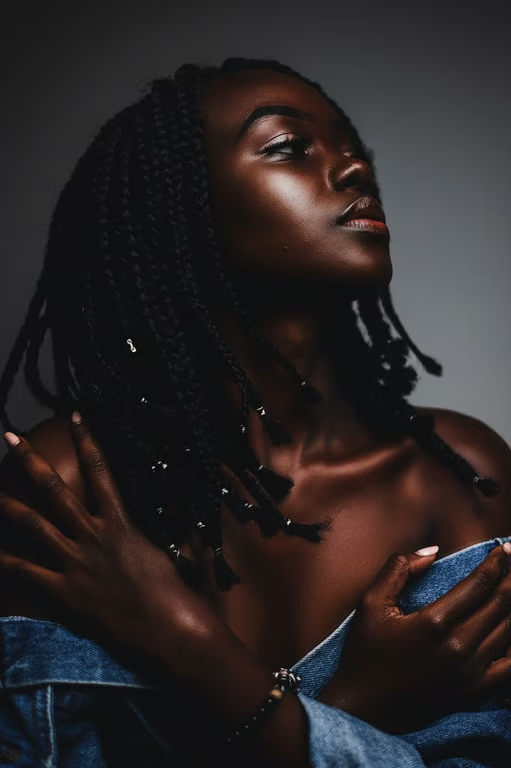
Describe a mood such as film grain, pastel, or minimalism and use it to guide your aesthetic image edit.
Use a reference photo with your words to shape an edit around the image you want to transform.
Adjust your direction and generate again in the same conversation when the aesthetic needs another pass.
Create an aesthetic image or video from the same conversation and credit balance.
Give an existing portrait, memory, or product photo a new aesthetic direction instead of recreating the scene.
Use clear visual moods to make personal and brand imagery feel more intentional across different photos.
Describe the look you want in everyday language rather than relying on complex manual photo editing.
Give an existing portrait, memory, or product photo a new aesthetic direction instead of recreating the scene.
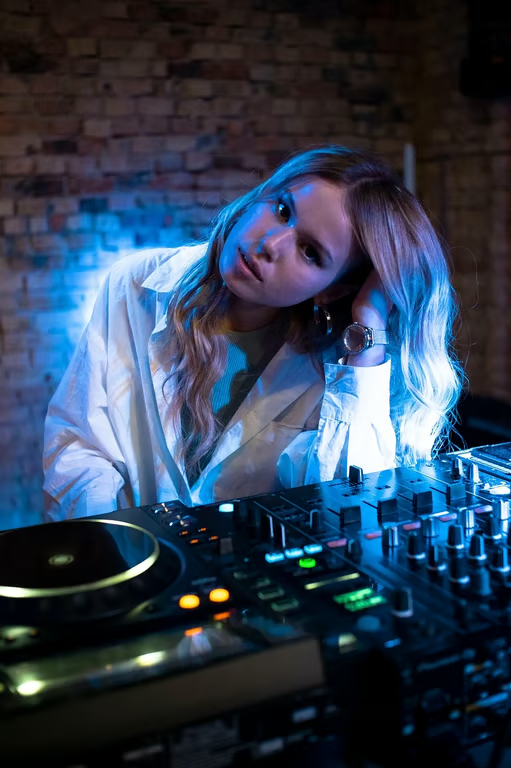
An AI aesthetic filter is a prompt-guided way to give a photo a chosen visual mood, such as vintage, moody, pastel, or minimal. In Cavro, you can provide a written prompt and/or reference photo to create an image or video.
Describe the aesthetic direction you want and add a reference photo if you have one. Cavro uses that input to produce an image or video, and you can refine the direction and generate again in the same conversation.
Yes. You can describe a polished, creative, or restrained visual direction for photos intended for social sharing. The final aesthetic depends on the prompt and photo you provide.
Yes. You can refine the prompt and generate again in the same conversation without starting over. This lets you explore directions such as film grain, soft light, vintage color, or clean minimalism.
No mandatory subscription is required. Results are billed per credit, and images and video use the same credit balance.
Creators worldwide are turning “just an idea” into expensive-looking images.