AI Sweat Drop Effect for Photos

Add believable sweat to workout and action shots.
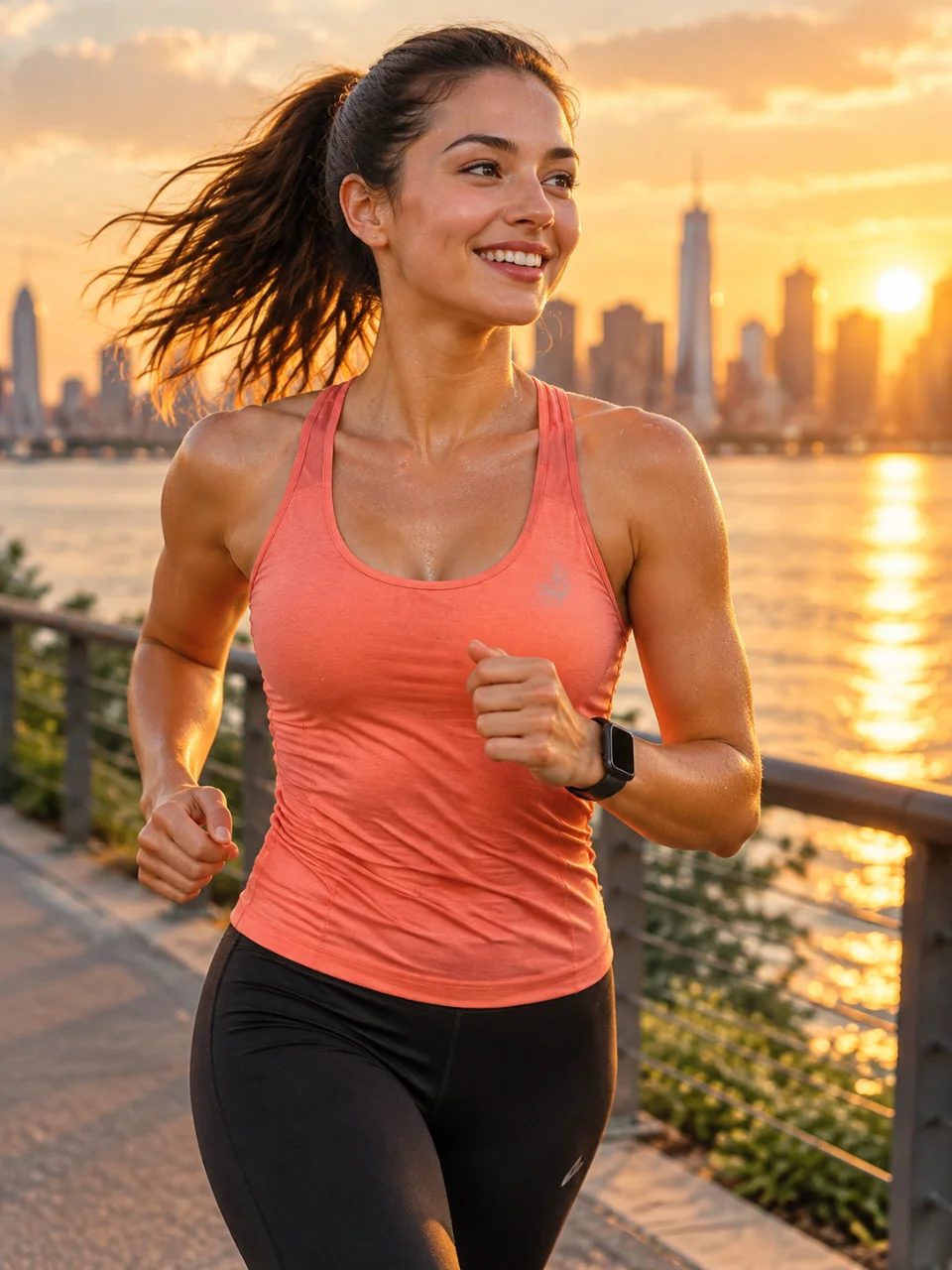
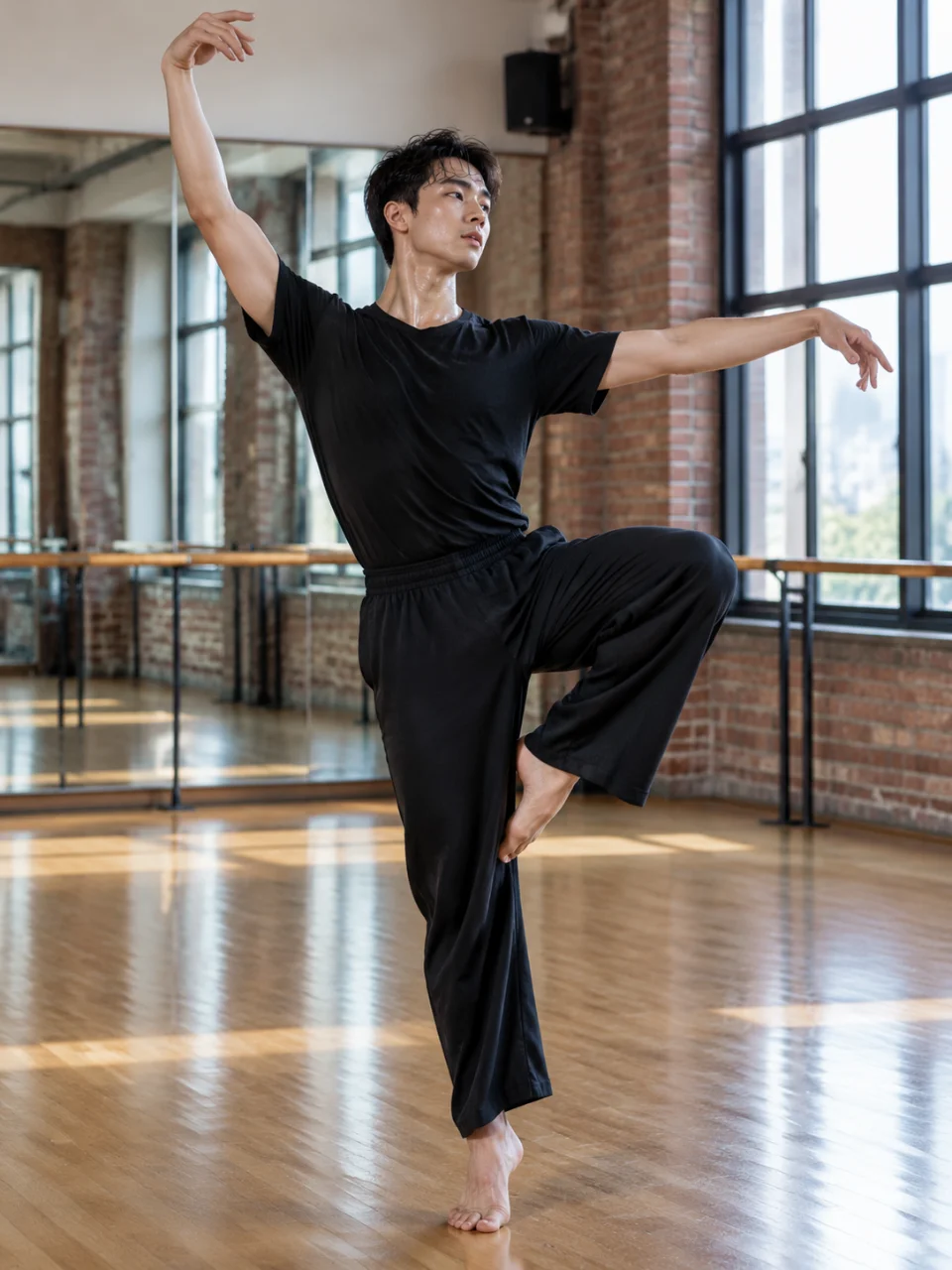
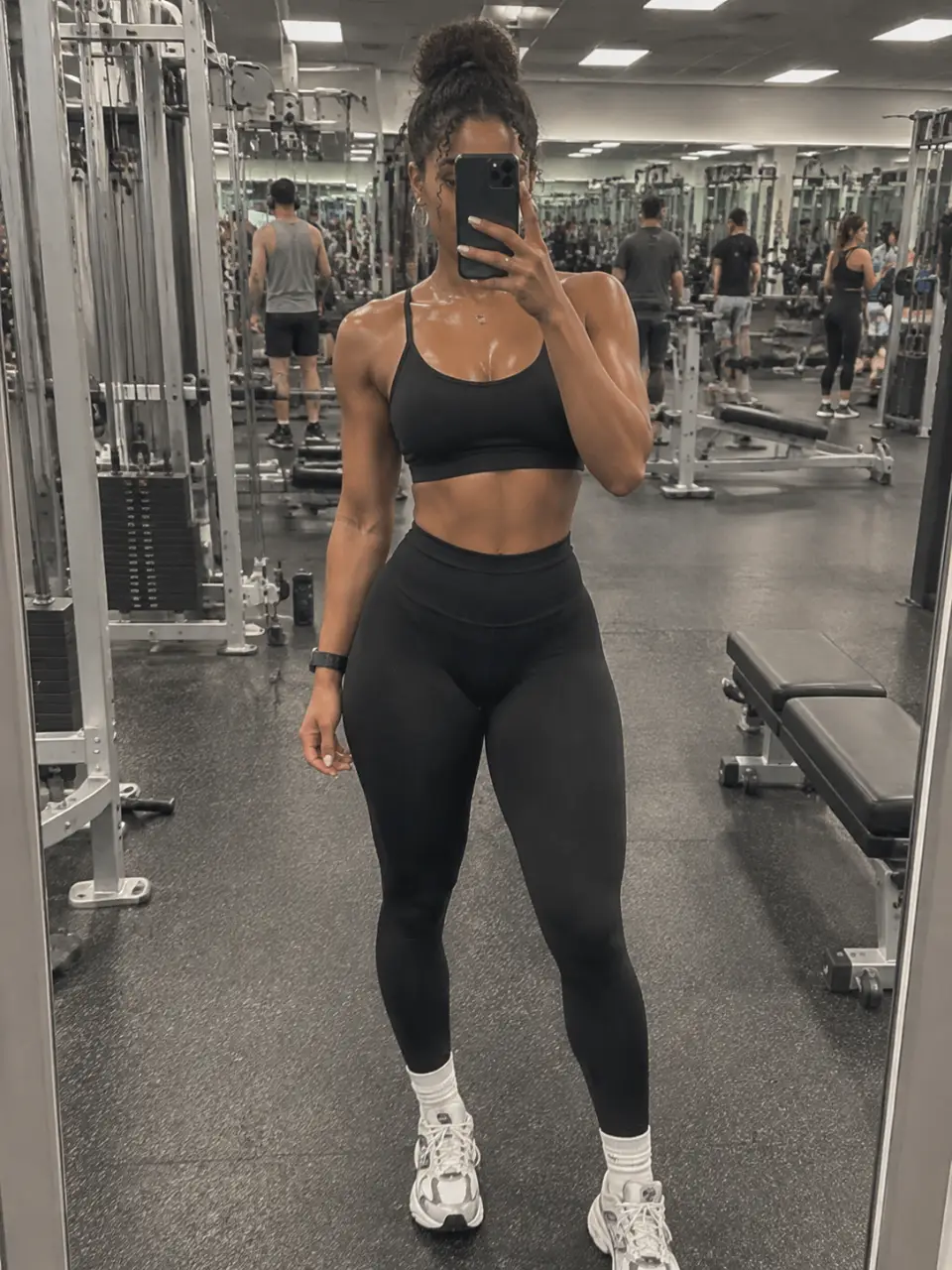
Fitness portrait with realistic sweat drops after a workout
Sports action photo enhanced with realistic sweat drops
Close-up sports portrait with detailed sweat beads
Shareable fitness photo with a natural sweat effect
What you get

All the power, none of the hassle

Prompt-Led Sweat

Describe the amount, placement, and mood of the sweat drops in your own words.

Photo-Guided Detail

Use a reference photo to guide the sweat effect around the subject, pose, and scene.

Natural Light Match

Ask for sweat texture that follows the existing light and keeps the edit visually cohesive.

Refine Each Attempt

Generate again in the same conversation until the sweat level fits the fitness or sports image.

How it works

From clean photo to authentic sweat

  1. 1

    Set the direction

    Write the sweat effect you want and choose a visual direction for the image.

  2. 2

    Add your photo

    Upload a fitness, sports, or action photo when you want the edit guided by an existing image.

  3. 3

    Shape the result

    Review the generated image and refine the prompt for another sweat-enhanced version.

Perfect proof

What our users say

  • I wanted my training portrait to look like it came right after a hard set. The added sweat drops gave the photo the authentic finish it was missing.

    Mara K.
  • My action shot needed more intensity, not a completely different image. I described a few sweat beads and got a result that kept the original feel.

    Jonah R.
  • I used a close-up fitness photo and asked for subtle perspiration around the forehead and neck. It looked much more natural than a heavy effect.

    Tessa L.
  • The first version was a little too understated, so I refined the prompt in the same conversation. The next attempt had exactly the stronger post-workout look I wanted.

    Dylan P.
  • I was preparing a social post from a sports portrait and wanted more energy in the image. The realistic sweat detail made the final visual feel ready to share.

    Nia S.
  • I could guide the placement and intensity with plain language instead of rebuilding the photo. That made it easy to test a natural version and a more dramatic one.

    Caleb M.
Answers

Common questions

Can I add realistic sweat drops to a photo with Cavro?

Yes. Write a prompt describing the sweat effect and upload a reference photo to guide the image. Cavro can turn that direction into a sweat-enhanced result.

What kind of photos work for a sweat drop photo editor?

Fitness portraits, sports action shots, workout images, and close-ups are natural subjects for this effect. Describe where you want the sweat and how subtle or visible it should look.

Can I refine the sweat effect after generating an image?

Yes. You can refine the prompt and generate again in the same conversation without starting over. This lets you adjust the placement, amount, and overall mood.

Are images and video billed separately?

Images and video come out of the same conversation and use one credit balance. Results are billed per credit, and there is no mandatory subscription.

Do I need to type my prompt again after uploading a photo?

No. Whatever you write or upload on this page is carried into Cavro, so nothing has to be typed twice.

Play with an idea. Leave with an image.

Creators worldwide are turning “just an idea” into expensive-looking images.

Try Cavro free