AI Add Suit to Photo for a Polished Portrait

Turn an existing portrait into a professional-looking photo with a suit, blazer, or formal outfit. Cavro helps job seekers, professionals, and anyone preparing for a formal moment explore a refined new look from their own image.

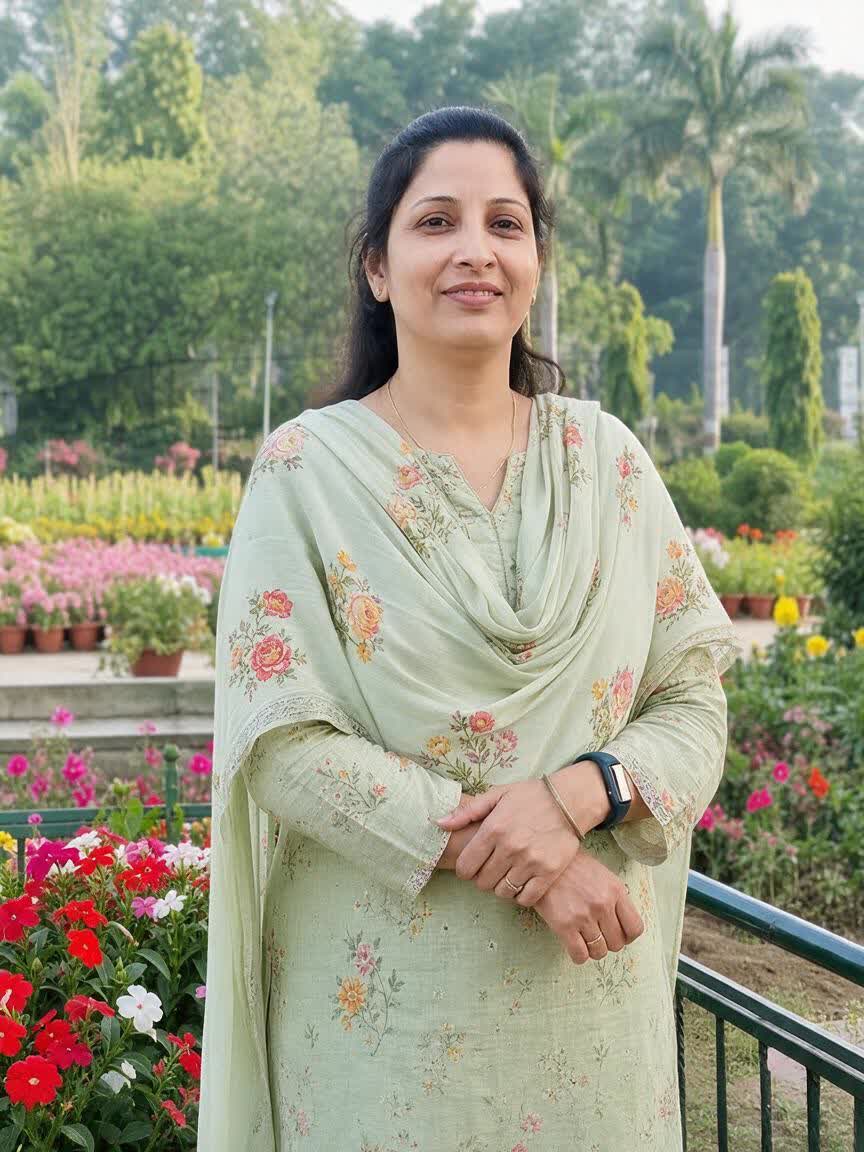
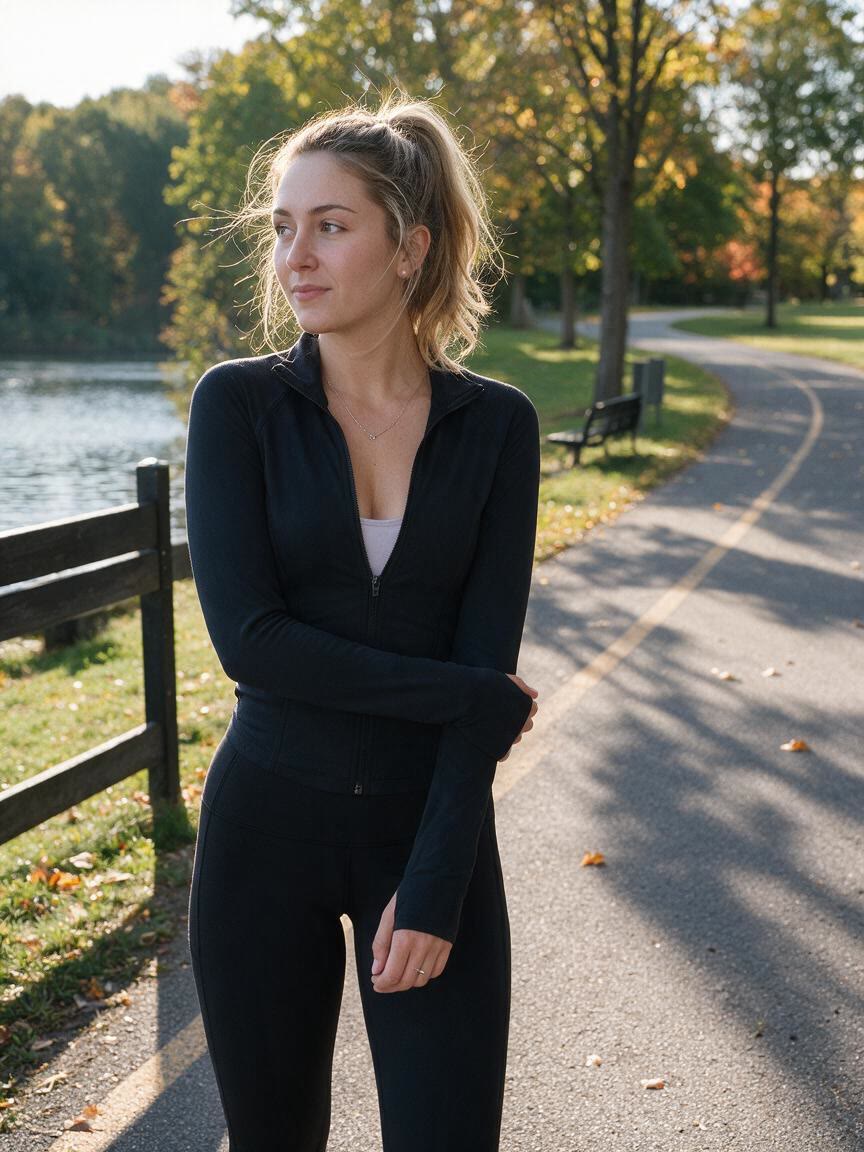
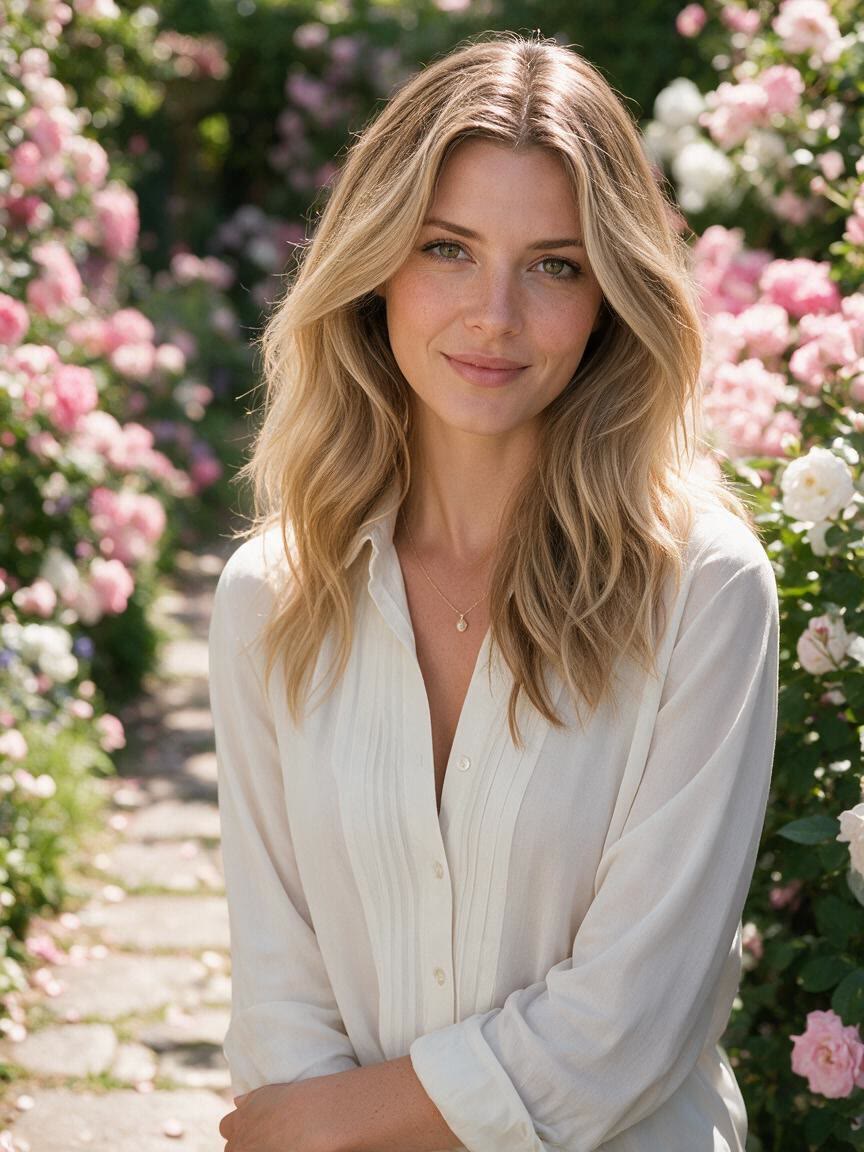
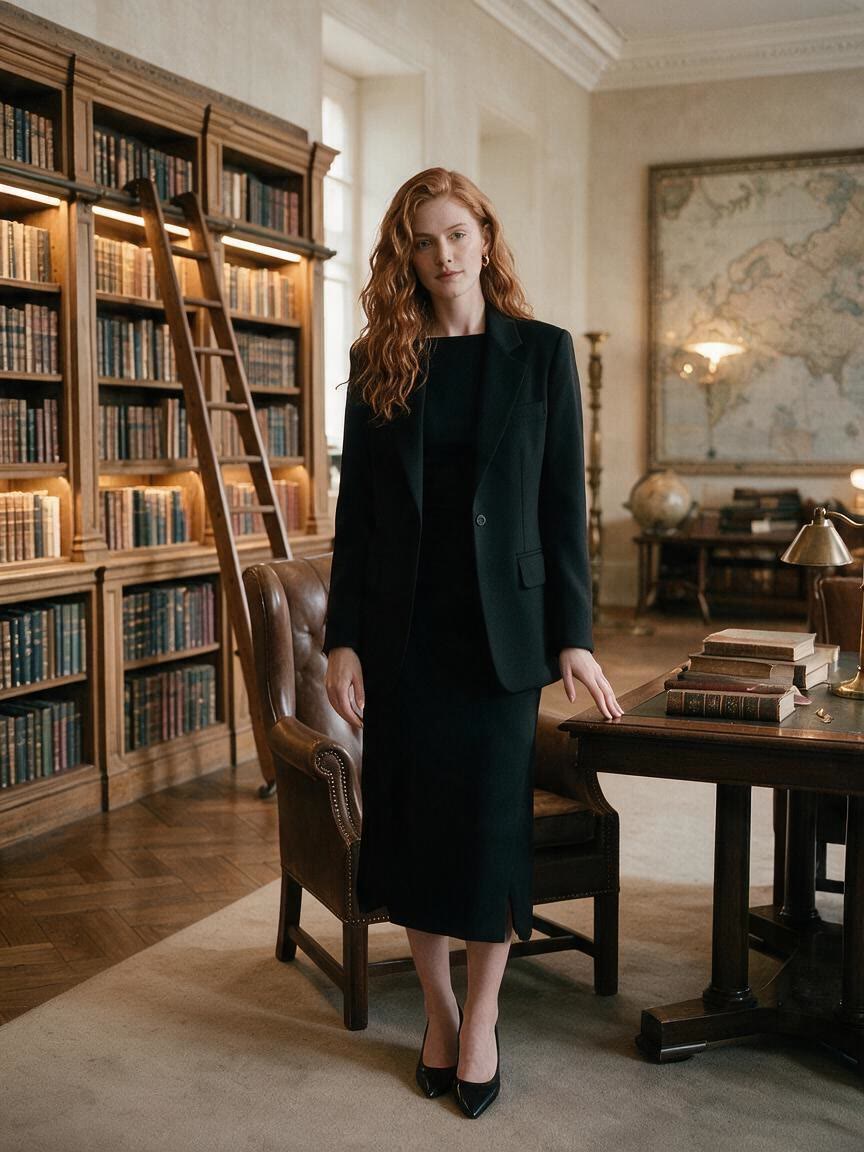
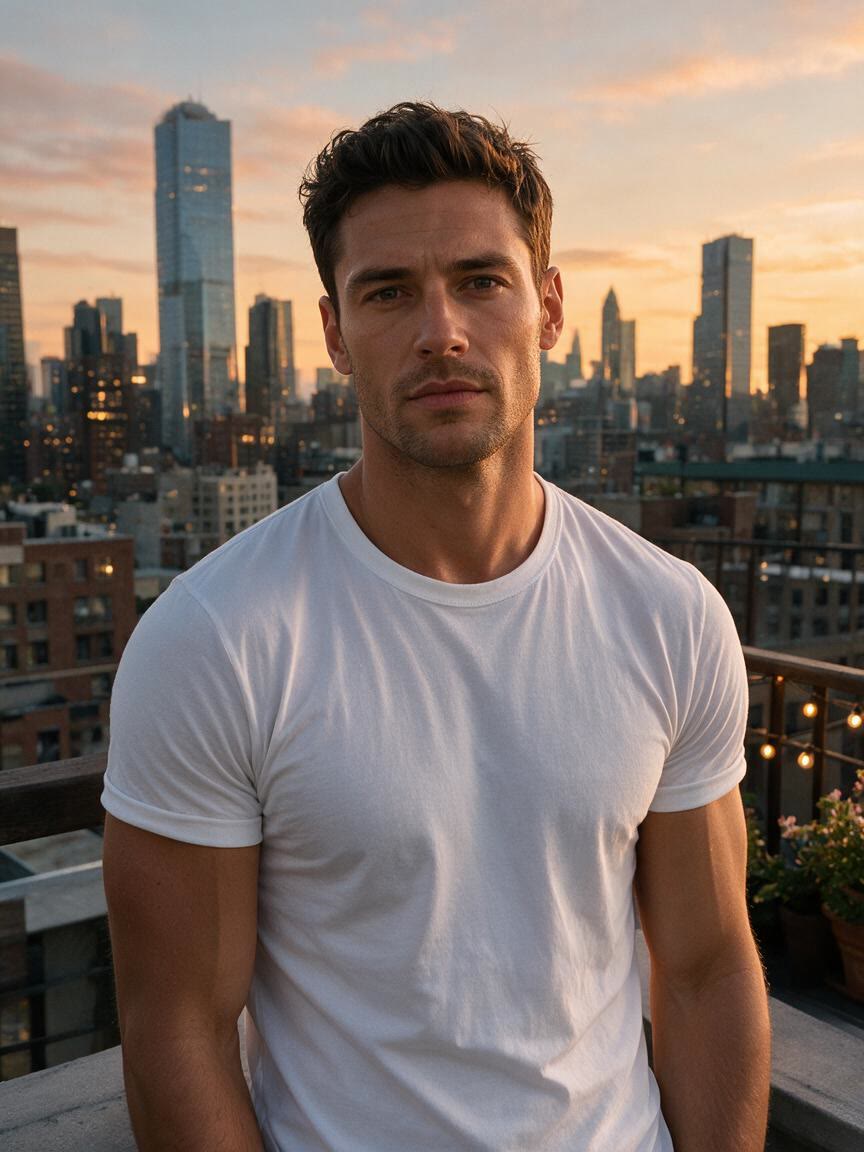
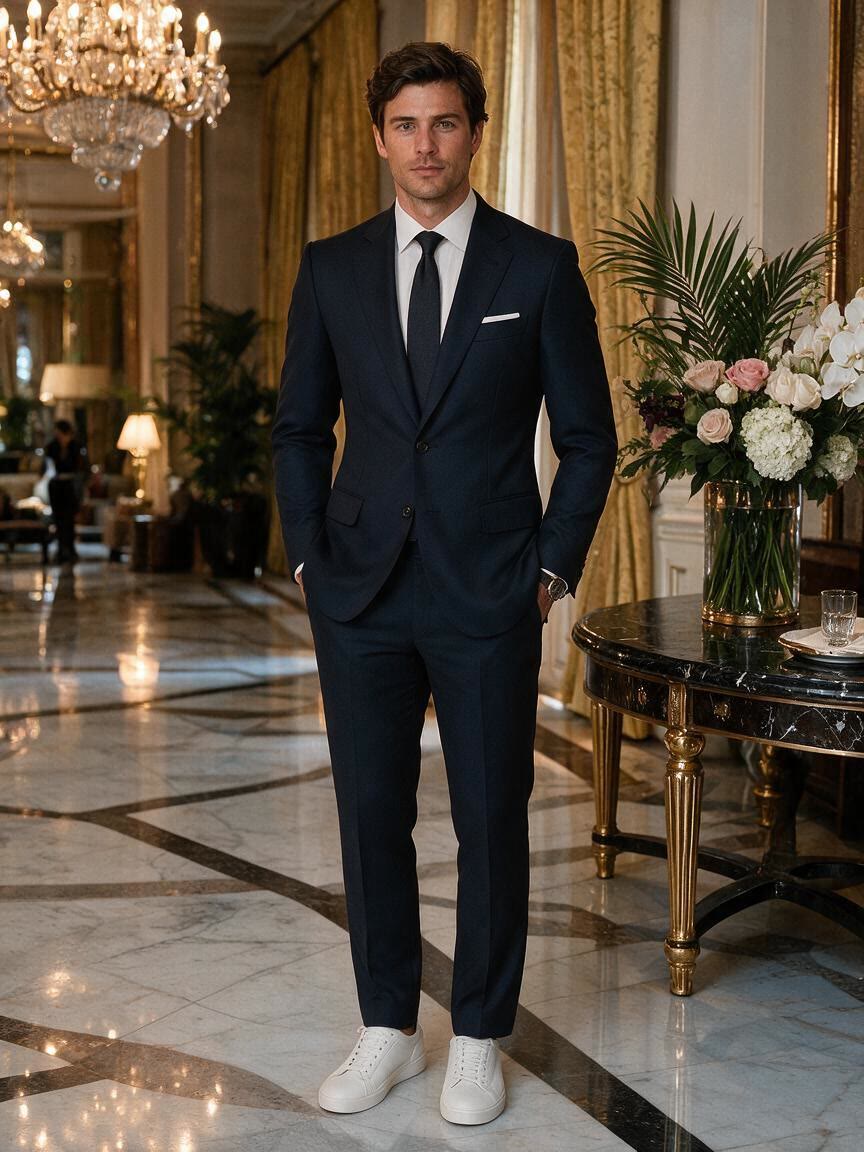
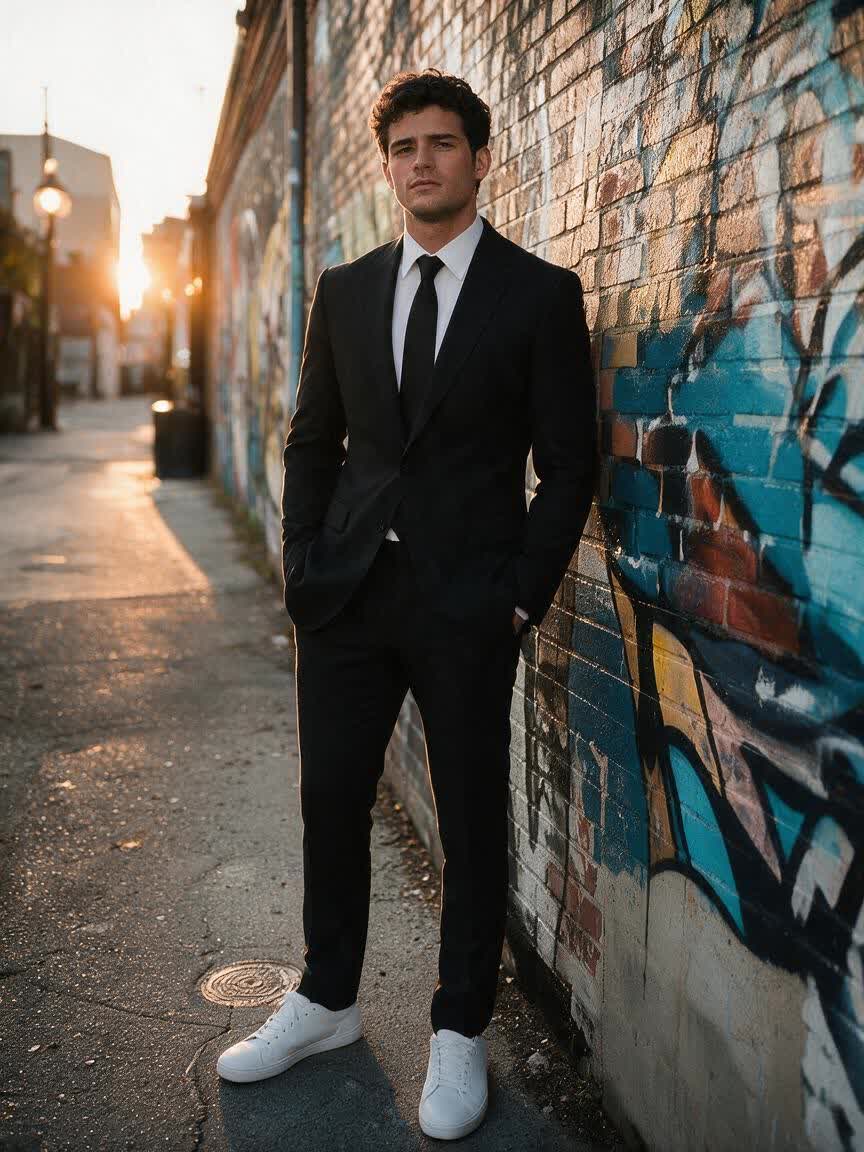
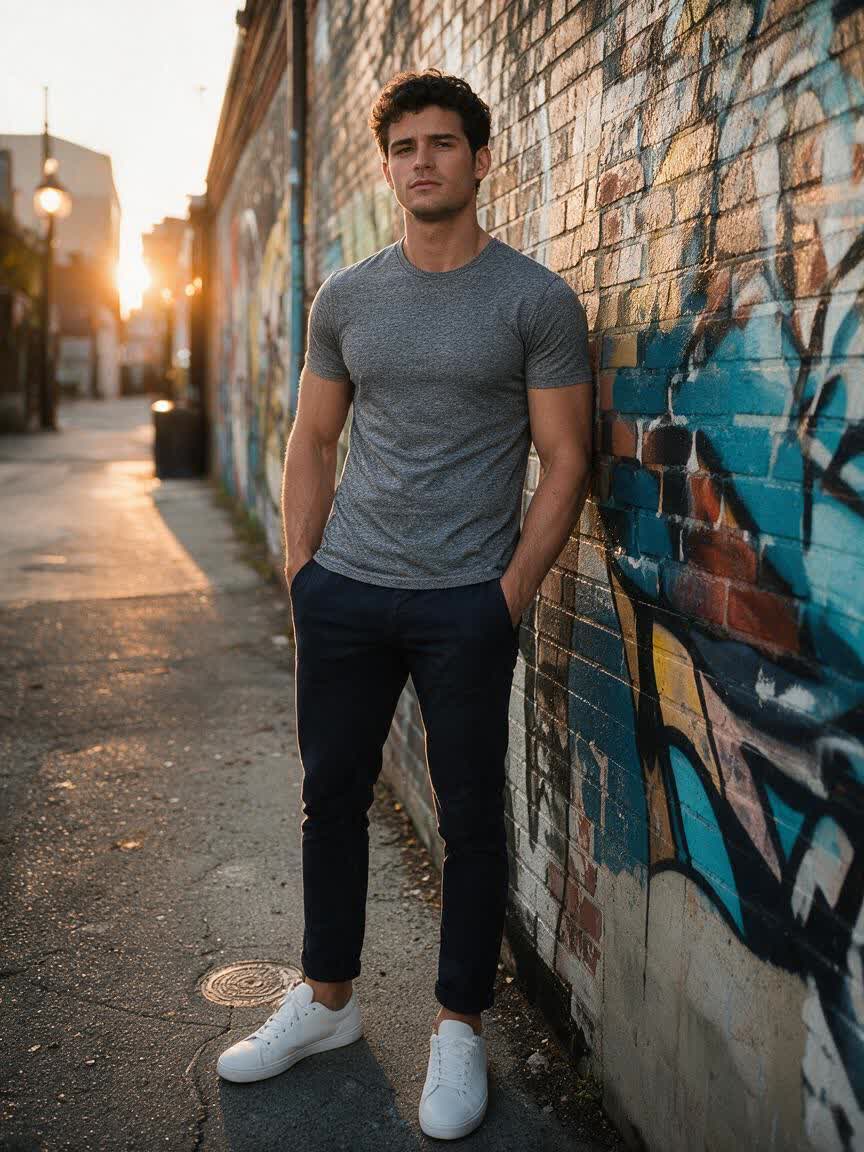
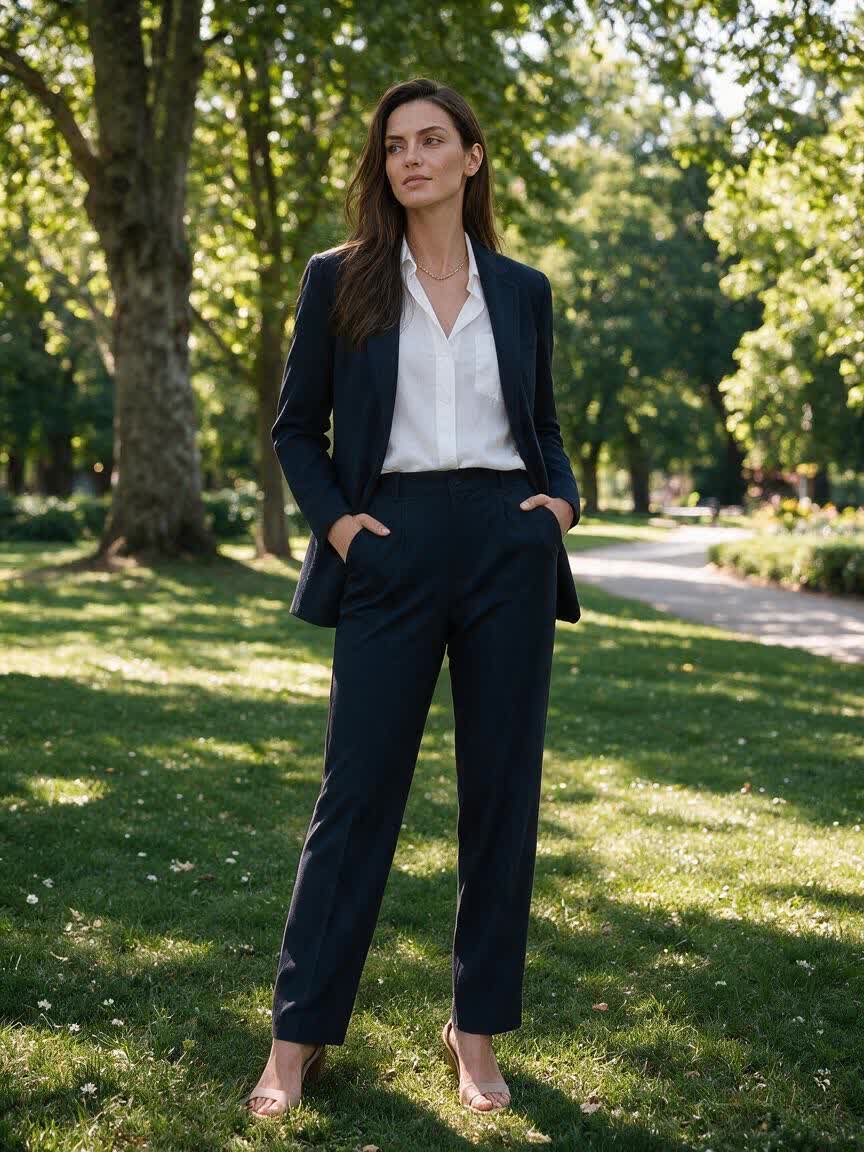
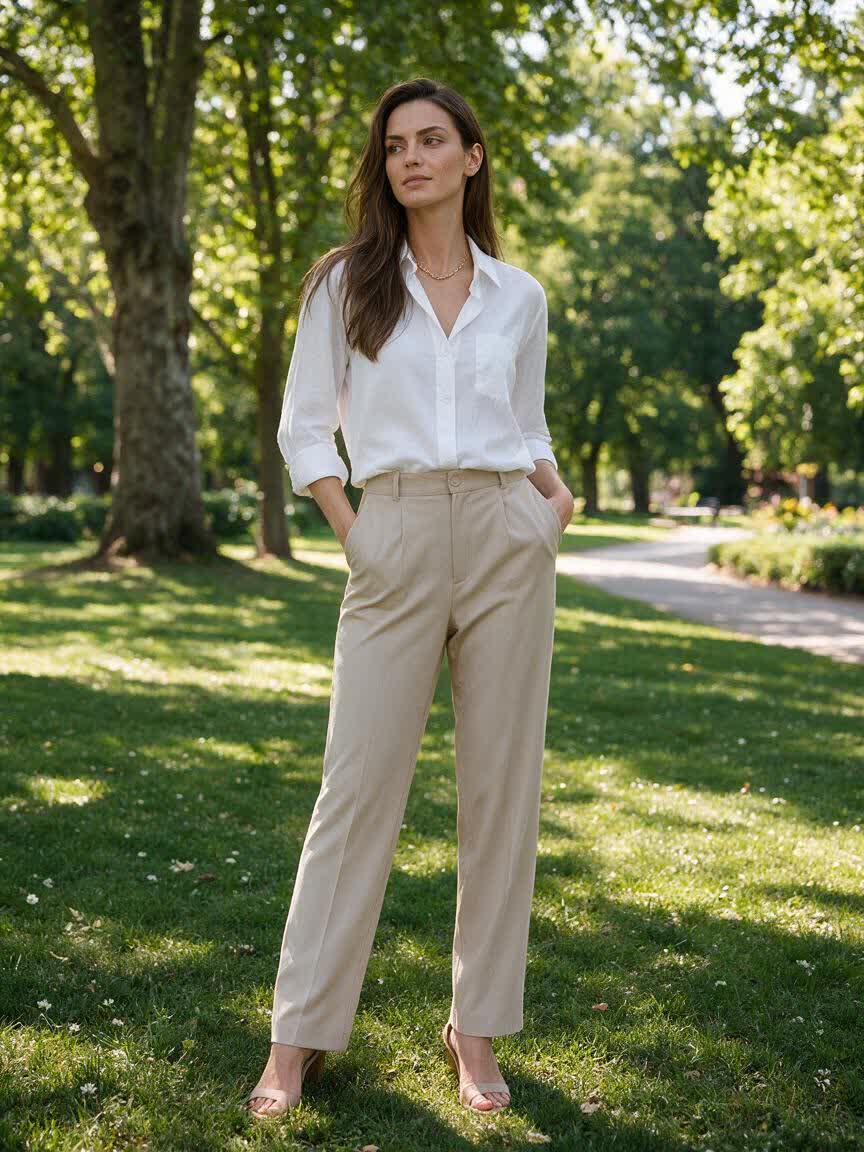
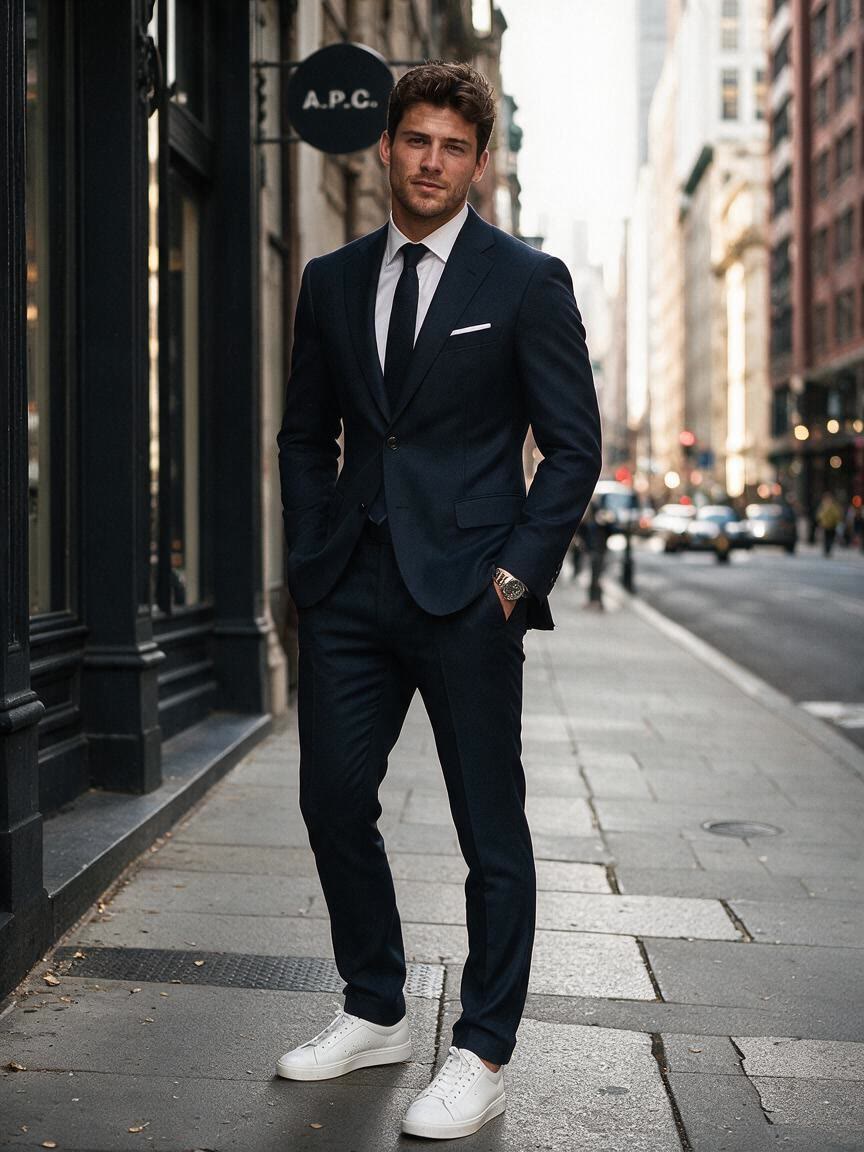
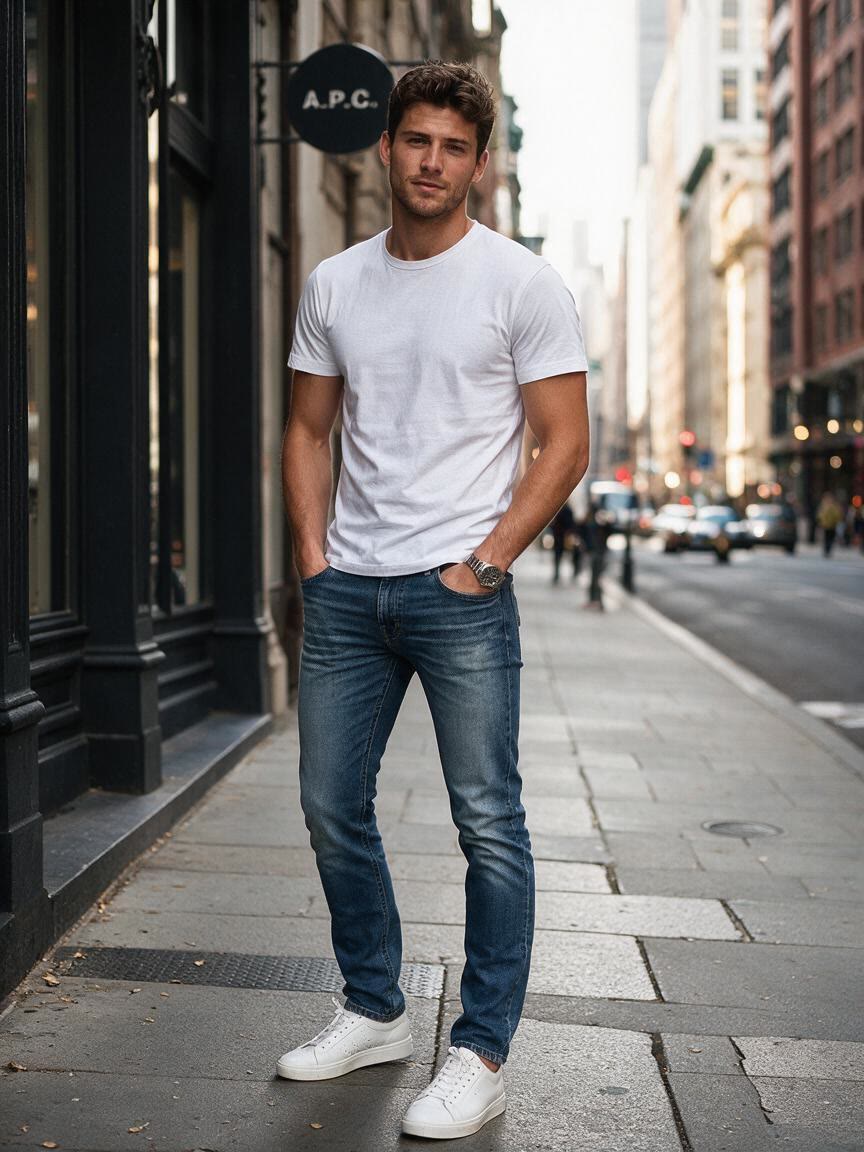
Portrait transformed with a tailored suit for a LinkedIn profile
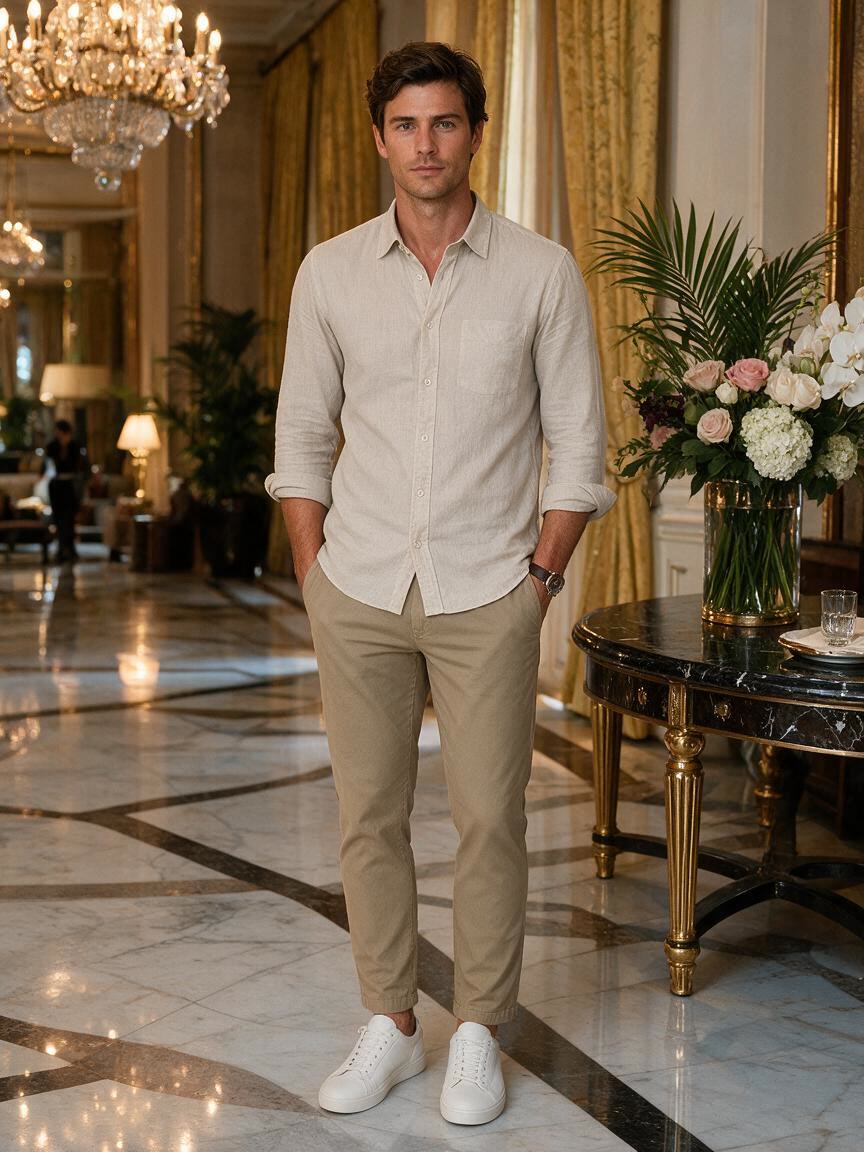
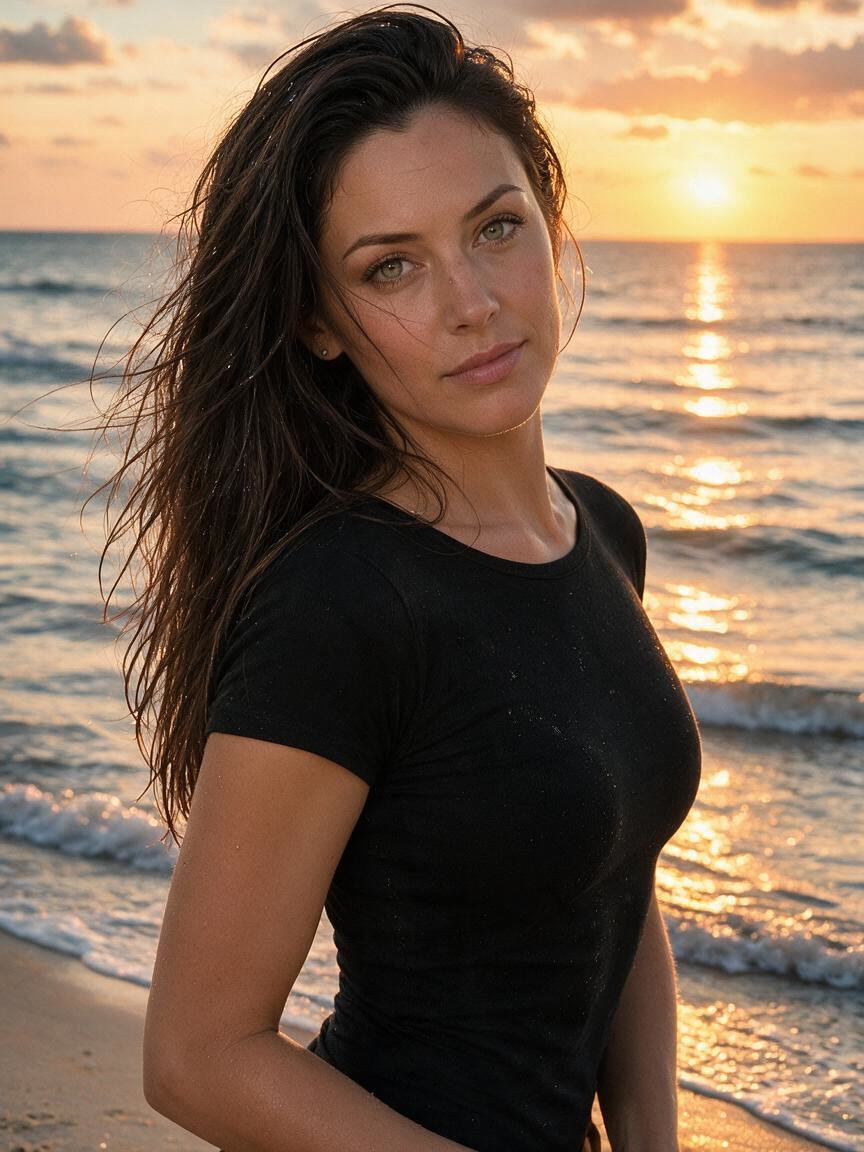
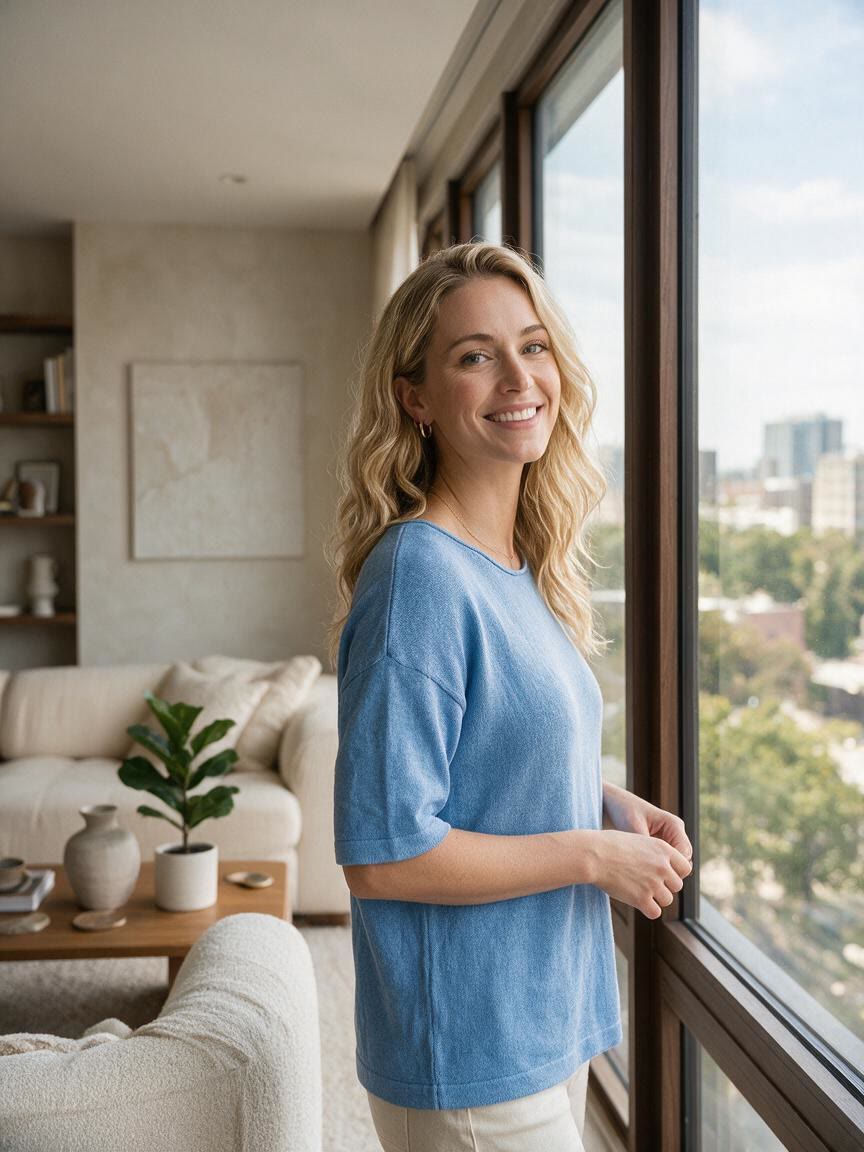
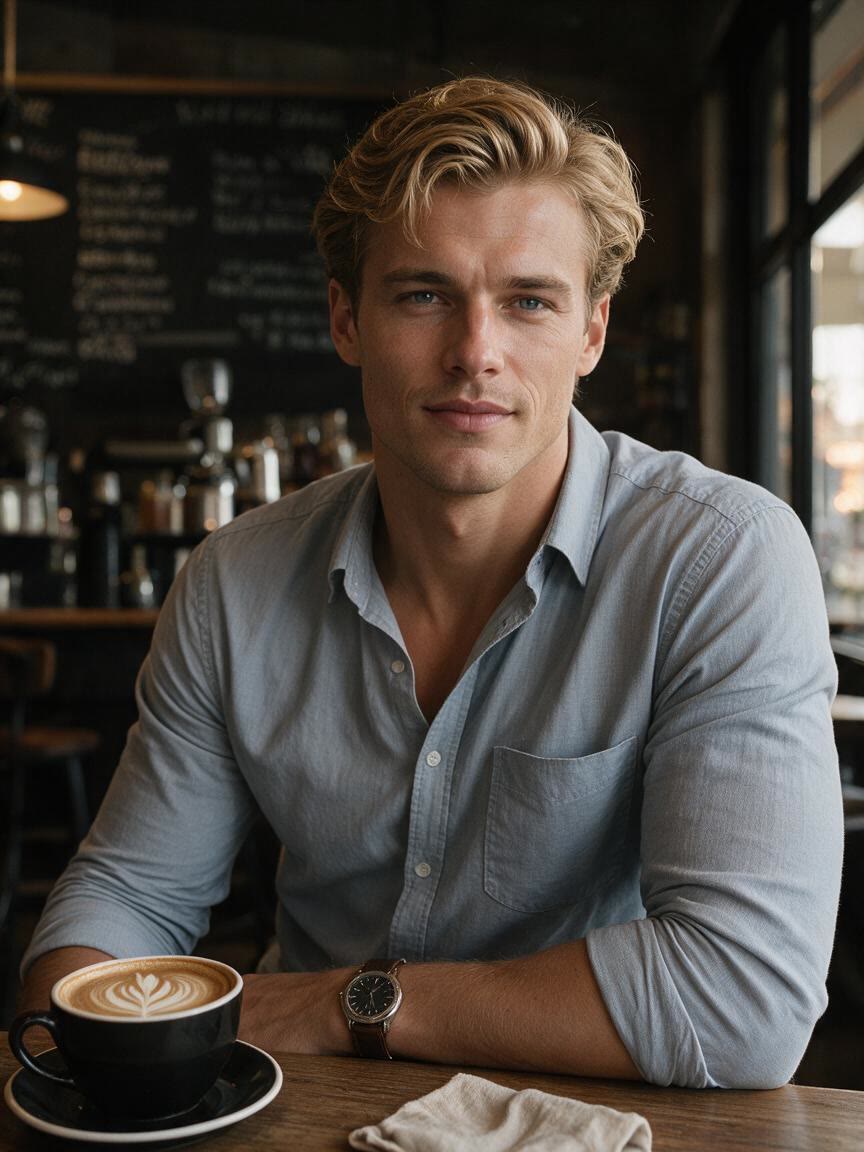
Before
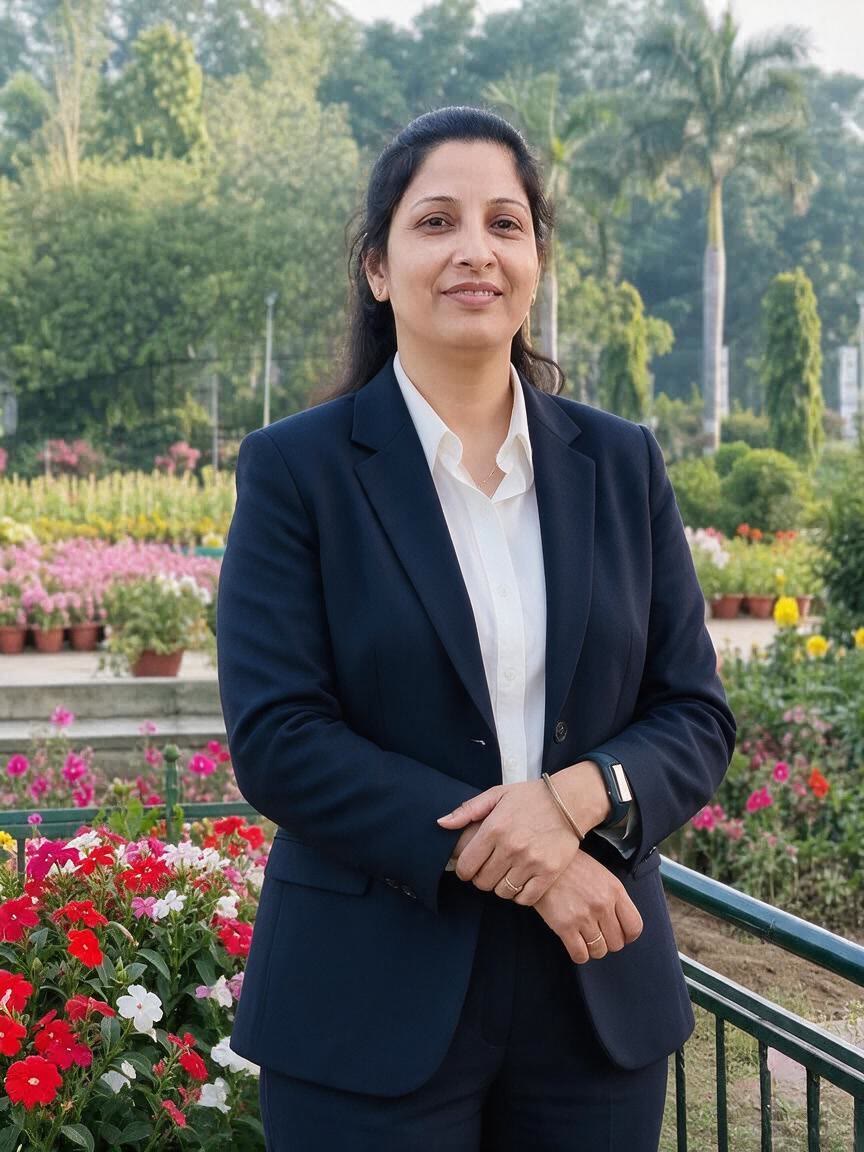
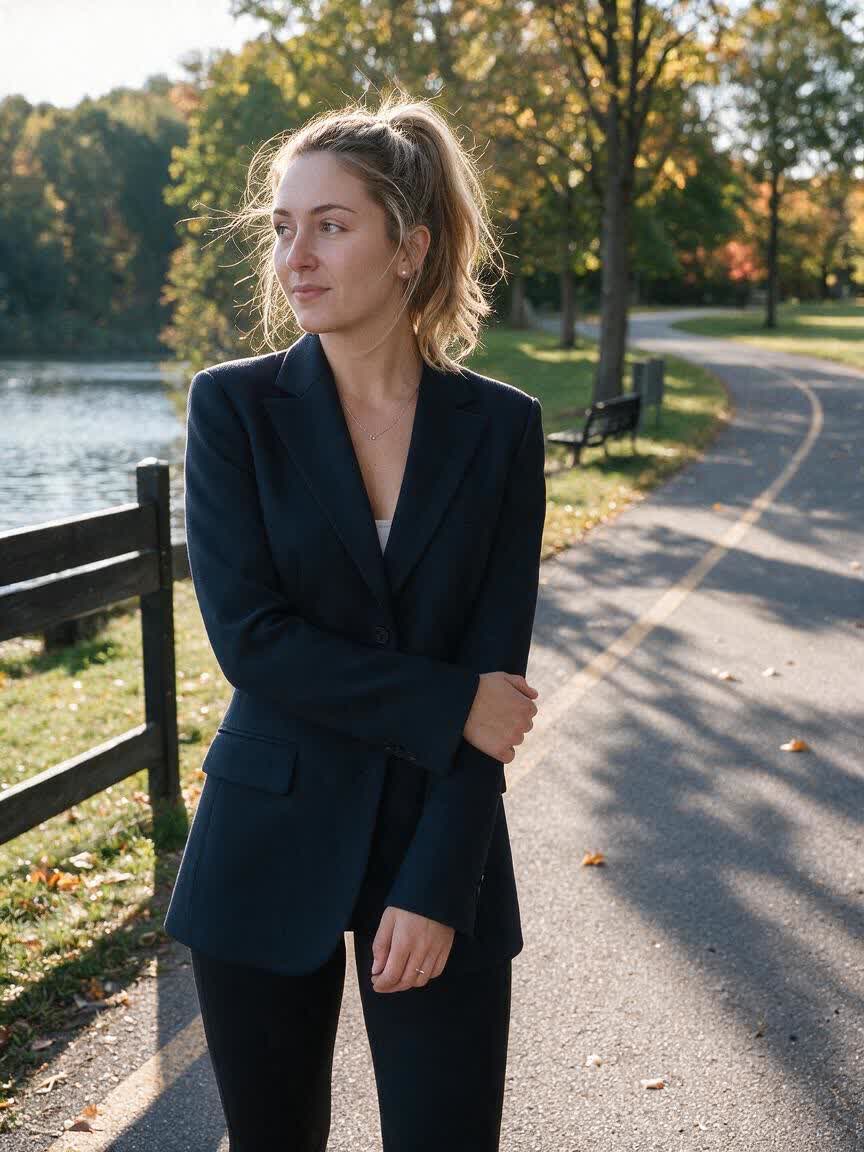
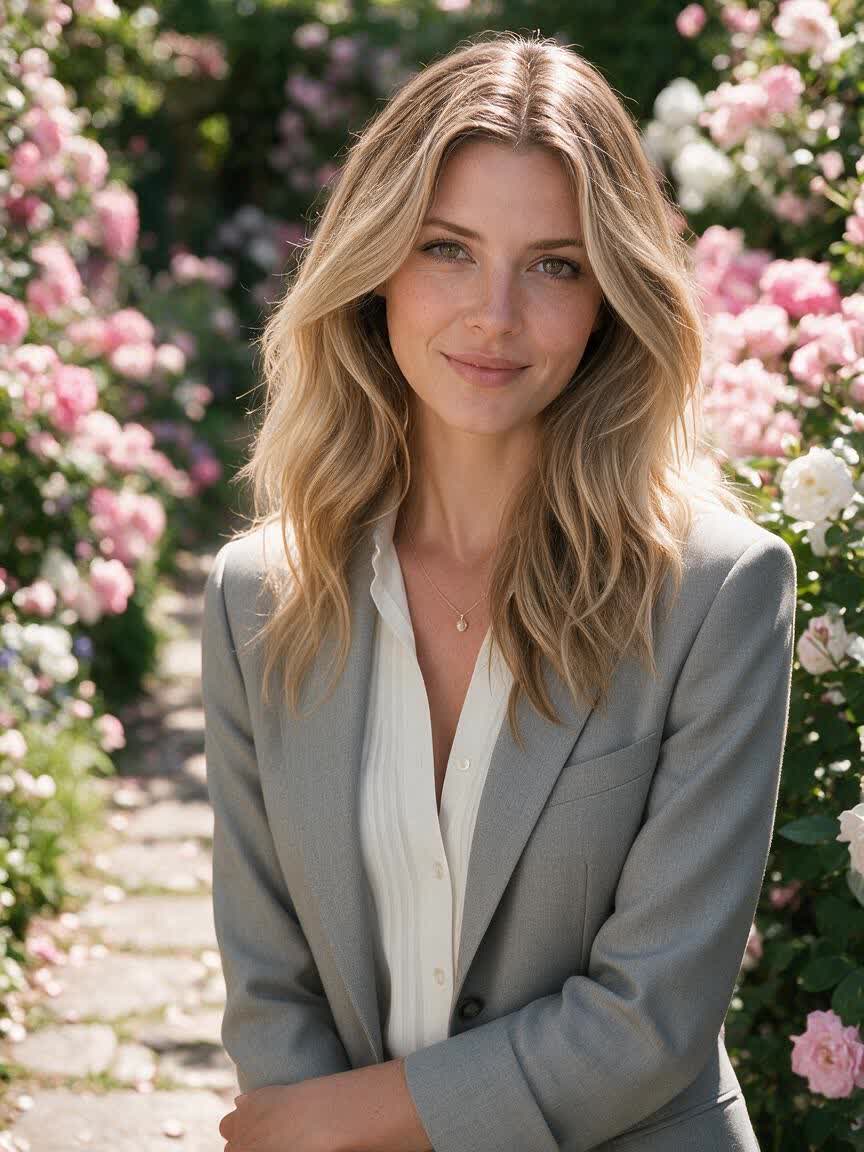
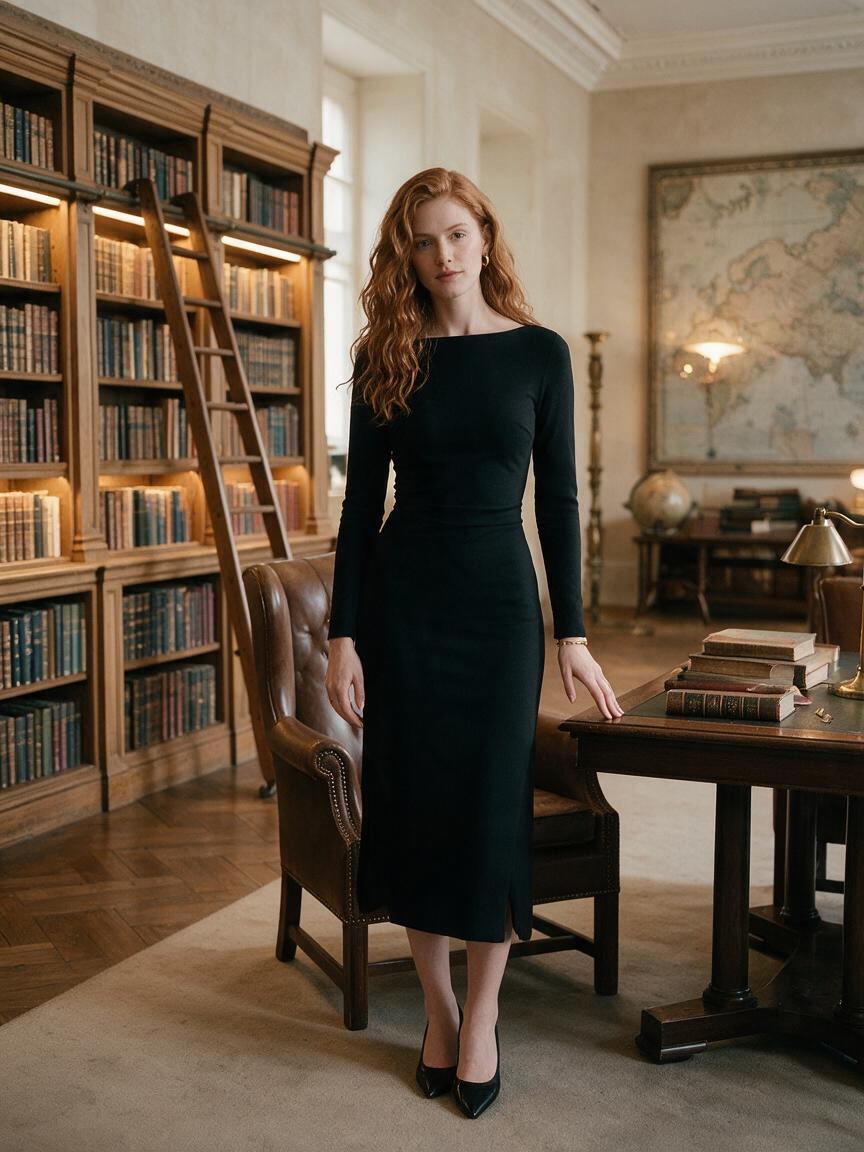
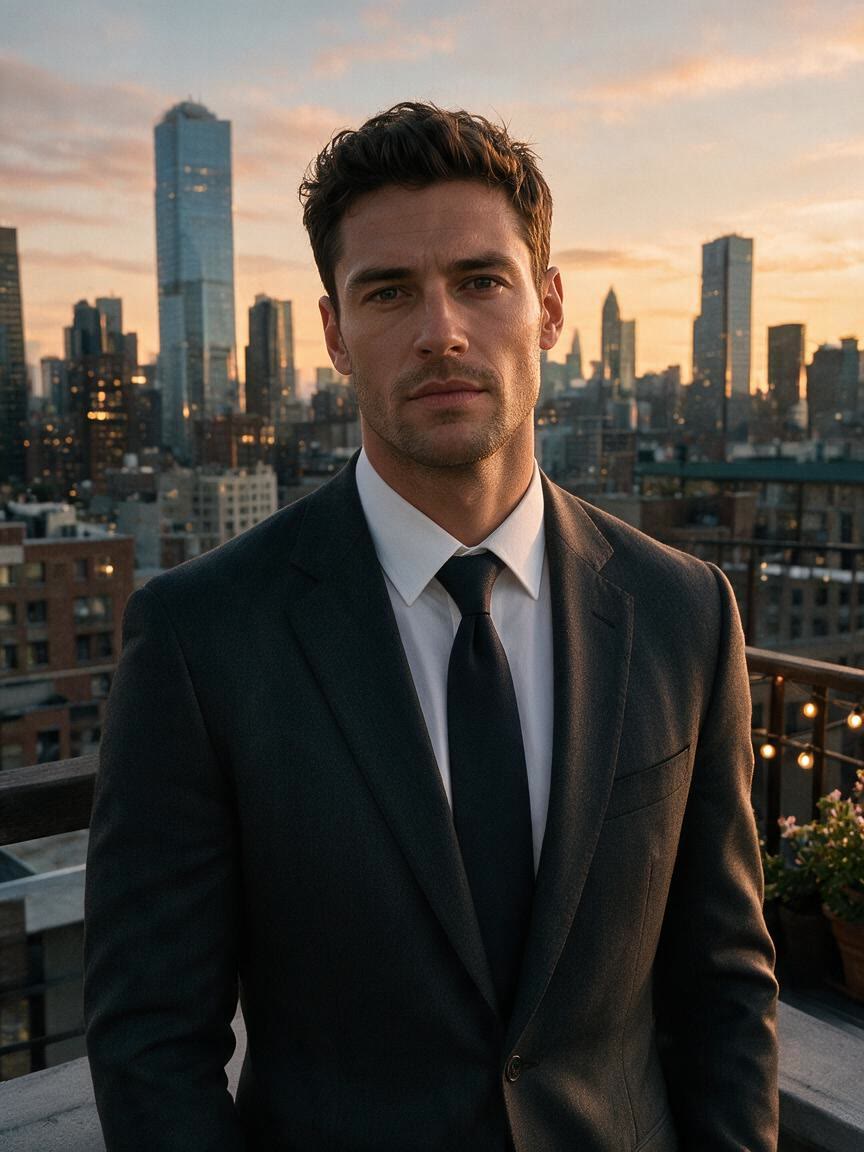
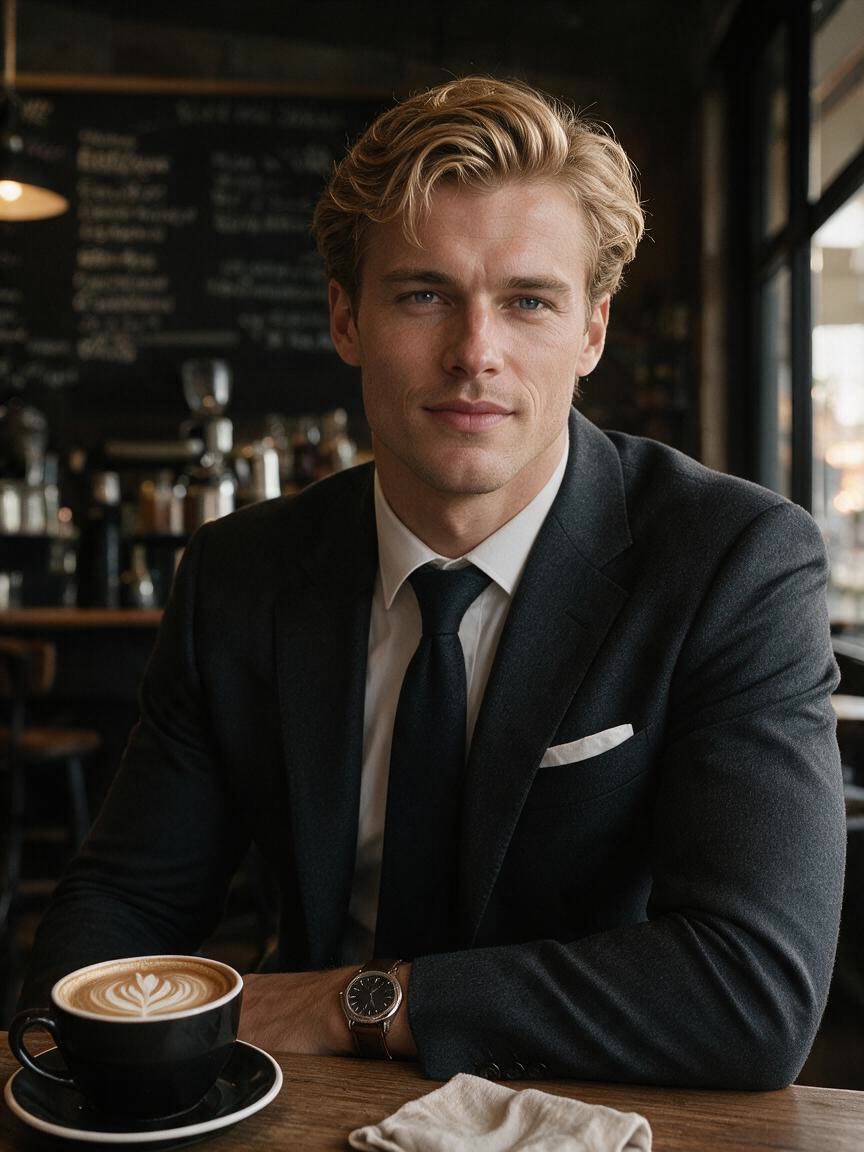
Professional portrait with a dark suit for a job application
After

Speed up creation with examples

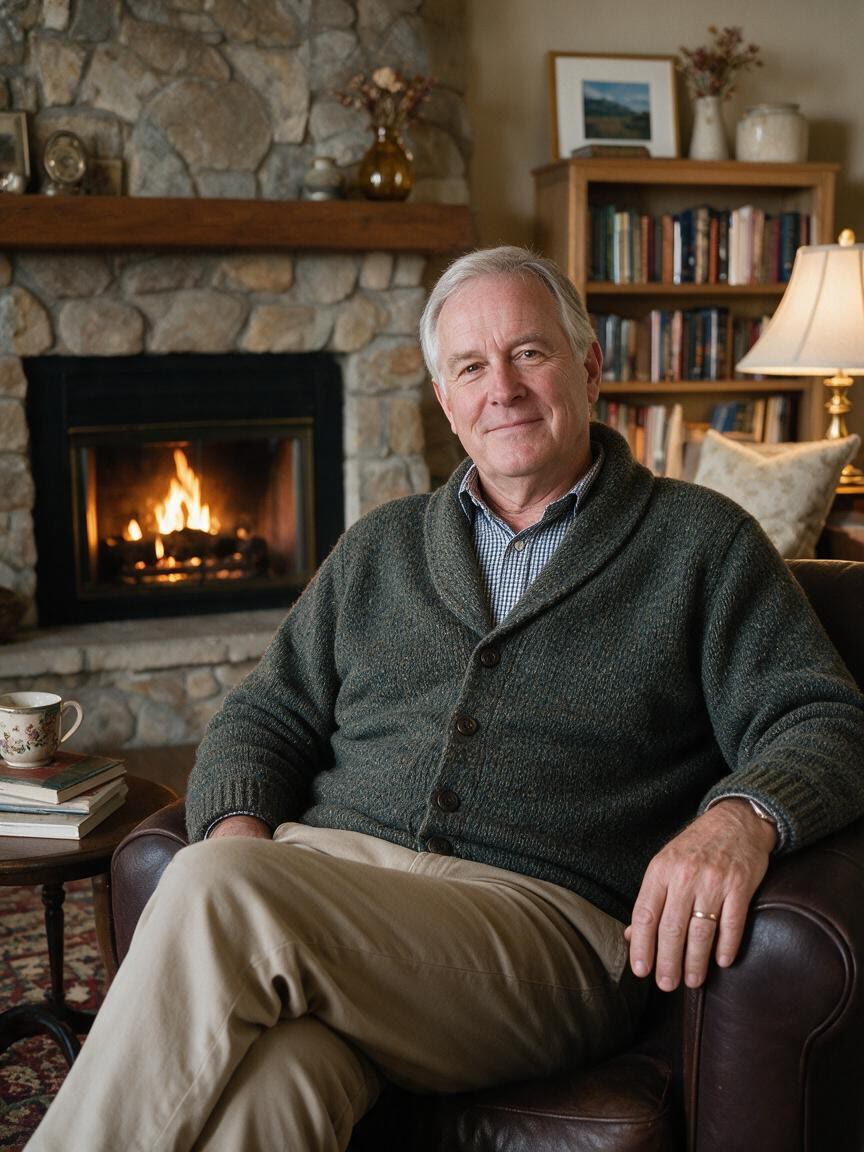
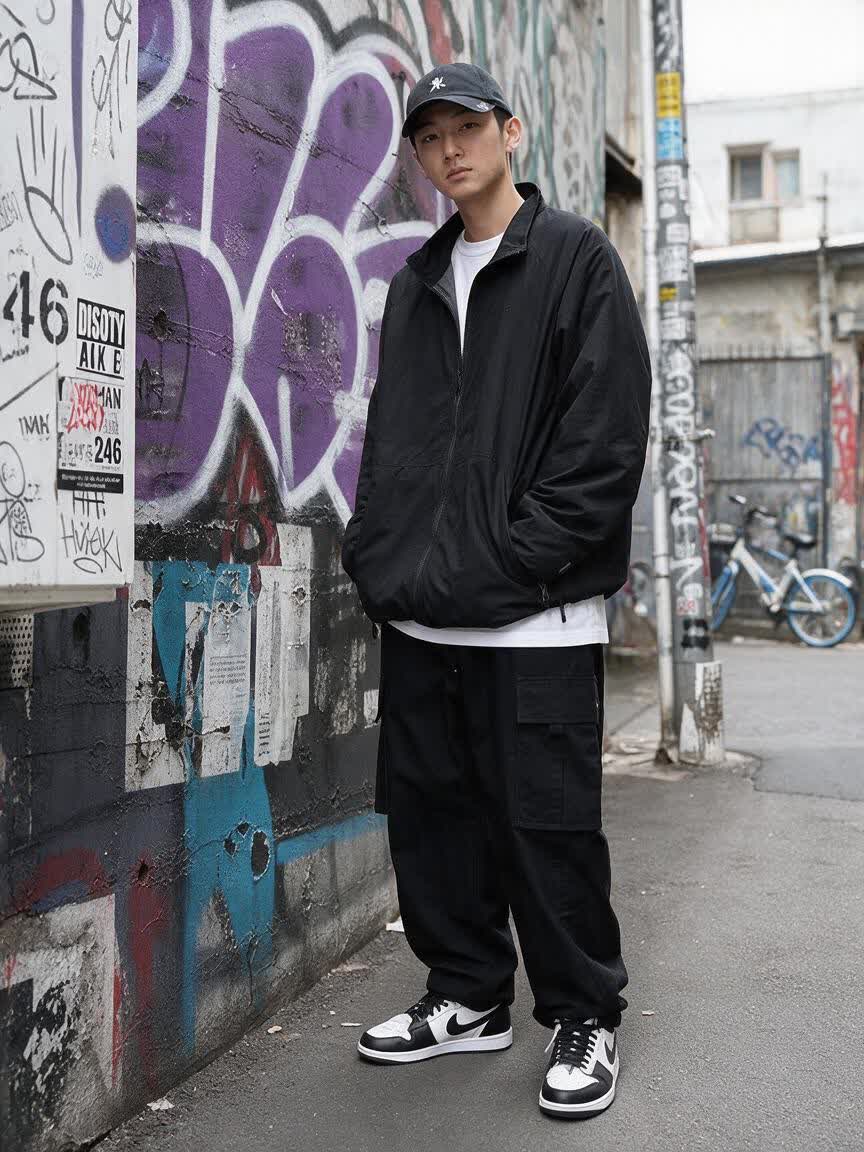
Portrait transformed with a tailored suit for a LinkedIn profile
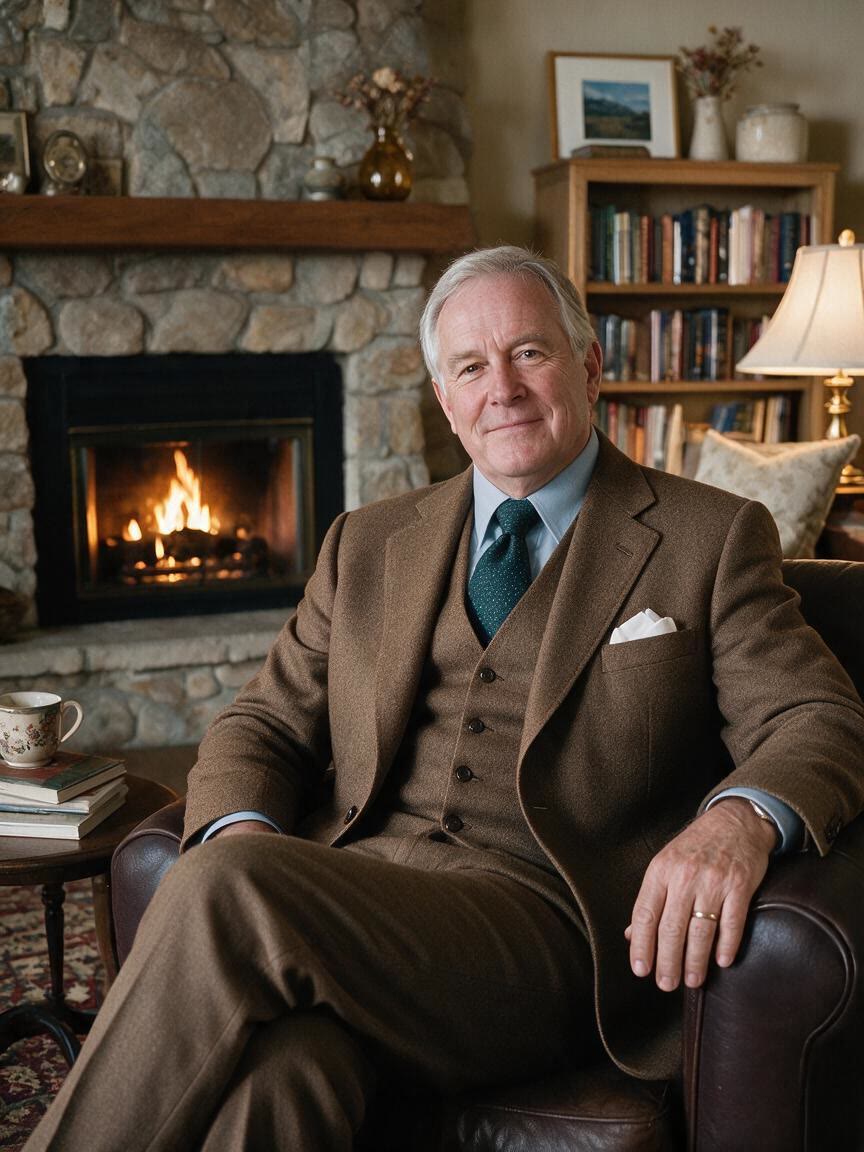
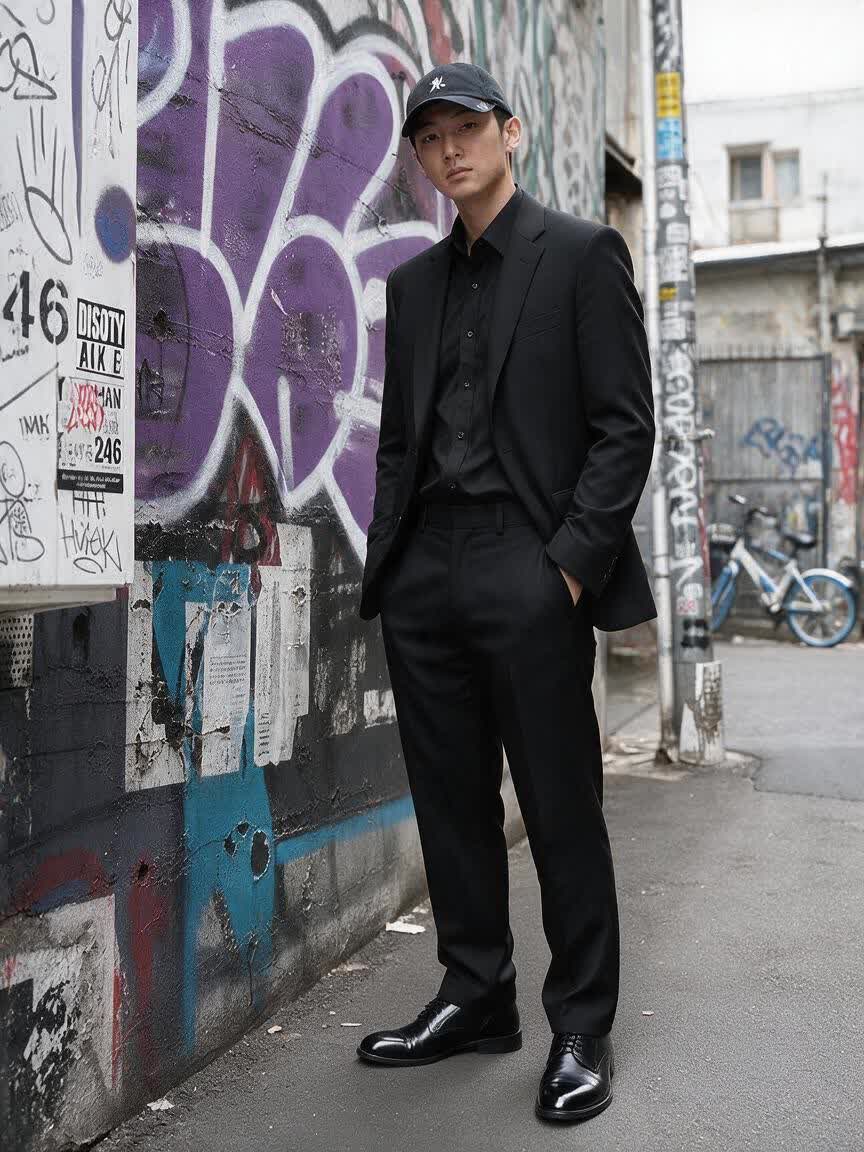
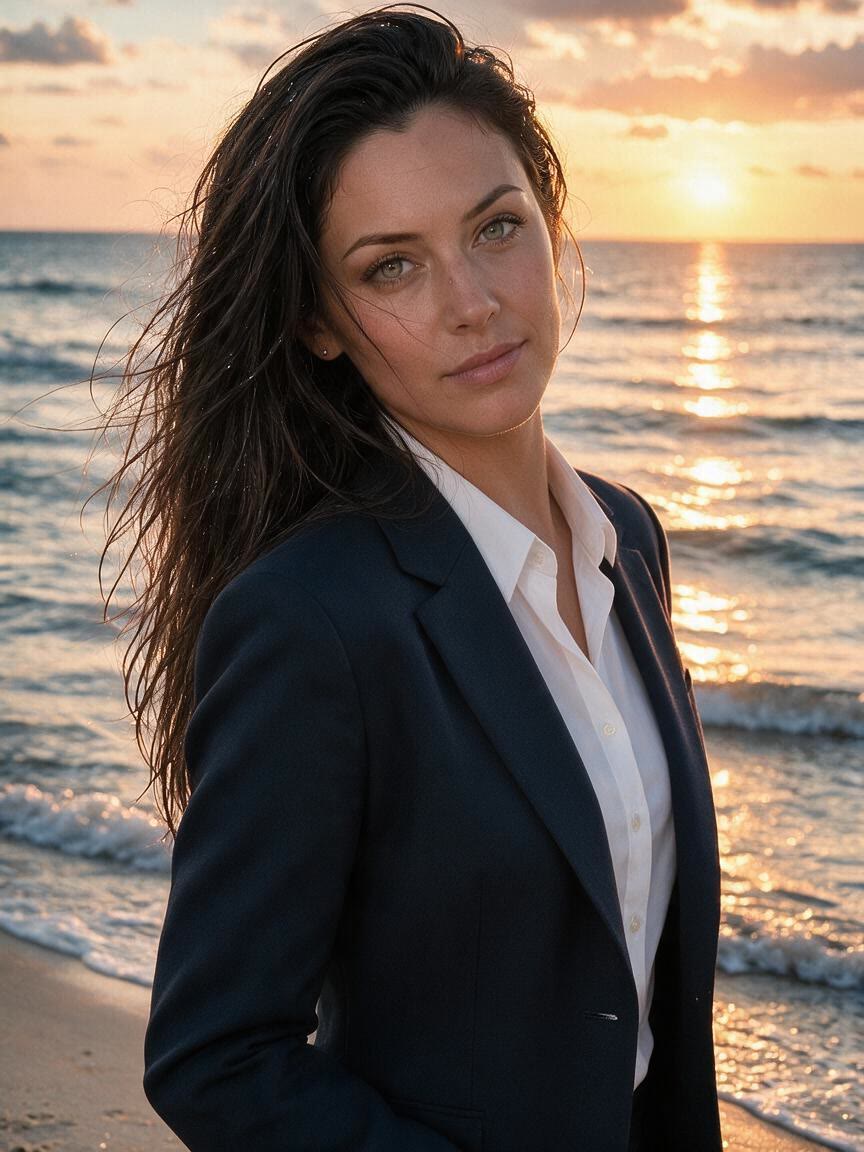
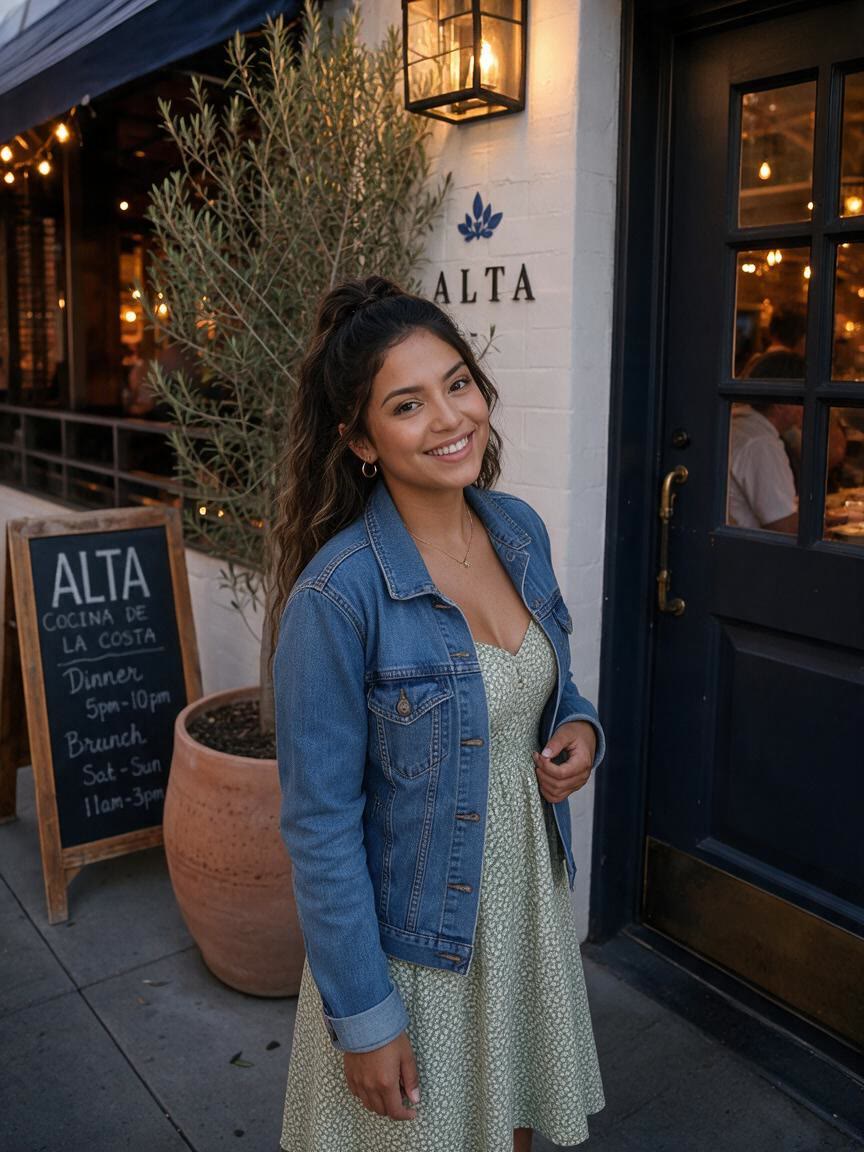
Professional portrait with a dark suit for a job application
Formal event portrait with a classic black suit
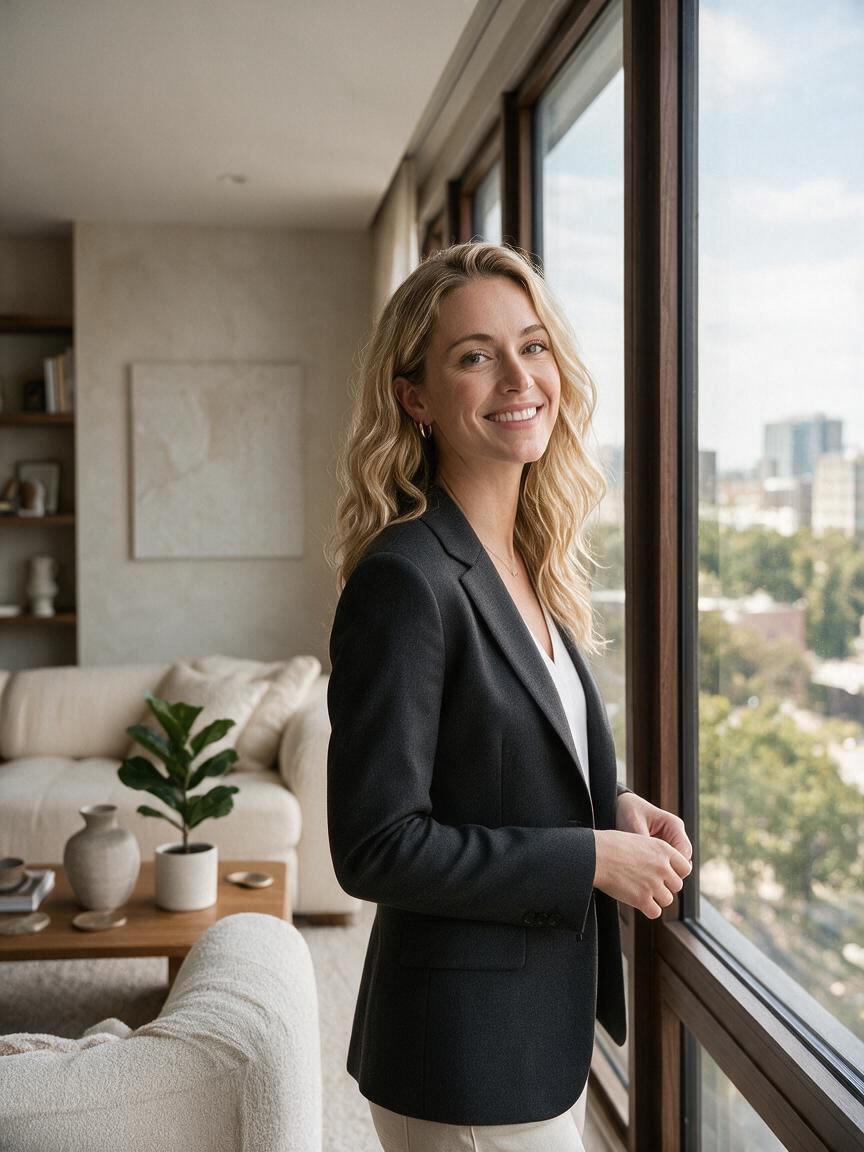
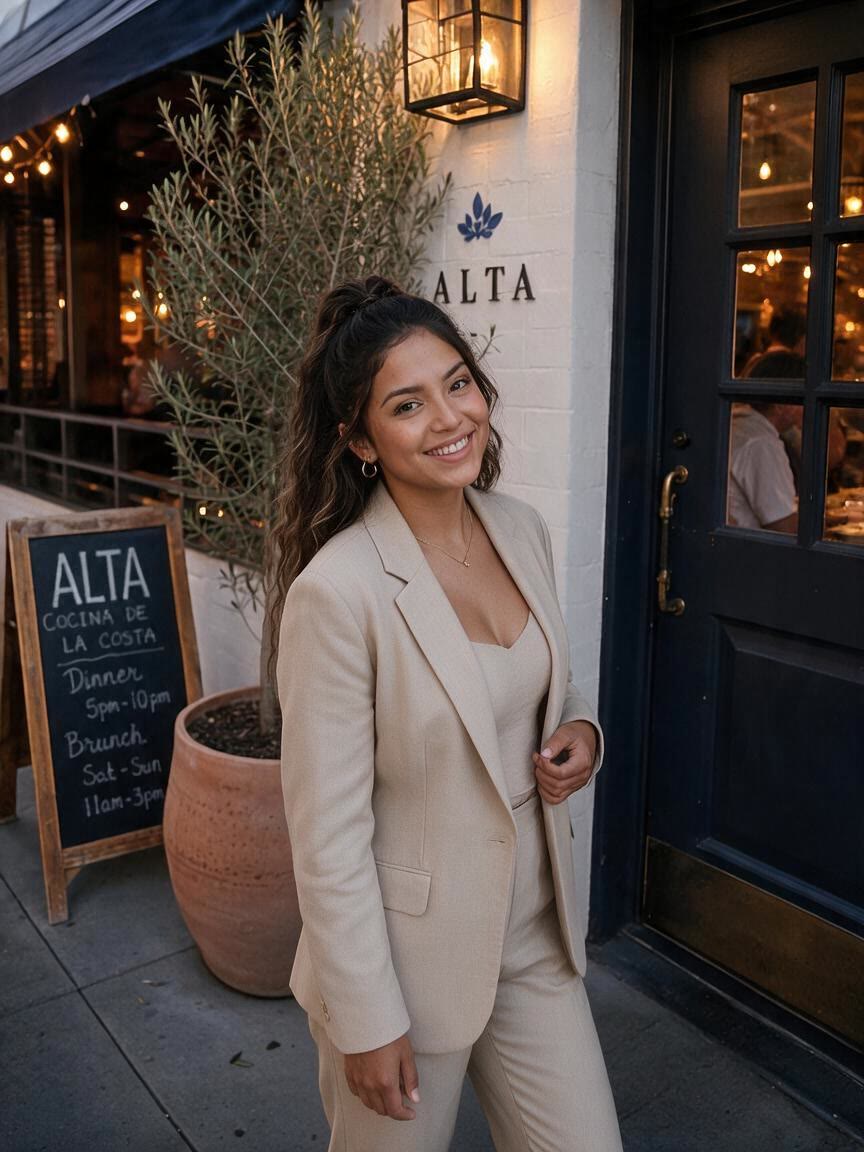
Dating profile portrait with a relaxed smart blazer
Social media portrait with a modern colored blazer
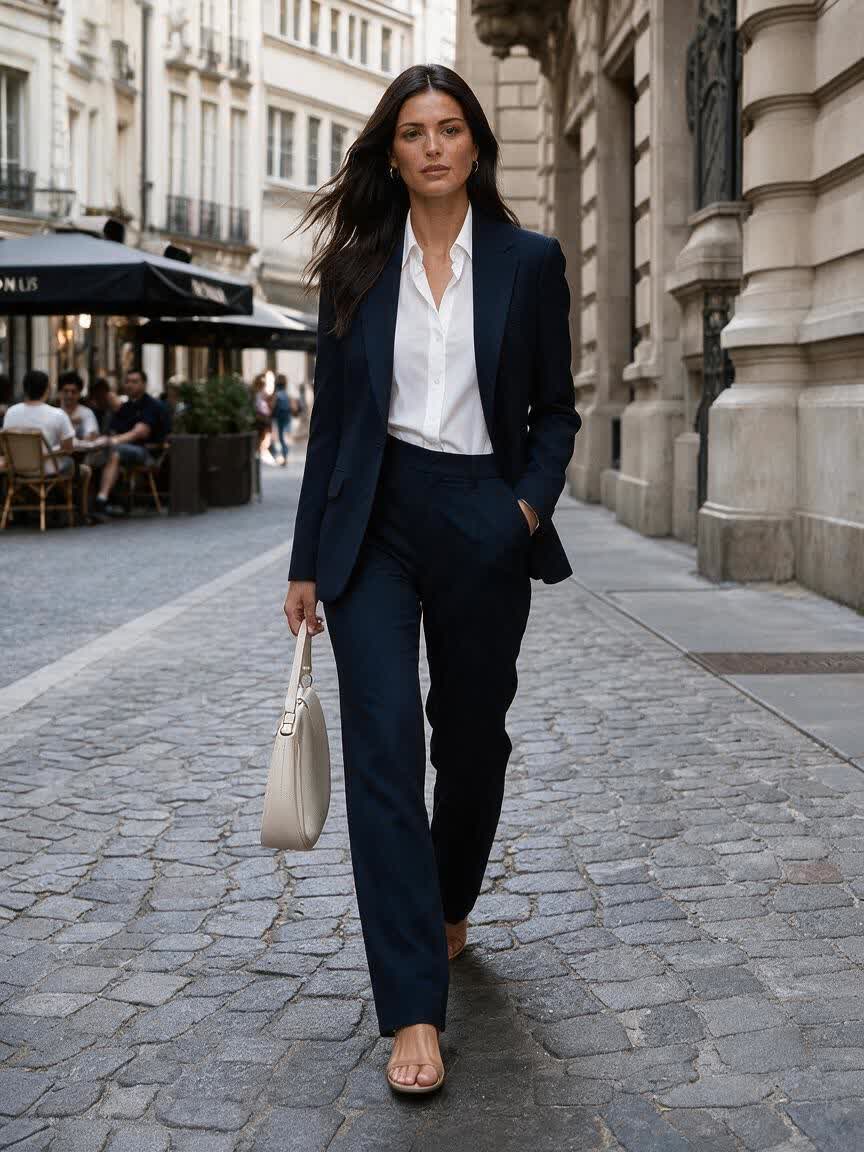
Executive portrait with a refined dark blue suit
Creative professional portrait with a textured blazer
Classic headshot with a timeless gray suit
Approachable formal portrait with a warm brown blazer
Modern portrait with a contemporary fitted suit
How people use Cavro

How People Use AI Suit Photos

Prepare Applications

Prepare Applications

When an application calls for a professional portrait, bring an existing head-and-shoulders photo and request a formal suit. Cavro turns that starting point into a polished option for reviewing before you submit it.

Try Cavro free
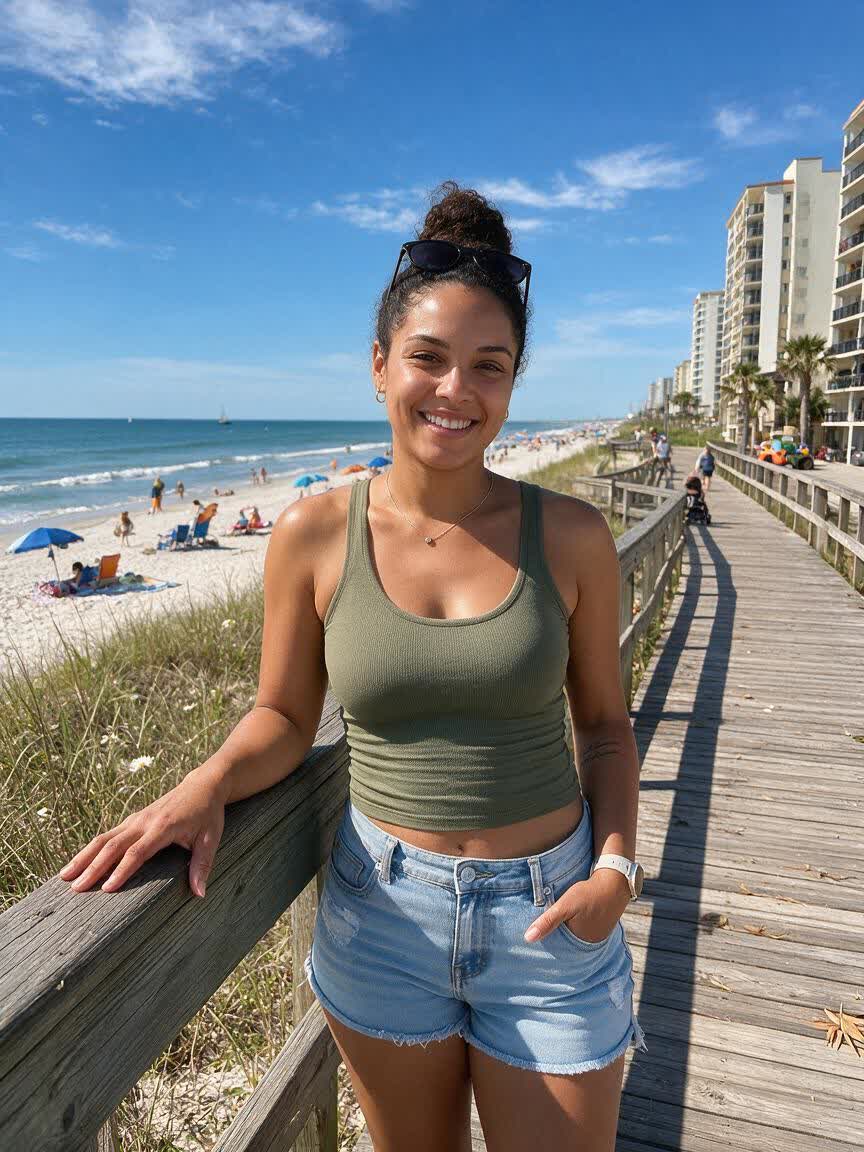
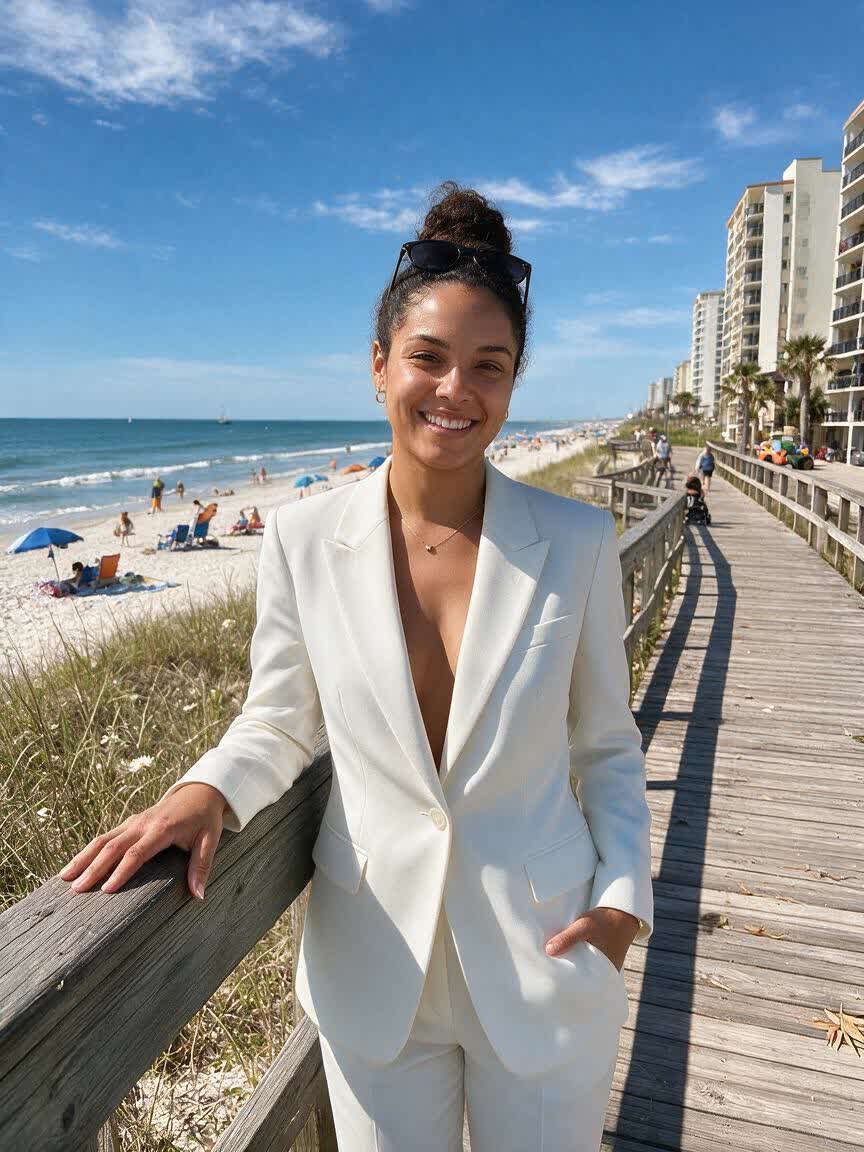
Refresh Your Profile

Refresh Your Profile

If your profile photo feels too casual, use your portrait to explore a blazer or business suit that better matches your professional goals. You come away with a more formal direction without arranging another shoot.

Try Cavro free
Dress For An Event

Dress For An Event

For an invitation, ceremony, or special announcement, start with a familiar photo and describe the level of formality you want. Cavro helps you visualize a dressed-up version suited to the occasion.

Try Cavro free
Why Use Cavro

Why Use Cavro for Suit Photos

Use Your Existing Portrait

Use Your Existing Portrait

You do not need to book a photo session before exploring a formal look. Bring the portrait you already have, describe the suit or blazer you want, and come away with a new direction built around that image.

Try Cavro free
Shape the Formal Style

Shape the Formal Style

A job application, LinkedIn profile, and formal event do not call for the same outfit. Specify the color, cut, shirt, or level of formality so the generated image matches the setting you have in mind.

Try Cavro free
Refine Without Restarting

Refine Without Restarting

A first result may be close without being exactly right for your profile or application. Continue refining the outfit in the same conversation and generate another version instead of starting over.

Try Cavro free
Perfect proof

What our users say

  • I had no idea which style I wanted until I tried Cavro. It built a wall of striking ideas around my own taste, and the artist I took one to was surprised.

    Leo V.
  • I posted a reveal video made with Cavro on TikTok and it passed 20,000 views. The result looked so real that people thought I had actually gone and got it.

    Darius C.
  • Cavro let me preview the idea on my own body before deciding. It kept me away from a couple of bad ones and led me to a design I genuinely like.

    James P.
  • Cavro changed the way I brainstorm with clients. We generate options in seconds and start refining straight away. It is part of my daily work now.

    Mia R.
  • I used Cavro to build a sleeve concept that blends Japanese motifs with geometric lines. It generated so fast, and the result went well past what I expected.

    Hana S.
  • I wanted something meaningful and delicate for my wedding. Cavro gave me elegant, personal options, my artist customised one, and I am really happy with it.

    Zoey T.
Answers

Common questions

Can I use Cavro to add a suit to a photo online for free?

You can start with an existing portrait and describe the suit or blazer you want Cavro to create. Results are billed per credit, and there is no mandatory subscription.

What kind of photo works for an AI add suit to photo edit?

Use a clear portrait where your face, shoulders, and upper body are visible. A straightforward pose gives your reference photo more useful context for a formal outfit edit.

Can I choose different suit colors and styles?

Yes, describe the color, suit or blazer style, shirt, and level of formality you want. You can refine the result and generate another version in the same conversation.

Will my face and pose remain in the edited photo?

Your uploaded photo guides the image creation, so describe the outfit change while using a portrait with a clear face and visible upper body. Review the result and request refinements if you want a different formal look.

Can I use a blazer instead of a full suit?

Yes, ask for a blazer and specify the style, color, shirt, or setting you have in mind. This makes it possible to explore anything from smart-casual profile clothing to more formal businesswear.

Play with an idea. Leave with an image.

Creators worldwide are turning “just an idea” into expensive-looking images.

Try Cavro free