









Compare Before Buying
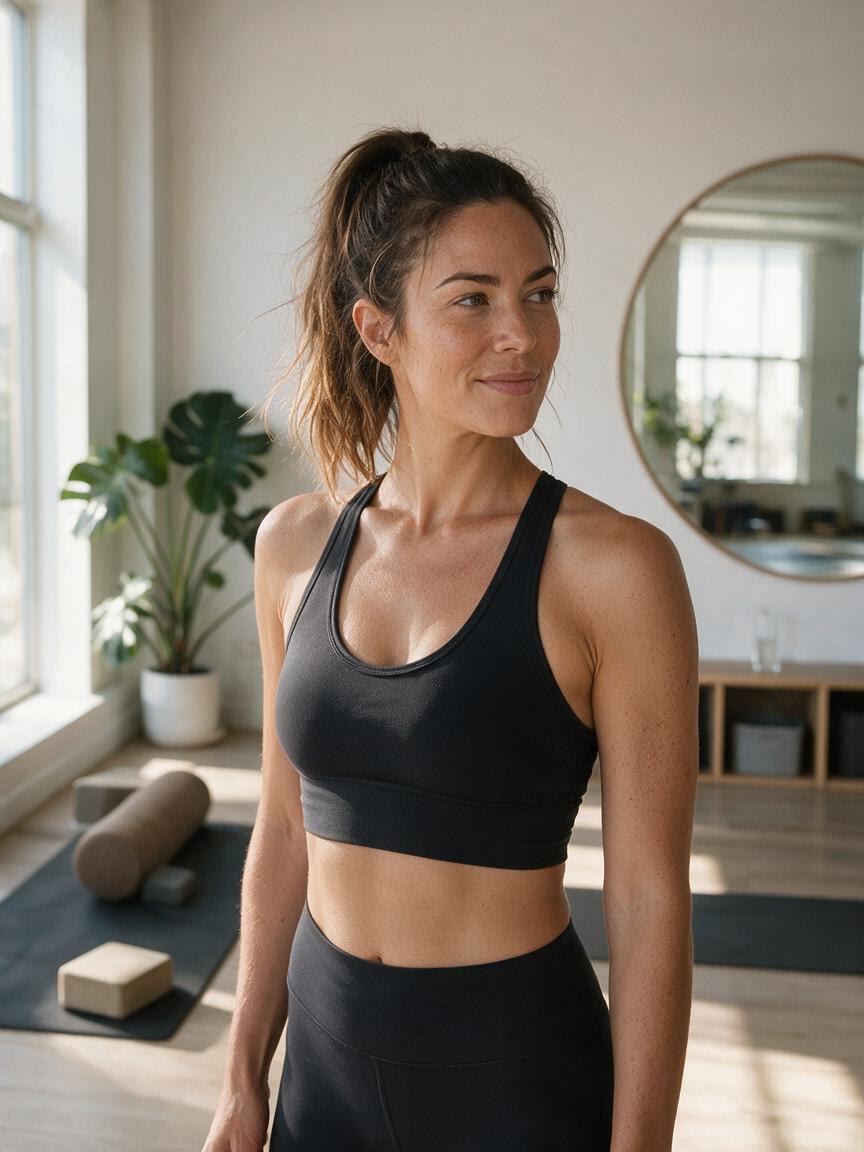
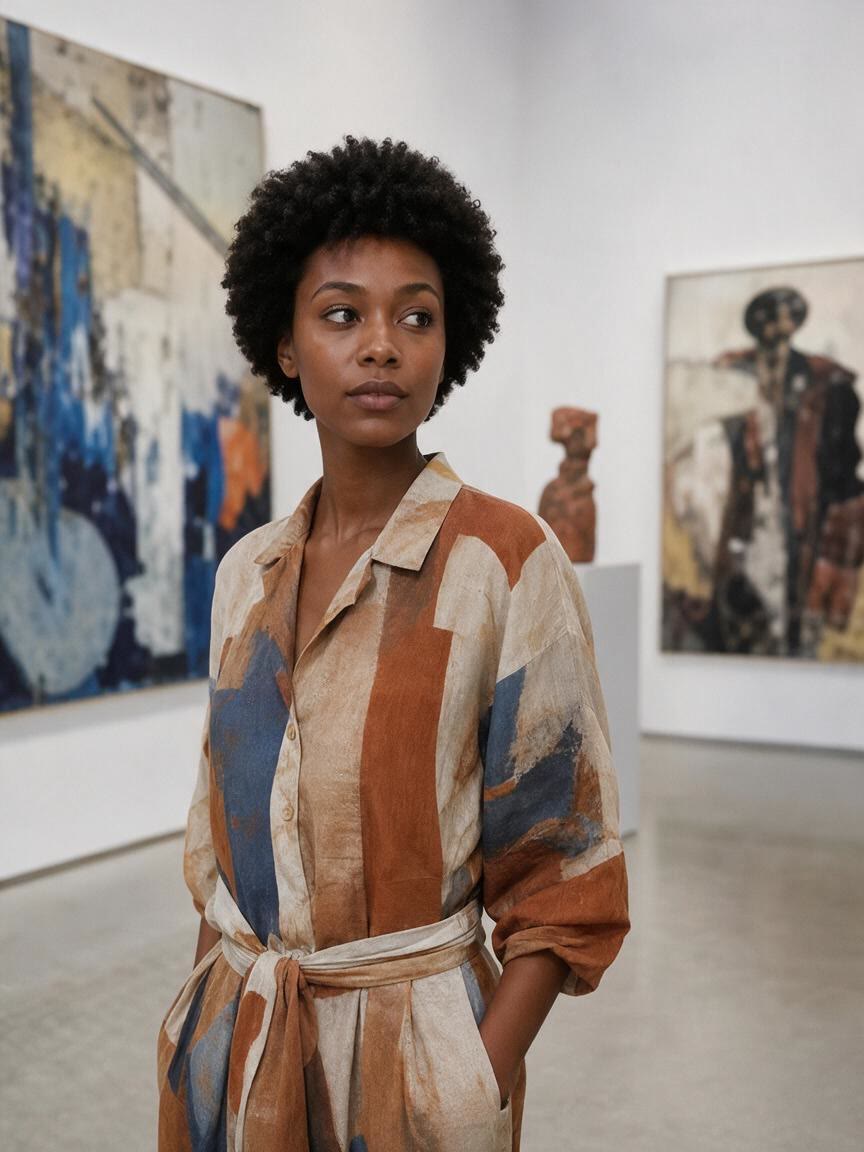
Online shoppers can bring a personal portrait instead of judging frames from generic product images. Generate several styles to compare how each glasses direction changes the look.
Try Cavro freePreview classic frames, bold sunglasses, and fresh eyewear looks on your own photo. Cavro helps shoppers, optical practices, eyewear brands, and creators explore ideas visually.








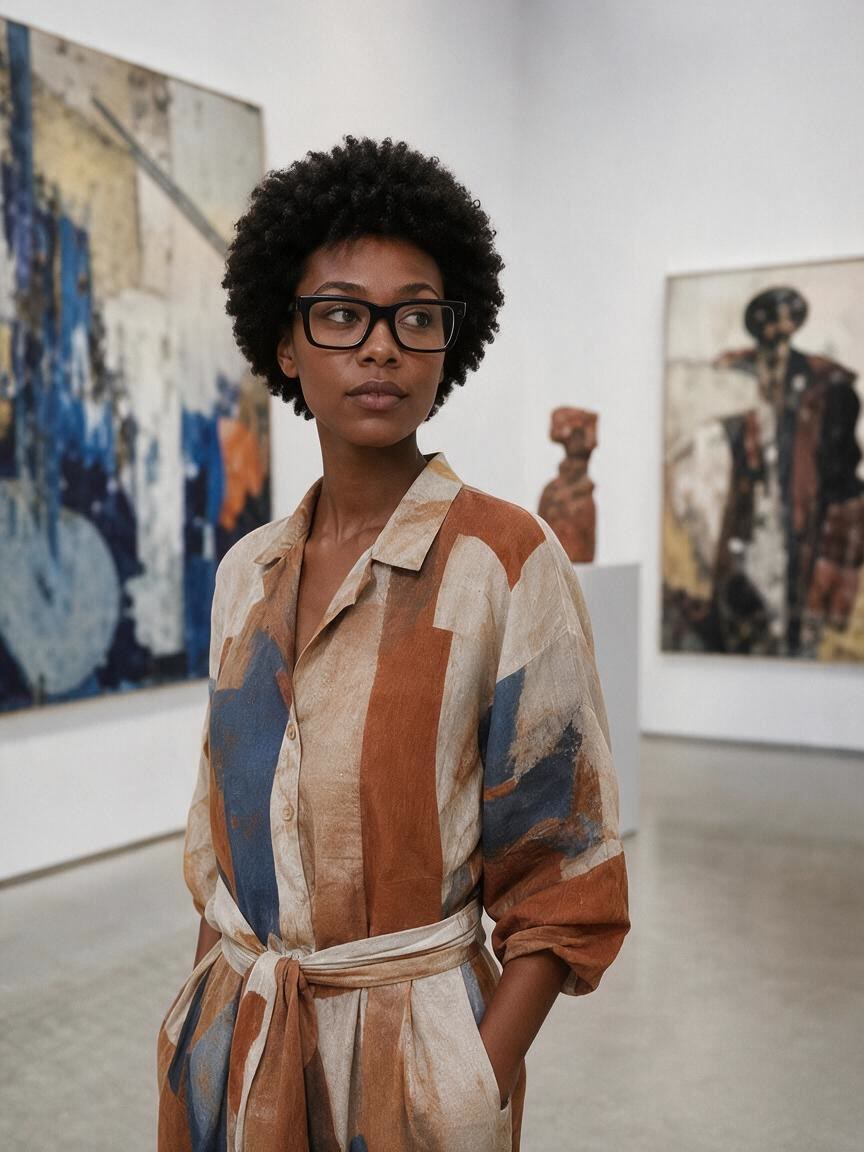



Online shoppers can bring a personal portrait instead of judging frames from generic product images. Generate several styles to compare how each glasses direction changes the look.
Try Cavro free

Optical practices and eyewear brands can explore frame concepts from a reference photo and a written direction. The resulting visuals give consultations and marketing ideas a clearer starting point.
Try Cavro free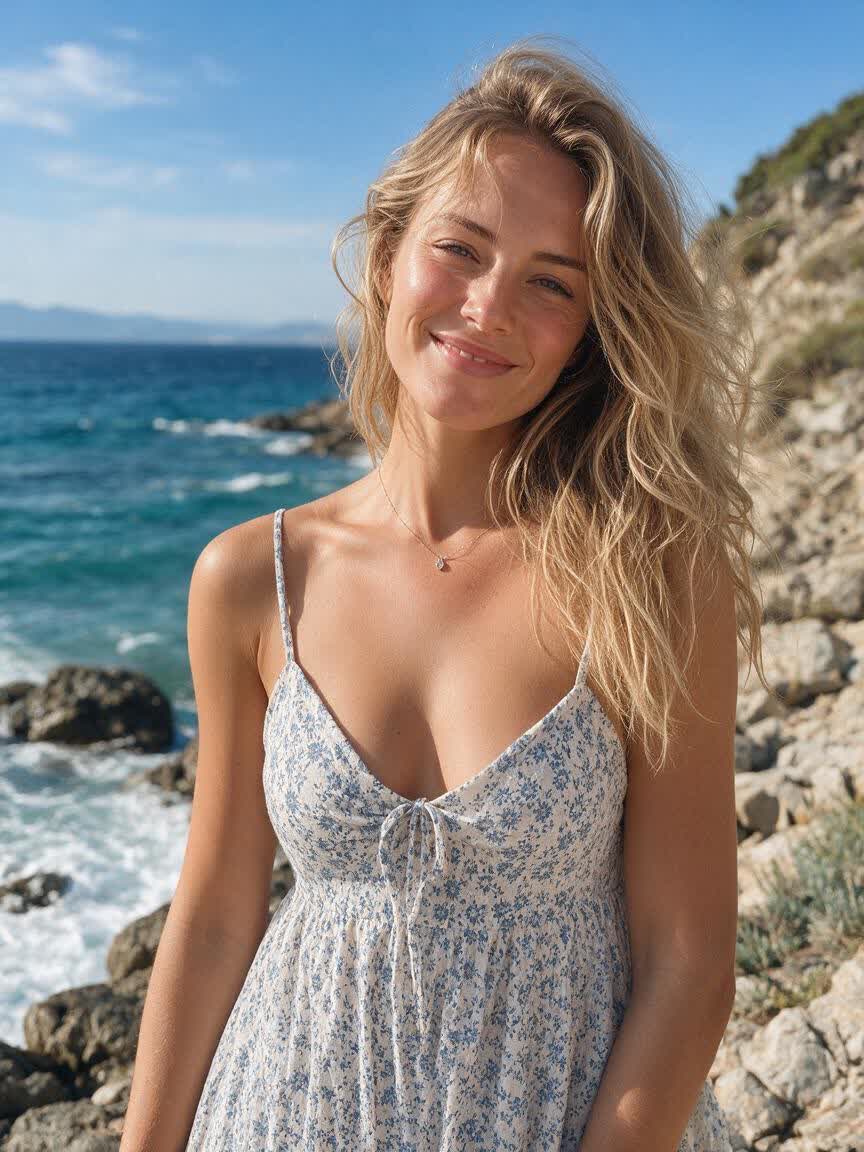
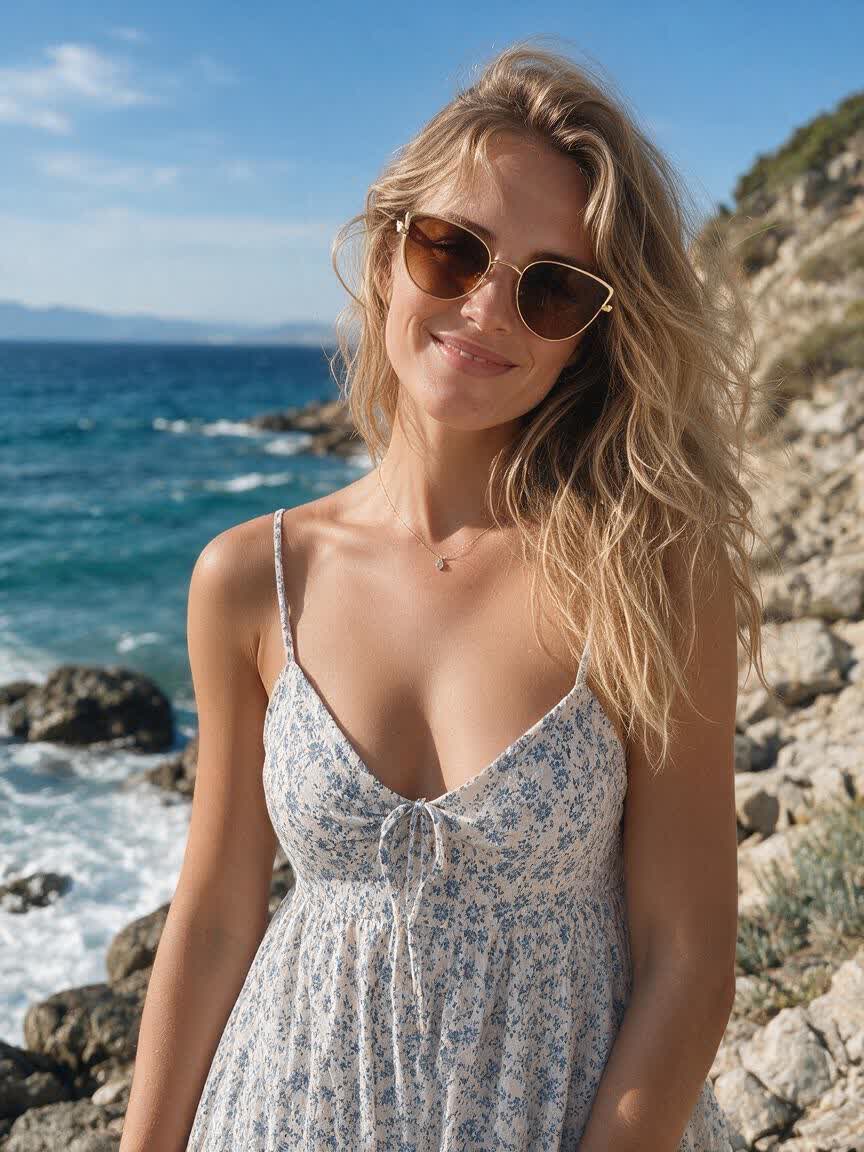
Fashion and lifestyle creators can use a portrait to explore contrasting glasses aesthetics. Generate before-and-after directions for a glasses glow-up, styling post, or visual concept.
Try Cavro free

Generic model images cannot show how an eyewear idea works on your look. Add a reference photo and describe the glasses direction to get a more personal visual starting point.
Try Cavro free

A single frame choice rarely captures the full range of a style decision. Use written prompts to move between everyday glasses, sunglasses, colors, shapes, and distinct fashion directions.
Try Cavro free

Your first glasses preview may suggest a better shape, color, or mood. Continue refining in the same conversation so each new image develops from the direction you have already explored.
Try Cavro freeUpload a reference photo to Cavro and describe the glasses or sunglasses style you want. Cavro uses the photo and written direction to produce an image you can review and refine.
You can explore glasses concepts on your own reference photo and compare different frame directions. The result is an AI-generated preview, so use it as a visual aid rather than a final fit or prescription assessment.
Yes. Describe the sunglasses style you want, such as bold black shades, wraparound sport sunglasses, or a vintage shape, together with your photo.
Yes. Refine the direction and generate again in the same conversation to explore different frame shapes, colors, and eyewear styles without starting over.
Cavro bills results per credit and does not require a mandatory subscription. Images and video use the same credit balance in one conversation.
Creators worldwide are turning “just an idea” into expensive-looking images.