Prompt-Led Depth
Describe the perspective, subject separation, or layered look you want to apply to your reference photo.
Add layered depth while keeping your photo recognizable.
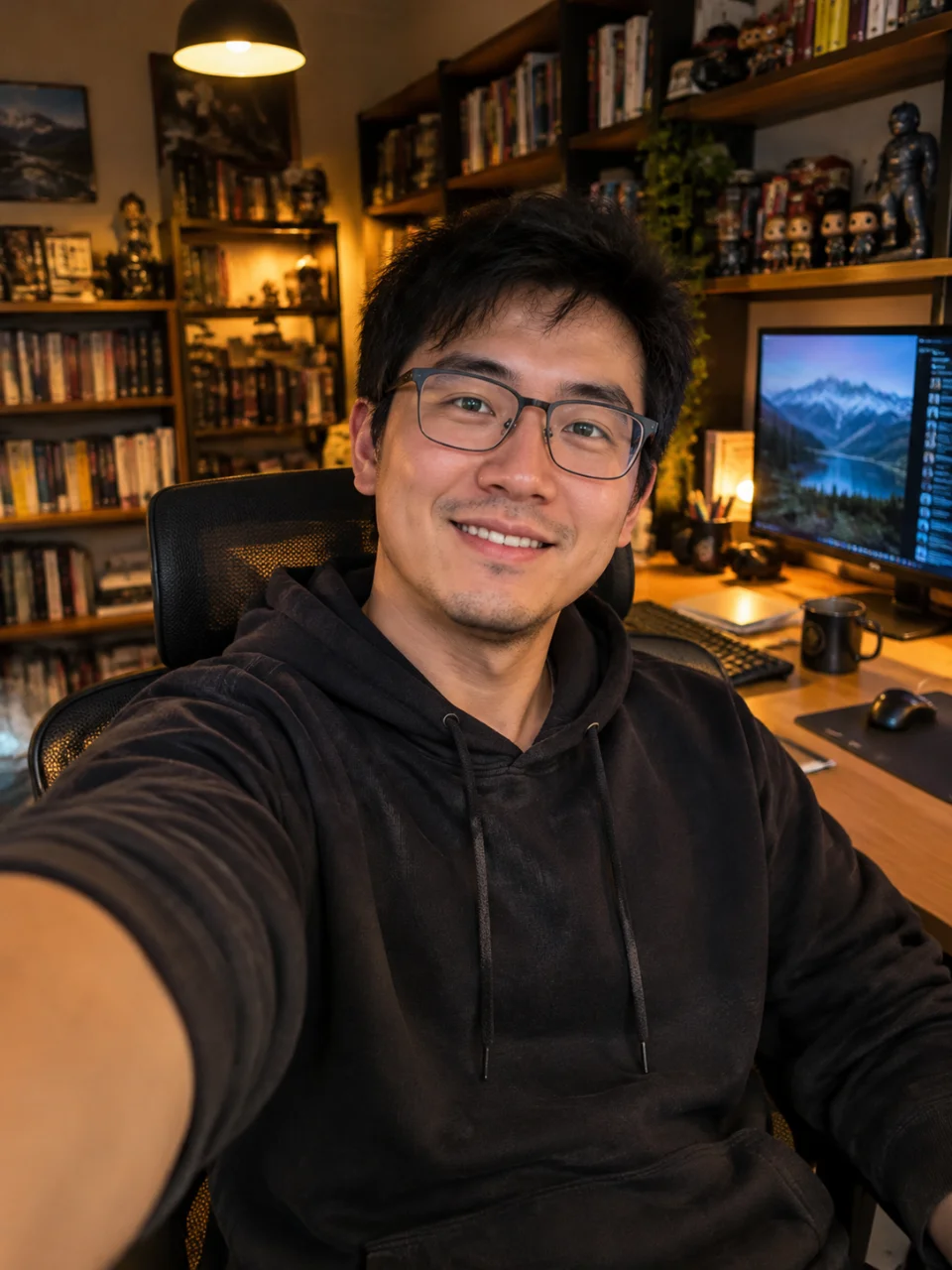
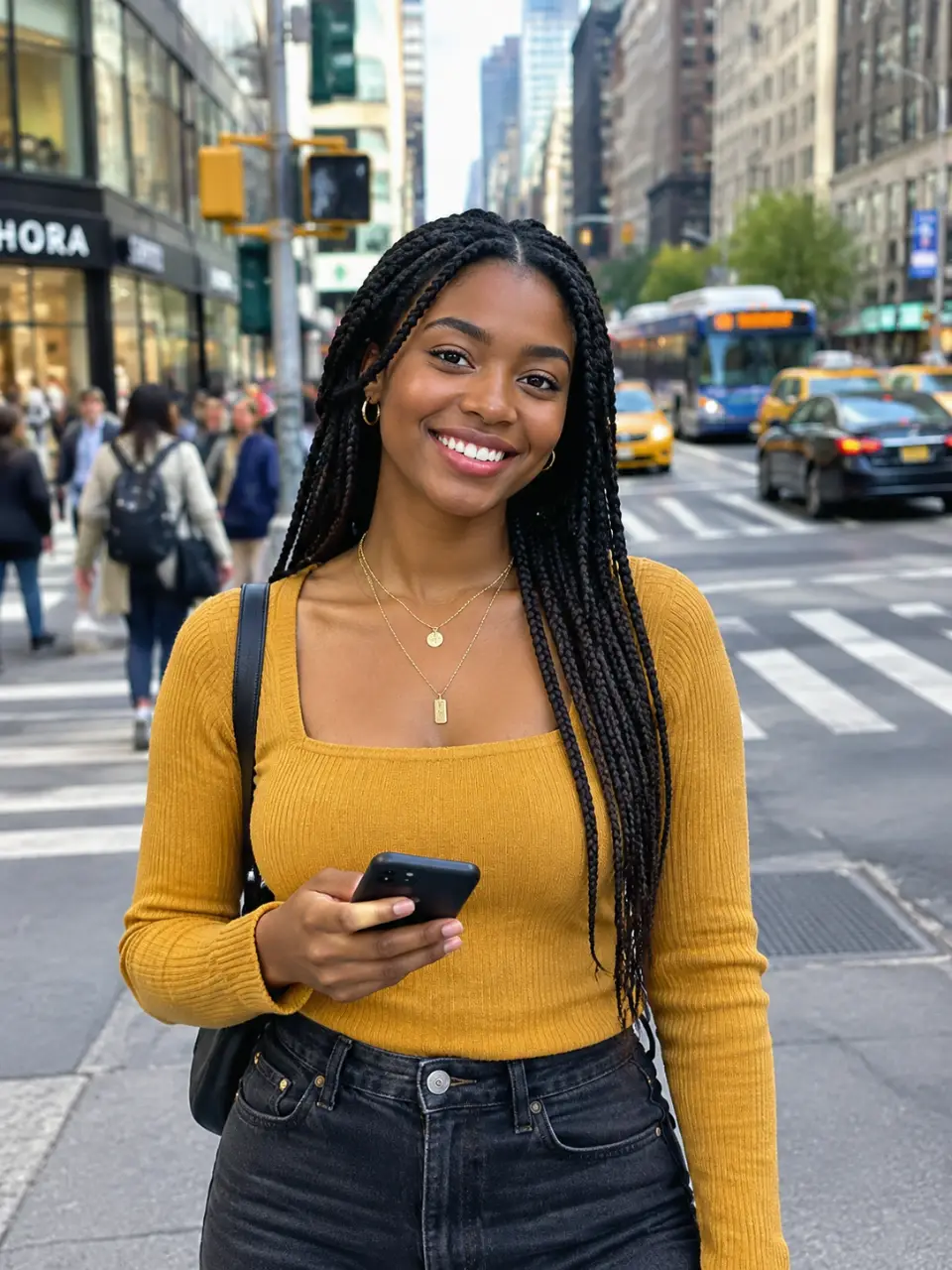
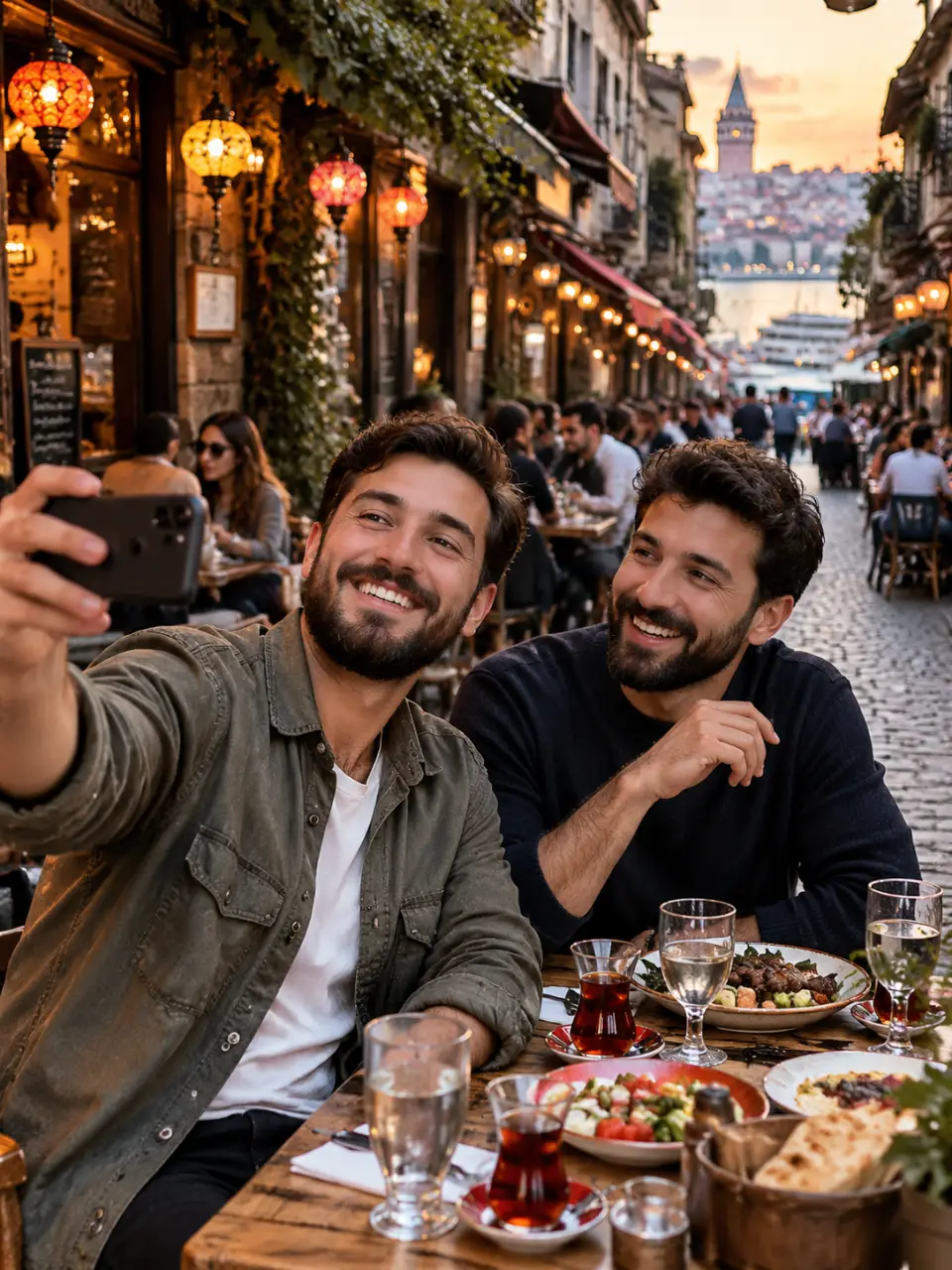
Describe the perspective, subject separation, or layered look you want to apply to your reference photo.
Transform an everyday flat image into a visually layered scene with a realistic 3D-like effect.
Add photo depth while keeping important subject features, textures, and the character of the source image.
Adjust the depth direction or intensity and generate another version without starting over.
Upload or paste the image you want to enhance with depth.
Describe the layered effect or choose a depth style that fits the photo.
Review the generated image and adjust your direction for another attempt in the same conversation.
An AI depth effect adds visual separation and layered detail to a flat image, creating a more dimensional, 3D-like appearance. In Cavro, you can guide the result with a written prompt and/or reference photo.
Yes. Upload or paste the photo you want to enhance, then describe the depth effect you want. Your photo and direction guide the generated image.
The depth enhancement is designed to add dimension while retaining important details from the original image. You can also refine the direction and generate again if the first result needs adjustment.
Yes. Describe a subtle, layered, foreground-focused, or more pronounced effect in your prompt. You can make another attempt in the same conversation to adjust the look.
Results are billed per credit, and there is no mandatory subscription. Images and video use the same credit balance in Cavro.
Creators worldwide are turning “just an idea” into expensive-looking images.